Customer Ratings & Reviews
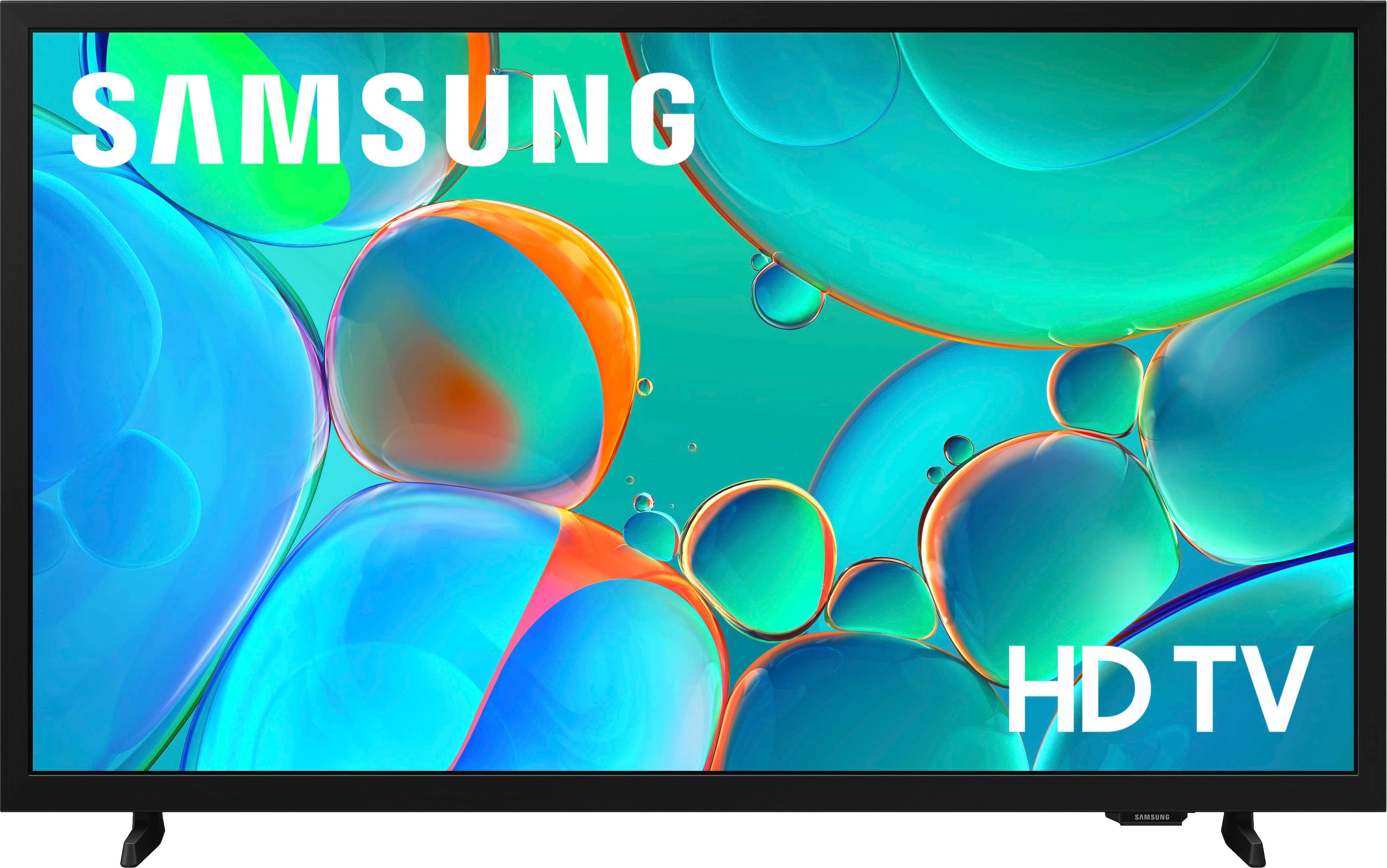
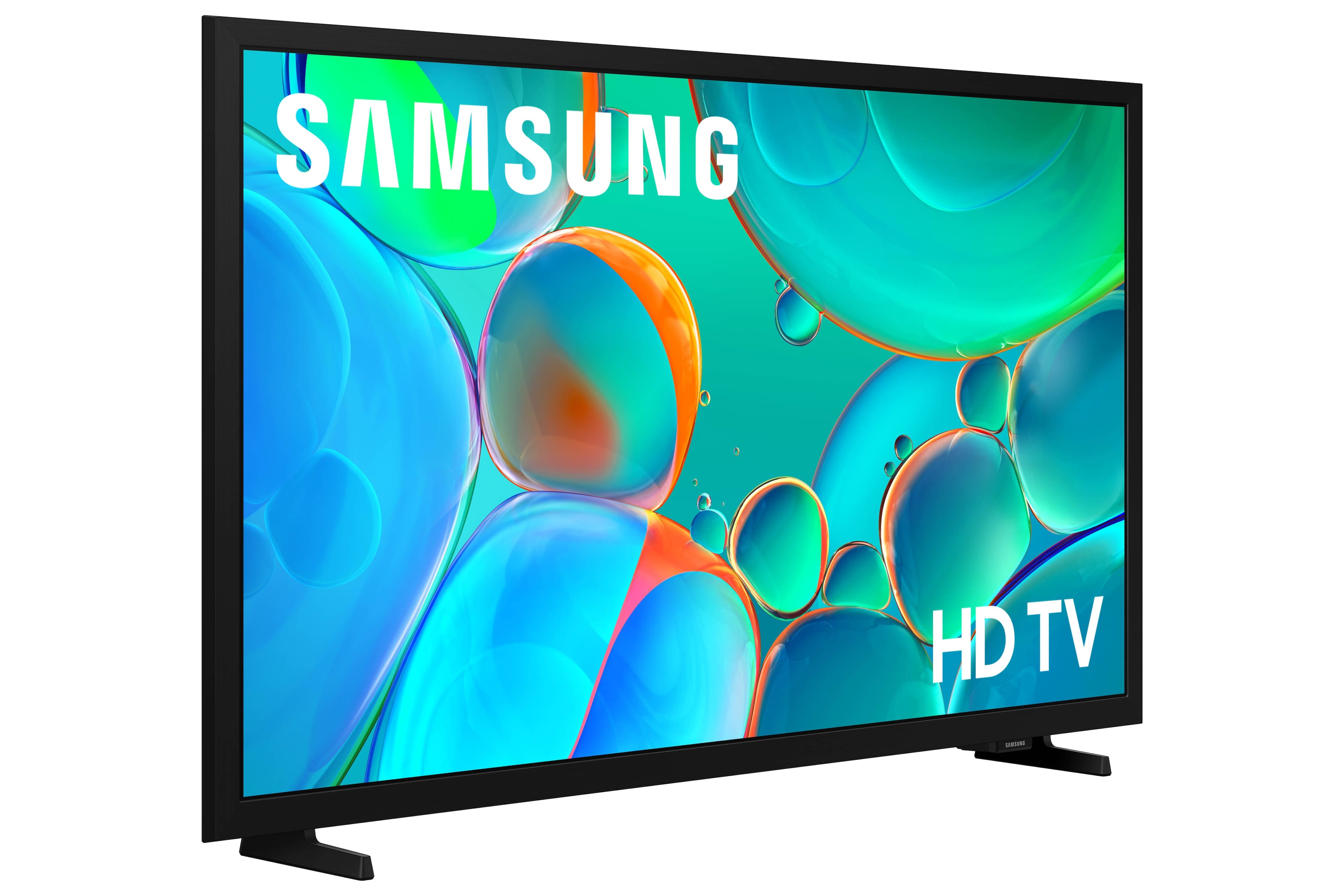
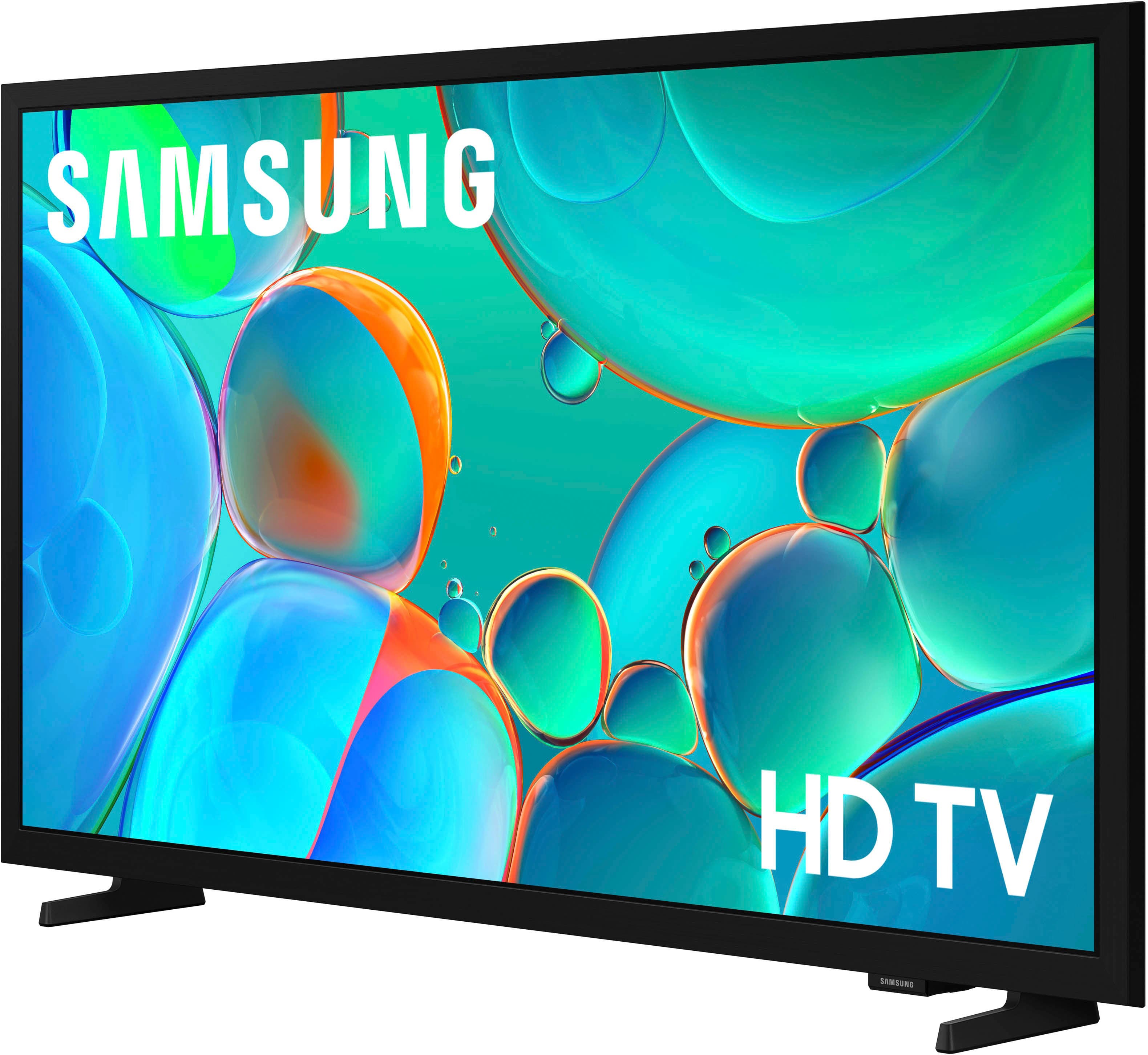
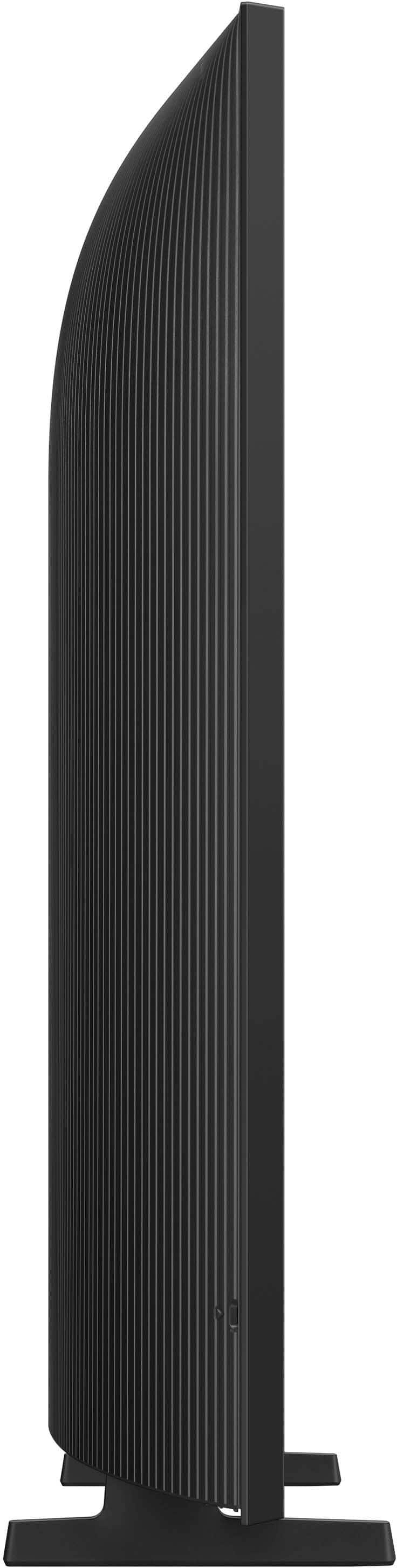



- Model:
- UN32H5000FFXZA
- |
- SKU:
- 10187628
Customer reviews
Rating 4.6 out of 5 stars with 425 reviews
(425 customer reviews)Rating by feature
- Picture Quality4.8
Rating 4.8 out of 5 stars
- Sound Quality4.6
Rating 4.6 out of 5 stars
- Brightness4.7
Rating 4.7 out of 5 stars
- Pros mentioned:Picture quality
Rated 5 out of 5 stars
Good tv hhhhhhhhhhhhh
||Posted . Owned for 1 week when reviewed.This reviewer received promo considerations or sweepstakes entry for writing a review.Great tv jajsjsjsjsjsjsjsjsjsjshshhshshshshshshshshshwhhshshshshs
This review is from Samsung - 32" Class H5000F Series LED HD Smart Tizen TV (2025)
I would recommend this to a friend Rated 5 out of 5 stars
Samsung
||Posted . Owned for 2 weeks when reviewed.This reviewer received promo considerations or sweepstakes entry for writing a review.Love this TV and Samsung. Great price and perfect size for my small area
This review is from Samsung - 32" Class H5000F Series LED HD Smart Tizen TV (2025)
I would recommend this to a friend- Pros mentioned:Setup ease
Rated 5 out of 5 stars
Very good for the price
||Posted . Owned for 2 weeks when reviewed.This reviewer received promo considerations or sweepstakes entry for writing a review.Easy to install and user friendly. Good price, just what I was looking for.
This review is from Samsung - 32" Class H5000F Series LED HD Smart Tizen TV (2025)
I would recommend this to a friend - Pros mentioned:Picture quality
Rated 4 out of 5 stars
title
||Posted . Owned for 3 weeks when reviewed.This reviewer received promo considerations or sweepstakes entry for writing a review.there were no screws to mount the base to the TV -- i used duct tape and crossed my fingers -- the TV itself seems to be perfectly serviceable
This review is from Samsung - 32" Class H5000F Series LED HD Smart Tizen TV (2025)
I would recommend this to a friend Rated 5 out of 5 stars
So far, so good.......
||Posted . Owned for 3 weeks when reviewed.This reviewer received promo considerations or sweepstakes entry for writing a review.We didnt buy this for famubg or streaming, just running an antenna for over-the-air channels. Even with such a simple setup, i had difficulty. It kept making me start over, and i finally got it to scan for channels and start working. I still dont know what i did ( if it was even me) to get it set up, but everything has been runnibg well. The remote control is pretty simple and minimal by modern standards, so that's a plus. Overall, i would recommend this TV.
This review is from Samsung - 32" Class H5000F Series LED HD Smart Tizen TV (2025)
I would recommend this to a friend- Pros mentioned:Picture quality
Rated 5 out of 5 stars
Great Value
||Posted . Owned for 2 weeks when reviewed.This reviewer received promo considerations or sweepstakes entry for writing a review.This product is a great value. I am amazed at what this TV does for the investment!!!
This review is from Samsung - 32" Class H5000F Series LED HD Smart Tizen TV (2025)
I would recommend this to a friend - Pros mentioned:Picture quality
Rated 5 out of 5 stars
New Samsung TV
||Posted . Owned for 1 month when reviewed.This reviewer received promo considerations or sweepstakes entry for writing a review.New Samsung TV was better than I expected. The colors are perfect.
This review is from Samsung - 32" Class H5000F Series LED HD Smart Tizen TV (2025)
I would recommend this to a friend - Pros mentioned:Setup ease
Rated 5 out of 5 stars
Samsung 32in. TV
||Posted . Owned for 3 weeks when reviewed.This reviewer received promo considerations or sweepstakes entry for writing a review.I love my new Samsung tv. Setting it up was easy. Definitely recommend if you need a smaller tv.
This review is from Samsung - 32" Class H5000F Series LED HD Smart Tizen TV (2025)
I would recommend this to a friend - Pros mentioned:Picture quality
Rated 5 out of 5 stars
Great buy!
||Posted .This reviewer received promo considerations or sweepstakes entry for writing a review.I have enjoyed this tv. It is perfect for my bedroom.
This review is from Samsung - 32" Class H5000F Series LED HD Smart Tizen TV (2025)
I would recommend this to a friend - Pros mentioned:Picture quality
Rated 5 out of 5 stars
Great value for the price
||Posted . Owned for 3 weeks when reviewed.This reviewer received promo considerations or sweepstakes entry for writing a review.Bang for the buck. Great little tv that has all the bells and whistles for $120. Does the job for a small room.
This review is from Samsung - 32" Class H5000F Series LED HD Smart Tizen TV (2025)
I would recommend this to a friend - Pros mentioned:Picture quality
Rated 5 out of 5 stars
Samsung TV
||Posted . Owned for 1 month when reviewed.This reviewer received promo considerations or sweepstakes entry for writing a review.Great picture very clear and bright, will recommend
This review is from Samsung - 32" Class H5000F Series LED HD Smart Tizen TV (2025)
I would recommend this to a friend - Pros mentioned:Picture quality
Rated 5 out of 5 stars
A great TV for a smaller room
||Posted . Owned for 1 month when reviewed.This reviewer received promo considerations or sweepstakes entry for writing a review.The Samsung - 32" Class H5000F Series LED HD Smart Tizen TV (2025) is ideal for a smaller room. Perfect picture and sound at a good price.
This review is from Samsung - 32" Class H5000F Series LED HD Smart Tizen TV (2025)
I would recommend this to a friend - Pros mentioned:Picture quality
Rated 5 out of 5 stars
samsung
||Posted . Owned for 2 months when reviewed.This reviewer received promo considerations or sweepstakes entry for writing a review.The tv has good picture quality and very good sound.
This review is from Samsung - 32" Class H5000F Series LED HD Smart Tizen TV (2025)
I would recommend this to a friend - Pros mentioned:Picture quality
Rated 5 out of 5 stars
small and mighty
||Posted .This reviewer received promo considerations or sweepstakes entry for writing a review.Small, good picture and sound, got this for my parents bedroom
This review is from Samsung - 32" Class H5000F Series LED HD Smart Tizen TV (2025)
I would recommend this to a friend Rated 5 out of 5 stars
no title
||Posted . Owned for 3 weeks when reviewed.This reviewer received promo considerations or sweepstakes entry for writing a review.It is better than we thought it would be for the price we paid.
This review is from Samsung - 32" Class H5000F Series LED HD Smart Tizen TV (2025)
I would recommend this to a friendRated 5 out of 5 stars
Samsung tv
||Posted . Owned for 3 weeks when reviewed.This reviewer received promo considerations or sweepstakes entry for writing a review.Very nice and good quality tv just perfect for my daughter room
This review is from Samsung - 32" Class H5000F Series LED HD Smart Tizen TV (2025)
I would recommend this to a friend- Pros mentioned:Picture quality
Rated 5 out of 5 stars
Samsung - 32" Class H5000F Series LED HD Smart TV
||Posted . Owned for 1 week when reviewed.This reviewer received promo considerations or sweepstakes entry for writing a review.I am very happy with my purchase of the Samsung - 32" Class H5000F Series LED HD Smart Tizen TV (2025)
This review is from Samsung - 32" Class H5000F Series LED HD Smart Tizen TV (2025)
I would recommend this to a friend - Pros mentioned:Picture quality
Rated 5 out of 5 stars
Samsung LED HD Tizen
||Posted . Owned for 3 weeks when reviewed.This reviewer received promo considerations or sweepstakes entry for writing a review.I have nothing but Samsung TVs in the house. The quality and ease of setup is always top notch. Online access to the TV is a great feature
This review is from Samsung - 32" Class H5000F Series LED HD Smart Tizen TV (2025)
I would recommend this to a friend Rated 5 out of 5 stars
SAMSUNG 32' SMART TV
||Posted . Owned for 3 weeks when reviewed.This reviewer received promo considerations or sweepstakes entry for writing a review.Samsung 32" TV Great size for the small space. Easy to set up
This review is from Samsung - 32" Class H5000F Series LED HD Smart Tizen TV (2025)
I would recommend this to a friendRated 5 out of 5 stars
Gamer
||Posted . Owned for 1 month when reviewed.This reviewer received promo considerations or sweepstakes entry for writing a review.Love it so much i cant stop wont stop must get it for yo self
This review is from Samsung - 32" Class H5000F Series LED HD Smart Tizen TV (2025)
I would recommend this to a friend