Customer Ratings & Reviews
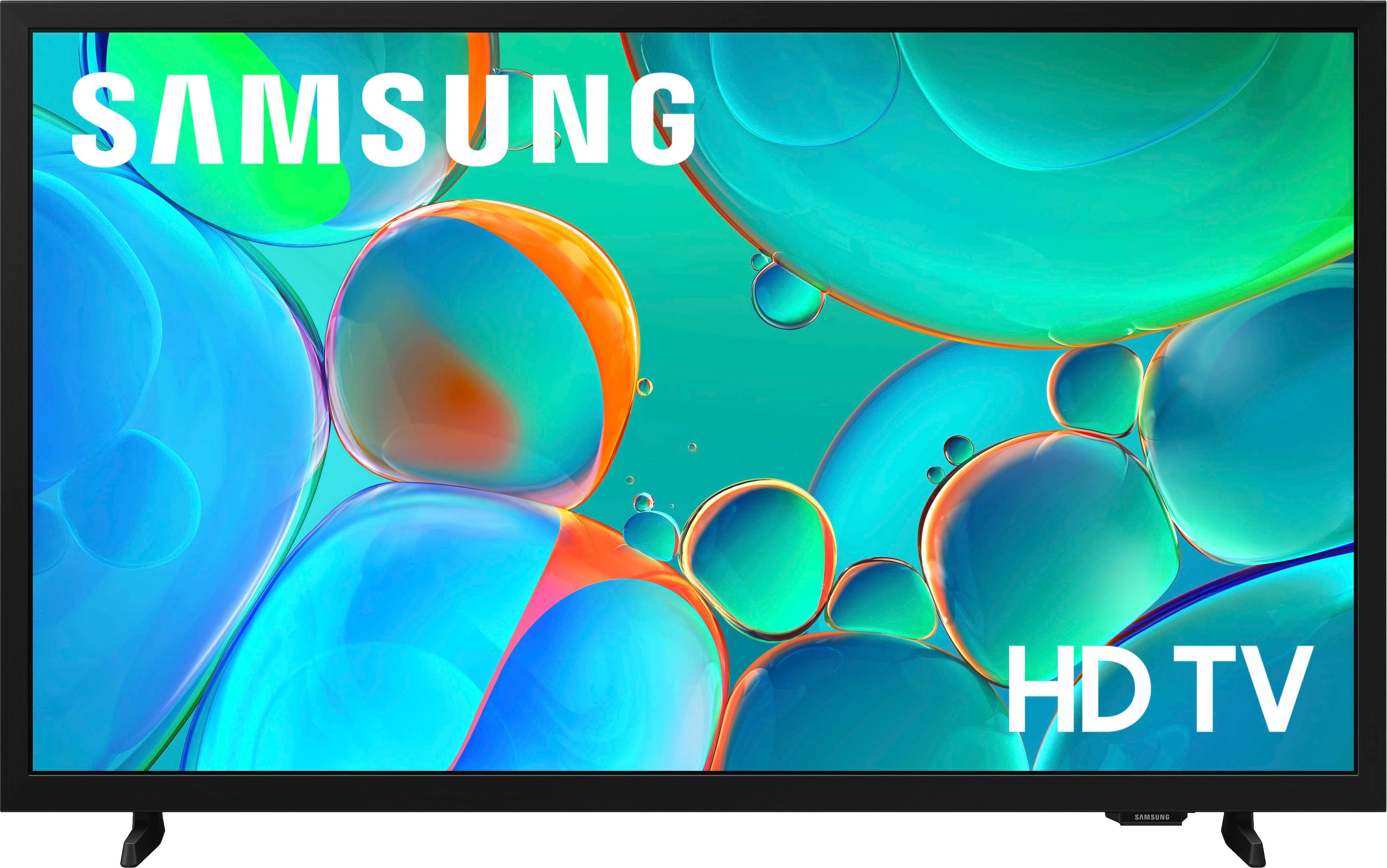
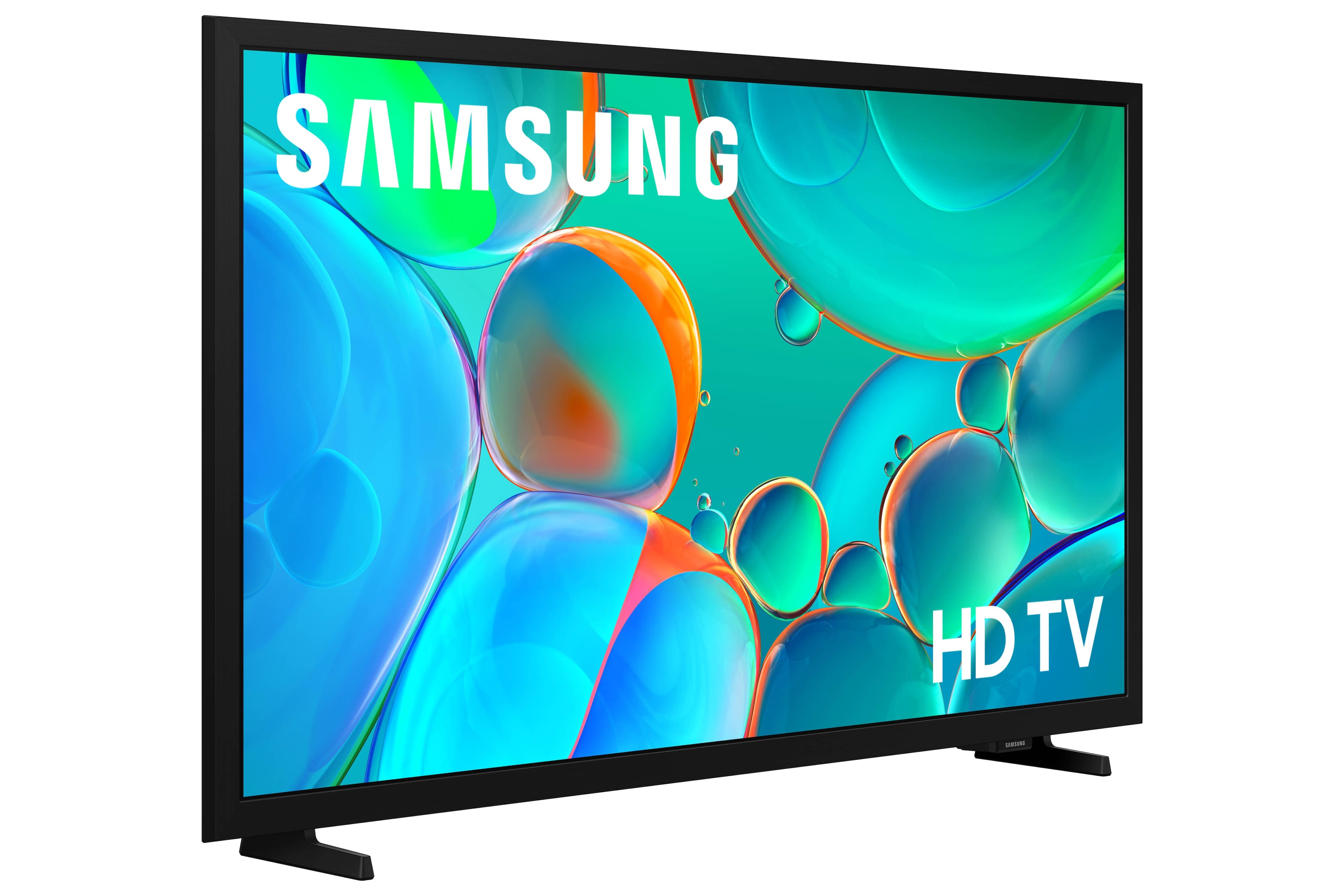
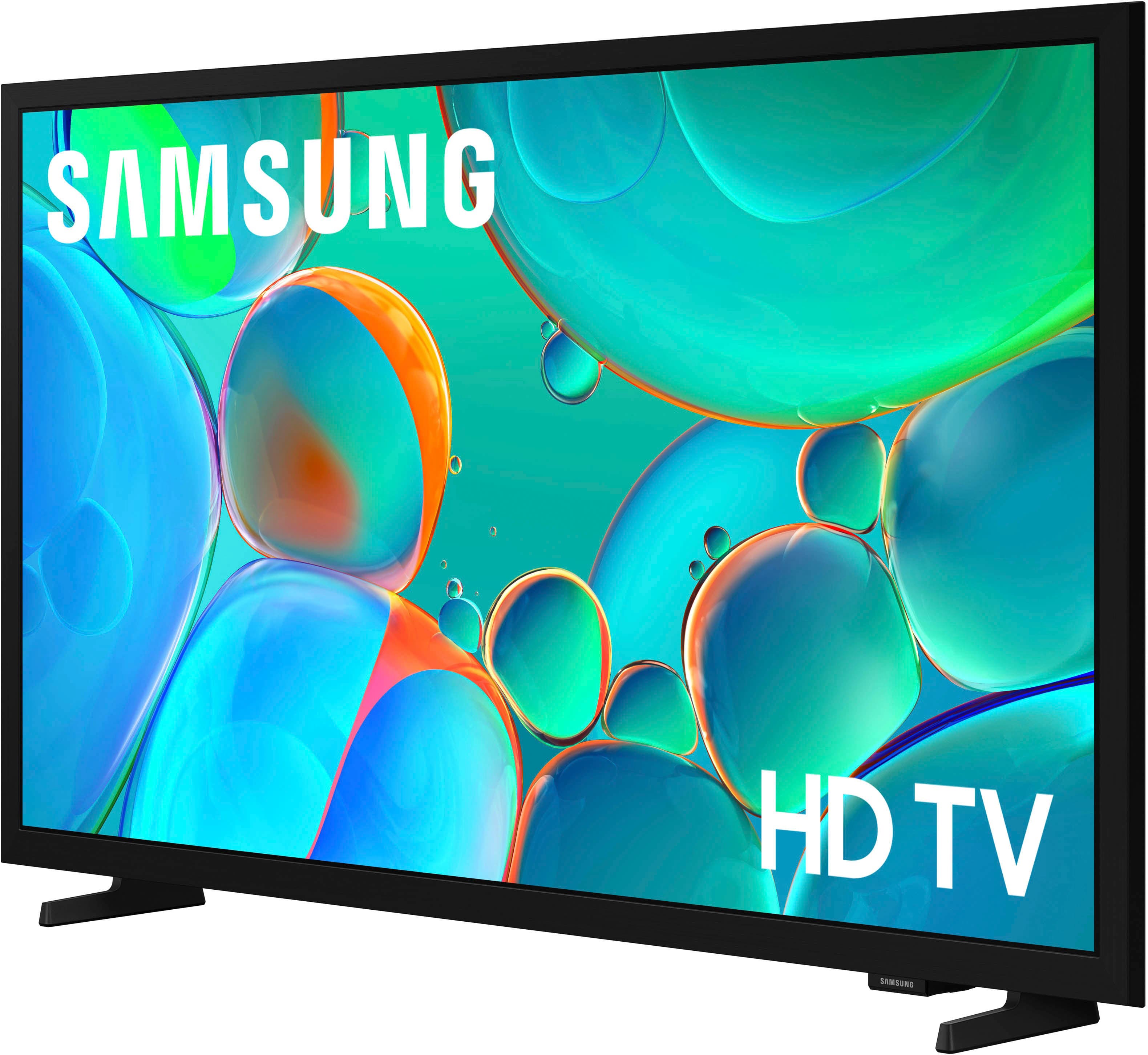
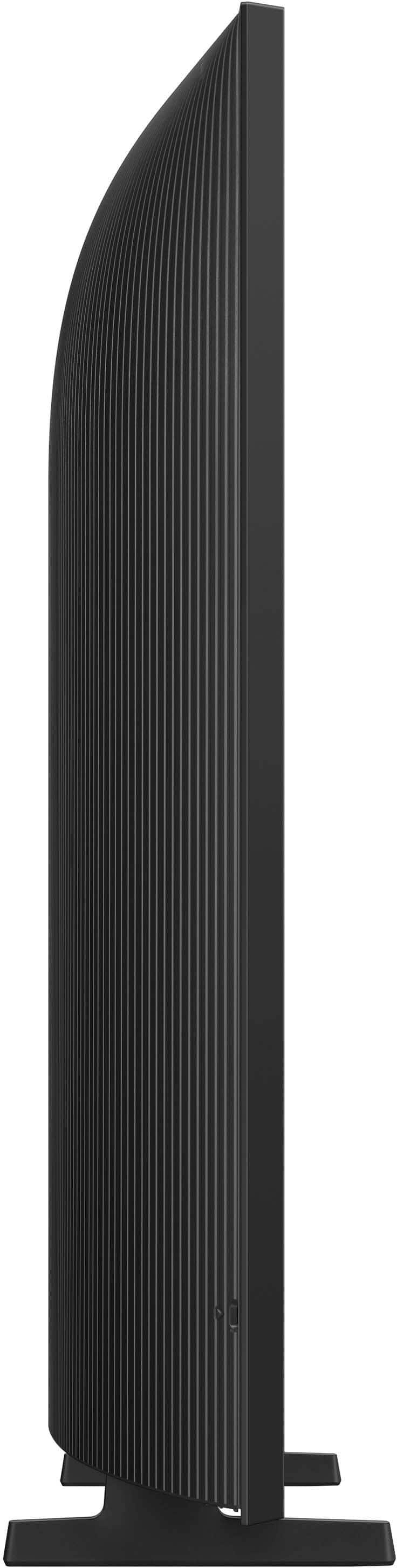



- Model:
- UN32H5000FFXZA
- SKU:
- 10187628
Rating by feature
- Picture Quality
Rating 4.8 out of 5 stars
- Sound Quality
Rating 4.6 out of 5 stars
- Brightness
Rating 4.7 out of 5 stars
Husband
||Posted . Owned for 3 weeks when reviewed.This reviewer received promo considerations or sweepstakes entry for writing a review.Our sales person was knowledgeable and very helpful and pleasant to work with.
I would recommend this to a friendSamsung TVs aren't bad
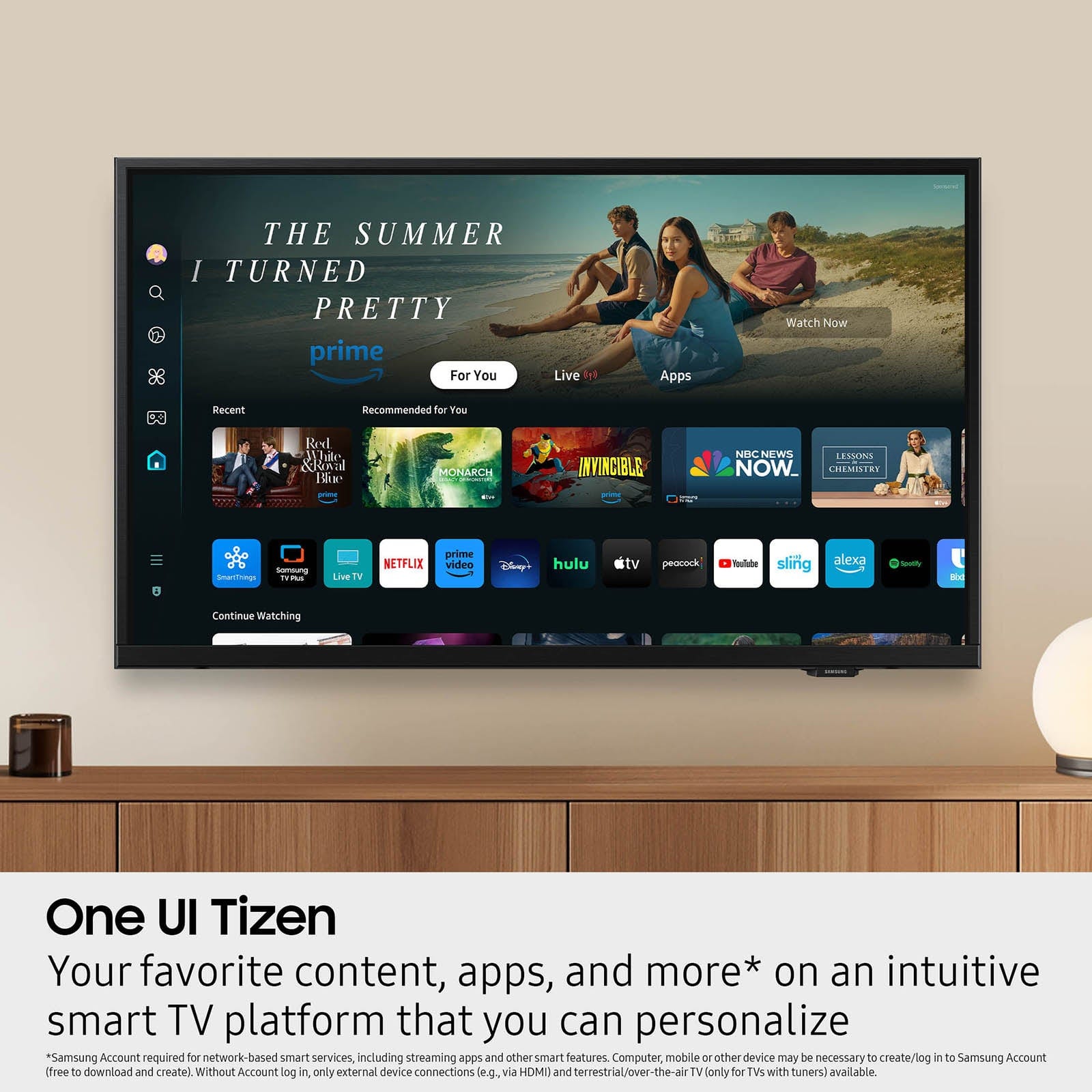
||Posted . Owned for 3 weeks when reviewed.This reviewer received promo considerations or sweepstakes entry for writing a review.Not a bad TV, I really enjoy the layout and the ability to continue watching from the home screen
I would recommend this to a friendGreat purchase
||Posted . Owned for 3 weeks when reviewed.This reviewer received promo considerations or sweepstakes entry for writing a review.Great purchase good value for the price! Would recommend
I would recommend this to a friendNew TV / Monitor
||Posted . Owned for 3 weeks when reviewed.This reviewer received promo considerations or sweepstakes entry for writing a review.Just what I needed. Fits in the spot, and it looks perfect.
I would recommend this to a friendAVOID ORDERING ON-LINE WITH THIS COMPANY
||Posted . Owned for less than 1 week when reviewed.This reviewer received promo considerations or sweepstakes entry for writing a review.I ordered the tv set on-line for a relative who is bedridden. I expect the tv is fine. BEST BUY online has been a NIGHTMARE. I have spent over 6 hours on various phone calls to Best Buy. I have filed a complaint with the state attorney general's office. DO NOT ORDER ON-LINE WITH BEST BUY. You can go into a real store and pick up the order yourself, but ON-LINE is a mess with no one taking any responsibility for the item or process Since the product was delivered hundreds of miles from me, i have no idea as to the item itself
No, I would not recommend this to a friendBrand response from Samsung
Posted .Hi unhappycustomer,
We're very sorry to hear about your experience and hope the issue is resolved quickly. If there’s anything we can assist with, please don’t hesitate to call us at 1-800-SAMSUNG, available daily from 8AM - 12AM EST. You can also visit the Samsung website and click on ‘Support’ for:
• Live Chat
• Manuals, Software, & Warranty Info
~ Samsung Advisor
Good stuff
||Posted .This reviewer received promo considerations or sweepstakes entry for writing a review.Always good experience when shopping and great products
I would recommend this to a friendreviews
||Posted .This reviewer received promo considerations or sweepstakes entry for writing a review.my mom loves it since i bought this to replace her TV
I would recommend this to a friendBrand response from Samsung
Posted .Hi VyL1,
Thank you for your purchase and feedback on the H5000F TV. If there’s anything we can assist with, please don’t hesitate to call us at 1-800-SAMSUNG, available daily from 8AM - 12AM EST. You can also visit the Samsung website and click on ‘Support’ for:
• Live Chat
• Manuals, Software, & Warranty Info
~Samsung Advisor
No Amazon
||Posted . Owned for 1 week when reviewed.This reviewer received promo considerations or sweepstakes entry for writing a review.I was told that this TV had Amazon & everything on it . I get it home all hooked & figured out & it doesn't on it at all like I was told it did
No, I would not recommend this to a friendBrand response from Samsung
Posted .Hi JimW,
Please know the H5000F TV does offer the Prime TV app. It you do not see it on your Home Screen, you can download it by pressing Home> Search> type Prime into the search bar and then download the app.
I hope this helps. If you need additional support, Samsung is here to help. Please call us at 1-800-SAMSUNG, available daily from 8AM - 12AM EST. You can also chat with a LiveChat agent by clicking the ‘Support’ link on our website.
~ Samsung Advisor
not good with technology
||Posted . Owned for 3 weeks when reviewed.This reviewer received promo considerations or sweepstakes entry for writing a review.we been having a few little problems, but i do not know if is my cable services, the tv, or the fact that i am not that good with all this new technology
I would recommend this to a friendBrand response from Samsung
Posted .Hi AngelV,
To best assist you, please call us at 1-800-SAMSUNG, available daily from 8AM - 12AM EST. You can also visit the Samsung website and click on ‘Support’ for:
• Live Chat
• Manuals, Software, & Warranty Info
~ Samsung Advisor
Inexpensive and worth it...
||Posted . Owned for 1 month when reviewed.This reviewer received promo considerations or sweepstakes entry for writing a review.The TV is fine for watching football in bed without your glasses. Which is what we wanted. Color is not great, nor the contrast. But it was very inexpensive. All in all, let's just say it's worth the cost.
I would recommend this to a friendBrand response from Samsung
Posted .Hi MikeH,
We appreciate your feedback on the picture quality of Samsung’s H5000F TV. If the image doesn’t quite match your preferences, there are several adjustments you can make to better suit your viewing environment and content type.
First, please ensure your TV is running the latest firmware, as updates may include important picture quality enhancements. Go to: Home > Left directional button > Settings > Support > Software Update > Update Now
To explore picture mode options, navigate to: Home > Left directional button > Settings > All Settings > Picture > Picture Mode. Options include:
• Standard – Ideal for general viewing
• Dynamic – Brighter and more vibrant for well-lit spaces
• Eco – Optimized for energy efficiency
• Movie – Best for viewing in low light
You can further customize your image by going to: Settings > All Settings > Picture > Expert Settings, where you can adjust Brightness, Contrast, Color Tone, Sharpness, Contrast Enhancer and more.
If you’d like help finding the best picture settings for your preferences, please don’t hesitate to contact Samsung Support at 1-800-SAMSUNG, available 8AM – 12AM EST, 7 days a week. You can also LiveChat with an agent or explore additional resources on our website by clicking the ‘Support’ link.
~ Samsung Advisor
Just okay
||Posted . Owned for 1 month when reviewed.This reviewer received promo considerations or sweepstakes entry for writing a review.All I can say is you get what you pay for. We will never by a Samsung electrics again. We have learned……
No, I would not recommend this to a friendBrand response from Samsung
Posted .Hi,
We're very sorry to hear about your experience. Please know we back this TV with a 1-year manufacturer's warranty. To schedule a warranty appointment, please call us at 1-800-SAMSUNG, 8AM – 12AM EST, 7 days a week. LiveChat agents are also available through the ‘Support’ link on our website.
~ Samsung Advisor
Good picture, bad everything else.
||Posted . Owned for 1 month when reviewed.This reviewer received promo considerations or sweepstakes entry for writing a review.First at the volume of 11 the words distort so the speaker is terrible. Then the remote is constantly lagging....sometimes you click one time and it goes 3 times. Its really not the quality i expected from the brand.
No, I would not recommend this to a friendBrand response from Samsung
Posted .Hi WilliamE,
Thank you for purchasing Samsung’s H5000F TV and for sharing your feedback regarding low volume. To start, we recommend making sure your TV is running the latest firmware, as updates can include improvements to sound performance: Home > left directional key > Settings > Support > Software Update
If volume levels still seem too low, you can improve sound performance by adjusting a few key settings:
Sound Mode: Navigate to: Settings > All Settings > Sound > Sound Mode
You can also explore Expert Settings to fine-tune sound output with adjustments for Balance, Equalizer, and more.
We also recommend ensuring your TV is up to date with the latest software. Go to Settings> Support> Software Update.
For personalized support with these settings or selecting a soundbar to complement your setup, contact Samsung Support at 1-800-SAMSUNG (8AM – 12AM EST, 7 days a week) or use LiveChat via the ‘Support’ link on our website.
~ Samsung Advisor
- Cons mentioned:App performance
Steaming pile of garbage
||Posted .This reviewer received promo considerations or sweepstakes entry for writing a review.Garbage TV. Apps don’t load. TV has to think for about 5 minutes after you turn it on before it will do anything. I can’t think of a worse way to spend your money.
No, I would not recommend this to a friendBrand response from Samsung
Posted .Hi Finsupcy,
We appreciate your feedback regarding response time. For optimal performance, please ensure your H5000F TV is running the latest firmware. You can check this by going to: Home > left directional key > Settings > Support > Software Update
To further optimize performance, try running Device Care, which checks memory, clears unused cached data, and closes background apps: Home > left directional key > Settings > Support > Device Care > Start Device Care
If issues continue, please reach Samsung Support at 1-800-SAMSUNG, available 8AM – 12AM EST, 7 days a week. LiveChat is also available via the ‘Support’ link on our website.
~ Samsung Advisor
- Cons mentioned:App performance
Disappointed
||Posted .This reviewer received promo considerations or sweepstakes entry for writing a review.The apps are slow and the sound comes out the back so it is very hard to hear.
No, I would not recommend this to a friendBrand response from Samsung
Posted .Hi Stewy,
We appreciate your feedback regarding response time. For optimal performance, please ensure your H5000F TV is running the latest firmware. You can check this by going to: Home > left directional key > Settings > Support > Software Update
To further optimize performance, try running Device Care, which checks memory, clears unused cached data, and closes background apps: Home > left directional key > Settings > Support > Device Care > Start Device Care.
If the volume on your TV seems too low, you can improve sound performance by adjusting a few key settings:
Sound Mode: Navigate to: Settings > All Settings > Sound > Sound Mode
Auto Volume: This feature helps maintain consistent volume levels across content and input sources. Turn it on under: Settings > All Settings > Sound > Expert Settings > Auto Volume = On
You can also explore Expert Settings to fine-tune sound output with adjustments for Balance, Equalizer, and more.
If issues continue, please reach Samsung Support at 1-800-SAMSUNG, available 8AM – 12AM EST, 7 days a week. LiveChat is also available via the ‘Support’ link on our website.
~ Samsung Advisor
Um its a no for me
||Posted . Owned for 3 weeks when reviewed.This reviewer received promo considerations or sweepstakes entry for writing a review.Terrible screen not worth it. LG might be unmatched thats what I decided to go with…
No, I would not recommend this to a friendBrand response from Samsung
Posted .Hi KBKBKKB,
We're sorry to hear you were not satisfied with the screen on the H5000F TV. Please know we are available and would have been happy to assist you in adjusting the settings on your TV to match your screen preferences.
If you decide to explore Samsung TVs again in the future, we’re always here to support you - whether it’s setup, features, or troubleshooting. Reach us anytime at 1-800-SAMSUNG (8AM – 12AM EST, 7 days a week), or visit the ‘Support’ section of our website for LiveChat, manuals, and more.
~Samsung Advisor
Terrible just terrible
||Posted .This reviewer received promo considerations or sweepstakes entry for writing a review.This is the worst tv I have ever used. Its slow, buggy, and non responsive. My streaming apps frequently crashed and froze. Awful tv.
No, I would not recommend this to a friendBrand response from Samsung
Posted .Hi trekker2025,
We appreciate your feedback regarding response time. For optimal performance, please ensure your TV is running the latest firmware. You can check this by going to: Home > left directional key > Settings > Support > Software Update
To further optimize performance, try running Device Care, which checks memory, clears unused cached data, and closes background apps: Home > left directional key > Settings > Support > Device Care > Start Device Care
If issues continue, please reach Samsung Support at 1-800-SAMSUNG, available 8AM – 12AM EST, 7 days a week.
LiveChat is also available via the ‘Support’ link on our website.
~Samsung Advisor
Junky
||Posted . Owned for 2 weeks when reviewed.This reviewer received promo considerations or sweepstakes entry for writing a review.You get what you pay for . This TV sorta sucks . Picture quality is not great and the home screen is lousy .
No, I would not recommend this to a friendBrand response from Samsung
Posted .Hi HappyinBrookhaven,
We appreciate your feedback on the picture quality of Samsung’s H5000F TV. If the image doesn’t quite match your preferences, there are several adjustments you can make to better suit your viewing environment and content type.
First, please ensure your TV is running the latest firmware, as updates may include important picture quality enhancements. Go to: Home > Left directional button > Settings > Support > Software Update > Update Now
To explore picture mode options, navigate to: Home > Left directional button > Settings > All Settings > Picture > Picture Mode. Options include:
• Standard – Ideal for general viewing
• Dynamic – Brighter and more vibrant for well-lit spaces
• Eco – Optimized for energy efficiency
• Movie – Best for viewing in low light
• Filmmaker Mode – Preserves the content creator’s intent and disables motion smoothing for supported content
You can further customize your image by going to: Settings > All Settings > Picture > Expert Settings, where you can adjust Brightness, Contrast, Color Tone, Sharpness, Contrast Enhancer and more.
If you’d like help finding the best picture settings for your preferences, please don’t hesitate to contact Samsung Support at 1-800-SAMSUNG, available 8AM – 12AM EST, 7 days a week. You can also LiveChat with an agent or explore additional resources on our website by clicking the ‘Support’ link.
~ Samsung Advisor
Do not buy TV
||Posted . Owned for 3 weeks when reviewed.This reviewer received promo considerations or sweepstakes entry for writing a review.A do not buy tv make you have a Samsung account to use features. Also the parts of the back of the tv to mount to the wall are missing.
No, I would not recommend this to a friendBrand response from Samsung
Posted .Hi Clyde,
Thank you for sharing your installation experience with your Samsung H5000F TV. We understand the frustration, but wall mounting hardware is not included because every installation scenario is different – wall type, bracket depth, and the use of spacers can all affect what’s needed.
If you have questions or need guidance, please don’t hesitate to contact Samsung Support at 1-800-SAMSUNG, available daily from 8AM - 12AM EST. You can also visit the Samsung website and click on ‘Support’ for:
• Live Chat
• Manuals, Software, & Warranty Info
~ Samsung Advisor
- Cons mentioned:Remote control
Not fond of the remote for this TV
||Posted . Owned for 3 weeks when reviewed.This reviewer received promo considerations or sweepstakes entry for writing a review.The remote is too busy and not the standard Samsung remote very difficult to navigate
No, I would not recommend this to a friendBrand response from Samsung
Posted .Hi EllenM,
Thanks for your review. While Samsung remotes are designed for ease and versatility, universal remotes can also be used to control your TV. If you're using a third-party remote, please refer to its manufacturer guide for the correct Samsung code and setup process.
If you run into any trouble or have compatibility questions, Samsung Support is happy to help. You can reach us at 1-800-SAMSUNG, 8AM – 12AM EST, 7 days a week. LiveChat agents are also available at the ‘Support’ link on our website.
~ Samsung Advisor
smart hub issues are a problem
||Posted . Owned for 3 weeks when reviewed.This reviewer received promo considerations or sweepstakes entry for writing a review.Cannot add the youtube tv app so we are still using the firestick. Still receive "smart hub is updating" message after *multiple* attempts and several attempted fixes. Will do a follow up with the geek squad. Until now, not satisfied. Should be nearly plug and play. Not there yet.
No, I would not recommend this to a friendBrand response from Samsung
Posted .Hi DAVIDF,
To best assist you, please contact us at 1-800-SAMSUNG, available from 8AM - 12AM EST, seven days a week. You can also connect with a LiveChat agent by clicking the ‘Support’ link on our website.
~ Samsung Advisor