Customer Ratings & Reviews
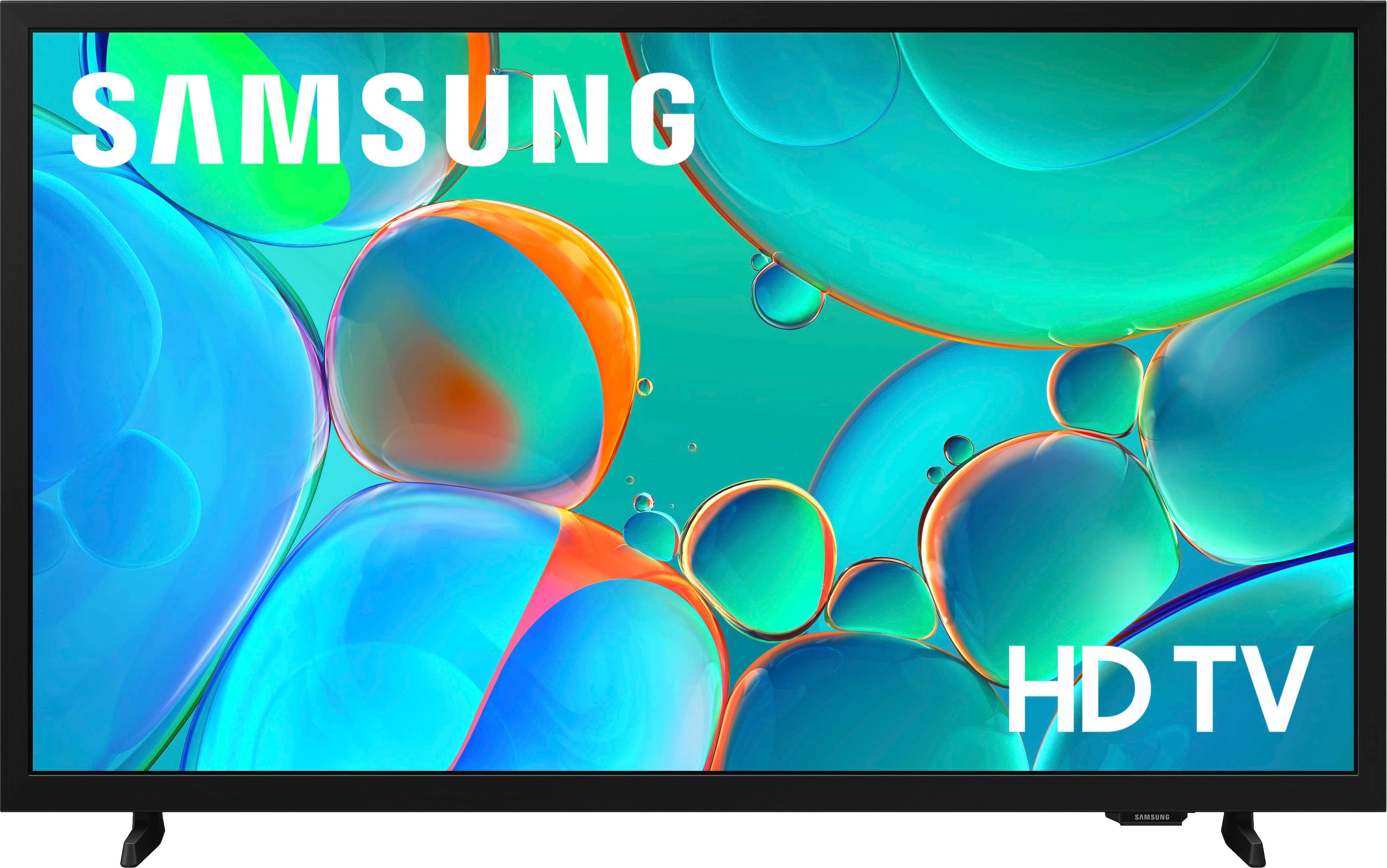
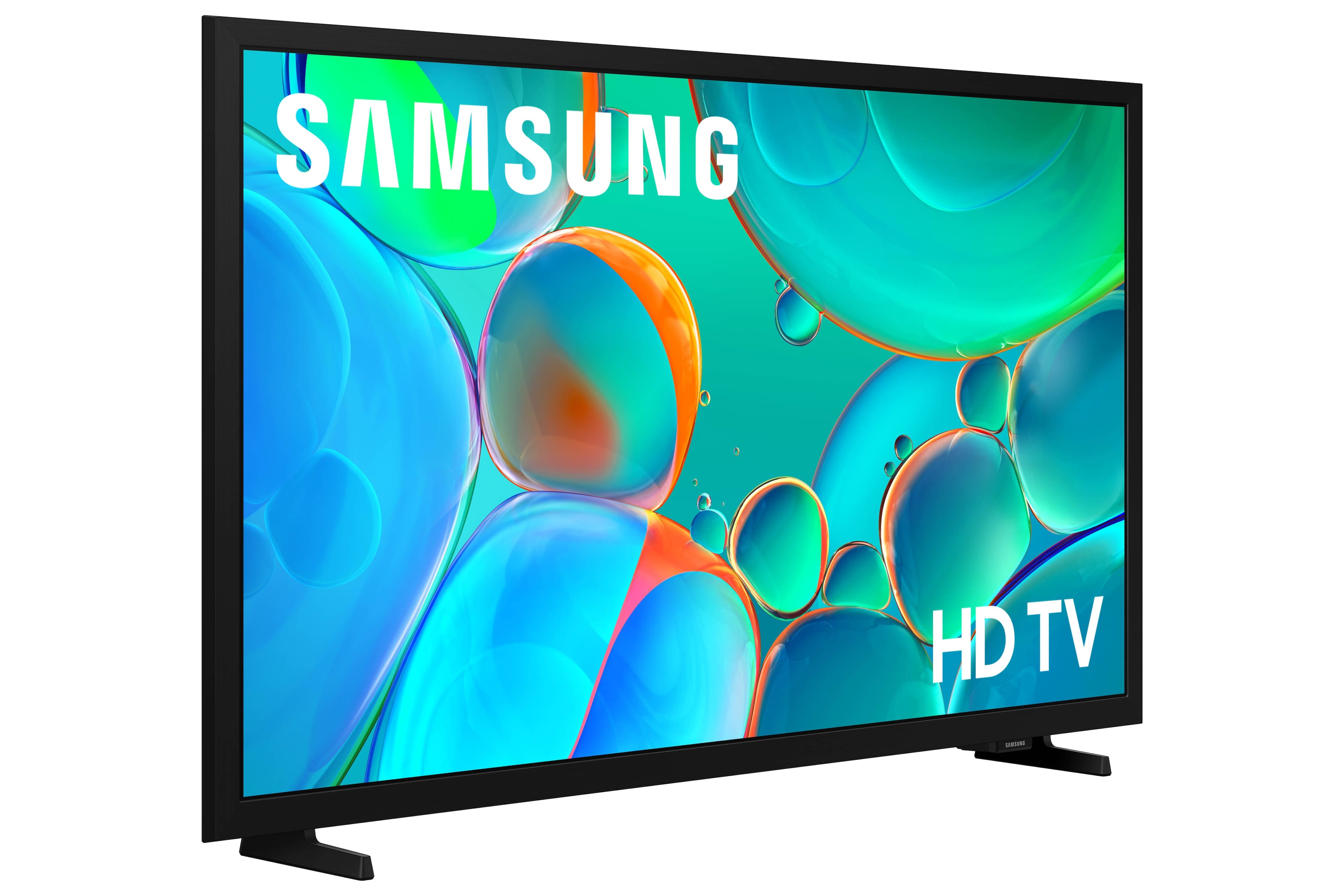
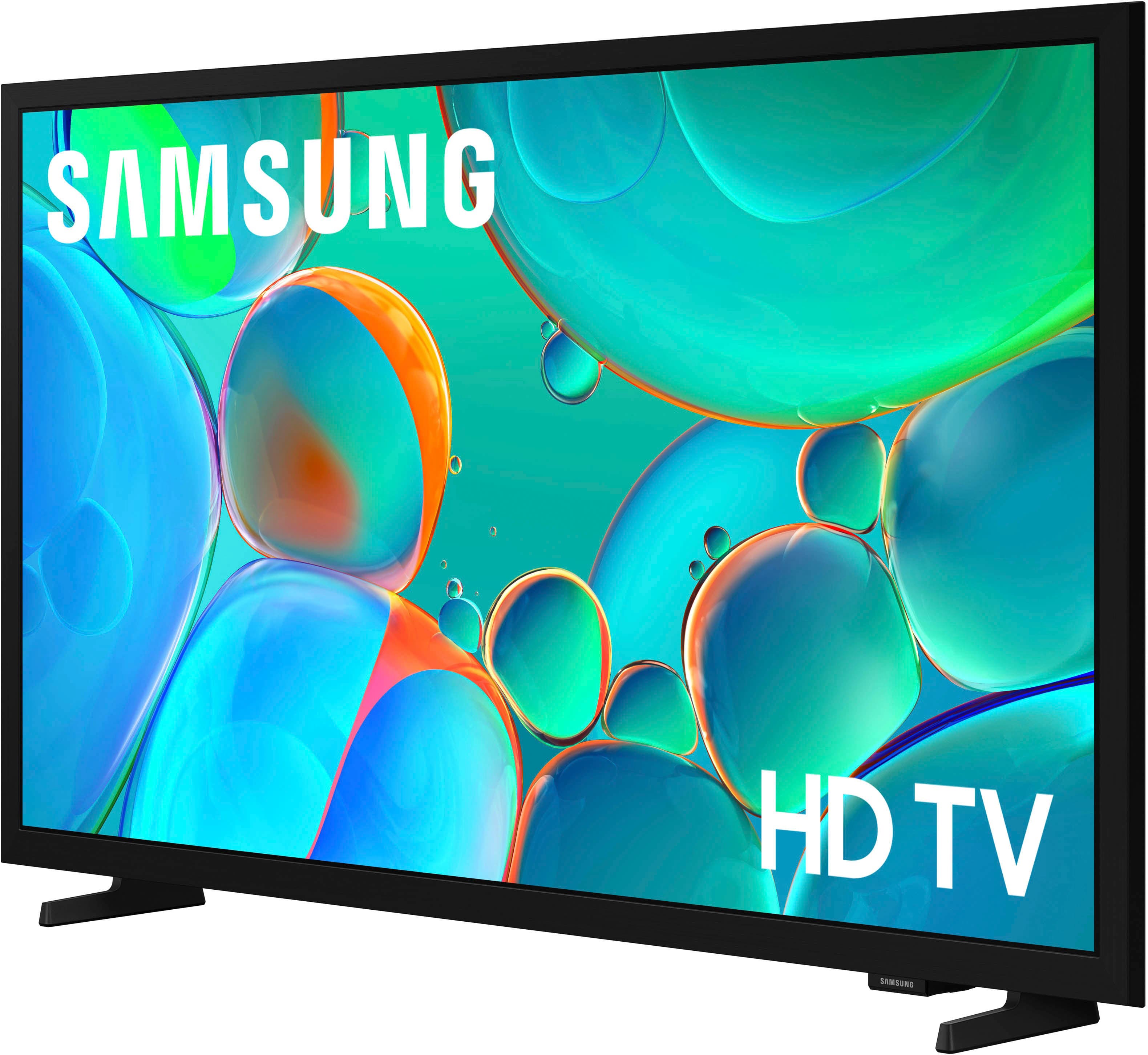
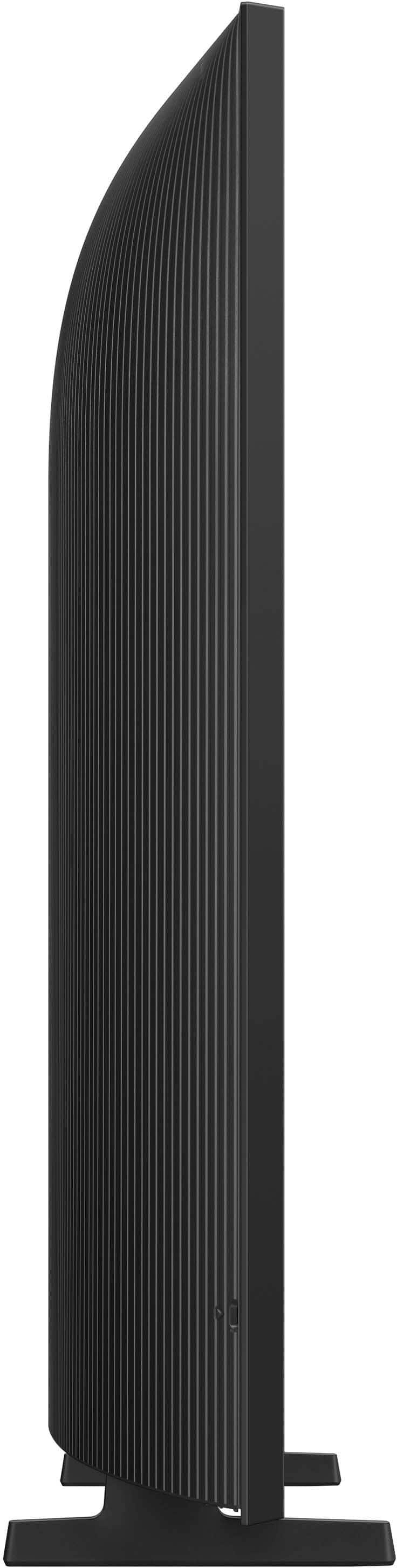



- Model:
- UN32H5000FFXZA
- SKU:
- 6617416
Rating by feature
- Picture Quality
Rating 4.8 out of 5 stars
- Sound Quality
Rating 4.6 out of 5 stars
- Brightness
Rating 4.7 out of 5 stars
Customers are saying
Customers love the 32" Class H5000F Series LED HD Smart Tizen TV (2025)'s picture quality and how easy it is to set up. The size and weight are also appreciated by some customers. However, some customers have experienced connectivity issues and difficulties with the software performance.
This summary was generated by AI based on customer reviews.
Jimbo
||Posted .This reviewer received promo considerations or sweepstakes entry for writing a review.This 32" Samsung TV really worked out well for us & a excellent price.
I would recommend this to a friendBrand response from Samsung
Posted .Hi user307374,
Thanks for reviewing Samsung’s H5000F TV. If you’re experiencing specific issues that prevented this TV from receiving a higher star rating, please know Samsung Customer Support is here to help. Reach out by calling 1-800-SAMSUNG between 8AM - 12AM EST, any day of the week. You can also chat with us online by visiting the ‘Support’ section of our website.
~ Samsung Advisor
Nice TV
Posted .This reviewer received promo considerations or sweepstakes entry for writing a review.Nice bargain TV for our kitchen. We enjoy viewing content on this television.
I would recommend this to a friendSamsung tv
Posted .This reviewer received promo considerations or sweepstakes entry for writing a review.I like shopping at Best Buy because of the service.
I would recommend this to a friendPerfect small TV
Posted .This reviewer received promo considerations or sweepstakes entry for writing a review.Perfect small TV with clear screen to use for a video within our showroom floor.
I would recommend this to a friendIt’s ok
Posted .This reviewer received promo considerations or sweepstakes entry for writing a review.Not really good quality compared to the newer versions.can’t complain about the price
No, I would not recommend this to a friendBrand response from Samsung
Posted .Hi Cruz,
We appreciate your feedback on the quality of Samsung’s H5000F TV. If the image doesn’t quite match your preferences, there are several adjustments you can make to better suit your viewing environment and content type.
First, please ensure your TV is running the latest firmware, as updates may include important picture quality enhancements. Go to: Home > Left directional button > Settings > Support > Software Update > Update Now
To explore picture mode options, navigate to: Home > Left directional button > Settings > All Settings > Picture > Picture Mode. Options include:
• Standard – Ideal for general viewing
• Dynamic – Brighter and more vibrant for well-lit spaces
• Eco – Optimized for energy efficiency
• Movie – Best for viewing in low light
• Filmmaker Mode – Preserves the content creator’s intent and disables motion smoothing for supported content
You can further customize your image by going to: Settings > All Settings > Picture > Expert Settings, where you can adjust Brightness, Contrast, Color Tone, Sharpness, Contrast Enhancer and more.
If you’d like help finding the best picture settings for your preferences, please don’t hesitate to contact Samsung Support at 1-800-SAMSUNG, available 8AM – 12AM EST, 7 days a week. You can also LiveChat with an agent or explore additional resources on our website by clicking the ‘Support’ link.
~ Samsung Advisor