Customer Ratings & Reviews
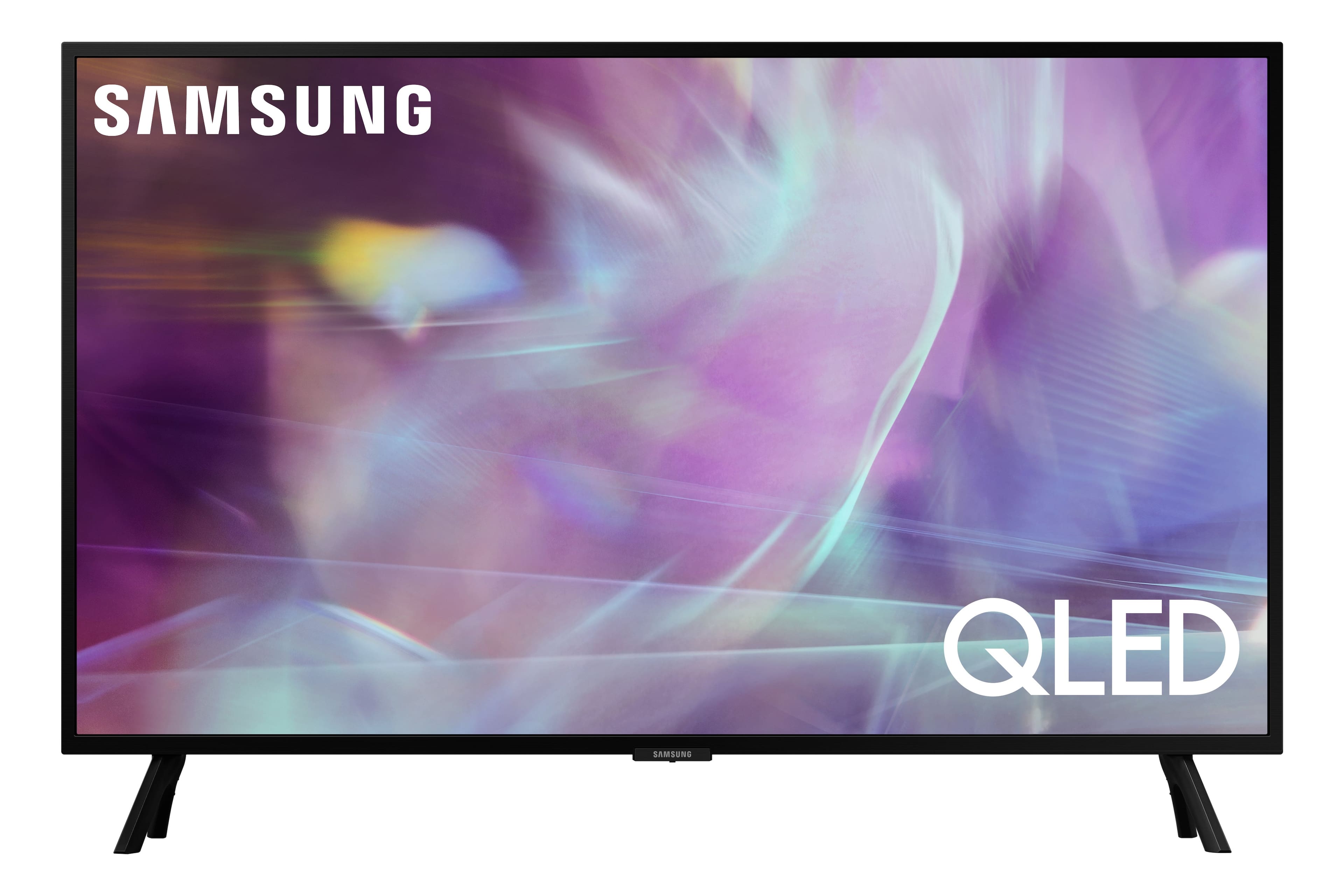
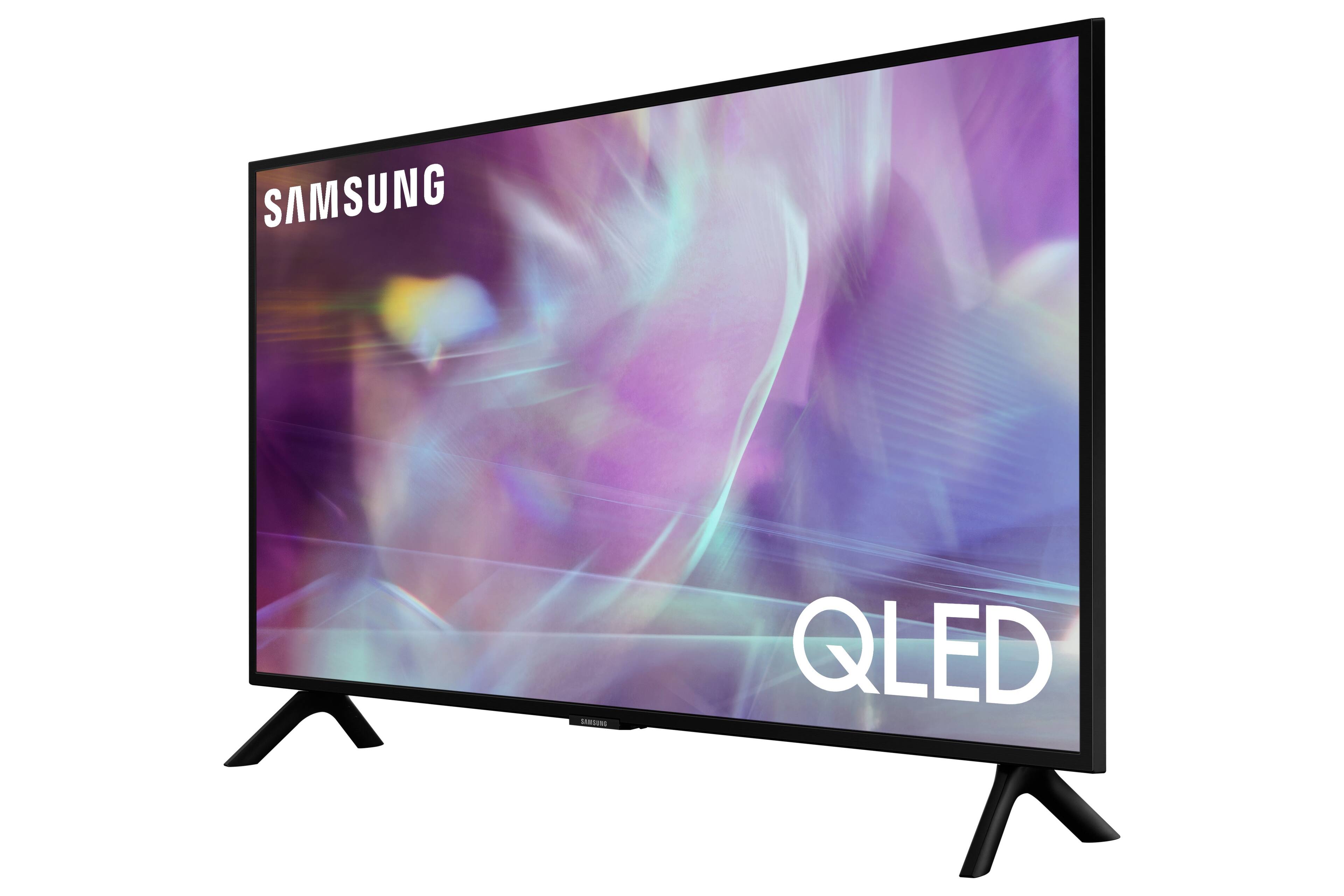
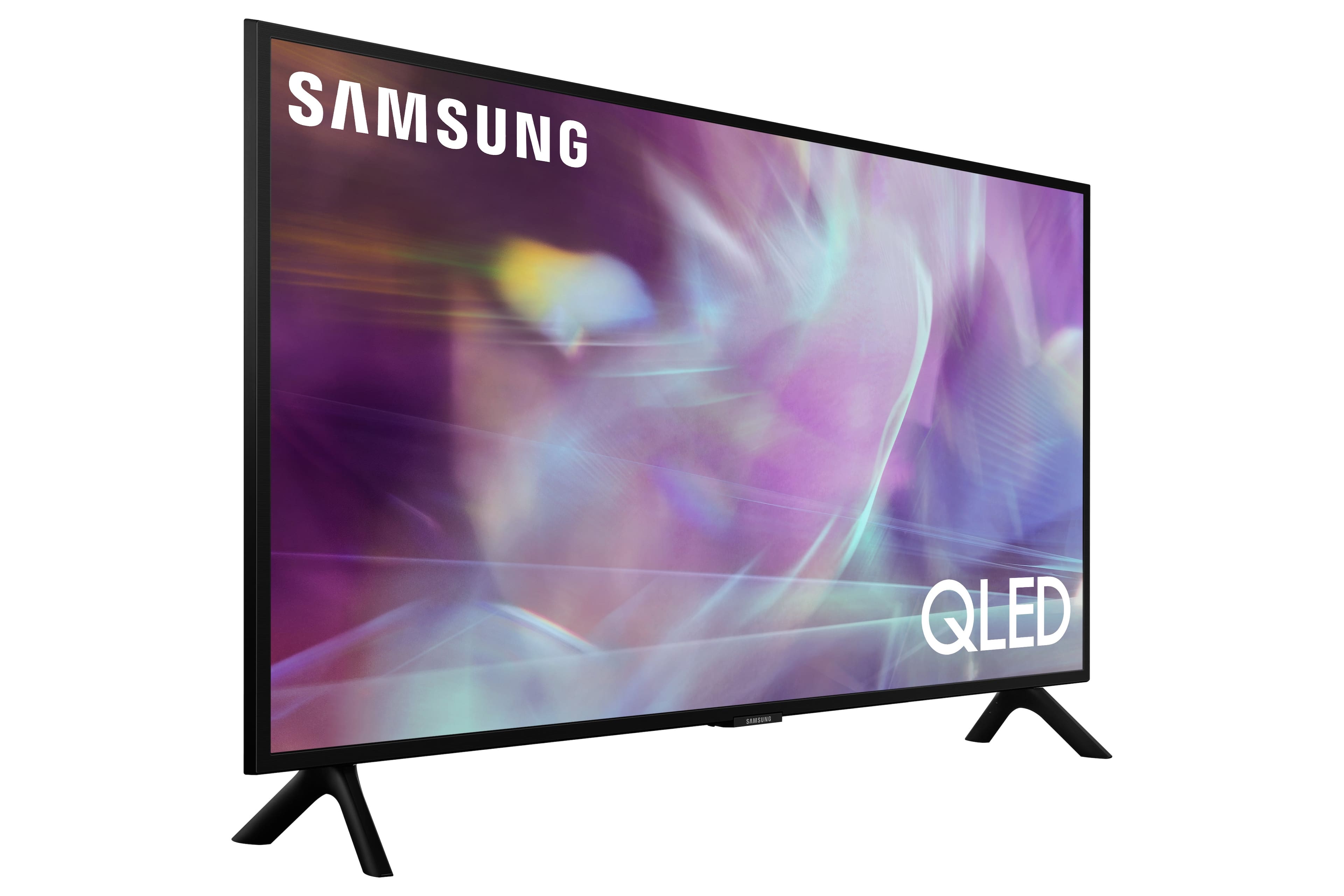
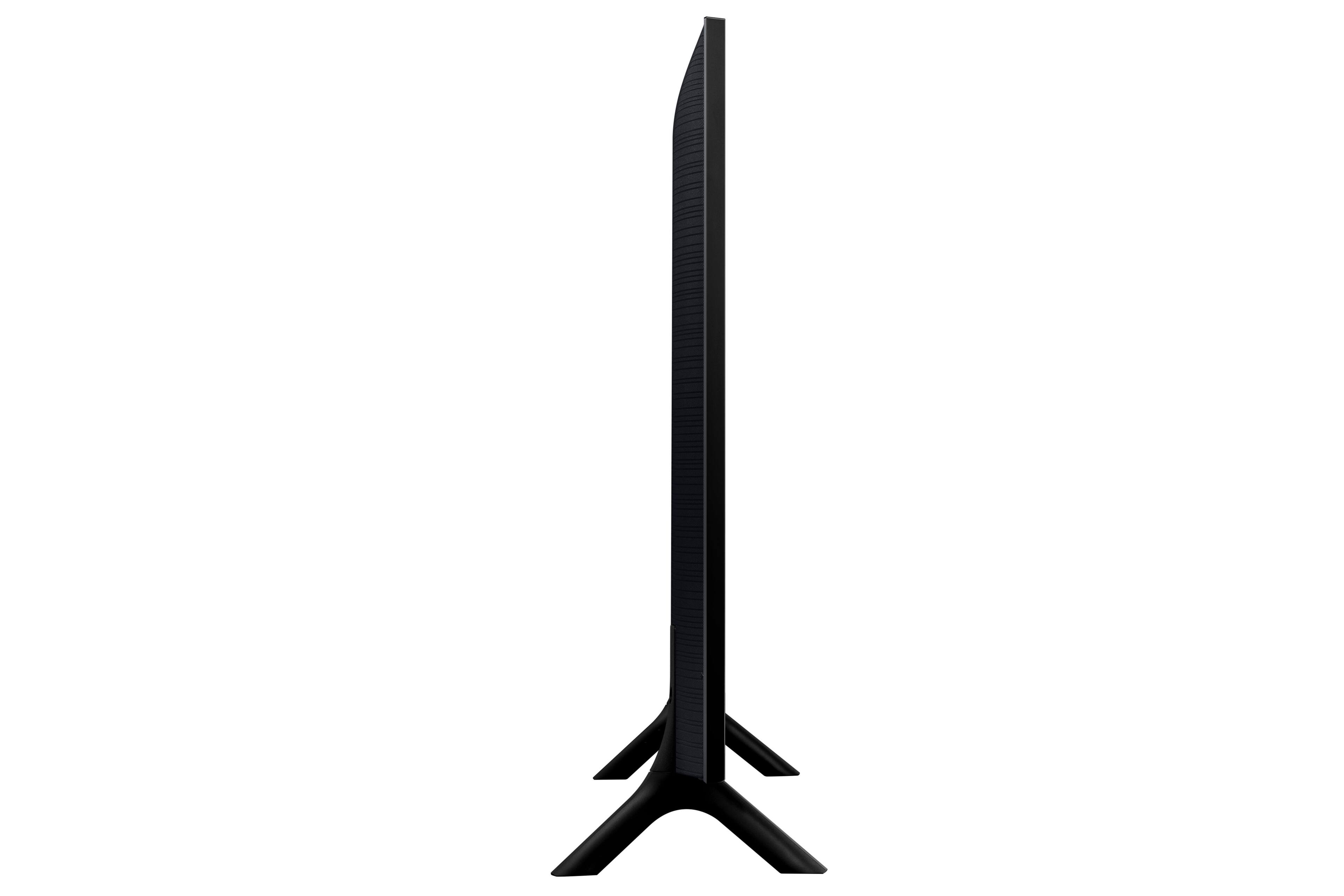
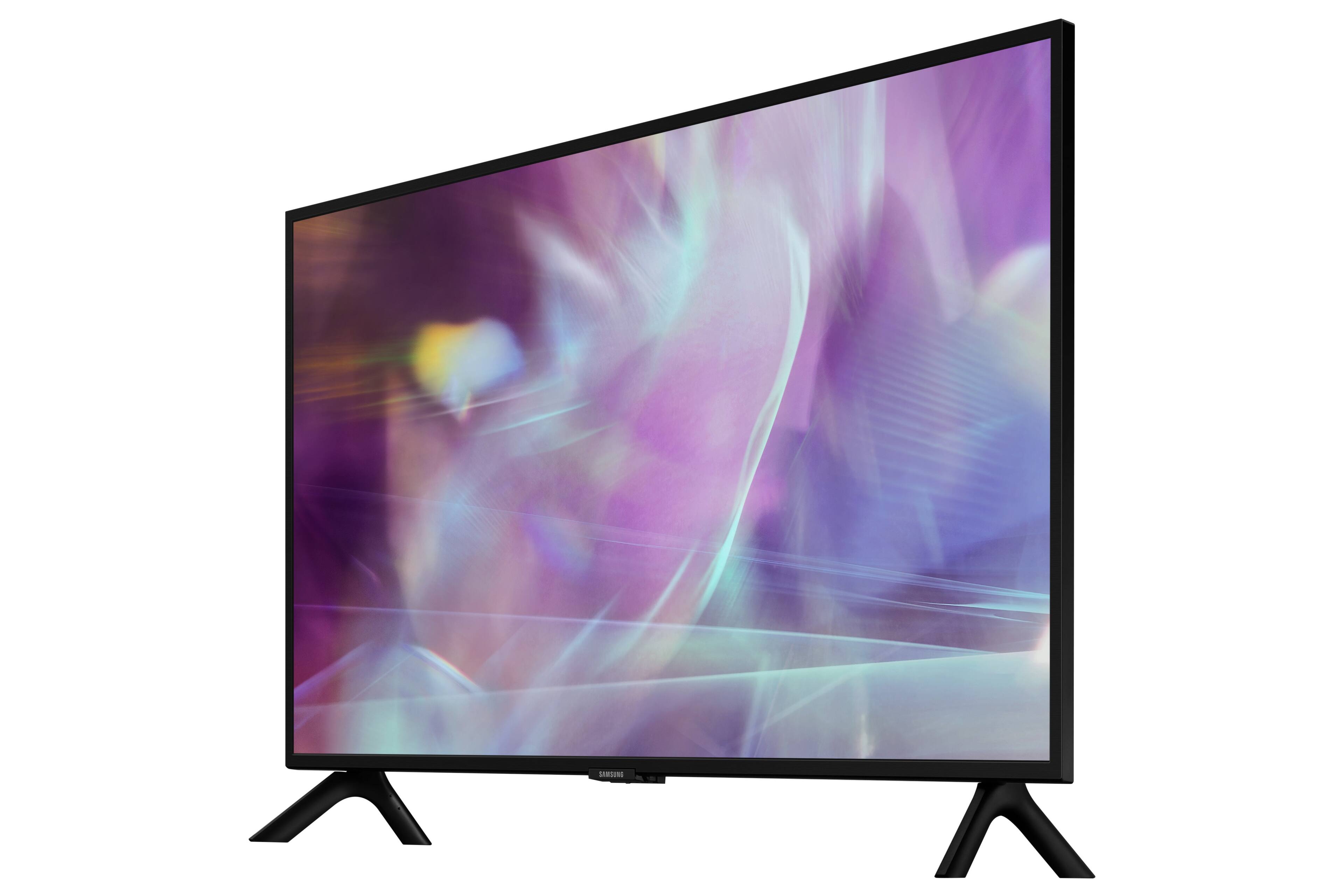
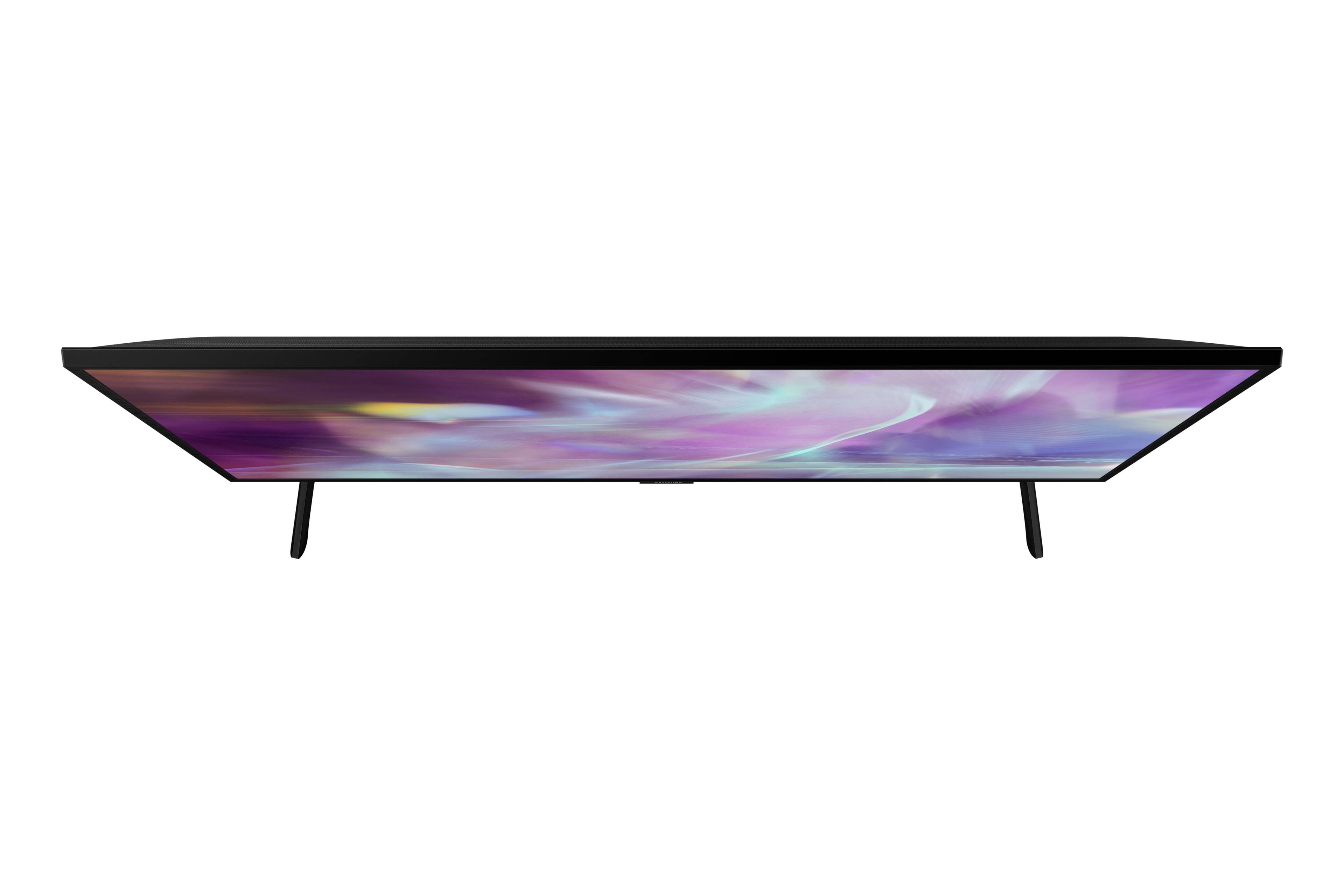
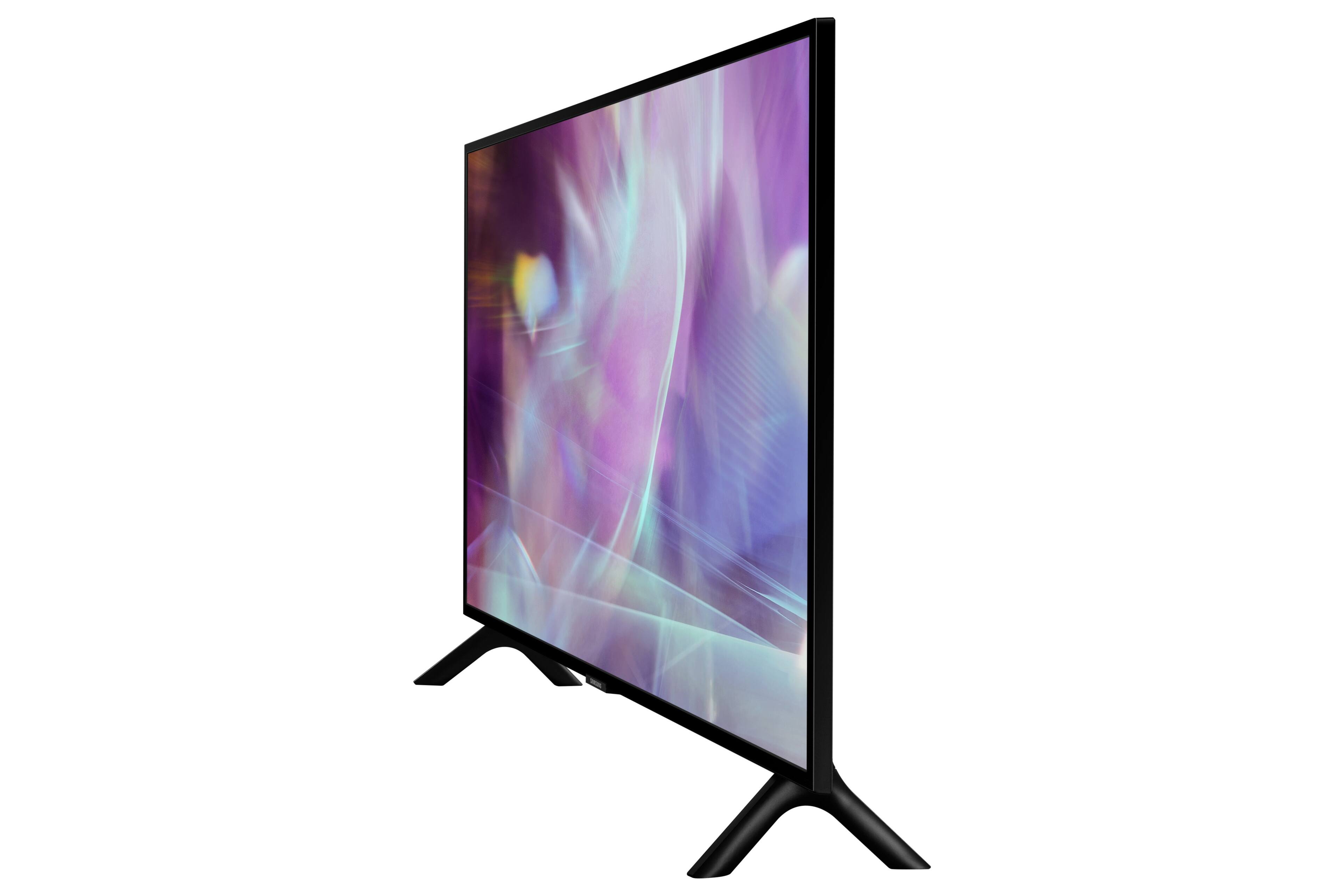
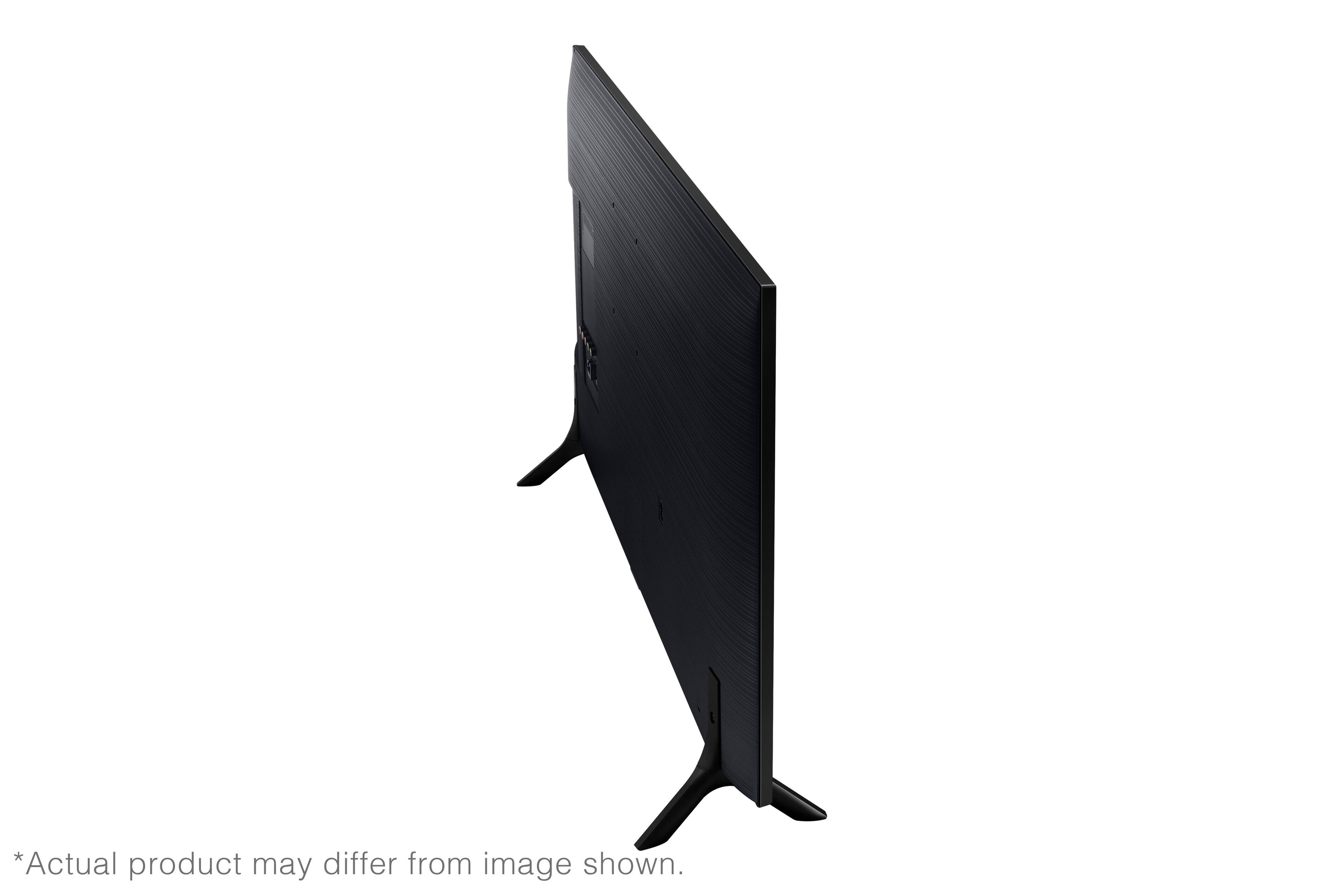
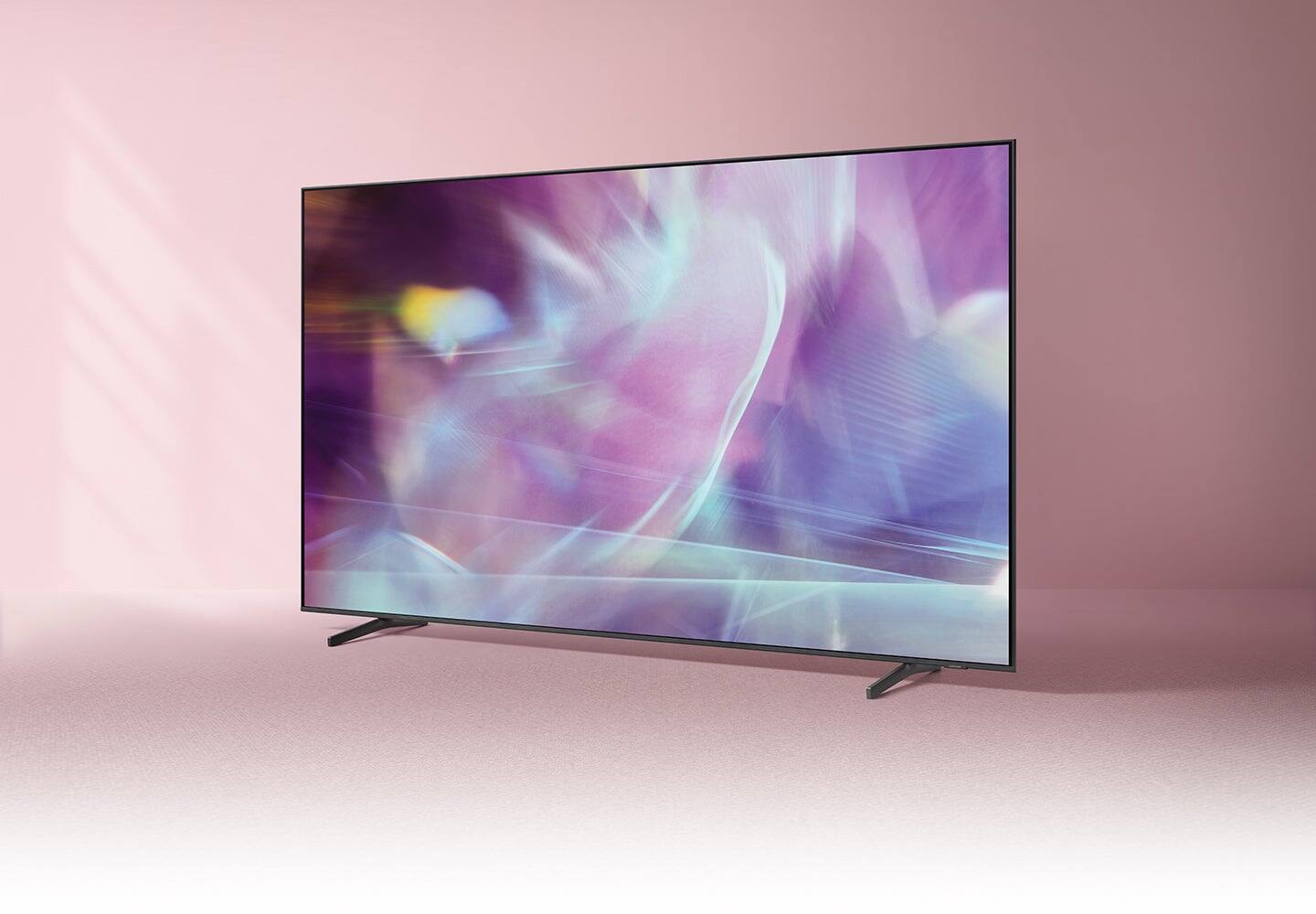

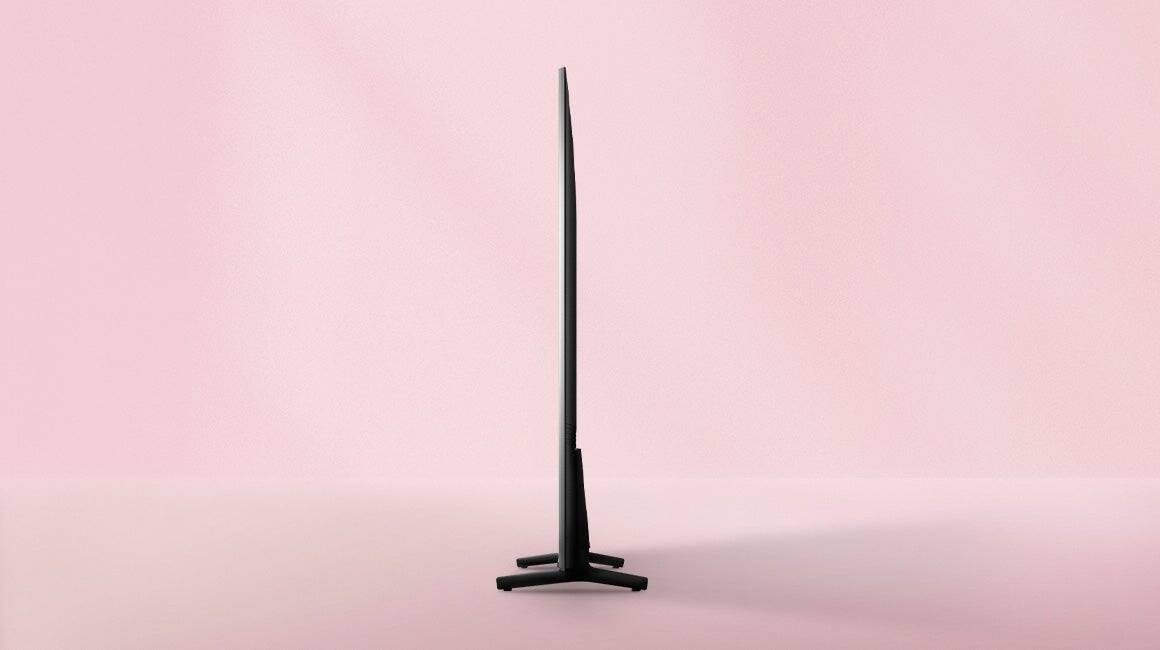

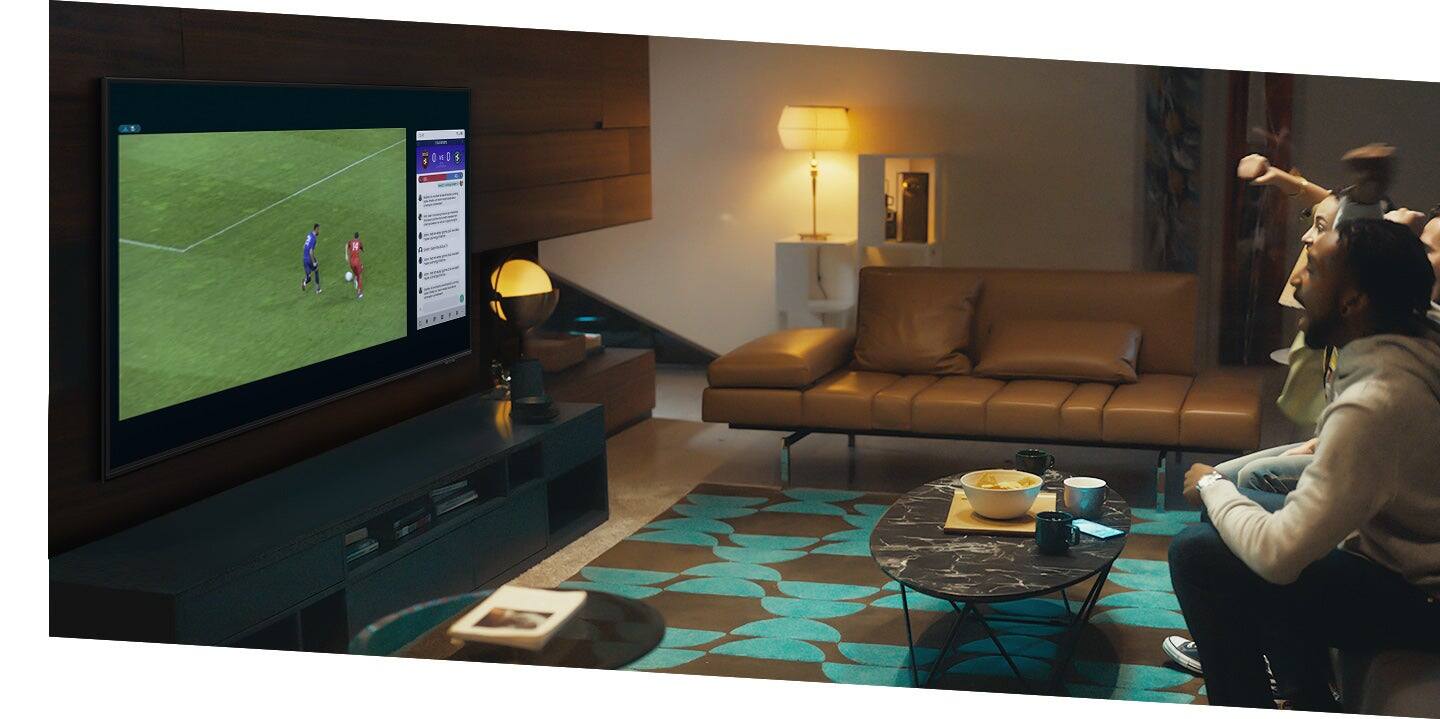
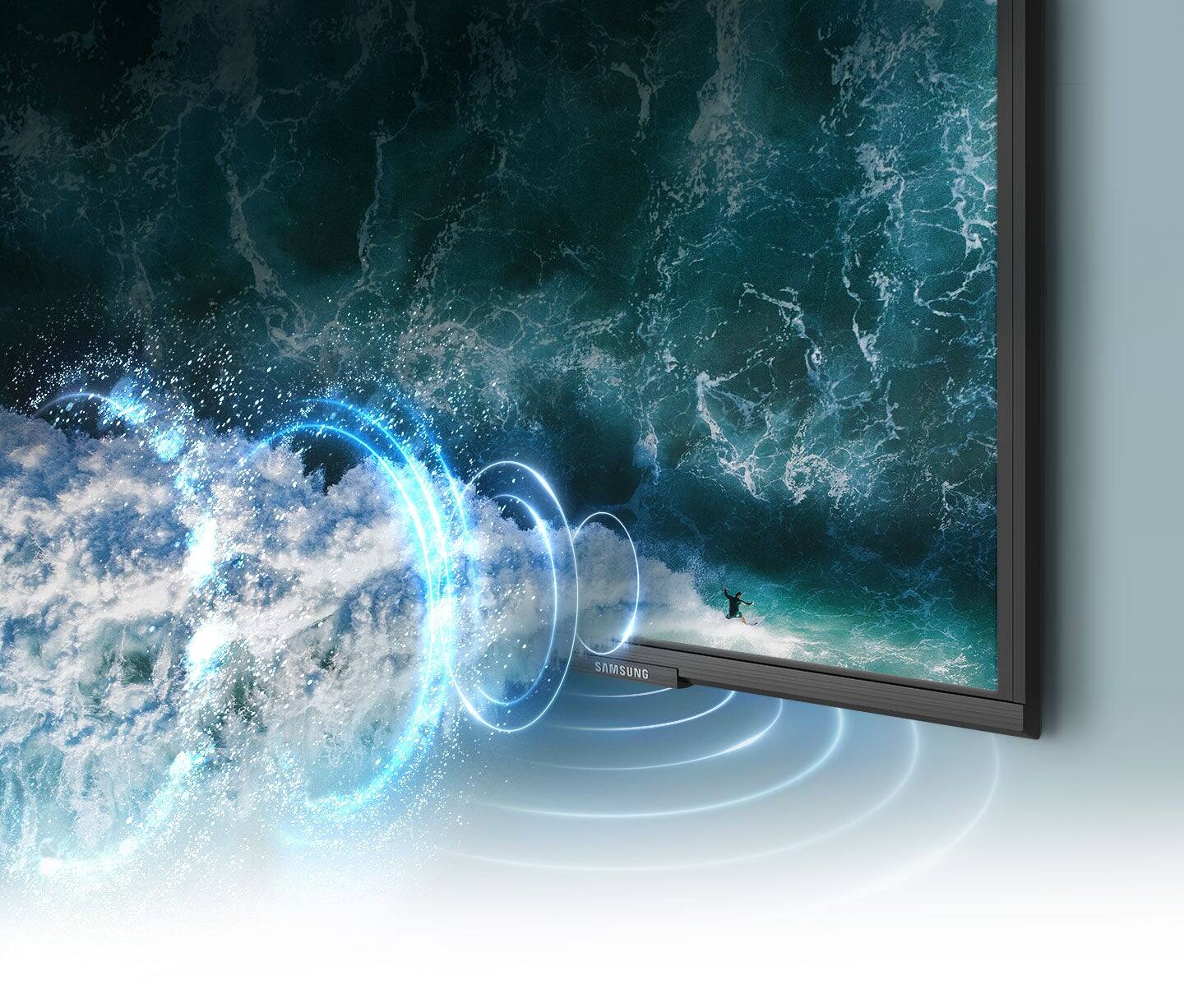
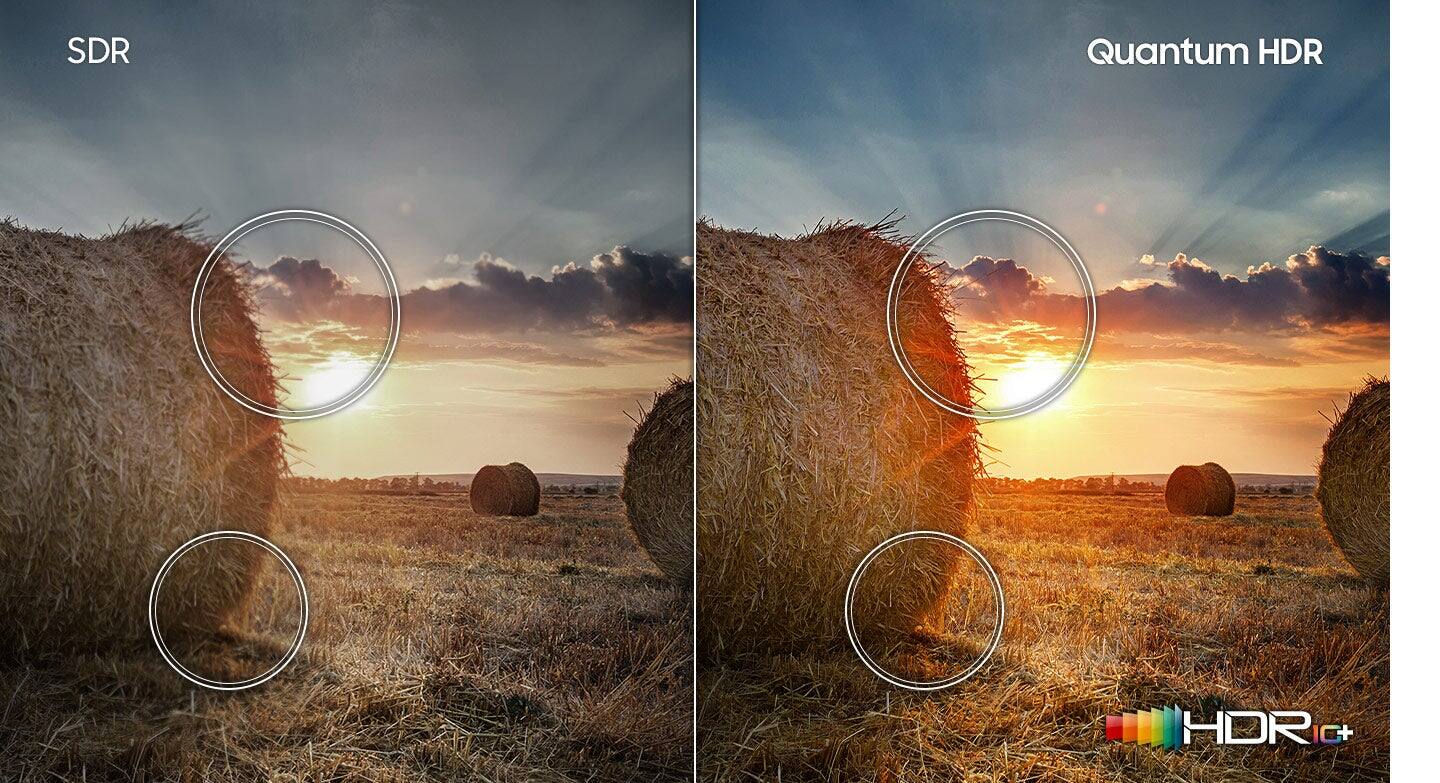
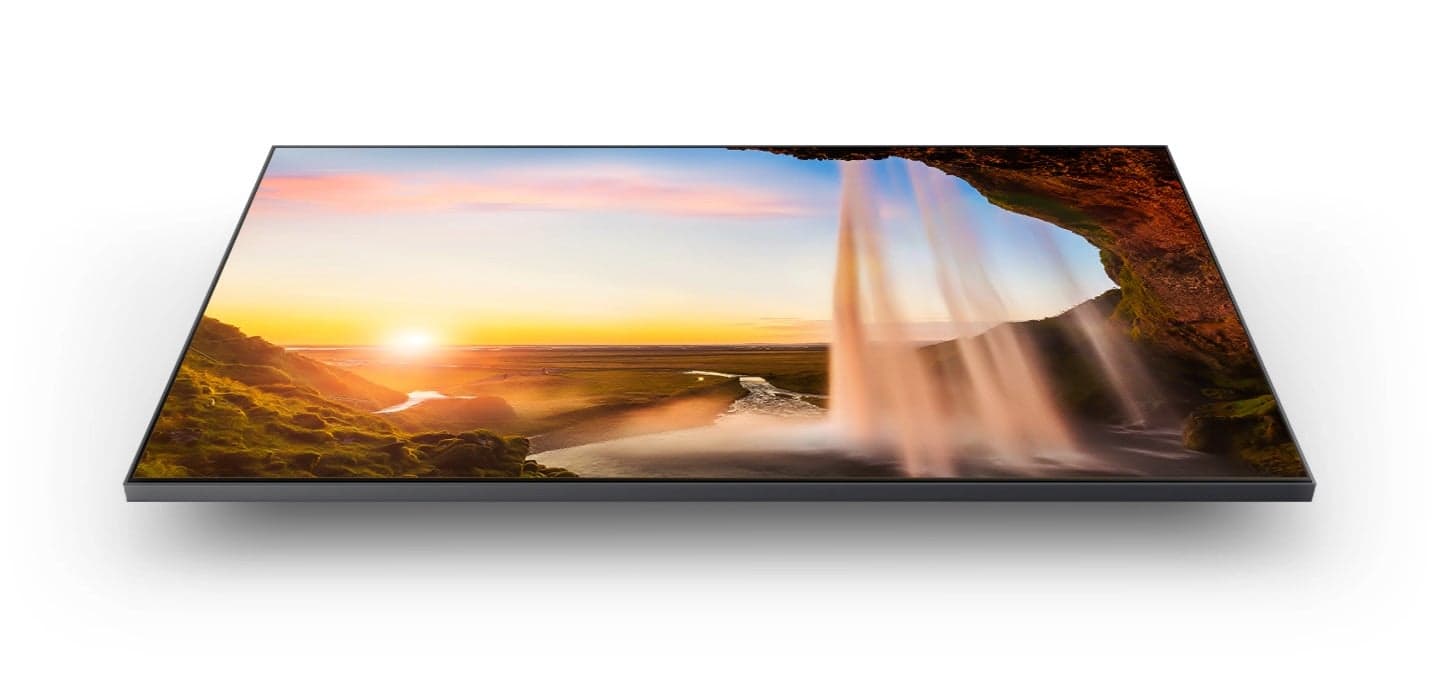


- Model:
- QN32Q60AAFXZA
- SKU:
- 6465202
Rating by feature
- Picture Quality
Rating 4.8 out of 5 stars
- Sound Quality
Rating 4.3 out of 5 stars
- Brightness
Rating 4.7 out of 5 stars
Customers are saying
Customers are satisfied with the picture quality, ease of use, and size of the 32" Class Q60A Series QLED 4K UHD Smart Tizen TV. Many appreciate the vibrant colors and find it easy to set up and use. However, some customers expressed concerns about the remote control's functionality and the price point for a 32-inch screen. A few also noted limitations in viewing angles and refresh rate.
This summary was generated by AI based on customer reviews.
- Pros mentioned:Picture quality
Great TV
||Posted . Owned for 2 weeks when reviewed.This reviewer received promo considerations or sweepstakes entry for writing a review.Super happy with my tv purchase. Easy to set up and has a wonderful picture. Samsung continues to make fantastic televisions. Would recommend.
I would recommend this to a friend - Pros mentioned:Picture quality
Sound issues when using Direct TV?
||Posted . Owned for 3 weeks when reviewed.This reviewer received promo considerations or sweepstakes entry for writing a review.Picture is perfect but I have not been able to receive sound using my Direct TV connection. The on screen instructions don't work after attempting them for over a week? Perhaps someday I can resolve this?
I would recommend this to a friendBrand response from Samsung
Posted .Noaudio:
Thank you for purchasing the Samsung Q60A TV and for sharing your review. We appreciate you sharing your experience with not hearing any sound from your unit. There are a few troubleshooting steps you can try:
1) Please check the volume control of your TV, and then check the volume control of your external device connected to your TV. Also check the cable connection between any external device and the TV and then try cable connection again.
2) Set Sound Output to TV Speaker by going to: Settings > Sound > Sound Output
3) Check whether Digital Output Audio Format is set to Pass-Through by going to Settings > Sound > Expert Settings > Digital Output Audio Format > Auto
If there is sound but it is not clear, run a diagnostic test. On the remote control, press the Home button. Go to Settings > Support > Device Care > Self Diagnosis > Sound Test.
I hope this helps. Should your issue persist, please contact Samsung Customer Support:
Call us at 1-800-SAMSUNG (ask for TVs), available 8AM - 12AM EST, 7 days a week.
For additional support resources, visit us on the Samsung website and click on the ‘Support’ link in the upper right corner of the homepage for:
1) Chat with Us/Product Help: To begin a chat or find solutions, choose ‘TVs & Home Theater’ and select your model & topic.
2) Manuals, Software, & Warranty Info
Samsung is committed to providing the best possible product experience, quality, and value, and we are always here to help with any of your questions or concerns.
We look forward to hearing from you.
- Samsung Advisor
- Pros mentioned:Picture quality
Nice little tv
||Posted . Owned for 4 months when reviewed.This reviewer received promo considerations or sweepstakes entry for writing a review.One of the better tvs for the price and size. Watched dune on this bad boy and some of the shots are great. Just have to be up close. Playing apex on it is nice too
I would recommend this to a friend - Pros mentioned:Picture quality
Great TV, painful setup
||Posted . Owned for 3 weeks when reviewed.This reviewer received promo considerations or sweepstakes entry for writing a review.Incredible Television, painful to setup. Best image I have seen and great size for my need.
I would recommend this to a friend - Pros mentioned:Tv size
Perfect for Zwift use.
||Posted . Owned for 1 year when reviewed.This reviewer received promo considerations or sweepstakes entry for writing a review.Have this TV hooked up to an old computer with a GTX 970 mounted on a wall to run Zwift in 4K for indoor cycling. Has been great!
I would recommend this to a friend - Pros mentioned:Picture quality
Great small tv
||Posted . Owned for 1 month when reviewed.This reviewer received promo considerations or sweepstakes entry for writing a review.Great small set for dens and offices. Very clear picture. Wall mounting has been a problem. The Magnolia recommendation of the Sanos was wrong. It doesn’t fit the tv.
I would recommend this to a friend - Pros mentioned:Picture quality
QLED 5 Stars
||Posted . Owned for 4 months when reviewed.This reviewer received promo considerations or sweepstakes entry for writing a review.Nice picture and sound. The updated menu is nice but not quicker. Trouble acknowledging the antenna yet. 32 inch is nice in a bedroom.
I would recommend this to a friend - Pros mentioned:Picture quality
Nice TV
||Posted . Owned for 3 weeks when reviewed.This reviewer received promo considerations or sweepstakes entry for writing a review.The interface same as my bigger TV which makes easy in going from one to the other. Small size fits my space with nice picture.
I would recommend this to a friend - Pros mentioned:Picture quality
Nice tv
||Posted . Owned for 1 week when reviewed.This reviewer received promo considerations or sweepstakes entry for writing a review.A little expensive for a 32” tv but the picture & sound quality is worth it, The less expensive one’s have only 1 hdmi port & no dIgital optical output.
I would recommend this to a friend - Pros mentioned:Picture quality
Would buy this again
||Posted . Owned for 3 weeks when reviewed.This reviewer received promo considerations or sweepstakes entry for writing a review.Excellent TV for smaller areas. 4K - Great picture. Not a fan of all the scrolling you have to do to get to certain areas - like the Sleep Timer.
I would recommend this to a friend - Pros mentioned:Tv size
Samsung 32 inch TV
||Posted . Owned for 3 weeks when reviewed.This reviewer received promo considerations or sweepstakes entry for writing a review.I am very happy with this purchase. The tv has a voice assistant to help with setting up the tv. This is a slim tv very affordable. I highly recommend this tv.
I would recommend this to a friend - Pros mentioned:Picture quality
Q Led
||Posted . Owned for 3 weeks when reviewed.This reviewer received promo considerations or sweepstakes entry for writing a review.The Q Led is a fantastic tv. We have a small space and it fits perfectly. The advisor, Nick did a fantastic job of showing us what was available.
I would recommend this to a friend Beautifully Choppy
||Posted . Owned for 3 weeks when reviewed.This reviewer received promo considerations or sweepstakes entry for writing a review.Amazing HDR and clarity, but the motion is trash. Don't get this if you want a high motion rate display. This is only 60hz. Other than that, this TV is beautiful
I would recommend this to a friend- Pros mentioned:Picture quality
It Worth The Price
||Posted . Owned for 3 months when reviewed.This reviewer received promo considerations or sweepstakes entry for writing a review.I am in love with my t.v. My sister shopped for my t.v. I have gotten my moneys worth but you do have to buy a good sound system. The t.v. Speaker sucks
I would recommend this to a friend Annoying problem
||Posted . Owned for 1 month when reviewed.This reviewer received promo considerations or sweepstakes entry for writing a review.While the TV plays very well, turning it off is a problem. I click it off and the screen goes black and within less than a minute the tv is back on again. I have to turn it off again.
No, I would not recommend this to a friendBrand response from Samsung
Posted .KathleenM,
We appreciate your review of Samsung’s Q60A TV. So we can better understand the problems you’re experiencing and provide you with troubleshooting assistance or warranty service, please reach out to Samsung Customer Support at 1-800-SAMSUNG, 8AM - 12AM EST, 7 days a week. Or visit us on the Samsung website and click on the ‘Support’ link for:
• LiveChat
• Manuals, Software, & Warranty Info
~ Samsung Specialist
- Pros mentioned:Picture quality
Samsung QLED TV review
||Posted . Owned for 1 month when reviewed.This reviewer received promo considerations or sweepstakes entry for writing a review.Extremely satisfied with this tv, amazing picture quality and great sound. It takes way less space compared to my old sony xbr 2 tv
I would recommend this to a friend - Pros mentioned:Picture quality
Don’t buy Samsung if you use Alexa
||Posted . Owned for 2 weeks when reviewed.This reviewer received promo considerations or sweepstakes entry for writing a review.The picture in the tv is very nice. The sound is passable and at a small size in a kitchen you can get away without a sound bar. One oddity is where the holes for mounts are on the back. They are higher than what seems normal so some mounts will show. We had to return one with bars for an X style. NOW THE PROBLEM- we have another Samsung tv that we purchased a few years ago. We had Alexa voice control set up and it WORKED perfectly. Then the new tv came and boy did things change. The new tv install somehow kicked off the old tv. The voice control on the new tv works only half the time (on off only - we don’t do any hard things). The support team now tells me the other tv is no longer supported by the app- although it worked PERFECTLY until the new install. Look around on review sites you will see others complain. If you want connected devices stay away from Samsung unless you plan to replace all at the same time every time you need a new something. It’s awful. Additionally support clearly was responding from standard scripts and didn’t read the detailed email I sent them which Included screen shots and photos. What a WASTE. If I could get RID OF BOTH SAMSUNG tvs now I would but that’s not possible now. DON’T BUY SAMSUNG.
No, I would not recommend this to a friendBrand response from Samsung
Posted .Hi NotHappy,
Thank you for choosing Samsung’s Q60A TV and for sharing your experience with built-in Alexa functionality. Please know that voice commands may differ with each voice assistant.
We suggest you check the command examples for each voice assistant.
Settings > General > Voice > Amazon Alexa Settings
For more information about the usage and settings of Amazon Alexa, run Amazon Alexa Settings. Go to: Settings > General > Voice > Amazon Alexa Settings
When the TV is far from you or the ambient noise is too loud, the TV may be unable to recognize your voice. For the best results, you will need to be within 10 feet of your TV. Please look at your TV screen and speak.
If you haven’t already, we recommend turning on the Voice Wake-up function as well. Press the microphone button on your remote, then go to: Explore Now > Settings > Voice Wake-up.
You may also want to try re-pairing your remote to your TV by doing the following:
1) Long press the RETURN key and ENTER key together for about 10 seconds.
2) The RETURN key is on the left side of your remote and looks like a curved, backwards pointing arrow.
3) The ENTER key is the button in the center of your directional ring.
If voice assistants are still not working properly or the remote response is slow, please check the remaining battery of the Solar Cell Remote by going to Settings > General > Power and Energy Saving > Available Remote Battery.
I hope these tips help. For further assistance with this feature, please contact Samsung Customer Support at 1-800-SAMSUNG (ask for TVs), available 8AM - 12AM EST, 7 days a week.
For additional support resources, visit us on the Samsung website and click on the ‘Support’ link in the upper right corner of the homepage for:
1) Chat with Us/Product Help: To begin a chat or find solutions, choose ‘TVs & Home Theater’ and select your model & topic.
2) Manuals, Software, & Warranty Info
~ Samsung Specialist
- Pros mentioned:Picture quality
Terrific TV.
||Posted . Owned for 1 month when reviewed.This reviewer received promo considerations or sweepstakes entry for writing a review.Samsung 32" Q60 LED is a terrific TV. Picture is sharp and sound is clear and deep. Great value for this size TV.
I would recommend this to a friend - Pros mentioned:Picture quality
Best 32” TV!
||Posted . Owned for 1 month when reviewed.This reviewer received promo considerations or sweepstakes entry for writing a review.This is the best 32” tv on the market right now. Simply stop researching and buy this on sale. Great picture quality and easy smart tv configuration
I would recommend this to a friend - Pros mentioned:Picture quality
Smart QLED TV
||Posted .This reviewer received promo considerations or sweepstakes entry for writing a review.Beautiful picture, 3 HDMI inputs, smart TV reports status of my other Samsung appliances
I would recommend this to a friend