Customer Ratings & Reviews
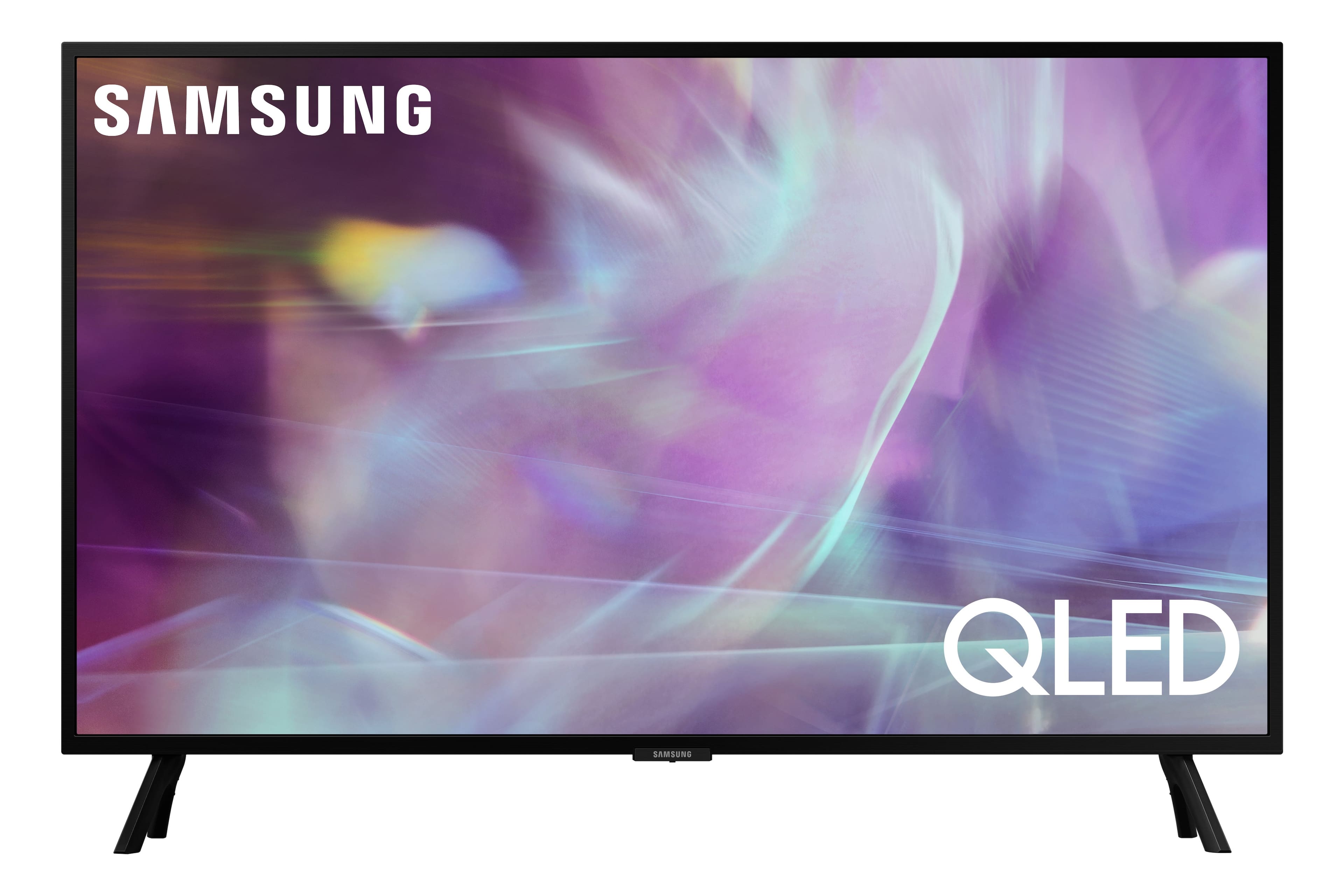
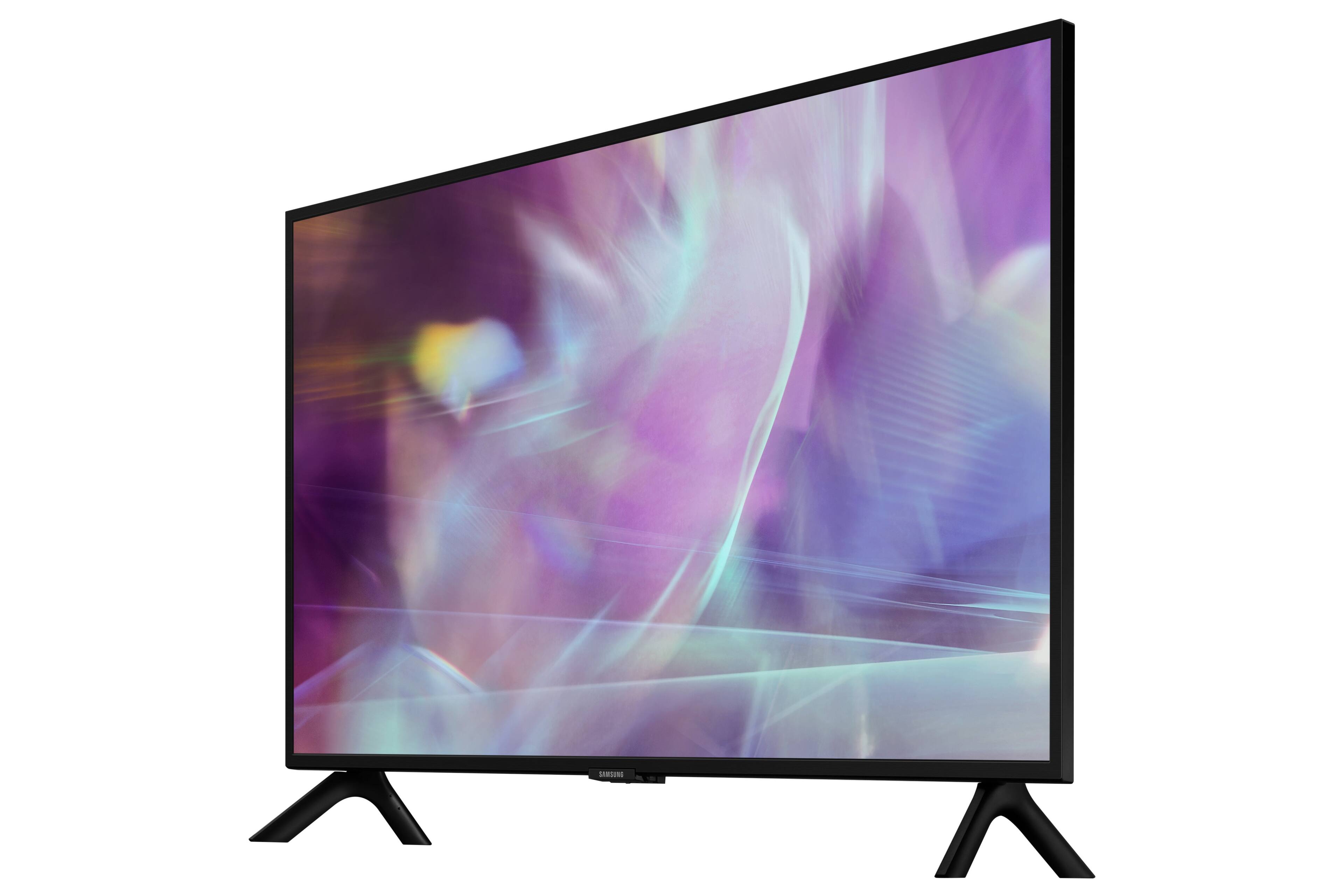
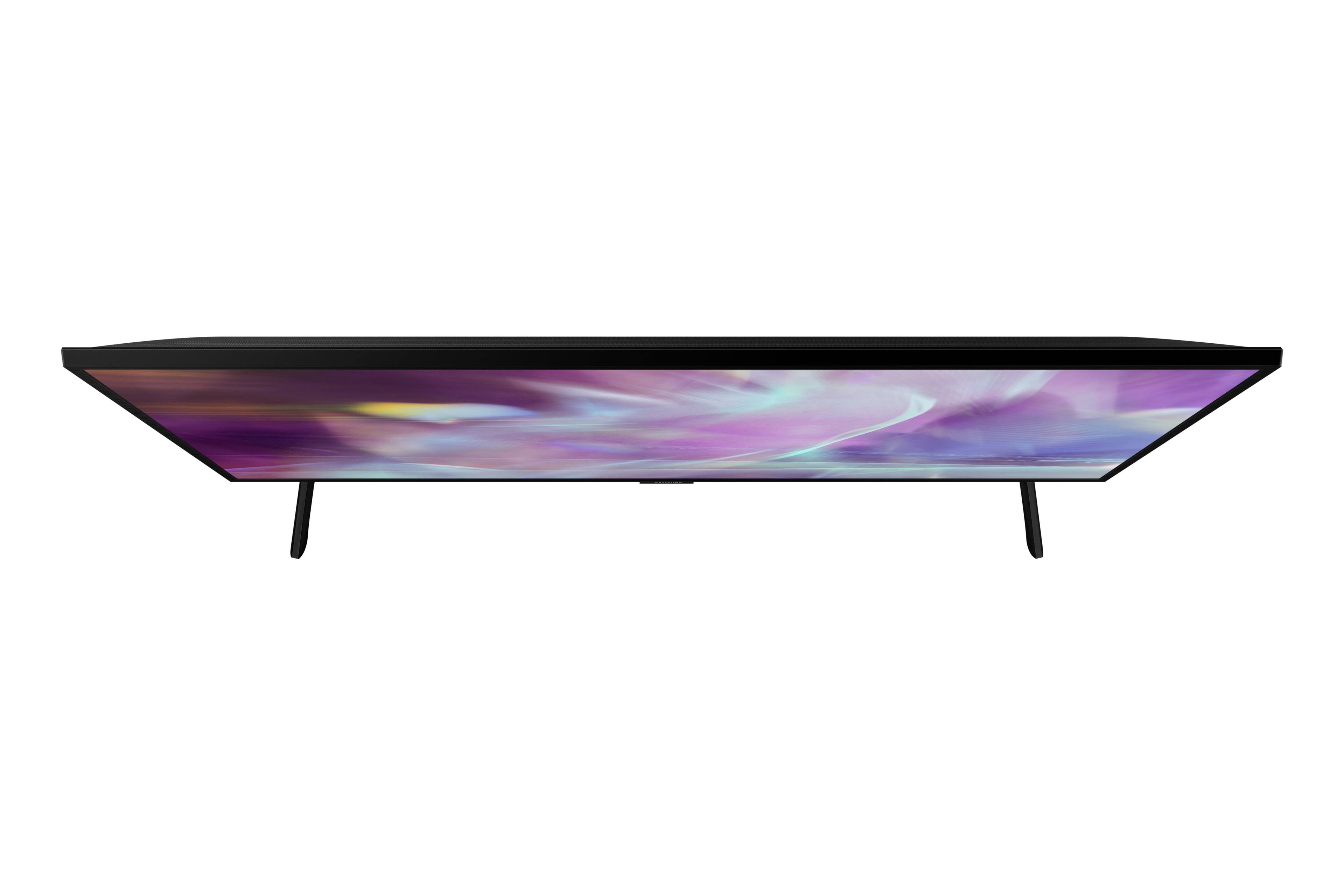
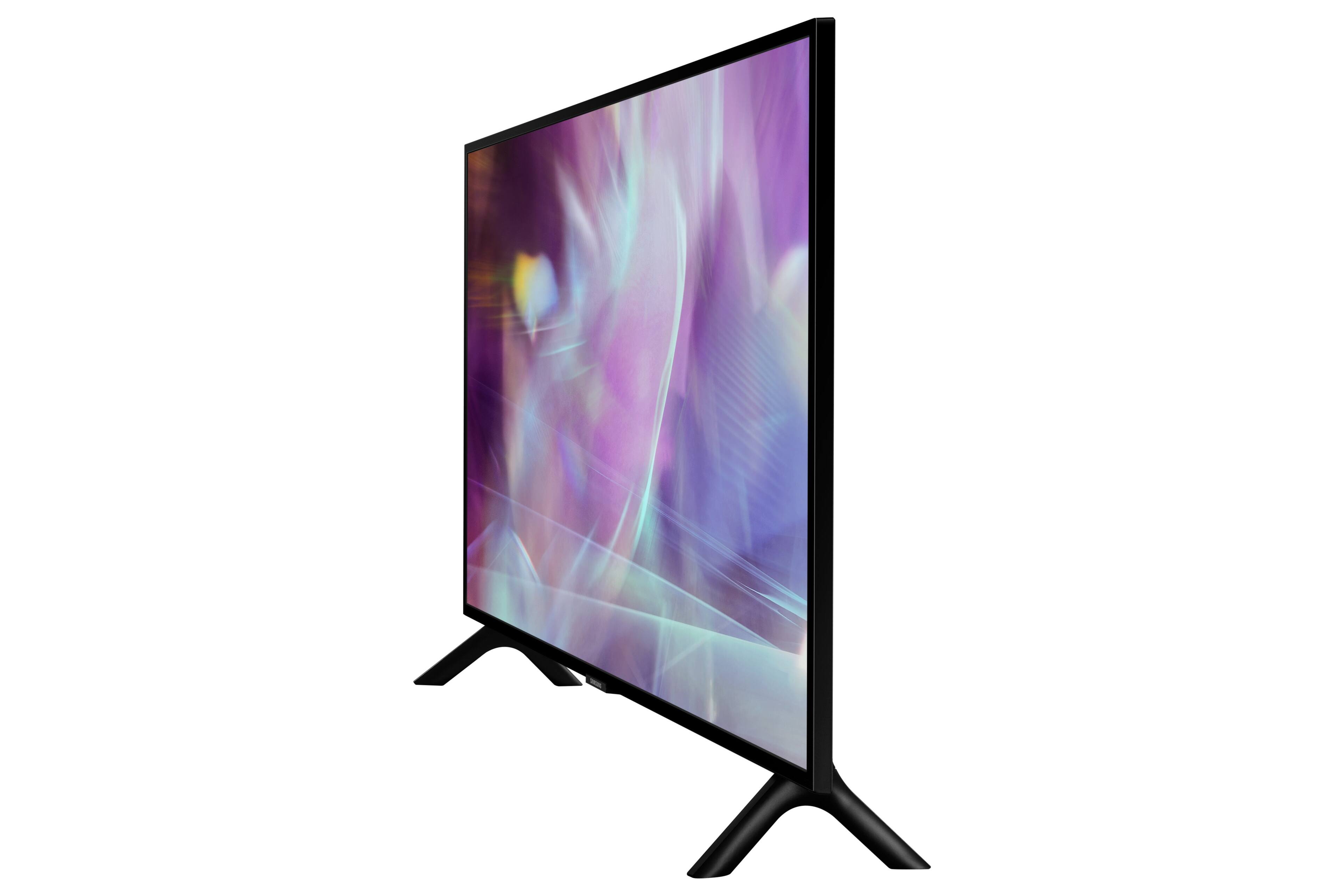
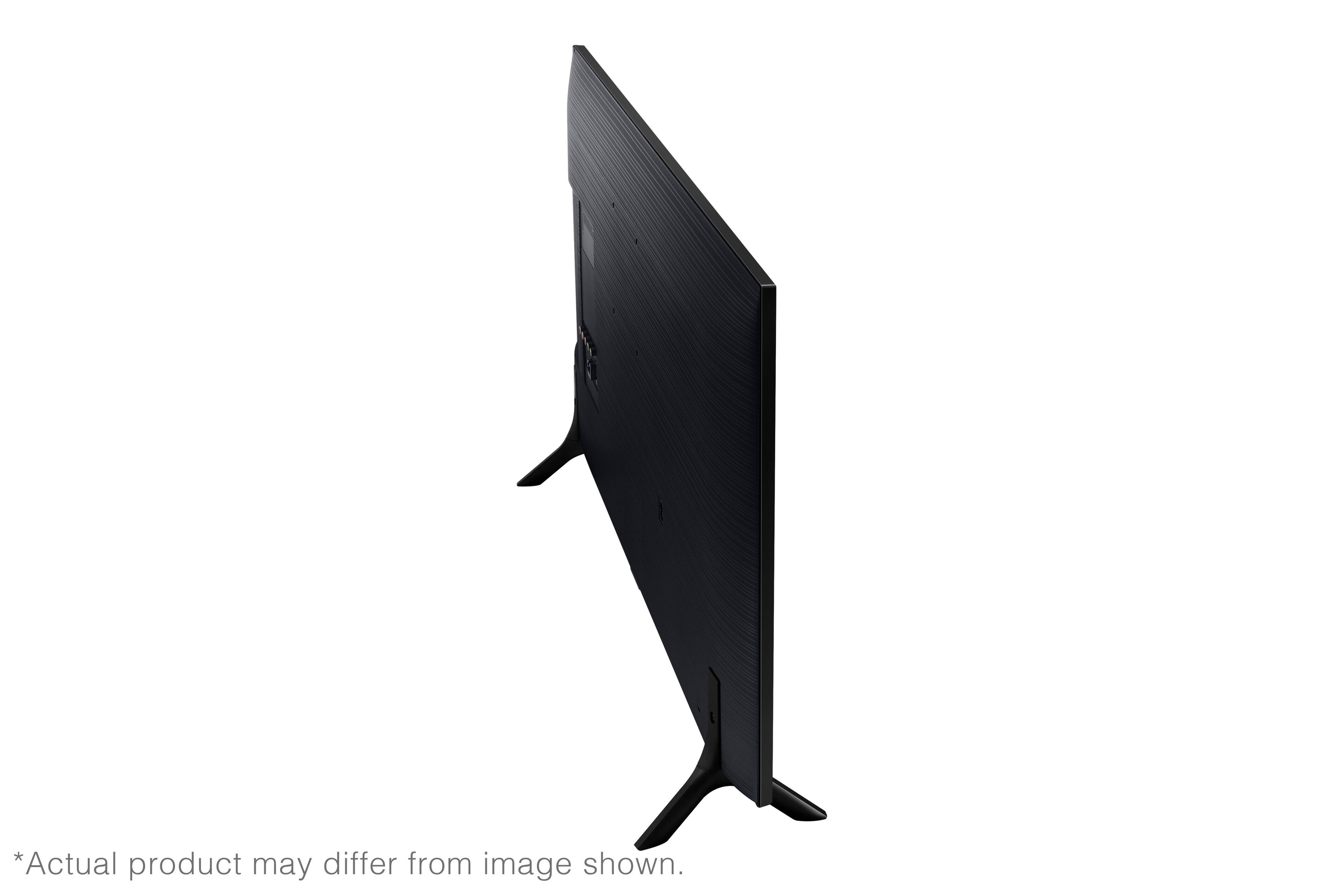





- Model:
- QN32Q60AAFXZA
- SKU:
- 6465202
Rating by feature
- Picture Quality
Rating 4.8 out of 5 stars
- Sound Quality
Rating 4.3 out of 5 stars
- Brightness
Rating 4.7 out of 5 stars
Customers are saying
Customers are satisfied with the picture quality, ease of use, and size of the 32" Class Q60A Series QLED 4K UHD Smart Tizen TV. Many appreciate the vibrant colors and find it easy to set up and use. However, some customers expressed concerns about the remote control's functionality and the price point for a 32-inch screen. A few also noted limitations in viewing angles and refresh rate.
This summary was generated by AI based on customer reviews.
- Pros mentioned:Picture quality
Samsung TV
||Posted . Owned for 3 months when reviewed.This reviewer received promo considerations or sweepstakes entry for writing a review.Used for my garage. Great picture with bright colors.
I would recommend this to a friend - Pros mentioned:Picture quality
QLED rocks
||Posted . Owned for 1 month when reviewed.This reviewer received promo considerations or sweepstakes entry for writing a review.Great picture. We are very happy with our purchase.
I would recommend this to a friend EXCELLANT PIC.
||Posted . Owned for 1 month when reviewed.This reviewer received promo considerations or sweepstakes entry for writing a review.I have a 55" lg oled curved . This new tv puts the colors to the test . Just as good if not better than my lg. Well worth the money.
I would recommend this to a friend- Cons mentioned:Remote control
Not a good Samsung
||Posted . Owned for 3 weeks when reviewed.This reviewer received promo considerations or sweepstakes entry for writing a review.Very disappointed in this TV. In addition to having the worst remote I have ever seen, it also is the most difficult to fine tune the color and contrast. And once you get it like you want it, the scene changes and you have to start all over again. I have seen live shots where a Caucasian on one side of the screen is too pink and a person of color on the opposite side is too green.
No, I would not recommend this to a friendBrand response from Samsung
Posted .erwildcat,
Thank you for purchasing the Samsung Q60A TV and for sharing details of your image quality. To optimize your picture quality, please be sure your firmware is up to date with version 1805.4 which includes picture quality updates. You can check this by going to: Settings > Support > Software Update.
In addition to updating your TV's firmware, you may want to try adjusting image settings to improve your picture.
Your TV has several Picture Modes to choose from allowing you to enjoy content in optimal conditions. Go to Home > Settings > Picture > Picture Mode
1) Standard: Is the default mode suitable for general viewing environments.
2) Natural: Reduces eye strain for a comfortable viewing experience.
3) Movie: Is suitable for watching TV or movies in a dark room.
4) Dynamic: Makes the picture brighter and clearer in bright viewing environments.
5) Filmmaker Mode: You can watch the source content (e.g., movie) as it is. If the image is defined as Filmmaker Mode, it will automatically switch to Filmmaker Mode while watching.
If adjusting image settings does not improve your picture, please contact Samsung Customer Support at 1-800-SAMSUNG (ask for TVs), available 8AM - 12AM EST, 7 days a week.
For additional support resources, visit us on the Samsung website and click on the ‘Support’ link in the upper right corner of the homepage for:
1) Contact Us: For additional Chat & Text options, choose ‘TVs & Home Theater’ and select your model & topic.
2) Manuals, Software, & Warranty Info
~ Samsung Specialist
Great tv
||Posted . Owned for 5 months when reviewed.This reviewer received promo considerations or sweepstakes entry for writing a review.Great tv but pricey. Does everything it supposed to do. Some people complain about the picture but you must understand the tv settings and what it does to get the best possible picture. Works great with dex and screen mirroring
I would recommend this to a friendOutstanding!
||Posted . Owned for 2 weeks when reviewed.This reviewer received promo considerations or sweepstakes entry for writing a review.Outstanding! Tv i bought for my daughter's birthday! I have the 2019 version, and she gets the 2021 version?? LOL but she is enjoying being able to stream the apps on it, Disney plus, Netflix, HBO Max, and Hulu, yeah she's very happy.
I would recommend this to a friendGood TV/Monitor
||Posted . Owned for 1 month when reviewed.This reviewer received promo considerations or sweepstakes entry for writing a review.Good TV. I also use it as a monitor as I prefer a glossier screen for brightness. There are some issues that I haven’t figured out yet in terms of the connection to external hardware. I get a lot of blinking in and out. But there’s only a TV it works just fine.
I would recommend this to a friend32 inch Samsung TV
||Posted . Owned for 1 month when reviewed.This reviewer received promo considerations or sweepstakes entry for writing a review.We normally try to buy from Best Buy. We have confidence that we will receive good service. The technicians that come always show respect and very knowledgeable.
I would recommend this to a friend- Pros mentioned:Picture quality
Samsung 32" Q60A
||Posted . Owned for 2 weeks when reviewed.This reviewer received promo considerations or sweepstakes entry for writing a review.Great TV for this size, great image quality. Definitely not a fan of the Samsun on screen menu system. It is always in the way when bringing up an attached HDMI device. That is the only downside, otherwise great TV.
I would recommend this to a friendBrand response from Samsung
Posted .Jason,
Thank you for sharing your review of the Q60A TV. We value your feedback regarding the TV's interface and will share it with our teams.
If there is anything we can do to improve your enjoyment such as helping to optimize settings for your specific usage scenario, please contact Samsung Customer Support at 1-800-SAMSUNG (ask for TVs), available 8AM - 12AM EST, 7 days a week.
For additional support resources, visit us on the Samsung website and click on the ‘Support’ link in the upper right corner of the homepage for:
1) Chat with Us/Product Help: To begin a chat or find solutions, choose ‘TVs & Home Theater’ and select your model & topic.
2) Manuals, Software, & Warranty Info
~ Samsung Specialist
- Cons mentioned:Remote control
Remote Is Difficult or Maybe Too Smart
||Posted . Owned for 1 month when reviewed.This reviewer received promo considerations or sweepstakes entry for writing a review.The remote is too complicated to use easily and there is no downloadable or otherwise instruction manual. I still have not found a rewind method, and I know I saved something to a playlist but cannot find the list! The TV is nice but the sound comes out the back and no way to adjust anything as far as I know (haven't found that on the remote), so you really need a sound bar. Also there is a lot of stations to choose from but a large number are with "ads". If I could just get through the learning curve with the remote, I think I would be happy.
I would recommend this to a friendBrand response from Samsung
Posted .BGBB,
Thanks for your review! Please know you can find the e-Manual both on Samsung's website and pre-installed on your Q60A TV.
To download the Q60A TV's User Manual, e-Manual, Remote Control Leaflet, and Quick Setup Guide on Samsung's website, go to ‘Support’ (top right corner) > Manuals & Software > TVs & Home Theater. From there, you can select the Q60A TV under QLED 4K TVs > A Model Lineup to download the guides you would like.
To access the embedded e-Manual on the TV itself, go to: Menu > Settings > Support > Open e-Manual.
There are several sound settings you can adjust to suit your personal sound preferences. Change the Sound Mode by going to: Settings > Sound > Sound Mode
You can also customize the sound with Expert Settings by going to: Settings > Sound > Expert Settings
If we can help with anything else, please call us at 1-800-SAMSUNG, 8AM - 12AM EST, 7 days a week. LiveChat with an agent as well as manuals, software, and warranty info can be found at the ‘Support’ link on our Samsung website.
~ Samsung Specialist
Ok tv
||Posted . Owned for 2 months when reviewed.This reviewer received promo considerations or sweepstakes entry for writing a review.I’ll say it’s a good tv but I feel it’s not as clear as I thought it would be. We have a bigger Samsung tv in our family room and it has a very clear picture. But this was for our spear room and we got it go the Samsung tv app.
I would recommend this to a friendExcellent tv
||Posted . Owned for 2 months when reviewed.This reviewer received promo considerations or sweepstakes entry for writing a review.Excellent picture. Lots of features we haven't even explored as yet. We are liking the solar charged control. This is our kitchen tv. Would highly recommend this smart tv.
I would recommend this to a friendTV Upgrade after 12 years
||Posted . Owned for 2 weeks when reviewed.This reviewer received promo considerations or sweepstakes entry for writing a review.This is a fantastic TV! I'm still learning all the features. One thing that I really liked was the variety of streaming channels with Samsung TV Plus. That was a nice surprise!
I would recommend this to a friendOpen Box is the way to go
||Posted . Owned for 1 month when reviewed.This reviewer received promo considerations or sweepstakes entry for writing a review.I bought an open box item, spent maybe $12.00 in gas, an hour to get to the store and saved $100.00. Got a top of the line Samsung tv and very happy. I'll never get rid of it.
I would recommend this to a friendThis is the buggiest tv I've ever had
||Posted . Owned for 8 months when reviewed.This reviewer received promo considerations or sweepstakes entry for writing a review.This is the buggiest tv I've ever had. On a regular basis the apps stop working, the remote stops working, and the tv just stops responding. The tv is generally slow to respond as well. It's just slow and buggy on a daily basis and I hate it. The sound is so low you can barely hear it even when the volume is up really high.
No, I would not recommend this to a friendGood product with a few limitations
||Posted . Owned for 3 weeks when reviewed.This reviewer received promo considerations or sweepstakes entry for writing a review.Overall I have been happy with this TV. I will say even with the volume cranked you can barely hear it. I had to buy an external speaker to fill out the sound on it. Otherwise, it's a good product.
I would recommend this to a friendGreat OLED TV. a bit pricey but we’ll worth it.
||Posted . Owned for 1 month when reviewed.This reviewer received promo considerations or sweepstakes entry for writing a review.Great TV with lots of options. Works well with all my Subscriptions and my equipment that still requires a plug-in. I needed a smart tv with an Exceptional screen and I got it.
I would recommend this to a friendSpecial audio requirement satisfied
||Posted . Owned for 3 weeks when reviewed.This reviewer received promo considerations or sweepstakes entry for writing a review.I had a special need to use the tv speakers simultaniously with a Bluetooth headset and adjust the volume of both independently. This set allowed me to do that.
I would recommend this to a friendLook away!
||Posted . Owned for 3 months when reviewed.This reviewer received promo considerations or sweepstakes entry for writing a review.Horrible functionality: had this for 3 months, & it asks for signing into every account (WiFi, service provider, apps, etc) almost every time the tv is turned on; does not save settings. And not to worry - we are not your typical consumer - we do actually know what we are doing & we have set up this tv exactly right.
No, I would not recommend this to a friendBrand response from Samsung
Posted .1stResponder,
We appreciate your review of Samsung’s Q60A TV. Please give us the opportunity to look into this for you so we can provide additional settings adjustments or troubleshooting assistance.
You can reach Samsung Support at 1-800-SAMSUNG, 8AM - 12AM EST, 7 days a week. Our LiveChat agents are also available by clicking on the ‘Support’ link on our website.
~ Samsung Specialist
- Pros mentioned:Picture quality
Ms
||Posted . Owned for 3 weeks when reviewed.This reviewer received promo considerations or sweepstakes entry for writing a review.Sound was absolutely horrid...picture only good if viewing straight on.
No, I would not recommend this to a friend