Customer Ratings & Reviews
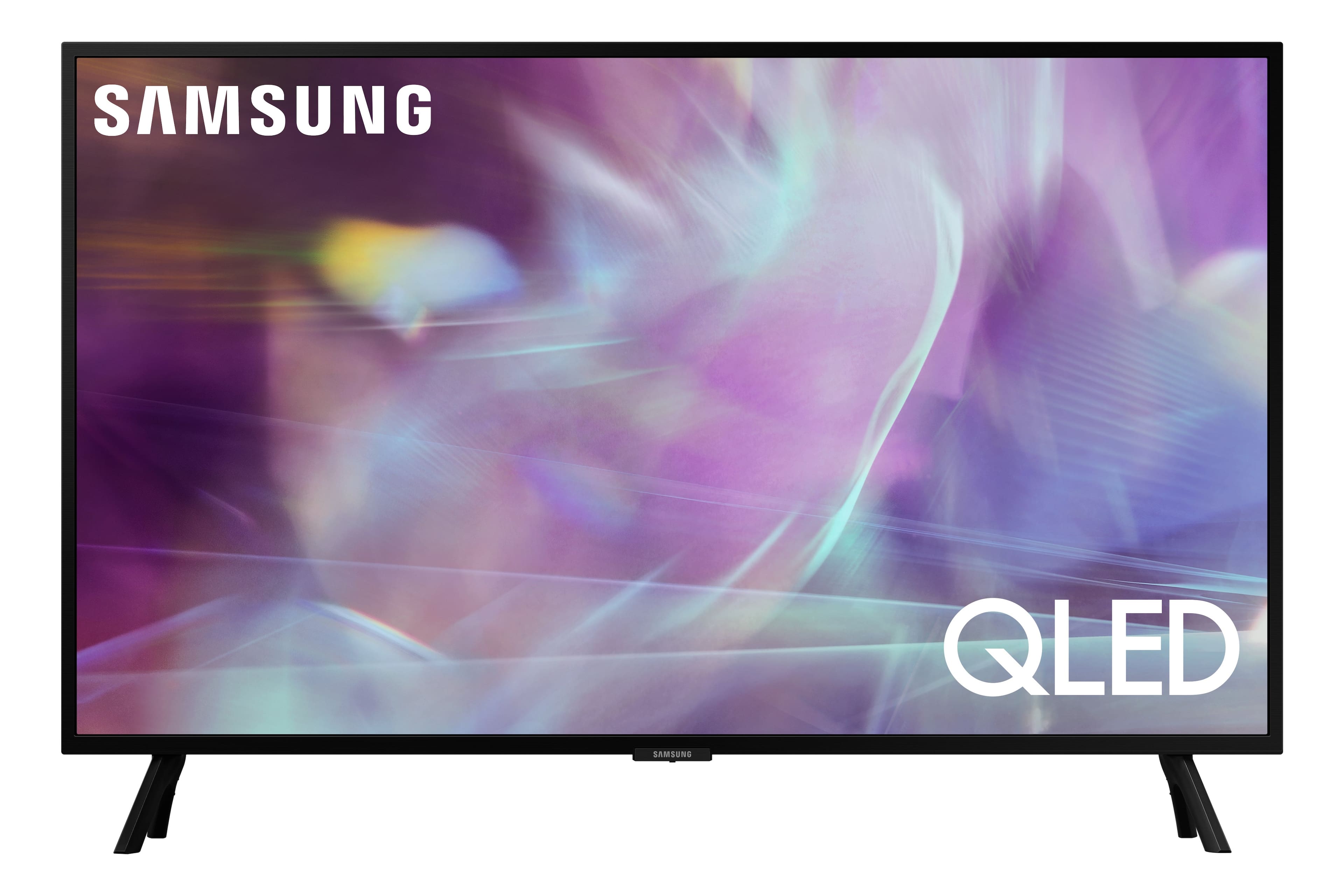
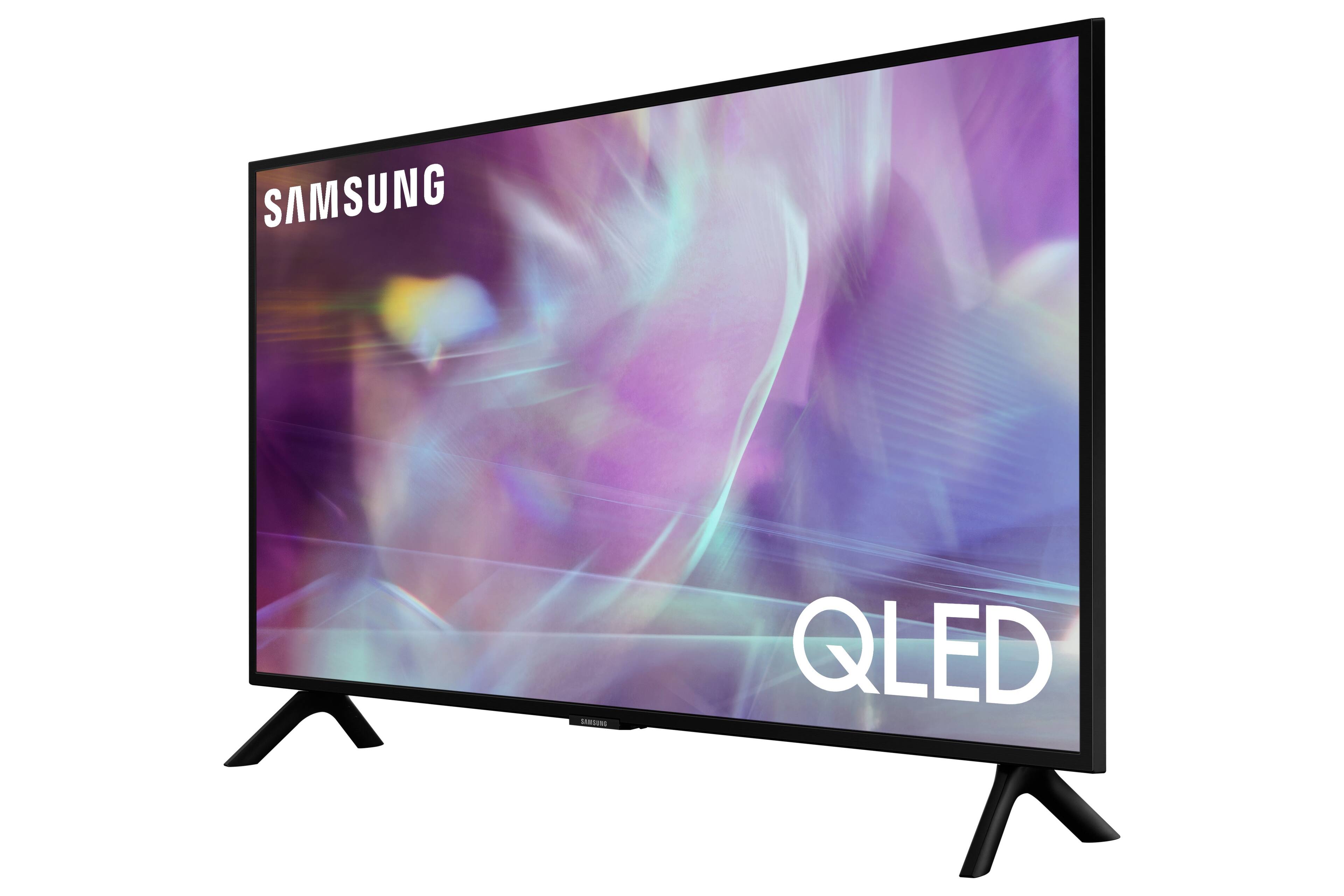
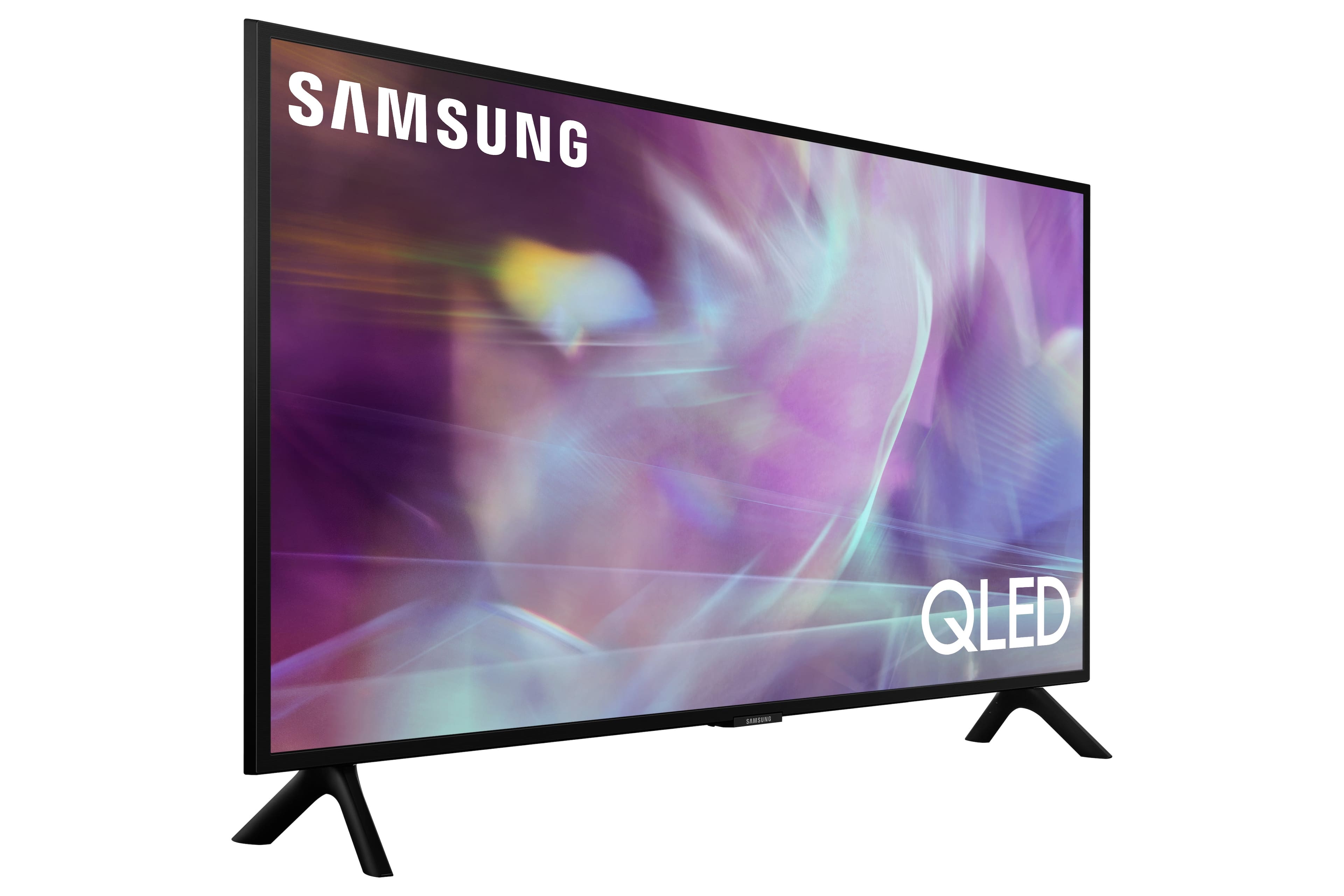
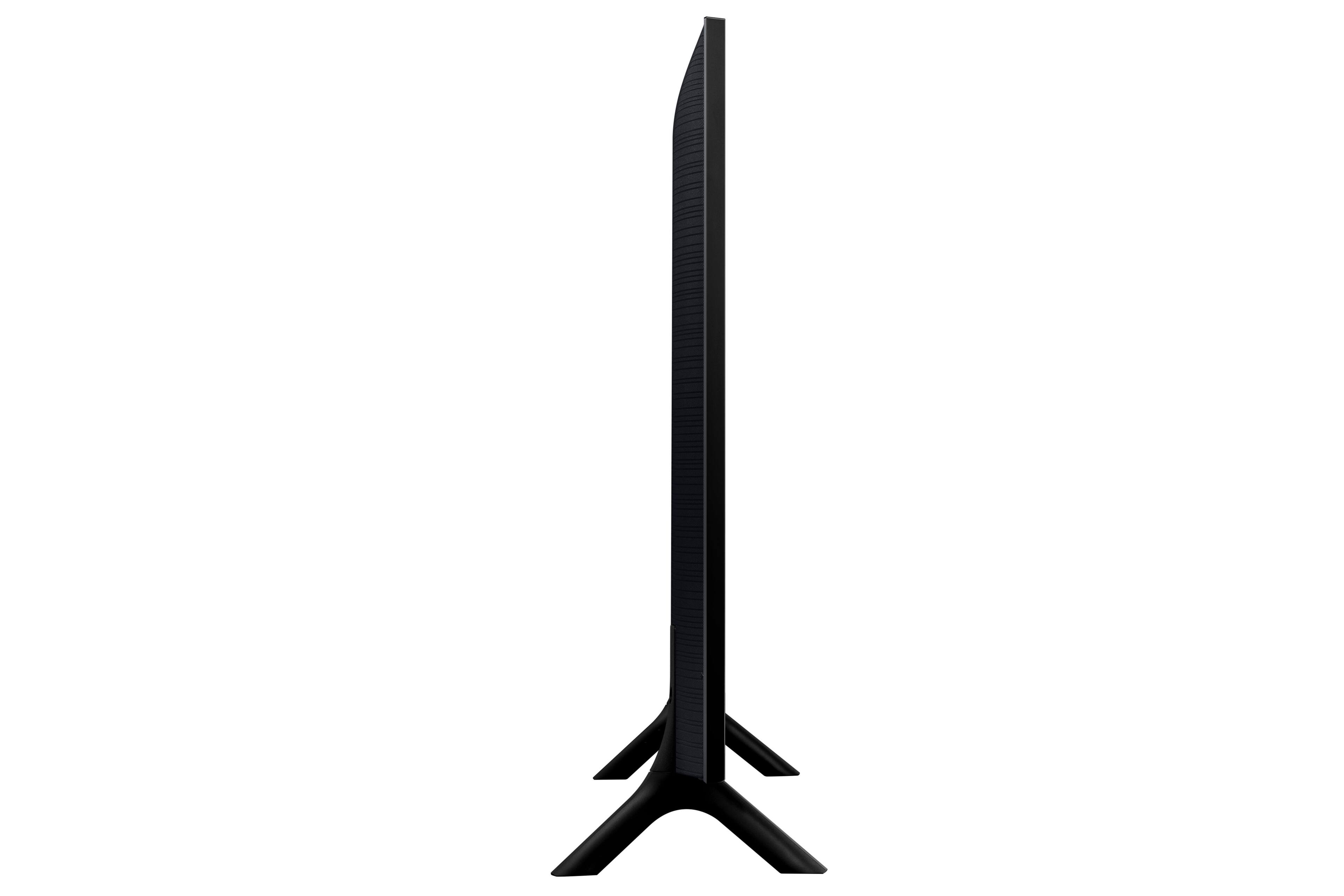
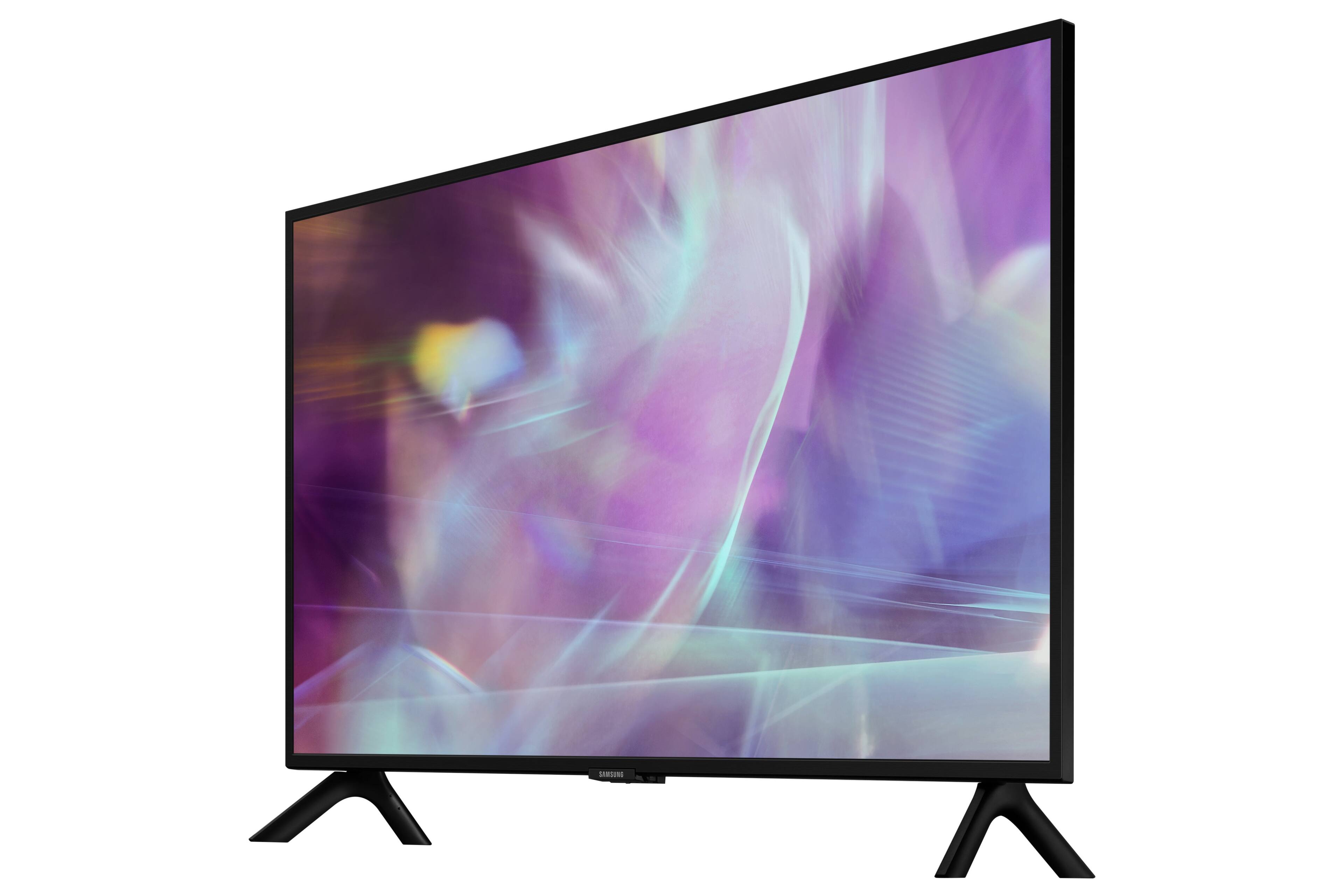
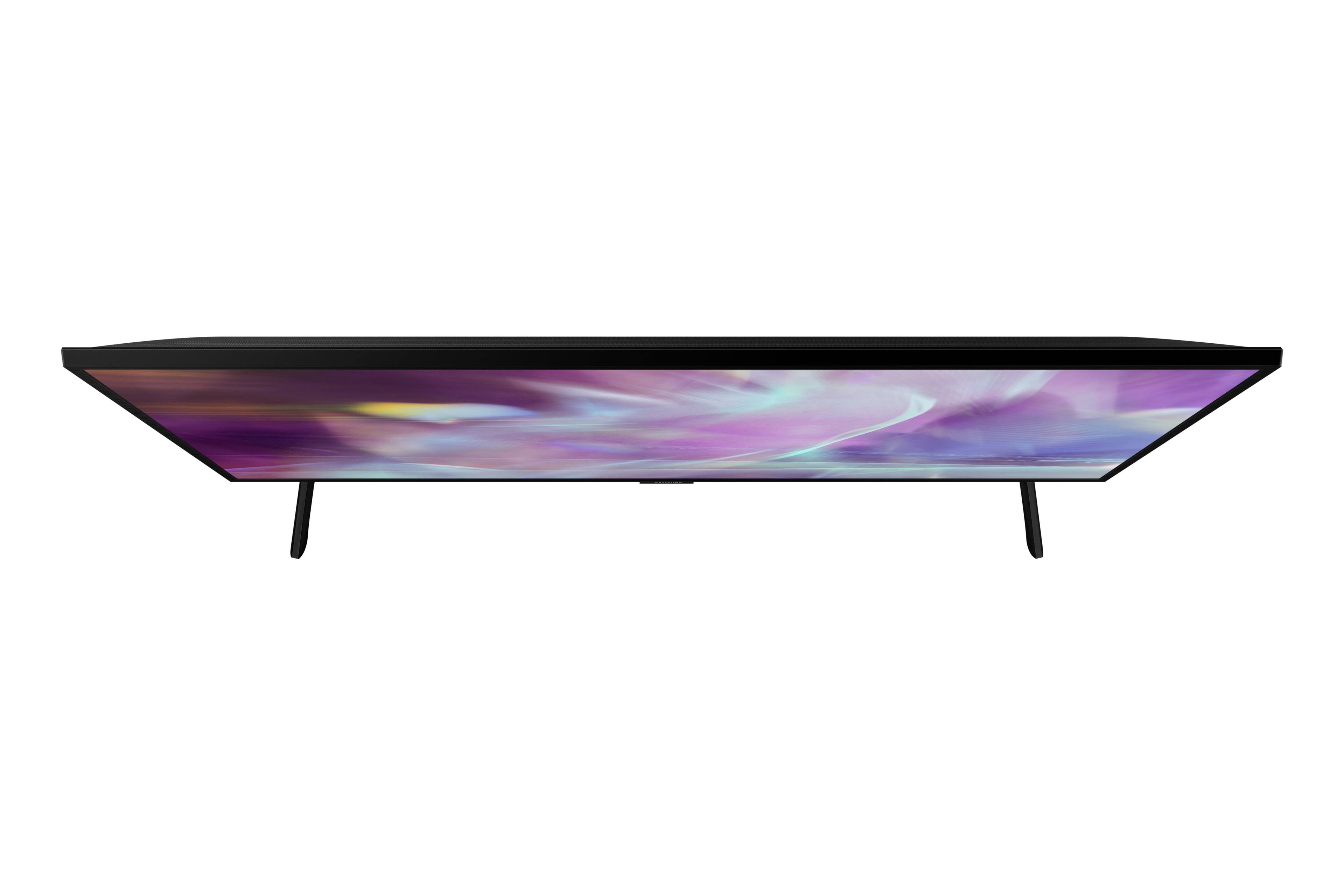
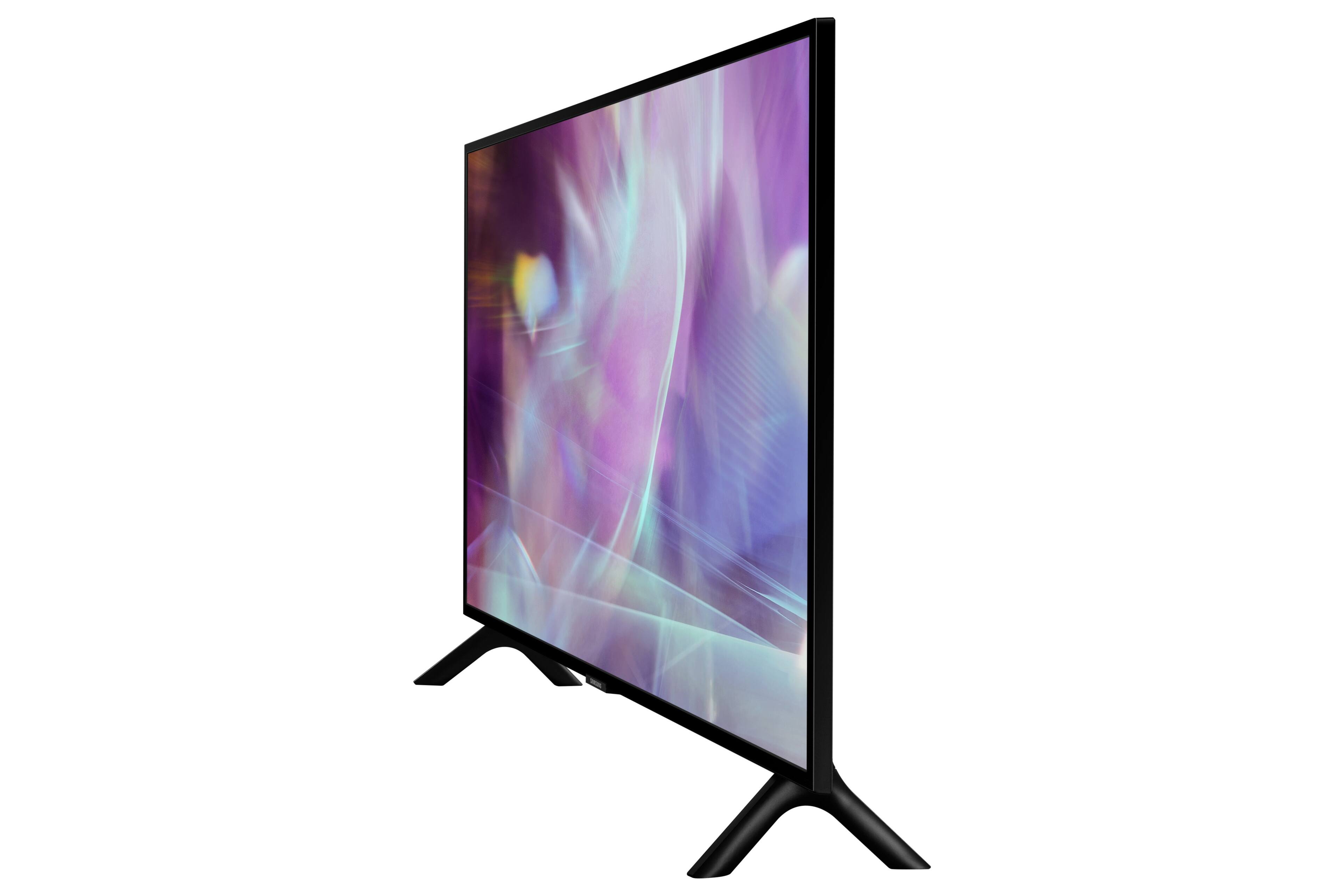
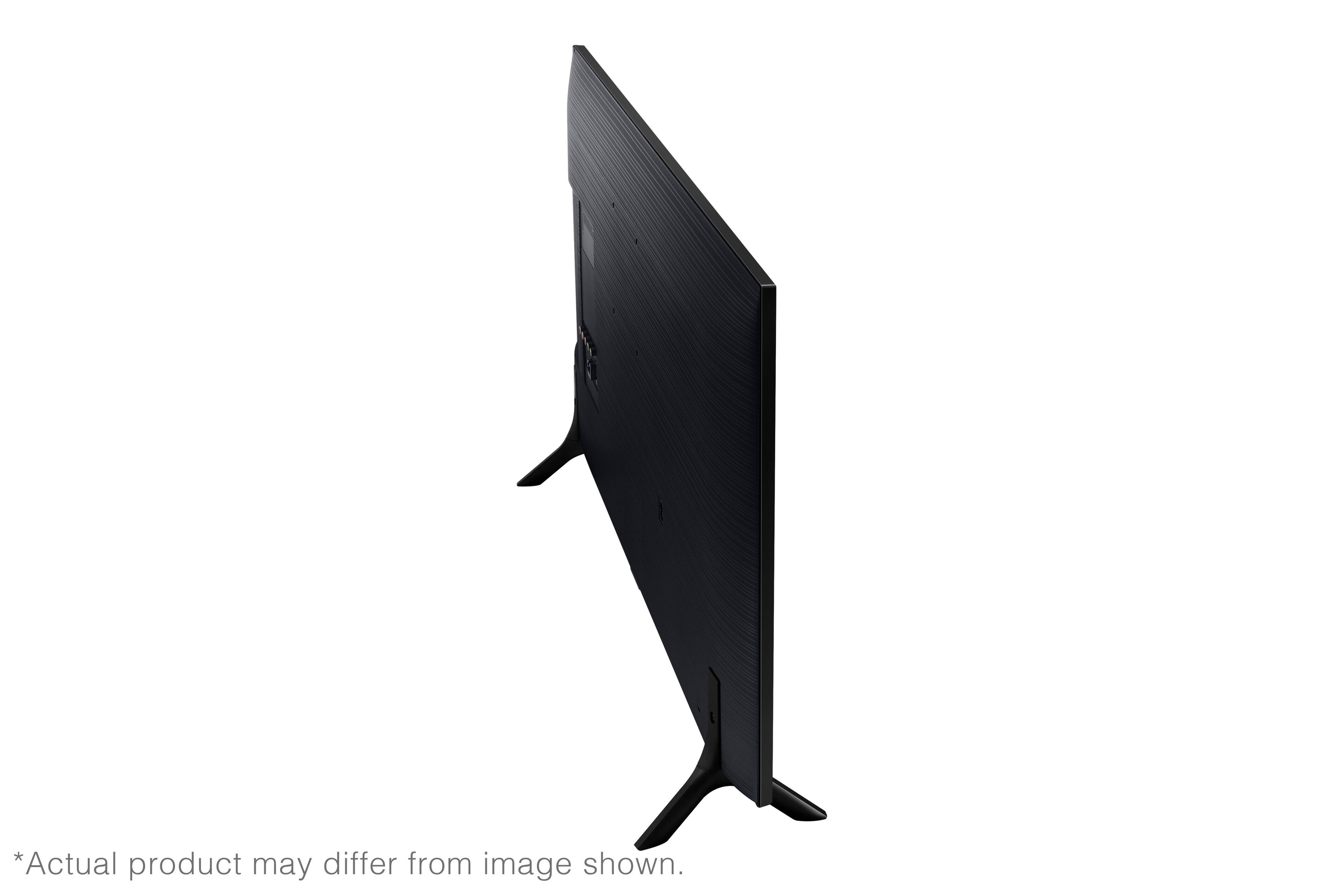


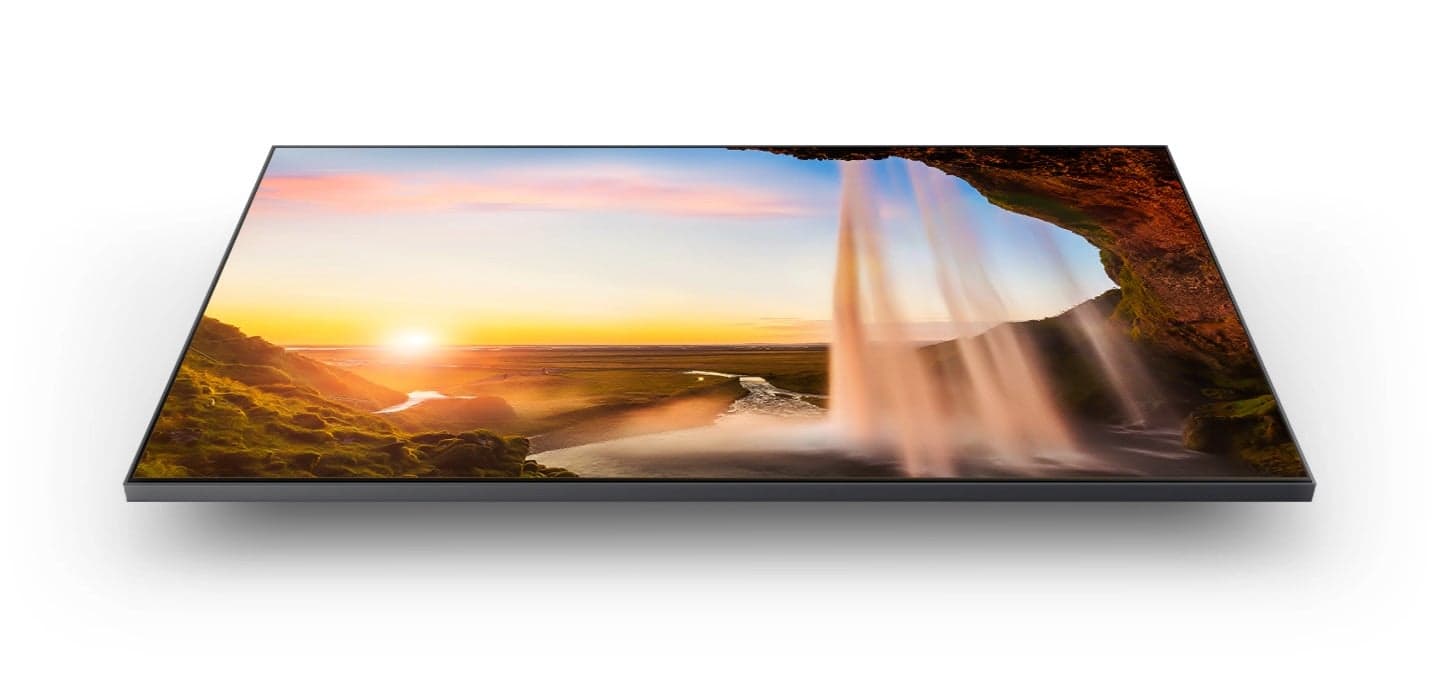


- Model:
- QN32Q60AAFXZA
- SKU:
- 6465202
Rating by feature
- Picture Quality
Rating 4.8 out of 5 stars
- Sound Quality
Rating 4.3 out of 5 stars
- Brightness
Rating 4.7 out of 5 stars
Customers are saying
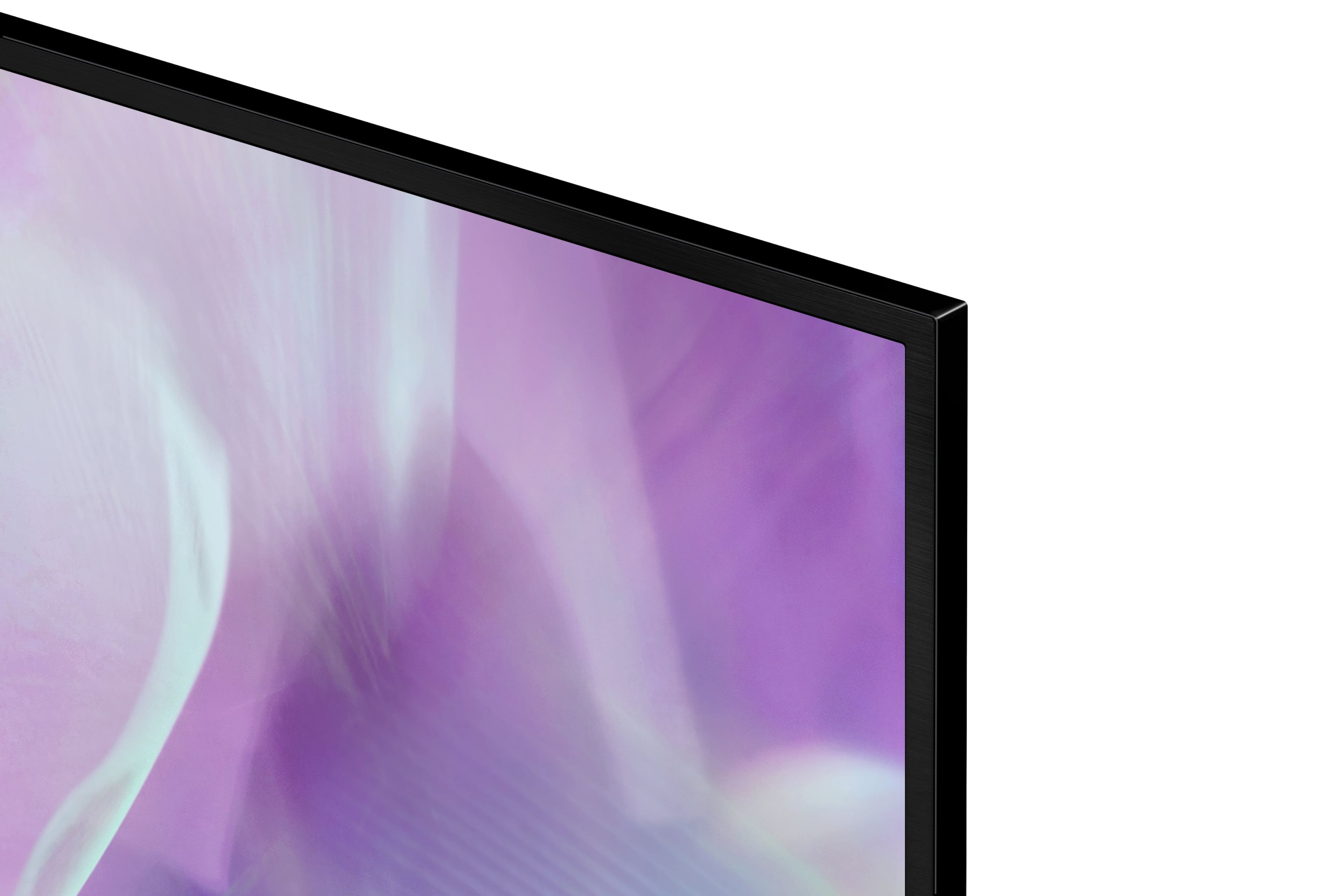
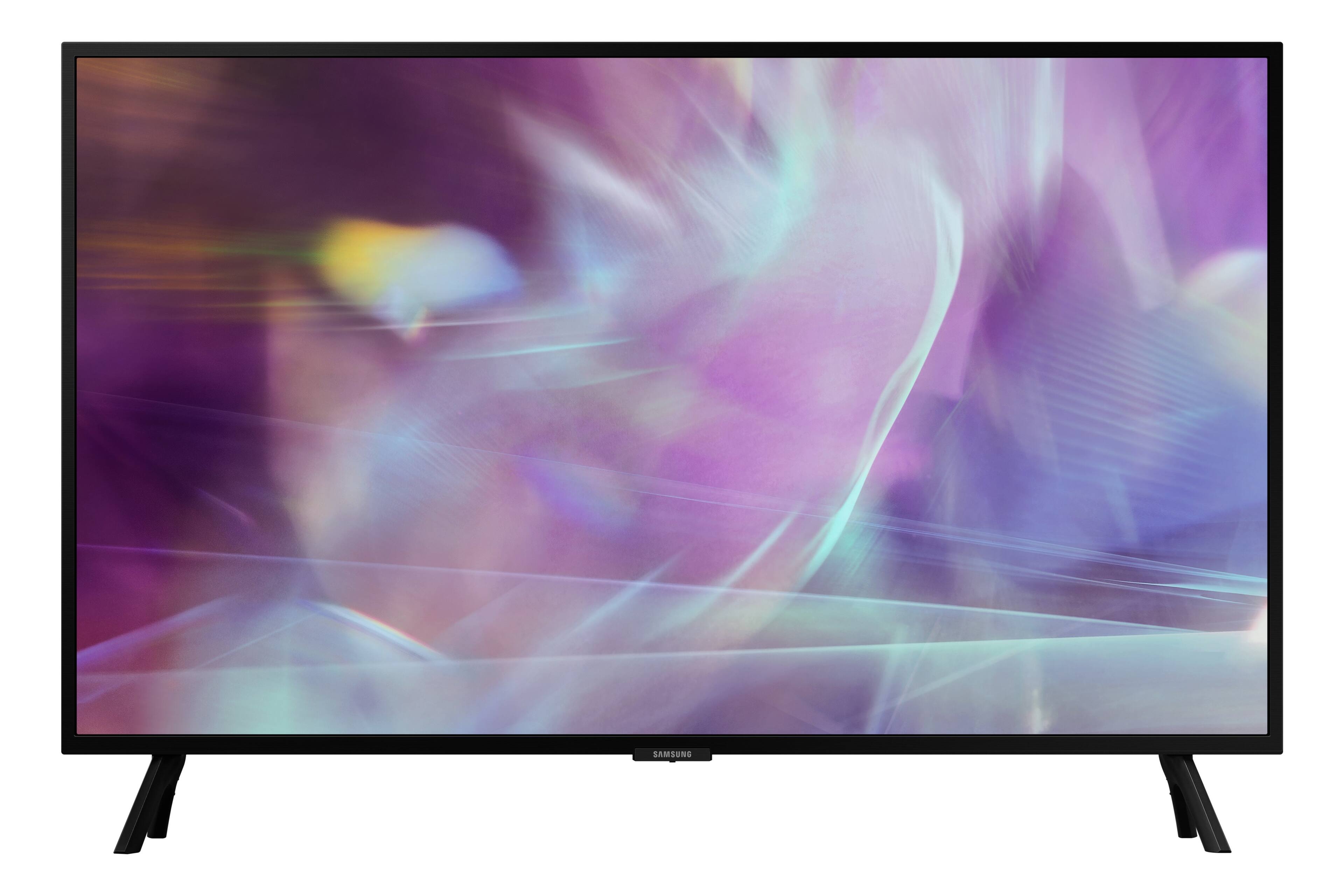
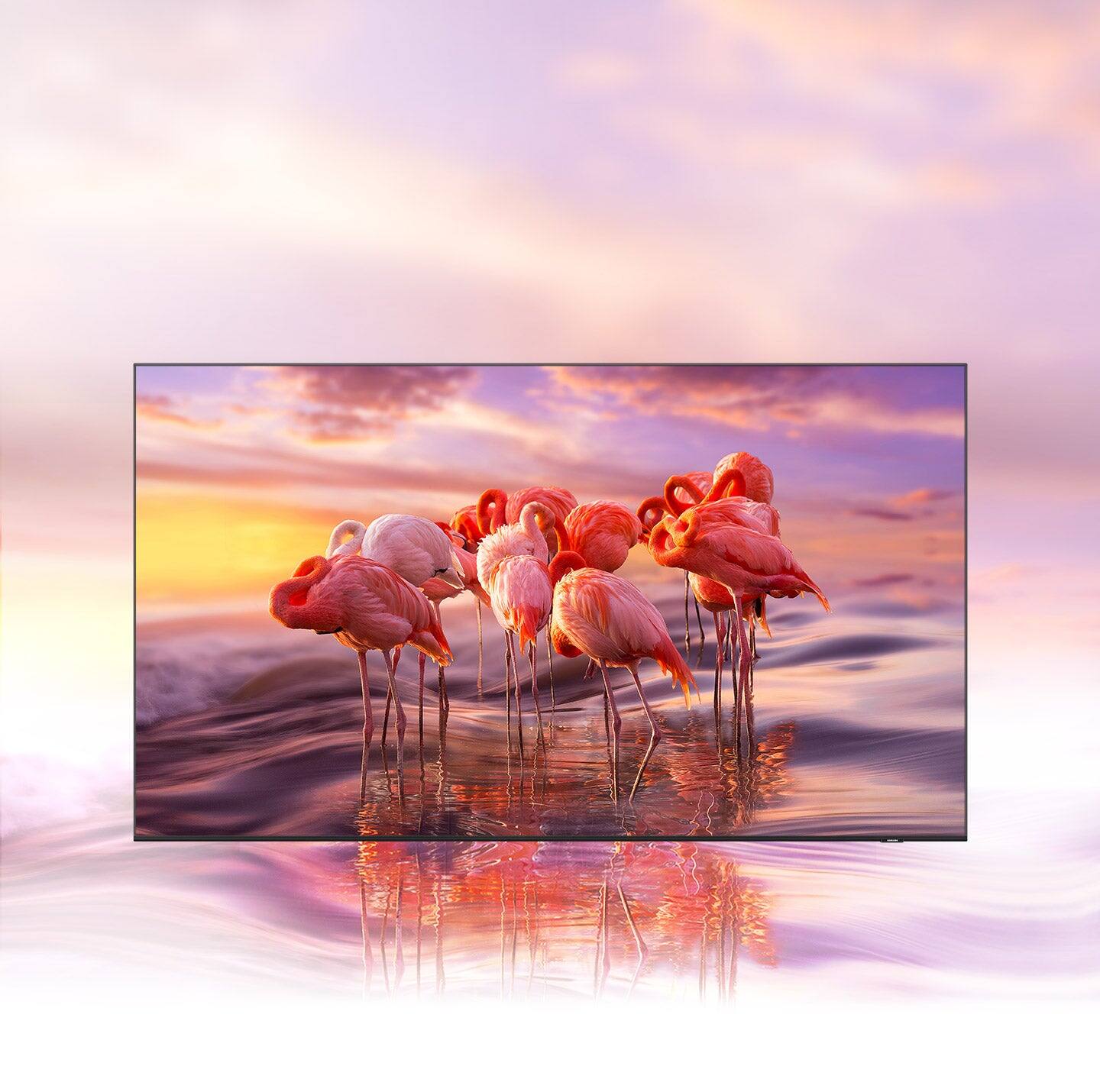
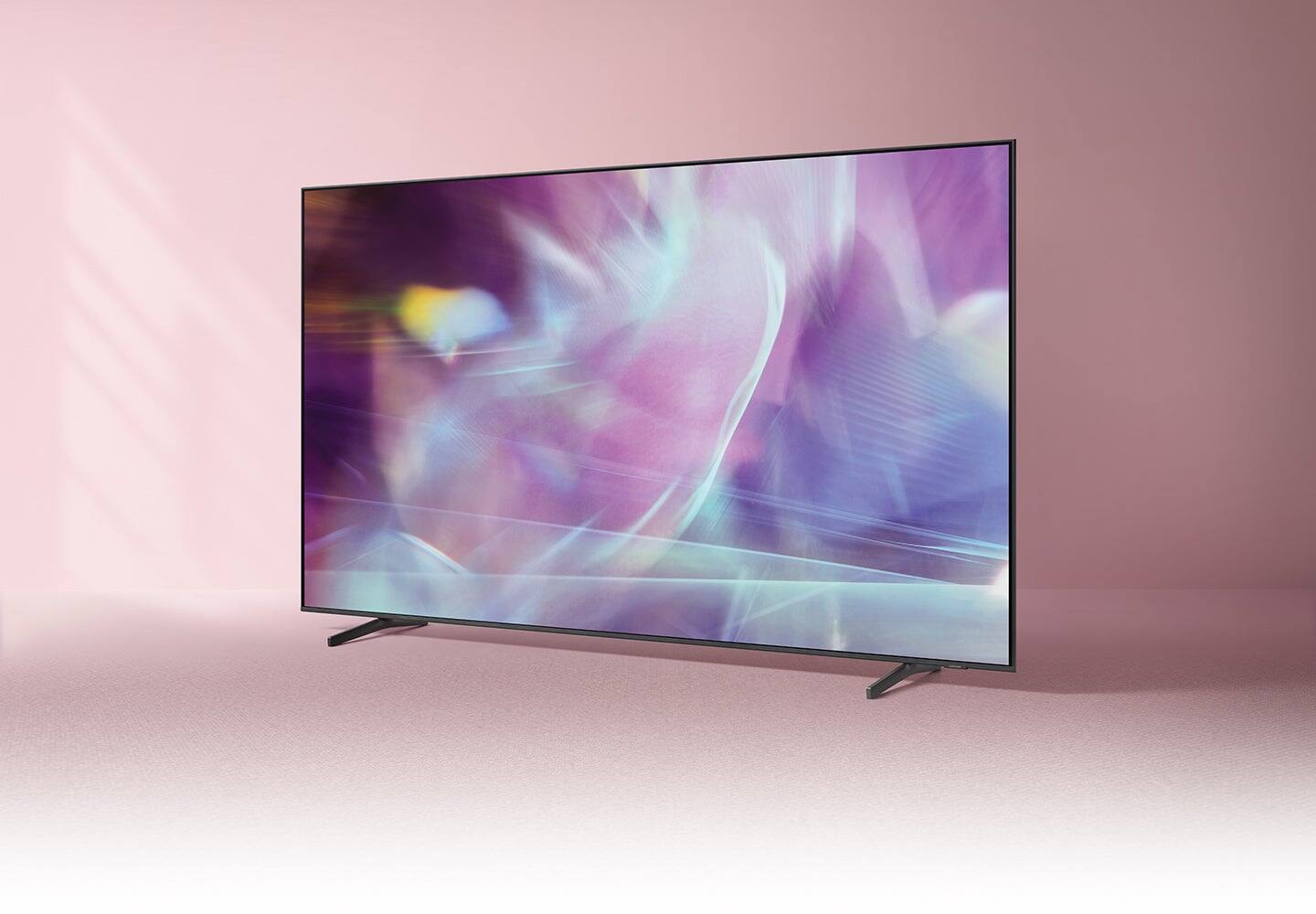
Customers are satisfied with the picture quality, ease of use, and size of the 32" Class Q60A Series QLED 4K UHD Smart Tizen TV. Many appreciate the vibrant colors and find it easy to set up and use. However, some customers expressed concerns about the remote control's functionality and the price point for a 32-inch screen. A few also noted limitations in viewing angles and refresh rate.
This summary was generated by AI based on customer reviews.
Christmas present
||Posted . Owned for 3 weeks when reviewed.This reviewer received promo considerations or sweepstakes entry for writing a review.Bought this for my wife for Christmas. She loves it!! Works great!!!
I would recommend this to a friend- Pros mentioned:Picture quality
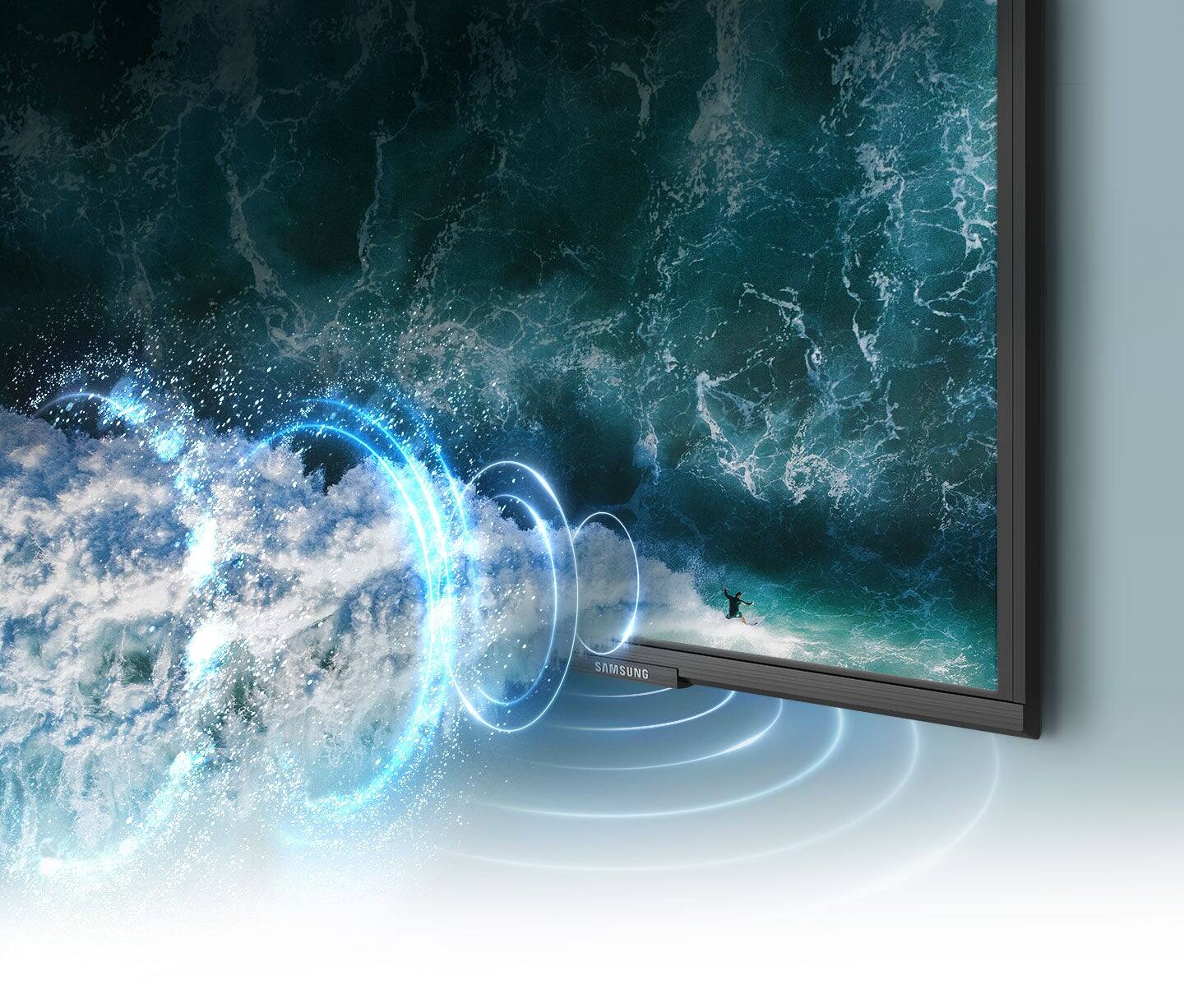
Poor sound quality
||Posted . Owned for 1 month when reviewed.This reviewer received promo considerations or sweepstakes entry for writing a review.Sound is not good. Tried all settings. Same TV in larger size is fine.
No, I would not recommend this to a friendBrand response from Samsung
Posted .LATH,
Thank you for purchasing the Q60A TV and for sharing your feedback regarding the sound quality. There are several sound settings you can adjust to suit your personal sound preferences.
Change the Sound Mode by going to: Settings > Sound > Sound Mode
You can also customize the sound with Expert Settings by going to: Settings > Sound > Expert Settings
To assist you with possible sound settings adjustments for a better audio experience, or choosing a Samsung Soundbar to complement your viewing enjoyment, please reach out to us at 1-800-SAMSUNG, 8AM - 12AM EST, 7 days a week. LiveChat with an agent as well as manuals, software, and warranty info can be found at the ‘Support’ link on our Samsung website.
~ Samsung Specialist
- Pros mentioned:Picture quality
Good value for the price
||Posted . Owned for 1 month when reviewed.This reviewer received promo considerations or sweepstakes entry for writing a review.Picture is better than HD and easy to install in a small space
I would recommend this to a friendBrand response from Samsung
Posted .Novo,
Thanks for taking a moment to review Samsung’s Q60A TV. If you’re experiencing specific issues which caused you to give this a 3-star rating, please know Samsung Customer Support is here to help.
You can reach us at 1-800-SAMSUNG, 8AM - 12AM EST, 7 days a week. Our LiveChat agents are also available by clicking on the ‘Support’ link on our website.
~ Samsung Specialist
Thanks Geek Squad
||Posted . Owned for 2 months when reviewed.This reviewer received promo considerations or sweepstakes entry for writing a review.WE got it installed and turned on. Then Geek Squad came by to show us how it works off of our internet.
I would recommend this to a friendRemote Defect
||Posted . Owned for 2 months when reviewed.This reviewer received promo considerations or sweepstakes entry for writing a review.Great TV but remote stopped working (flywheel won't go right) after 1-month. Best Buy won't replace remote so I'm going to return TV.
No, I would not recommend this to a friendBrand response from Samsung
Posted .DefectiveRemote,
Thank you for your review of Samsung’s Q60A TV and for sharing your experience with your remote not working. If you press any key on the remote, and the LED indicator at the top of your remote stays on for about 3 seconds rather than blinking, please try the following steps to reset your remote:
1) Long press the RETURN key and ENTER key together for about 10 seconds if your remote was once paired already with the TV, you do not need to re-pair it again. However, if it was not paired with the TV, pairing must be done after the reset.
2) The RETURN key is on the left side of your remote and looks like a curved, backwards pointing arrow.
3) The ENTER key is the button in the center of your directional ring.
I hope this helps, should you need further assistance, please contact Samsung TV Support at 1-800-SAMSUNG (ask for TVs), available 8AM - 12AM EST, 7 days a week.
For additional support resources, visit us on the Samsung website and click on the ‘Support’ link in the upper right corner of the homepage for:
1) Chat with Us/Product Help: To begin a chat or find solutions, choose ‘TVs & Home Theater’ and select your model & topic.
2) Manuals, Software, & Warranty Info
~ Samsung Specialist
living room
||Posted . Owned for 10 months when reviewed.This reviewer received promo considerations or sweepstakes entry for writing a review.Great TV. We had to replace ours and bought this because we liked the features.
I would recommend this to a friendNice picture
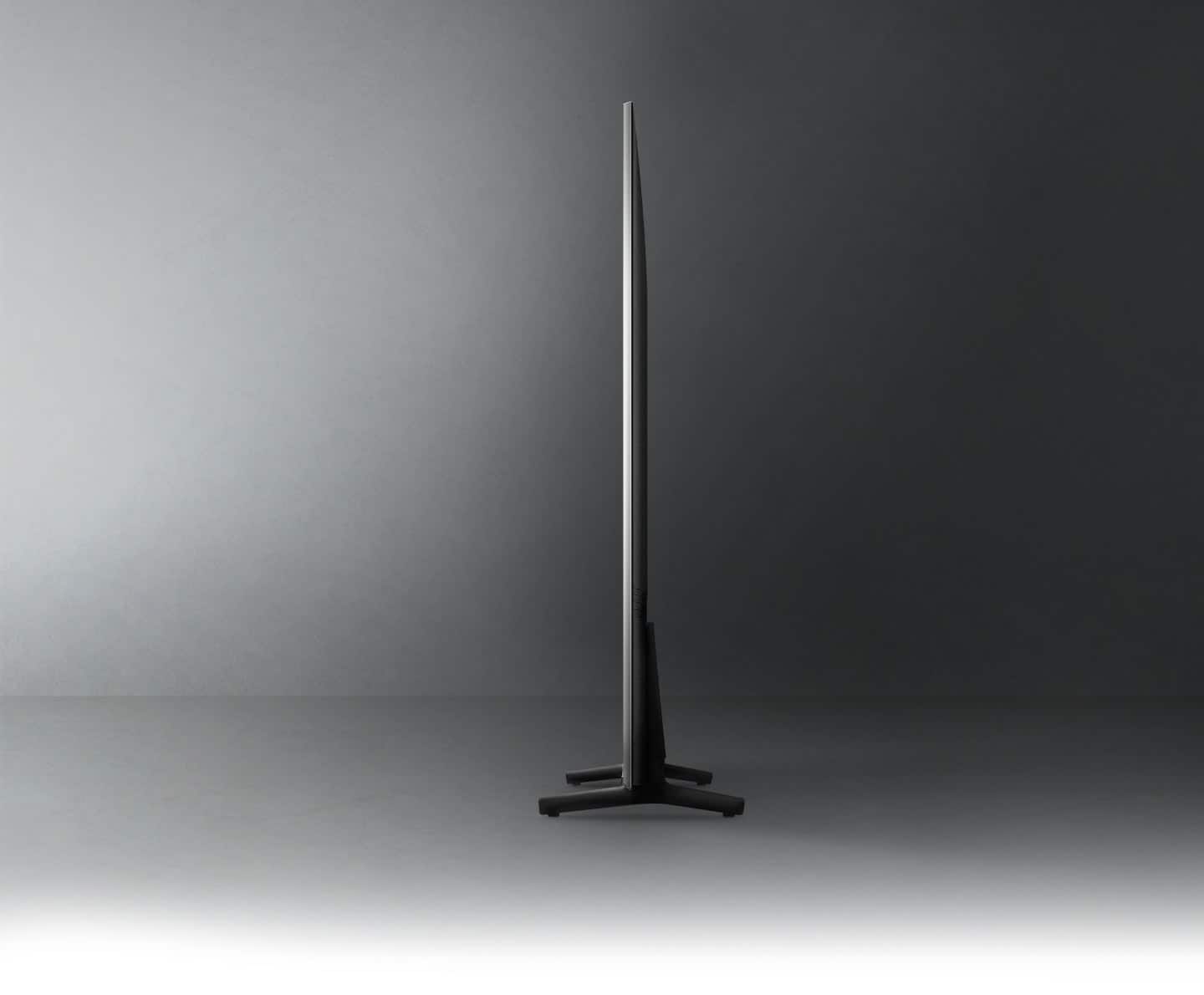
||Posted . Owned for 2 weeks when reviewed.This reviewer received promo considerations or sweepstakes entry for writing a review.This is a very nice tv for my child. Very thin and lightweight.
I would recommend this to a friendEasy to operate
||Posted . Owned for 3 weeks when reviewed.This reviewer received promo considerations or sweepstakes entry for writing a review.Seems nice product, but will have to give it some more time to busy for photographs today
I would recommend this to a friendSolar controlled - advanced Technology
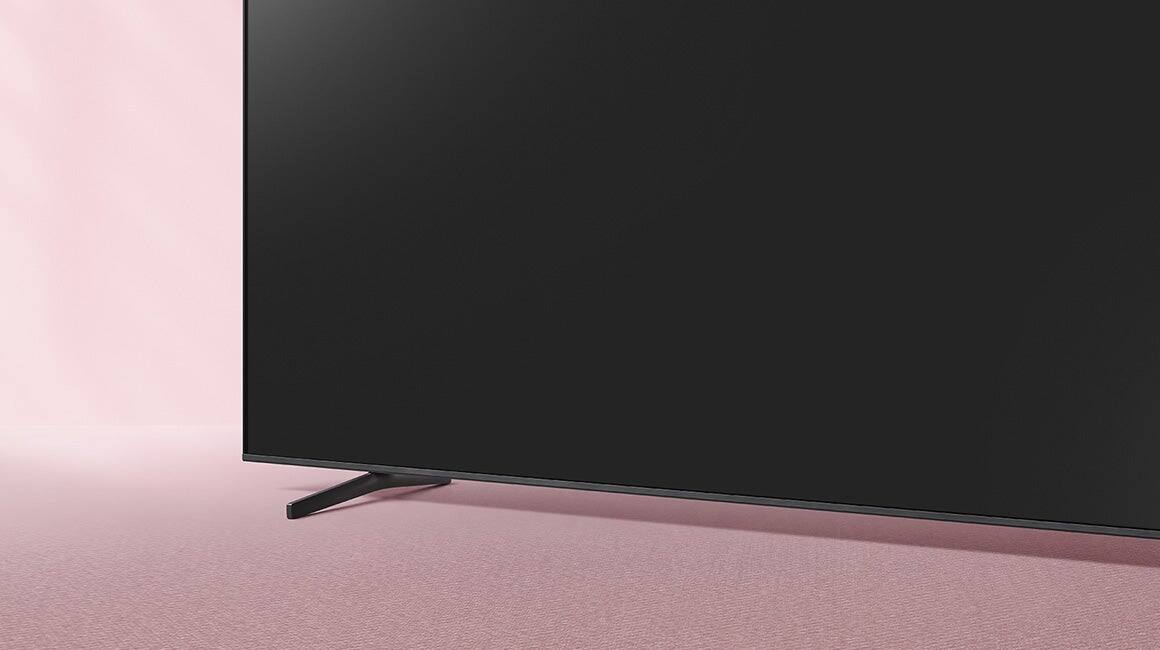
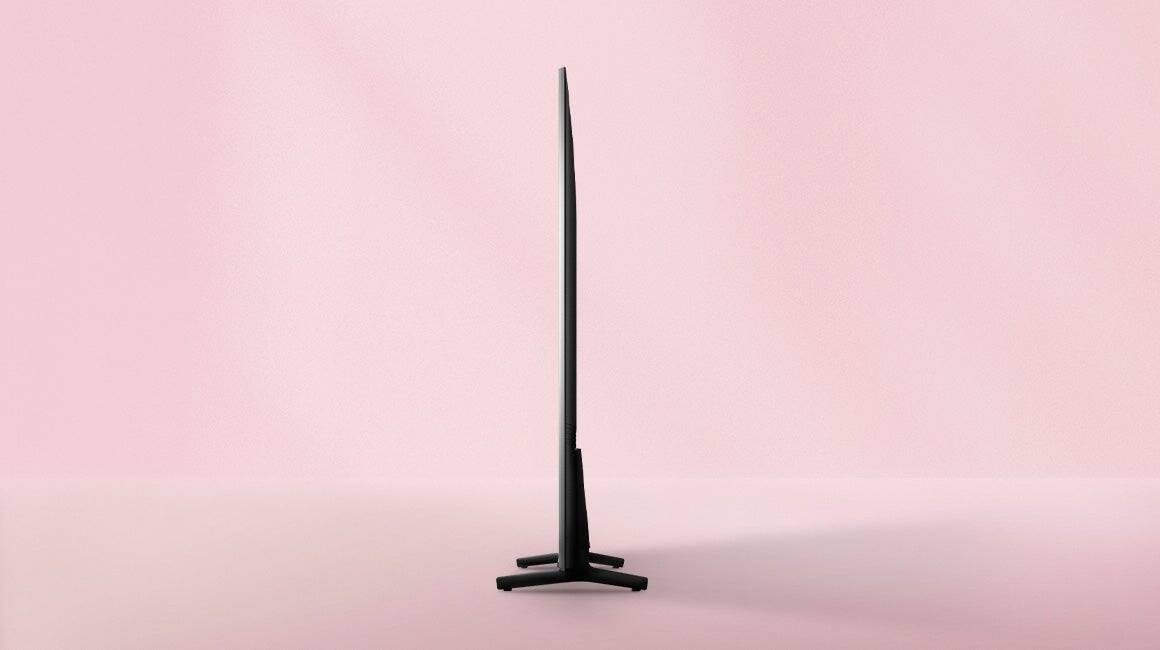
||Posted . Owned for 1 week when reviewed.This reviewer received promo considerations or sweepstakes entry for writing a review.I love this TV. It is solar controlled. I love the way the feet are set up.
I would recommend this to a friendTimely purchase.
||Posted . Owned for 1 month when reviewed.This reviewer received promo considerations or sweepstakes entry for writing a review.Great TV for the price. Excellent service. Recommend highly.
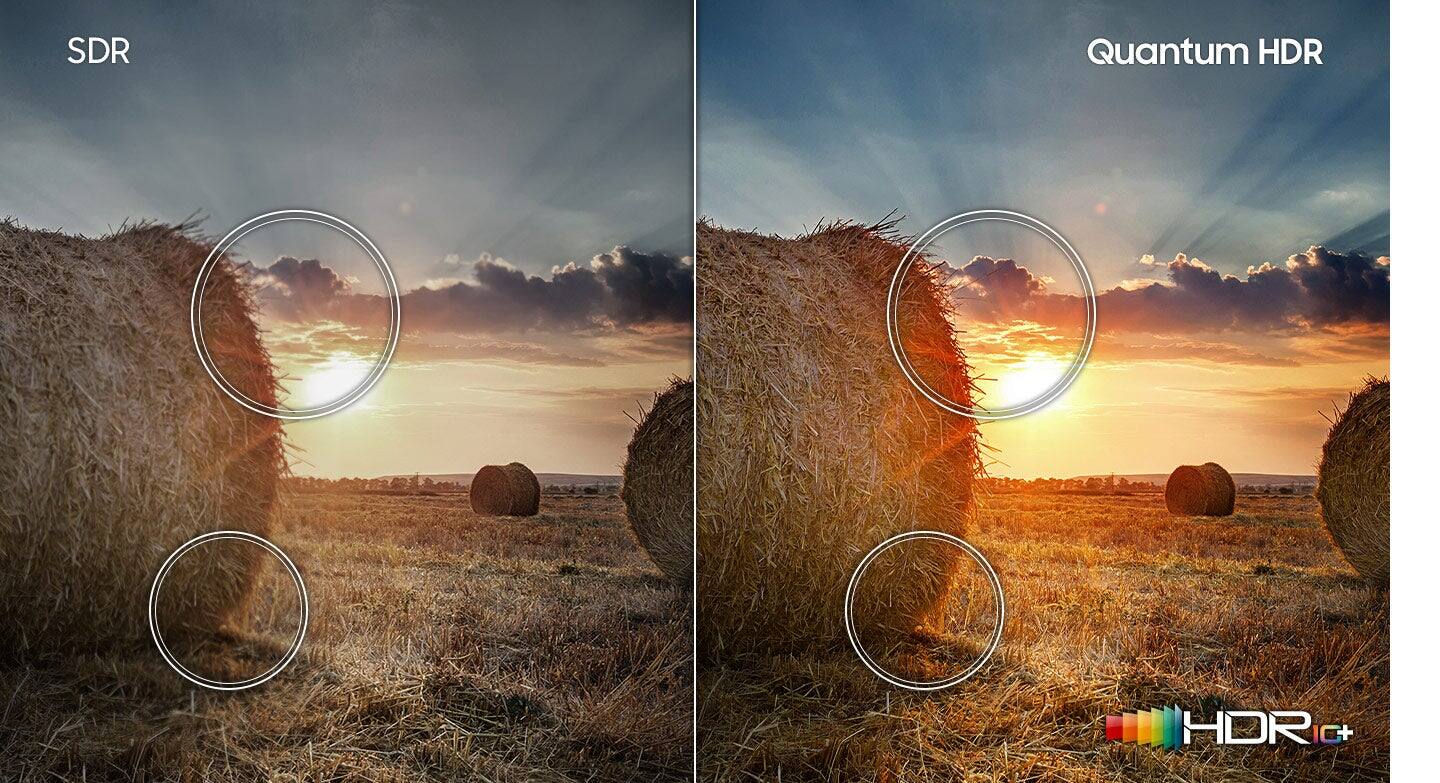
I would recommend this to a friend- Cons mentioned:Hdr
DO NOT BUY THIS TV
||Posted . Owned for 1 month when reviewed.This reviewer received promo considerations or sweepstakes entry for writing a review.Im a tech nerd, the guy who has to constantly upgrade my computer and tvs etc all the time and i build home arcades for people. I actually bought this tv for my virtual pinball table, which needed a 32inch screen. I was using an absolutely amazing LG 1440p 165hz 1ms HDR-10 gaming monitor but figured this tv is on sale maybe ill upgrade from 1440p to 4k. I immediately knew this was going back. Thr colors were washed out, thr hdr was horrible and everything just looked terrible on it. I returned it and put the LG 1440p gaming monitor and man what a difference. DO NOT BUY THIS TV. ITS TRASH.
No, I would not recommend this to a friendBrand response from Samsung
Posted .JohnT,
Thank you for sharing your review of Samsung's 32" Q60A TV. Your details regarding your picture quality are appreciated and will be shared with our internal teams.
It is possible that your unit needed minor troubleshooting, a firmware update, or adjustments in settings.
Should you ever decide to give Samsung TVs another try and have questions or need assistance with settings, setup, or features, please know we are always here to help. Call us at 1-800-SAMSUNG (ask for TVs), available 8AM - 12AM EST, 7 days a week.
For additional support resources, visit us on the Samsung website and click on the ‘Support’ link in the upper right corner of the homepage for:
1) Chat with Us/Product Help: To begin a chat or find solutions, choose ‘TVs & Home Theater’ and select your model & topic.
2) Manuals, Software, & Warranty Info
~ Samsung Specialist
Small spaces
||Posted . Owned for 1 month when reviewed.This reviewer received promo considerations or sweepstakes entry for writing a review.Fit in space. Light weight and easy to setup. Easy to get out of box.
I would recommend this to a friend32" samsung tv
||Posted . Owned for 2 weeks when reviewed.This reviewer received promo considerations or sweepstakes entry for writing a review.would have 5 stars but for 3 problems: — no USBa to USBc cable provided for charging the remote. — no ear phone jack (nor on any current samsung tv). This omission was irritating, frustrating & costly. — sound from internal speakers is barely useful. fortunately, we have a good external speaker installation. — note: the last comment re sound essentially applies to all current televisions of any brand.
I would recommend this to a friendBrand response from Samsung
Posted .Hi toobig,
Thank you for choosing Samsung's Q60A TV and for your review. Your thoughts on the included accessories and featured inputs are appreciated and will be shared with our internal teams.
Please know your TV has several sound settings you can adjust to suit your personal sound preferences.
Change the Sound Mode by going to: Settings > Sound > Sound Mode
You can also customize the sound with Expert Settings by going to: Settings > Sound > Expert Settings
To assist you with possible sound settings adjustments for a better audio experience, or choosing a Samsung Soundbar to complement your viewing enjoyment, please reach out to us at 1-800-SAMSUNG (ask for TVs), available 8AM - 12AM EST, 7 days a week.
For additional support resources, visit us on the Samsung website and click on the ‘Support’ link in the upper right corner of the homepage for:
1) Chat with Us/Product Help: To begin a chat or find solutions, choose ‘TVs & Home Theater’ and select your model & topic.
2) Manuals, Software, & Warranty Info
~ Samsung Specialist
Excellent job but Best Buy
||Posted .This reviewer received promo considerations or sweepstakes entry for writing a review.I returned this TV for a larger one and I'm glad I did. Best Buy did an excellent job in handling this transaction
No, I would not recommend this to a friendTv
||Posted .This reviewer received promo considerations or sweepstakes entry for writing a review.Love the tv especially on how we can connect our phones to it to watch other shows or programs.
I would recommend this to a friendFantastic quality
||Posted . Owned for 10 months when reviewed.This reviewer received promo considerations or sweepstakes entry for writing a review.Great quality! Actually getting ready to purchase a second one!
I would recommend this to a friendGreat picture
||Posted . Owned for 1 month when reviewed.This reviewer received promo considerations or sweepstakes entry for writing a review.Easy setup- great picture. Add a sound bar to make it even better.
I would recommend this to a friendNot Open Yet
||Posted . Owned for 1 month when reviewed.This reviewer received promo considerations or sweepstakes entry for writing a review.Havent opened yet but excited to see of the reviews are accurate
I would recommend this to a friendAwsome
||Posted . Owned for 3 weeks when reviewed.This reviewer received promo considerations or sweepstakes entry for writing a review.Awesome tv I use it for my Xbox and it does a really good job at showing the 4k graphics
I would recommend this to a friendSamsung 32 inch 4K television
||Posted . Owned for 1 month when reviewed.This reviewer received promo considerations or sweepstakes entry for writing a review.This TV stopped working after only one month of use. Very disappointed as we have had very good luck with Samsung televisions.
No, I would not recommend this to a friend