Customer Ratings & Reviews
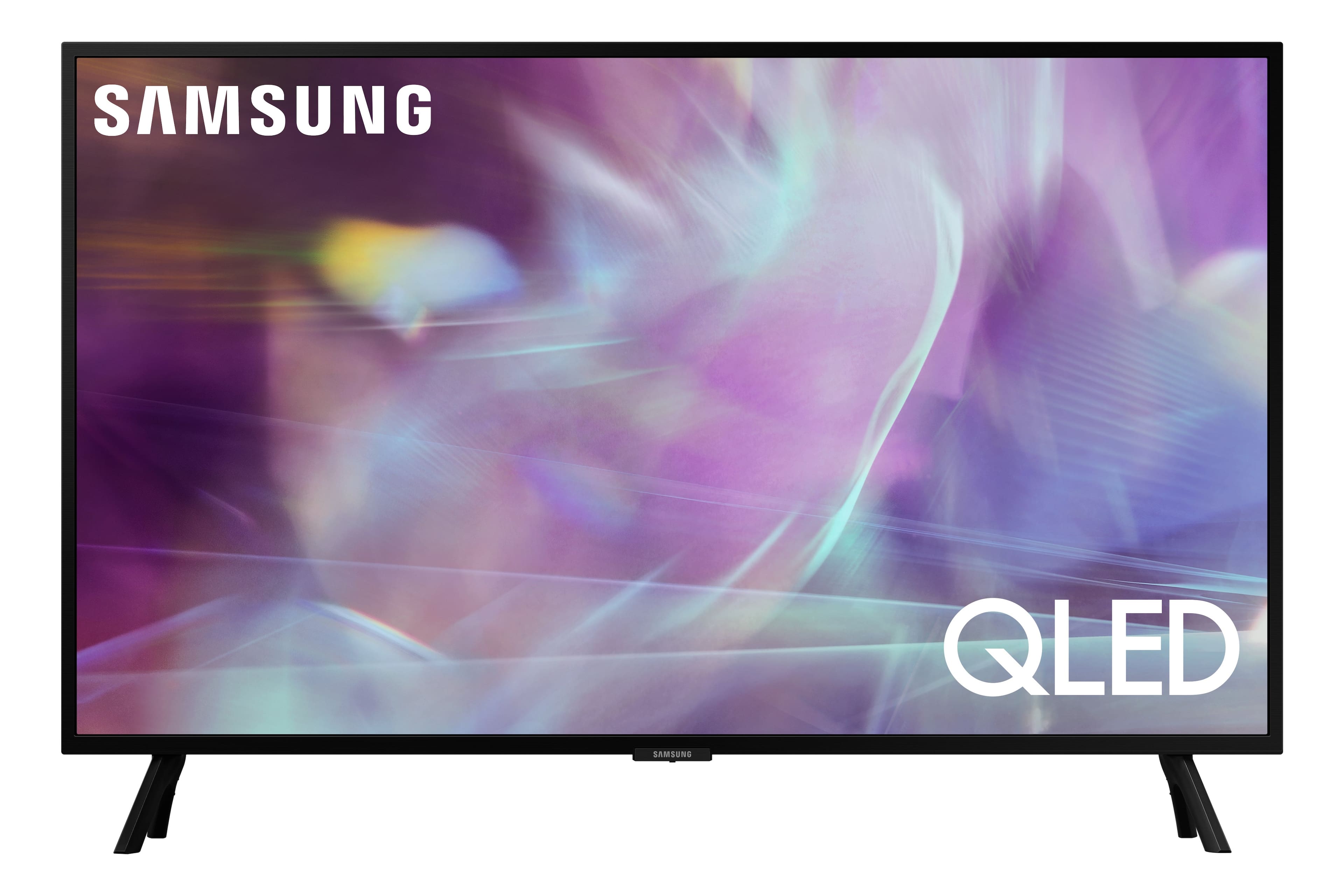
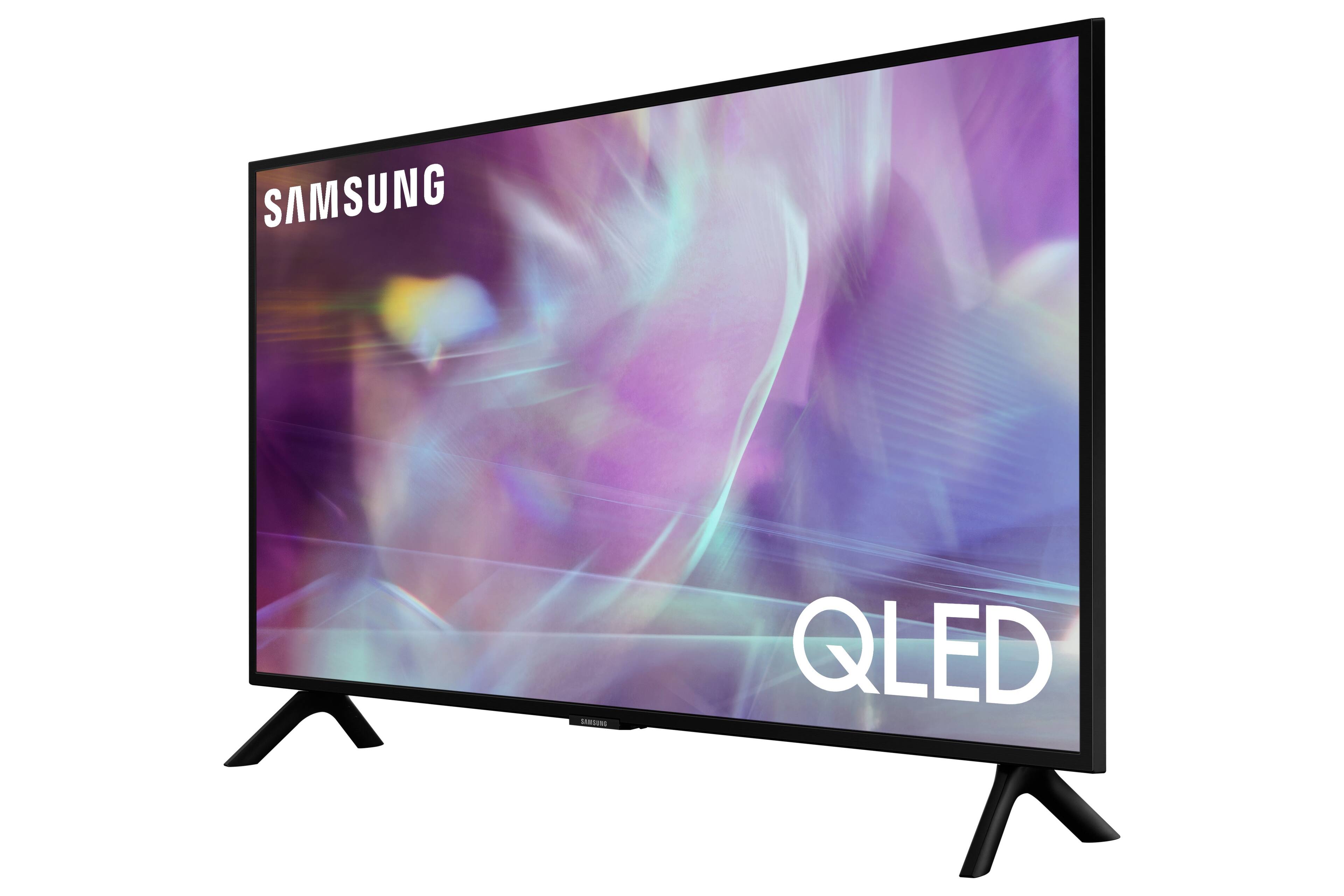
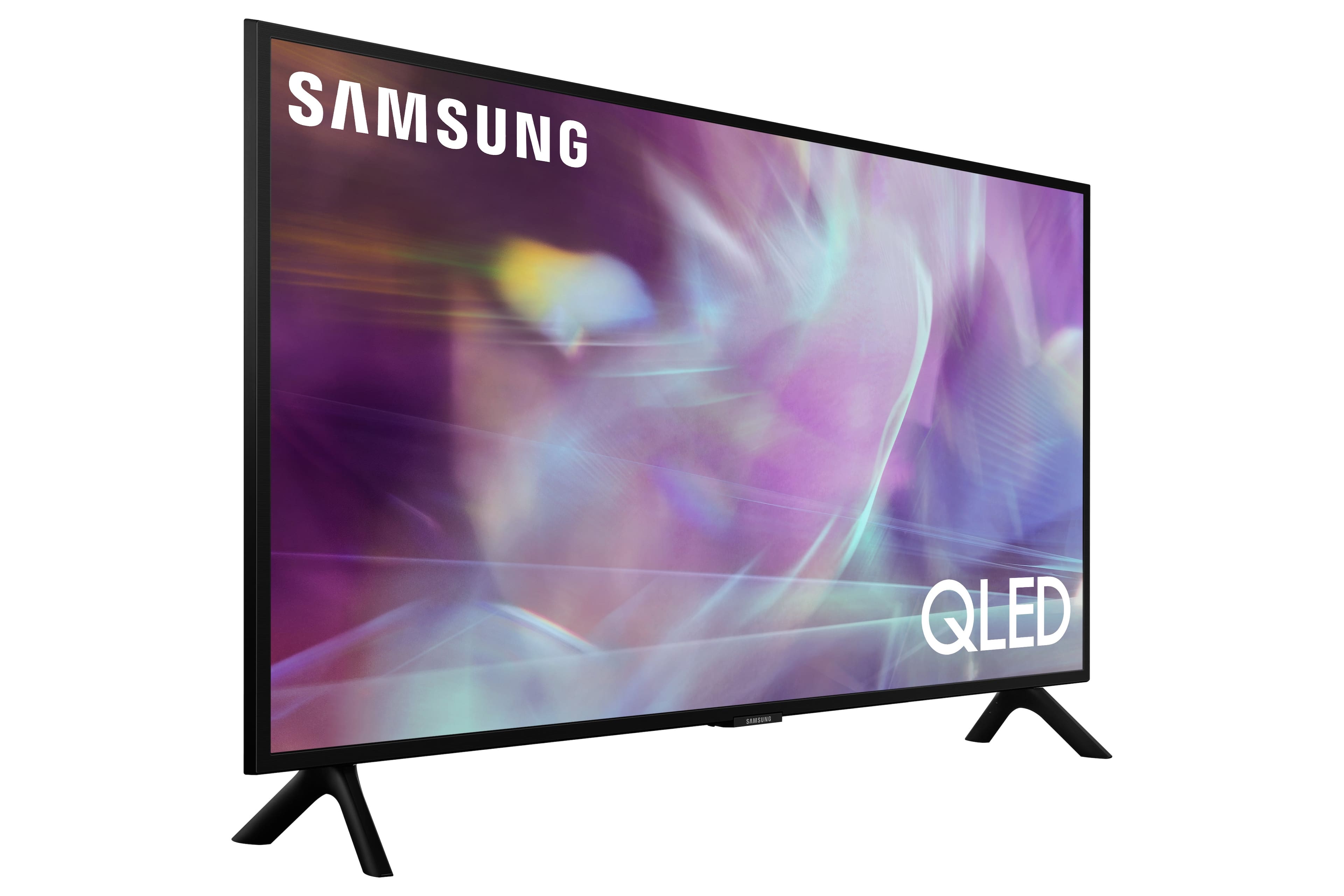
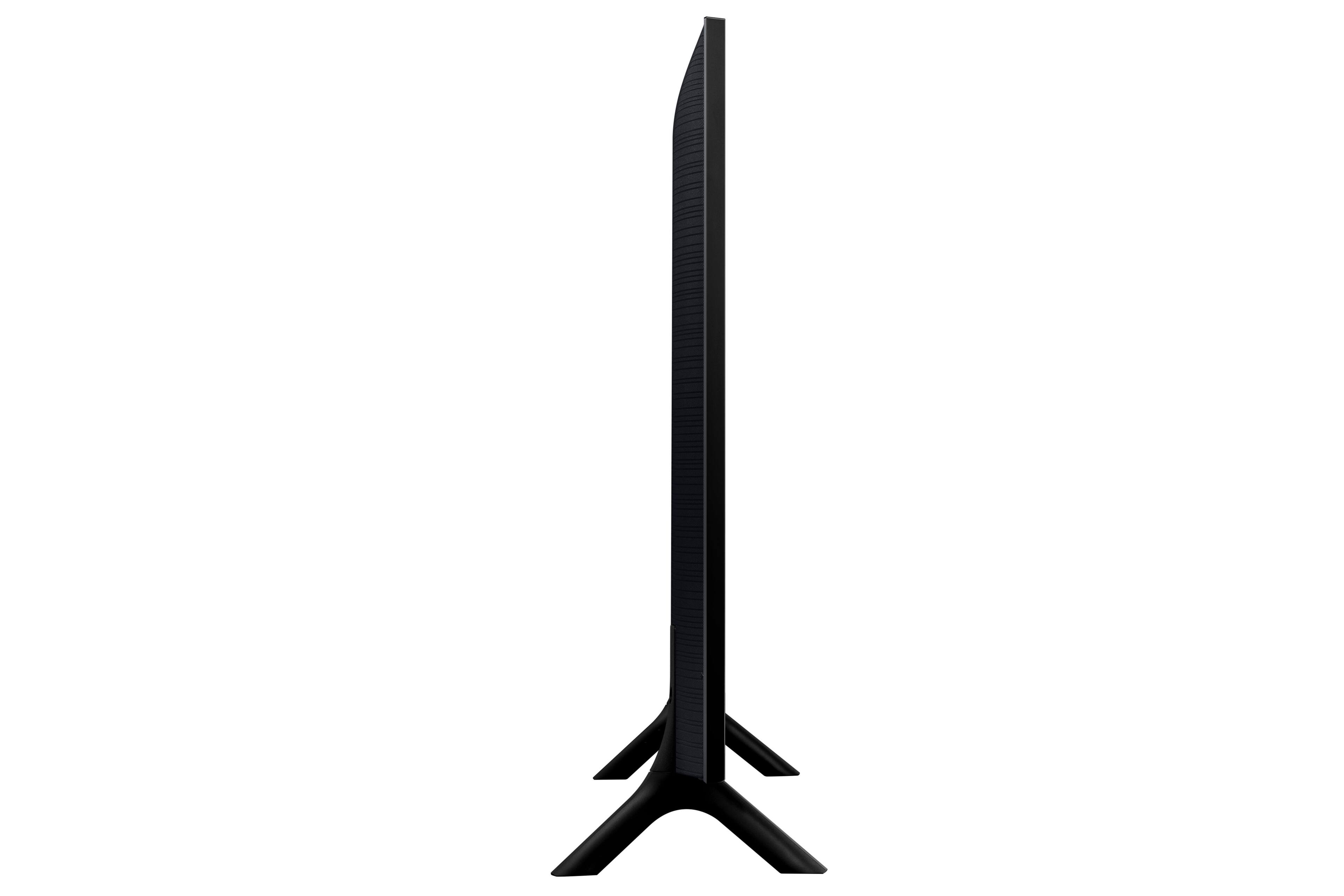
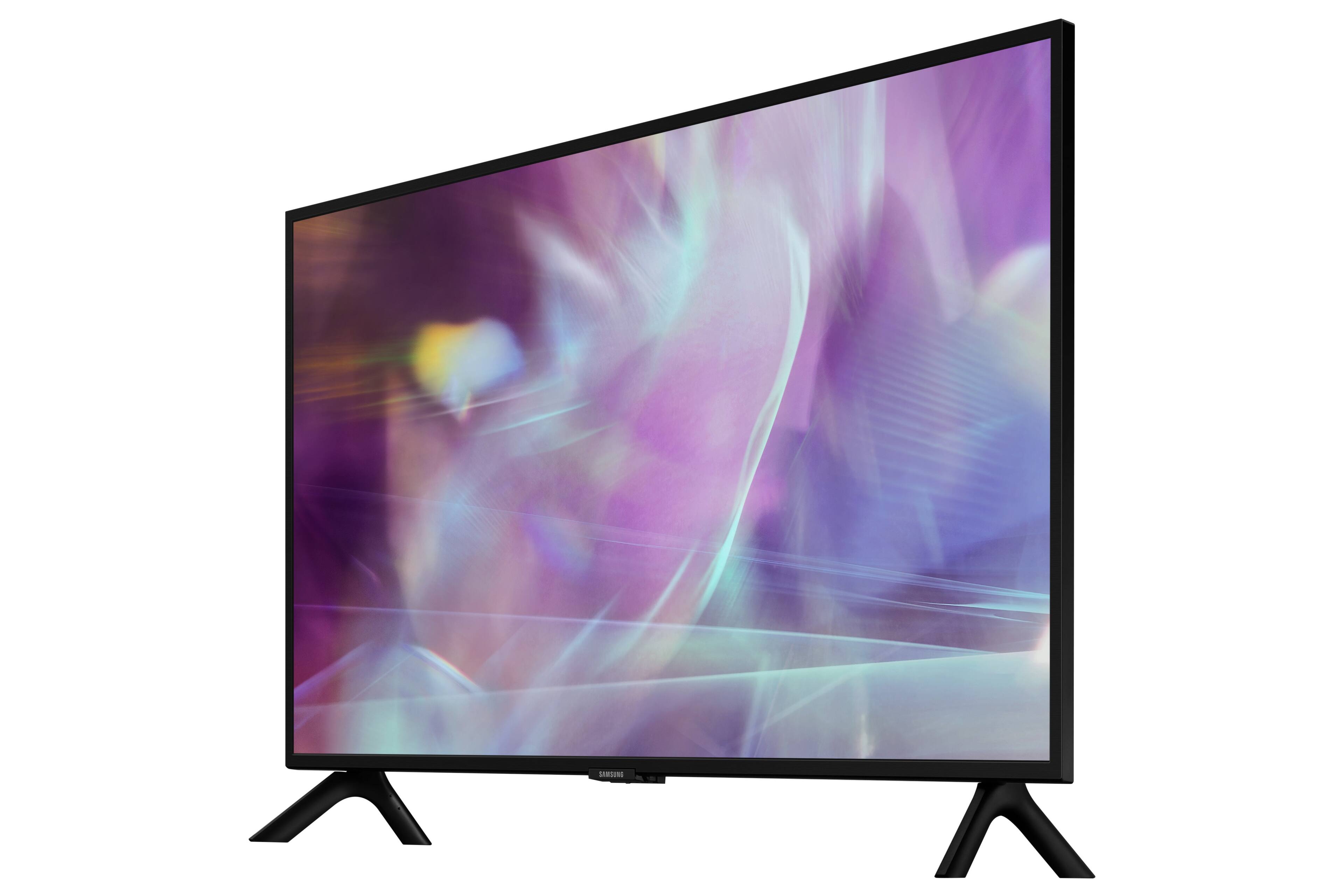
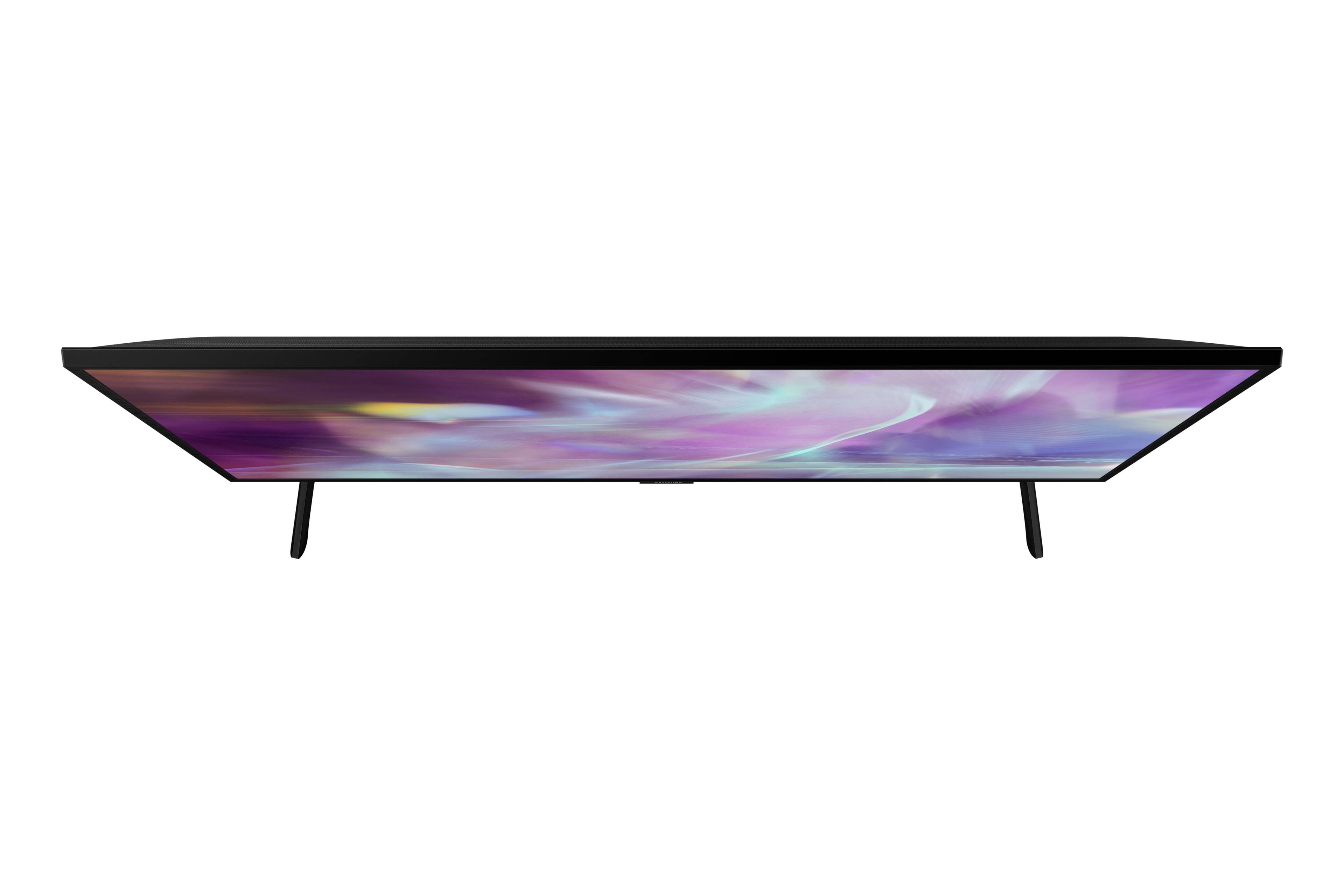
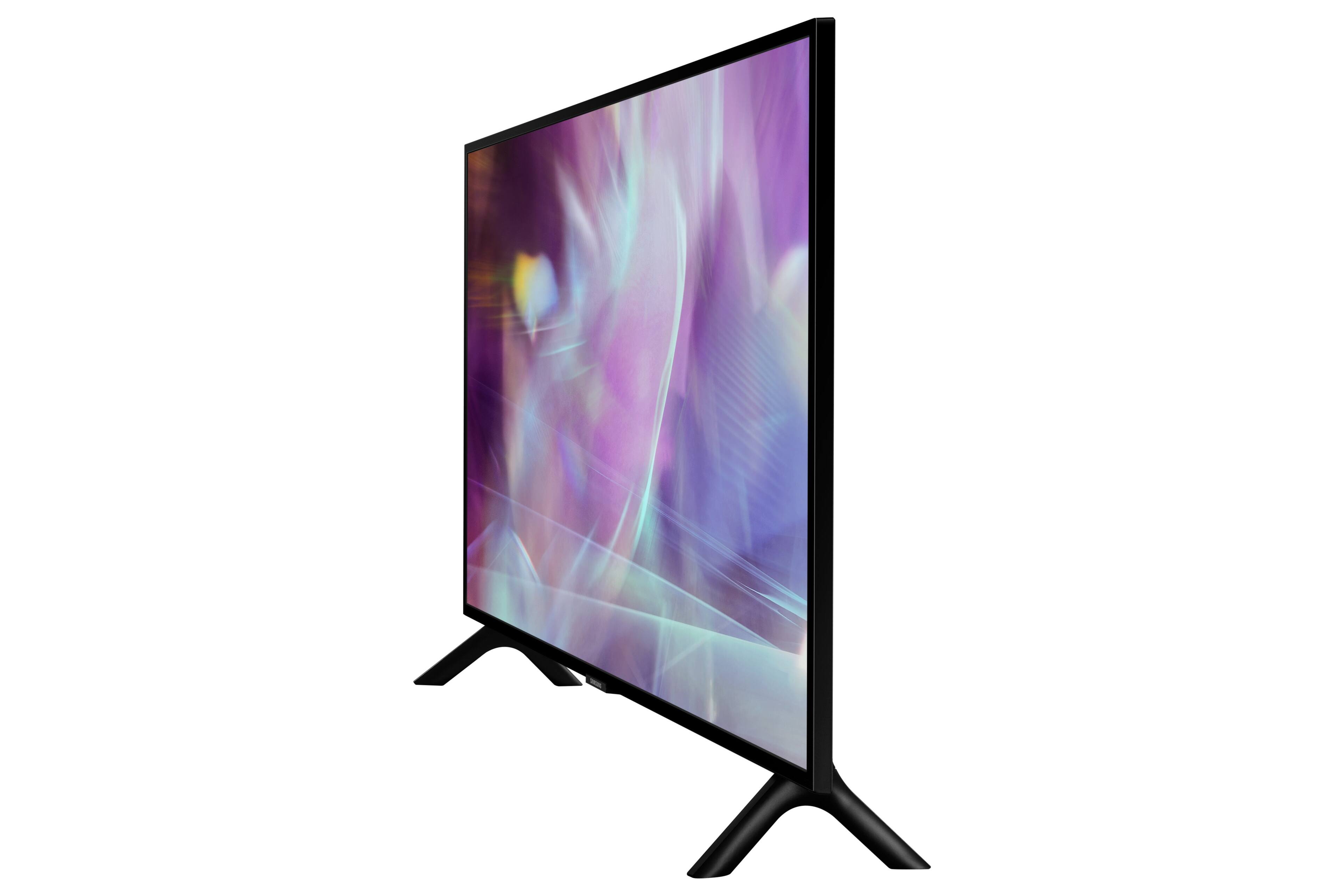
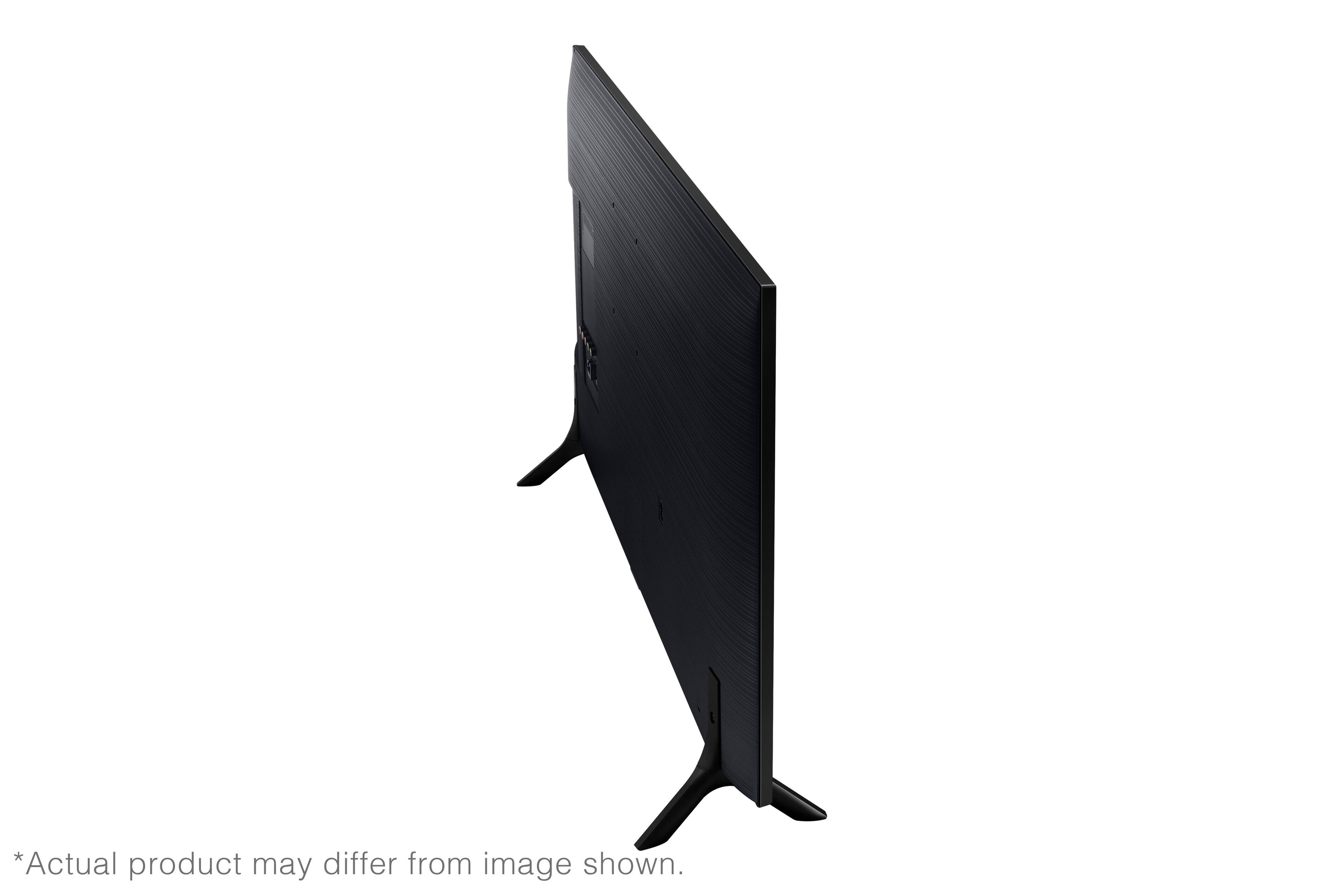
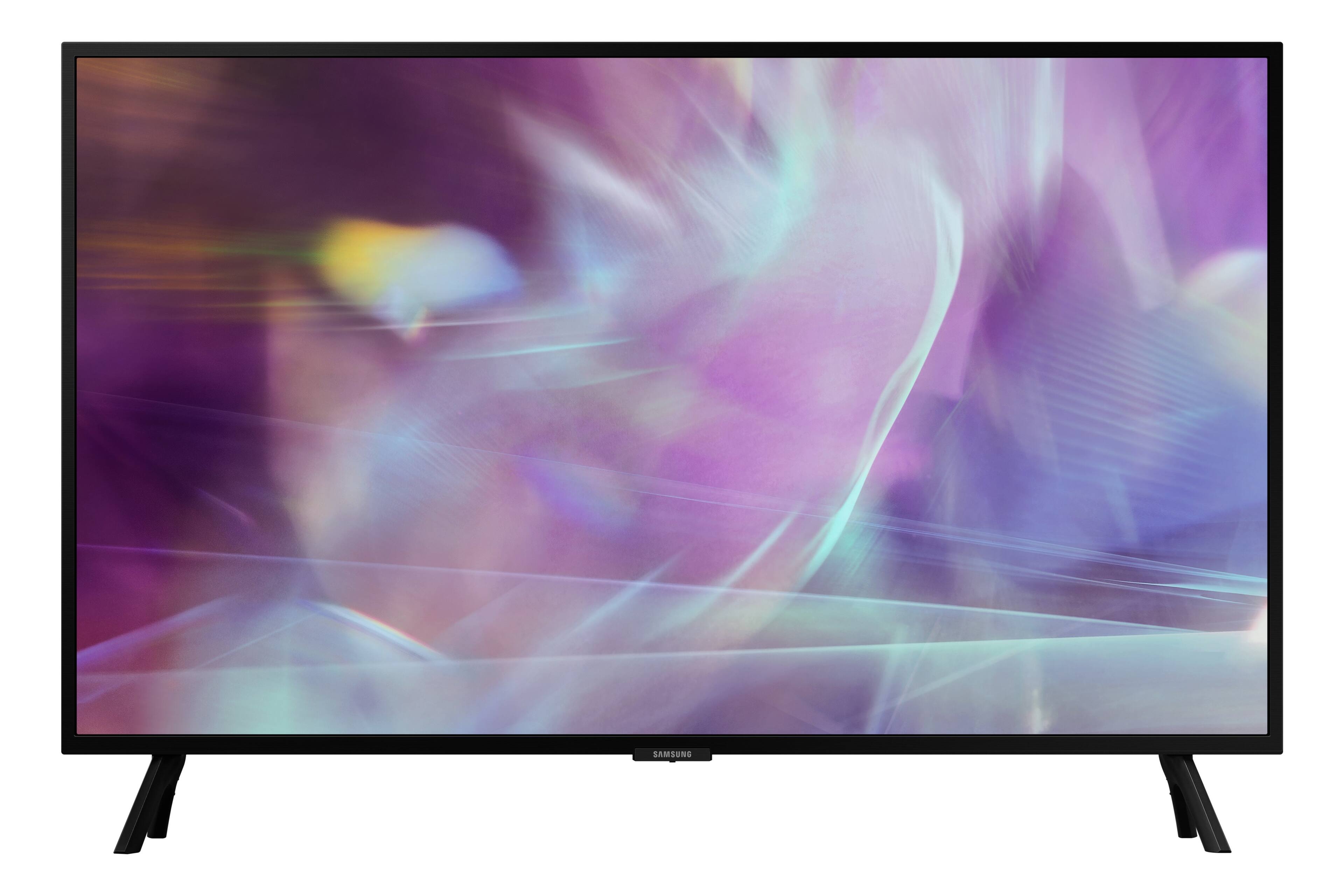
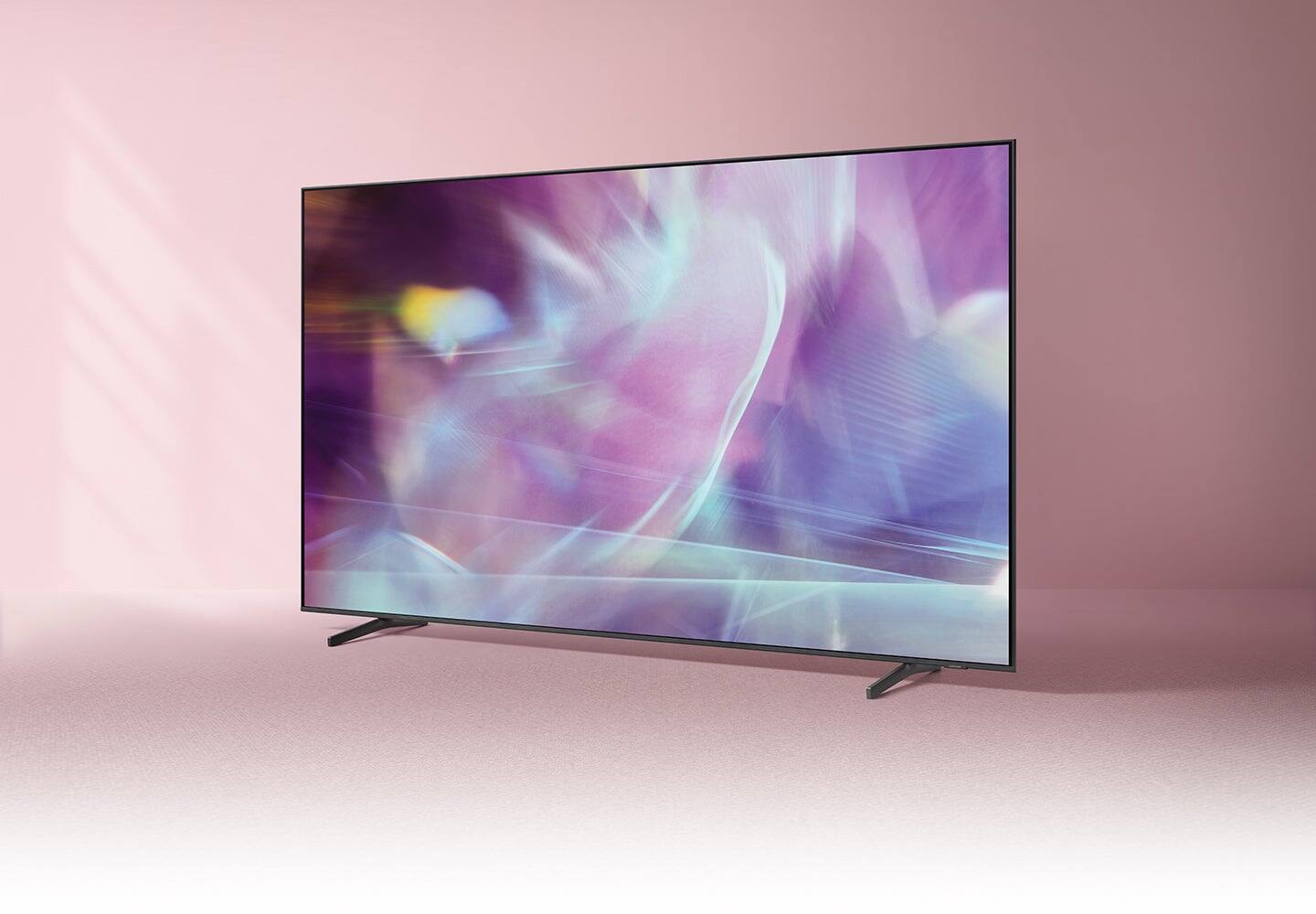

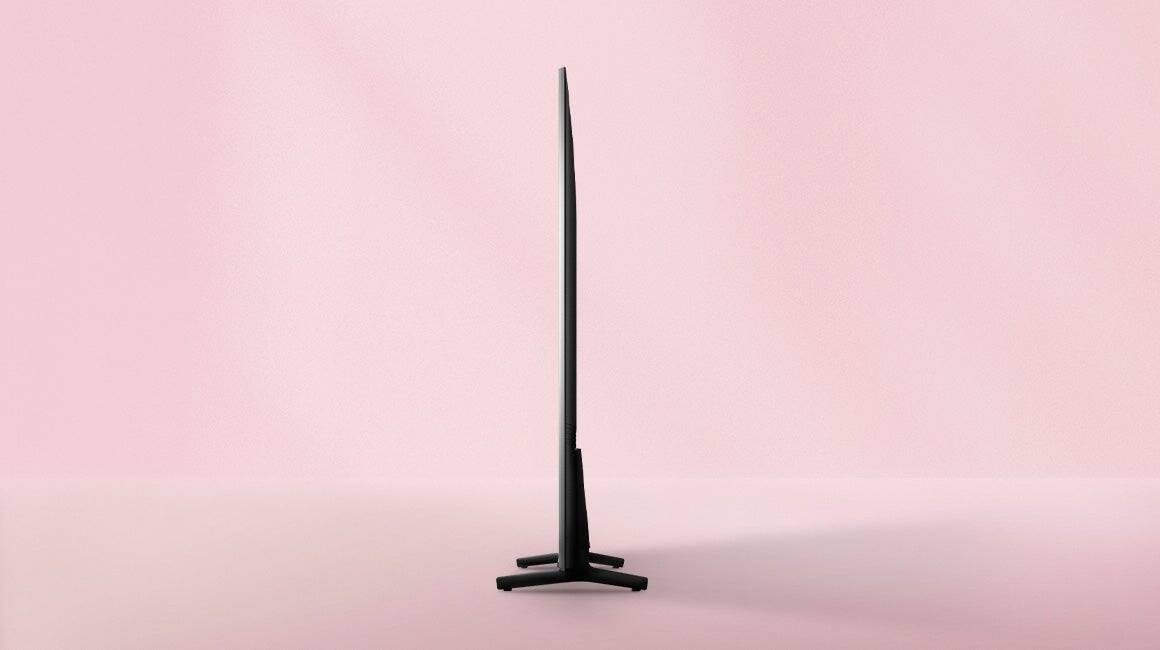

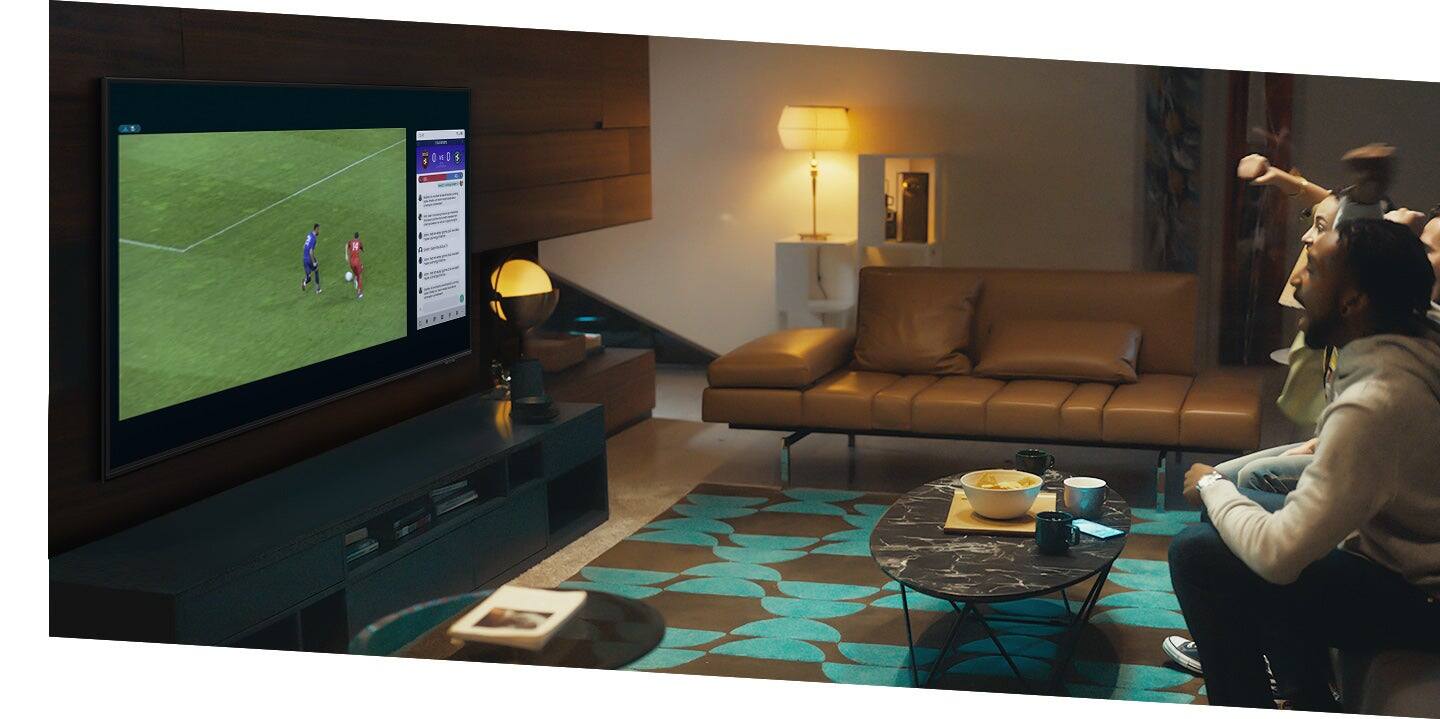
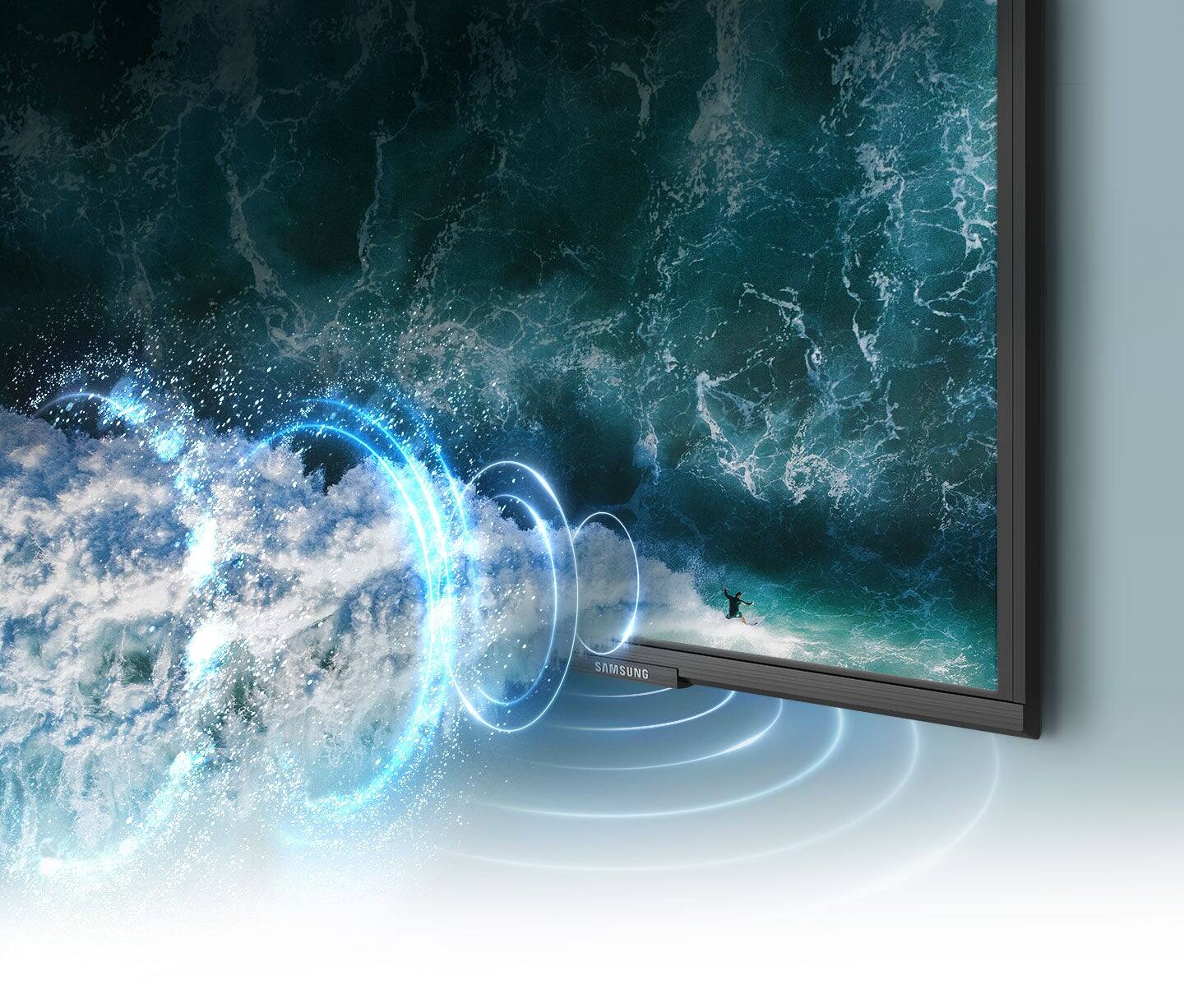
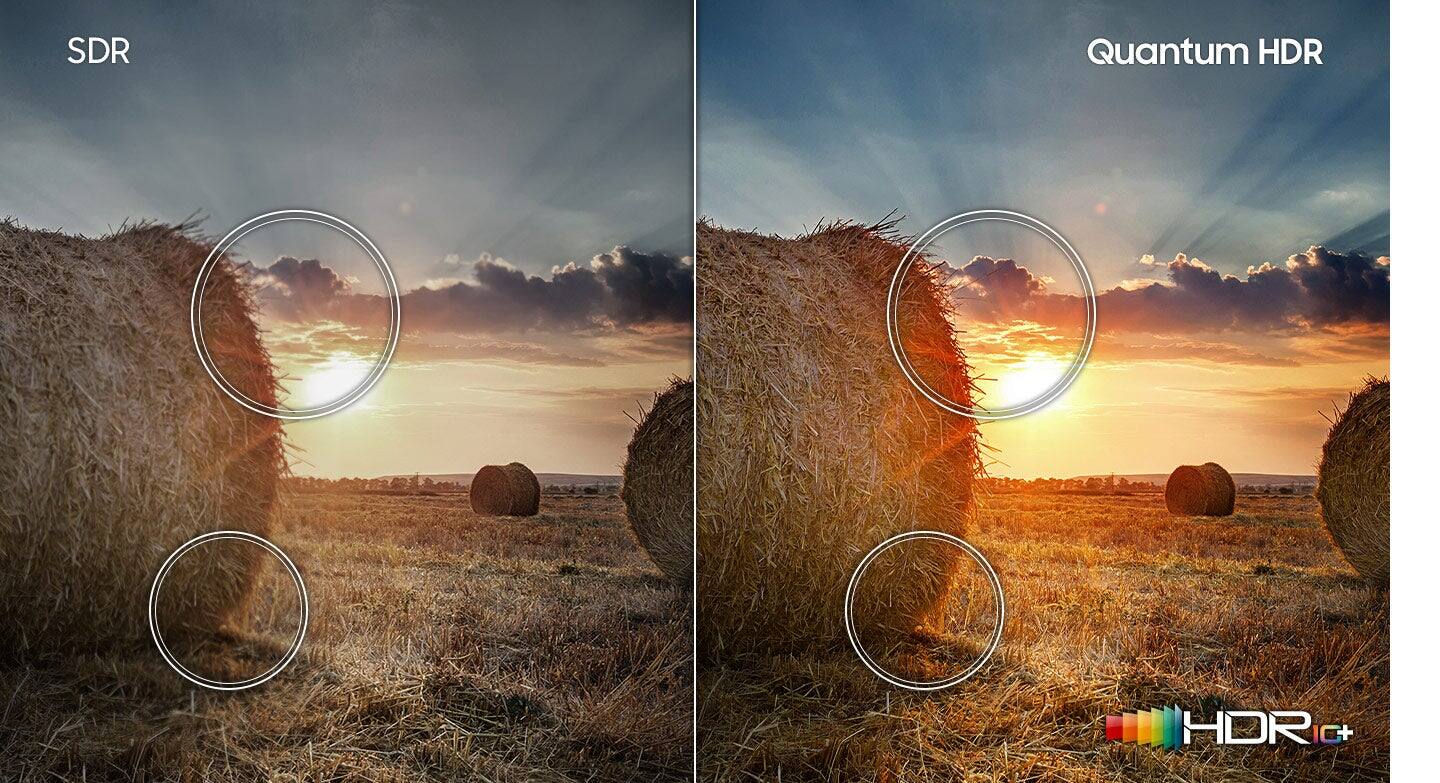
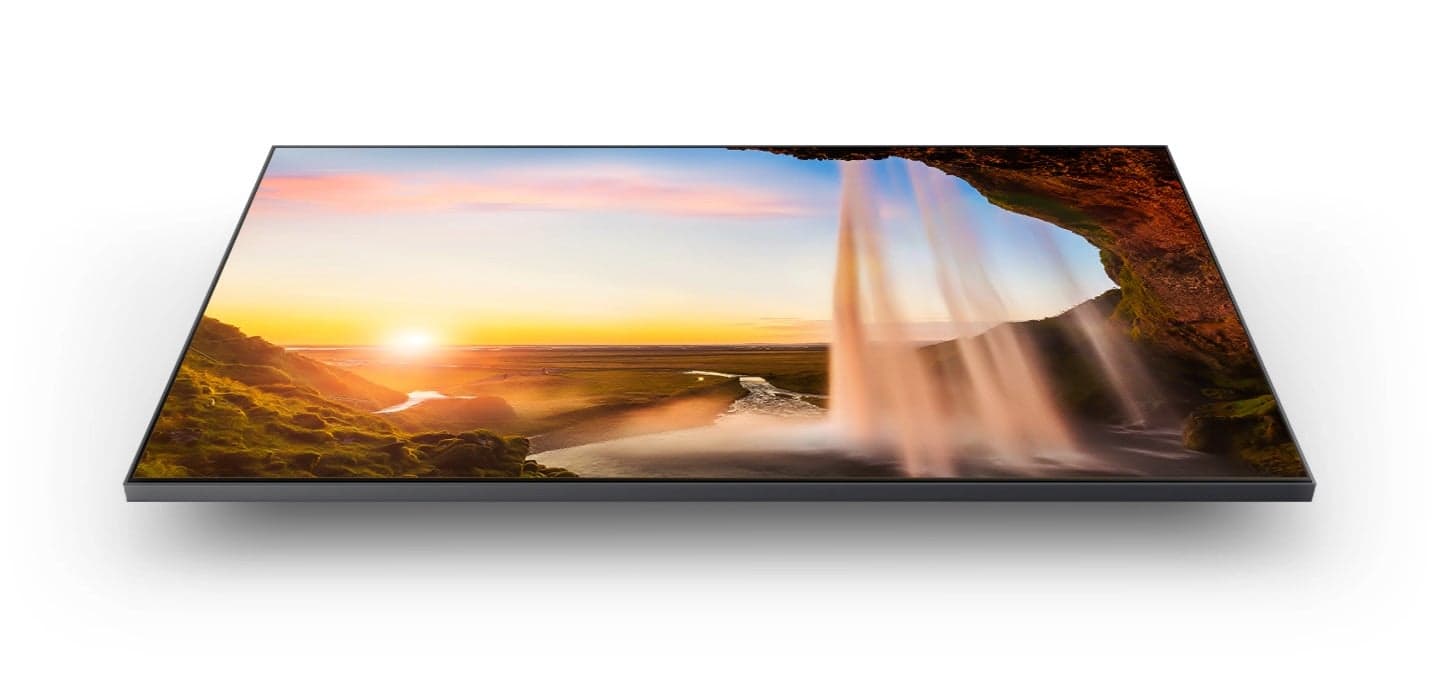


- Model:
- QN32Q60AAFXZA
- SKU:
- 6465202
Rating by feature
- Picture Quality
Rating 4.8 out of 5 stars
- Sound Quality
Rating 4.3 out of 5 stars
- Brightness
Rating 4.7 out of 5 stars
Customers are saying
Customers are satisfied with the picture quality, ease of use, and size of the 32" Class Q60A Series QLED 4K UHD Smart Tizen TV. Many appreciate the vibrant colors and find it easy to set up and use. However, some customers expressed concerns about the remote control's functionality and the price point for a 32-inch screen. A few also noted limitations in viewing angles and refresh rate.
This summary was generated by AI based on customer reviews.
review
||Posted .This reviewer received promo considerations or sweepstakes entry for writing a review.ok !!!!!!!!!!!!!!!!!!!!!!!!!!!!!!!!!!!!!!!!!!!!!!!!!
I would recommend this to a friendMy small tv for gaming
||Posted .This reviewer received promo considerations or sweepstakes entry for writing a review.Nice little tv. Very happy with purchase for gaming!
I would recommend this to a friend32” Samsung TV+ Q60A
||Posted . Owned for 3 weeks when reviewed.This reviewer received promo considerations or sweepstakes entry for writing a review.Have not had long enough to write good review, but I’m not 100% happy because I can’t get my local live tv programs and news. I don’t like previous news broadcasts, other than that, so far I love it.
I would recommend this to a friendBrand response from Samsung
Posted .VirginiaS,
We appreciate your review of Samsung’s Q60A TV. Please give us the opportunity to look into this for you so we can provide additional settings adjustments or troubleshooting assistance.
You can reach Samsung Support at 1-800-SAMSUNG, 8AM - 12AM EST, 7 days a week. Our LiveChat agents are also available by clicking on the ‘Support’ link on our website.
~ Samsung Specialist
Quality was alright, nothing special
||Posted . Owned for 3 weeks when reviewed.This reviewer received promo considerations or sweepstakes entry for writing a review.Way over priced, nothing special for the price u can get one twice the size with the same display of
No, I would not recommend this to a friendBrand response from Samsung
Posted .Kenwood,
Thank you for sharing your review of the Q60A TV. We value your thoughts regarding this model and will share it with our teams.
If there is anything we can do to improve your enjoyment such as helping to optimize settings for your specific usage scenario, please contact Samsung Customer Support at 1-800-SAMSUNG (ask for TVs), available 8AM - 12AM EST, 7 days a week.
For additional support resources, visit us on the Samsung website and click on the ‘Support’ link in the upper right corner of the homepage for:
1) Chat with Us/Product Help: To begin a chat or find solutions, choose ‘TVs & Home Theater’ and select your model & topic.
2) Manuals, Software, & Warranty Info
~ Samsung Specialist
Less useful than I hoped for.
||Posted . Owned for 2 weeks when reviewed.This reviewer received promo considerations or sweepstakes entry for writing a review.I have a media cabinet left over from tube TV days and so I am limited to a 32” screen. I am a photographer and therefore I thought I would notice the jump to 4K via my 4K Apple TV. The image quality with upscaled 1080 HD was worse than on my FHD Samsung. The killer was that the Tizen smart TV interface was too intrusive. If you do not have an up to date streaming device (Apple TV, Roku Fire TV, etc) the apps imbedded in the Tizen system are useful, but not if you just want a screen for your existing streaming device or cable service.
No, I would not recommend this to a friendBrand response from Samsung
Posted .Tallman610,
Thank you for purchasing the Q60A TV and sharing your thoughts regarding the image quality. The TV will upscale as best as possible any content sent to it. The closer your content is to 4K, the better the image will look on the screen.
Here are some tips to help improve the picture clarity:
1) HDMI cables are recommended for optimal HD viewing.
2) If you have an analog cable box or satellite box, upgrade to a digital cable box or satellite box.
3) Change the output resolution of your devices, such as digital broadcast receiver, IPTV, and set-top box to UHD or HD.
4) You can further adjust your sharpness, brightness, contrast, color, and more by going to Settings > Picture > Expert Settings
5) Choose a Picture Mode by going to Settings > Picture > Picture Mode and choose from Dynamic, Standard, Natural, Movie, or Filmmaker Mode.
Should you ever have questions or need help with TV features, specs, or operation, we are here to help. Call us at 1-800-SAMSUNG, 8AM - 12AM EST, 7 days a week. Or visit us on the Samsung website and click on the ‘Support’ link for:
1) LiveChat
2) Manuals, Software, & Warranty Info
~ Samsung Specialist
mrjohn
||Posted . Owned for less than 1 week when reviewed.This reviewer received promo considerations or sweepstakes entry for writing a review.I have many Samsung TV's, but this one was not good at all. Bad color and sound and very slow .
No, I would not recommend this to a friendDon't waste your time
||Posted . Owned for 1 week when reviewed.This reviewer received promo considerations or sweepstakes entry for writing a review.This TV has terrible colors, an unresponsive interface, and passable sound. Got this to use as a bedroom tv and monitor but the colors made me want to gouge my eyes out. As far as using a gaming console or external system, don't. When watching/playing stuff out of my PS5, there was this pink bar on the bottom. I was confused for a second and then realized the TV doesn't understand how to fill that space in because it can't scale properly. The interface is extremely unresponsive and you'll have to purchase a streaming stick to have an experience that won't make you throw your remote at the screen. The sound is passable. It gets quite loud considering the size but it doesn't make up for the terrible screen.
No, I would not recommend this to a friendBrand response from Samsung
Posted .htenthusiast,
Thank you for sharing your thoughts on Samsung's Q60A TV. To ensure your TV's image, sound, and performance is optimized, please be sure your firmware is up to date with version 1805.4 which includes various performance and picture updates. You can check this by going to: Settings > Support > Software Update.
You may also want to optimize the Smart TV performance and address your issue with response time with the self-diagnostic tool. This service checks memory and frees up unused cached memory and closes background apps. Go to Settings > Support > Device Care > Start Device Care
Should you need further assistance, please contact Samsung Customer Support at 1-800-SAMSUNG (ask for TVs), available 8AM - 12AM EST, 7 days a week.
For additional support resources, visit us on the Samsung website and click on the ‘Support’ link in the upper right corner of the homepage for:
1) Contact Us: For additional Chat & Text options, choose ‘TVs & Home Theater’ and select your model & topic.
2) Manuals, Software, & Warranty Info
~ Samsung Specialist
Samsung Smart TV 32"
||Posted . Owned for 3 weeks when reviewed.This reviewer received promo considerations or sweepstakes entry for writing a review.My older 43" Samsung TV 2019 was better. This TV does not have internet browser page. Yahoo. Google...
No, I would not recommend this to a friendBrand response from Samsung
Posted .allen,
Thank you for choosing Samsung's Q60A TV and for your review. Please know your new TV features a built-in Internet app. If this app is not available on the home screen, you can search for it and install it.
- Press Home, then select the Apps icon
- Navigate to the top and select the Search icon (magnifying glass)
- Type 'Internet' in the search bar and install the app
I hope this helps. Should you ever have questions or need help, please call us at 1-800-SAMSUNG (ask for TVs), available 8AM - 12AM EST, 7 days a week.
For additional support resources, visit us on the Samsung website and click on the ‘Support’ link in the upper right corner of the homepage for:
1) Chat with Us/Product Help: To begin a chat or find solutions, choose ‘TVs & Home Theater’ and select your model & topic.
2) Manuals, Software, & Warranty Info
~ Samsung Specialist
Samsung 32 inch TV
||Posted . Owned for 8 months when reviewed.This reviewer received promo considerations or sweepstakes entry for writing a review.Streaming device on this TV is too difficult to operate
No, I would not recommend this to a friendBrand response from Samsung
Posted .SoniaA,
I'm sorry to hear of your user experience. To assist you in learning the various features, functions, and settings of your TV and remote, you can download the Q60A TV's User Manual, e-Manual, Remote Control Leaflet, and Quick Setup Guide on Samsung's website under ‘Support’ (top right corner) > Manuals & Software > TVs & Home Theater. From there, you can select the Q60A TV under QLED 4K TVs > A Model Lineup to download the guides you would like. The e-Manual is also embedded into the TV itself under Menu > Settings > Support > Open e-Manual.
If you need more help, Samsung is here for you. Please call us at 1-800-SAMSUNG, 8AM - 12AM EST, 7 days a week. Our LiveChat agents are also available by clicking on the ‘Support’ link on our website.
~ Samsung Specialist
Wasn't happy
||Posted .This reviewer received promo considerations or sweepstakes entry for writing a review.The picture wasn't a good picture maybe the size but was very disappointed
No, I would not recommend this to a friendBrand response from Samsung
Posted .Chaney,
Thank you for your review of the Samsung Q60A TV and for sharing your thoughts on image quality. Your experience is very important to us and will be shared with our product team.
It is possible that your unit needed minor troubleshooting, a firmware update, or adjustments in settings.
Should you ever decide to give Samsung TVs another try and have questions or need assistance with settings, setup, or features, please know we are always here to help. Call us at 1-800-SAMSUNG (ask for TVs), available 8AM - 12AM EST, 7 days a week.
For additional support resources, visit us on the Samsung website and click on the ‘Support’ link in the upper right corner of the homepage for:
1) Chat with Us/Product Help: To begin a chat or find solutions, choose ‘TVs & Home Theater’ and select your model & topic.
2) Manuals, Software, & Warranty Info
We hope to regain you as a customer in the future.
~ Samsung Specialist
Disappointing Quality for Samsung
||Posted . Owned for 2 months when reviewed.This reviewer received promo considerations or sweepstakes entry for writing a review.The TV on the whole is not bad but I'm not particularly wowed with the QLED in this size TV. Can't really see the difference. That aside my main complaint is that I have to constantly reset the picture mode. It starts out totally washed out every time I turn the TV back on and I have to keep choosing the natural choice before it looks okay. I should probably return this... I have 3 other Samsung TVs (varying sizes) that I am very happy with so maybe just a one off issue.
No, I would not recommend this to a friendBrand response from Samsung
Posted .GreatPurchase,
Thank you for purchasing the Samsung Q60A TV and for sharing details of your image quality. To ensure your picture is fully optimized, please be sure your firmware is up to date with version 1901.0 which includes picture quality updates. You can check this by going to: Settings > Support > Software Update.
You may want to enable Auto Update for convenience.
Should you need further assistance with image quality adjustments, please give us the opportunity to assist you. Call us at 1-800-SAMSUNG (ask for TVs), available 8AM - 12AM EST, 7 days a week.
For additional support resources, visit us on the Samsung website and click on the ‘Support’ link in the upper right corner of the homepage for:
1) Chat with Us/Product Help: To begin a chat or find solutions, choose ‘TVs & Home Theater’ and select your model & topic.
2) Manuals, Software, & Warranty Info
~ Samsung Specialist
Very Poor Picture
||Posted . Owned for 1 month when reviewed.This reviewer received promo considerations or sweepstakes entry for writing a review.The TV I received was defective. Every time I would turn it on the picture would be very faded. To resolve this, I had to turn it off and back on to get it to go back to normal each time.
No, I would not recommend this to a friendBrand response from Samsung
Posted .Kristin,
Thank you for choosing Samsung's Q60A TV and for sharing your experience with your TV not displaying properly. You may want to try the following troubleshooting steps:
1. If any external devices are connected, check all input cable connections
2. Try changing channels using the remote control. Is the issue the same on all channels?
3. Press the Home button (looks like a house), select Source, choose another input source. Is the issue the same on all sources?
4. If the same problem persists, run a diagnostic test. (Home > Settings > Support > Device Care > Self Diagnosis > Picture Test)
5. If the problem disappears during the test, check your TV signal (Home > Settings > Support > Device Care > Self Diagnosis > Signal Information) to check the signal strength. Signal strength must be more than 20 dB (more than 4 bars on the icon) for stable signal reception
Should your issue persist, please contact Samsung Customer Support at 1-800-SAMSUNG (ask for TVs), available 8AM - 12AM EST, 7 days a week.
For additional support resources, visit us on the Samsung website and click on the ‘Support’ link in the upper right corner of the homepage for:
1) Chat with Us/Product Help: To begin a chat or find solutions, choose ‘TVs & Home Theater’ and select your model & topic.
2) Manuals, Software, & Warranty Info
~ Samsung Specialist
Such a Disappointment
||Posted .This reviewer received promo considerations or sweepstakes entry for writing a review.I am not happy with this TV. It is difficult to navigate and the sound is not loud enough. Very disappointed because it is the TV that was recommended by Best Buy.
No, I would not recommend this to a friendBrand response from Samsung
Posted .Lela,
I'm sorry to hear you're not fully satisfied with your 32" Q60A TV. There are several sound settings you can adjust to suit your personal sound preferences.
Change the Sound Mode by going to: Settings > Sound > Sound Mode
You can also customize the sound with Expert Settings by going to: Settings > Sound > Expert Settings
To further assist you in learning the various features, functions, and settings of your TV and remote, you can download the Q60A TV's User Manual, e-Manual, Remote Control Leaflet, and Quick Setup Guide on Samsung's website under ‘Support’ (top right corner) > Manuals & Software > TVs & Home Theater. From there, you can select the Q60A TV under QLED 4K TVs > A Model Lineup to download the guides you would like. The e-Manual is also embedded into the TV itself under Settings > Support > Open e-Manual.
To assist you with possible sound settings adjustments for a better audio experience, or choosing a Samsung Soundbar to complement your viewing enjoyment, please reach out to us at 1-800-SAMSUNG, 8AM - 12AM EST, 7 days a week. Or visit us on the Samsung website and click on the ‘Support’ link for:
1) LiveChat
2) Manuals, Software, & Warranty Info
~ Samsung Specialist
Disappointed
||Posted . Owned for 3 weeks when reviewed.This reviewer received promo considerations or sweepstakes entry for writing a review.Samsung's process for setting up this TV was not easy. There is no place for me to plug in my headset.
No, I would not recommend this to a friendBrand response from Samsung
Posted .Tweetie83,
I'm sorry you had difficulties setting up your 32" Q60A TV. To further assist you in learning the various features, functions, and settings of your TV and remote, you can download the Q60A TV's User Manual, e-Manual, Remote Control Leaflet, and Quick Setup Guide on Samsung's website under ‘Support’ (top right corner) > Manuals & Software > TVs & Home Theater. From there, you can select the Q60A TV under QLED 4K TVs > A Model Lineup to download the guides you would like. The e-Manual is also embedded into the TV itself under Menu > Settings > Support > Open e-Manual.
Although this model doesn't feature a headphone (3.5mm) input, we recommend utilizing a Bluetooth headset, as this will provide you with a wireless and seamless connection.
If we can help with anything else, please call us at 1-800-SAMSUNG, 8AM - 12AM EST, 7 days a week. LiveChat with an agent as well as manuals, software, and warranty info can be found at the ‘Support’ link on our Samsung website.
~ Samsung Specialist
- Cons mentioned:Price
Not what it seems
||Posted . Owned for 3 weeks when reviewed.This reviewer received promo considerations or sweepstakes entry for writing a review.Too small and over priced. Saw a bigger one for less price. Would not recommend and had to return.
No, I would not recommend this to a friendBrand response from Samsung
Posted .Hi Returned,
Thank you for sharing your review of the Samsung Q60A TV. Your thoughts regarding this model are appreciated and will be shared with our internal teams.
Should you ever decide to give Samsung TVs another try and have questions or need assistance with settings, setup, or features, please know we are always here to help. Call us at 1-800-SAMSUNG (ask for TVs), available 8AM - 12AM EST, 7 days a week.
For additional support resources, visit us on the Samsung website and click on the ‘Support’ link in the upper right corner of the homepage for:
1) Chat with Us/Product Help: To begin a chat or find solutions, choose ‘TVs & Home Theater’ and select your model & topic.
2) Manuals, Software, & Warranty Info
~ Samsung Specialist
Tiny app icons on home screen
||Posted . Owned for less than 1 week when reviewed.This reviewer received promo considerations or sweepstakes entry for writing a review.The app icons on the home screen are WAY TOO SMALL. This is borderline unusable for me. I guess they needed the extra screen space to push their content and ads on me. Very disappointing for an otherwise decent looking tv.
No, I would not recommend this to a friendBrand response from Samsung
Posted .Hi Kevin,
Thanks for sharing your review of the Q60A TV. We value your feedback regarding the Smart Hub icon size and will share it with our teams.
Should you need further assistance or have questions, please contact Samsung Customer Support at 1-800-SAMSUNG, 8AM - 12AM EST, 7 days a week. Our LiveChat agents are also available by clicking on the ‘Support’ link on our website.
~ Samsung Specialist
Unbelievable
||Posted . Owned for less than 1 week when reviewed.This reviewer received promo considerations or sweepstakes entry for writing a review.Garbage #1. I was delivered a broken, used TV. Literally the back of TV had 10" break in the back of TV. I spent 1 hr and 7 minutes on their horrible customer service line. I plugged TV in and it had same remote interface issue as complaints on internet. Stay tuned TV #2
No, I would not recommend this to a friendBrand response from Samsung
Posted .dayno1220,
We appreciate you sharing your delivery experience and having received a damaged unit. We recommend you contact Best Buy directly for assistance in correcting this situation. We hope your issue is resolved in a timely manner.
Should you have questions or concerns on usage or setup of your TV once your issue has been resolved, please call us at 1-800-SAMSUNG, 8AM - 12AM EST, 7 days a week. Our LiveChat agents are also available by clicking on the ‘Support’ link on our website.
~ Samsung Specialist
Do not buy this TV
||Posted . Owned for 2 months when reviewed.This reviewer received promo considerations or sweepstakes entry for writing a review.Do not buy this TV. I’ve had it for less than 60 days and to HDMI ports are already blown. Best Buy will not let me return it or replace it and insist on repair… But it’s not repairable so now I have to wait two or three weeks for them to figure that out.
No, I would not recommend this to a friendBrand response from Samsung
Posted .Hi Samsung,
We appreciate you sharing your details regarding the HDMI ports on the Q60A TV. Your feedback is important to us and will be shared with our product teams.
Samsung is committed to providing the best possible product experience, quality, and value. We back this Samsung TV with a 1-year limited manufacturer's warranty, including authorized repair for manufacturer defects, if purchased brand-new directly from an authorized seller.
Please give us the chance to make this right by contacting us at 1-800-SAMSUNG, 8 AM - 12 AM EST, seven days a week. Our LiveChat agents are also available by clicking on the ‘Support’ link on our website.
We hope to hear from you soon.
~ Samsung Advisor
Mrs
||Posted . Owned for 1 month when reviewed.This reviewer received promo considerations or sweepstakes entry for writing a review.A little to complicate for me . To many buttons until you find what you need. I do not know how to do search and find a cursor ; keyboard on screen. Person who install is not responding my calls.
No, I would not recommend this to a friendBrand response from Samsung
Posted .Hi Anna,
To further assist you in learning the various features, functions, and settings of your TV and remote, you can download the Q60A TV's User Manual, e-Manual, Remote Control Leaflet, and Quick Setup Guide on Samsung's website under ‘Support’ (top right corner) > Manuals & Software > TVs & Home Theater. From there, you can select the Q60A TV under QLED 4K TVs > A Model Lineup to download the guides you would like. The e-Manual is also embedded into the TV itself under Settings > Support > Open e-Manual.
If you need more help, Samsung is here for you. Please call us at 1-800-SAMSUNG, 8AM - 12AM EST, 7 days a week. Our LiveChat agents are also available by clicking on the ‘Support’ link on our website.
~ Samsung Specialist
Poor choice
||Posted . Owned for 1 month when reviewed.This reviewer received promo considerations or sweepstakes entry for writing a review.Unfortunately, this tv does not live up to expectations. Constant problem with volume. Need to turn tv on and off 3 times to get any volume! Color also is not as bright as what we were expecting. Would NOT recommend
No, I would not recommend this to a friendBrand response from Samsung
Posted .Renart,
Thank you for your feedback regarding the sound quality of your Q60A TV. Your TV features Object Tracking Sound Lite which tracks the action with strategically placed dynamic speakers and Adaptive Sound which automatically adjusts audio to enhance everything from dialogue to music and sports.
You can select a sound mode that you prefer for a content type or your listening environment. Go to: Settings > Sound > Sound Mode
You can also customize sound with Expert Settings. Go to: Settings > Sound > Expert Settings
Additionally, there are image adjustments you can make to optimize your picture to suit your preferences. Your TV has several Picture Modes to choose from allowing you to enjoy content in optimal conditions. Go to Home > Settings > Picture > Picture Mode
You can also go to: Settings > Picture > Expert Settings > Contrast Enhancer to manually fine tune your image.
If you need more help, Samsung is here for you. Please call us at 1-800-SAMSUNG, 8AM - 12AM EST, 7 days a week. Our LiveChat agents are also available by clicking on the ‘Support’ link on our website.
~ Samsung Specialist