Customer Ratings & Reviews
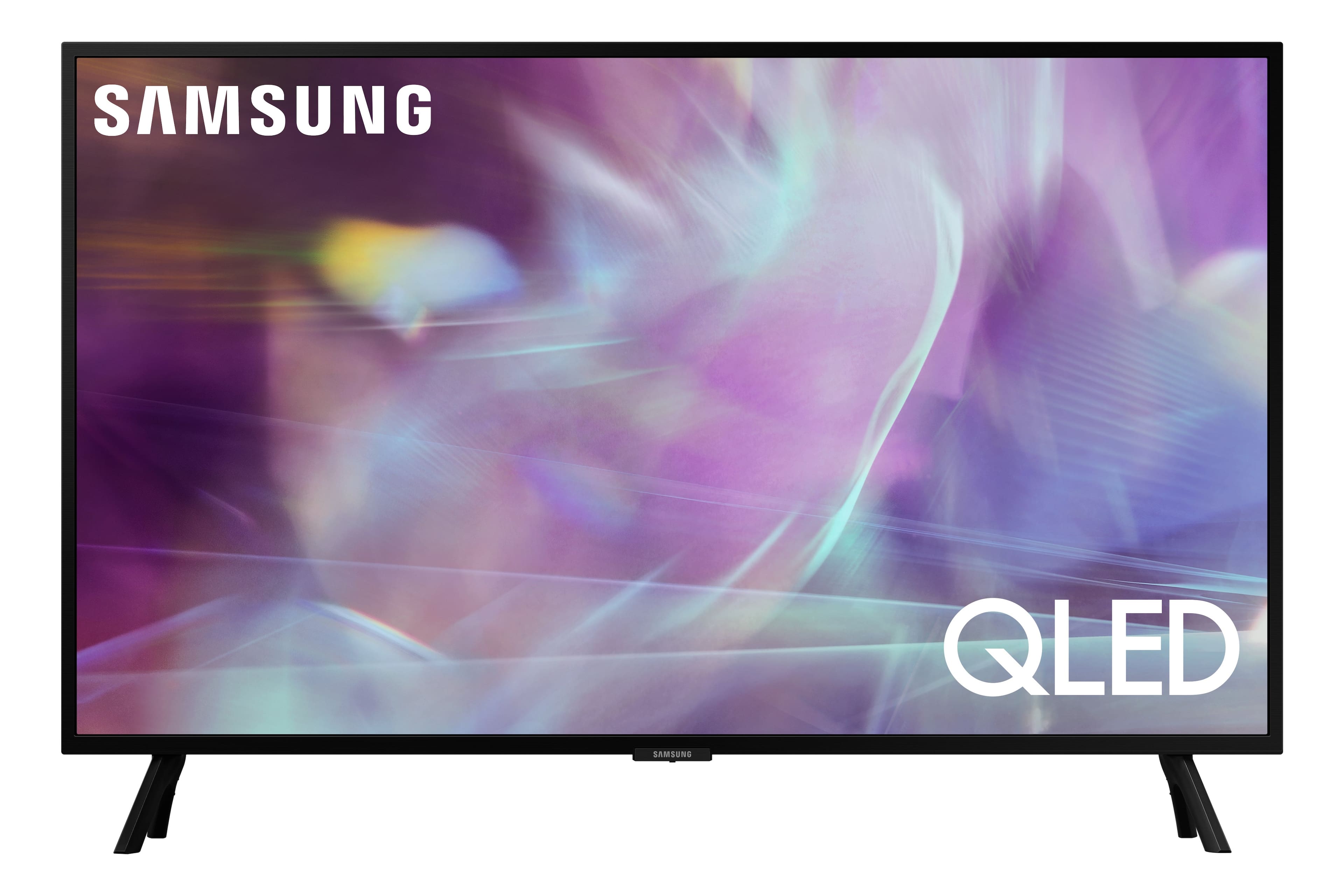
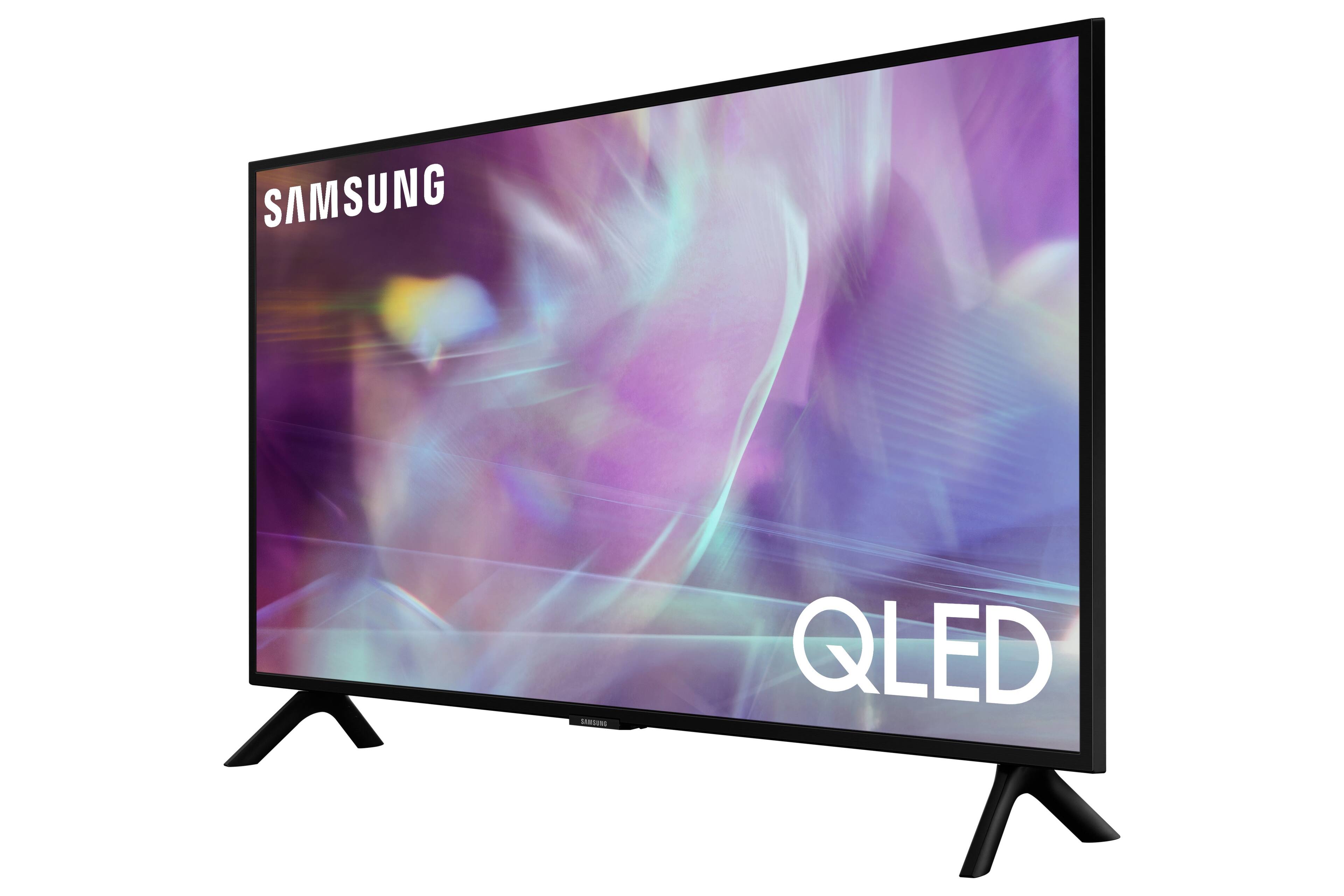
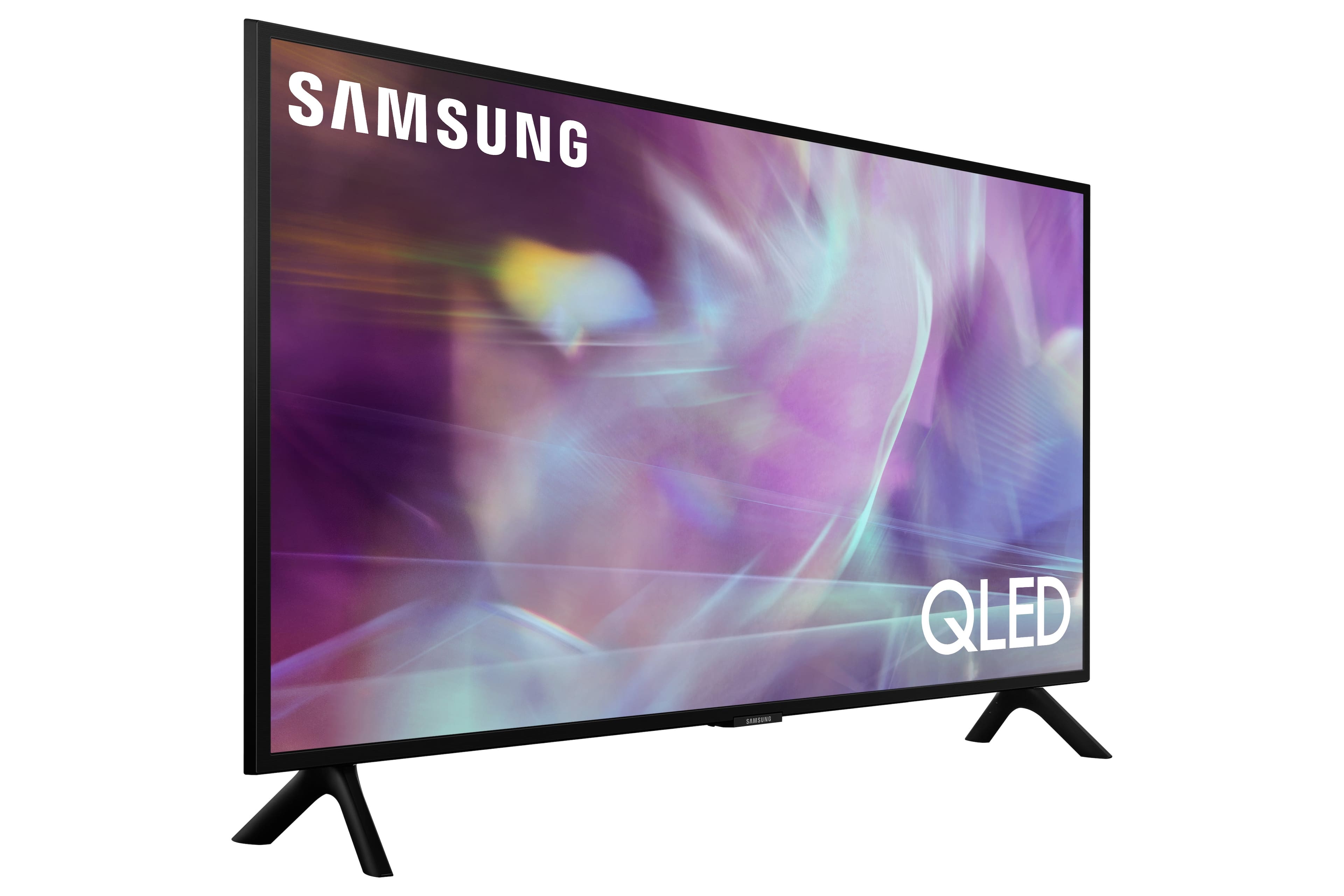
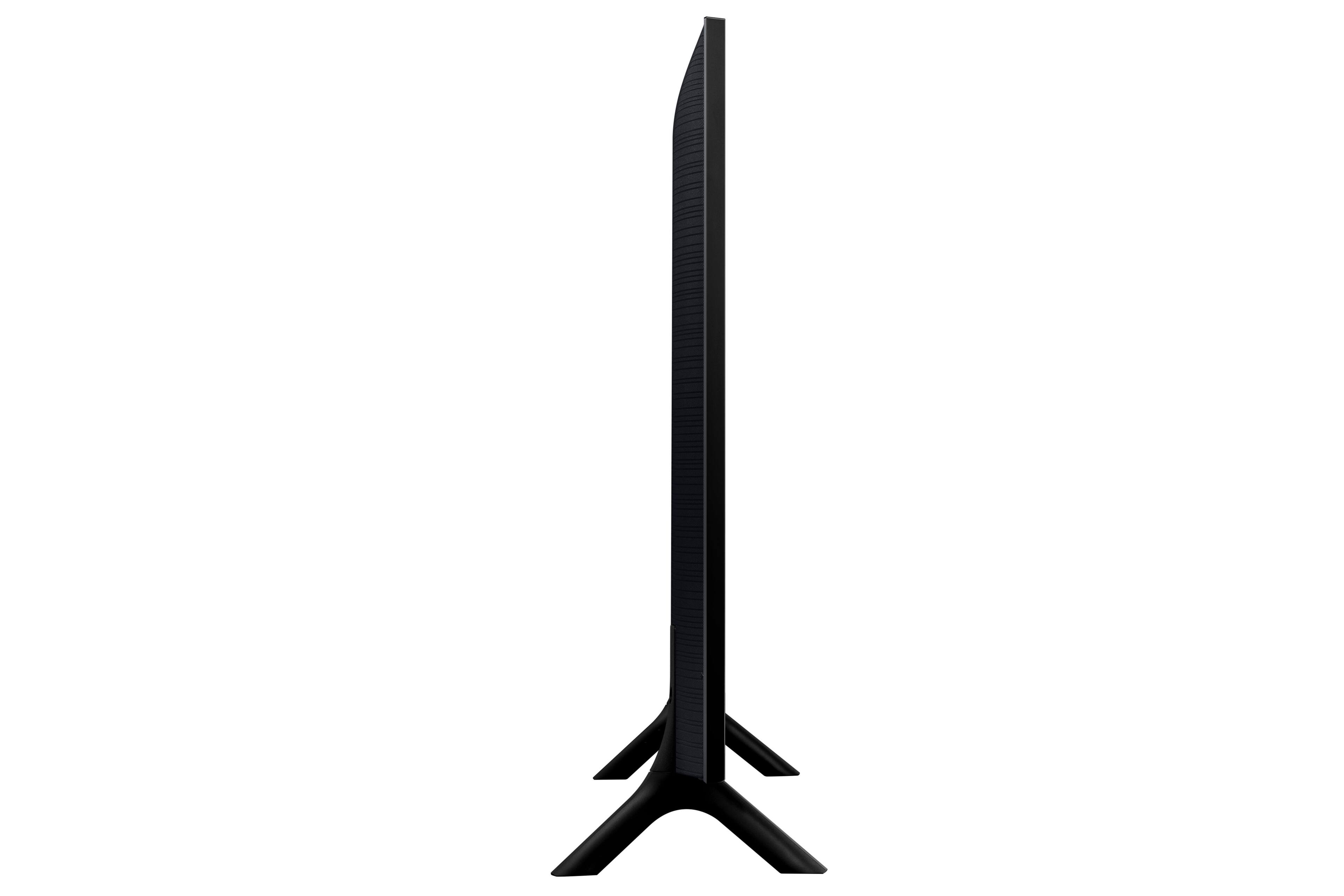
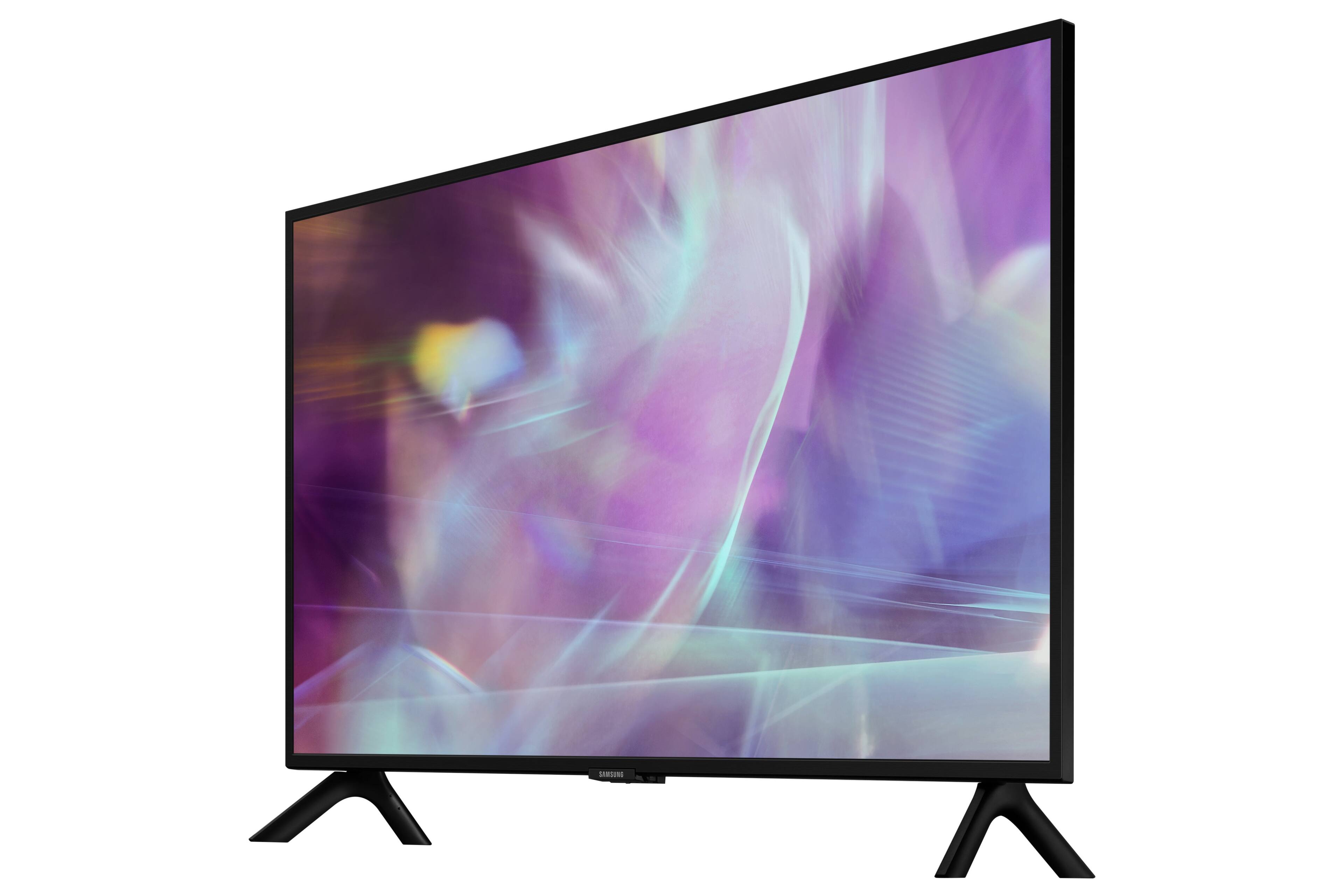
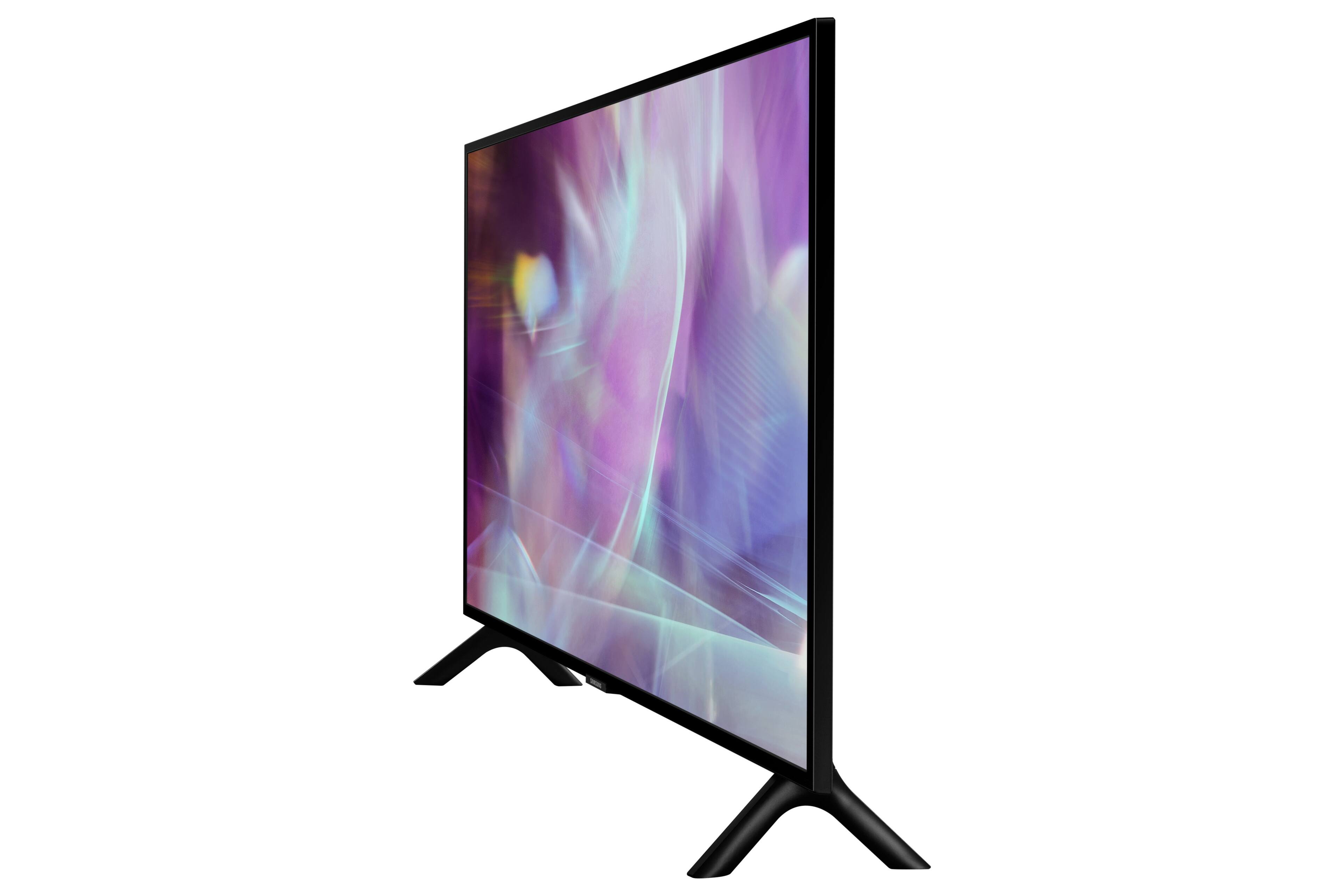
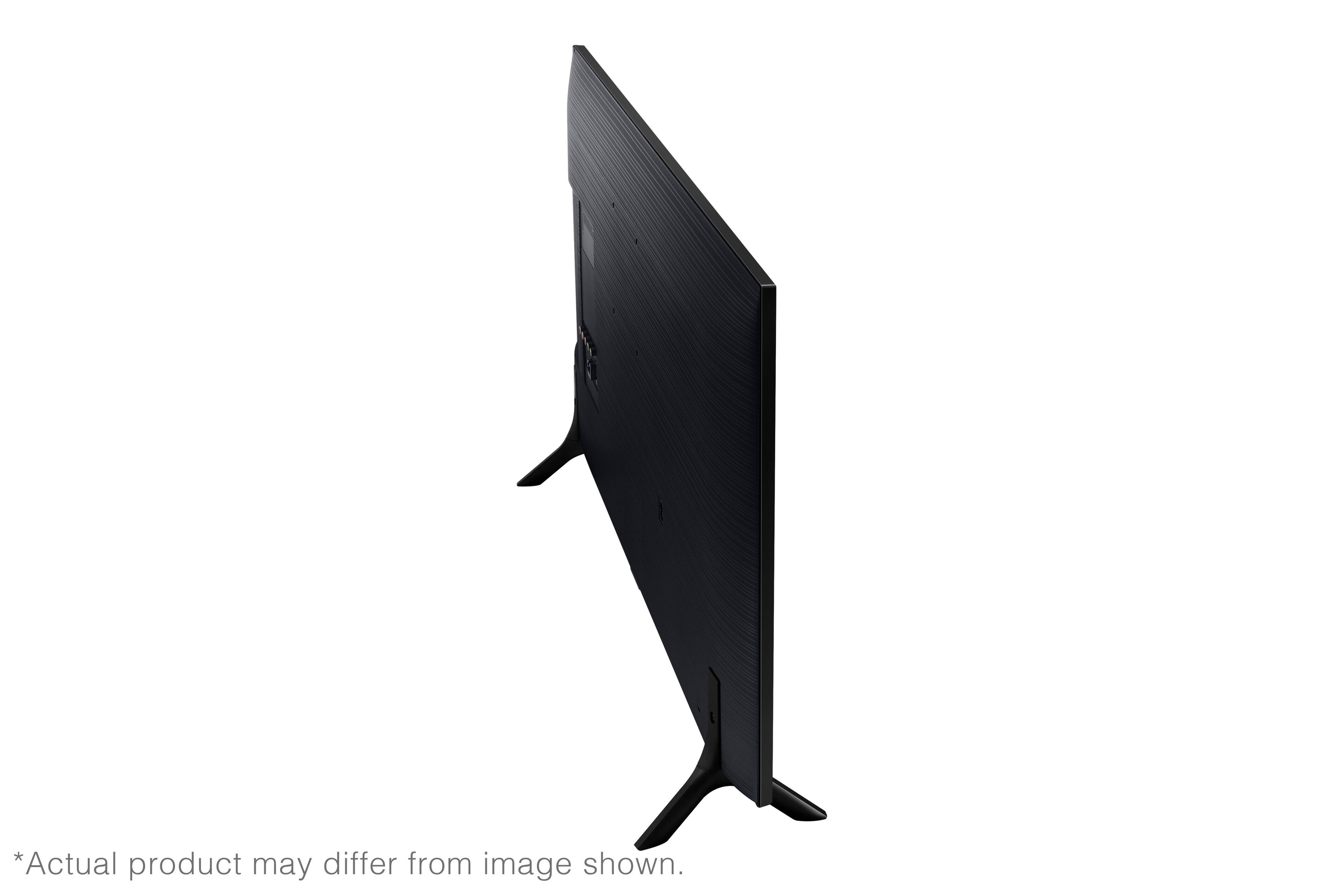
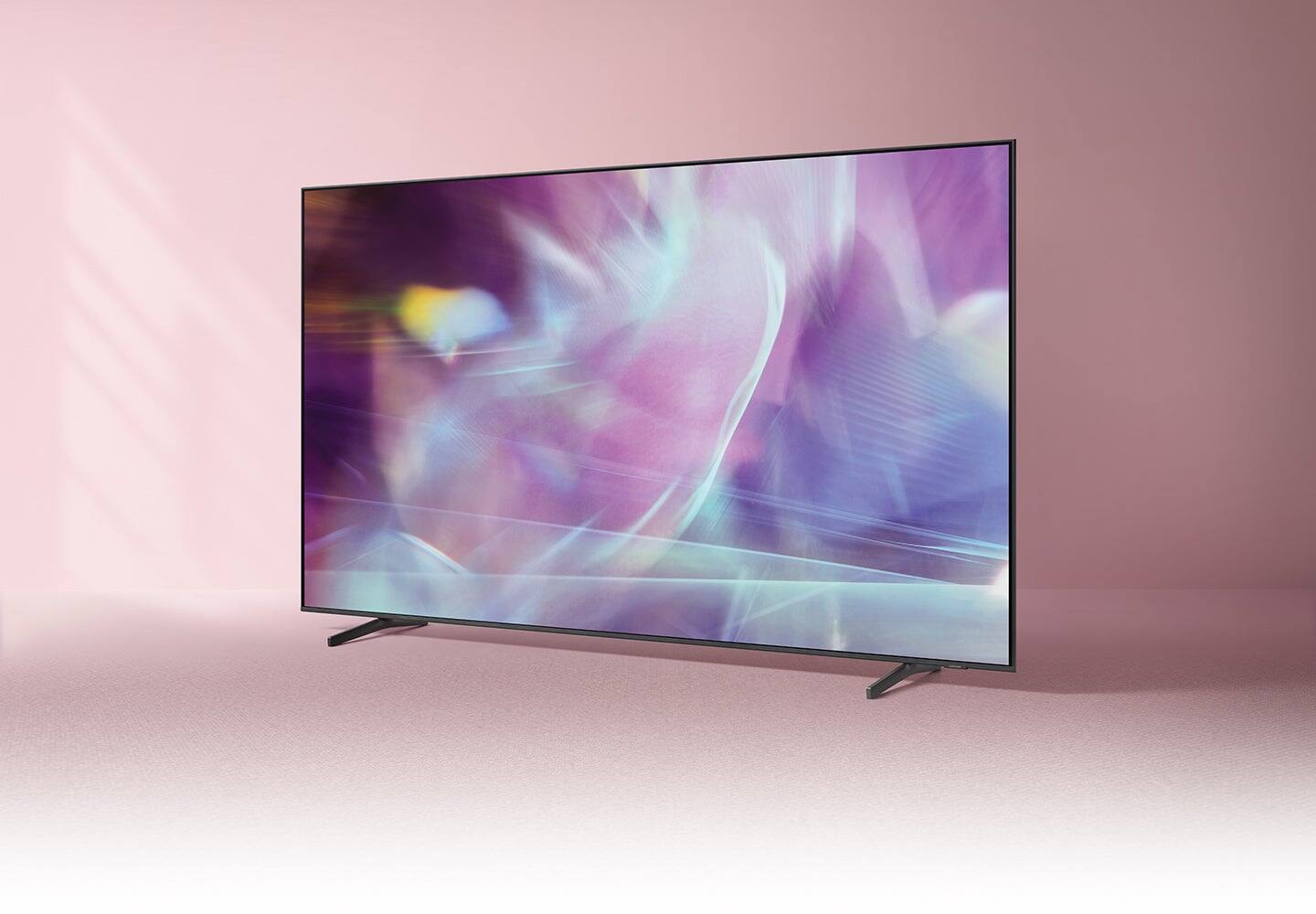
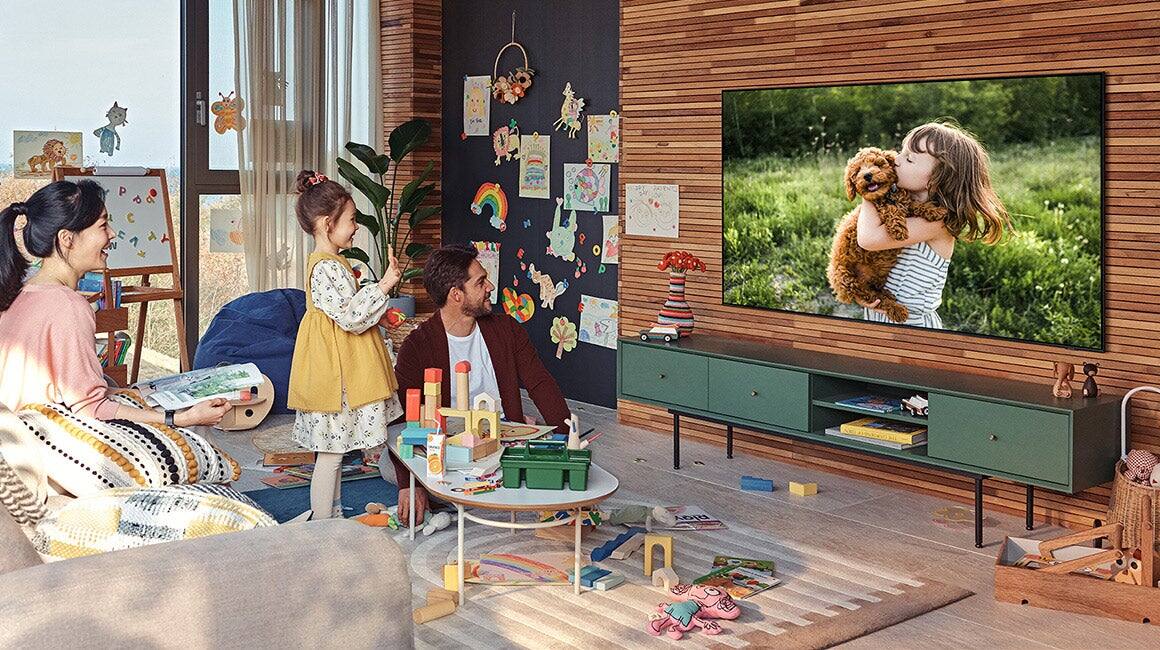
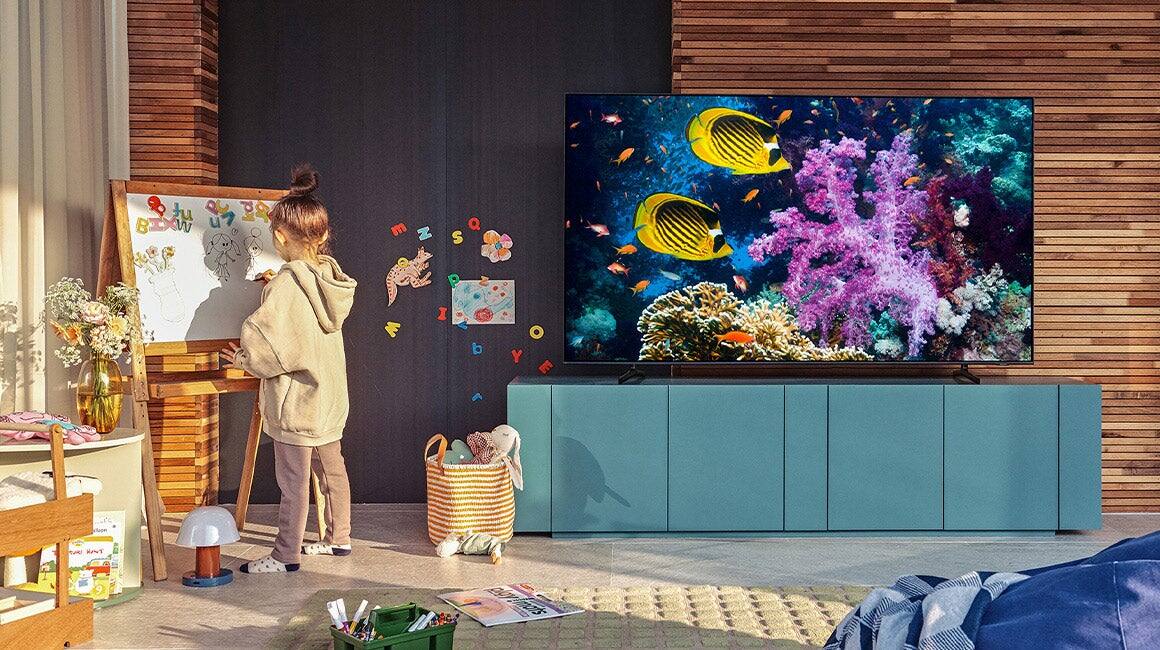

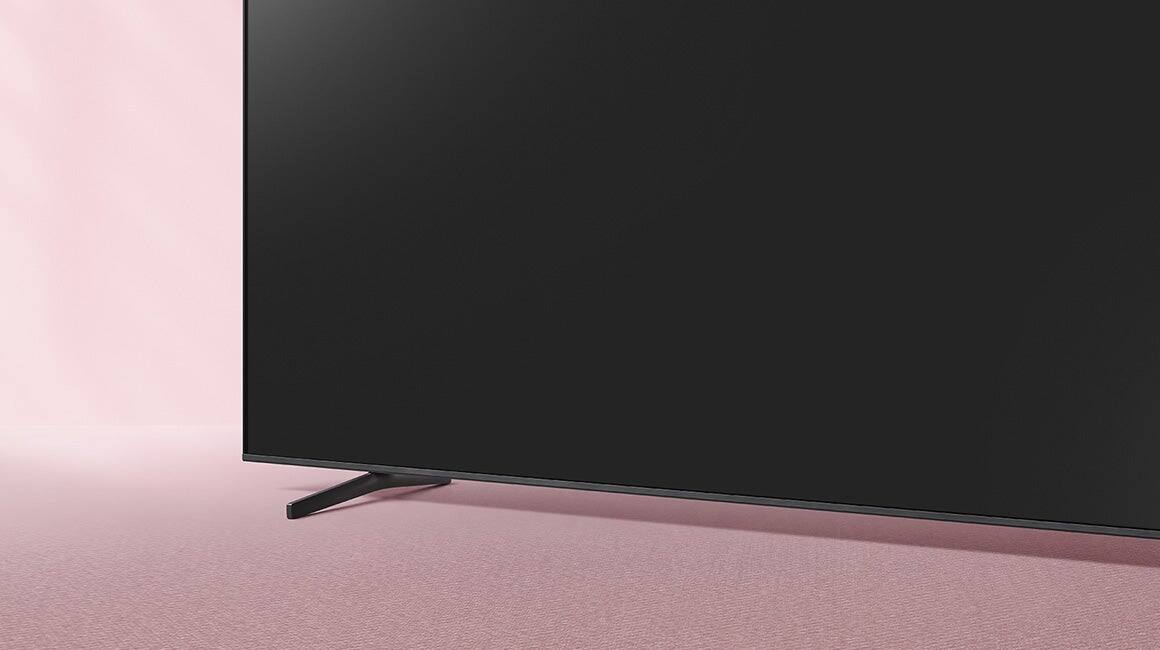



- Model:
- QN32Q60AAFXZA
- SKU:
- 6465202
Rating by feature
- Picture Quality
Rating 4.8 out of 5 stars
- Sound Quality
Rating 4.3 out of 5 stars
- Brightness
Rating 4.7 out of 5 stars
Customers are saying
Customers are satisfied with the picture quality, ease of use, and size of the 32" Class Q60A Series QLED 4K UHD Smart Tizen TV. Many appreciate the vibrant colors and find it easy to set up and use. However, some customers expressed concerns about the remote control's functionality and the price point for a 32-inch screen. A few also noted limitations in viewing angles and refresh rate.
This summary was generated by AI based on customer reviews.
- Pros mentioned:Picture quality
Samsung QLED
Posted .This reviewer received promo considerations or sweepstakes entry for writing a review.Great picture and sound; fits nicely in retro entertainment center.
I would recommend this to a friend Inferior product
Posted .This reviewer received promo considerations or sweepstakes entry for writing a review.No information re operation of product and no receipt
No, I would not recommend this to a friend- Cons mentioned:Remote control
dont have one
Posted .This reviewer received promo considerations or sweepstakes entry for writing a review.Remote uses a gharger, no batteries. Gharger is not included. I am having real trouble obtaining a chaerger!!! real problem, no one has one, even though they show it in their web site???????????
No, I would not recommend this to a friendBrand response from Samsung
Posted .DONTHAVEADISPLAYNAME,
I'm very sorry to hear of the confusion regarding the Q60A TV's included remote. In addition to wired charging, you can also charge the solar cell by leaving the back of the remote facing up, as it will charge with either sunlight or indoor light.
If you use the USB-C port, a red light will let you know that it is charging. While the USB-C cable is not included, you can utilize any Samsung brand cable to charge the remote.
If you need more help, Samsung is here for you. Please call us at 1-800-SAMSUNG, 8AM - 12AM EST, 7 days a week. Our LiveChat agents are also available by clicking on the ‘Support’ link on our website.
~ Samsung Specialist
Great little tv
Posted .This reviewer received promo considerations or sweepstakes entry for writing a review.This is a nice little 32in 4k tv black Friday price is $397 nice if you can get it for that price only other 4k 32in tv is frame tv but the 2022 4k one is $600 and best buy doesn't sell it.
I would recommend this to a friendIssues
Posted .This reviewer received promo considerations or sweepstakes entry for writing a review.Best Buy was great, but this television has been nothing but a headache, nothing but issues to set up and sound is horrible, you can barely hear it.
No, I would not recommend this to a friendBrand response from Samsung
Posted .DawnF,
We appreciate your review of Samsung’s Q60A TV. So we can better understand the problems you are experiencing and provide you with troubleshooting assistance or warranty service, please reach out to Samsung Customer Support at 1-800-SAMSUNG, 8AM - 12AM EST, 7 days a week. Our LiveChat agents are also available by clicking on the ‘Support’ link on our website.
~ Samsung Specialist
Nice little TV
Posted .This reviewer received promo considerations or sweepstakes entry for writing a review.Quite happy with the Samsung 32" TV. I use it as a TV/ computer monitor. Easy to set up and use. Price was very competitive.
I would recommend this to a friendTrying to keep up with the high tech times
Posted .This reviewer received promo considerations or sweepstakes entry for writing a review.My new Samsung TV fills my limited space with a super high quality product.
I would recommend this to a friendSound does not consistently work.
Posted .This reviewer received promo considerations or sweepstakes entry for writing a review.We’ve had continual problems with the sound on this TV. Typically (90% of the time) it has no sound when first turned on. We have to unplug it, then plug it back in. The sound will also stop working after it’s been on for 10 minutes. I’m hoping it will spontaneously combust so I can justify buying a new one.
No, I would not recommend this to a friendBest 32 inch Tv
Posted .This reviewer received promo considerations or sweepstakes entry for writing a review.This is a top of the line 32 inch Tv. In this size Tv it will difficult to get a better Tv.
I would recommend this to a friendGood Value
Posted .This reviewer received promo considerations or sweepstakes entry for writing a review.Brought this for an extra room with small viewing area. Overall happy with price/value relative to expectations.
I would recommend this to a friendSamsung Interface
Posted .This reviewer received promo considerations or sweepstakes entry for writing a review.I'm enjoying mine! Wish I knew how to use it better but learning!
I would recommend this to a friendMY new TV purchase
Posted .This reviewer received promo considerations or sweepstakes entry for writing a review.It's a very nice machine I like it very much Excellent service too
I would recommend this to a friendDamaged
Posted .This reviewer received promo considerations or sweepstakes entry for writing a review.TV has a strawberry in it. Bought it and put in my RV. Turned it on and there is a strawberry in the middle of the screen. Will have to return when I’m back from my trip with no TV. Not really anyone’s fault. How could anyone know till it’s turned on.
I would recommend this to a friend- Pros mentioned:Picture quality
Nice but not worth the hassle
Posted .This reviewer received promo considerations or sweepstakes entry for writing a review.Do not buy this tv. The picture is great however I’ve had nothing but problems with the apps. Now I cannot access them at all. Samsung support would not listen and decided it was the remote, which it was not. The new remote fixed nothing. Now I’m told because of the size of the tv I have to take it over an hour from my home to get it serviced. Not worth my time or gas to do that.
No, I would not recommend this to a friendBrand response from Samsung
Posted .RobertK,
Thank you for sharing details of your experience with apps. This may be related to your network connection and quality. We suggest you try the following:
1. Use 5G Wi-Fi if possible
2. Try wired LAN if available
3. Try repositioning the router so there are no obstacles between your TV and the router
Please also be sure you are running the latest firmware. You can check to see what software version your TV is using and if there is an available update through the settings on your TV. Go to: Settings > Support > Software Update.
You may want to enable automatic updates for conveniences.
Go to Settings > Support > Software Update, then select Auto Update.
Additionally, to optimize the TV’s performance, please also try running Device Care, which improves your apps performance by freeing up unused cached memory and closes background apps. Go to: Settings > Support > Open e-Manual, then select Device Care.
I hope these tips help improve your streaming experience. If you need further help, please call us at 1-800-SAMSUNG, 8AM - 12AM EST, 7 days a week. Or visit us on the Samsung website and click on the ‘Support’ link for:
• LiveChat
• Manuals, Software, & Warranty Info
~ Samsung Specialist
Does not manage outside light
Posted .This reviewer received promo considerations or sweepstakes entry for writing a review.This set does not manage outside light at all the screen becomes washed out. Closed caption and bottom of screen information runners can only be read close up. On the plus side the screen image is bright and sharp. After the sun sets
No, I would not recommend this to a friendBrand response from Samsung
Posted .Hi Potter,
We appreciate you taking the time to write a review and provide feedback on the Q60A TV. Your feedback is important to us and will be shared with our internal product teams. Please know we are here to help you and have a few troubleshooting tips we would like you to try.
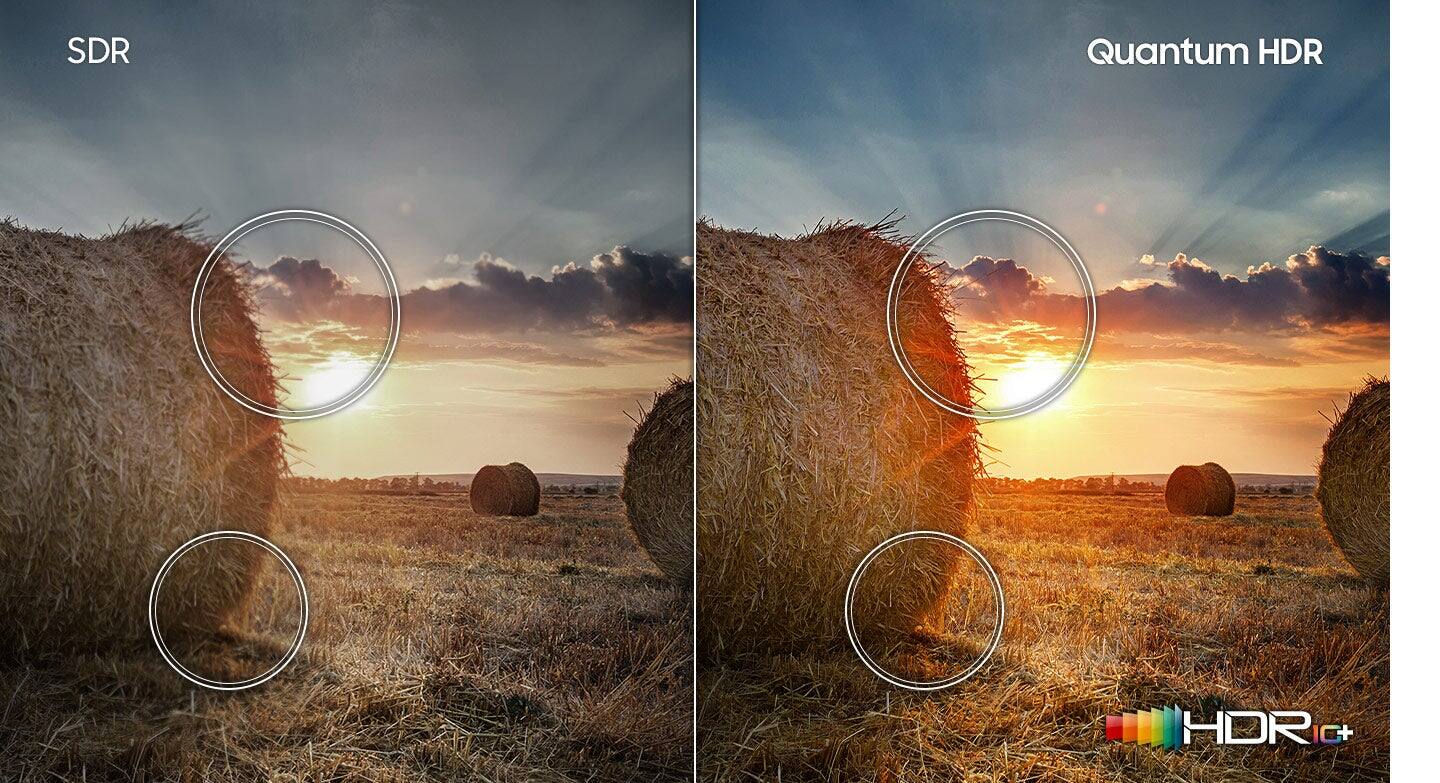
Your TV has HDR10+ format, an exciting scene-based dynamic tone-mapping technology. It automatically matches the dynamic range of the content to the TV on a scene-by-scene basis to maximize the capabilities of the TV, providing the best possible picture.
Your TV will automatically detect video with HDR10+ and apply this setting. To check, press Home > Settings. Look at the Picture Mode icon in the Quick Settings Menu, which will change to show the “HDR” on it. If you’re watching a streaming app, give it some time for the Internet to stabilize for UHD & HDR signals.
Closed Captioning:
On your Q60A TV, you can turn Closed Captions on/off and change the settings, such as separating it from the broadcast screen, font color, background color, size, position, language, etc., by going to Settings > General > Accessibility > Caption Settings.
I hope these tips resolve your issues. If you have more questions or would like more help, please feel free to contact us. Call us at 1-800-SAMSUNG, 8 AM - 12 AM EST, seven days a week. Or visit us on the Samsung website and click on the ‘Support’ link for:
1) LiveChat with an agent
2) Manuals, Software, & Warranty Info
~ Samsung Advisor
Defective - Turns On All Devices When TV Turns On
Posted .This reviewer received promo considerations or sweepstakes entry for writing a review.Brand new came defective. The factory does not check these tv's or the lot. Spent 30 hrs troubleshooting & it is just a defective tv. Have tried several tv's & it is defective technology. This tv is too Stupid to be considered smart. The tv is supposed to be auto-connect when you turn on the hdmi device, but this tv turns on every device that is connected when the tv turns on. Turned off the auto picture, but the tv still get extremely bright & then darkens hurting eyes. Will not be using anymore Samsung Products.
No, I would not recommend this to a friendBrand response from Samsung
Posted .Defective:
I’m sorry to hear that your out-of-box experience has initially fallen short of your expectations.
Anynet+ controls external devices that are connected to the TV via an HDMI cable, and will turn on/off when you turn the TV on/off. Please ensure Anynet+ (HDMI-CEC) is enabled on your TV. With Anynet+, you can control external devices that are connected to your TV with HDMI using your TV remote. To turn off Anynet+ (HDMI-CEC), go to: Settings > General > External Device Manager > Anynet+ (HDMI-CEC). Highlight Anynet+ (HDMI-CEC) and press enter on your remote control to turn the feature On/Off.
You may want to try adjusting image settings to improve your picture.
Your TV has several Picture Modes to choose from allowing you to enjoy content in optimal conditions. Go to Home > Settings > Picture > Picture Mode
1) Standard: Is the default mode suitable for general viewing environments.
2) Natural: Reduces eye strain for a comfortable viewing experience.
3) Movie: Is suitable for watching TV or movies in a dark room.
4) Dynamic: Makes the picture brighter and clearer in bright viewing environments.
5) Filmmaker Mode: You can watch the source content (e.g., movie) as it is. If the image is defined as Filmmaker Mode, it will automatically switch to Filmmaker Mode while watching.
Intelligent Mode enables the TV to recognize and analyze the surroundings, noise, content, and your usage patterns to provide the best viewing experience. You can enable Intelligent Mode by going to Home > Settings > General > Intelligent Mode Settings. Adaptive Picture, which is among the options, optimizes brightness and provides the best picture quality in real time, based on the lighting condition and your content.
If adjusting image settings does not improve your picture or you have further questions and concerns, please contact Samsung Customer Support.
Call us at 1-800-SAMSUNG (ask for TVs), available 8AM - 12AM EST, 7 days a week.
For additional support resources, visit us on the Samsung website and click on the ‘Support’ link in the upper right corner of the homepage for:
1) Chat with Us/Product Help: To begin a chat or find solutions, choose ‘TVs & Home Theater’ and select your model & topic.
2) Manuals, Software, & Warranty Info
- Samsung Advisor
Don't buy Samsung QLED
Posted .This reviewer received promo considerations or sweepstakes entry for writing a review.Don't buy this, wont connect to wifi to even setup. Samsung says it needs 2.4 ghz only, had me wait for software update with no luck and Best buy says take a hike. Now have a 500 boat anchor. No more BestBuy or Samsung for me.
No, I would not recommend this to a friendBrand response from Samsung
Posted .GregW,
We appreciate your review of Samsung’s 32" Q60A TV. So we can better understand the problems you are experiencing and provide you with troubleshooting assistance or warranty service, please reach out to Samsung Customer Support at 1-800-SAMSUNG, 8AM - 12AM EST, 7 days a week. LiveChat with an agent as well as manuals, software, and warranty info can be found at the ‘Support’ link on our Samsung website.
~ Samsung Specialist