Customer Ratings & Reviews
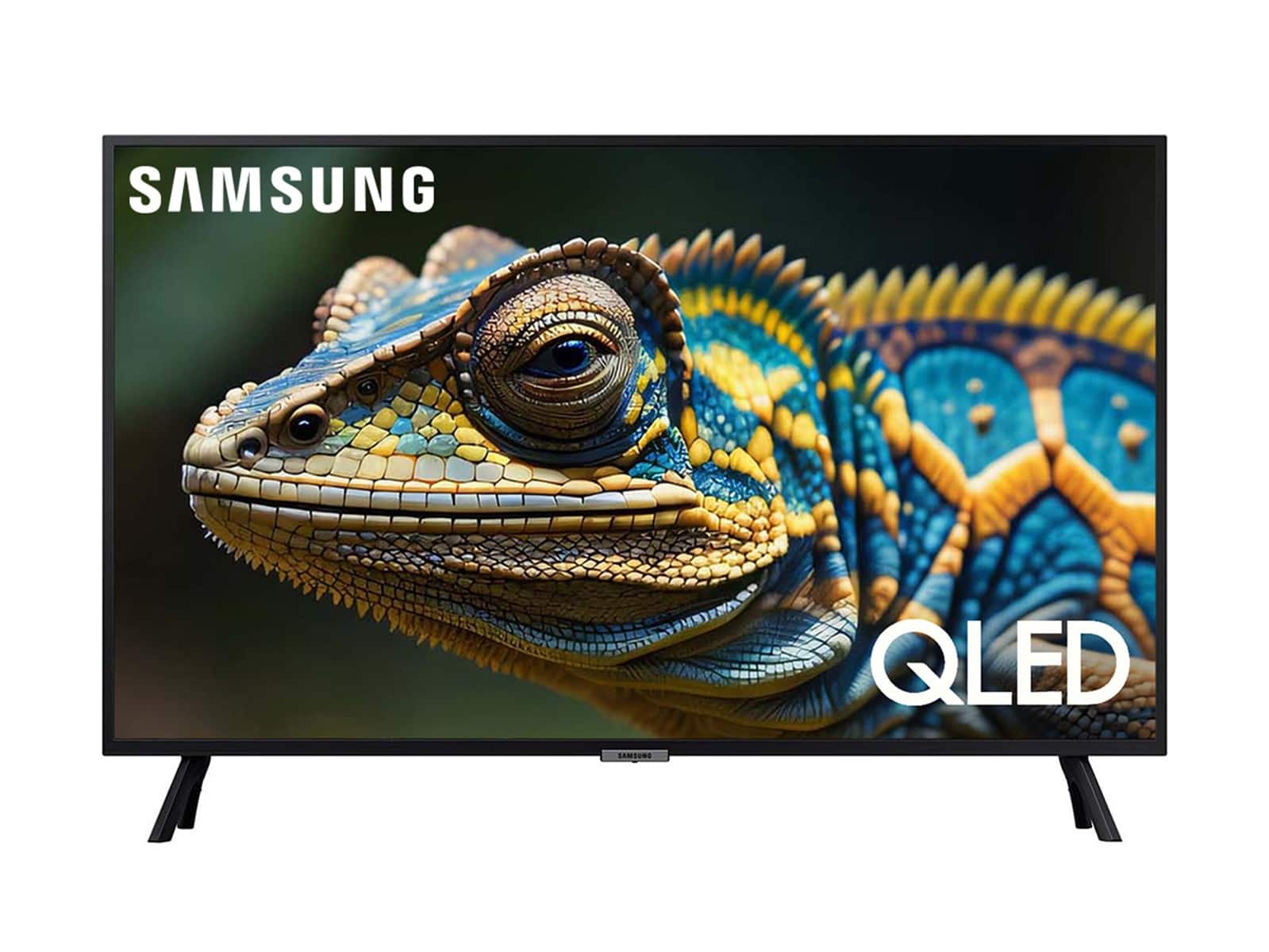
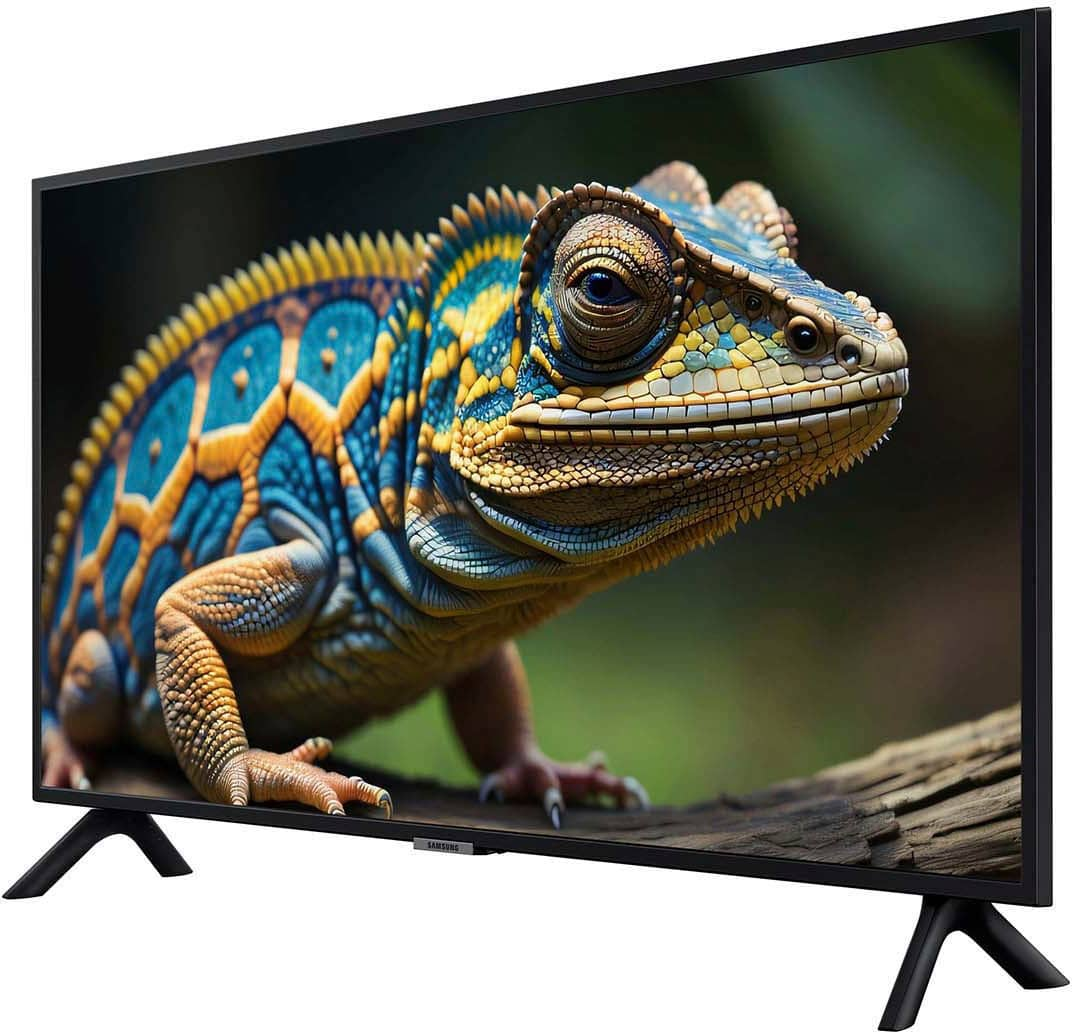
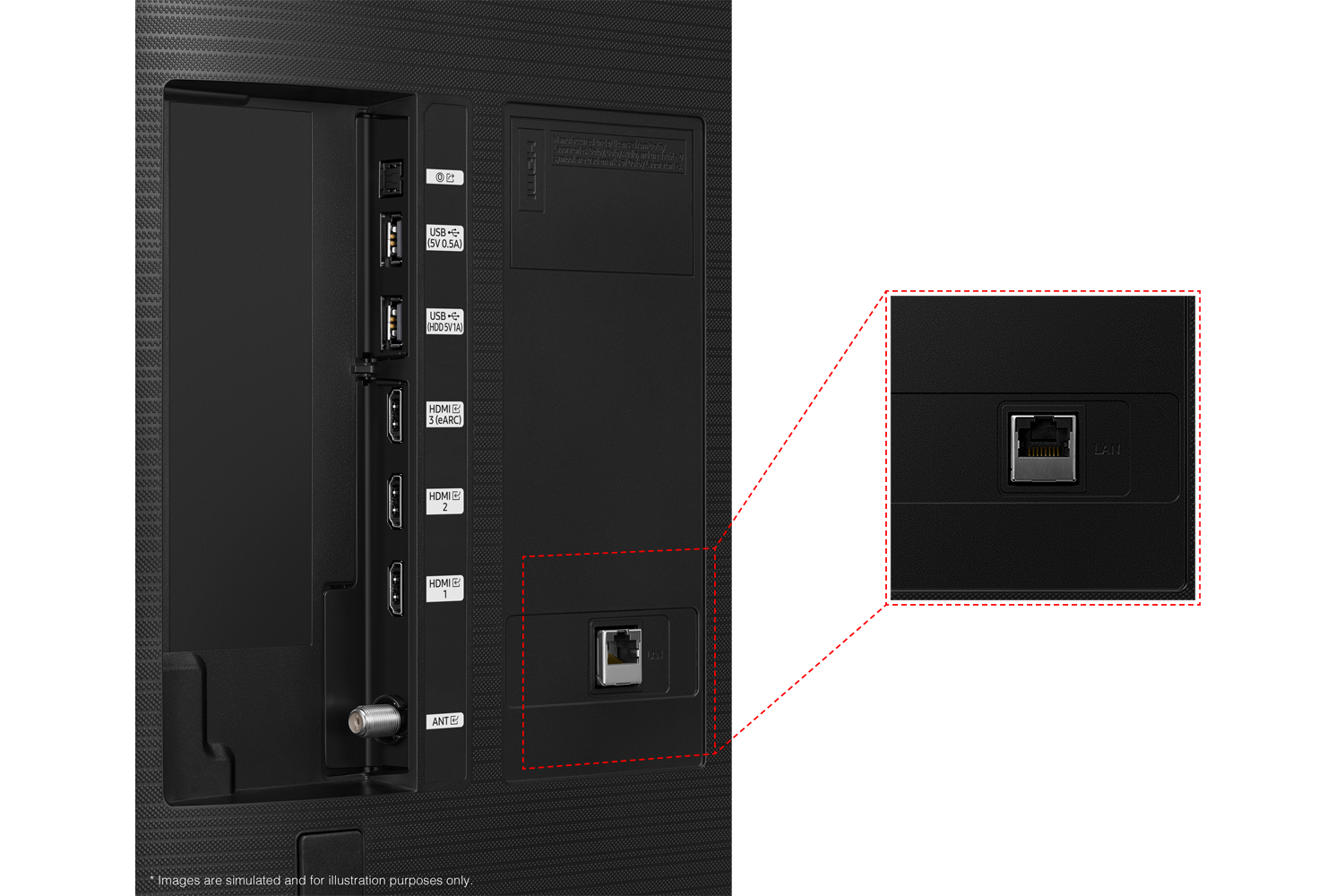
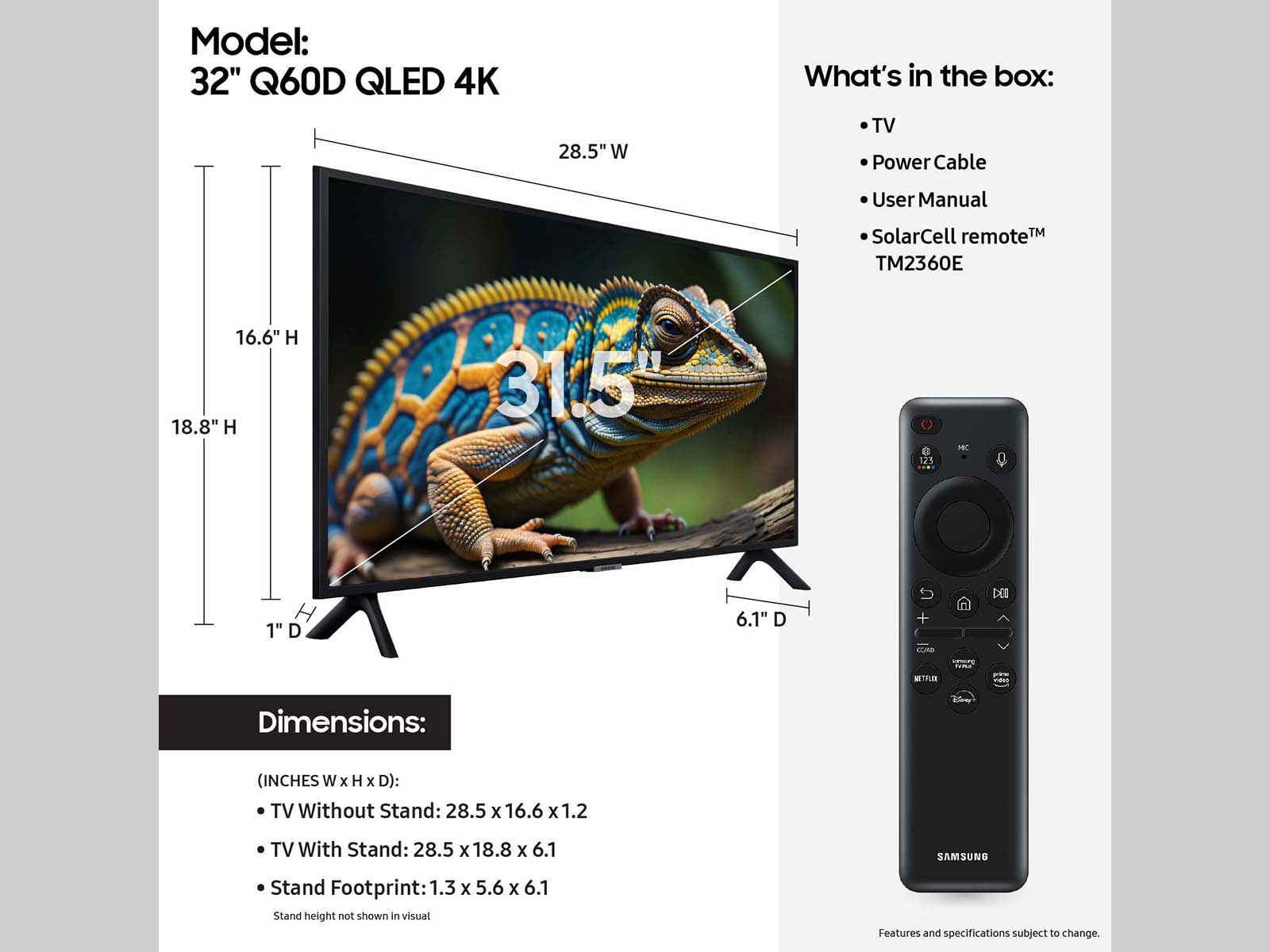





- Model:
- QN32Q60DAFXZA
- SKU:
- 6576335
Rating by feature
- Picture Quality
Rating 4.8 out of 5 stars
- Sound Quality
Rating 4.5 out of 5 stars
- Brightness
Rating 4.8 out of 5 stars
Customers are saying
Customers often highlight the excellent picture quality and ease of use of the 32” Class Q60D Series QLED 4K Smart Tizen TV (2024). Many also appreciate the overall TV quality, easy setup, and perfect size. Some customers have expressed concerns regarding the remote control, price, and processor speed.
This summary was generated by AI based on customer reviews.
- Pros mentioned:Picture quality
TV is too "Smart" for its own good.
||Posted .This reviewer received promo considerations or sweepstakes entry for writing a review.The TV is "OK" I do not like that are no controls on the TV itself - all control relies on the remote, which is easily misplaced. Cannot turn on/off tv or control volume without using remote. Also, dont care for the 'smart' features. They are obtrusive when all I want to do is simply turn on tv and watch a particular channel. Instead must use remote to navigate elaborate 'smart' features to finally get to watching a particular channel. TV is far too "smart" for its own good. Picture quality is fine. Sound is just ok.
No, I would not recommend this to a friendBrand response from Samsung
Posted .WayneP,
We appreciate your review. Please note the TV Controller button can be found beneath the Samsung logo on your TV's bezel. Pressing it once will prompt an on-screen menu; press again to move through the options and press and hold to select.
To assist in learning the various functions, you can download your TV's User Manual, e-Manual, Remote Control Leaflet, and Quick Setup Guide on Samsung's website under Support > Manuals & Software > TVs & Home Theater. You can search for and select the Q60D TV to download the guides you would like.
The e-Manual and Remote Guide are both also embedded into your TV itself under Menu > Settings > Support.
If you need more help, Samsung is here for you. Please call us at 1-800-SAMSUNG, 8AM - 12AM EST, 7 days a week. Our LiveChat agents are also available by clicking on the ‘Support’ link on our website.
~ Samsung Specialist
- Pros mentioned:Picture quality
Network Connectivity Issues
||Posted . Owned for 3 months when reviewed.This reviewer received promo considerations or sweepstakes entry for writing a review.Picture quality is great, but about 3 months into owning this TV, I’m starting to have network connectivity problems. Called Samsung initially and they took me through several troubleshooting steps and I ended up having to do a factory reset, which required me to re-install my apps and set them up again. Then two weeks later, started having the same problem. The TV is still under warranty, but Samsung wants me to detach it from my wall and take it to a repair center 40 miles from my house.
No, I would not recommend this to a friendBrand response from Samsung
Posted .EarnieJ,
It’s unfortunate to hear of your experience with Samsung’s Q60D TV. Samsung is committed to providing the best possible product experience, quality, and value. We back this Samsung TV with a 1-year limited manufacturer's warranty, including authorized repair for manufacturer defect, if purchased brand-new directly from an authorized seller. You can enter your model number to review the full warranty details here: https://www.samsung.com/us/support/legal/LGL10000312/#standard-limited-warranty
Please give us the opportunity to assist you by contacting Samsung Customer Support at 1-800-SAMSUNG, 8AM - 12AM EST, 7 days a week. Our LiveChat agents are also available by clicking on the ‘Support’ link on our website.
~ Samsung Specialist
Narrow viewing angle
||Posted . Owned for less than 1 week when reviewed.This reviewer received promo considerations or sweepstakes entry for writing a review.Looks nice if you are standing directly in front of it. But any deviation to the left or right, and the picture quickly 'washes out'. First time with a TitanOS. SLOW! Makes me appreciate how fast the Roku device is. Very much dislike that you cannot change many setting unless you create/use a Samsung account. And did I mention expensive? Expected more from this brand.
No, I would not recommend this to a friendBrand response from Samsung
Posted .SteveC,
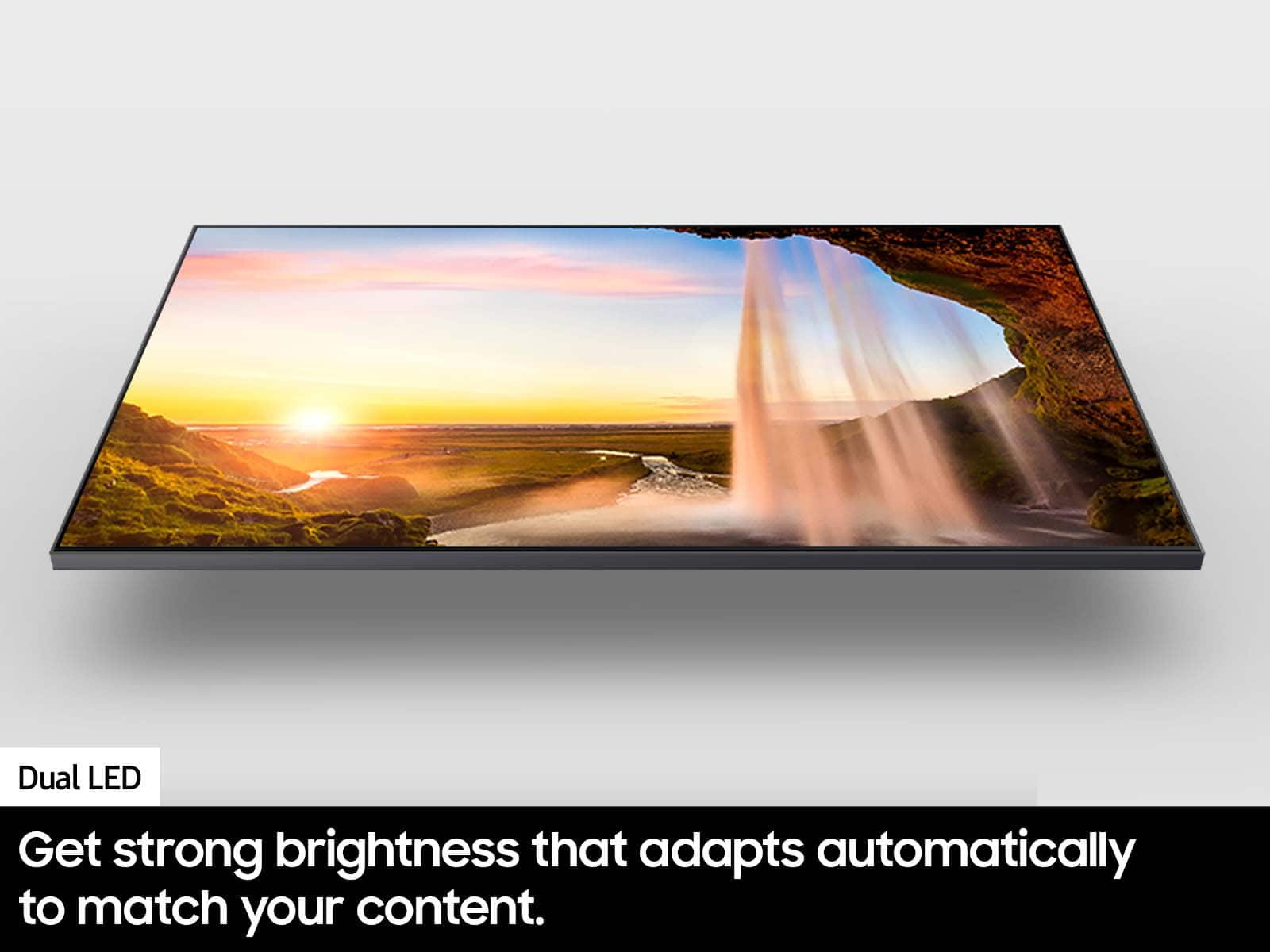
Thank you for your review of the Q60D QLED TV and for sharing your thoughts on the viewing angle. Your Q60D is designed with Dual LED technology which allows the TV to balance color and brightness more accurately than conventional Edge Lighting arrangements. Samsung TVs with Dual LED also produce a wider viewing angle, making it better for everybody watching. Starting with our 55” Q80D, our models feature a Wide Viewing Angle designed to let you see the full picture with brilliant color — no matter where you're sitting.
If there’s anything we can ever help with, please call us at 1-800-SAMSUNG, 8AM - 12AM EST, 7 days a week. Or visit us on the Samsung website and click on the ‘Support’ link for:
• LiveChat
• Manuals, Software, & Warranty Info
~ Samsung Specialist
Not Terrible, just dont buy from Best Buy
||Posted . Owned for 3 weeks when reviewed.This reviewer received promo considerations or sweepstakes entry for writing a review.The tv has below average picture for a 4k display. The amount of glare makes it nearly impossible to view in well light areas. Its is cheap though so i get all that. The worst part is that i bought the screen and had to leave town for work right after, by the time I had a chance to use it and find out i did not like it, my 15 day return window that best buy offers had ended. A 15 day return window is ridiculous so i would highly recommend buying elsewhere.
No, I would not recommend this to a friendBrand response from Samsung
Posted .4kTV,
Thank you for sharing your thoughts on the picture quality of your Q60D TV. To ensure you’ve got the latest image quality updates, please confirm that your TV is up to date with the latest firmware version. You can check by going to: Home > Menu > Settings > Support > Software Update.
If the picture you’re seeing is still not to your liking after updating firmware, there are several picture settings you may want to try adjusting.
Go to Home > left direction button > Settings > All Settings > Picture > Picture Mode
...and select the mode that best fits your usage:
1. Standard: Is the default mode suitable for general viewing environments
2. Dynamic: Makes the picture brighter and clearer in bright viewing environments
3. Eco: Provided to save energy
4. Movie: Suitable for watching TV or movies in a dark room
5. Filmmaker Mode: Provides source content just as the creators intended. If the image is defined as Filmmaker Mode, it’ll automatically switch to Filmmaker Mode while watching.
You can also fine-tune your picture with expert settings such as brightness, contrast, sharpness and more (All Settings > Picture > Expert Settings).
While light conditions of each room environment are different, for optimal glare control, we recommend positioning the TV to minimize incident light falling on the screen or consulting a professional installer.
Anti-Glare designed to minimize ambient light reflection is featured on our QN90D series and higher.
If there’s anything we can ever help with, please call us at 1-800-SAMSUNG, 8AM - 12AM EST, 7 days a week. Or visit us on the Samsung website and click on the ‘Support’ link for:
• LiveChat
• Manuals, Software, & Warranty Info
~ Samsung Specialist
Unsatisfied
||Posted . Owned for 1 month when reviewed.This reviewer received promo considerations or sweepstakes entry for writing a review.Was promised by buying the plus membership when I picked up both TVs, I would be able to price match for 60 days. I even have that in writing!! But when I try to get a price match thru chat, I am told I am outside of the 14 day window. I continue to tell them I have a written agreement from the Geek Squad manager. I live 70 miles from the store. It doen't make me a happy customer!
I would recommend this to a friendBrand response from Samsung
Posted .Hi InNeed,
Thank you for sharing your experience with us regarding price matching through Best Buy. I recommend calling your local store so they can better assist you.
Should you ever have questions or need help, Samsung is here for you. Just give us a call at 1-800-SAMSUNG, 8AM - 12AM EST, 7 days a week. Our LiveChat agents are also available by clicking on the ‘Support’ link on our website.
~Samsung Advisor
Forced to use a Samsung account
||Posted . Owned for 1 week when reviewed.This reviewer received promo considerations or sweepstakes entry for writing a review.Tv seems ok, I only bought this to run web apps but any time I try to open one to sign in, the tv prompts me to log in with a Samsung account. No, I didn't want to log into a Samsung account, I'm trying to watch Netflix. I'll return it if I can't find a solution that doesn't involve a Samsung account that I don't want.
No, I would not recommend this to a friendBrand response from Samsung
Posted .StevenW,
Thank you for your review. You will need a Samsung Account to access Smart Hub, our network-based smart service that includes apps (e.g., streaming service apps) and our other smart features available through your device.
Should you ever have questions or need help, Samsung is here for you. Just give us a call at 1-800-SAMSUNG, 8AM - 12AM EST, 7 days a week. Our LiveChat agents are also available by clicking on the ‘Support’ link on our website.
~ Samsung Specialist
Tv keeps shutting down.
||Posted . Owned for 1 month when reviewed.This reviewer received promo considerations or sweepstakes entry for writing a review.I love the tv. But I have constant issues with it shutting down randomly. It drives me crazy! To expensive to have that happen.
I would recommend this to a friendBrand response from Samsung
Posted .NicholasB,
It’s unfortunate to hear your Q60D TV is turning off by itself. Please try a few troubleshooting steps that may help solve the issue:
1. Unplug the TV from the wall outlet or surge protector and leave it unplugged for 30 seconds.
2. Check the power cord to see if there is any visible damage.
3. Plug the TV power cord back into the wall outlet. If you were using a surge protector, bypass it for now and use a wall outlet.
4. Try to update the software. In some cases, a software update can correct the problem. There is a risk, however. If the TV turns off during the software update, it could damage the TV. Updates can take up to 30 minutes depending on network speed, so if the TV is not turning off too frequently, try updating the software.
If the TV continues to turn off by itself, please call us at 1-800-SAMSUNG, 8AM - 12AM EST, 7 days a week. Our LiveChat agents are also available by clicking on the ‘Support’ link on our website.
~ Samsung Specialist
32" Class Q60D 4K
||Posted . Owned for 1 month when reviewed.This reviewer received promo considerations or sweepstakes entry for writing a review.The writing on the screen is not legible. Not fond of the remote that came with it ordered compatible one of internet barely works.
No, I would not recommend this to a friendBrand response from Samsung
Posted .JoniJ,
Thank you for sharing your thoughts on the picture quality of your Q60D TV. To ensure you’ve got the latest image quality updates, please confirm that your TV is up to date with the latest firmware version. You can check by going to: Home > Menu > Settings > Support > Software Update.
If the picture you’re seeing is still not to your liking after updating firmware, there are several picture settings you may want to try adjusting.
Go to Home > Menu > Settings > All Settings > Picture > Picture Mode
...and select the mode that best fits your usage:
1. Standard: Is the default mode suitable for general viewing environments
2. Dynamic: Makes the picture brighter and clearer in bright viewing environments
3. Eco: Provided to save energy
4. Movie: Suitable for watching TV or movies in a dark room
5. Filmmaker Mode: Provides source content just as the creators intended. If the image is defined as Filmmaker Mode, it’ll automatically switch to Filmmaker Mode while watching.
So that we can understand the remote issues you've described, please reach out to Samsung Support at 1-800-SAMSUNG, 8AM - 12AM EST, 7 days a week. Our LiveChat agents are also available by clicking on the ‘Support’ link on our website.
We look forward to hearing from you.
~ Samsung Specialist