Customer Ratings & Reviews
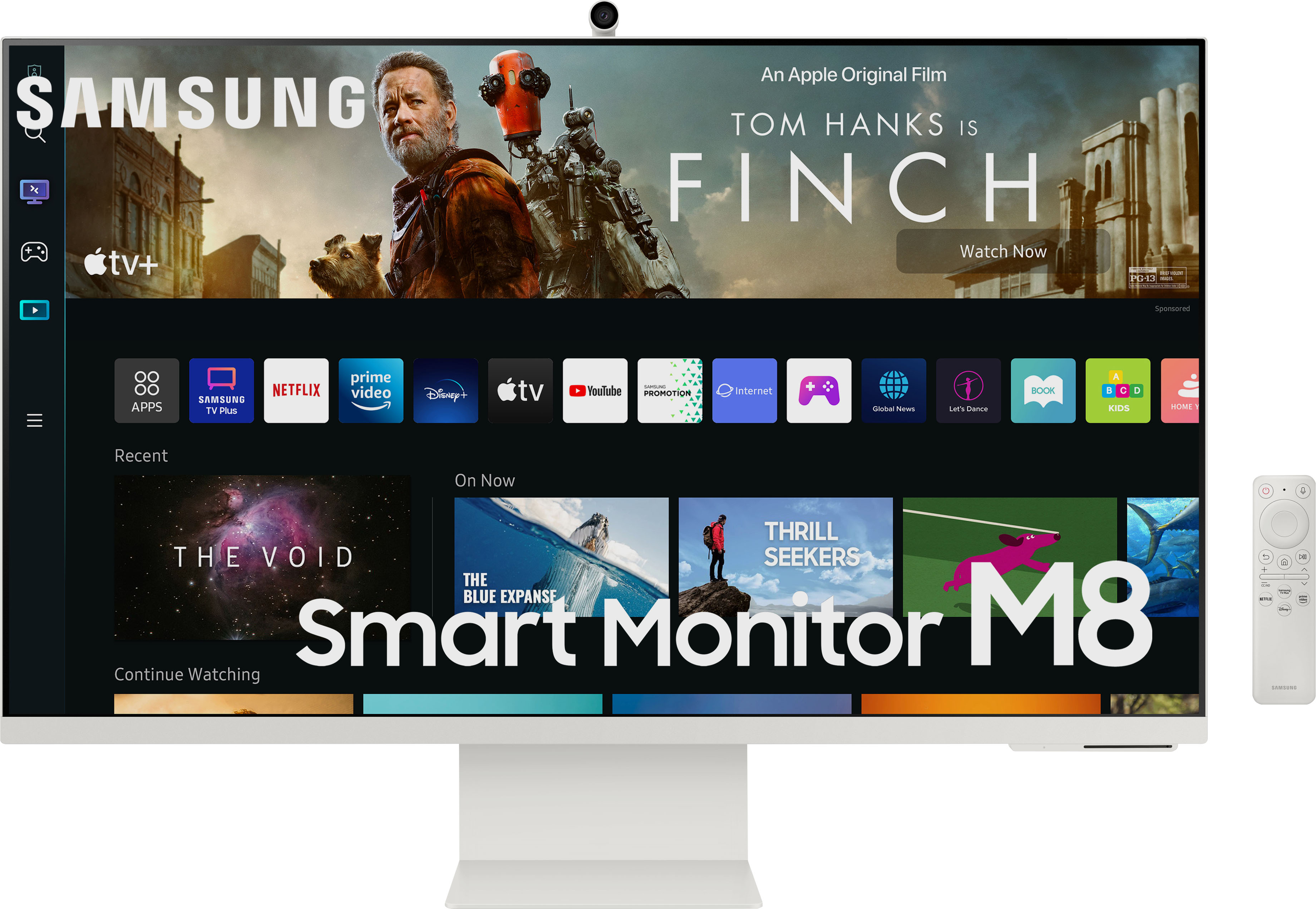
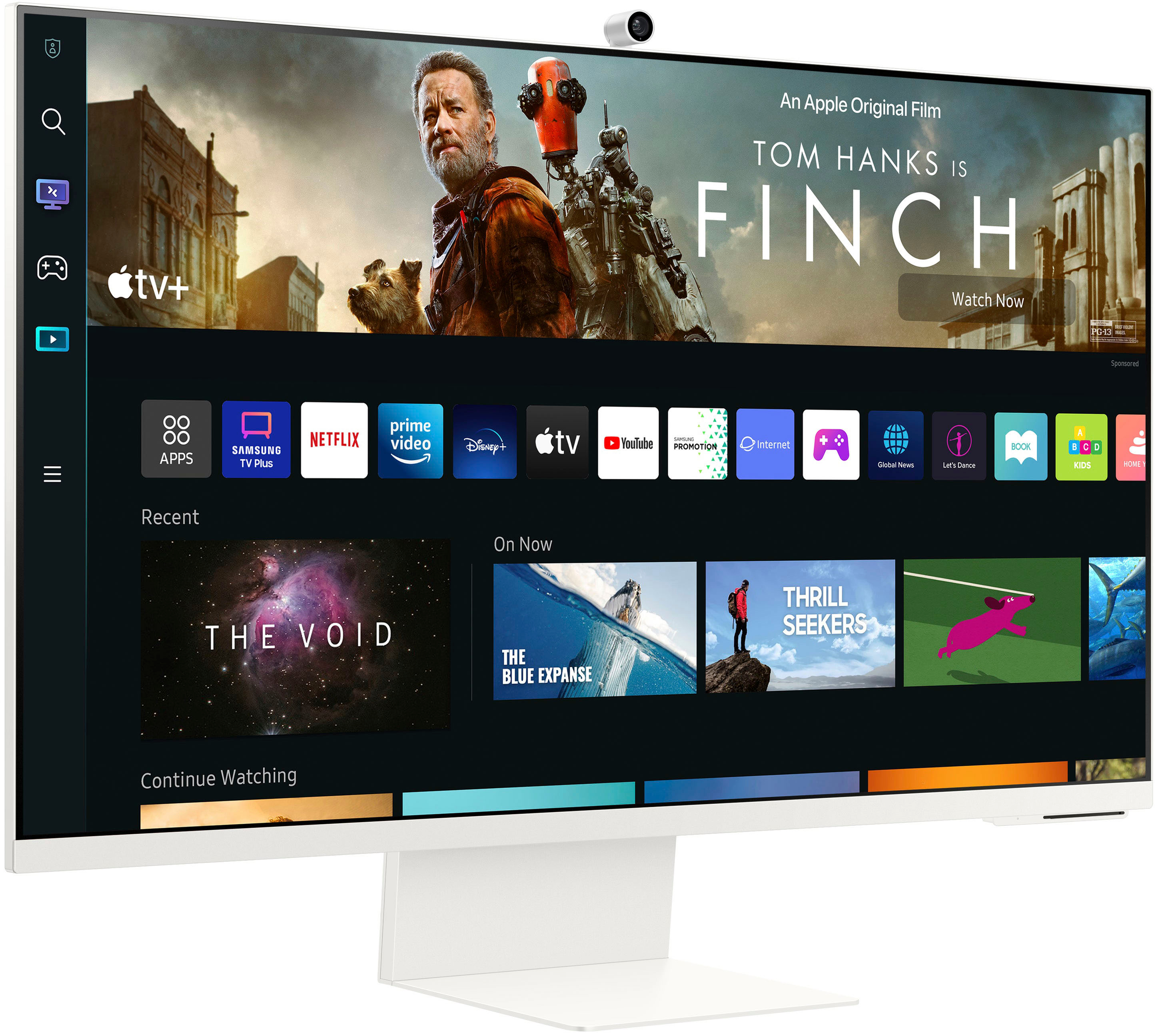
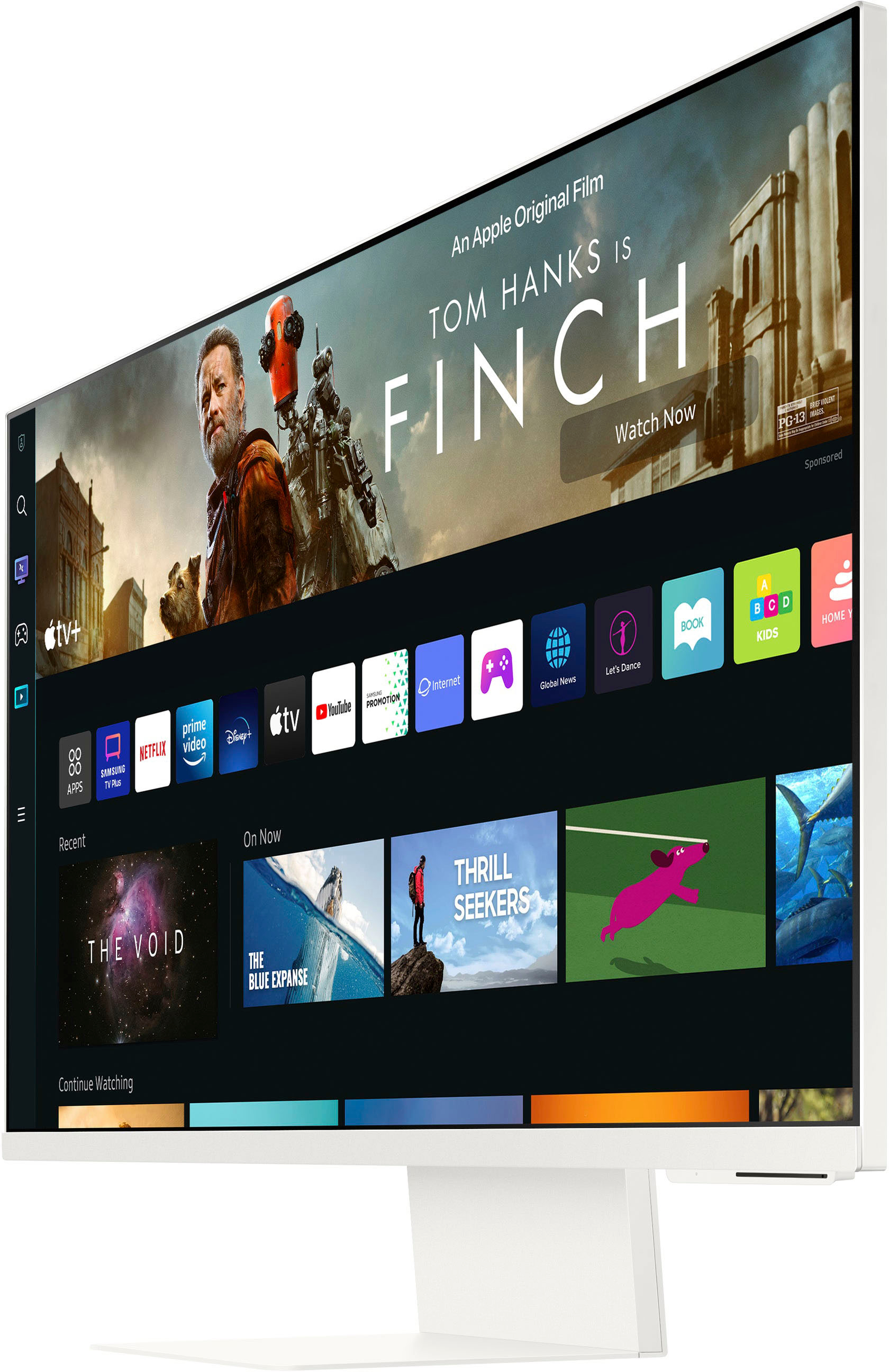
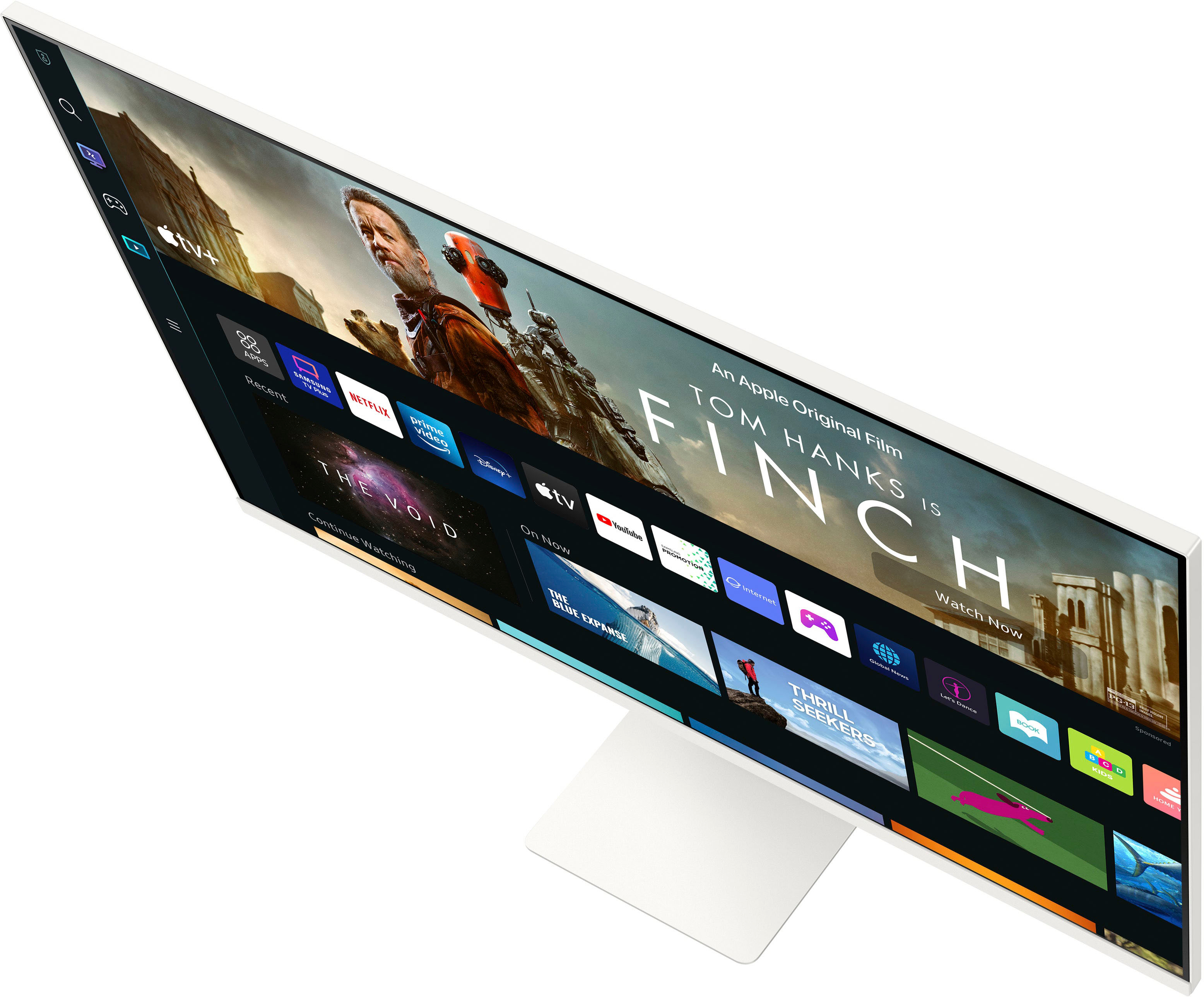
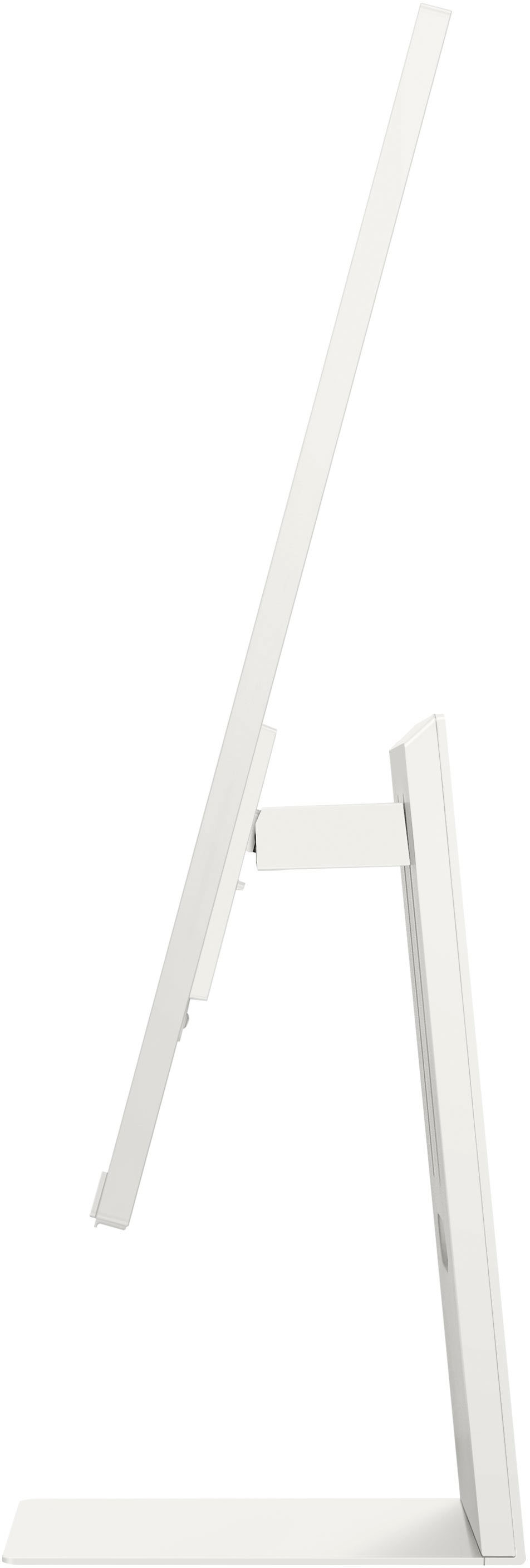
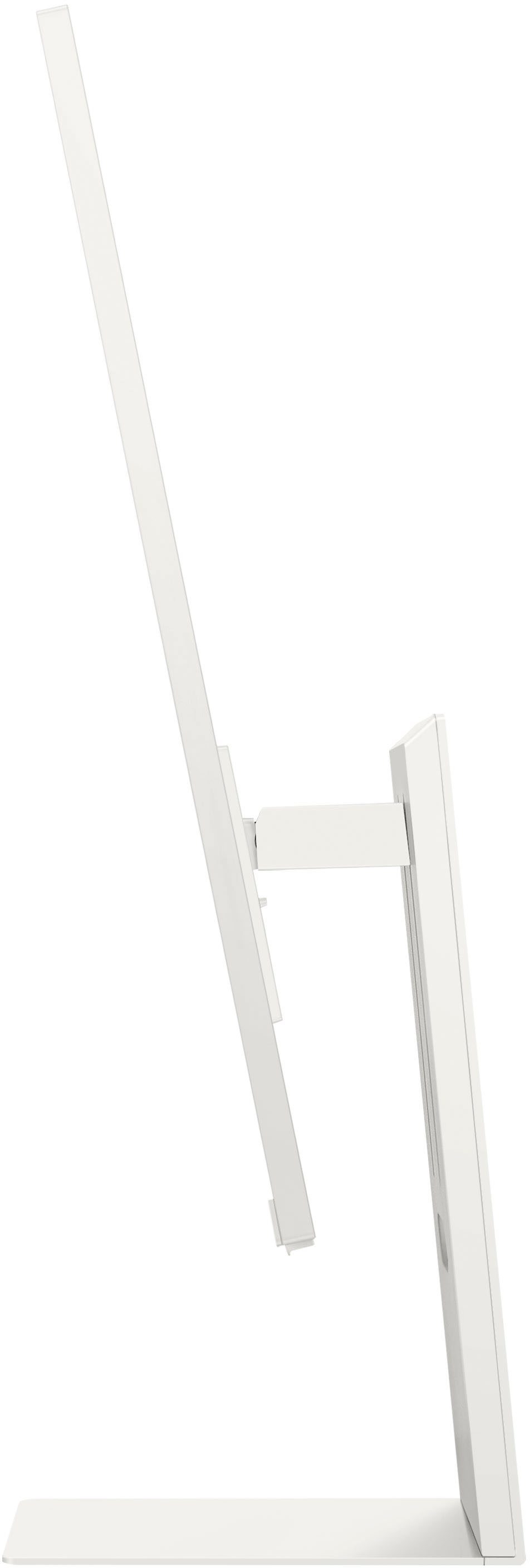


- Model:
- LS32BM801UNXGO
- SKU:
- 6500799
Rating by feature
- Display Quality
Rating 4.5 out of 5 stars
- Ease of Use
Rating 4.4 out of 5 stars
- Features
Rating 4.7 out of 5 stars
Customers are saying
Customers admire the 32" M80B UHD Smart Monitor's large screen size and excellent camera quality, frequently praising the crisp resolution and sleek design. However, some users express dissatisfaction with the limited port selection, particularly the micro-HDMI port and the performance of the built-in speakers. The monitor's refresh rate also receives mixed reviews.
This summary was generated by AI based on customer reviews.
10/10 Would Recommend
||Posted . Owned for 3 weeks when reviewed.This reviewer received promo considerations or sweepstakes entry for writing a review.I primarily use this this monitor for school or work, so being able to mirror my laptop to this smart monitor has been quick and efficient- not to mention being able to simultaneously watch tv or news on one half of the monitor’s screen while I work is convenient as well. The set up was straight forward, THANK GOODNESS, and the display is very nice. Since I can watch shows on this screen even without connecting my Netflix account or needing more cables for, well, cable, I’ll happily get rid of my TV. Overall really happy with my purchase.
I would recommend this to a friend- Pros mentioned:Camera quality, Resolution, Screen size

Samsung S32BM801 Smart Monitor Breaks New Ground
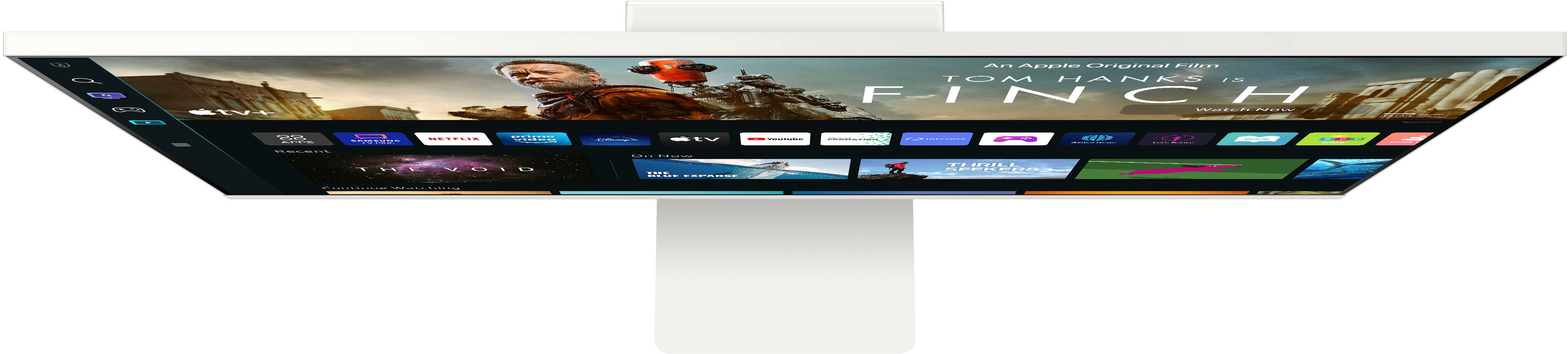
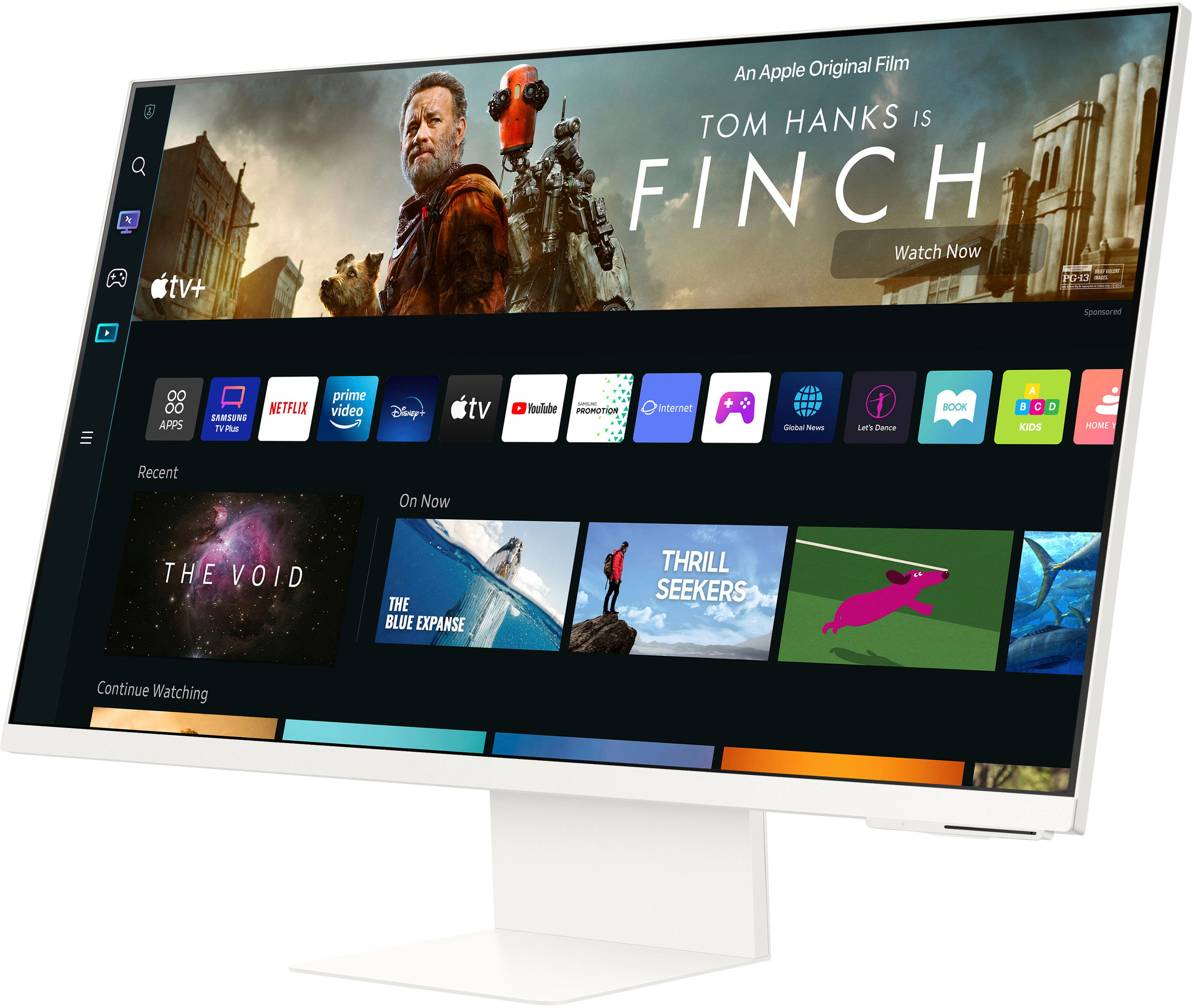
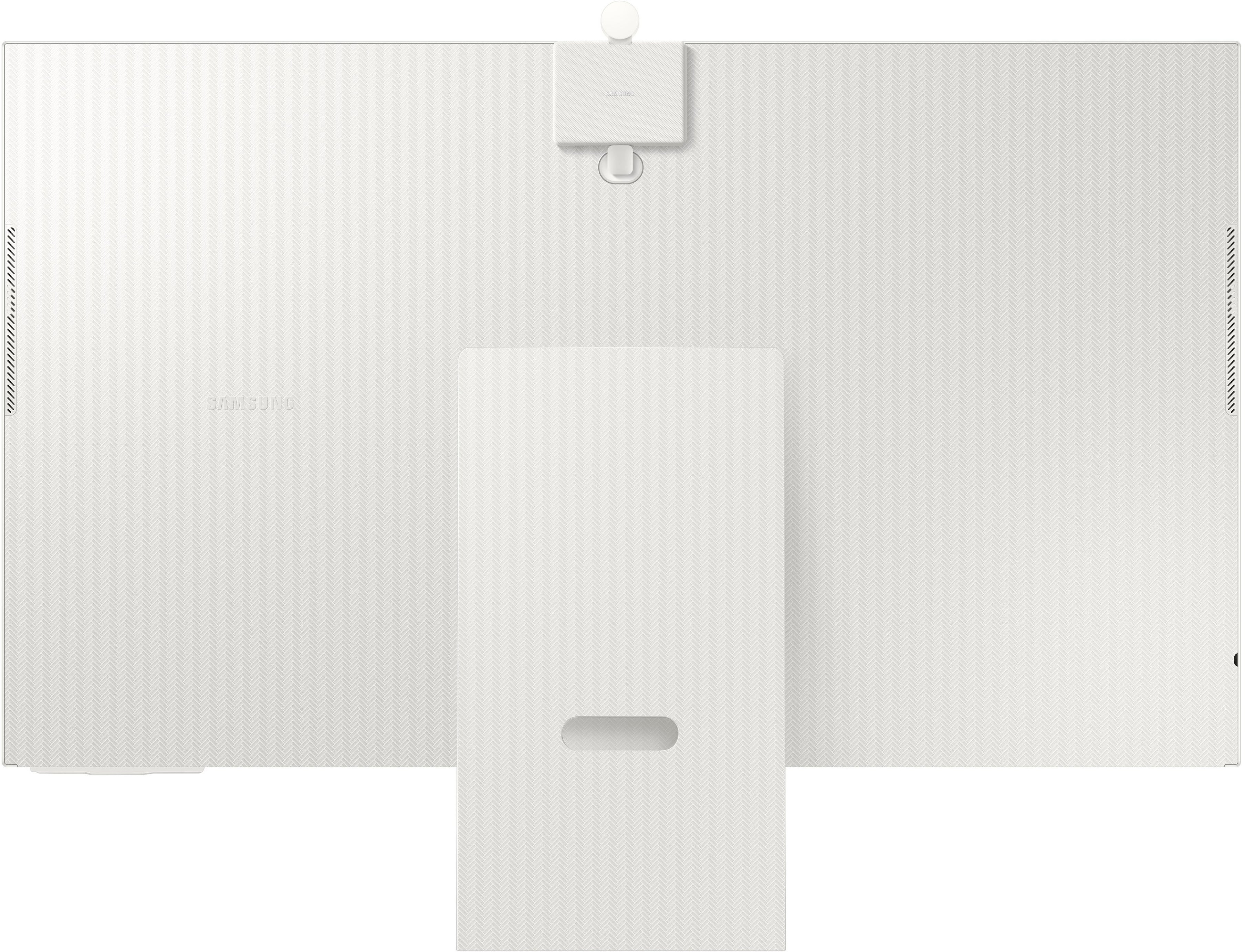
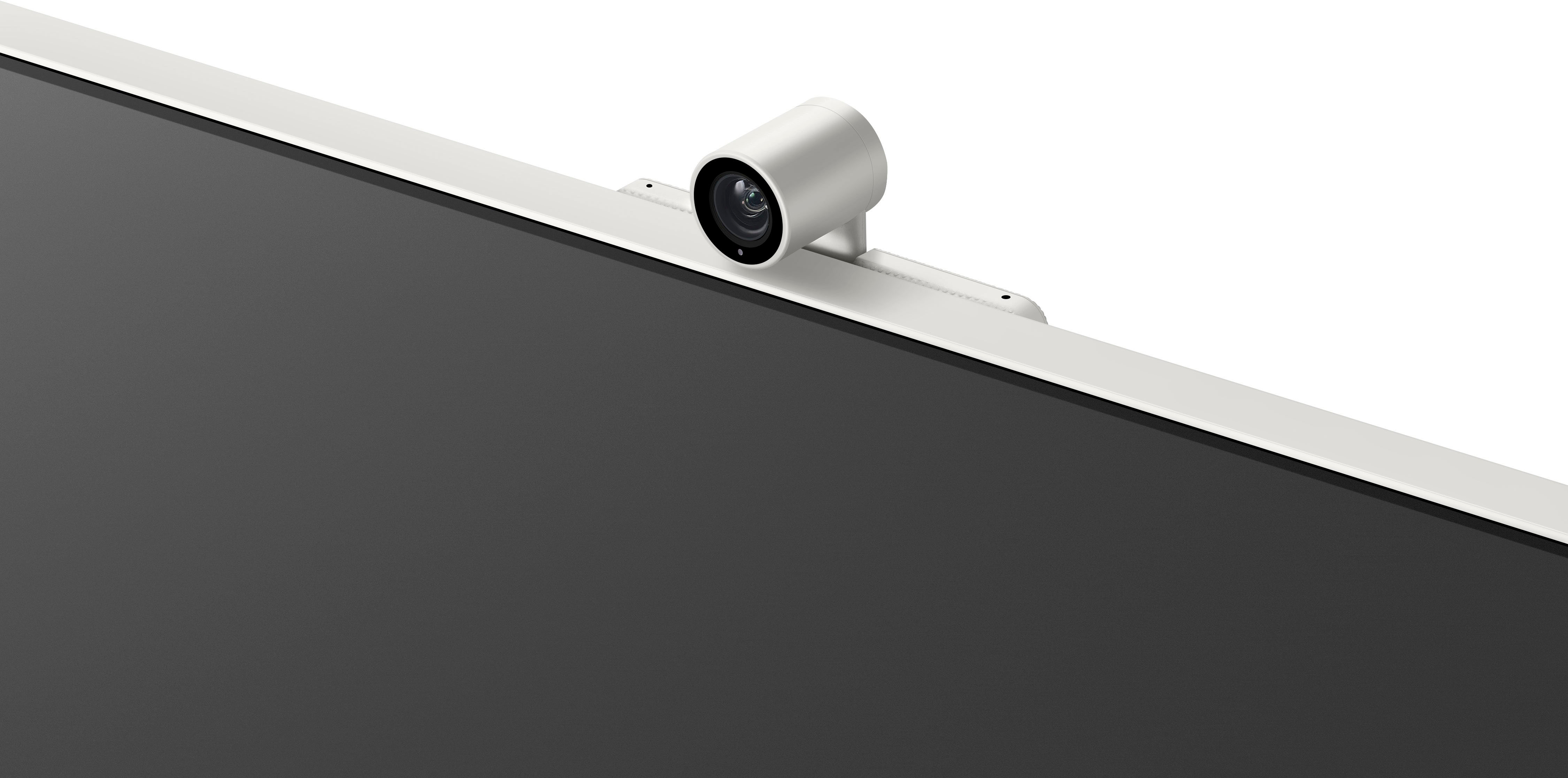
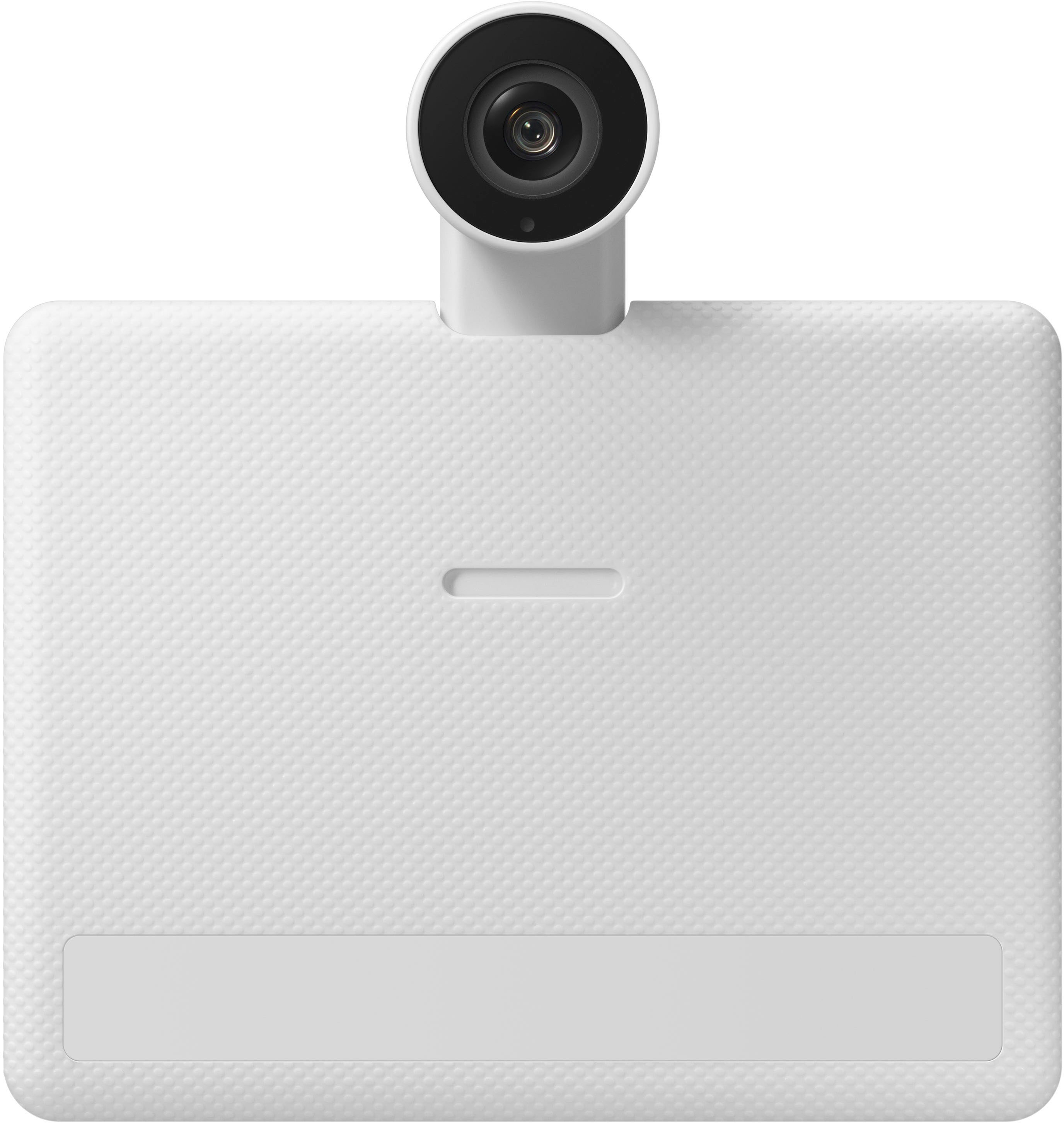
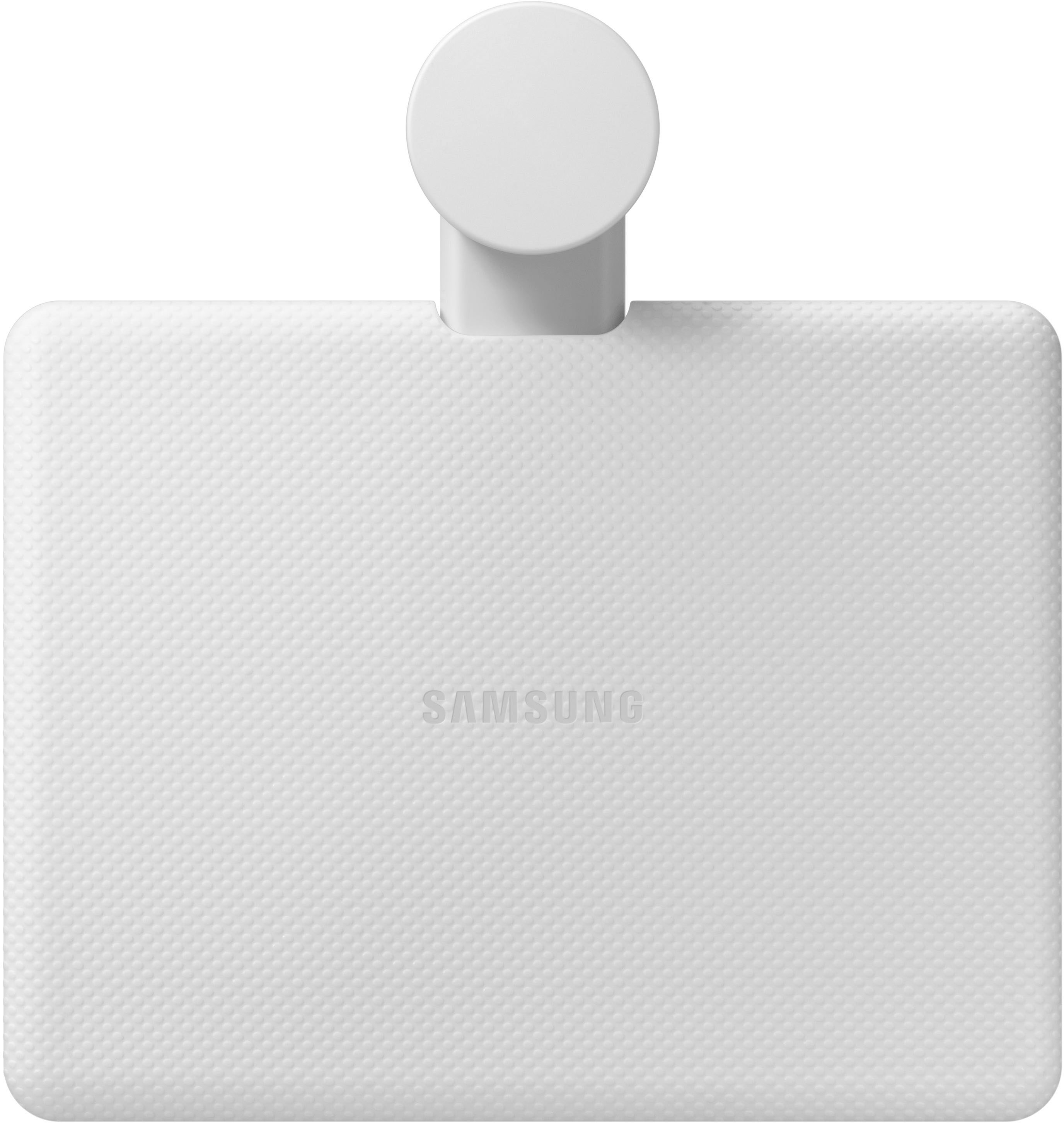
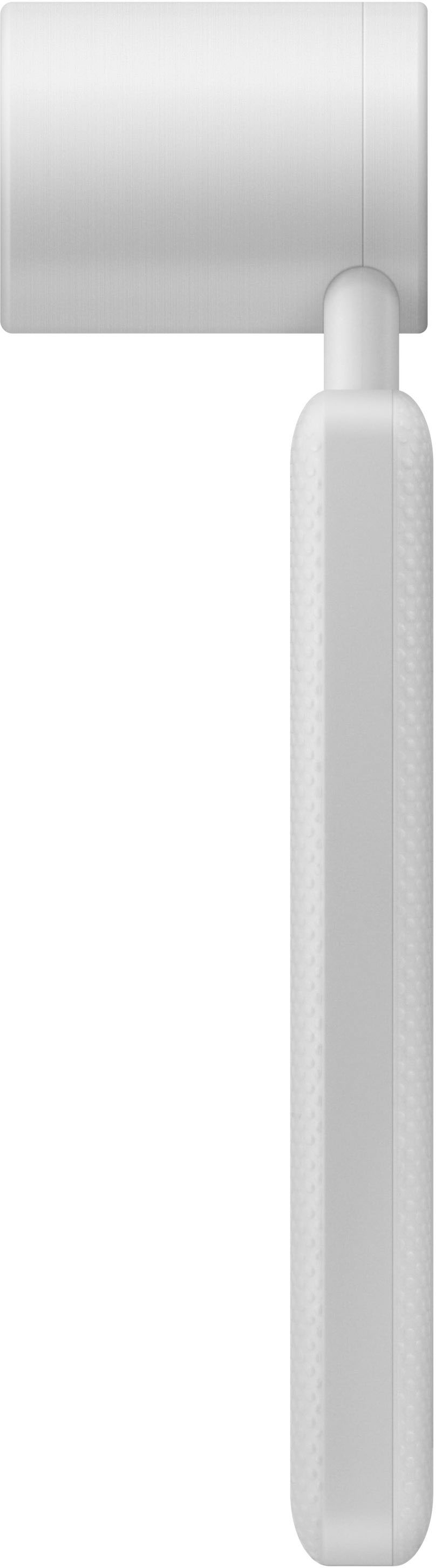
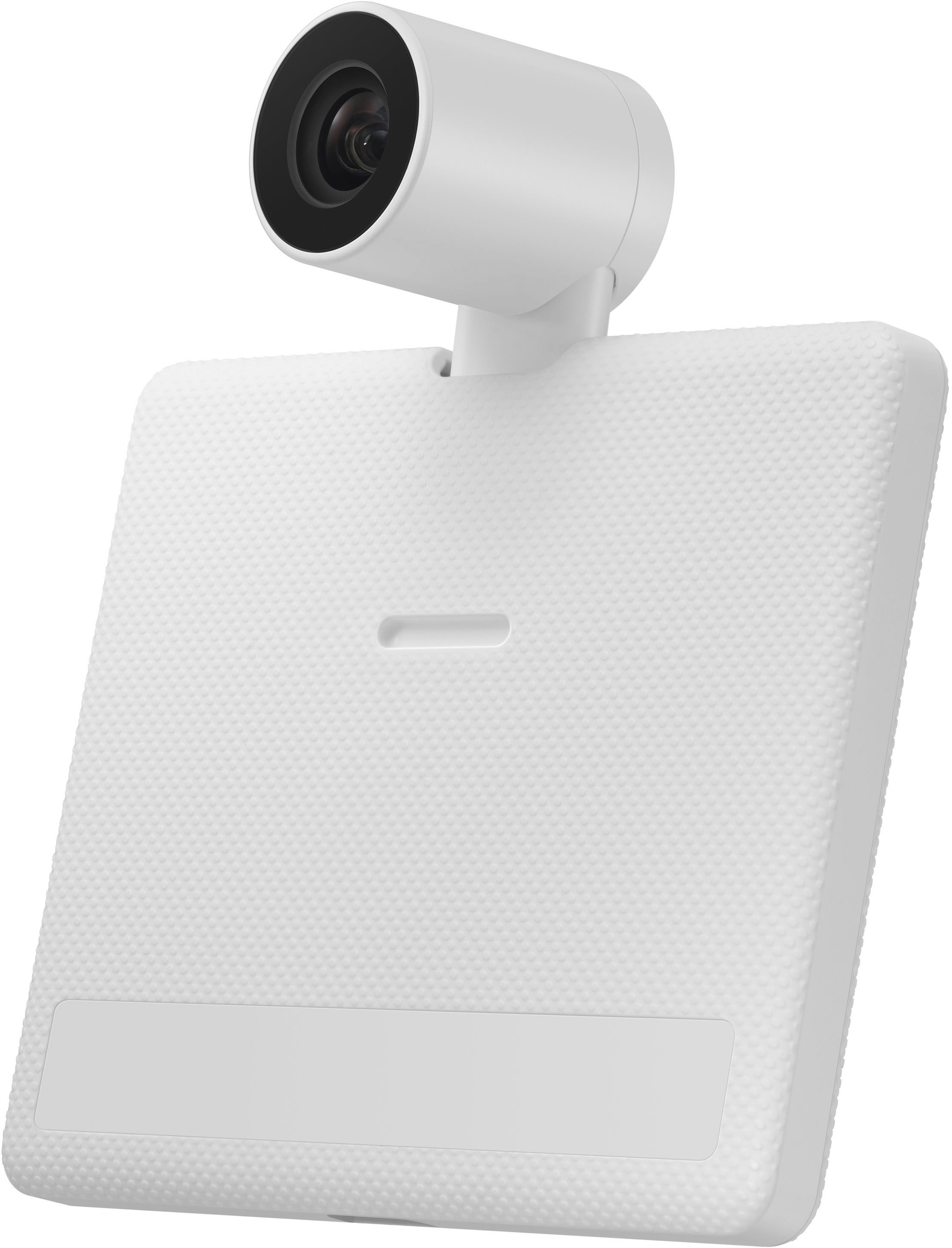
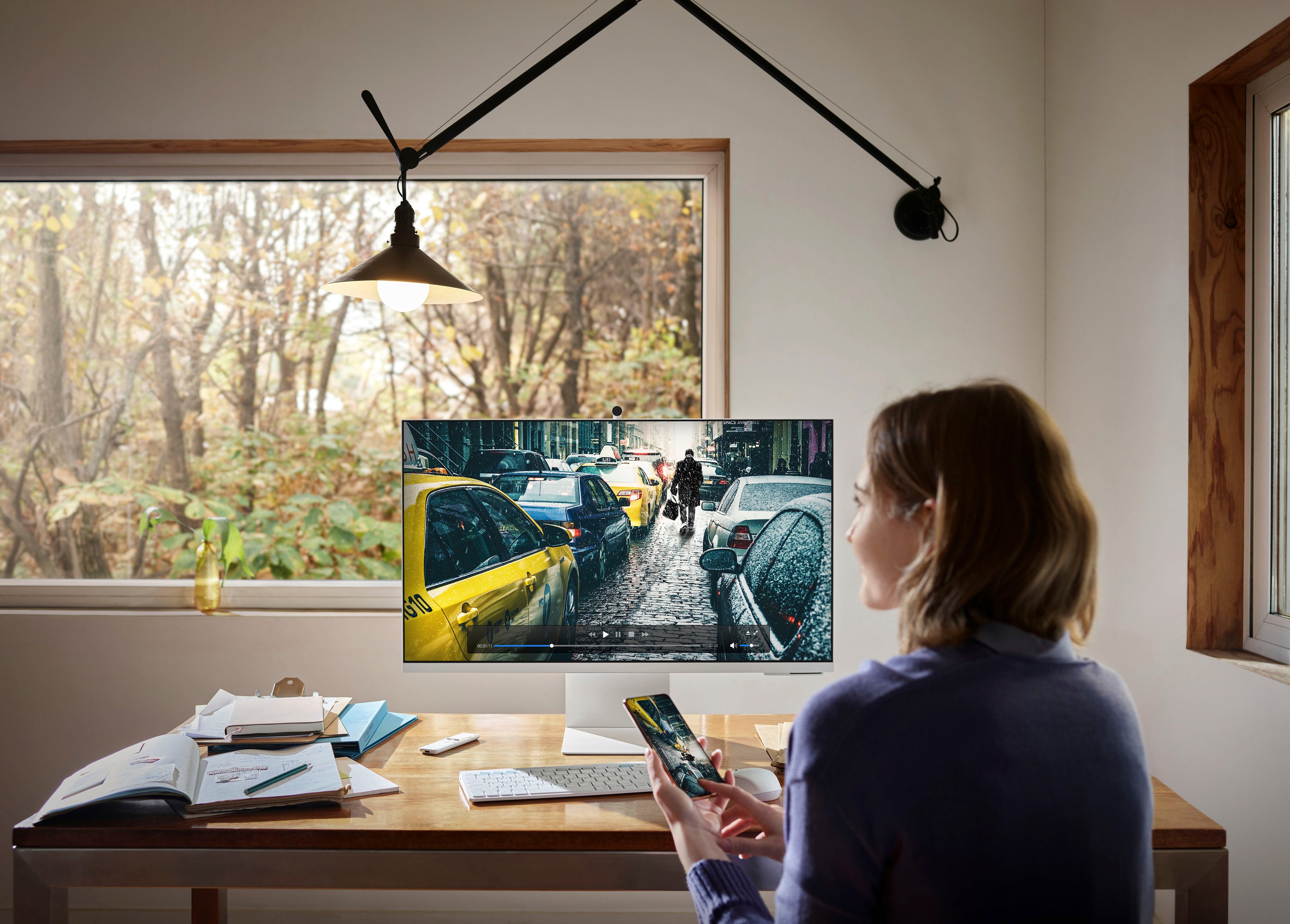
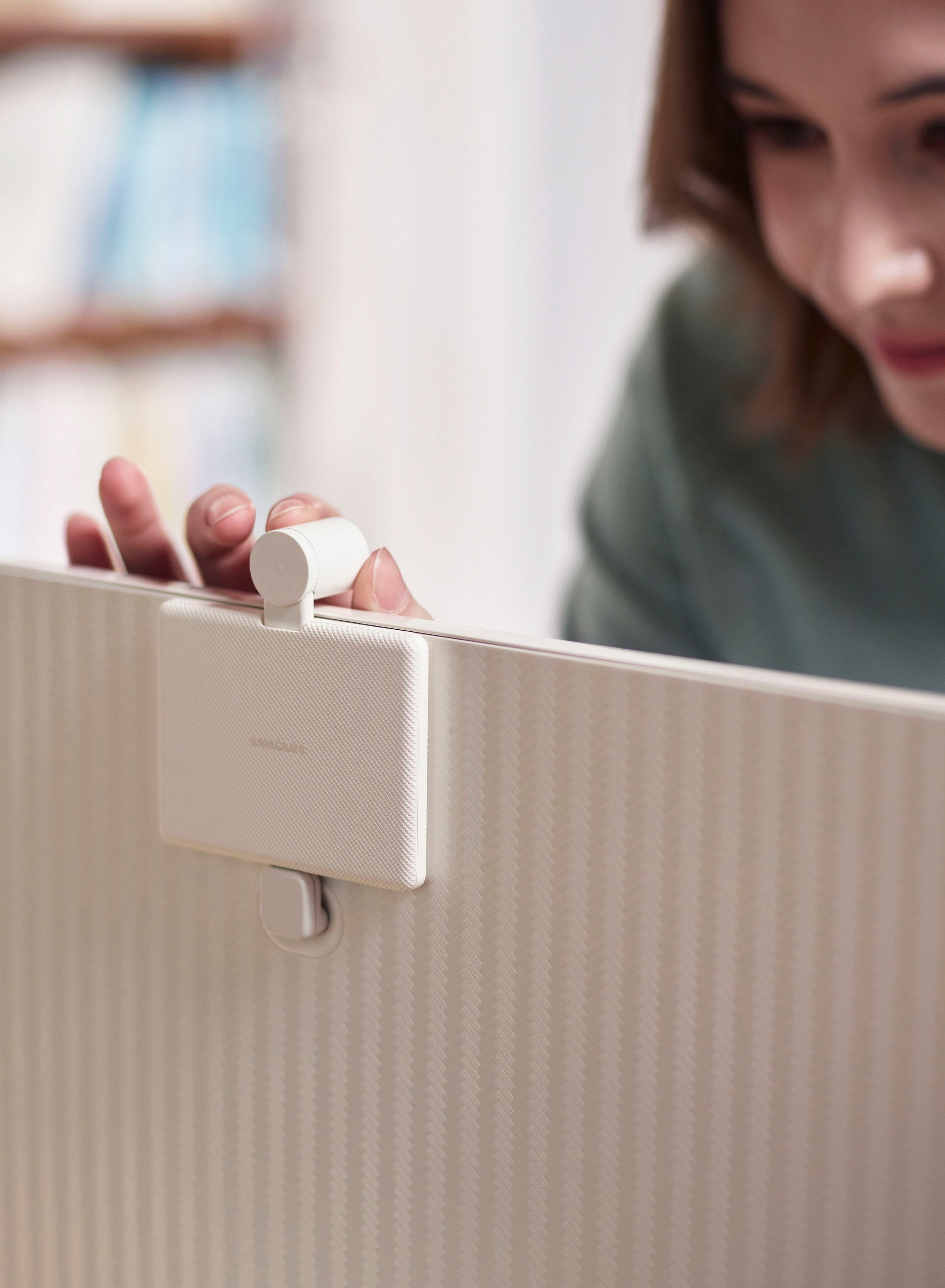
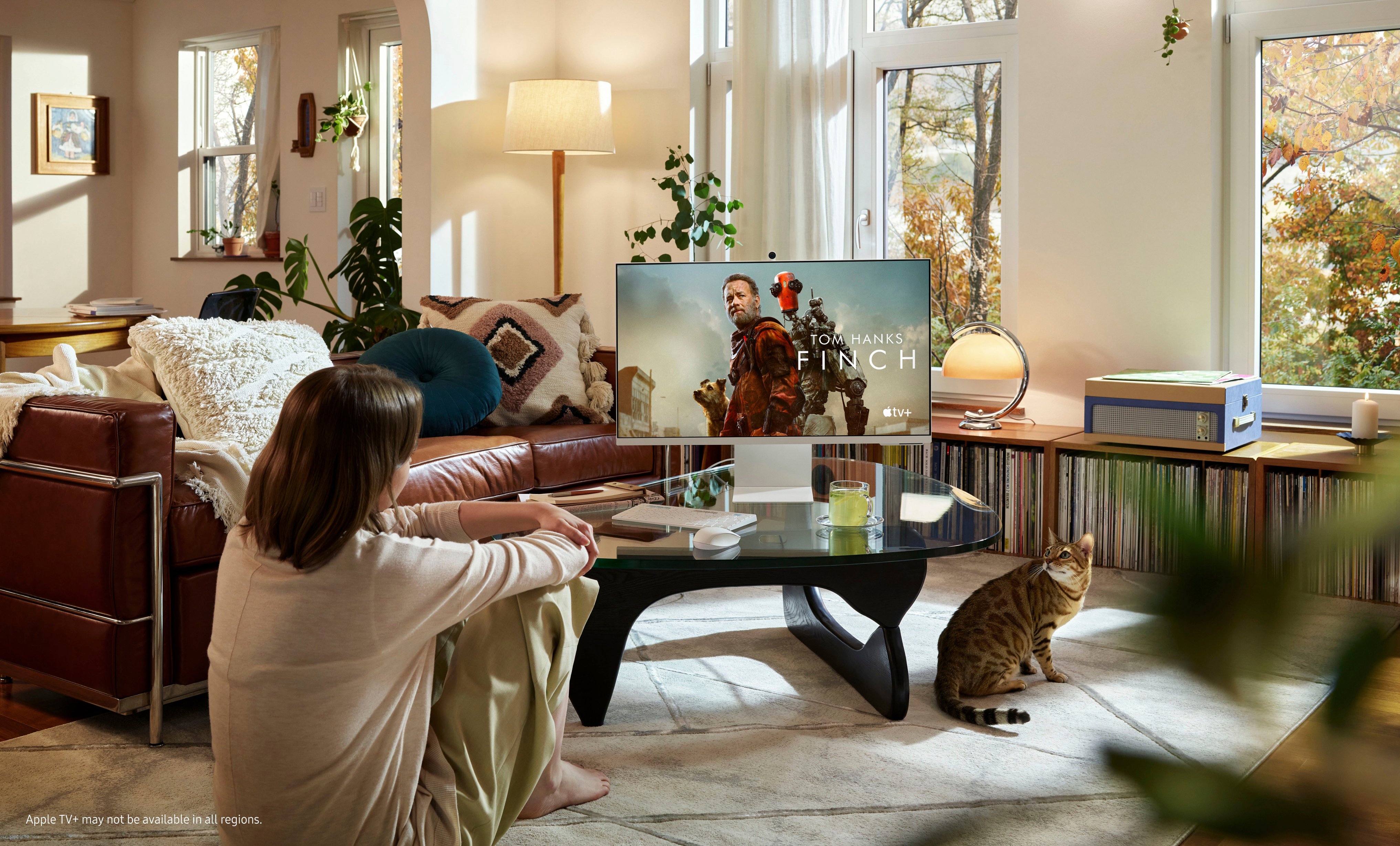
|Posted .This reviewer received promo considerations or sweepstakes entry for writing a review.Enthusiasts have been waiting for this monitor, known as the M8, since it was announced at CES in Las Vegas this past January. As details emerged, I was among those looking forward to this combo powerhouse. A high-end Samsung Smart TV without the tuner in the guise of a computer monitor! A magnet in its included little 1080P camera card grabs the back of the monitor for dear life, while four contact pins secure the connection, and a magnetically-attached privacy cap shuts out unwanted viewers. Most external monitors do not include a camera at all. The “smart” part is a palate of apps connecting the user to most of the popular subscription-based streaming services, including Netflix, Disney +, Amazon Prime, Apple TV+ and others, with a rechargeable remote that includes buttons for the first three. It should be no surprise that the apps are part of the Smart Hub. The apps are the same as can be found on a Samsung TV. Samsung TV Plus includes its own bucket of FREE-to-watch channels, a few of which are in 4K. All streaming content is provided over wireless Internet connection as the monitor sits on a height-adjustable base. With the Samsung SmartThings app, users can do the basic set-up of this beautiful monitor in no time and have connectivity with Samsung’s smart home features to combine numerous services under the Samsung umbrella. Neat! Oh, and there is a choice of voice control using either Samsung’s Bixby attendant or Amazon’s Alexa. A microphone button on the remote is the gateway to voice features. With its own built-in Internet browser, connect a Bluetooth keyboard and mouse and enjoy computer-free browsing. With an included link to the user’s Microsoft 365 account, it is easy to see the value of all these features. This Smart Monitor promises a super picture with the latest technology and powerful built-in stereo sound. If what you want is a Smart Monitor without the direct mirroring of a PC, then connect a Bluetooth keyboard and mouse and use the wireless remote to access the streaming services, and don’t bother using it as an external laptop monitor as I do. This would be foolish, in my view. **WHAT’S IN THE BOX** • Samsung S32BM801 Smart Monitor, adjustable-height base, wireless remote control, power supply, HDMI cable, USB-C cable, magnetic webcam, documentation. **THE SETUP** Download the Samsung SmartThings app and create an account, plugged in and using the wireless remote, press the power button and watch the magic. Follow the prompts for setup that includes automatic sound and picture optimization. Enter the local Zip Code so the monitor knows what content to provide in the Samsung TV Plus app. Move through the paid content apps and follow along to sign in on those accounts to which the user has paid access. Look for other streamers of interest, some of which offer free content. Be patient with the setup, as it’s just going to take quite some time to go through each app and each screen. There are SO many screens. So much to explore and to learn. Users can mirror Android phones, not iOS devices, as well as PCs and Mac screens, which is how I will use it. Set up and ready to see what this Smart Monitor will do, so let’s . . . **PUT IT TO THE TEST** First up, I tried the onboard capabilities, signing in to all my paid streaming services and to free services alike. The sound and video are excellent and the dynamic audio setting reads the room to optimize the sound for dialogue, if that is selected. There is plenty of volume available with customizable treble and bass, again, if chosen. As a desktop screen from about two feet viewing distance, it is possible to have a satisfying immersive experience watching HBO Max, Netflix, Amazon Prime Video and AppleTV +. Let me note that with Major League Baseball’s season starting, Apple has made a deal to broadcast Friday night games in 4K. I watched the Dodgers play Cincinnati in 4K. What a treat! And all of this was before using the Smart Monitor as a computer monitor with my MacBook Pro. On to the capability of using the M8 as a computer monitor. This is a WOW! experience, having so much screen real estate for the Mac and with a scaled resolution set to 3360 x 1890. That way, nothing is so small so as to be unreadable. And I can still switch to the default resolution of 3840 x 2860 is the need dictates, but it’s very difficult to read many items at that high resolution. After doing computer work at that slightly diminished resolution, it’s easy to switch back to using the Smart Monitor for video streaming, then back. This is a very satisfying experience, to be sure. Lots of room for work to be moved about. The Smart Things app was set up with a new Samsung account on my iPhone. There is a remote pad built into the app for control of some monitor features, including volume, app selection, PIP placement when using the monitor’s Internet function and more. It cannot be stressed enough to explore and learn. Also, there is quite a learning curve due to the variety and complexity of the choices, switching from apps to computer mode, side-by-side Smart TV Plus with computer monitor and so on. External speakers may be connected, including sound bars, which I did not try. I tried using the Smart Monitor with a connected Bluetooth keyboard and mouse in order to use its built-in browser. It seems to use Java to do this, so it was by no means fast or “normal” as one might expect. I also tested in this mode my Microsoft 365 account. Again, it worked, but not so as to be a worthy replacement for a Mac or Windows PC. As I saw in the product screens on Best Buy, I also tried logging on to AppleTV + through the browser, and then brought up the same film as in the product screens, Finch with Tom Hanks. It worked just fine, though it’s easier to do through the AppleTV + app. The built-in camera has been a welcome addition, not offered on all monitors. Zoom and other business meetings with video have been enhanced by the excellent camera. **CONCLUSION** This big multipurpose 4K UHD Samsung Smart Monitor model M801 has proven to be indispensable in my workspace, a worthy upgrade from the 27-inch UHD monitor it replaces. Having the added screen space is such a pleasure coupled with the excellent TV-like option of watching all my favorite streaming services. Not quite perfect, however. Like so many other products with so much technology and capabilities in the package, the experience was not at all intuitive beyond the basics. The sparse manual was of little help, so I went online to download the manual on the Samsung site. This is NOT for the average consumer who may wish to use features beyond the streaming apps and using it as an external computer monitor. For those who, like me, get their geek on with a product like this, the Samsung M8 is the best at what it does in its size and at its price. **WARRANTY** One (1) Year Parts and Labor, Carry-In/Ship-In Service
I would recommend this to a friend Slightly disappointed
||Posted .This reviewer received promo considerations or sweepstakes entry for writing a review.The monitor is beautiful and works perfectly fine except for the fact that light leaks through the top bezel of my screen. It looked like this right out of the box. It is really noticeable when the screen is black or viewing in a dark room. I wish I could get some help fixing this!
I would recommend this to a friendHorrible shipping and customer service experience
||Posted . Owned for 1 month when reviewed.This reviewer received promo considerations or sweepstakes entry for writing a review.It was awesome once I received one that wasn't broken. I had three shipped to me and all of them broken. The fourth one finally wasn't one of the photos of the third one. Best Buy was horrible customer service. at the local store in Smyrna GA
I would recommend this to a friendBest Monitor Ever
||Posted . Owned for 3 weeks when reviewed.This reviewer received promo considerations or sweepstakes entry for writing a review.My first external monitor! I'm glad I read reviews and went for Samsung M8 Smart Monitor. The shipping was so fast and the price is just amazing for its value. The monitor not only works well with my Mac M1, it worked also with my apple Mac studio. Sharing between the devices is a lot easier than I thought
I would recommend this to a friendBad stand and unnecessarily expensive
||Posted . Owned for 1 week when reviewed.This reviewer received promo considerations or sweepstakes entry for writing a review.Same janky Samsung quality you’d expect. Securing screw for the stand does not screw in properly leaving the screw sticking out and the monitor uneven or the bottom plate separate from the stand.
No, I would not recommend this to a friendSamsung M8
||Posted . Owned for 3 weeks when reviewed.This reviewer received promo considerations or sweepstakes entry for writing a review.One of the best purchases for me because it fits the room and what I needed it for.
I would recommend this to a friendA smart TV and monitor!
||Posted . Owned for 1 week when reviewed.This reviewer received promo considerations or sweepstakes entry for writing a review.Best value you can get in a monitor! Beautiful display and full of smart features.
I would recommend this to a friendLasted 15 months
||Posted . Owned for 1 year when reviewed.This reviewer received promo considerations or sweepstakes entry for writing a review.OK when it worked but only lasted 15 months. Right hand side of the screen made a popping sound and went mostly black.
No, I would not recommend this to a friend- Pros mentioned:Camera quality, Screen size
Get One
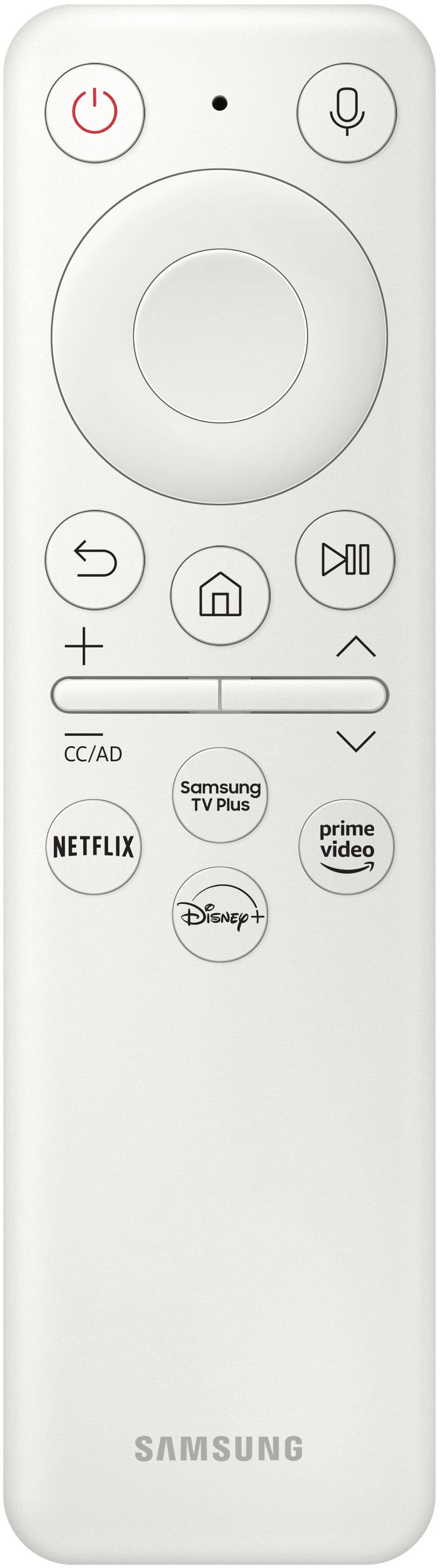
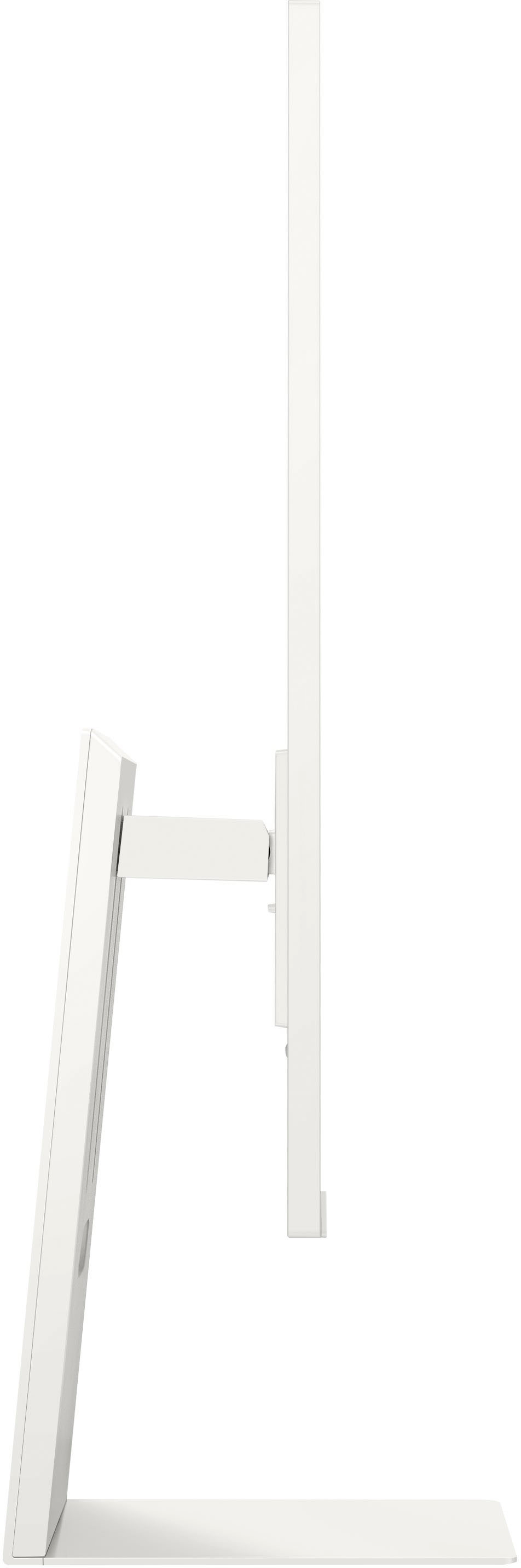
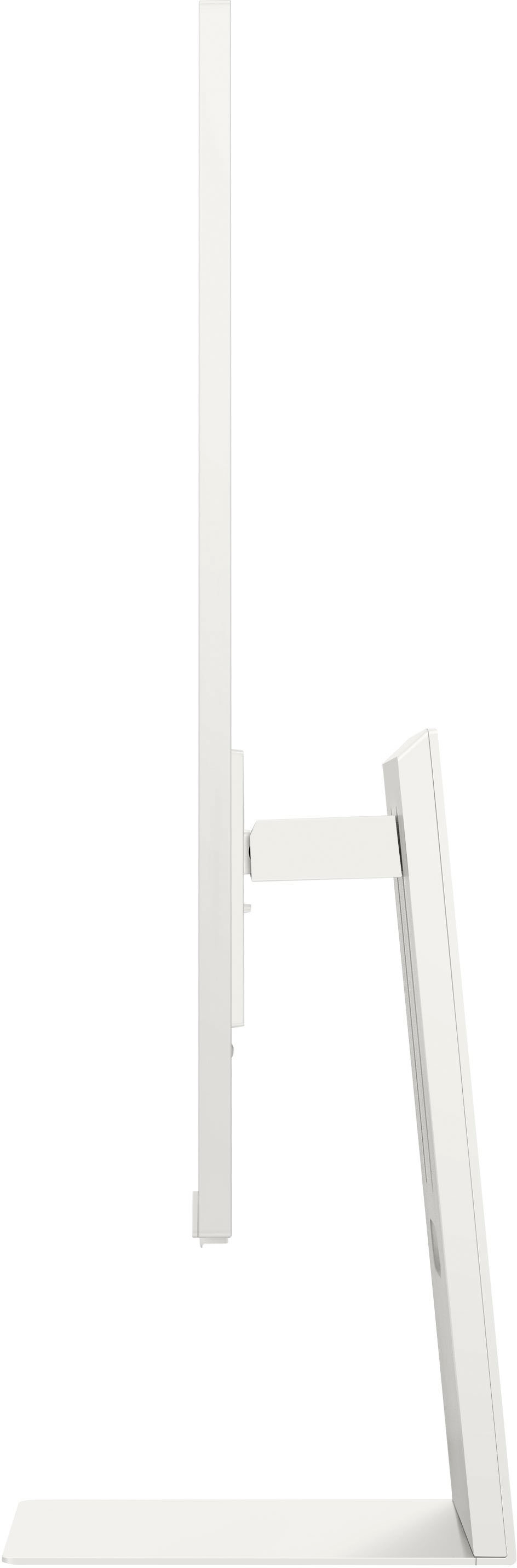
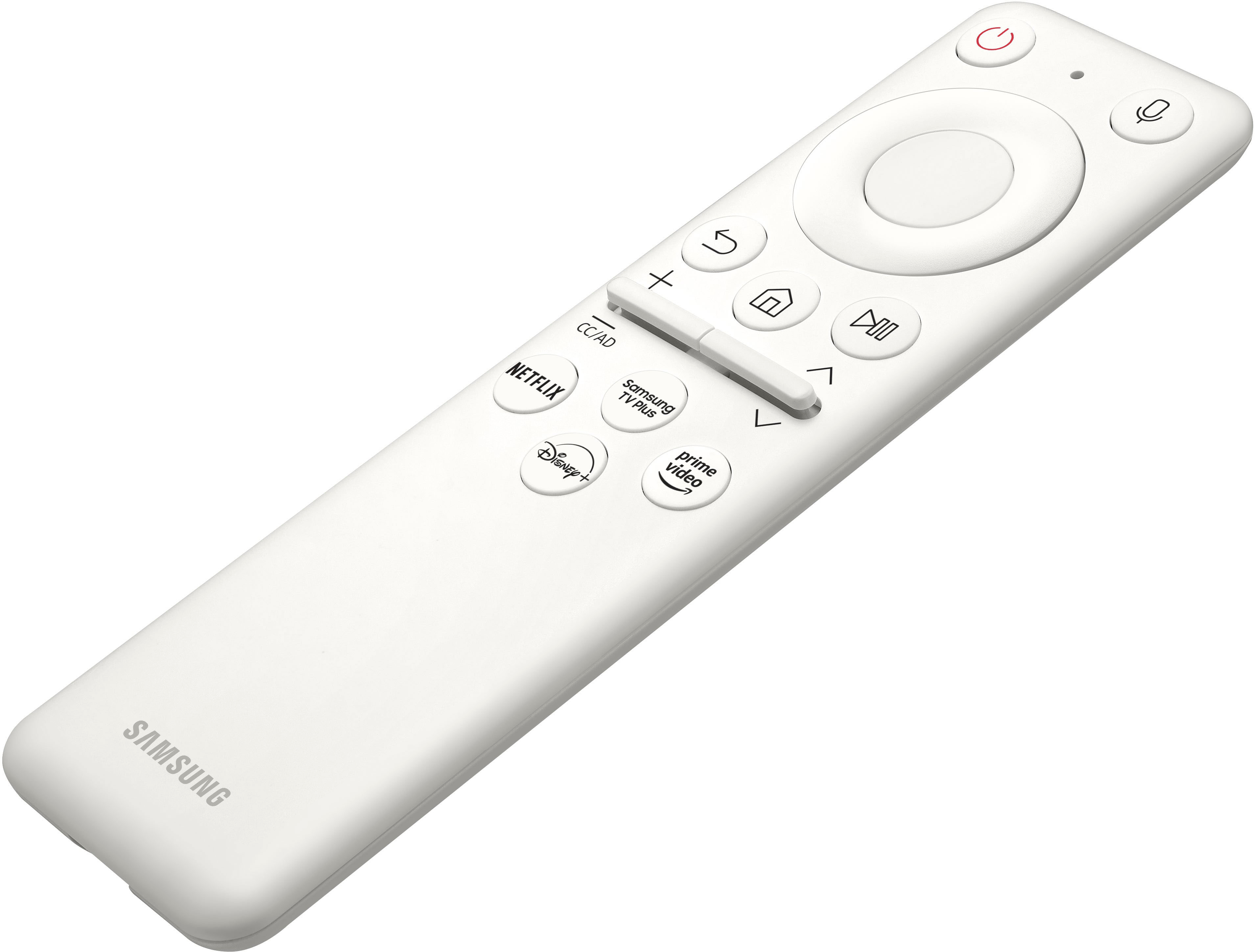
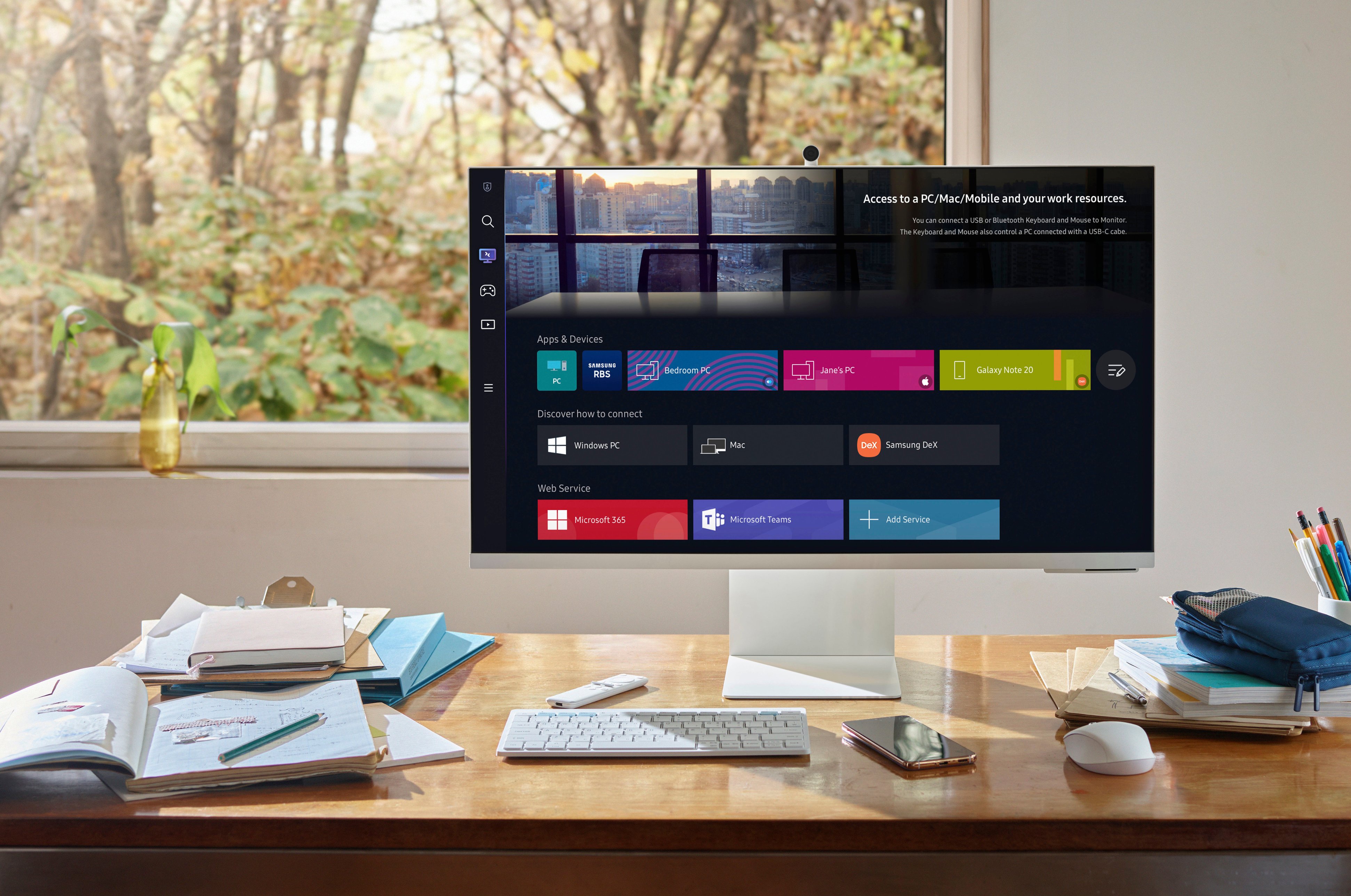
|Posted .This reviewer received promo considerations or sweepstakes entry for writing a review.If you like consolidation, clarity, and streaming, THIS IF FOR YOU!! This monitor is awesome, hands down. I feel like I’ve been missing out on so much technology, until now. Out of the box, this thing blows my mind. It’s thin, large, well structured, and flat out awesome. When I attached the monitor to the base, I have to admit I had a bit of childhood excitement after noticing the camera…it attaches to the rear of the monitor via a magnetic connection. I mean how cool (yes, I still think magnets are extremely cool as an adult lol). The thing just snaps on and hugs the back of the monitor, it too being super thin and barely noticeable from the side view. Next, connect the power cord and fire it up. The process of start-up was extremely simple and quick. Once I connected the monitor to my wi-fi network, it was basically ready to go. I’ll admit that I was taking a slight break during work to setup the monitor, so I thought it would only be right to test it with my work laptop. Boy, this was the best/smartest idea of the day. Of course I could connect via HDMI, but where’s the fun in that? The monitor is able to connect wirelessly via its Workspace option, which provides connectivity options for Windows PC, Mac, and Samsung DeX. Within seconds, I was connected, giving me a 3rd monitor to house the plethora of spreadsheets I keep open. One thing I noticed immediately is the sound via wireless connection, plays through the monitor by default. With previous monitors my laptop has remained the source of sound. However, this may be due to the type of connection, and/or not changing any settings. However, picture quality is absolutely stunning. I always like to test out video quality with a YouTube video, and this monitor performs! The crisp and crystal clear picture is more than enough for a workstation monitor. For gamers, I think it will do the job. The refresh rate is very smooth with little lag, but again I am testing with simple videos (nature, landscapes, etc.). Now, the monitor comes jam packed with media options such as YouTube, Netflix, Prime Video, Disney+, Samsung TV Plus, and HBO Max, just to name a few. On top of the streaming services already included, you also have access to live news coverage. One thing I really love about this monitor is the multi-view option, which allows you to basically have picture-in-picture. I can watch live tv on one section of the screen while mirroring my mobile device on another portion of the screen. How can this thing get any better?!?! The camera is crystal clear and responsive, which doesn’t surprise me. There was no lag even through the wireless connection, which is perfect because it simply works (as it should lol). Oh, and I can’t forget about the remote control. A monitor with a remote is a new thing for me, but I’m loving it. The remote is very small, rechargeable, and very easy to use/navigate. It comes equipped with your standard functioning buttons, but also has dedicated Netflix, Samsung TV Plus, Disney+ and Prime Video buttons. Oh, and I almost forgot to mention that Alexa comes standard on the monitor. What more can I say besides GO GET YOU ONE!!
I would recommend this to a friend - Pros mentioned:Camera quality, Resolution, Screen sizeCons mentioned:Speakers
Excellent monitor
||Posted . Owned for 8 months when reviewed.This reviewer received promo considerations or sweepstakes entry for writing a review.The Samsung M8 Smart Monitor is a versatile monitor that can be used for a variety of purposes, including work, entertainment, and gaming. It has a large 32-inch screen with a 4K resolution, which provides sharp and detailed images. The monitor also has a high contrast ratio and excellent black uniformity, making it ideal for watching movies and TV shows in dark rooms. In addition to its excellent image quality, the M8 also has a number of smart features. It has a built-in Tizen smart TV platform, which gives you access to a variety of streaming apps, including Netflix, Hulu, and Amazon Prime Video. The monitor also has a built-in webcam and microphone, making it ideal for video calls. Overall, the Samsung M8 Smart Monitor is a great all-around monitor. It has excellent image quality, a variety of smart features, and a competitive price. Pros: Large 32-inch screen with a 4K resolution High contrast ratio and excellent black uniformity Built-in Tizen smart TV platform Built-in webcam and microphone Competitive price Cons: Narrow viewing angles Speakers are not very good Color accuracy is not perfect before calibration Overall: The Samsung M8 Smart Monitor is a great all-around monitor with excellent image quality, a variety of smart features, and a competitive price. It is a good choice for users who are looking for a monitor that can be used for a variety of purposes, including work, entertainment, and gaming. Recommendation: I would recommend the Samsung M8 Smart Monitor to anyone who is looking for a versatile monitor with excellent image quality and a variety of smart features. It is a good choice for users who are looking for a monitor that can be used for a variety of purposes, including work, entertainment, and gaming.
I would recommend this to a friend - Cons mentioned:Refresh rate, Speakers, Usb-c
Jack of all trades, master of none.
||Posted . Owned for 1 month when reviewed.This reviewer received promo considerations or sweepstakes entry for writing a review.1 word summary? Underwhelming. This monitor has massive ambitions but fails to standout in any area. As a computer monitor, the overall picture is underwhelming even after adjusting. The viewing angles are average. The contrast is slightly below average. The refresh rate (60hz) is average. Having a single USB C cable supporting power delivery is nice, but lacking a standard HDMI port is crazy. The integrated (but easily detachable) webcam is a nice feature but the quality is just average, the privacy shield is way too easy to physically lose, and worst the angle of the camera is not adjustible independently from the monitor. Because the monitor lacks USB A ports, using it as a USB hub is also out of the question. The included stand is nice. As a SmartTV, this monitor is average. It is not snappy in performance but gets there eventually. It has support for most apps that a smart TV should have, and uses the same OS and UI as many of Samsung's other smart TVs. The remote is dence and I like that it is rechargeable + USBC. It has voice control and other smart features. However, the speakers are average (at best)...hollow sounding with little bass and the chassis can vibrate. Airplay does work well and it is nice to have that built in. About the best thing is the HEAVY matte finish which does impact clarity but absolutely wipes out reflections and glare. In a bright room with lots of glare this is a good choice. Overall, I expected much more from Samsung with this monitor/tv. If someone absolute must have an all-in-one monitor+smartTV+video conferencing for a bright room then this could be a good option. Otherwise, I'd suggest either a standard smart tv or a pure-play computer monitor.
No, I would not recommend this to a friend - Pros mentioned:Camera quality, Remote
Feature Packed, Fun, Brilliant Monitor!
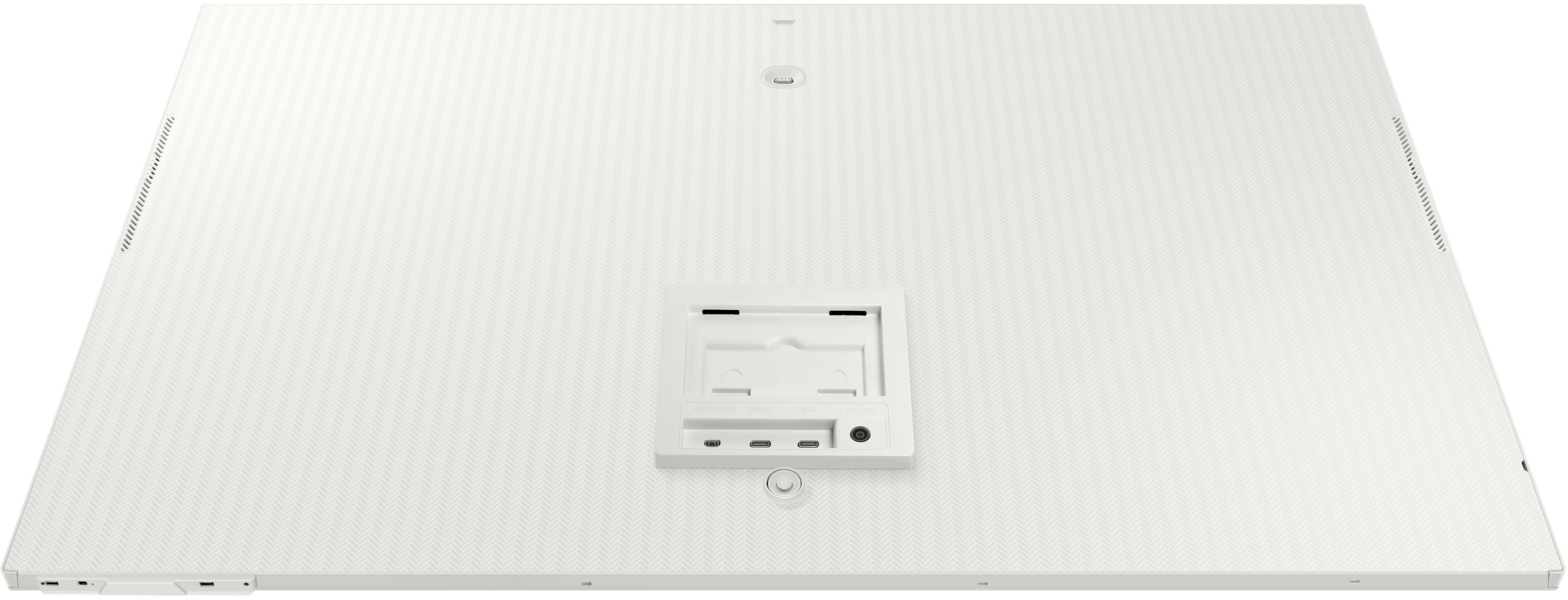
|Posted .This reviewer received promo considerations or sweepstakes entry for writing a review.First off, the display (60hz) is thin and light, and colors are very accurate, and it comes with HDR10+. It has a micro-HDMI port in the back (comes with a cable as well), two USB-C ports (one has 65 watts so you can charge a device). The M8 also comes with its own snap-on camera which is 1080p and looks great! For privacy, the camera comes with its own magnetic cover, which is a nice touch. The monitor does come with own remote that charges via USB-C so its easy to switch between the build in streaming apps (Netflix, Disney+, etc.). If you have a Samsung phone or tablet, you can use DEX, which is built into the monitor, to have a clean desktop experience. You can also remote into another PC via the monitor as well, which is extremely handy. This is a perfect work-from-home monitor packed with TV like streaming features, which make switch from work, to play easy and convenient. Overall, great product that is feature packed. Samsung did a great job setting itself apart from the competition with this one.
I would recommend this to a friend - Pros mentioned:Camera quality, Design, Screen sizeCons mentioned:Usb-c
Beautiful monitor, but not built to last
||Posted . Owned for 11 months when reviewed.This reviewer received promo considerations or sweepstakes entry for writing a review.This monitor is beautiful and the screen display is amazing! It's super cool that you can use it so many different ways and I absolutely love the built-in webcam, the height adjustment, and the look of the monitor. However, I've only had it for a year and the USB-C connection seems to be shot - It will sporadically recognize my computer, but the connection isn't reliable. I will update this review if I get the issue resolved - Right now, I would buy with caution.
I would recommend this to a friendBrand response from Samsung
Posted .Thank you for bringing this issue to our attention as Samsung is committed to providing the best possible product experience, quality, and value. Samsung greatly values our customers’ feedback and we utilize your concerns and opinions in our relentless efforts towards delivering world-class products. We are very sorry to hear this product didn't meet your expectations and hope to have you back as a customer again.
If you ever need assistance in the future, please contact Samsung Customer Support and a rep will be happy to assist you:
1-800-SAMSUNG, available 8AM - 12AM EST (Mon-Fri) / 9AM - 11PM EST (Sat-Sun)
The Most Interesting Monitor of 2022
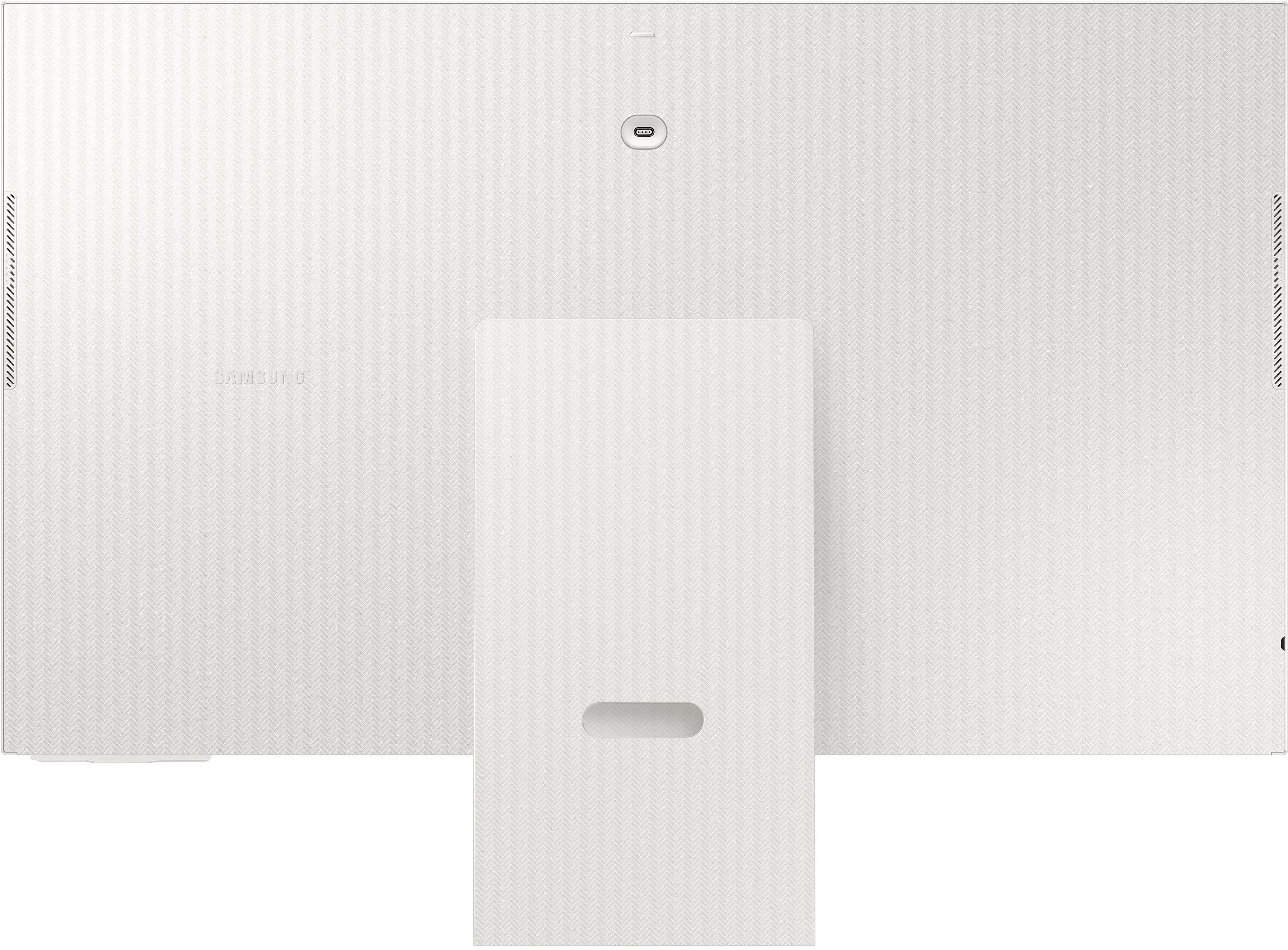
|Posted .This reviewer received promo considerations or sweepstakes entry for writing a review.THE MONITOR: Starting off with the monitor itself. It comes in three colors white, green, pink, and blue. It is 32”, very slim, attractive, has 0.5 inch bezels, with a minimalistic stand that is sturdy and flat allowing you to place things on top of it. This stand has minimal adjustments which include 4.5 inches of height and between negative 2 – 15 percent tilt but NOTHING side to side. To my dismay it does NOT support VESA mounting. It has 3 ports on the back which are difficult to reach as they are directly in front of the stand. The ports include One Micro 2.0 HDMI with HDCP 2.2. One USB C 3.1 Gen 2 port w/ 65 watt charging capability, and 1 USB C 3.0 “hub”. I use that term sparingly as it is only a single port and requires you to buy an external hub to plug into it. It only provides 15W of power which limits what it can and can’t power. Overall, it leaves me disappointed. It does NOT come with normal HDMI or Display Port. I believe the target demographic they were going for here were laptop users over desktop. Personally, I received the white monitor, but it comes with grey cords making a modern sleek device look retro from the 90’s. I’m not sure how I feel about this. It also makes me curious if the colored variants come with colored cables or grey cables? Regardless, the cables are flexible and feel high quality but aren’t very long meaning your device is going to have to snuggle close by. THE CAMERA: It comes with a 1080p 30 fps with 85 degree viewing angle SlimFit Camera which magnetically attaches to the back of the monitor via a 4 pin USB C adapter and comes with its own privacy screen. The magnet is strong making it very easy to attach without looking. It supports tilt adjustment but not side to side. You can access the camera without a PC via Google Duo on the Tizen OS. Or if you have a laptop plugged in it will automatically be seen as a webcam. Overall picture quality is solid and superior to anything I’ve seen on a regular laptop. Being closest to a mid-grade webcam. Consider me a fan. THE SCREEN: Buckle up because we are about to get nerdy. The screen itself is a 4K UHD 3840 x 2160 VA panel with 3,000 to 1 contrast ratio, at 60 Hz with a 4 ms response time and 99% of the sRGB range. Along with HDR10+ support with up to a billion colors with average brightness of 400 cd/m2. It comes with an Anti-Glare Matte Screen Coating that is flicker free with low blue light and also supports 21:9 aspect ratio for gaming. SDR content looked good and scored very well on lagom.lcd and similar tests. As I was able to see all shades for contrast, black level, and white saturation. Along with no gradient banding. I was only able to get 8-bit color to work not 10-bit which was a bit disappointing. But since I don’t have any official equipment, I can’t provide any objective measures. It also doesn’t come with a pre-calibrated print off page that I could refer too. I mostly used Movie or sRGB mode as those tend to be the most accurate. I did notice some blurring of text at certain levels of zoom. Mostly with a Dell Ultrabook. I didn’t notice this as much on the Dell Gaming Laptop, Asus Chromebook, Apple MacBook Air, or a Wired Gaming PC. Viewing angles are reported to be 178 degrees. For a VA panel (which usually don’t handle viewing angles well) they are solid. But still leave a lot to be desired compared to IPS. I found whether I was attached to a computer, screen mirroring, or through the onboard built-in apps that images were sharp, in focus, and colors were accurate and punchy. Along with good contrast ratio and satisfying-ish blacks. I had no issues with brightness even in a bright room. In the end very satisfied. It also comes with something called Adaptive Picture which automatically adjusts the brightness based on the room light. It worked fine but I always leave this setting off and opt for manual adjustment. They don’t mention the max brightness anywhere just that average brightness is 400 nits. Meaning I’m labeling this a faux HDR screen. As to me if it doesn’t have full array backlighting with local dimming zones with a brightness of 800 – 1000 nits it’s not actual HDR because I’m a snob. But I did find that when I had HDR enabled for gaming and movies/TV it added an extra punch to colors making them more vibrant while also increasing overall contrast to the point I turned this on every time I could over just leaving it off. Meaning it gets my stamp of approval for HDR. It does have a dedicated Game Mode which improves latency to 4 ms which is impressive. As I tend to be sensitive to this type of stuff and didn’t notice any issues. But did feel the 60 Hz not being as smooth or responsive as higher refresh monitors. Screening tearing was minimal despite NOT supporting AMD Freesync or Nvidia Gsync which was kind of surprising to me. Meaning while it handled gaming perfectly well from a latency and HDR standpoint, 60 Hz is going to hold you back along with trying to push that 4K resolution. And with modern consoles supporting 120 Hz think you’re leaving some performance on the table regardless of platform. But again this is easily acceptable for gaming just not ideal. SPEAKERS: This comes with 2.2Ch built-in speakers which lead to an acceptable but not great listening experience. It does NOT come with a 3.5 mm aux port. They get plenty loud. Seriously, I listen at like 15 or 25 out of 100. I found that overall tuning is focused to prioritize vocals over immersion making mids sound good but bass is extremely anemic, I dare say missing altogether, and highs come across as sharp and piercing. Making for a poor experience when listening to music or trying to get completely lost in a movie or game. But found that casually watching media was satisfying as I could easily hear what people were saying without any issues. It does support HDMI CEC with ARC along with Bluetooth 4.2 making it so you can either plug in a soundbar or connect to a Bluetooth Speaker or similar. The coolest thing about that was it auto connects when I turned on the Bluetooth speaker and automatically begins playing things whether it was on onboard app or through a connected laptop. Meaning you don’t have to pair the speaker to your device as it is already paired to the monitor. Last, it comes with something called Adaptive Sound+ which automatically increases or decreases the volume based on how loud the room is on average. THE REMOTE?!: It comes with a remote which fits very comfortably in the hand and I like it a lot. It is made from plastic, is quite slim, and rounded on the bottom. Going left to right, top to bottom, it has power on/off, microphone, directional pad, back, home, play/pause, volume up/down/middle press, channel up/down/middle press, along with hot buttons for Samsung TV Plus, Netflix, Prime Video, and Disney Plus. It comes with a rechargeable battery which is awesome. I’m a fan. SMART FEATURES: Setup is exceedingly easy and works like a charm. When you go into a program it will present you with a QR code that you scan with your phone which immediately takes you to a sign in page and BAM you’re in. Or it will give you a link with a code to sign in. Either way I love it. It comes installed with the Samsung/Tizen Operating System. We are getting close to where processors across the board give a satisfying experience. But aren’t quite there yet. As I felt at times it was quite snappy, but at other times it would lag, and other times become completely non-responsive to the point I’d have to power cycle. It is perfectly useable but depending on how spoiled you are on other CPU’s it can cause some frustration and hair pulling. Overall layout isn’t bad. As for the most part it is user intuitive and simple to operate. But getting to anything seems like a chore because it seems like I’m always starting in the wrong menu. Especially, since there is no easy access normal things found on a monitor such as switching sources or adjusting settings. Because despite having Auto Switch+ (which is supposed to automatically switch to the correct device) it doesn’t work all the time and sometimes I want a different device. So, I found myself going out of something, through several menus to get to what I wanted, only to have to go back through more menus to get back to my original source. Making this the biggest complaint I have with this guy. Last, it comes with Wi-fi 5 802.11 AC over Wi-fi 6, and Bluetooth 4.2 over 5.2. Which are both dated but still perfectly usable. Meaning you can connect a Bluetooth keyboard and mouse to browse the web or edit documents with Microsoft 365. I found performance of the processor struggled a lot with this so unless if you enjoy torturing yourself or use a shared computer or similar, I’d skip it. Despite it being a really cool feature. CONCLUSION: The best part of this monitor is the on/off animation is sick. But I think you already know my recommendation. This things awesome and I totally recommend it. Especially, for a kid, college student, or adult who wants a single device to do it all.
I would recommend this to a friendThe future of Monitors
|Posted .This reviewer received promo considerations or sweepstakes entry for writing a review.Monitors that have come have been simple and offered traditional place and get image benefits. Samsungs newest offering comes in a beautiful white color that produces accurate colors while offering access to your favorite streaming platforms and wirelessly connect to your computers. Upon setting the Monitor it was a complete breeze as it is a two piece stand and slide into the bracket that clicks and locks in. Two cords are included a USB type C and a Mini To HDMI cord. The power brick was rather large but the monitor draws a lot of power. Once the power is connected the monitor it goes through a setup process that is simple with your cellphone through an app. Once you go through the 5-10 minute process you can download programs and apps through the Samsung App store. Using the include remote you can navigate through the menu which allows you to to set up a wireless connection to your desktop or laptop. This took a few minutes and then was able to quickly access Microsoft Office. I then connected the mini to hdmi to the desktop and made it an extended screen. This was simple fair but just needed to navigate menu to the productivity section. I then moved the monitor to the other room to a desk and connected a wireless keyboard and mouse. This was seamless and was able to work on word documents quickly. To finish off I tried out the integrated apps and checked out the show quality. The sound was minimal but adequate. For a 4k 60hz monitor this monitor packs all the features you want out of a TV plus a wireless productivity monitor!
I would recommend this to a friend- Pros mentioned:Camera quality, Screen sizeCons mentioned:Refresh rate, Speakers, Usb-c
Good monitor
||Posted .This reviewer received promo considerations or sweepstakes entry for writing a review.It’s a good monitor the screen is bright has a good sound
I would recommend this to a friend - Pros mentioned:Design, Screen size
Great Monitor!
||Posted . Owned for 3 weeks when reviewed.This reviewer received promo considerations or sweepstakes entry for writing a review.I had purchased the M7 but was unsatisfied with the color accuracy. Ended up returning it and getting M8 instead. What a difference in design and image quality. Got an open box unit and ended up getting it at a fraction of the cost. Great size for my home office and looks great too.
I would recommend this to a friend - Pros mentioned:Screen size
Unique Technology with a Twist
||Posted . Owned for 3 weeks when reviewed.This reviewer received promo considerations or sweepstakes entry for writing a review.Ah, the Samsung Smart Monitor. This is certainly a unique piece of technology. It doesn't work like a normal monitor, which may throw some users off. Instead, it relies on Airplay to use a Mac. And let's be honest, who doesn't love a little bit of lag in their daily workflow? It adds some excitement to an otherwise mundane day. But fear not, dear buyers! This monitor isn't just any old boring piece of tech. It acts just like a smart TV, which means you can binge-watch your favorite shows while pretending to be productive. Multitasking at its finest. And let's not forget about the real star of the show: the large 4k screen. It's absolutely gorgeous, and will make all your spreadsheets and presentations look like works of art. Plus, you can impress all your coworkers with your fancy new monitor. Overall, the Samsung Smart Monitor may not be for everyone, but for those who want to add a little chaos to their daily routine, this is the monitor for you!
I would recommend this to a friend - Pros mentioned:Screen size
LOVE this monitor, great quality and price
||Posted . Owned for 3 months when reviewed.This reviewer received promo considerations or sweepstakes entry for writing a review.I was lucky to get this on open box. I love this monitor so much. It didn't come with a remote, but I was able to get it on ebay for pretty cheap. The picture and quality is amazing and I love being able to easily watch shows/movies when I'm working form home.
I would recommend this to a friend