Customer Ratings & Reviews
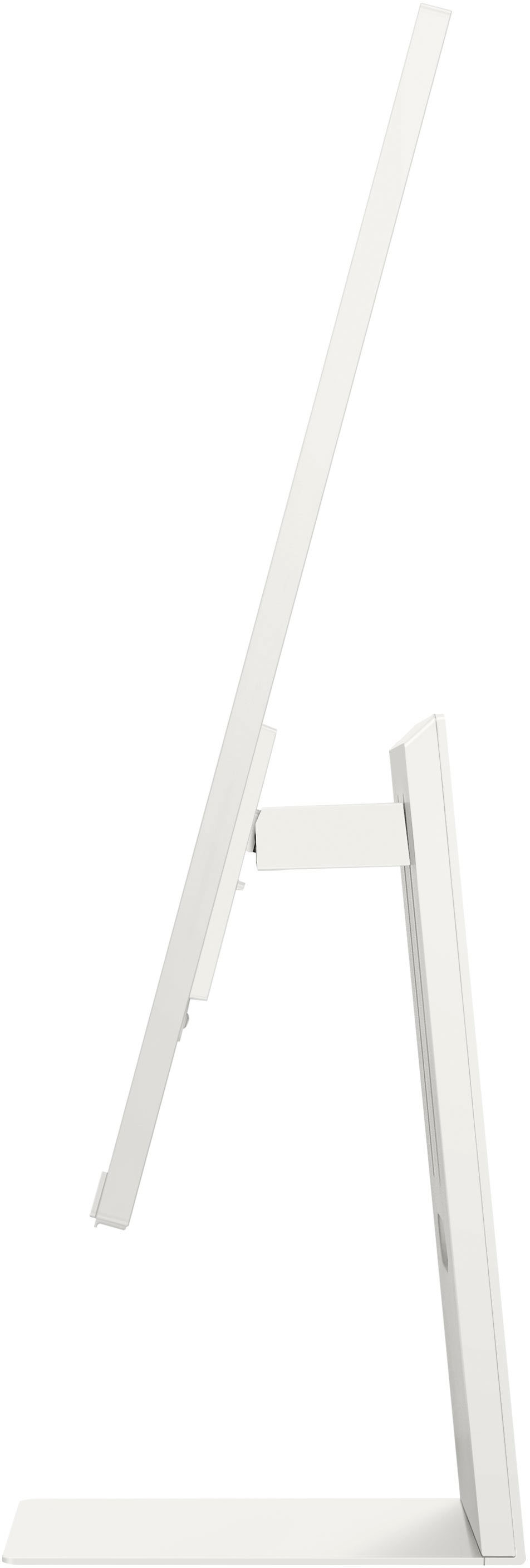
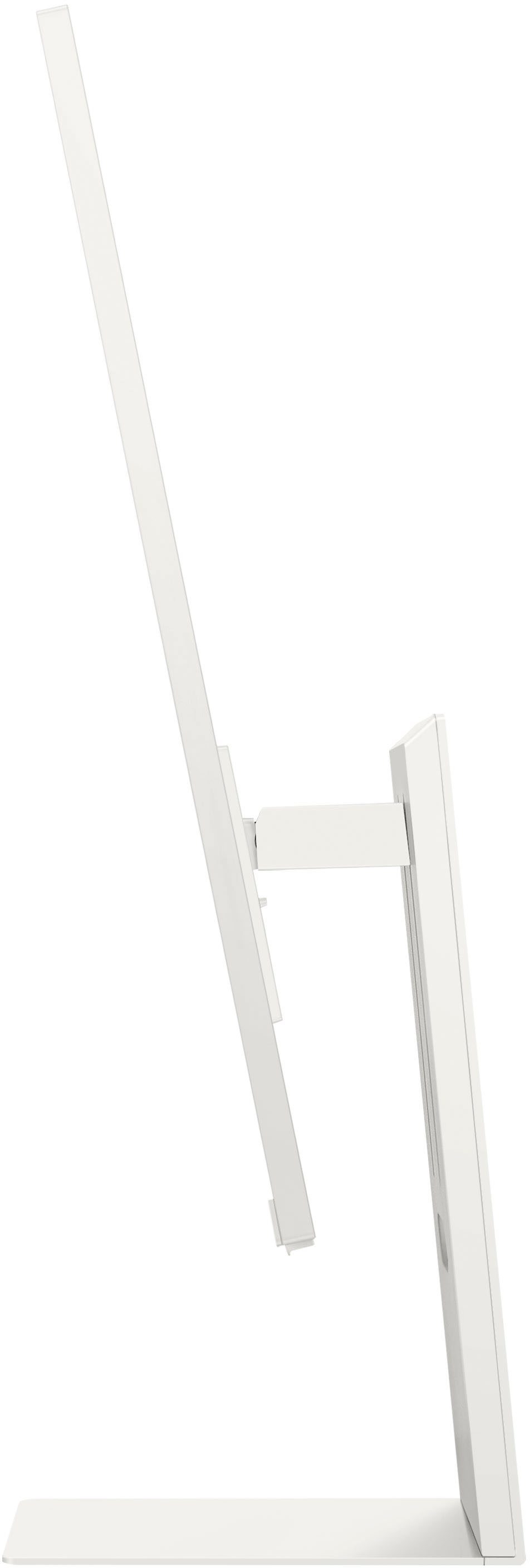
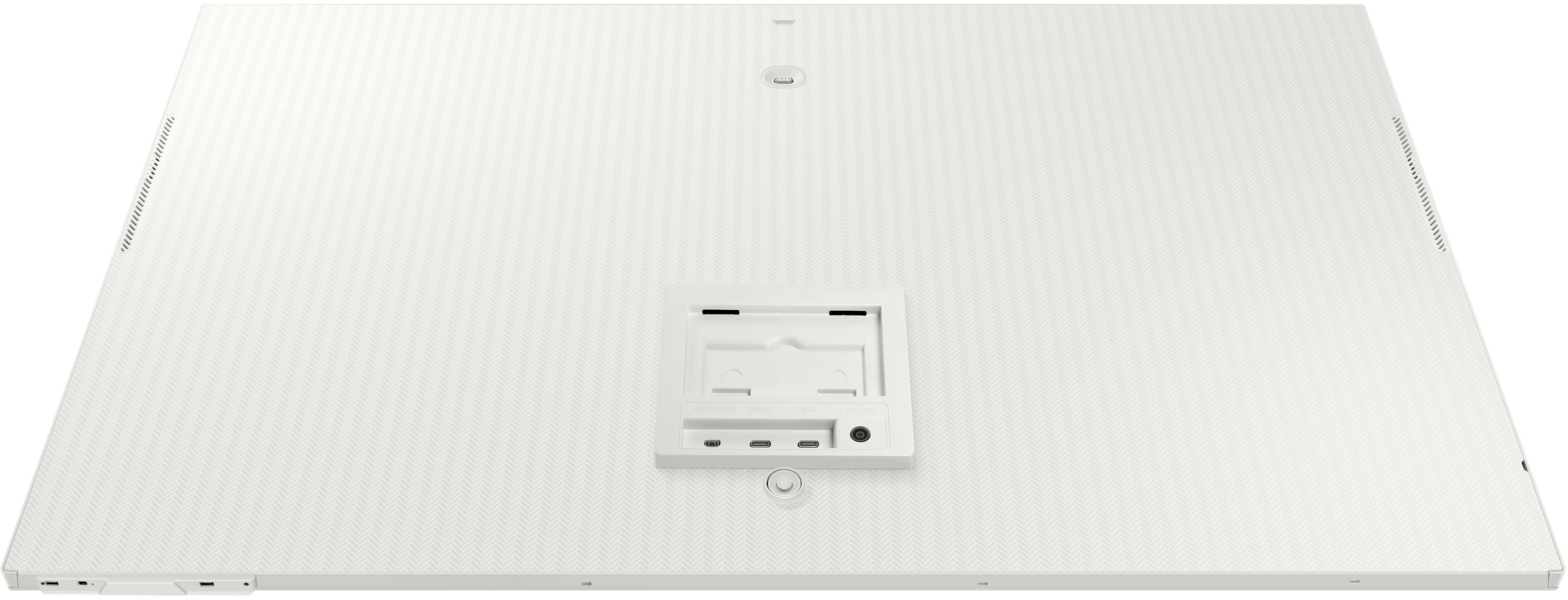

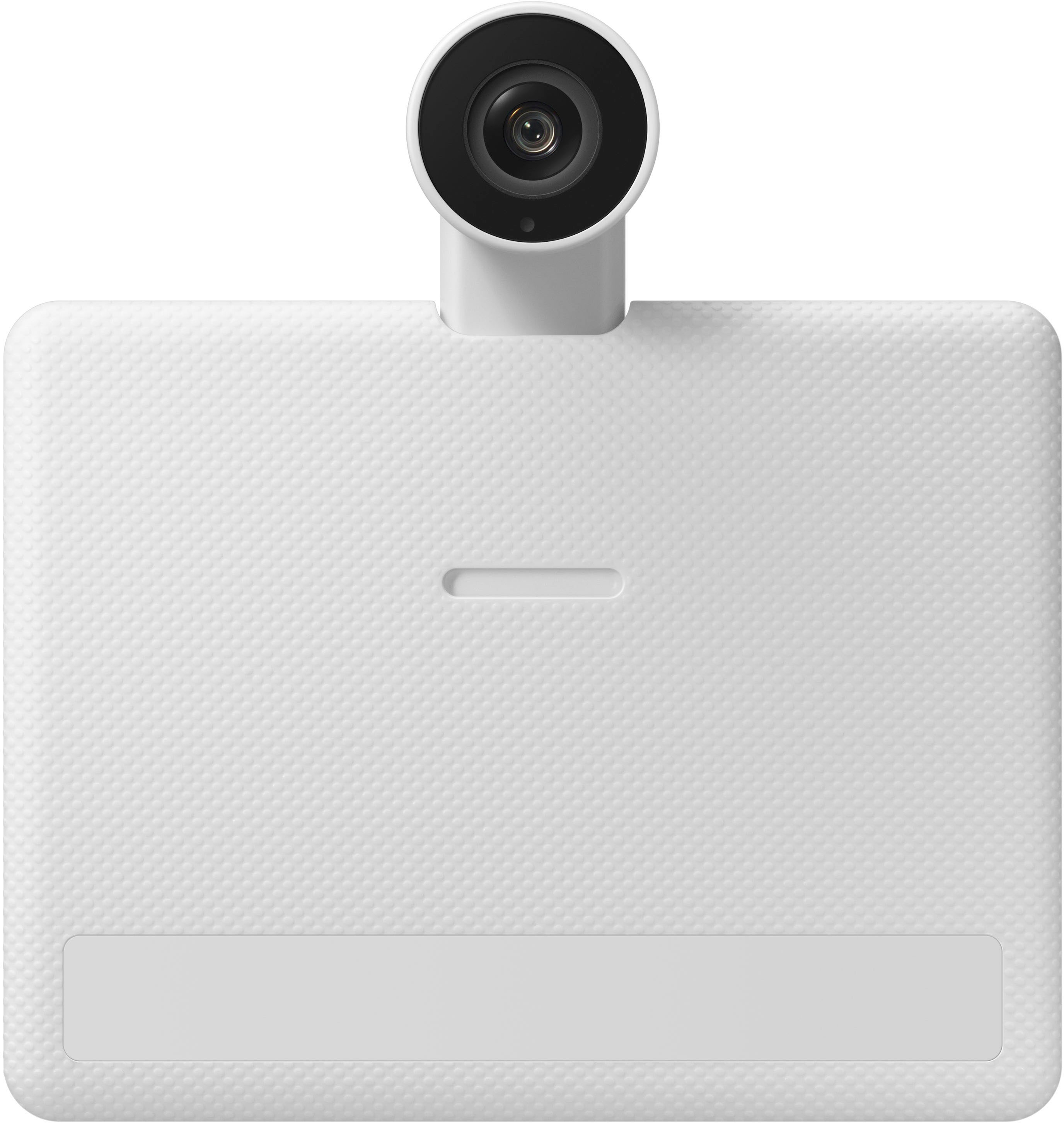
- Model:
- LS32BM801UNXGO
- SKU:
- 6500799
Rating by feature
- Display Quality
Rating 4.5 out of 5 stars
- Ease of Use
Rating 4.4 out of 5 stars
- Features
Rating 4.7 out of 5 stars
Customers are saying
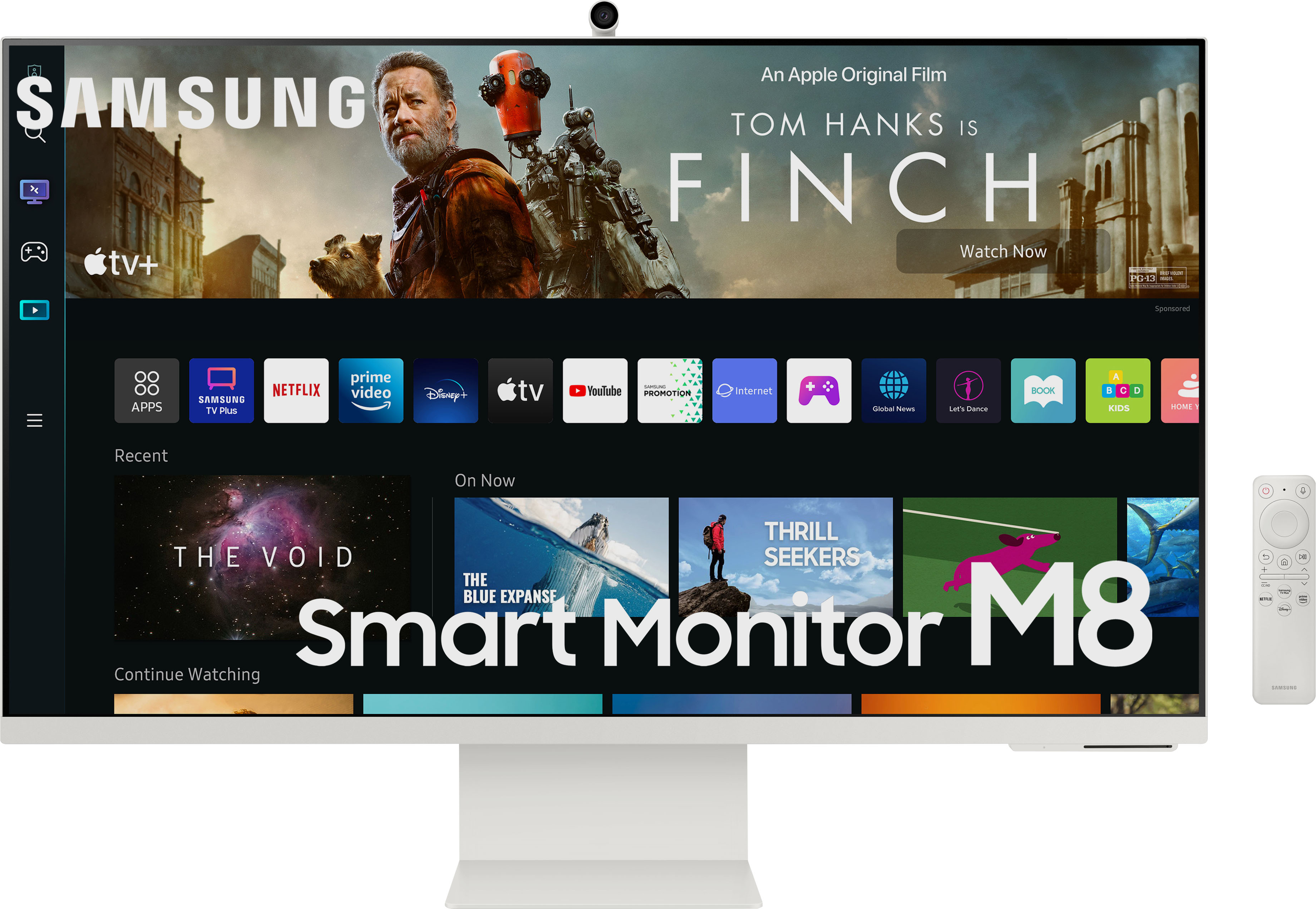
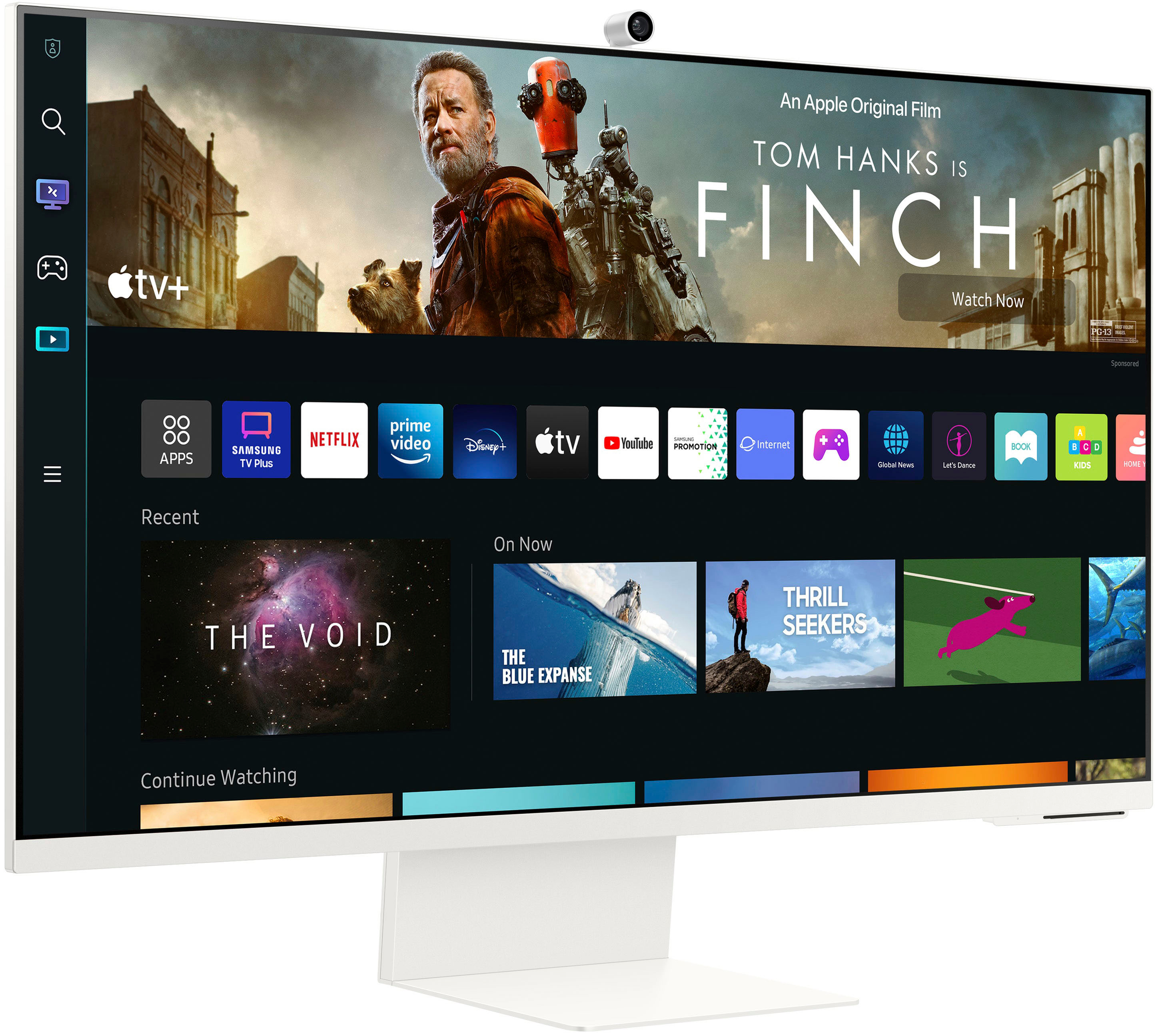
Customers admire the 32" M80B UHD Smart Monitor's large screen size and excellent camera quality, frequently praising the crisp resolution and sleek design. However, some users express dissatisfaction with the limited port selection, particularly the micro-HDMI port and the performance of the built-in speakers. The monitor's refresh rate also receives mixed reviews.
This summary was generated by AI based on customer reviews.
Awesome Monitor / TV
||Posted .This reviewer received promo considerations or sweepstakes entry for writing a review.Looks great and has so much. For most of the work, you don't need a laptop. TV - look amazing.
I would recommend this to a friendPerfect
||Posted . Owned for 2 weeks when reviewed.This reviewer received promo considerations or sweepstakes entry for writing a review.This is the best monitor I have bought so far and I’m loving it so much.
I would recommend this to a friendNot a Failure
||Posted .This reviewer received promo considerations or sweepstakes entry for writing a review.Great monitor for watching tv Great for work or school work Recommend buying!
I would recommend this to a friendGood
||Posted . Owned for 1 month when reviewed.This reviewer received promo considerations or sweepstakes entry for writing a review.………………………………….. ………………………………….. ………………………………….. ………………………………….. Good
I would recommend this to a friendGreat Monitor
||Posted . Owned for 1 month when reviewed.This reviewer received promo considerations or sweepstakes entry for writing a review.Great monitor/smart tv. Exactly what i was looking for
I would recommend this to a friend- Pros mentioned:Screen size
Couldnt do it
||Posted . Owned for 1 month when reviewed.This reviewer received promo considerations or sweepstakes entry for writing a review.Bought this, Size was amazing but the dark areas were way to dark even after trying to make adjustments. Sound was bad IMO. For the price I expected more.
No, I would not recommend this to a friend - Pros mentioned:Screen sizeCons mentioned:Usb-c

A Smart device for a modern home with reservations
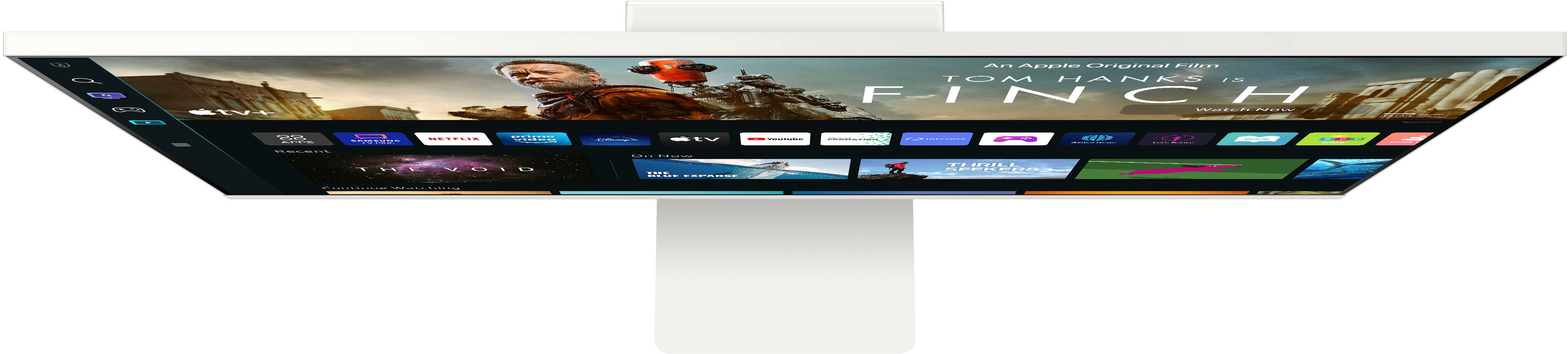
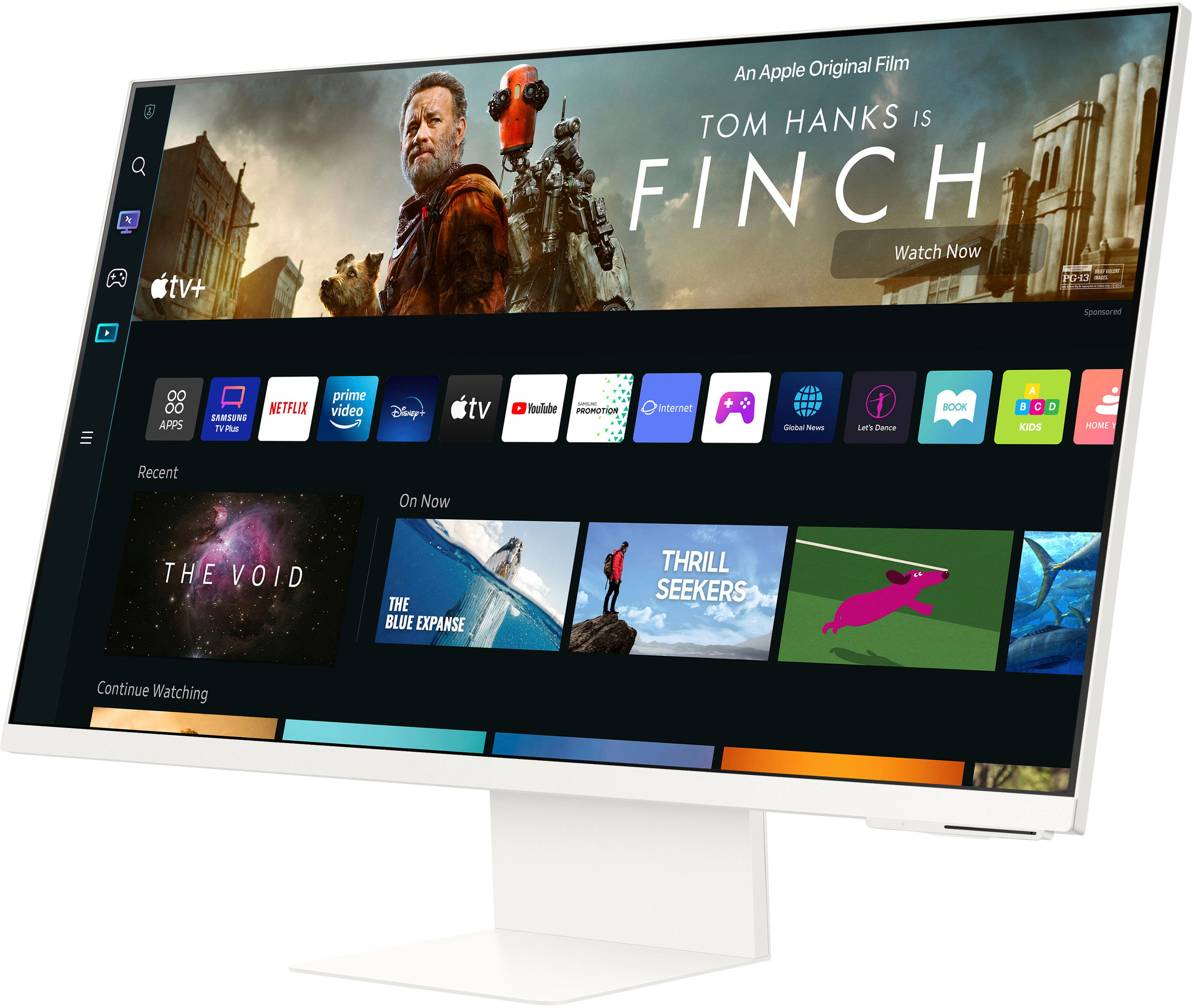
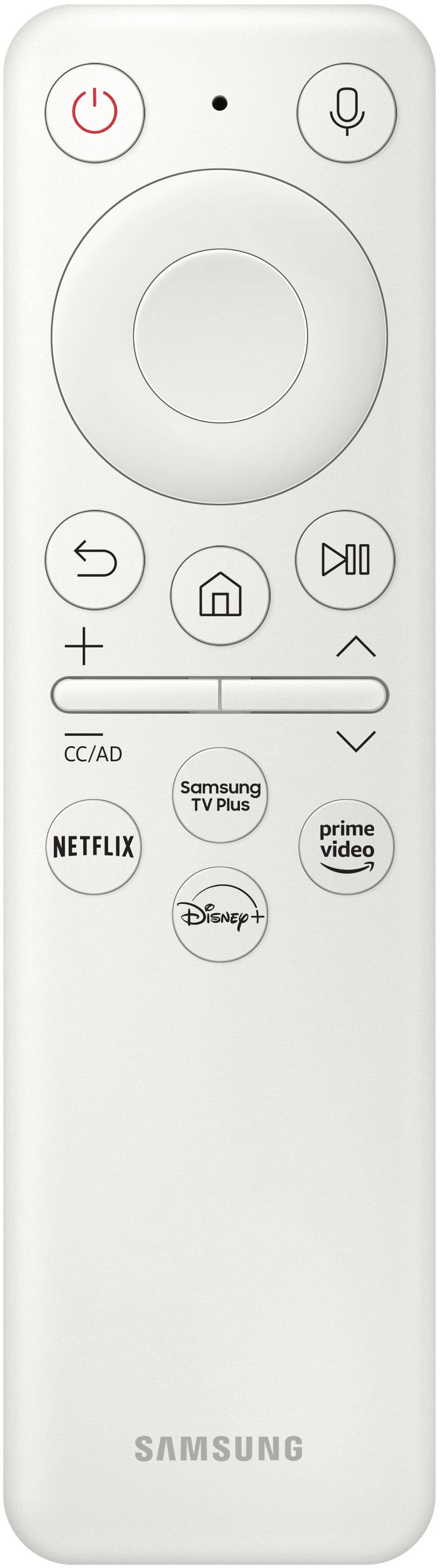
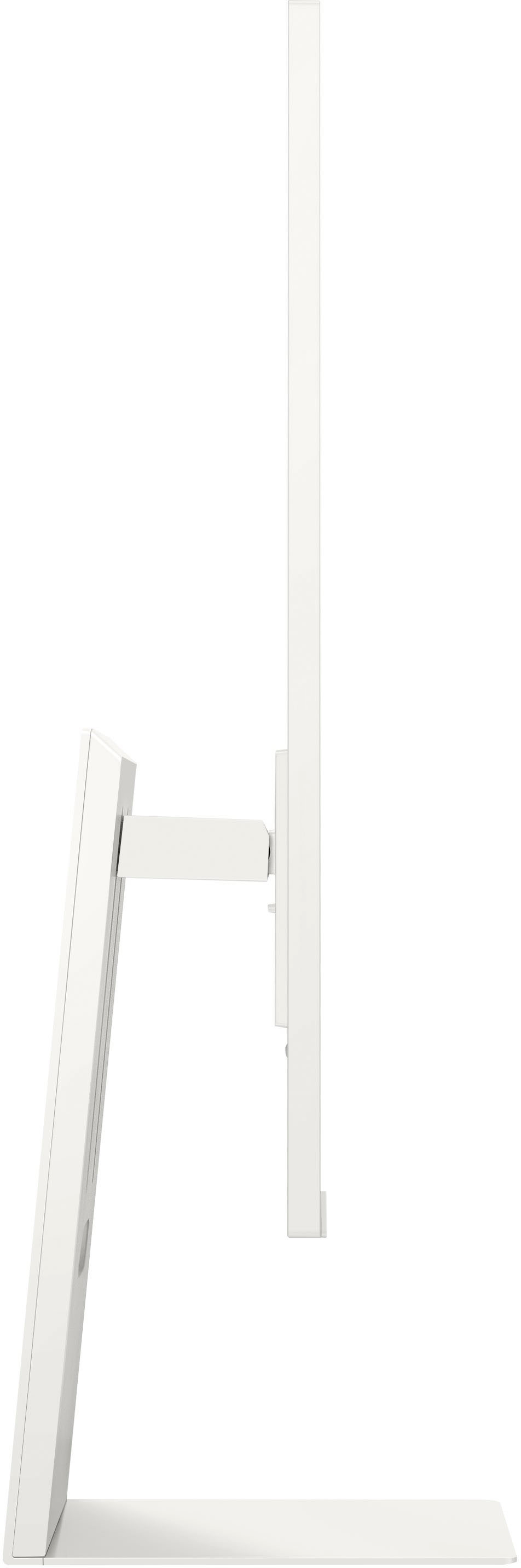
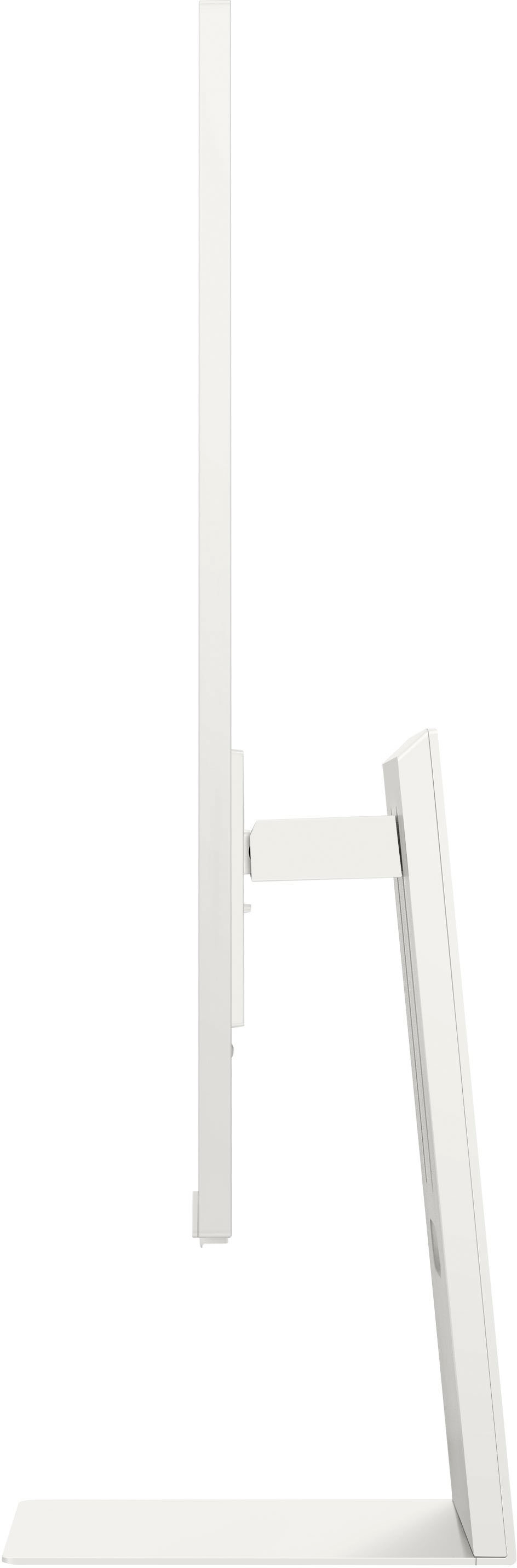
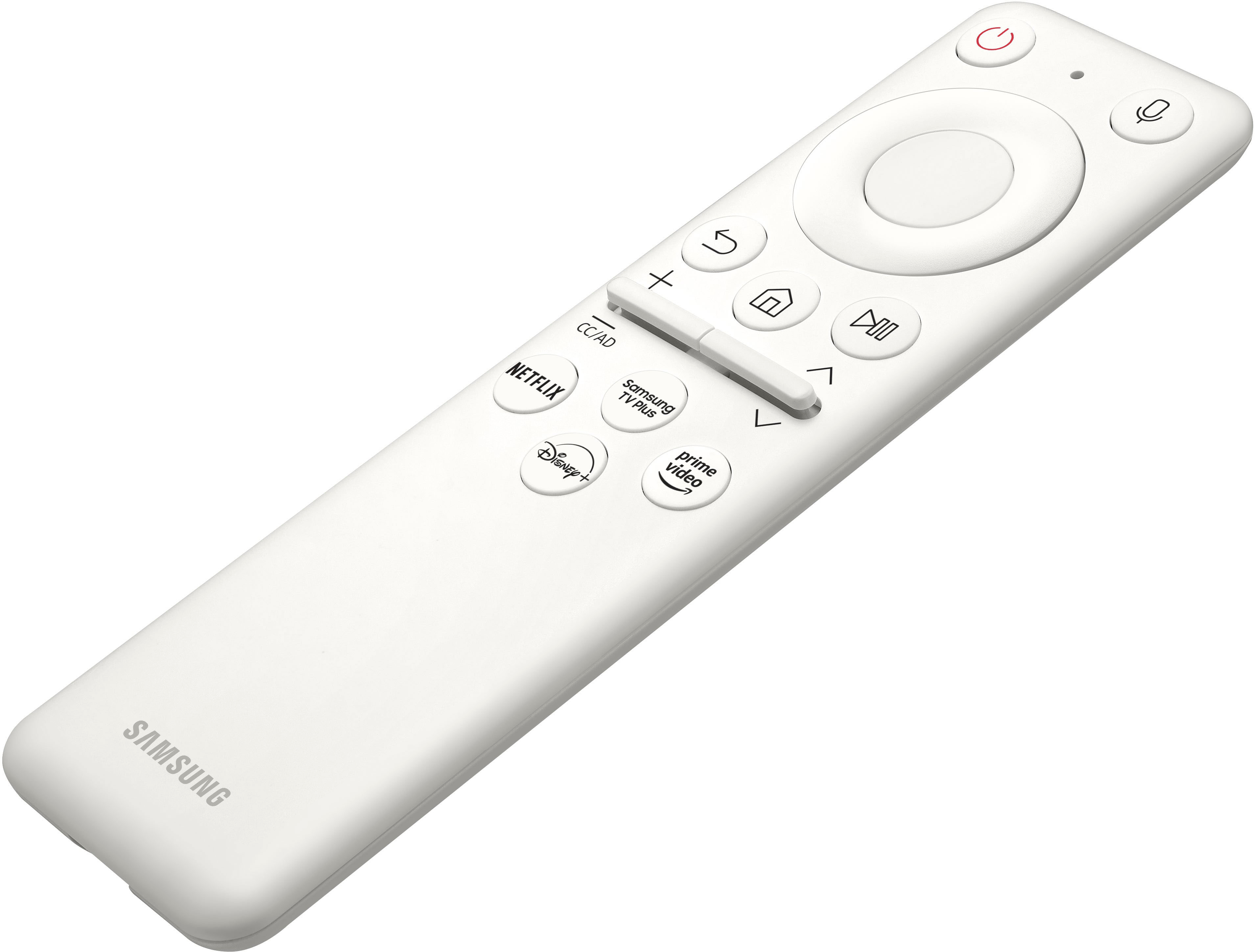
|Posted .This reviewer received promo considerations or sweepstakes entry for writing a review.The Smart Monitor is an interesting concept. It's a modern take on Microsoft's old "Media Center PC". The combination of monitor, smart home display and streaming device is certainly what you can find in most homes, albeit in three different devices. The Smart Monitor combines this into one. As a computer monitor, it checks all the boxes - 4K, large size display, small bezels, decent (enough) webcam, and included speakers. Where it falls short is the lack of ports (only inputs USB-C in and mini-HDMI, and only one USB-C out), lack of VESA mounting options, and an included stand, that while nice, offers only basic tilt and height adjustment. Thus, the ability to use this as part of a multi-monitor setup is constrained. As a smart home device, it runs a very basic, Tizen based OS, with included Smart Things hub support. If you've used any of Samsung's other smart home devices, the interface will be instantly familar. There is no "app store" however, so your choices are limited to only the included apps. Fortunately, all of the major streaming services are available, and the inclusion of Microsoft 365 cloud-based Office apps is a nice touch. Bluetooth connectivity support is included, although I had trouble getting the monitor to pair with my Logitech MX keys initially. The SmartThings support adds a new dimension - you can also use the Smart Monitor as a smart hub to control your smart home devices, and the included voice assistant support (unfortunately only Bixby and Alexa - no google assistant) completes the package. I did have trouble getting the Smart Monitor to recognize and pair with some of my futher away smart home devices however. The included remote is very similar to Samsung's current remote layout. One nice touch is the remote has a built in rechargable battery that recharges via standard USB-C, so there's no need to worry about running out of battery when you need it most, and no need to hunt down elusive coin cell battery replacement. Overall, this is a perfect kitchen table or shared family space device. It's also great for a dorm room or small apartment. Office workers or WFH office setups should look elsewhere - there's much better value if you will not utilize any of the included smart features.
I would recommend this to a friend - Pros mentioned:Resolution, Screen size
A beautiful and function addition to any workspace
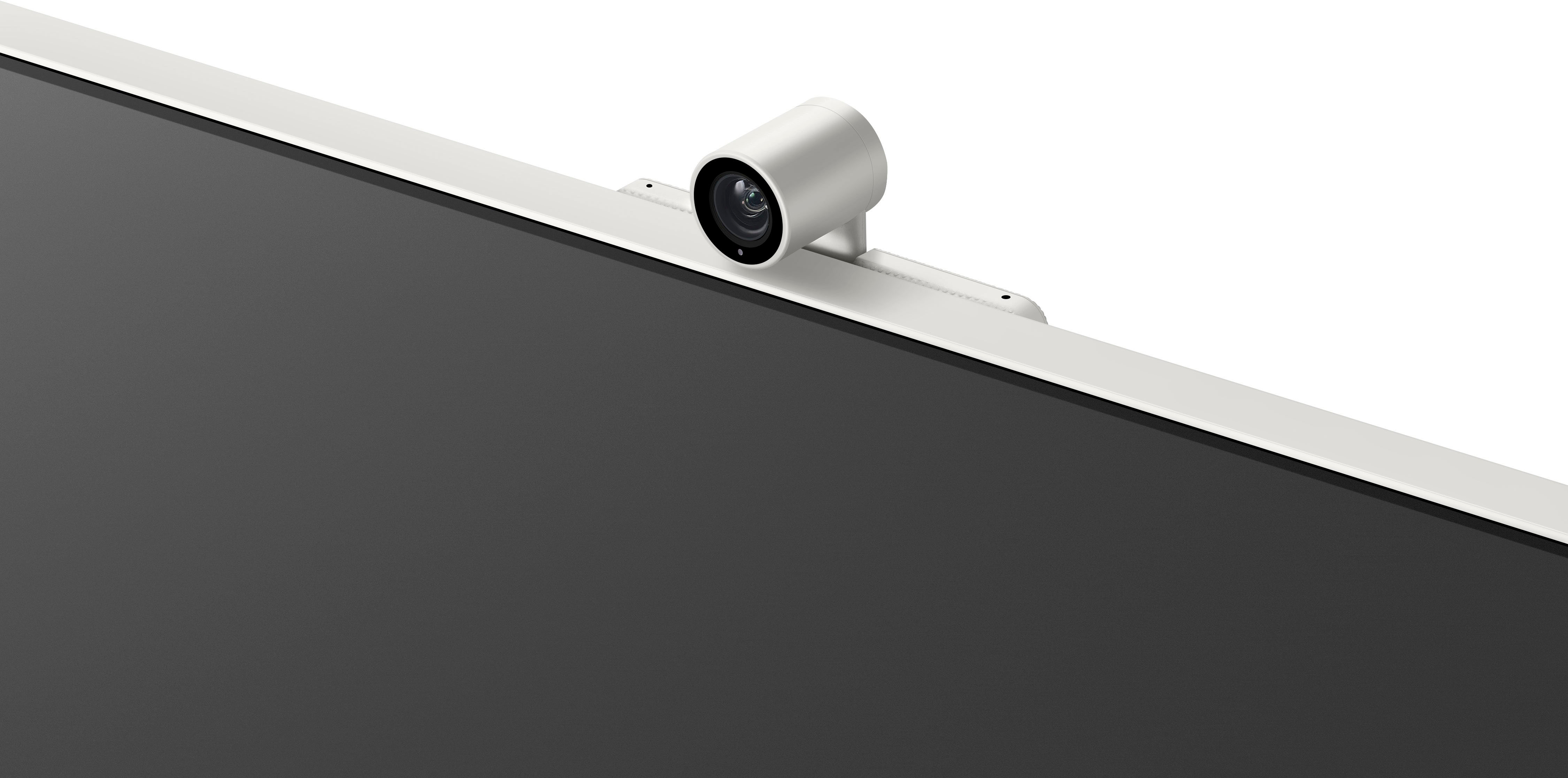
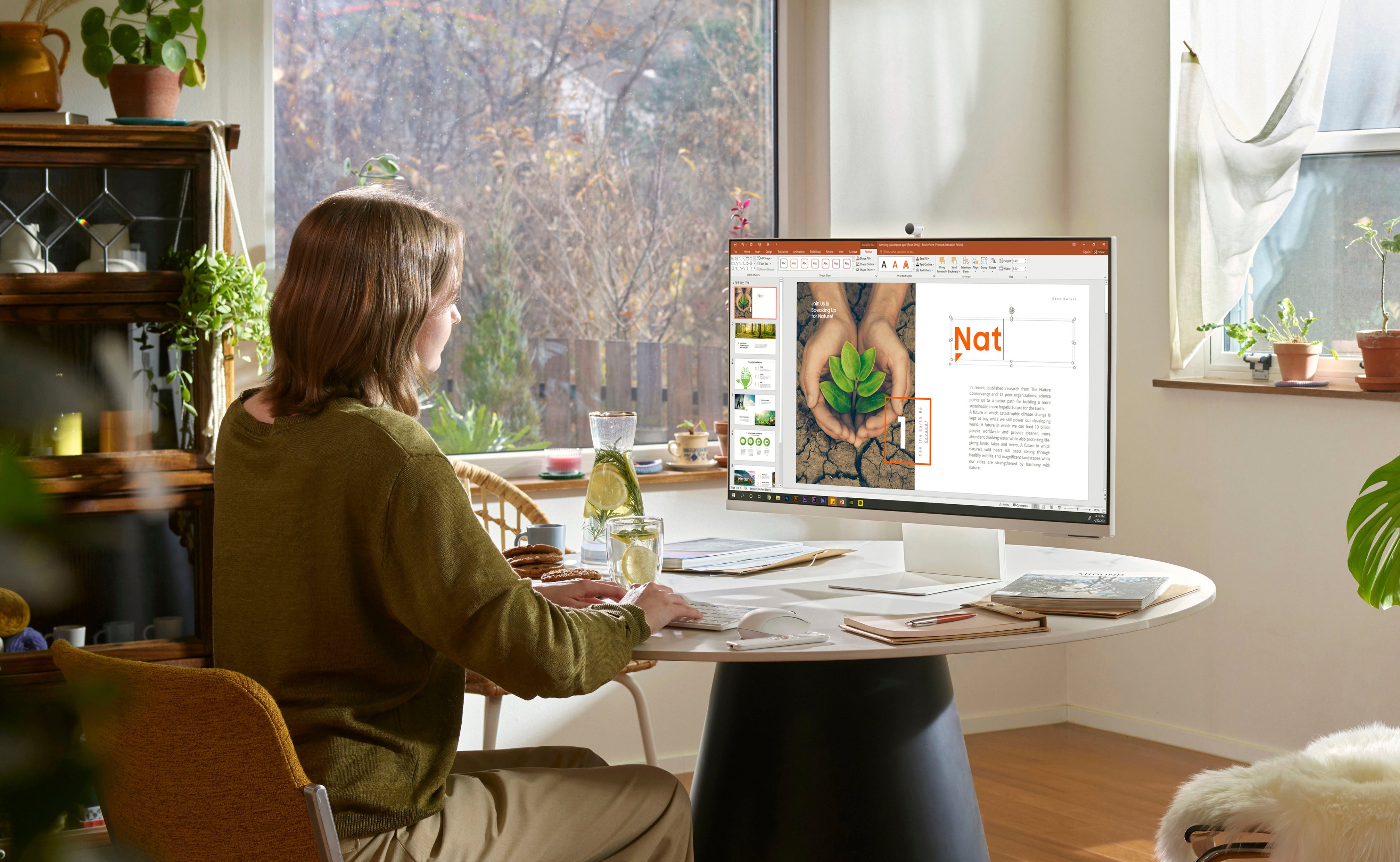
|Posted .This reviewer received promo considerations or sweepstakes entry for writing a review.First.... this think is CLEAN... My primary use for this is as a monitor in my home office. It is a beautiful piece of technology and has made my home office much more functional since I started using it. Like a lot of others, I've been working form home much more than I used to. I have several video calls every day and my old webcam is pretty outdated and I was overdue for an upgrade to this 1080p webcam. The clarity and brightness on this are outstanding and an immediate upgrade. It is SUPER thin and easy to move/position on your desk. Now onto the screen, its big and beautiful! Super bright and extremally clear. Once powered up and connected to my PC, I was WOWED.... setup was simple and I didn't have any issues at all. Very impressive, and this is how I wish all setups were... I love the space and resolution on this monitor! This provides me with so much more real estate and space so I can accomplish more tasks, work more efficiently, and do more! I signed into all my streaming apps so I could try those out, and tested out Microsoft 365 since that is what I use on my work computer. Overall setup was a simple, intuitive and quick... no issues or questions, no "spare part" or missing pieces. I have streamed a few shows on this to test it out and again, WOW. I think I'm pretty tech savvy and usually on the edge of technology... but geeeez this this is a joy to watch movies on... SUPER clear and bright, even though that will not be my primary use. Sound was just ok, but that's exactly what I expect for this... I usually wear headphones when I'm working on it, and if I use it as s streaming TV I would add a sound bar or speakers... so this isn't a big deal for me. I've used this as my main work monitor for over a week and I can promise that I wont be going back to my old setup... no way. I'm spoiled now and will be using this for the foreseeable future!
I would recommend this to a friend - Pros mentioned:Camera quality, Screen size
For The Price This Monitor Is Amazing!
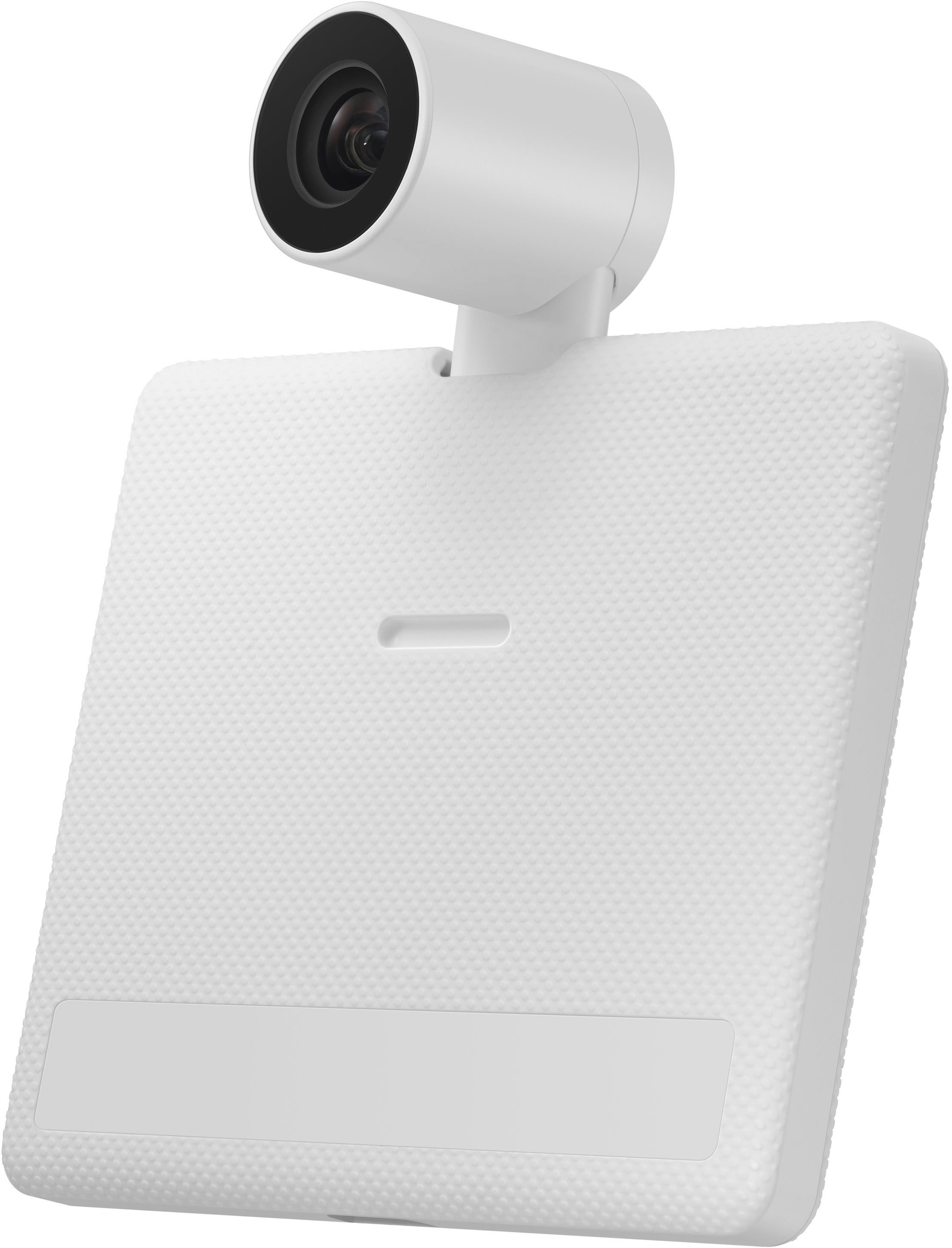
|Posted .This reviewer received promo considerations or sweepstakes entry for writing a review.At the beginning, I didn't have much expectations for this monitor, but after using it I was blown away by how much you can get from a single monitor. I am a Samsung fan and have been for a while with all my appliances, TVs, and cell phones all being Samsung. This monitor for me is like next level! I love the fact that you can use it in your office and connect it to your computer, and then you can take a break and watch some streaming apps or some Samsung TV! The screen is a great size and the picture is crisp and clear! The sound is pretty good, I just wish it had a little bit more Bass when you turn it up. I was caught off guard when my daughter came downstairs and turn her radio up loud as I was watching TV, and the monitor automatically increased the volume on its own to a point I could clearly hear what I was watching, and when she left the volume went right back to where it originally was! I really thought that was super cool! I really like the attachable and detachable camera, that you can actually use the magnetic cover if you feel like someone can access your camera anytime. I really also like the fact that it has two different voice assistance built in, as I've always had more success with Alexa than bigsby, I can choose Alexa if I want. I really don't think there's anything close to this on the market right now and I would definitely recommend this to everyone who will be blown away as I was!
I would recommend this to a friend Steer Clear
||Posted . Owned for 1 month when reviewed.This reviewer received promo considerations or sweepstakes entry for writing a review.Samsung: Got this TV and the attached camera was cracked. Got a replacement and the front of the screen wasn't even assembled properly. Tons of light bleed and peeling front screen. BestBuy: Was impossible to get this replaced and the only way to be made whole was for us to return it to the store, and be without a display until a new one arrived. Best Buy refused to order one to the nearby store or to us and accept a return in store. Unacceptable. Ended up using another product. The QA on these displays is nonexistent.
No, I would not recommend this to a friendBrand response from Samsung
Posted .We are very sorry for the issues you have encountered with your 32" M80B UHD Monitor.
Please contact Samsung Customer Support so that we can better understand your issue and assist with a solution.
You can reach us via any of the below options:
If you need further assistance, we are here to help. You can reach Samsung Support at 1-800-SAMSUNG, available 8AM - 12AM EST (Mon-Fri) / 9AM - 11PM EST (Sat-Sun).
Or visit our Samsung website and click on the SUPPORT link in the upper right corner for:
· Contact Us Options (LiveChat, Remote Support, Facebook, Twitter)
· Product Support
· Manuals and Downloads
· Warranty Info
· Product Registration: Registering your product gives you access to easy warranty support, convenient opt-in to special promos and offers, faster troubleshooting and service, and quick notification of system updates
· Samsung Community: A great resource for getting help from Samsung moderators and customers
· …and more
Registering your product gives you access to easy warranty support, convenient opt-in to special promos and offers, faster troubleshooting and service, and quick notification of system updates.
Samsung stands behind the quality and performance of every product we manufacture, and we back this model with a 1-year manufacturer's limited warranty, if purchased brand-new directly from an authorized seller.
Again, we are very sorry for the inconveniences you have had and hope that we will hear from you soon.
- Pros mentioned:Camera quality
Takes some time to setup, but great smart monitor
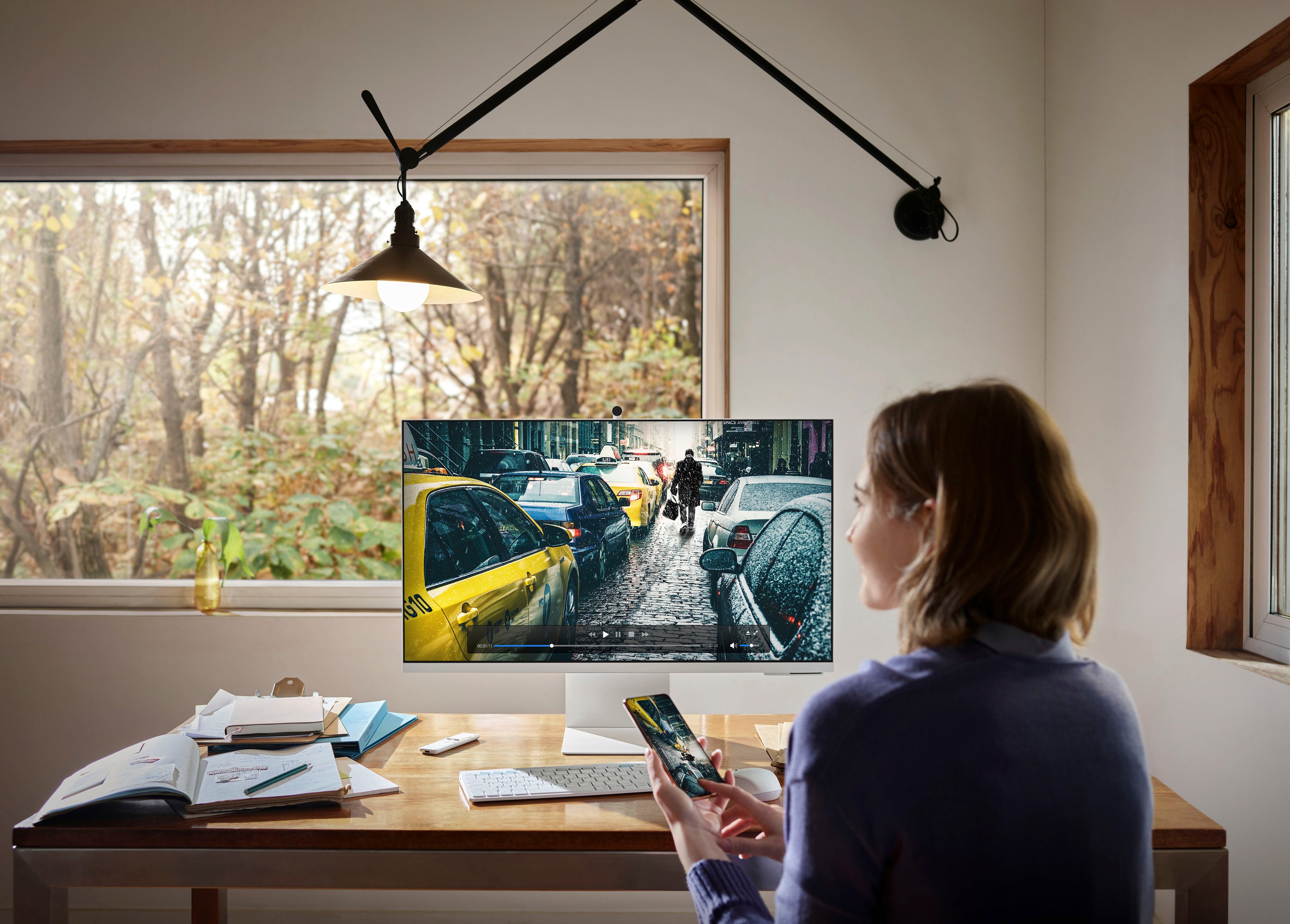
|Posted .This reviewer received promo considerations or sweepstakes entry for writing a review.This is a great smart monitor overall. It took a few tries to setup but that may have been where I set it up versus where I plan to use it. Regardless, once it's setup, it works really great. Wireless or wired connections from input devices are seamless and easy to use. The wireless mirroring/streaming to the monitor is also really fast and seamless. The plethora of smart apps are also a great add-on and work really well. It's the perfect addition to any home office, allowing you to have a huge second monitor and then the ability to stream a nearly unlimited supply of entertainment content when you want to take a break. It could also be used a small television given the entertainment apps. There is also a really compact but functional webcam includes, and it works really well. The monitor height is also adjustable (which is really rare on a first party monitor stand - usually you need to buy a separate one) as is the tilt. Overall, this is a really great smart monitor and I highly recommend it.
I would recommend this to a friend - Pros mentioned:Screen size
Surprisingly Impressed
|Posted .This reviewer received promo considerations or sweepstakes entry for writing a review.Calling this a monitor feels like a gross understatement. It honestly feels like a productivity hub that will allow you to work and play with ease. Being able to complete video calls on a decent sized screen as well as streaming for your entertainment and work on various projects has all been a breeze with this unit. Setup was fairly simple and quick. Screen quality was outstanding to my eyes, especially for a 32” 60hz 4K monitor. Colors were vibrant and pretty accurate as expected. Connecting peripherals like a wireless keyboard and mouse were done with ease. I watched a couple of movies using the apps available and everything worked seamlessly with no lagging (perhaps a testament to my internet service in addition to now this monitor can handle things). The free Samsung TV Plus works similarly to a free platform that another brand TV I own offers so you get some decent free live tv as well as some On Demand options that I truly enjoy. Because I already use Amazon Alexa with several smart devices in my home it was simple to add this monitor to the list so it all can work with the ease I expect. Overall I’m loving this multitasker and look at my other monitors like they are missing some important features.
I would recommend this to a friend Always a bridesmaid - never a bride
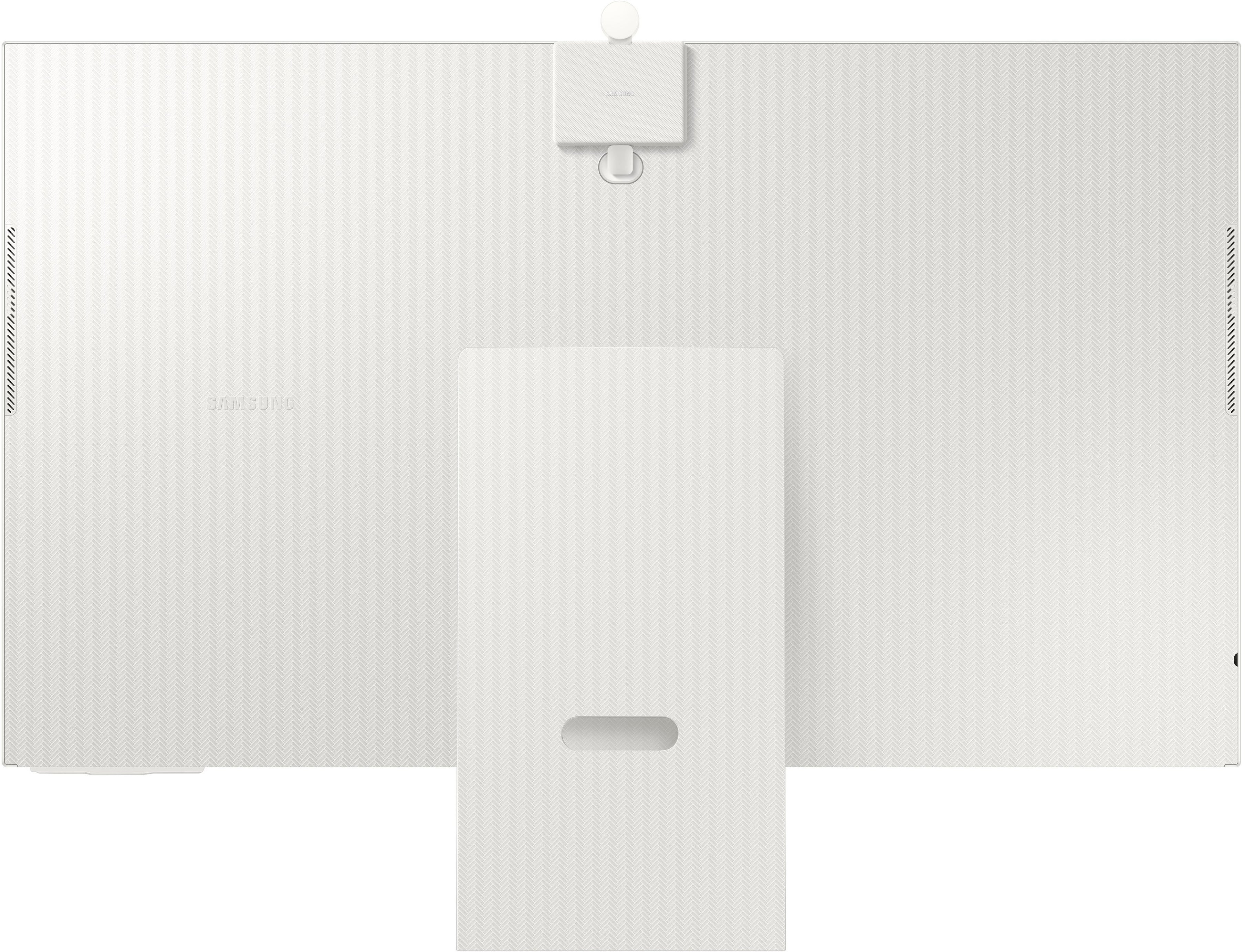
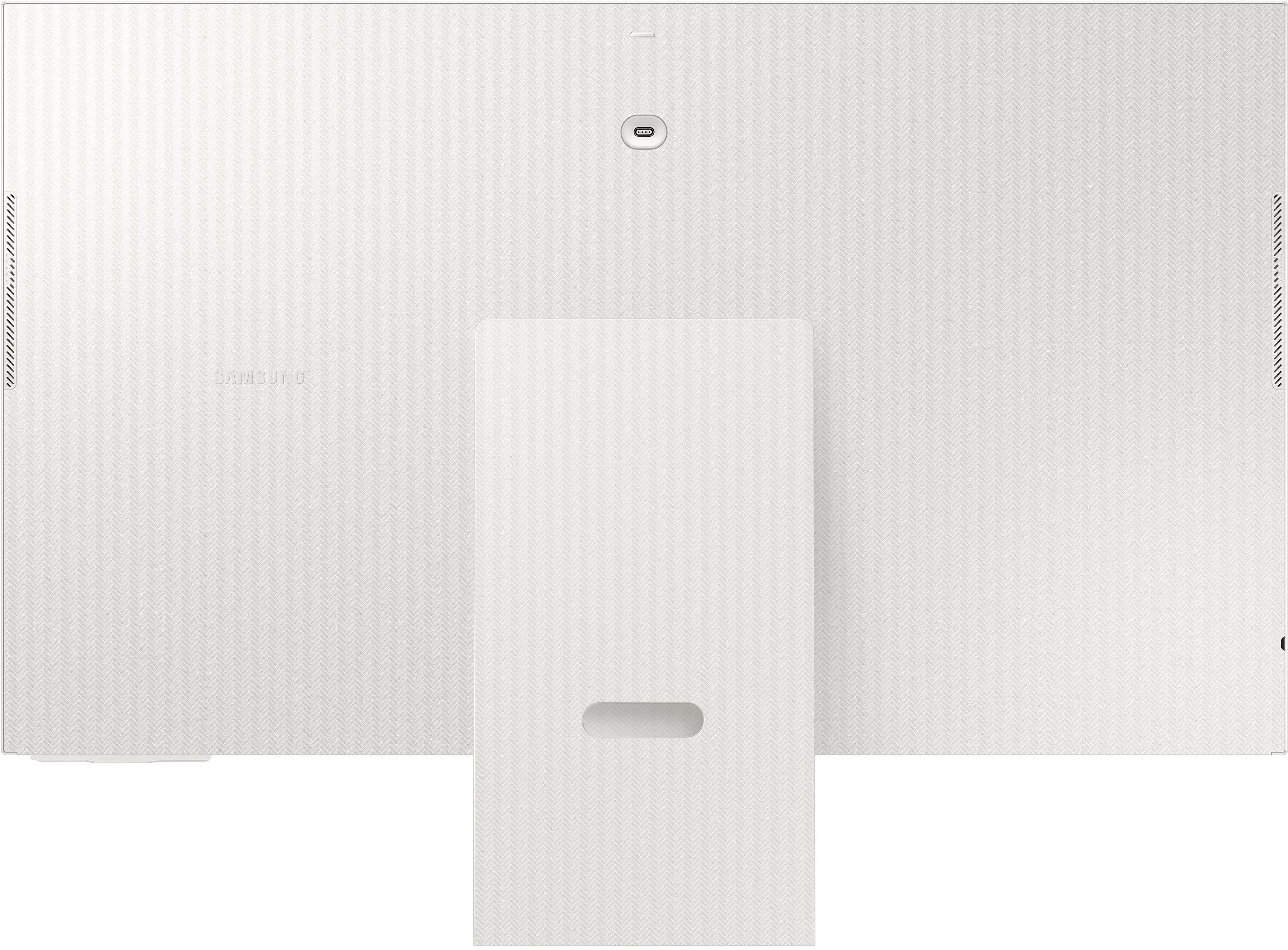
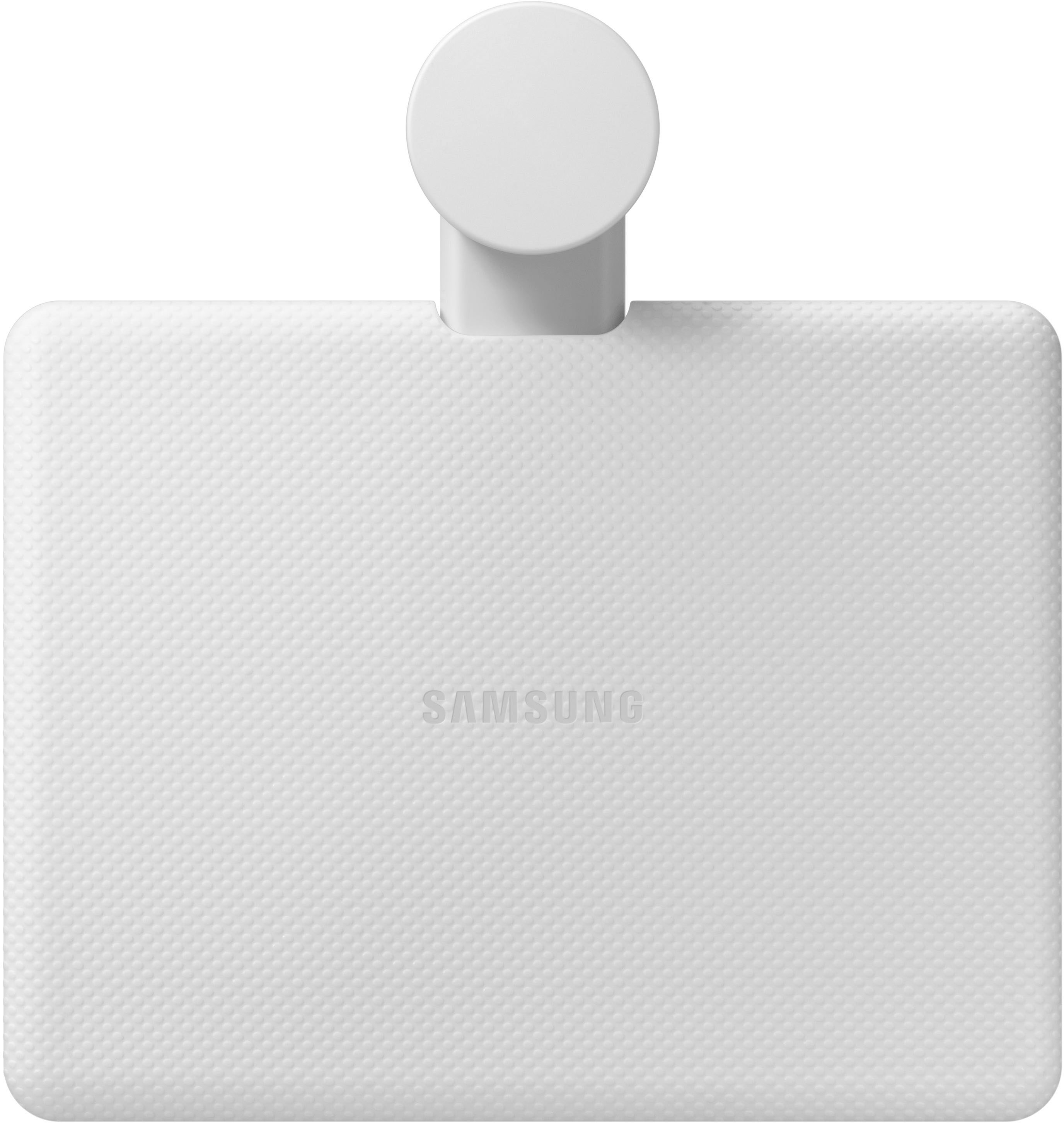
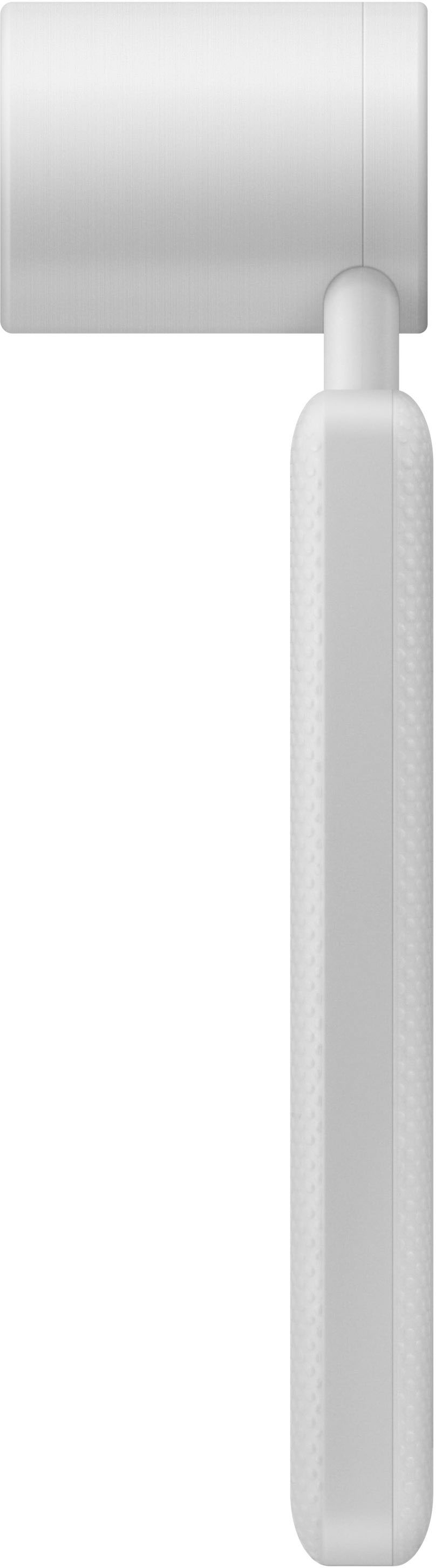
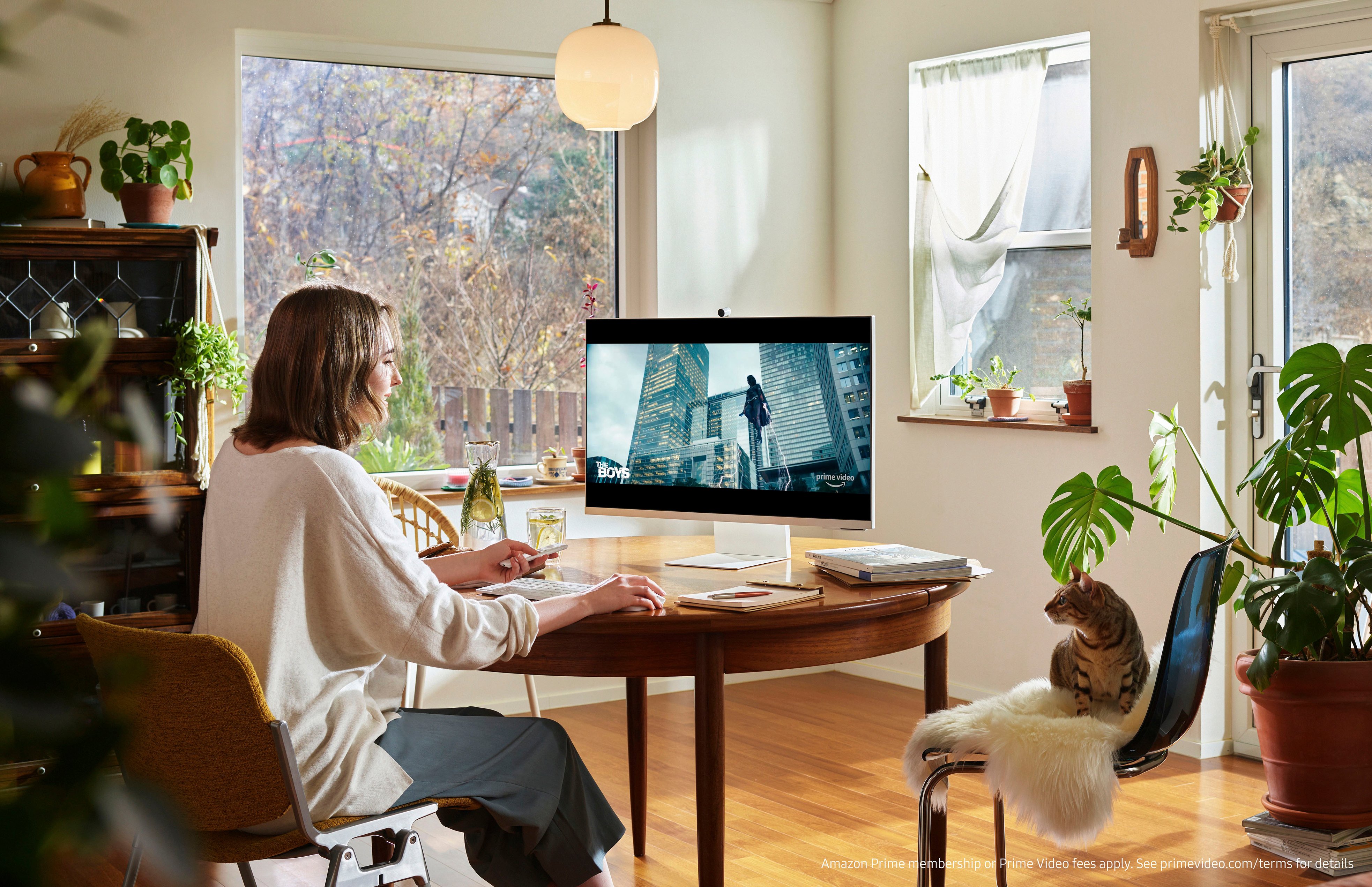
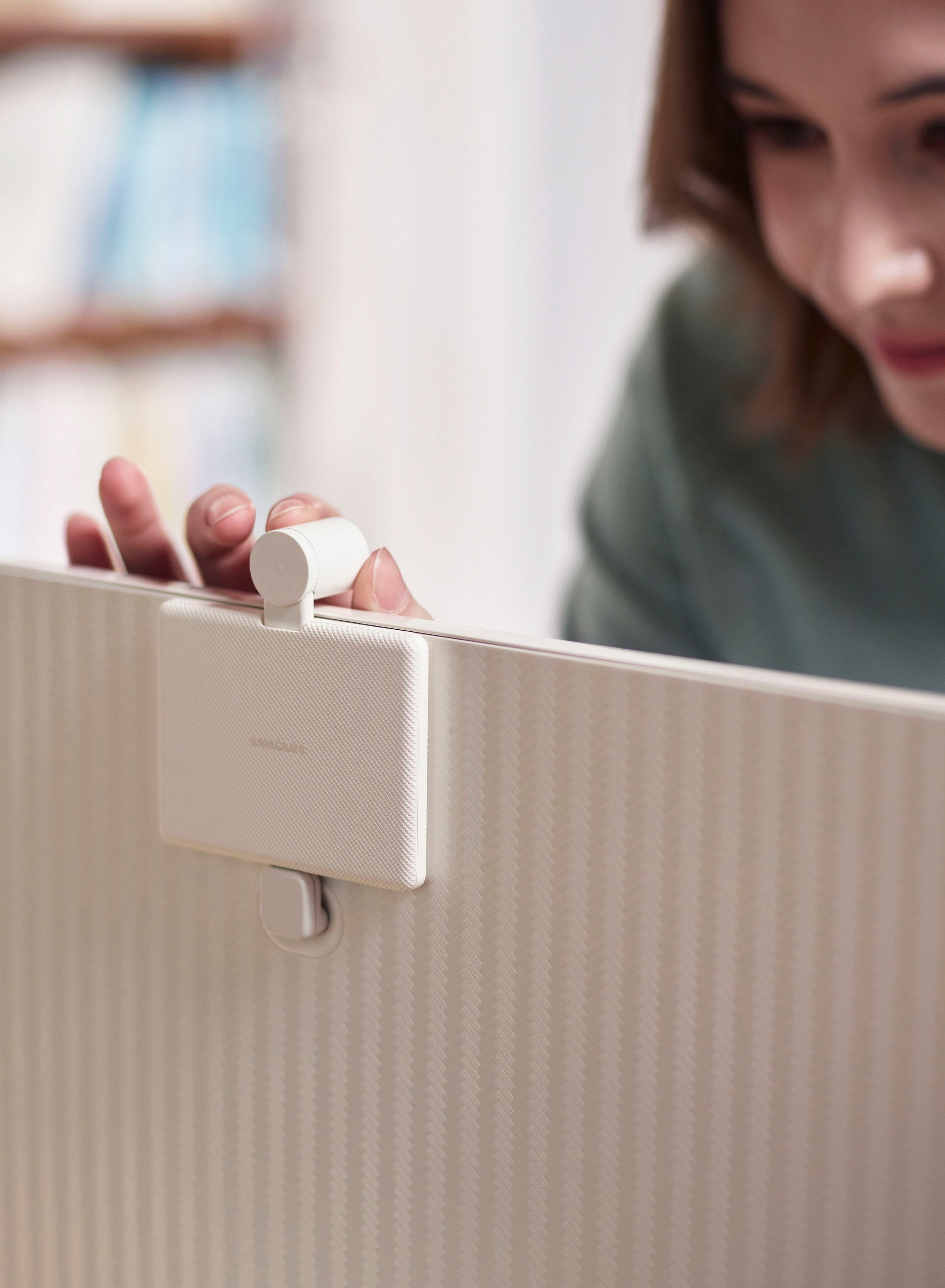
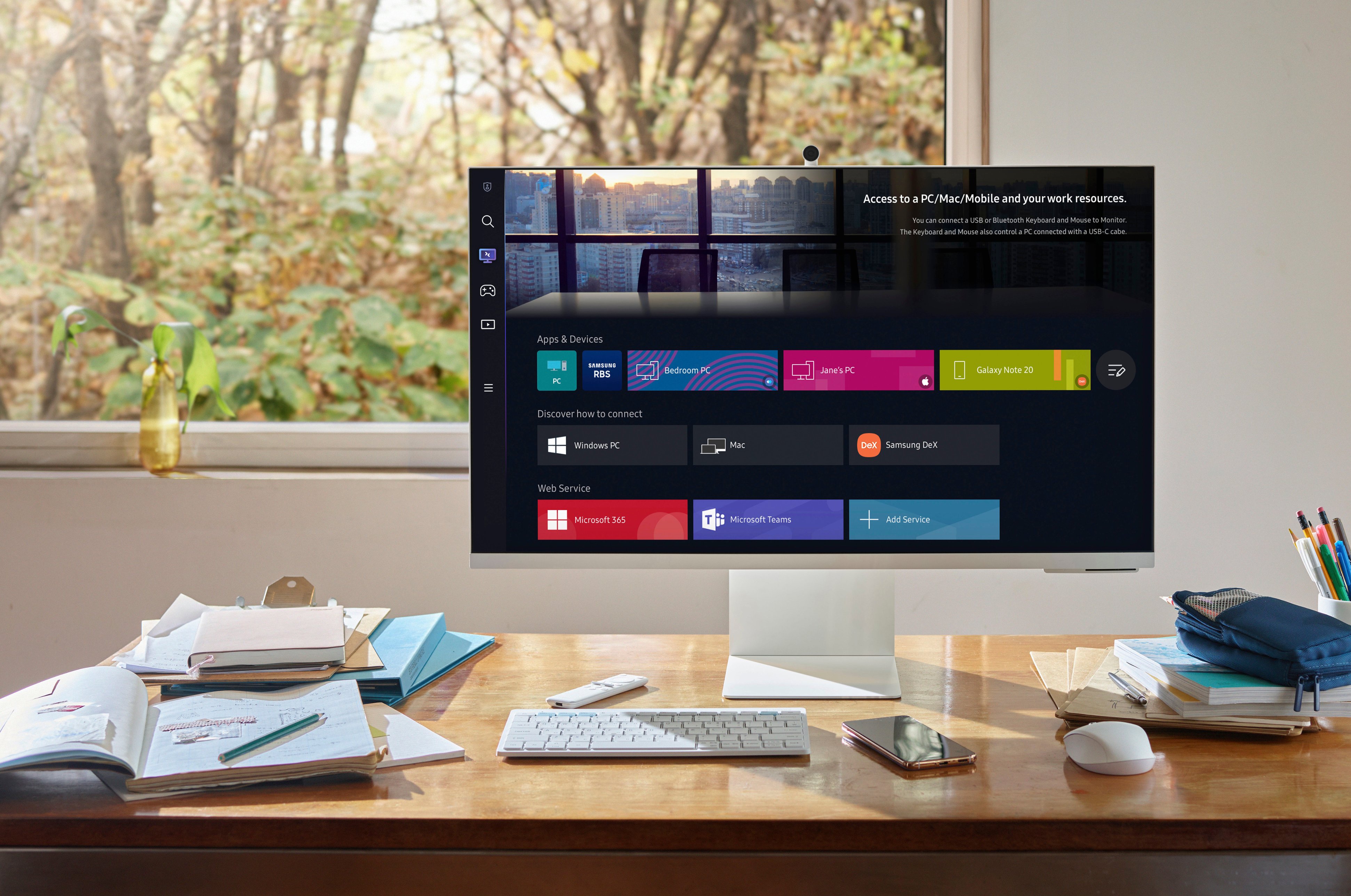
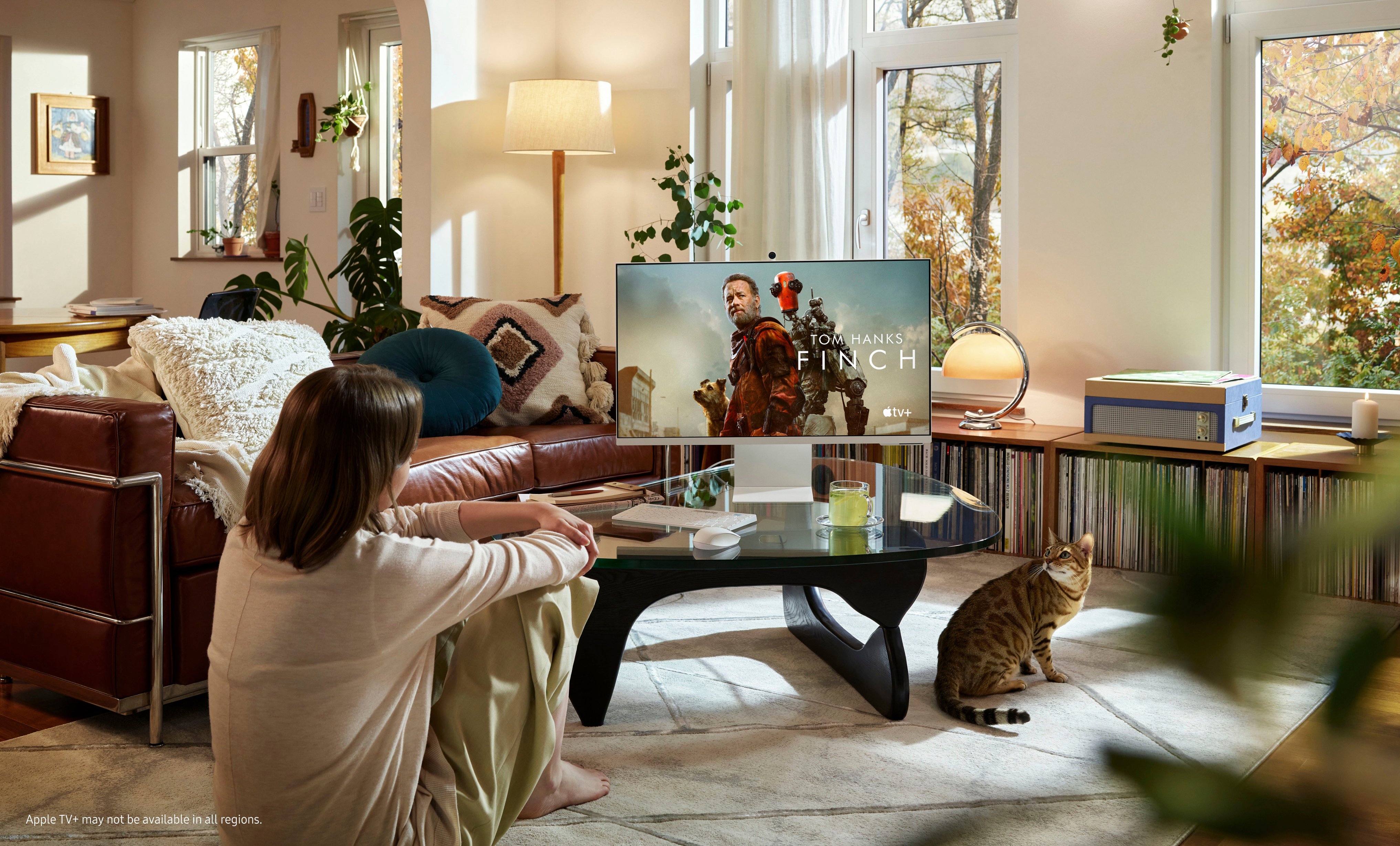
|Posted .This reviewer received promo considerations or sweepstakes entry for writing a review.When you first see the new Samsung M8 Smart Monitor it's hard not to confuse it with an iMac. What? Did Apple finally make the iMac Pro? NO - it's the Samsung M8 Smart Monitor. Now that we have that out of the way, we next have to figure out what it is - a computer, a monitor or a television. Spoiler, it's all three and it comes in four cool colors. Unpacking the M8 was straight forward. You need to build the stand which does require a screwdriver and tightening one screw then snapping the monitor panel to the stand. There is no VESA mount so the stand is your only option. The stand has height and tilt adjustment but no side to side rotation or ability to tilt it to portrait. It comes with a pretty hefty power brick. To start with, the M8 is a very stylish computer monitor. It has a thin 32 inch 4K LCD display with HDR10+ technology. It has a mini-HDMI port and two USB C ports, one of which has 65 watt power delivery for connecting a laptop. There is a HDMI to Mini-HDMI and a USB C to USB C cable included. You can also screen mirror from Windows 10 or air-play from your Mac, iPhone or iPad as long as they are on the same Wi-Fi network. I had no difficulty connecting screen sharing with either PC or Mac via Wi-Fi. I have not yet been able to get my iPhone to recognize the M8 as an Airplay device. I did notice a bit of edge light ghosting depending on the content but it wasn’t excessive. The display is 4K and supports HDR10+. It's only 60 Hz refresh rate, something to keep in mind if you are an avid gamer. Out of the box, the display brightness was set to maximum but there is an adaptive setting that will adjust this depending on what you are watching and ambient room lighting. It's a television - sort of. Other than a tuner, the M8 has the same Smart television setup and app store as other Samsung televisions. The included remote has four one-touch buttons for Netflix, Prime Video, Disney + and Samsung TV. This is not my first Samsung television product and I have to say I really like Samsung TV. It has a huge selection of channels, all free ranging from specific game shows to Network news and a few cable news channels as well. The only downside is it's only available on Samsung TV’s, tablets and phones. It's a computer - sort of. You can connect a keyboard and mouse to the M8 either by USB which would require a USB C hub or via bluetooth. I connected a keyboard and mouse via bluetooth and had no trouble using either, however, it is important to note, the keyboard and mouse are only available when using work mode or the built in internet browser - they do not work on the regular menu screens. The M8 has a “work mode” that allows you to connect to Microsoft Office 365 or connect via remote desktop to an existing PC or Mac. It also supports Dex if you are in the Samsung ecosystem. I was able to connect to my Mac via remote desktop with no trouble. Office 365 is browser based and while it works fine, it and the built-in browser are a bit sluggish and the experience was not the best. Usable in a pinch but not a reason to buy this monitor. The M8 has built-in speakers that sound ok and they have decent volume. There is an adjustable equalizer as well as an adaptive sound mode but bass is severely lacking. You can connect it via ARC or Wi-Fi to a sound bar, and via bluetooth to the speakers of your choice. Following many phone and tablet makers, there is no headphone jack on the M8. The M8 comes with a 1080P SlimFit camera that attaches magnetically to the back of the monitor. Be careful when unpacking the bags as there are two pieces for the camera, the camera and the USB C connector. I almost threw the connector away. Why this is a separate piece is beyond me and a poor design choice in my opinion. It's not like you can use the camera on anything else. The camera is also only adjustable up and down, there is no sideways movement either. There is a magnetic cover for privacy but you could also just remove the camera if you are concerned. The monitor has Google Duo built in to use for video calls and the camera looks good other than not being able to adjust it down a bit more. There is face tracking but this is currently limited to Duo only. The M8 also has picture in picture allowing you to view two sources at the same time - for example you can watch your favorite program and work on your spreadsheets at the same time. Finally the M8 has support for Bixby and Alexa voice assistants. I connected to Alexa. You can set it so the monitor can always hear your wake word and you can always use the voice button on the remote. You can’t drop in on other alexa devices however. I was surprised that having Duo built in there is no option for the google assistant. The voice function through Alexa is very helpful for changing inputs, built in apps and channels on the Samsung TV app as well as searching for videos on the built in YouTube app. There is no voice search on Netflix though. Jack of all trades - master of none comes to mind when I think about the Samsung M8. It is a solid product and does everything it's supposed to but doesn’t really seem to excel at any one particular. It seems that Samsung is providing a solution to a problem that just doesn't exist. It’s nice to have all the options the M8 offers and I’m sure there is a specific market for this display - like college students or anyone with limited space. I give it four stars and would recommend it to anyone looking for a product that has pretty much everything but the kitchen sink.
I would recommend this to a friendBrand response from Samsung
Posted .Thank you for your review of the new M8 Smart Monitor with Streaming TV! We are sorry to hear you are experiencing some issues with the use of the camera. In order for the camera to work with video call apps outside of Google Duo, you must only hook up your monitor to PC using the USB-C slot on the back of the monitor. When the monitor is using HDMI, it will not detect it outside of the local apps on the monitor.
Again, thank you for your review! If you ever require further assistance, please do not hesitate to contact Samsung Customer Support via:
1-800-SAMSUNG, available 8AM - 12AM EST (Mon-Fri) / 9AM - 11PM EST (Sat-Sun).
Again, thank you for taking the time to share your experience and provide us with information that helps improve our service.
- Pros mentioned:Camera quality
Packed with Features and Flexible Options
|Posted .This reviewer received promo considerations or sweepstakes entry for writing a review.First, let me say this monitor is a great product and could easily function as a monitor and smart TV. There are many pros with this monitor. 1) The colors are very vivid and the screen is bright in high light conditions. The screen has a non glare finish that allows viewing in bright rooms. The refresh rate is fast enough that you don’t have to worry about seeing pixels on the screen. The curser movement is smooth. 2). The attached stand is very sturdy. It has some weight to it so you don’t feel like the monitor will easily tip over. You can also adjust the height by sliding the monitor up and down on the stand. 3). There is a camera that comes with the monitor. The google duo app is already installed for easy video calls. 4) The smart TV apps that are pre installed include all of the most commonly used apps such as Netflix, Hulu and Amazon Prime. You can also download additional apps with ease. The processor is very fast and downloading new content is very quick. 5) Access to Microsoft 365. You can access content that is already created on a Microsoft application or create new content. No PC is needed! It can all be done with the monitor alone. 6) Easy setup of Bluetooth devices such as laptops, keyboards and mice. 7) All functions can be done with the included remote control or you can easily setup a keyboard or mouse. 8). The monitor includes stereo speakers that are adequate for most uses. If you prefer a richer sound you can pair up Bluetooth speakers. Overall, this is a great addition to the Samsung product line and I would recommend it to anyone.
I would recommend this to a friend Superb concept with great execution!
|Posted .This reviewer received promo considerations or sweepstakes entry for writing a review.This Samsung 32" M80B UHD Monitor/TV really is a Swiss Army Knife of monitors. It literally does it all, with varying degrees of success. First off, set up takes a little while. They knew this going into it, as there is an ambient soundtrack played in the background as you do so! You have the usual suspects, like connecting to WiFi etc, and then there's the Samsung app to be tied to as well. They have relatively recently updated their app, so you have to go through a lot of the processes again, even tho I have several Samsung products already in the ecosystem. When you do finally get the green light to start using it, the menus are pretty intuitive, the slim white remote is responsive and you can get to where you want to be quickly. I started by connecting to our Hulu account to see what the screen quality was like, as this is touted as a UHD/4K screen. And true to form, the content on the screen looked crisp and vibrant as I expected it to. The sound from the rear mounted speakers is nothing to shout home about, but as expected. Connecting to a sound bar or bluetooth speaker really livens the monitor up and that worked flawlessly. I connected to a Sony SRS Party bluetooth speaker initially and then a Samsung Dolby Atmos Sound bar later on and both performed flawlessly with the M80 Monitor. I then selected connectivity options, and wirelessly connected to my MacBook Pro. With Air-Play integration, it was really easy. On-screen instructions allow you to take all the necessary steps needed to make it work. Connecting the MacBook was incredibly simple, very fast and worked perfectly. It was an almost instant connection. I then powered up one of my PC laptops, and tried the same thing. It actually failed to connect the first time, dropping signal, but on the second attempt, it also connected, it looked great and worked well. I did notice that there is a visible lag on screen between your mouse input and the cursor moving, not a lot, but it was noticeable up close. Just a note if you are doing any precision work (I am a Graphic Designer, so I am looking up close and personal). Taking one of the included cords (USB-C to USB-C) I direct connected the monitor to my MacBook and it performed flawlessly. It looks great, there was no delay due to direct input, and I am really enjoying it. I then tried the 'Samsung TV' and to be honest, the quality wasn't great to start with on some of the channels. Clicking around with the remote, I was able to find channels with better content with better quality. The is a webcam accessory, with a simple L-shaped connector, you can mount it magnetically to the top of the monitor and it even has a little magnetic privacy shutter. I do have a concern that the shutter could easily be misplaced as it is not attached to the webcam at all (aside from the magnet). The monitor also has 'Alexa' built in so you can add your account and then use either the voice remote, or simply say 'Alexa' to control any devices that you may have around the house. I am fully into the Alexa ecosystem, and it was nice to be able to use the monitor to control the lights and sounds around the house. I've been using the monitor for several days now, connected to my work laptop. It has an aggressive sleep timer set on it for security purposes. When it sleeps, the monitor sets up a one minute countdown timer before it itself goes into a sleep state. A tap of the keyboard and the monitor jumps back into life really quickly with little delay at all. The only real challenge I've had, aside from the Samsung app integration, has been getting the color balance exactly as I want it. Compared to the MacBook Pro screen, the settings are very 'red', even with adjusting the tint, and the color balance, so I am sure there is a little more fine tuning that I need to work on. A fun little touch is the nod to TVs of the past with the white fade to center of the screen, when turning on and off. Overall, I'm really impressed with this full featured, truly smart monitor. It has it all, great resolution, streaming capabilities, webcam, Alexa, wireless and wired monitor connections and a fantastic, sleek design. If you want to free up some space on your desk if you have multiple laptops/screens, or just want something that looks cool that can be used as a streaming device, then this may very well be the only monitor/TV you need.
I would recommend this to a friendGreat Monitor/TV without the camera
|Posted .This reviewer received promo considerations or sweepstakes entry for writing a review.I have moved from two 27" monitors to a single 32" monitor and it was well worth it. First and foremost this monitor has a number of features that I have yet to fully take advantage of but have tried them all. The monitor is slick looking and one person asked if I had switch to using a fruit based machine. Design is sleek and blends well in any environment. Beyond looks, the setup was pretty painless with one exception I'll get to later. Picture quality is amazing (4K) and when you see it on a smaller screen, if you call 32" smaller, it looks fantastic. It is also a standalone TV with a remote so if you can operate a streaming TV you can use this one! It connects to your network so streaming is easy. One of the things that I really liked about this monitor is the built in camera. The one knock I have is it does not work from the PC. It only works native on the monitor through DUO. This is one thing Samsung needs to correct especially if you take a number of video calls like I do. No I have my old camera sitting next to the integrated camera. Not ideal!
I would recommend this to a friendBrand response from Samsung
Posted .Thank you for your review of the new M8 Smart Monitor with Streaming TV! We are sorry to hear you are experiencing some issues with the use of the camera. In order for the camera to work with video call apps outside of Google Duo, you must only hook up your monitor to PC using the USB-C slot on the back of the monitor. When the monitor is using HDMI, it will not detect it outside of the local apps on the monitor.
Again, thank you for your review! If you ever require further assistance, please do not hesitate to contact Samsung Customer Support via:
1-800-SAMSUNG, available 8AM - 12AM EST (Mon-Fri) / 9AM - 11PM EST (Sat-Sun).
Again, thank you for taking the time to share your experience and provide us with information that helps improve our service.
Smart Monitor that does it all!
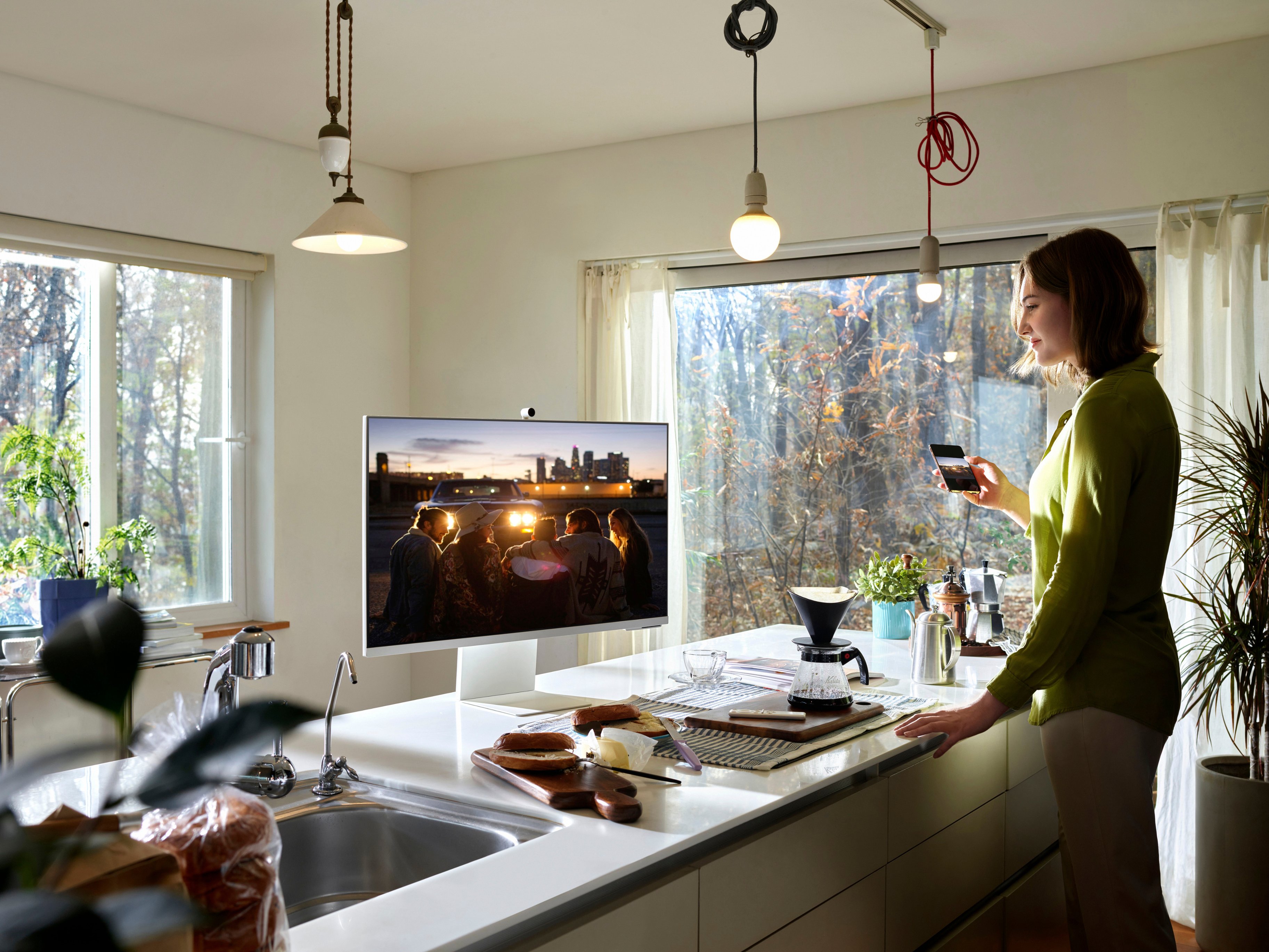
|Posted .This reviewer received promo considerations or sweepstakes entry for writing a review.The Samsung - 32" M80B UHD Smart Monitor with Streaming TV brings Smart TV to your desktop. Providing serious screen real estate at 32" with Ultra-High Definition clarity. All the benefits of an extra monitor for your laptop or desktop, Bluetooth connectivity or USB-C, magnetic removable security camera, and PC or Mac compatible, this monitor does it all while ensuring ease of use. The Smart Monitor also doubles as a TV or media screen. Stream Netflix, YouTube, Hulu, or your favorite without ever leaving the office. I found this smart monitor to be an amazing upgrade for my busy home office. Between multiple computers and the use of a PC and Macbook, I have found this monitor to be the solution I needed. Connectivity is easy, the base is strong and secure even when the monitor is fully extended. UHD video is seamless and the smart apps bring this monitor to life. It perfectly mirrors our larger Samsung TVs so the features and functions are perfectly familiar. PROS - Samsung brand, quality, and innovation - Connectivity using various available options including Bluetooth and USB-C - UHD clarity and quality - Samsung Smart features built in - Google or Alexa voice input available upon setup - Sound quality replaces the need for PC speakers or monitors - Magnetic camera unit can be removed easily and comes with a magnetic camera cover to ensure privacy. CONS - Only complaint is the minor lag between my Macbook Pro and the monitor when connected wirelessly. It makes it a little difficult to adjust to the lag so I prefer using the USB-C connection and it is perfect as a primary or second monitor for my tiny 13" Macbook screen!
I would recommend this to a friend- Pros mentioned:Screen size
Best monitor for Apple laptop & affordable
Posted .This reviewer received promo considerations or sweepstakes entry for writing a review.Great picture easy to pair. Works great with my Apple laptop and iPad. Quality monitor.
I would recommend this to a friend Great for work and play!
Posted .This reviewer received promo considerations or sweepstakes entry for writing a review.Excellent monitor for gaming, work. Going steering after almost three years of regular use!!
I would recommend this to a friendFantastic Monitor
Posted .This reviewer received promo considerations or sweepstakes entry for writing a review.Paired it with my new Mac mini and I couldn't be happier. The colors are rich and vivid and I can stream a few channels directly to it if I choose. It's the best monitor I've ever owned.
I would recommend this to a friend