Customer Ratings & Reviews
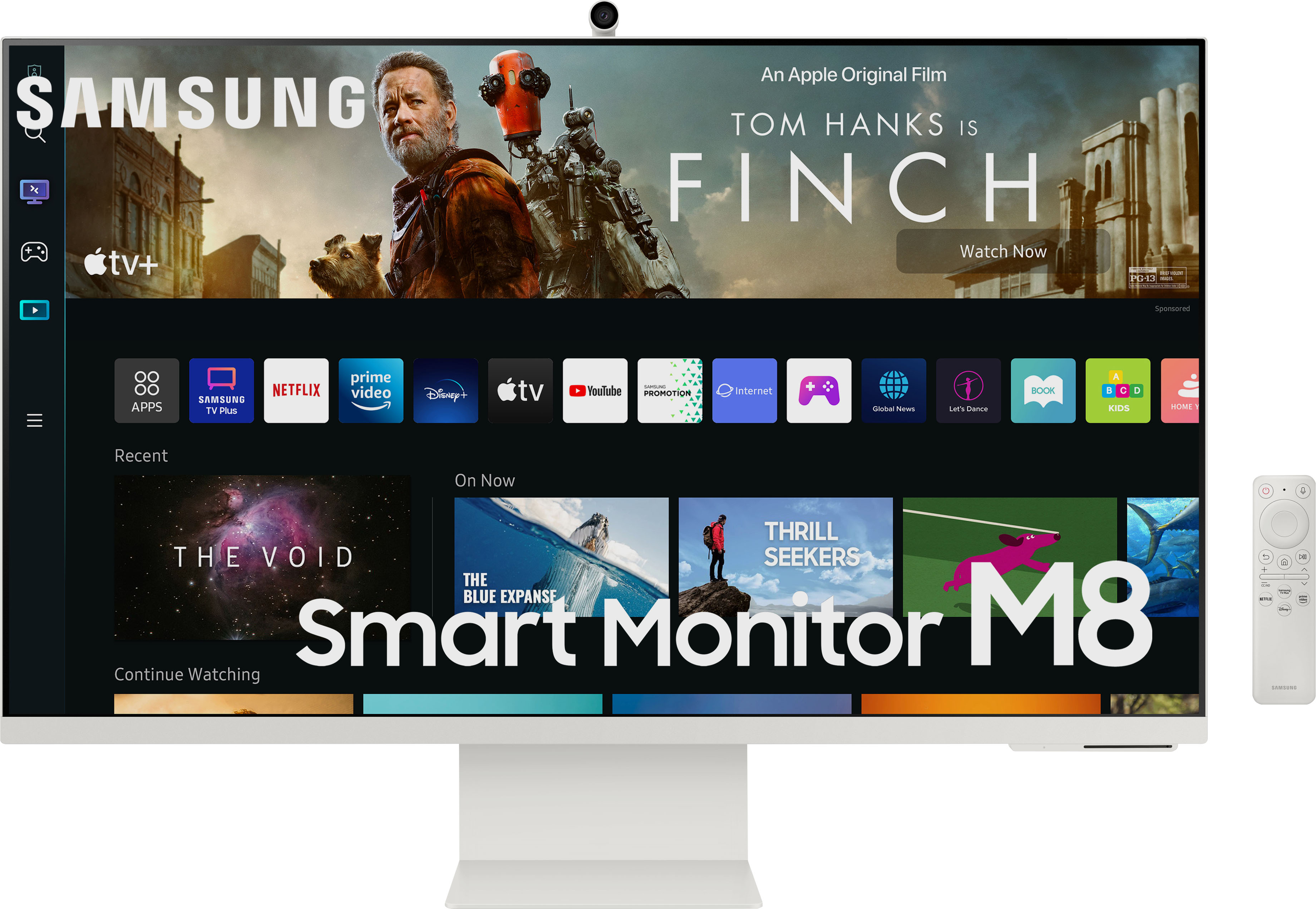
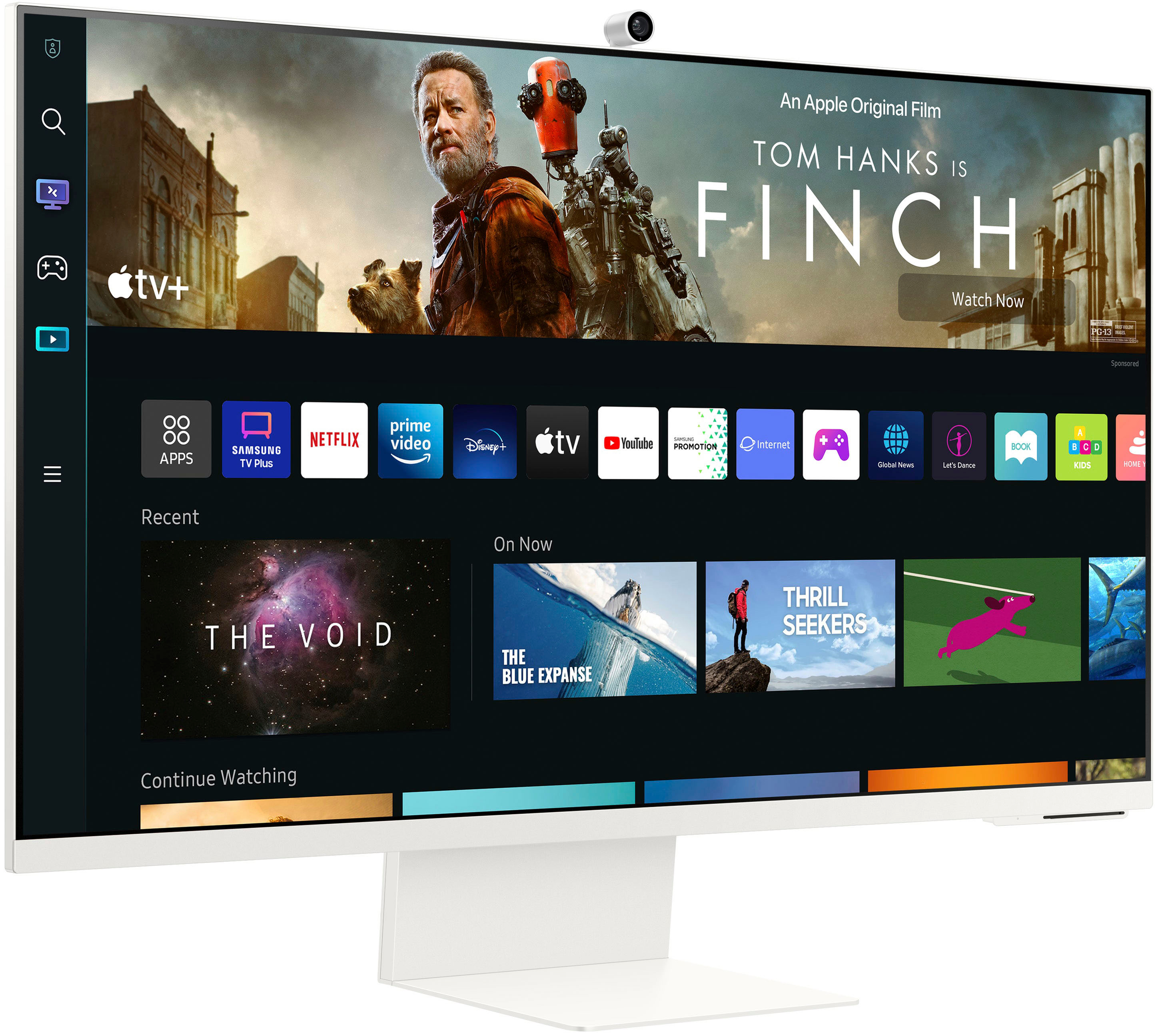
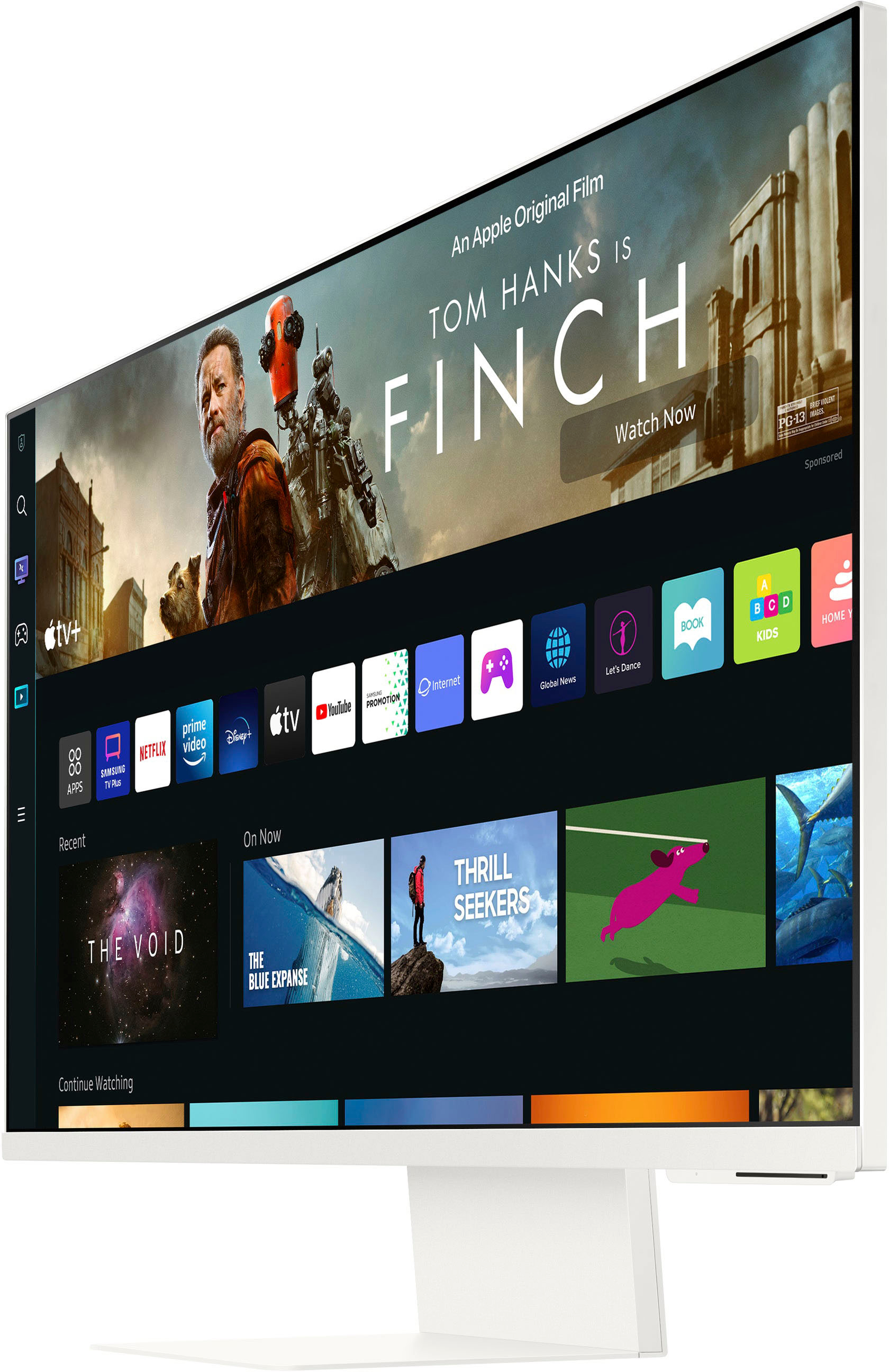
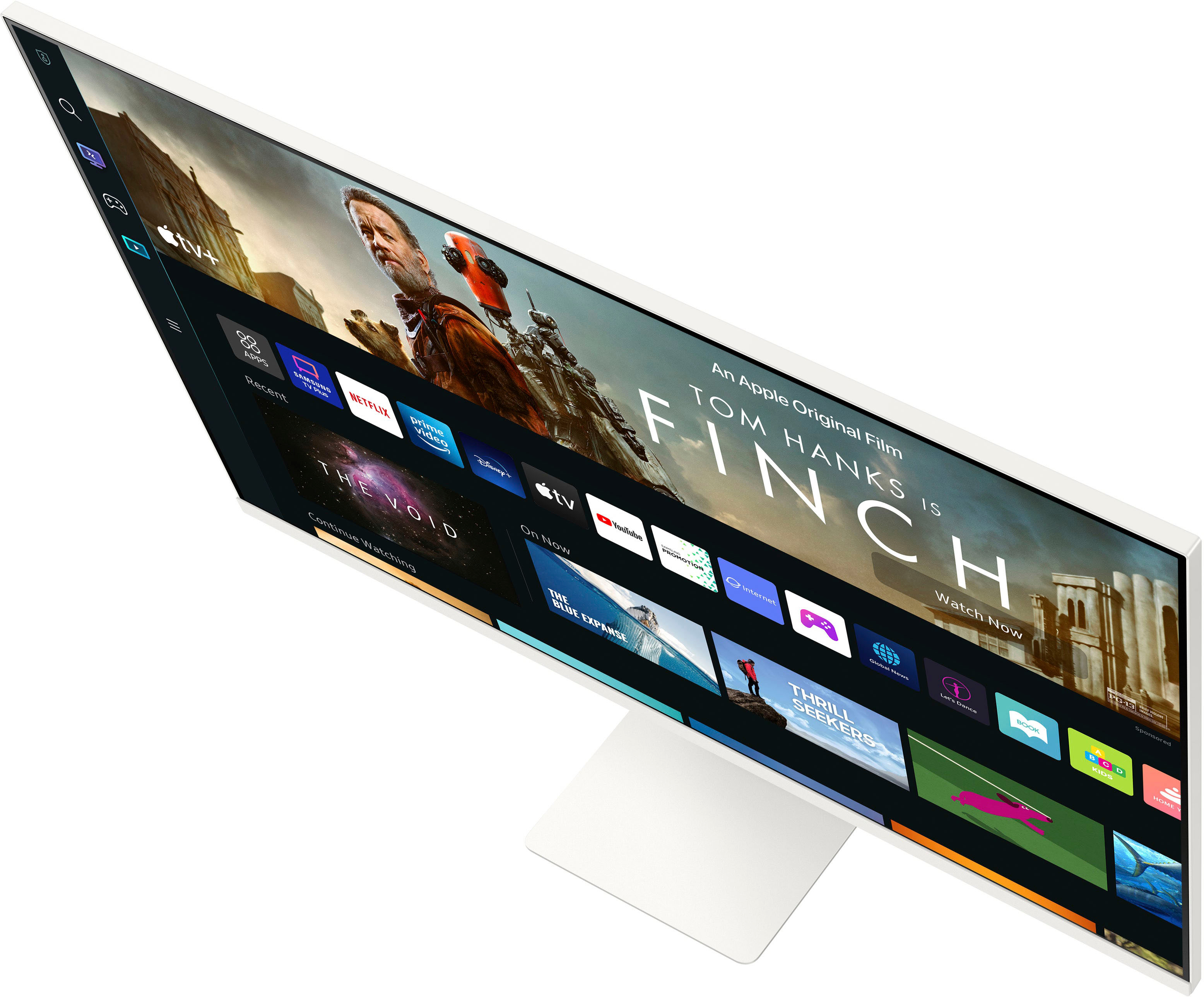
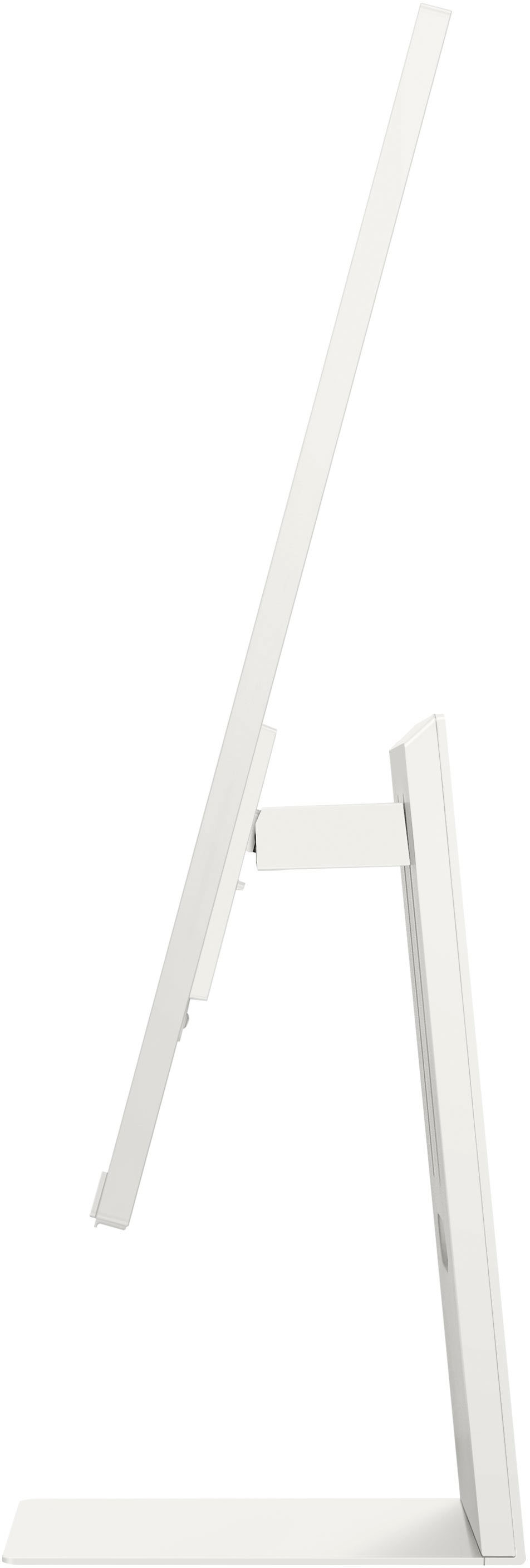
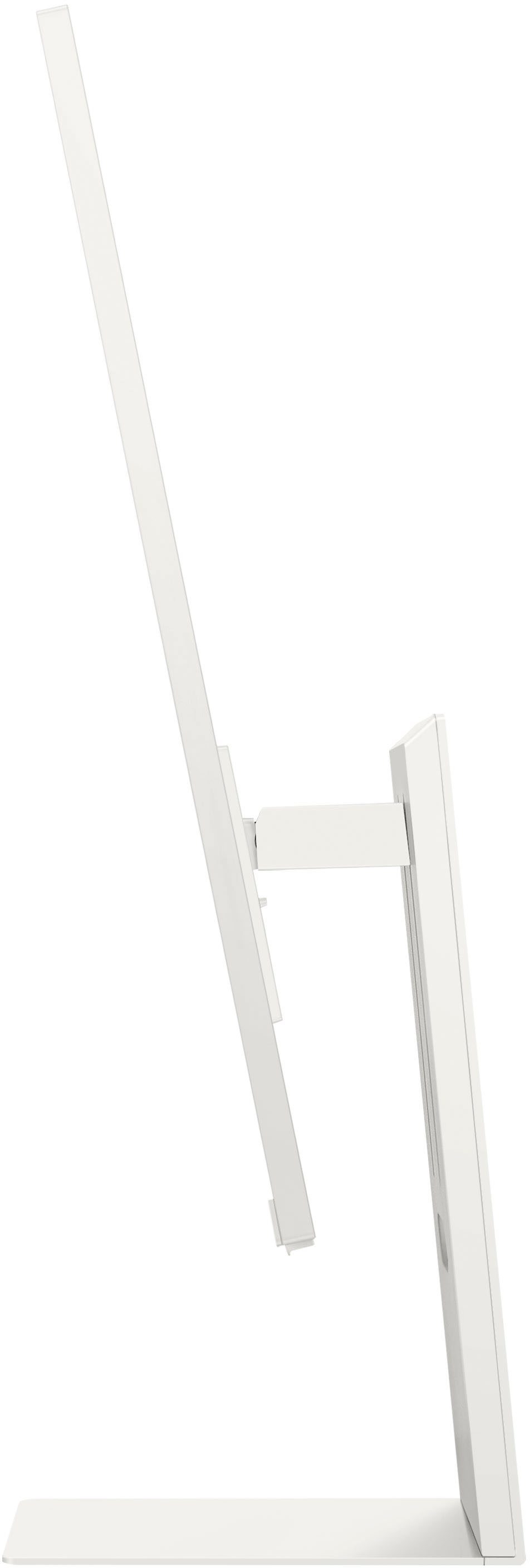

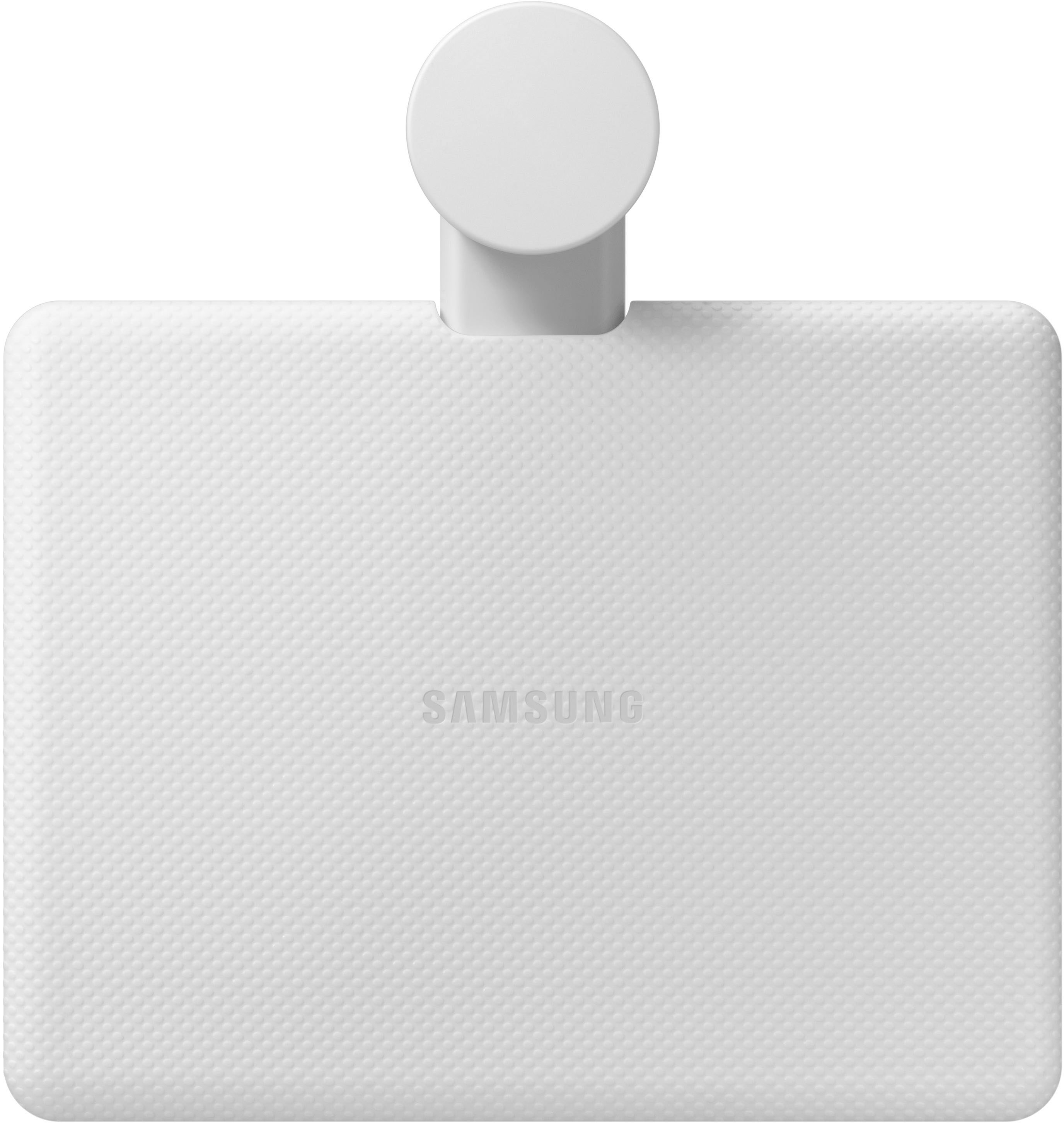
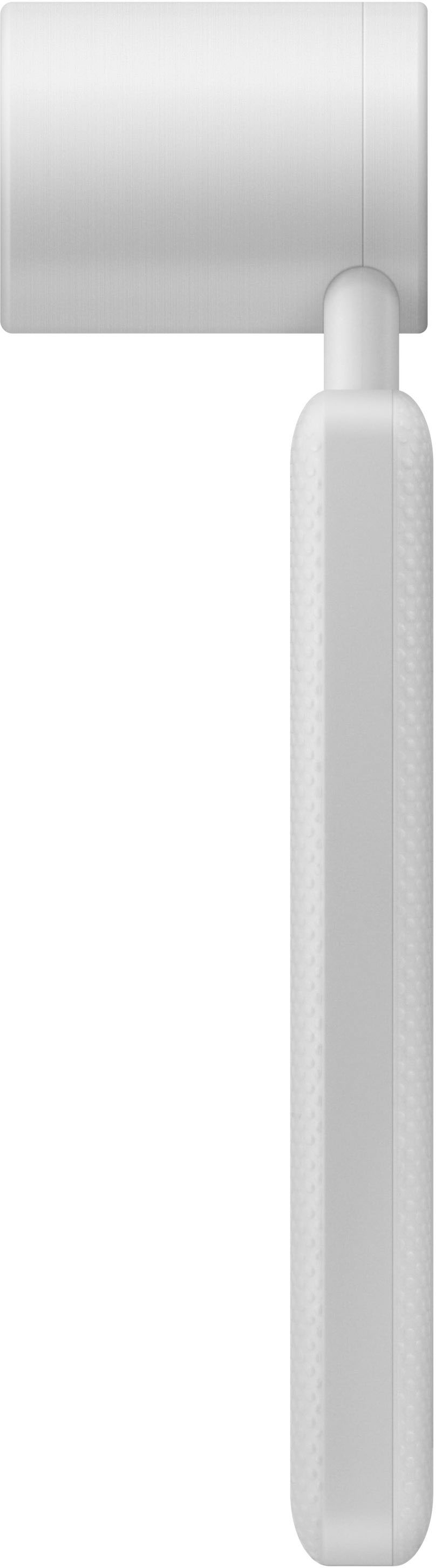
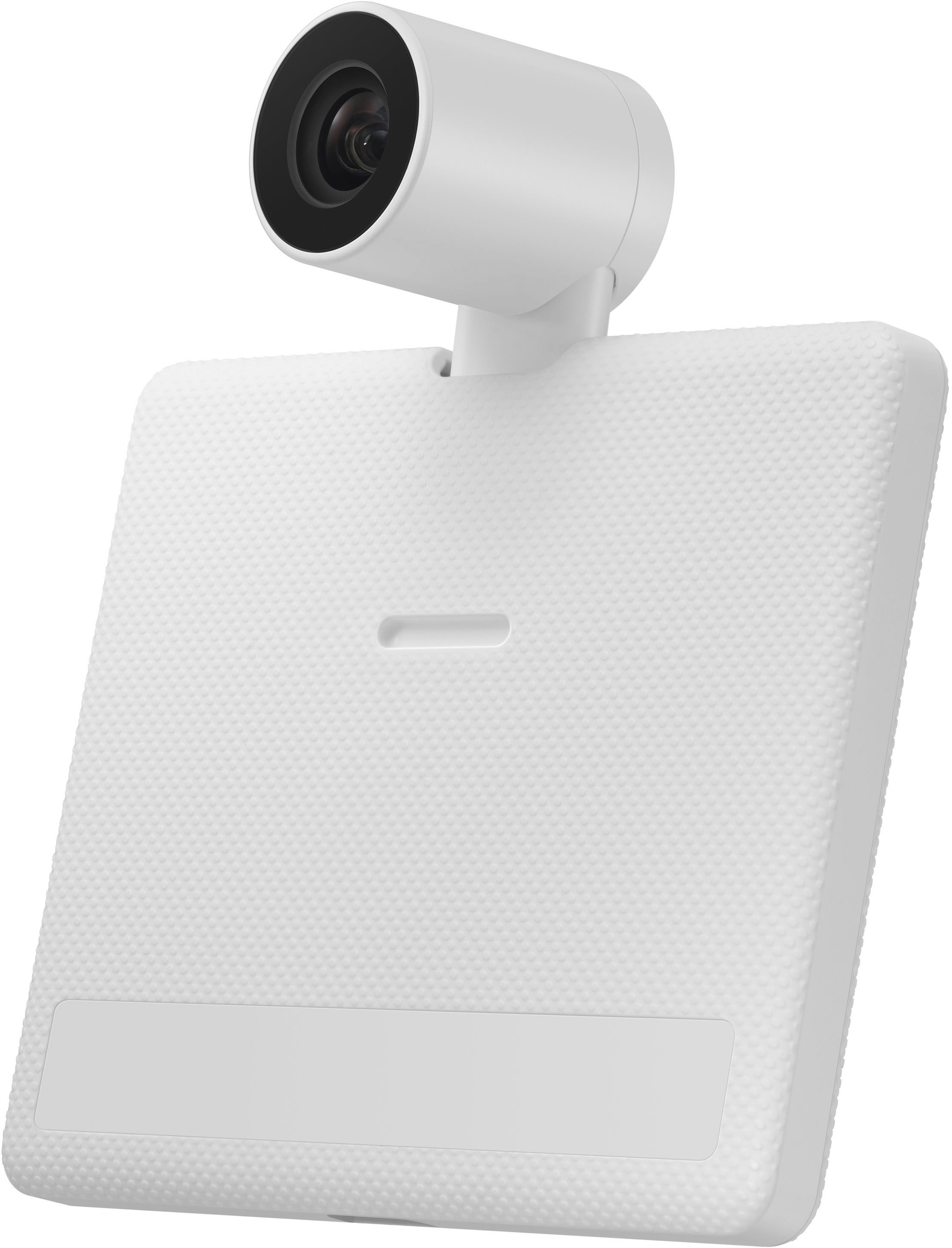
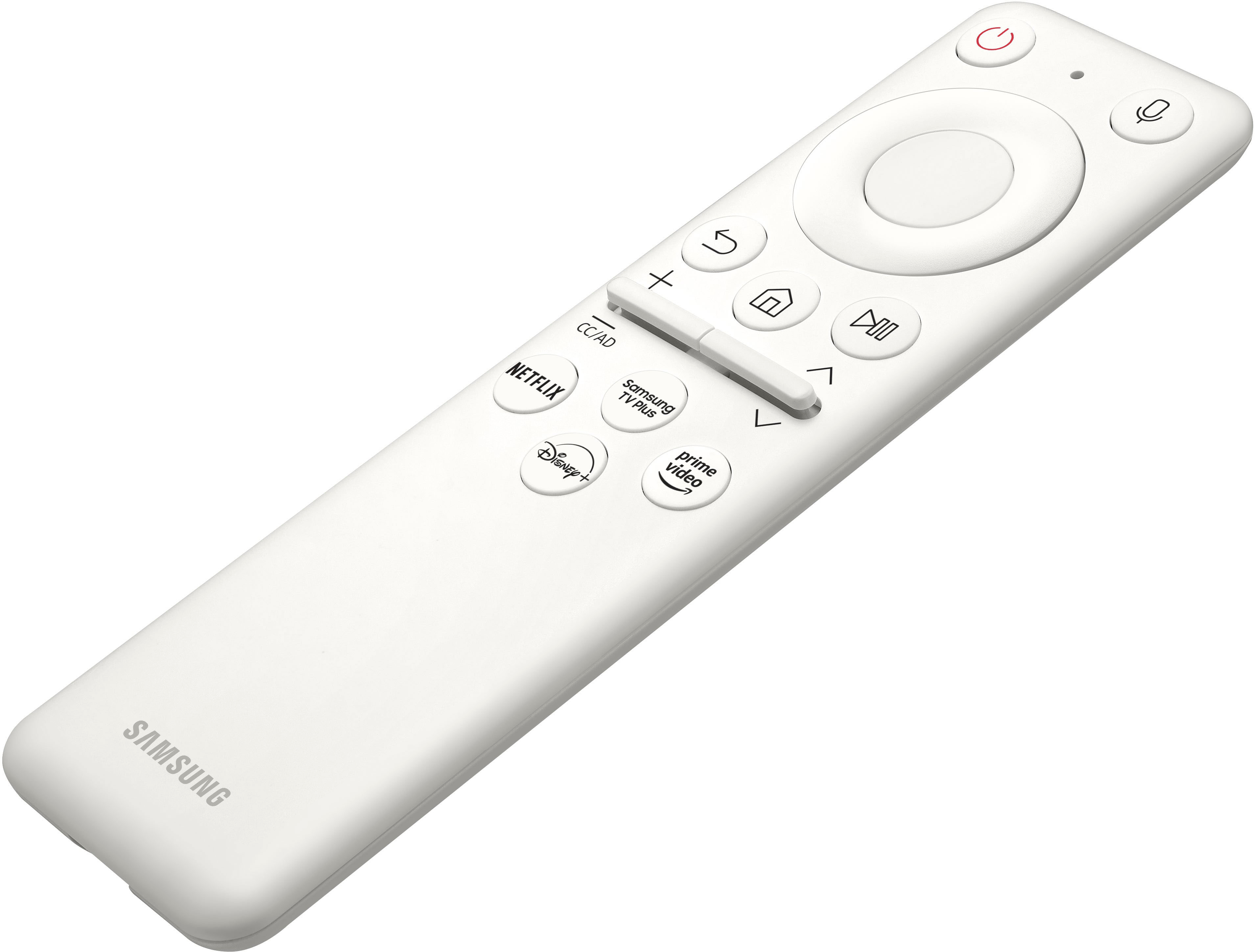
- Model:
- LS32BM801UNXGO
- SKU:
- 6500799
Rating by feature
- Display Quality
Rating 4.5 out of 5 stars
- Ease of Use
Rating 4.4 out of 5 stars
- Features
Rating 4.7 out of 5 stars
Customers are saying
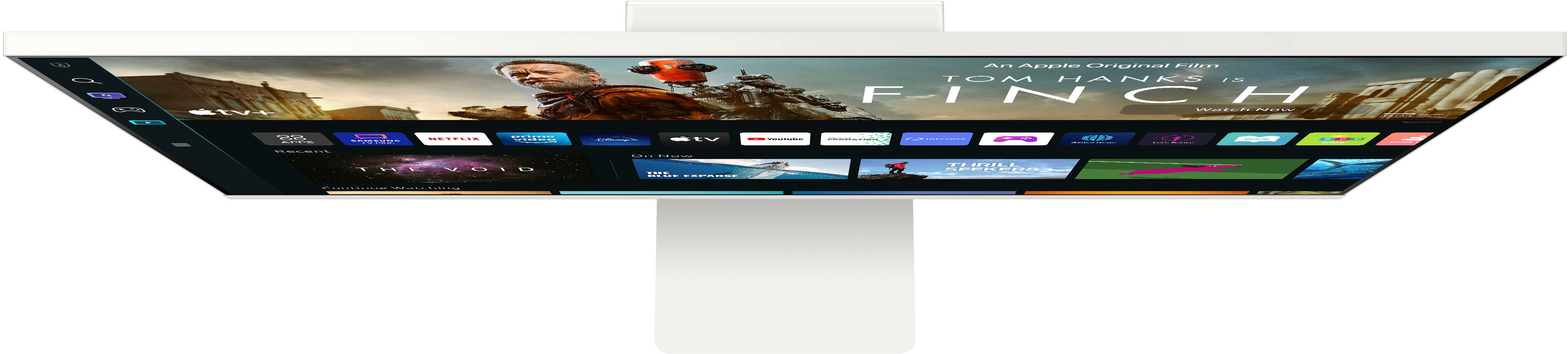
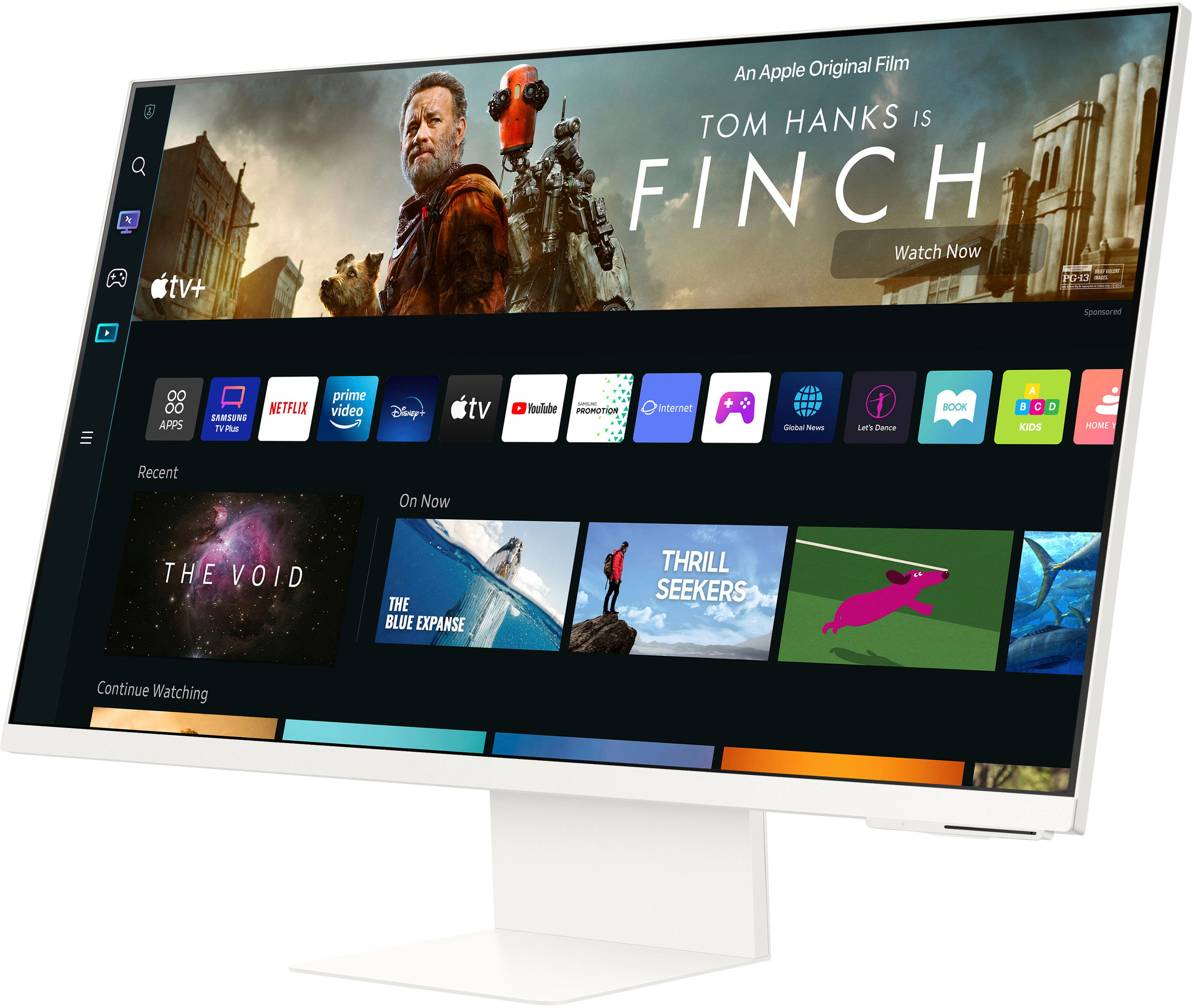
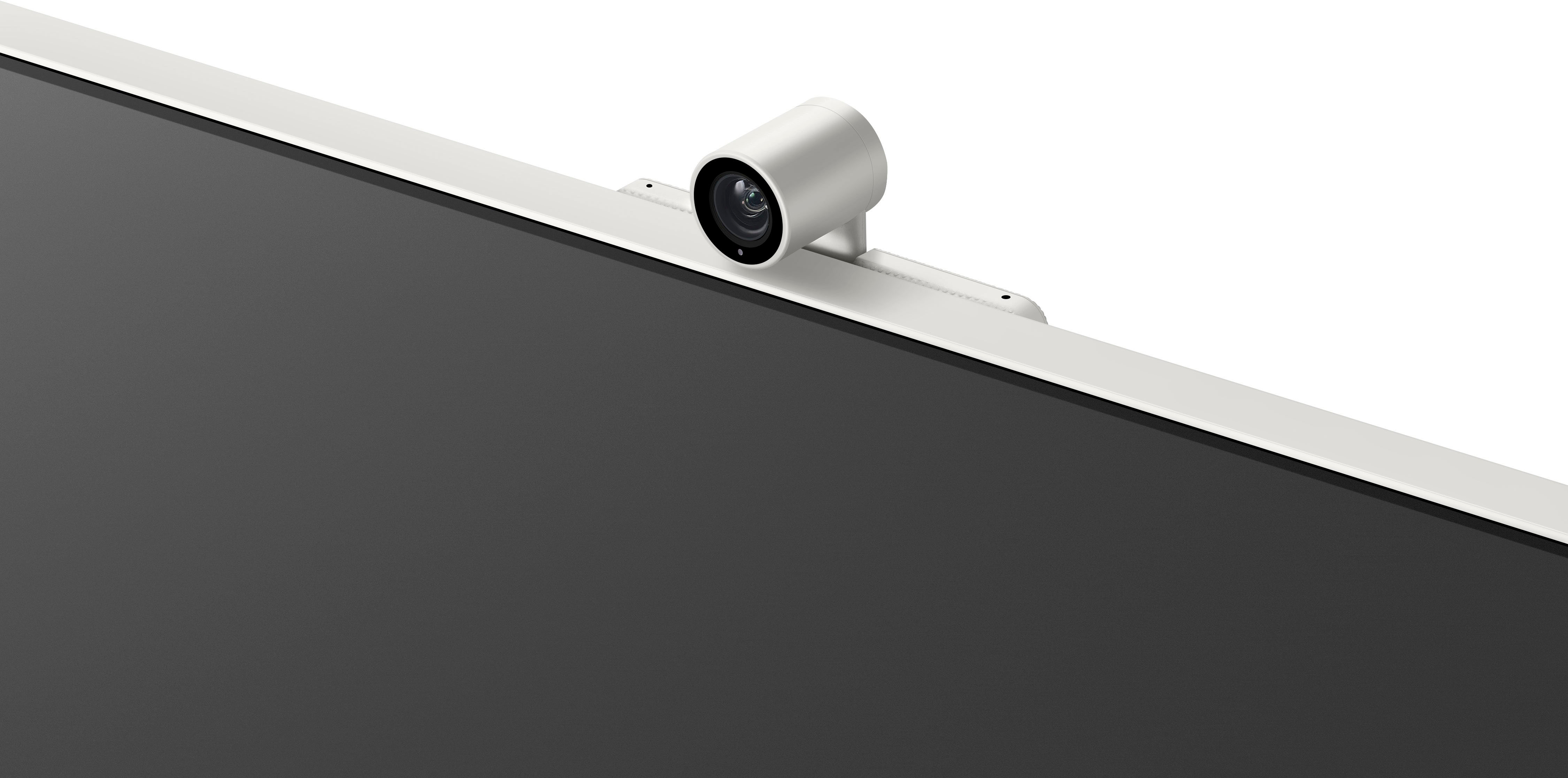
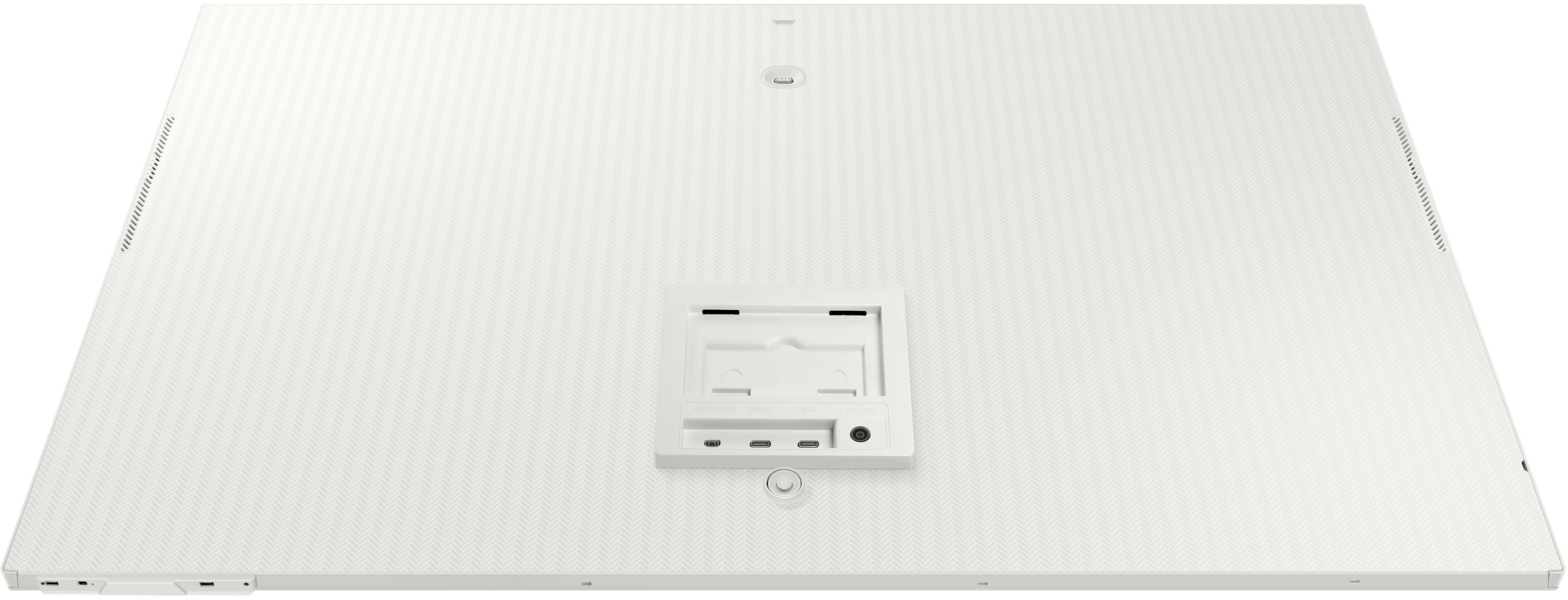
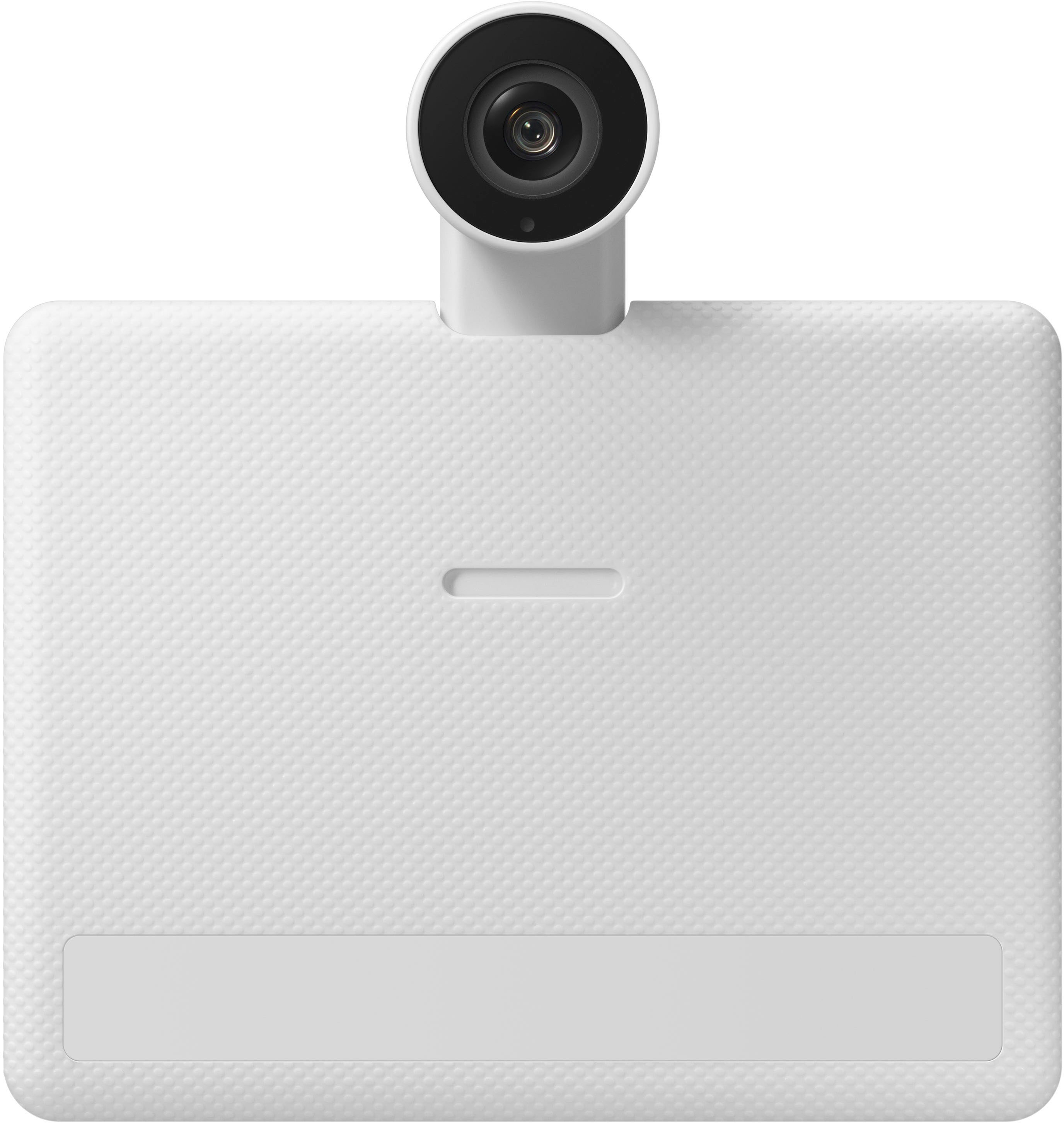
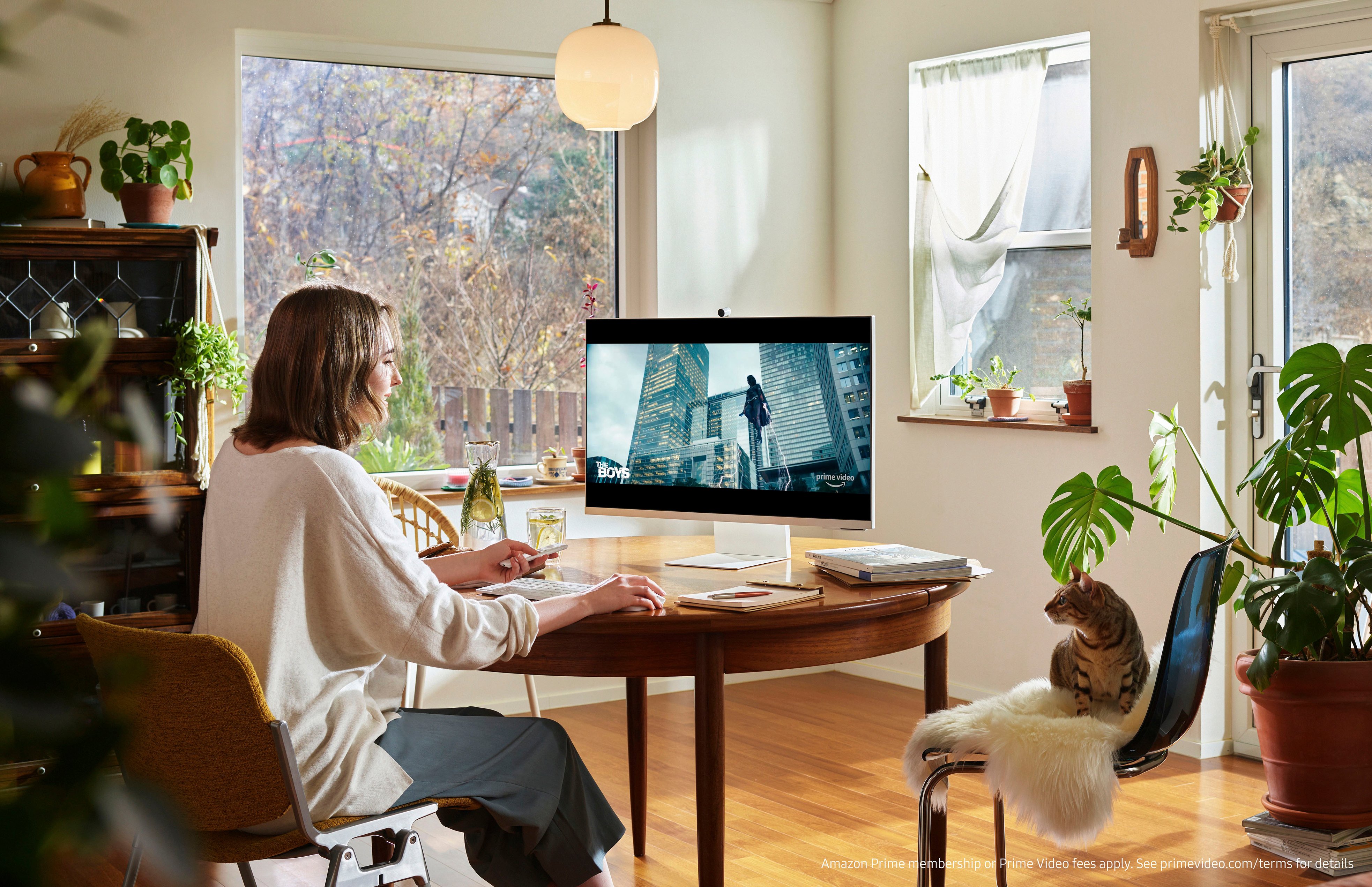
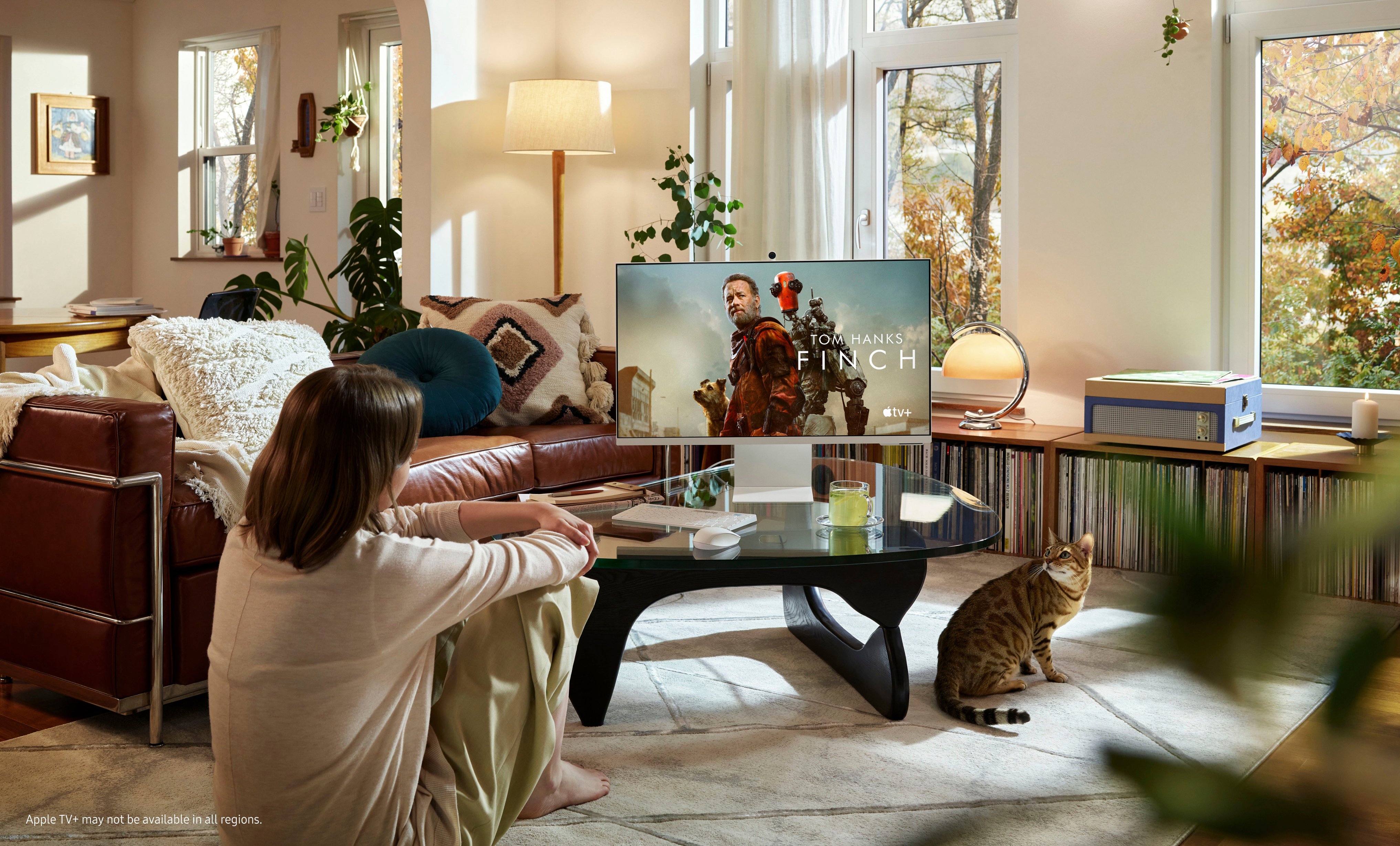
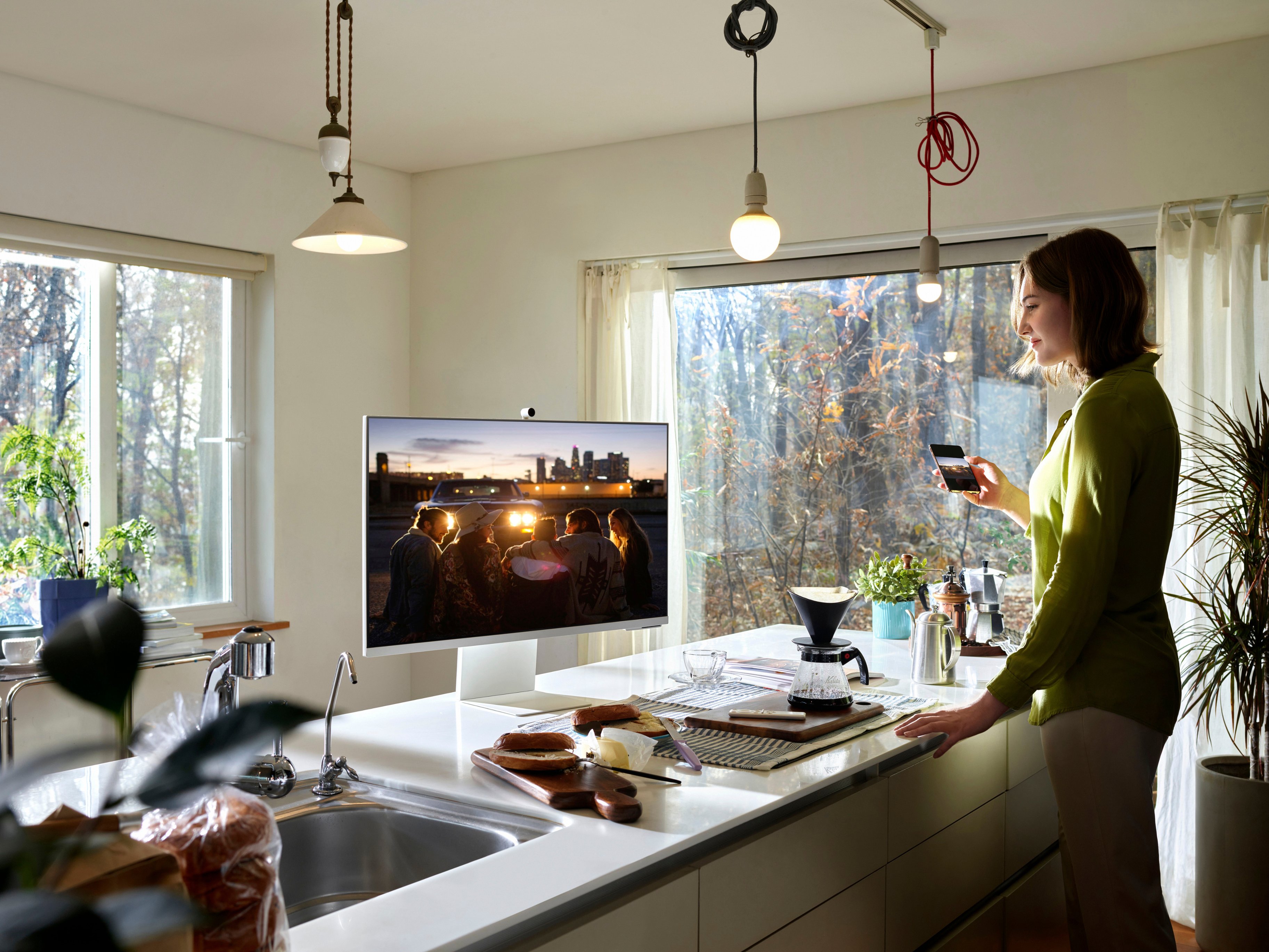
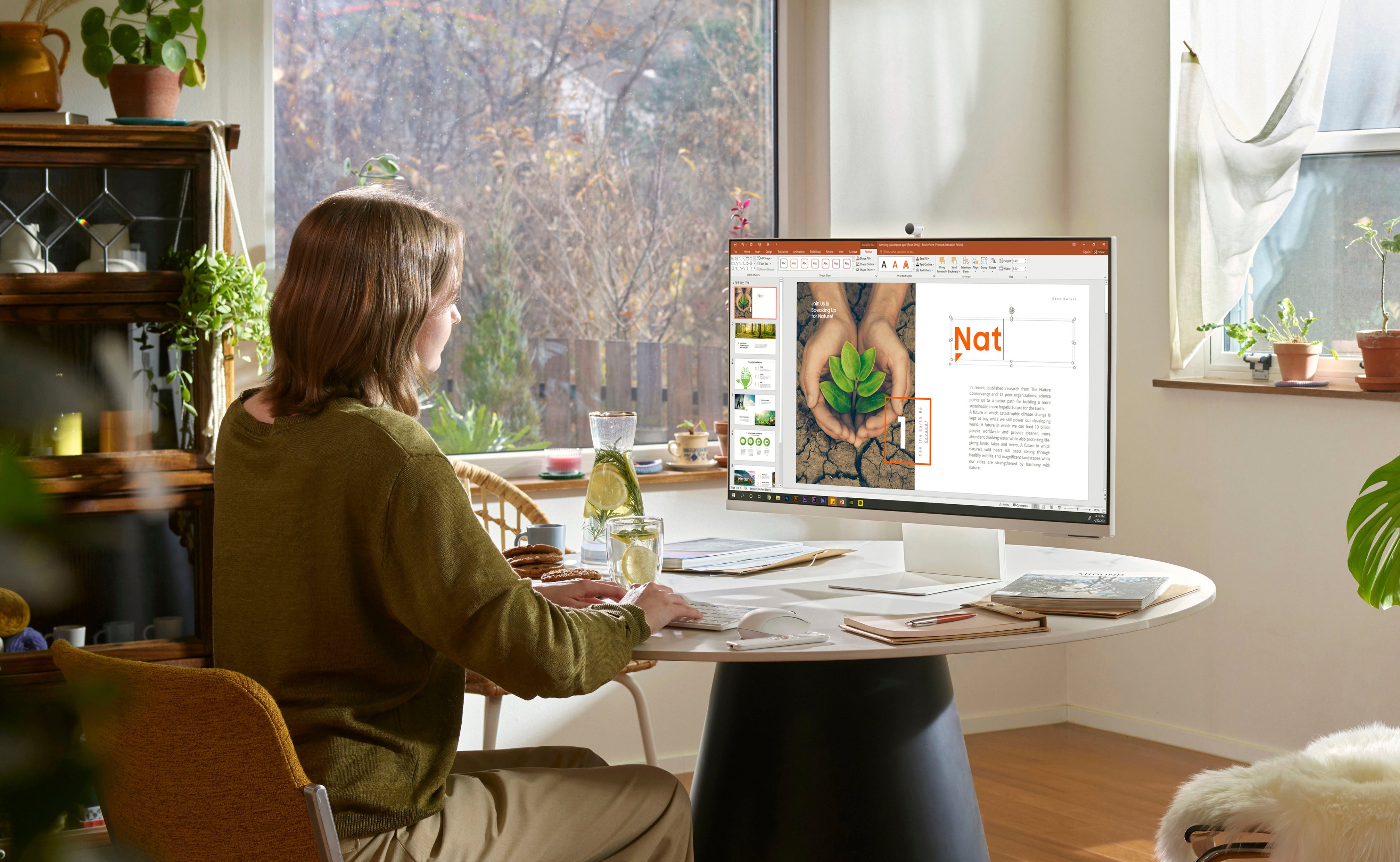
Customers admire the 32" M80B UHD Smart Monitor's large screen size and excellent camera quality, frequently praising the crisp resolution and sleek design. However, some users express dissatisfaction with the limited port selection, particularly the micro-HDMI port and the performance of the built-in speakers. The monitor's refresh rate also receives mixed reviews.
This summary was generated by AI based on customer reviews.
- Pros mentioned:Screen size
Frustrating. Not a good Monitor
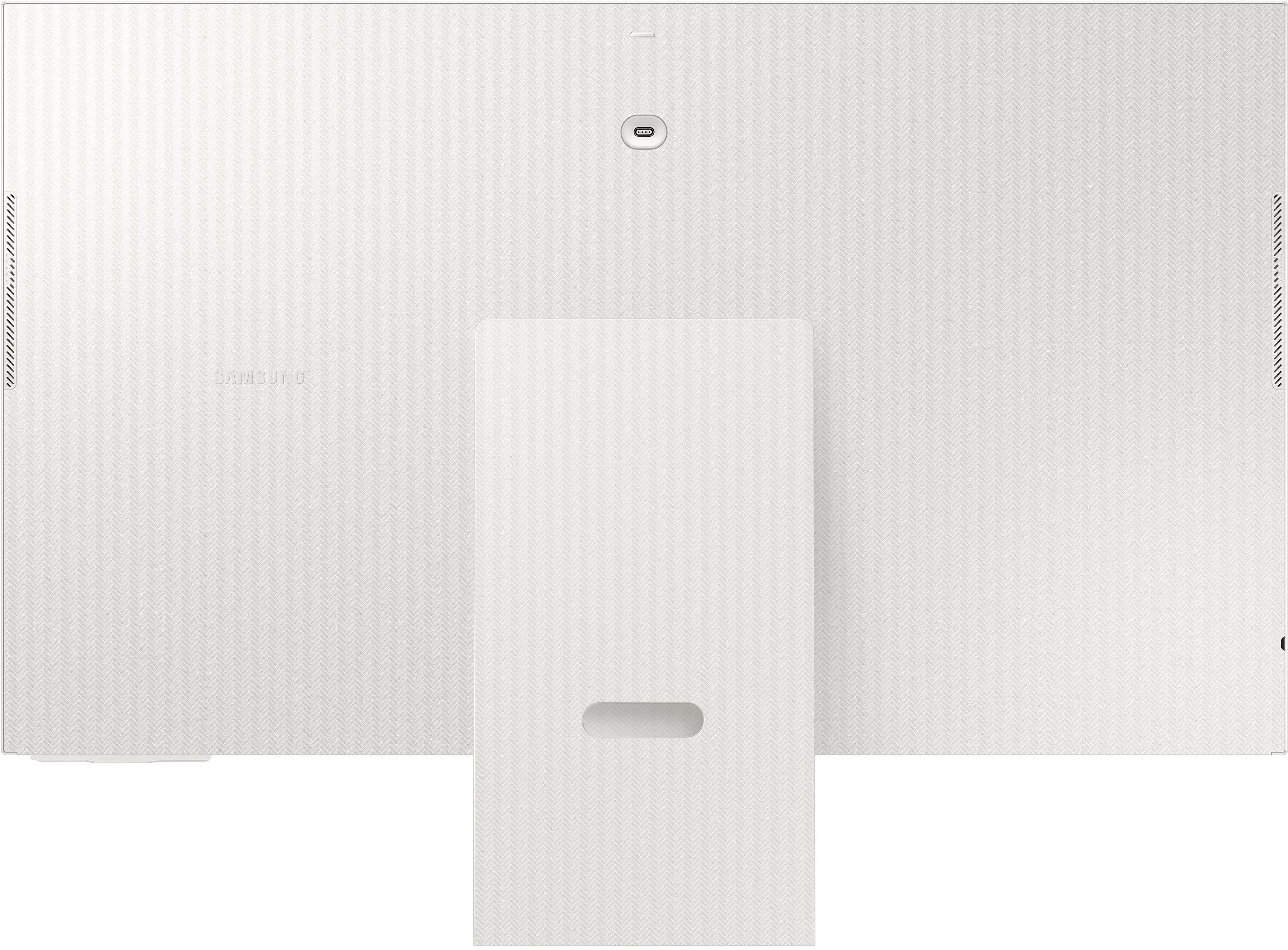
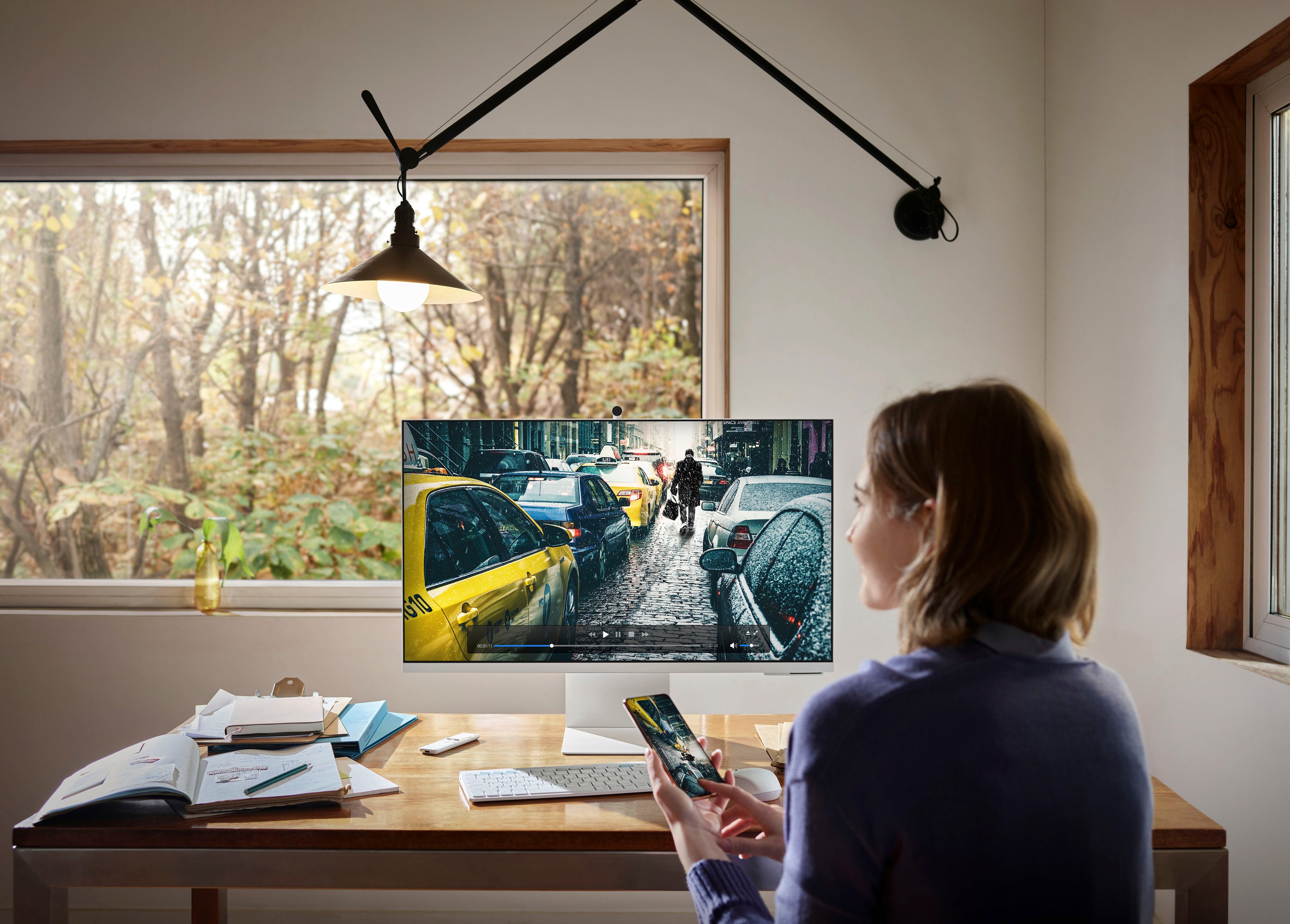
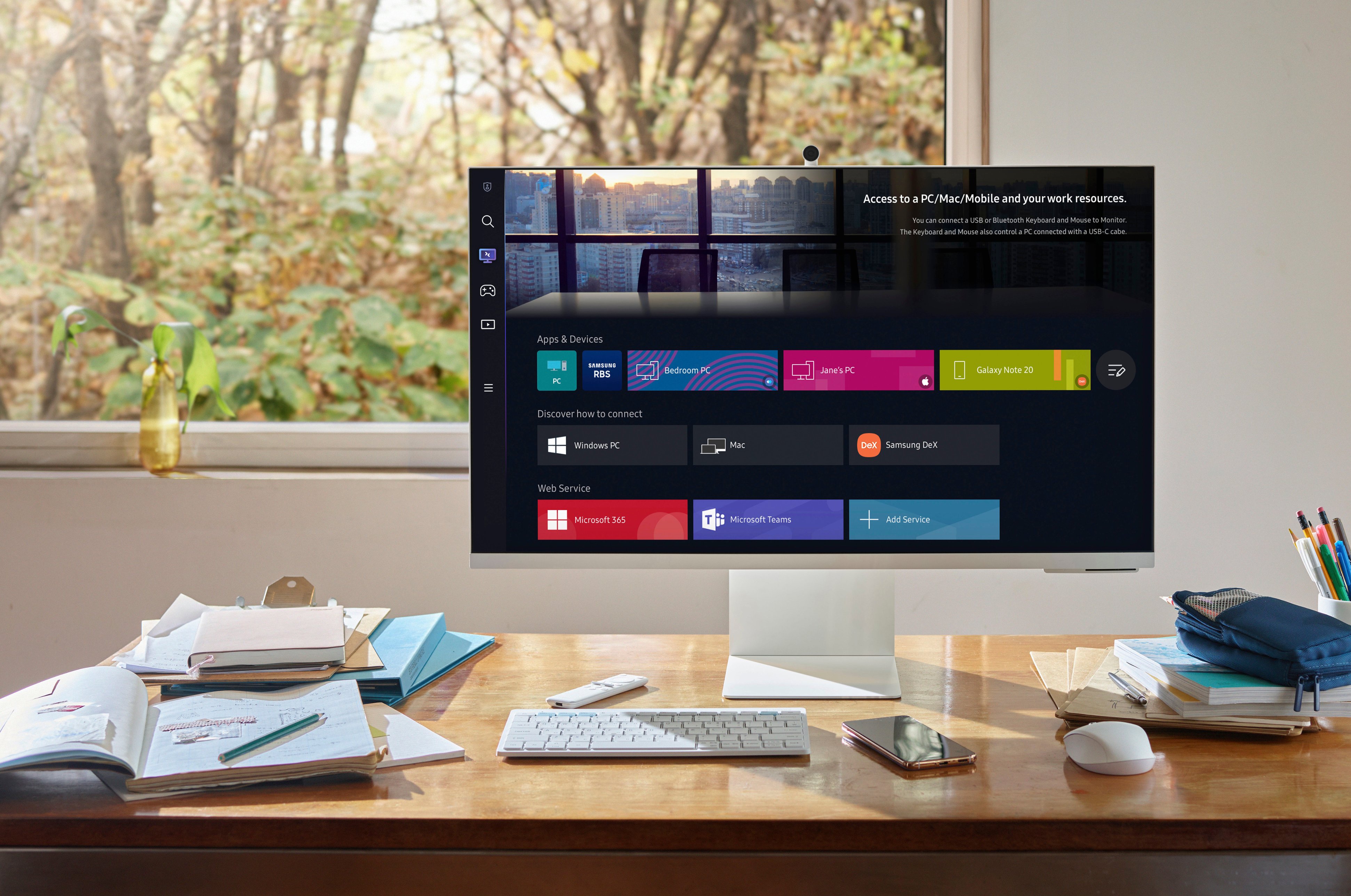
Posted .This reviewer received promo considerations or sweepstakes entry for writing a review.Bought to use with my personal and work laptops (MacBook and Dell). I wanted the big screen rather than 2 monitors-to have several windows open. If you are thinking about buying this to use as a monitor/display DON’T BUY. This has a very hard time recognizing a connected laptop. It pushes you to use a wireless connection through Wi-Fi (Screen Mirroring or Connect). But when connected that way the responsiveness delay especially for mouse movements is horrible. The monitor only has a USB-C port and it requires an HDMI inbound feed. Both of my laptops only have USB-C ports so I have to convert from USB-C to HDMI and back to USB C - I think this is why this monitor does not work as a monitor connected. Final irritation when trying to use it as a monitor it goes to sleep after 50 seconds so it doesn’t stay awake long enough to try to find that connection to the laptop (not able to adjust sleep time in settings, only power off time can be adjusted). The TV and apps (Netflix etc) work fine, But it’s very expensive to use as a TV alone
No, I would not recommend this to a friend Does not work with Teams.
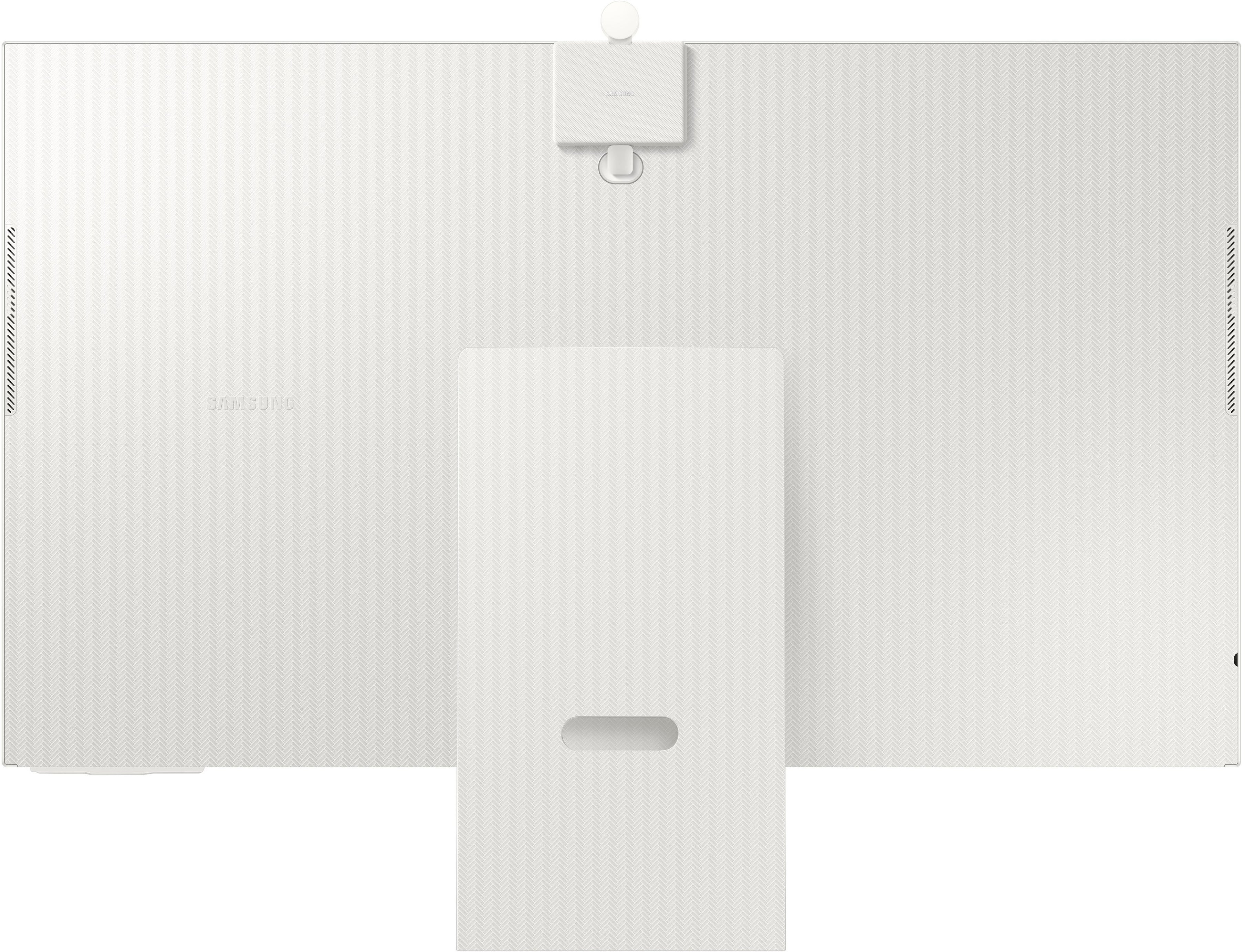
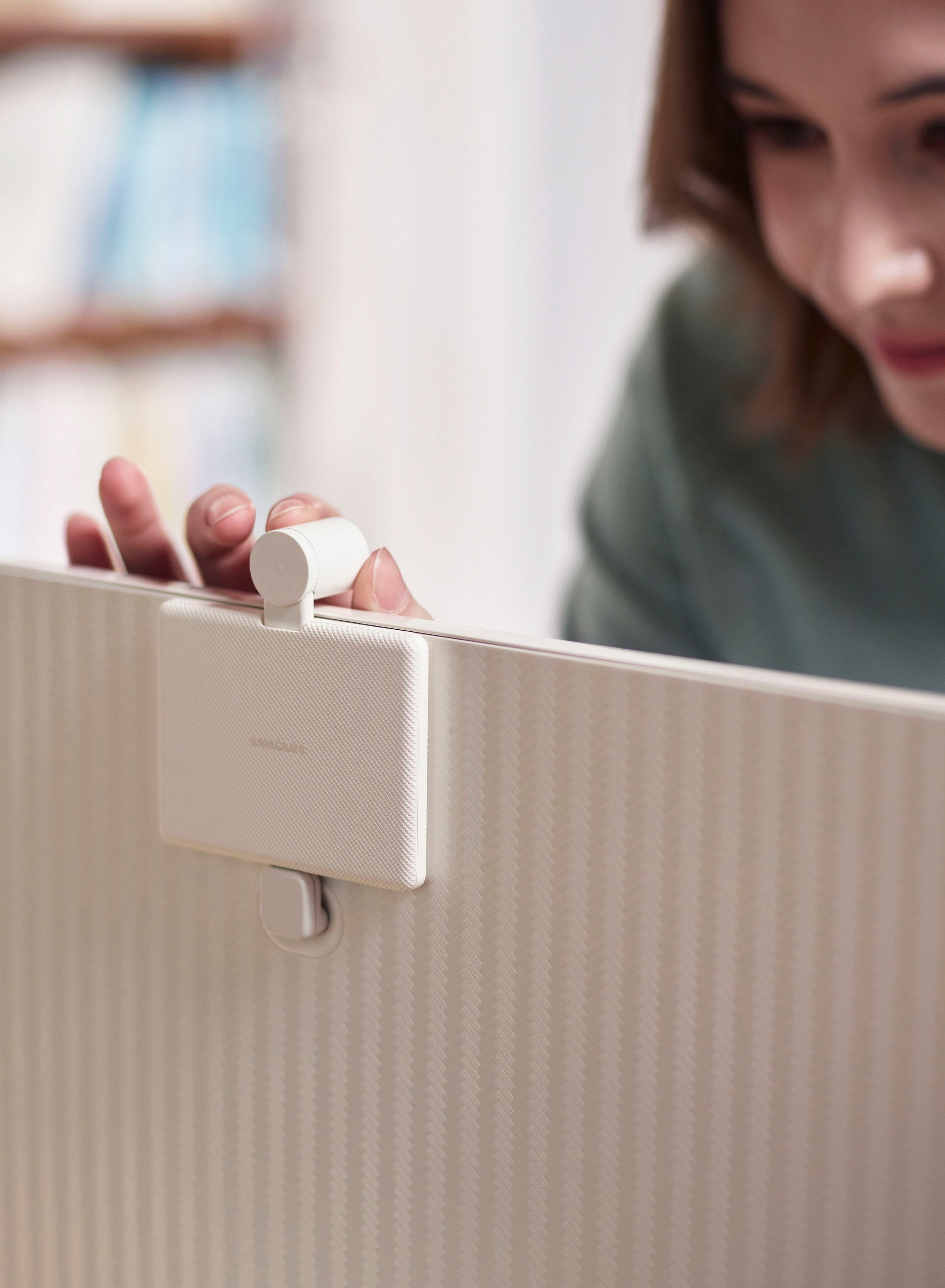
Posted .This reviewer received promo considerations or sweepstakes entry for writing a review.The setup was very time consuming. The instructions on how to “turn on” the camera were not clear. Spent hours on trying to get the camera to operate for Microsoft Teams call. Finally reached out to Samsung Tech support when I was informed that this has not been test for third party external apps and for me to try Google Meet or Zoom. Unacceptable as I’m required to use Teams. I immediately returned the item. Why release a product that does not work with one of the main leaders in video conferencing. At least put a disclaimer listing what apps this will work with. Also to mount it on an VESA monitor stand, you have to buy an adapter. Most monitors either includes the adapter or doesn’t require an adapter. And lastly, the attachment of the monitor to the stand was not firm. In short, Samsung took a 32 inch tv and slapped an incomplete tested camera and called it a monitor to compete with Apple’s monitor but for half the cost.
No, I would not recommend this to a friendBrand response from Samsung
Posted .We are very sorry for the Teams issues you have encountered with your 32" M80B Smart Monitor.
Please contact Samsung Customer Support so that we can better understand your issue and assist with a solution.
You can reach us via any of the below options:
If you need further assistance, we are here to help. You can reach Samsung Support at 1-800-SAMSUNG, available 8AM - 12AM EST (Mon-Fri) / 9AM - 11PM EST (Sat-Sun).
Or visit our Samsung website and click on the SUPPORT link in the upper right corner for:
• Contact Us Options (LiveChat, Remote Support, Facebook, Twitter)
• Product Support
• Manuals and Downloads
• Warranty Info
• Product Registration: Registering your product gives you access to easy warranty support, convenient opt-in to special promos and offers, faster troubleshooting and service, and quick notification of system updates
• Samsung Community: A great resource for getting help from Samsung moderators and customers
• …and more
Registering your product gives you access to easy warranty support, convenient opt-in to special promos and offers, faster troubleshooting and service, and quick notification of system updates.
Samsung stands behind the quality and performance of every product we manufacture, and we back this model with a 1-year manufacturer's limited warranty, if purchased brand-new directly from an authorized seller.
Again, we are very sorry for the inconveniences you have had and hope that we will hear from you soon.