Customer Ratings & Reviews
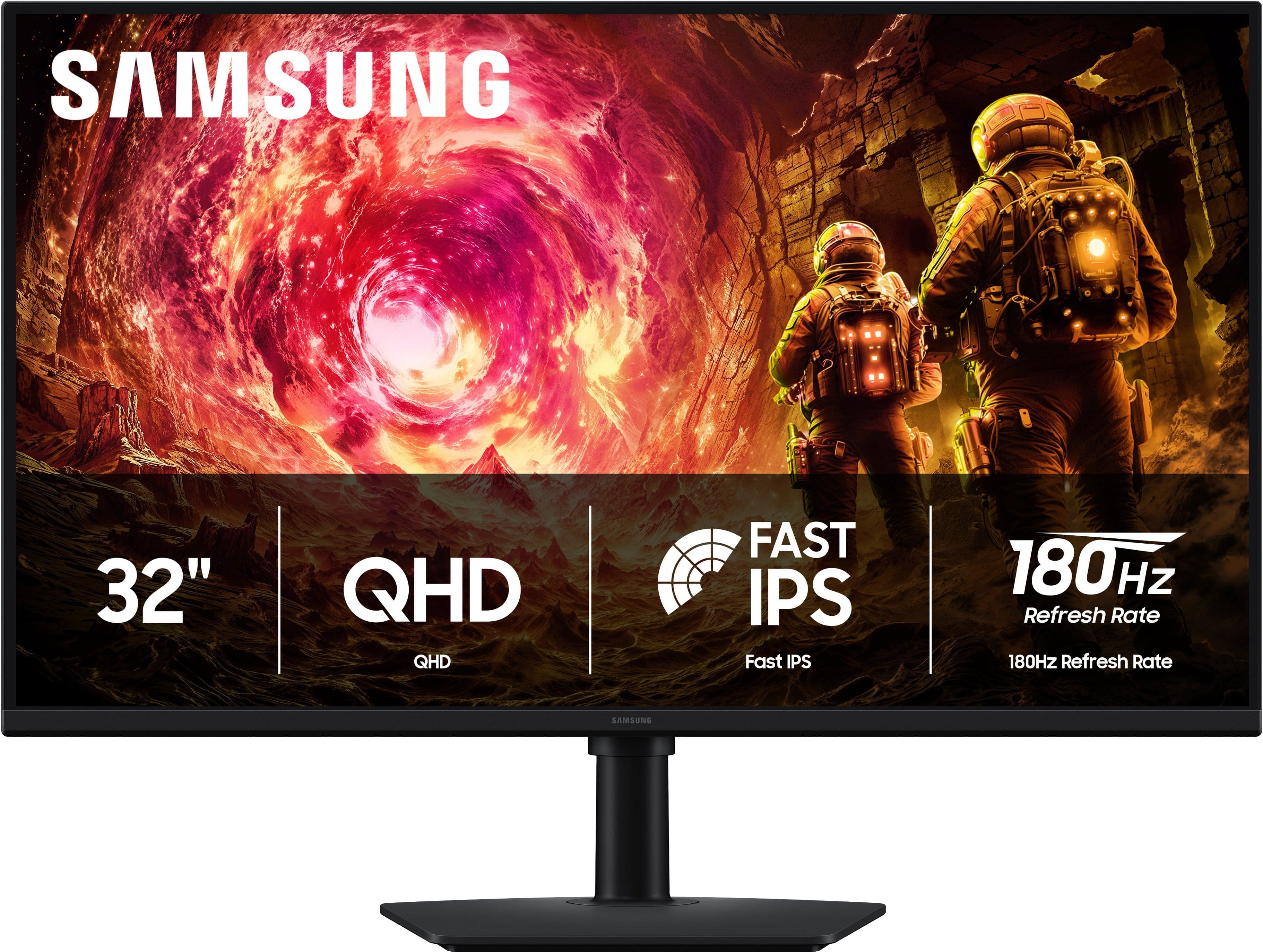
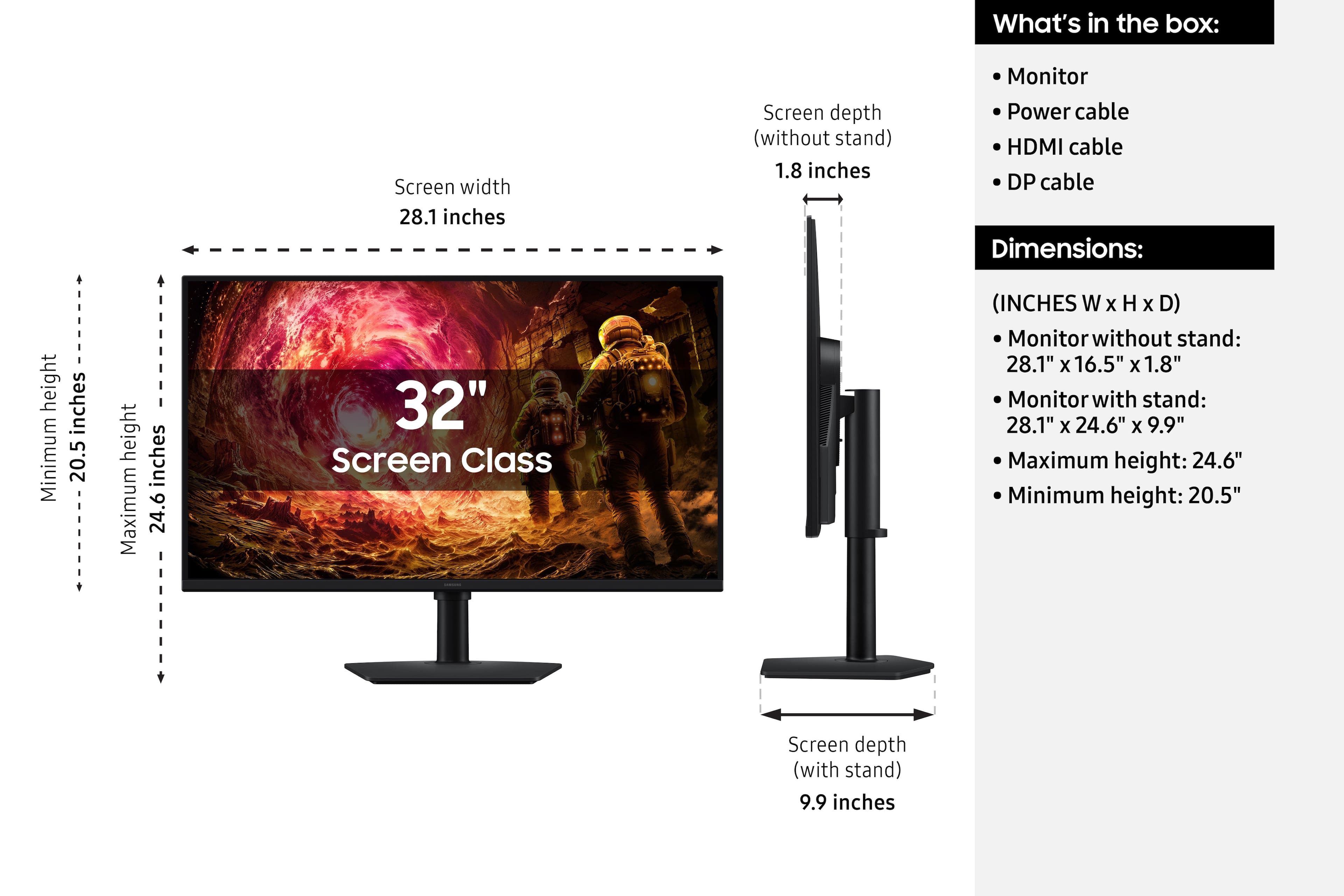
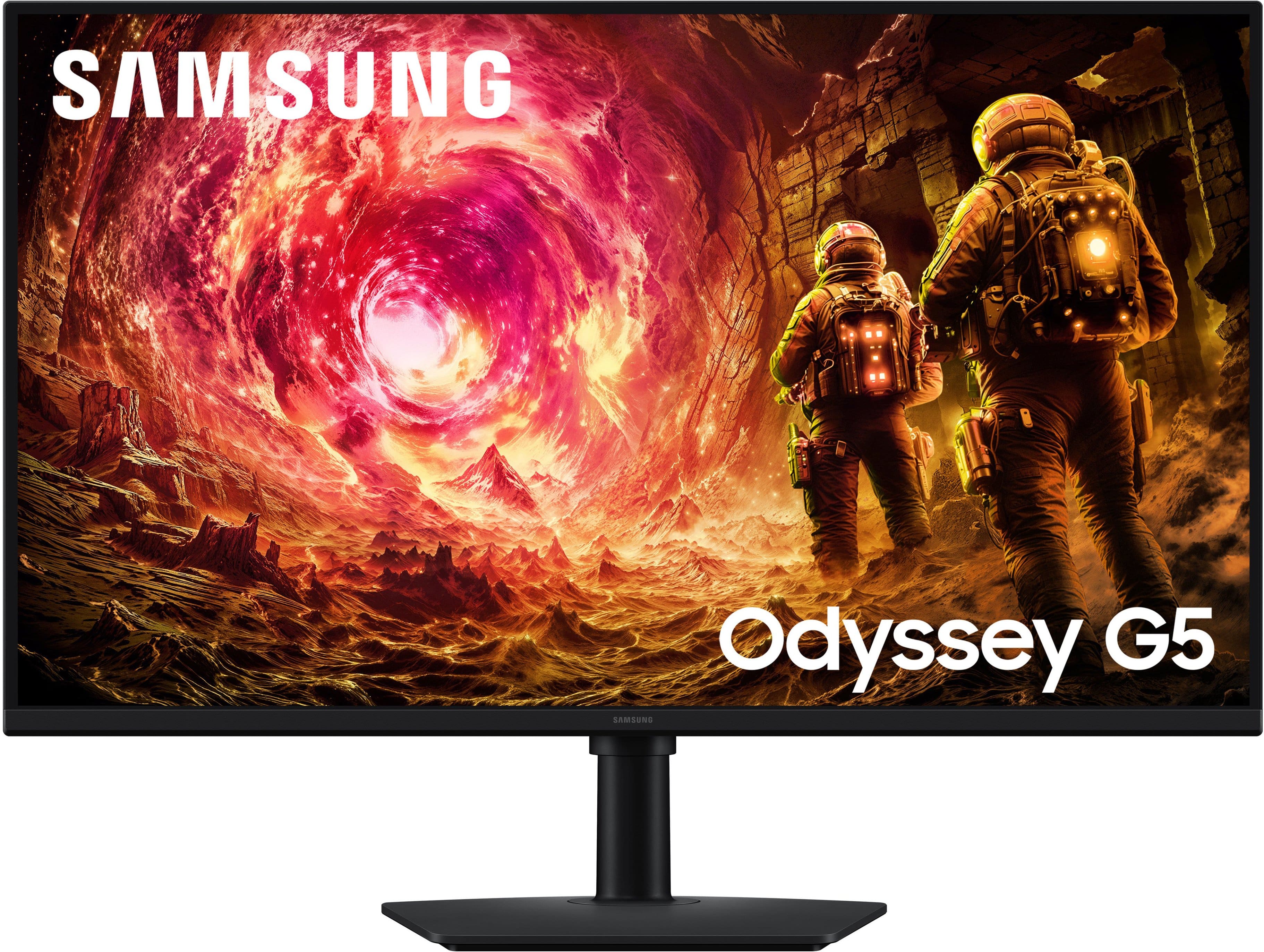
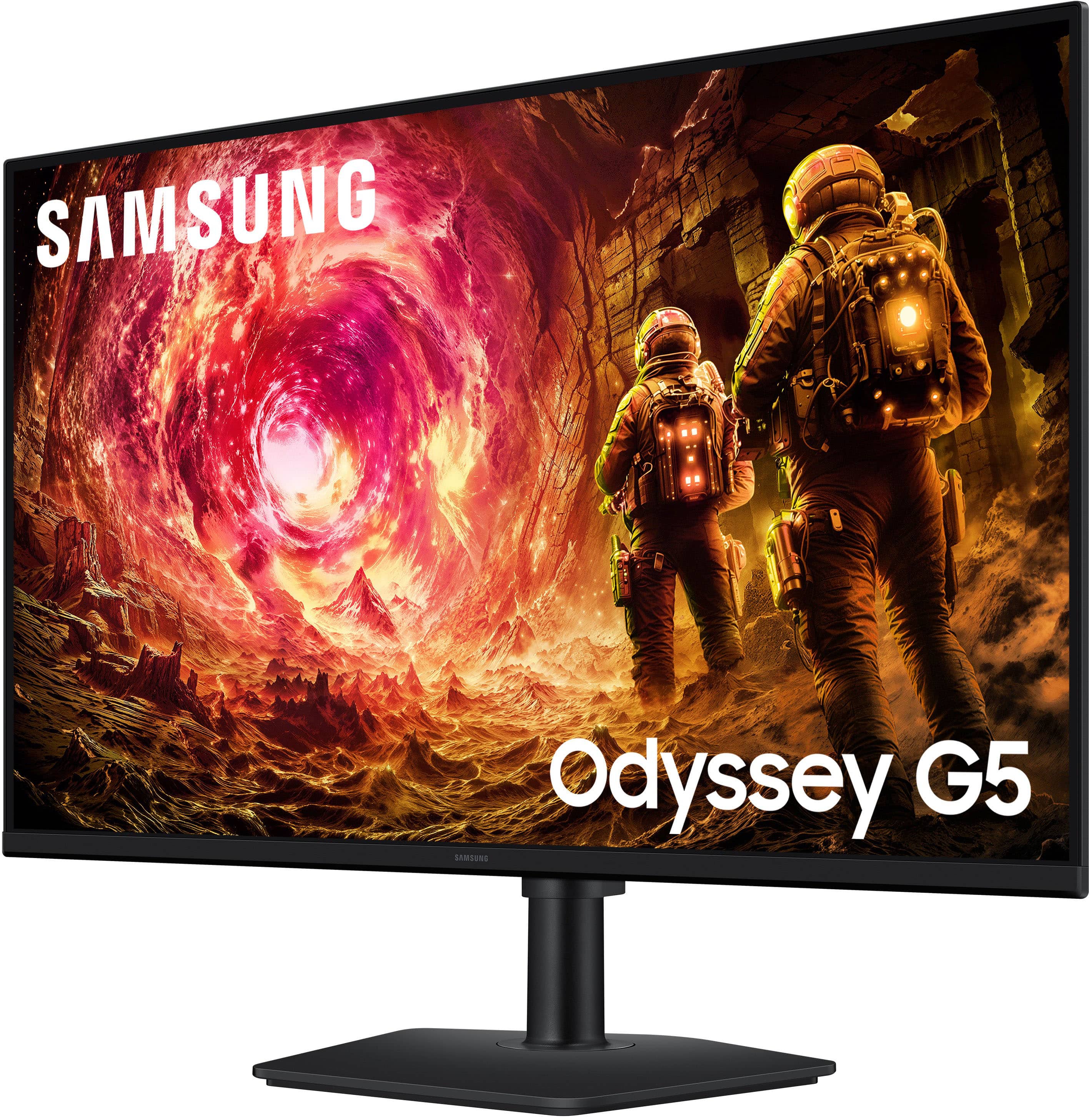

- Model:
- LS32FG502ENXZA
- SKU:
- 6667827
to a friend
Customers are saying
Customers love the excellent color quality, high refresh rate, and sharp picture with smooth motion. They also appreciate the QHD resolution, wide viewing angles, and versatile adjustability, along with its connectivity options. However, some customers express dissatisfaction with the button placement.
This summary was generated by AI based on customer reviews.
- Pros mentioned:Adjustability, Refresh rate, Resolution

One word, AWESOME!
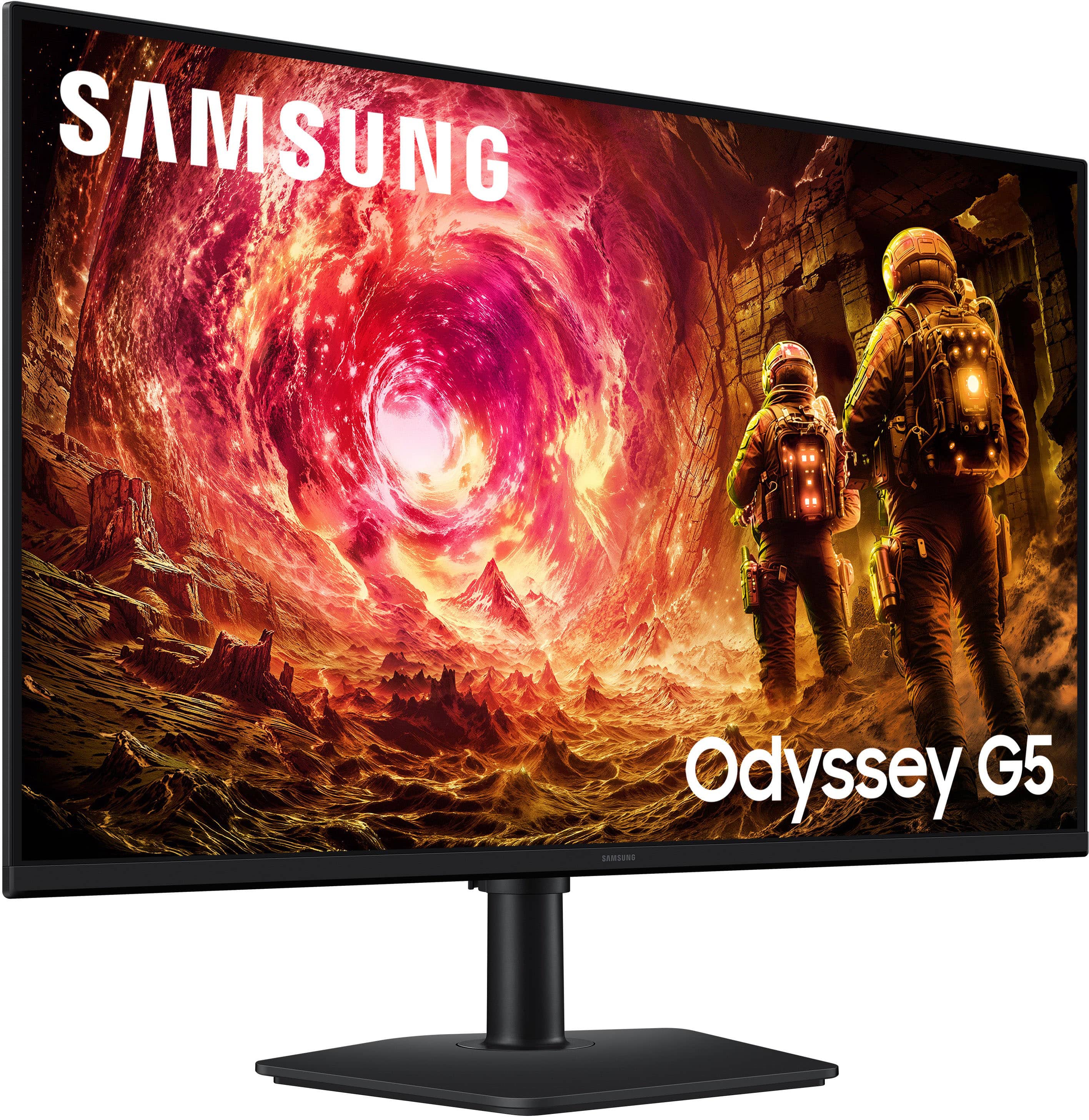
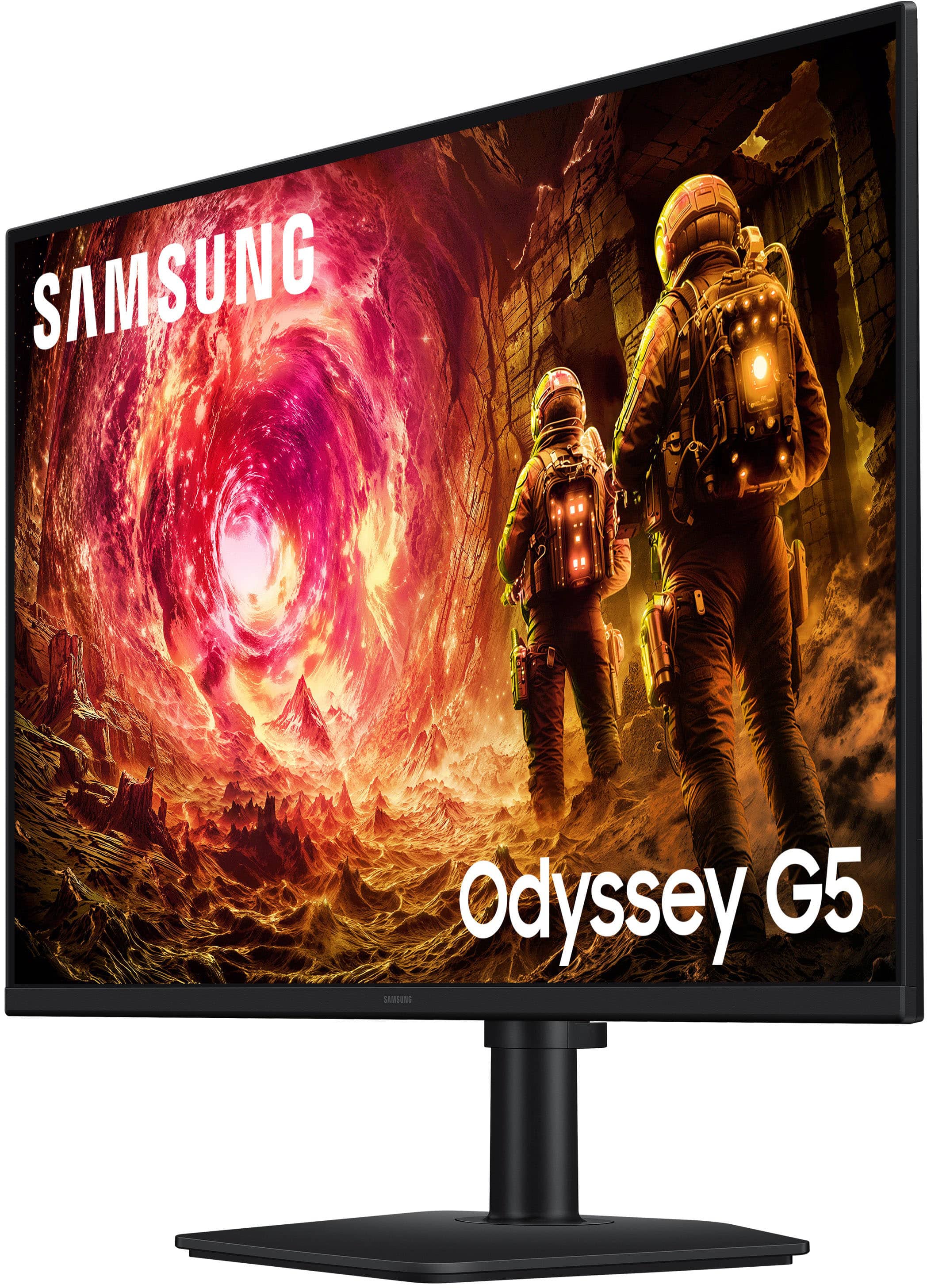
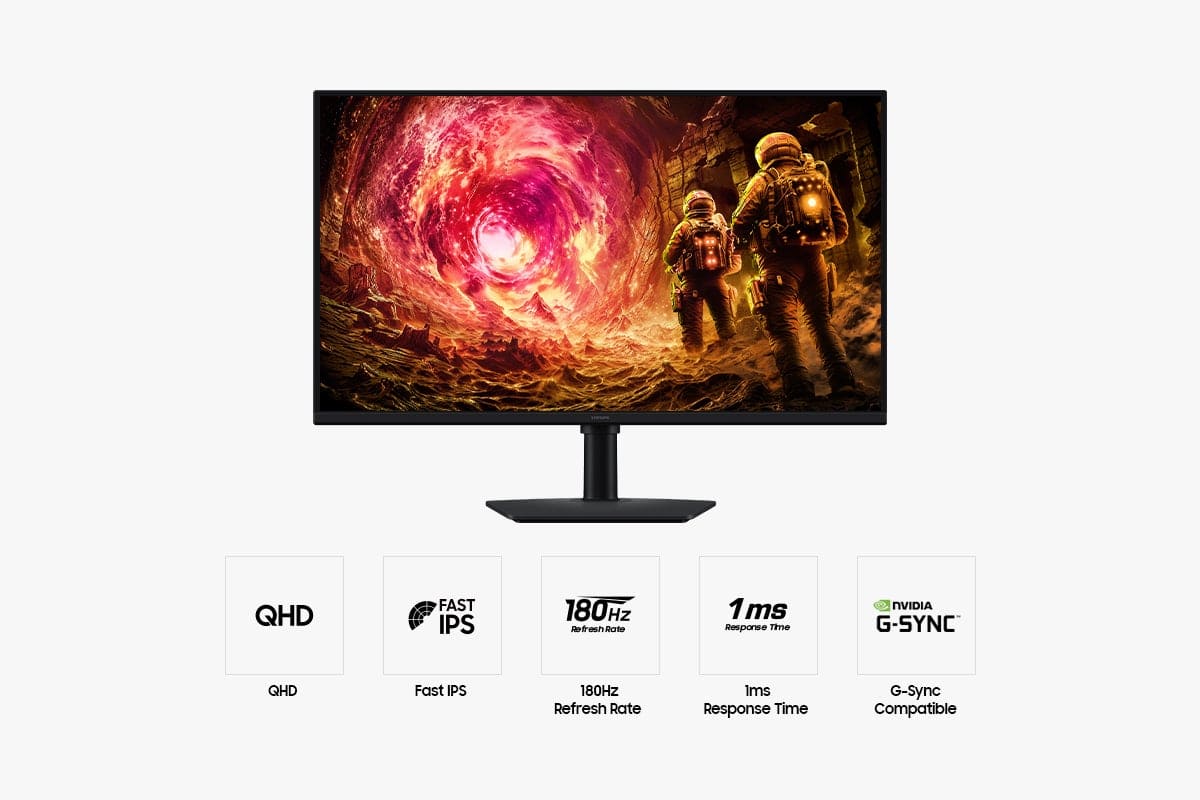
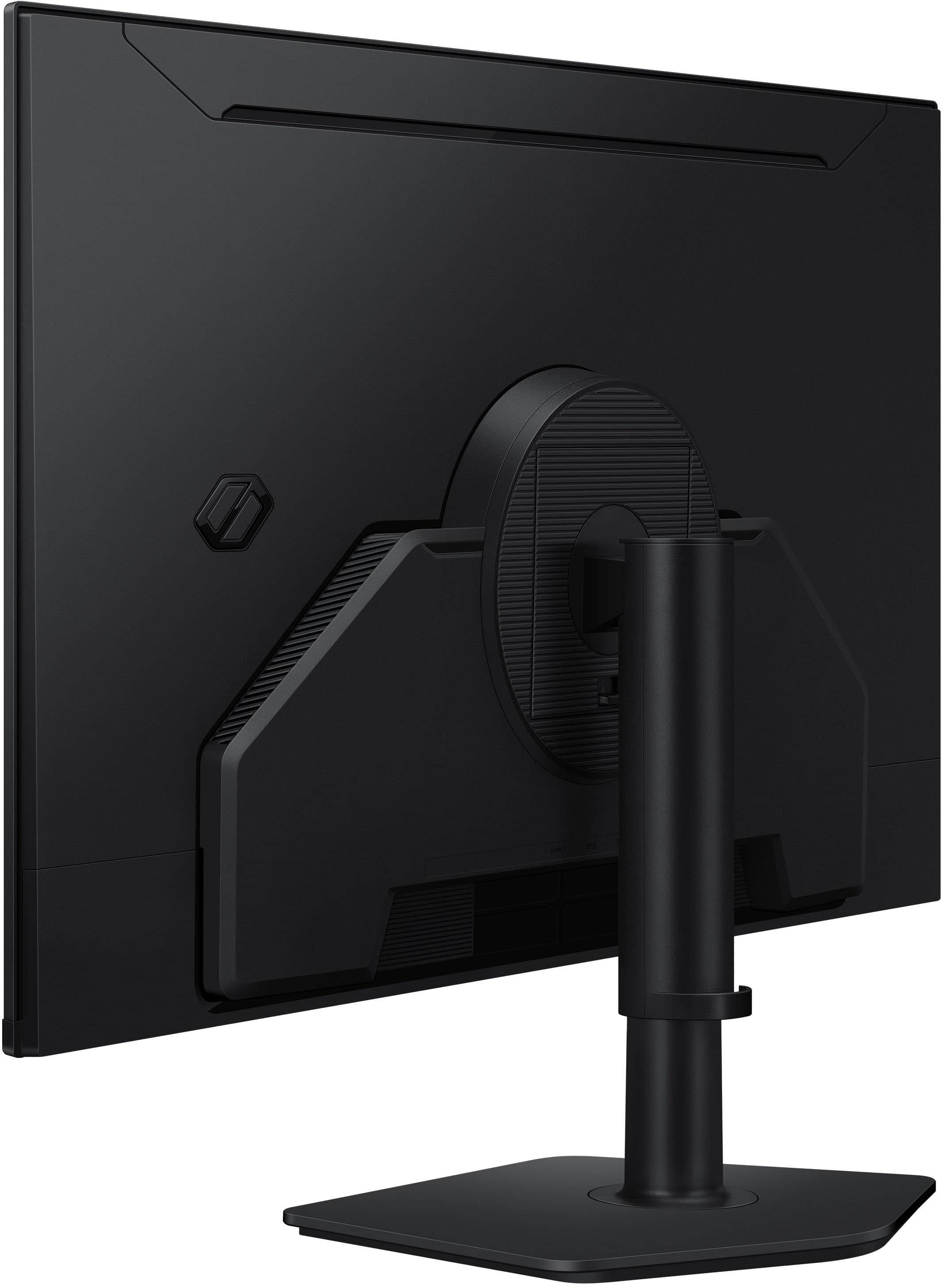
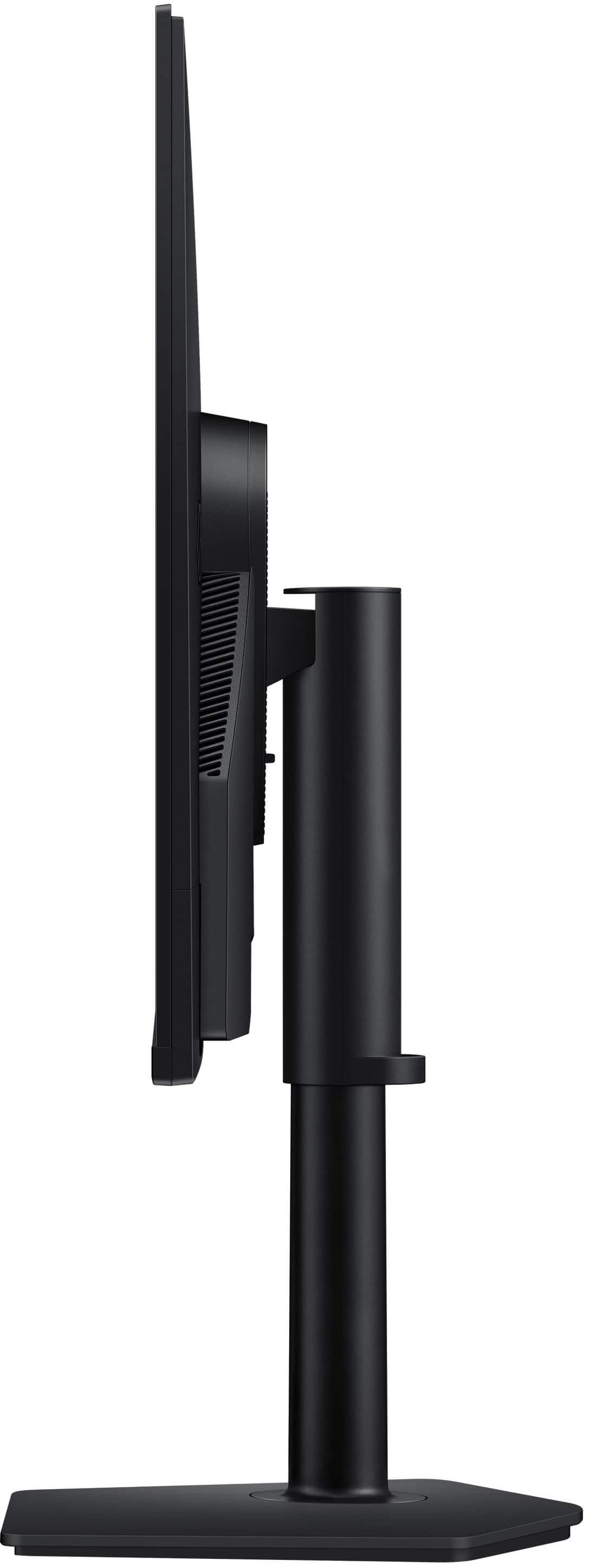
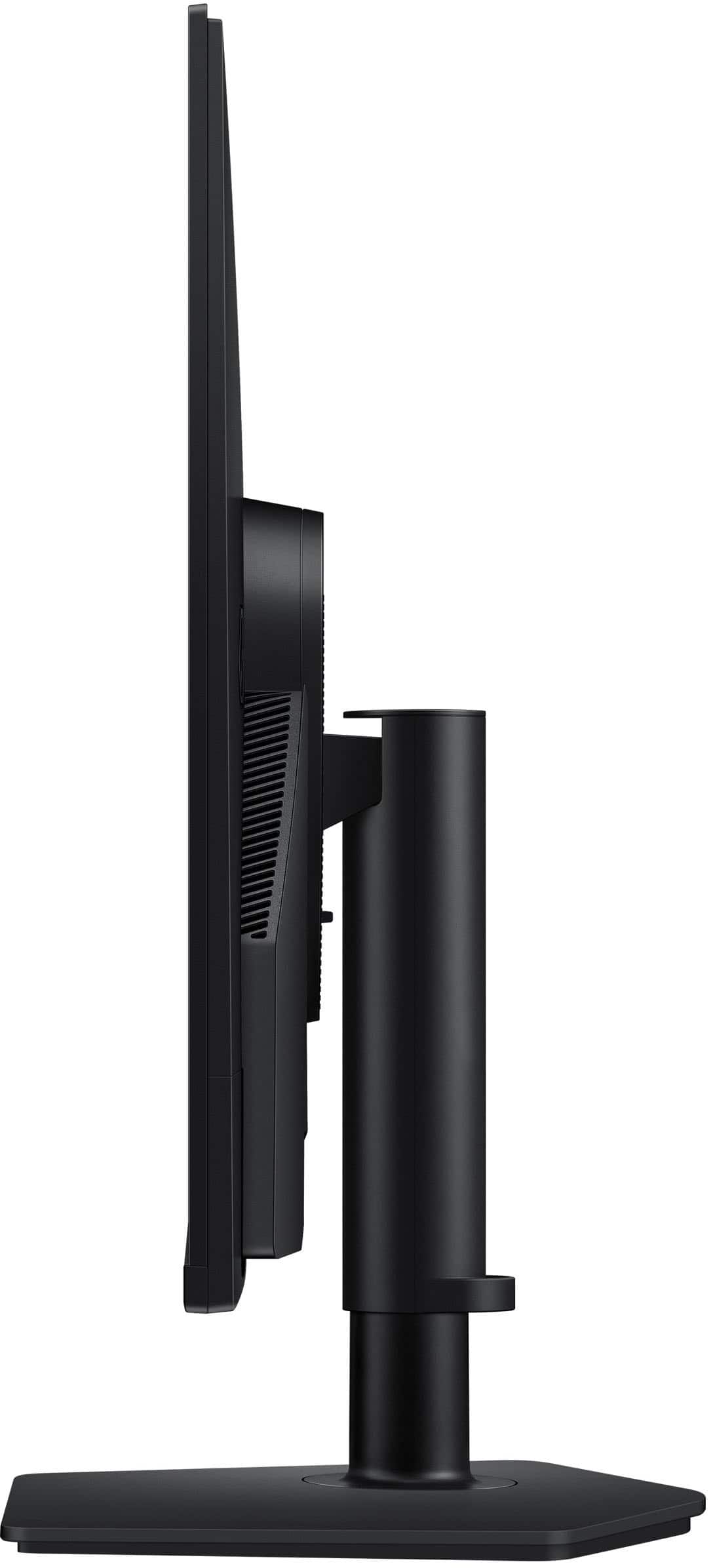
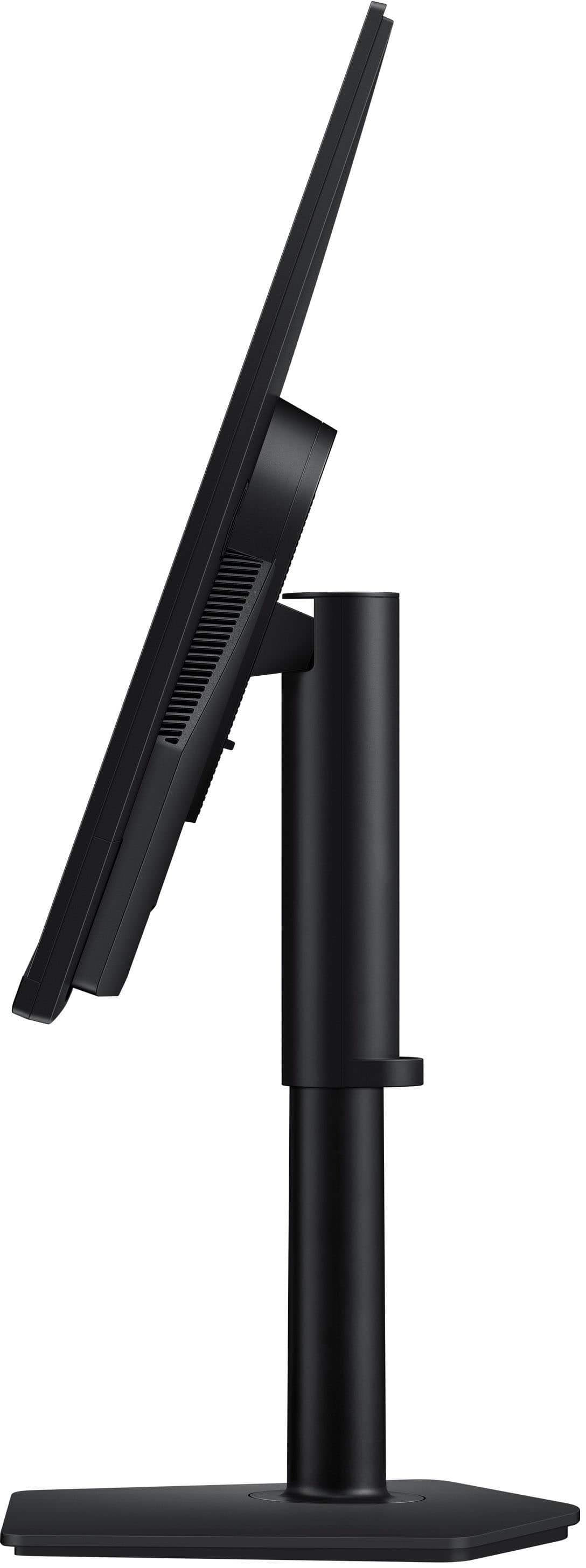
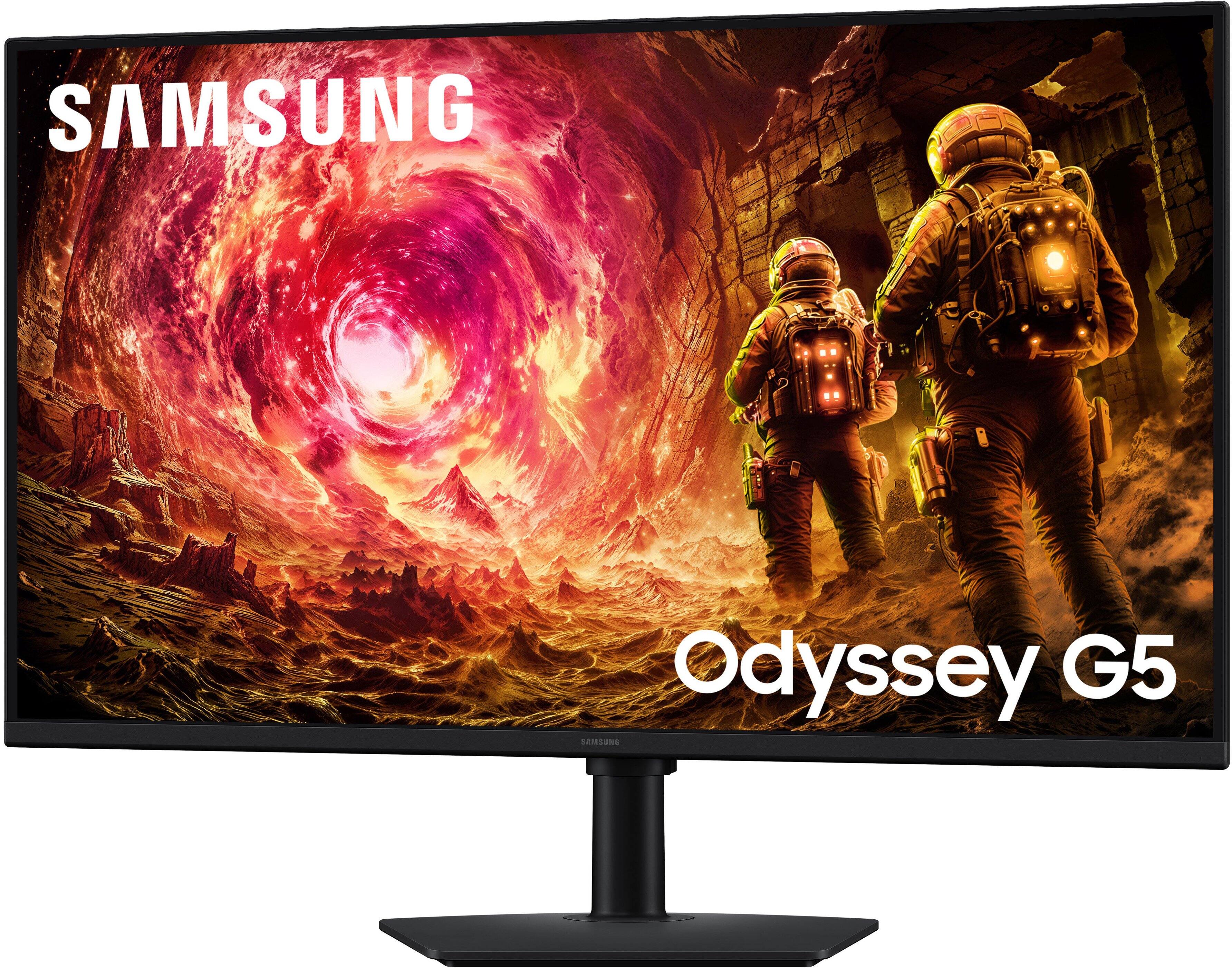
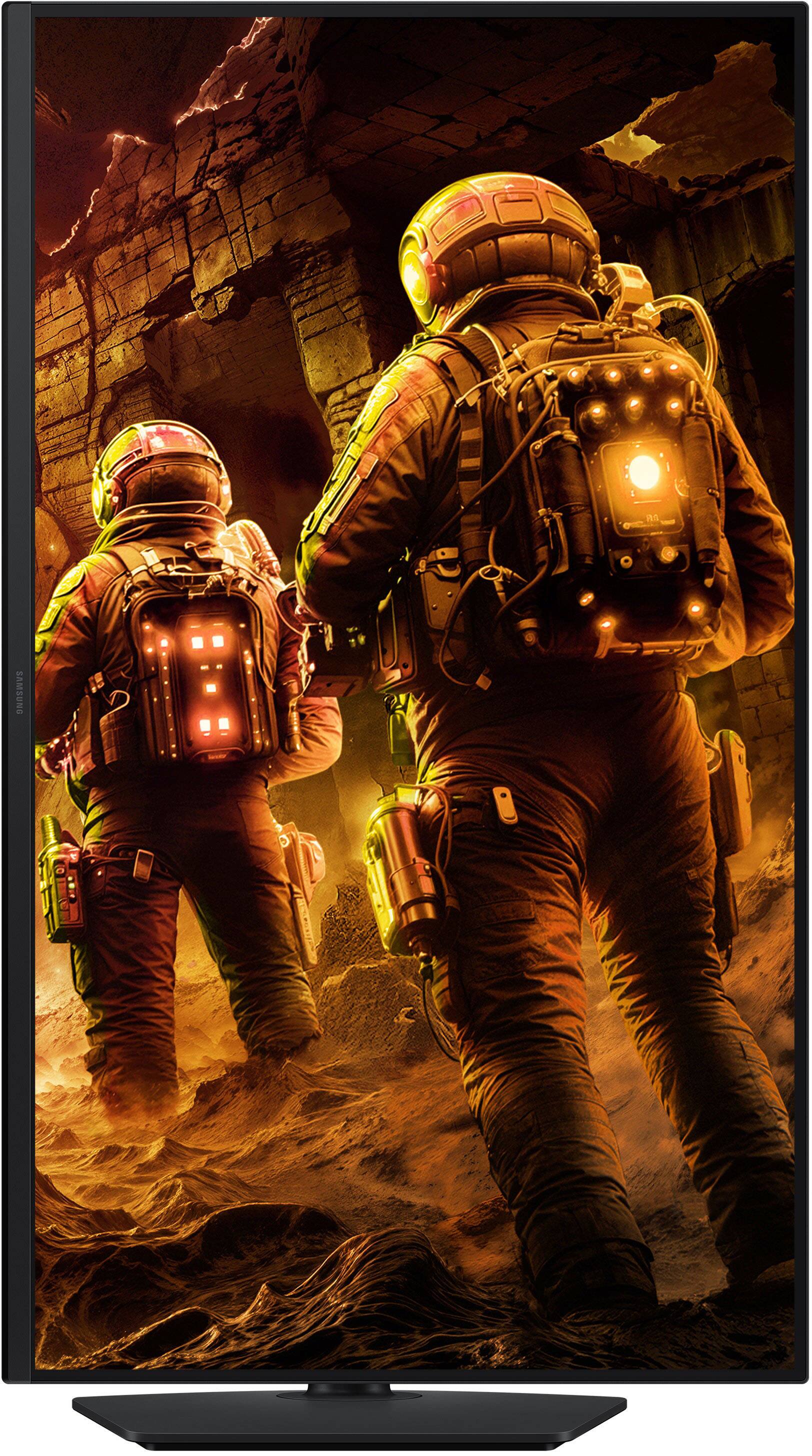
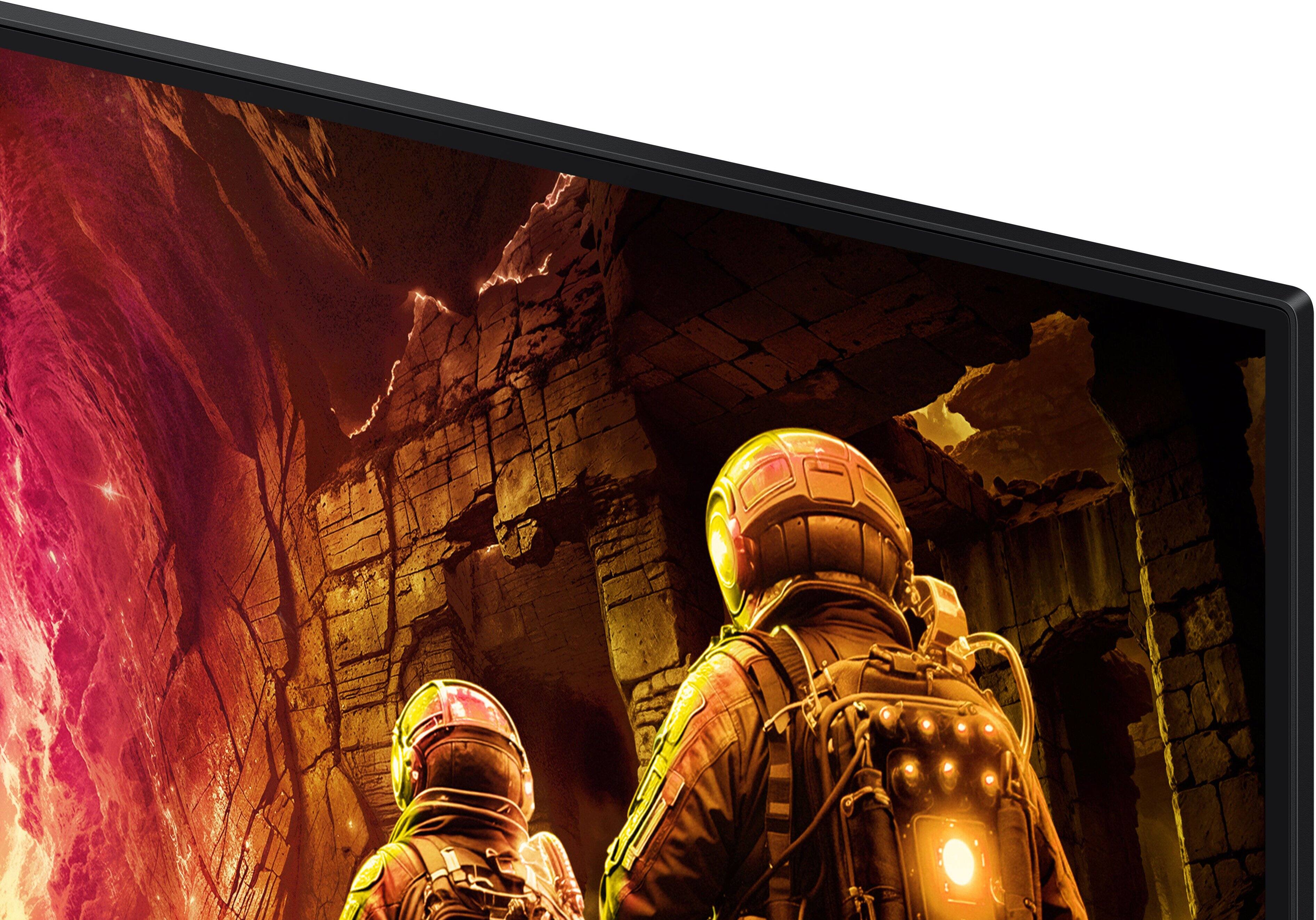
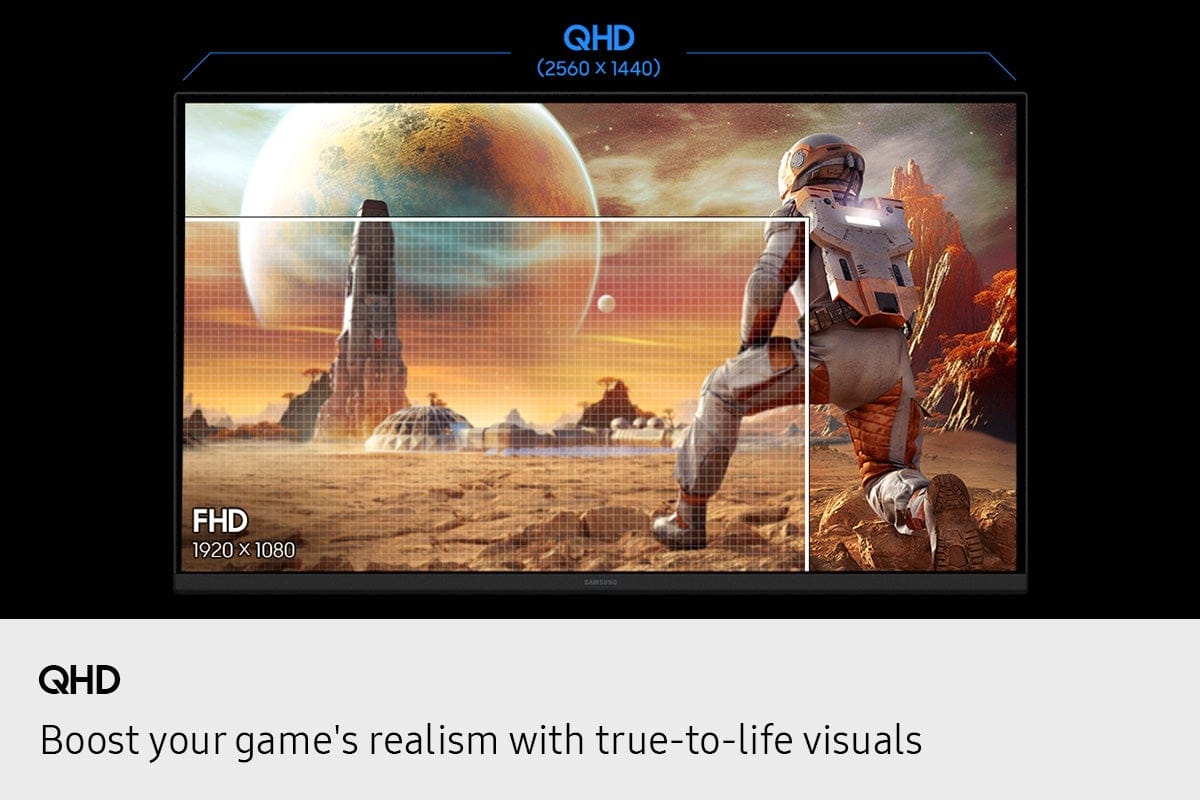
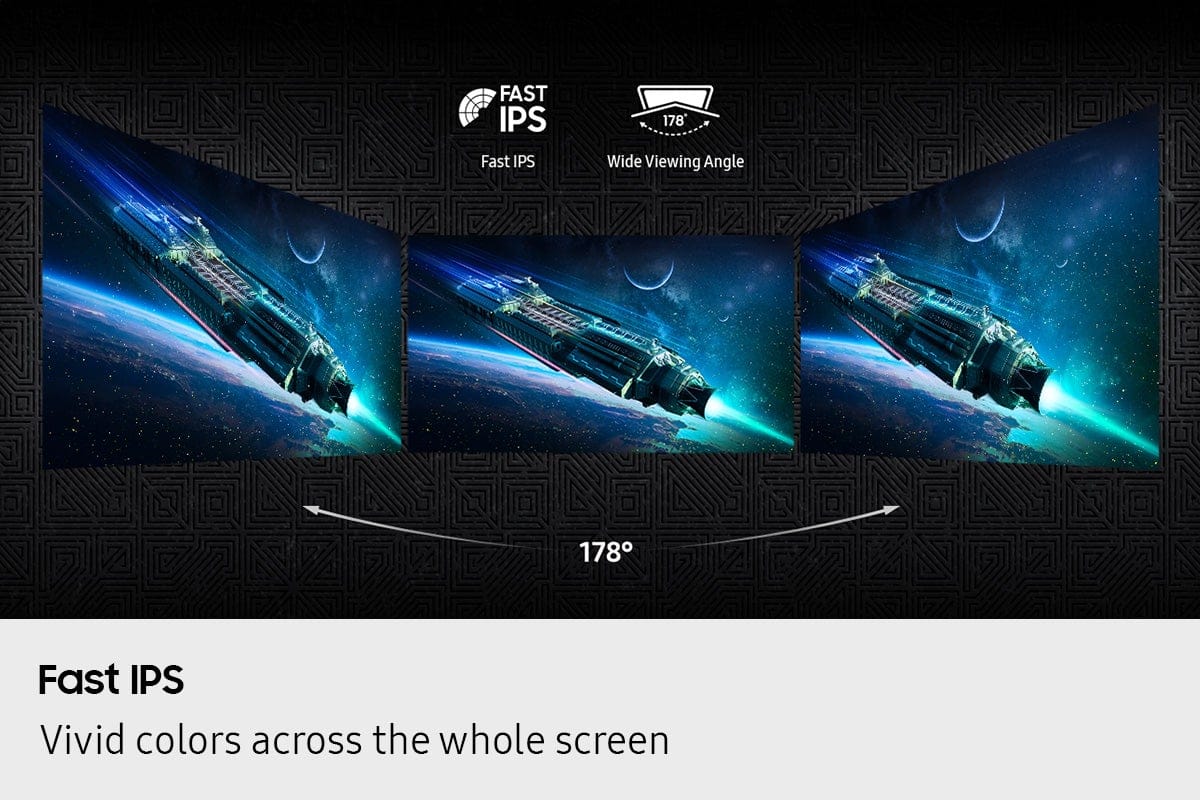
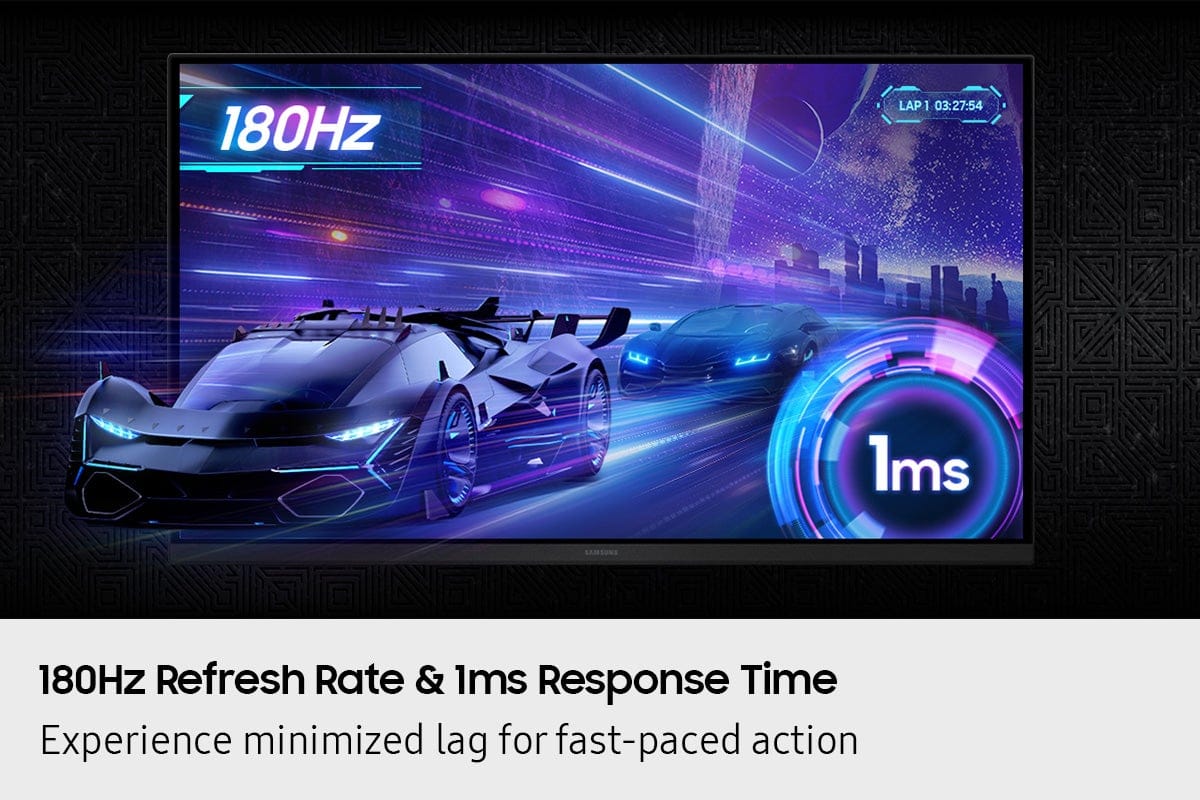
|Posted .This reviewer received promo considerations or sweepstakes entry for writing a review.In my opinion, Samsung has always been phenomenal when it comes to displays. This Samsung Odyssey monitor has it all! HUGE 32-inch display, IPS, 180Hz refresh rate, 1ms response time, 2560 x 1440 QHD resolution, the attributes go on and on. This monitor is truly awesome. I’ve loved having it. Certainly, a top-notch phenomenal option for any gamer looking for the perfect display with a performance, style, and function. Display Quality: This 32" IPS TFT panel gives plenty of viewing surface to really explode my experience. IPS offers stunningly vibrant colors paired with wide viewing angles, making it the standard for both gaming and everyday multimedia viewing. The super crisp 2560 x 1440 QHD resolution means no lost details even on a larger screen. This monitor provides crisp and clear visuals every time. This is the size where I honestly think the higher resolution makes a difference, and can really make or break your experience, as long as your video card or gaming console can utilize it and maintain high frames per second. The increased resolution is excellent for things other than gaming as well as it offers more detail and precision if you’re into graphic design or hi-res photography. The lightning fast 1ms response time paired with 180Hz refresh rate means no motion blur and a silky-smooth experience. Ideal for fast-paced competitive gaming. I know I won’t miss a single thing, near or far. The visual images produced by this screen are simply stunning, it can’t be beaten. 1000:1 contrast ration and HDR 10 are also impressive. These can be appreciated in so many titles and visualizations during dark or intensely bright scenes. Design and Build: Samsung displays always have a great aesthetic look, and they are known for being sleek, stylish and functional. This monitor maintains that history and adds to it. The thin bezel has a clean look and helps minimize distractions. Also, it is good to note that this style is ideal for multi-monitor setups to avoid gaps between multiple displays. The stand really sets this monitor apart as well. Its fully adjustable with height up/down, tilt, swivel, and (what I really love) full 90-degree swivel so you can switch it to portrait viewing mode to accommodate any type of activity I want to use it for. Effortlessly converts from landscape to portrait. This provides flexibility for ergonomic customization and integration into any setup. Connectivity and Features: This monitor offers dual connectivity options, including DisplayPort 1.2 and HDMI 2.0, ensuring compatibility with a wide range of devices or video cards. I always appreciate both options as I never know what I’m going to connect it to next and which connection I’ll have available; this eliminates needing to acquire a converter to get my video stream from A to B. FreeSync, G-SYNC, Adaptive-Sync,,,, Whatever your device spits out this is compatible. This technology is well known to any gamer to help reduce screen tearing and stuttering in order to provide a smoother gaming experience when paired with compatible devices. This monitor pairs perfectly whether I’m using a rig with AMD or Nvidia graphics. Overall, this Samsung Odyssey monitor can be summed up in one word – AMAZING. An excellent choice for gamers seeking a top-tier performance with high-refresh-rates, immersive colors, and incredible functionality.
I would recommend this to a friend - Pros mentioned:Adjustability, Color quality, PerformanceCons mentioned:Button placement
Fast Refresh Gaming Monitor, Tilt/Heigh Adjust
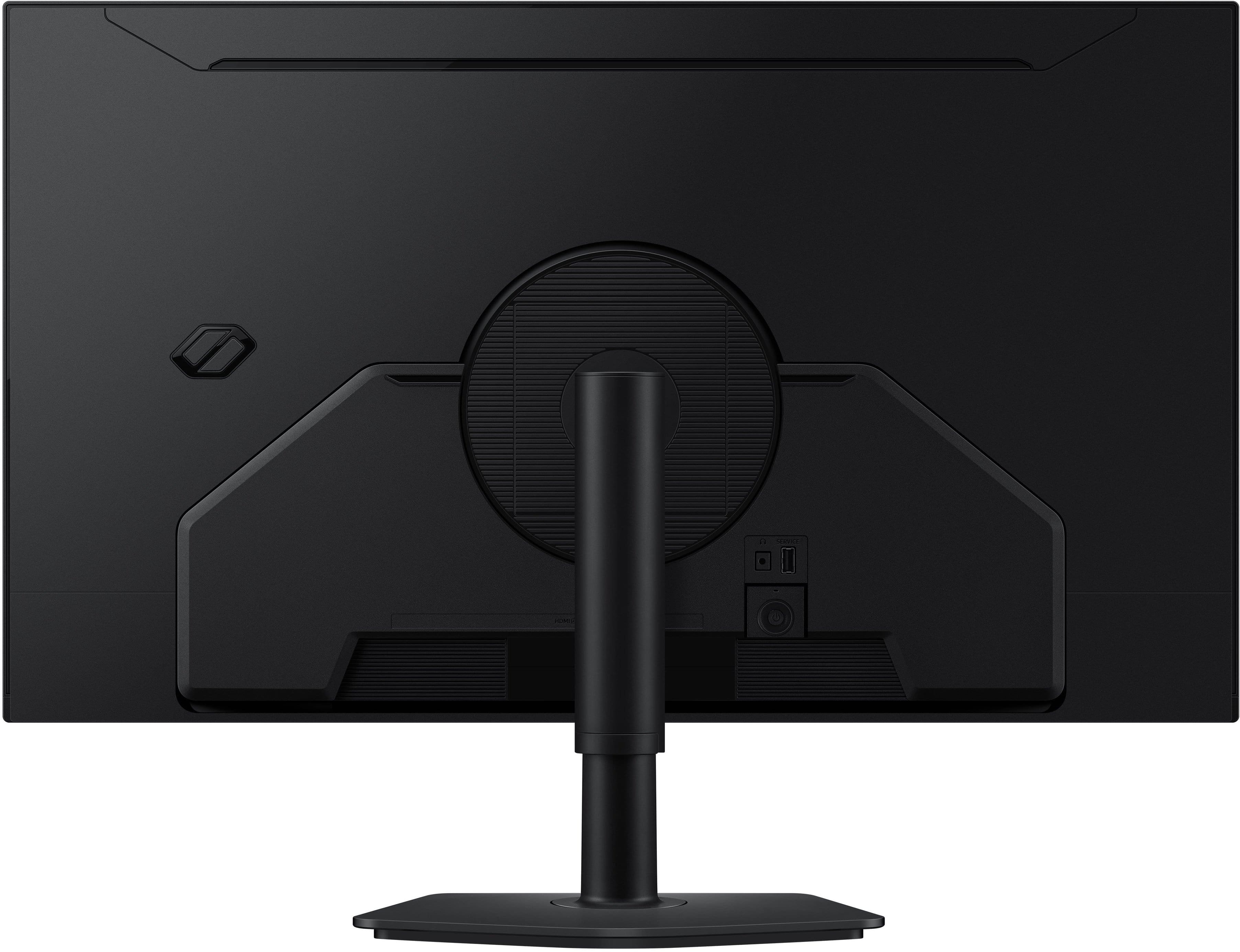
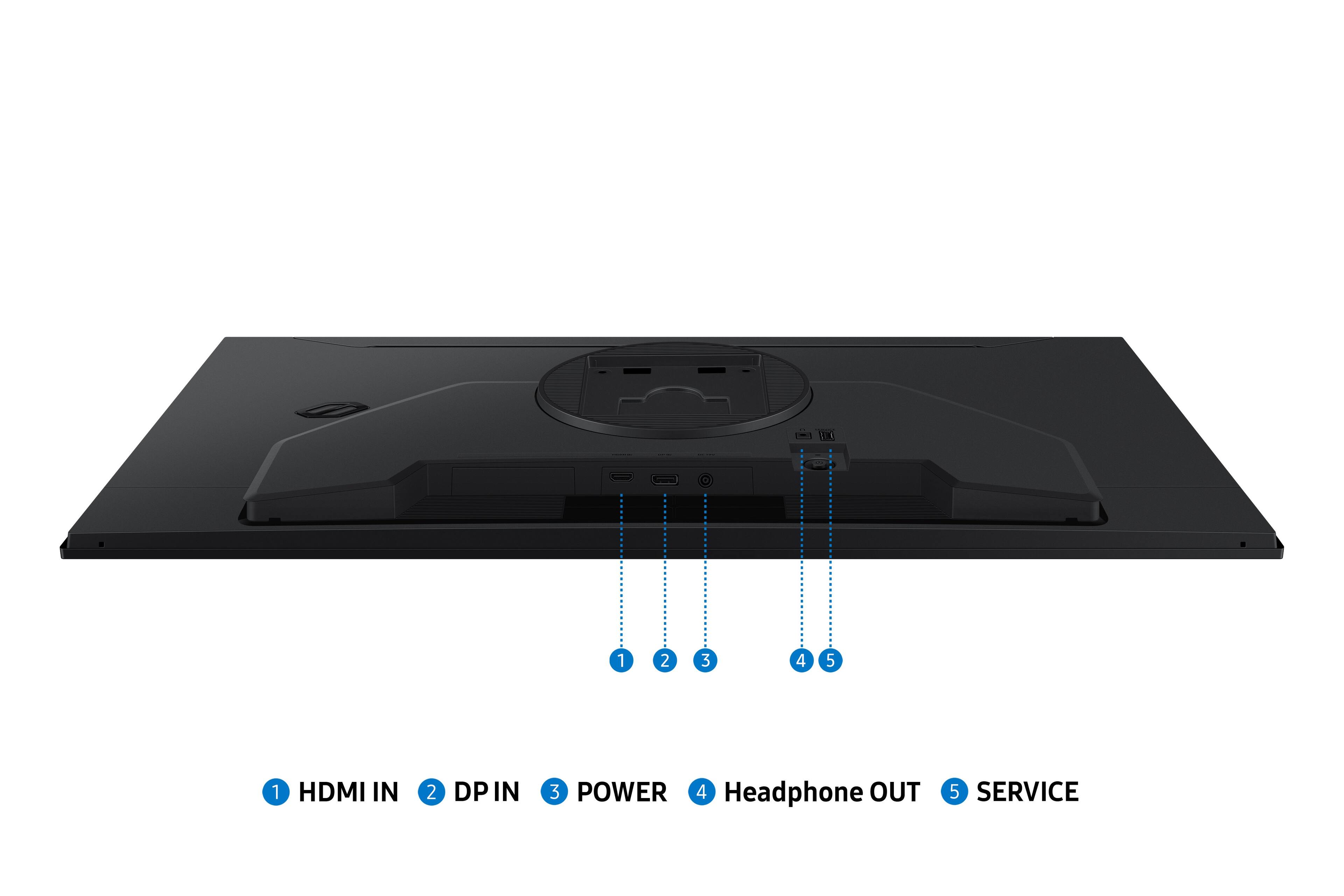
|Posted .This reviewer received promo considerations or sweepstakes entry for writing a review.32" is really the minimum size these days for a gaming monitor. I was upgrading from an 8+ year old HP and this Samsung Odyssey G5 was worth the upgrade. Sure, it's not OLED, but you get QHD, fast 180Hz 1ms refresh on an IPS panel and Samsung didn't skimp on the lighting - so it's crisp, lag free, and hooked up to my custom built Windows gaming rig using the included display port cable (HDMI also included) and I'm in heaven! The Odyssey G5 stand is nice, with a clean flat base and a single tube type support. The stand is height and tilt adjustable and does rotate. There are no speakers - but I prefer gaming monitors without speakers, as I use a headset. The only little quibble is the power button is located in the rear back, which is awkward to reach. I wish Samsung had mounted the power and control buttons closer to either the front edge (but might not have been an option with the thin bezel) or at least on the back. But if you're after an amazing gaming monitor or even a great monitor for productivity, the G5 is a GREAT monitor.
I would recommend this to a friend - Pros mentioned:Color quality, PerformanceCons mentioned:Button placement
Excellent image quality, odd control placement
|Posted .This reviewer received promo considerations or sweepstakes entry for writing a review.I’ve been using this monitor daily for about two weeks now, and, in a word, it is simply stunning. The 32-inch size really gives it a punch. Bright, sharp, vivid colors and no issues with movement with no latency. Even in non-gaming situations, the ability to be able to see a much larger portion of anything you're working on is a real plus. Setup was simple with no tools required. The base attaches to the monitor by first attaching the upright post to the base with a thumbscrew. This assembly then just snaps into the rear of the monitor, which also has provision for mounting on a monitor stand. My computer’s display adapter automatically set the resolution at what the adapter recommended, which is 2560 x 1440. One slightly unusual feature is that a graphic pops up on the screen when the monitor is turned on for the first time asking you to register it and providing a QR code to make it easier to do. This appeared the first few times I switched on the monitor and then stopped appearing. Perhaps that’s because I registered it? My one minor quibble is with the placement of the controls. Like other monitors I’ve come across, this one has a single joystick that you press on to switch the monitor on and off and move left and right and up and down to select and scroll through menus. No problem, but the joystick is in an odd location. It’s on the back side, which is common, but it is not near the edge on one side or the other or somewhere along the bottom, where you might expect to find it. Rather, as you face the monitor from the front, it is at a point about 12-inches in from the left side and three inches up. It’s not difficult to reach with your hand, but finding it when you want to switch the monitor on or off or whatever takes a little practice and some feeling around. Once set, other than turning the monitor on and off, accessing the control is not something that’s done regularly, so I don’t really consider this even a semi-serious issue. Just something to note. Highly recommended!
I would recommend this to a friend - Pros mentioned:Color quality, Performance, Refresh rate
Fantastic monitor!
|Posted .This reviewer received promo considerations or sweepstakes entry for writing a review.This monitor overall is pretty solid. That's the best way to describe it. The build quality is pretty good with the exception of the actual arm. It feels kind of cheap plastic but it doesn't necessarily feel like it'll break from the weight of the monitor. The actual stand itself is solid and made of metal. The color is very vibrant and alive. It doesn't feel oversaturated straight out of the box. The color seems to be accurate to my eyes and doesn't seem to be gray or anything. The monitor does have settings that you can change to suit your settings or your other monitors if you have a setup, but out of the box, it is great already. Playing games on this or watching movies is great. As stated, the colors are very alive and the darks are deep, which is very nice and makes the viewing experience a treat. The G-Sync/Freesync features work well as well and the refresh rate is really fast. Overall, I find this monitor easy to use and I am used to using 32inch monitors. The colors are very good and it's a responsive screen. I didn't see a lot of ghosting.
I would recommend this to a friend - Pros mentioned:Color quality, Refresh rate
A solid buy!
|Posted .This reviewer received promo considerations or sweepstakes entry for writing a review.I’ve spent plenty of time testing Samsung displays, and the G50F is an interesting beast. It’s a flat IPS panel, which is a departure from the aggressive curves Samsung usually pushes in the Odyssey line. If you’re looking for a solid 1440p workhorse that doesn't break the bank, this hits a lot of the right notes, but it’s got a few quirks you should know about before pulling the trigger. The Good Stuff • Speed & Smoothness: At 180Hz, the motion is buttery. Whether you’re tracking movement in a fast-paced shooter or just scrolling through a long web project, that extra overhead above 144Hz is noticeable. The 1ms response time keeps ghosting to a minimum. • IPS Clarity: Unlike the older VA versions of the G5, this IPS panel means better viewing angles and more accurate colors. You won’t get that "black smear" when moving quickly in dark scenes. • Flat Design: For those of us doing media work or multi-monitor setups, a flat 32-inch screen is often way more practical than a curve. It’s much easier to align if you’re running a dual-display rig. The Not-So-Good • HDR is "Meh": It’s advertised as HDR10, but don't expect an OLED-level experience. With a peak brightness around 300-350 nits, the HDR is more of a "suggestion" than a feature. I usually just leave it off in Windows to keep the colors from looking washed out. • Build & Ergonomics: The stand is a bit basic. It’s sturdy enough, but if you want height adjustment or swivel, you’re probably going to want to VESA mount it. Also, the frame can be a bit asymmetrical (slightly thicker at the bottom), which might bug you if you're a stickler for perfectly flush bezels. • IPS Glow: Like most IPS panels in this price bracket, you might see some "glow" in the corners when the room is pitch black. It’s not a dealbreaker for gaming, but worth noting for late-night movie sessions. The Verdict If you’re coming from 1080p, this is a massive upgrade. The QHD resolution at 32 inches is the sweet spot for productivity and gaming—sharp enough that you don't see pixels, but not so demanding that you need a $2,000 GPU to run it. It’s a "no-nonsense" monitor. It nails the essentials (refresh rate, resolution, and color) and skips the expensive frills. Just make sure you update the firmware to the latest version (like v1018) to keep the stability in check. My Take: A solid buy for a mid-range setup. It’s not perfect, but for the price, it delivers where it counts.
I would recommend this to a friendBrand response from Samsung
Posted .bamfsig45:
Thank you for taking the time to share your positive experience with the Samsung G50F Monitor. Your experience is very important to us, and we will share your feedback with our product team.
If you ever have any questions or need help, we’re always here. Call 1-800-SAMSUNG from 8AM - 9PM EST Monday - Friday, and 8AM - 6PM Saturday and Sunday, or connect with a LiveChat agent anytime by selecting ‘Support’ on our website.
~ Samsung Monitors
- Pros mentioned:Color quality, Resolution
Vivid Colors!
|Posted .This reviewer received promo considerations or sweepstakes entry for writing a review.Given Samsung’s track record of making incredible displays, I was confident I would enjoy this monitor—and I was absolutely right. The IPS panel is crisp, vibrant, and wonderfully smooth. Even though it’s not 4K, the QHD resolution is more than enough, and the overall image quality feels premium. The fast response time makes it perfect for gaming, and both colors and framerate performance are top‑notch. Immersive titles look gorgeous, and it keeps up with fast‑paced FPS games without breaking a sweat. One of my favorite uses, though, is watching movies and shows. This screen really shines with rich colors and beautiful scenery—it’s a great all‑around entertainment display. It’s compatible with both NVIDIA G‑Sync and AMD FreeSync, so no matter what you game on, you’re covered. Just note that it doesn’t have built‑in speakers, so if that matters to you, plan accordingly. Also make sure you’re using a DisplayPort or HDMI cable with enough bandwidth to hit the higher refresh rates. It only includes one DP and one HDMI port, so you can connect two systems at once. Overall, this is a fantastic package and a perfect screen size. It’s an amazing deal if you catch it on sale, but even at full price it feels worth it. I don’t think you’ll be disappointed.
I would recommend this to a friend Good Value for a 32-inch IPS Monitor
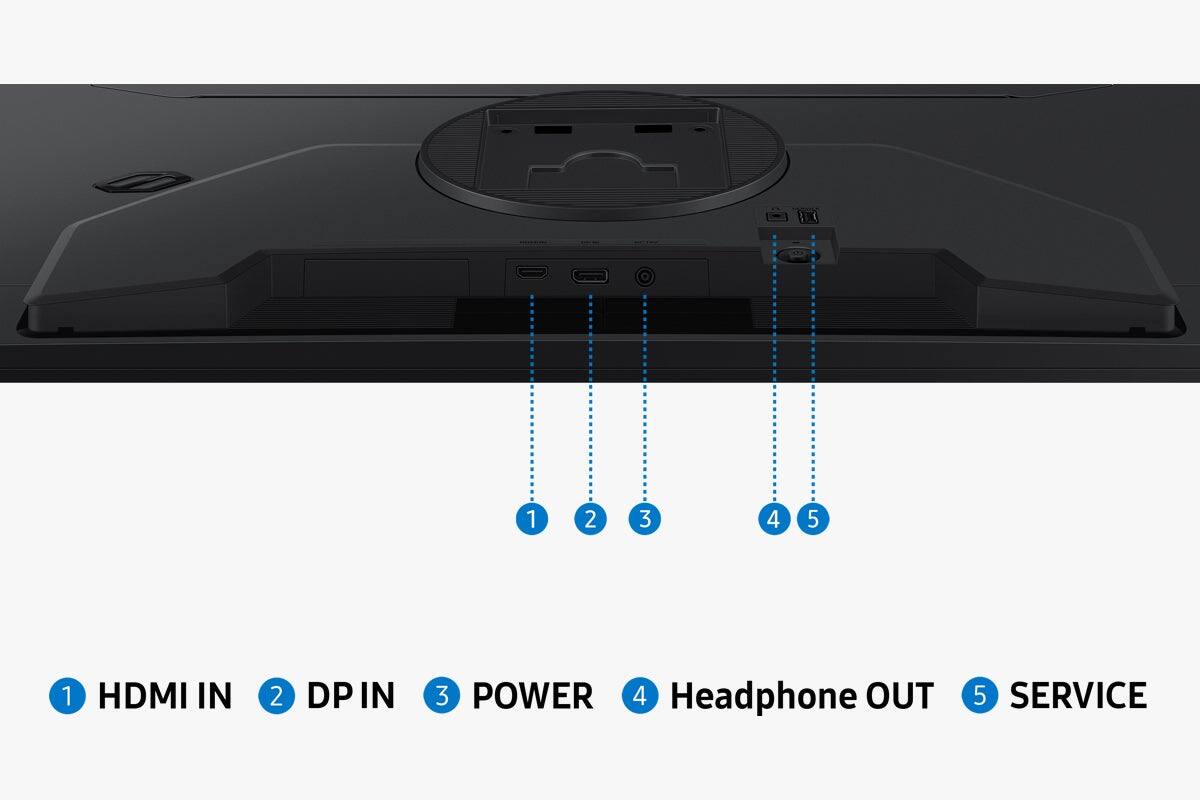
|Posted .This reviewer received promo considerations or sweepstakes entry for writing a review.I was looking for a 32-inch monitor to use for work, gaming and streaming video. I came across this Samsung Odyssey G5 and the specs looked good, so I ordered it. I’ve happily owned several Samsung TVs, tablets and smartphones, so my expectations were high, and this monitor mostly did not disappoint. There are many good things about this Odyssey G5 monitor that make recommend it, but there are a few issues that I prevent me from giving it a 5-star rating. First of all, I have to commend Samsung for the packaging. Most monitors are boxed in such a way that you have to slide them out while trying to keep all the parts in place in their designated spaces in a Styrofoam clamshell that surrounds the screen. Samsung designed their box so that it lays flat and then opens wide which means all the parts can easily be taken out before the screen is removed. This is a little thing, but it shows that someone put some thought into the customer’s experience. I appreciate that Samsung includes both HDMI and DisplayPort cables. The package comes with a very nice stand that’s easy to assemble. It offers both height and tilt and feels sturdy. That sturdiness does come at a price, though, in terms of desk real estate as the base is fairly large. That was not an issue for me because I use a desk-mounted multiple monitor stand. The standard VESA mounting holes on the back of this Samsung Odyssey G5 made it easy to attach. The weight is about average for a 32-inch screen, so nothing out of the ordinary. The cables (power and video) plug in vertically, so nothing protrudes from the back. One issue is that these ports sit fairly low, so you may see the cable stick out below the bezel. Speaking of the bezel, it is very thin and unobtrusive. This monitor uses an eternal transformer. I understand that makes it easier to manufacture for global markets, but I really don’t need yet another little box to place underneath my desk. Once the protective film is removed from the screen, it reveals a very nice matte finish that does a good job minimizing reflections. Firing up the display reveals bright, clear colors and decent blacks. I did notice some minor issues with uneven blackness, likely due to the zone backlighting. While IPS panels like this one improve things, they are still zone backlit LCD technology that allows some bleed-through, resulting in murky blacks. With its 1000:1 contrast ratio, images look good, but not amazing as with other technology, like OLED. And while IPS has a good viewing angle, there are still some issues with off-axis viewing. This is especially noticeable on larger screens like this 32-inch model. Just moving my head to look at one edge of the screen makes the opposite edge look slightly darker. Overall, I give this monitor an average rating for color, contrast and viewing angle. With its 1ms response time and 180Hz refresh rate, images look clear. The QHD (1440P) resolution is great for work, games and video. I did notice some very minor motion artifacts, but mostly are in low light scenes, which is normal backlit panels using local zones. I was pleasantly surprised to find that the default settings provide a very good balance. Although I did try some adjustments, I always came back to the default as the best option. Speaking of adjustments, that’s one of my biggest complaints about this Samsung Odyssey G5 monitor. The “joystick” button that controls the menus is place on the back of the monitor, toward the center, and a good bit above the bottom edge. It is a real challenge to access the control while sitting in front of the monitor. This would have been so much easier to use had it been placed closer to a corner. Overall, I like this monitor, and I find it to be a good value. The picture is good and it works well for all of my needs including work, gaming and streaming. It feels well-made and looks sleek and modern. My biggest complaints are the low placement of the ports, the external power supply, and the awkward location of the adjustment control stick. I can live with those minor issues, so I do recommend this Samsung Odyssey G5 monitor.
I would recommend this to a friendBrand response from Samsung
Posted .Rudeney:
We appreciate you taking the time to review your G50F Monitor. Your feedback is noted and will be shared with our internal teams for consideration.
Should you need ever need assistance or have questions, please contact Samsung Customer Support at 1-800-SAMSUNG, available daily from 8AM - 9PM EST Monday - Friday, and 8AM - 6PM Saturday and Sunday. You can also visit the Samsung website and click on ‘Support’ for:
• Live Chat
• Manuals, Software, & Warranty Info
~ Samsung Monitors