Customer Ratings & Reviews
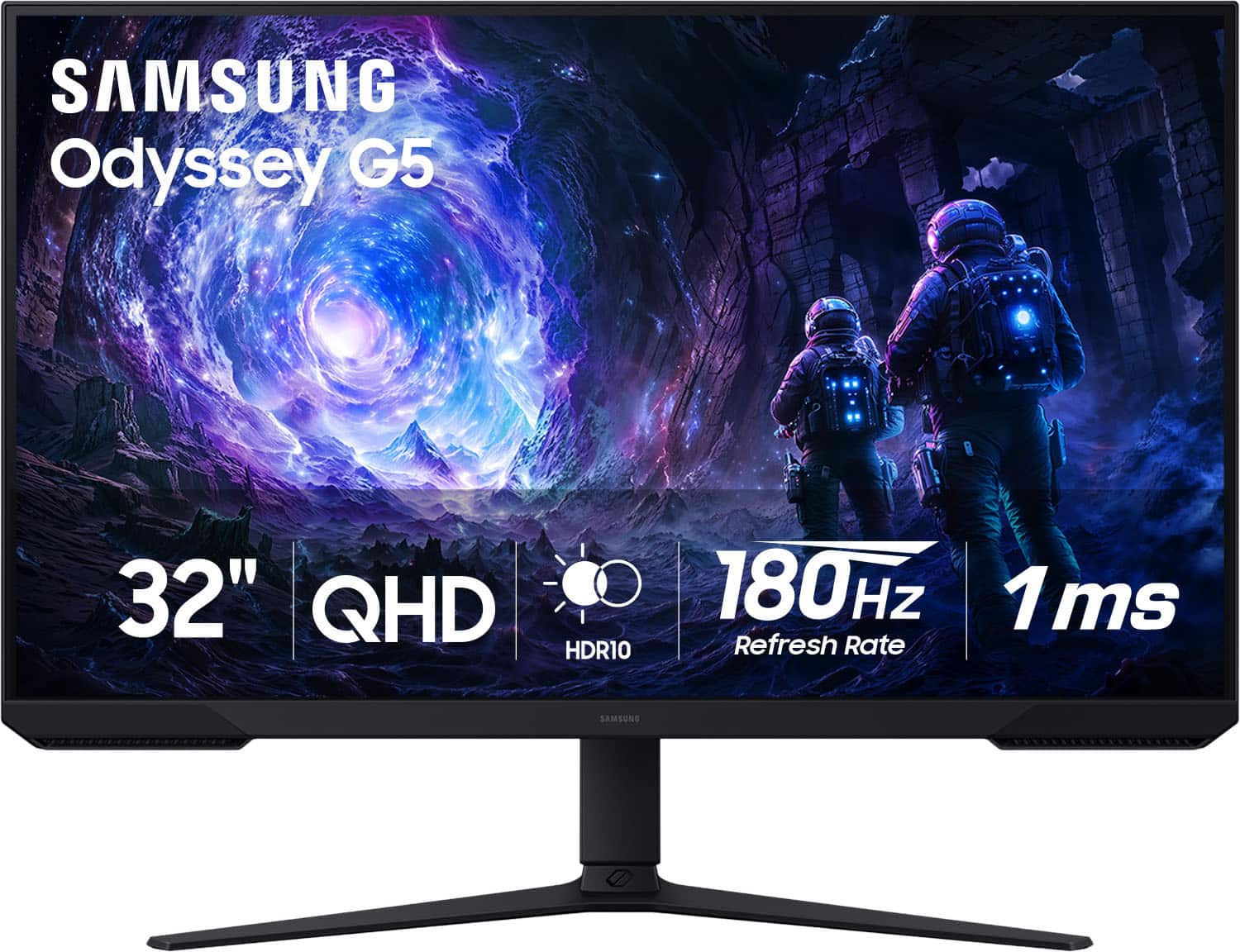
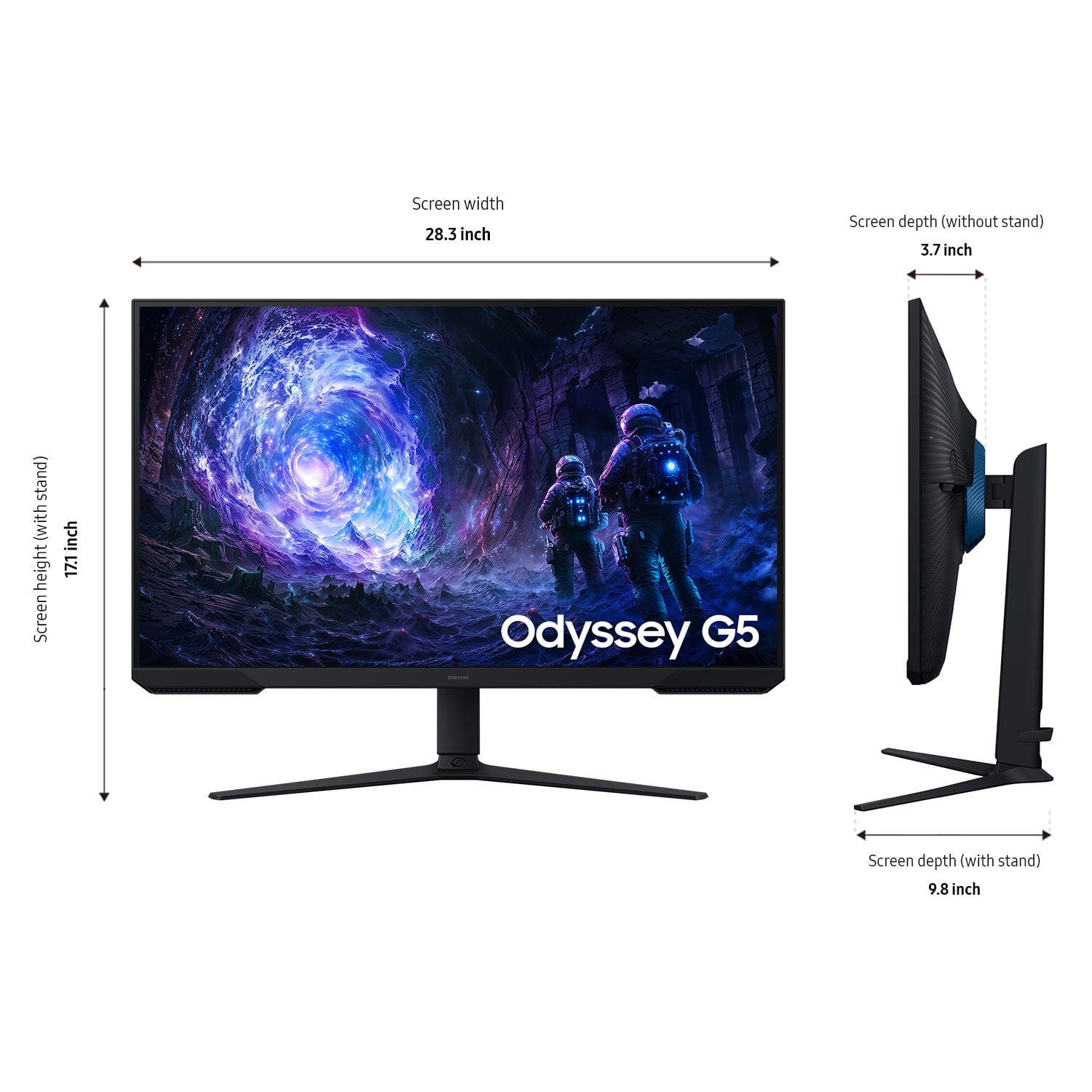
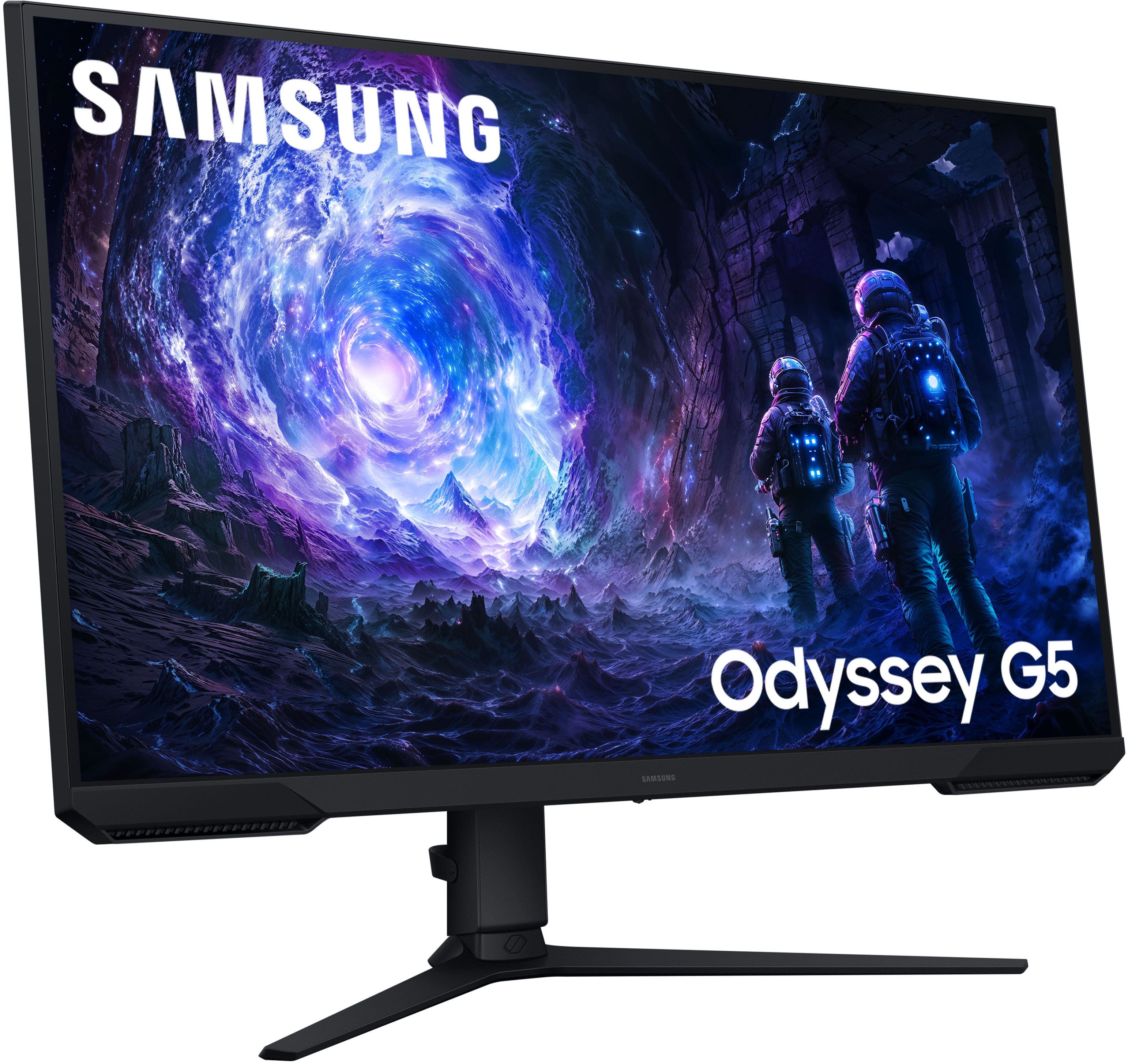
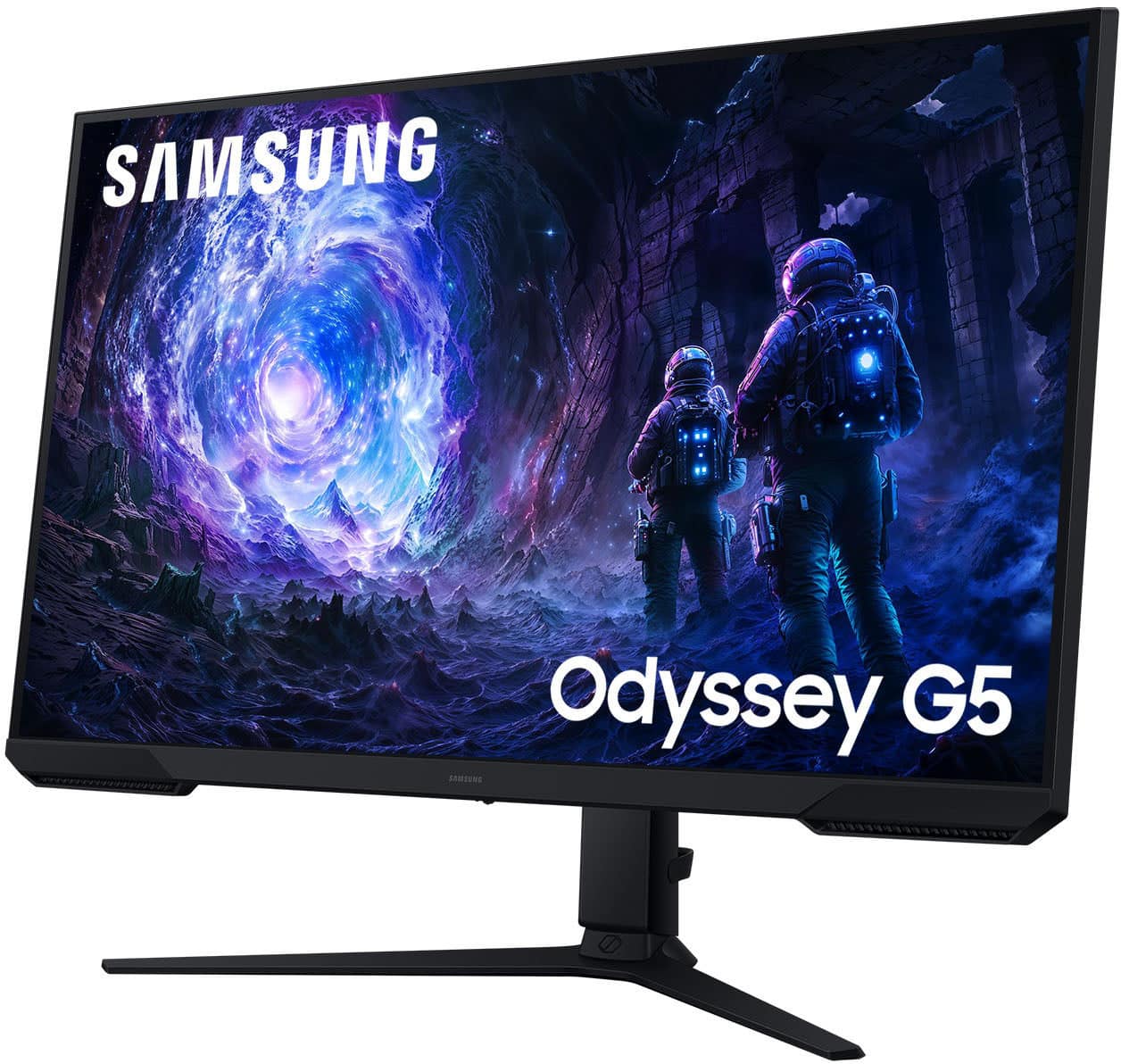
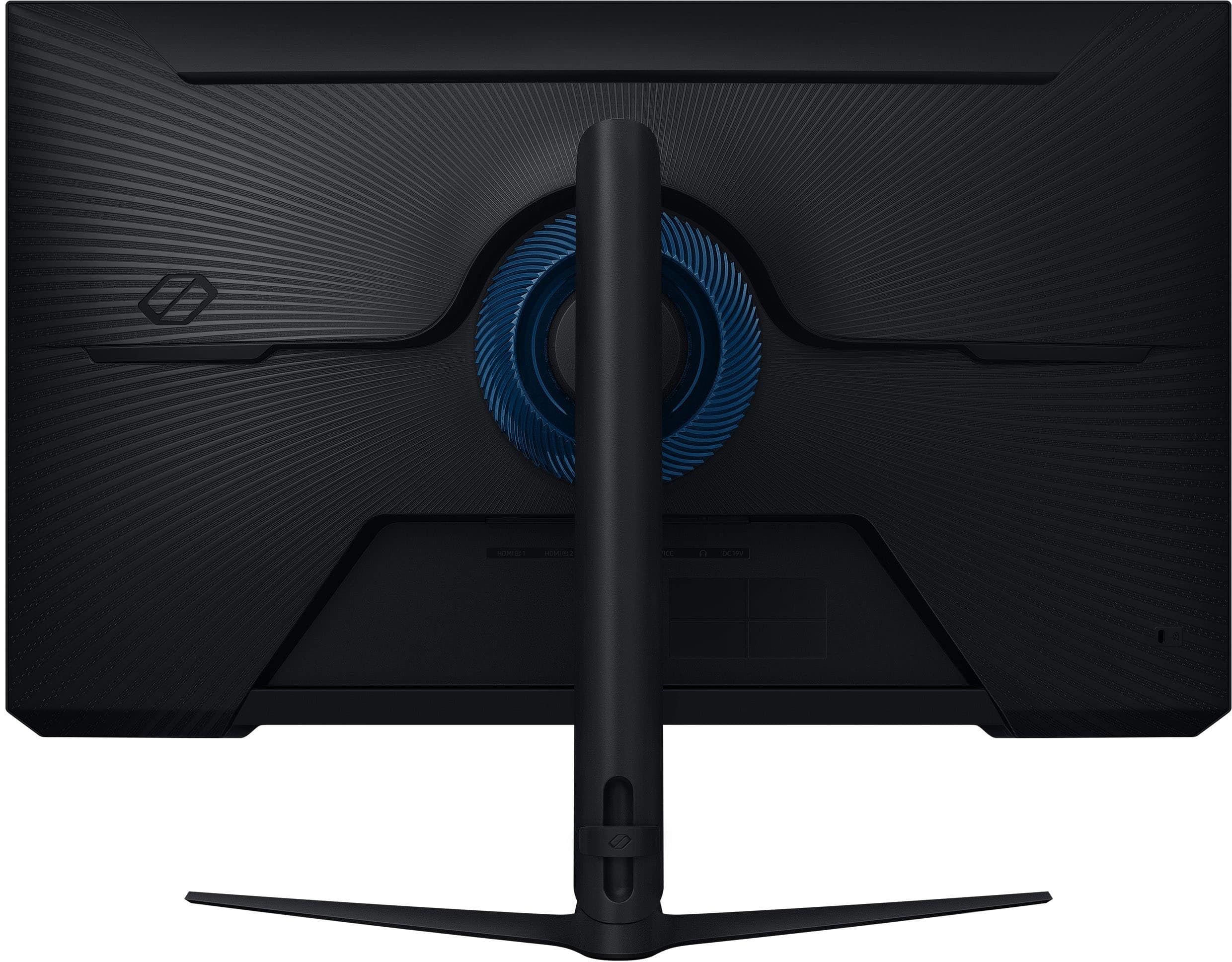
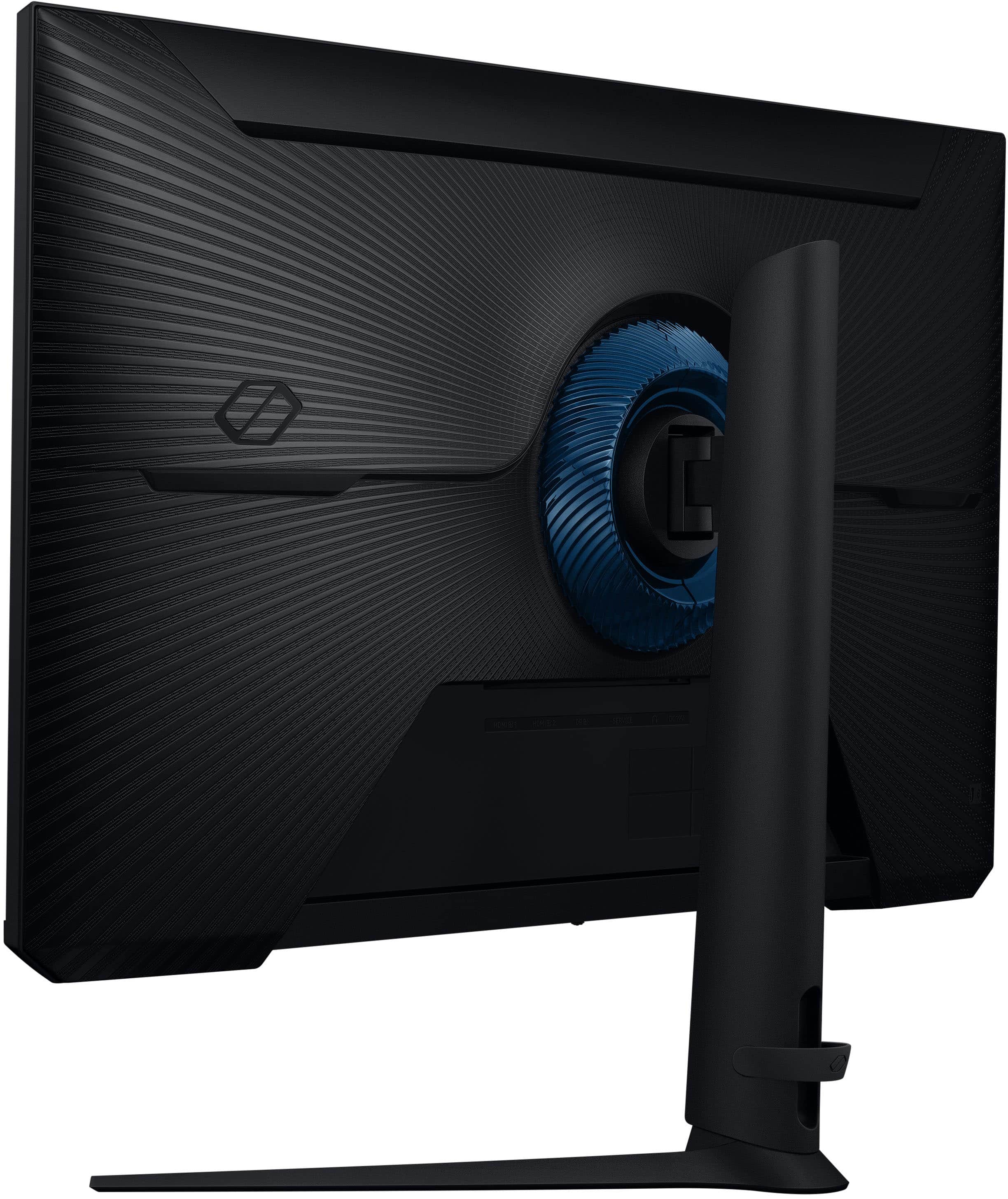
- Model:
- LS32FG51DENXZA
- SKU:
- 6618904
Rating by feature
- Display Quality
Rating 4.8 out of 5 stars
- Ease of Use
Rating 4.8 out of 5 stars
- Features
Rating 4.7 out of 5 stars
Customers are saying
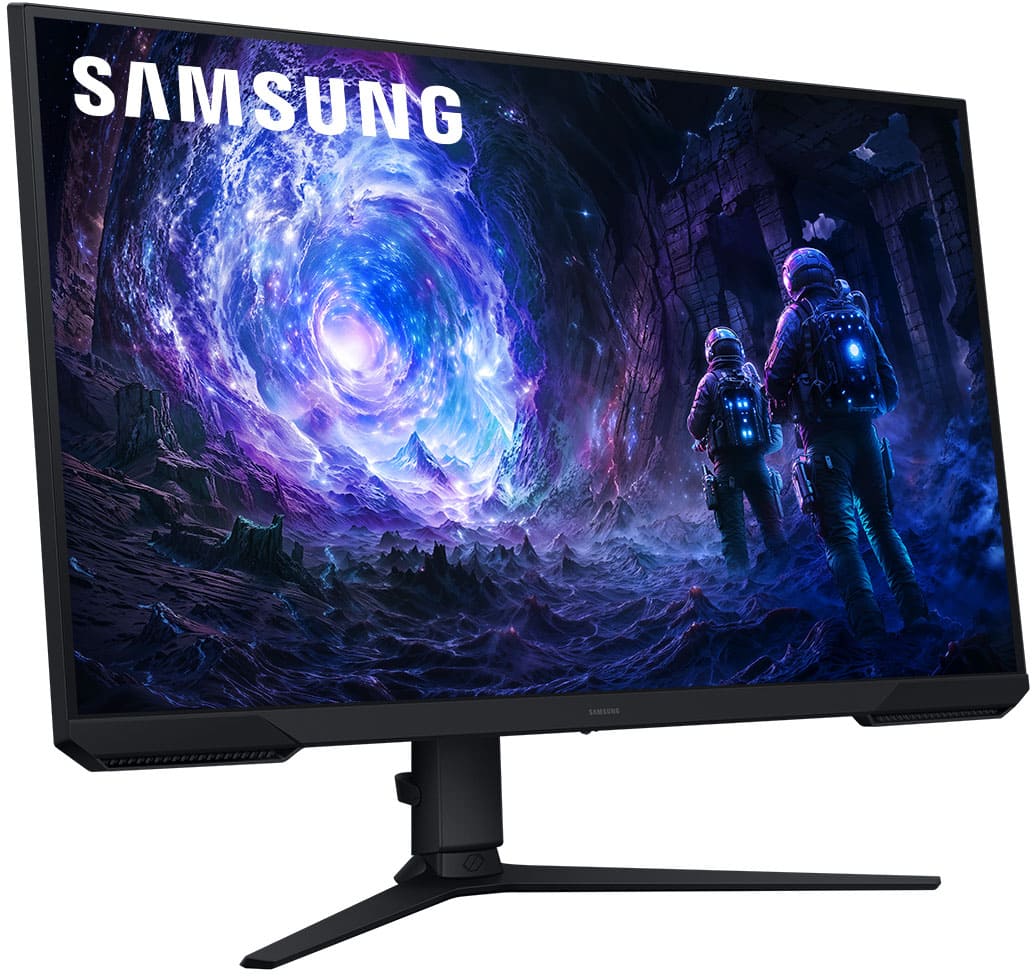
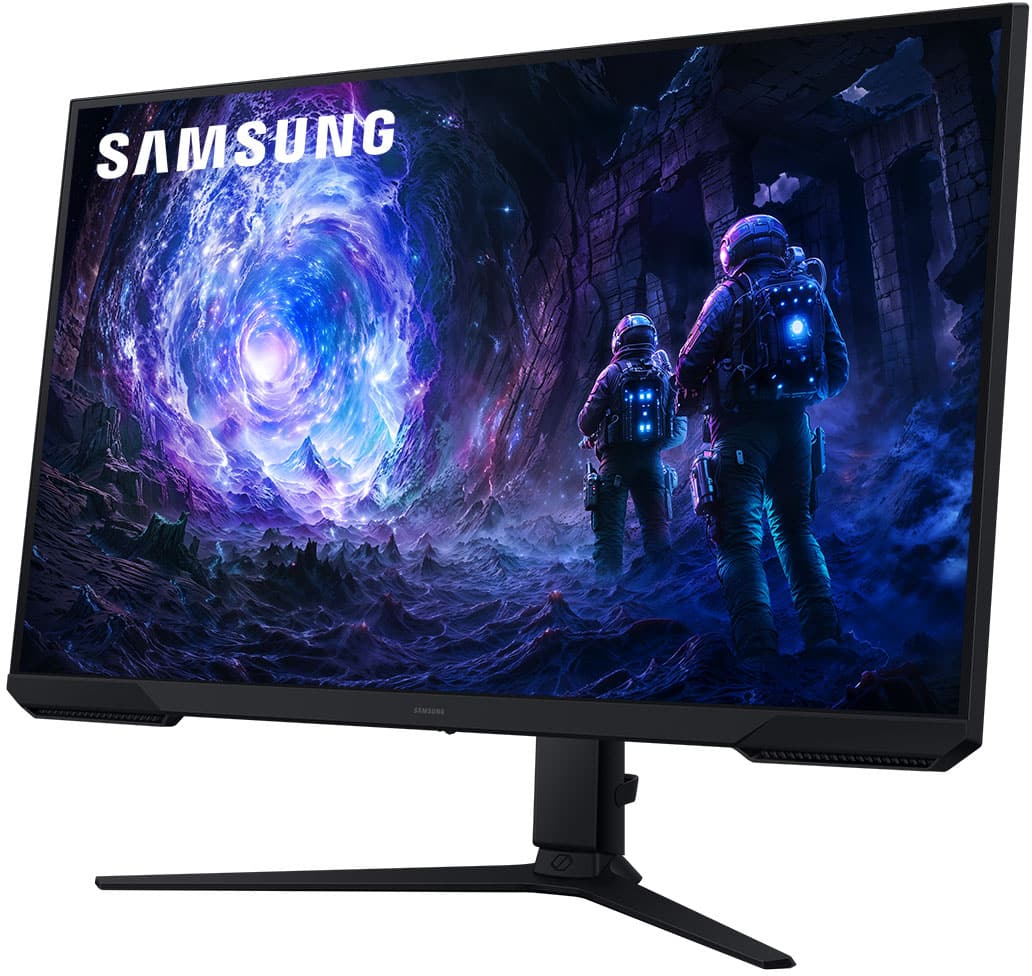
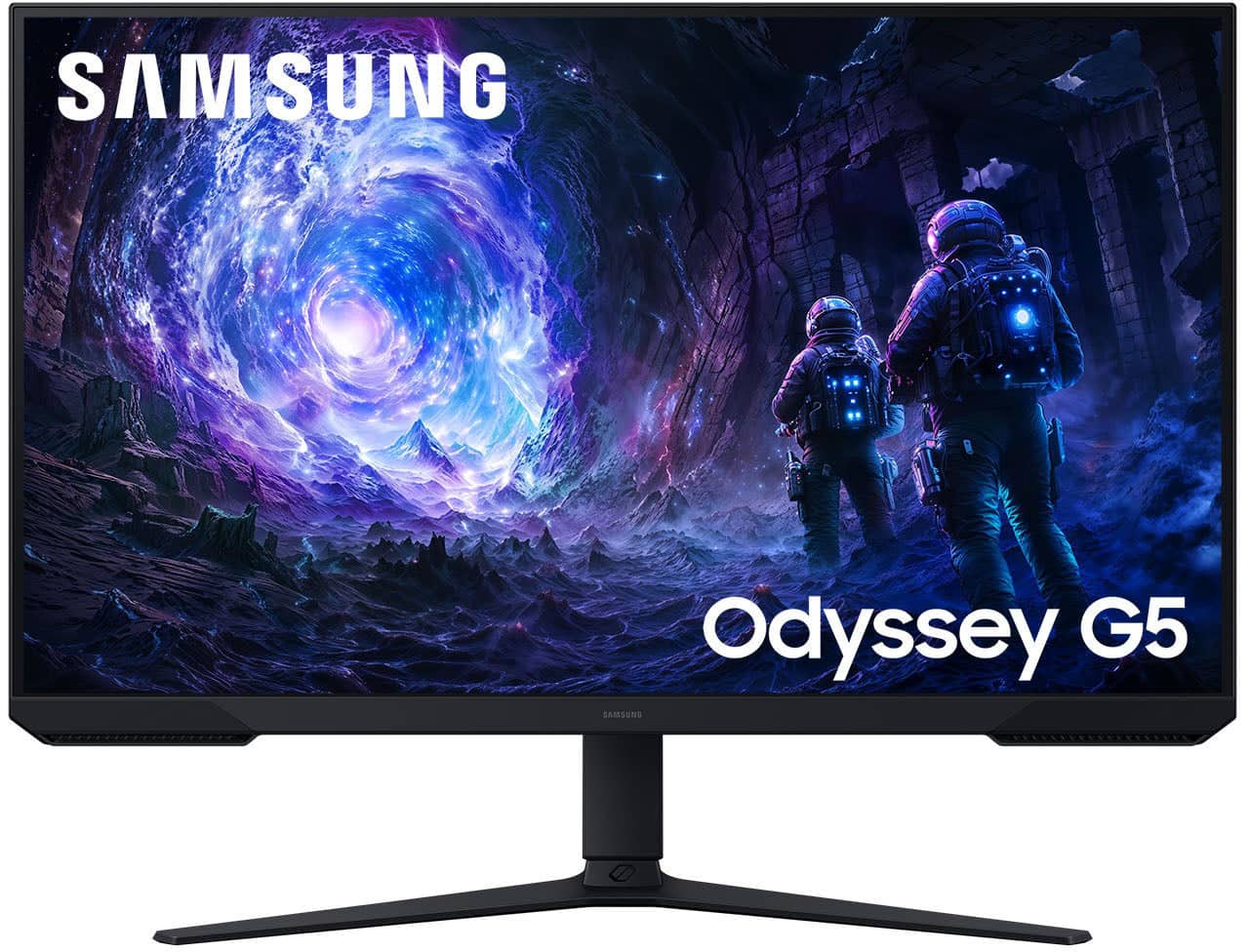
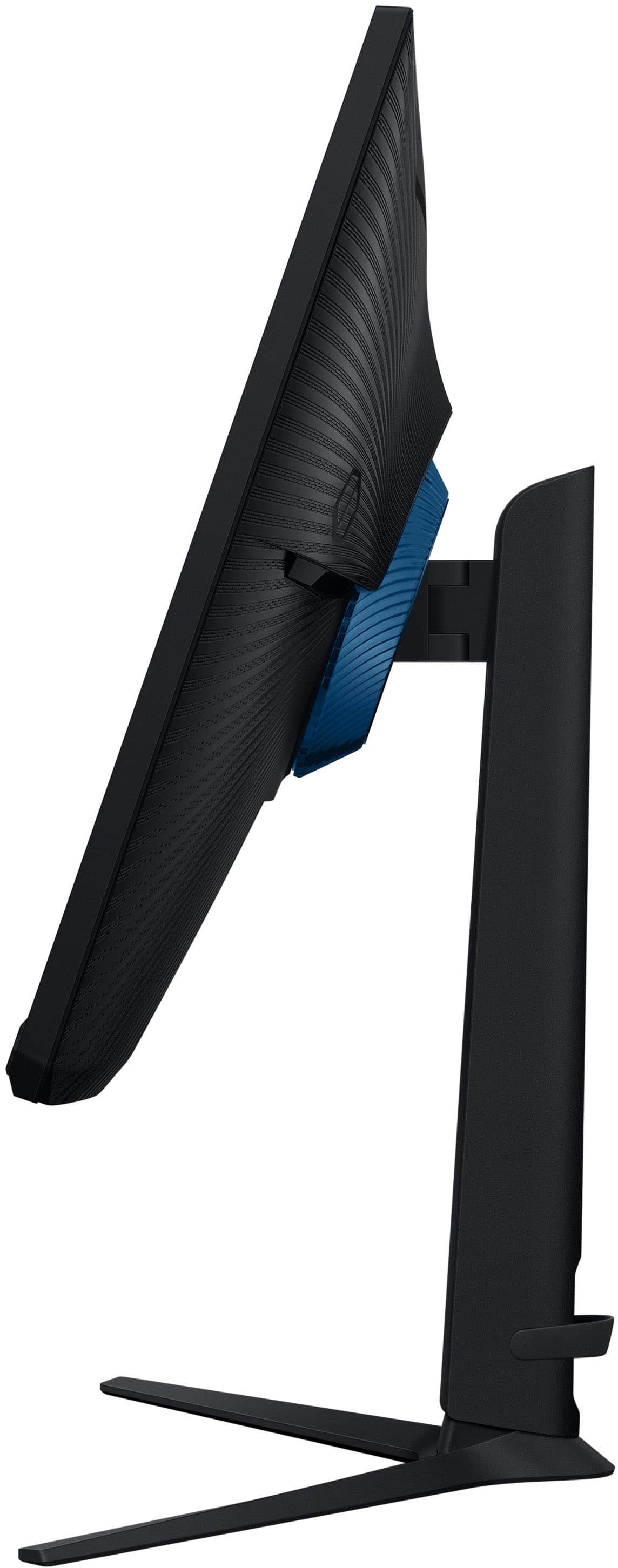
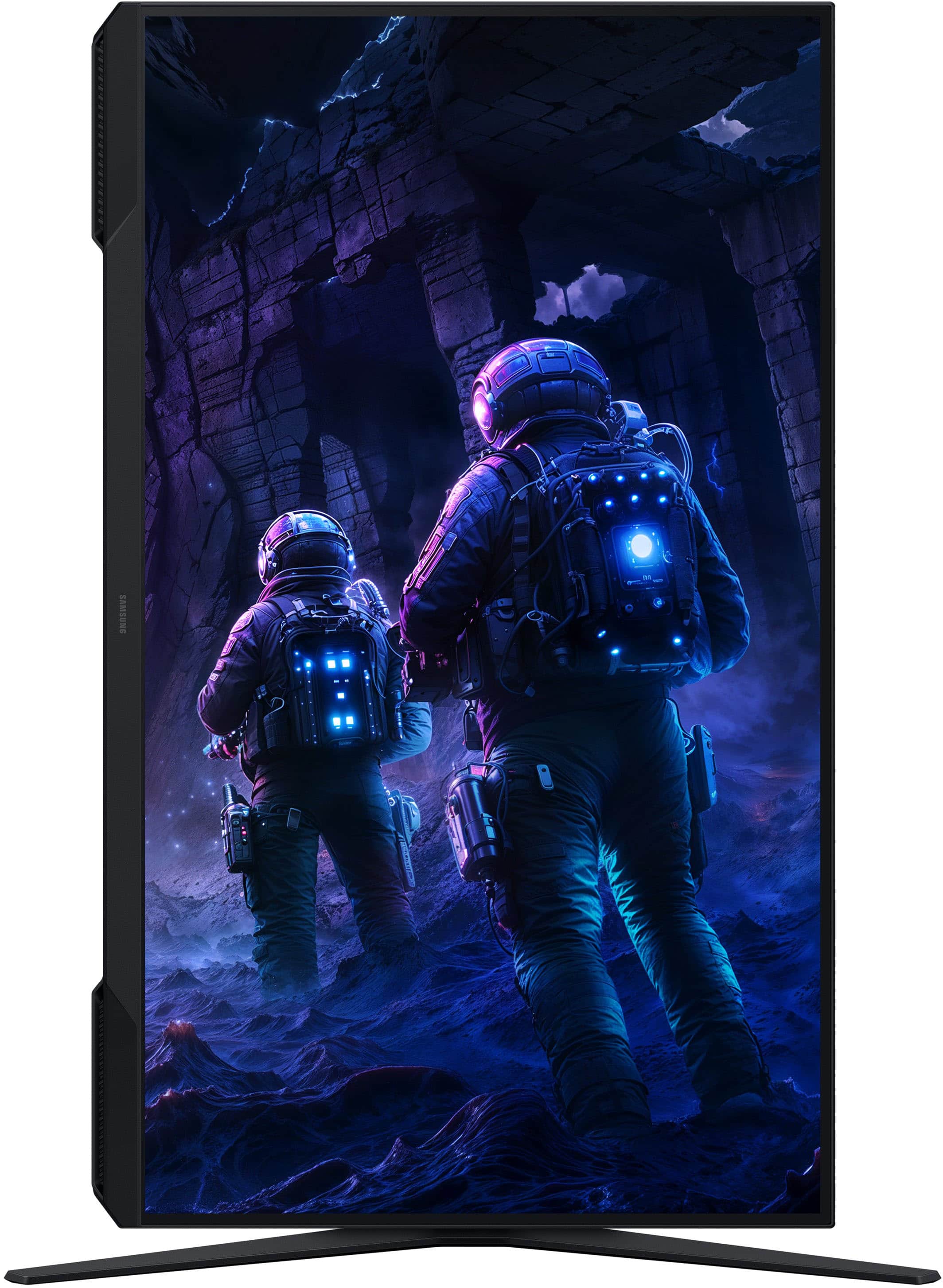
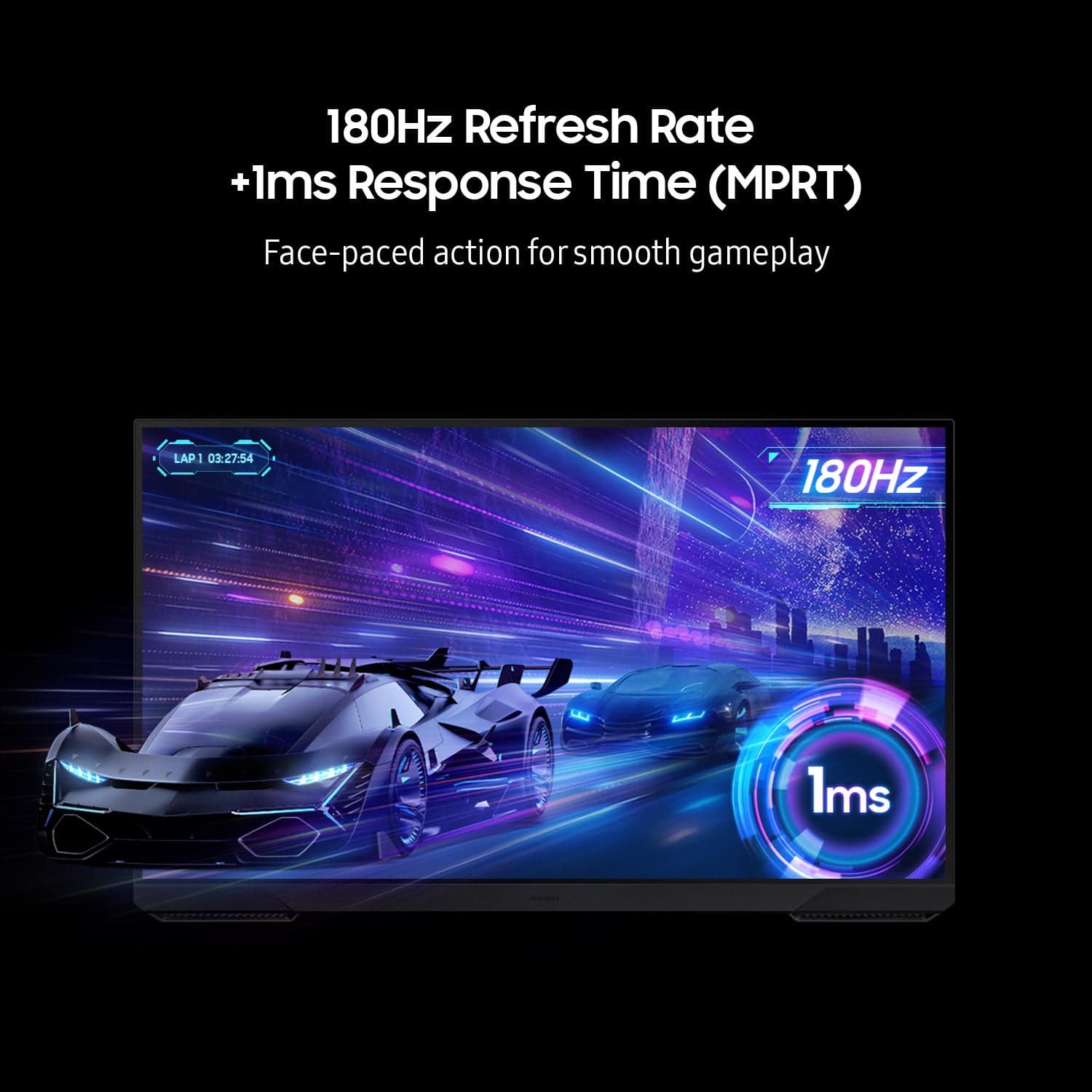
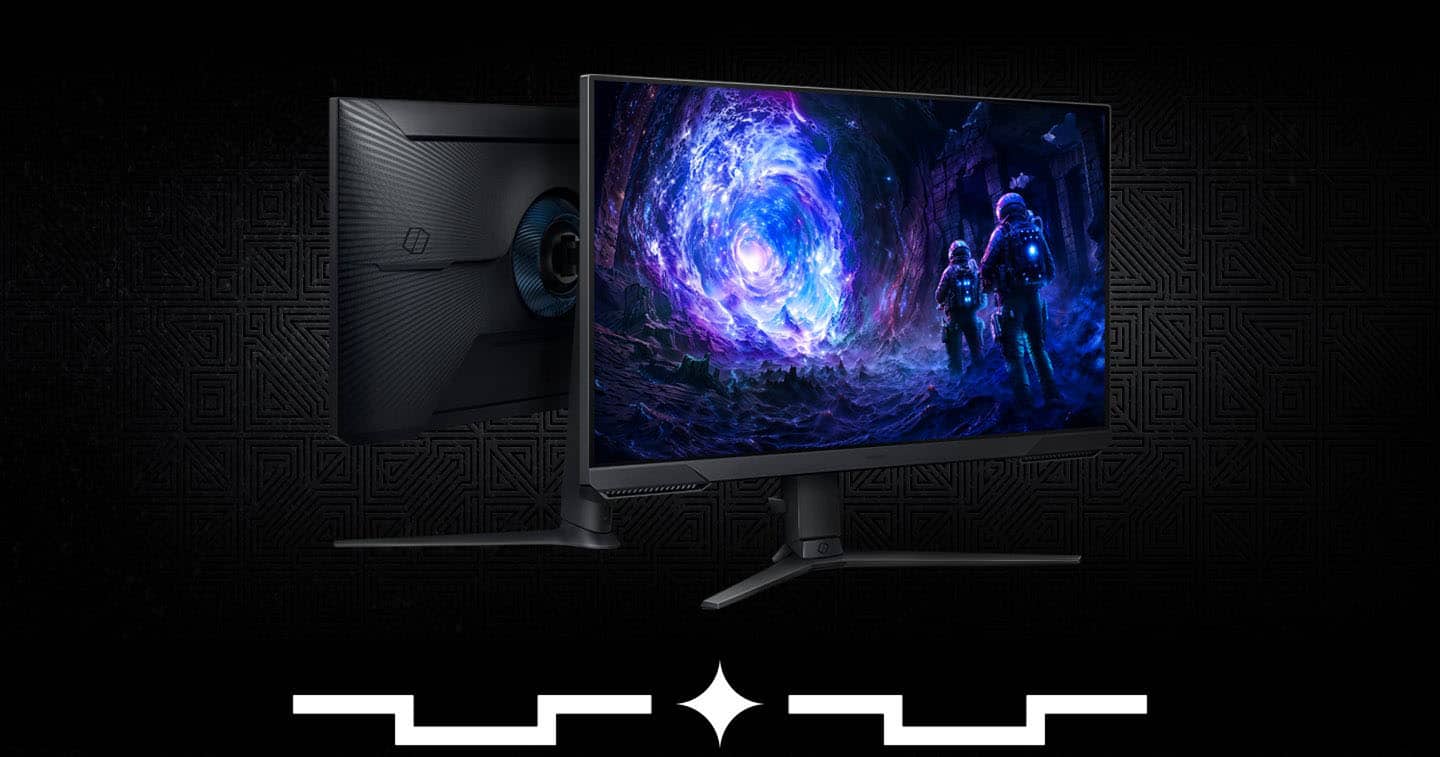
Customers commend the 32" Odyssey G51F monitor for its excellent picture quality, high refresh rate, and overall performance, making it well-suited for gaming. The monitor's size, easy setup, and adjustable height are also appreciated. However, some customers wished it had built-in speakers and found the brightness to be a minor drawback.
This summary was generated by AI based on customer reviews.
Main and second monitor quick choice.
||Posted . Owned for 2 weeks when reviewed.This reviewer received promo considerations or sweepstakes entry for writing a review.Fast response and very good quality for that price. I received more than expected.
I would recommend this to a friendSamsung monitor review
||Posted . Owned for 2 weeks when reviewed.This reviewer received promo considerations or sweepstakes entry for writing a review.Had a hardware issue on delivery went to the in store costumer service and they exchanged it immediately. 10/10 service really happy with the purchase.
I would recommend this to a friendMonitor
||Posted . Owned for 3 weeks when reviewed.This reviewer received promo considerations or sweepstakes entry for writing a review.Great monitor the quality of the images are great would recommend its easy to set up
I would recommend this to a friendGood monitor
||Posted . Owned for 2 months when reviewed.This reviewer received promo considerations or sweepstakes entry for writing a review.Nice monitor but not for me and my uses. Used it for work and gaming, but quality for gaming not there
I would recommend this to a friendAwesome monitor
||Posted . Owned for 3 weeks when reviewed.This reviewer received promo considerations or sweepstakes entry for writing a review.Very nice monitor, great picture quality. The only bad side is I never see my husband anymore. He's always playing games on his monitor.
I would recommend this to a friendmonitor
||Posted . Owned for 1 month when reviewed.This reviewer received promo considerations or sweepstakes entry for writing a review.excellent quality would definitely recommend to anyone
I would recommend this to a friendSamsung g3 monitor
||Posted . Owned for 1 month when reviewed.This reviewer received promo considerations or sweepstakes entry for writing a review.Best first monitor i got from you guys. It works amazingly good
I would recommend this to a friendGreat Purchase
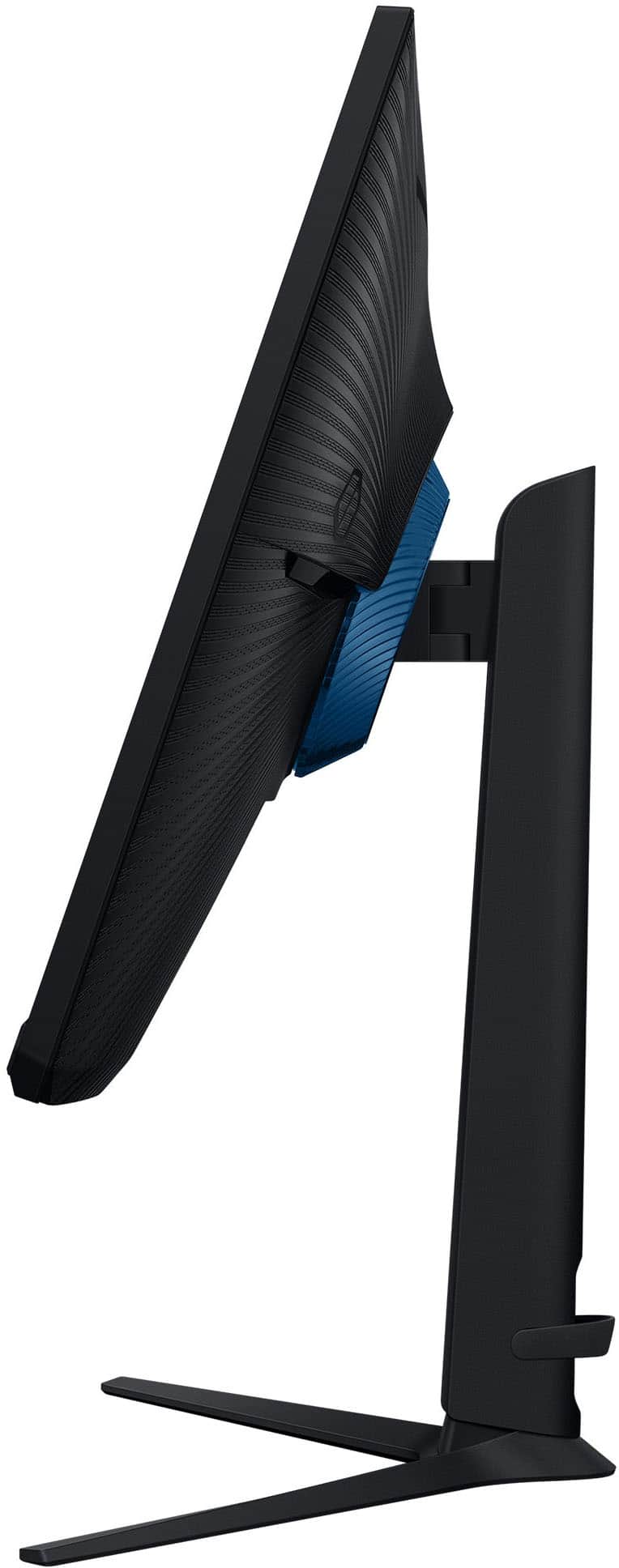
||Posted . Owned for 3 weeks when reviewed.This reviewer received promo considerations or sweepstakes entry for writing a review.Love the quality and performance but downside is those large stand feet.
I would recommend this to a friendSamsung Odyssey
||Posted . Owned for 3 months when reviewed.This reviewer received promo considerations or sweepstakes entry for writing a review.Best monitor I have ever had. The picture and ms is amazing.
I would recommend this to a friendBrand response from Samsung
Posted .JermiahA:
We’re sorry to hear you’re not fully satisfied with the picture quality on your Samsung G51F Monitor. If the image appears too dark, we suggest disabling certain energy-saving features, which can automatically adjust brightness and affect how the screen looks.
Go to: Settings > All Settings > General & Privacy > Power and Energy Saving, then turn off Brightness Optimization, Energy Saving Solution, Motion Lighting, and/or Contrast Enhancer.
You can also adjust the Picture Mode to better suit your environment: Settings > All Settings > Picture > Picture Mode
• Standard – Default mode for general viewing
• Dynamic – Brighter and clearer, ideal for well-lit rooms
• Movie – Best for dark room viewing
• Eco – Energy-saving mode
• Filmmaker Mode – Preserves content as intended by creators
To fine-tune brightness, go to: Home > left directional key > Settings > All Settings > Picture > Expert Settings, then adjust the Brightness level (0–50) to your preference.
Lastly, please make sure your Monitor is running the latest firmware: Home > Home > left directional key > Settings > Support > Software Update > Update Now
We hope these tips help improve your viewing experience. If you need further support, feel free to contact us at 1-800-SAMSUNG between 8AM - 9PM EST Monday - Friday, and 8AM - 6PM Saturday and Sunday. LiveChat is also available via the ‘Support’ link on our website.
~ Samsung Monitors
Good monitor
||Posted . Owned for 1 month when reviewed.This reviewer received promo considerations or sweepstakes entry for writing a review.Good monitor, good picture, easy to hook up, works good.
I would recommend this to a friendGreat monitor!
||Posted . Owned for 1 month when reviewed.This reviewer received promo considerations or sweepstakes entry for writing a review.Probably one if the best monitors for the cost! Great picture
I would recommend this to a friendMonitor
||Posted .This reviewer received promo considerations or sweepstakes entry for writing a review.Very clear picture and sound. No issues at all very happy with my purchase
I would recommend this to a friendPerfect for gaming
||Posted . Owned for 3 months when reviewed.This reviewer received promo considerations or sweepstakes entry for writing a review.Great gaming tv. Has really great picture quality and ease of use
I would recommend this to a friend- Pros mentioned:Screen size
I'm sold, its a yes
||Posted . Owned for 1 month when reviewed.This reviewer received promo considerations or sweepstakes entry for writing a review.Love it the images are amazing, yes I do recommend this monitor
I would recommend this to a friend Smoothly
||Posted . Owned for 3 weeks when reviewed.This reviewer received promo considerations or sweepstakes entry for writing a review.Nice monitor, I have an older computer and it has not trouble driving this thing. And it looks and feels great
I would recommend this to a friendWould recommend
||Posted .This reviewer received promo considerations or sweepstakes entry for writing a review.Great monitor, it really does the job, but wish it came with speakers tho
I would recommend this to a friendNice Powerful Monitor
||Posted . Owned for 1 month when reviewed.This reviewer received promo considerations or sweepstakes entry for writing a review.Great monitor! Picture quality is great. Use it for video editing and performs excellent! Would recommend for video editing and gaming.
I would recommend this to a friendWatch,screen ……
||Posted . Owned for 3 weeks when reviewed.This reviewer received promo considerations or sweepstakes entry for writing a review.I’m satisfied with all the things I bought from Best Buy and All were wonderful ❤️
I would recommend this to a friendPerfect for the price
||Posted . Owned for 2 months when reviewed.This reviewer received promo considerations or sweepstakes entry for writing a review.I switched over from a 65 inch tv and it was well worth it
I would recommend this to a friend
Great monitor!
|Posted . Owned for 2 months when reviewed.This reviewer received promo considerations or sweepstakes entry for writing a review.[Employee of bestbuy] Beautiful display, a definite upgrade from my previous display.
I would recommend this to a friend