Customer Ratings & Reviews
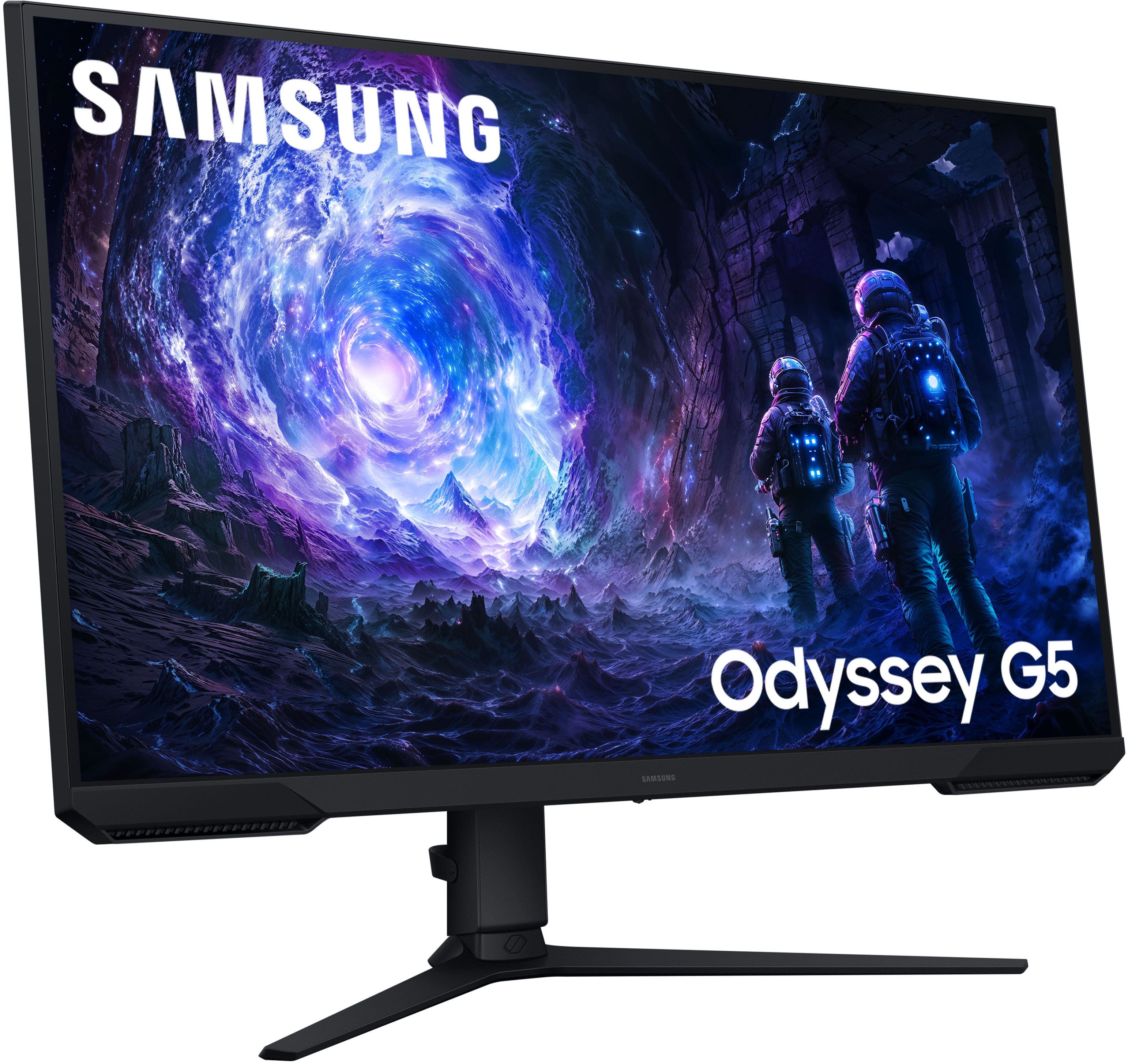
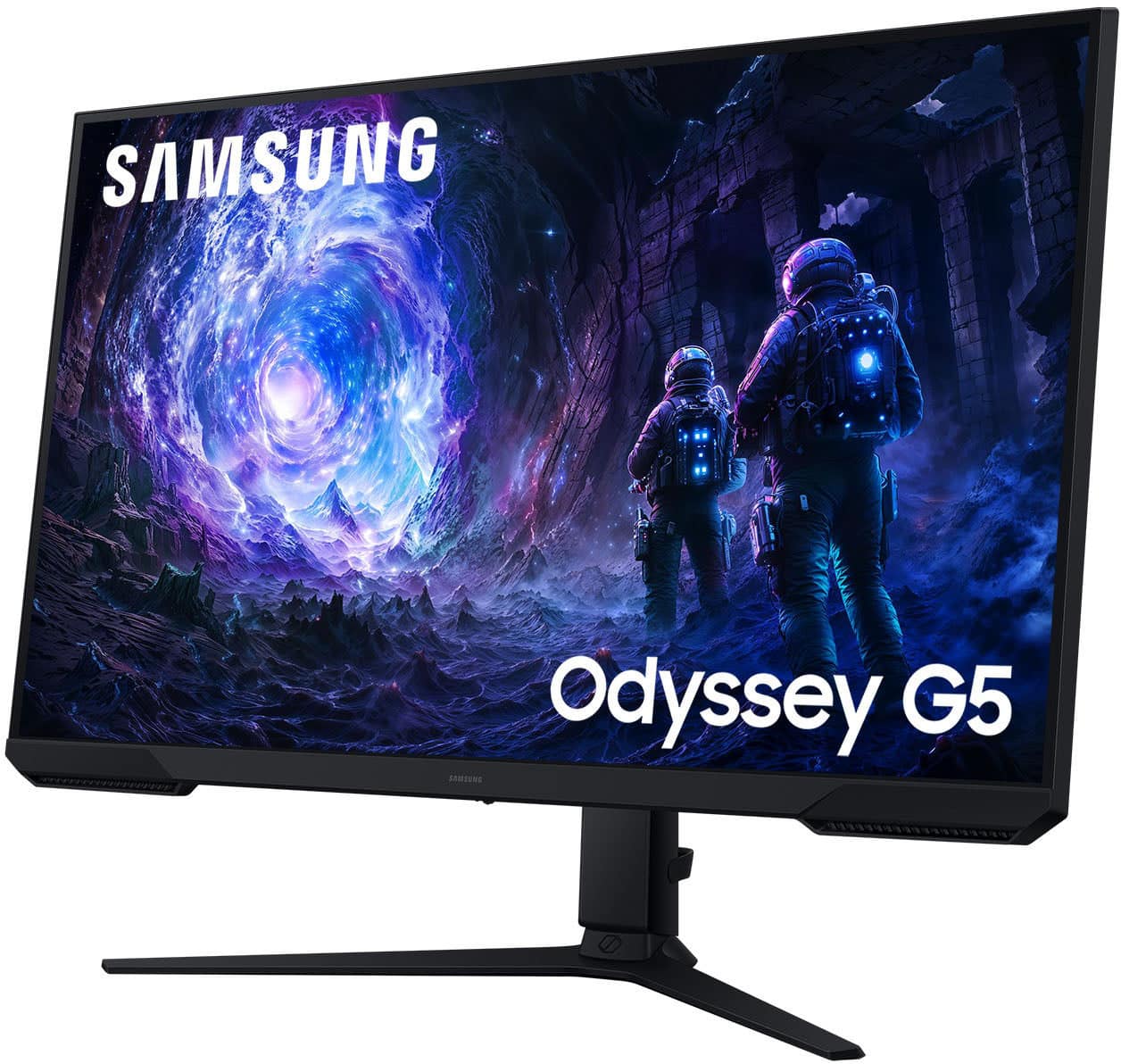
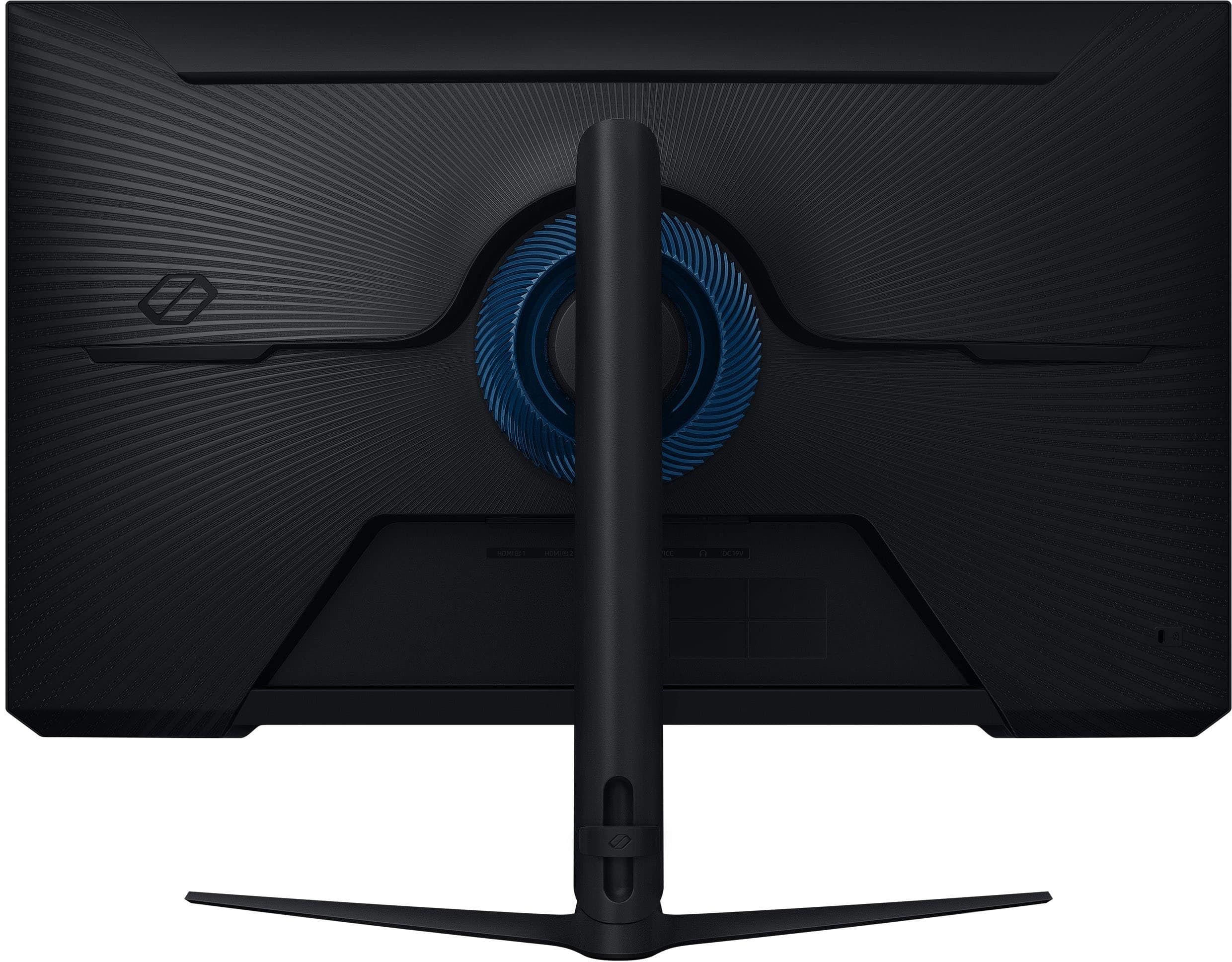
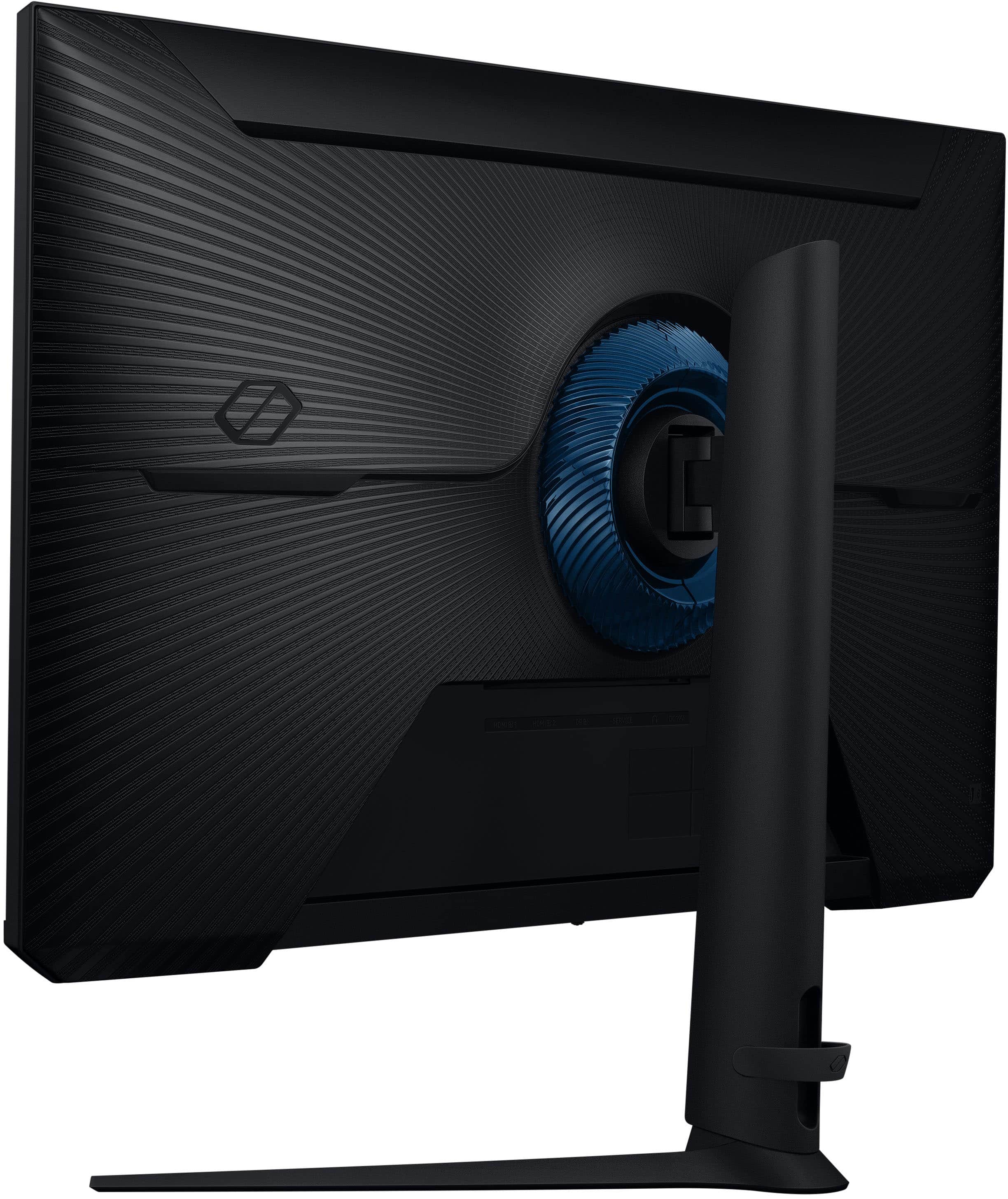
- Model:
- LS32FG51DENXZA
- SKU:
- 6618904
Rating by feature
- Display Quality
Rating 4.8 out of 5 stars
- Ease of Use
Rating 4.8 out of 5 stars
- Features
Rating 4.7 out of 5 stars
Customers are saying
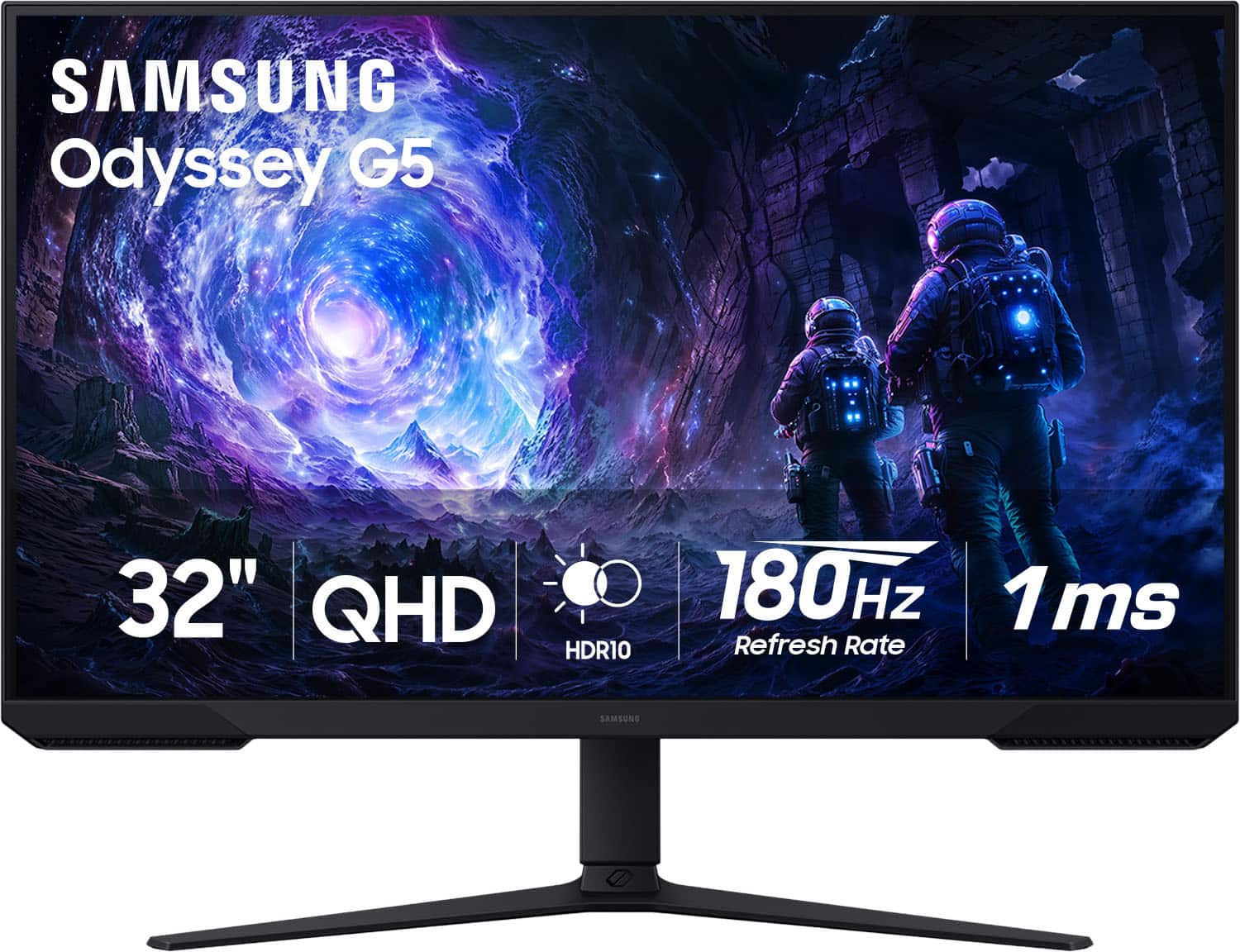
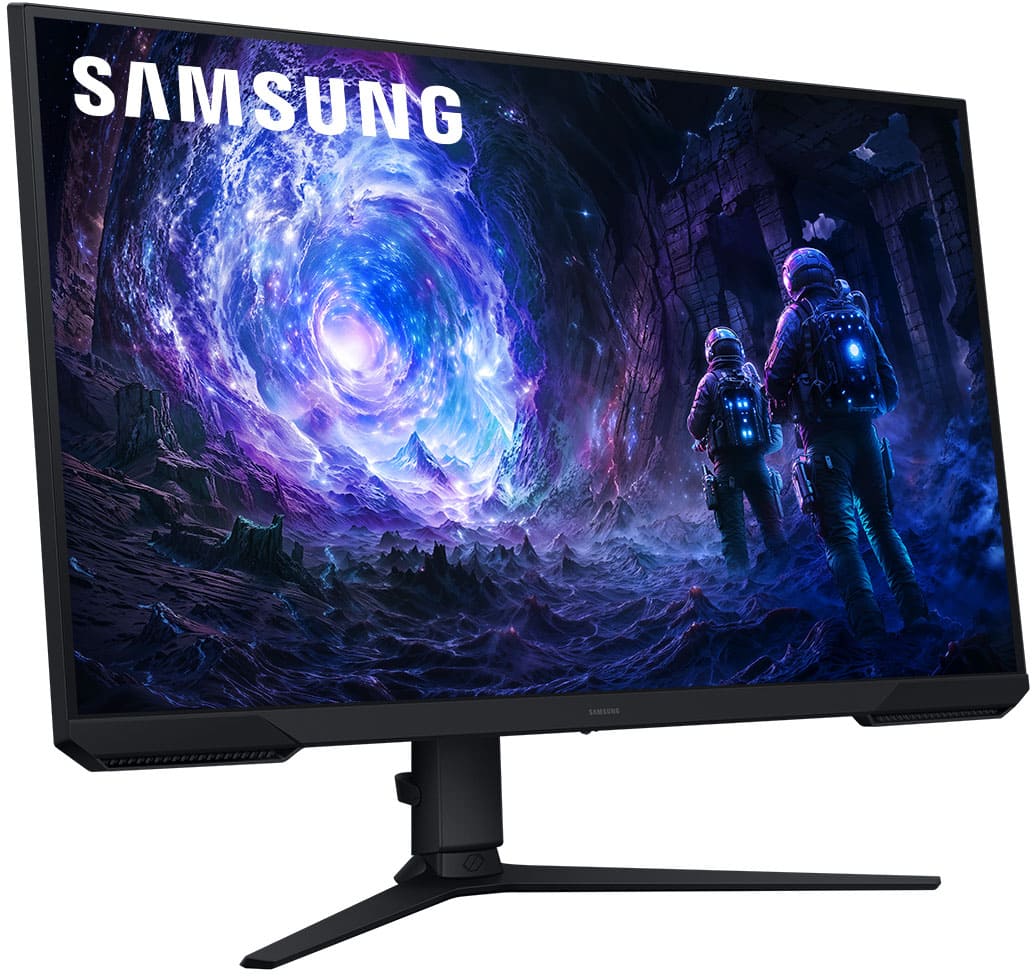
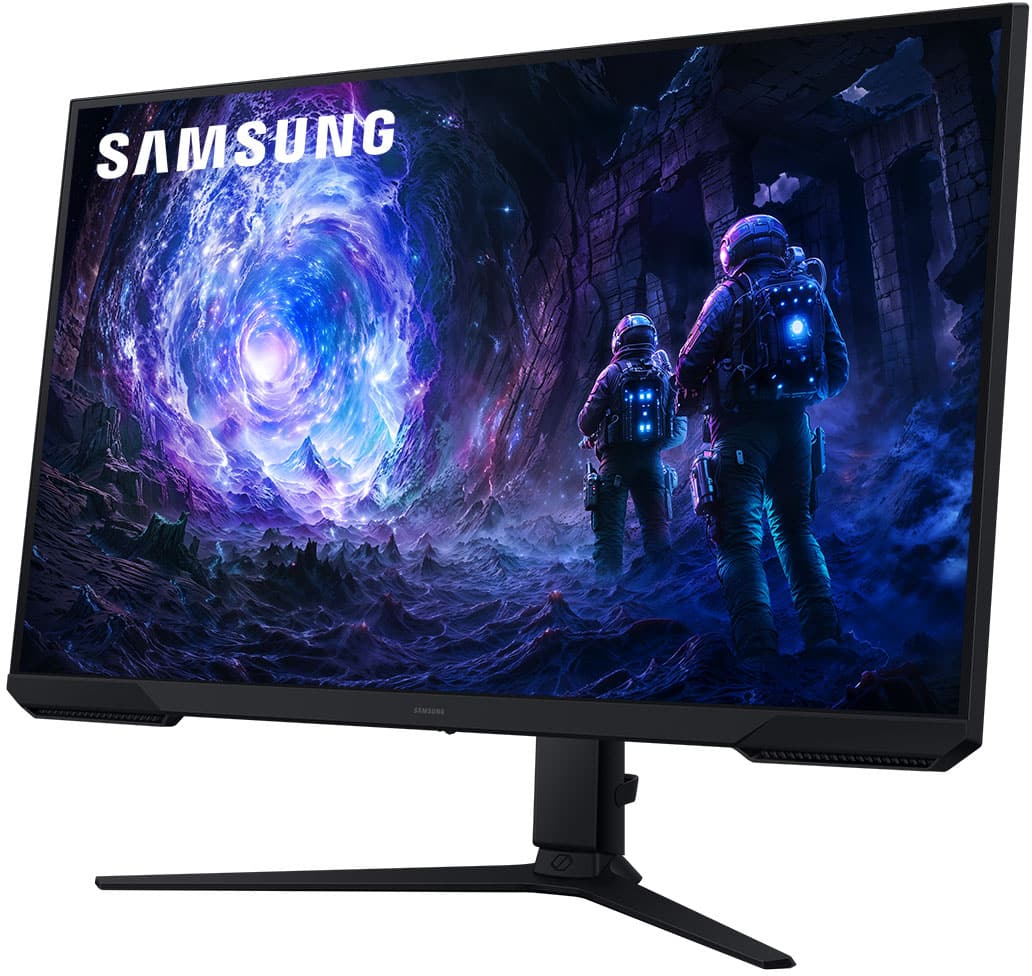
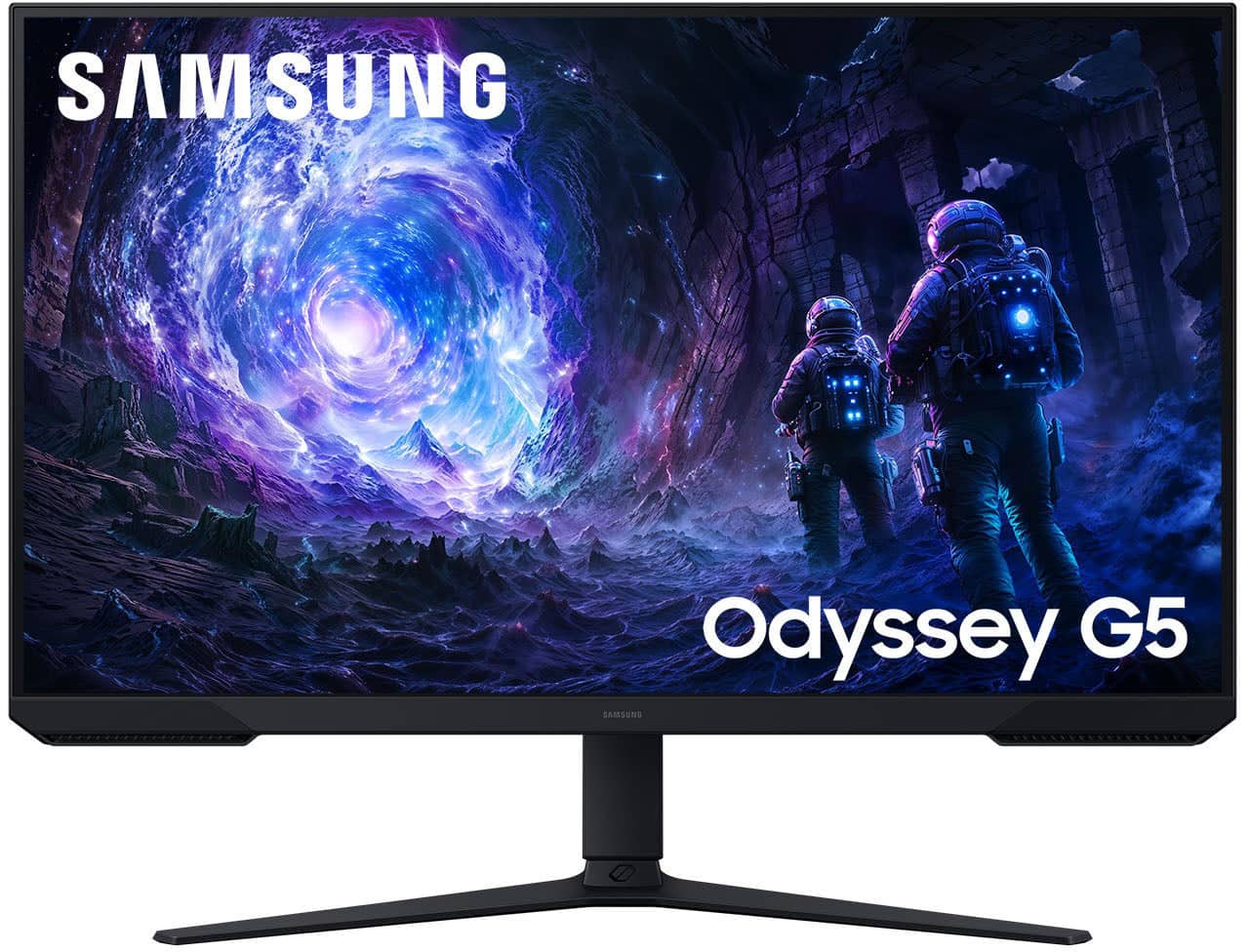
Customers commend the 32" Odyssey G51F monitor for its excellent picture quality, high refresh rate, and overall performance, making it well-suited for gaming. The monitor's size, easy setup, and adjustable height are also appreciated. However, some customers wished it had built-in speakers and found the brightness to be a minor drawback.
This summary was generated by AI based on customer reviews.
Samsung 32in monitor
||Posted .This reviewer received promo considerations or sweepstakes entry for writing a review.Good monitor, wish it could get brighter but it’s fine for dark gaming room.
I would recommend this to a friendNew monitor
||Posted . Owned for 1 week when reviewed.This reviewer received promo considerations or sweepstakes entry for writing a review.Beautiful colors and fast refresh helps this old man’s vision.
I would recommend this to a friendGood price
||Posted . Owned for 1 week when reviewed.This reviewer received promo considerations or sweepstakes entry for writing a review.Niceeeeeeeeeeeeeeeeeeeeeeeeeeeeeeeeeeeeeeeeeeeeeeee
I would recommend this to a friendawesome monitor
||Posted . Owned for 3 weeks when reviewed.This reviewer received promo considerations or sweepstakes entry for writing a review.great monitor. use it for video editing and gaming. only thing I wish it had was built in speakers.
I would recommend this to a friendGood 1440 P monitor
||Posted . Owned for 2 weeks when reviewed.This reviewer received promo considerations or sweepstakes entry for writing a review.Has some ghosting when playing fast paced games colors are descent wish price was a little cheaper for monitor.
I would recommend this to a friendBang for you buck
||Posted . Owned for 1 week when reviewed.This reviewer received promo considerations or sweepstakes entry for writing a review.The monitor is great. The only problem I have is that it doesn’t have speakers.
I would recommend this to a friend- Cons mentioned:Speakers
Check item before you buy
||Posted .This reviewer received promo considerations or sweepstakes entry for writing a review.Tv game monitor is nice, but i didnt know it did not have any build in speakers i could hook up a wireless speaker. But why have to buy my son another monitor will build in speakers
No, I would not recommend this to a friendBrand response from Samsung
Posted .ArthurB:
I'm sorry to hear of the confusion regarding the 32" Odyssey G51F Monitor specifications. Although this model does not include speakers, there is an option to plug speakers into your PC or laptop for sound.
Should you need assistance with your G51F monitor or need assistance in finding another monitor to meet your needs - we’re always here to answer any questions or concerns you may have. You can reach Samsung Support at 1-800-SAMSUNG between 8AM - 9PM EST Monday - Friday, and 8AM - 6PM Saturday and Sunday. LiveChat is also available by visiting the ‘Support’ link on our website.
~ Samsung Monitors
Great Gaming Monitor
||Posted . Owned for 3 weeks when reviewed.This reviewer received promo considerations or sweepstakes entry for writing a review.Very good monitor. No sound with it was a shock after the purchase, but works well with Bluetooth connected soundbar.
I would recommend this to a friendBrightness could be better
||Posted . Owned for 2 months when reviewed.This reviewer received promo considerations or sweepstakes entry for writing a review.The screen could be a little bit more brighter, but overall, it is a good monitor to have size wise
I would recommend this to a friendBrand response from Samsung
Posted .UsetheA40s:
We’re sorry to hear you’re not fully satisfied with the picture quality on your Samsung G51F Monitor. If the image appears too dark, we suggest disabling certain energy-saving features, which can automatically adjust brightness and affect how the screen looks.
Go to: Settings > All Settings > General & Privacy > Power and Energy Saving, then turn off Brightness Optimization, Energy Saving Solution, Motion Lighting, and/or Contrast Enhancer.
You can also adjust the Picture Mode to better suit your environment: Settings > All Settings > Picture > Picture Mode
• Standard – Default mode for general viewing
• Dynamic – Brighter and clearer, ideal for well-lit rooms
• Movie – Best for dark room viewing
• Eco – Energy-saving mode
• Filmmaker Mode – Preserves content as intended by creators
To fine-tune brightness, go to: Home > left directional key > Settings > All Settings > Picture > Expert Settings, then adjust the Brightness level (0–50) to your preference.
Lastly, please make sure your Monitor is running the latest firmware: Home > Home > left directional key > Settings > Support > Software Update > Update Now
We hope these tips help improve your viewing experience. If you need further support, feel free to contact us at 1-800-SAMSUNG between 8AM - 9PM EST Monday - Friday, and 8AM - 6PM Saturday and Sunday. LiveChat is also available via the ‘Support’ link on our website.
~ Samsung Monitors
Slow respon
||Posted . Owned for 2 weeks when reviewed.This reviewer received promo considerations or sweepstakes entry for writing a review.It is not good enough i thought,it's ok for normal use
No, I would not recommend this to a friendBrand response from Samsung
Posted .SuhailZ:
We appreciate your feedback regarding response time. For optimal performance, please ensure your Monitor is running the latest firmware. You can check this by going to: Home > left directional key > Settings > Support > Software Update
To further optimize performance, try running Device Care, which checks memory, clears unused cached data, and closes background apps: Home > left directional key > Settings > Support > Device Care > Start Device Care
If issues continue, please reach Samsung Support at 1-800-SAMSUNG, available 8AM - 9PM EST Monday - Friday, and 8AM - 6PM Saturday and Sunday.
LiveChat is also available via the ‘Support’ link on our website.
~ Samsung Monitors
mointor review
||Posted . Owned for 2 weeks when reviewed.This reviewer received promo considerations or sweepstakes entry for writing a review.its basically like kinda a pain in the butt to assemble
I would recommend this to a friendBrand response from Samsung
Posted .GabeW:
Thanks for sharing your review of the G51F Monitor. We value your feedback regarding the set up and will share it with our teams.
Should you need further assistance or have questions, please contact Samsung Customer Support at 1-800-SAMSUNG, available daily from 8AM - 9PM EST Monday - Friday, and 8AM - 6PM Saturday and Sunday. You can also visit the Samsung website and click on ‘Support’ for:
• Live Chat
• Manuals, Software, & Warranty Info
~ Samsung Monitors
Monitor
||Posted . Owned for 2 weeks when reviewed.This reviewer received promo considerations or sweepstakes entry for writing a review.Pretty good monitor had dead pixel though looks good
I would recommend this to a friend- Pros mentioned:Overall performance, Refresh rate, Resolution

Amazing Choice!
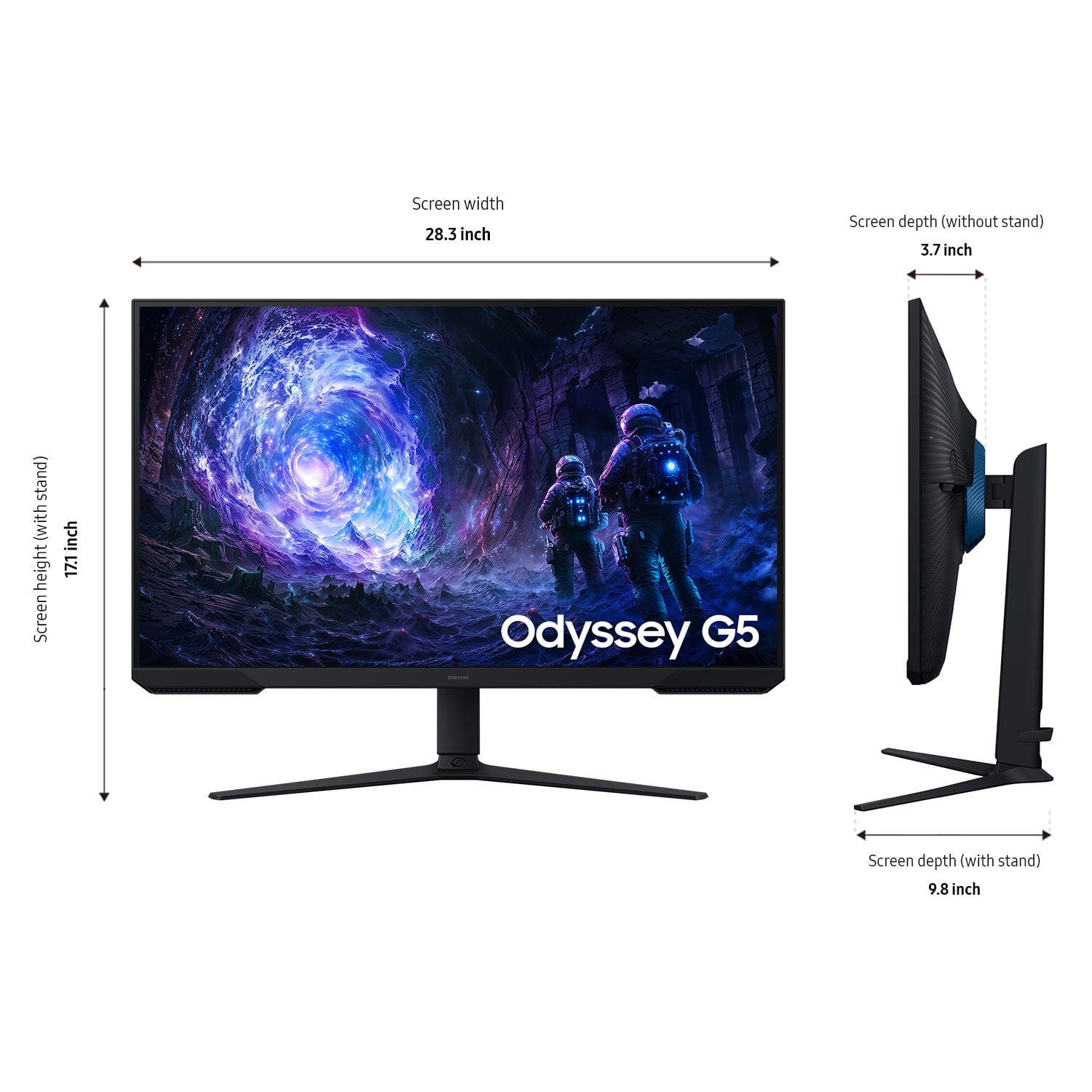
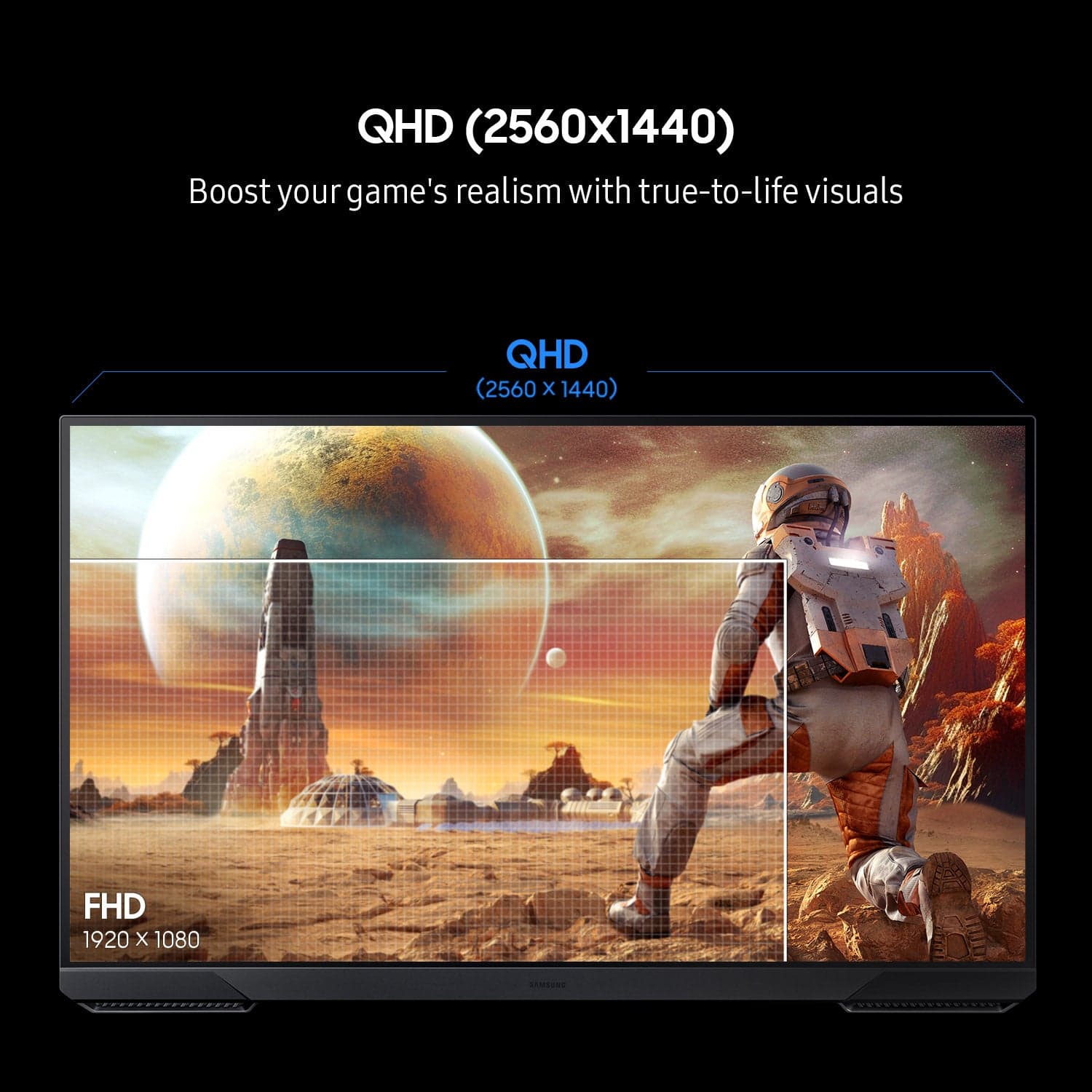
|Posted .This reviewer received promo considerations or sweepstakes entry for writing a review.The Samsung Odyssey G51F has been an amazing gaming and multi-functional monitor. Setup was straightforward and only took minutes, including unboxing. The menus on the monitor are very easy to access and navigate, and important feature on a gaming monitor as you will definitely want to tweak all the settings to your liking. The screen is absolutely beautiful and the stellar 180hz refresh rate is the main attraction. Gaming on this monitor is a dream, it has definitely sold me on the 32 inch monitor format. The QHD Resolution is the sweet spot in my opinion, you get beautiful graphics that you can run on affordable hardware and that makes this monitor an amazing choice for most PC gamers! The VESA mount on this monitor also makes it perfect for your existing monitor arms, its not too heavy even though its so large. That is good news because your VESA mounts or monitor arms will most likely work on this screen, a huge win. This screen has been great for watching movies, and even productivity during busy work days as well. This is important because most of us use our setups for work when we aren't gaming. Overall I have no complaints and this monitor is top notch.
I would recommend this to a friend Samsung monitor
||Posted . Owned for 1 week when reviewed.This reviewer received promo considerations or sweepstakes entry for writing a review.Monitor was not as expected very cheap Bulid might as well upgrade to something better.
No, I would not recommend this to a friendG5 monitor
||Posted . Owned for 1 week when reviewed.This reviewer received promo considerations or sweepstakes entry for writing a review.Refresh ever so often, better monitors to buy for the same price
No, I would not recommend this to a friendMonitor
||Posted . Owned for 3 weeks when reviewed.This reviewer received promo considerations or sweepstakes entry for writing a review.The quite young sales man that helped us sent the item to the wrong address and then when I tried to correct him he did not change the address. Our item got shipped to the wrong address and when I came back to the store to inform him he argued with me about his mistake. Horrible experience and they did absolutely nothing to help weight this wrong. We had to wait must loner for the item to be intercepted and then resent to us. I would not order from this company again.
I would recommend this to a friendBrand response from Samsung
Posted ."It’s unfortunate to hear the delivery of your 32" odyssey G51F was less than adequate. We recommend you contact Best Buy directly for assistance. We hope your issue is resolved quickly.
Should you ever need help or have questions on your monitor once it arrives, please know we’re here to help. Call us at 1-800-SAMSUNG, available 8AM - 12AM EST (Mon-Fri) / 9AM - 11PM EST (Sat-Sun) Or visit our Samsung website and click on the SUPPORT link in the upper right corner.
"
- Cons mentioned:Speakers
No speakers
||Posted . Owned for 1 month when reviewed.This reviewer received promo considerations or sweepstakes entry for writing a review.I didnt know these didnt come with build on speakers. No wonder it was cheap when i bought it.
No, I would not recommend this to a friendBrand response from Samsung
Posted .AlexV:
I'm sorry to hear of the confusion regarding the 32" Odyssey G51F Monitor specifications. Although this model does not include speakers, there is an option to plug speakers into your PC or laptop for sound.
Should you need assistance with your G51F monitor or need help in finding another monitor to meet your needs - we’re always here to answer any questions or concerns you may have. You can reach Samsung Support at 1-800-SAMSUNG between 8AM - 9PM EST Monday - Friday, and 8AM - 6PM Saturday and Sunday. LiveChat is also available by visiting the ‘Support’ link on our website.
~ Samsung Monitors
- Pros mentioned:Overall performance, Refresh rateCons mentioned:Speakers
Great gaming monitor!
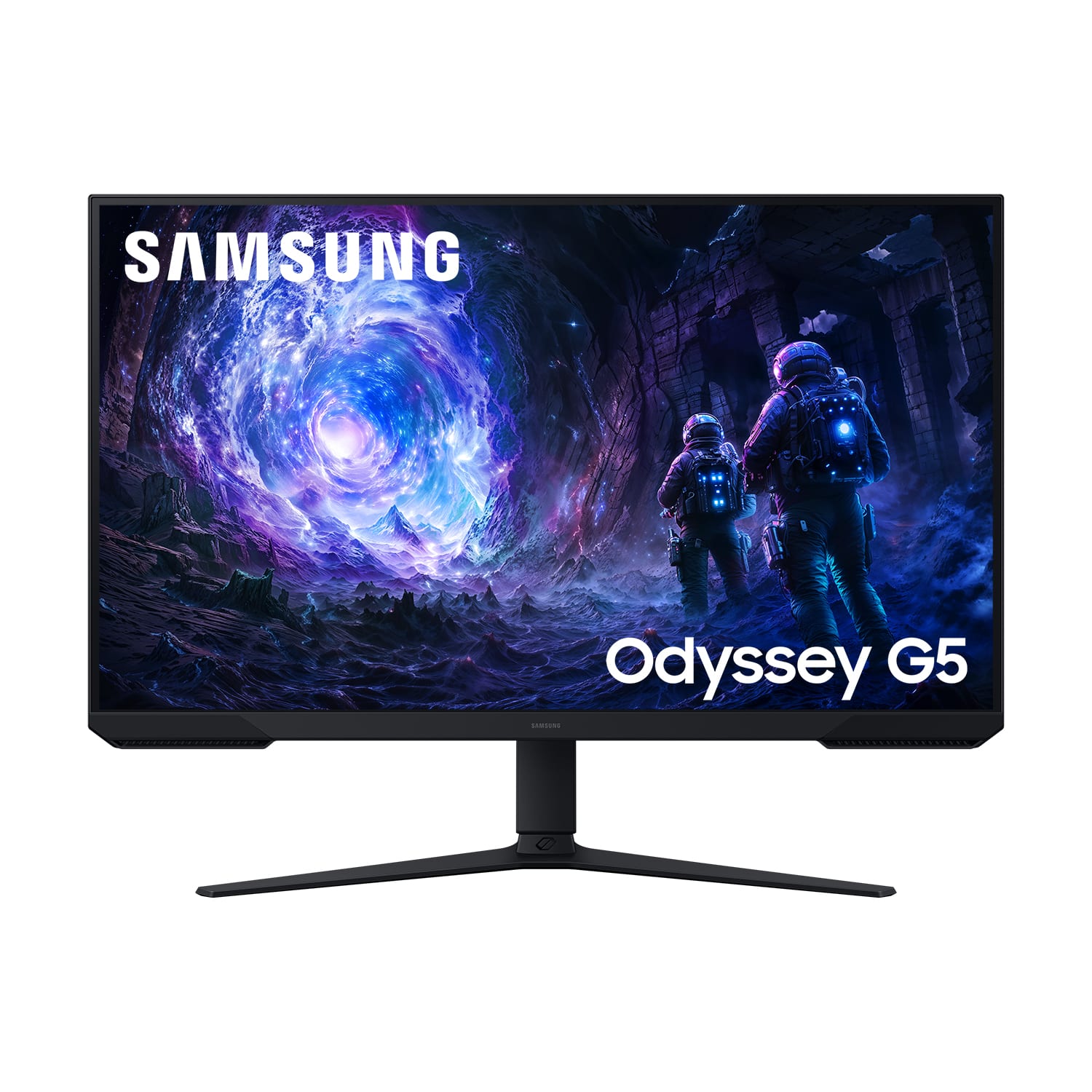
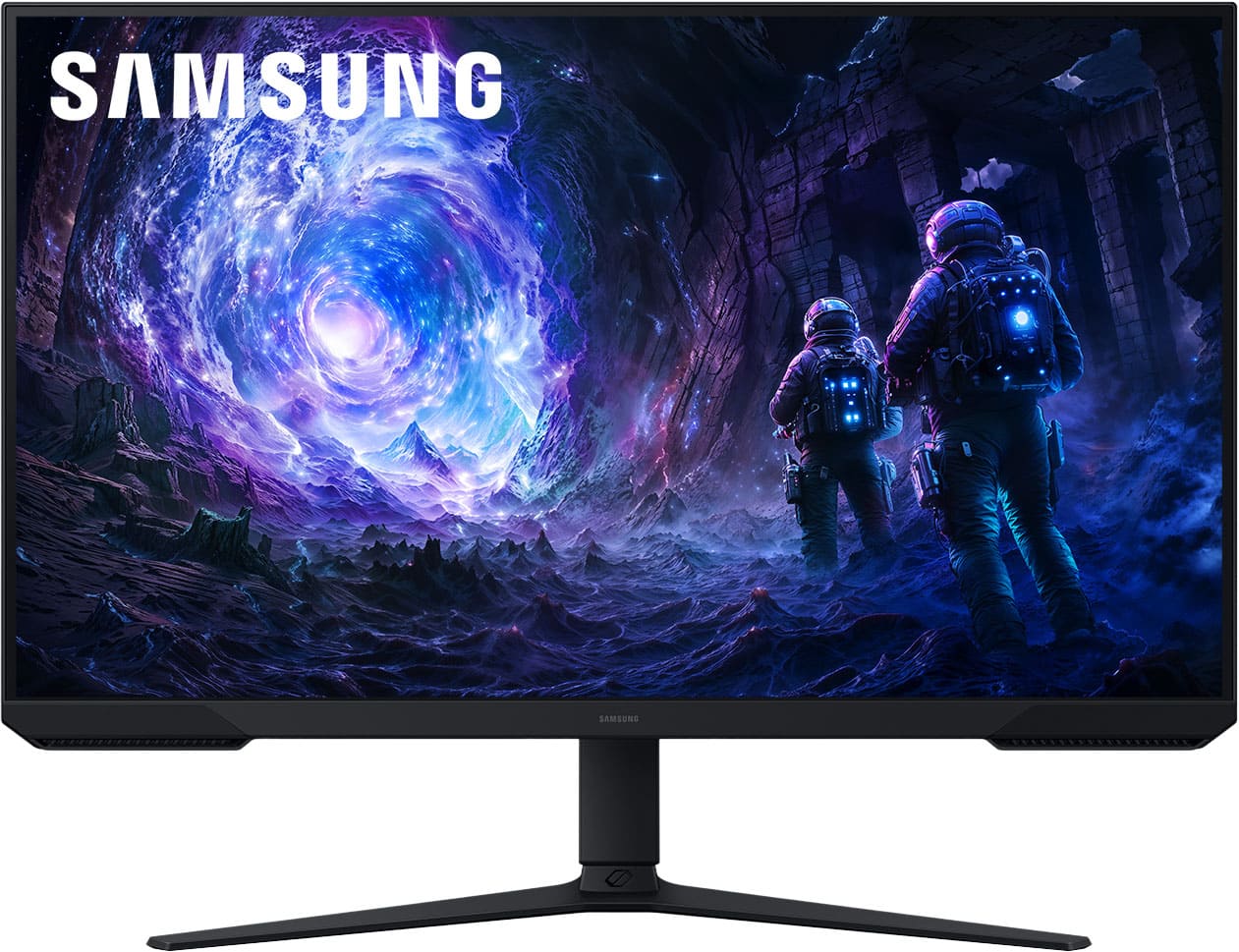
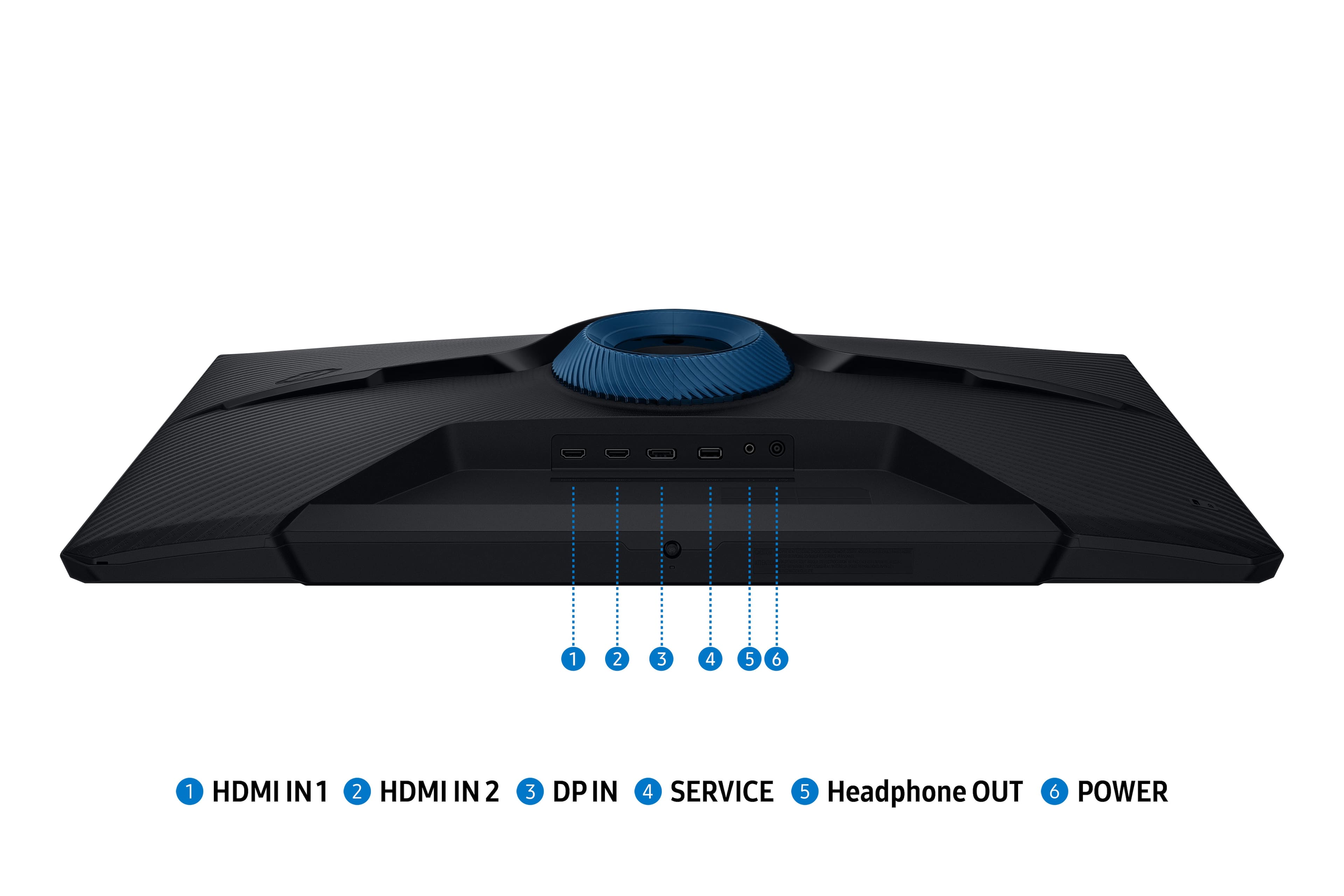
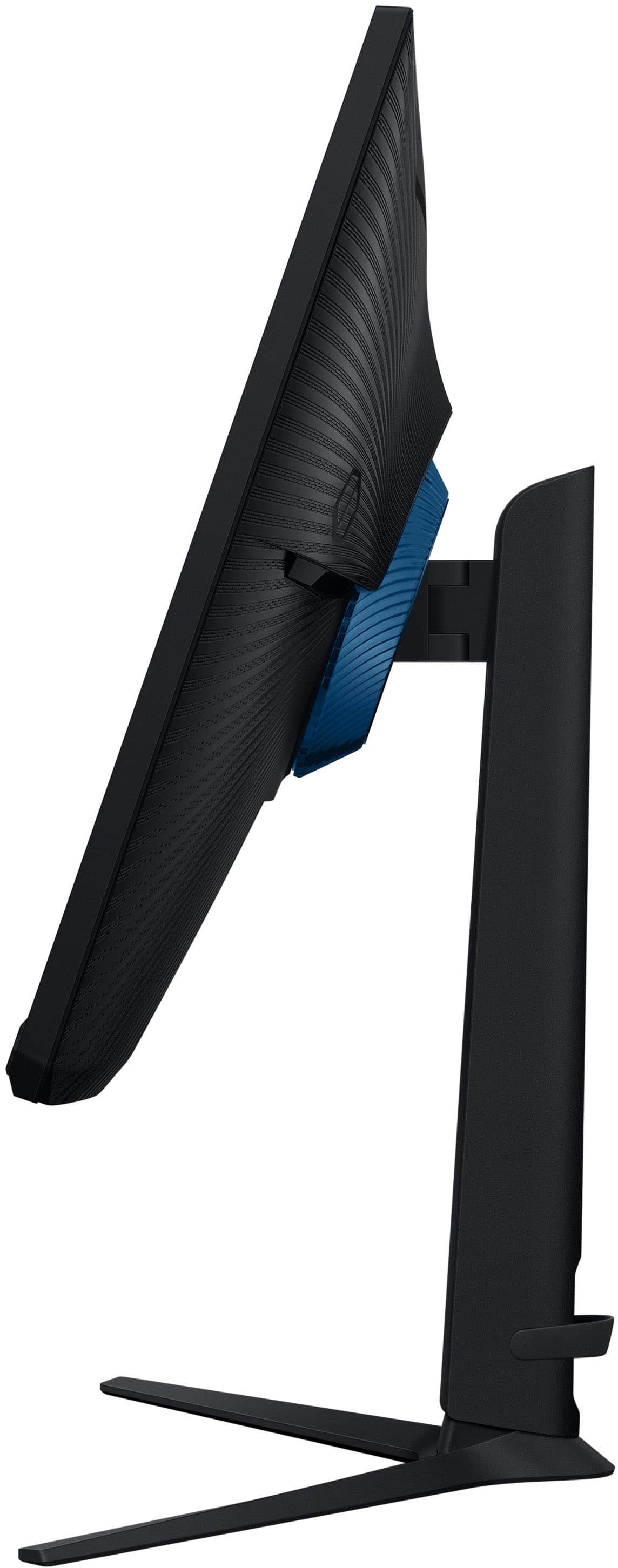
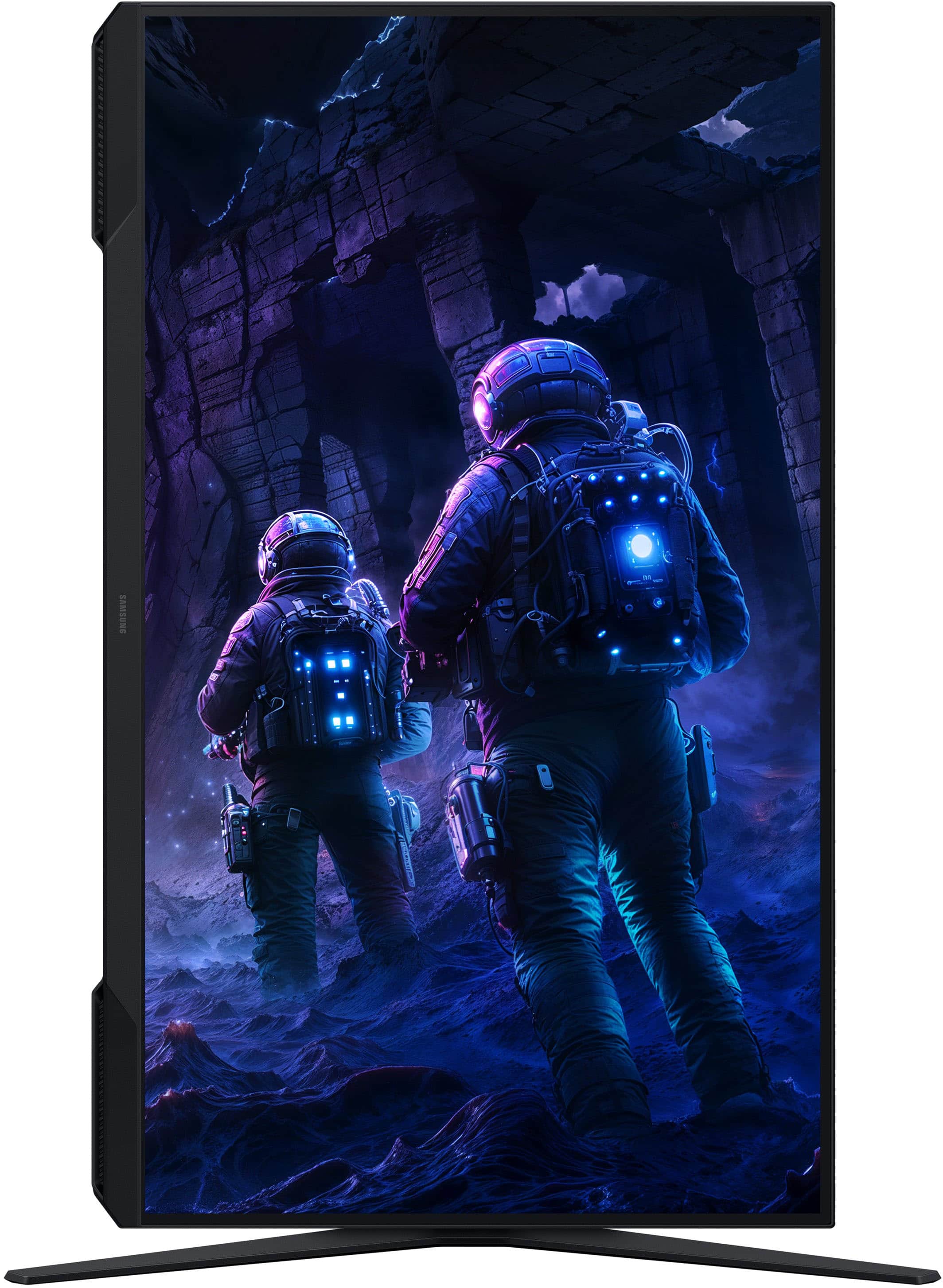
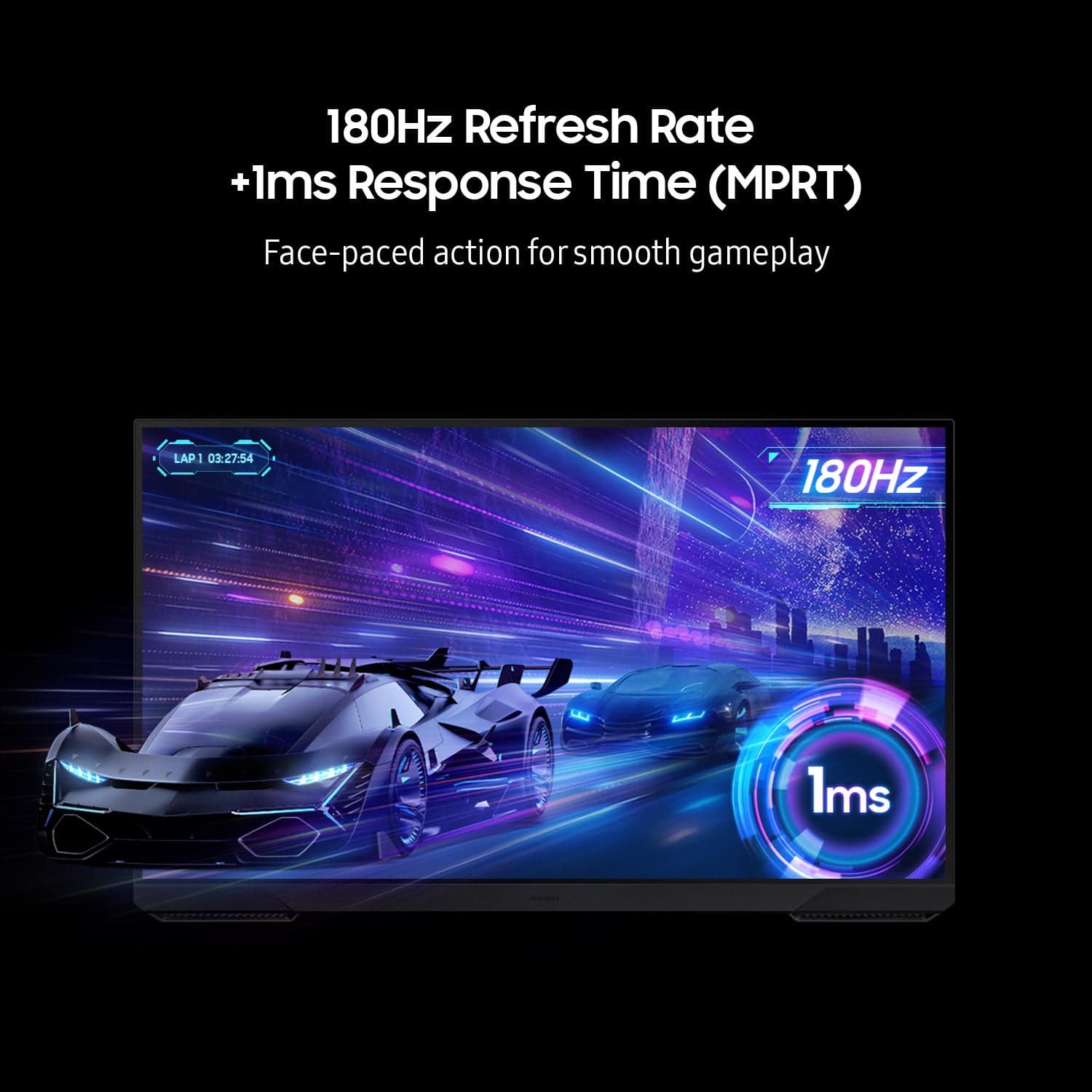
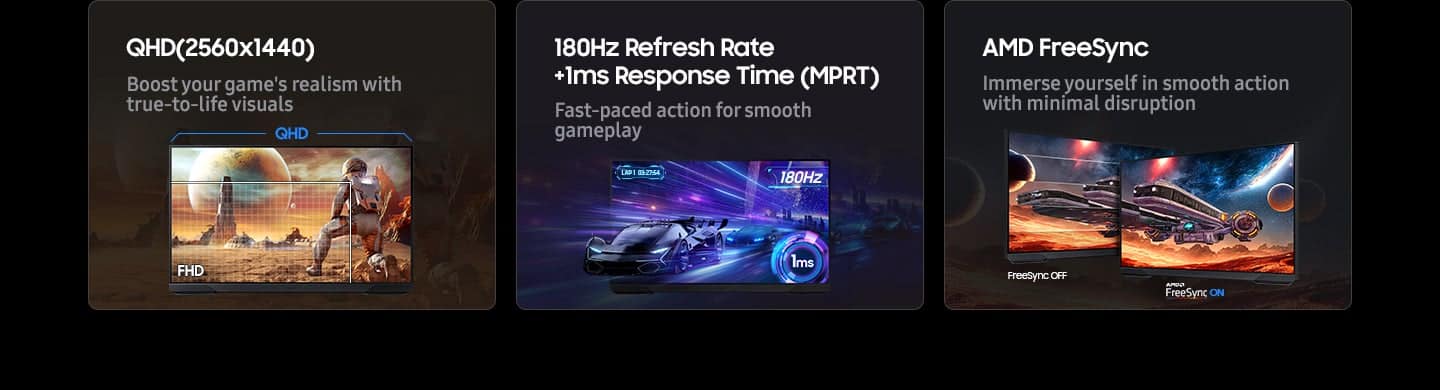
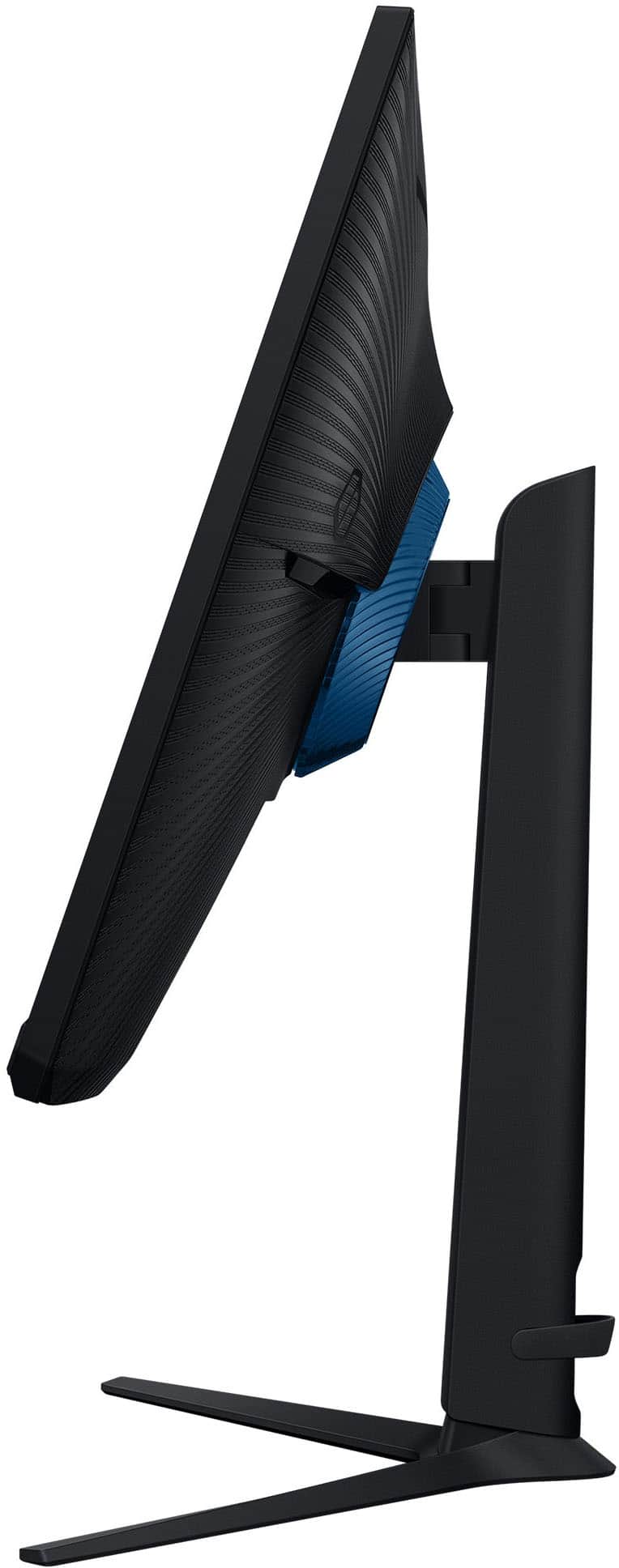
|Posted .This reviewer received promo considerations or sweepstakes entry for writing a review.I have always been a big fan of Samsung computer monitors. I’ve probably owned 10+ of them over the years. They have always been good quality, and on the off chance I did have a problem, Samsung's customer service is top notch. Out of the box you can tell this is a good quality and well-built monitor. It is very easy to put together, you basically just have to snap on the stand and you are ready to go! It has all the adjustments you need. You can tilt it up and down as well as swivel it side to side. There is also a height adjustment so you can move it up and down a little as well. The design is very minimalistic, while still looking like a gaming monitor at the same time. They don’t overdo it with tons of RGB lighting like a lot of companies do. It will look great sitting on any desk! My workstation is primarily used for work stuff as well as entertainment like watching online videos and a little bit of gaming as well. I was looking for a monitor that would give me a great balance of all of those things. I can definitely say, this monitor did not disappoint. While it is not a 4K monitor, its what’s known as a QHD or 1440p monitor with a resolution of 2560x1440 and it also has HDR10 as well. It has 1 DisplayPort (1.4) and 2 HDMI 2.0 ports. For most people, that will be plenty. I usually just use the 1 display port. For office and video watching type stuff, the monitor looks great. It has an amazing crisp picture and looks great! For gaming, that’s when the 180Hz refresh rate and 1 millisecond response time comes in very handy. From old games, to the latest, they look amazing and have no screen tearing or anything like that. The monitor also has AMD FreeSync Premium which will add to keeping your video rock solid with no weird tearing or jagged edges or any kind of sync problems. I tested it out with a couple of my favorites, Elden Ring and Cyberpunk. The experience was amazing and flawless. Just for fun I also plugged in my Switch 2 and that also looked great as well. But with that, I did find the one small flaw in this monitor. It does not have any kind of internal speakers. So just be sure you are aware that you will need some kind of external speakers with whatever you use this for. Other than that, I really cannot find any negatives about this monitor. Its great quality, has a great price, and just works! Definitely check it out if you are in the market for a new monitor!
I would recommend this to a friend - Pros mentioned:Overall performance, Refresh rateCons mentioned:Hdr performance
Phenomenal Gaming monitor
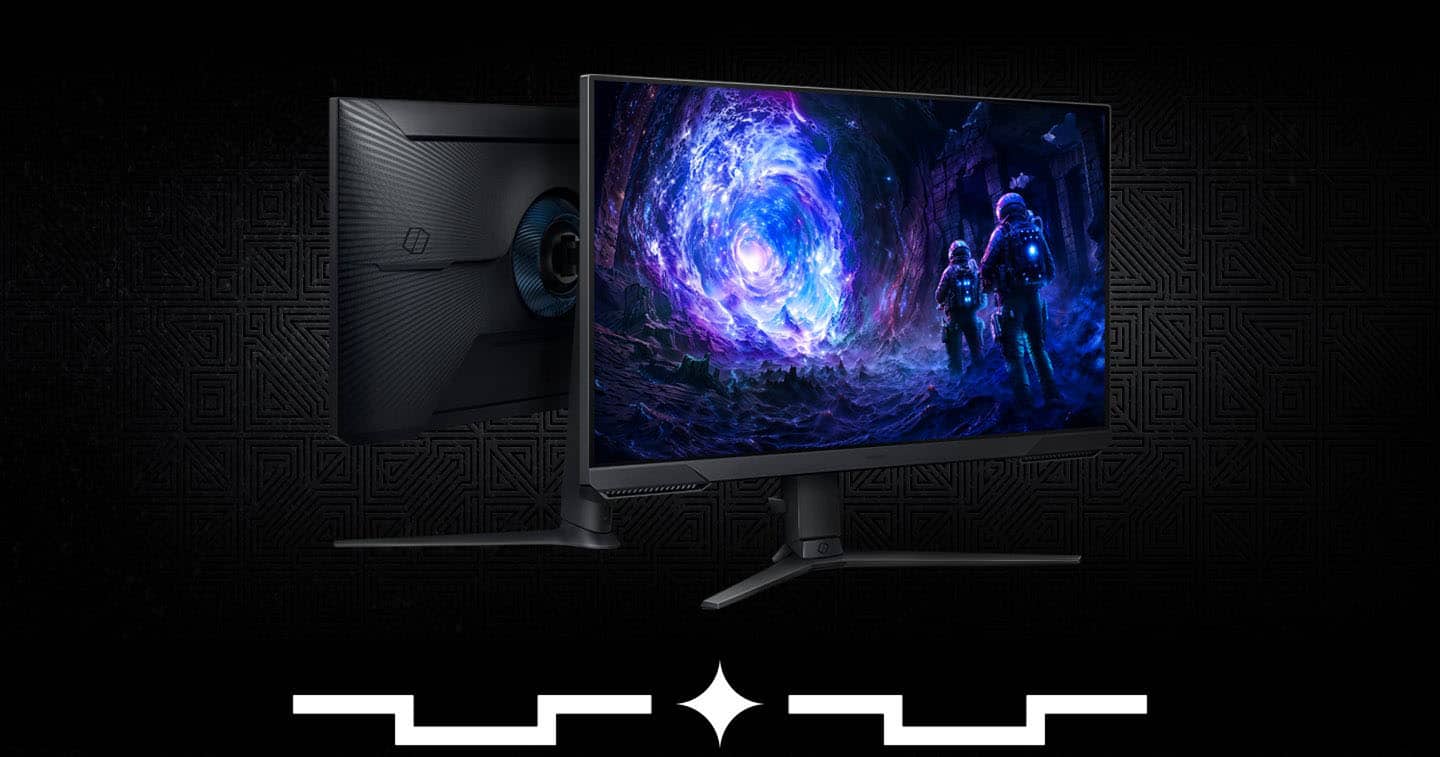
|Posted .This reviewer received promo considerations or sweepstakes entry for writing a review.The Samsung 32" Odyssey G51F QHD 180Hz 1ms AMD FreeSync Gaming Monitor with HDR10 is an amazing monitor for its price point. The package and setup of the monitor was fairly easy to do. One thing that I really love about it is it’s base. I personally love how the legs are spread out as I can move the monitor closer to me when I play a racing game. The picture quality is amazing!. It has very minimal glare and there is little to no noticeable ghosting during fast movements. The high refresh rate makes the overall experience very smooth and the response rate is insane for the price. The colors are amazing and vibrant, and the blacks are very good too. I was able to use the extreme refresh rate and time using DisplayPort. One thing is that the HDR is somewhat lacking though as the colors aren’t the best. Another thing that I like about this monitor is the GUI and thumbstick. It's super easy to access and use the GUI as the thumbstick is right in the middle at the bottom. The GUI is very simple to use and has helpful descriptions when hovering over an option. There are no speakers built in to this monitor but then again it is a gaming monitor. The 32” display is amazing and I like the eye saver settings which comes in handy during long use. I really wish that there was better cable management as the only one is a rubber tie. Overall this is an amazing monitor and I would highly recommend it if you are in the market for a new gaming monitor.
I would recommend this to a friend Samsung Monitor Could not adjust
||Posted . Owned for 3 weeks when reviewed.This reviewer received promo considerations or sweepstakes entry for writing a review.Adjustment knob would not work. Returned the monitor to store.
No, I would not recommend this to a friendBrand response from Samsung
Posted ."Thank you for your review. We are sorry you were not satisfied with your experience. Your overall feedback is important to us and we will document your concerns. We also recommend you contact Best Buy directly for assistance in correcting the situation. If you ever need assistance with the monitor itself, please contact Samsung Customer Support and a rep will be happy to assist you: 1-800-SAMSUNG, available 8AM - 12AM EST (Mon-Fri) / 9AM - 11PM EST (Sat-Sun) Samsung is committed to providing the best possible product experience, quality, and value, and we are always here to help with any of your questions or concerns. "