Customer Ratings & Reviews
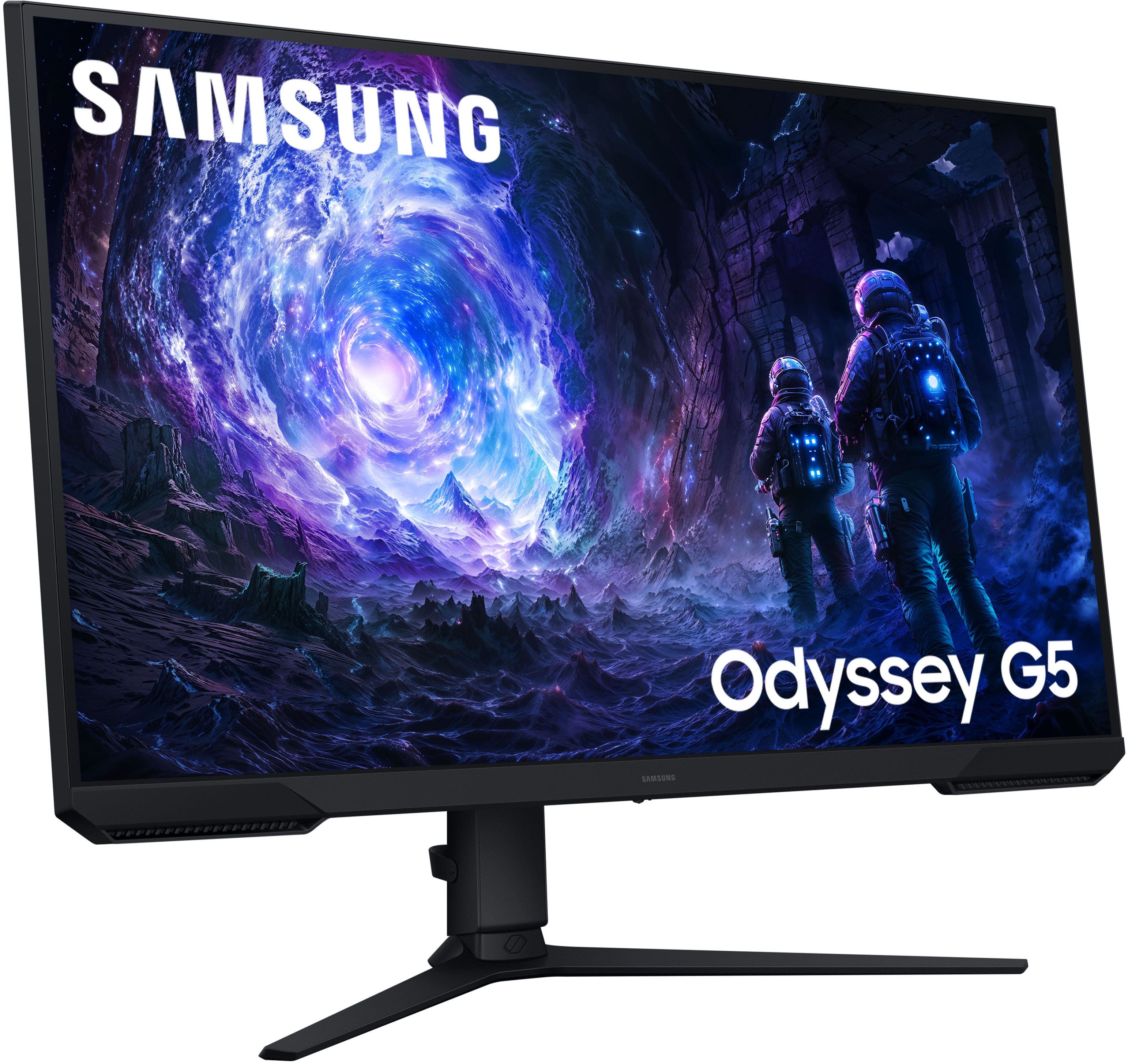
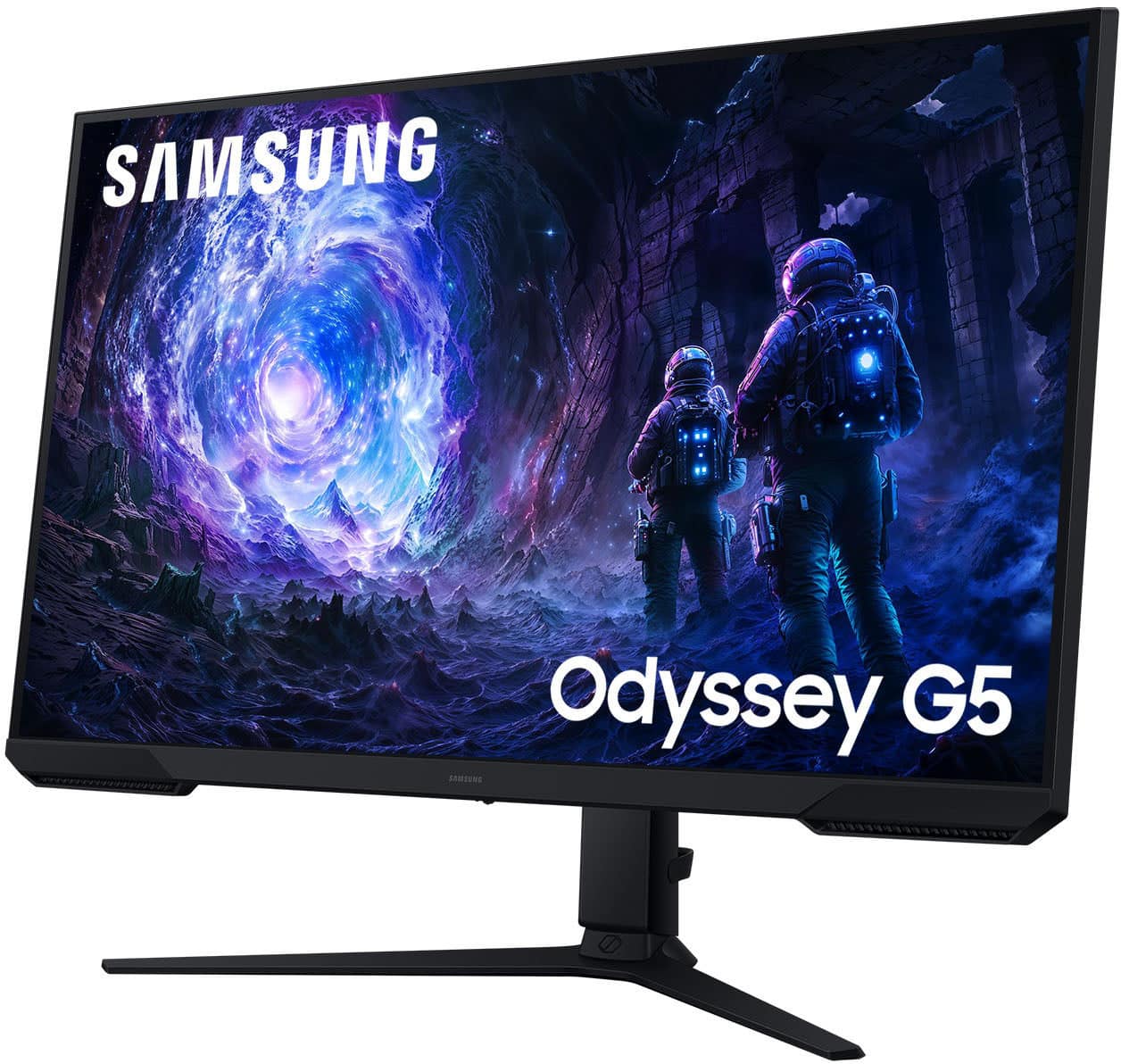
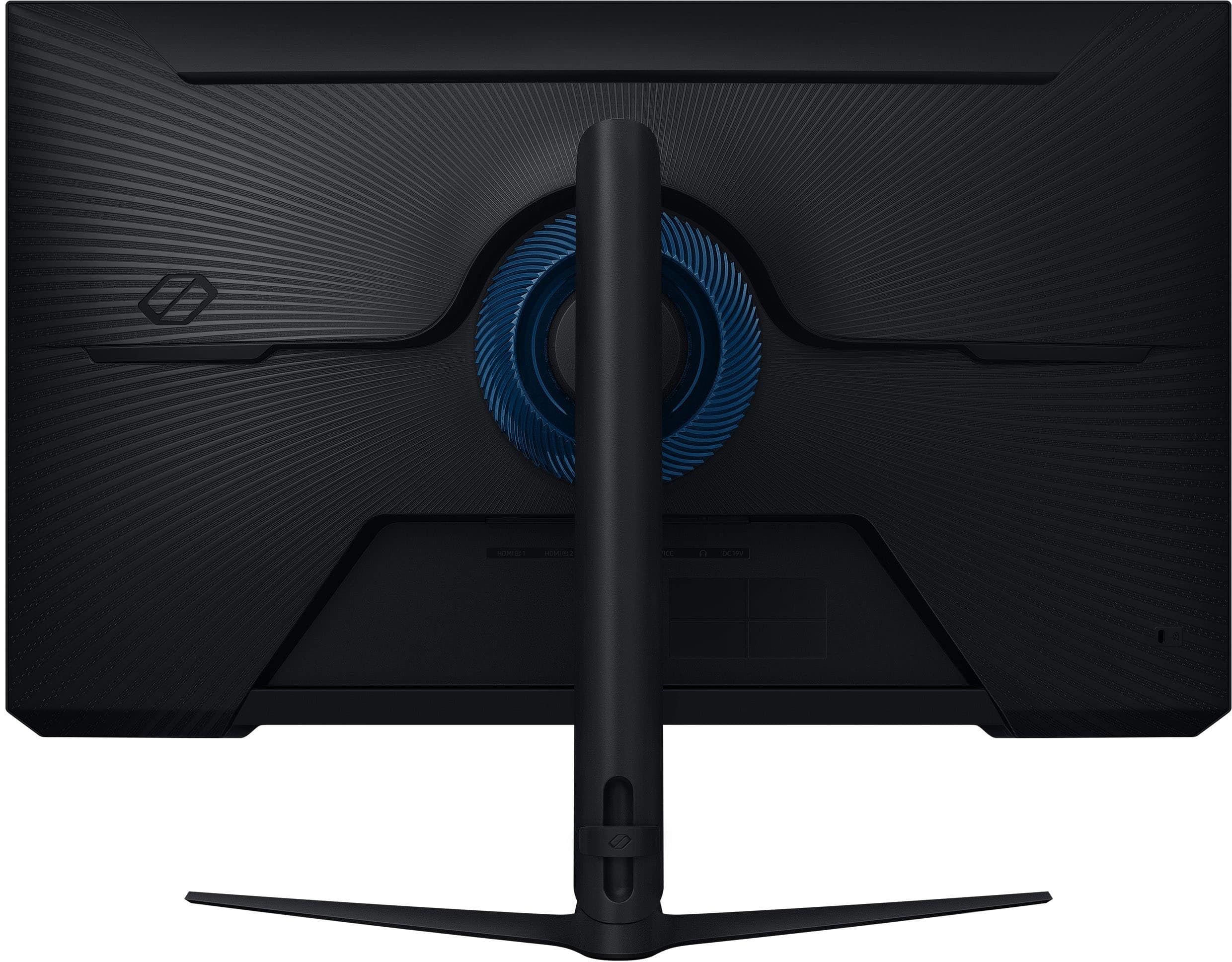
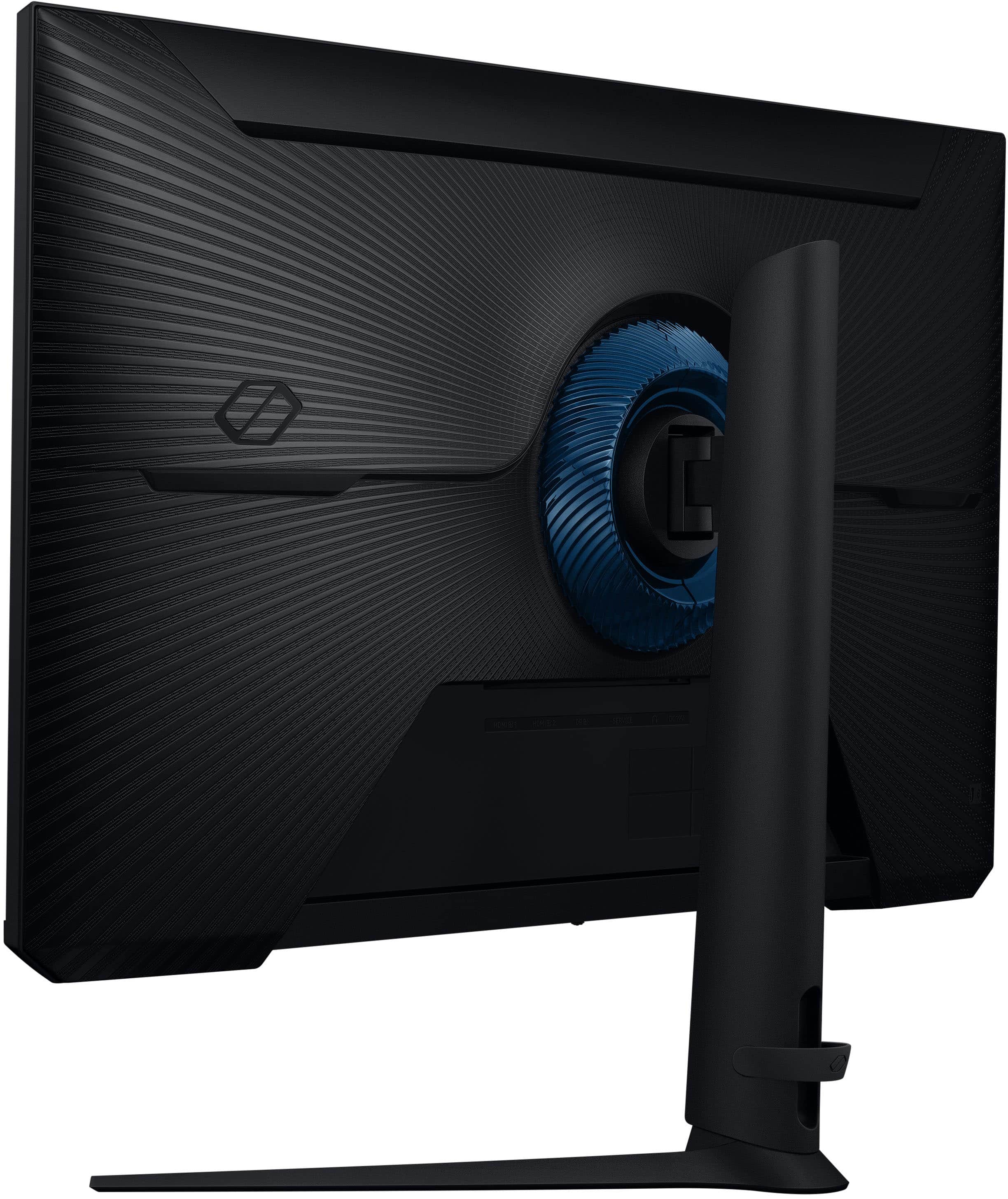
- Model:
- LS32FG51DENXZA
- SKU:
- 6618904
Rating by feature
- Display Quality
Rating 4.8 out of 5 stars
- Ease of Use
Rating 4.8 out of 5 stars
- Features
Rating 4.7 out of 5 stars
Customers are saying
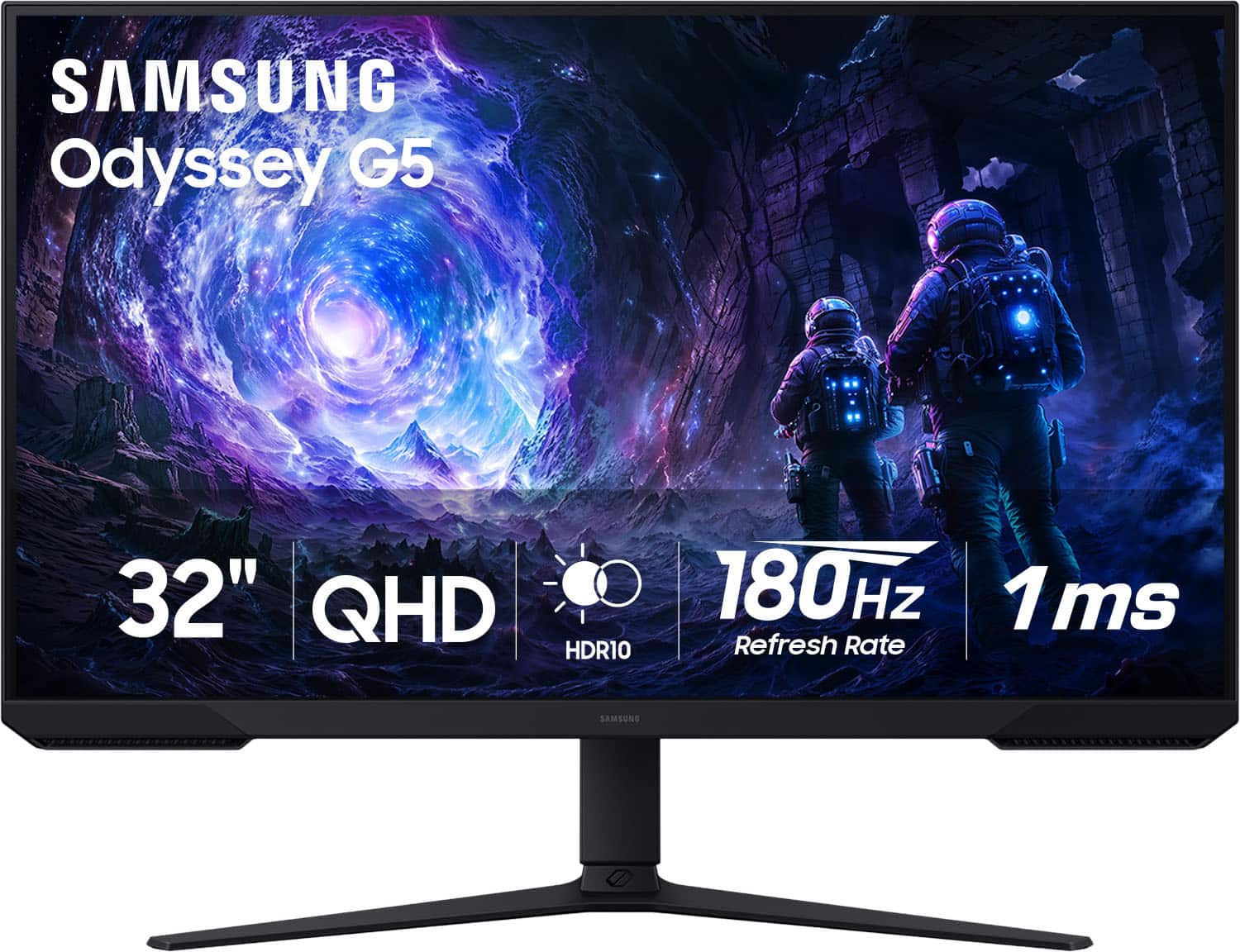
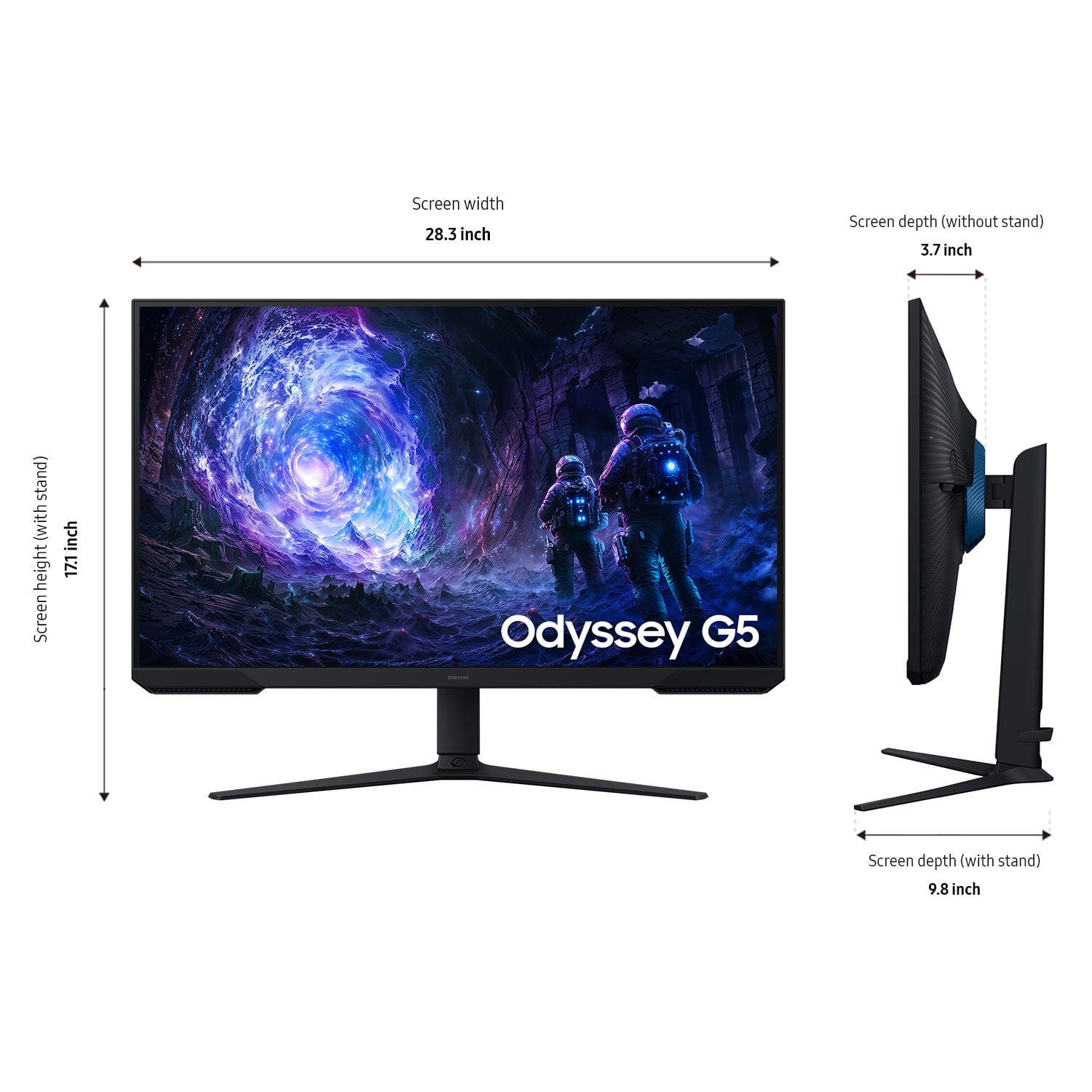
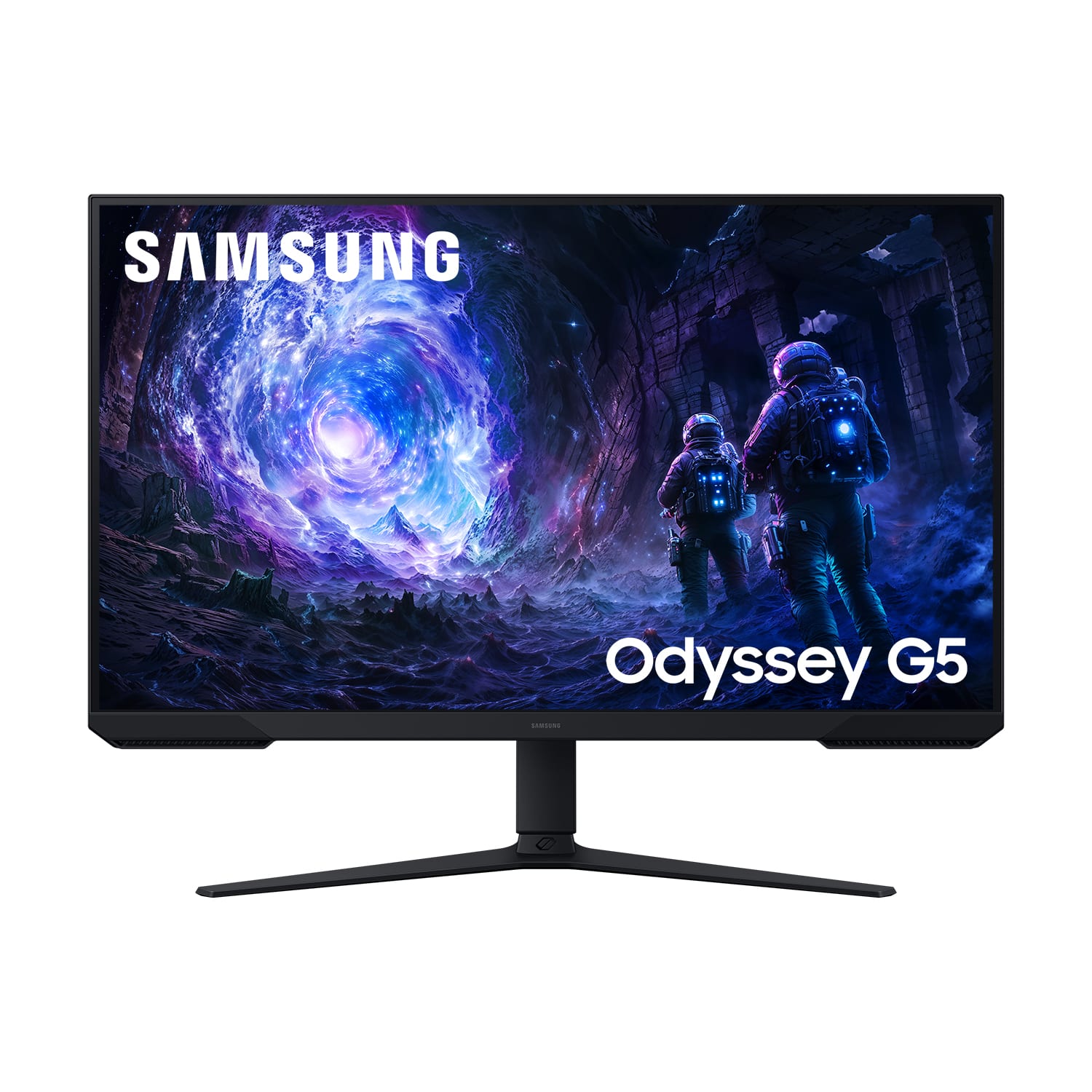
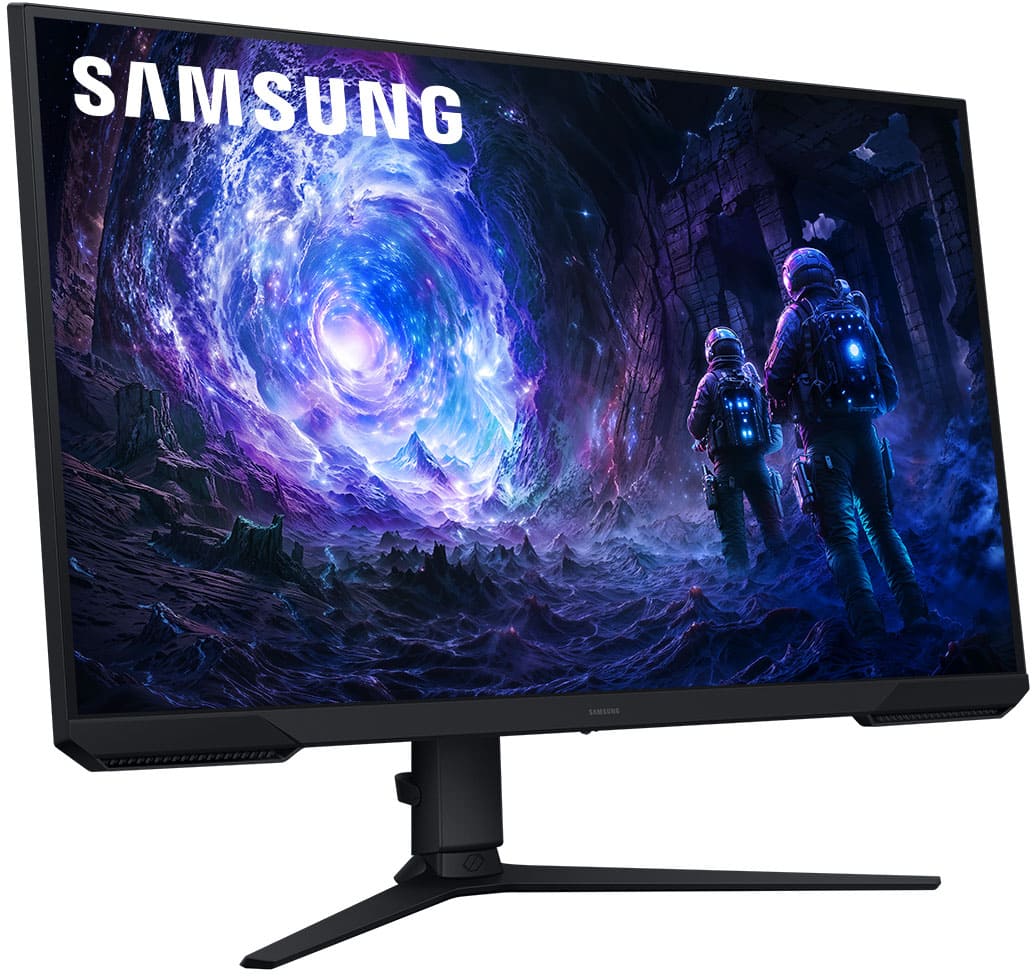
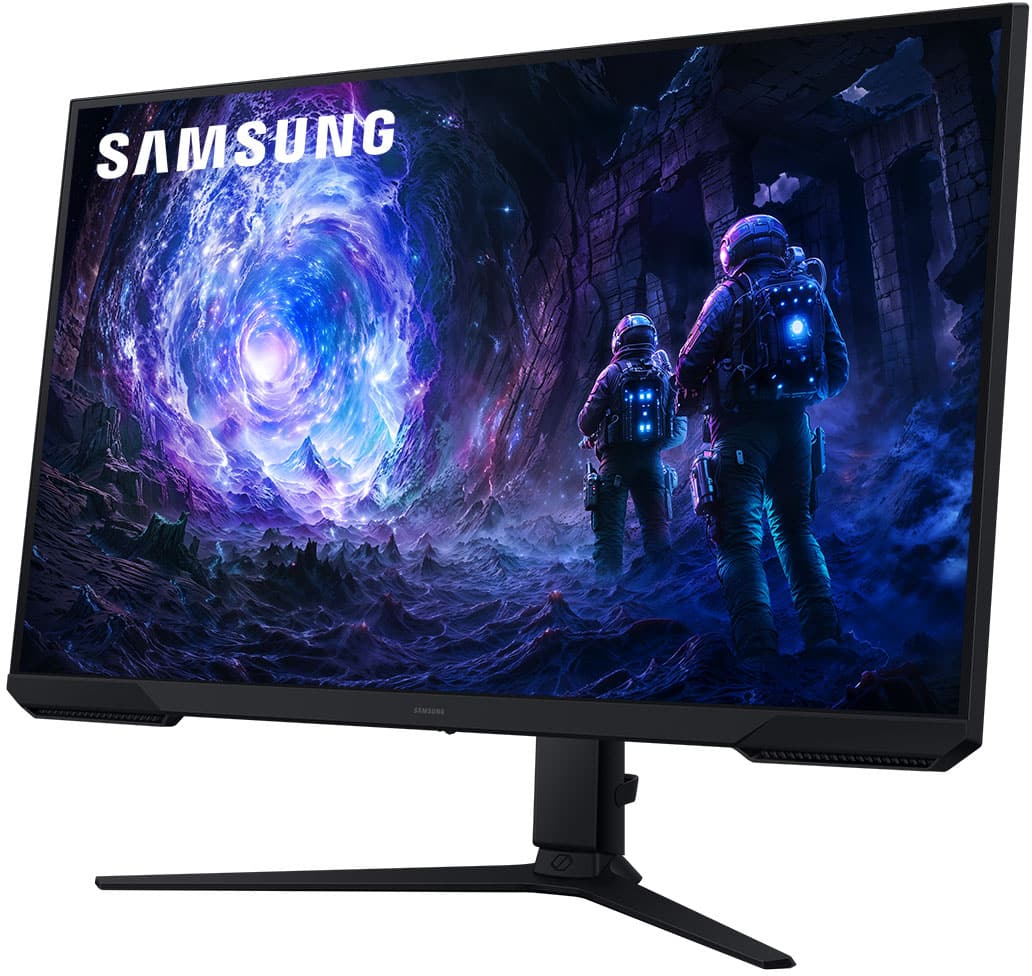
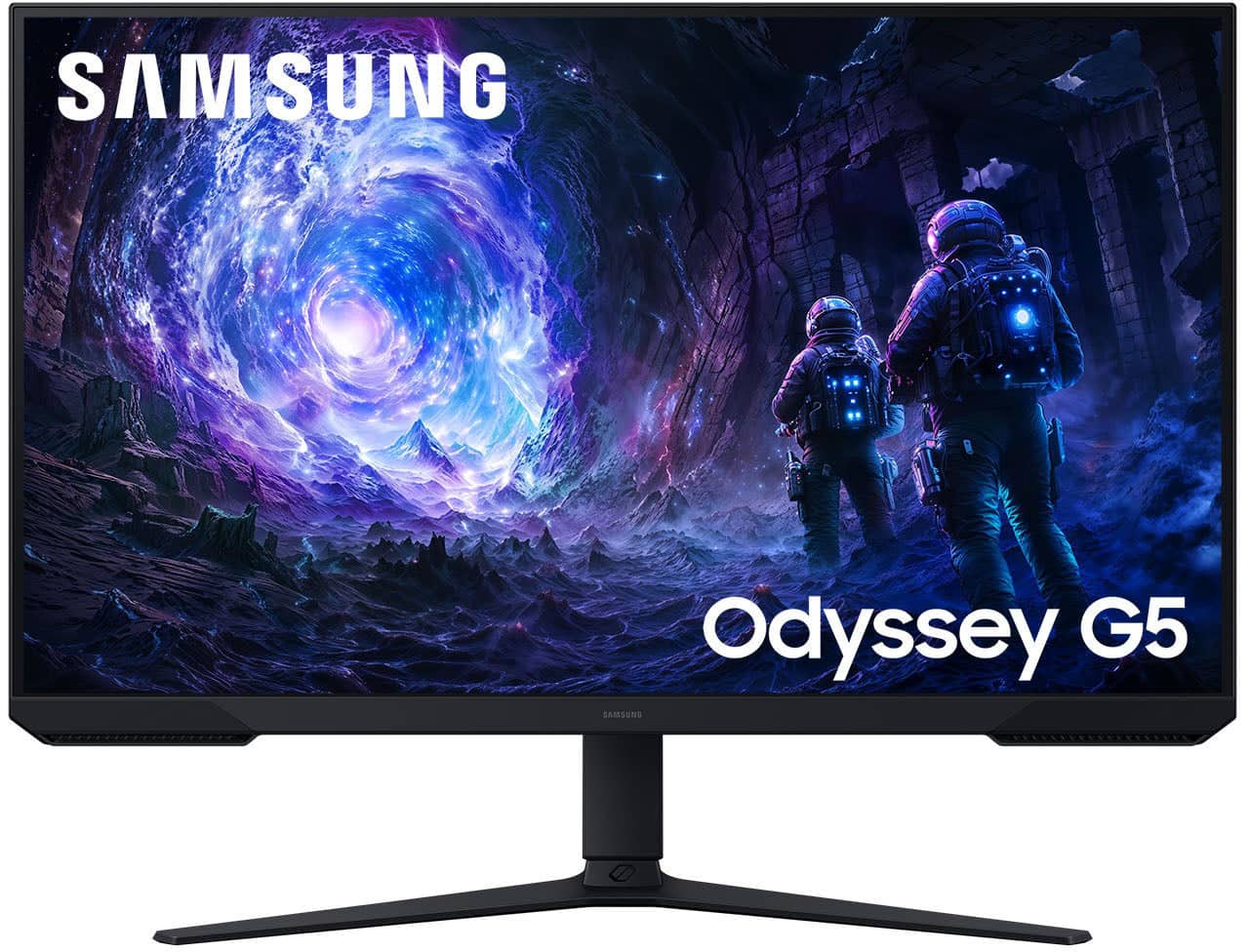
Customers commend the 32" Odyssey G51F monitor for its excellent picture quality, high refresh rate, and overall performance, making it well-suited for gaming. The monitor's size, easy setup, and adjustable height are also appreciated. However, some customers wished it had built-in speakers and found the brightness to be a minor drawback.
This summary was generated by AI based on customer reviews.
- Pros mentioned:Overall performance, Refresh rate

LARGE format PC gaming and day to day work!
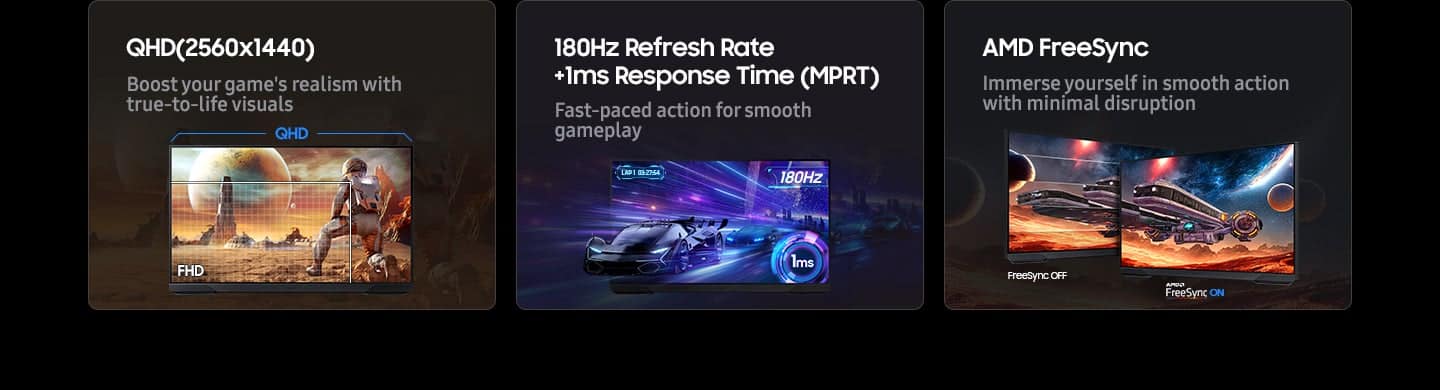
|Posted .This reviewer received promo considerations or sweepstakes entry for writing a review.Samsung has been making top notch monitors for some time now and this Odyssey 5 is another great example of what they can do. It doesn't have EVERY bell and whistle of the latest high end monitors, but it does have all the things you're likely to need (well, mostly) and not the things you don't which makes it a more affordable entry into a large high quality screen. First off, this is a LARGER monitor at 32" which gives you lots of screen real estate to work with. That makes it ideal for gaming but also ideal for every day use since you can put a lot of things on the screen at once. And what a screen it is! It's bright and vibrant with great colors and tremendous clarity of picture. The refresh rate is very high - I'm running it at 144Hz over HDMI and you can go higher on DisplayPort if you want (you have to turn up the refresh rate in the OSD before it's available to select in Windows). The HDR10 works well to produce deep blacks and bright whites and everything in between. The onscreen display (OSD) is easy to use and easy to understand which is nice and the controls themselves are intuitive and easy to access. The standard is easy to install and provides a good range of motion, including high adjustment. There's a bit of a monkey in the room though with the resolution as many people might be looking for 4K resolutions on a bigger screen and this monitor is 1440P resolution. While there's nothing wrong with the higher resolutions, I actually think that 1440P is the current sweet spot, especially for gaming. If you're looking to game at 4K, you need a REALLY high end setup / GPU if you want to also crank up the quality settings (and what's the point of playing at high resolutions if you have to then turn down the detail / quality or get a slideshow). 1440P is considerably easier for computers to render than 4K, allowing additional headroom often to keep the detail level up or enable things like ray tracing (or, just to have a less powerful computer and still get good performance). So, to that end, I don't thnik about this monitor being 1440P as it lacking anything - rather I think that's just what it should be! Of course, I do want to touch a moment on what's missing which are really two things. First, G-Sync - while you do get AMD's more open FreeSync standard, you don't get the NVIDIA proprietary G-Sync option which would raise the price considerably. That's fine for most use cases as you can usually use FreeSync anyhow if you're looking for adaptive framerates. Second, you don't get built in speakers. This IS a bit of a letdown (it was expected, as no speakers were advertised) as it means you need to get external speakers or some other audio solution and makes the monitor a bit less of an all in one solution. You do get a headphone jack, so you can use basic speakers to output sound (the PC will send audio to the monitor through HDMI or DisplayPort, then you can use the headphone port on the monitor to output it), but it's still not the same. Even with those two omissions though, this is a GREAT monitor for gaming, media consumption and day to day work - from a company known for producing high quality monitors. So if you're in the market for a nice big screen computer monitor for all sorts of uses, this is a great one to check out - give it a look today!
I would recommend this to a friend - Pros mentioned:Overall performance, Refresh rate
Excellent Gaming Monitor!
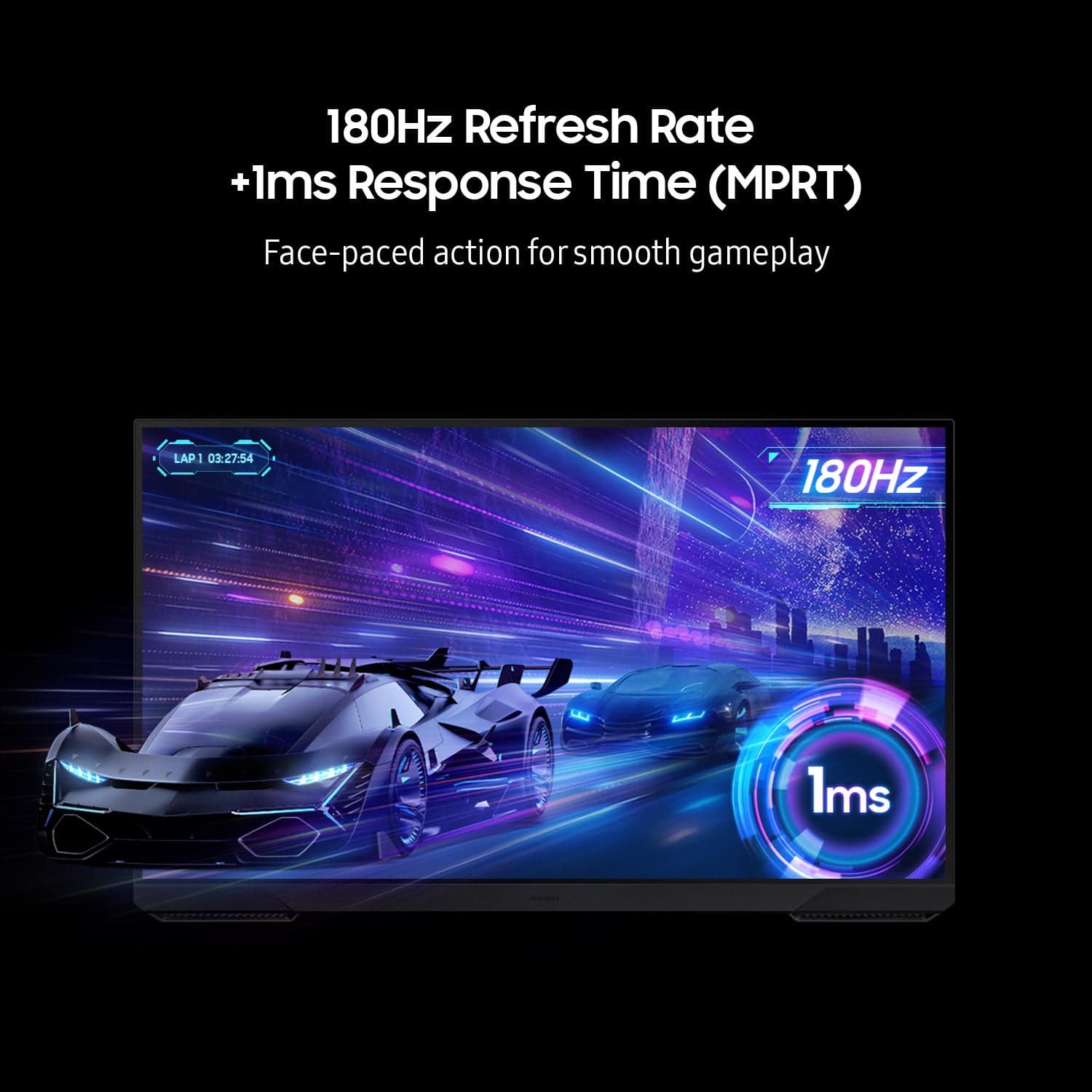
|Posted .This reviewer received promo considerations or sweepstakes entry for writing a review.So, let’s start this review by saying to you (the reader) that this monitor looks fantastic both aesthetically and visually. Upon opening the box everything is packaged very neatly, and it is easy to find all the components. The first thing I noticed when I put my hands on the monitor was how light it was. I have smaller monitors that are much heavier. I quickly mounted the monitor via the VESA mount on the rear and off I went to testing. The monitor has a small joystick on the bottom center on the panel. This joystick is used to quickly adjust settings such as: • Quick Volume Settings • Quick Picture Settings • Main Settings Menu Pretty easy to use once you get used to it like anything else. Okay so onto the panel. I noticed when I first hooked this up to my PC that the refresh rate was set to 60hz by default. So, you will have to use that joystick mentioned above to go into the main menu and change the refresh rate to your preferred system setting on your PC. I set mine to 180hz, as this is what I normally run my monitors at. Once this was set and a few tweaks to the brightness, all was good. The monitor has good clarity and definition. All colors look amazing to be honest. The panel is a VA panel, with a matte finish which is good for cutting down on reflections and providing true color saturation in its representation. I always prefer a matte screen especially when gaming. So, let’s talk about the gaming performance which is what this is all about. I’ve tested this with a few titles from COD to GOW. I will say that my overall impression is this monitor looks amazing. The fluidness of the motion, especially when panning or turning in a shooter game, is very good. There was no glitching or stuttering and everything was just smooth. I appreciate this as this can really make or break the experience of high-end gaming. The colors, refresh rate and response time just make this a great monitor. You really can’t get better at the price. One thing I want to highlight is the 32” size of this monitor. It might be a little too big for some people depending on the games you play and how far you are sitting from it. This is an important point I really wanted to highlight. Sometimes less is more. Samsung does make this monitor in the 27” size so if you feel the size is too big, or you are experiencing eye strain or fatigue, you can pick up the smaller version. Overall, I am giving this monitor 5 stars because let’s face it, it’s a monitor. It does everything it’s supposed to do and it does it well.
I would recommend this to a friend - Pros mentioned:Refresh rate, Screen size
Excellent LCD for Gaming
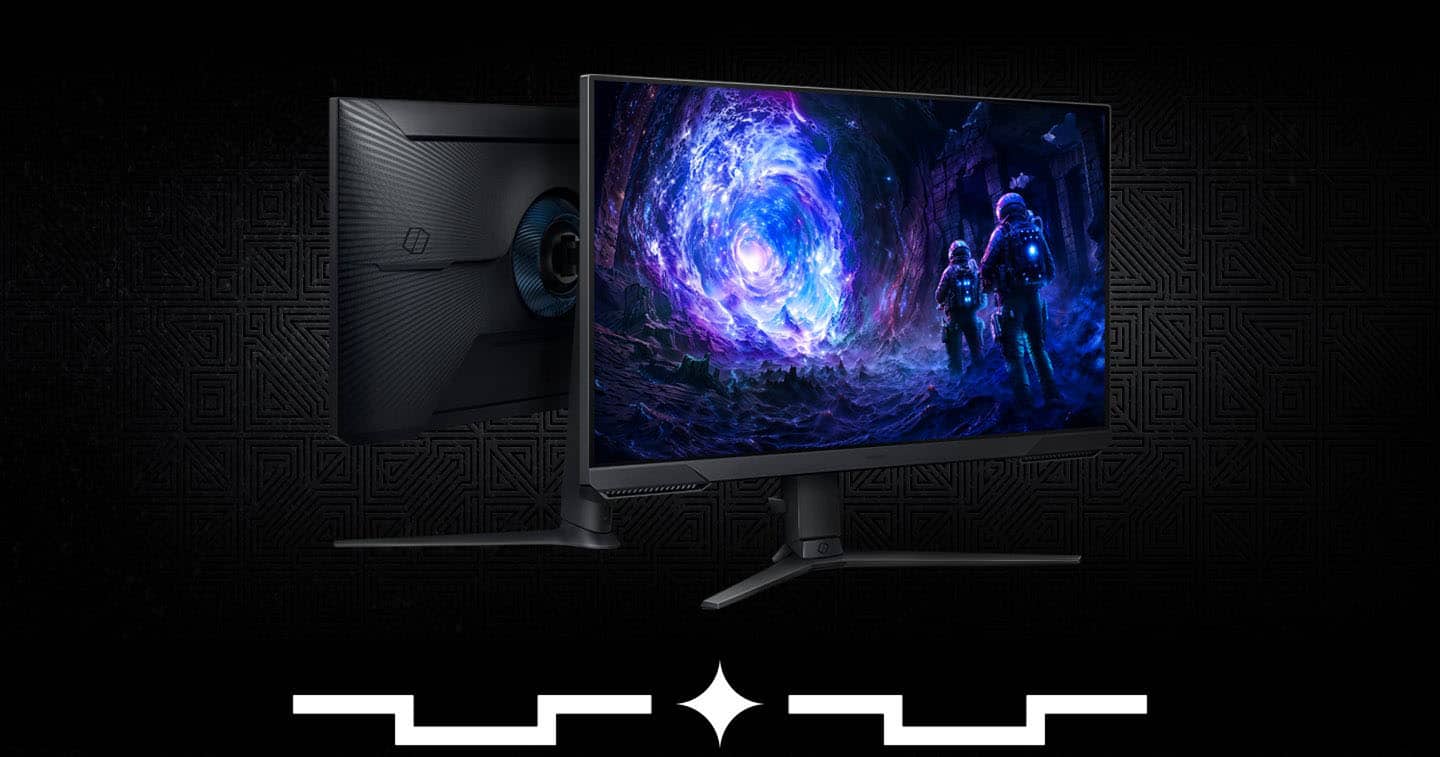
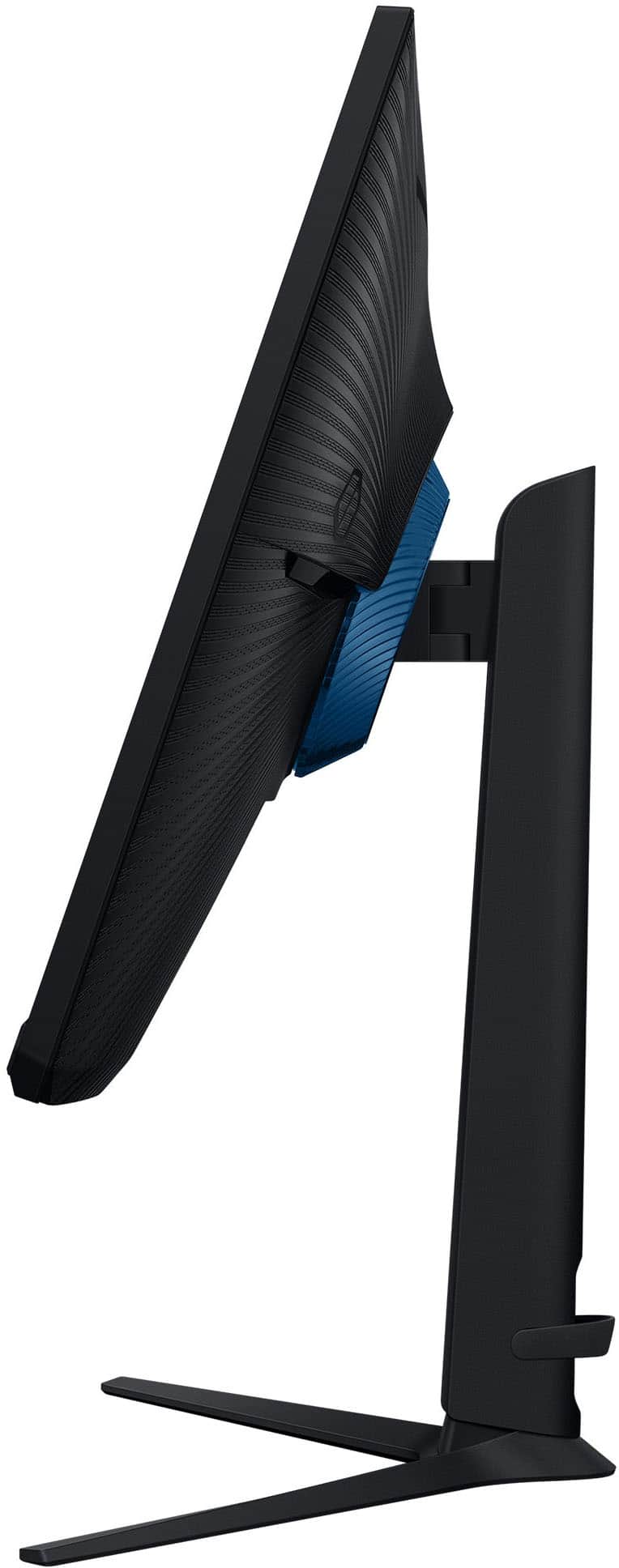
|Posted .This reviewer received promo considerations or sweepstakes entry for writing a review.Samsung has been a fairly dominant force in the gaming monitor space for quite a few years now, so it should come as a surprise to no one that the Odyssey G51F shows that there's still plenty of life in LCDs even if OLEDs are stealing the spotlight. It delivers an excellent, highly responsive gaming experience as well as ample screen space for every day computing. The design language of the Odyssey hasn't changed much over the years, nor has it needed to. The stand is sleek and stable without taking up an excess of desk space, the complex curves of the rear casing are pleasing to the eye (assuming you ever see them,) and the frame lacks any obtrusive clutter that might distract from the 32" panel. Ports are arranged at the bottom and with the use of the built in cable management it's not hard to route everything so that it's mostly out of the way, if not completely invisible. So, overall, it should be a good aesthetic fit for most desk setups. As far as the panel itself goes, it strikes an excellent balance between image quality and performance. 32" is right about at the point where you start being able to tell the difference between QHD and UHD resolutions, so I imagine some might question the decision to opt for the lower pixel count, but given the difficulty of driving UHD panels at high refresh rates I think they made the right call here. The image is still plenty sharp unless you plan to regularly lean in to inspect things more closely, and everything feels fantastically twitchy running at 144+Hz. Colors are also very good. It's not going to be able to give you the same vivid colors that you can get with a really good OLED, but provided you turn on HDR it can still deliver some very respectable black levels while producing some dazzling colors. And with FreeSync you don't really need to worry about tearing either - which is definitely important if like me you have it plugged into a laptop whose GPU can't quite drive the QHD panel at full speed without the occasional hiccup. Usually I would finish a review by listing some of the downsides I encountered while trying the product out. In this case, though, I don't have any. Yes, there are better gaming monitors available on the market. There are even a few better LCD gaming monitors on the market. But you aren't going to find many of them at this price point. That makes this a very easy recommendation for anyone looking for a big, fast panel for their gaming rig that won't cost more than your tower.
I would recommend this to a friend - Pros mentioned:Overall performance, Resolution
Samsung, nice clarity/crisp refresh rates
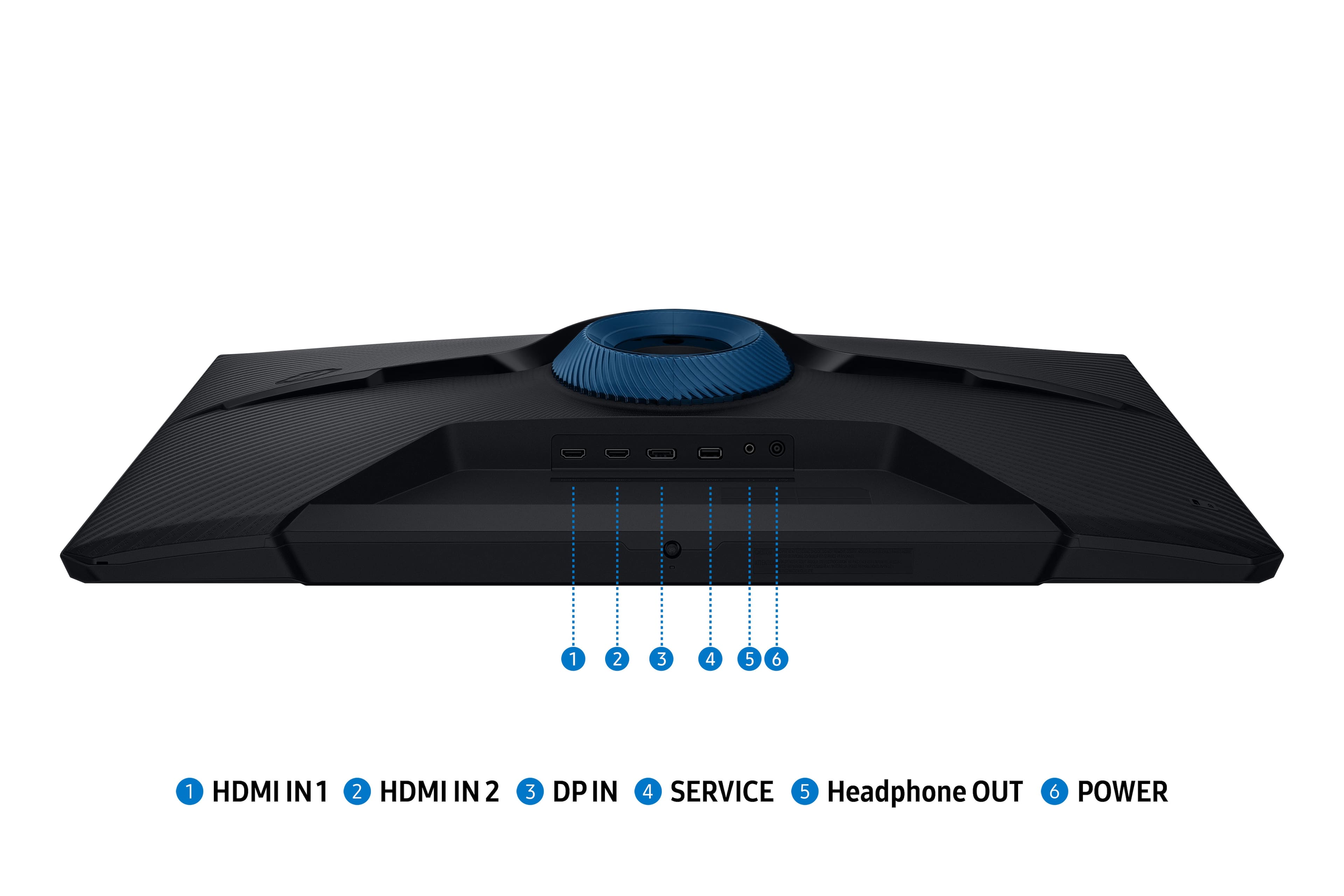
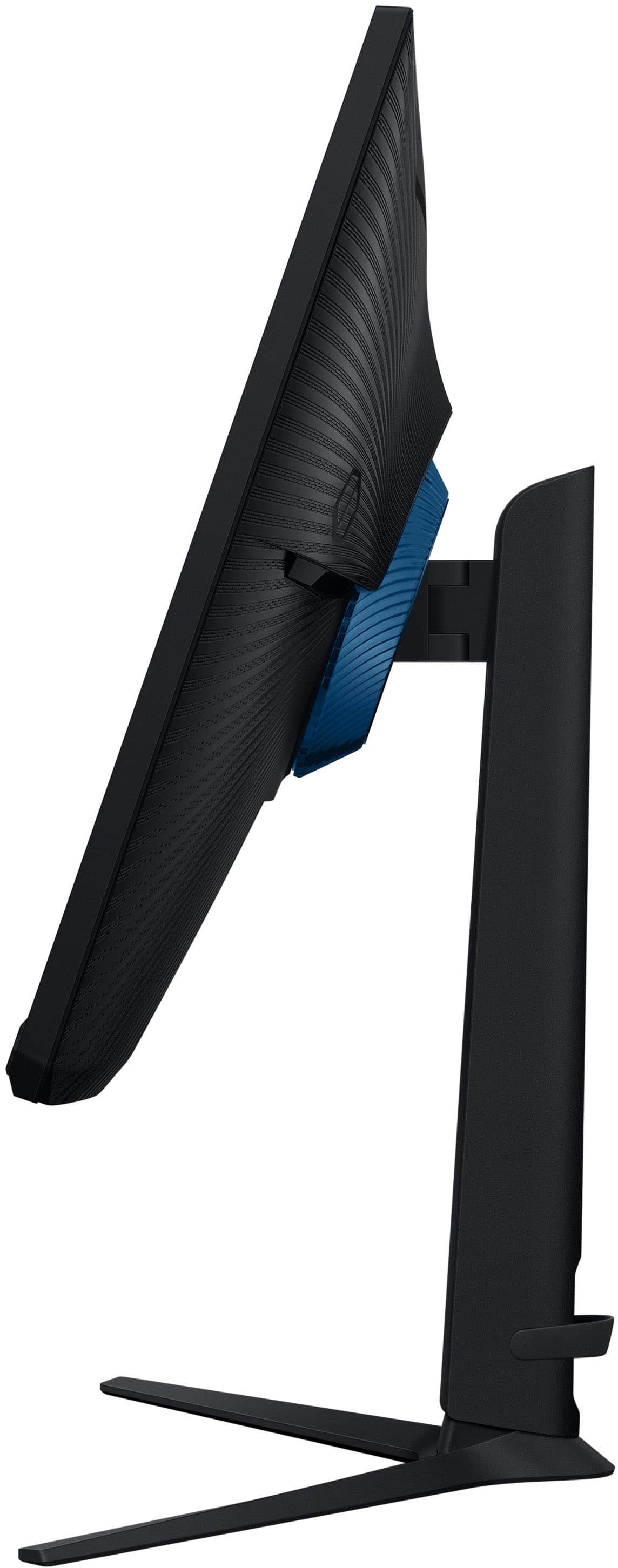
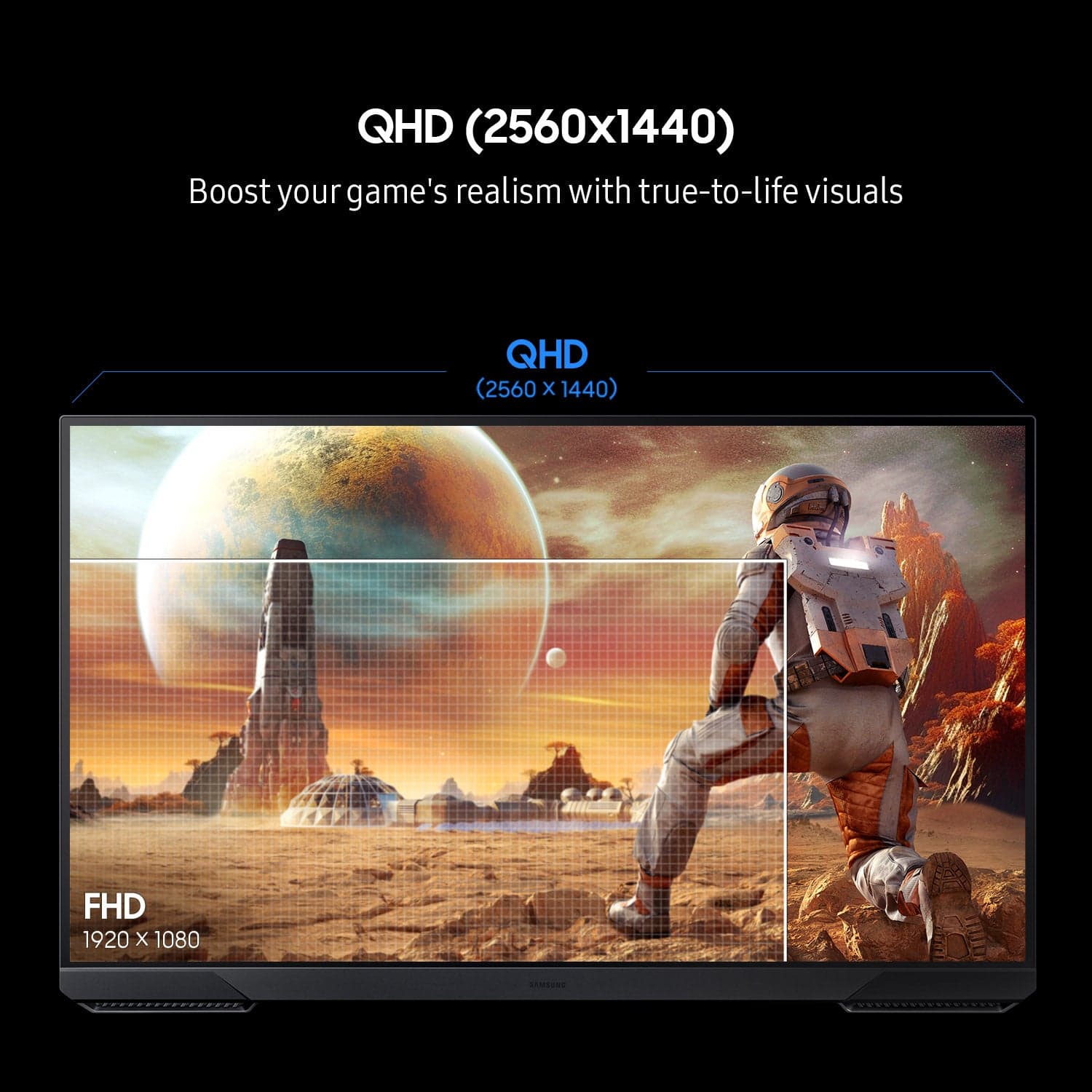
|Posted .This reviewer received promo considerations or sweepstakes entry for writing a review.The Samsung Odyssey series gaming monitor is designed for folks on a budget, looking for first-class performance. In the box you will find your power cord, stand, rear cover, HDMI/Display Port cables; everything needed to get you going out of the box. There are three rear inputs (1xDisplay Port, 2x HDMI) in addition to a headphone port option. One great feature that seems to be disappearing is the adjustable options from the stand base of up/down and side-to-side. This enables you to use the monitor for more than just in a gaming setting by being able to rotate your display from landscape to portrait view. Gameplay and everyday use. The display has nice a crisp look in both areas of use, the colors were very clear and vibrant while the black levels seemed perfect. This was easily transitioned between a gaming computer and laptop with both having similar views and graphics options. The display resolution is set at Quad HD (QHD) with a max resolution of 2560 x 1440p; sitting just under a 4k UHD. Not all eyes can see the difference at these higher resolutions. Overall, all of the features this flat panel comes with are easy to use and adjust via a mini-joystick set up and a user friendly interface to work through various setting and customizations.
I would recommend this to a friend - Pros mentioned:Overall performance, Refresh rate
Awesome Monitor
|Posted .This reviewer received promo considerations or sweepstakes entry for writing a review.I have recently been using the Samsung 32-inch Odyssey G5 G51F Gaming Monitor for several days, and I can say that it has significantly exceeded my expectations. The picture quality is remarkable; the QHD resolution renders every detail exceptionally clear, and the incorporation of HDR10 enhances brightness, adds depth to shadows, and contributes to outstanding visuals. The performance capabilities are as commendable as the visual output. The 180Hz refresh rate, coupled with an impressively fast response time, ensures smooth gameplay with little or no lag. I particularly value sync technology, which effectively mitigates screen tearing and stuttering. Whether immersed in fast-paced action or navigating expansive virtual environments, the gameplay remains seamless and stable. Ergonomics is equally crucial to performance, and the adjustable stand allows for convenient tilting and positioning of the screen for optimal viewing angles. Samsung has meticulously considered every aspect of this monitor. The monitor’s gamer-centric features are a massive point of interest for me. The Virtual Aim Point significantly enhances accuracy during competitive play. Additionally, the Auto Source Switch+ facilitates effortless transitions between various input sources, further enhancing my experience as a user.
I would recommend this to a friend - Pros mentioned:Overall performance, Refresh rate
Great monitor for Gaming and computer needs
|Posted .This reviewer received promo considerations or sweepstakes entry for writing a review.The Samsung 32" Odyssey G51F QHD is a great monitor for gaming as well as other computer needs. It comes with a 180Hz 1ms AMD FreeSync HDR10 display. The monitor comes equipped with a DisplayPort and HDMI input. It also comes with a headphone out jack that you can connect to your computer speakers or headphones. The monitor comes shipped in a well packaged box. It comes with an included HDMI cable as well as a DisplayPort cable. It comes with a QuickStart guide and instructions. However, the monitor is very easy to assemble. I connected the monitor out to my headphones and was able to control the volume from my headphones using the built in line adapter on my headphones. The volume wasn’t as loud as I like for it to be, but it’s doable. The picture quality and response time is excellent. The 32” screen is a great size while using it for gaming, browsing the web, and doing other computer related tasks. Overall, this is a very good monitor and I’m definitely enjoying using it. I hope to get years of great use from it.
I would recommend this to a friend Samsung minitor
||Posted . Owned for 1 week when reviewed.This reviewer received promo considerations or sweepstakes entry for writing a review.Did not find this item to be user friendly following purchase.
No, I would not recommend this to a friendBrand response from Samsung
Posted .Please know you are leaving a review for the Samsung G51F monitor, not the service provided by a third party seller. Please follow up directly with the seller for further assistance. We hope your issue is resolved in a timely manner. Should you have questions regarding Samsung monitor, please contact Samsung Support at 1-800-SAMSUNG, 8AM - 12AM EST, 7 days a week. Our LiveChat agents are also available by clicking on the ‘Support’ link on our website

- Pros mentioned:Refresh rate, Screen size
Great if you need a fast monitor on a budget.
|Posted .This reviewer received promo considerations or sweepstakes entry for writing a review.The Samsung Odyssey G5 32" gaming monitor is a good value for those gamers on a tighter budget looking for a larger monitor while not sacrificing refresh rate (144Hz or 180Hz) and response times and also maintaining a 2560x1440 resolution. To start things off I'll go over the size and resolution. In my opinion 1440p is the minimum for a monitor of this size when it comes to a desktop environment. I generally believe that pixelation becomes an issue on text and application interfaces if you go any lower on the resolution for a monitor this big. For gaming, 32 inches and 1440p is a good spot to be, especially with mid-tier GPU options. I have no complaints about screen door effect while gaming from a comfortable seating position with this monitor. As for the refresh rates of this monitor, you'll need to be sure to use Displayport if you are looking to get the full 180Hz this panel offers. If you opt to use HDMI you will be limited to 144Hz as the G51F is only equipped with an HDMI 2.0 port and not HDMI 2.1. That a side, movement looks pretty smooth with either input with a little ghosting and slight overshooting with overdrive all the way up. Build quality is about what you'd expect from a gaming monitor from Samsung. Sturdy with a good stand but not a lot of frills. My only real complaint is the brightness. It's probably bright enough for most but for my room with lots of sunlight it's right on the border. A few more hundred nits would be greatly appreciated.
I would recommend this to a friend - Pros mentioned:Overall performance
Matte Display, Huge Screen
|Posted .This reviewer received promo considerations or sweepstakes entry for writing a review.In the box is the monitor, power cord, stand, stand feet, HDMI cord, DisplayPort Cord, plastic decor ring, instructional guide and additional information/warranty guide. First Impression - This monitor is huge (as expected) but super light and the stand feels like it weighs more than the actual monitor. I am a little nervous about the feet but there are silicone pieces (anti-slip grip) that are placed perfectly to keep the monitor in place. The screen is matte which is new to me. The box that it came in was well packed and no worries about damage to any of the pieces as each piece is properly placed. Installation - Putting together the monitor was SUPER easy and it’s actually easy to take down if you want to travel or move the monitor to another location. (Everything snaps into place.) Game Play/Monitor Usage - Gaming was smooth and responsive. There is a gaming menu that is built in that you can use without the need of using an extra app. My favorite so far is the onscreen cross hairs. You can basically set up your gaming features and tether the view of the game of how you want it. I just got a new gaming laptop and the only difference between the monitor and the laptop screen was the matte. I didn’t think that I would like it but with time, I prefer it a little more now. The monitor is placed in an area with windows, so there is a lot of sunlight that peeps through and I didn’t have to worry about glares. I would also like to note that while playing RPG games, the monitor had a low latency. Side notes - There is no audio, however, there are outputs where you can plug in your headphones or speakers. I also watched videos and used one of my streaming apps and watched a show. The videos were flawless and my show played good with the current settings but I adjusted for a better view. The monitor has 2 HDMI ports, 1 DPI, a service and a headphone jack. Overall, I thoroughly enjoy this product, I would definitely purchase again and I would highly recommend it to friends and family.
I would recommend this to a friend - Pros mentioned:Screen size
Big and Beautiful
|Posted .This reviewer received promo considerations or sweepstakes entry for writing a review.Indeed, this beautiful 32” monitor is the one I needed for games. It fits perfectly on my desk in my game room. Setup was intuitive to assemble the stand and make the hook-ups. This stand has excellent physical characteristics in terms of its ability to be adjusted up/down and tilt back/forward. It is engineered so that it requires minimal effort to adjust my viewing angle yet it holds firmly wherever you set it. A tip of the cap to the Samsung engineers for making this a very simple and effective physical adjustment that is better than any other I have seen on many monitors. I did connect via HDMI although this monitor also has a Display Port. I ran a couple different color generators, and the colors were spectacular. I viewed hundreds of colors of various shades and brightness and everything was superb. When playing XBOX games this color excellence was observed both in terms of the vivid colors as wells as no bleed-over from one color to another – no matter how fast the action was. I noticed a ‘depth of the display’ in many game scenes which also reflected the powerful design specs of this device. These super-color qualities reflected the QHD resolution as well as the FreeSync properties of this monitor. There is even a ‘Black Equalizer’ parameter that did help lighten dark spots in some games which can reveal things you might miss. The large 32” screen is awesome and did improve my game experience. In addition, the extra ‘real estate’ was very helpful with creation and reading of spreadsheets and presentations. I love this monitor, it seems the perfect size; not too big nor too small for my situation. I highly recommend this unit.
I would recommend this to a friend - Pros mentioned:Refresh rate
Smooth gaming, sharp visuals, easy setup
|Posted .This reviewer received promo considerations or sweepstakes entry for writing a review.I have been using the Samsung Odyssey G5 monitor for about a week and a half, mainly for gaming. While I’m playing, usually on games like Valorant and Minecraft, the 144Hz refresh rate is a noticeable improvement over my previous 60Hz monitor. Gameplay is smoother, and the overall visual experience is sharp and responsive. The monitor displays good color and image quality across different types of content, and can be adjusted for whatever I am doing with the presets, or with custom settings. The design fits well on my desk, and the stand is at the perfect height right from the box without needing to be adjusted. There are a sufficient number of ports, and I had no trouble connecting it to my setup. Assembly was simple, and navigating the settings for the monitor is very easy and can be easily accessed from the buttons on the bottom of the monitor. I have not encountered any issues on the monitor, even though I have only used it for about a week and a half. After consistent use, I have no complaints or areas where I feel the monitor could improve and so far my experience with it has been great.
I would recommend this to a friend - Pros mentioned:Overall performance
Fine monitor with some wonky bits
|Posted .This reviewer received promo considerations or sweepstakes entry for writing a review.The picture is stunning. The build quality is great. Performance is well withing advertised specs. A great gaming monitor. But... Assembly was a bit wonky, there is a round purple/blue cover or decoration or something for the back of the monitor that is a pain to assemble and attach. It really adds nothing to the monitor functionally. It is up to you if you want to fight with it. The monitor ships with HDMI and Display Port cables. Both are too short to be used by anyone not using a docking station. Most people who game are probably using a tower that is more than 3 to 5 feet away from the monitor. I would even guess quite a few are even using multiple monitors. The power cord is longer than the display cables. I do not understand why they ship such short cables. If you reach out to support, one of the first questions is if you are using the cable that came with the monitor. Please decide to start including a 10 foot cable. We techy types do have cable management systems. When the cable is strung tight just to reach, that bypasses all the work we have done to build out our gamer pods. The controls are a single button/D-pad/joystick contraption that is common in most monitors today. It is horrible. To power off you need to navigate to off and select with a press that inevitably changes the HDMI port. Overall this is a really great monitor, as long as you don't need to navigate the menus. Those controls are enough to cost a star by themselves.
I would recommend this to a friend - Pros mentioned:Overall performance, Screen size
Wow!!!
Posted .This reviewer received promo considerations or sweepstakes entry for writing a review.First monitor… im super happy and exited perfect size and quality
I would recommend this to a friend - Pros mentioned:Screen size
Perfect upgrade
Posted .This reviewer received promo considerations or sweepstakes entry for writing a review.Easy setup, so far has been amazing and great quality. I wasn't sure about getting a bigger monitor but this one fits perfect in the corner of my desk. Its also less curved than my old one and I absolutely love it
I would recommend this to a friend - Pros mentioned:Refresh rate
An excellent monitor, worth the money.
Posted .This reviewer received promo considerations or sweepstakes entry for writing a review.Purchased this to replace an older monitor. I looked all over for reviews for this model before finally buying it. It has a high 180hz refresh rate. Colors are pretty good. the control panel is simple. Easy to assemble. Out of the box you do have to set the refresh rate in the monitor menu to enable the refresh rate range in windows 10/11
I would recommend this to a friend - Pros mentioned:Overall performance
Great Monitor
Posted .This reviewer received promo considerations or sweepstakes entry for writing a review.Perfect for gaming and watching tv. Would recommend to anyone.
I would recommend this to a friend - Pros mentioned:Overall performance
Samsung monitor
Posted .This reviewer received promo considerations or sweepstakes entry for writing a review.this is a very good monitor, it has really good graphics and fps.
I would recommend this to a friend - Pros mentioned:Overall performance
Samsung 32" Odyssey
Posted .This reviewer received promo considerations or sweepstakes entry for writing a review.Great product! It has met all of our expectations!
I would recommend this to a friend - Pros mentioned:Overall performance
VA 180hz 2K, not bad at all
Posted .This reviewer received promo considerations or sweepstakes entry for writing a review.It’s a great monitor. But please double check you want a VA panel instead of IPS. This is the g51f so it does not come with an IPS panel. If you know that then this monitor is amazing.
No, I would not recommend this to a friend - Pros mentioned:Overall performance
Great value.
Posted .This reviewer received promo considerations or sweepstakes entry for writing a review.Great quality. Works well with my PS5 Pro. Easy setup.
I would recommend this to a friend