Customer Ratings & Reviews
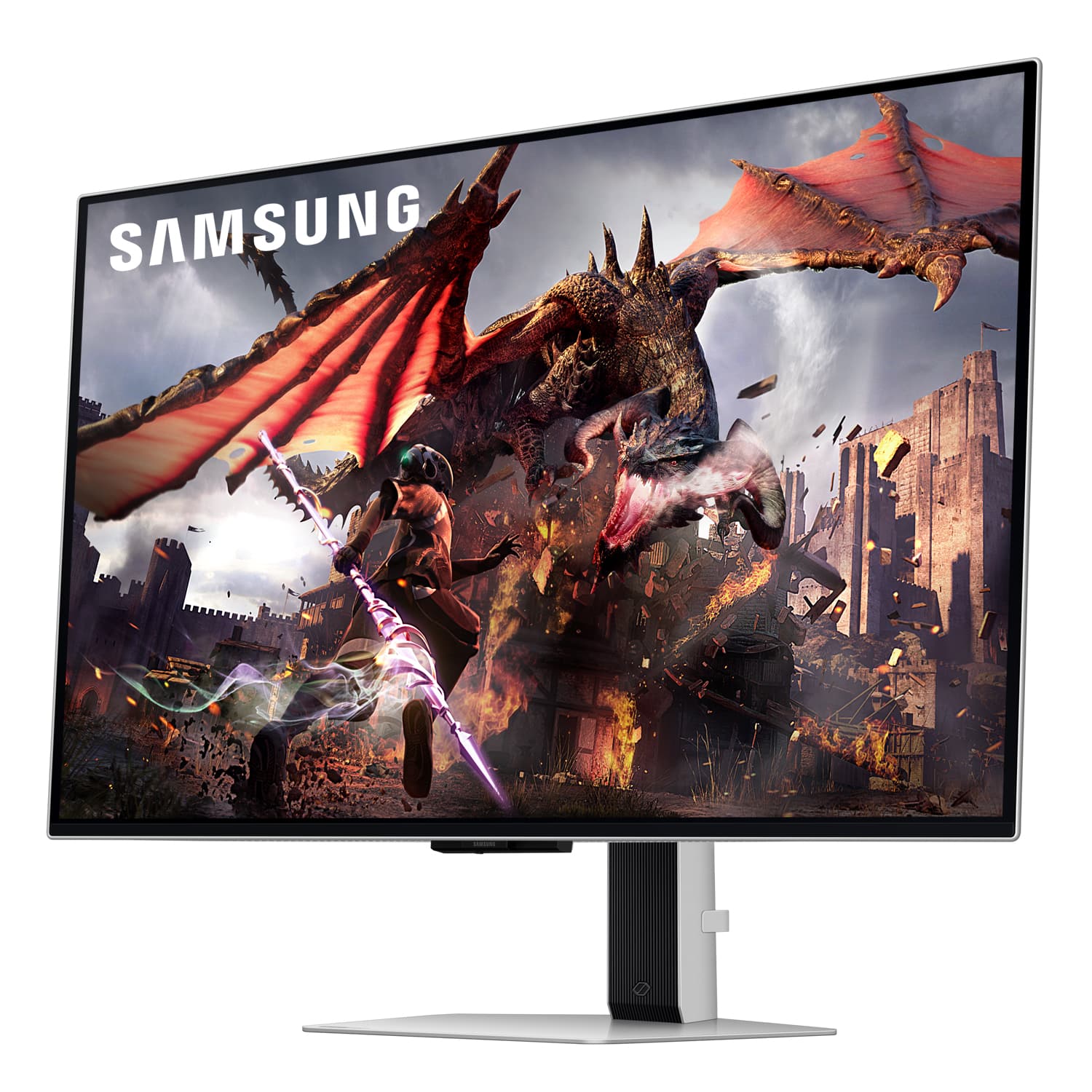

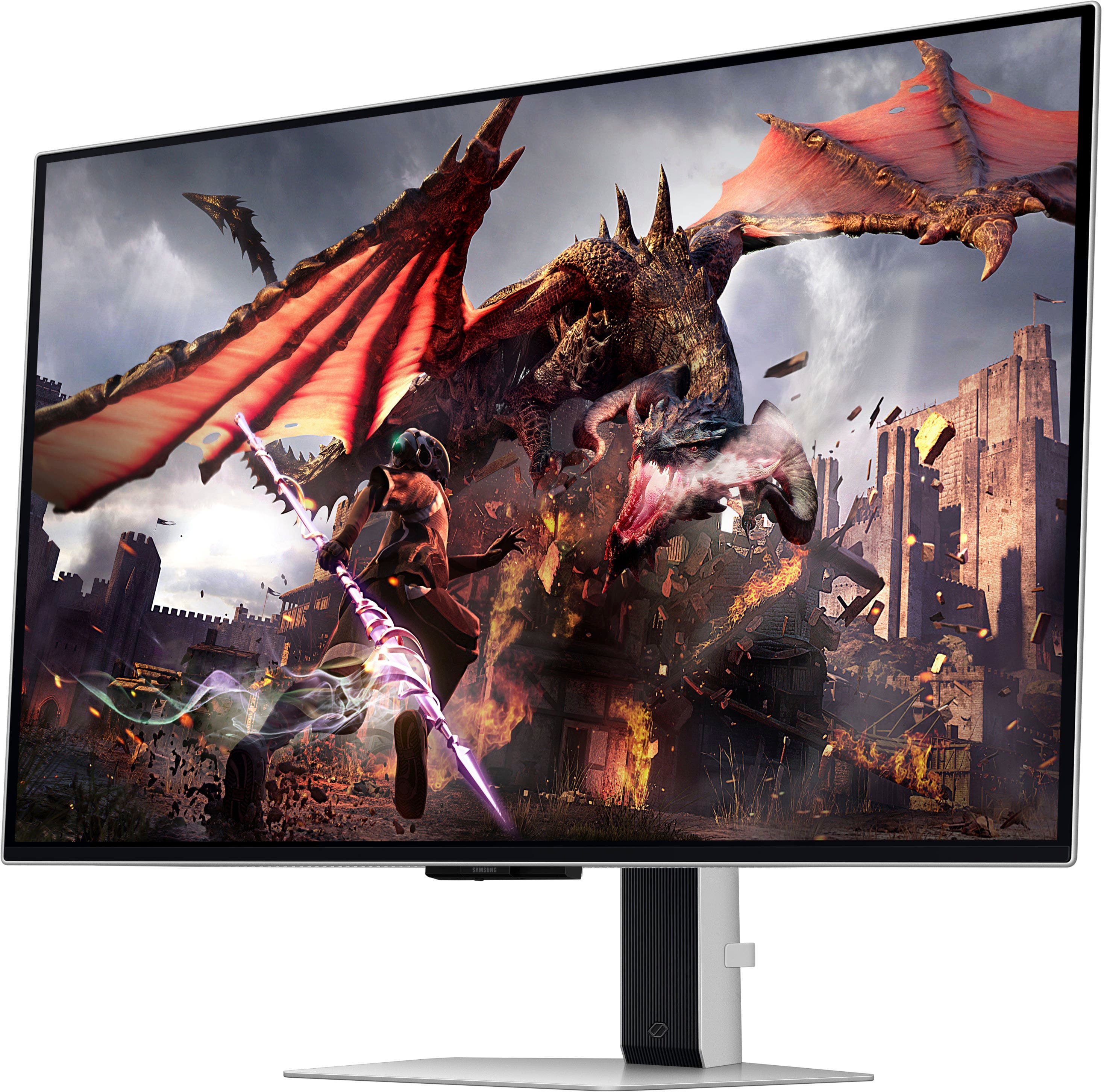
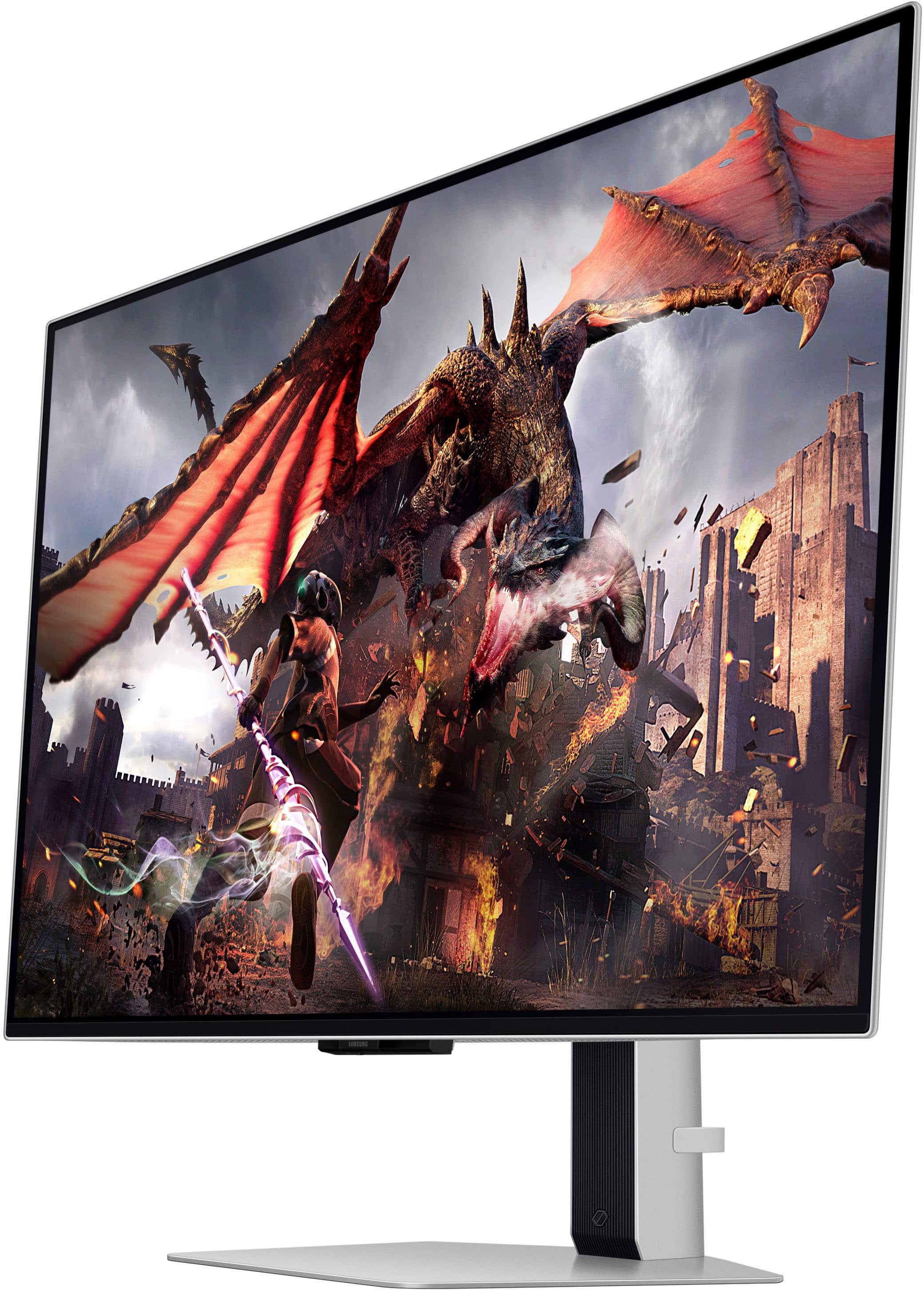
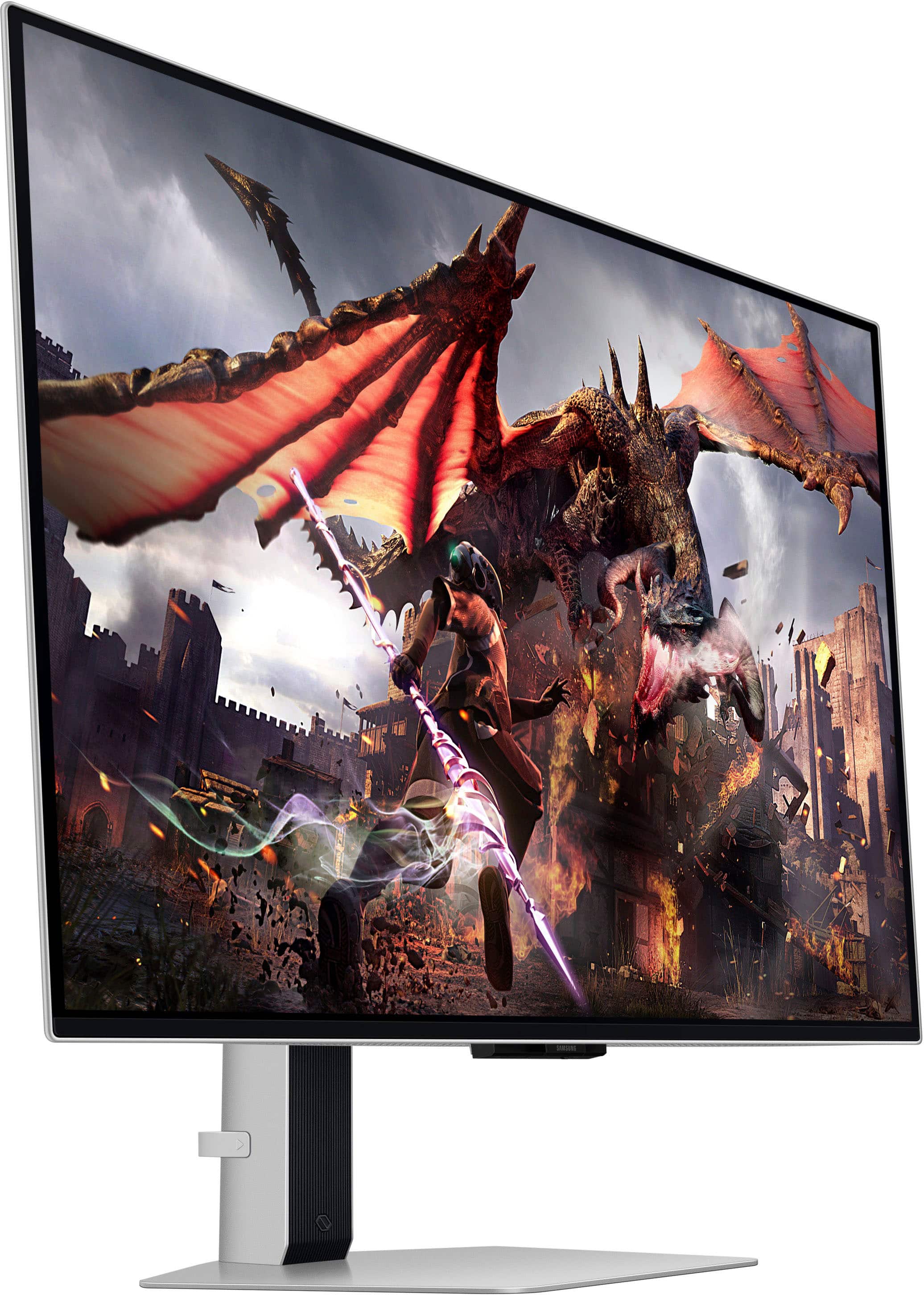
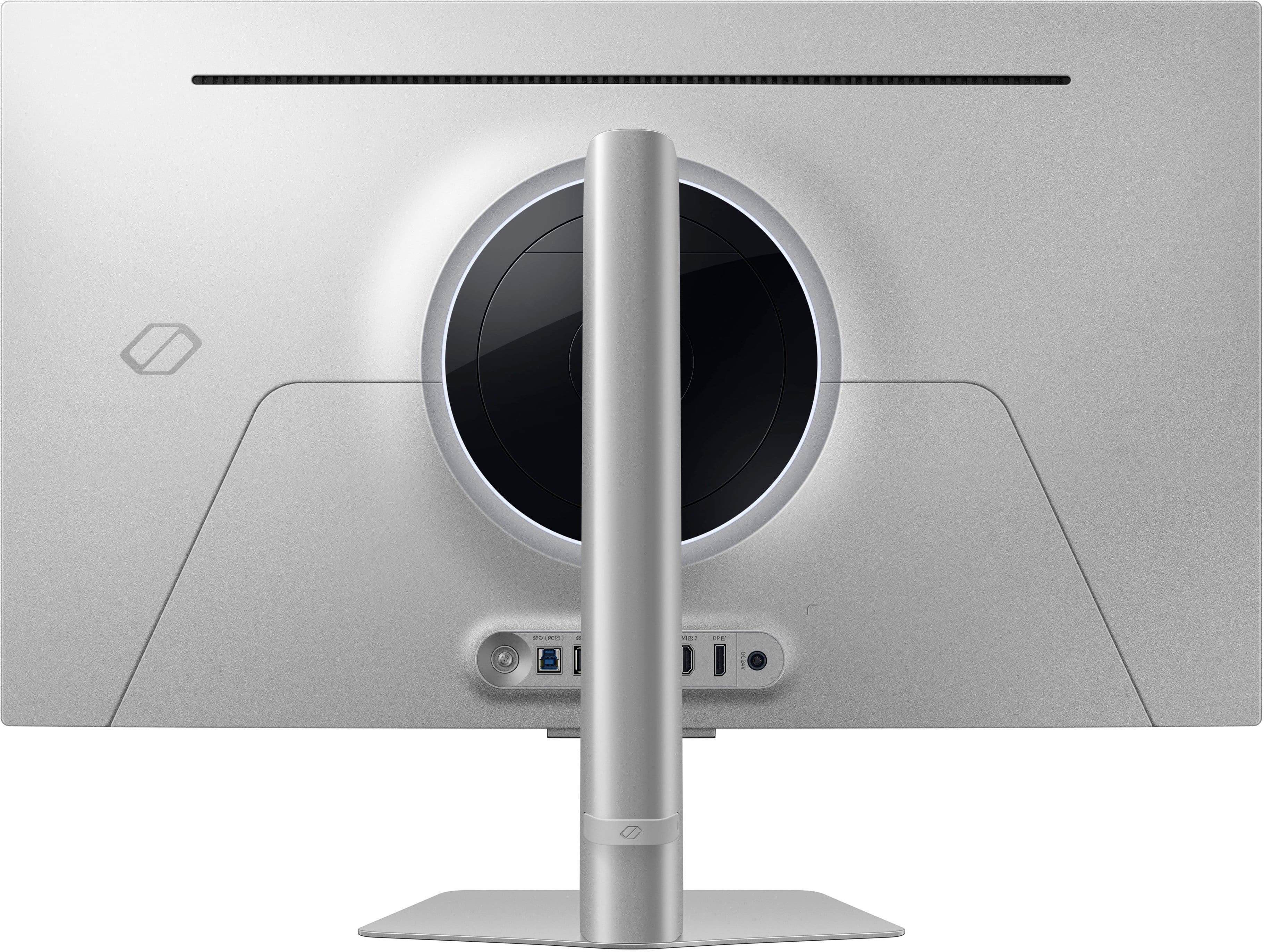
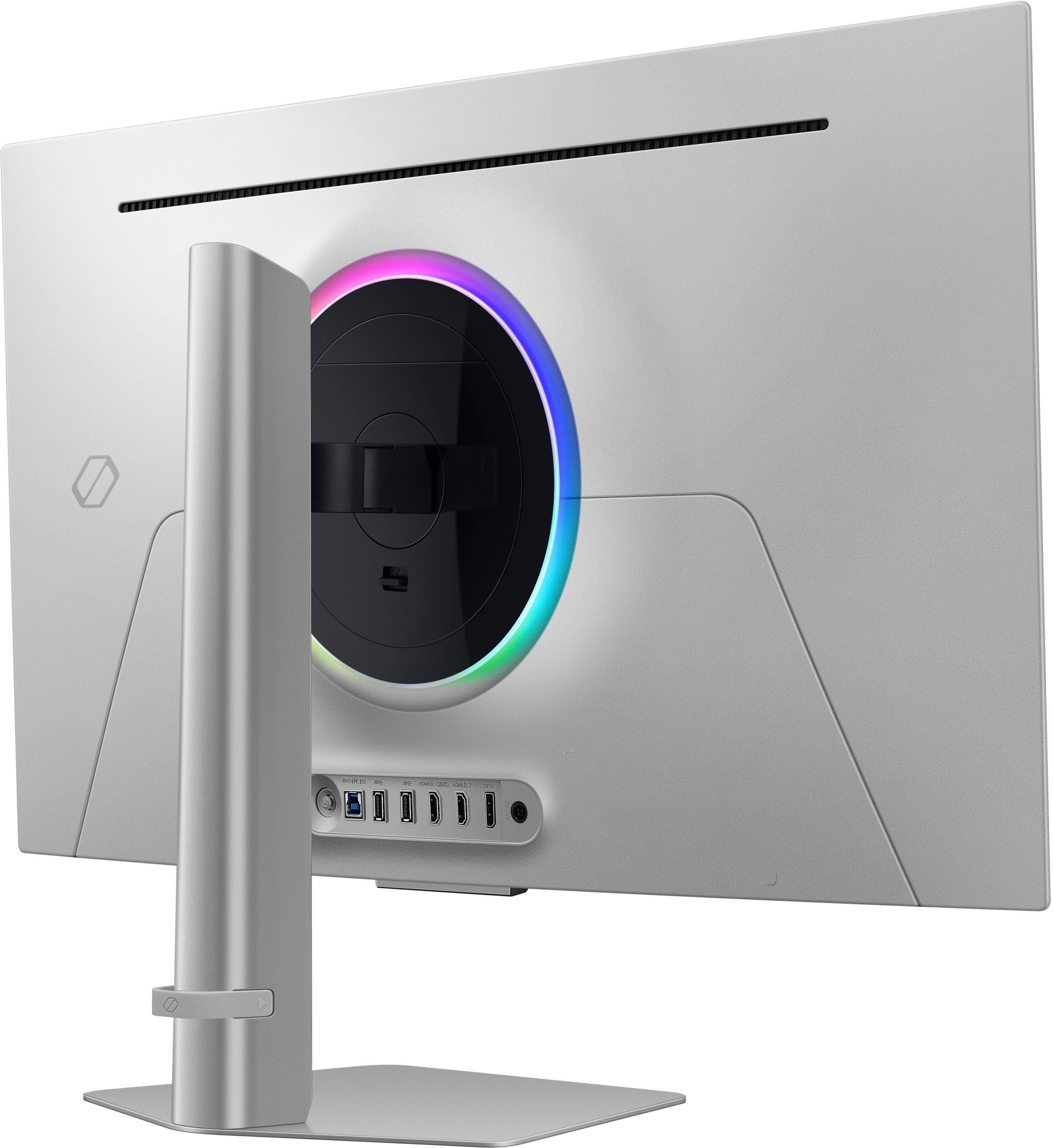
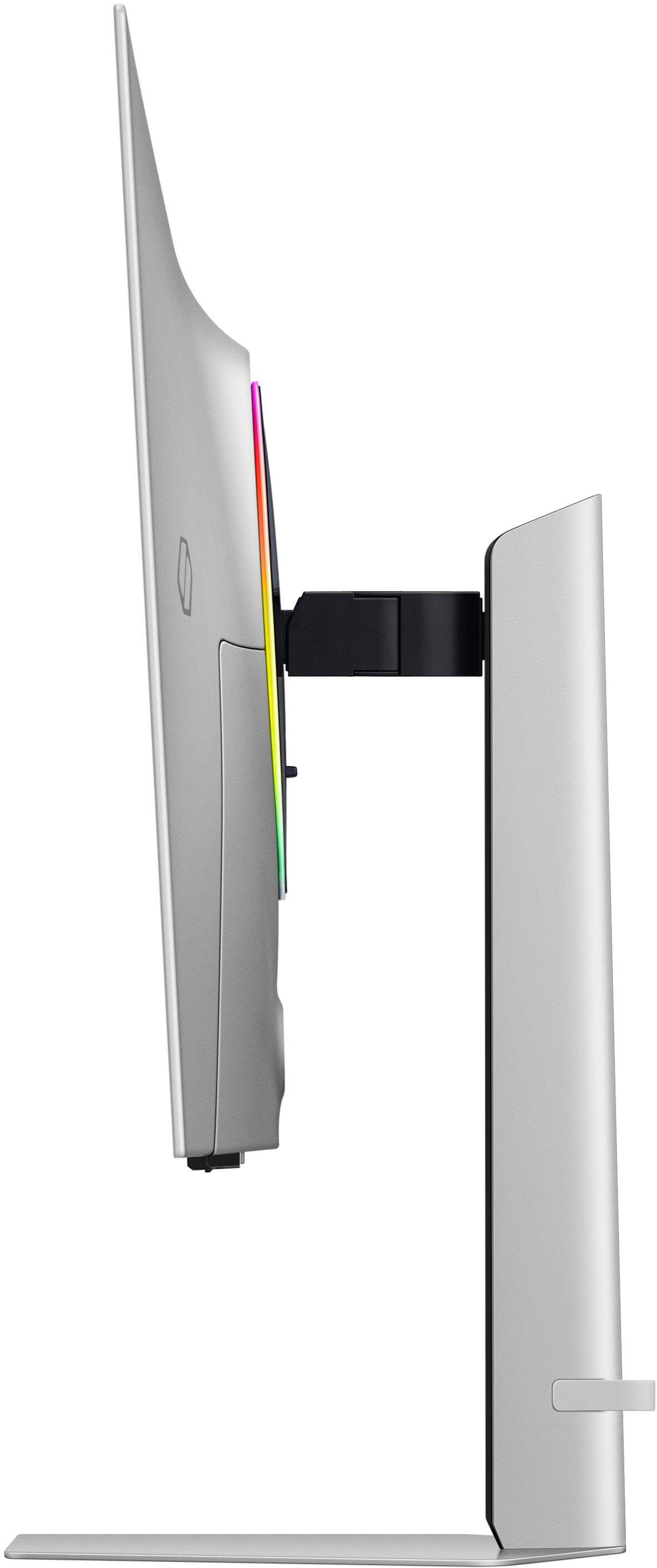
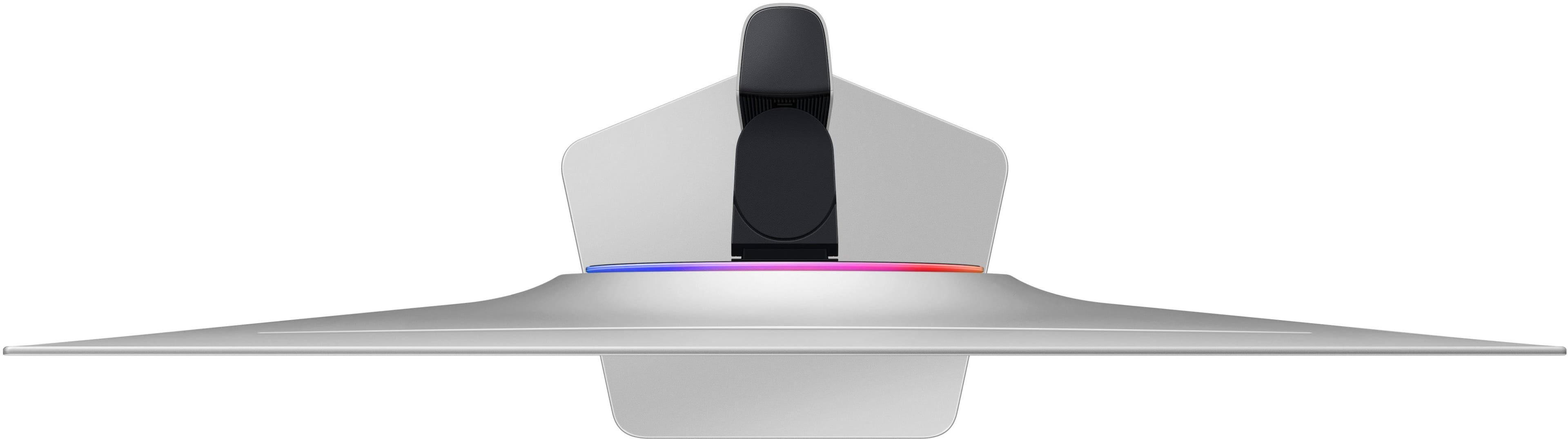
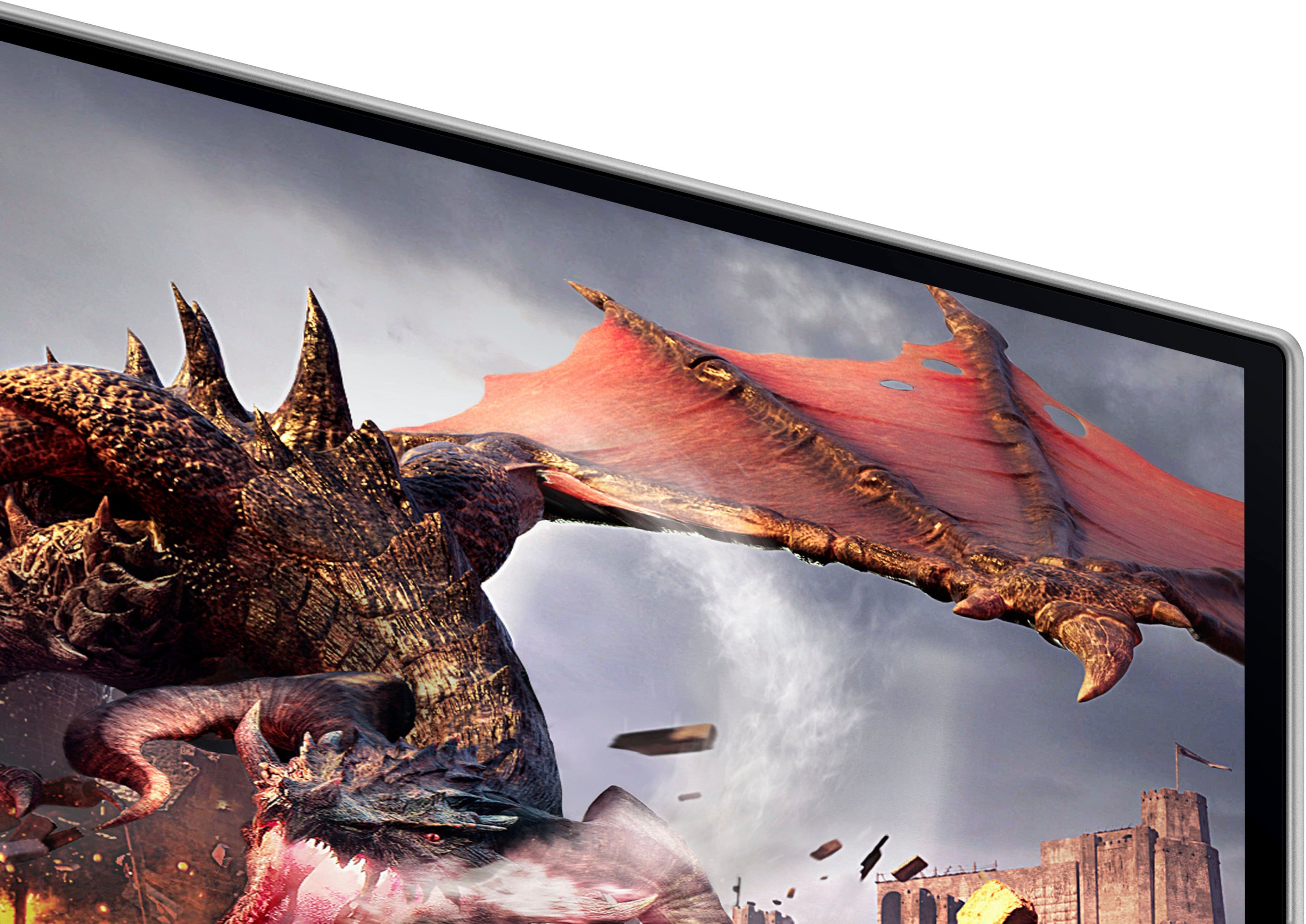
- Model:
- LS32DG802SNXZA
- SKU:
- 10893231
Rating by feature
- Display Quality
Rating 4.7 out of 5 stars
- Ease of Use
Rating 4.5 out of 5 stars
- Features
Rating 4.5 out of 5 stars
I love it
||Posted . Owned for 2 weeks when reviewed.This reviewer received promo considerations or sweepstakes entry for writing a review.There’s actually nothing to dislike about it. Best monitor I ever had.
I would recommend this to a friendGame mode issue
||Posted . Owned for less than 1 week when reviewed.This reviewer received promo considerations or sweepstakes entry for writing a review.The monitor is nice, but it had an issue with game mode turning off by itself and not allowing you to turn it back on until you power cycle the monitor. This is a bad issue when gaming. I am receiving a replacement and am hoping it does not have the same issue. With game mode off, you will only get 120 Hz.
No, I would not recommend this to a friendBrand response from Samsung
Posted .Thank you for your purchase. We are sorry for the inconveniences you had.
Your review was brought to the attention of our Customer Care Center. If you ever need assistance again or have further questions, please reach out to Samsung via any of the below options:
1-800-SAMSUNG, available 8AM - 12AM EST (Mon-Fri) / 9AM - 11PM EST (Sat-Sun).
Or visit our Samsung website and click on the SUPPORT link in the upper right corner for:
• Contact Us Options (LiveChat, Remote Support, Facebook, Twitter)
• Samsung Community: A great resource for getting help from Samsung moderators and customers
Again, thank you for taking the time to share your experience and provide us with information that helps improve our service.
- Pros mentioned:Picture quality
Nice screen but bad software
||Posted . Owned for 3 weeks when reviewed.This reviewer received promo considerations or sweepstakes entry for writing a review.Beautiful display but the software is buggy and eventually didn’t turn back on.
No, I would not recommend this to a friendBrand response from Samsung
Posted .We are very sorry to see that you have encountered issues with the Samsung Odyssey G80SD Monitor. We understand your disappointment and hope that you will give us a chance to assist with troubleshooting or warranty service.
Samsung products are engineered to the highest standards of performance and quality and we back this model with a limited time manufacturer's warranty, if purchased brand-new from an authorized dealer.
For further assistance or to begin warranty service, please contact Samsung Customer Support via:
1-800-SAMSUNG, available 8AM - 12AM EST (Mon-Fri) / 9AM - 11PM EST (Sat-Sun)
Samsung is committed to providing the best possible product experience, quality, and value, and we are always here to help with any of your questions or concerns.
Best OLED monitor
||Posted . Owned for 3 weeks when reviewed.This reviewer received promo considerations or sweepstakes entry for writing a review.Great monitor! More comfortable than a curved monitor
I would recommend this to a friend- Pros mentioned:Hdr, Oled quality, Picture quality

Outstanding in every way!
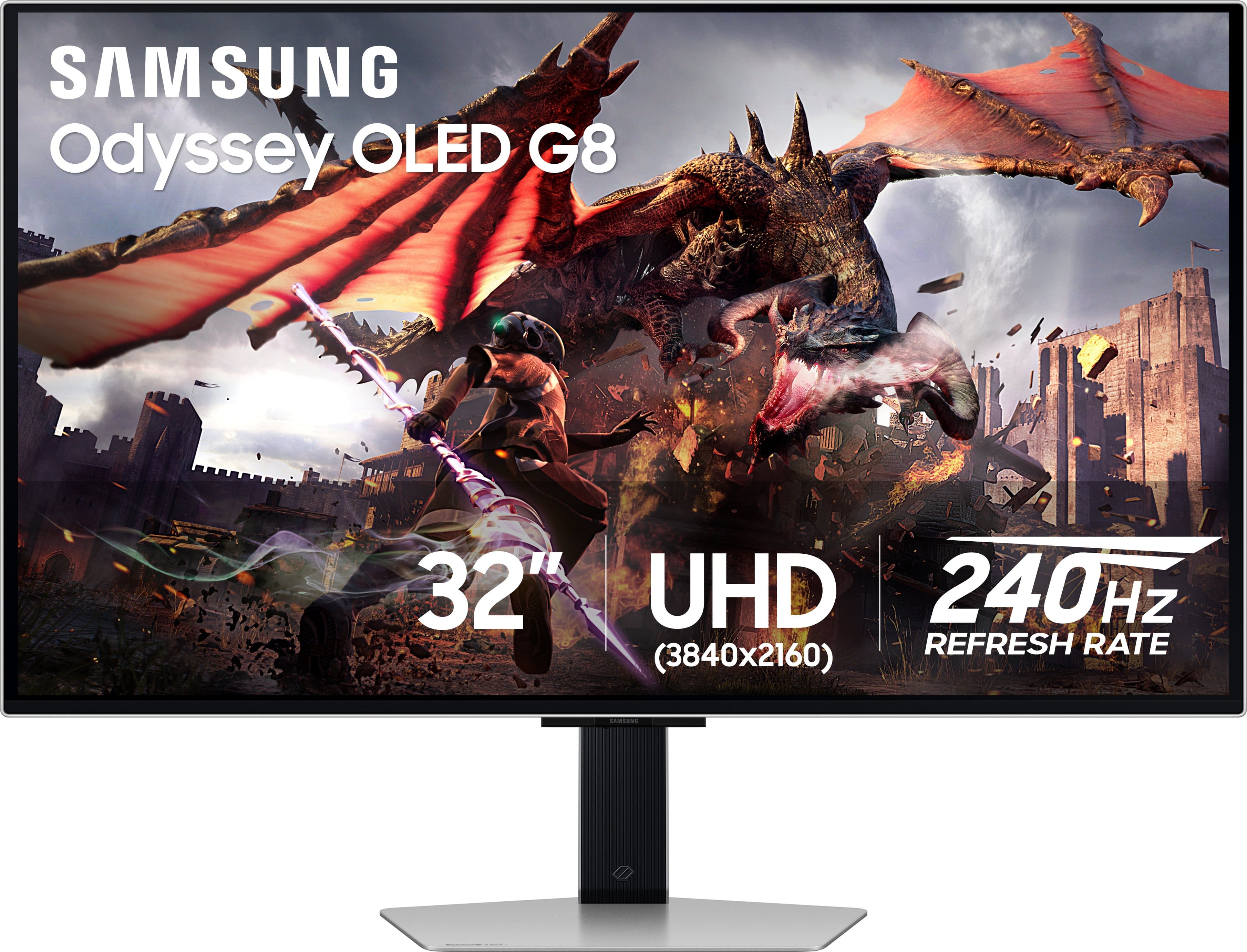
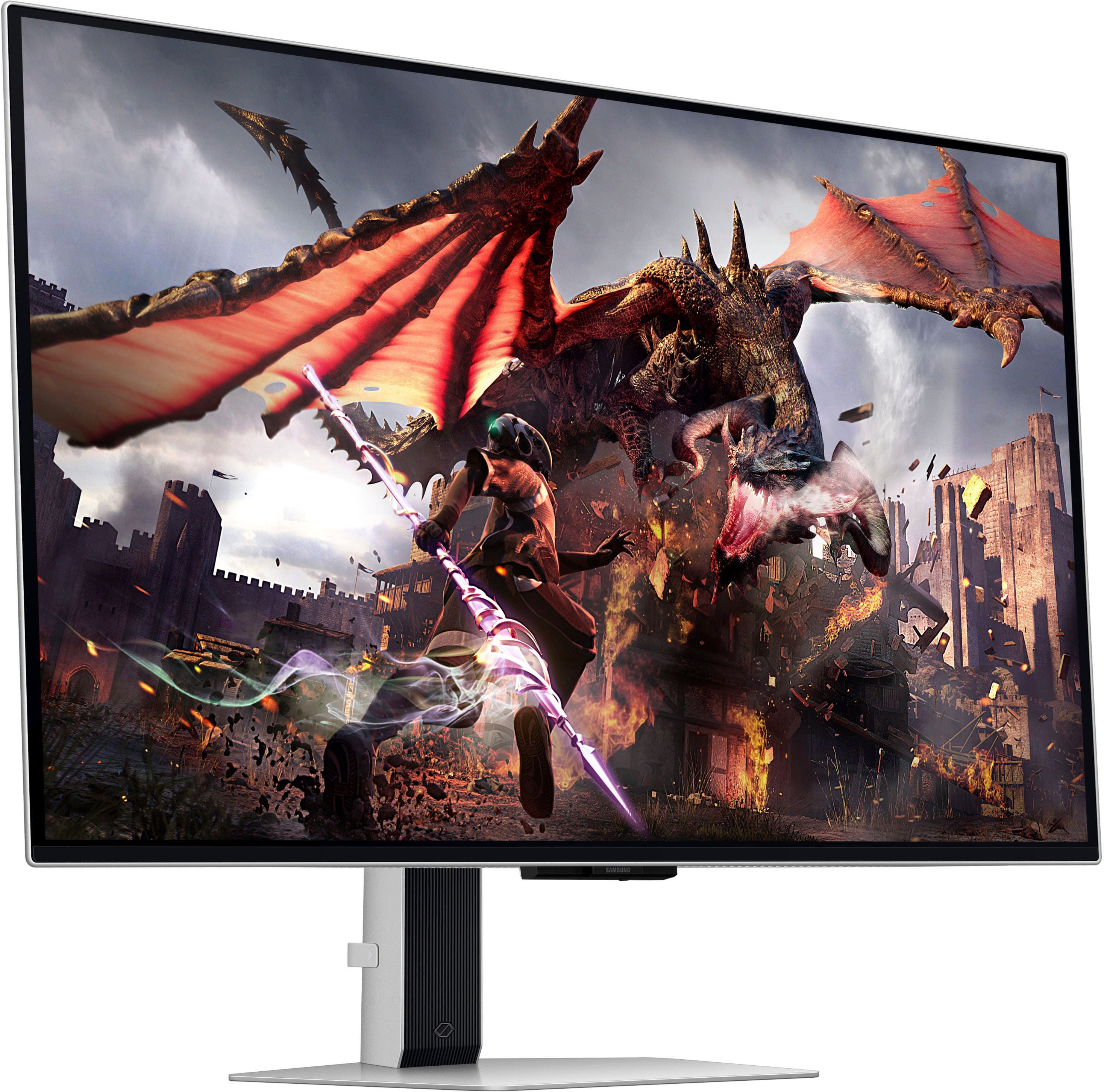
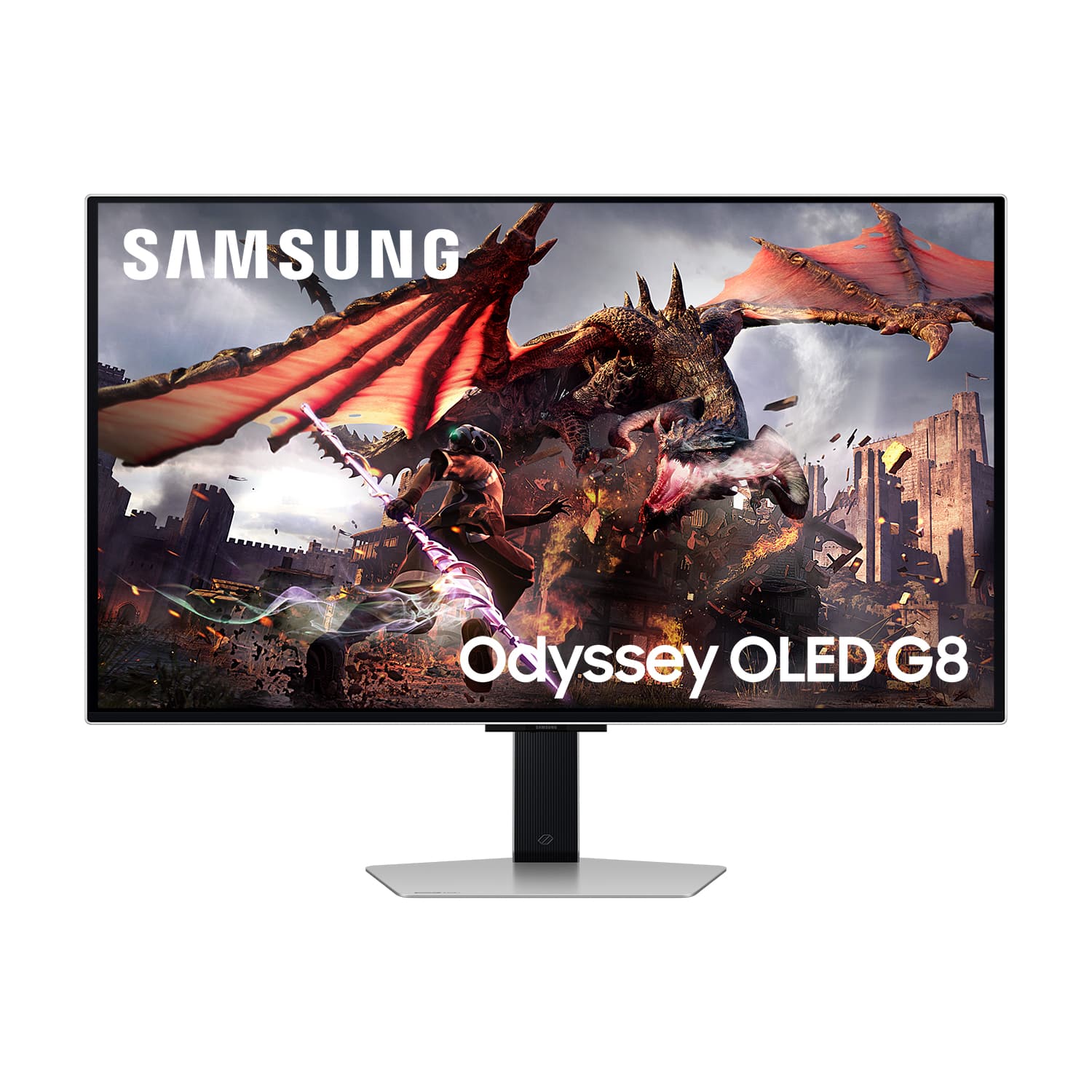
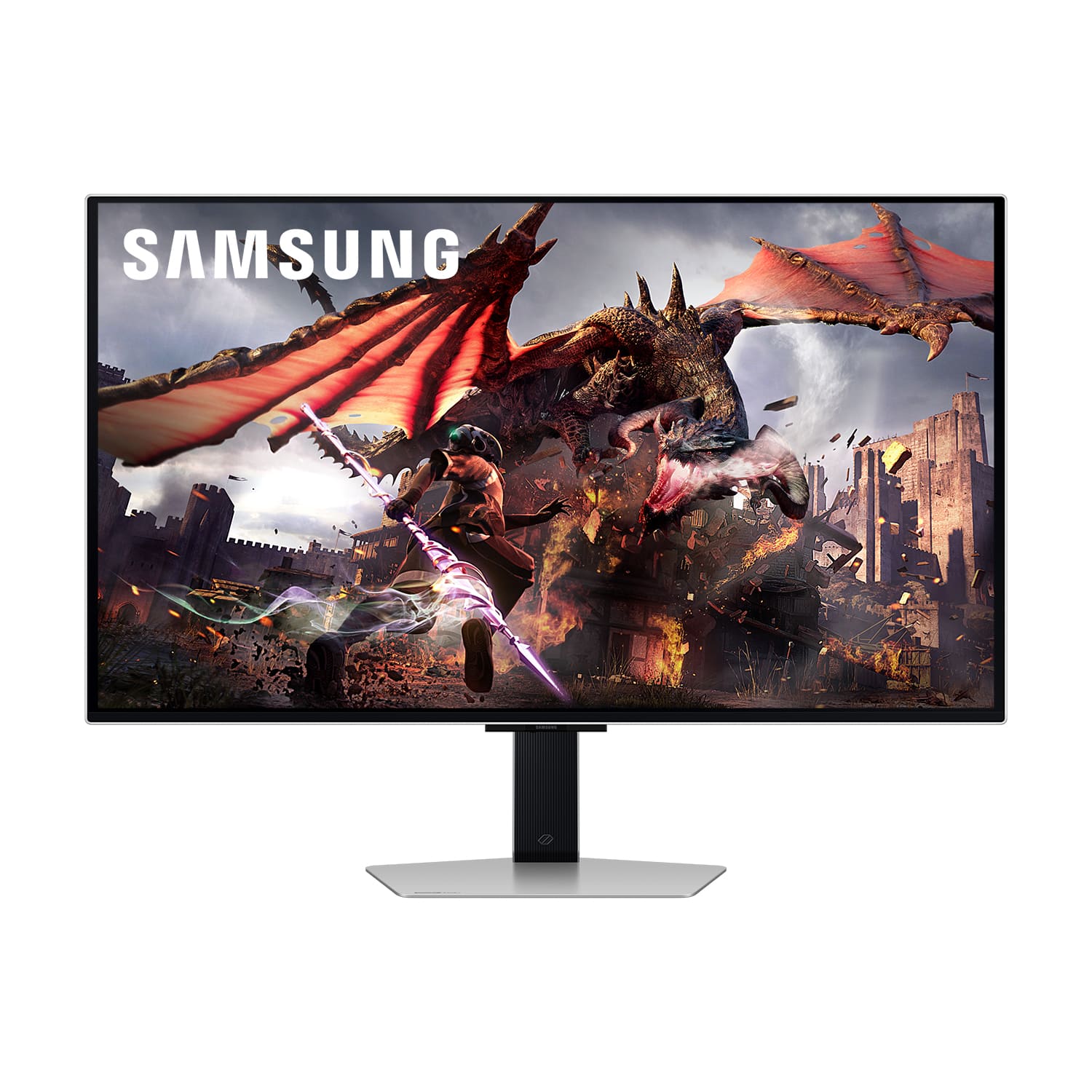
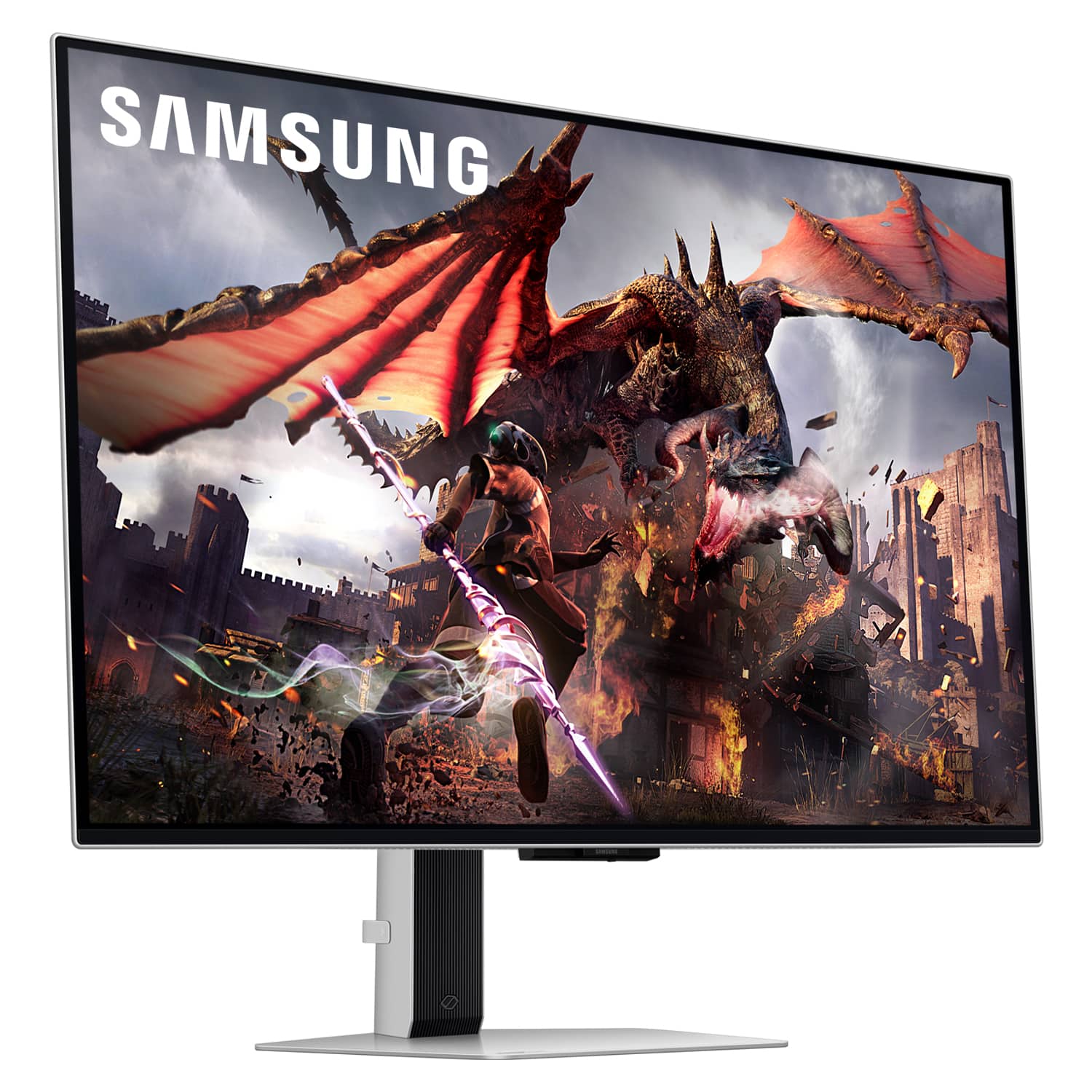
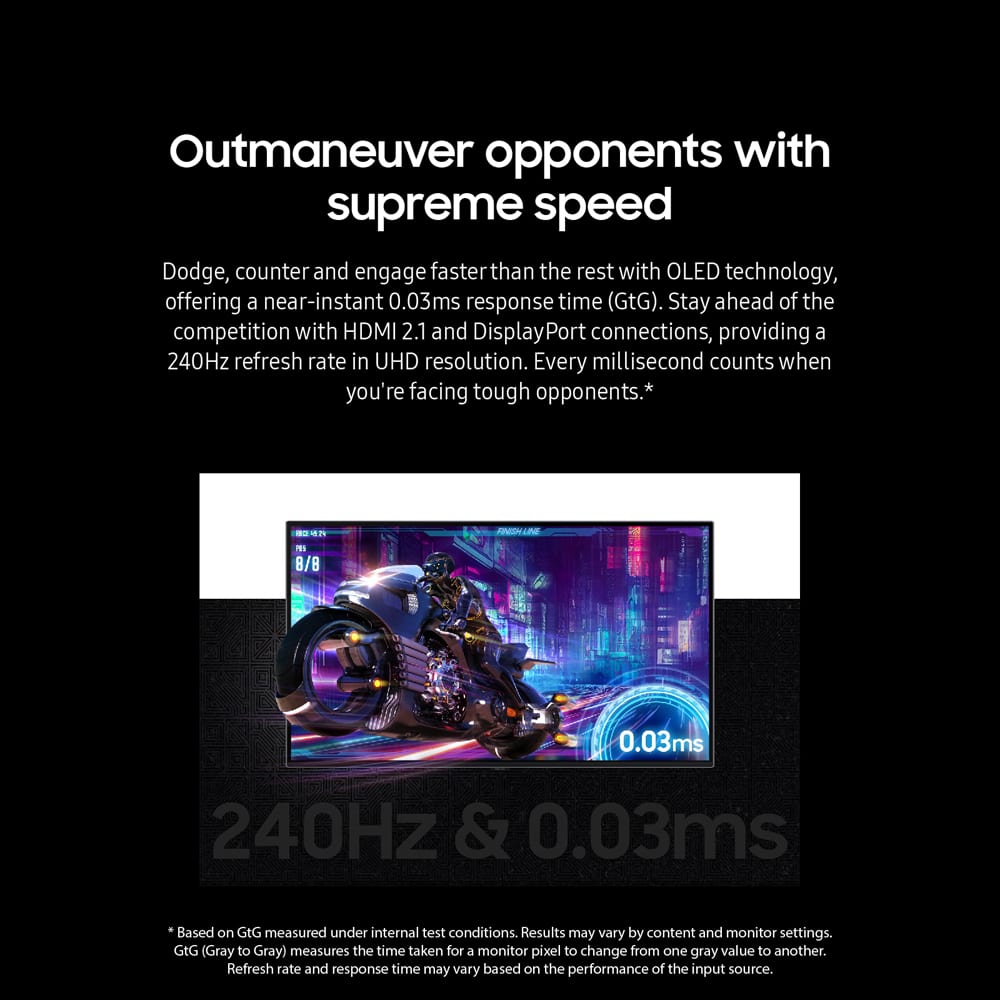
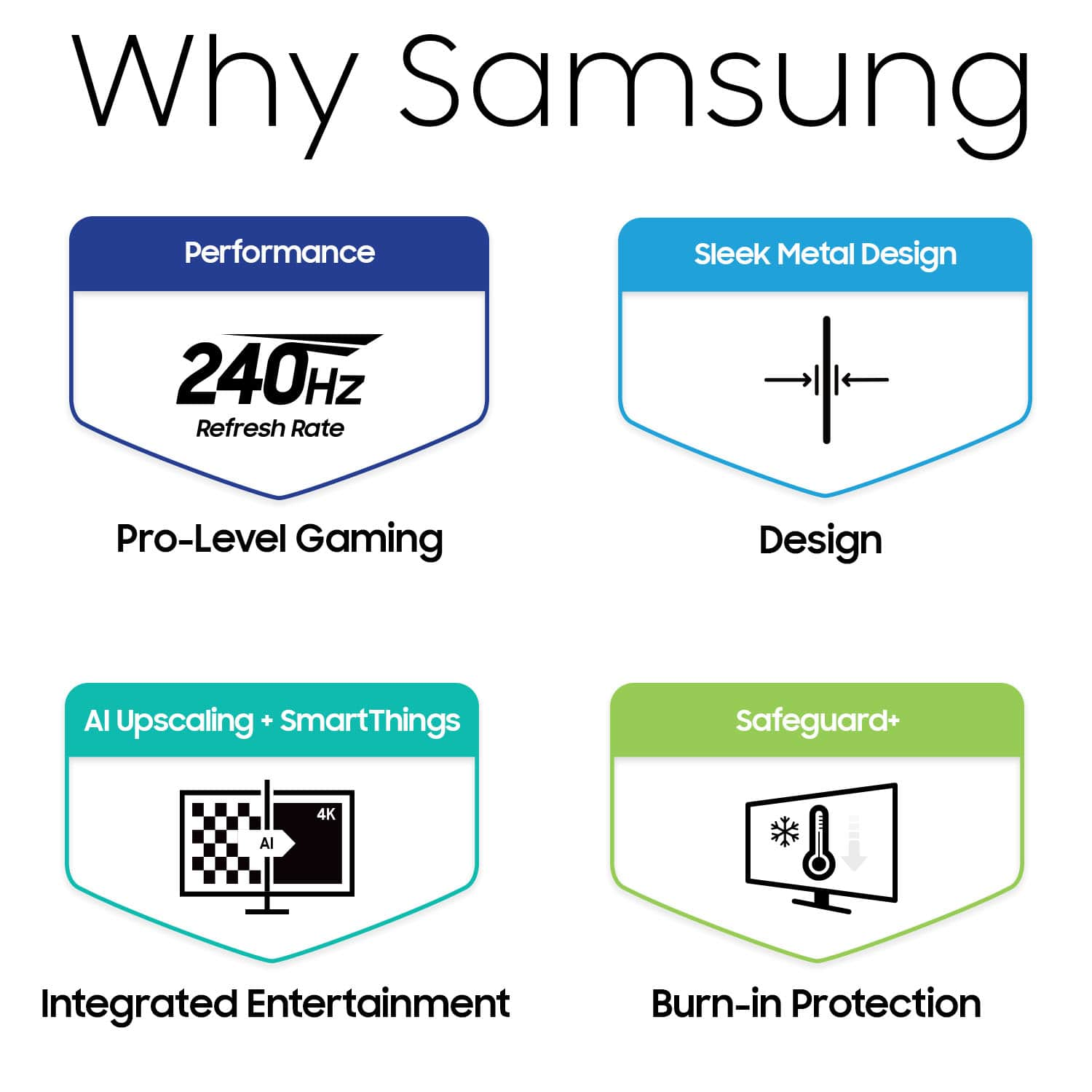
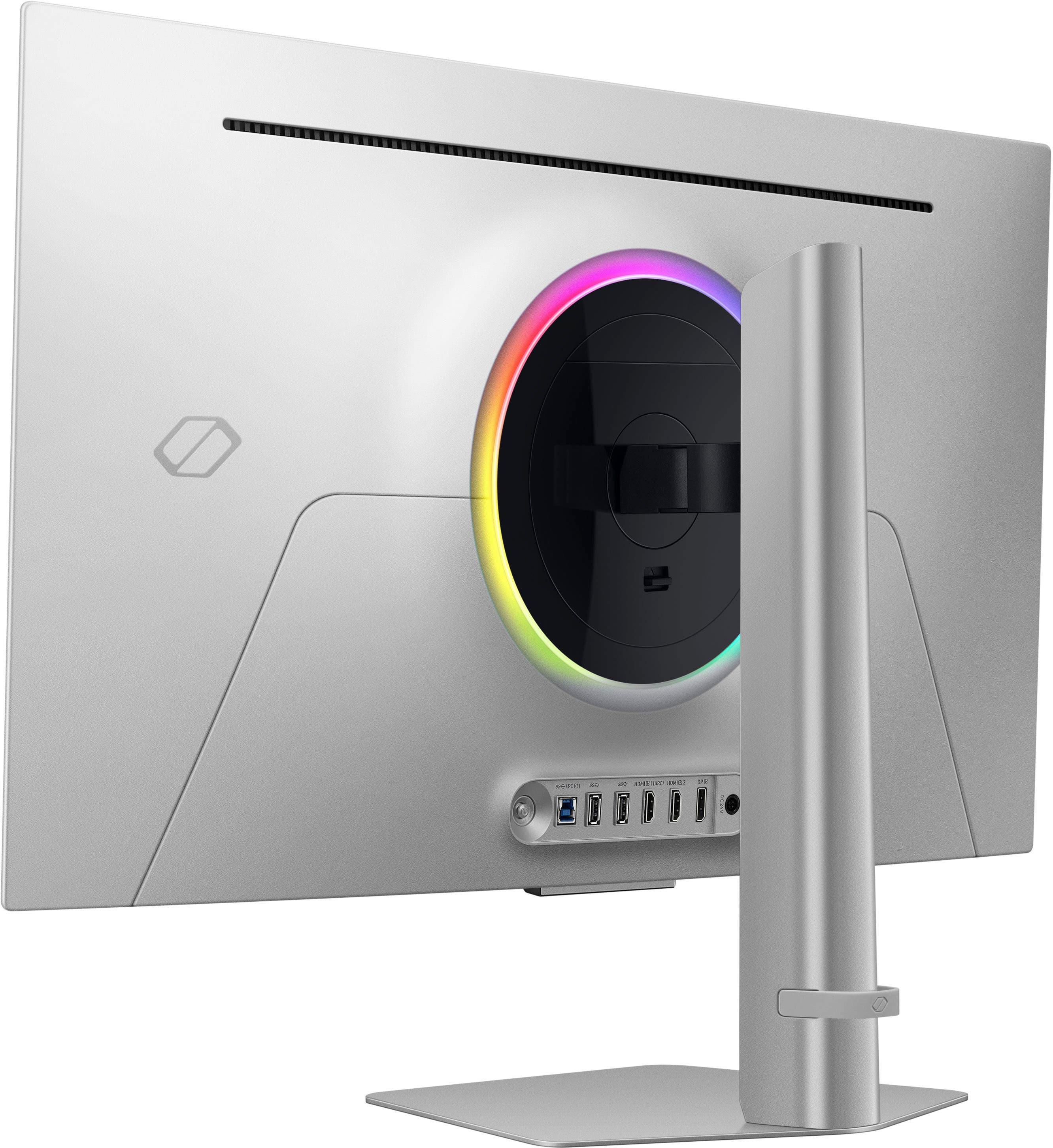
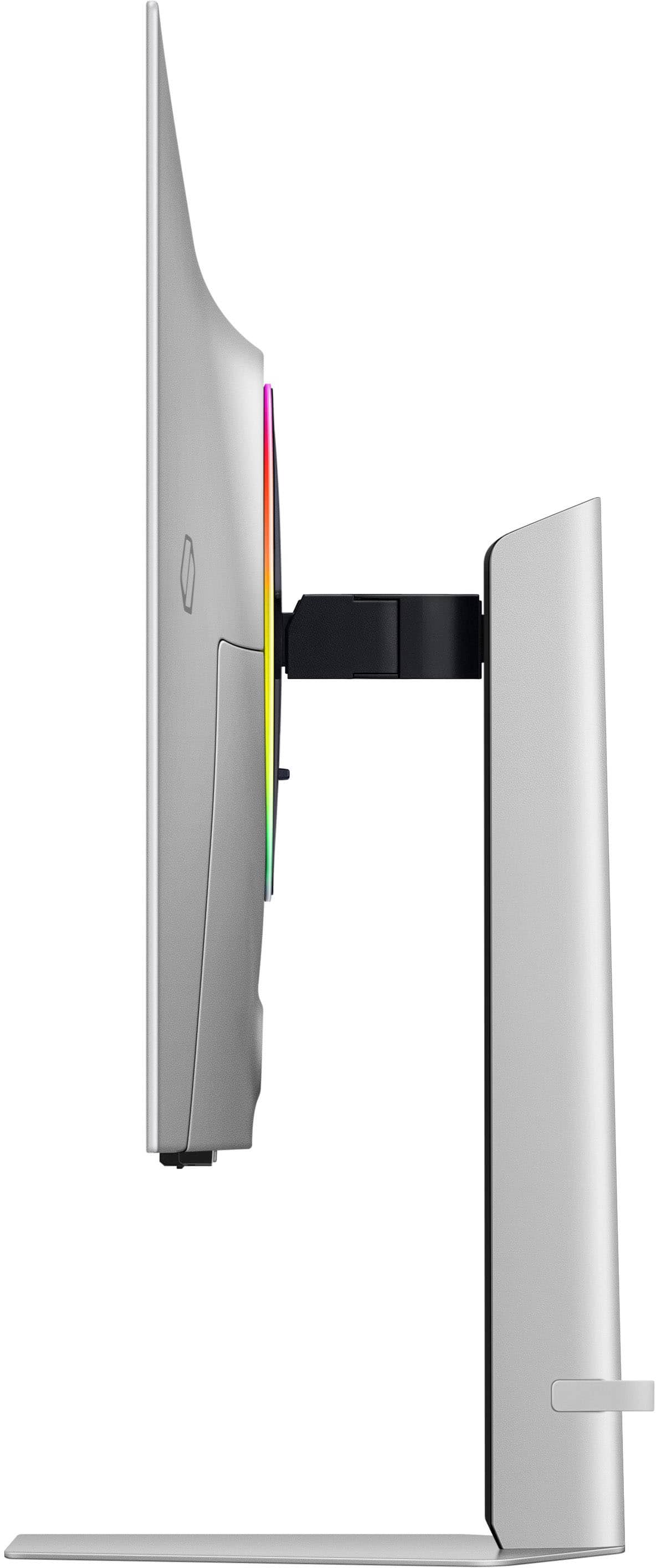
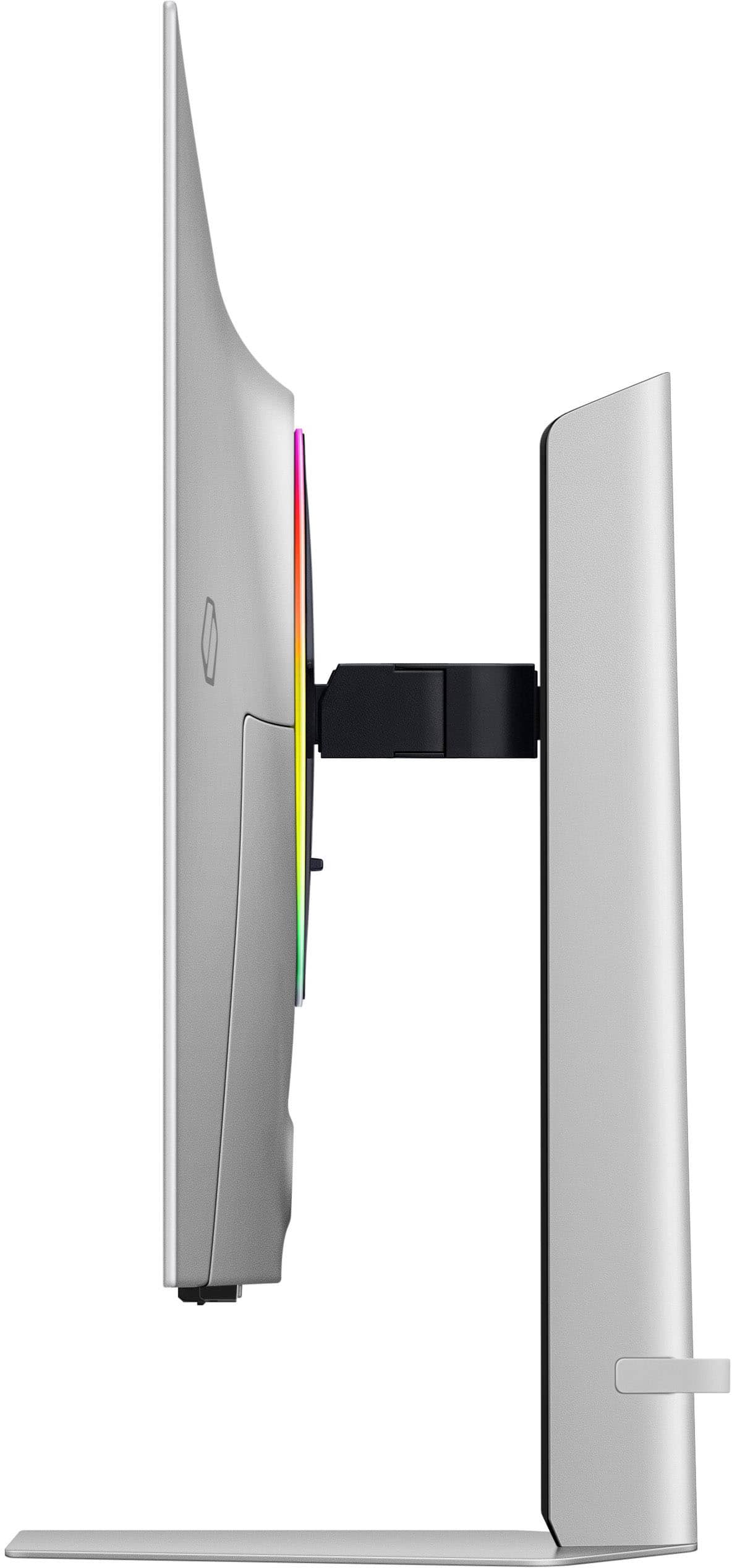
|Posted .This reviewer received promo considerations or sweepstakes entry for writing a review.The good: Display Technology - The highlight here of course is its 32-inch OLED panel, which sets it apart from traditional LCD or LED monitors. It being OLED means it delivers superior picture quality with inky blacks and vibrant colors. Relatively unusual for this size, this Samsung boasts a 4K UHD resolution of 3840 x 2160 pixels, providing sharp and detailed visuals that enhance both gaming and multimedia experiences. With a blazing-fast 240Hz refresh rate and an astonishingly low 0.03ms response time, it delivers ultra-smooth gameplay with minimal motion blur and input lag. This makes it an ideal choice for competitive gamers who demand precision and responsiveness from their displays. In laymen’s terms, it’s beautiful, accurate, and fast. Design and Build Quality - Sleek and modern design that blends aesthetic appeal with functionality, including minimal bezels, matte black finish to minimize glare, and a robust stand which has height, tilt, and swivel adjustments. Relatively understated, it also features “Infinity Core” lightning on the back, with customizable RGB lightning effects (which can also be disabled entirely.) Color Accuracy and HDR Capabilities - Exceptional color accuracy, covering 125% of the sRGB color gamut and supporting 1 billion colors. Also has HDR support, specifically HDR600, essentially meaning deeper blacks and brighter highlights for HDR content. Gaming Performance 240Hz refresh rate and .03ms response time. Butterly smooth and super immersive. Connectivity and Features - Aside from the strictly monitor features, it also has what sort of looks like a version of Android TV baked in, which means it can essentially operate as a stand alone TV as well. Most of the usual bells and whistles are there on the “TV” setting side, including some relatively decent internal speakers as well. The bad: Price - Not really much of a “bad” in my opinion, as you certainly get what you pay for with this monitor. That being said, there are significantly cheaper 32” panels on the market, but not with this entire feature set. Burn-in risk - As with all OLED panels, there’s a risk of image burn-in. This does seem to be less of a risk with this model due to some onboard “Dynamic Cooling System”, which is designed specifically to prevent it. Expensive GPU is essentially a necessity - Again, not really a negative per se, but in order to really take advantage of this monitor, at least from a gaming perspective, a fairly hefty and current (and thus expensive) graphics card is a must. Overall: The Samsung 32" Odyssey OLED G8 G80SD 4K UHD gaming monitor represents a state-of-the-art choice for gamers and professionals seeking uncompromising performance and visual fidelity. Its OLED panel, combined with 4K UHD resolution, 240Hz refresh rate, and ultra-low response time, sets a new standard for gaming monitors. While the premium price tag and considerations about OLED technology may deter some buyers, the monitor's exceptional image quality, gaming performance, and feature-rich design make it a standout choice for those who prioritize the best. If you're looking to elevate your gaming experience with a monitor that offers unparalleled clarity, responsiveness, and immersive visuals, the Samsung Odyssey G8 is highly recommended. It not only meets but exceeds expectations, delivering a gaming experience that is truly next-gen.
I would recommend this to a friend Poor Description of Open Box
||Posted .This reviewer received promo considerations or sweepstakes entry for writing a review.Best Buy's open box descriptions are atrocious. I recently bought two items from Best Buy with condition described as "excellent" only to receive defective merchandise and missing accessories, including smart remote. Surely Best Buy can do better than pushing terrible descriptions and forcing the consumer to take the item back to the store.
No, I would not recommend this to a friendBrand response from Samsung
Posted ."Thank you for your review. We are sorry you were not satisfied with your experience. Your overall feedback is important to us and we will document your concerns. We also recommend you contact Best Buy directly for assistance in correcting the situation. If you ever need assistance with the monitor itself, please contact Samsung Customer Support and a rep will be happy to assist you: 1-800-SAMSUNG, available 8AM - 12AM EST (Mon-Fri) / 9AM - 11PM EST (Sat-Sun) Samsung is committed to providing the best possible product experience, quality, and value, and we are always here to help with any of your questions or concerns. "
- Cons mentioned:Speakers
The monitor's external speakers have no sound
||Posted .This reviewer received promo considerations or sweepstakes entry for writing a review.The monitor's external speakers have no sound. Why is it shipped without quality inspection?
No, I would not recommend this to a friendBrand response from Samsung
Posted .Please know you are leaving a review for the [series/model], not the service provided by a third party seller. Please follow up directly with the seller for further assistance. We hope your issue is resolved in a timely manner. Should you have questions regarding Samsung TVs, please contact Samsung Support at 1-800-SAMSUNG, 8AM - 12AM EST, 7 days a week. Our LiveChat agents are also available by clicking on the ‘Support’ link on our website.
I guess i got a bad one
||Posted . Owned for less than 1 week when reviewed.This reviewer received promo considerations or sweepstakes entry for writing a review.I loved this monitor until my screen started going in and out. Haven't had it a week smh
No, I would not recommend this to a friendStuck pixel
||Posted . Owned for 3 months when reviewed.This reviewer received promo considerations or sweepstakes entry for writing a review.Monitor now has a dead pixel after literally 2 months, I would never leave the mintor on for long periods of times and somehow still got a stuck pixel. Its very frustrating because i wasted so much on this just to mess up within just 2 months and the return deadline was already passed. Do not buy samsung oled monitors.
No, I would not recommend this to a friendBrand response from Samsung
Posted .We are very sorry to see that you have encountered issues with the Samsung OLED G80SD Monitor. We understand your disappointment and hope that you will give us a chance to assist with troubleshooting or warranty service.
Samsung products are engineered to the highest standards of performance and quality and we back this model with a limited time manufacturer's warranty, if purchased brand-new from an authorized dealer.
For further assistance or to begin warranty service, please contact Samsung Customer Support via:
1-800-SAMSUNG, available 8AM - 12AM EST (Mon-Fri) / 9AM - 11PM EST (Sat-Sun)
Samsung is committed to providing the best possible product experience, quality, and value, and we are always here to help with any of your questions or concerns.
- Pros mentioned:Picture qualityCons mentioned:Brightness, Speakers
Everything, including the kitchen sink
|Posted .This reviewer received promo considerations or sweepstakes entry for writing a review.Samsung’s top of the line Odyssey series of displays has a new G8 beast – a 32” OLED display that is more than just a typical computer monitor. Focused on PC gaming, this display can do 240hz 4k with an incredibly fast 0.03ms response time. As an OLED panel, the display has deep blacks and shadows with no light bleed in high contrast scenes. The most interesting thing about this display is that it is much more than just a PC gaming monitor, which is apparent when you open the box and find a remote control… Speaking of the box, when opening it up you’ll find the stand, some instructions, a collection of cables (which is a welcome change from some other brands that have stopped including them), the substantial power brick, and the previously mentioned remote control. Assembling the stand takes about 30 seconds. A zero-tool assembly makes this a breeze. Just insert the stand to the base, rotate it 90 degrees, and clip the mount to the display panel. Poof, done. The final setup is clean, simple, and understated. This display would look great in any setup, from a classy office to an RGB gamer dungeon. Connections are easy as all ports are visible and push directly into the back. A small silicone strap on the stand helps with cable management . One little quibble is with the power connector – it’s a right angle connector that overlaps the display port input. You have to turn it at kind of an odd angle to avoid the display port connection, and the barrel plug does not go all the way flush to the back of the display. Don’t force it thinking it should go in further – it won’t, and you risk damaging something. Powering up the display is when you realize this isn’t just your typical “dumb” PC monitor. This is a fully featured Tizen TV with Samsung’s latest “AI” upscaling chip that is being used on even their 8K TVs. This is where the remote comes into play. Even that is premium – it’s a USB-C rechargeable remote, not something that needs to be fed AAAs. The remote allows for getting to and changing settings without an awkward reach around the monitor and trying to blindly press menu buttons, which is welcome. Bringing up the game bar is kind of odd, you have to press and hold the play/pause button for 3 seconds on the remote to get it to pop up. As a Smart TV, this thing has a bit of a setup process to get it on wireless and registered with Samsung. You can do this via the remote, a QR code using Samsung SmartThings on a phone, or by directly connecting a keyboard to the display’s USB ports. I used the app method, which requires a Samsung account and a few steps, but it got the display online and ready to go. This thing even has far field mics in it for voice assistants, either Samsung’s “Bixby” or Amazon’s Alexa. I decided that was a bit much and didn’t enable either, but they are there if you want them. Since this display is connected to wireless, it can pull down its own updates and doesn’t depend on any clunky PC software to try to update it. Additionally, you can configure and set up the lighting directly on the display using the remote, including a screen sampler mode, with no software or CPU chewing process required on your gaming rig. This is a really welcome feature for people who like to keep their PC with minimal software loads. It also has integrated speakers, again allowing it to act as a standalone TV. They are better than most monitors, but lack any kind of low end response. This display also has something very rare for a PC monitor – one of the HDMI ports supports ARC, so you can send audio to a soundbar or AV receiver. The display itself has a new generation matte coating, that promises exceptional glare reduction while still transmitting clear colors. In my opinion, it works. This display isn’t the brightest, but the exceptional amount of ambient light reduction still makes it very visible, even in rooms with natural light. Burn in is always the biggest worry with OLED screens, and Samsung has developed some new methods to help combat it. The panel itself is actually larger than a 4K resolution, and area that is in use will shift between some power cycles to keep more static screen elements from burning the same set of pixels. Additionally, the display features a heat pipe system that pulls heat away from the panel, which is a major cause of premature aging on OLED panels. Doing common sense things like setting a fast display off timer on your PC and hiding the task bar also help. Coming from a 27” 4K 144hz IPS panel with local dimming (not mini-LED), this display is a revelation. The complete color uniformity, no light bleed, and blazing fast response times makes for an incredible experience in games. The extra screen space fills your field of vision and games feel much more immersive. Not fighting light bleed in darker games in the corners means less eye strain and overall gaming is a joy, especially if you have a gaming PC that can really drive it. Finally, the price and overall value. This thing is expensive. Really expensive. Since you are getting more than just a monitor, you are paying for features you may not practically need. For example, I’m not sure I’ll ever use the smart TV functions of this display. It’s already connected to a PC which can run the same apps. If you are in a small space like a dorm room or a bedroom I can see where these features could be useful as you can use the remote and voice control to have it work as a TV and not need to use a PC. There are some side benefits to the extra technology, notably that it can pull down its own updates and the lighting controls don’t require software on your PC, along with a remote for changing settings. It is one of the latest QD-OLED panels and for gaming it is excellent. If you can afford it and especially if you can use the extra features then this is a display you should consider.
I would recommend this to a friend Constant problems, 0 stars if possible.
||Posted . Owned for 3 months when reviewed.This reviewer received promo considerations or sweepstakes entry for writing a review.This is the worst monitor I have ever owned. Constant wifi issues, HDR issues all over the place, sound issues, remote control issues. It's also an extremely tedious process to calibrate for proper HDR. That is when it decides to actually work. The UI is also the worst I have ever used on any device. I foolishly waited too long and can no longer return it.
No, I would not recommend this to a friendBrand response from Samsung
Posted .Thank you for your review. Samsung is committed to providing the best possible product experience, quality, and value. Samsung greatly values our customers’ feedback and we utilize your concerns and opinions in our relentless efforts towards delivering world-class products. We are very sorry to hear this product didn't meet your expectations and hope to have you back as a customer again. If there is anything we can do to assist you and improve your product experience, please don't hesitate to contact Samsung Customer Support via: 1-800-SAMSUNG, available 8AM - 12AM EST (Mon-Fri) / 9AM - 11PM EST (Sat-Sun)
- Pros mentioned:Oled quality, Refresh rateCons mentioned:Brightness
The OLED Era is Upon Us
|Posted .This reviewer received promo considerations or sweepstakes entry for writing a review.I have been dreaming of a monitor upgrade ever since OLED gaming monitors have taken the industry by storm. My trusty (but aging) display just wasn't delivering the visual punch I craved anymore. Enter the Samsung Odyssey G80SD, a 32-inch OLED powerhouse promising to be a game-changer (literally). After putting it through its paces for an extended period, here's my in-depth analysis of this feature-packed monitor. Unboxing and Setup: A Streamlined Experience: Unlike some monitors that require an engineering degree to assemble, the G80SD boasts a refreshingly simple setup process. No tools are needed – just a few clicks with the included stand, and you're ready to go. The stand itself offers a good range of adjustments, including tilt, swivel, and height (though some users might find the height adjustment a bit limited compared to some LG models). The design is a welcome departure from my previous monitor's bulkiness. It's sleek, modern, and boasts a subtle elegance that complements any desk setup. A Visual Feast for Gamers and Content Consumers Alike: The real magic lies in the display itself. Samsung's implementation of OLED technology delivers a visual spectacle that had me constantly impressed. Deep blacks, vibrant colors that practically leap off the screen, and incredibly sharp details create an immersive experience that's hard to beat. Whether you're exploring a fantastical world in a game or watching the latest blockbuster movie, the G80SD pulls you right in. More Than Just a Pretty Face: The G80SD isn't just about stunning visuals – it's a gamer's dream come true. The blazing-fast 240Hz refresh rate eliminates any lag or ghosting, ensuring smooth gameplay even in the most fast-paced titles. This translates to a significant competitive edge and a more immersive experience, allowing you to react quicker and feel truly connected to the action. But the G80SD doesn't stop there. It boasts a dedicated Gaming Hub that provides access to streaming services like GeForce Now, opening the door to a vast library of games without the need for a high-end gaming PC. This, coupled with features like VRR (variable refresh rate) and ultra-low input lag, makes the G80SD a compelling alternative or a fantastic complement to a dedicated gaming machine. Beyond Gaming: The G80SD surprised me with its built-in smart features. It's essentially a Samsung TV disguised as a monitor! With the included remote, I can access all my favorite streaming apps with ease, making it perfect for movie nights or catching up on shows. The built-in AI processing further elevates the experience by upscaling even 1080p content to look fantastic. But the G80SD's usefulness extends beyond entertainment. The high refresh rate makes everyday tasks feel more responsive, whether you're browsing the web, scrolling through documents, or editing photos in Photoshop. Additionally, the color accuracy is top-notch, making it a great choice for creative work. A Few Considerations Before You Upgrade: While the G80SD shines in most aspects, there are a few things to keep in mind: • Brightness: The brightness delivers a fantastic picture in most situations. However, hardcore HDR enthusiasts might find themselves wanting a bit more punch, especially in brightly lit environments. • Bezels: The bezels are a tad thicker than I'd prefer for a premium monitor, especially for those seeking a truly immersive setup. Gamers with multi-monitor configurations might find the bezels distracting. The Final Verdict: A Monitor Worth the Investment Despite the minor drawbacks, the Samsung Odyssey G80SD is a phenomenal monitor. It delivers a stunning visual experience, boasts a blazing-fast refresh rate for gamers, and offers a surprising amount of smart features for everyday use. It's an investment, for sure, but for those looking for a top-of-the-line monitor that blurs the lines between gaming and everyday productivity, the G80SD is definitely worth considering. Just be sure to weigh the limitations in brightness and bezel size against the overall feature set before making the leap.
I would recommend this to a friend - Pros mentioned:Design, Picture quality, Refresh rate
A diverse multi-purpose hybrid monitor
|Posted .This reviewer received promo considerations or sweepstakes entry for writing a review.The introduction of a hybrid Smart TV and a computer monitor is a concept that reshapes the way we engage with technology in our living spaces. This innovative fusion seamlessly integrates entertainment and productivity, unlocking a myriad of benefits and possibilities. Despite only scratching the surface of its capabilities, this monitor has proven versatile in general computing, high-resolution video editing, streaming games, and enjoying platforms like Netflix. The remarkable fact that it achieves all this without requiring a connected gaming console is a testament to its advanced capabilities. We are indeed experiencing a glimpse of the future today. The Odyssey G8 monitor takes gaming to the next level with its remarkable 240Hz refresh rate and an astonishing 0.03ms response time, creating an unrivaled visual experience that sets it apart from the competition. The 240Hz refresh rate guarantees seamless and fluid gameplay, where every frame is rendered with impeccable precision. This lightning-fast refresh rate ensures that even the most demanding games run smoother than ever before, delivering an unparalleled sense of immersion and responsiveness. I recently revisited Remnant II with all settings maxed out on the Odyssey G8, and it was a transformative experience. The game's stunning visuals were brought to life like never before, with intricate details and vibrant colors that I had never noticed on my previous monitor. The smooth and fluid gameplay made me feel like I was truly immersed in the game's world, and I found myself wanting to play the entire game again simply because it looked so good on the Odyssey G8. Working with 4K video editing software during my day job has been significantly enhanced by this monitor. The exceptional deep blacks and vibrant colors make lengthy editing sessions much more enjoyable and efficient. Video details are super sharp and easy to manipulate. The text's visual quality is remarkable, with exceptional sharpness that ranks high among my priorities for any monitor I choose. With its expansive 32-inch UHD screen, video editing software and its accompanying tools can coexist seamlessly on a single display, providing ample space for efficient editing workflows. As previously mentioned, the Odyssey G8 doubles as a smart TV, allowing you to access streaming apps like Netflix and YouTube without the need for an external device. With premium game streaming platforms built in such as Xbox Live and NVIDIA GeForce NOW, you can simply pair your preferred bluetooth controller and get playing without the need to even have a console hooked up. Crazy! The build quality looks and feels premium and will match any room you choose to put it in. It’s made out of metal, and feels solid when placed on your desk. As a bonus, you can easily swivel this display (on its standard mount) vertically if you choose. I really like the idea of the round core light on the back. You can have it set to a static color of your choice, or even use one of the presets, such as pulse, or breathing, etc. It’s a nice touch to have that built in, but unfortunately it isn’t very bright unless you have most lights off in your room and it is relatively close to a wall. Overall, the Samsung 32" Odyssey OLED G8 Smart Gaming Monitor is an exceptional choice for anyone who wants a stunning all-in-one monitor solution. I find myself sitting at my desk more than usual now, which is both good and bad. Perhaps a sit-stand desk is in my near future! Pros: Incredible clarity, colors, and contrast Sharp text 240Hz refresh rate and 0.03ms response time is amazing for gamers Premium game streaming built in Smart TV functionality 4K UHD Glare free All metal design Cons: Core light isn’t bright enough It would be nice to have a built-in high resolution webcam one the next version
I would recommend this to a friend - Pros mentioned:Picture quality
Had to return
||Posted . Owned for 1 week when reviewed.This reviewer received promo considerations or sweepstakes entry for writing a review.It had a vertical line. I had to return it. The picture was good otherwise. Sound was teeny.
No, I would not recommend this to a friendBrand response from Samsung
Posted .Thank you for bringing this issue to our attention as Samsung is committed to providing the best possible product experience, quality, and value. Samsung greatly values our customers’ feedback and we utilize your concerns and opinions in our relentless efforts towards delivering world-class products. We are very sorry to hear that you returned this product and hope to have you back as a customer again.
If you ever need assistance in the future, please contact Samsung Customer Support and a rep will be happy to assist you:
1-800-SAMSUNG, available 8AM - 12AM EST (Mon-Fri) / 9AM - 11PM EST (Sat-Sun)
- Pros mentioned:Oled quality, Picture quality, Refresh rate
QD-OLED monitor with TV functionality
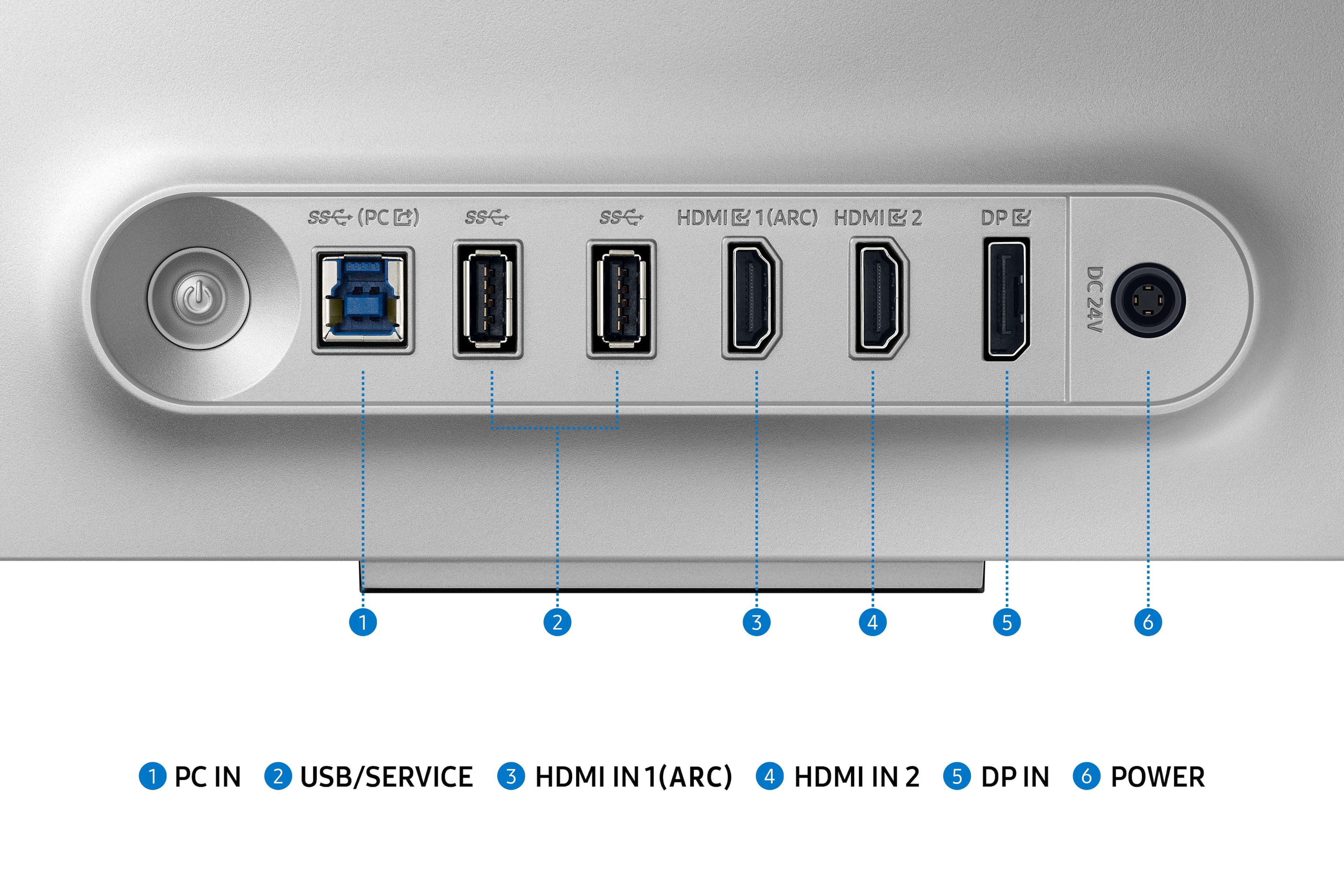
|Posted .This reviewer received promo considerations or sweepstakes entry for writing a review.To be completely transparent, part of my experience is a bit biased because this is my first OLED screen. Compared to QLED screens I’ve used before, even before getting into the brightness of the panel, the hype is real. Something about the way OLED can display blacks makes it more real, almost silky. At default setting at natural, colors were quite accurate for 6500K. 240Hz refresh rate and 0.03ms response rates are standard for this tier of monitor. Ports include HDMI 2.1 and DisplayPort inputs, with a little rubber cable management loop in the back. Samsung touts a “metal” design, and the monitor does have a nice aluminum base frame. However, the arm is a mix of plastic and metal, which still felt plenty sturdy and all but disappears from sight while in use. Samsung reportedly used a new generation matte finish to reduce glare, and it did seem to reduce glare compared to my other office monitor. One nitpick: Samsung’s Tizen interface bleeds into every.thing. It’s one of my biggest gripes with my Samsung smart TV’s, and unfortunately, because the G80SD has TV functionality, Samsung has introduced their abhorrent menu system. Compared to changing settings for a typical monitor, you need to jump through what seems like at least 2-3 additional menus in order to reach what you want. And ads. Ads sneak in everywhere. Other than the UI, I greatly enjoy everything else about this monitor. The screen is slim so despite being 32 in, it doesn’t take up much. The tradeoff, likely to keep the screen slimmer, is much of the electronics were moved into a large external brick. For my desk, I have a hook that I can attach to behind view, but something to note. Overall, OLED is amazing, and color accuracy is great.
I would recommend this to a friend Monitor
||Posted . Owned for 3 months when reviewed.This reviewer received promo considerations or sweepstakes entry for writing a review.For that expensive of a monitor, it’s not worth the money. Color is off screen flickers, and the overall color and presentation of the monitor is not very good.
No, I would not recommend this to a friendBrand response from Samsung
Posted .Thank you for your review. Samsung is committed to providing the best possible product experience, quality, and value. Samsung greatly values our customers’ feedback and we utilize your concerns and opinions in our relentless efforts towards delivering world-class products. We are very sorry to hear this product didn't meet your expectations and hope to have you back as a customer again. If there is anything we can do to assist you and improve your product experience, please don't hesitate to contact Samsung Customer Support via: 1-800-SAMSUNG, available 8AM - 12AM EST (Mon-Fri) / 9AM - 11PM EST (Sat-Sun)
DO NOT BUY FROM BEST BUY
||Posted . Owned for 1 month when reviewed.This reviewer received promo considerations or sweepstakes entry for writing a review.DO NOT, I REPEAT DO NOT ORDER WITH BEST BUY! THIS ITEM WAS STOLEN OUT OF MY FRONT DOOR, I HAVE VIDEO PROOF AND OTHER PROOF AND BEST BUY REFUSES TO REPLACE OR REFUND
No, I would not recommend this to a friendBrand response from Samsung
Posted .We are sorry you have not received your Odyssey QD-OLED G8 monitor. Please follow up directly with Best Buy for further assistance. We hope your issue is resolved in a timely manner. Should you have questions regarding the usage or setup of your monitor once you've received it, please contact Samsung Support at 1-800-SAMSUNG, 8AM - 12AM EST, 7 days a week. Our LiveChat agents are also available by clicking on the ‘Support’ link on our website.
flickers on and off
||Posted . Owned for 3 weeks when reviewed.This reviewer received promo considerations or sweepstakes entry for writing a review.great monitor but the monitor flickers off and on randomly. if i knew this i wouldn't have purchased this monitor.
No, I would not recommend this to a friendBrand response from Samsung
Posted .We are very sorry to see that you have encountered issues with the Samsung OLED G80SD Monitor. We understand your disappointment and hope that you will give us a chance to assist with troubleshooting or warranty service.
Samsung products are engineered to the highest standards of performance and quality and we back this model with a limited time manufacturer's warranty, if purchased brand-new from an authorized dealer.
For further assistance or to begin warranty service, please contact Samsung Customer Support via:
1-800-SAMSUNG, available 8AM - 12AM EST (Mon-Fri) / 9AM - 11PM EST (Sat-Sun)
Samsung is committed to providing the best possible product experience, quality, and value, and we are always here to help with any of your questions or concerns.
- Pros mentioned:Oled quality, Refresh rate
Features out the wazzoo!
Posted .This reviewer received promo considerations or sweepstakes entry for writing a review.I was not aware of how many sick features this monitor had. There is occaisoonally some trouble with inputs from ypur devices, and it stems from the features that borderline make it a smart TV. That said, many of the features I expected not to use, and find myself totally appreciating. I use the remote and jump straight into youtube or netflix, and dont even turn on my PC. As a monitor- its freakin siiiiick. The OLED panel is excellent, and the 240hz refresh rate... at 4k?? Brother. Its grand. If your PC can take advantage, its beautiful. Dont get an OLED unless youre comfortable never going back.
I would recommend this to a friend - Pros mentioned:Picture qualityCons mentioned:Brightness
Top gaming monitor in 2024!
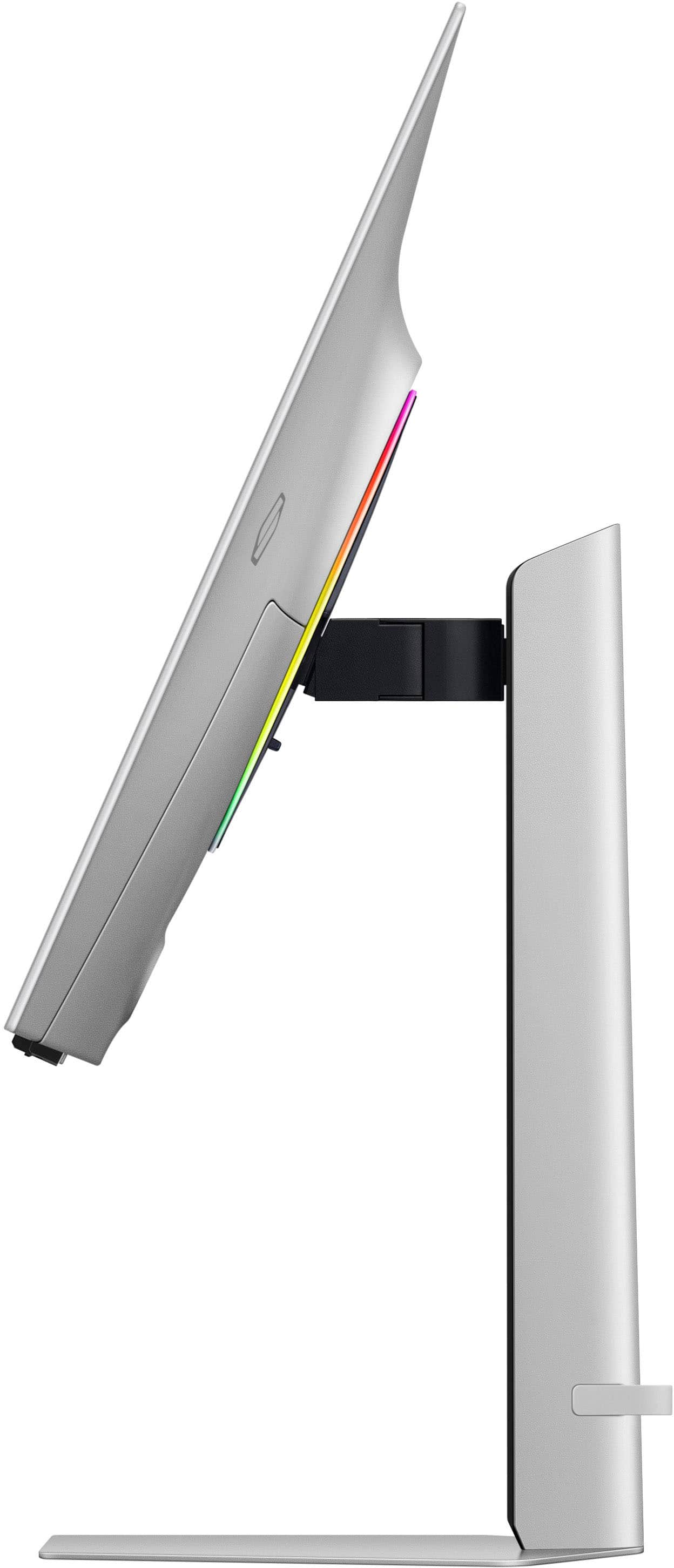
|Posted .This reviewer received promo considerations or sweepstakes entry for writing a review.This review is on a Samsung - 32" Odyssey OLED G8 (G80SD) 4K UHD 240Hz - LS32DG802SNXZA. My main use for this monitor is for gaming but you get so much more. First of all, setup for this monitor is a breeze. You place the stand into the base and twist to lock on. Then you hook the stand into the monitor and snap down. Couldn't be easier. Once it was powered on, all I had to do is use my Samsung S23 to set it up. It immediately recognized the monitor through the SmartThings app. From there it completely set it up with my account, Wi-Fi info, and registered the product in a few minutes. The screen can easily rotate or tilt and it stays in place. Then I connected my XBOX Series X and it recognized that it was an XBOX and added the XBOX logo as the picture for the input. The monitor passes the majority of checks for XBOX 4K details. It doesn't support Dolby Vision for gaming or content at 4K 24Hz or 50Hz. A really nice feature is a map cast to another device. So as I am playing my game, I can cast the game map(radar) to another monitor and enlarge it. I connected my XBOX controller to it by BT and can control all functions and play games through the cloud. The remote that comes with it is very thin and has a solar cell built in to recharge the battery. I would have liked to see and the remote a source select button but it can still be found after pressing the settings button. Holding down the play button will bring up the game bar. Holding down he volume button will bring up an Accessibility menu. Holding down the channel button will bring up the Samsung channel guide. There is a built in microphone on the remote and also one in the monitor. There is a hidden switch next to the microphone on the monitor if you want to turn it off. I can also connect a BT mouse and keyboard. Then I turn on DeX on my Samsung S23 and can use it like a computer. Sweet! Now on to the picture quality. The picture is amazing, stunning and just gorgeous whether it is gaming, menus or TV. New games look incredible and smooth during play with no lag or flicker. Old games however don't look as good with HDR turned on. It looks a bit too washed but you can turn it off to fix this. There is no glare on this screen. If you are worried about burn-in it has a new Pulsating Heat Pipe built in to help guard against burn-in. It also has a screen saver to help. The last feature that I thoroughly enjoy is Alexa built-in. Now I can control all my devices through the monitor. For some reason the Alexa app did not work to start with and I had to re-install but after that it worked. This monitor is a must have if you are serious about gaming or just want to watch movies.
I would recommend this to a friend