Customer Ratings & Reviews
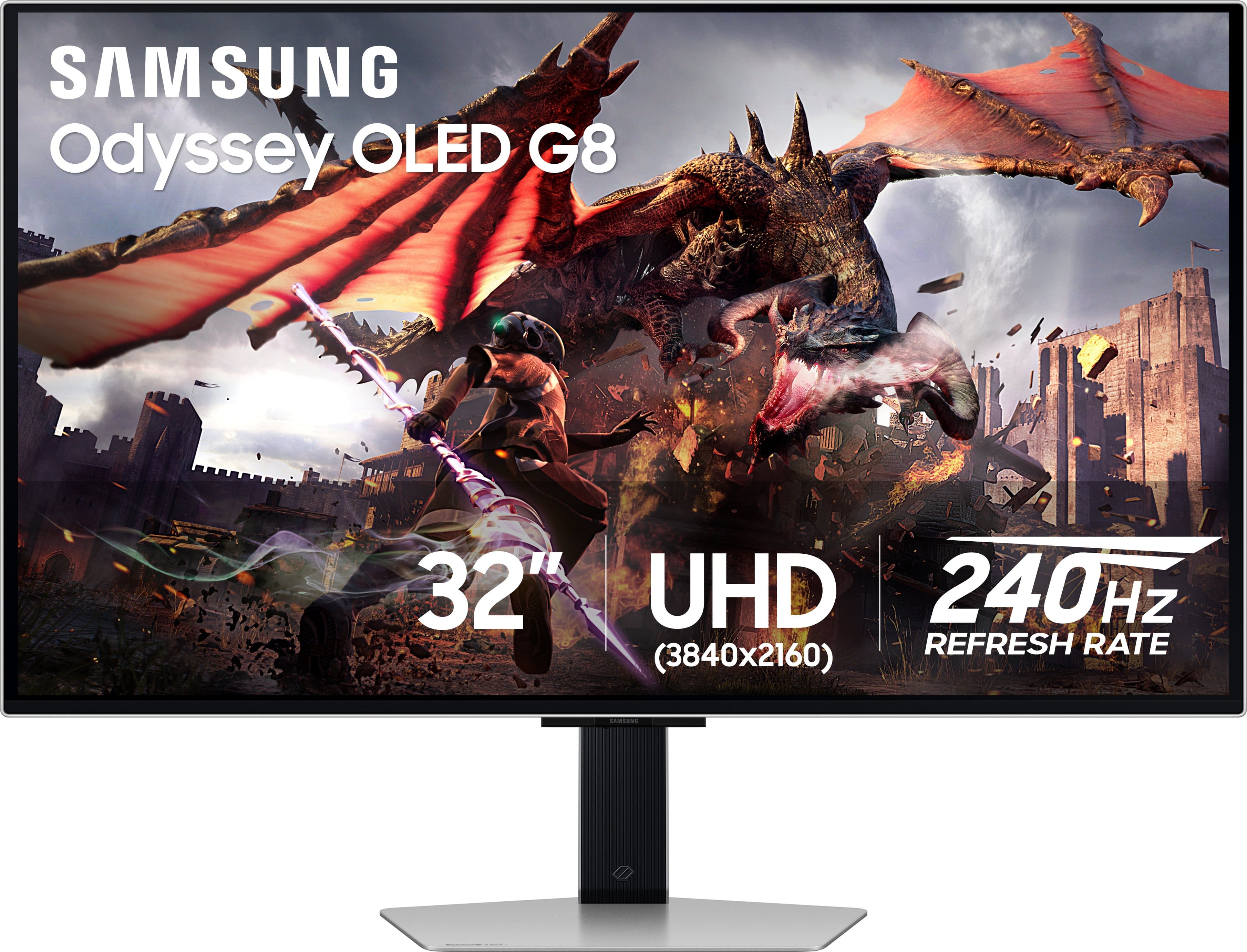
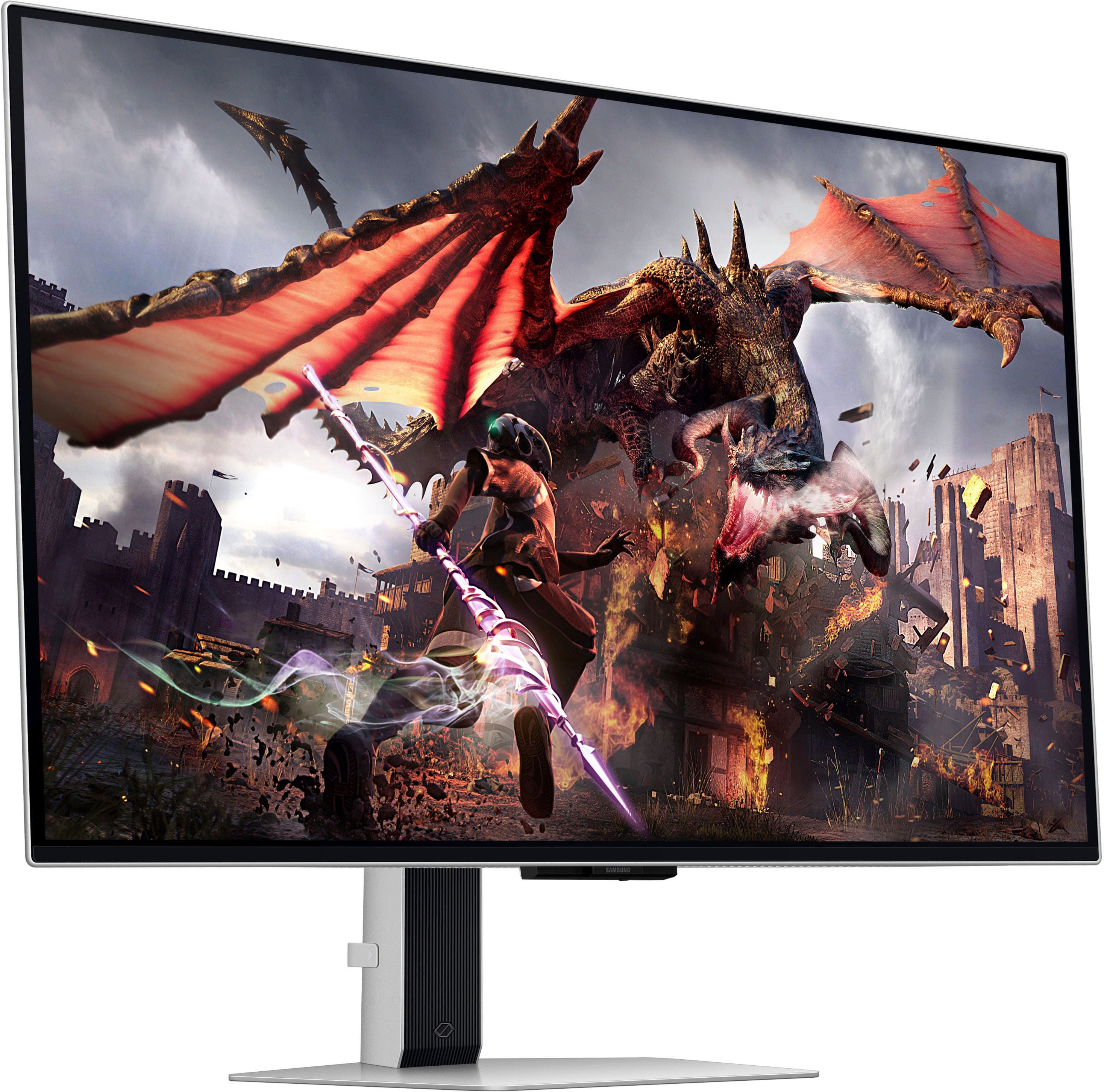
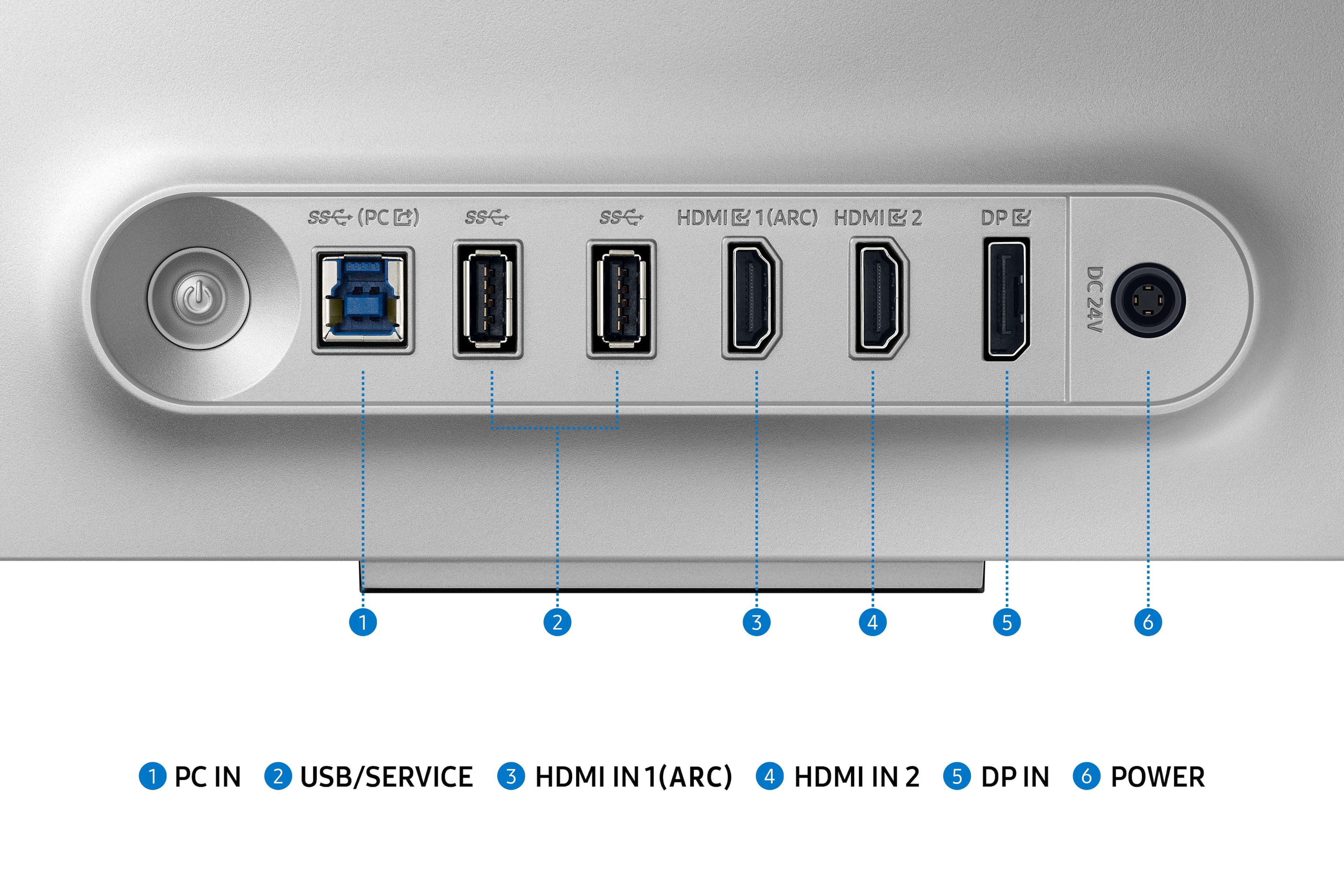
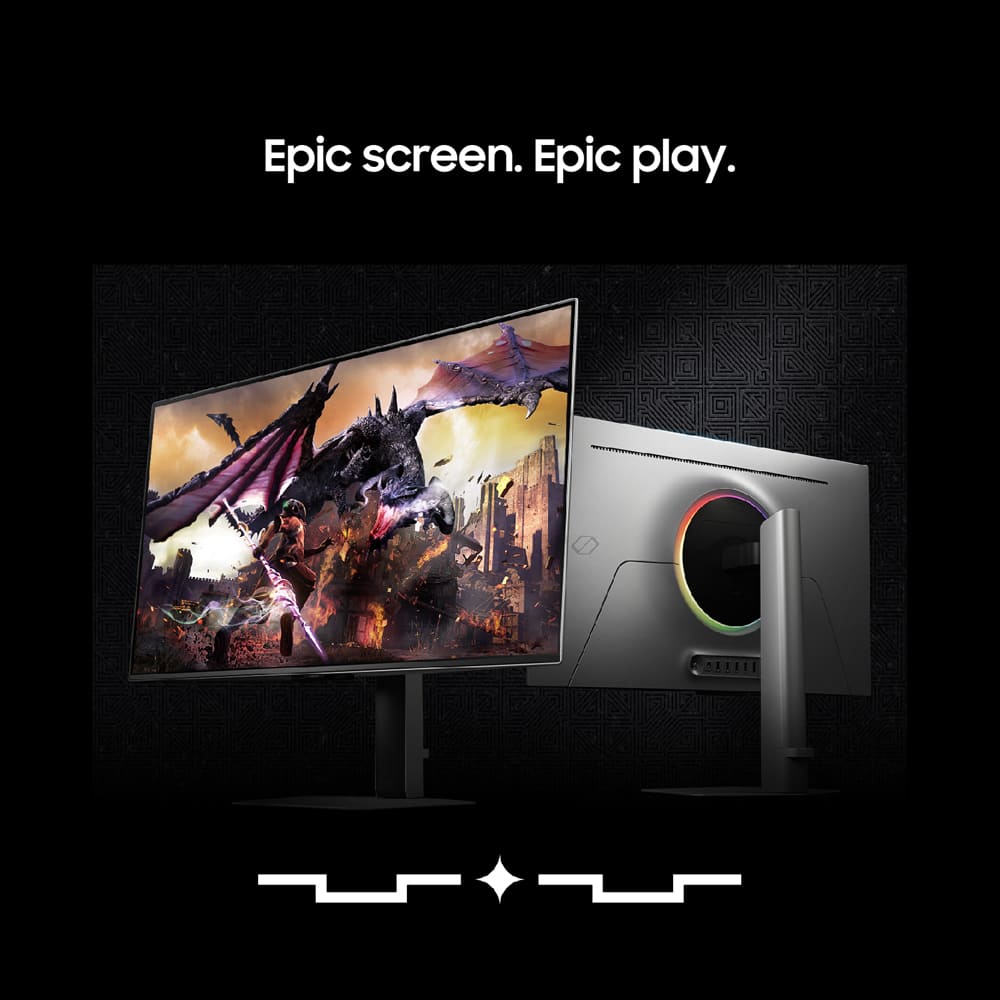
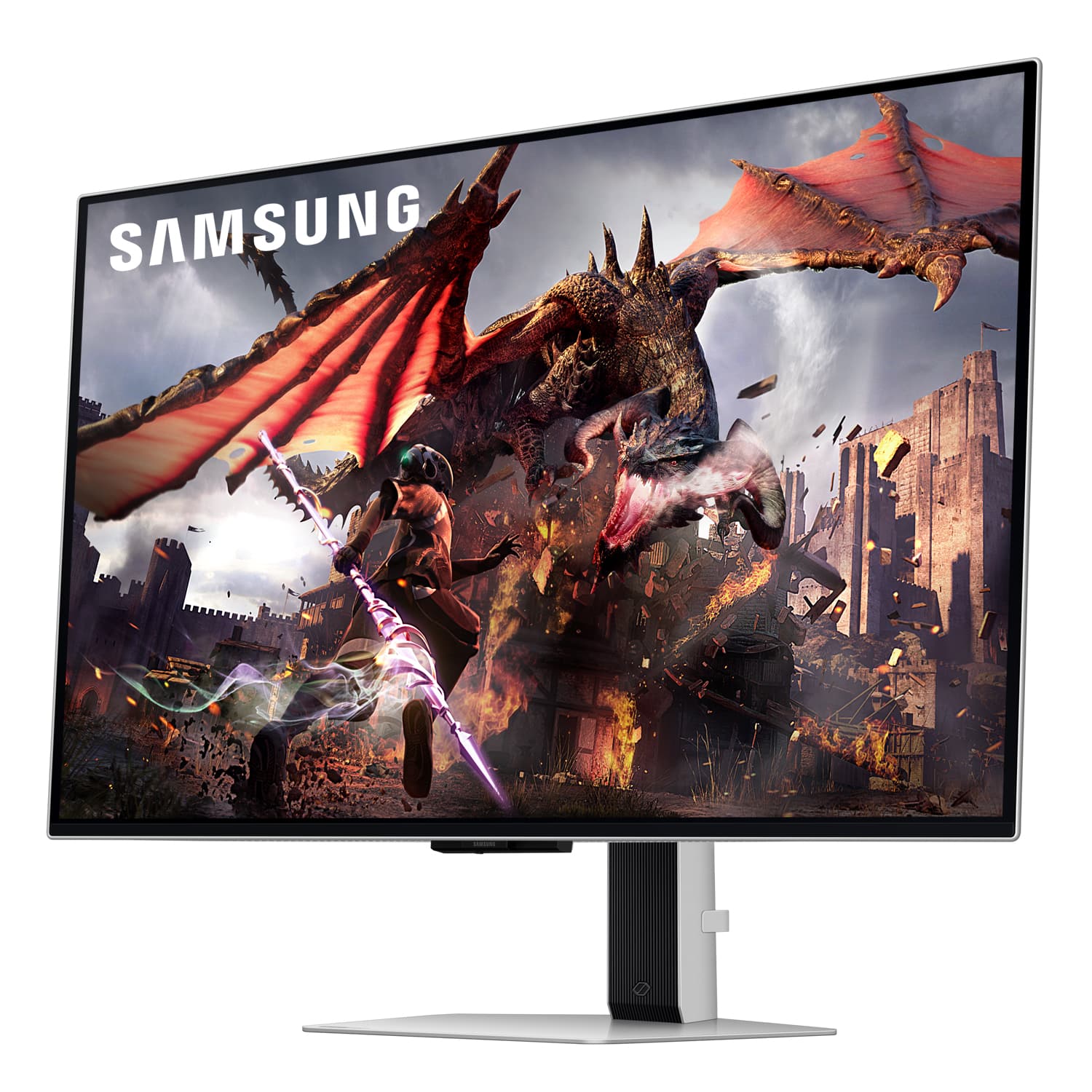
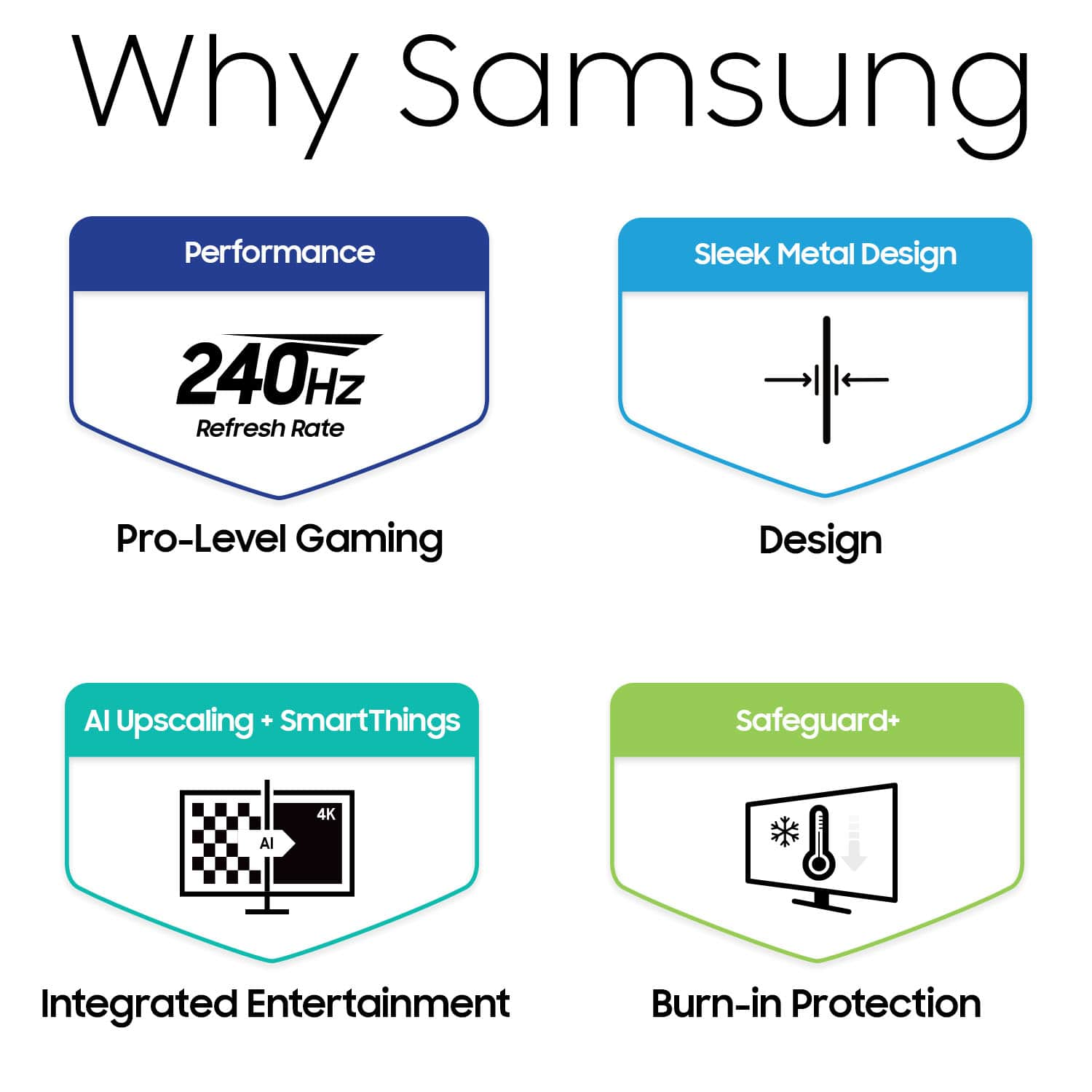

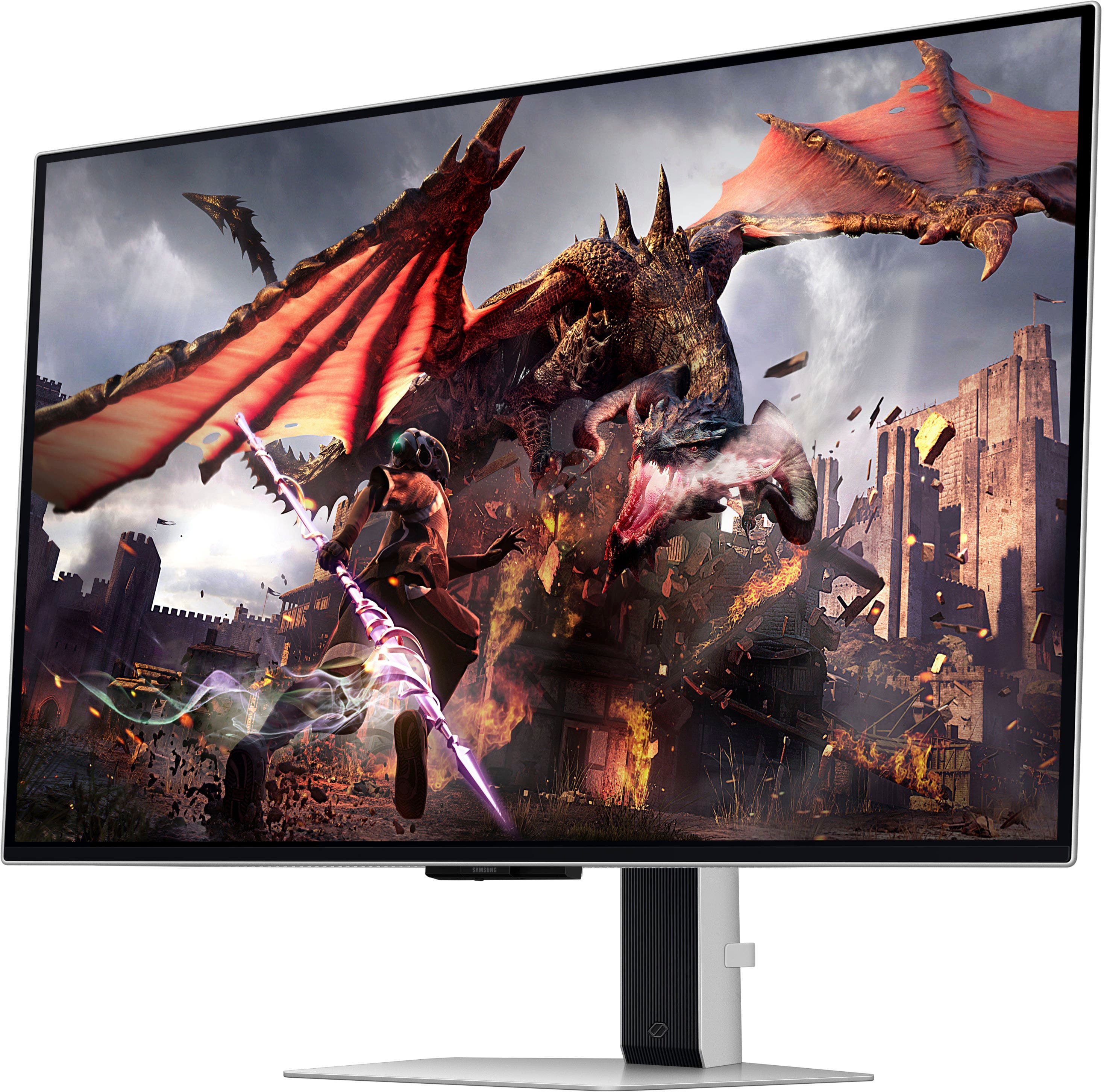
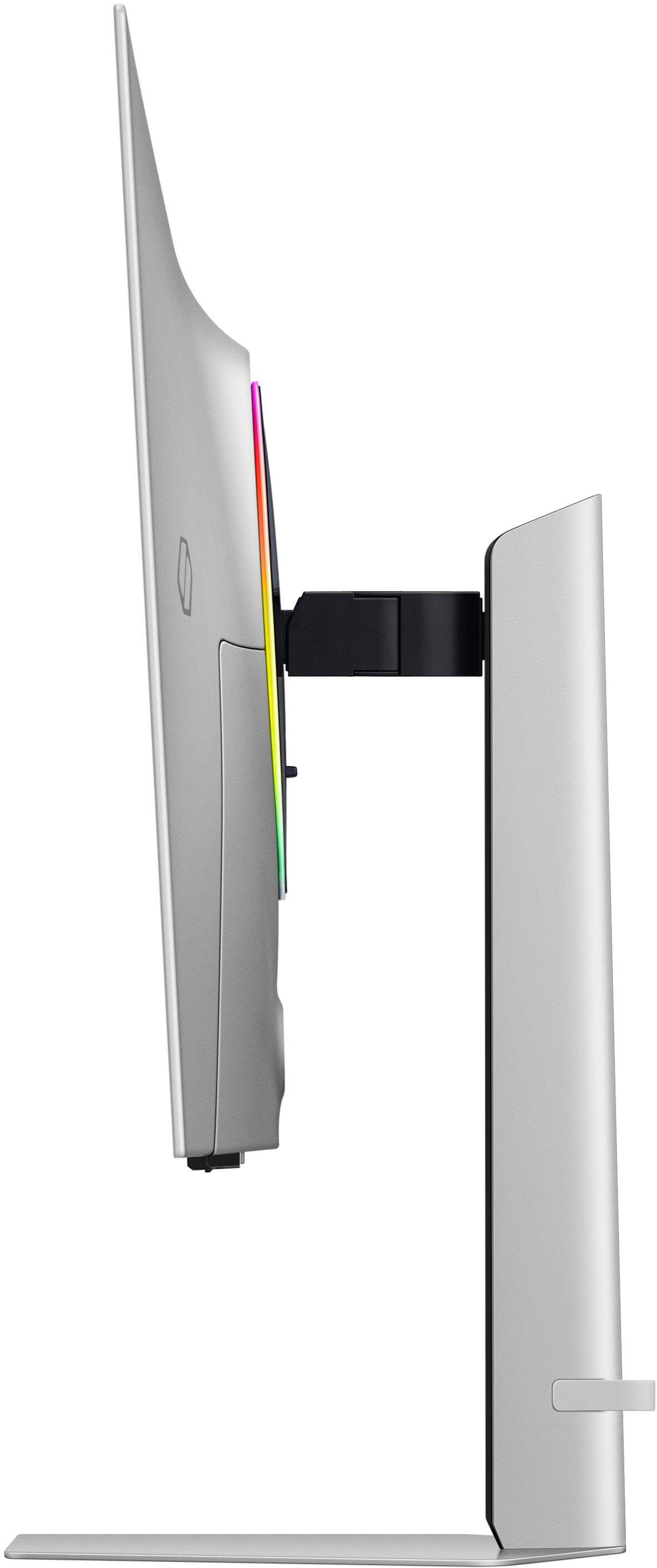
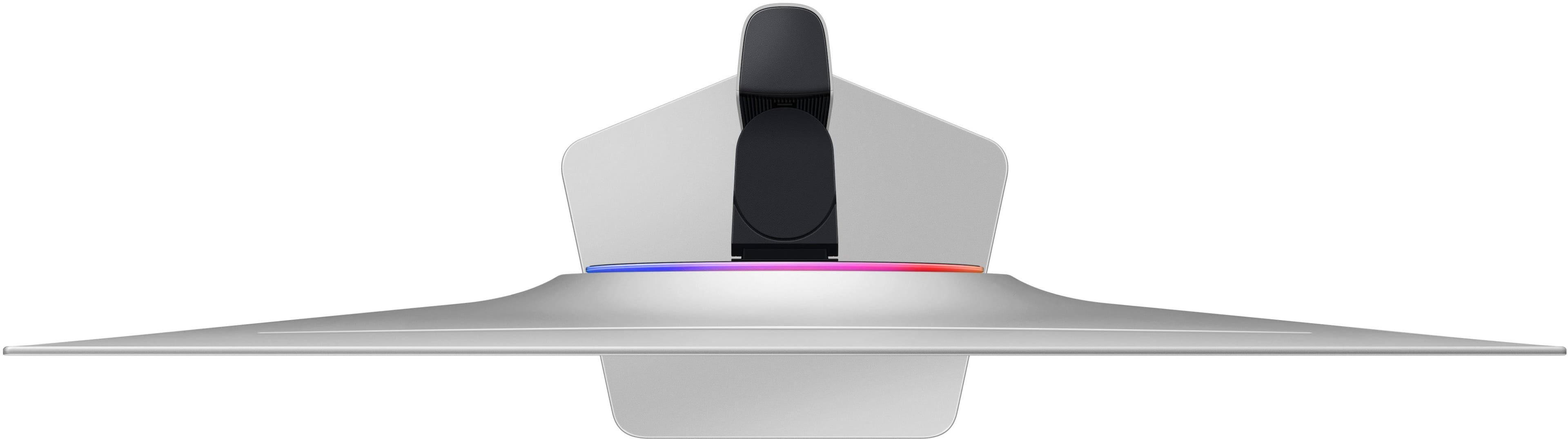
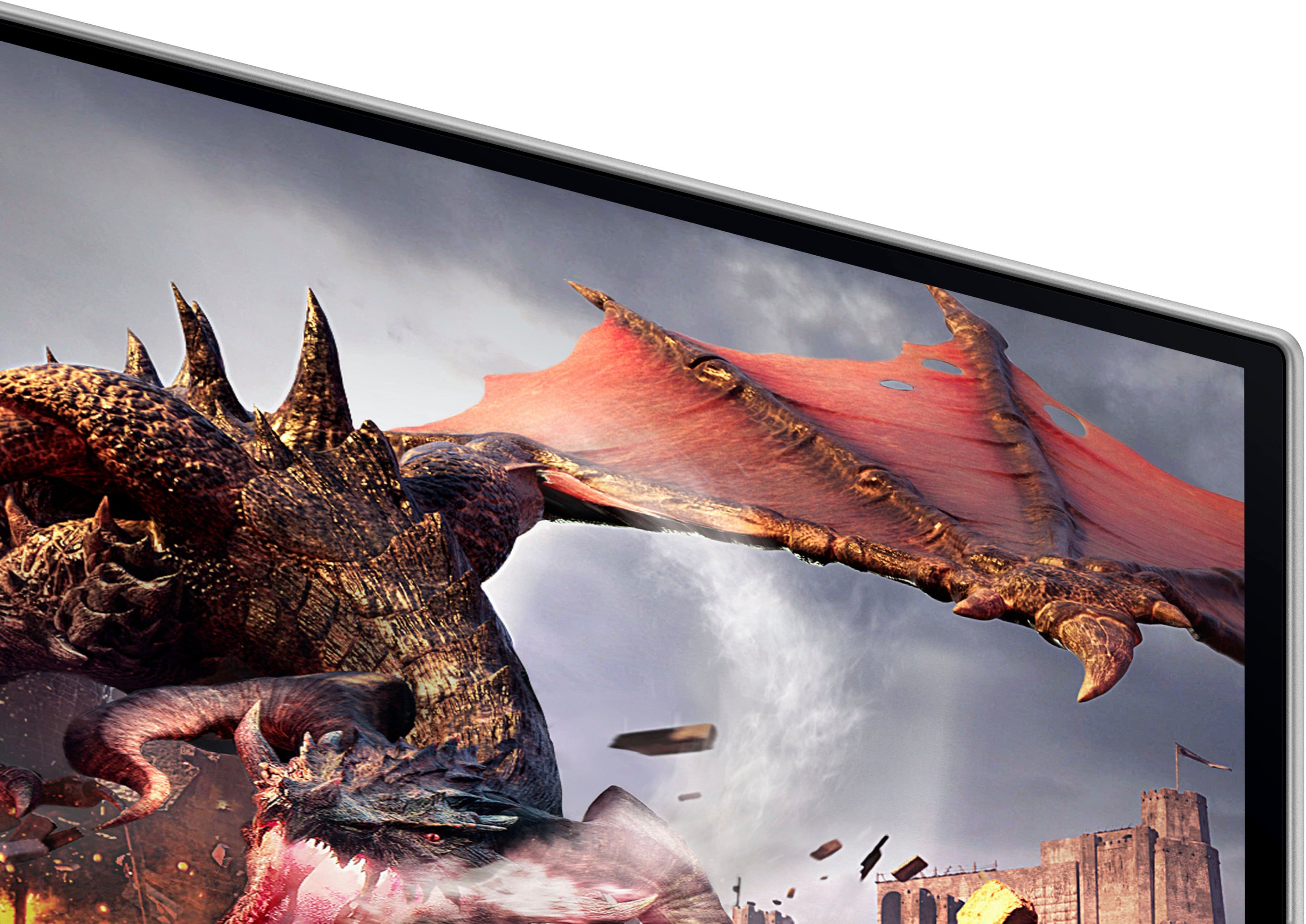
- Model:
- LS32DG802SNXZA
- SKU:
- 10893231
Rating by feature
- Display Quality
Rating 4.7 out of 5 stars
- Ease of Use
Rating 4.5 out of 5 stars
- Features
Rating 4.5 out of 5 stars
- Pros mentioned:Picture quality, Refresh rateCons mentioned:Speakers
Inky Blacks, Beautiful Colors
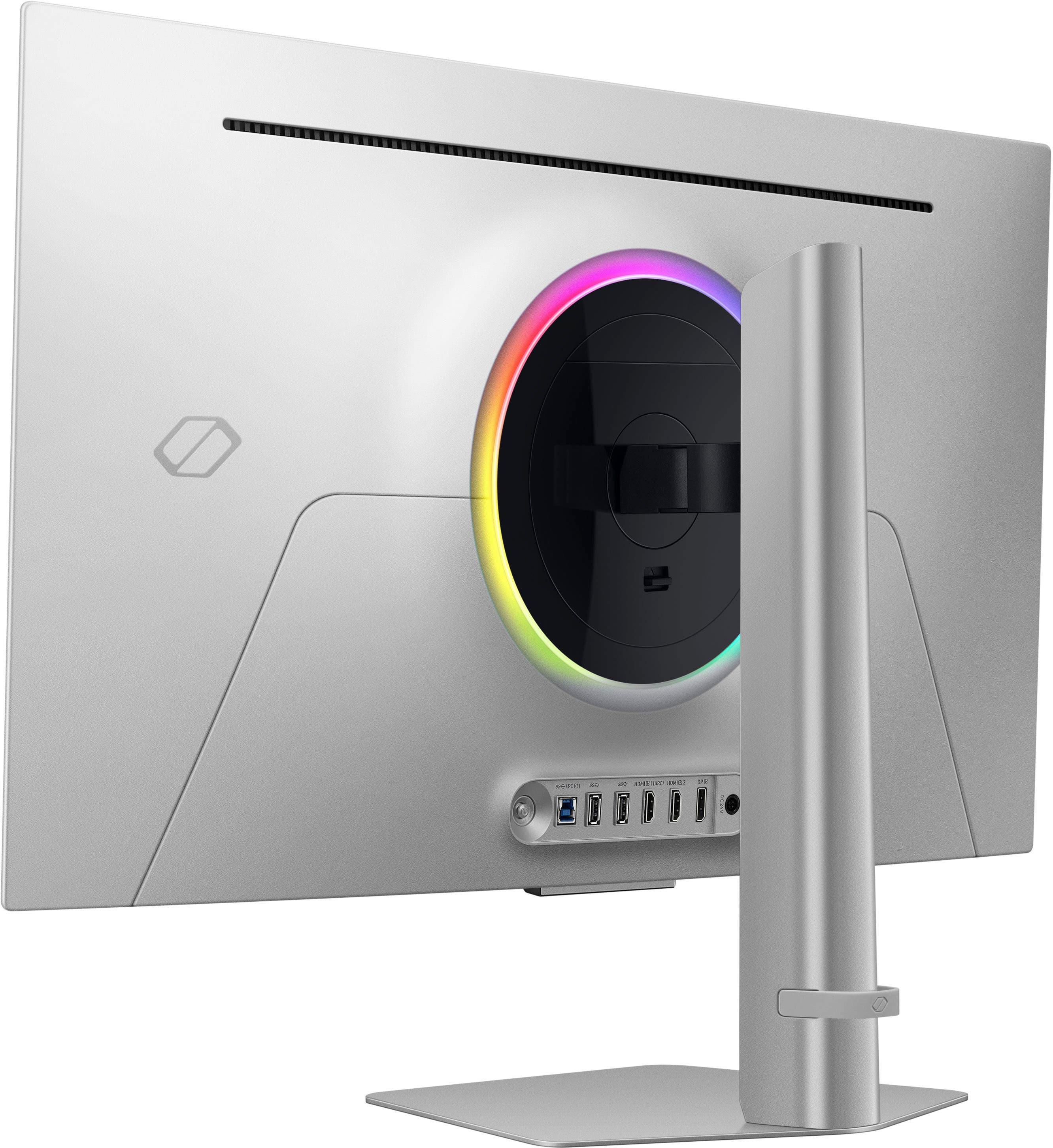
||Posted . Owned for less than 1 week when reviewed.This reviewer received promo considerations or sweepstakes entry for writing a review.If you hate money, and you want to give that money to Samsung and BestBuy, this is a fabulous way to spend it. All jokes aside, this is a fantastic monitor. To start, inky blacks, bright poppy colors, smooth refresh rate, immersive size, and a high quality build. Backstory, I bought this because my Alienware 34" Ultrawide passed away, as a fair bit of screen was starting to die, I was working with Alienware but they were too much of a headache to get anywhere with, so I decided to just bite the bullet and buy a new one. I bought this during Black Friday, so the pixel/dollar value proposition might be different if you're paying the full MSRP for it. I got it for $899 on Black Friday, down from $1299. So a decent chunk of the price, and what I had bought my Alienware for. Wow. What a monitor. Even compared to my already amazing Alienware, the difference is night and day. Dark seems are almost too dark, in the best way possible, and colors in bright scenes seem to pop and are full of life. I sit fairly close to this monitor how my desk it set up, and it is extremely immersive. I play a range of titles, F125, Microsoft Flight Simulator, Battlefield 6, GTA V and LSPDFR, Minecraft, Asseto Corsa Compeitizone, The Finals, Arc Raiders, God of War, Fallout 4, honestly a lot of the main stream titles, with a chunk of indie games as well. Every game looks amazing. Like it was made for this monitor. F125, the car looks incredible, especially in the wet races. Try Vegas at night with a red bull or a McLaren and wow. Battlefield 6, holy moly, is crazy, explosions pop and are bright. I could go on. I'd strongly recommend this monitor, assuming you have a component machine to go with it, it does push 240hz at 4k, which is pretty demanding, and for the best experience you want a beefy machine to push all those pixels, that quickly. I'd really recommend it. I have a RTX 4080 Super and a Ryzen 9 5950X, so in now way a top tier, but its up there, and it handles the monitor well, it is pushed, but its worth it. I'd really, really recommend this monitor, and the accompanying smart TV that seems to be built into it. Last note, the speaker, lacks bass and clarity, but it is a monitor speaker I don't know what you're expecting.
I would recommend this to a friend - Pros mentioned:Oled quality, Picture quality

Great gaming quality but questionable for Windows
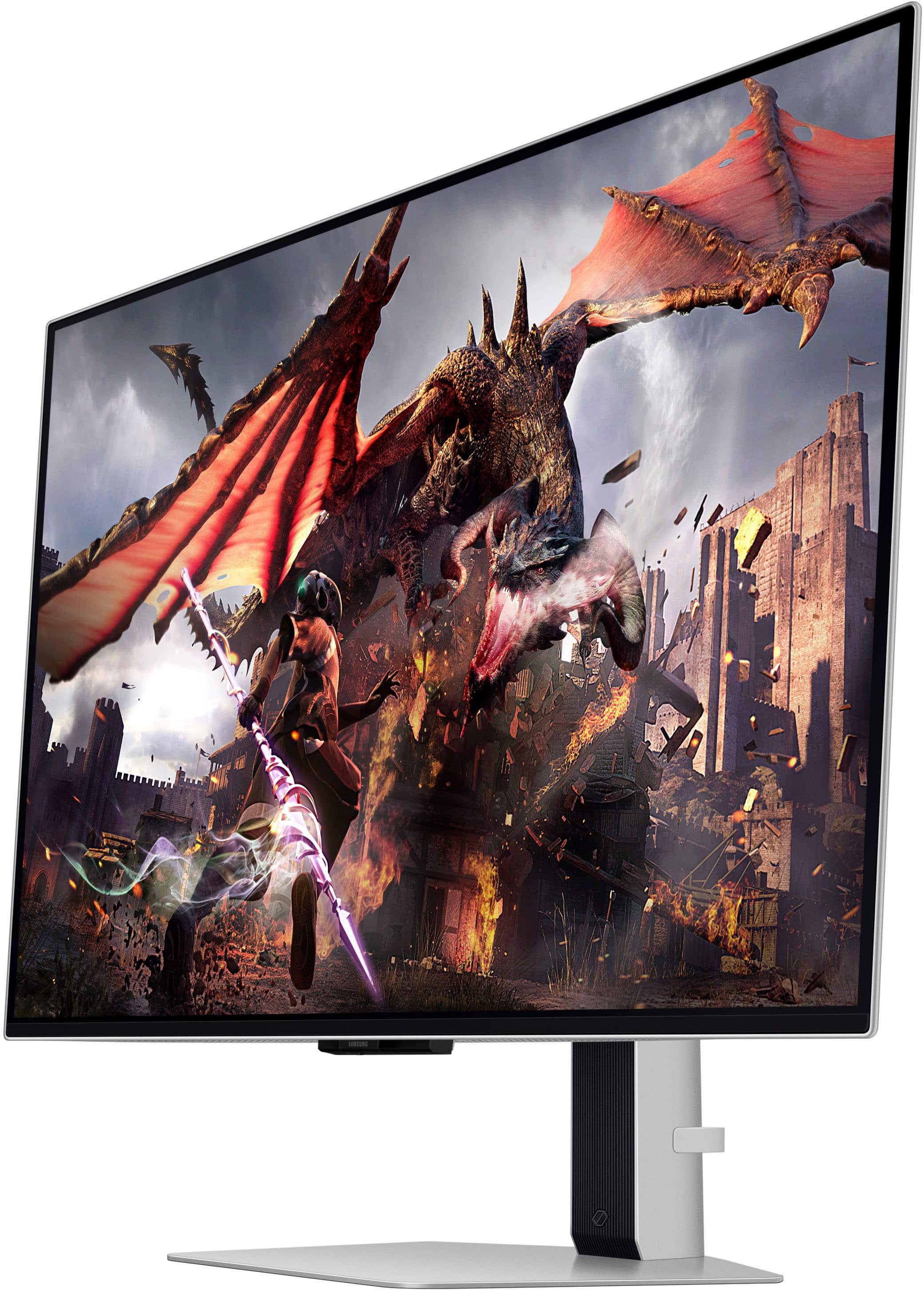
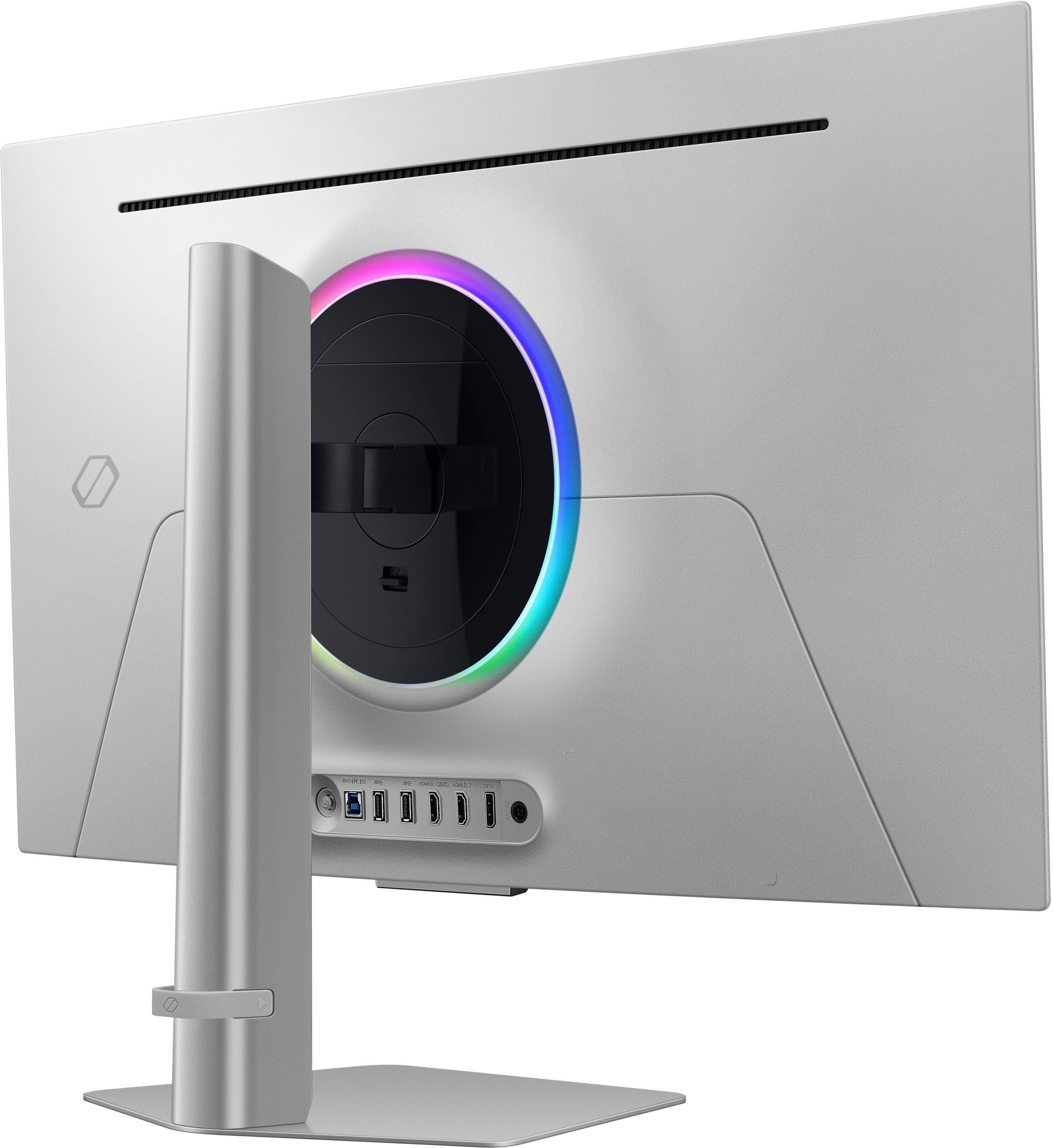
|Posted .This reviewer received promo considerations or sweepstakes entry for writing a review.I’m going to be as honest as I can for someone who appreciates good quality picture. The past few days I’ve done some extensive tuning and testing with this monitor and whether it’s a TV or monitor, I’ll always do a side-by-side comparison with my previous model to make sure its worth the upgrade. I’ve been excited about 32” 4k OLED gaming monitors coming out for some time. I will say for reference, I really do enjoy a bright monitor. Something where the colors pop up and have plenty of glow and light without looking washed out. OLED’s are not known for being bright, and I knew that going in. The physical setup of this monitor was quick and easy because it didn’t require tools. Its lightweight and super thin compared to other similar sized monitors which is a big benefit. First off, this monitor looks amazing but only in the right scenario and usage. My setup is Windows 11, RTX 3080, and I use an HDMI cable. I used my old gaming monitor side-by-side as reference, a 2k 32” screen with a ‘Rapid” IPS panel. I’ll start with the good. As you’d expect, the blacks look fantastic! Colors are rich in the right application. During my testing, most games it looks really good on. I played Starcraft, Bright Memory, Diablo 4, and Modern Warfare 2 (2022 release). I was able to notice a big difference in all games except Modern Warfare 2, which is where I expected the biggest improvement. There really wasn’t too much of a difference which I was disappointed in, especially since I was playing in 2k resolution previously and now in 4k resolution, but it did look slightly cleaner. I also played Doom Eternal, and WOW…that game by far looked the best on this monitor. The color contract and brightness came to another level when playing that game. The monitor also comes with a remote which is a fantastic option for making setting changes on the go, way better than leaning forward and reaching behind or the side of the monitor trying to figure out what buttons to push….definitely gotta give props to Samsung for this. Now for things I’m not a fan of. First off, setting this monitor up is more than just plug and play. You have to set it up like a new TV. It wants you to sign into Samsung and go through its interface initially. I also have a Samsung TV, and I’m not a fan at all of their interface. Not intuitive and seems to have a learning curve. I originally hooked up the mouse and keyboard to the monitor, which at first was a nice option for typing and using a cursor to navigate the monitor settings and apps, but it quickly became old. The mouse/keyboard was slow and would switch between disabling it for Windows and enabling it for Samsung. I wasn’t able to use the remote efficiently while the keyboard and mouse were plugged in. I plugged them directly into my PC and used the remote only, much faster and better! Now for picture quality in Windows, it just doesn’t look that good. Aside from being dimmer which I’m not holding against it, but the colors look more washed out. Even my rich background pictures doesn’t look as good as my old monitor. The white is more pale and weak. Even streaming some Netflix 4k animal shows such as the Planet series side-by-side, the quality appears weaker which is very surprising. I know its Windows and not the monitor itself, because when I go to the built-in monitor apps (when using it as a TV) and use Netflix to play the same scene there, it looks so MUCH better. So currently, I’m not sure if a Samsung update, driver, or a custom color profile for this monitor needs to be released, but general Windows tasks don’t look that impressive. I’ll say it doesn’t look bad, but when you get a premium monitor like this you want premium quality all around. I imagine when using this monitor with a console or even a Mac, picture quality should be much better. I’ve seen other reviews and in my experience there is red/purple tint in a lot of the pictures and streams on this monitor. I’ve been working on tuning the settings for days and most the time I felt like I was going in circles trying to fix it. Again, I don’t think most of this is directly a Samsung issue, but I think they could have improved compatibility with Windows a little more and offer some better built-in profiles to pick from. Here are a couple of other things to note about this monitor: - Easy Box Setting software is recommended to install for this monitor during setup, but the software does not detect the monitor after install, at least on my computer. - No USB C option, nor a KVM. Would have loved to see both these on this monitor - I now use a screen saver on this monitor as extra protection against burn-in, my personal choice. - Must have Game Mode on, aka Adaptive Sync, in order to get the full gaming benefits of this monitor. The description for this option makes it sound like its only used for Console gaming, but you need it for any gaming even on PC. - Not a lot of options for savings overall settings within profiles. There is a Custom 1 and Custom 2 option but that only remembers the Brightness, Color, Contract, Tint, and Sharpness settings. I was having to make a lot of setting changes, especially when trying to duplicate monitors for testing when it would automatically change the settings for you. - If using Nvidia card, make sure to go to Nvidia Control Panel and enable G Sync, RGB, 240Hz refresh rate, and 10 bit color. - The color LED in the back of the monitor is a nice addition, and customizable. - I put Windows in a dark theme to help improve the general quality of the image I’m sure this is also a Windows issue, but I’ve never had good luck enabling HDR in Windows on my monitors. It always dims the screen even more when I feel like its supposed to do the opposite, so I tested with it on but wasn’t happy, so I keep it off and use in-game HDR when available. I’ve also been using the speakers from this monitor since I don’t have room for my regular speakers anymore. They are decent for monitor speakers, but don’t expect a lot when gaming…I always prefer a headset. All in all, its a newly released monitor and needs time for updates. If you are mostly gaming, you are going to love this monitor! If you use it for general non-gaming tasks, you might not notice much of a difference, but I’m also more picky than your average person. And not all non-gaming scenarios look bad, my screen saver looks amazing next to the other monitors! I also wanted to reach out to Samsung support to share my pictures and diagnostics to see if they can offer assistance, but they don’t seem to have a portal to create a ticket or email, only phone call. I’m always afraid I’m going to get routed to 5 different departments over a 30-45 minute period, and still not get any help. A ticketing system would be much better, at least to voice my concern. My settings are currently the best I’ve had them at, but I still feel could use lots of improving. I’m sharing a couple of comparison photos between my old monitor (Left side) and the Samsung G8 (Right side) below. Keep in mind that these are taken by phone and do not fully represent what you would see with your eyes. Overall, I still gave it 5 stars because it is a gaming monitor and it performs very well AS a gaming monitor. Even between setting changes where the monitor readjusts itself, I’ve seen the colors get very bright and look fantastic for that 1 second period until it goes dim again, so I know the monitor itself has the capability to look better. I just hope they can push out some updates to help it look better within the Windows environment or that I can find a better way to tune it myself. Despite the downsides, I am happy with this monitor and do look forward to firing up new game(s) on it.
I would recommend this to a friend - Pros mentioned:Oled quality, Refresh rate
Amazing 4K OLED Gaming Monitor — Worth Every Penny
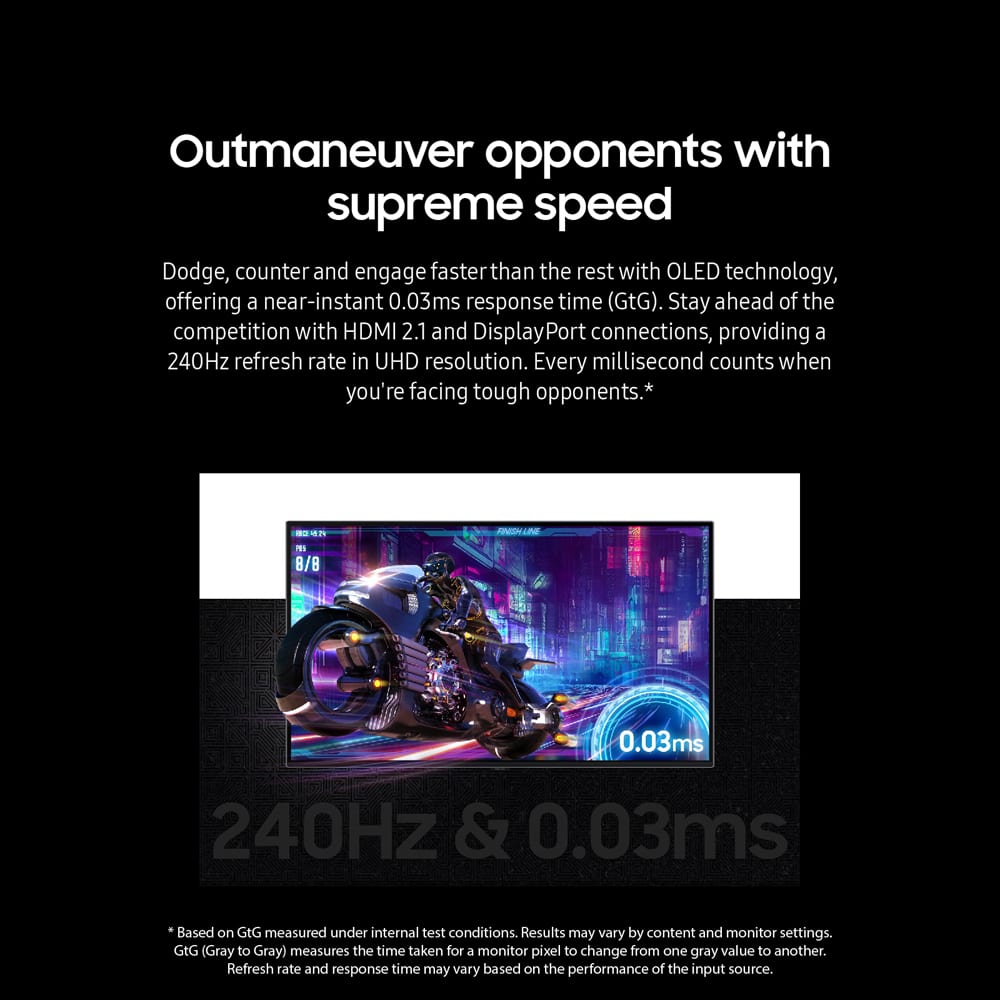
||Posted . Owned for 2 weeks when reviewed.This reviewer received promo considerations or sweepstakes entry for writing a review.I've been using this monitor for several weeks now and I'm genuinely impressed. The 4K OLED panel delivers absolutely stunning picture quality — deep blacks, vibrant colors, and incredible clarity make everything from games to movies look gorgeous. The 240 Hz refresh rate combined with the near-instant 0.03 ms response time makes gameplay feel super smooth and responsive, especially in fast-paced titles. HDR content pops beautifully, and overall the image quality here feels far above typical gaming monitors. Setting it up was simple, and the menu/interface is easy to navigate with all the ports I needed for PC and console connections. I also love that this monitor doubles as a smart display — streaming apps work well, and it’s nice to be able to use it for more than just gaming or work. Some people have mentioned occasional brief black screen flickers, but I’ve only seen this a couple of times and it didn’t affect my experience. Overall this has been one of the best upgrades to my setup — perfect for competitive gaming, creative work, or just watching movies in stunning OLED quality. Would definitely buy again!
I would recommend this to a friend - Pros mentioned:Design, Picture quality, Refresh rate
Absolutely Stunning Gaming Monitor!
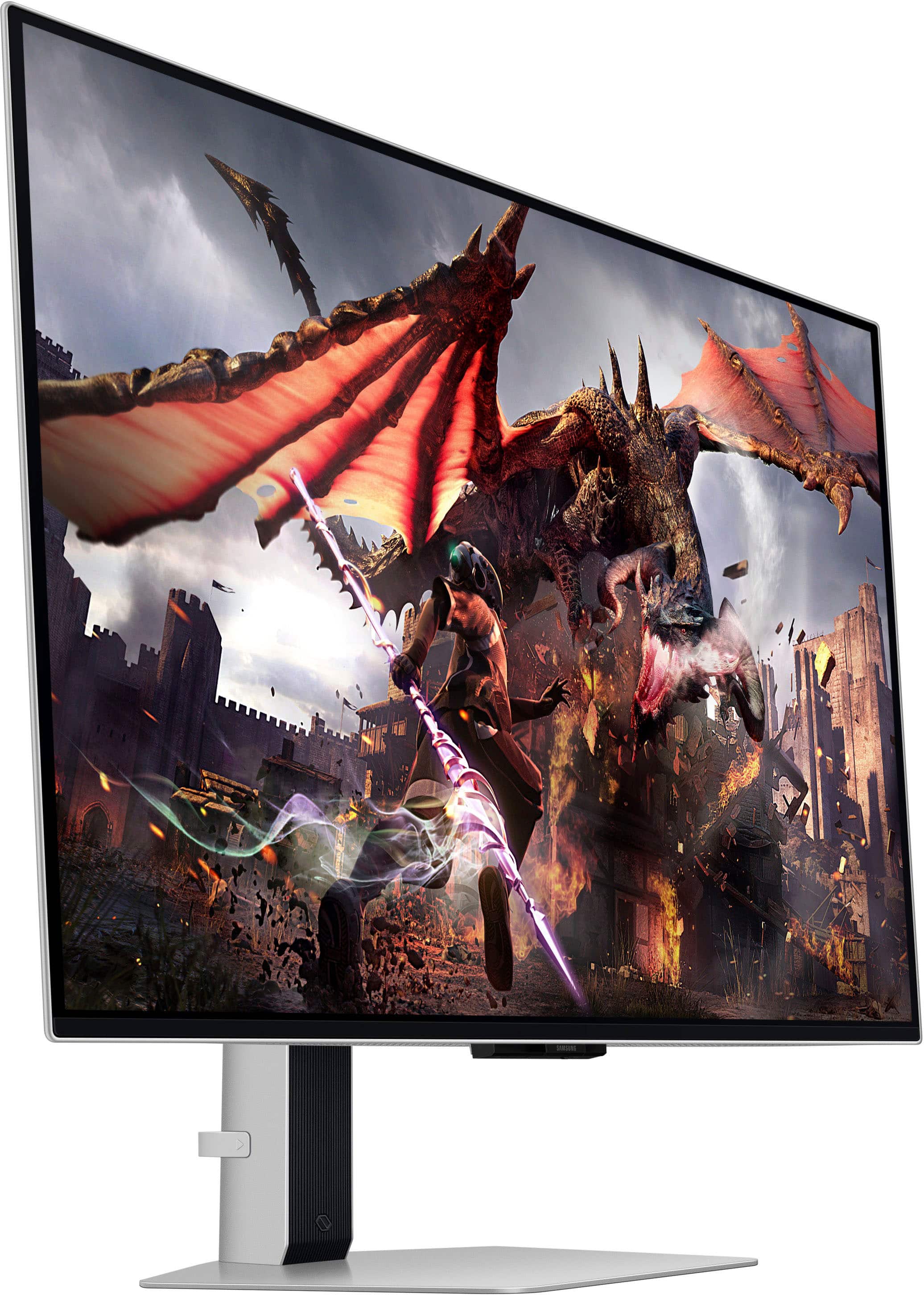
||Posted . Owned for 1 month when reviewed.This reviewer received promo considerations or sweepstakes entry for writing a review.This monitor blew me away. The colors are insanely vibrant, the blacks are deep, and games look better than I imagined they could. The 240Hz refresh rate and super quick response time make everything feel so smooth, whether I’m gaming or just scrolling around. The design is clean and sharp in silver, and it really stands out on my desk without being over the top. I also like that it doubles as a smart TV so I can stream shows and movies without even turning on my computer. The HDR performance is excellent, and it really brings out details in both dark and bright scenes. I also appreciate the sleek silver design—it looks premium and fits beautifully in my setup. Setup was straightforward, and the smart features are a nice bonus, letting me stream content without even turning on my PC. If you’re serious about gaming or just want an all-around incredible display, this monitor is worth every penny.
I would recommend this to a friend - Pros mentioned:Design, Oled quality, Picture quality
A Premier OLED Monitor for Gaming and Professional
||Posted . Owned for 1 week when reviewed.This reviewer received promo considerations or sweepstakes entry for writing a review.he Samsung Odyssey OLED G80SD is a standout monitor that combines sleek design with exceptional OLED display technology. Its ultra-slim profile and minimal bezels offer a modern look, while the OLED panel provides deep blacks, vibrant colors, and outstanding contrast. With a 240Hz refresh rate and 0.03ms response time, it delivers smooth, tear-free gaming experiences. Calibration options allow for precise adjustments for both SDR and HDR content, enhancing visual accuracy and detail. Ideal for gamers and professionals, the Odyssey OLED G80SD excels in performance and color quality, making it a top choice for those seeking high-end display capabilities.
I would recommend this to a friend - Pros mentioned:Design, Hdr, Picture quality
Samsung 32
||Posted . Owned for 4 months when reviewed.This reviewer received promo considerations or sweepstakes entry for writing a review.The Samsung 32 Odyssey OLED G8 (G80SD) is an impressive gaming monitor. It has magnificent 4K UHD image quality with vibrant colors. The 240Hz refresh rate provides an ultra-smooth gaming experience. The HDR support enhances details in shadows and bright lights, taking the visual quality to another level. I loved its elegant silver design. Definitely, it’s an excellent investment for gamers looking for exceptional performance. Highly recommended!
I would recommend this to a friend - Pros mentioned:Oled quality, Refresh rateCons mentioned:Software
Simple premium 4k monitor
||Posted .This reviewer received promo considerations or sweepstakes entry for writing a review.Amazing 4K OLED high refresh rate monitor, especially when on sale. I've had it for almost 1 year, and no signs of burn-in with heavy use and no effort to mitigate it. The only complaint is the software. For some strange reason samsung included smart tv software in this monitor, which is handy but can be annoying with a pop-up every time you turn on the monitor.
I would recommend this to a friend - Pros mentioned:Oled quality, Refresh rate
Best monitor I have owned.
||Posted . Owned for 2 weeks when reviewed.This reviewer received promo considerations or sweepstakes entry for writing a review.I absolutely love this monitor. The 32” Odyssey OLED G8 is hands down the best display I’ve ever used. The 4K resolution is razor sharp, and the 240Hz refresh rate makes everything feel incredibly smooth, especially in fast-paced games. The 0.03ms response time is no joke, there’s zero noticeable ghosting or blur. The OLED panel is what really makes it shine. The blacks are truly black, colors are rich and vibrant, and HDR content looks amazing. It completely changed how my games and movies look. Even desktop use feels premium. Build quality is solid, the design looks clean and modern, and the smart features are a nice bonus. If you’re serious about gaming or just want top-tier picture quality, this monitor is worth it. No regrets at all.
I would recommend this to a friend - Pros mentioned:Refresh rate
A crisp, clean and responsive screen for gaming
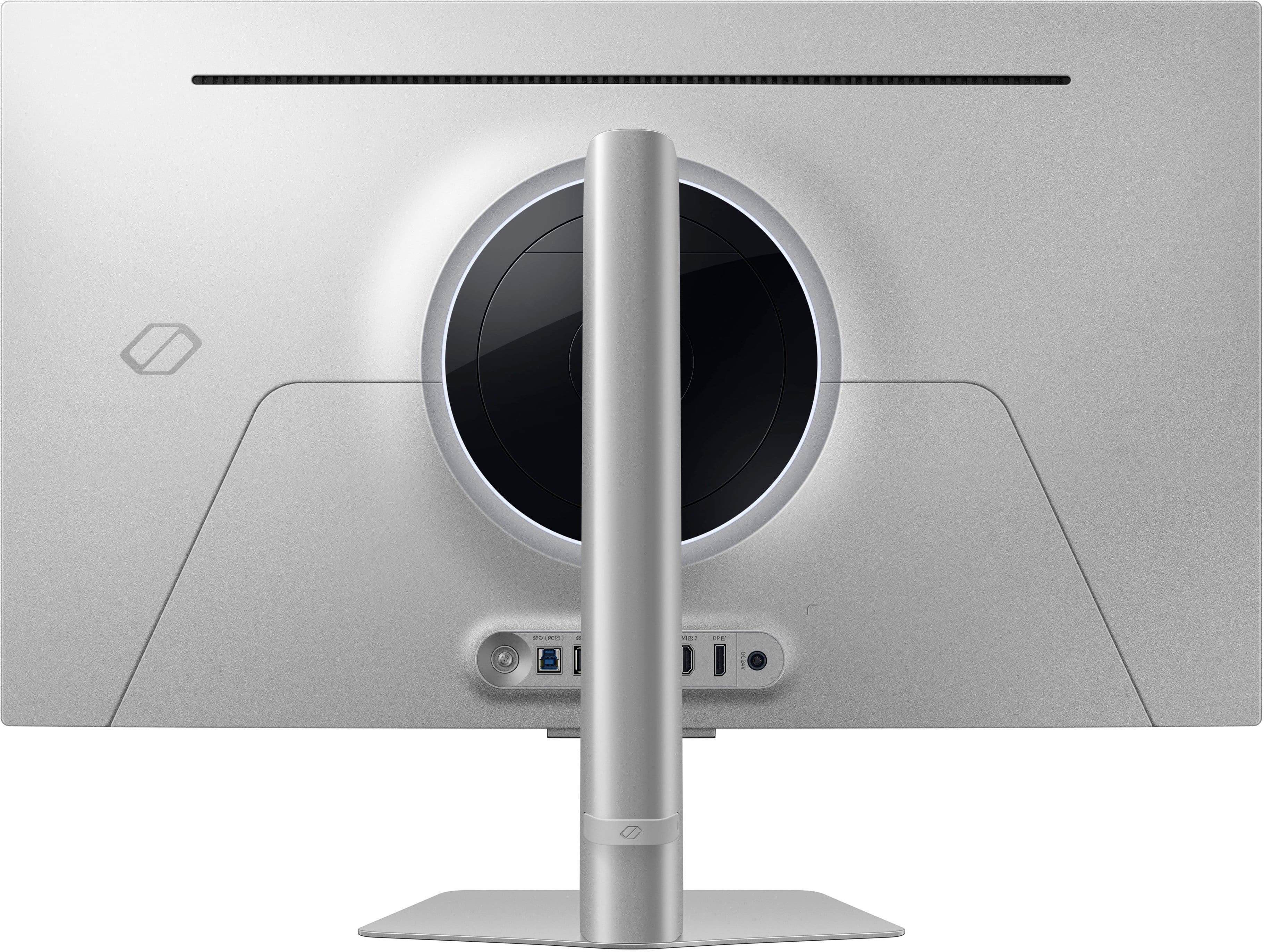
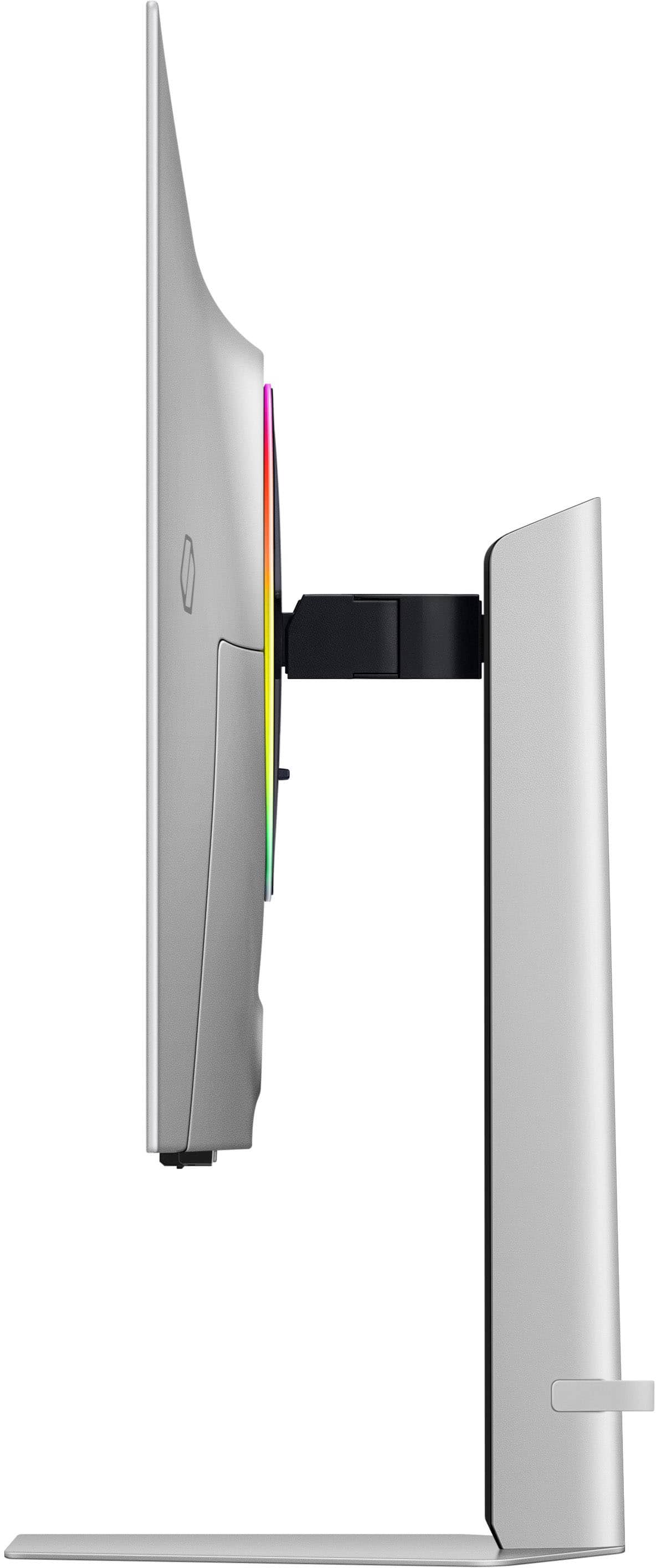
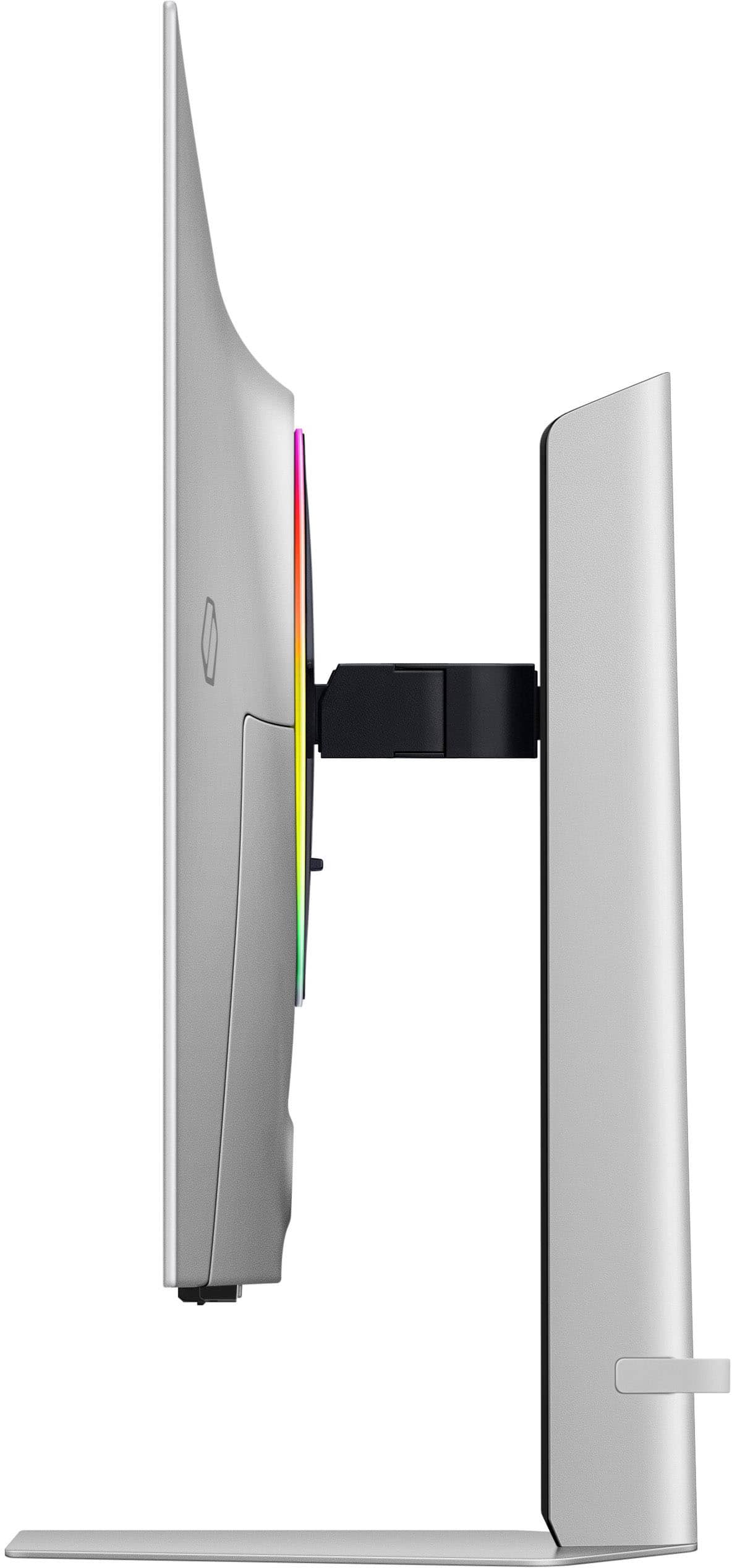
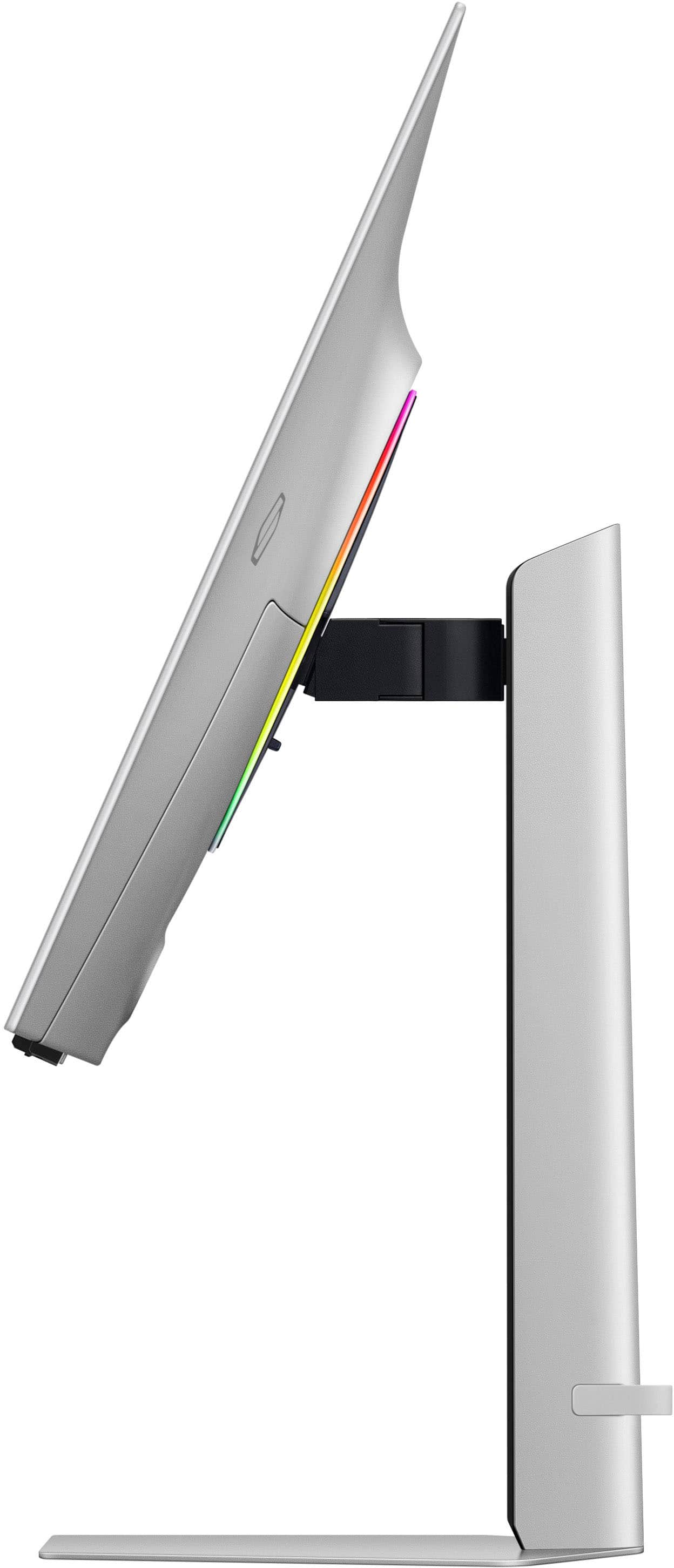
|Posted .This reviewer received promo considerations or sweepstakes entry for writing a review.I’m not one to spend a ton on the best TVs or monitors, but this SAMSUNG G8 OLED may have changed my mind and I think OLED is the way to go (for now). TL;DR up here and the meat of the review is below. Good: Stand / Adjustments / Assembly Profile OLED Height / Tilt adjustments Refresh Rate Colors / Clarity Adaptive Lighting Menu Options Bad: Remote Control Interference USB Ports with Mouse/Keyboard Menu timeout / remote need Meh: Giant power brick Power connector on monitor Reticle options This is my first OLED screen and while I wasn’t expecting it, a large power brick is needed to power the display as the slim profile of the monitor doesn’t allow for a way to support what the brick is offering. It came with HDMI & DP cables, but I found myself needing the DP -> USB-C cable for my mobile graphics card which wasn’t a big deal as I have one + a DP -> USB-C Adapter in my bucket of tech at home. When it came to assembly, I like the change to twist and lock vs connect and thumb screw / twist screw the base to the stand as it made assembly less of a balancing act. Once assembled and powered on, I found this matte / non-reflective display very appealing in looks, profile and features. Having all of the adjustment options are great, as not everyone sits the same and a nice screen would look dumb with a box or books lifting it off the desk; then again, a nice arm mount would really round out this setup as it appears to have that ability. Given the slim and light nature of this screen, I found some challenges when trying to use the USB ports, as I found myself reaching to support the push-in of the USB cable via the screen - but I didn’t – thankfully. Now that I think of it, the same goes for pushing in the power adapter to the screen - and it’s an odd L-shaped adapter that seems to spin if you bump it; not that I plan on doing a lot of cable moving around back there - it’s just a thought. Offering 240Hz for gaming is great, given your graphics card can handle tweaking the FPS to take advantage of it and I’m treading on the border of supporting it with a 4070 mobile on an Asus ROG G16 – but I figured I’d try it out regardless. While I was setting up the G8 in my office, I noticed that the remote control (which has a cool solar cell to charge), was activating the TV in the same room (but not in an adjacent room). At that point, I figured I’d stick to not using the remote as I really don’t need the TV portion of this display. Then, I added my wired keyboard, mouse dongle and saw that the monitor intercepted the control of the mouse & keyboard right up front and made me press remote buttons to take control back, which I didn’t like so I went to a laptop dongle to support the peripherals. To access the menus, there’s a circular indent on the rear of the monitor to the right of the Samsung logo that uses a joystick style button. From there, you can tune a number of items like, sound, the WiFi config, and things related to gaming such as: a Virtual Aim Point (reticle), the lighting built on the back of the monitor and so on. For the lighting, I found it a bit dim even in a dark room but it’ll rotate colors, be a static color as well as try to color match as you play games so if your monitor is against a light wall, you can see the colors change with the game. But, when you’re done with the menu, the timeout is so long, I think it’s fast to hit the “go back” button on the remote. The screen can be very bright and everything on it is so crisp. Even in typing this review, I’m not getting a mix of dark/light letters; I very much enjoy consistency. Back to the purpose of this display: Gaming. Personally, I couldn’t swing 240FPS, but I didn’t have anything in the manner of flicker, trailing or lag as I’ve used the same computer between screens and I’d know if there was an issue. Quick snaps, easy target identification and all the colors I could see made me realize that my last monitor maybe wasn’t so good although it was an ultra widescreen, I really didn’t have it go edge to edge, so this will be my daily gamer. Other than a few USB port complaints and the remote being too intrusive, the overall display from a gaming and responsiveness perspective are 5 stars.
I would recommend this to a friend - Pros mentioned:Oled quality
Good monitor, needs refresh for dp 2.1
||Posted .This reviewer received promo considerations or sweepstakes entry for writing a review.Oled will always be better than traditional led screens, the only difference most people will have between oleds is whether you like matte or glossy and this one is matte. I think the picture is good though I bought it used as it just happened to be within my price range at the time. I thought the tv was gimmicky but I was also looking to replace my room tv as well and honestly a lot more useful that I initially thought. You can also just connect bluetooth headphones to the monitor to use for any device connected to it. Only downside to the monitor is the lack of the latest dp 2.1 so newer models coming out with a dp 2.1 would just be better to get to not use compression.
No, I would not recommend this to a friend - Pros mentioned:Oled quality, Refresh rate
Best monitor I've ever owned!
||Posted . Owned for 2 months when reviewed.This reviewer received promo considerations or sweepstakes entry for writing a review.I went through several different monitors to do everything i wanted, arc channel was the biggest thing for me playing on a ps5 pro through a 5.1 avr and still retaining 120hz VRR ect. This monitor did it all for me. The second i turned it on and booted up the ps5 i was in awe, this monitor is a game changer, literally! 10/10 would reccomend! The solar charging remote is awesome too, really liked that. I've had this monitor for a few months now and see absolutely no burn in issues at all. This is with playing the ps5 pro on it for 3-5 hrs a day.
I would recommend this to a friend - Pros mentioned:Oled quality, Refresh rateCons mentioned:Software
Amazing OLED display, quirky software
||Posted . Owned for 3 weeks when reviewed.This reviewer received promo considerations or sweepstakes entry for writing a review.What's great: 1. This is an amazing OLED screen with crisp colors and deep blacks. 2. 240 Hz refresh rate and 0.03 ms response time are great for videos and gaming. 3. Samsung's Tizen OS smart features as a TV work well with all major streaming services. 4. Good for users who want to use it as a computer monitor occasionally and use gaming and smart TV features. 5. Has seamless HDMI ARC for connecting to sound bars / receivers. 6. Might be able to find a good deal on price if you watch for specials. 7. Integration with Samsung SmartThings. 8. Easy setup if you already have a Samsung phone. 9. Cons: 1. Biggest issue is buggy software, especially if you switch frequently between PC/Mac monitor and smart TV. Looses computer connection frequently. 2. Mac doesn't work well with HDR. It's a pain to keep adjusting brightness manually. 3. Occasional Wi-Fi connectivity issues. Wish it has a RJ45 network port, being a smart TV. 4. High latency to switch between two different computers. 4. Brightness in bright rooms can be an issue, especially in TV mode. 5. Watch out for privacy issues with Bixby and Alexa voice assistants. 6. Poor built in audio for the size. 7. Poor placement of controls. Overall, if you are looking for a hybrid Smart TV that you could occasionally use as a monitor, it can serve well. But if you switch frequently and want to use Mac + PC options, it's not a good fit. I hope Samsung does a better job in the next iteration, even if it takes placing controls more ergonomically and adding an extra port for network.
No, I would not recommend this to a friendBrand response from Samsung
Posted .Thank you for your review. Samsung is committed to providing the best possible product experience, quality, and value. Samsung greatly values our customers’ feedback and we utilize your concerns and opinions in our relentless efforts towards delivering world-class products. We are very sorry to hear this product didn't meet your expectations and hope to have you back as a customer again. If there is anything we can do to assist you and improve your product experience, please don't hesitate to contact Samsung Customer Support via: 1-800-SAMSUNG, available 8AM - 12AM EST (Mon-Fri) / 9AM - 11PM EST (Sat-Sun)

- Pros mentioned:Design, Picture qualityCons mentioned:Brightness
Nice monitor
||Posted . Owned for 3 weeks when reviewed.This reviewer received promo considerations or sweepstakes entry for writing a review.Very nice monitor. The monitor itself looks amazing and the picture looks really nice. The only downside, I bought it for productivity, the picture does not go as bright vs my other monitors. It somehow looks darker than the others no matter I set it up. Also I want a monitor to just turn on and get straight to business, the interface is more of a TV than a monitor. I could have given it 5 stars if it werent for that.
I would recommend this to a friend - Pros mentioned:Oled quality, Picture quality
Works exactly how I want it to plus more
||Posted . Owned for less than 1 week when reviewed.This reviewer received promo considerations or sweepstakes entry for writing a review.Never did I think that I would write a review yet here I am. PERSONALLY, I have no gripes or concerns/complaints about this monitor. It's doing everything I need and wanted. Going from a 1440p ips to 4k OLED is truly a mind blowing experience. The blacks are so deep I can't even see where the border of the screen is. The colors are so vibrant it makes me feel all giddy inside. Obviously straight out the box the default color/brightness settings and everything in between make for a "ehh" viewing experience but that's why you can CHANGE them. After everything is set and done I'm just truly blown away. On another note, build quality is just what you'd expect. It IS a mix of plastic and metal so there will obviously be some flex and small creaky sounds here and there but not a reason at all to shave off a star because if it was all metal we'd complain about its weight or if it was all plastic we'd say its too flimsy. One thing I would point out is that if you use this with your PC you have to go into your sound settings and click on DO NOT ALLOW to this monitor in the device list or else all sound will play through the monitor even if you change it to your headset or desktop speakers. Also the smart feature on this is really nice to have. I don't use it right now but it's cool. But yeah highly HIGHLY reccommend. (I freaking love this thing.)
I would recommend this to a friend - Pros mentioned:Picture qualityCons mentioned:Price
One of the top monitors I’ve owned!
||Posted . Owned for 3 months when reviewed.This reviewer received promo considerations or sweepstakes entry for writing a review.Honestly, I dont know where to start. The screen is excellent. I picked it up in excellent condition. Anyway, I started working on the screen by connected it to my 3090 GeForce, intel i9 13900ks. I am very happy with this experience and the screen size, It suits all games and mediain general. The colors are great and rich. The cables are fairly long so need need to worry about space too much. This monitor is absolutely amazing for work/productivity can fit 2 excel sheets up there and actually read them lol I don't find any fault with it except that it is a bit expensive. But if you can afford to buy it, I encourage you 100% Unless you have a better option than that, then you should go with this screen. I also have this paired with the Samsung 49 oled curved and the two together are an absolute powerhouse of viewing pleasure! Overall I am pleased with this monitor and all it has to offer especially since it doubles as kinda like a smart TV which is nice. Haven’t been able to find many other similar spec ones in the white/silver color. But do consider this monitor if you’re looking for one of the better ones out there
I would recommend this to a friend - Pros mentioned:Picture quality
Incredible 4k Gaming Display!
||Posted . Owned for 3 weeks when reviewed.This reviewer received promo considerations or sweepstakes entry for writing a review.This is an excellent monitor for nearly any use case. I game with this monitor at 4k/ultra settings with multiple modern games and it performs incredibly. I did not initially use the cable provided with the monitor and had some artifacting issues at the bottom of the screen, once I changed the cable those were resolved. It does take a few minutes on setup to get through all the menus prior to being able to use, but not overly laborious. Highly recommended!
I would recommend this to a friend - Pros mentioned:Oled quality, Picture quality
Amazing Picture - Annoying Smart Features
||Posted . Owned for less than 1 week when reviewed.This reviewer received promo considerations or sweepstakes entry for writing a review.Trust Samsung for their displays. Colors are vibrant and OLEDs are amazing with contrast ratio. Tried out a few 4k demo reels on YouTube and I was so impressed by the picture quality at this price point. (got mine for about $200 off so even better) That being said. Samsung...Please stop forcing the smart TV OS onto things that are supposed to be gaming monitors. The amount of clicks I have to go through to change the output to my work PC is absurd because I have to have this whole menu that I didn't ask for. Why would I want to install Netflix and Apple TV apps on a screen that's going to be hooked up to a PC at all times? Why are you asking me to connect my monitor to WiFi? Why does my iPhone constantly see it as a bluetooth device to pair to? It's clunky, unnecessary, and annoying.
I would recommend this to a friend - Pros mentioned:Oled quality
Decent Monitor
||Posted . Owned for 1 month when reviewed.This reviewer received promo considerations or sweepstakes entry for writing a review.Samsung Odyssey G80SD is a great OLED monitor. It delivers a great image quality and inky blacks as expected from an OLED panel. HDR works really well on this monitor and it's definitely worth it when viewing HDR videos and games. The G80SD model has integrated Smart TV functionality and can connect to wifi to watch streaming services and easily update the firmware of the monitor. The Smart TV functionality can get annoying since everytime the monitor turns on it will display the OSD for few seconds asking you if you want to switch from gaming setup to TV. It feels like this monitor is a TV more than a monitor, so it can get annoying after a while. I tried watching Netflix and other streaming services on this monitor but I wasn't really impressed by image quality. I understand this monitor has Samsung's best image processor that they use in their premium TV's but I don't think it was helping much since image quality wasn't great and motion was horrible actually. For normal gaming/desktop use, this monitor is great. For TV, not so much. Although it's a great OLED monitor I wouldn't buy it at full retail price. I definitely would wait for a discount (which happens often actually). Lowest I've seen this monitor sells for is $699 brand new from Amazon (Best Buy was able to match the price). I do not recommend buying it at msrp because it doesn't have all the extra features that other premium monitors have like dp 2.1, KVM switch, USB C connection to display and charge your laptop. If you're not interested in the headache dealing with the TV features on this monitor, you can get Odyssey G81SF, which is the newer model that doesn't support TV functionality. The screen coating on G80SD is matte and for me personally I don't like it. Glossy coating is much better for OLED displays, as matte coating degrades the image quality by introducing grainy effect on the image.
I would recommend this to a friend The best screen ever made?
|Posted .This reviewer received promo considerations or sweepstakes entry for writing a review.The Samsung 32" Odyssey OLED G8 (G80SD) is quite frankly the best all-around screen ever made. That encompasses being a monitor and a television which is a line that this monitor blurs very well. The packaging for this monitor is protective and everything was secure, as you are assembling the monitor you will get a feel for the premium materials that the G8 is made of as well as how thin the screen actually is. After plugging in my inputs and the power cable (which does stick out further than I would like) you are greeted with a welcome screen that walks you through setting up your smart monitor features as well as pairing the remote and attaching your Samsung account. Some of the setup process screens don't use the true black color so they are gray and blown out I feel like Samsung should have taken the time to make the whole setup process with little touches like full OLED black screens to really "WoW!" you as you are setting up your screen but this is my only real gripe with the whole package. After setting everything up and getting VRR enabled as well as turning up my refresh rate I was off to the races. Games looked wonderful and ran smoothly at native resolution as well as upscaled. The screen is wonderful to look at and the glare reduction technology is very noticeable (in the best of ways). Samsung added cooling technology to the monitor so after many hours of gaming I was quite surprised to notice or in this case not notice any real heat coming from the screen, some monitors get so hot they rival big screen TVs but the G8 was still cool to the touch. One thing I would like to see is Samsung update the screen to allow a higher refresh rate at lower resolutions like 360 Hz at 1080p for fast twitchy games like other monitor manufacturers have done and it seems like a reasonable and feasible update. The smart apps all ran quickly and looked great I even found myself using them instead of turning on my PC when I just wanted to watch a quick video which saves some electricity and time! Overall, the Samsung Odyssey OLED G80SD bring the best of all categories, high refresh rates, ridiculous contrast and viewing angles, large OLED screen and smart apps which make it the best all-around screen ever created for the masses in my book. You won't be disappointed with the Odyssey G8!
I would recommend this to a friend- Pros mentioned:Oled quality, Refresh rate
Fantastic monitor
||Posted . Owned for 5 months when reviewed.This reviewer received promo considerations or sweepstakes entry for writing a review.I have several OLED TV's and this monitor delivers just as much color and vibrancy as an LGC2 and my S90C. Great refresh rate at 240hz makes gaming on it a joy. Definitely recommend it to someone looking at a new monitor and like to play in 4K or even 1080p. If you're wanting 1440p look for a monitor that's specifically for that resolution as it's less expensive and doesn't have the periodic blurring that's comes from downscaling 4k to that odd resolution.
I would recommend this to a friend