Customer Ratings & Reviews
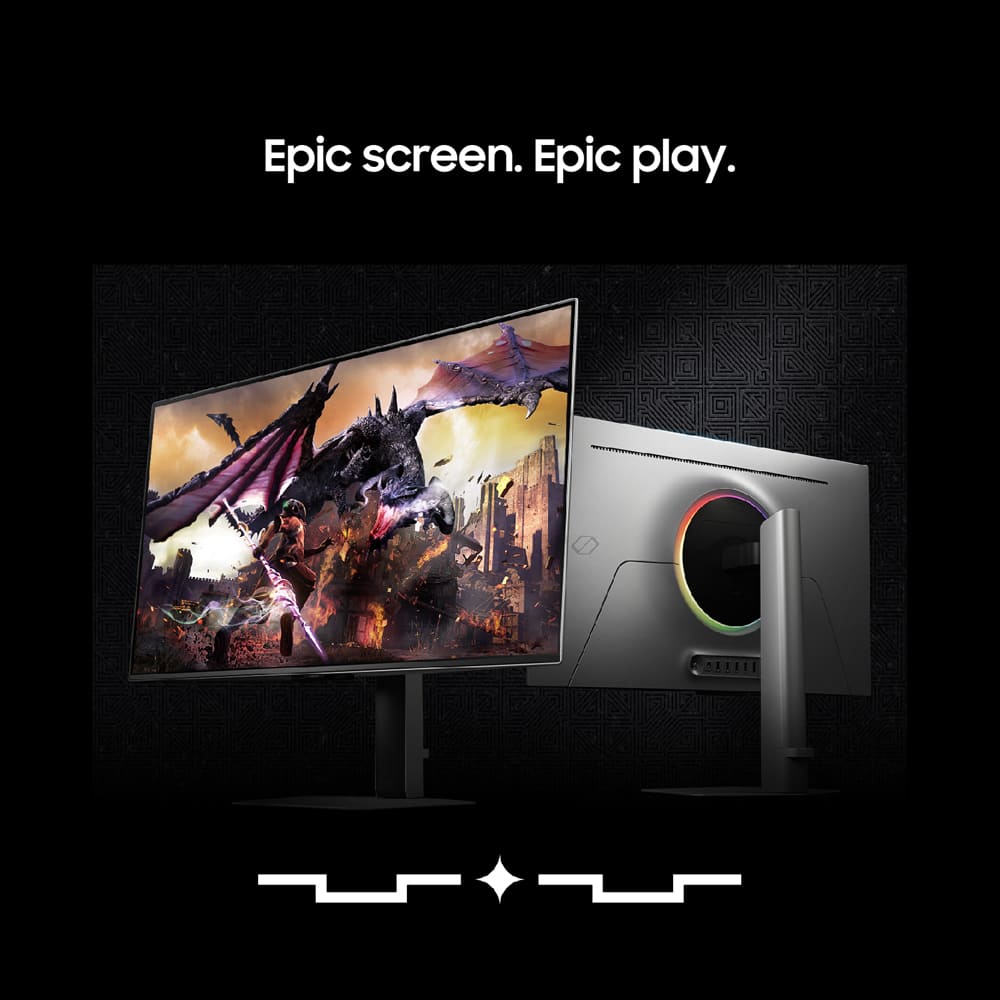
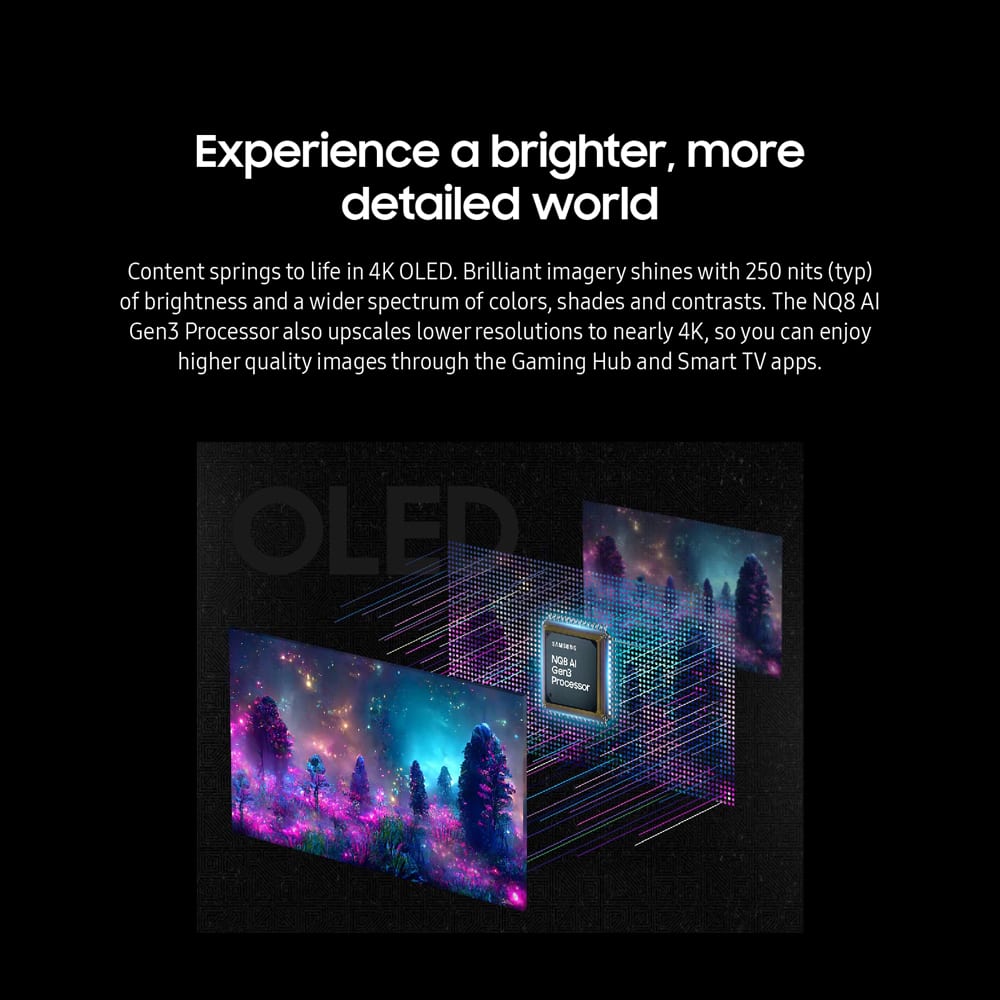
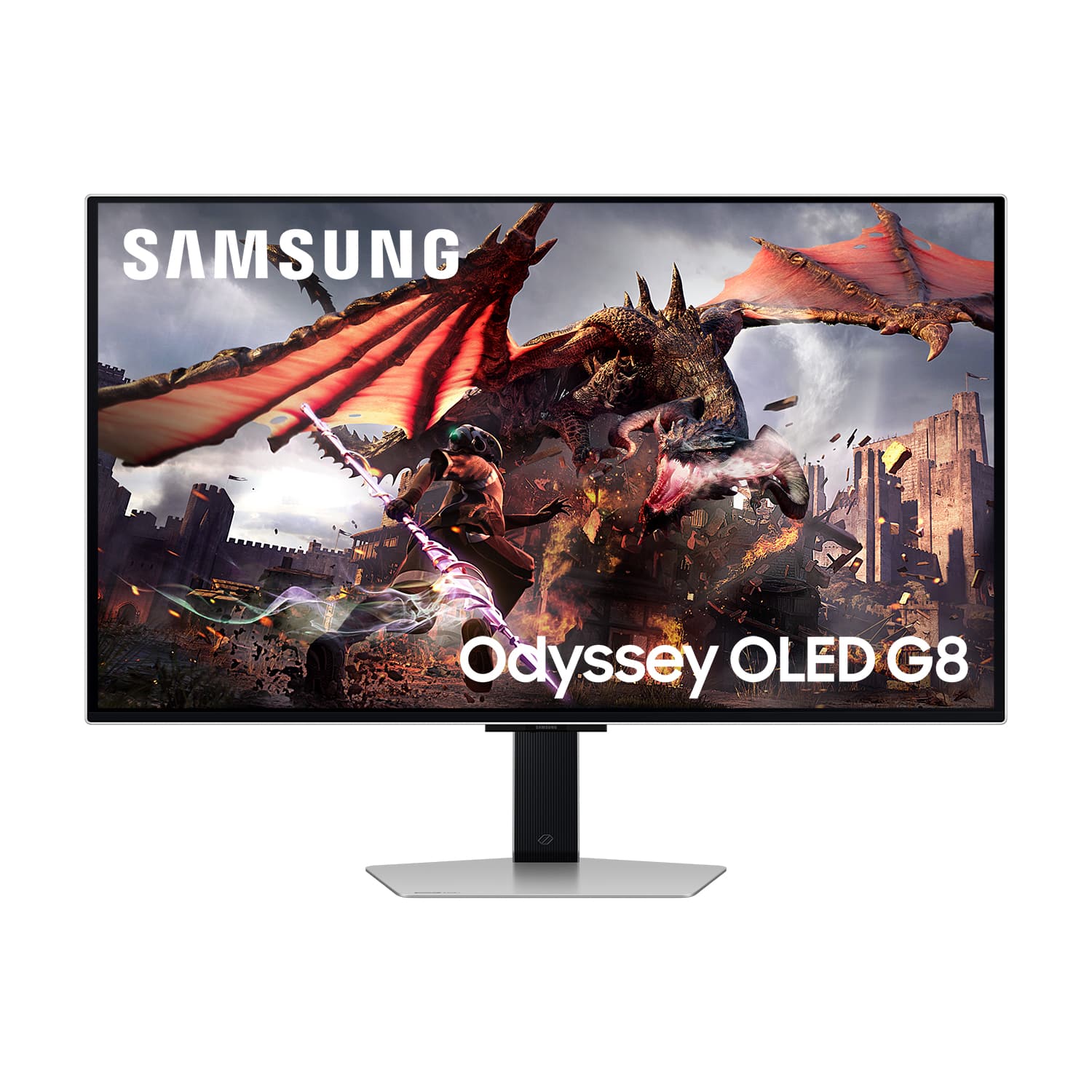
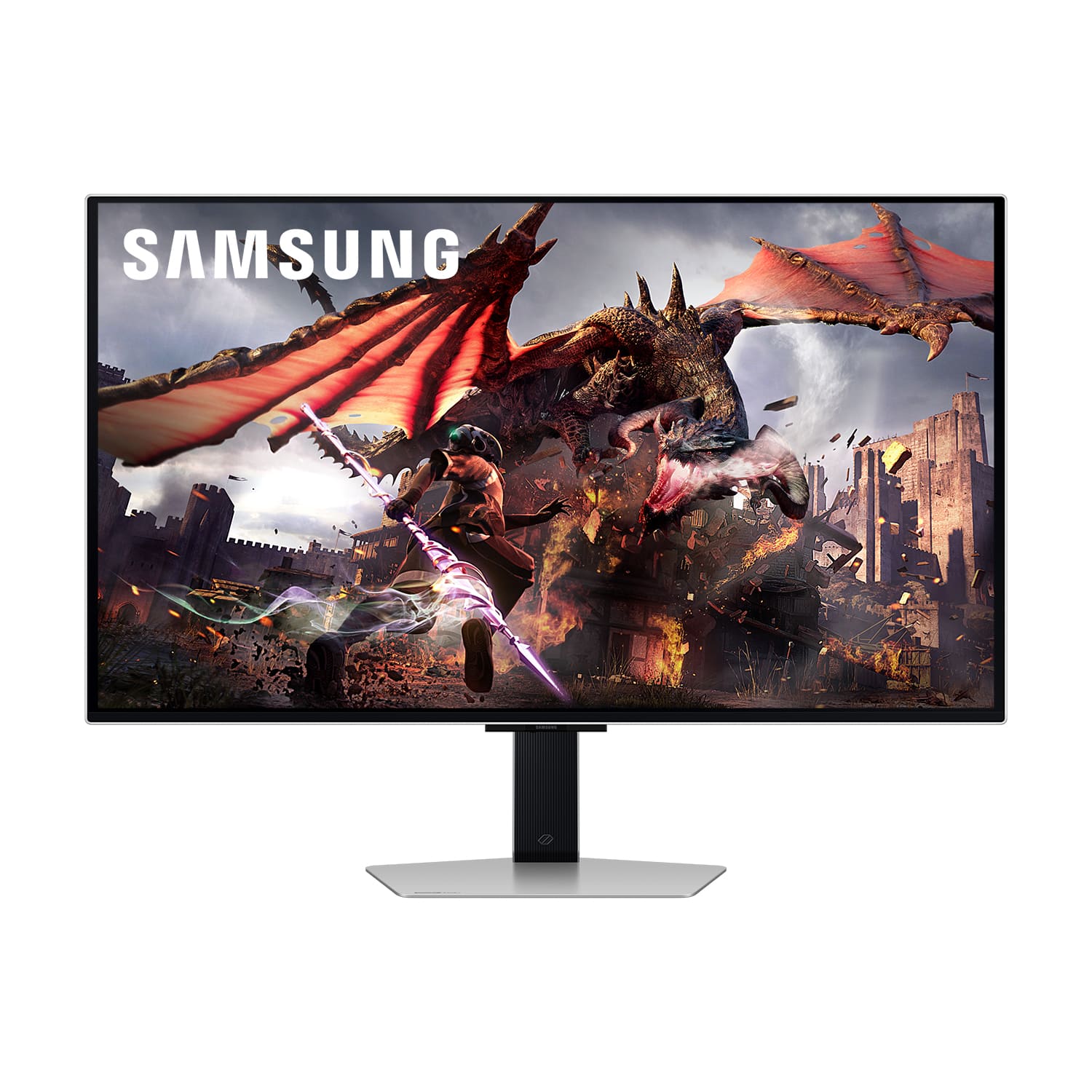

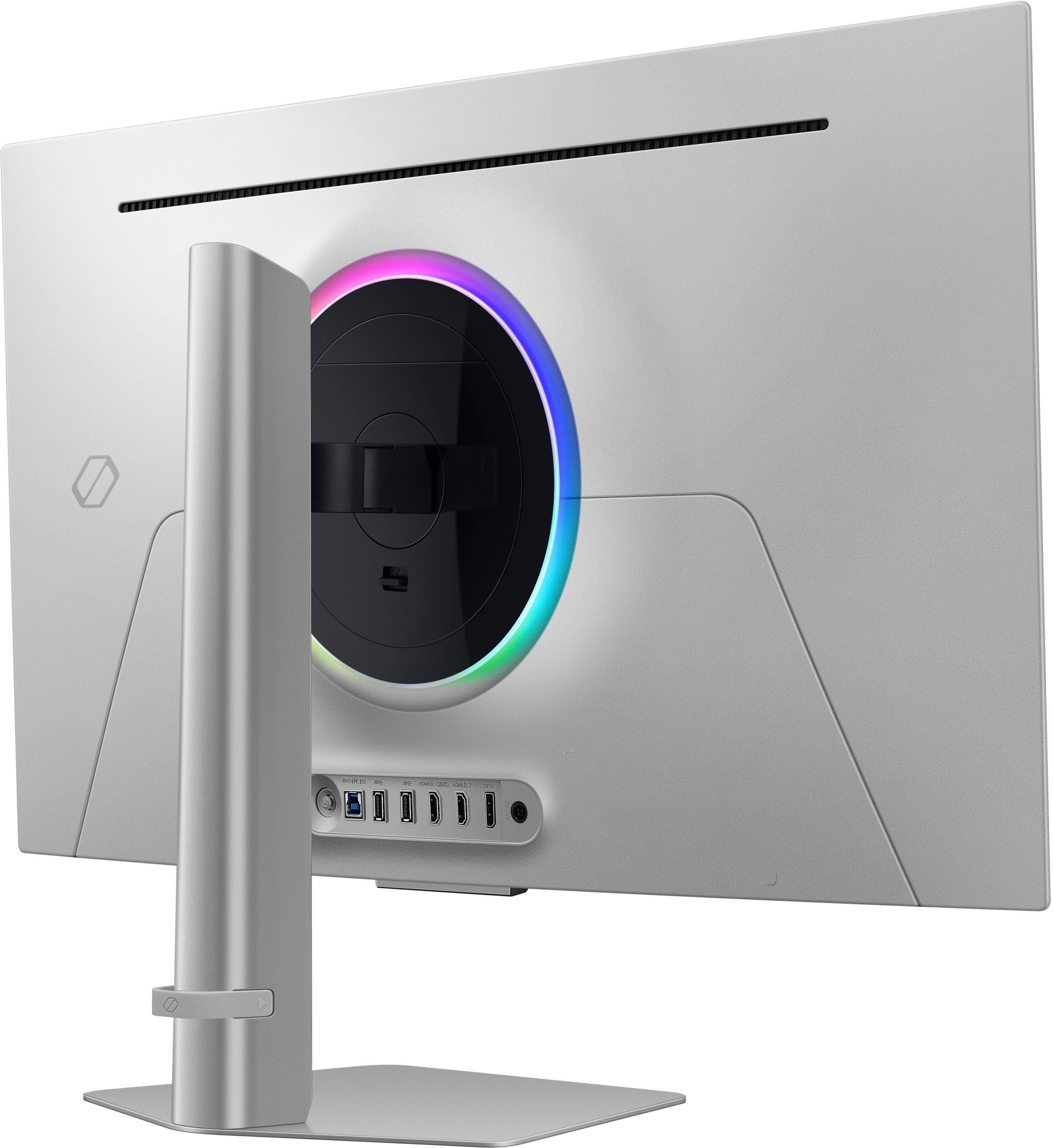
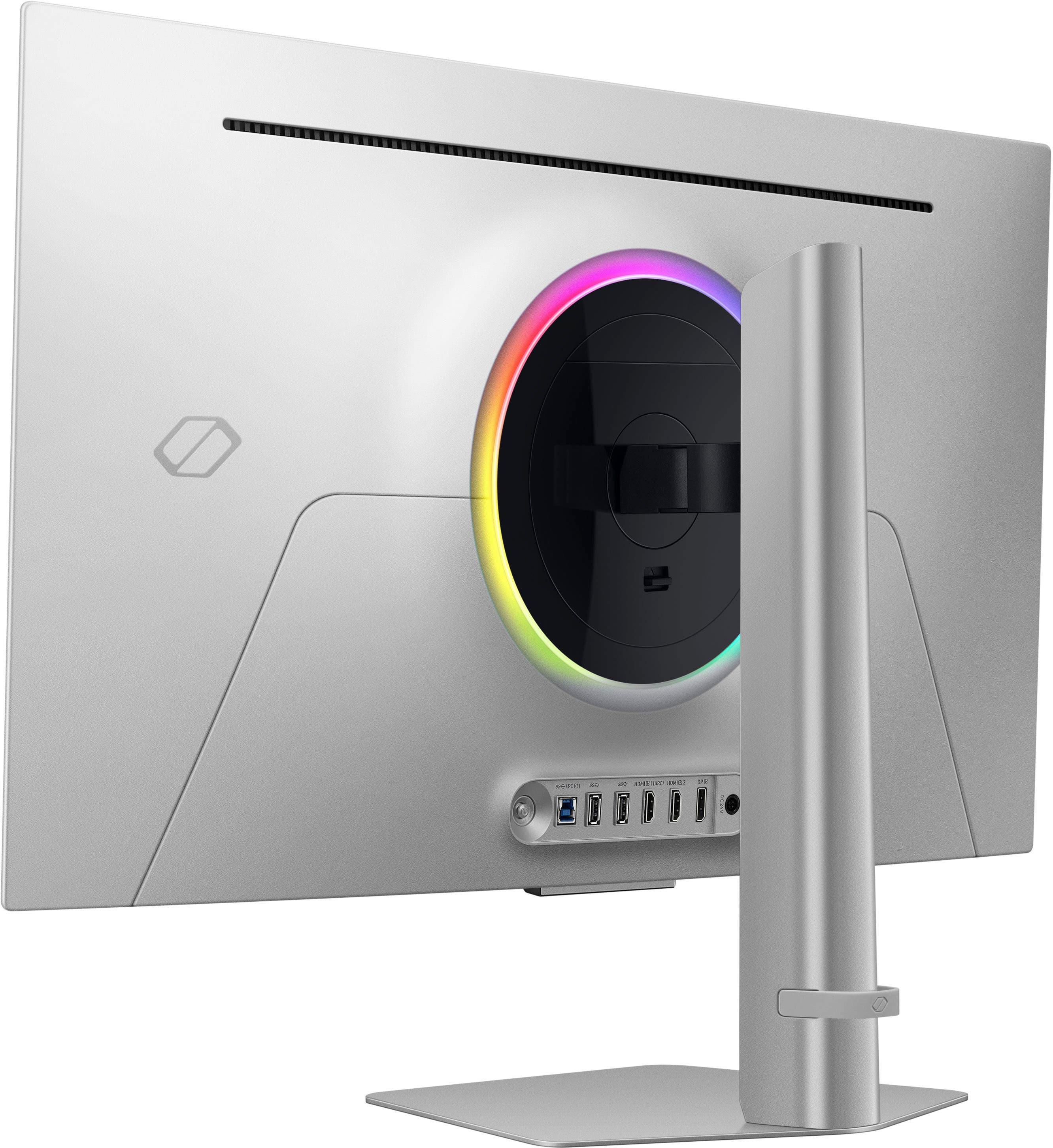
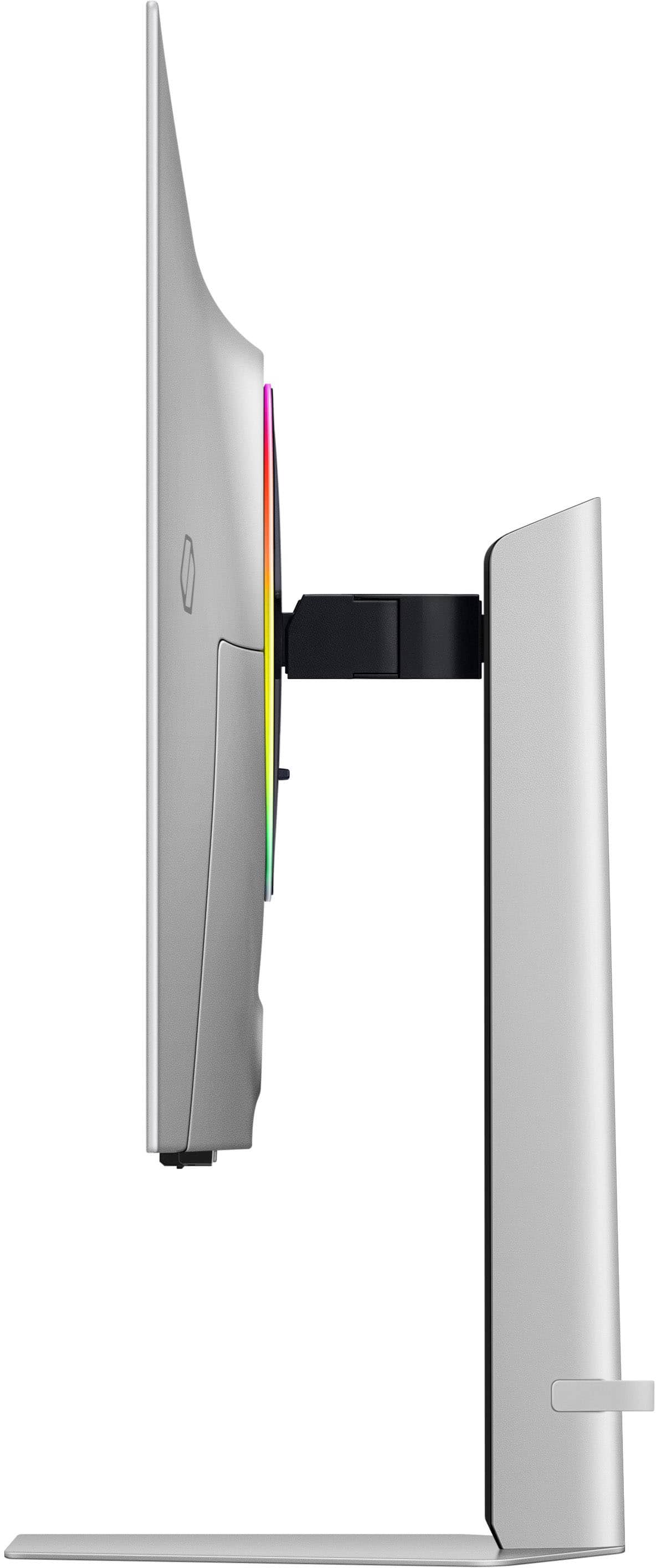
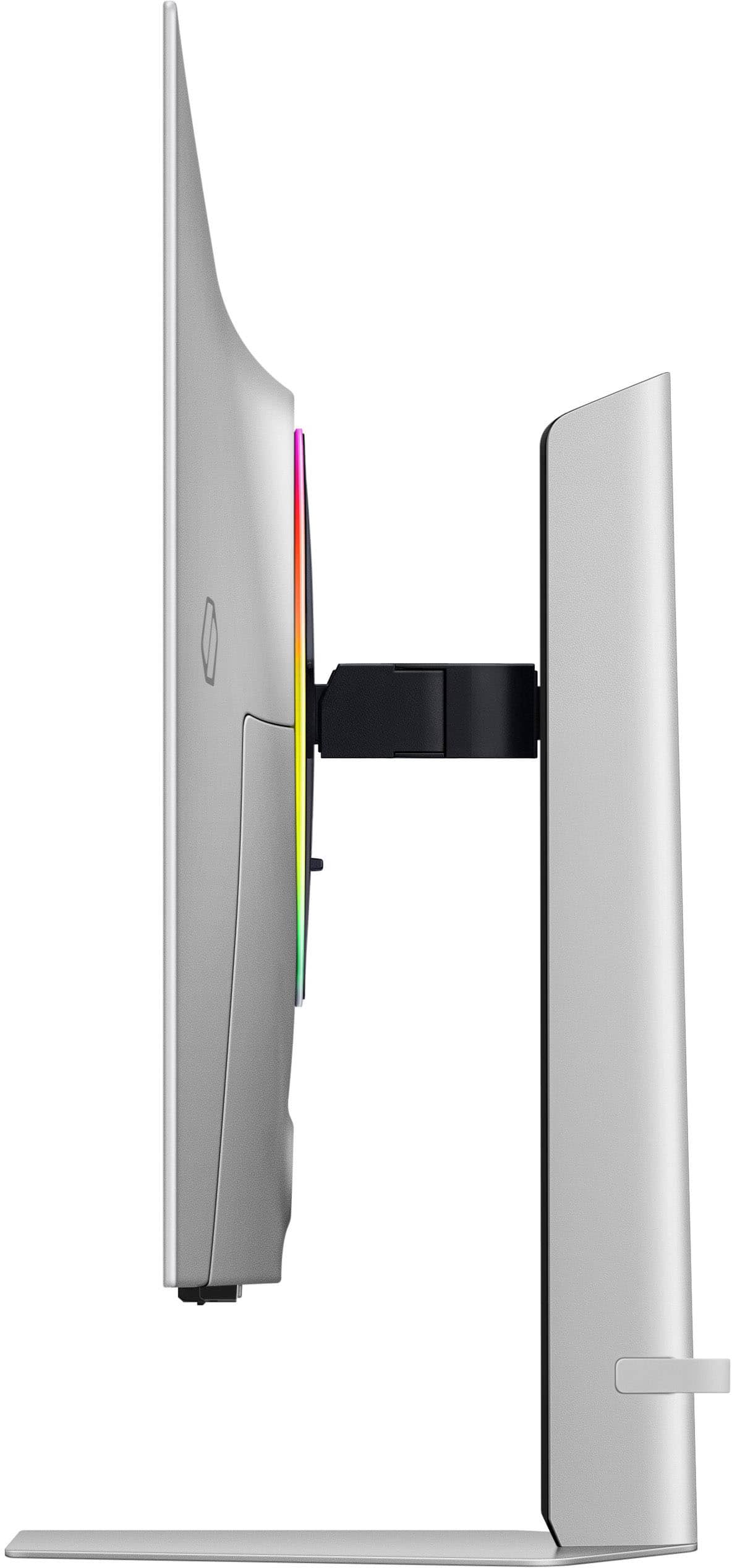
- Model:
- LS32DG802SNXZA
- SKU:
- 10924894
Rating by feature
- Display Quality
Rating 4.7 out of 5 stars
- Ease of Use
Rating 4.5 out of 5 stars
- Features
Rating 4.6 out of 5 stars
Matte display
||Posted . Owned for 1 week when reviewed.This reviewer received promo considerations or sweepstakes entry for writing a review.It's okay. The matte display is obvious. If you don't mind it, then it's a great monitor. I don't mind it when playing bright games because the matte is less noticeable.
I would recommend this to a friendBrand response from Samsung
Posted .We are delighted to hear you've had an overall, positive experience with your Odyssey OLED G8 Monitor.
Thank you for your feedback to help us improve our products and services. If there is anything we can do to assist you and improve your product experience, please don't hesitate to contact Samsung Customer Support via:
1-800-SAMSUNG, available 8AM - 12AM EST (Mon-Fri) / 9AM - 11PM EST (Sat-Sun).
Your thoughts and opinions are very important to Samsung.
- Pros mentioned:Picture quality
Not for gaming
||Posted .This reviewer received promo considerations or sweepstakes entry for writing a review.This is not a computer monitor for gaming. It's a smart TV and allows you access to gaming video. Problem is you have to attach your mouse and keyboard to it. And use Microsoft easy box for them to be to be used on the monitor. This causes freeze ups and the mouse pointed will disappear while gaming. I will not recommend to anybody if going to game. The TV works great.
No, I would not recommend this to a friendBrand response from Samsung
Posted .Please know you are leaving a review for the Samsung-32" Odyssey OLED G8(G80SD), not the service provided by a third party seller. Please follow up directly with the seller for further assistance. We hope your issue is resolved in a timely manner. Should you have questions regarding Samsung TVs, please contact Samsung Support at 1-800-SAMSUNG, 8AM - 12AM EST, 7 days a week. Our LiveChat agents are also available by clicking on the ‘Support’ link on our website.
Samsung OLED monitor
||Posted . Owned for 1 month when reviewed.This reviewer received promo considerations or sweepstakes entry for writing a review.Great clarity! Lots of options for ways to view!,
I would recommend this to a friendBEST MONITOR
||Posted . Owned for 2 months when reviewed.This reviewer received promo considerations or sweepstakes entry for writing a review.BEST GAMING MONITOR LOVED IT! ITS WORTH THE PRICE IF YOU DONT WANT TO SWITCH IN THE FUTURE
I would recommend this to a friendGood but not perfect
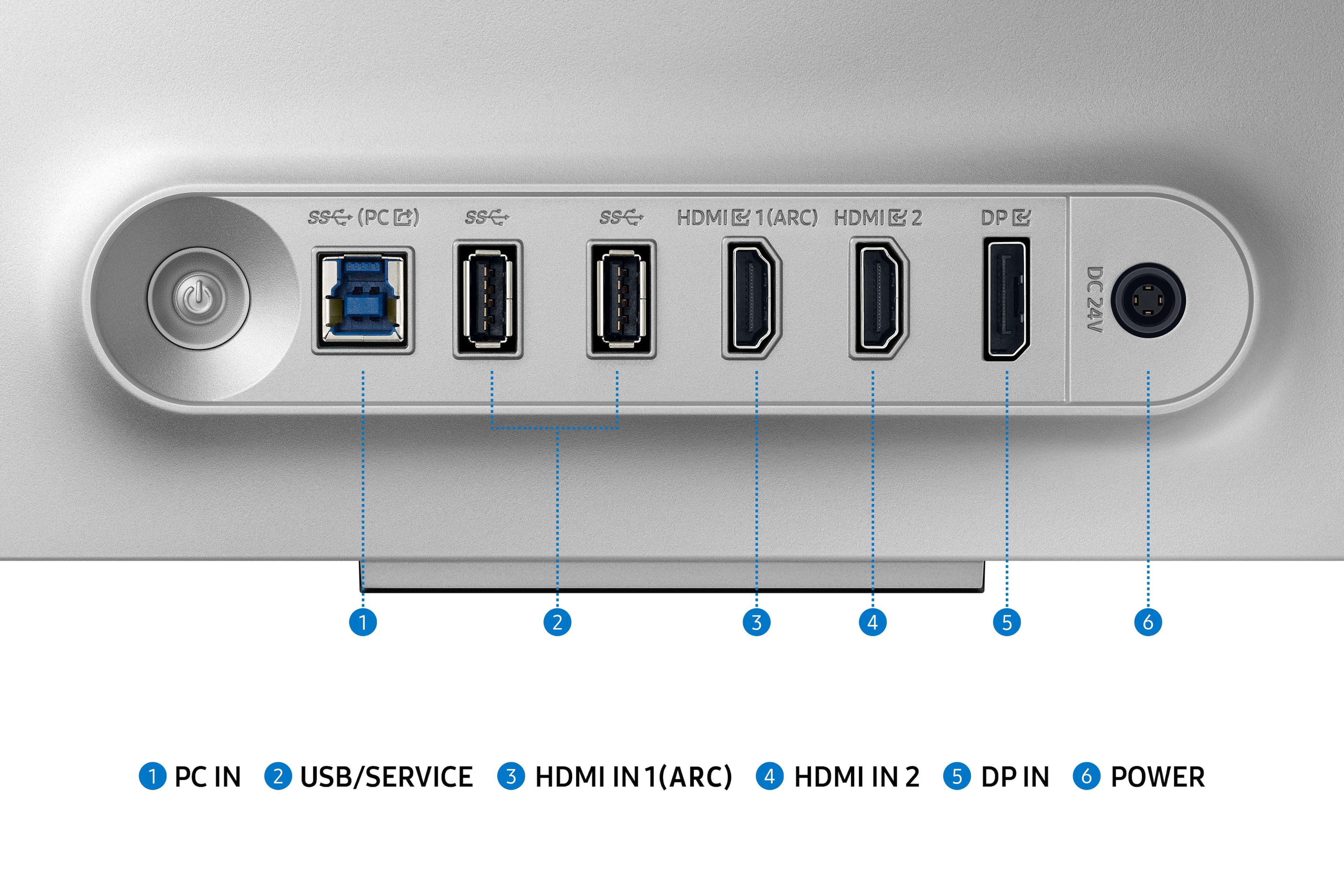
||Posted . Owned for 1 month when reviewed.This reviewer received promo considerations or sweepstakes entry for writing a review.Device works well but flaw of quality control. For instance the bezels are uneven, the port connections on the back are not fully securing
No, I would not recommend this to a friendStellar
||Posted . Owned for 1 month when reviewed.This reviewer received promo considerations or sweepstakes entry for writing a review.Best gaming monitor in the market hands down nothing compares!
I would recommend this to a friend- Pros mentioned:Picture quality
Way too busy and complicated
||Posted .This reviewer received promo considerations or sweepstakes entry for writing a review.If "doing too much" was a monitor, then this would be it. Picture and color quality is great (it's an OLED after all) but the UI/UX of this monitor is cumbersome and a hassle to work with. I want my peripherals to be plug and play - imagine having an onboarding flow for your mouse or keyboard...well this monitor requires it.
No, I would not recommend this to a friendBrand response from Samsung
Posted .Please know you are leaving a review for the Samsung 32" Odyssey OLED G8 (G80SD), not the service provided by a third party seller. Please follow up directly with the seller for further assistance. We hope your issue is resolved in a timely manner. Should you have questions regarding Samsung TVs, please contact Samsung Support at 1-800-SAMSUNG, 8AM - 12AM EST, 7 days a week. Our LiveChat agents are also available by clicking on the ‘Support’ link on our website.
good for the price
||Posted . Owned for 3 weeks when reviewed.This reviewer received promo considerations or sweepstakes entry for writing a review.love this monitor i have it paired with a 3090 ti and a 10900 k cpu push about 100-120 on ultra
I would recommend this to a friendGood but hot
||Posted . Owned for 3 weeks when reviewed.This reviewer received promo considerations or sweepstakes entry for writing a review.Love the colors and the screen. Remote is fantastic only issue is the thing makes my room so hot. Actually nuts
No, I would not recommend this to a friendBrand response from Samsung
Posted .We are delighted to hear you've had an overall, positive experience with your OLED G80SD Monitor.
Thank you for your feedback to help us improve our products and services. If there is anything we can do to assist you and improve your product experience, please don't hesitate to contact Samsung Customer Support via:
1-800-SAMSUNG, available 8AM - 12AM EST (Mon-Fri) / 9AM - 11PM EST (Sat-Sun).
Your thoughts and opinions are very important to Samsung.
Wonderful
||Posted . Owned for 1 month when reviewed.This reviewer received promo considerations or sweepstakes entry for writing a review.I love how the response time is right away and so quick.
I would recommend this to a friendGreat 4k monitor
||Posted . Owned for 1 week when reviewed.This reviewer received promo considerations or sweepstakes entry for writing a review.Great monitor! Lots of settings and great color performance. Very happy with it for my pc.
I would recommend this to a friendGreat Product!
||Posted . Owned for 1 week when reviewed.This reviewer received promo considerations or sweepstakes entry for writing a review.This monitor is amazing. Love the matt finish. Helps in bright rooms. Only problem i have is no 3.5mm headphone jack. Samsung quality.
I would recommend this to a friendGreat job
||Posted . Owned for 1 week when reviewed.This reviewer received promo considerations or sweepstakes entry for writing a review.Great quality love the screen can’t go wrong with this purchase and great service from employees
I would recommend this to a friendI love it
||Posted . Owned for 2 weeks when reviewed.This reviewer received promo considerations or sweepstakes entry for writing a review.There’s actually nothing to dislike about it. Best monitor I ever had.
I would recommend this to a friendGame mode issue
||Posted . Owned for less than 1 week when reviewed.This reviewer received promo considerations or sweepstakes entry for writing a review.The monitor is nice, but it had an issue with game mode turning off by itself and not allowing you to turn it back on until you power cycle the monitor. This is a bad issue when gaming. I am receiving a replacement and am hoping it does not have the same issue. With game mode off, you will only get 120 Hz.
No, I would not recommend this to a friendBrand response from Samsung
Posted .Thank you for your purchase. We are sorry for the inconveniences you had.
Your review was brought to the attention of our Customer Care Center. If you ever need assistance again or have further questions, please reach out to Samsung via any of the below options:
1-800-SAMSUNG, available 8AM - 12AM EST (Mon-Fri) / 9AM - 11PM EST (Sat-Sun).
Or visit our Samsung website and click on the SUPPORT link in the upper right corner for:
• Contact Us Options (LiveChat, Remote Support, Facebook, Twitter)
• Samsung Community: A great resource for getting help from Samsung moderators and customers
Again, thank you for taking the time to share your experience and provide us with information that helps improve our service.
Best OLED monitor
||Posted . Owned for 3 weeks when reviewed.This reviewer received promo considerations or sweepstakes entry for writing a review.Great monitor! More comfortable than a curved monitor
I would recommend this to a friend- Pros mentioned:Picture quality
Nice screen but bad software
||Posted . Owned for 3 weeks when reviewed.This reviewer received promo considerations or sweepstakes entry for writing a review.Beautiful display but the software is buggy and eventually didn’t turn back on.
No, I would not recommend this to a friendBrand response from Samsung
Posted .We are very sorry to see that you have encountered issues with the Samsung Odyssey G80SD Monitor. We understand your disappointment and hope that you will give us a chance to assist with troubleshooting or warranty service.
Samsung products are engineered to the highest standards of performance and quality and we back this model with a limited time manufacturer's warranty, if purchased brand-new from an authorized dealer.
For further assistance or to begin warranty service, please contact Samsung Customer Support via:
1-800-SAMSUNG, available 8AM - 12AM EST (Mon-Fri) / 9AM - 11PM EST (Sat-Sun)
Samsung is committed to providing the best possible product experience, quality, and value, and we are always here to help with any of your questions or concerns.
- Pros mentioned:Hdr, Oled quality, Picture quality

Outstanding in every way!
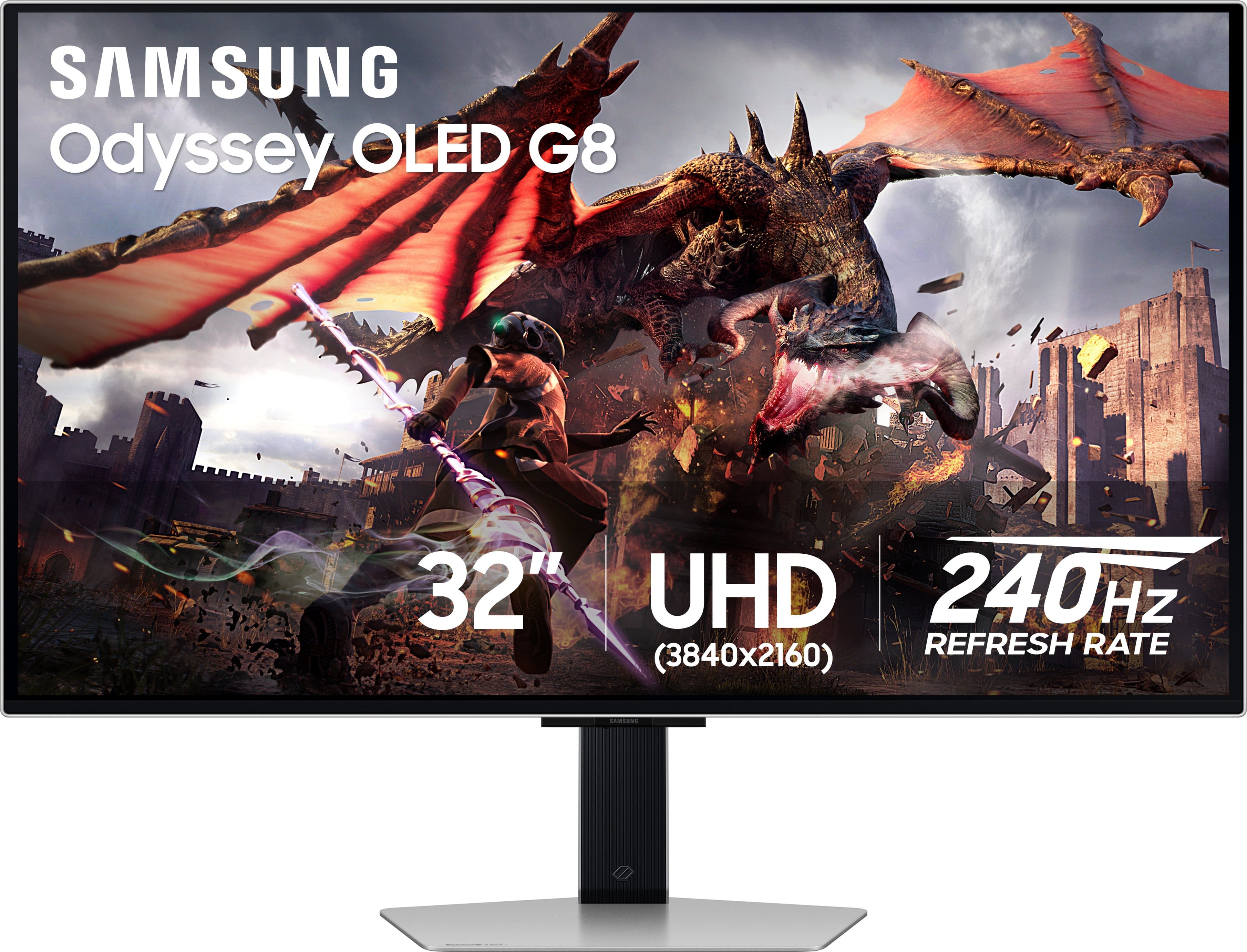
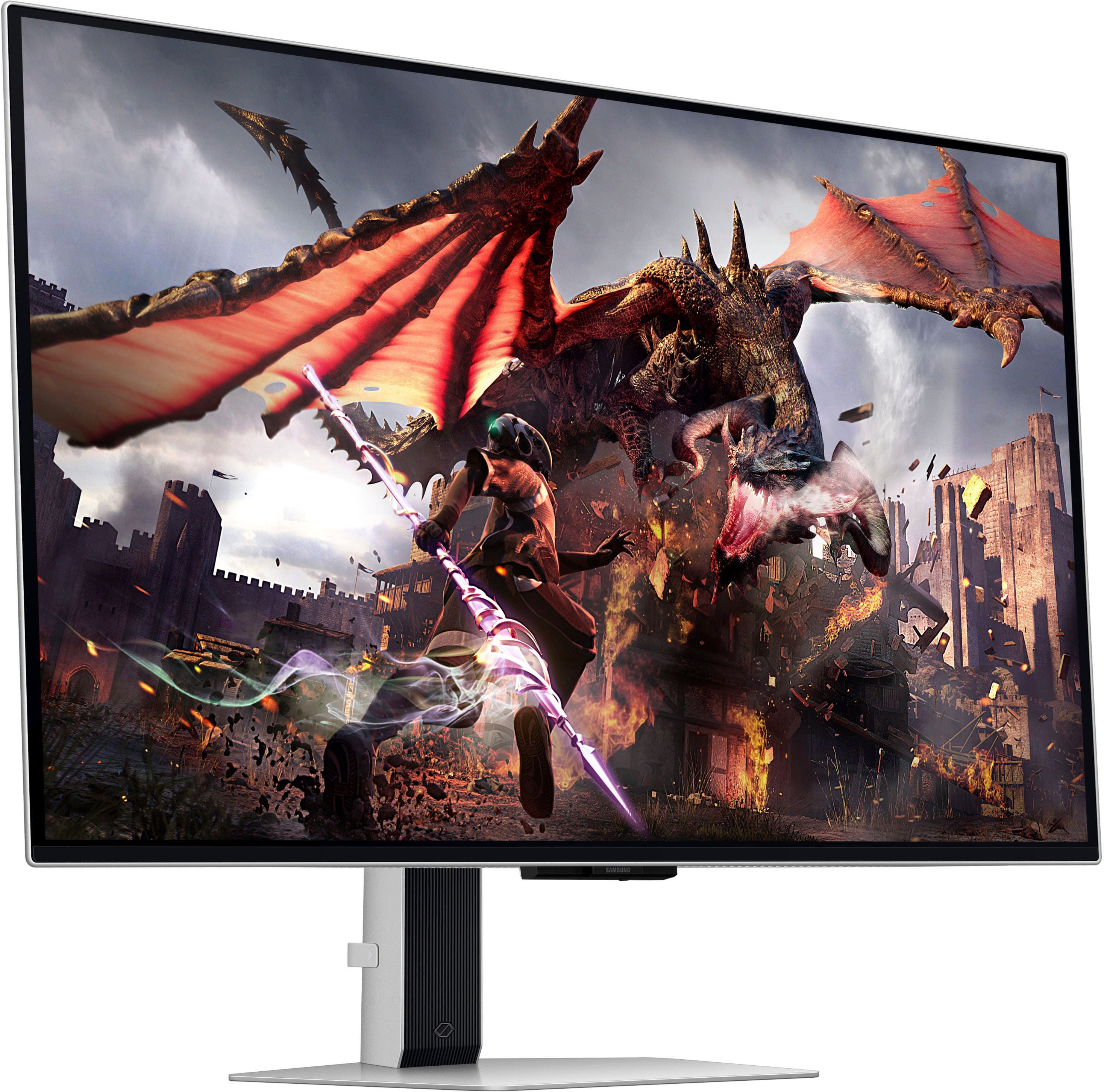
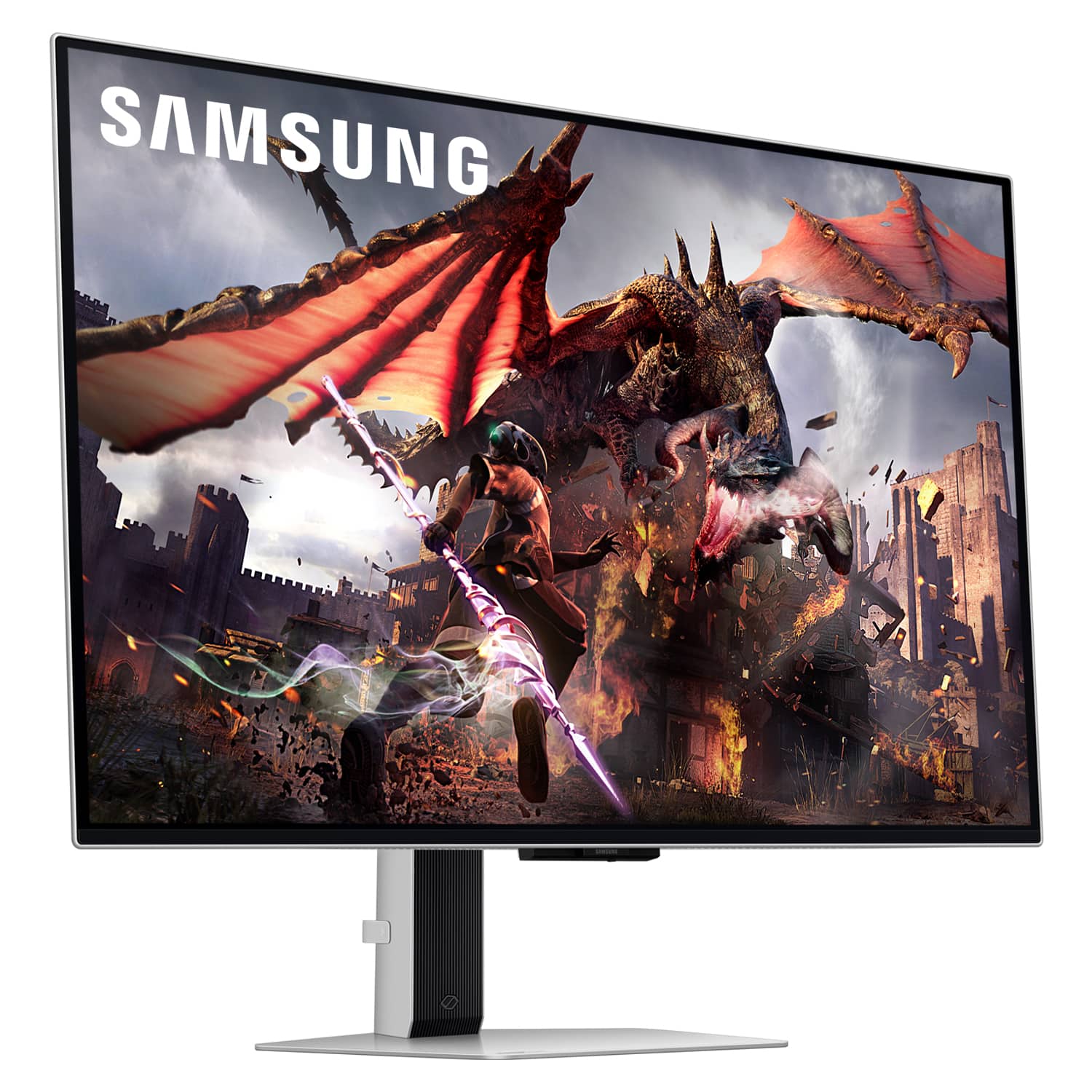
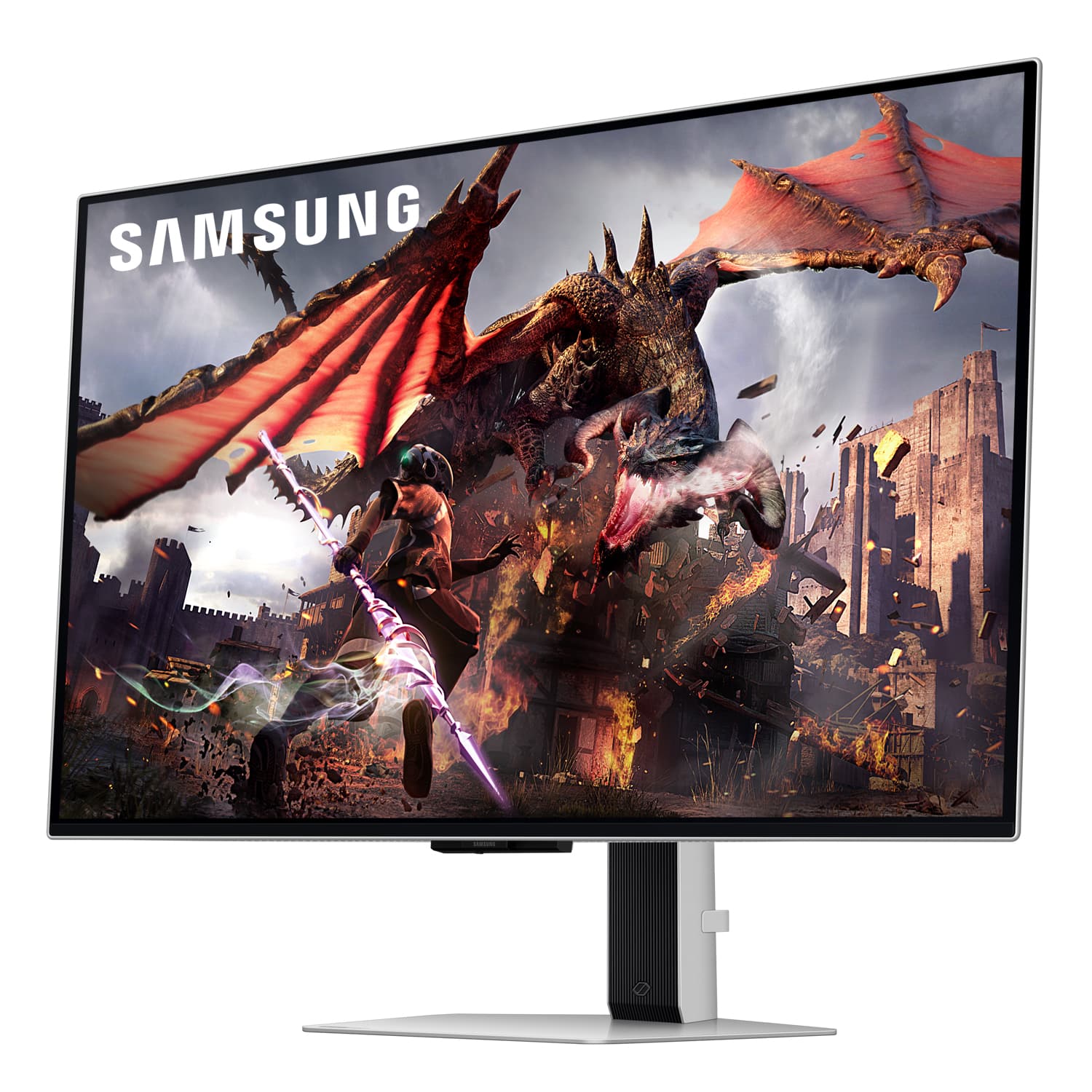
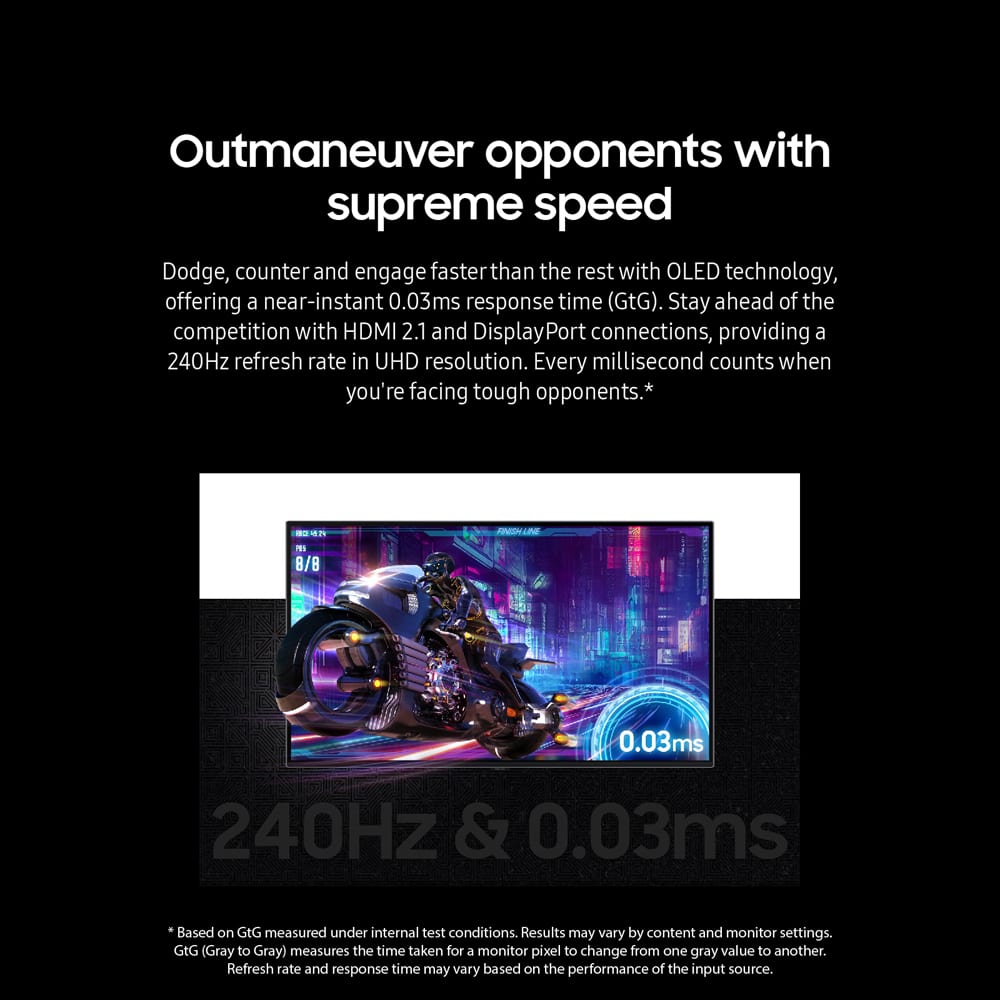
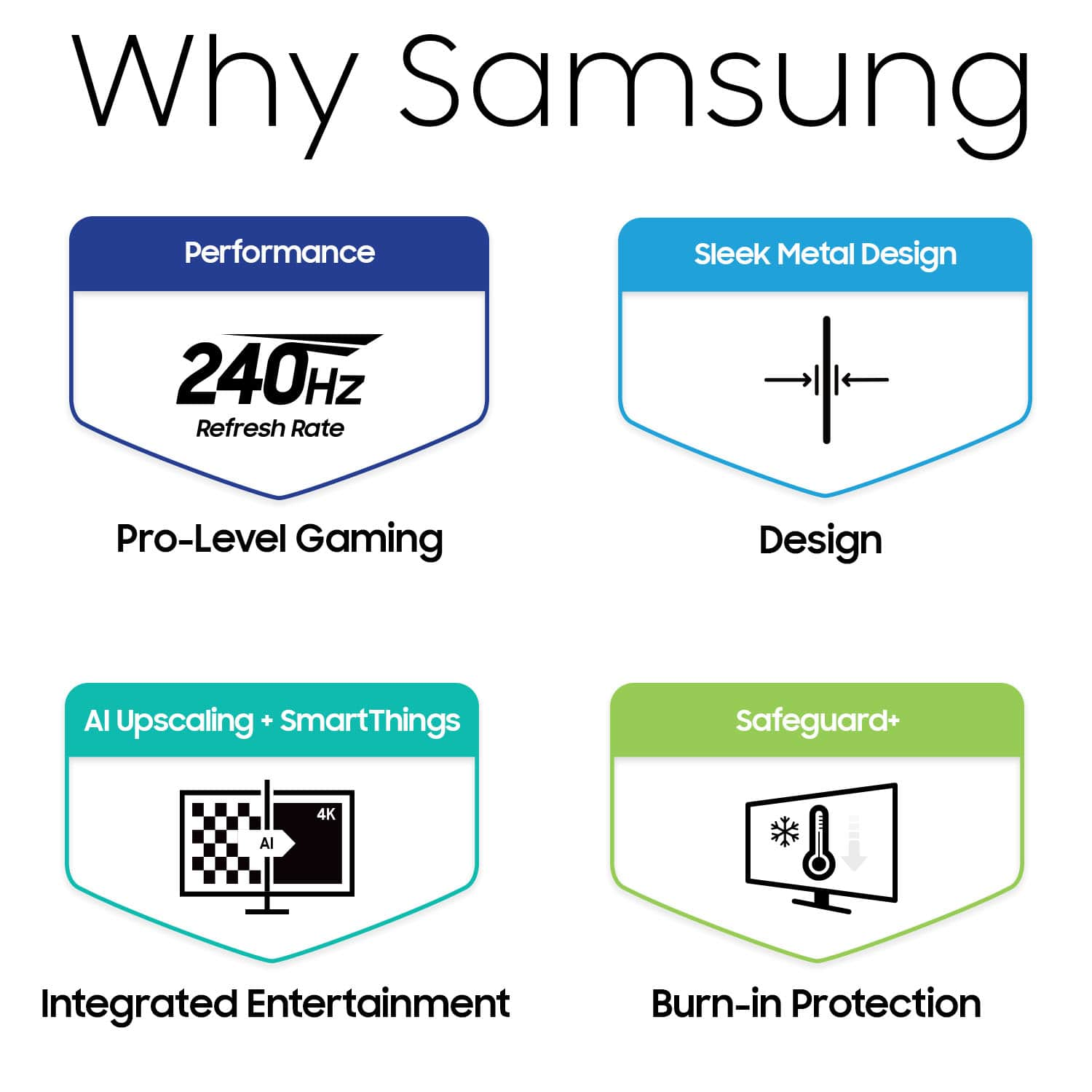
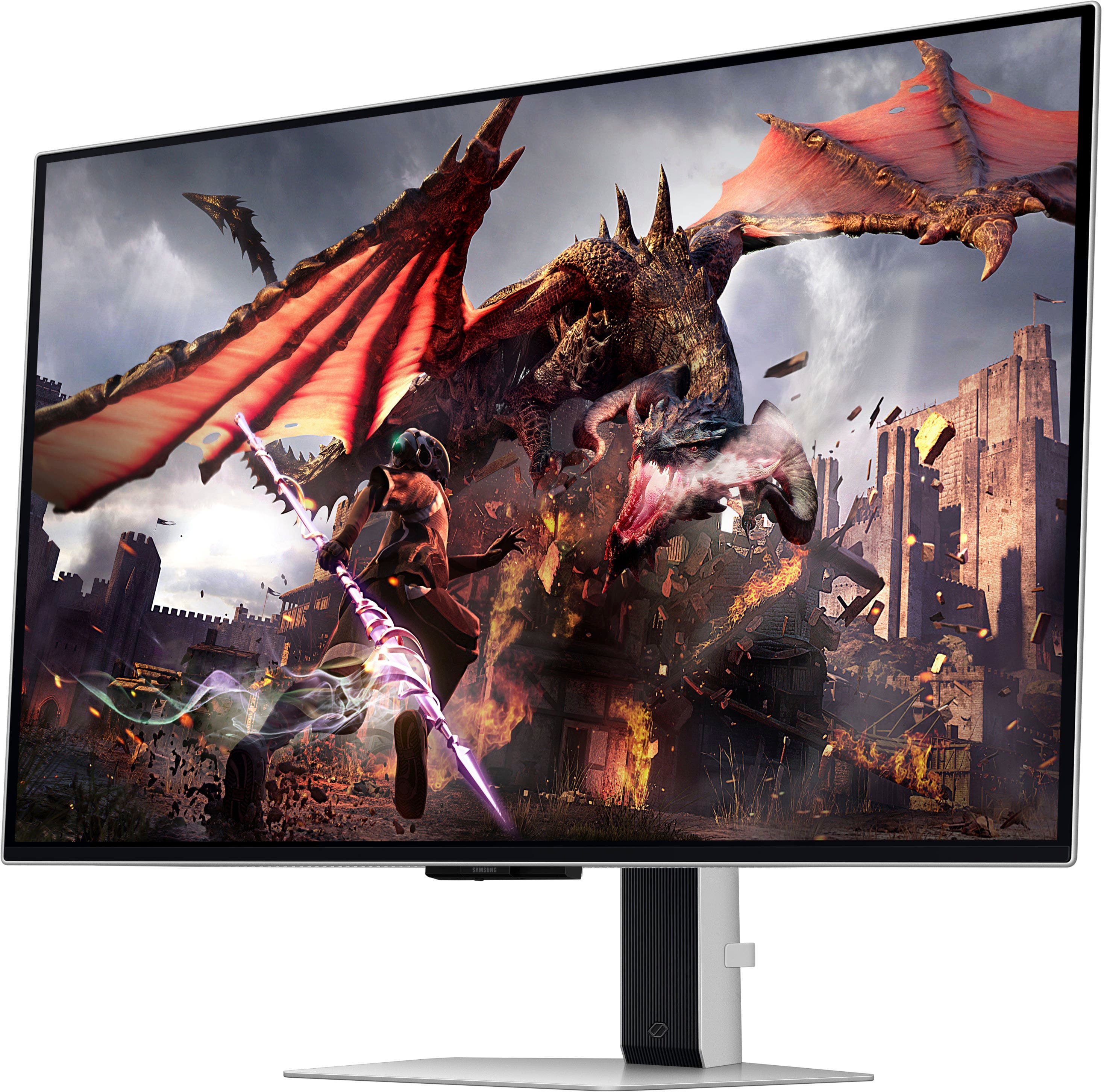
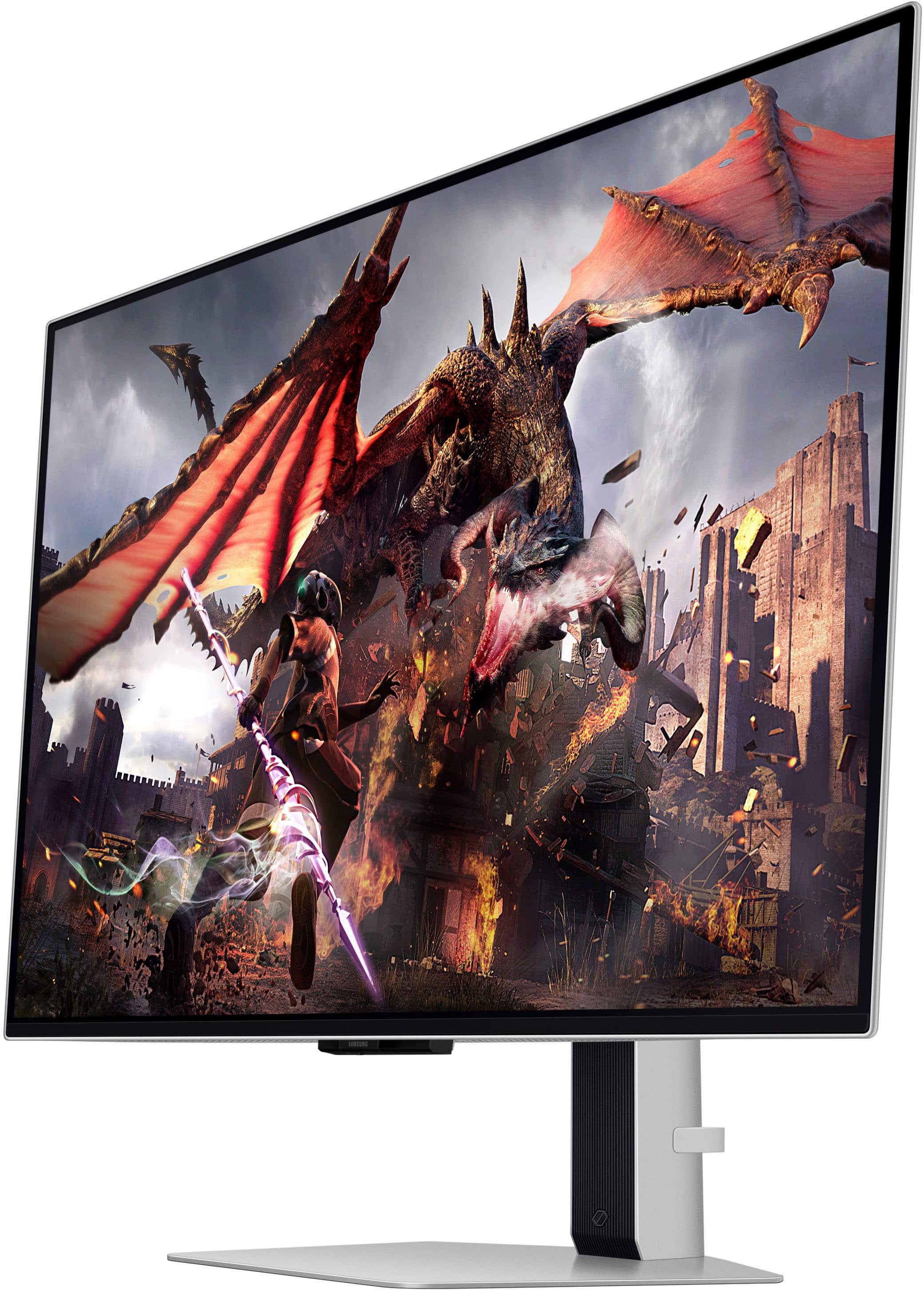
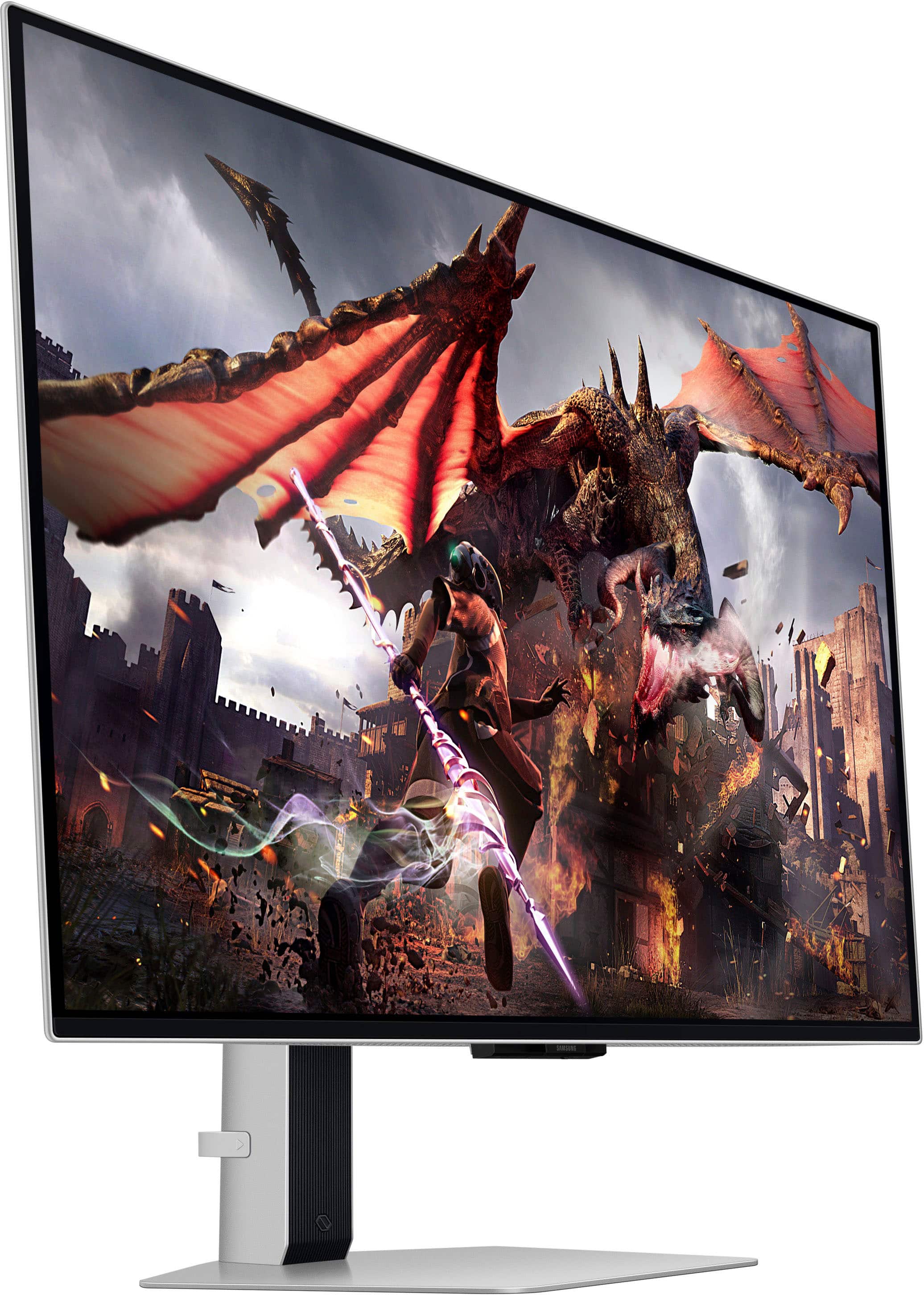
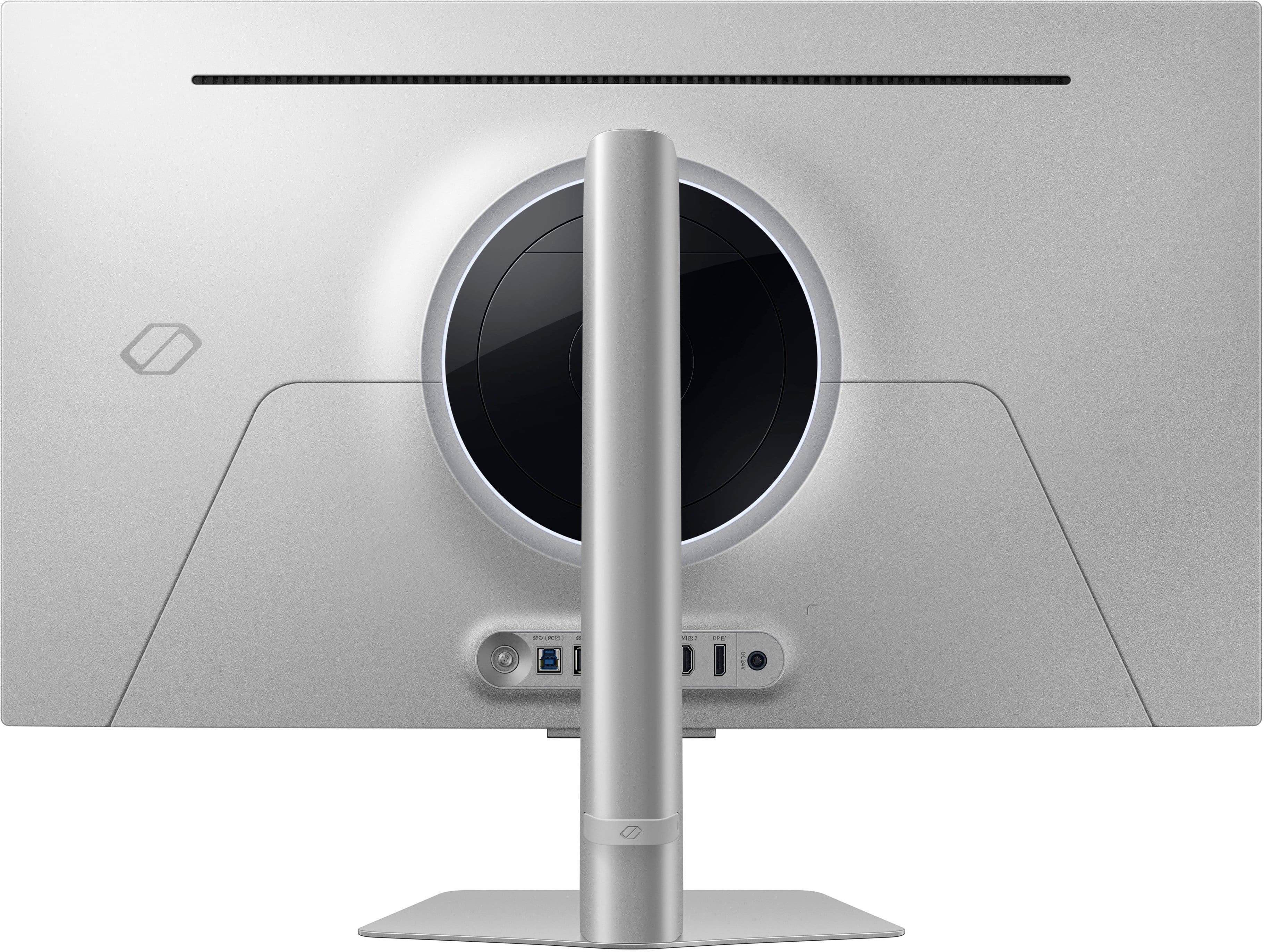
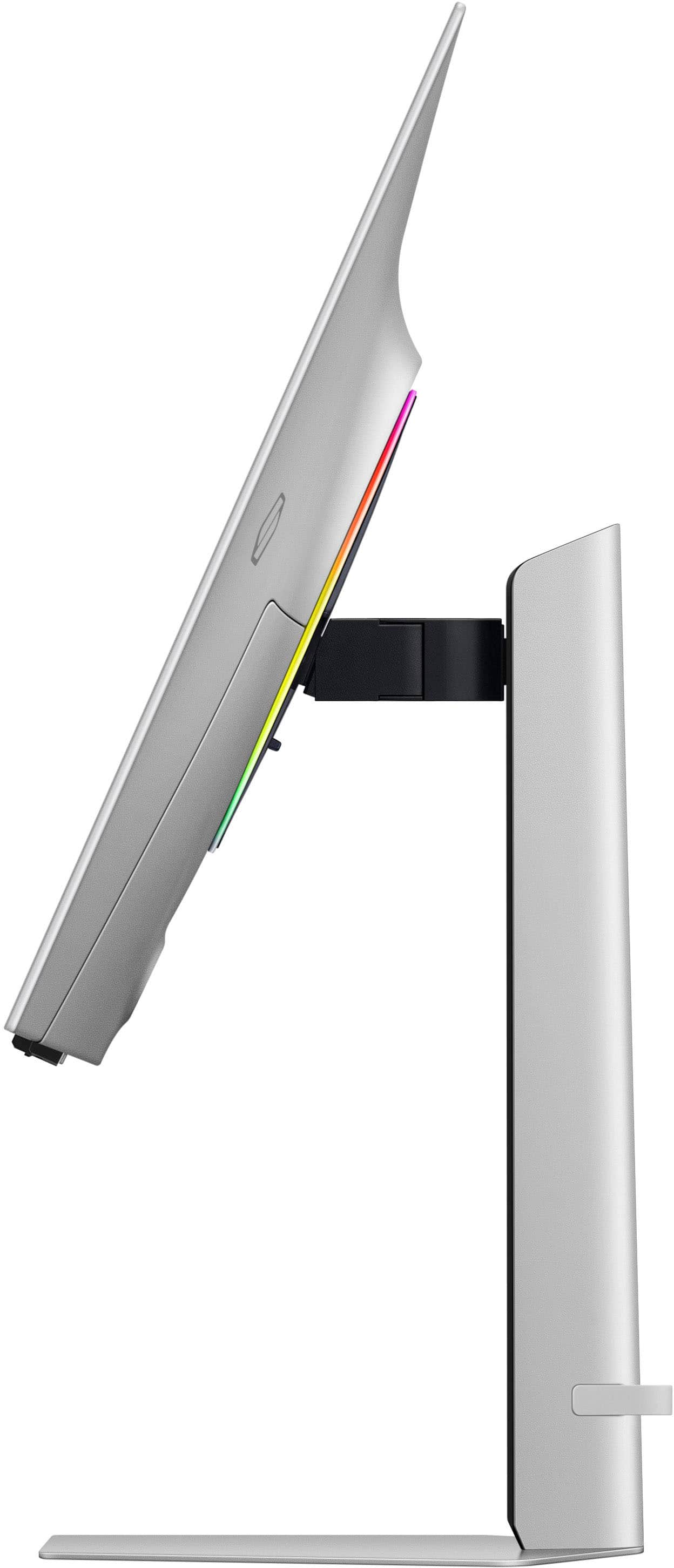
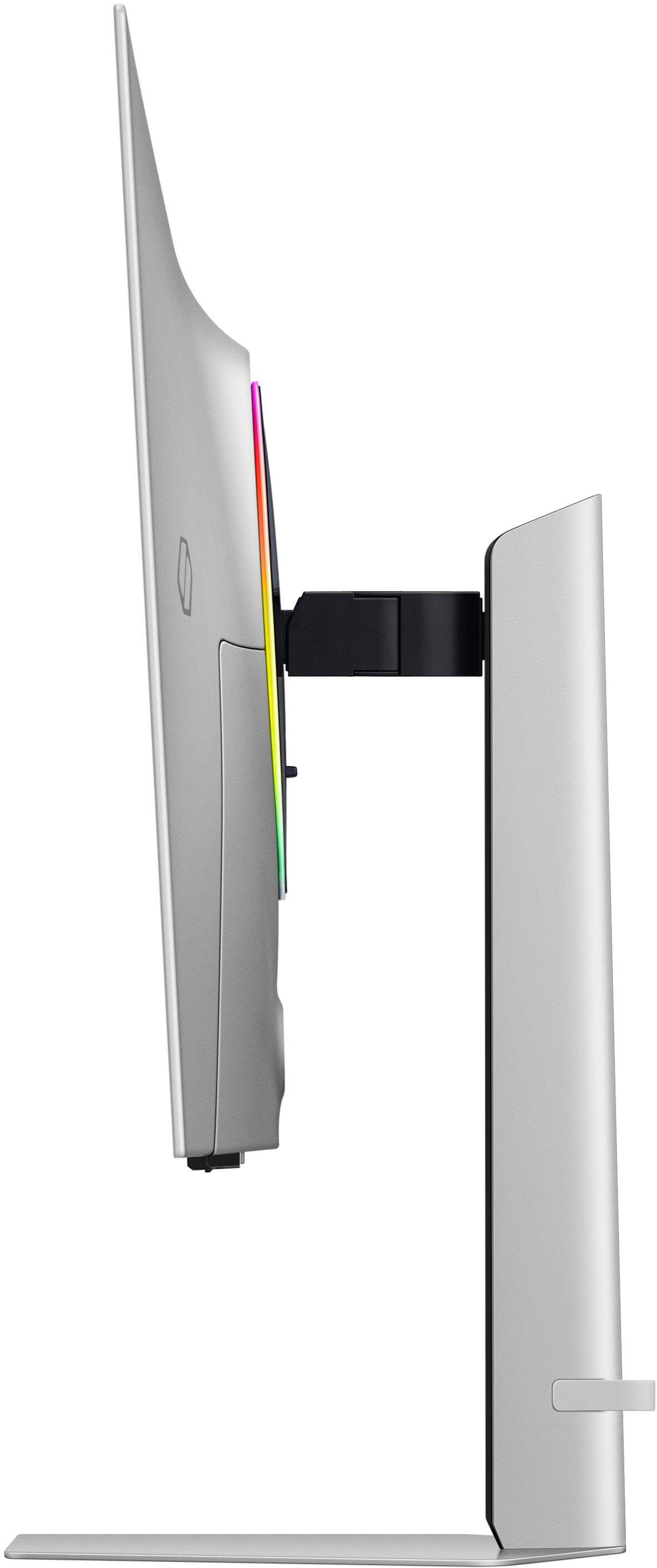
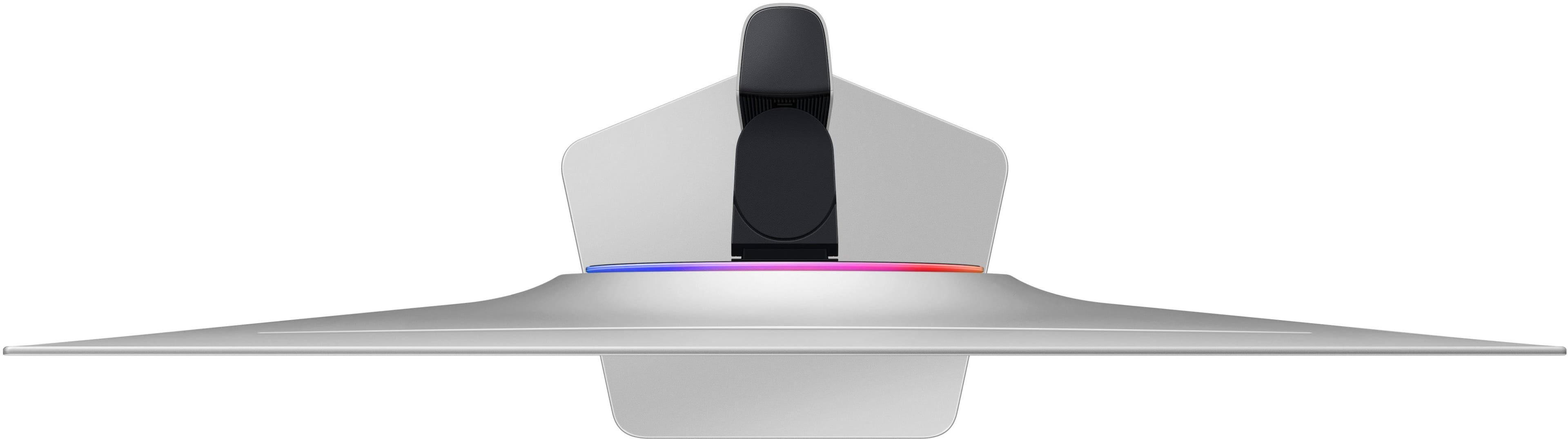
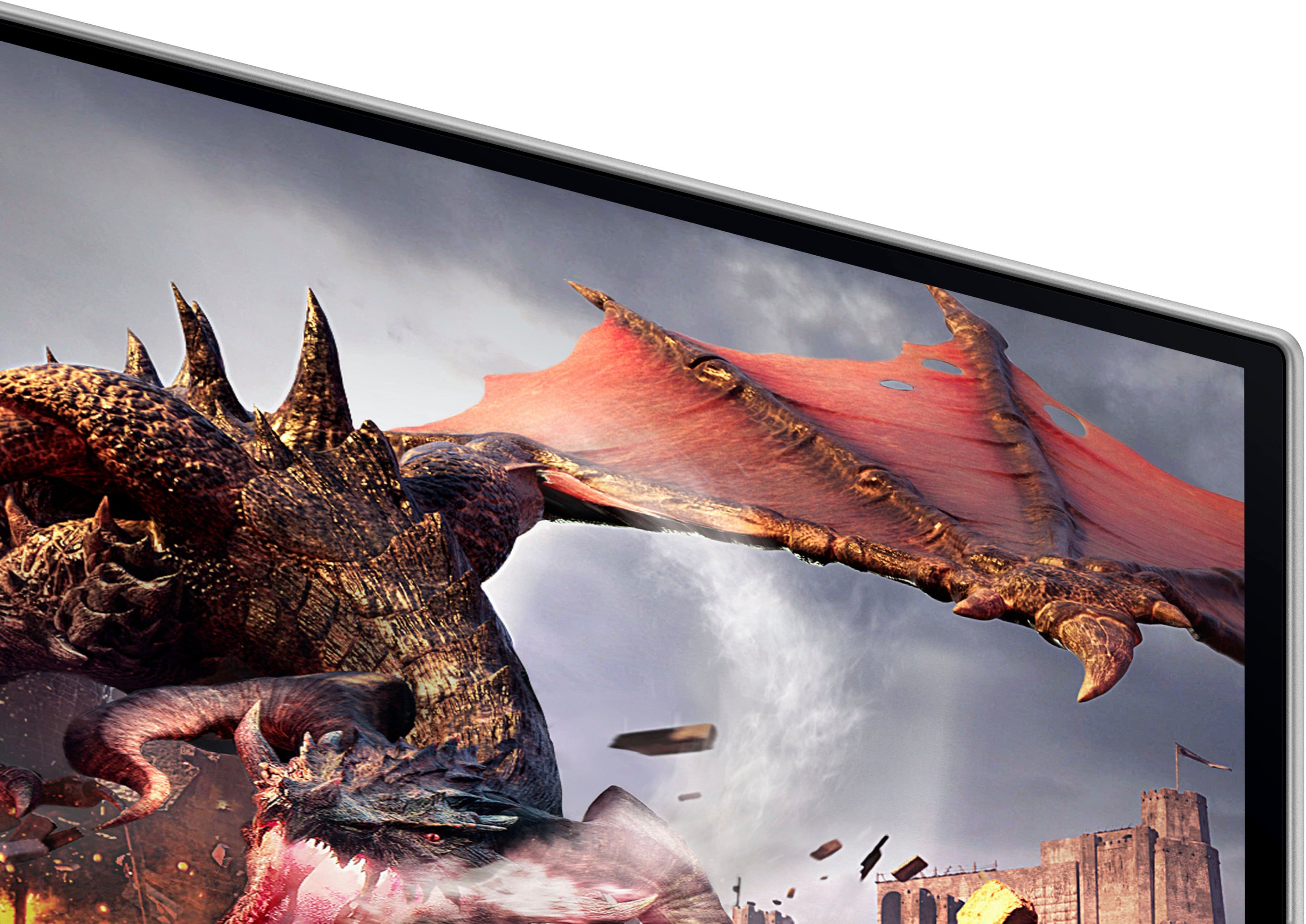
|Posted .This reviewer received promo considerations or sweepstakes entry for writing a review.The good: Display Technology - The highlight here of course is its 32-inch OLED panel, which sets it apart from traditional LCD or LED monitors. It being OLED means it delivers superior picture quality with inky blacks and vibrant colors. Relatively unusual for this size, this Samsung boasts a 4K UHD resolution of 3840 x 2160 pixels, providing sharp and detailed visuals that enhance both gaming and multimedia experiences. With a blazing-fast 240Hz refresh rate and an astonishingly low 0.03ms response time, it delivers ultra-smooth gameplay with minimal motion blur and input lag. This makes it an ideal choice for competitive gamers who demand precision and responsiveness from their displays. In laymen’s terms, it’s beautiful, accurate, and fast. Design and Build Quality - Sleek and modern design that blends aesthetic appeal with functionality, including minimal bezels, matte black finish to minimize glare, and a robust stand which has height, tilt, and swivel adjustments. Relatively understated, it also features “Infinity Core” lightning on the back, with customizable RGB lightning effects (which can also be disabled entirely.) Color Accuracy and HDR Capabilities - Exceptional color accuracy, covering 125% of the sRGB color gamut and supporting 1 billion colors. Also has HDR support, specifically HDR600, essentially meaning deeper blacks and brighter highlights for HDR content. Gaming Performance 240Hz refresh rate and .03ms response time. Butterly smooth and super immersive. Connectivity and Features - Aside from the strictly monitor features, it also has what sort of looks like a version of Android TV baked in, which means it can essentially operate as a stand alone TV as well. Most of the usual bells and whistles are there on the “TV” setting side, including some relatively decent internal speakers as well. The bad: Price - Not really much of a “bad” in my opinion, as you certainly get what you pay for with this monitor. That being said, there are significantly cheaper 32” panels on the market, but not with this entire feature set. Burn-in risk - As with all OLED panels, there’s a risk of image burn-in. This does seem to be less of a risk with this model due to some onboard “Dynamic Cooling System”, which is designed specifically to prevent it. Expensive GPU is essentially a necessity - Again, not really a negative per se, but in order to really take advantage of this monitor, at least from a gaming perspective, a fairly hefty and current (and thus expensive) graphics card is a must. Overall: The Samsung 32" Odyssey OLED G8 G80SD 4K UHD gaming monitor represents a state-of-the-art choice for gamers and professionals seeking uncompromising performance and visual fidelity. Its OLED panel, combined with 4K UHD resolution, 240Hz refresh rate, and ultra-low response time, sets a new standard for gaming monitors. While the premium price tag and considerations about OLED technology may deter some buyers, the monitor's exceptional image quality, gaming performance, and feature-rich design make it a standout choice for those who prioritize the best. If you're looking to elevate your gaming experience with a monitor that offers unparalleled clarity, responsiveness, and immersive visuals, the Samsung Odyssey G8 is highly recommended. It not only meets but exceeds expectations, delivering a gaming experience that is truly next-gen.
I would recommend this to a friend Poor Description of Open Box
||Posted .This reviewer received promo considerations or sweepstakes entry for writing a review.Best Buy's open box descriptions are atrocious. I recently bought two items from Best Buy with condition described as "excellent" only to receive defective merchandise and missing accessories, including smart remote. Surely Best Buy can do better than pushing terrible descriptions and forcing the consumer to take the item back to the store.
No, I would not recommend this to a friendBrand response from Samsung
Posted ."Thank you for your review. We are sorry you were not satisfied with your experience. Your overall feedback is important to us and we will document your concerns. We also recommend you contact Best Buy directly for assistance in correcting the situation. If you ever need assistance with the monitor itself, please contact Samsung Customer Support and a rep will be happy to assist you: 1-800-SAMSUNG, available 8AM - 12AM EST (Mon-Fri) / 9AM - 11PM EST (Sat-Sun) Samsung is committed to providing the best possible product experience, quality, and value, and we are always here to help with any of your questions or concerns. "
I guess i got a bad one
||Posted . Owned for less than 1 week when reviewed.This reviewer received promo considerations or sweepstakes entry for writing a review.I loved this monitor until my screen started going in and out. Haven't had it a week smh
No, I would not recommend this to a friend