Customer Ratings & Reviews

- Model:
- LS32DG802SNXZA
- SKU:
- 6573686
Rating by feature
- Display Quality
Rating 4.7 out of 5 stars
- Ease of Use
Rating 4.5 out of 5 stars
- Features
Rating 4.5 out of 5 stars
Customers are saying
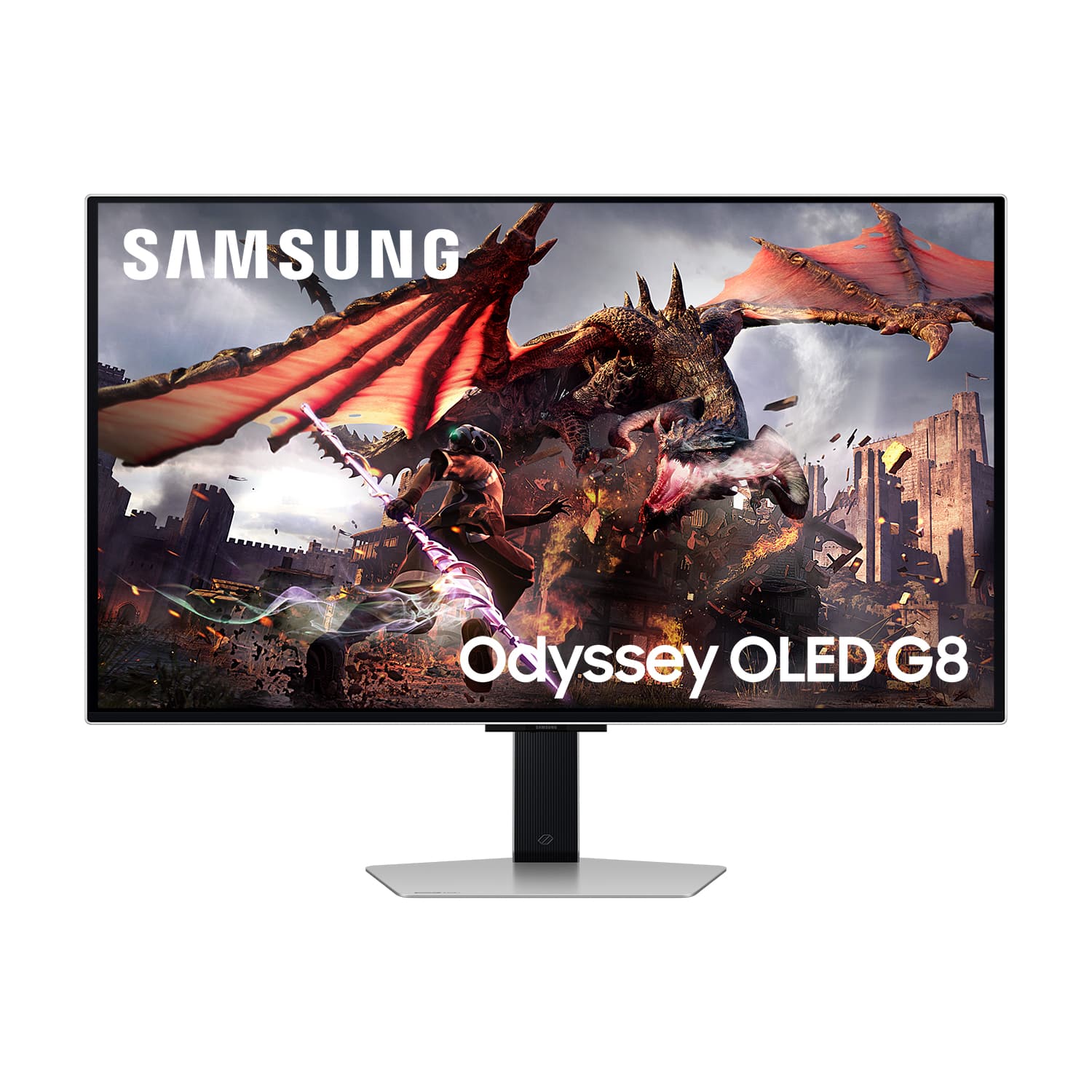
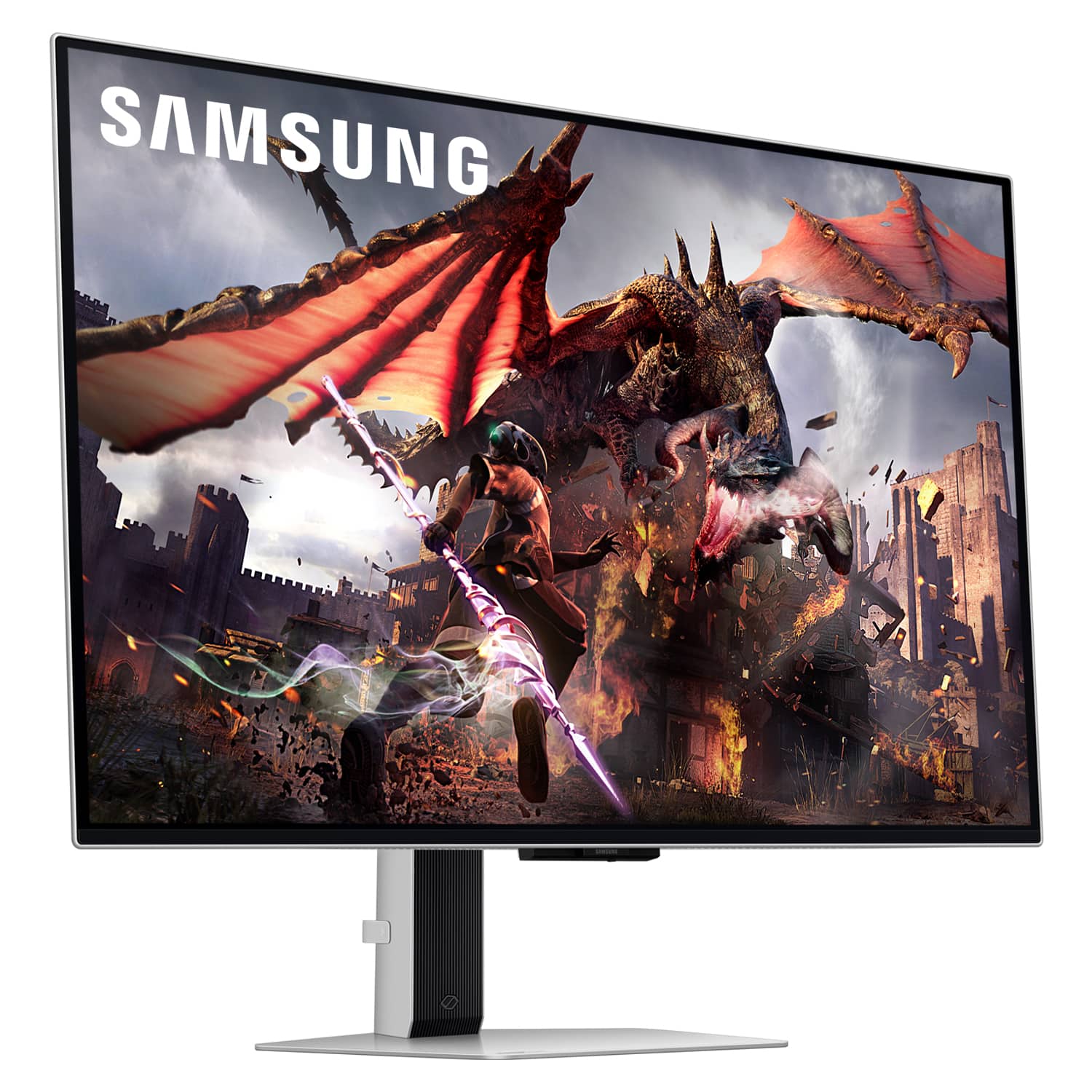
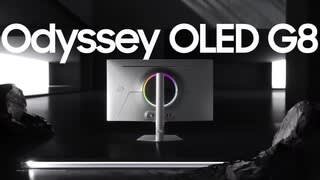
Customers have good things to say about the 32" Odyssey OLED G8 monitor's picture quality, OLED quality, refresh rate, and color. The monitor's HDR and design are also well-received. Some customers find the built-in speakers to be lacking, and others have concerns about the smart features, software, price, and the potential for burn-in.
This summary was generated by AI based on customer reviews.
- Pros mentioned:Picture qualityCons mentioned:Burn-in
You will love this monitor!!
||Posted . Owned for 1 week when reviewed.This reviewer received promo considerations or sweepstakes entry for writing a review.This monitor is fantastic. Originally I had purchased an open box but it continued to make this whistling noise and after a quick google search, I discovered it may be the cooling feature that was making the noise. However, since then I returned it and received a new one and so far no issues. It’s almost as if you’re purchasing a tv as it comes with a remote and you’re able to install apps - YouTube, Hulu, Netflix, etc and it has built-in speakers, which sound great. The monitor quickly recognizes the type of device you connect via hdmi and displays the resolution and frame rate and oh boy, every console I’ve played look fantastic. You can definitely see the difference and how enhanced the image look. Although it is expensive, this monitor is definitely an investment worth buying as I am using it daily, all day to work from home, school and leisure with video games and movie/ shows. A lot of people are usually concerned over burn in. However, a new monitor comes with a one year warranty that covers that and you can pay an additional warranty for 4yrs.
I would recommend this to a friend - Pros mentioned:Oled qualityCons mentioned:Burn-in
Burn in after 3 Weeks of use!
||Posted . Owned for 1 month when reviewed.This reviewer received promo considerations or sweepstakes entry for writing a review.Lots of features and the display is very nice. This monitor can also work as a smart TV so you can watch Netflix, YouTube etc and even gaming apps such as NVIDIA GeForce now. You can connect mouse and keyboard via Bluetooth directly to this monitor and play games without needing a console or PC. However if you intend to use this for office or productivity be careful because burn in sets really fast. I experienced burn in within 3 weeks. That is an extremely short amount of time to see burn in. 3 weeks after use I noticed the windows task bar had been burned in at the bottom with icons. I used the monitor for office use daily and also gaming sometimes.
No, I would not recommend this to a friendBrand response from Samsung
Posted .We are very sorry to see that you have encountered issues with the Samsung Odyssey G80SD Monitor. We understand your disappointment and hope that you will give us a chance to assist with troubleshooting or warranty service.
Samsung products are engineered to the highest standards of performance and quality and we back this model with a 3-year limited manufacturer's warranty, if purchased brand-new from an authorized dealer.
For further assistance or to begin warranty service, please contact Samsung Customer Support via:
1-800-SAMSUNG, available 8AM - 12AM EST (Mon-Fri) / 9AM - 11PM EST (Sat-Sun)
Samsung is committed to providing the best possible product experience, quality, and value, and we are always here to help with any of your questions or concerns.
- Pros mentioned:Hdr, Refresh rateCons mentioned:Brightness, Burn-in

32” 4K Monitor w/ HDR10+ & Perfect Blacks
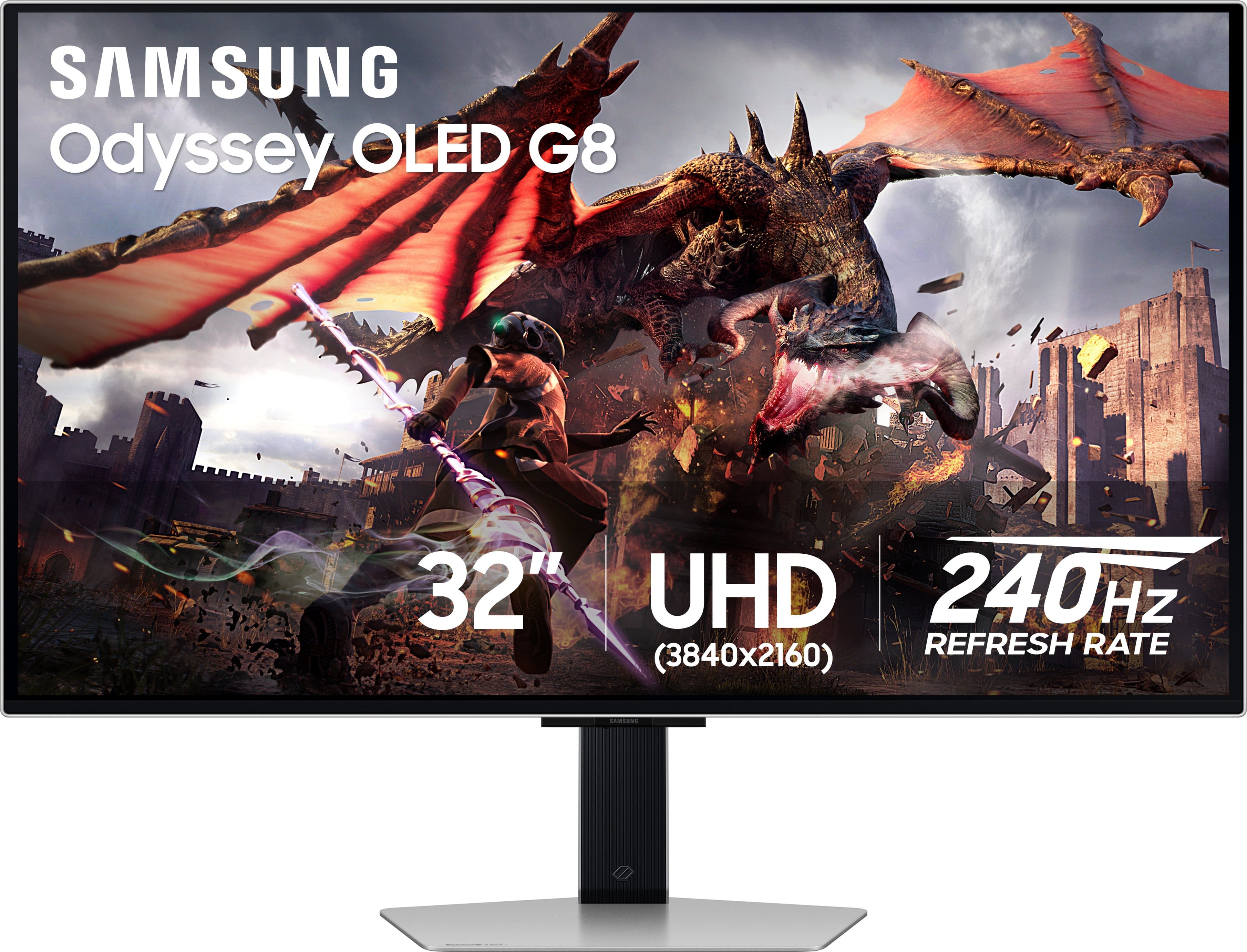
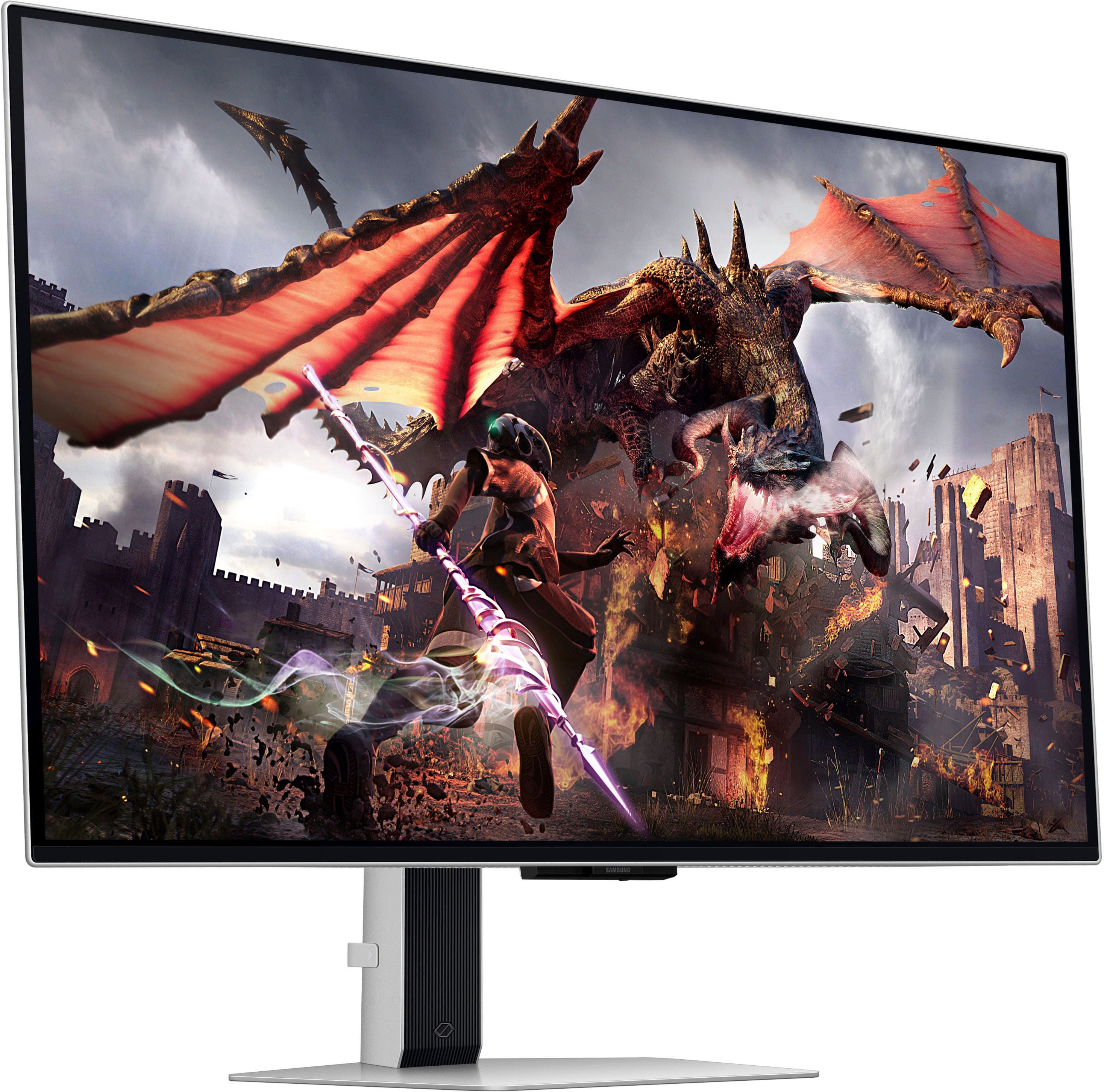
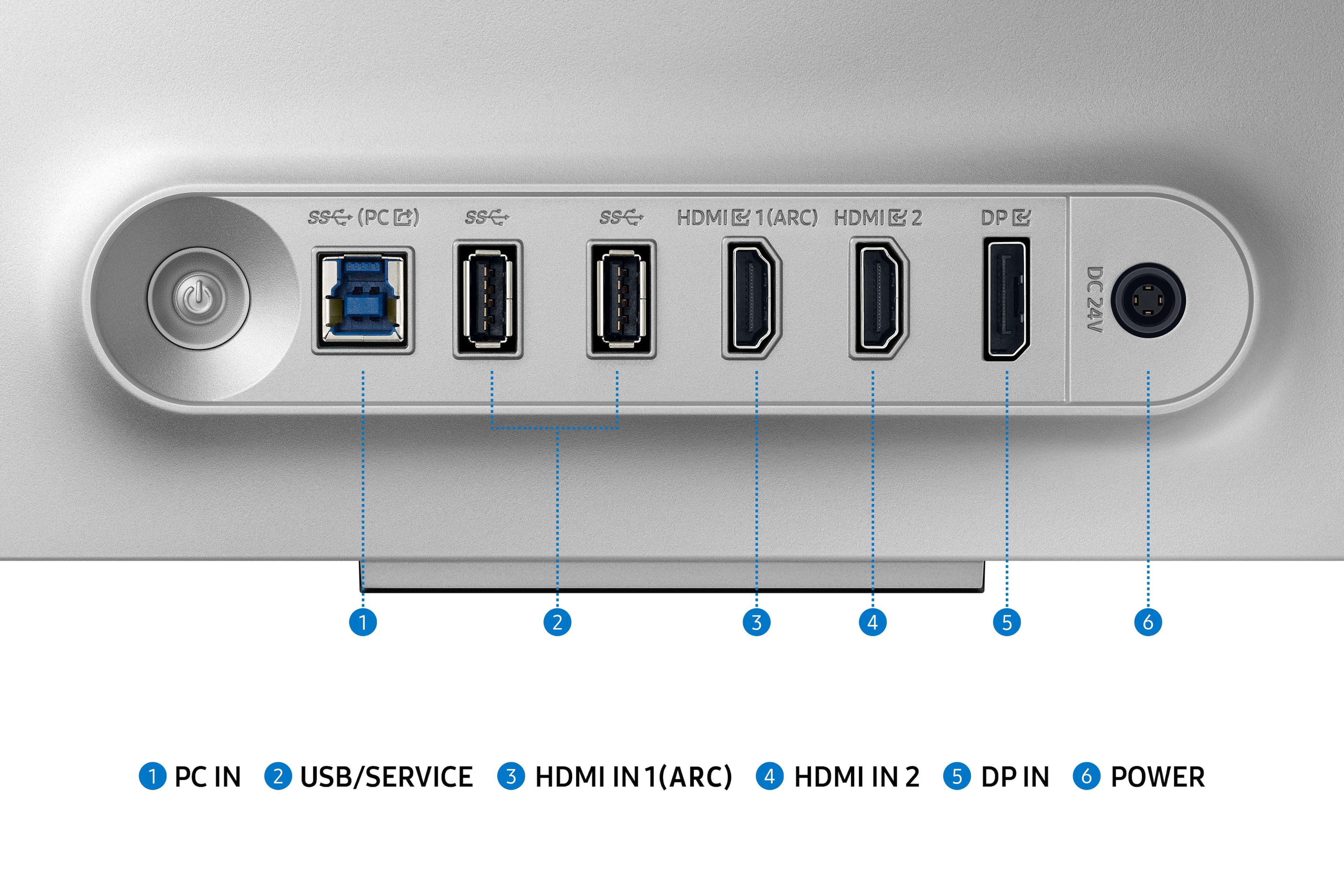
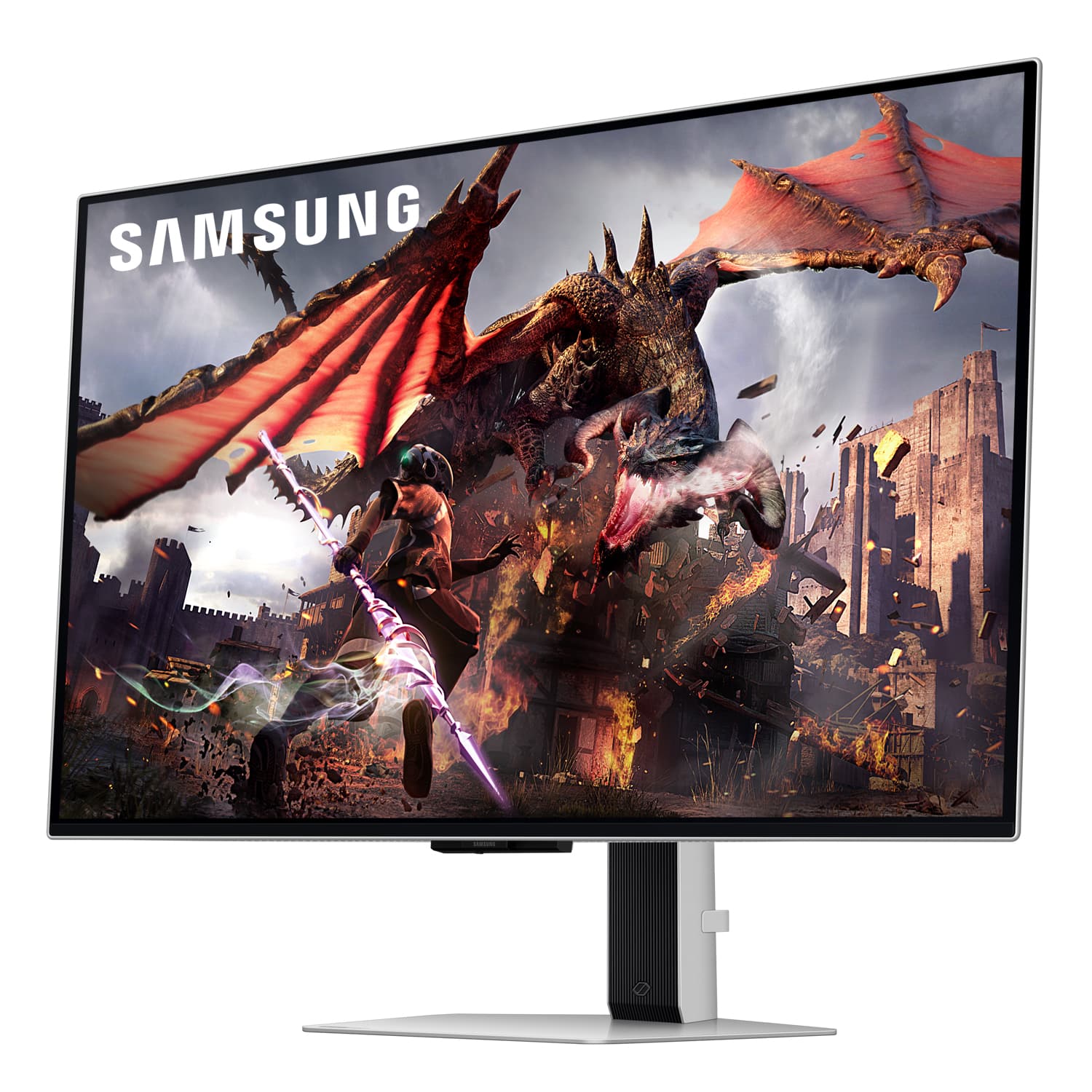
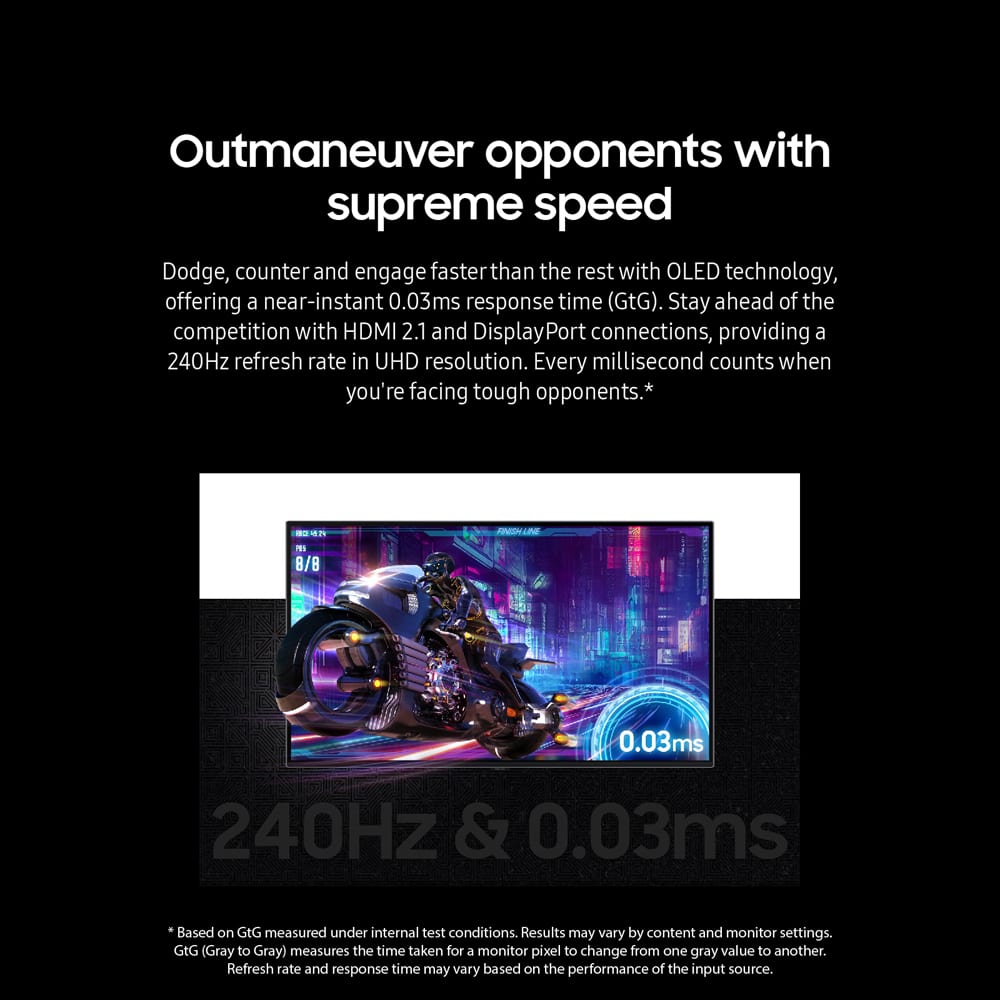
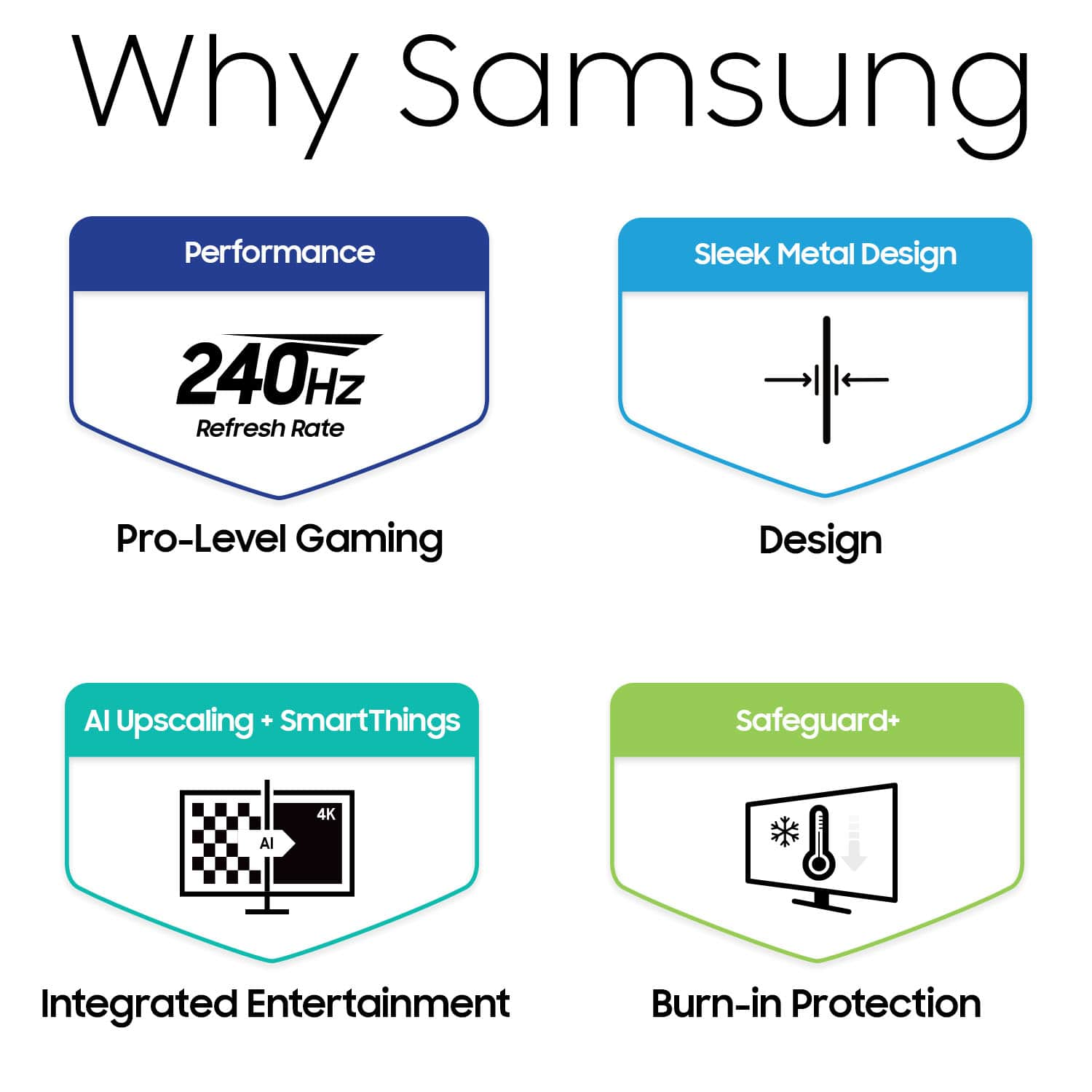
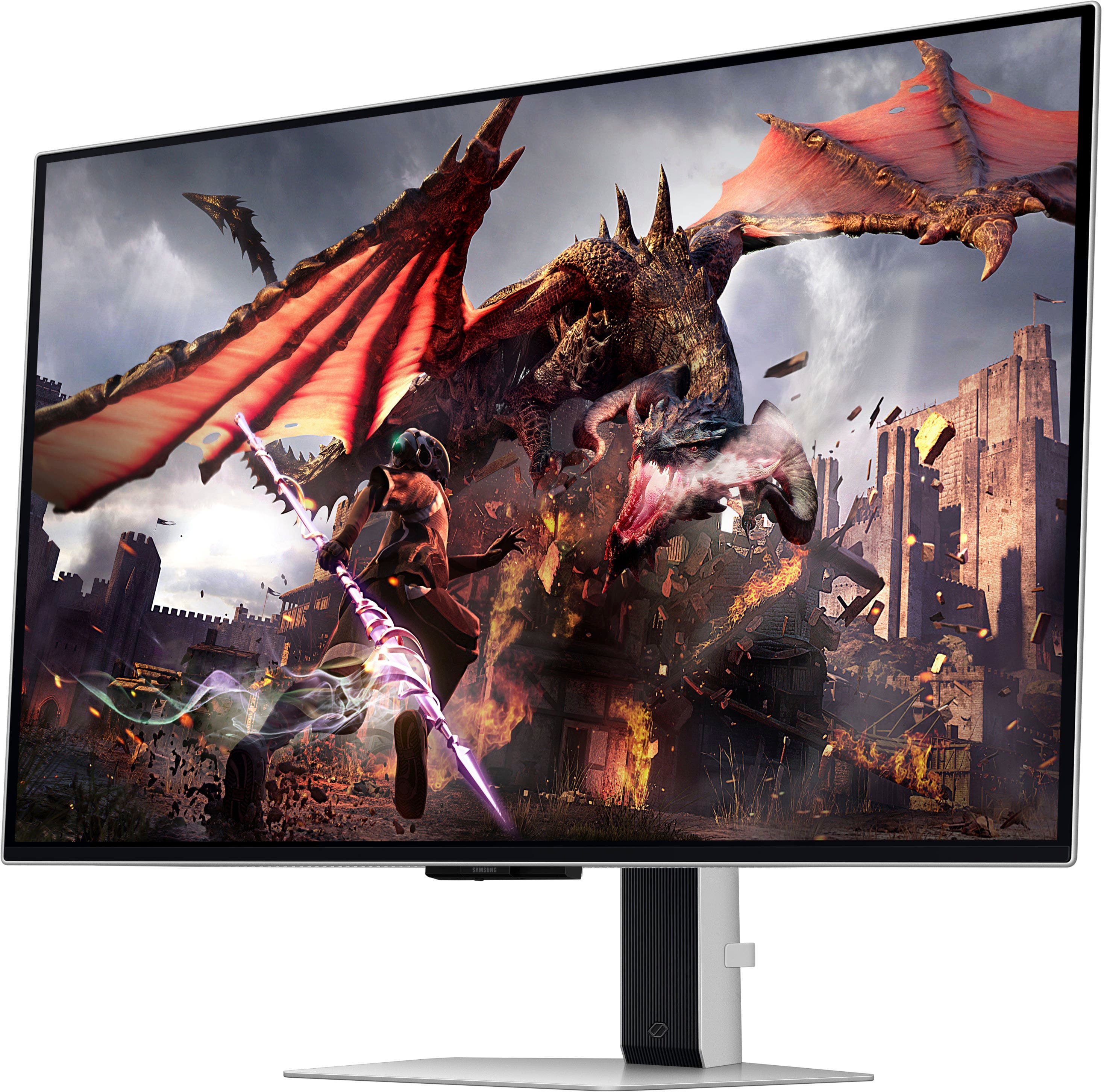
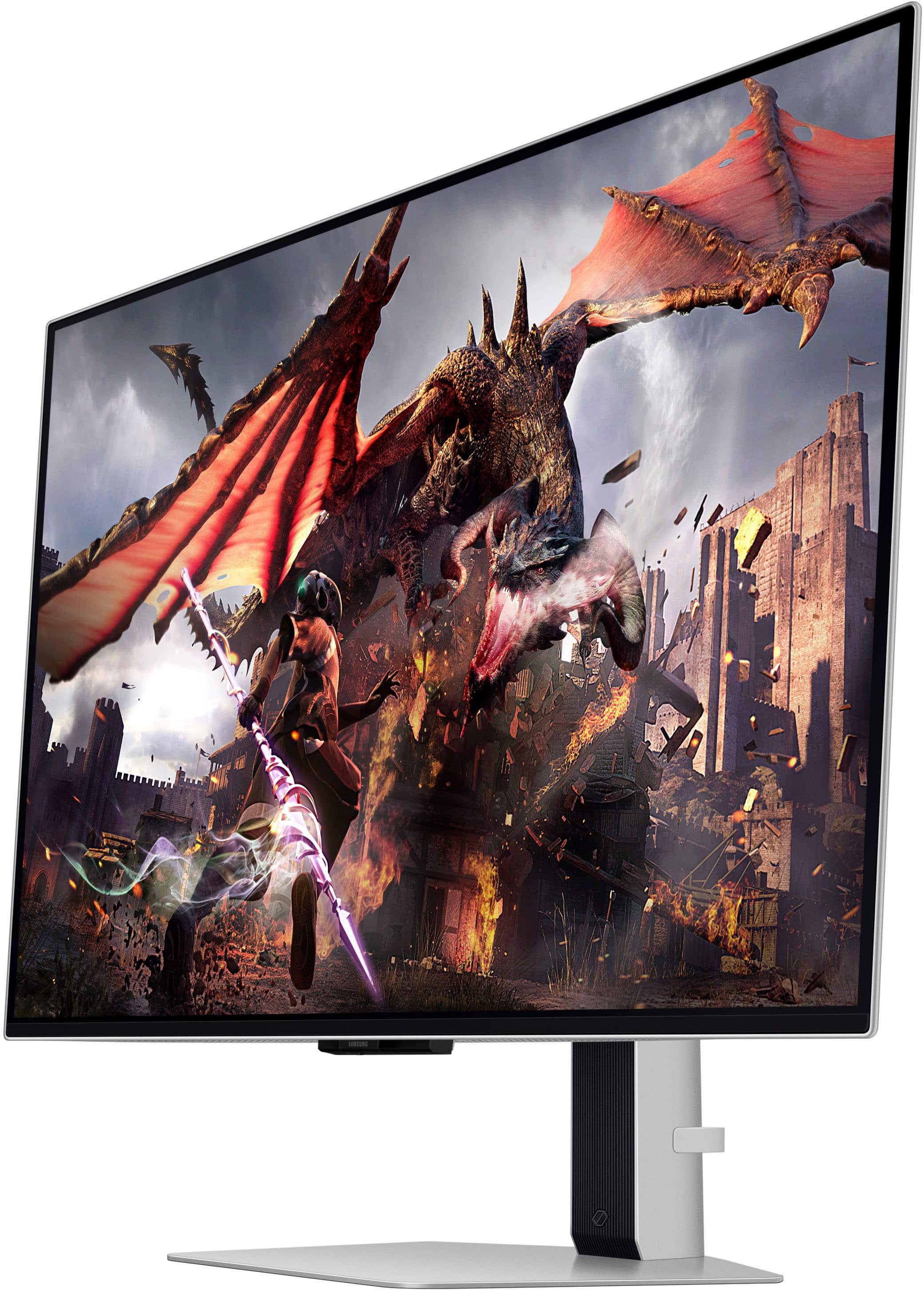
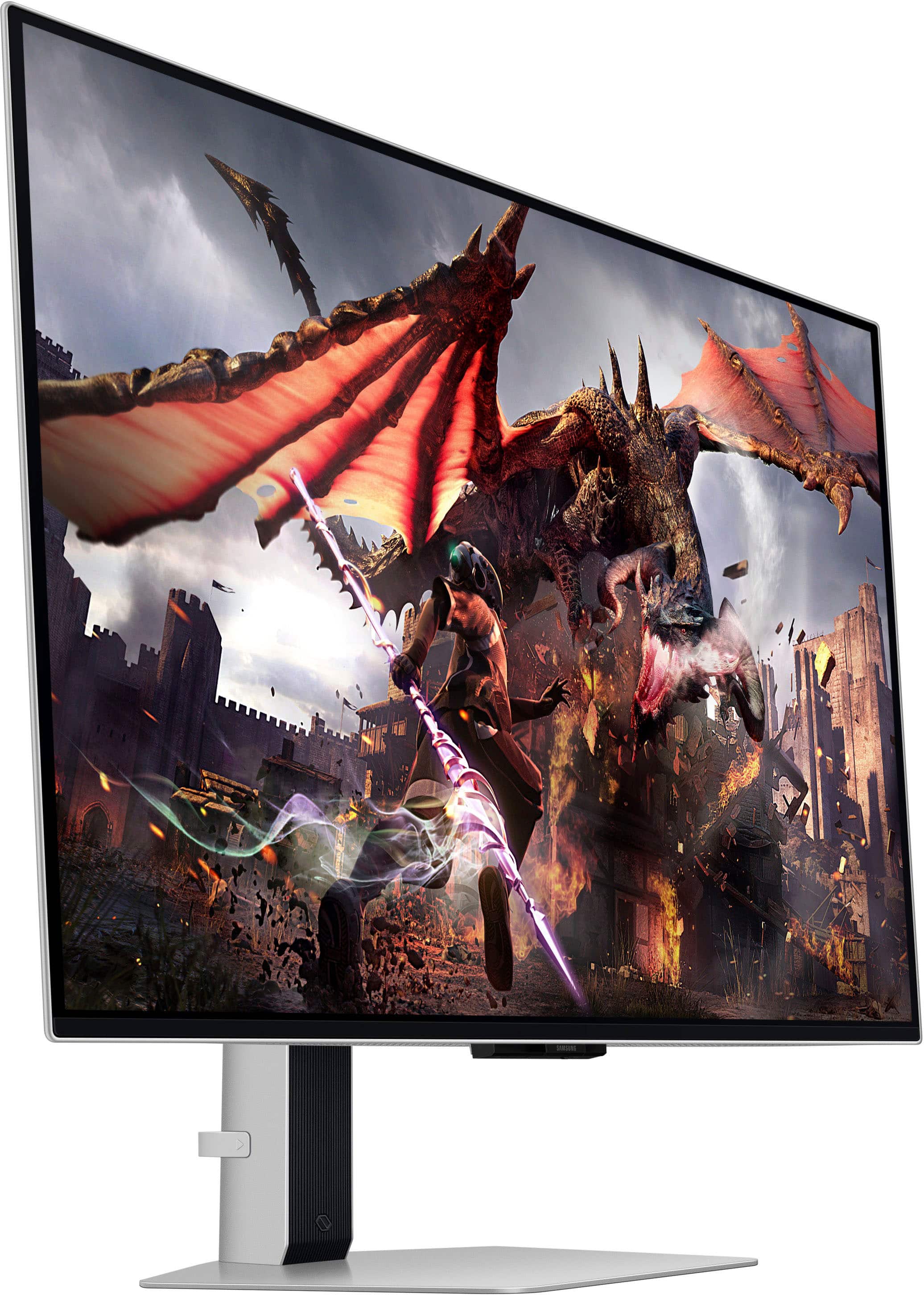
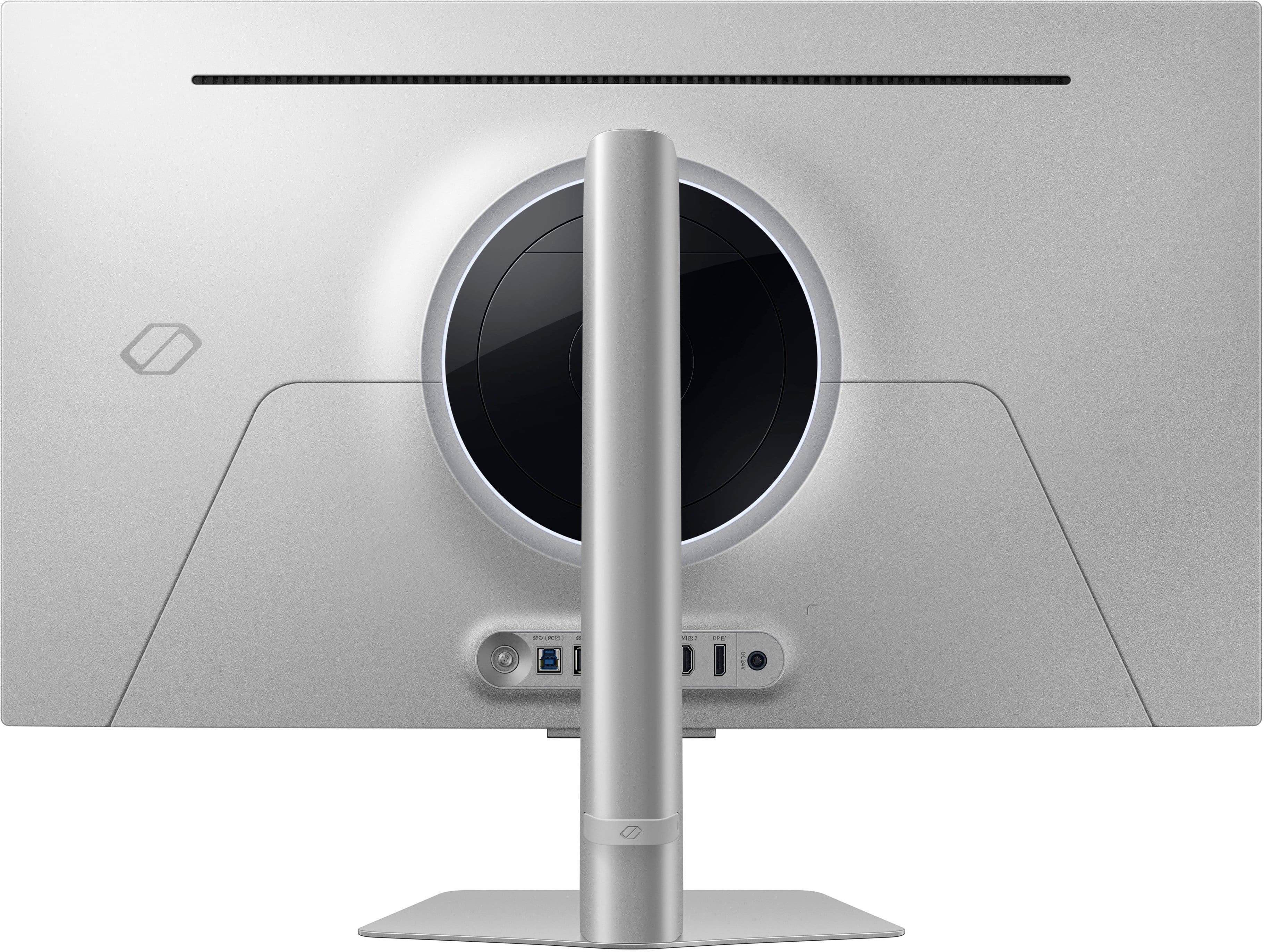
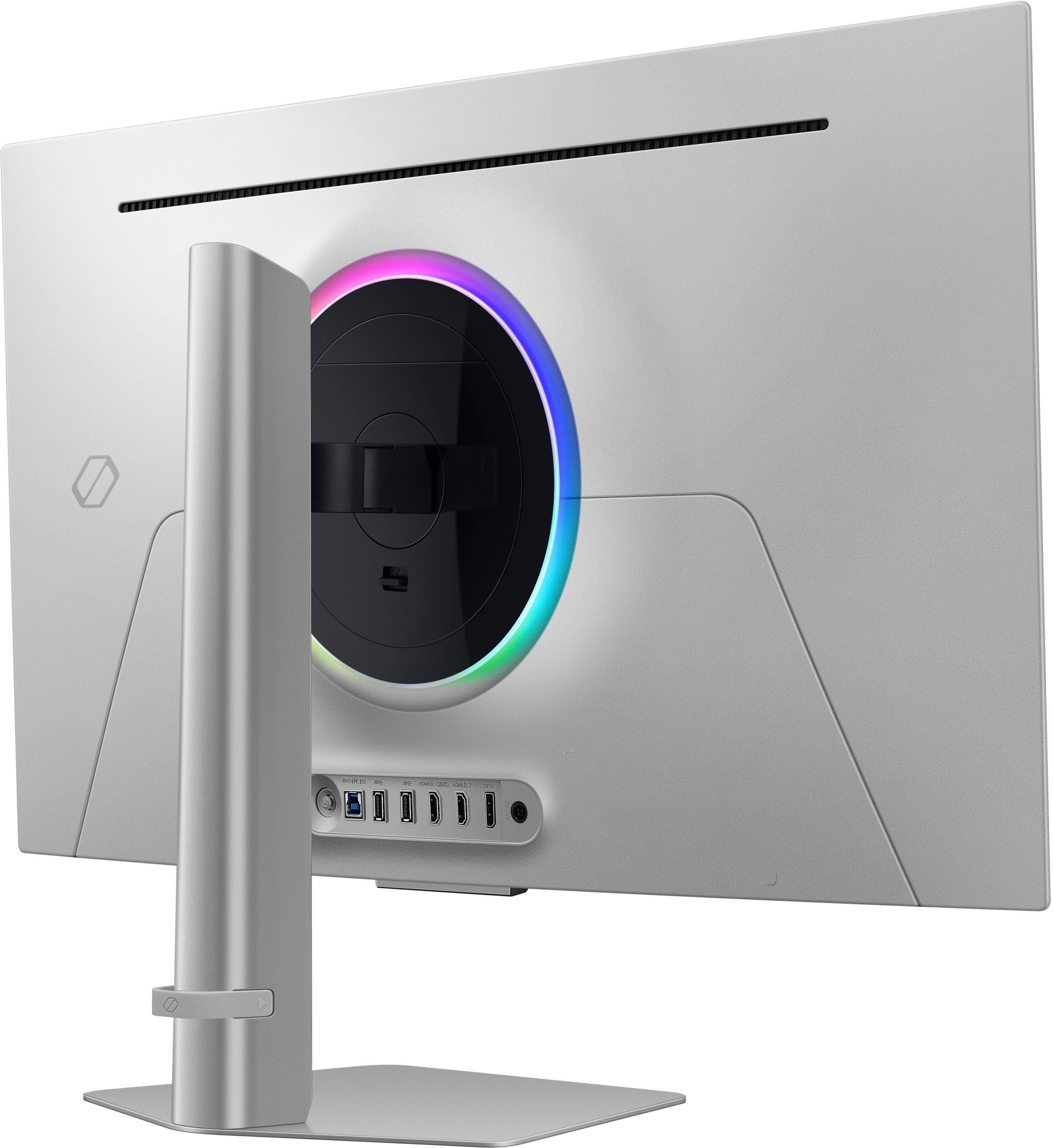
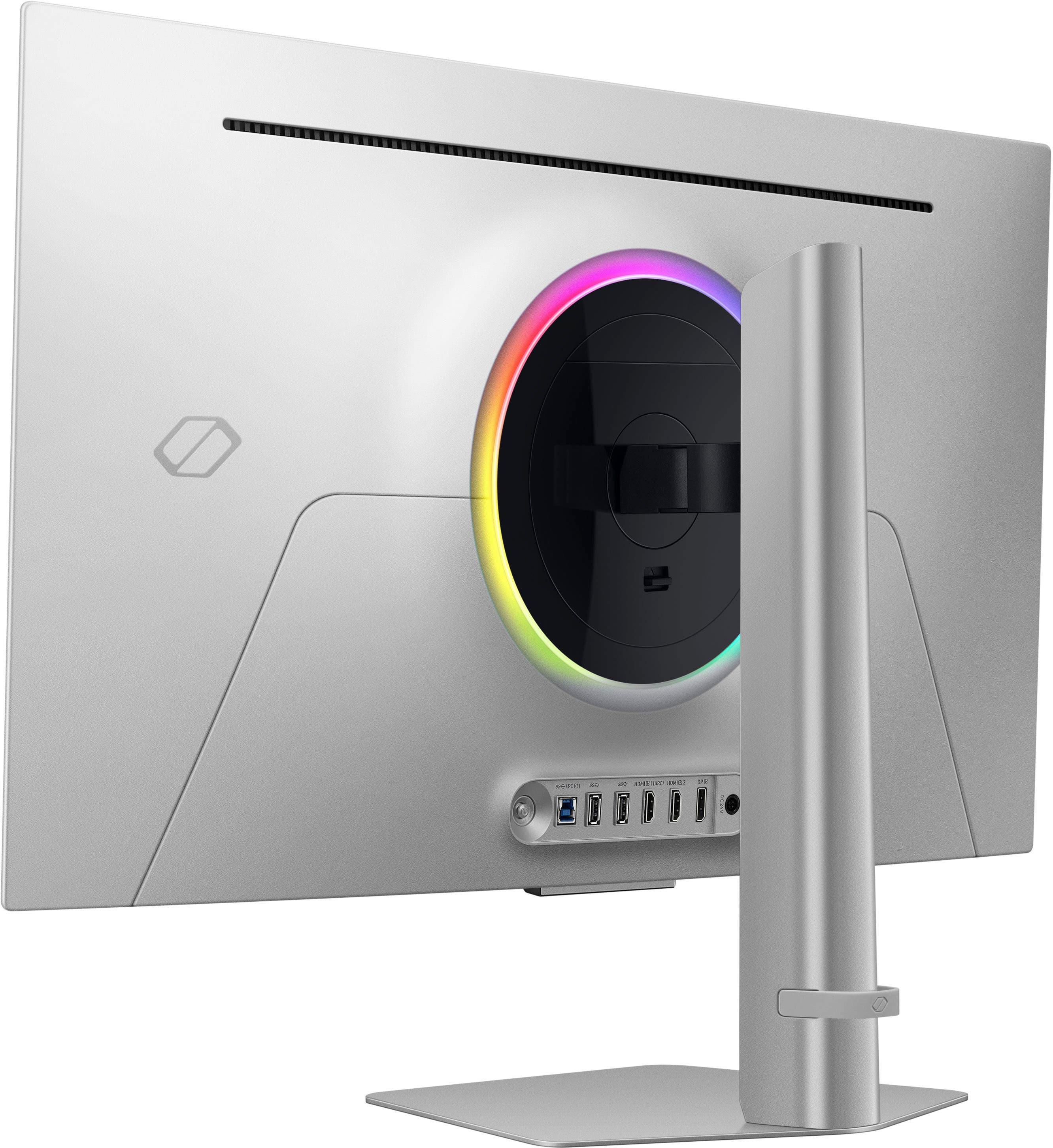
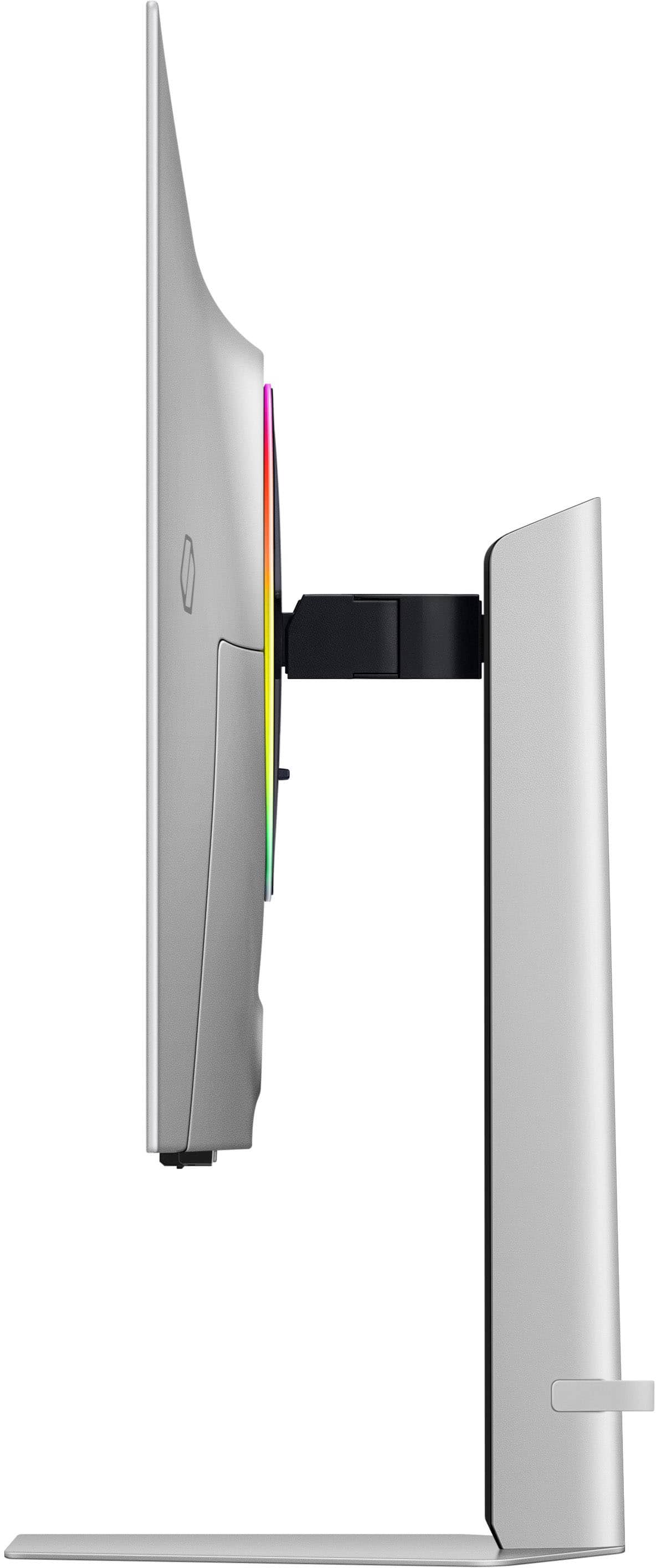
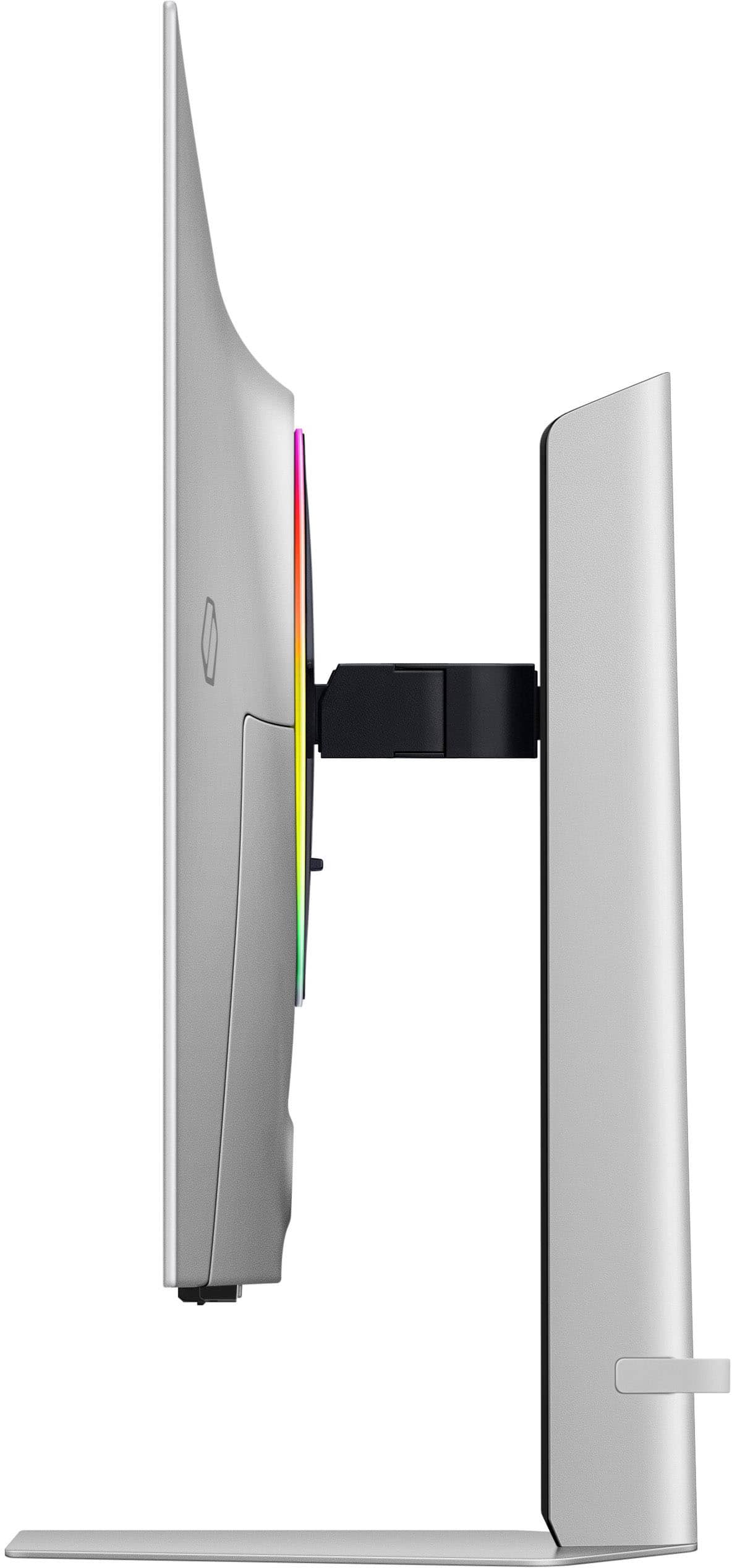
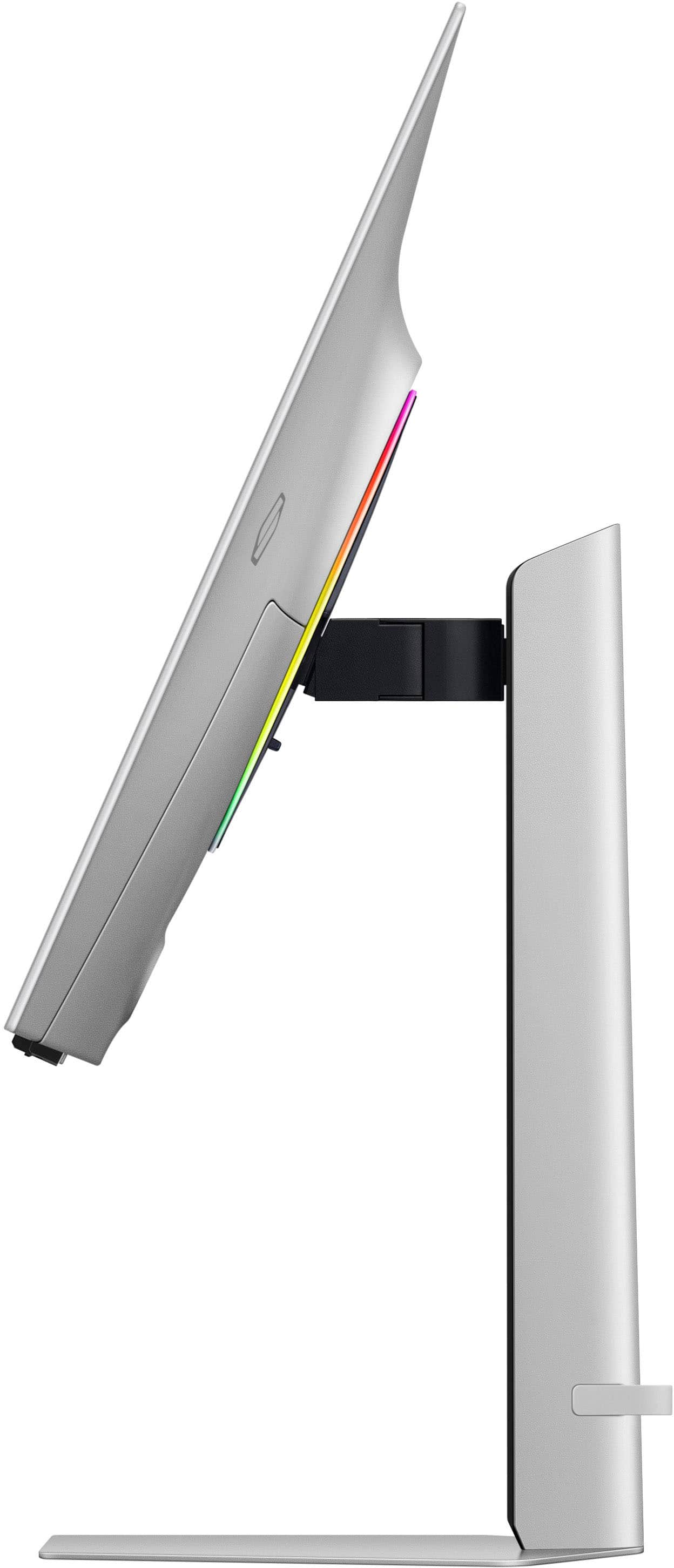
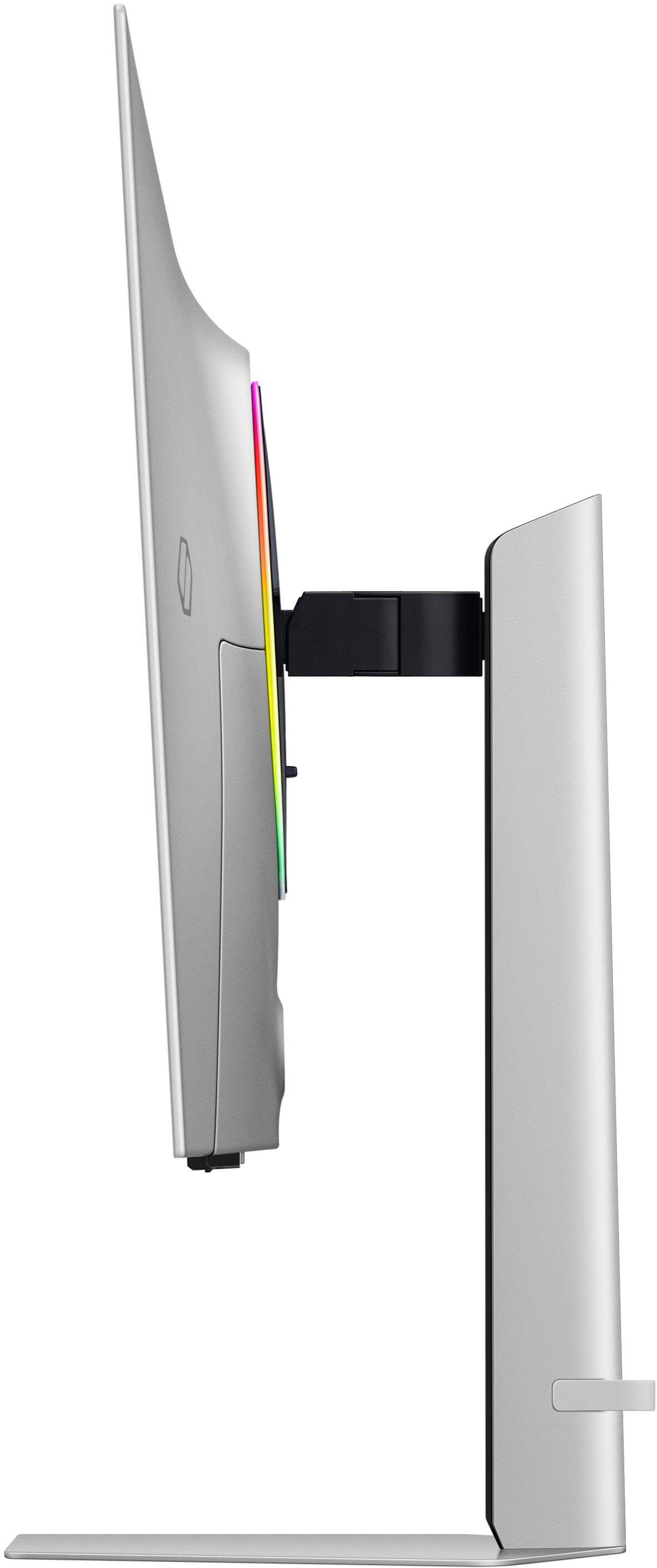
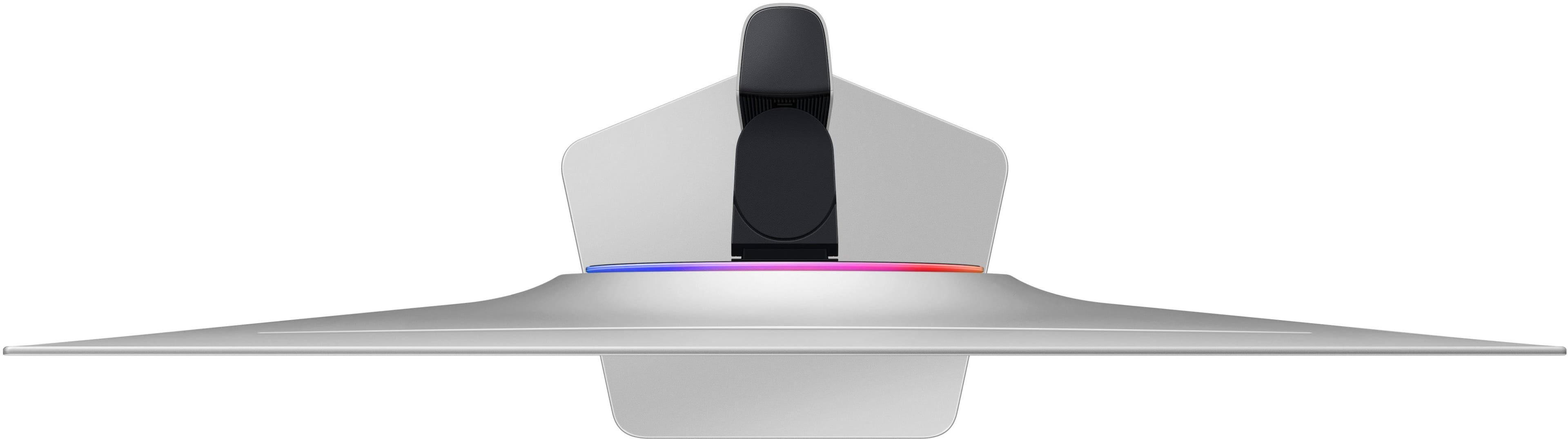
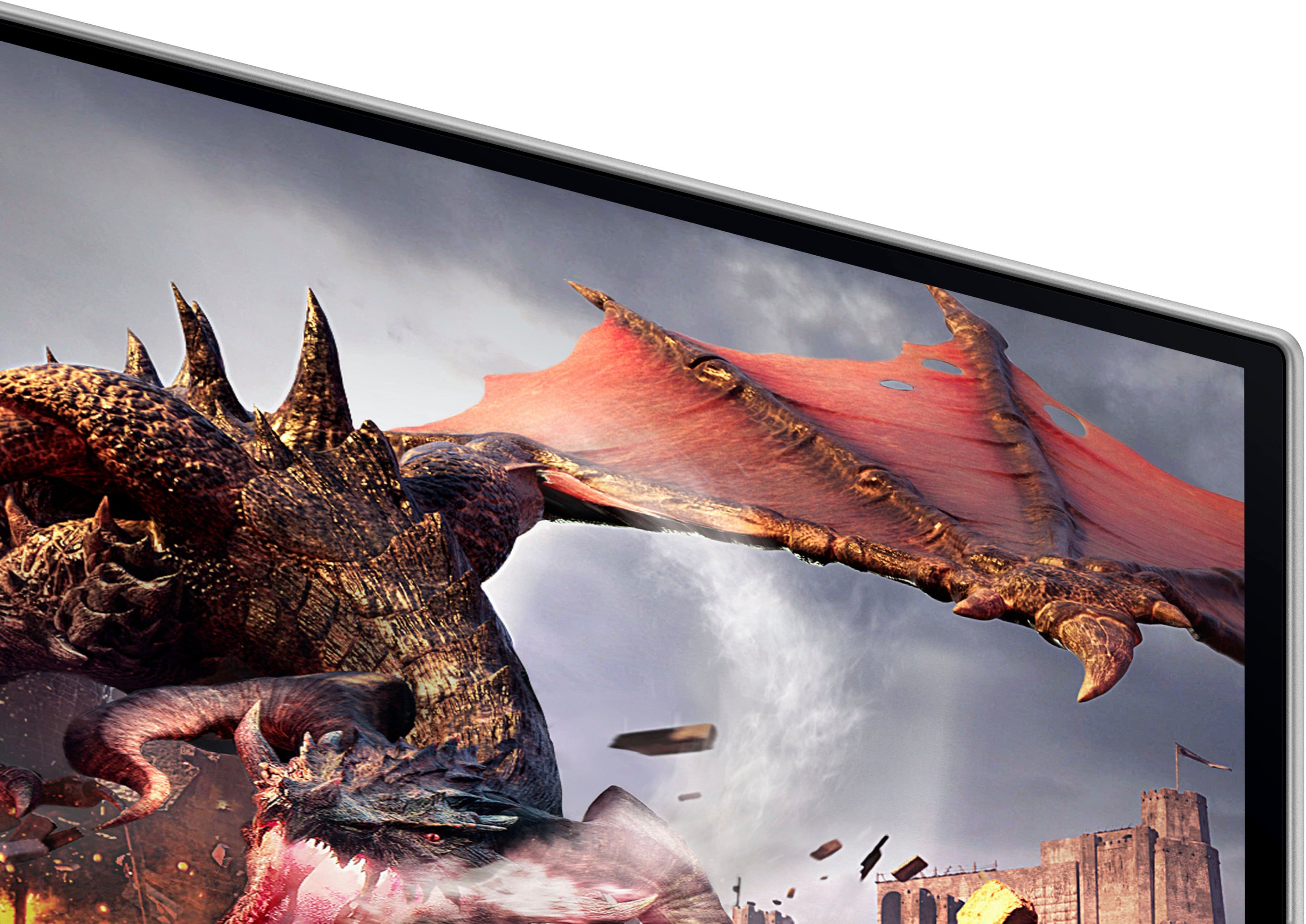
|Posted .This reviewer received promo considerations or sweepstakes entry for writing a review.TLDR: The new Samsung Odyssey G8 combines the best features of a computer monitor, TV, and smart streaming device. You would be hard pressed to find a better monitor. KEY SPECS Anti-Glare OLED Panel 4k Resolution 240Hz Refresh Rate HDR 10 / HDR 10+ 99% Color Gamut Reproduction Bluetooth 5.2 USB 3.0 Hub 1 x DP 1.4 Port (HDCP 2.2) 2 x HDMI 2.1 Ports (HDCP 2.2) Tilt / Swivel / Pivot / Height Adjustments (including 90 degrees of rotation) SET-UP This is the first computer monitor I have owned that has an actual set-up process. Samsung has combined elements of their best line of Odyssey gaming monitors with their wildly popular OLED line of televisions. This is the first monitor I have had that doubles not only as a computer monitor, but also as a standalone streaming device. Samsung’s Tizen OS does an admirable job of walking you through to the initial monitor configuration, including customizing and installing desired streaming apps. The list of available apps is just as comprehensive as you would get with an external streaming stick, but built into a very slick looking interface, specific to Samsung. All the major players are available, including Netflix, Prime, Hulu, Fandango, Plex, Disney, etc. All major streaming services are present, as are Samsung's TV Hub, Samsung Smart Apps, and even gaming services are present allowing you to play certain games directly via an app like XBox without a console. Apps, settings, adjustments, etc are all accessible via the included remote control. The remote is simple and intuitive and while it only has a few buttons to work with, it is sufficient to get you to where you need to be without a lot of unnecessary controls. Simple and easy to operate. One thing worth noting about the remote, it is rechargeable. It has a small solar panel on the back side to easily recharge it by laying it upside down during the day. Super slick! PERFORMANCE If you have never used an OLED monitor for productivity or gaming, you are definitely missing out. No other panel technology can compare to the picture quality of an OLED. Blacks are perfectly black and shadow details are on a whole other level. LCD and LED panels can’t completely shut off all their pixels, leading to light bleed in the darker parts of the screen, even with full array local dimming. It is just the inherent nature of the technology. OLED panels can fully shut off unused pixels, making blacks perfectly black. Games like Call of Duty take full advantage of this technology. Players that like to hide in shadows because it makes them so hard to distinguish no longer have the advantage of concealment. Items that used to get washed out in the darker parts of the screen, no longer bleed together and remain visible. Combine those awesome black levels with what used to be an unheard of refresh rate of 240Hz for an OLED panel and you get a winning combination. Frame rates are smooth and judder-free. Samsung claims a G-t-G refresh time of only .03ms response time. While I have no way to measure this, I will say that this monitor’s responsiveness is far superior to the Samsung monitor it replaces. OLED BURN-IN Burn-in is often an area that keeps folks away from taking the plunge into the world of the OLED. Rightfully so. While this monitor is new and does not have any form of noticeable burn-in, I am happy to report that my other Samsung OLED monitors that are older than this, have not exhibited any burn-in artifacts to date, even though they are inferior models compared to the new G8. Samsung has gone to great lengths to help prevent the dreaded burn-in. Incorporating technologies like a Dynamic Cooling System, Thermal Modulation System, and most importantly for those that want to use the monitor as a streaming device, Logo and Taskbar Detection. All technologies Samsung has built-in to the firmware to help ensure years of trouble-free service. For example, the Dynamic Cooling System uses and actual heat-pipe, much like on a CPU cooler to keep the OLED panel cool. The Thermal Modulation System analyzes the brightest parts of screen and automatically reduces peak brightness to prevent overheating. Excellent!! All these algorithms work seamlessly and unnoticeably in the background. NEGATIVES While the G8 does support HDR 10 and HDR 10+, there is no support for Dolby Vision. Not a huge loss, as HDR 10 is the more common standard of the two. Speaking of High Dynamic Range, while the monitor is capable of displaying HDR content, it only reaches a peak brightness of 250 nits. While there are so many things to praise about OLED technology, this is one area where the technology falls short of its normal LED and LCD counterparts. FINAL THOUGHTS If I haven’t already gushed enough over the new G8, I wanted to make sure that it wasn’t just me being awe inspired by a new shiny gizmo. I wanted a second opinion, as I am already partial to OLED’s to begin with. I brought this monitor in to my teenager’s room for him to try out. I told him nothing about the monitor, simply that was a new 32” monitor and as he plays so many video games, I wanted a second opinion. His monitor is a 32” LED monitor and he has spent hundreds of hours gaming on it with no complaints. It sports a 2560 x 1440 resolution with only a 60Hz refresh rate. All his current games of choice have their settings at Max, Epic, or whatever the best is by the game. After getting it all set-up, I asked him to try a few games and play for a while and report back to me later in the day with his opinion. It didn’t take long. He queued up a match in Call of Duty: Warzone. He summed up my entire review in just one sentence. After no more than 5 minutes of playing it, he paused the game, his eyes big, turned to me and said: “Whoa, this thing is Amazing!” His opinion has changed since. HIGHLY RECOMMENDED
I would recommend this to a friend - Pros mentioned:Oled qualityCons mentioned:Burn-in
Premium looking monitor. Gaming and media beast
||Posted . Owned for 2 weeks when reviewed.This reviewer received promo considerations or sweepstakes entry for writing a review.Monitor looks premium and very beatufiul. Picture quality is fantastic and I love that it doubles as a smart TV. I dont need to turn on my pc to watch Netflix or Youtube. Hoping that these next gen OLED will be more averse to burn-in, I'm using it for media consumption and playing console and pc games.
I would recommend this to a friend - Cons mentioned:Burn-in
true warranty
Posted .This reviewer received promo considerations or sweepstakes entry for writing a review.The three-year warranty for Samsung's 32-inch OLED monitor does not explicitly cover burn-in, but it does include coverage for pixel defects, which may include burn-in. To be eligible for the warranty, burn-in must be determined to be a manufacturing defect rather than a result of user behavior.
No, I would not recommend this to a friendBrand response from Samsung
Posted .Thank you for your review. Please contact Samsung Customer Support so that we can better understand your issue and assist with a solution.
You can reach us via any of the below options:
If you need further assistance, we are here to help. You can reach Samsung Support at 1-800-SAMSUNG, available 8AM - 12AM EST (Mon-Fri) / 9AM - 11PM EST (Sat-Sun).
Or visit our Samsung website and click on the SUPPORT link in the upper right corner for:
• Contact Us Options (LiveChat, Remote Support, Facebook, Twitter)
• Product Support
• Manuals and Downloads
• Warranty Info
• Product Registration: Registering your product gives you access to easy warranty support, convenient opt-in to special promos and offers, faster troubleshooting and service, and quick notification of system updates
• Samsung Community: A great resource for getting help from Samsung moderators and customers
Registering your product gives you access to easy warranty support, convenient opt-in to special promos and offers, faster troubleshooting and service, and quick notification of system updates.
Again, we are sorry for any confusion you have had and hope that we will hear from you soon.