Customer Ratings & Reviews
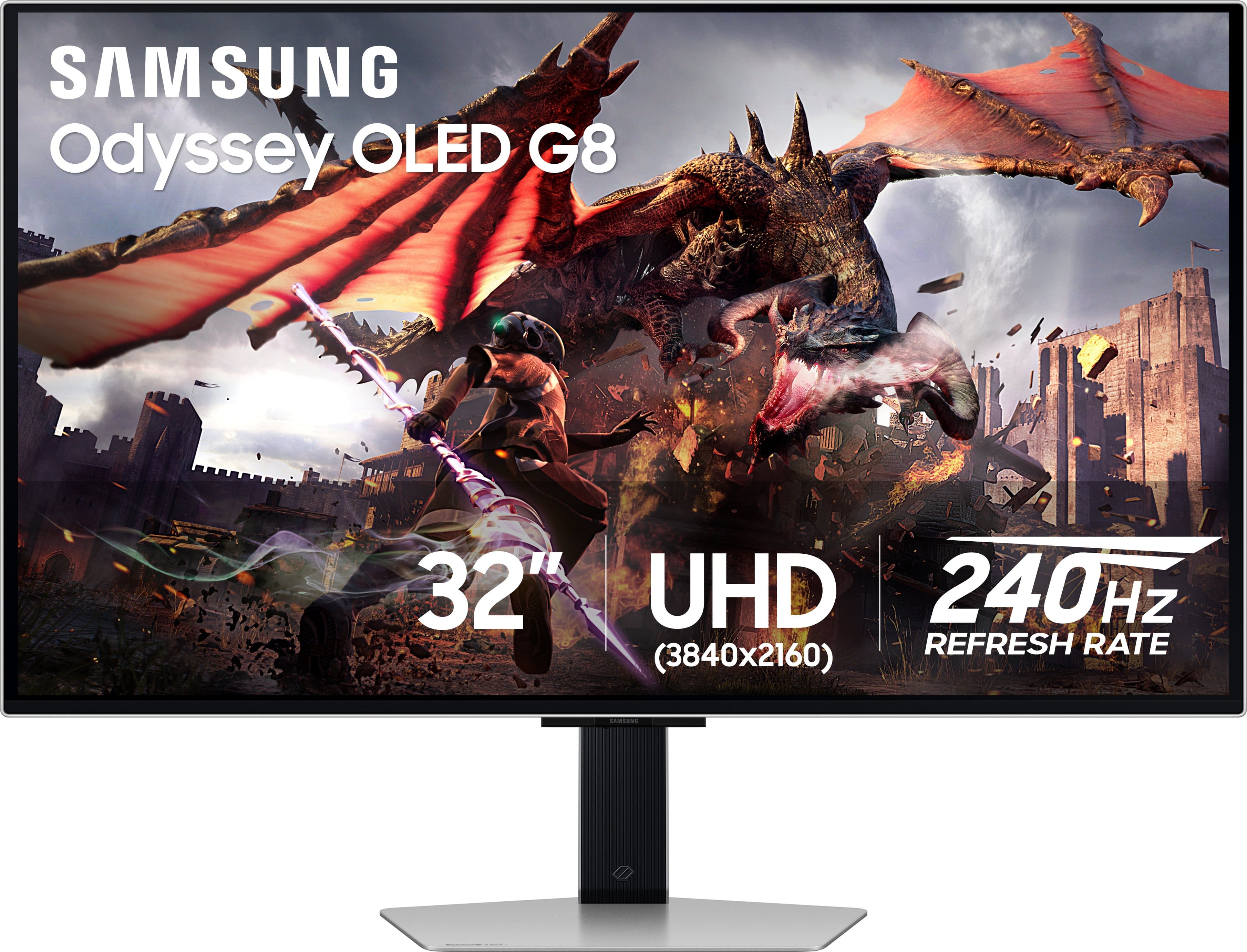
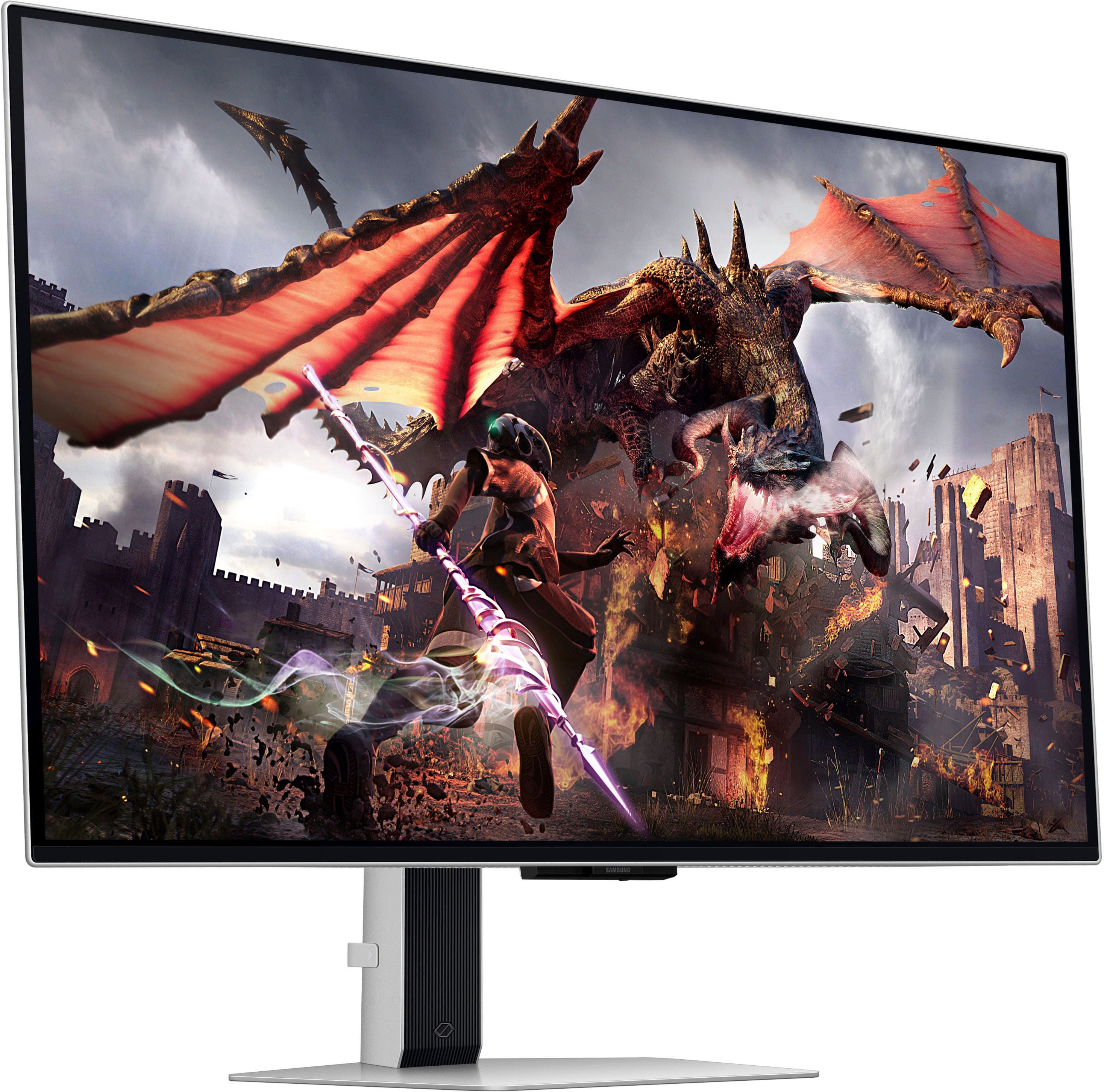
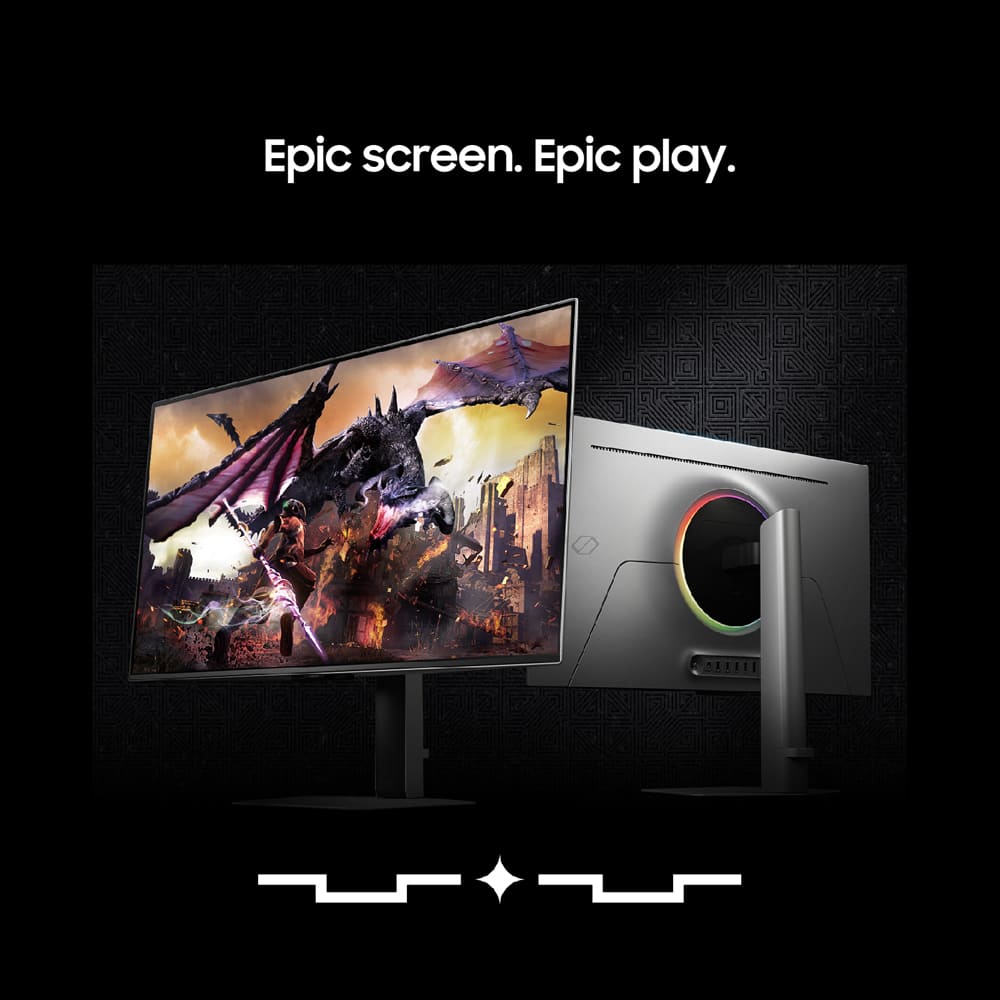
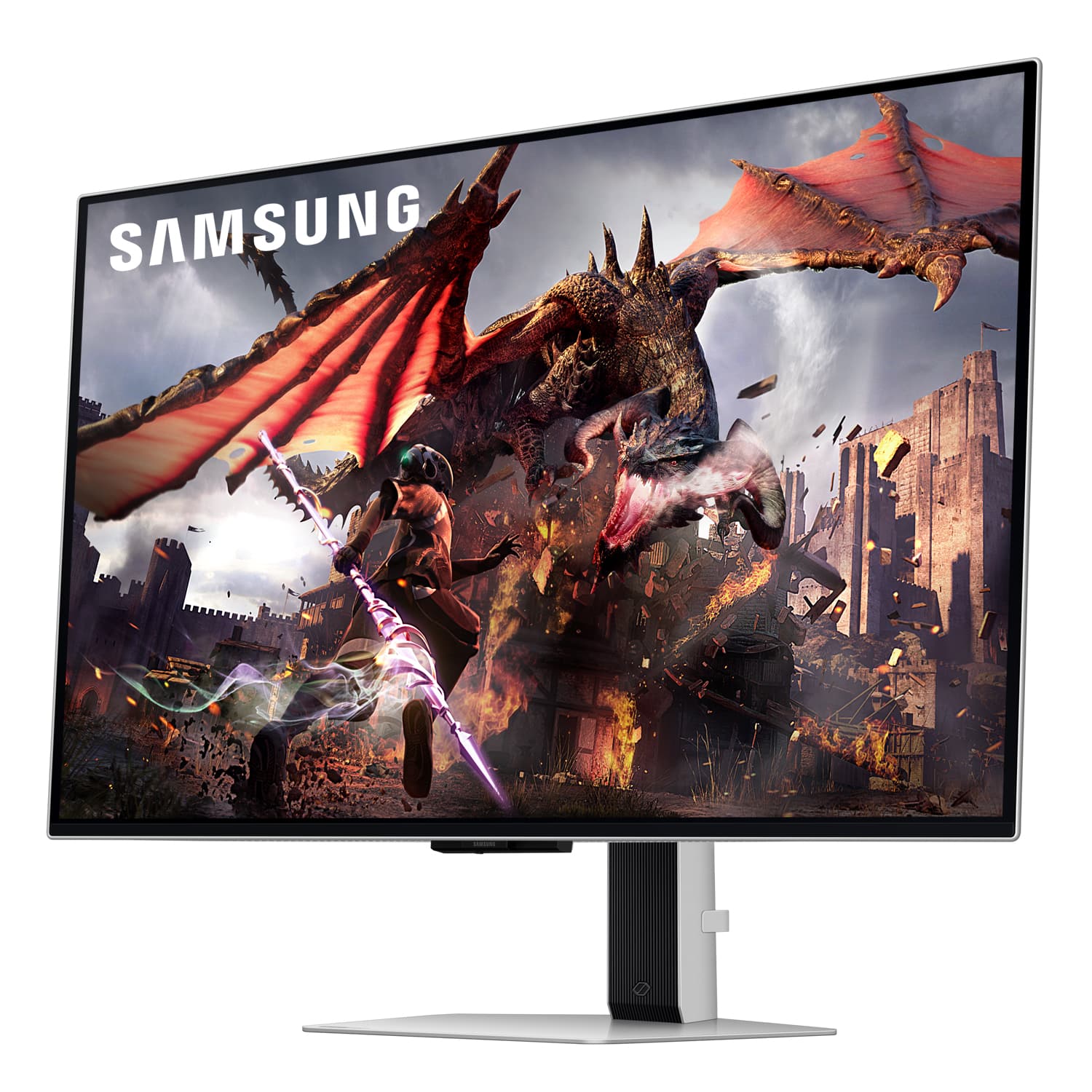

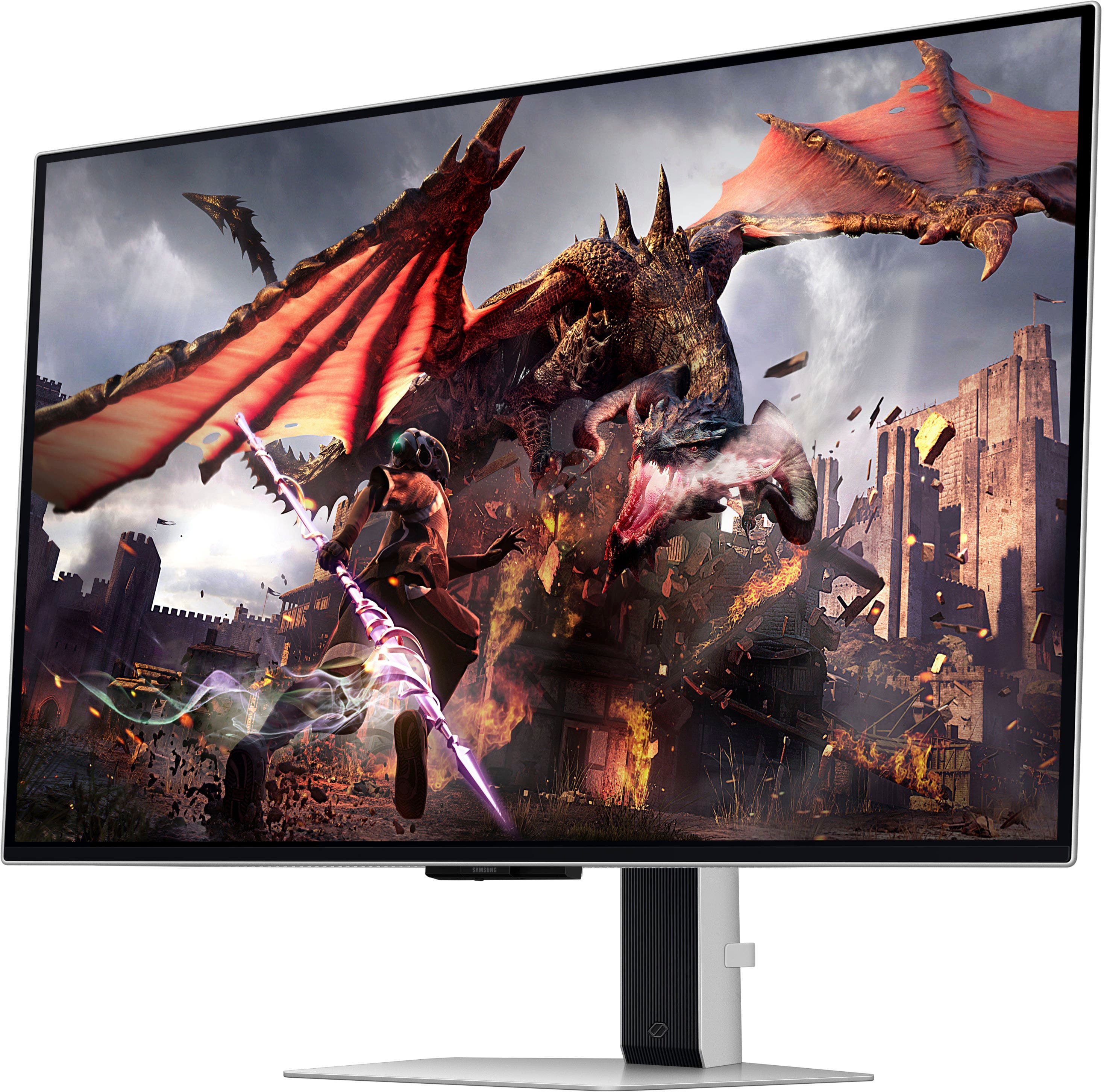
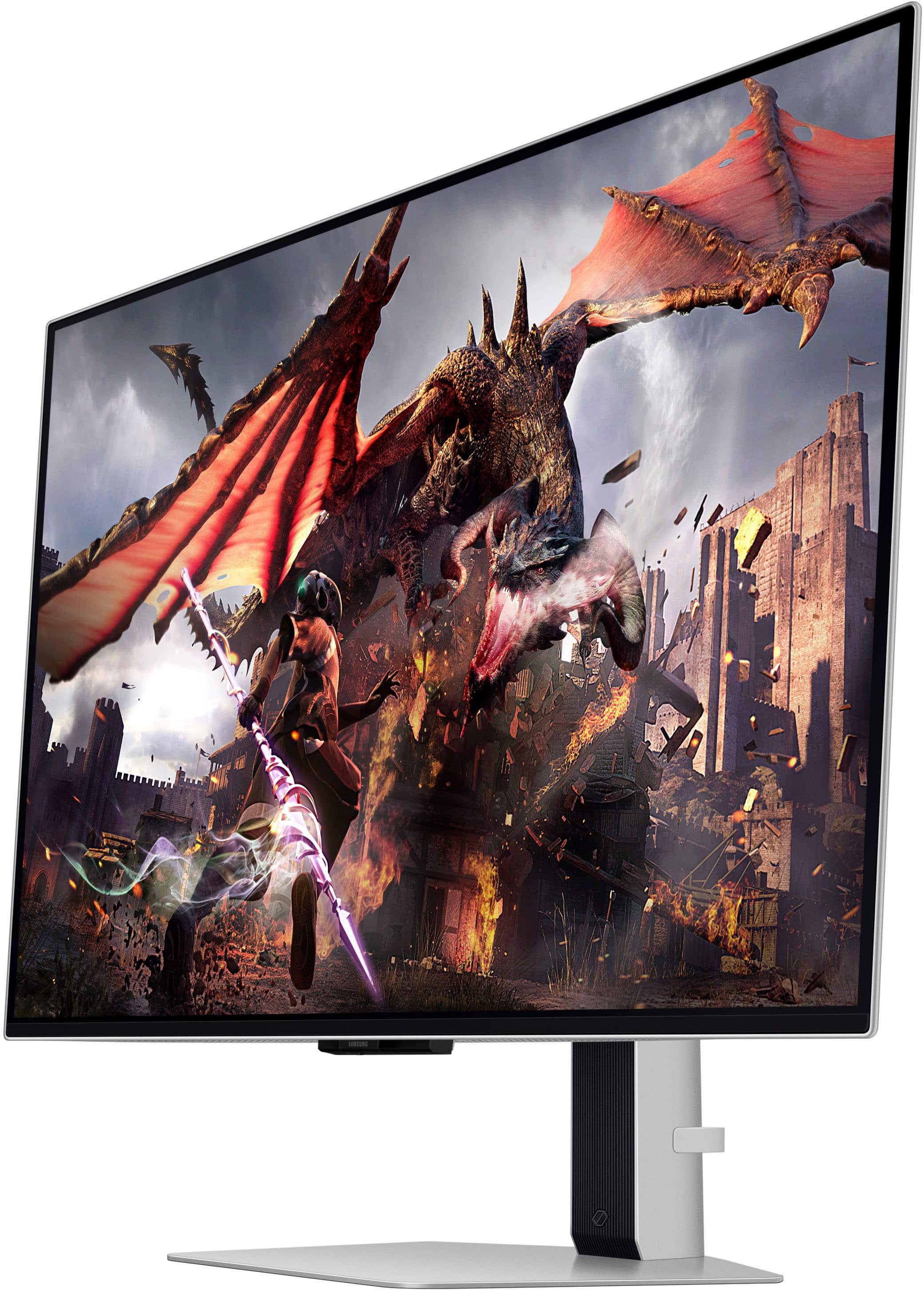
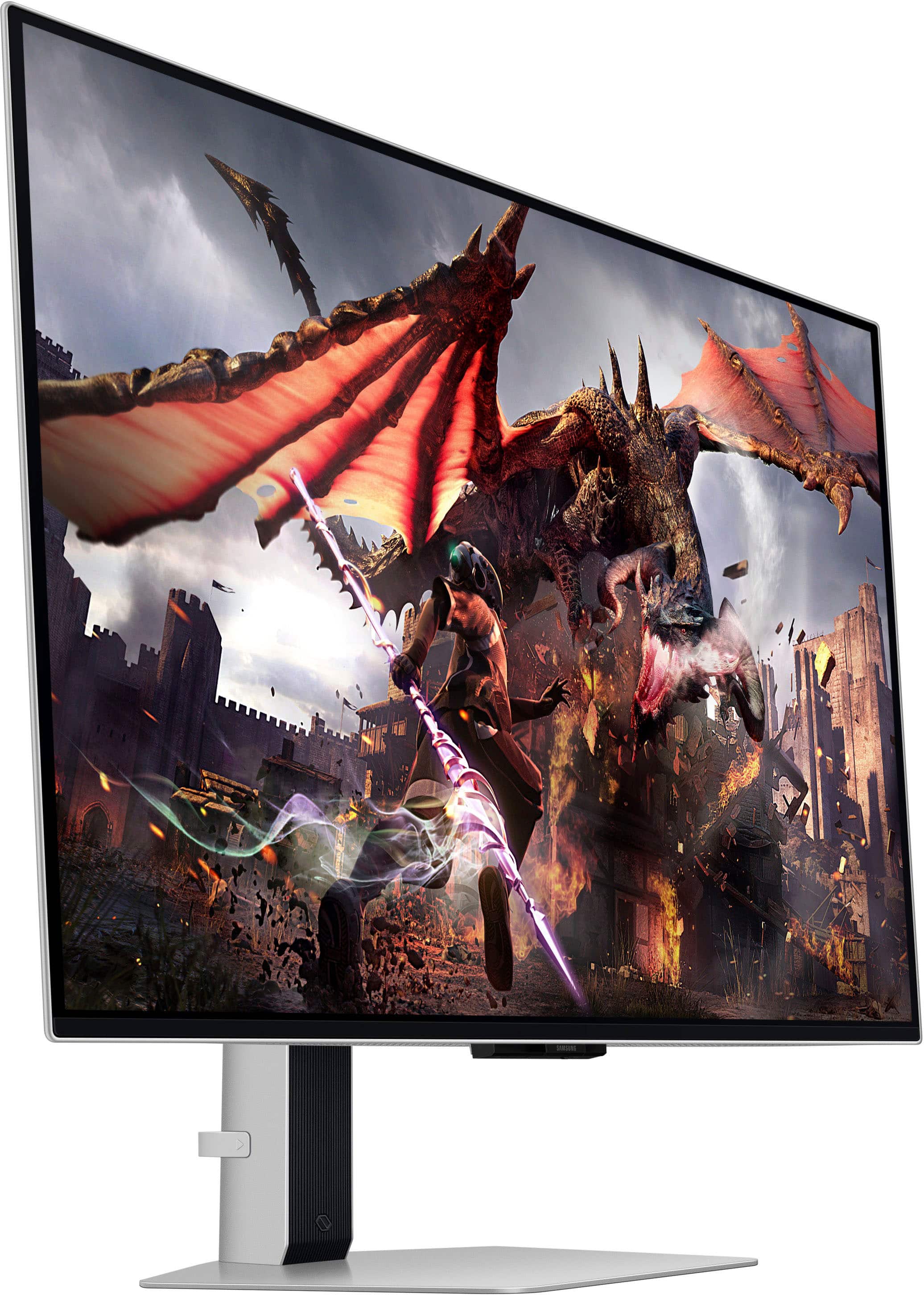
- Model:
- LS32DG802SNXZA
- SKU:
- 6573686
Rating by feature
- Display Quality
Rating 4.7 out of 5 stars
- Ease of Use
Rating 4.5 out of 5 stars
- Features
Rating 4.5 out of 5 stars
Customers are saying
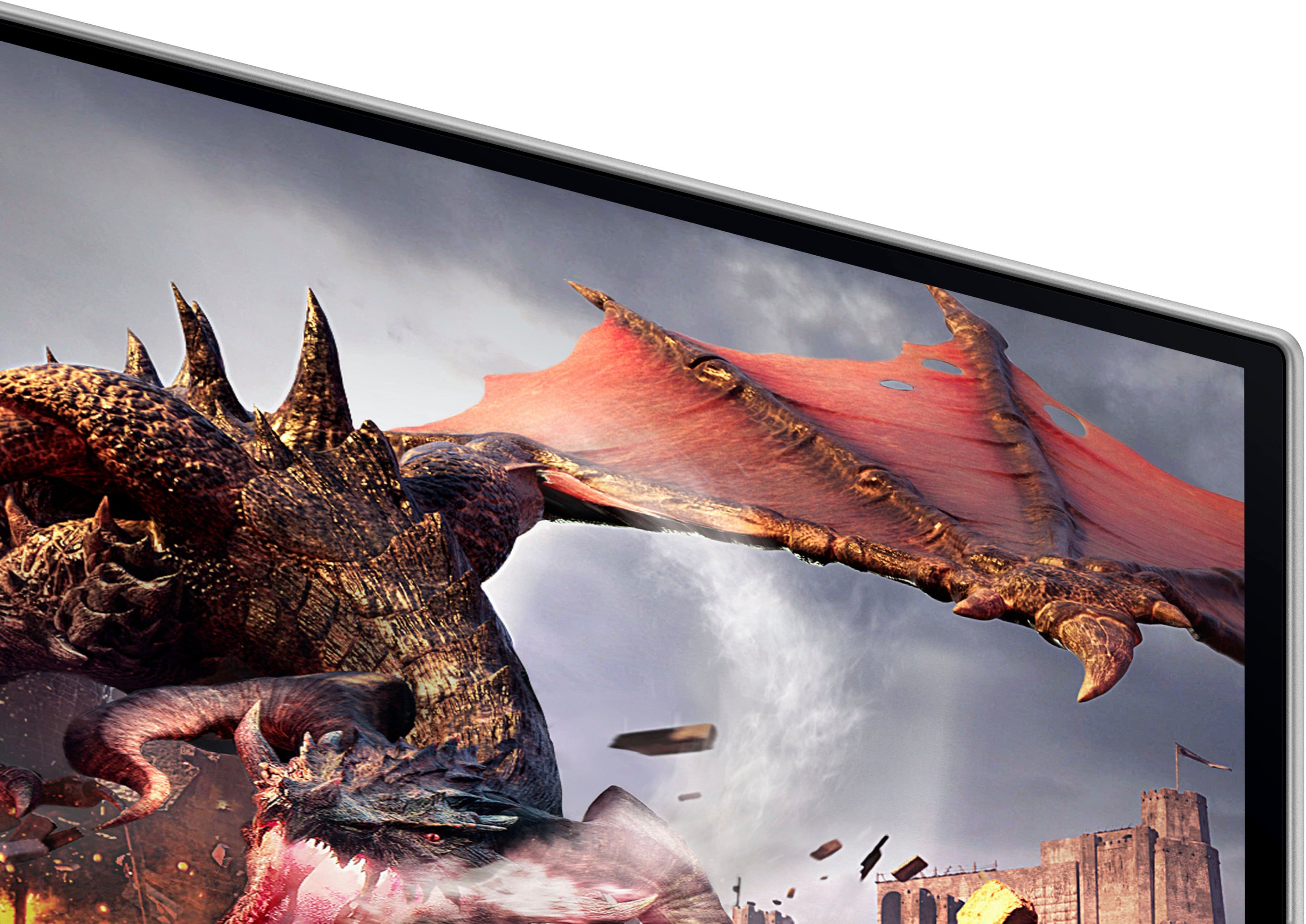
Customers have good things to say about the 32" Odyssey OLED G8 monitor's picture quality, OLED quality, refresh rate, and color. The monitor's HDR and design are also well-received. Some customers find the built-in speakers to be lacking, and others have concerns about the smart features, software, price, and the potential for burn-in.
This summary was generated by AI based on customer reviews.
- Pros mentioned:Picture qualityCons mentioned:Software
Never Samsung.
||Posted . Owned for 2 months when reviewed.This reviewer received promo considerations or sweepstakes entry for writing a review.I had a personal policy never to buy Samsung products due to horrible build qualities and poor software with Samsung products years ago, but a couple friends convinced me to give them a shot. I did and was disappointed the whole month and some change I've owned this. First off, this behaves just like a smart TV with some dumb setup you have to go through, but whatever. Secondly, the remote works on ALL Samsung TVs. So if you have a Samsung TV nearby and you turn either of them off/on, so will the other TV, unless you "whisper" (cup your hand in front of the remote) to the device you want to control. Thirdly, the screen kept flickering black and once it didn't come back on until a restart. The last straw was when some dead pixels appeared in the bottom right corner. A few other issues with it was that the monitor wobbled as I typed, so it's not that sturdy. Also, there was this dumb remote tutorial that constantly popped up every time the monitor turned on, and the power brick is MASSIVE and white, so it sticks out like a sore thumb. I had to return it to Best Buy to exchange it for the LG Ultra View OLED 4k (or something like that). I was coming from a 10yr old ASUS ROG 4K, and I thought the picture looked pretty good on the Samsung G8, but when I first hooked up the LG Ultra OLED, I was BLOWN away with how much better the picture quality was and about 10x better performance than the Samsung G8. Deeper blacks too on the LG. Never Samsung.
No, I would not recommend this to a friendBrand response from Samsung
Posted .Thank you for bringing this issue to our attention as Samsung is committed to providing the best possible product experience, quality, and value. Samsung greatly values our customers’ feedback and we utilize your concerns and opinions in our relentless efforts towards delivering world-class products. We are very sorry to hear that you returned this product and hope to have you back as a customer again.
If you ever need assistance in the future, please contact Samsung Customer Support and a rep will be happy to assist you:
1-800-SAMSUNG, available 8AM - 12AM EST (Mon-Fri) / 9AM - 11PM EST (Sat-Sun)
- Pros mentioned:Oled quality, Picture qualityCons mentioned:Software

Almost Perfect OLED Monitor with Fixable Flaws
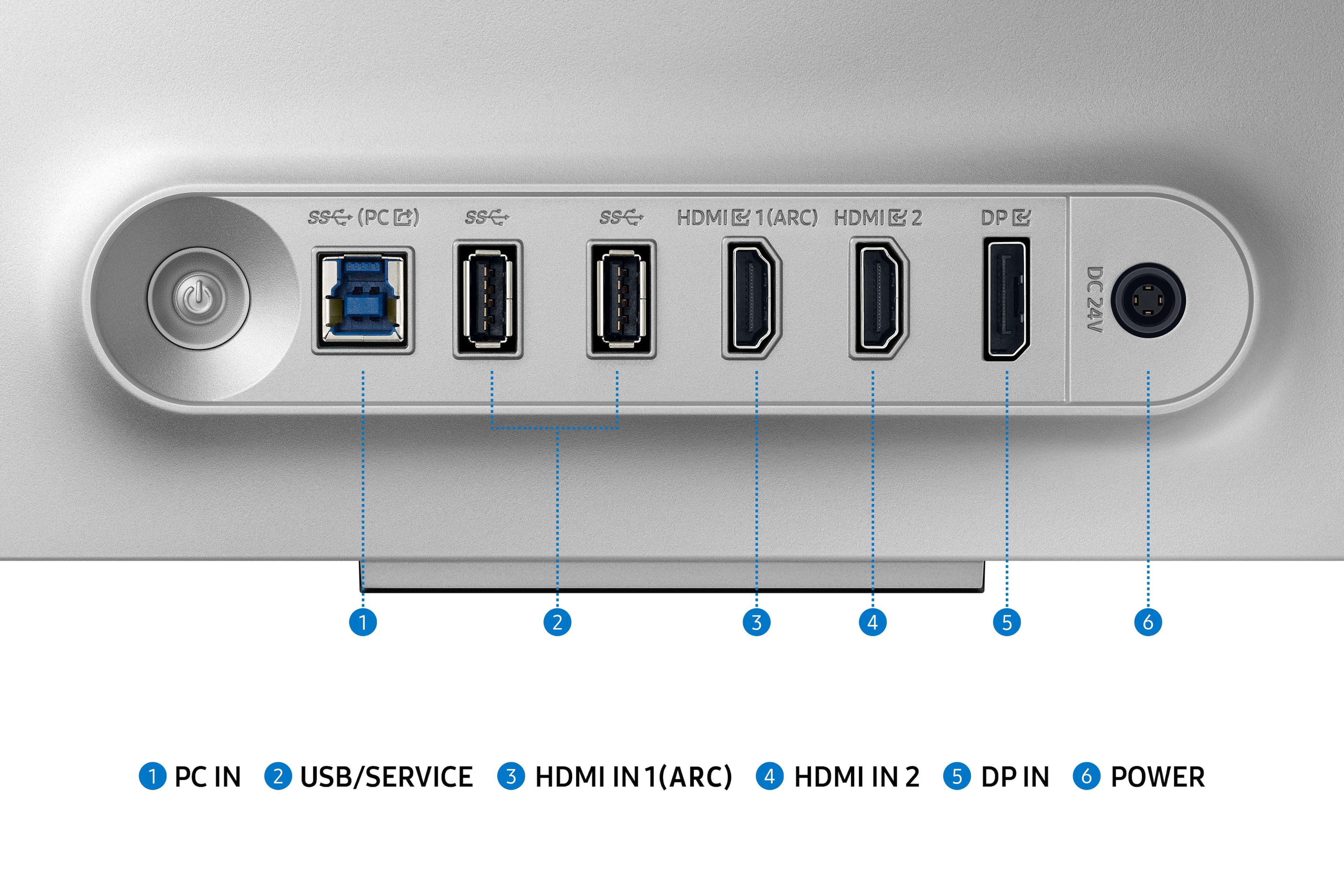
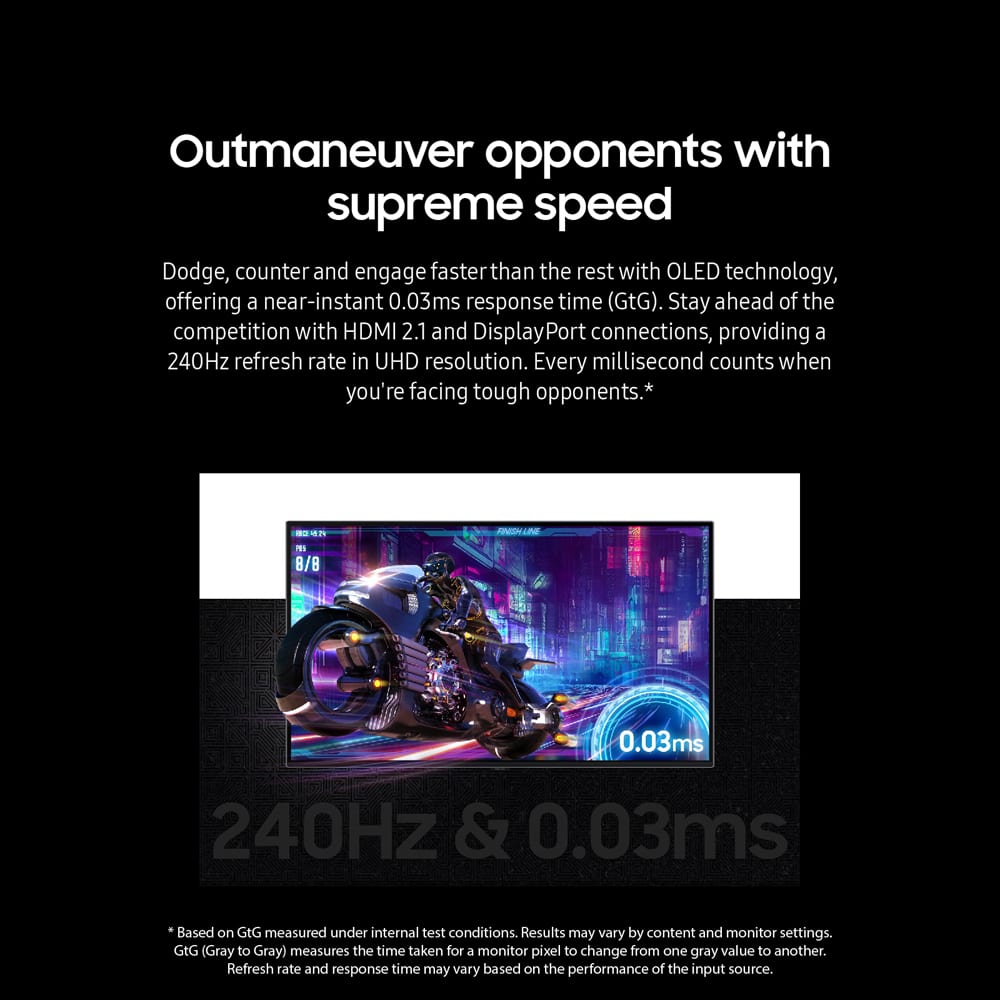
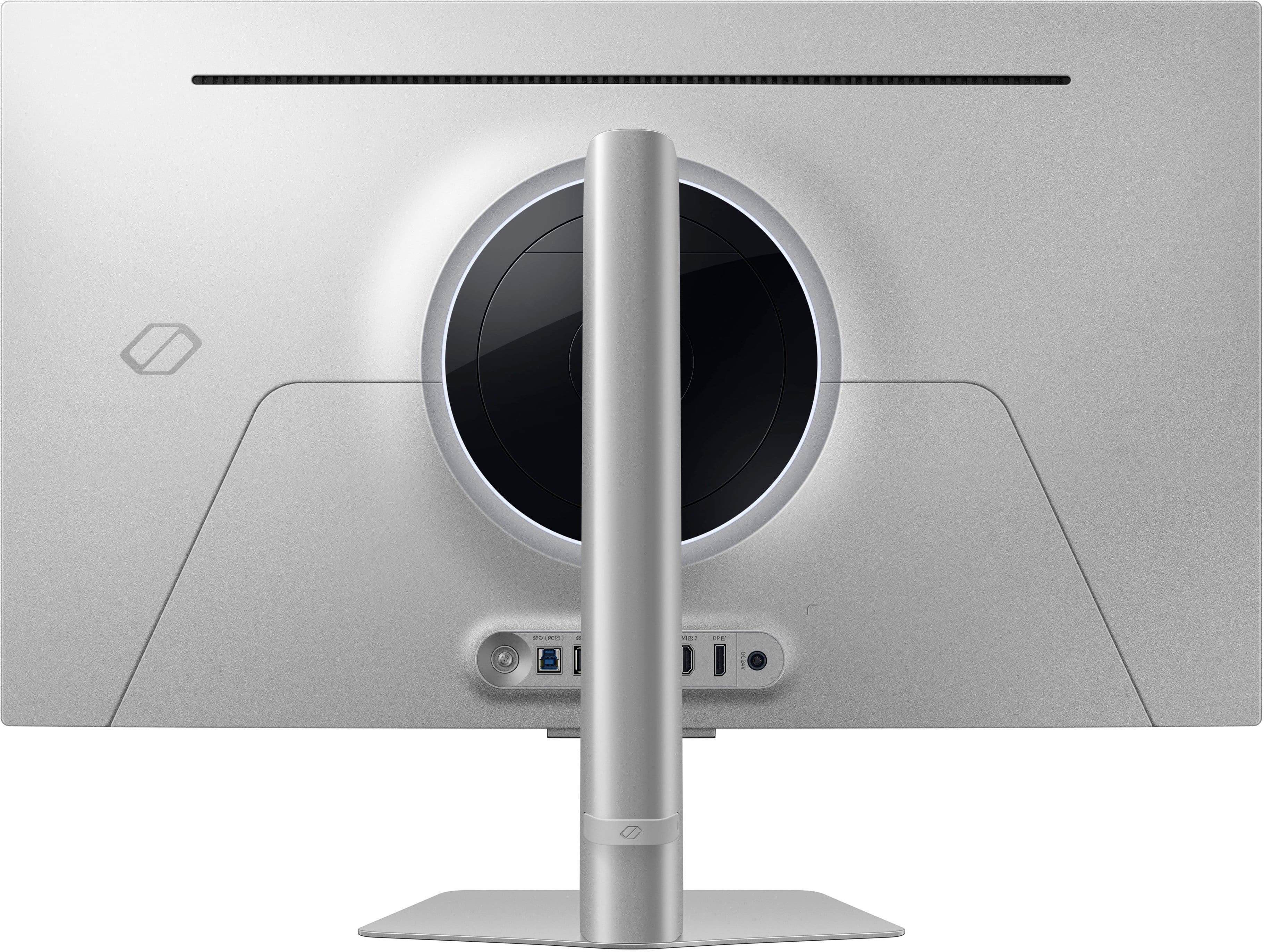
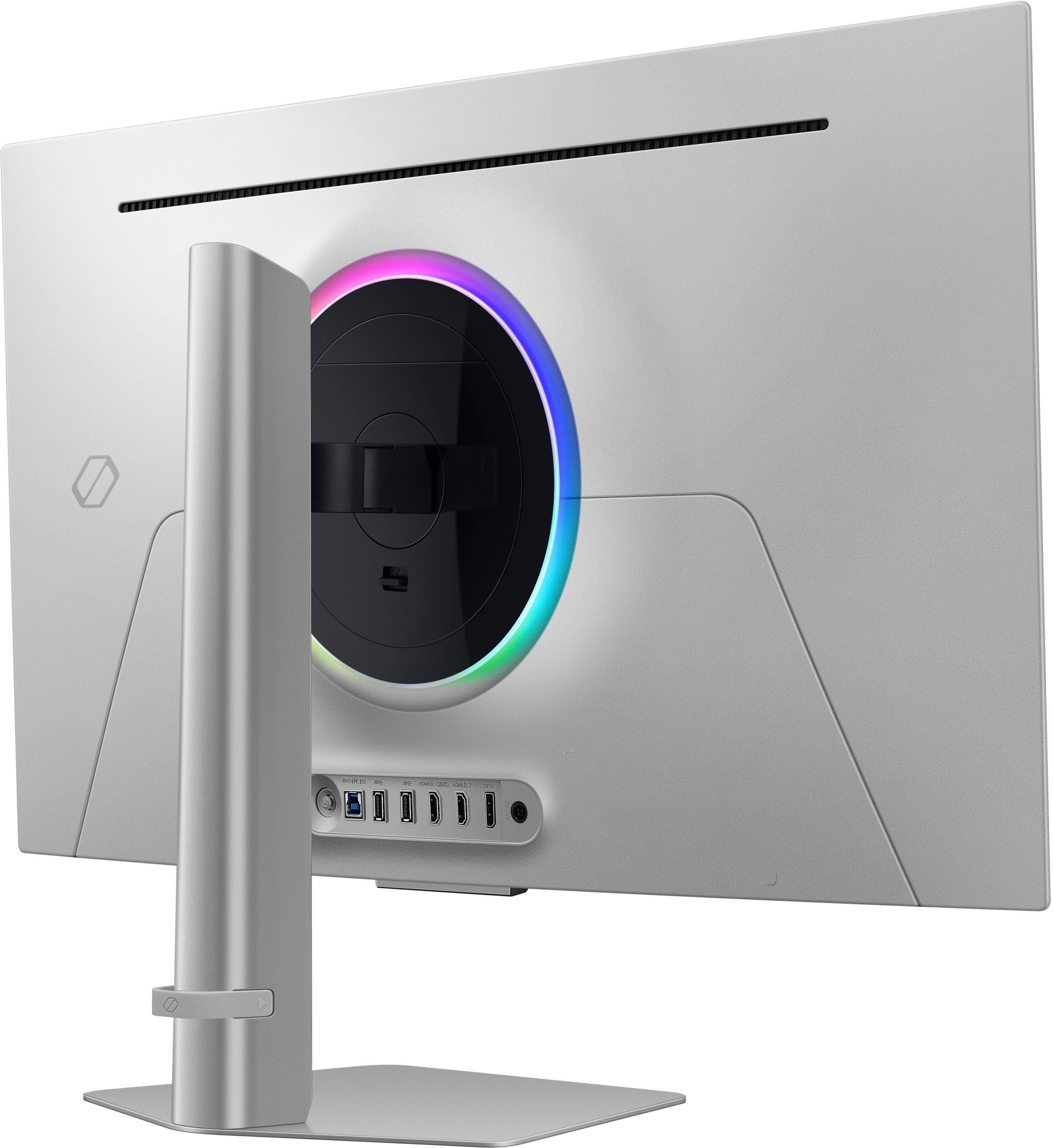
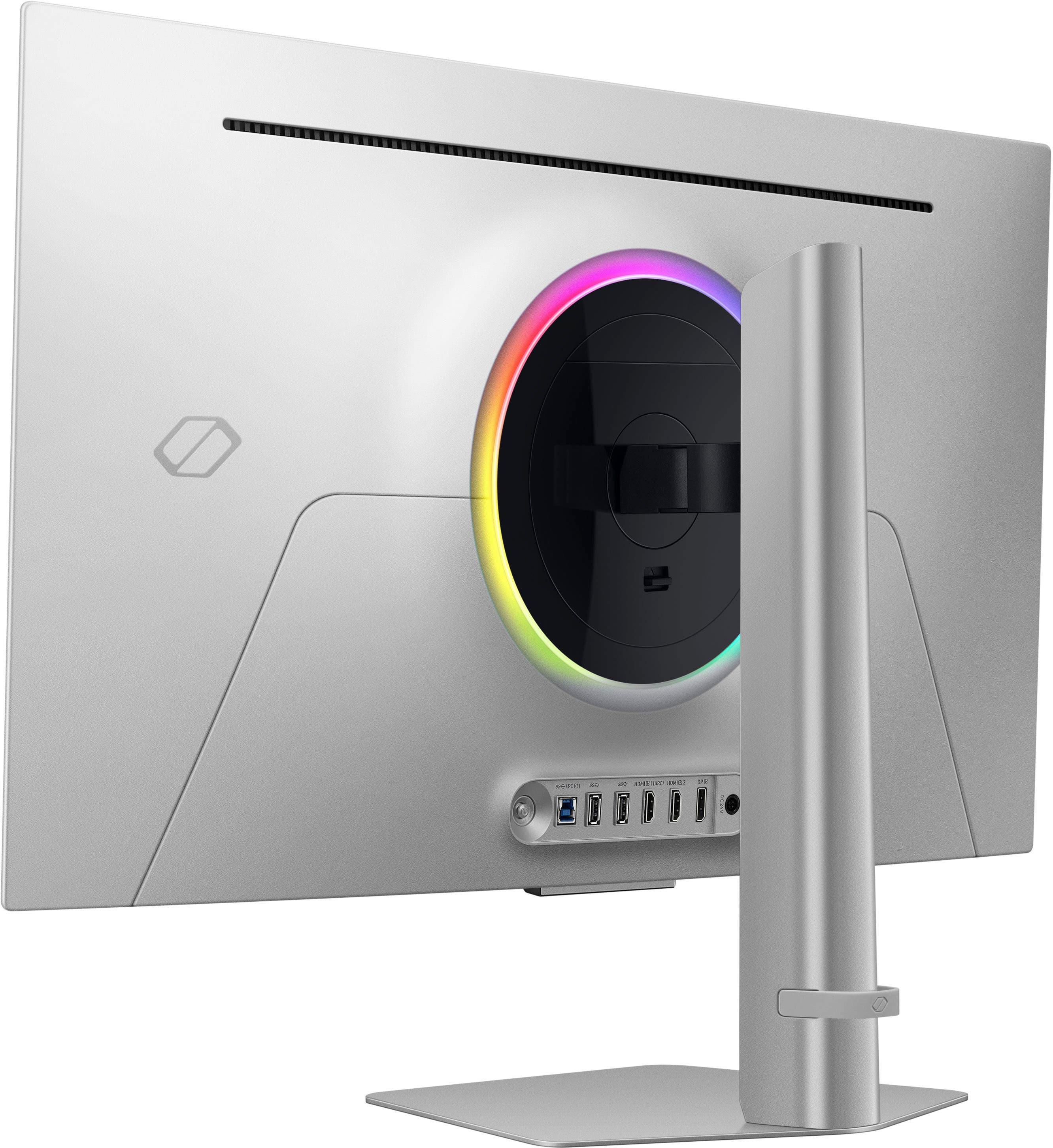
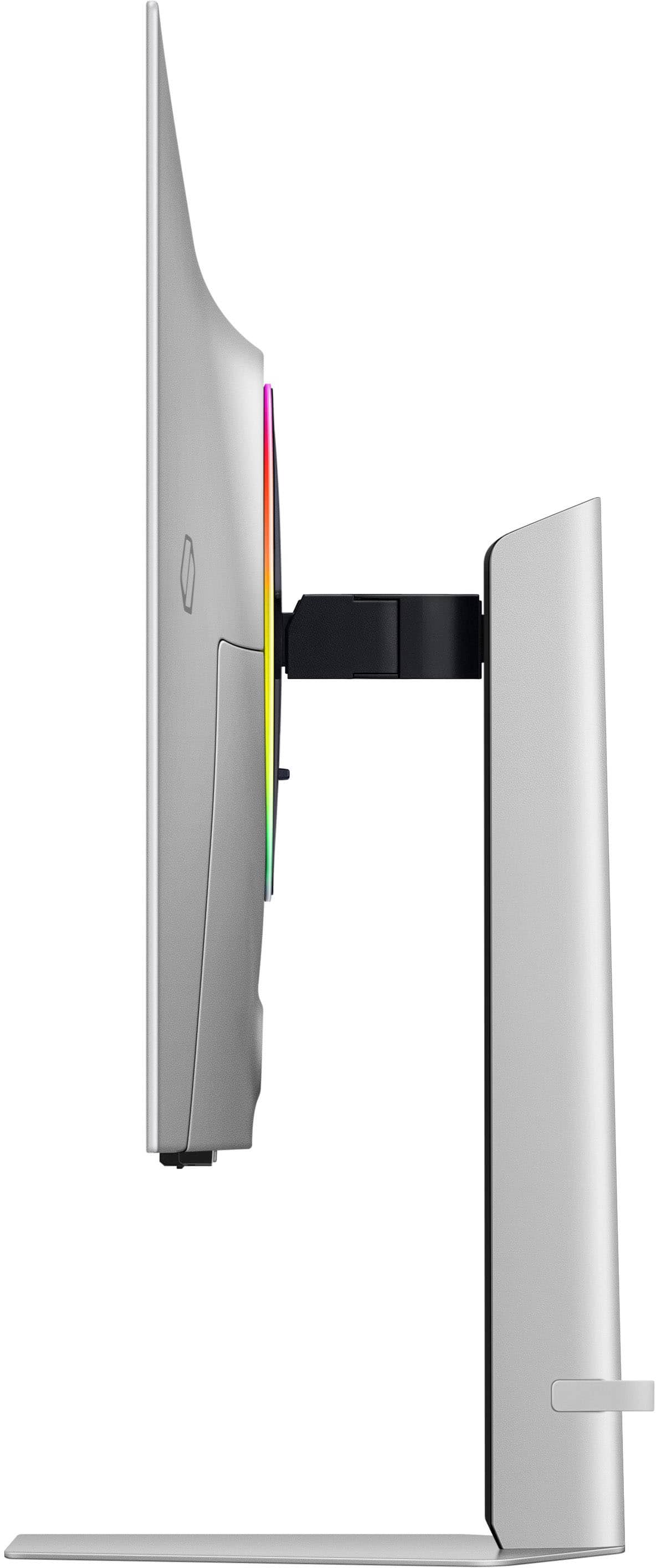
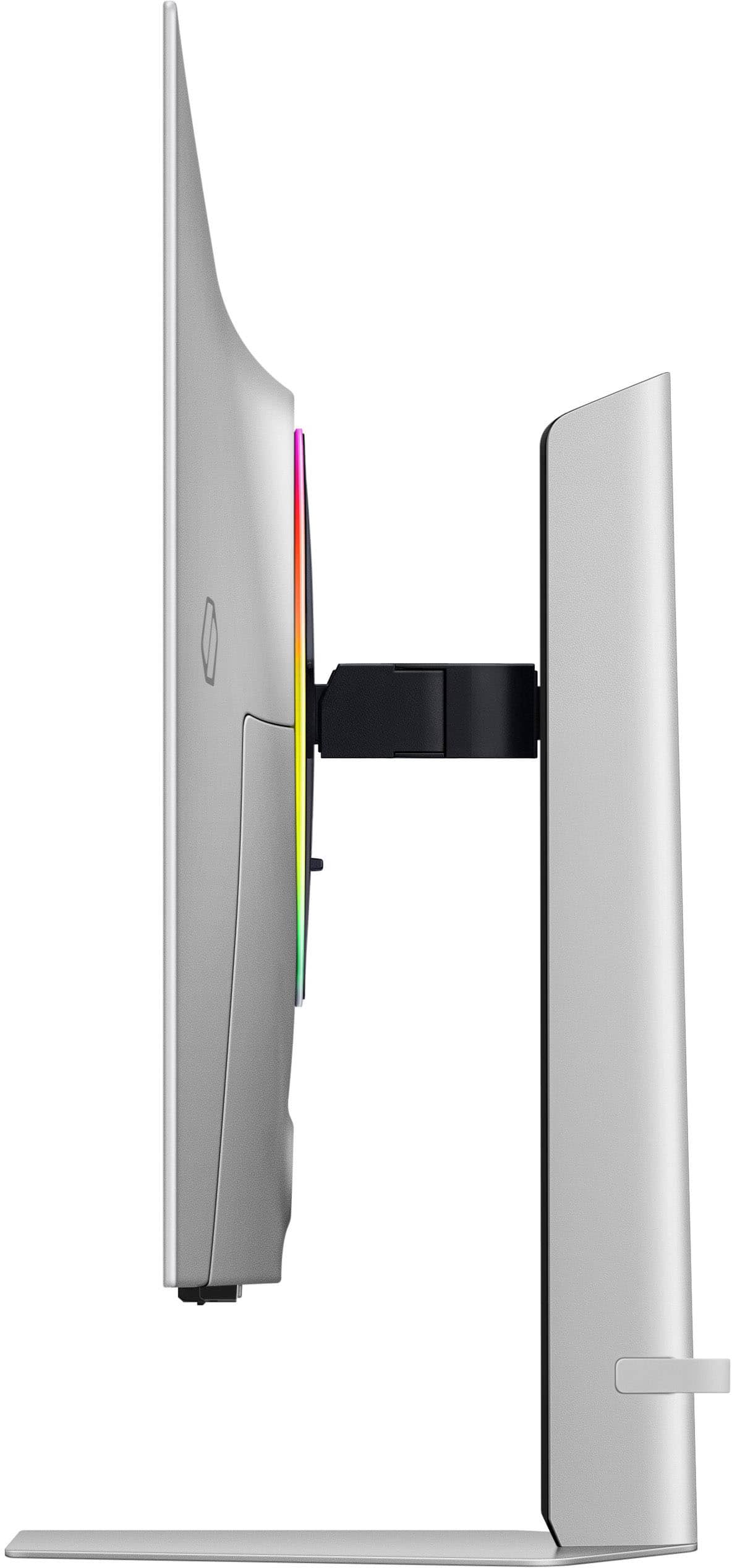
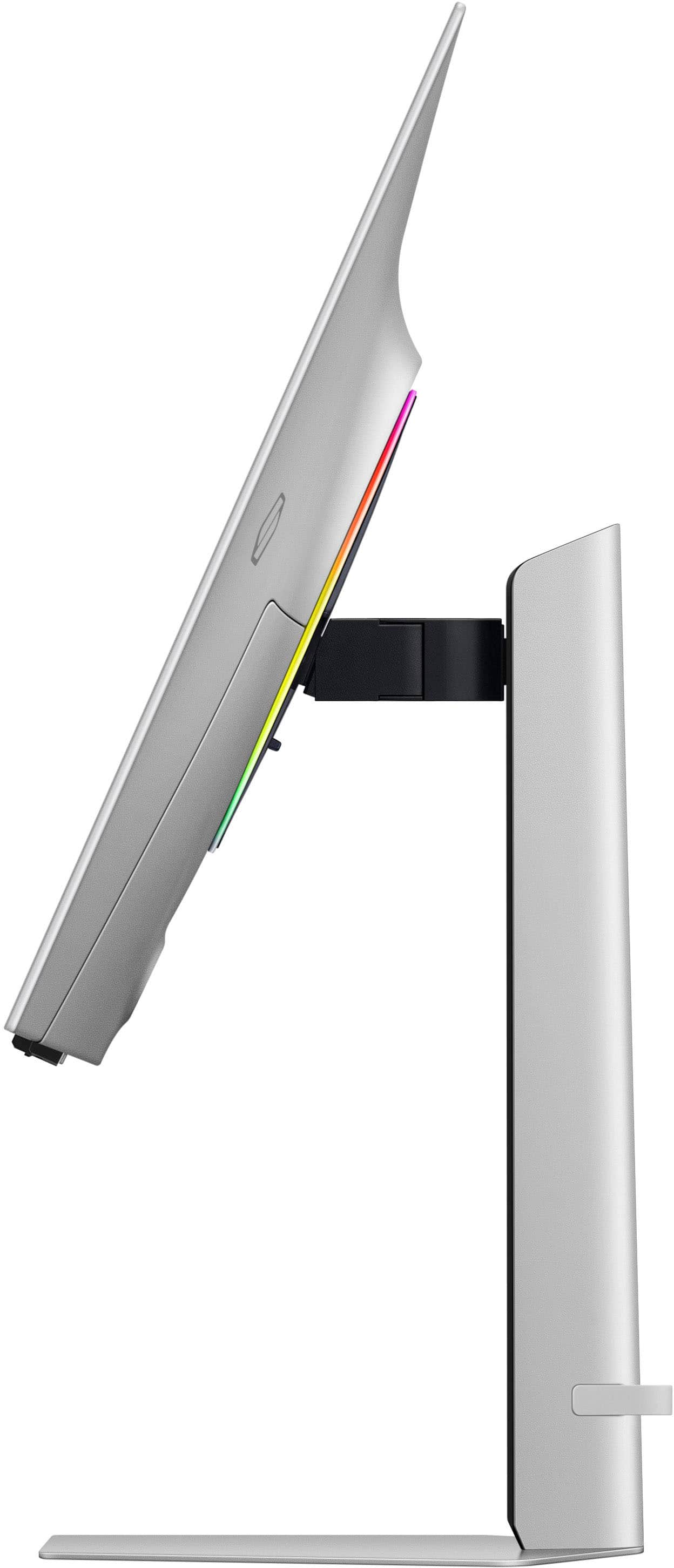
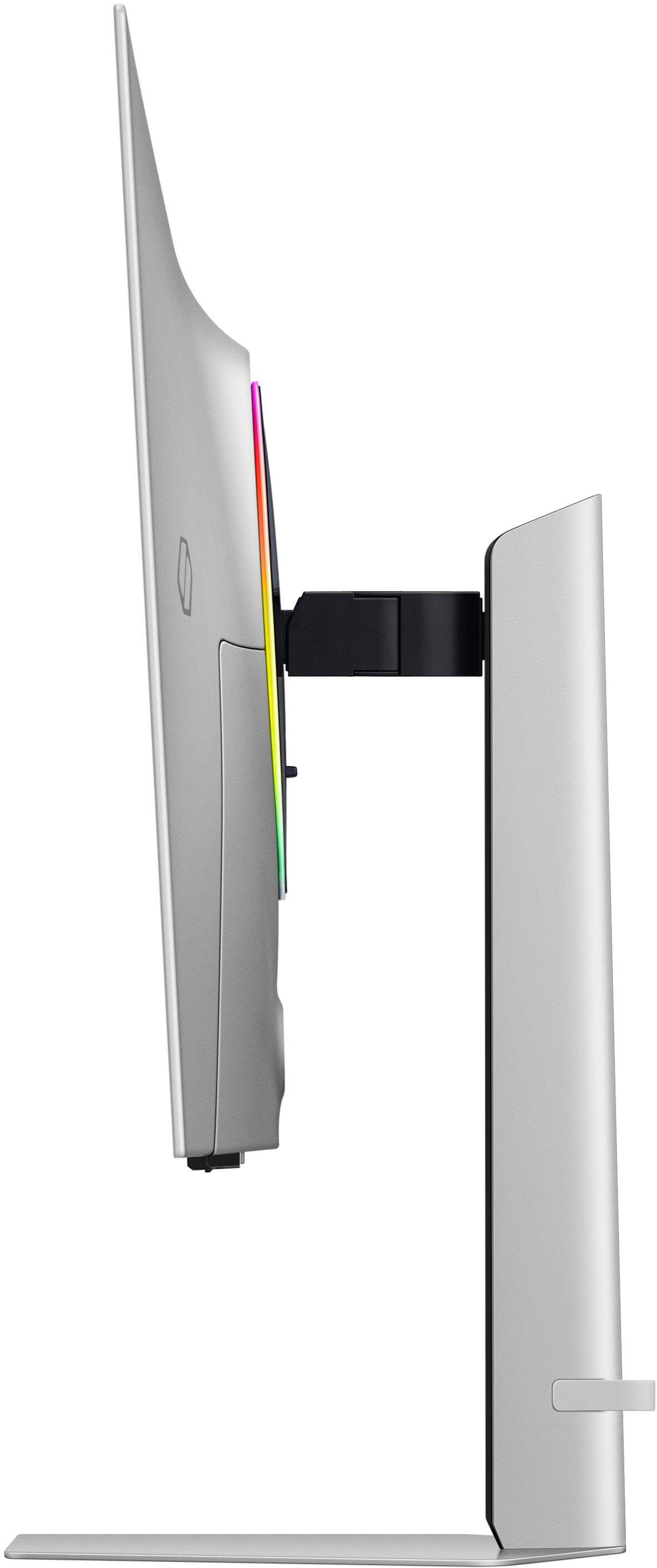
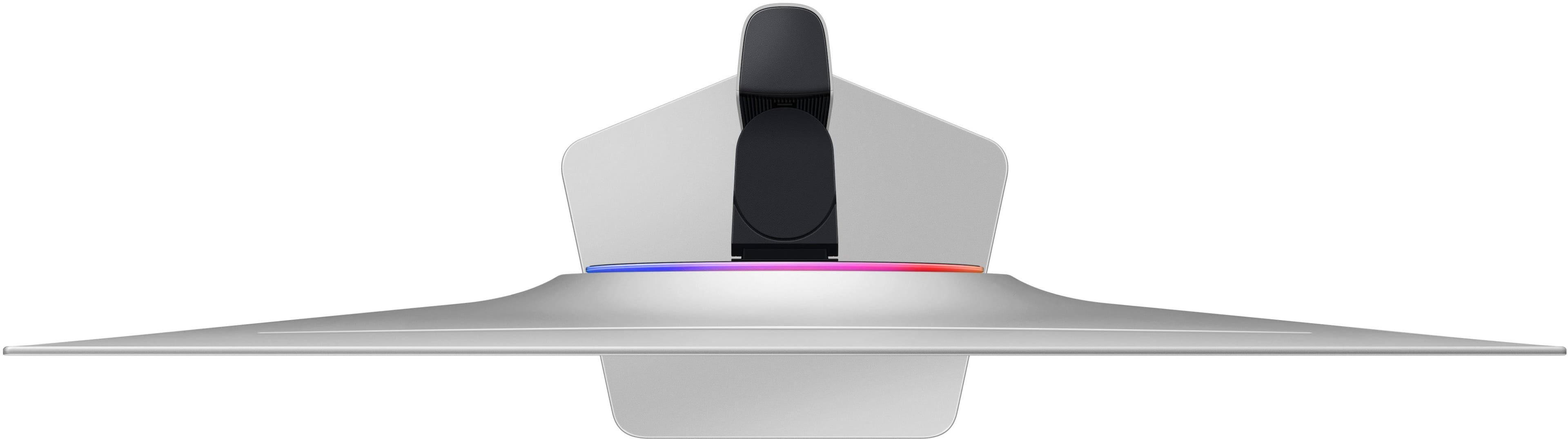
|Posted .This reviewer received promo considerations or sweepstakes entry for writing a review.I wanted to get a bigger and new monitor, that had more color than a VA panel and ideally 4K resolution with high framerates to play games on. I’ve been thinking about getting into the OLED panels, as the technology has matured since the first-generation panels. And that’s how I landed on the Samsung 32in Odyssey OLED G8 G80SD as it was recently launched and readily available. Pros: - Thin and light for size. - Beautiful and Smooth 4K OLED panel with 240Hz refresh rate. - True Blacks and Zero Glare standout. - Minor improvements have a major impact. Cons: - Samsung’s SmartTV belongs in a TV, not a Monitor. - Back Panel Plugs are EXTREMELY LOOSE. - Must change the default settings to get best results. - Warranty does not match industry standard. Setup: I knew this monitor was going to be thin, but I was still surprised at just how thin and light the monitor was while taking it out of the box. Included in the box with the monitor is the Stand Base, Stand Arm, power brick and cable, wireless remote control, 5.25 ft Display Port 1.4 cable, a 6.5ft HDMI 2.1 cable, and a PC In USB cable for enabling the onboard USB A ports on the monitor. One major concern I had right away was while plugging in the Power and DisplayPort, the connections moved within the back panel! I’m familiar with my share of loose plugs, but this felt like the ports were just floating inside the shell of the monitor, whereas I expected them to be firmly attached to the exterior. I want to warn anyone who is even slightly forceful with their cables, BE EXTREMELY CAREFUL WHEN PLUGGING IN YOUR CONNECTION!! Otherwise, you might damage the monitor before you can even turn it on. Setup on the desk was easy, Samsung went with a tool free approach for the base stand included. You just need to line up the tabs and snap the monitor into place. The stand is one of many improvements to useability Samsung has made, not only did they get rid of the ridiculous V-base design, but the monitor can swivel and tilt into almost any position needed to get the best view. With such a large monitor, the stand handles the adjustments perfectly without tipping. Even with the stand upgrades, after some arrangements on my desk, I decided to use my existing monitor arm as it allowed me to fit everything on my desk as I wanted. Installing the monitor arm was a breeze with how light the G80SD is. The metal back panel makes the monitor feel premium and look super sleek. Additionally, there is an RBG ring on the back, CoreLighting+, which is off by default. I opted to keep it turned off, nothing against RBG or backlighting, but I won’t be focusing on the back of this panel that much. But when I do, Samsung made an improvement over prior models of Odyssey G8 monitors is the decision to face the ports out towards the back of the monitor. No 90-degree bend at the monitor or cables hanging out below the monitor because they can be secured behind the monitor to the arm. It’s so much easier to plug in the cables as well, as you don’t have to get the right angle or bend any cables up under a hood, you can just turn the monitor to the back and see which plug you want to use. Software: For better or for worse, Samsung uses its Tizen SmartTV software on the monitors, which only takes about 5 minutes to complete but includes unnecessary steps like channel selection and audio setup. It is not a great feeling to have to navigate through a TV setup on a monitor, I’d have bought a TV if I wanted to watch TV. The Menu navigate feels very scroll and select though if I used it more, I assume the recommendations would become more customized, but again the main reason I bought this Monitor was to connect it to a PC and Play Games. I understand having the TV function might be useful for some people, but I would want to use the feature and not be forced to use it. Overall, the software setup was not hard, but I wouldn’t call it painless just due to the forceful nature of having to use a TV menu on a Monitor. I prefer simpler interfaces and more focus on doing one thing well. Connectivity: The G80SD offers the standard spread of ports: 1x DisplayPort 1.4, 2x HDMI 2.1, and 2x USB A 3.0 if you connect the PC in (blue square plug). Additionally next to the Ports is the Power button which also acts as the built-in menu navigator, although it is much easier to navigate the menus using the included remote. The G80SD must connect to a wireless network during setup, this allows the monitor to update, register to your Samsung account, and stream the SmartTV media. Additionally, the G80SD can connect to Bluetooth speakers to provide better sound than the built in speakers but sound quality will vary based on the quality of the connected speakers. There is no other audio out besides wireless. There is a built-in microphone which enables the ability to use smart assistants like Alexa, Bixby, or SmartThings, but I don’t really use these. Luckily Samsung included a physical microphone off switch on the bottom of the monitor, which helps ensure there is no background listening going on. Performance: I will start with the G80SD’s 4K OLED display is AMAZING, the colors just pop, at least with some tweaks to the settings. Coming from mainly VA panels, the HDR10 and HDR10+ Gaming modes make a huge difference and look accurate. Initially I was a bit concerned because on the product page the Peak brightness was listed as only 250 nits, but that doesn’t account for the HDR settings. With HDR enabled, you will have no issues with brightness, but you will want to adjust the settings to get the right coloring depending on your setup. But the blacks are truly black, even more evident when bumped up against my older VA Panel looking at the same “True Black” sample. I was also questioning the choice of using a Matte finish for the OLED panel, but after looking at the G80SD in direct sunlight, I know why Samsung made that choice. You can actually still see and enjoy, key here is enjoy, the OLED display in sunlight without having that annoying glare or bounce back. The 240Hz refresh rate makes the G80SD great for games that require fast movements and reaction times. To hit these frame rates at 4K, you will need a powerful machine even on lower setting, otherwise it is probably better to run at 2K and upscale the game with either DLSS or Super Resolution. In either case, due to the 0.03ms (grey to grey) response time, there is literally no ghosting at all based on the UFO Test. Gaming: Game wise, I started up Destiny 2 to play The Final Shape, which ended up being the only game I’ve been playing since. For reference, I was able to hit a stable frame rate of about 125 FPS at 4K and 240 FPS at 2K in destiny 2, this was on a custom PC running an AMD Ryzen 9 5900X with 64GB DDR4 at 3600 MT/s with a RTX 4080. The OLED display just made the whole game world pop to life and the fluidity of the movements thanks to the high frame rates and response time, it was so much fun I just kept playing. Even though I had been playing on my VA Panel Display just the day before, the G80SD made the game feel brand new. Hands down, if you play immersive world games and have been eyeing getting an OLED Display, the time is now to dive in. TV?: Honestly, this monitor would be an AMAZING OLED monitor, if Samsung would strip out all the TV focused software and settings. If anything, the “SmartTV” part of this monitor is anything but smart and belongs in another product. I understand this serves a secondary purpose of acting as a TV, but because ALL the software is built around the TV interface, but the hardware is geared towards gaming, which results in this Monitor being built for gaming but trying to act like a TV, which results in a half thought out experience for you. Warranty: One other major concern I have is what is covered by the 36-month warranty. On Samsungs website, the warranty page for the G80SD states that parts and labor are covered for 36 months from time of delivery but does not specifically state it includes Burn-In coverage. There is a lot of different information going around about if the Warranty covers Burn-In, but I am only going off what is explicitly listed on Samsungs warranty page as navigated to from the product page, and it does not explicitly say “Burn-In Coverage” as so many other manufacturers do for their similar products. Conclusion: Overall, I’m really enjoying the Samsung Odyssey OLED G8 G80SD, way more than I had thought I would from a simple monitor upgrade. The improvements from the OLED panel in picture quality and color compared to an ISP or VA panel just blow me away. The small improvements to the exterior of the display really make this an enjoyable monitor to set up and use. But two large issues make it hard to recommend the G80SD monitor, but both could be fixed in time: First is the stance on Burn-In coverage in the warranty, Samsung should clear up the confusion for customers by aligning all of their representatives and warranty info to align with what is expected. And I hope the decision is to explicitly include Burn-In coverage in the 3-year warranty. It is hard to recommend a monitor to others when there are alternatives available that include coverage in the standard warranty for a known flaw with the technology. Second, remove the Smart TV features or at the very least make it secondary to the Odyssey OLED G8 G80SD being a monitor! Once you get through much of the settings, it is a really great monitor, but the expereince to get there will turn off so many Gamers. Again, the Samsung Odyssey OLED G8 G80SD is a great monitor but I can't make it my recommendation with these issues, as there are other options these days.
No, I would not recommend this to a friendBrand response from Samsung
Posted .Thank you for bringing this issue to our attention, as Samsung is committed to providing the best possible product experience, quality, and value. Samsung greatly values our customers’ feedback and we utilize your concerns and opinions in our relentless efforts towards delivering world-class products.
If you ever need assistance in the future, please contact Samsung Customer Support and a rep will be happy to assist you:
1-800-SAMSUNG, available 8AM - 12AM EST (Mon-Fri) / 9AM - 11PM EST (Sat-Sun)
- Pros mentioned:Oled quality, Refresh rateCons mentioned:Software
Simple premium 4k monitor
||Posted .This reviewer received promo considerations or sweepstakes entry for writing a review.Amazing 4K OLED high refresh rate monitor, especially when on sale. I've had it for almost 1 year, and no signs of burn-in with heavy use and no effort to mitigate it. The only complaint is the software. For some strange reason samsung included smart tv software in this monitor, which is handy but can be annoying with a pop-up every time you turn on the monitor.
I would recommend this to a friend - Pros mentioned:Oled quality, Refresh rateCons mentioned:Software
Amazing OLED display, quirky software
||Posted . Owned for 3 weeks when reviewed.This reviewer received promo considerations or sweepstakes entry for writing a review.What's great: 1. This is an amazing OLED screen with crisp colors and deep blacks. 2. 240 Hz refresh rate and 0.03 ms response time are great for videos and gaming. 3. Samsung's Tizen OS smart features as a TV work well with all major streaming services. 4. Good for users who want to use it as a computer monitor occasionally and use gaming and smart TV features. 5. Has seamless HDMI ARC for connecting to sound bars / receivers. 6. Might be able to find a good deal on price if you watch for specials. 7. Integration with Samsung SmartThings. 8. Easy setup if you already have a Samsung phone. 9. Cons: 1. Biggest issue is buggy software, especially if you switch frequently between PC/Mac monitor and smart TV. Looses computer connection frequently. 2. Mac doesn't work well with HDR. It's a pain to keep adjusting brightness manually. 3. Occasional Wi-Fi connectivity issues. Wish it has a RJ45 network port, being a smart TV. 4. High latency to switch between two different computers. 4. Brightness in bright rooms can be an issue, especially in TV mode. 5. Watch out for privacy issues with Bixby and Alexa voice assistants. 6. Poor built in audio for the size. 7. Poor placement of controls. Overall, if you are looking for a hybrid Smart TV that you could occasionally use as a monitor, it can serve well. But if you switch frequently and want to use Mac + PC options, it's not a good fit. I hope Samsung does a better job in the next iteration, even if it takes placing controls more ergonomically and adding an extra port for network.
No, I would not recommend this to a friendBrand response from Samsung
Posted .Thank you for your review. Samsung is committed to providing the best possible product experience, quality, and value. Samsung greatly values our customers’ feedback and we utilize your concerns and opinions in our relentless efforts towards delivering world-class products. We are very sorry to hear this product didn't meet your expectations and hope to have you back as a customer again. If there is anything we can do to assist you and improve your product experience, please don't hesitate to contact Samsung Customer Support via: 1-800-SAMSUNG, available 8AM - 12AM EST (Mon-Fri) / 9AM - 11PM EST (Sat-Sun)
- Pros mentioned:Picture quality, Refresh rateCons mentioned:Software
Essentially a small smart tv for gaming
||Posted . Owned for 10 months when reviewed.This reviewer received promo considerations or sweepstakes entry for writing a review.Very good display quality and refresh rate for competitive titles, the software can just be annoying to use at times.
I would recommend this to a friend - Cons mentioned:Brightness, Software
Plagued by software issues
||Posted . Owned for 3 months when reviewed.This reviewer received promo considerations or sweepstakes entry for writing a review.I really want to love this monitor, and for better or worse I am stuck with it now. However, this monitor is plagued by constant, daily software issues. This is similar to other issues I have experienced with other Samsung TVs. The main issue is that this isn't really a gaming monitor, its a gaming TV running Samsung's Tizen OS. I have a normal Samsung TV, and it also has similar issues. The main issue is that when it wakes up from sleep, the monitor will disconnect and reconnect constantly. This often happens 20-30 times which takes several minutes. When this happens rebooting the monitor or unplugging the cable doesn't seem to help. Other issues include: Slow to take from sleep mode. Screen flickering. Audio pops. Sometimes when it wakes up from sleep its stuck at 600x400 resolution, and it can only be fixed by unplugging the DP cable. And yes, I've swapped DP cables and I've swapped monitors. The issues always only happen on this monitor and none other.
No, I would not recommend this to a friendBrand response from Samsung
Posted .We are very sorry to see that you have encountered issues with the Samsung Odyssey G80SD Monitor. We understand your disappointment and hope that you will give us a chance to assist with troubleshooting or warranty service.
Samsung products are engineered to the highest standards of performance and quality and we back this model with a limited time manufacturer's warranty, if purchased brand-new from an authorized dealer.
For further assistance or to begin warranty service, please contact Samsung Customer Support via:
1-800-SAMSUNG, available 8AM - 12AM EST (Mon-Fri) / 9AM - 11PM EST (Sat-Sun)
Samsung is committed to providing the best possible product experience, quality, and value, and we are always here to help with any of your questions or concerns.