Customer Ratings & Reviews
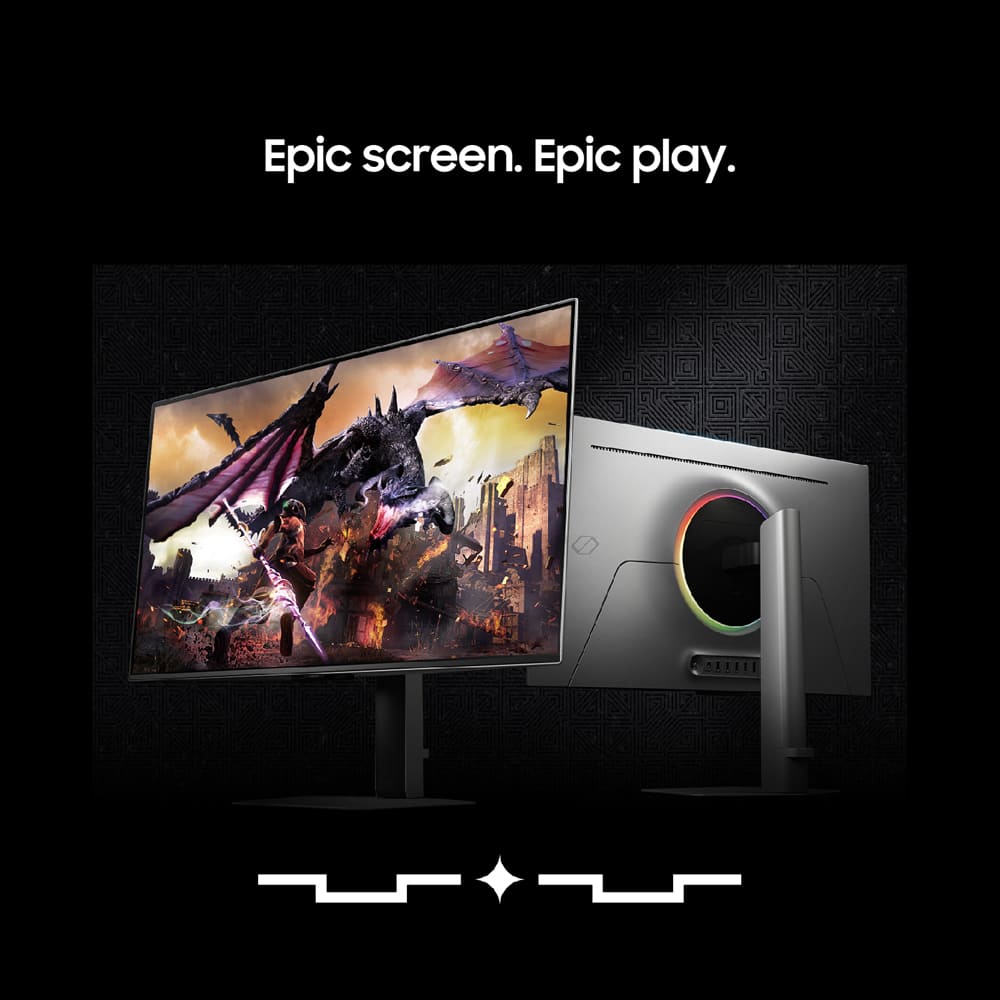
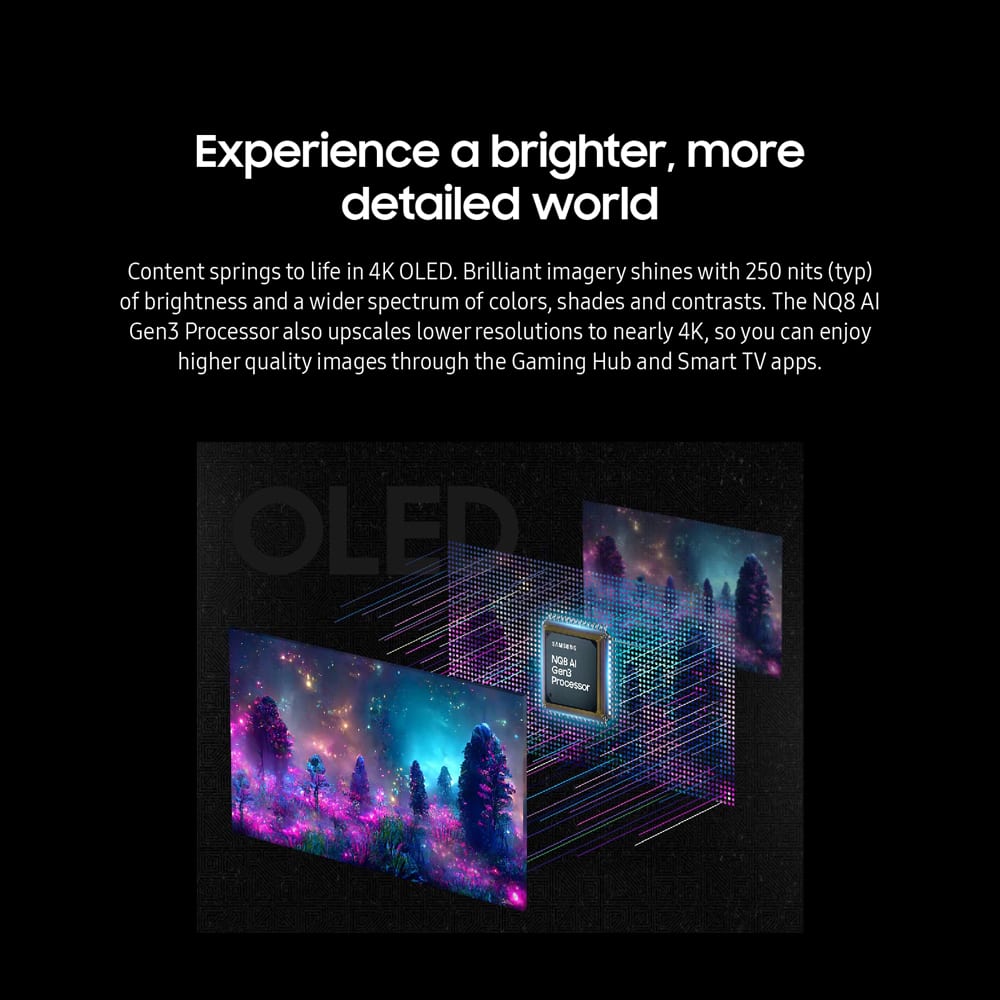
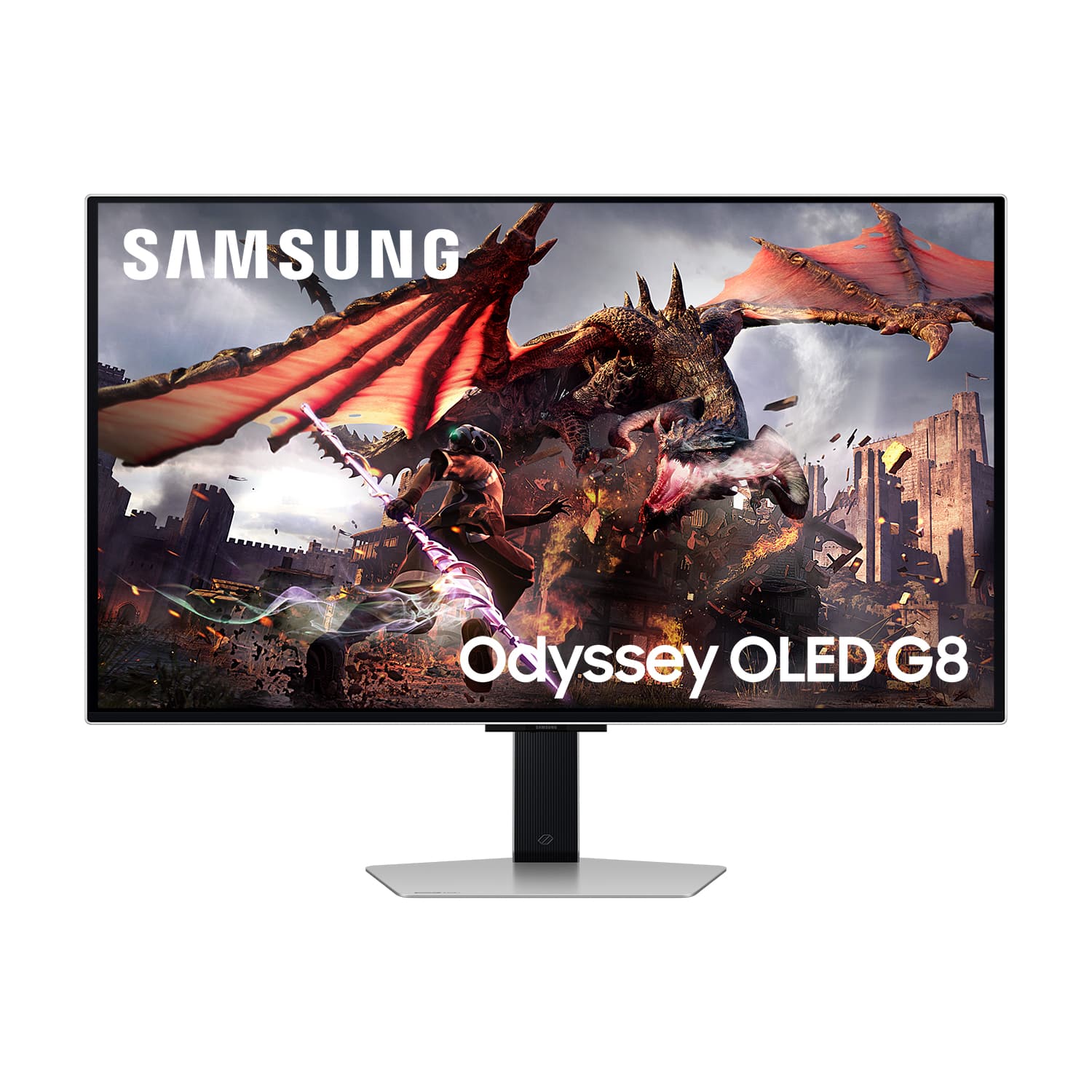
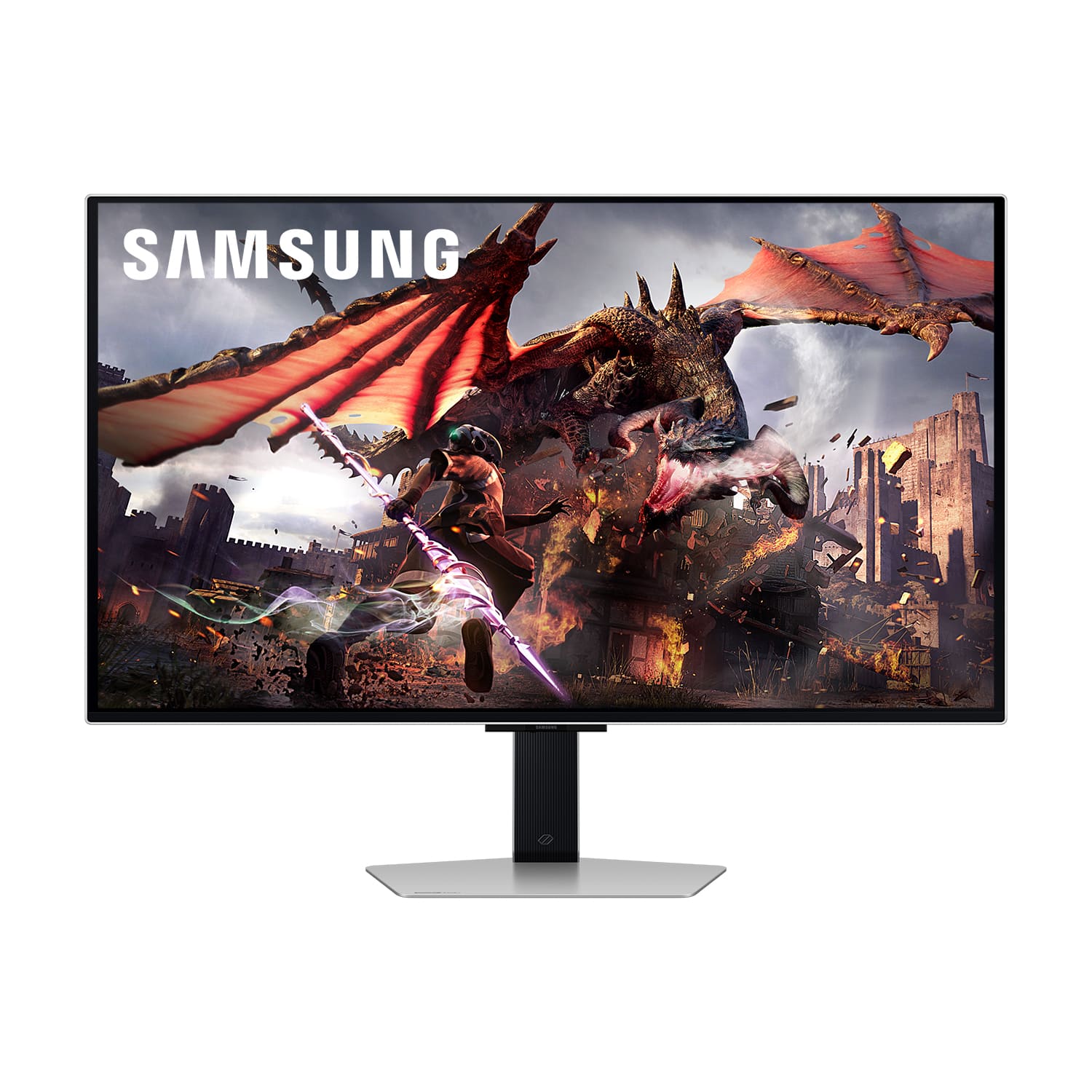

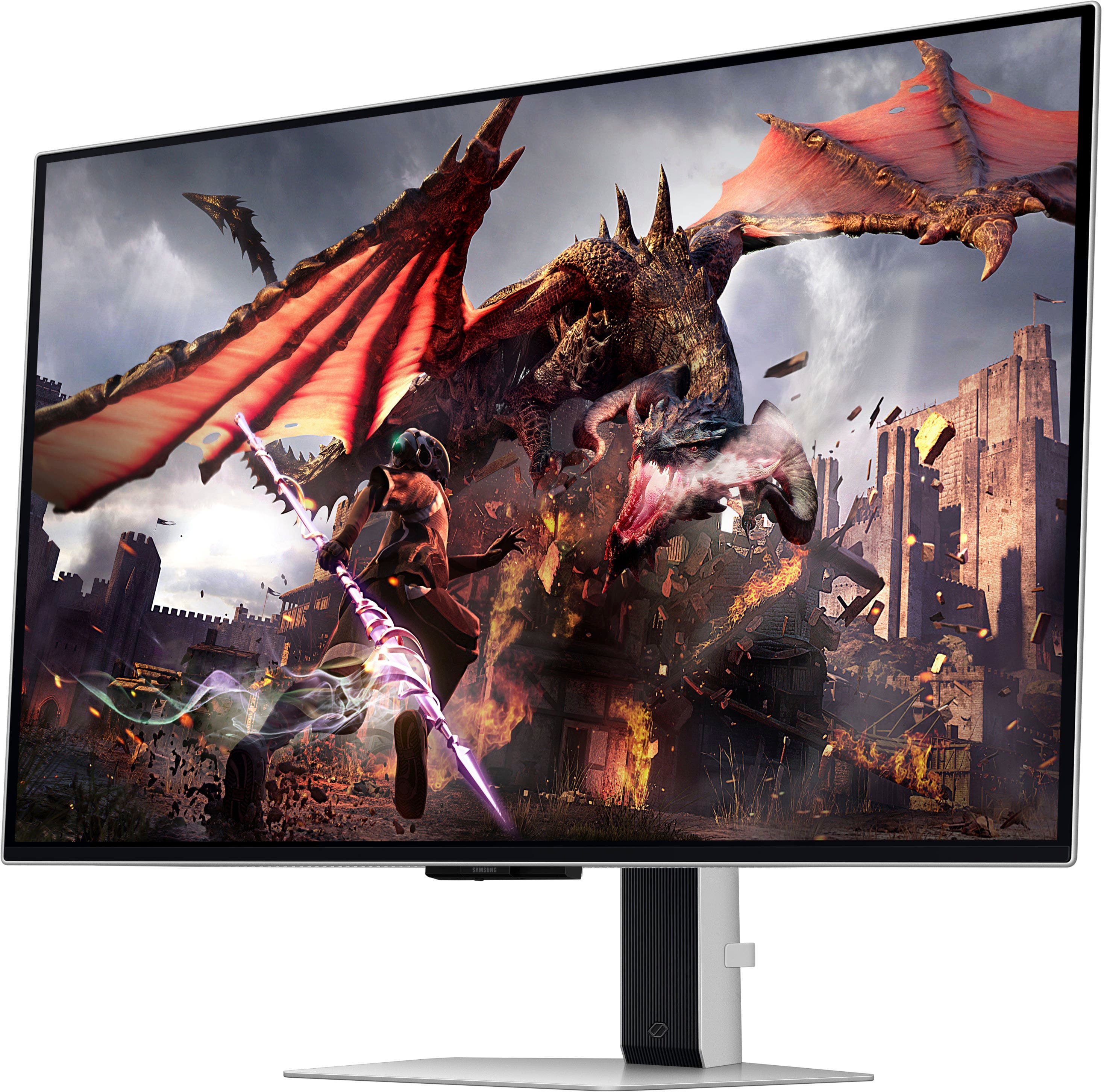
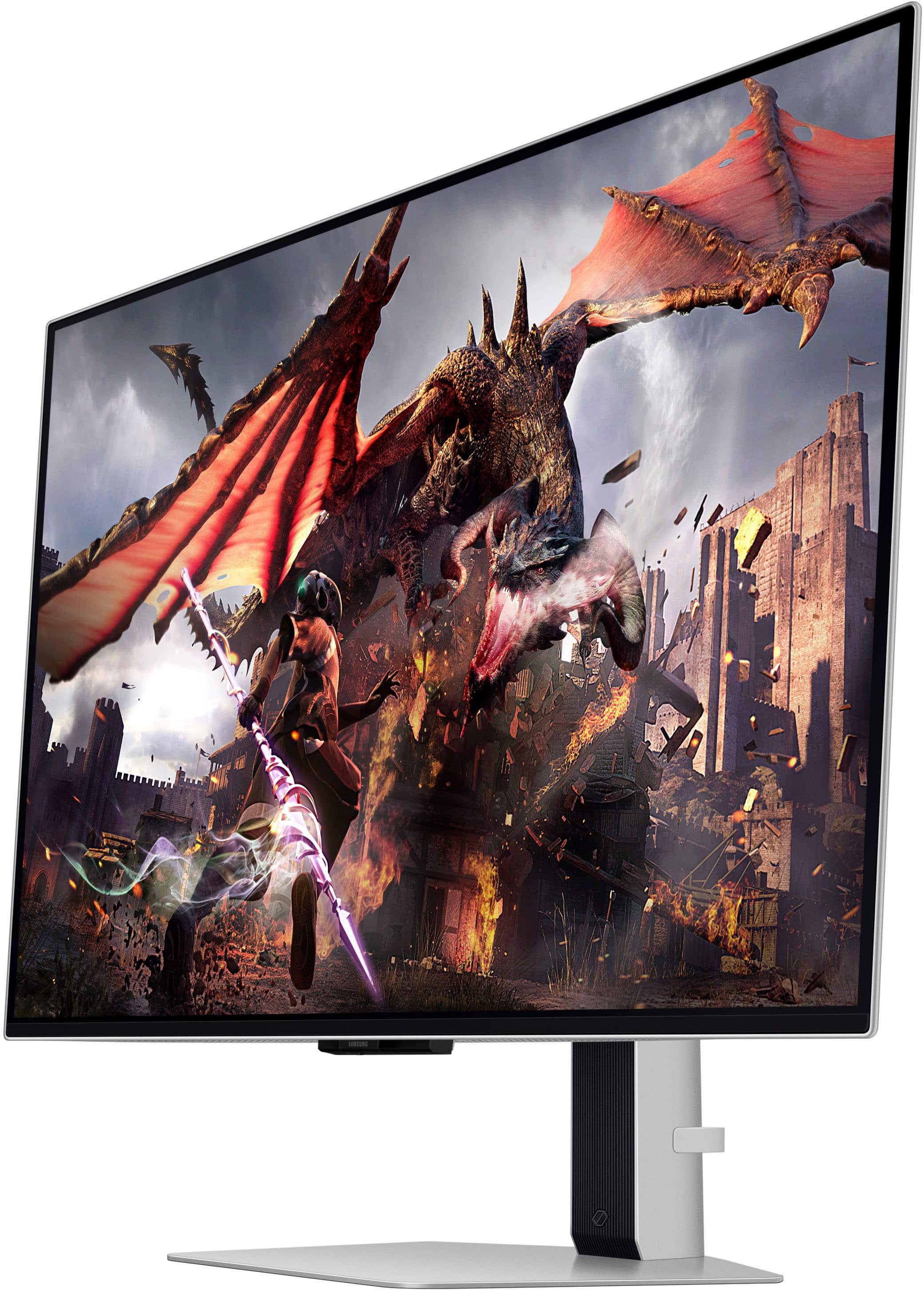
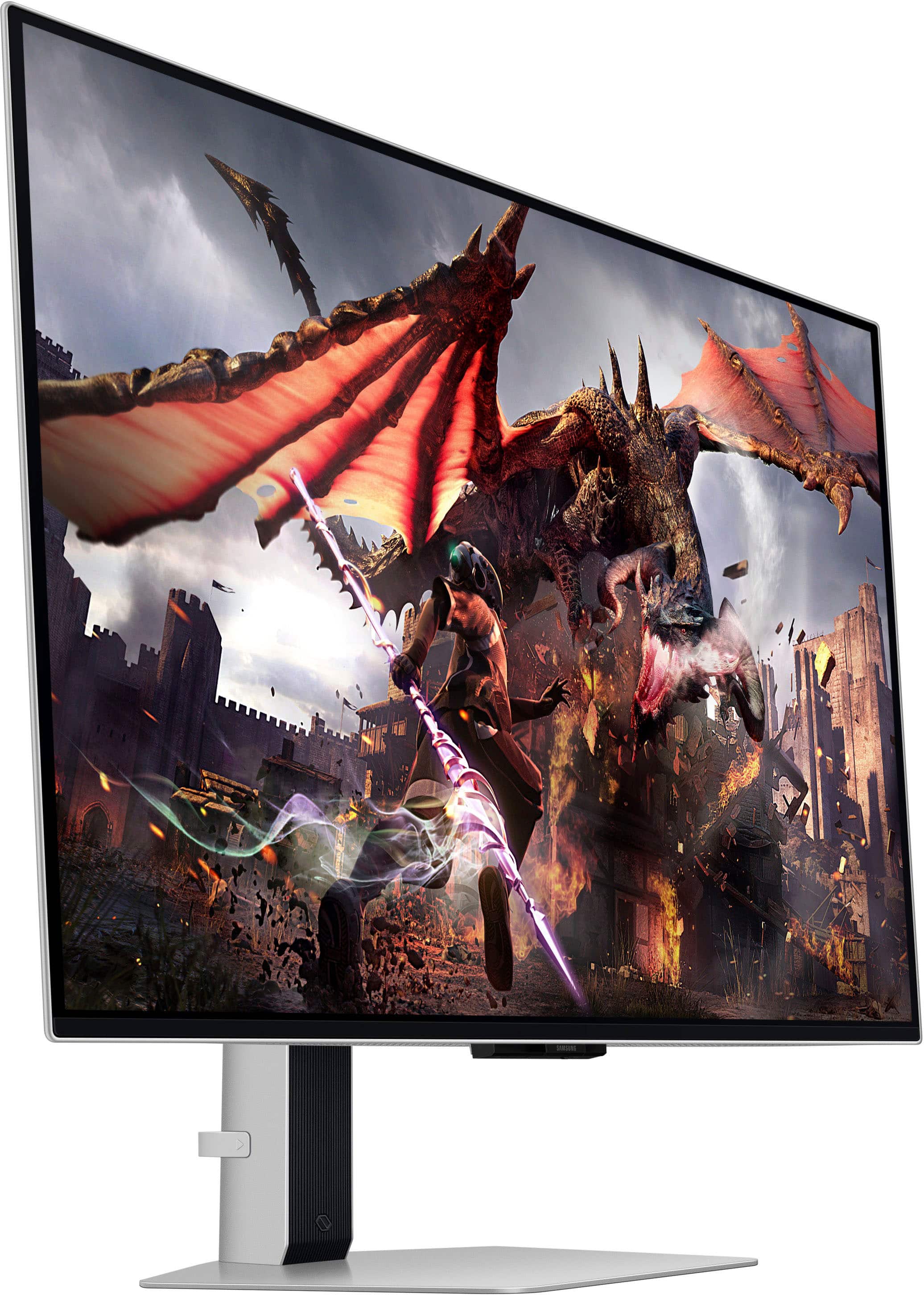
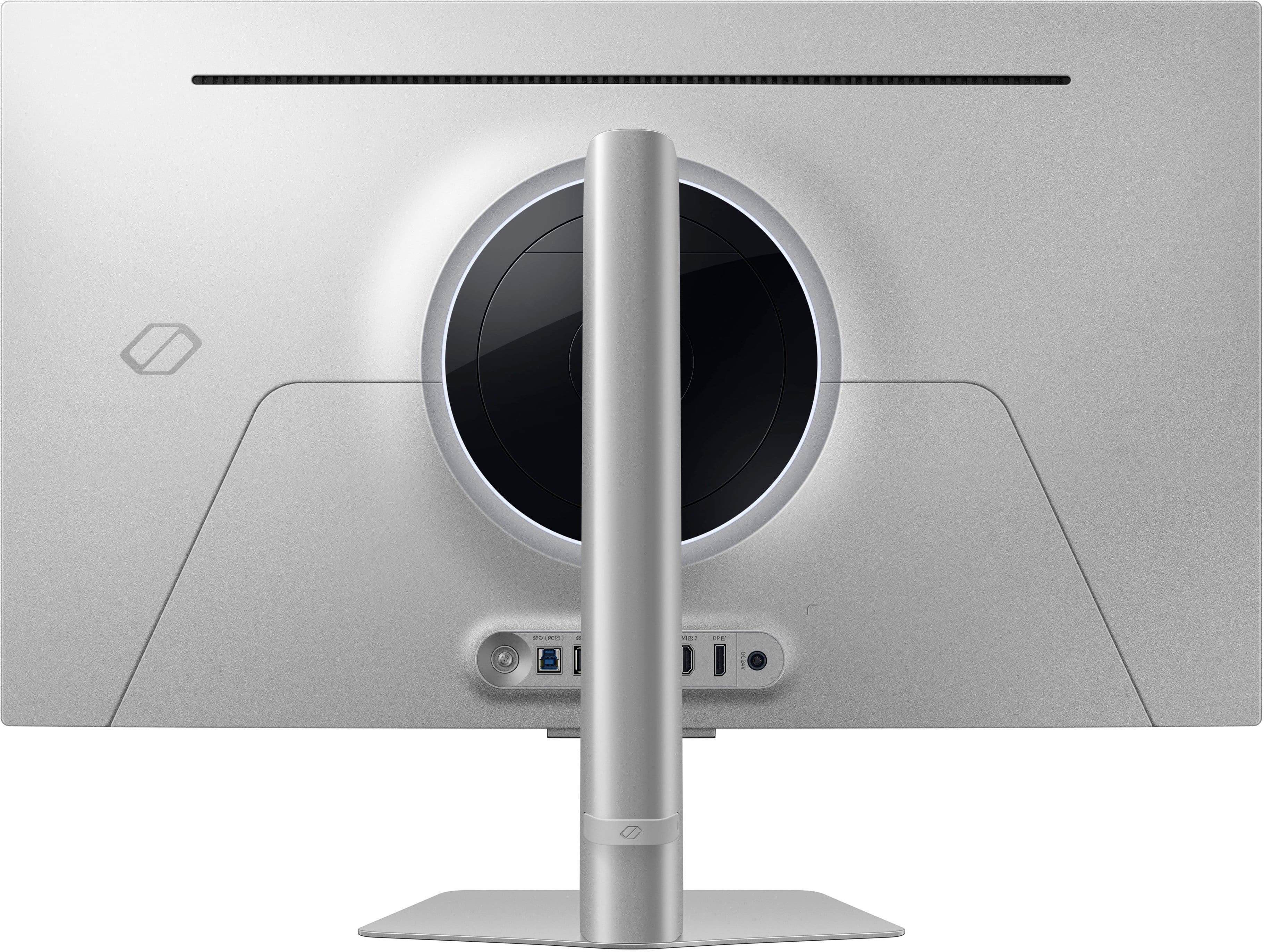
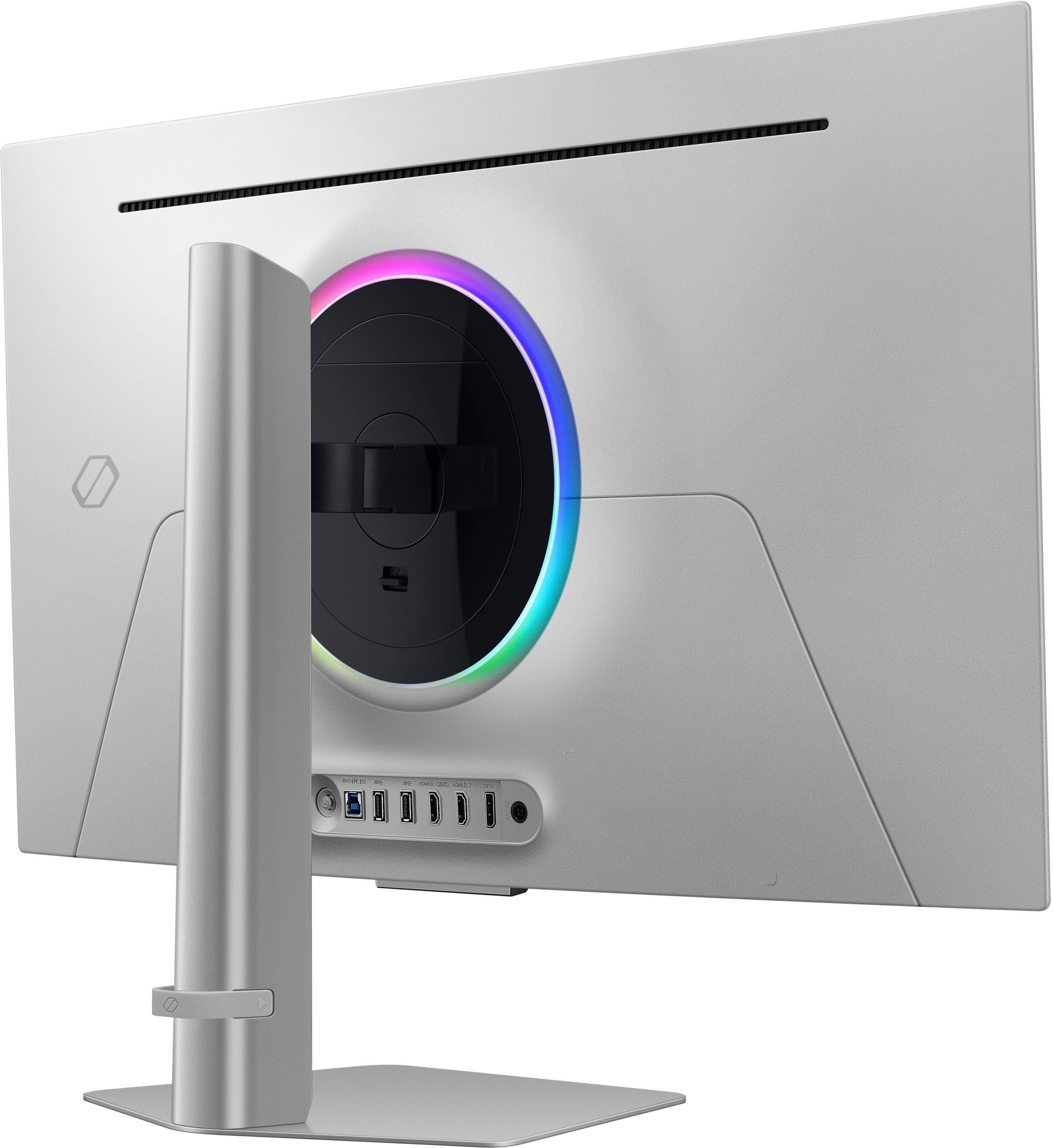
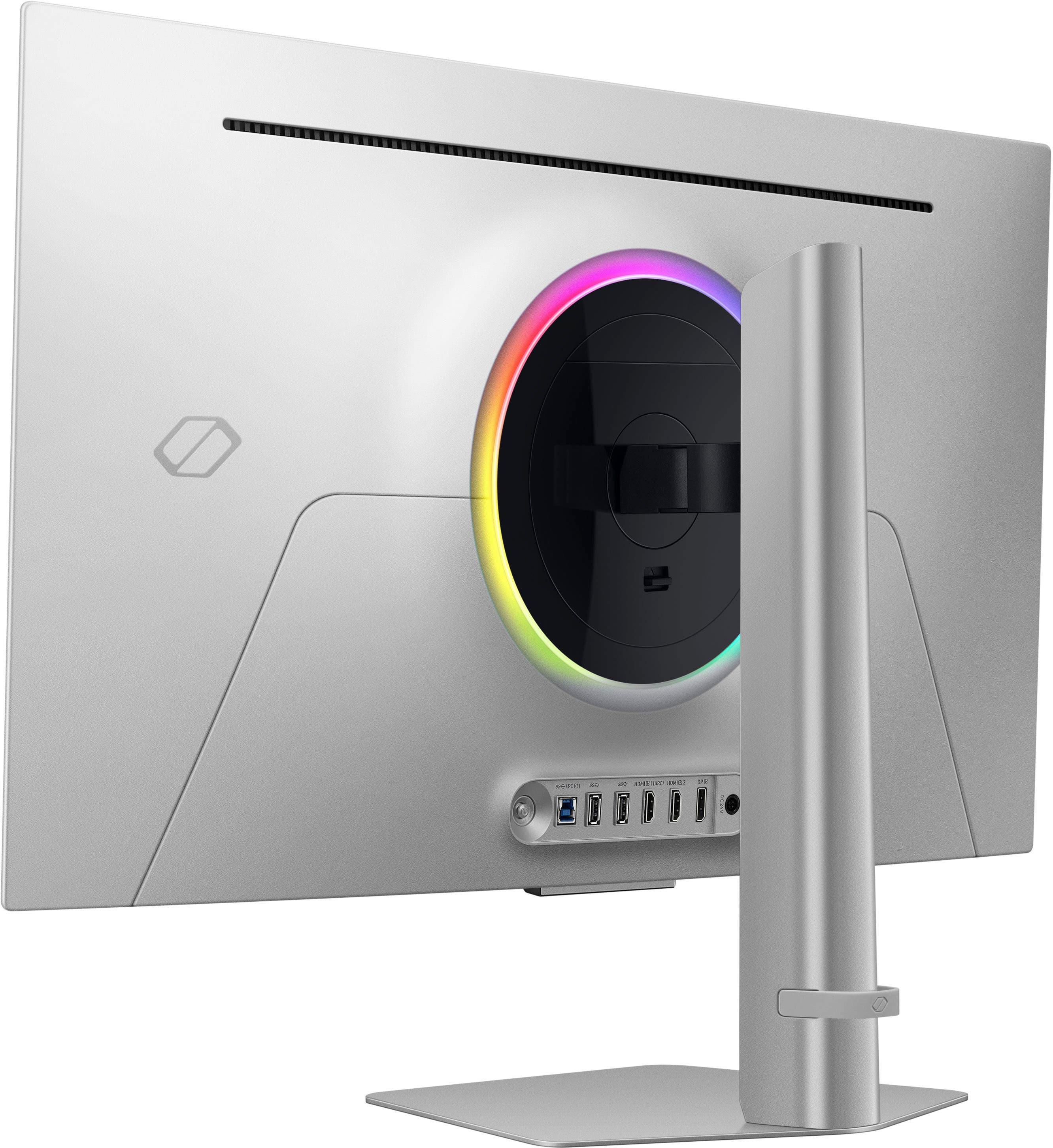
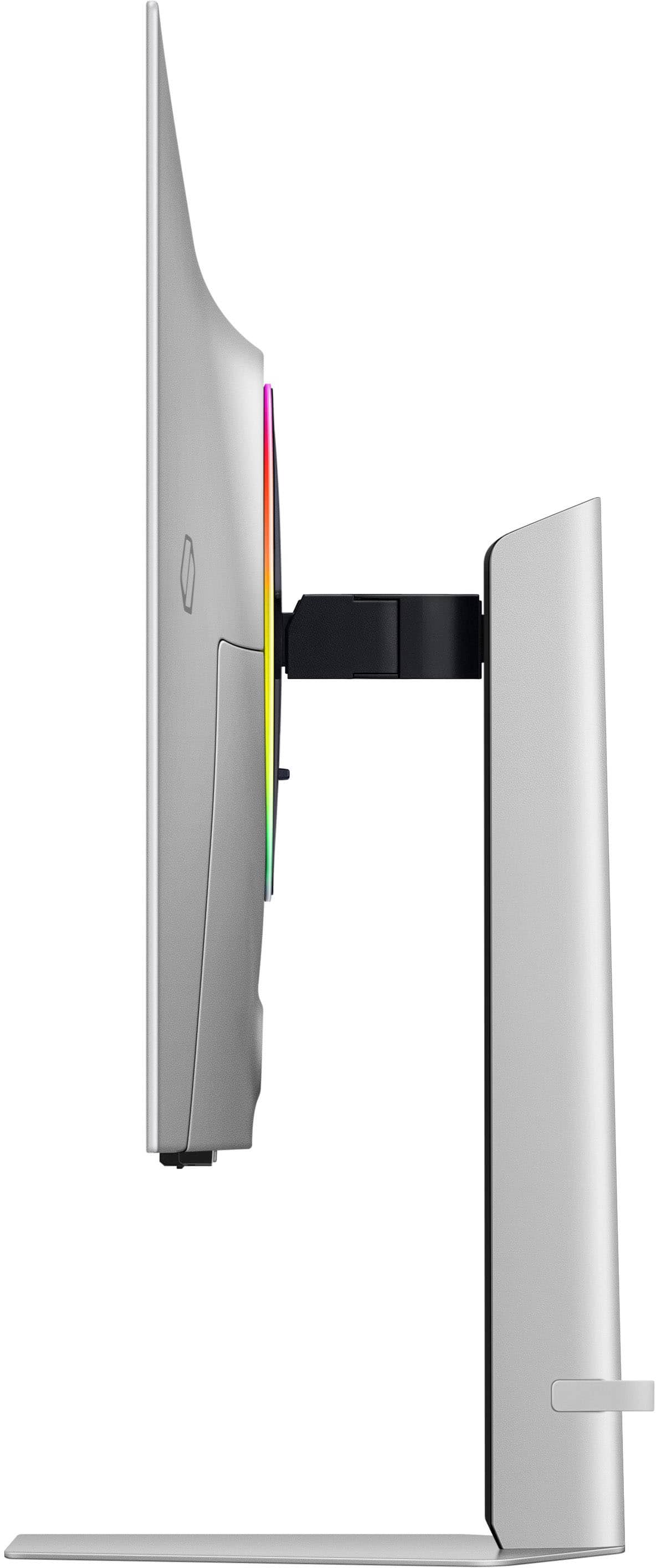
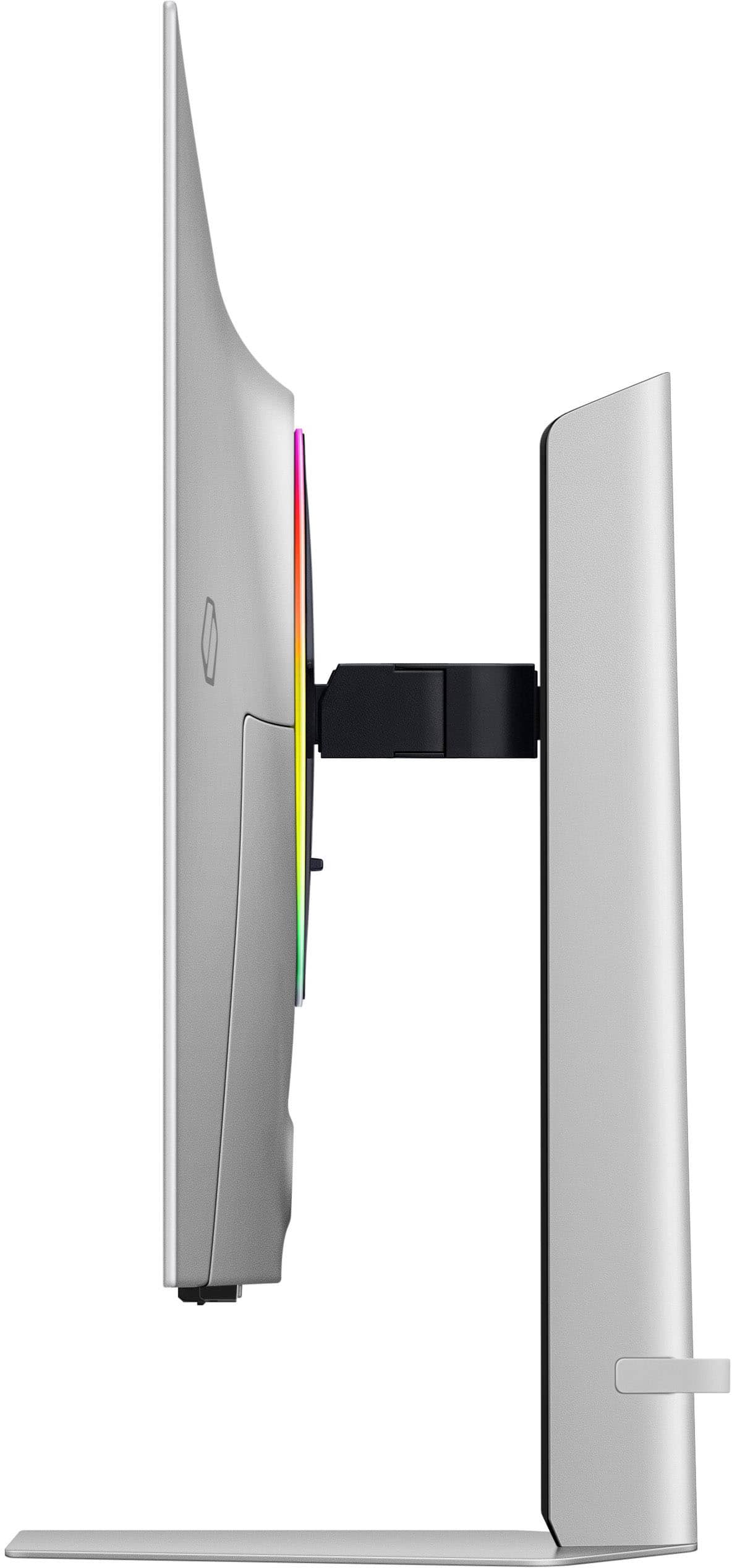
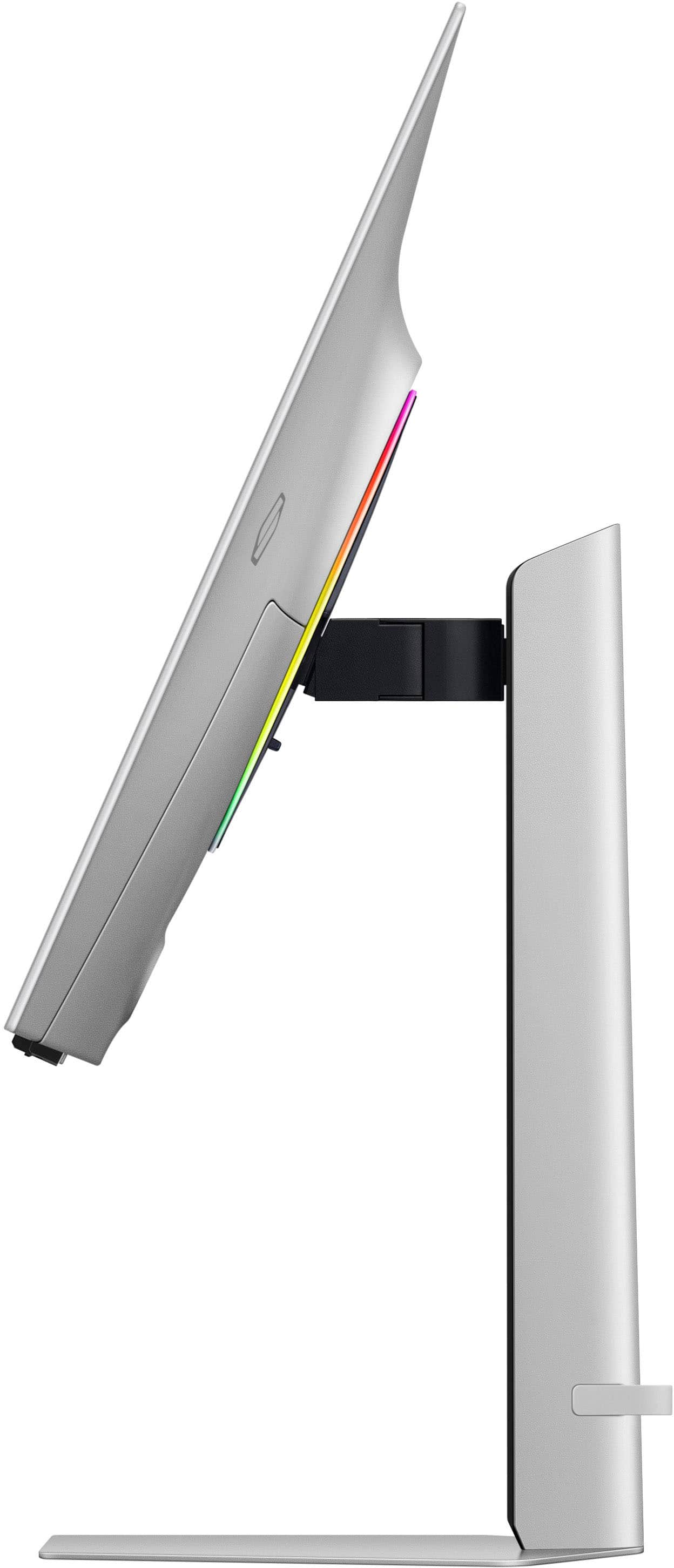
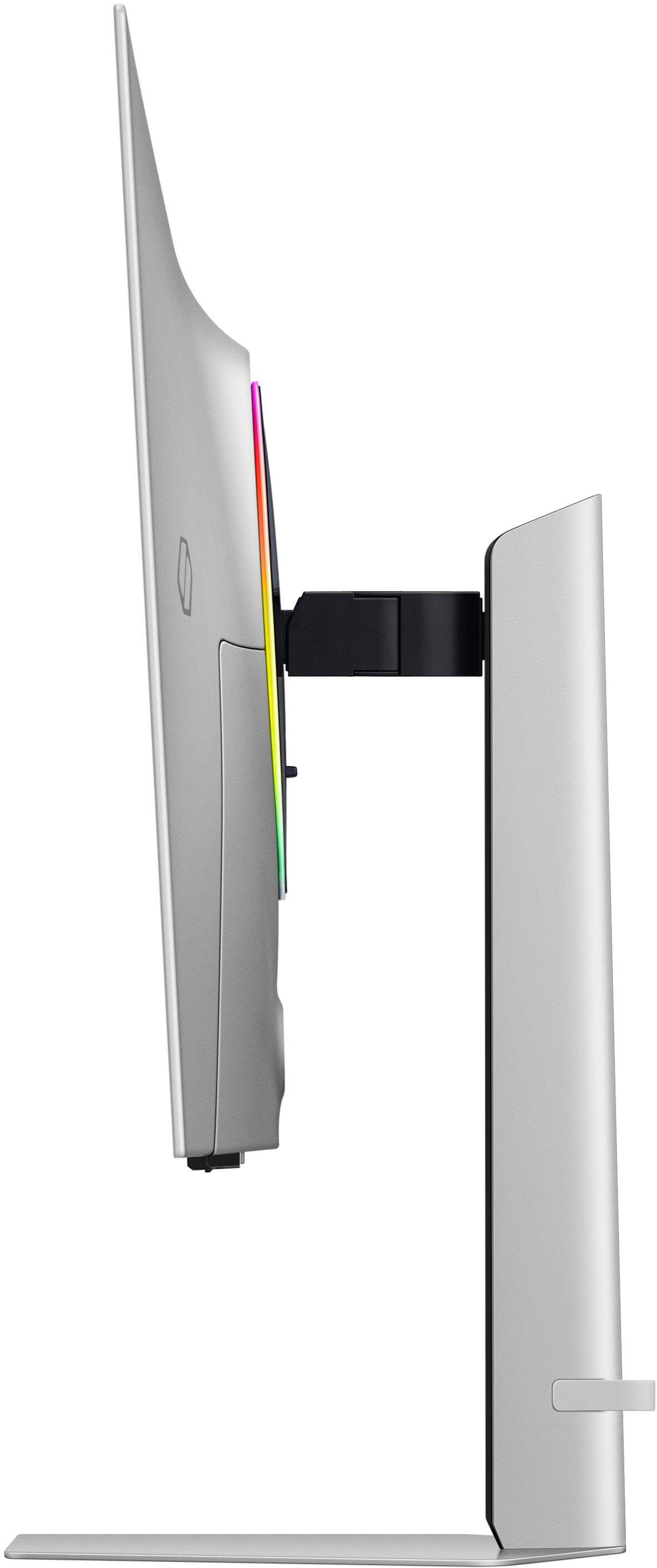
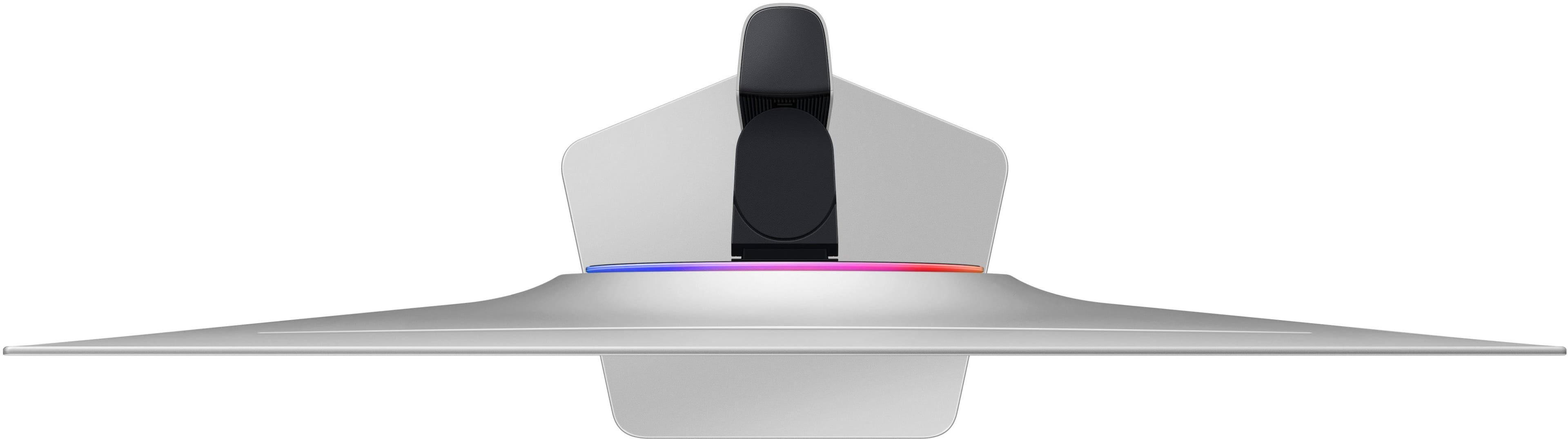
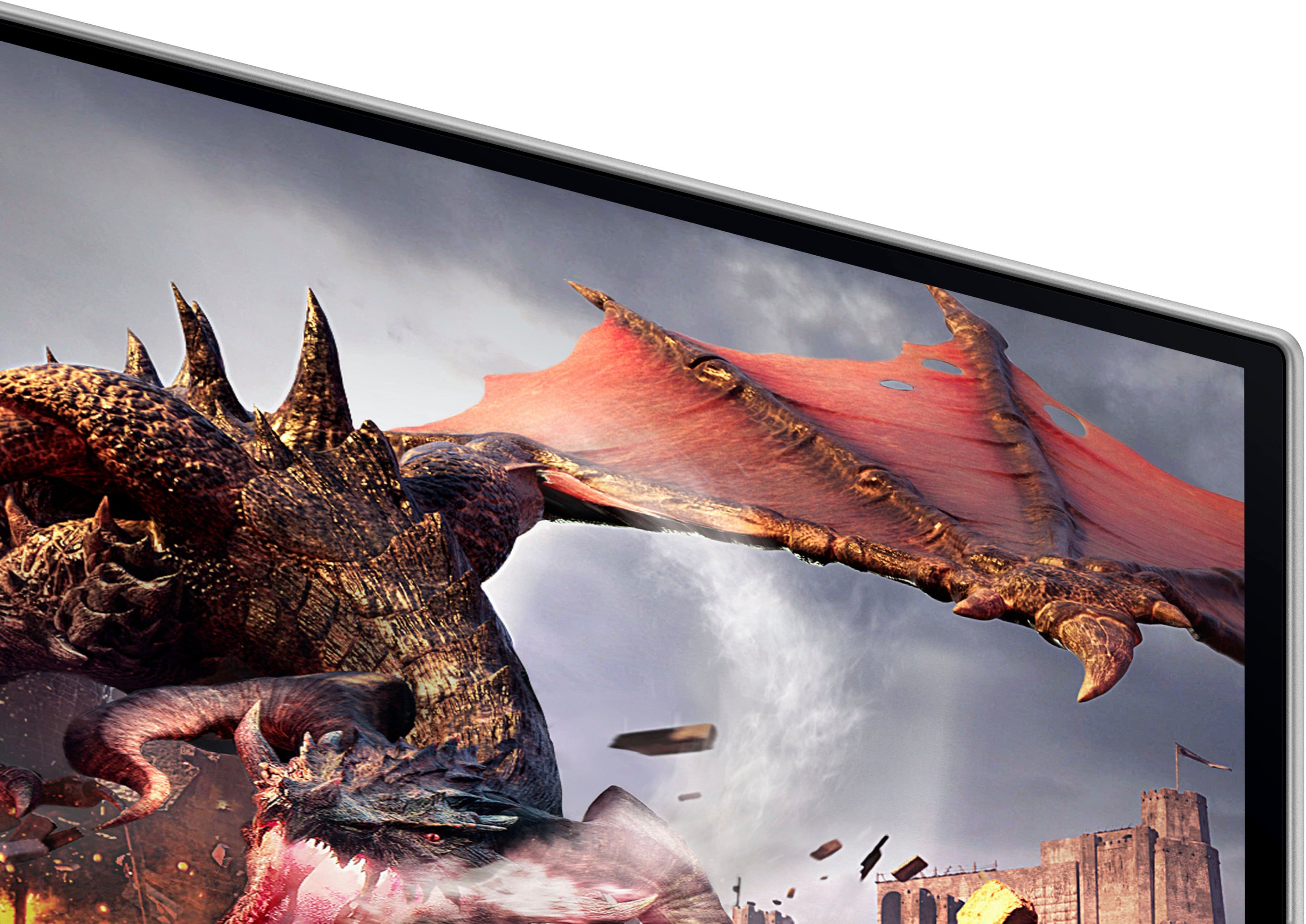
- Model:
- LS32DG802SNXZA
- SKU:
- 6573686
Rating by feature
- Display Quality
Rating 4.7 out of 5 stars
- Ease of Use
Rating 4.5 out of 5 stars
- Features
Rating 4.6 out of 5 stars
Customers are saying
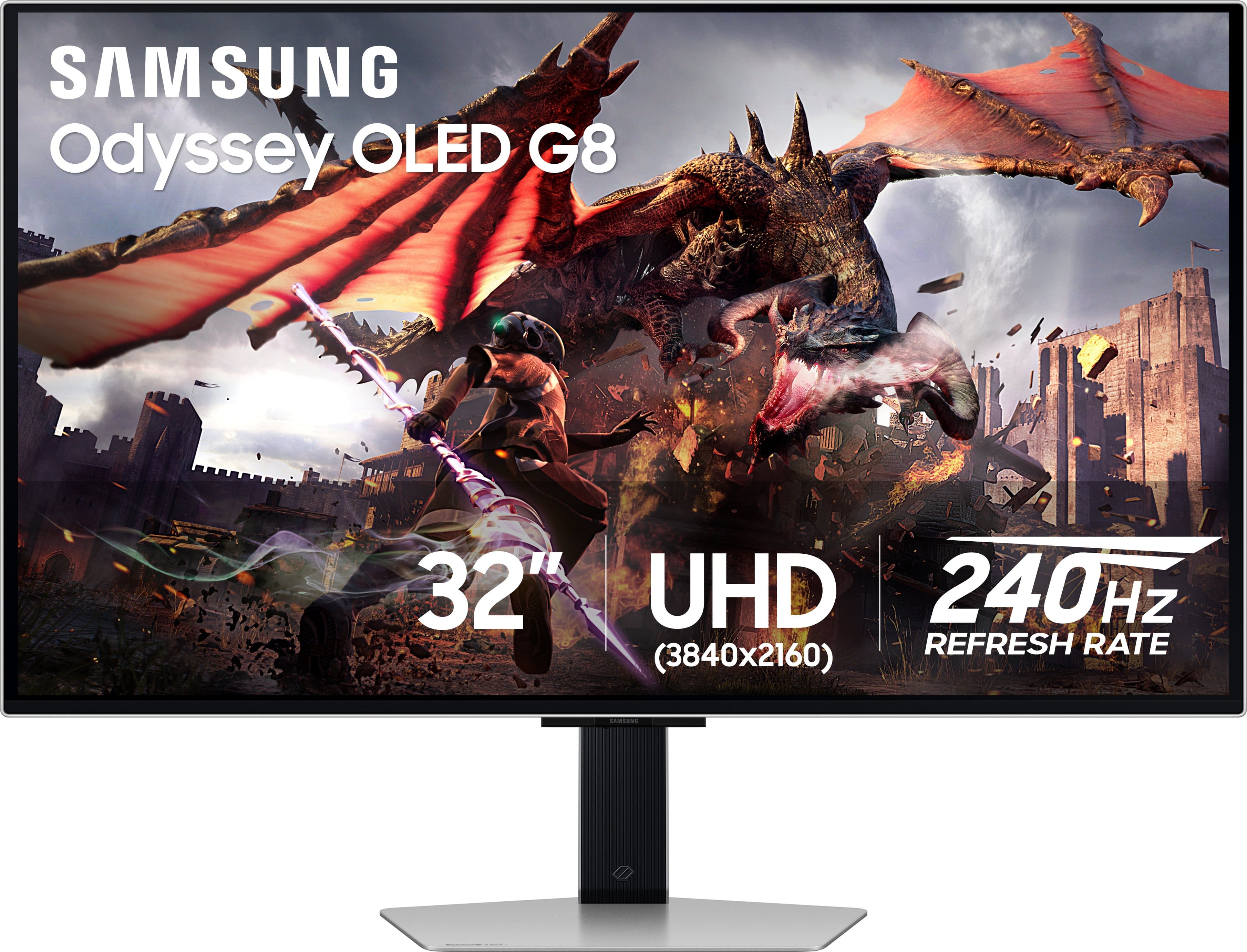
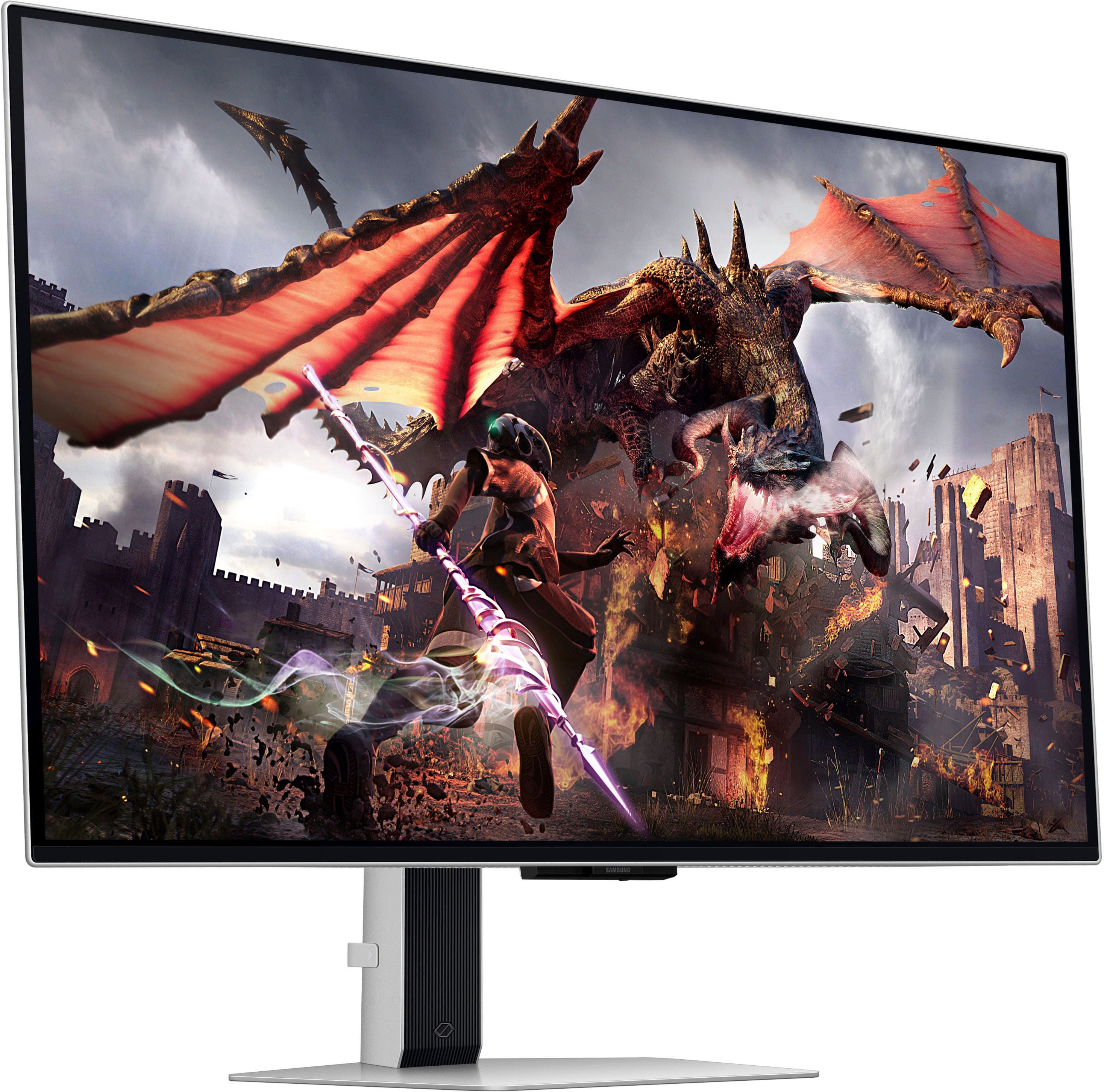
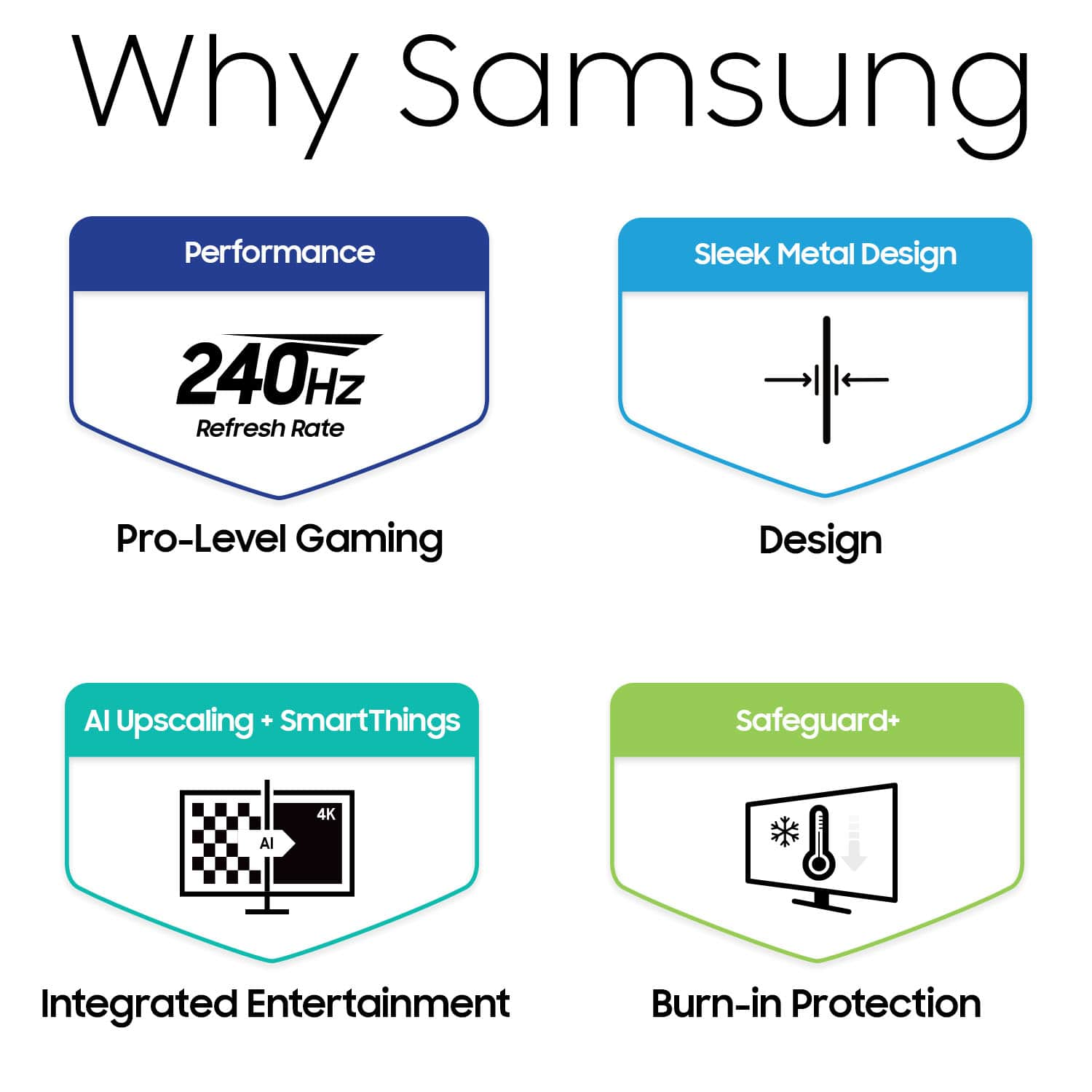
Customers have good things to say about the 32" Odyssey OLED G8 monitor's picture quality, OLED quality, refresh rate, and color. The monitor's HDR and design are also well-received. Some customers find the built-in speakers to be lacking, and others have concerns about the smart features, software, price, and the potential for burn-in.
This summary was generated by AI based on customer reviews.
- Cons mentioned:Burn-in
true warranty
Posted .This reviewer received promo considerations or sweepstakes entry for writing a review.The three-year warranty for Samsung's 32-inch OLED monitor does not explicitly cover burn-in, but it does include coverage for pixel defects, which may include burn-in. To be eligible for the warranty, burn-in must be determined to be a manufacturing defect rather than a result of user behavior.
No, I would not recommend this to a friendBrand response from Samsung
Posted .Thank you for your review. Please contact Samsung Customer Support so that we can better understand your issue and assist with a solution.
You can reach us via any of the below options:
If you need further assistance, we are here to help. You can reach Samsung Support at 1-800-SAMSUNG, available 8AM - 12AM EST (Mon-Fri) / 9AM - 11PM EST (Sat-Sun).
Or visit our Samsung website and click on the SUPPORT link in the upper right corner for:
• Contact Us Options (LiveChat, Remote Support, Facebook, Twitter)
• Product Support
• Manuals and Downloads
• Warranty Info
• Product Registration: Registering your product gives you access to easy warranty support, convenient opt-in to special promos and offers, faster troubleshooting and service, and quick notification of system updates
• Samsung Community: A great resource for getting help from Samsung moderators and customers
Registering your product gives you access to easy warranty support, convenient opt-in to special promos and offers, faster troubleshooting and service, and quick notification of system updates.
Again, we are sorry for any confusion you have had and hope that we will hear from you soon.
Great monitor!
Posted .This reviewer received promo considerations or sweepstakes entry for writing a review.The product is top notch but i could do without all the TV functionality. To me, it takes away from what i think most people are buying this monitor. The next refresh should drop the TV functionality and focus on a pure monitor.
I would recommend this to a friend- Pros mentioned:Refresh rate
Great monitor
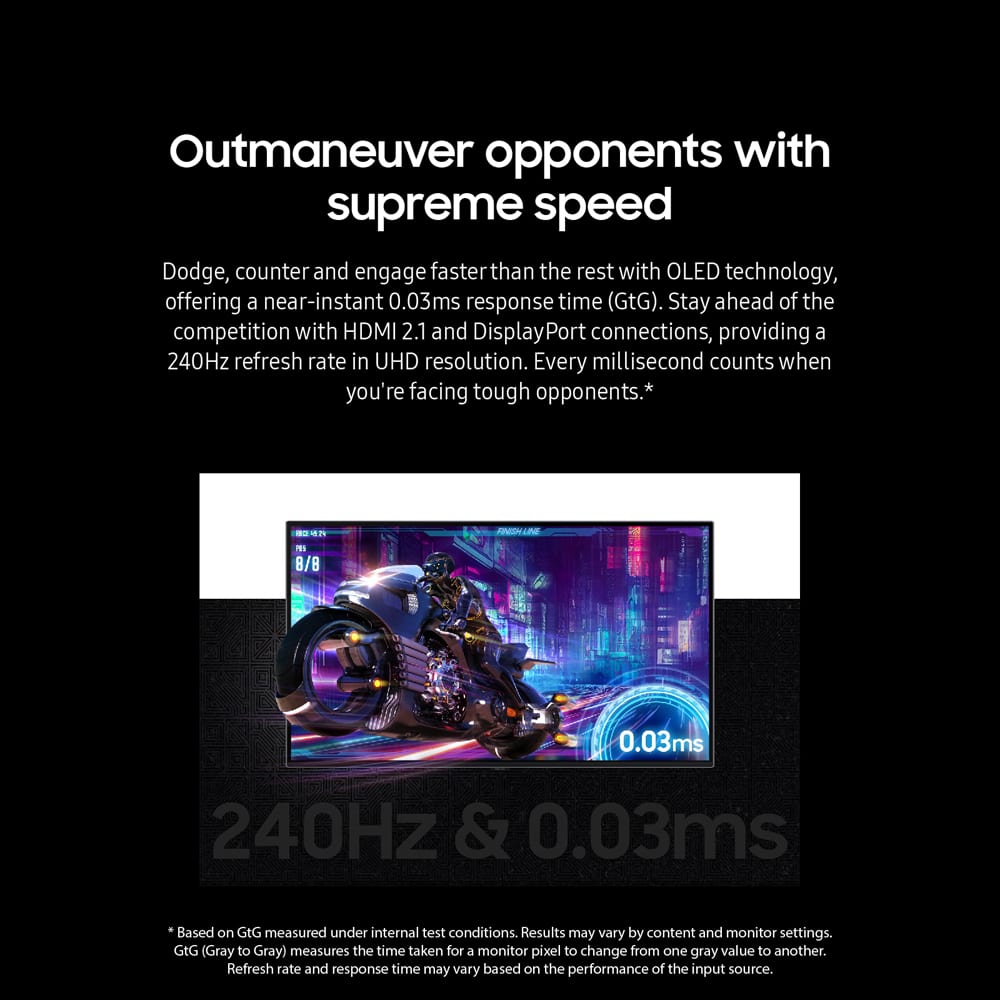
Posted .This reviewer received promo considerations or sweepstakes entry for writing a review.Amazing monitor. 4k 240hz give you greater experience on everything. But that also needs hardware support.
I would recommend this to a friend too big for a petite angel like me
Posted .This reviewer received promo considerations or sweepstakes entry for writing a review.Not as tuff as the 360hz version screen too big me no likey
No, I would not recommend this to a friendGreat panel, Horrible Company
Posted .This reviewer received promo considerations or sweepstakes entry for writing a review.The panel on this monitor is one of the best and will be for a while. Unfortunately, it's completely hamstrung by Samsung's horrible OS (Android) and its firmware. The monitor signal drops out randomly for at least a half second of blackness several times a day. This isn't due to the massive throughput of 4K gaming - it even happens while just reading a news story in your web browser! This monitor also causes Windows to reboot when bringing the system out of sleep (about every third time I wake my machine it's a hard reboot). Ensuring you have a quality HDMI cable with the latest spec (2.1) makes no difference. Latest GPU drivers make no difference either. Samsung sucks and Samsung doesn't care. They've always been slow to correct their firmware foibles (monitor is currently on version 1301.5). Maybe 18 months from now they'll get around to fixing things but they're in no hurry. I'll also note the OSD built into this thing is disrupting to the point of obnoxiousness. Not sure why they think we need an OS to run a monitor instead of a basic BIOS, but you'll get the OSD popping up whenever there are any changes to the signal being sent from the GPU to this monitor. No way to turn off the overbearing OSD.
No, I would not recommend this to a friendBrand response from Samsung
Posted .Thank you for bringing these issues to our attention as Samsung is committed to providing the best possible product experience, quality, and value. Samsung greatly values our customers’ feedback and we utilize your concerns and opinions in our relentless efforts towards delivering world-class products. If you ever need assistance in the future, please contact Samsung Customer Support and a rep will be happy to assist you: 1-800-SAMSUNG, available 8AM - 12AM EST (Mon-Fri) / 9AM - 11PM EST (Sat-Sun)