Customer Ratings & Reviews
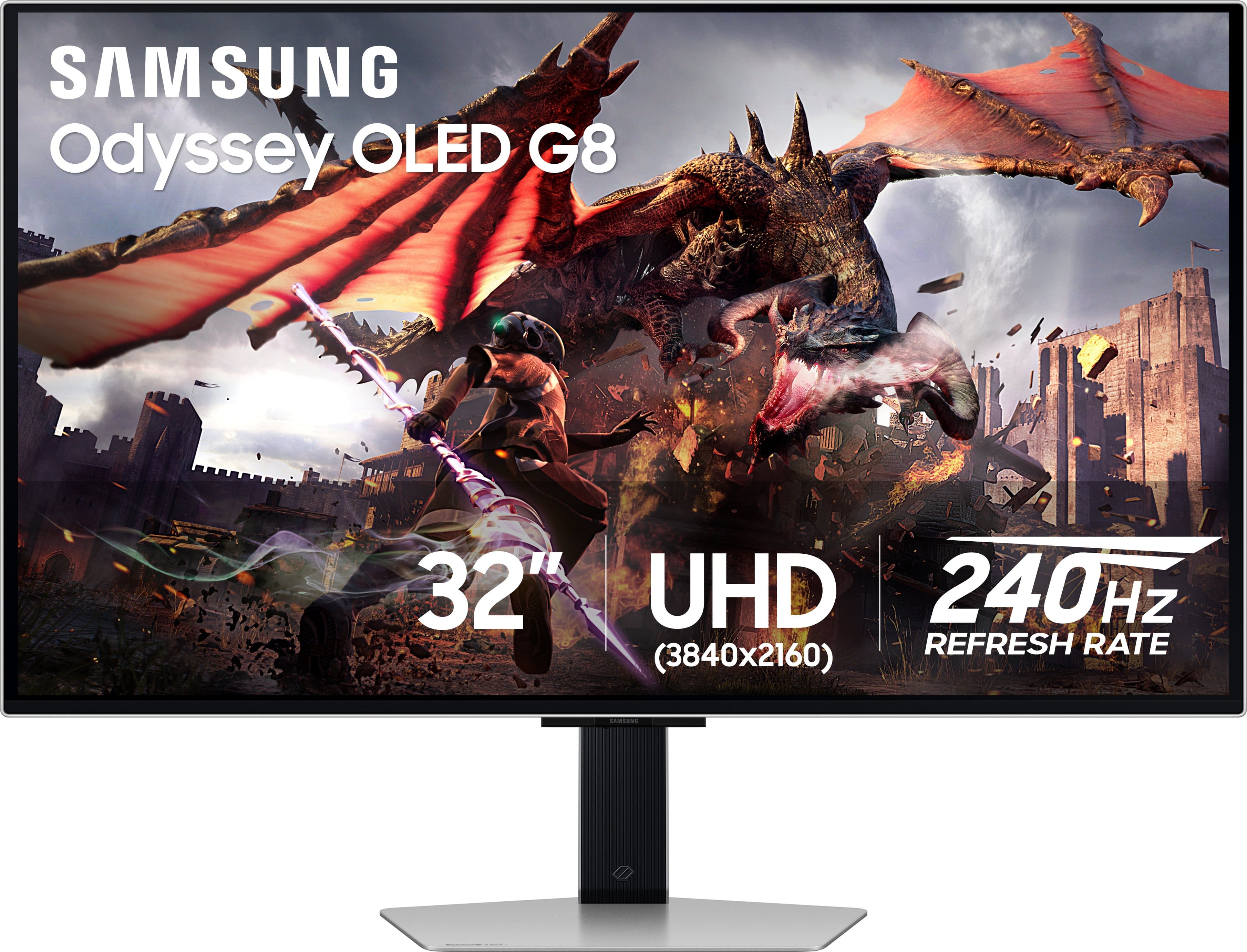
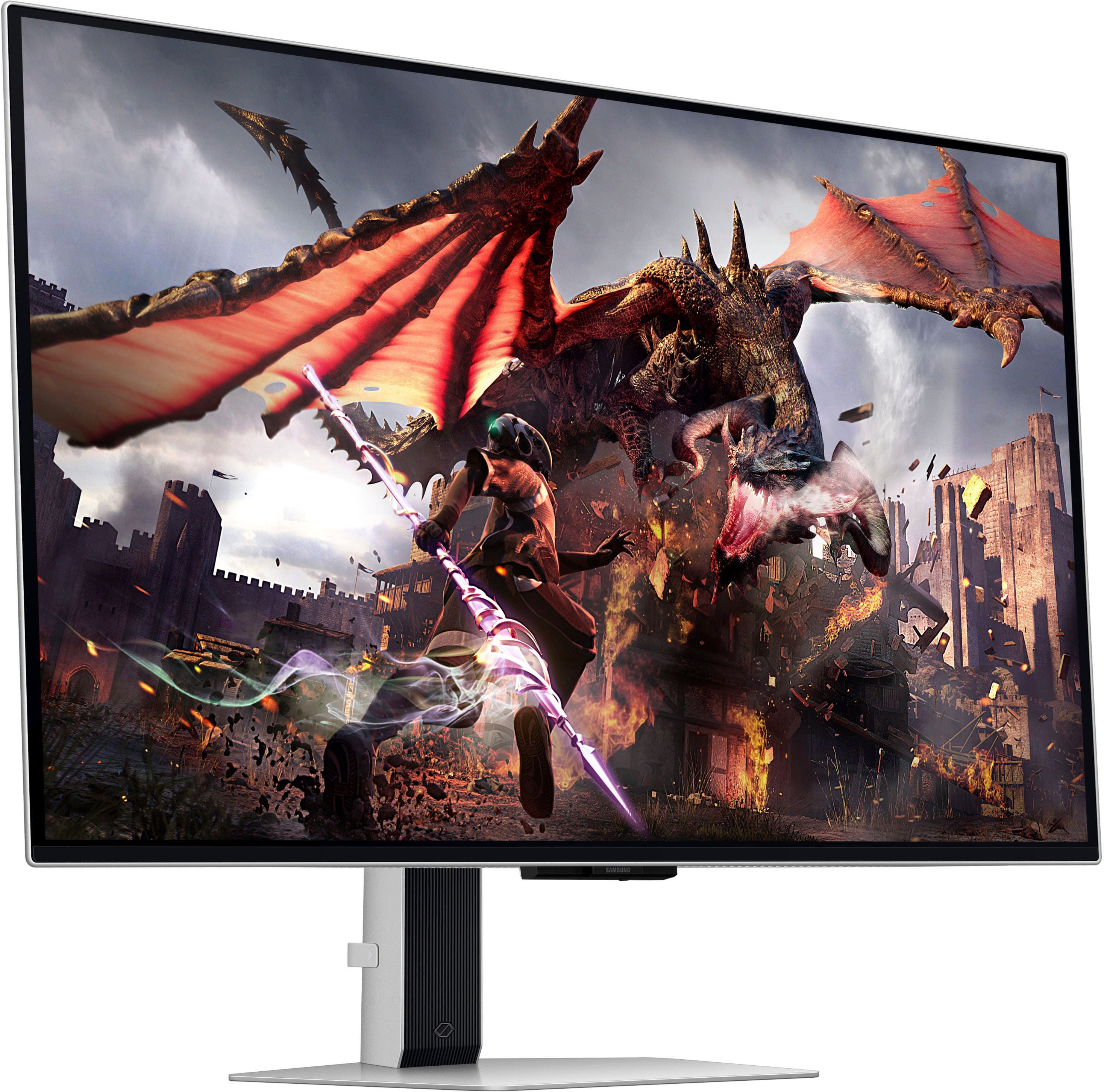
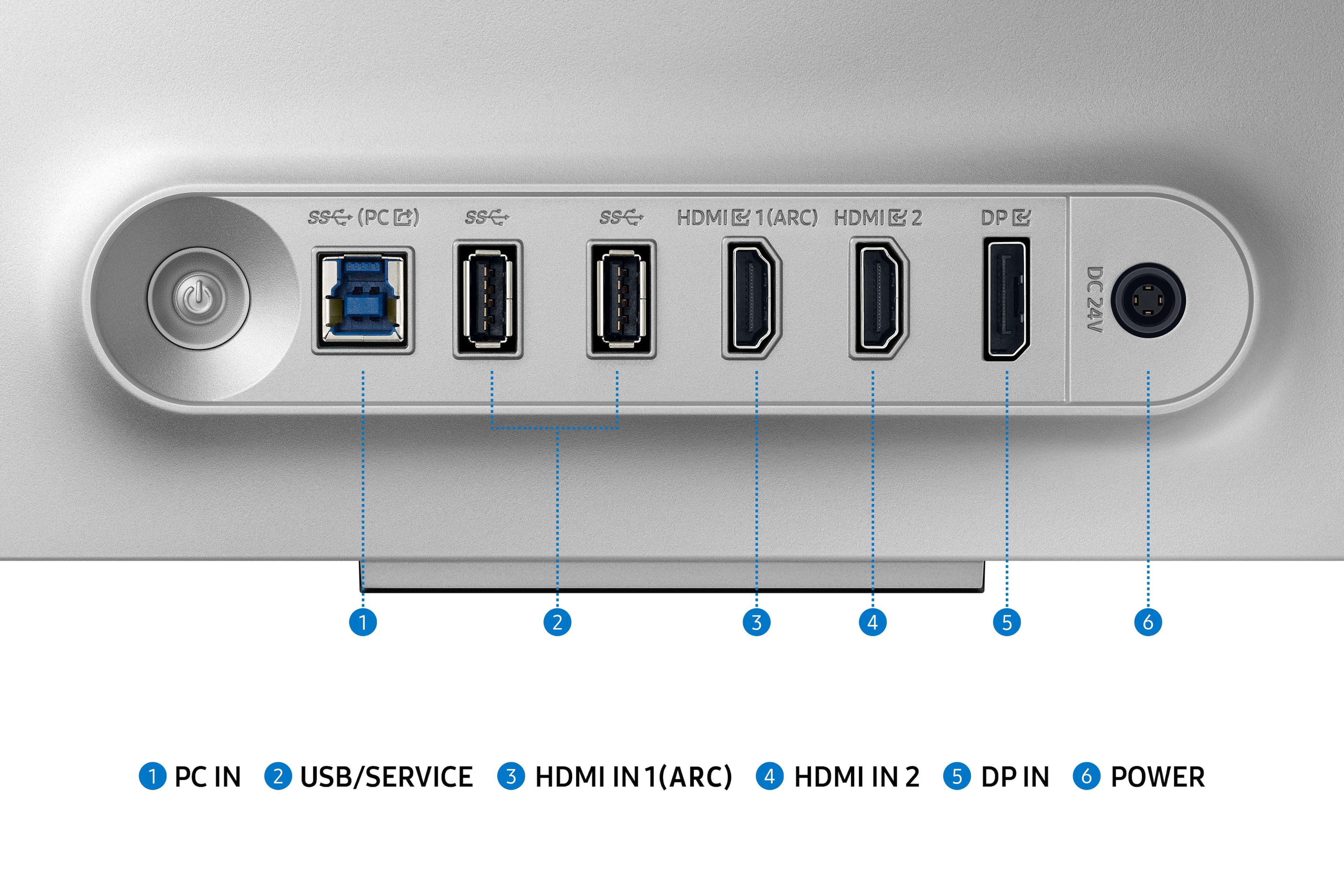

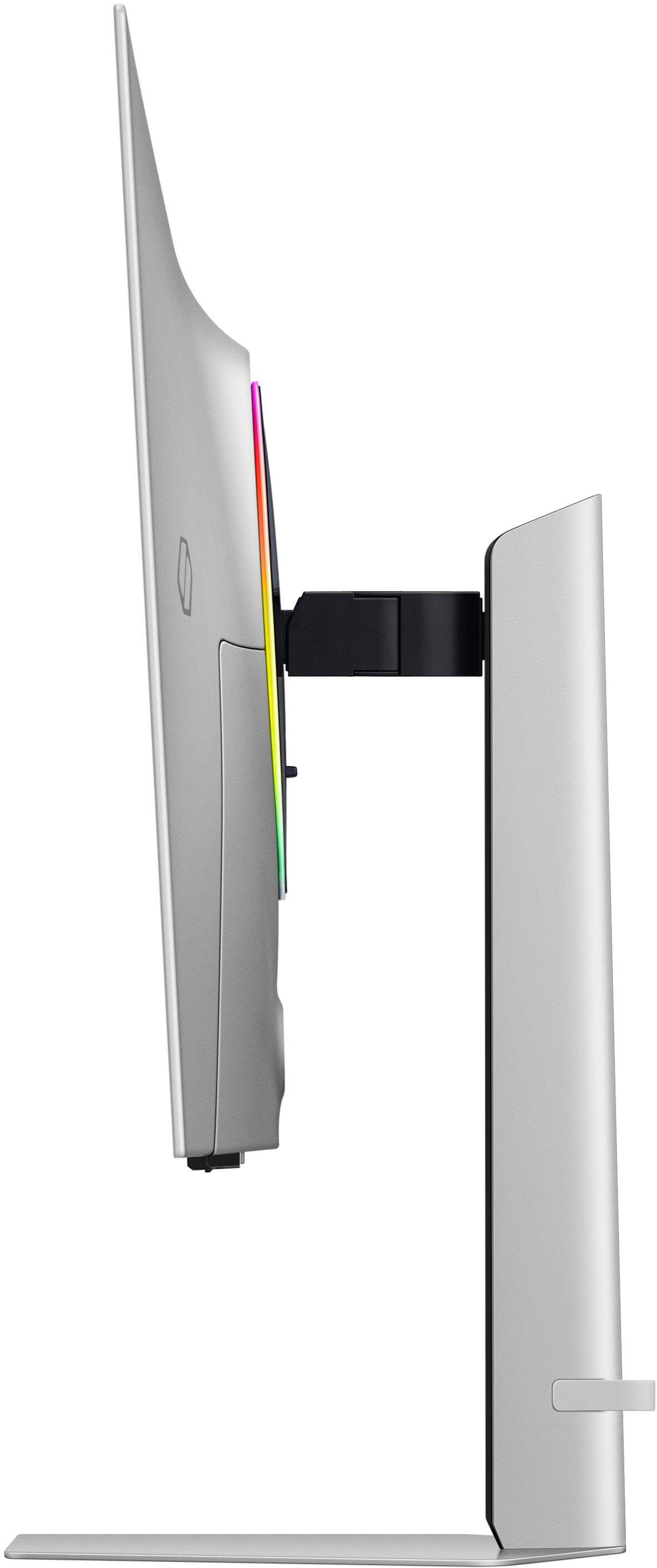
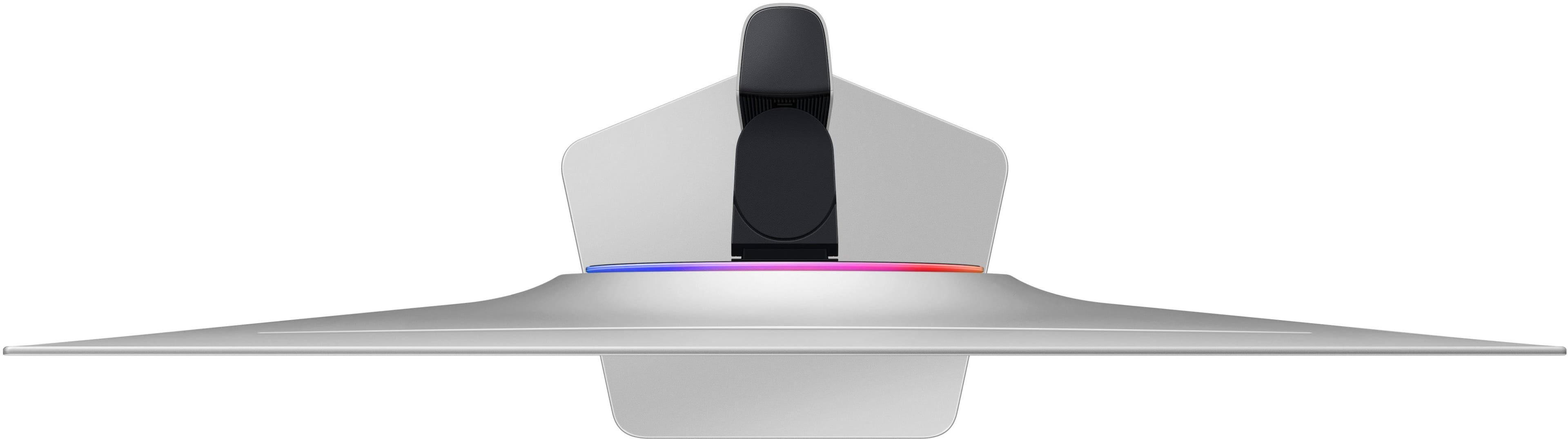
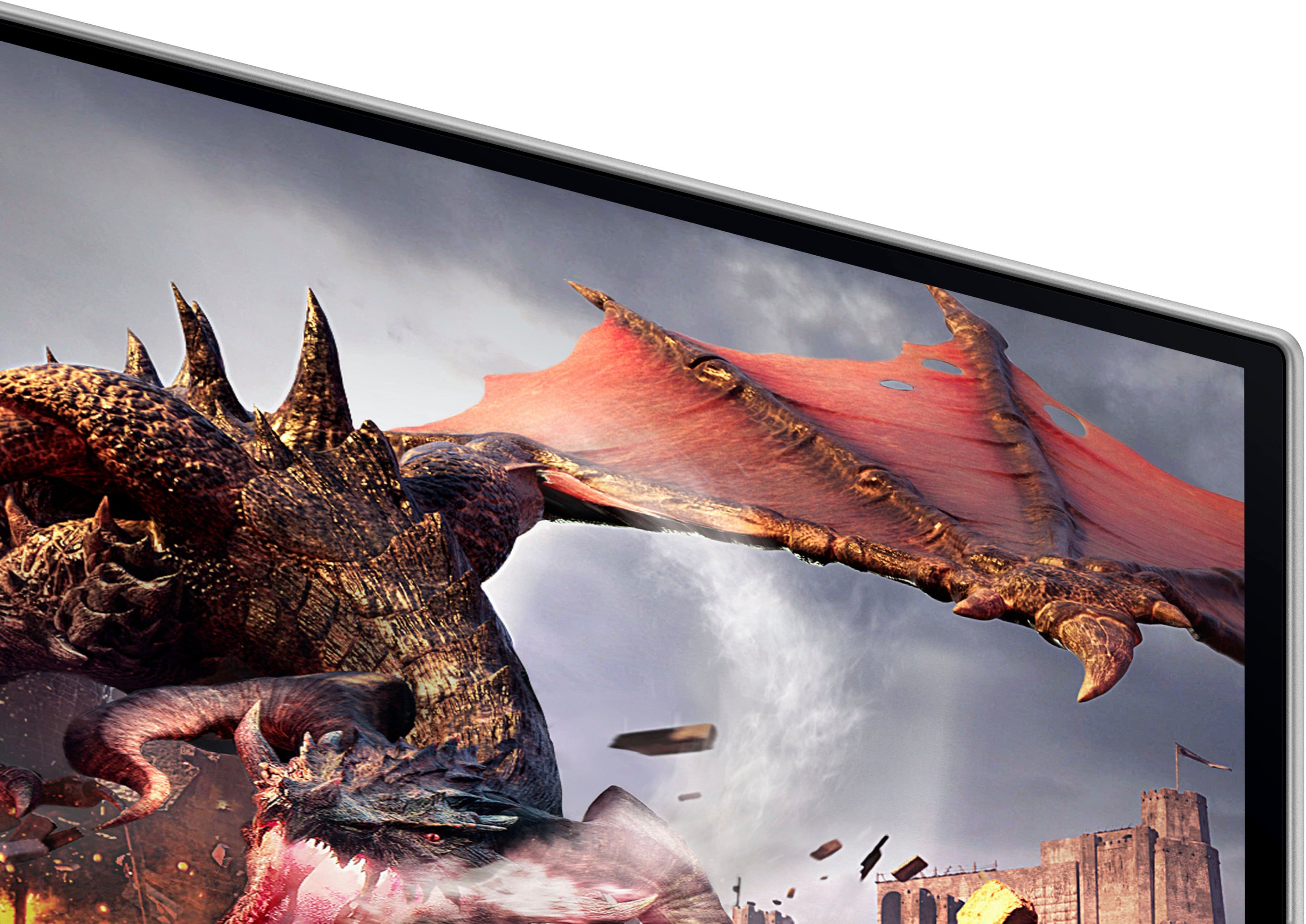
- Model:
- LS32DG802SNXZA
- SKU:
- 6573686
Rating by feature
- Display Quality
Rating 4.7 out of 5 stars
- Ease of Use
Rating 4.5 out of 5 stars
- Features
Rating 4.5 out of 5 stars
Customers are saying
Customers have good things to say about the 32" Odyssey OLED G8 monitor's picture quality, OLED quality, refresh rate, and color. The monitor's HDR and design are also well-received. Some customers find the built-in speakers to be lacking, and others have concerns about the smart features, software, price, and the potential for burn-in.
This summary was generated by AI based on customer reviews.
Left side line on first turn on
||Posted . Owned for less than 1 week when reviewed.This reviewer received promo considerations or sweepstakes entry for writing a review.2 star because after waiting receive faulty monitor I return to replace same day near best buy they don't have everytime new item very sad Would you recommend this item?* i just say no right now bcz they not let me go to submit
No, I would not recommend this to a friendBrand response from Samsung
Posted .Thank you for your review on the OLED G80SD monitor.
We are sorry enocountered an issue with your new montior. Your feedback is important to us and we will document your concerns.
To proper address your concern, you can also contact Samsung Customer Support via:
1-800-SAMSUNG, available 8AM - 12AM EST (Mon-Fri) / 9AM - 11PM EST (Sat-Sun).
We also recommend you contact Best Buy directly for assistance in correcting the exchange situation.
Samsung is committed to providing the best possible product experience, quality, and value, and we are always here to help with any of your questions or concerns.
- Pros mentioned:Refresh rateCons mentioned:Brightness
Serious tradeoffs with text quality
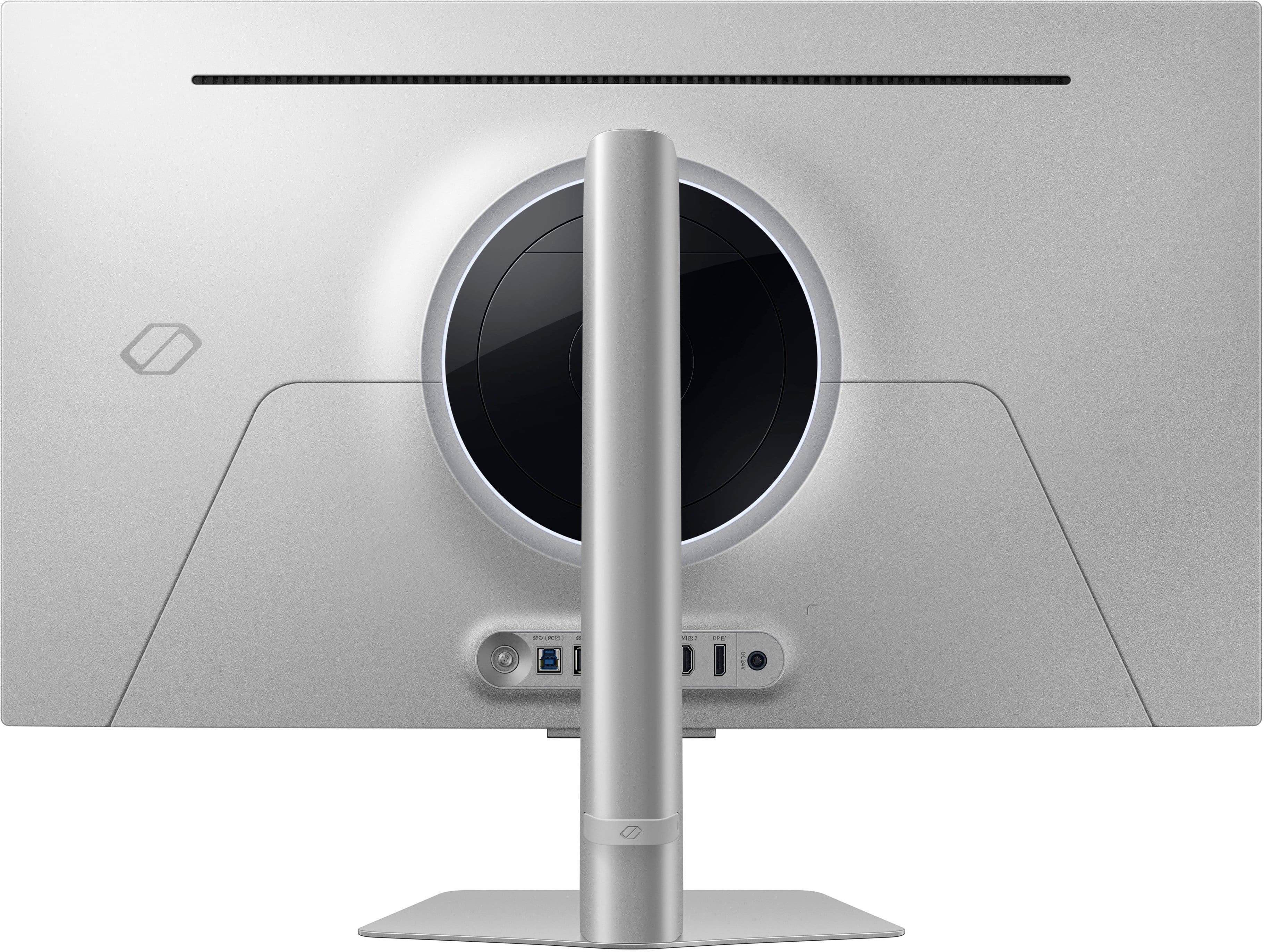
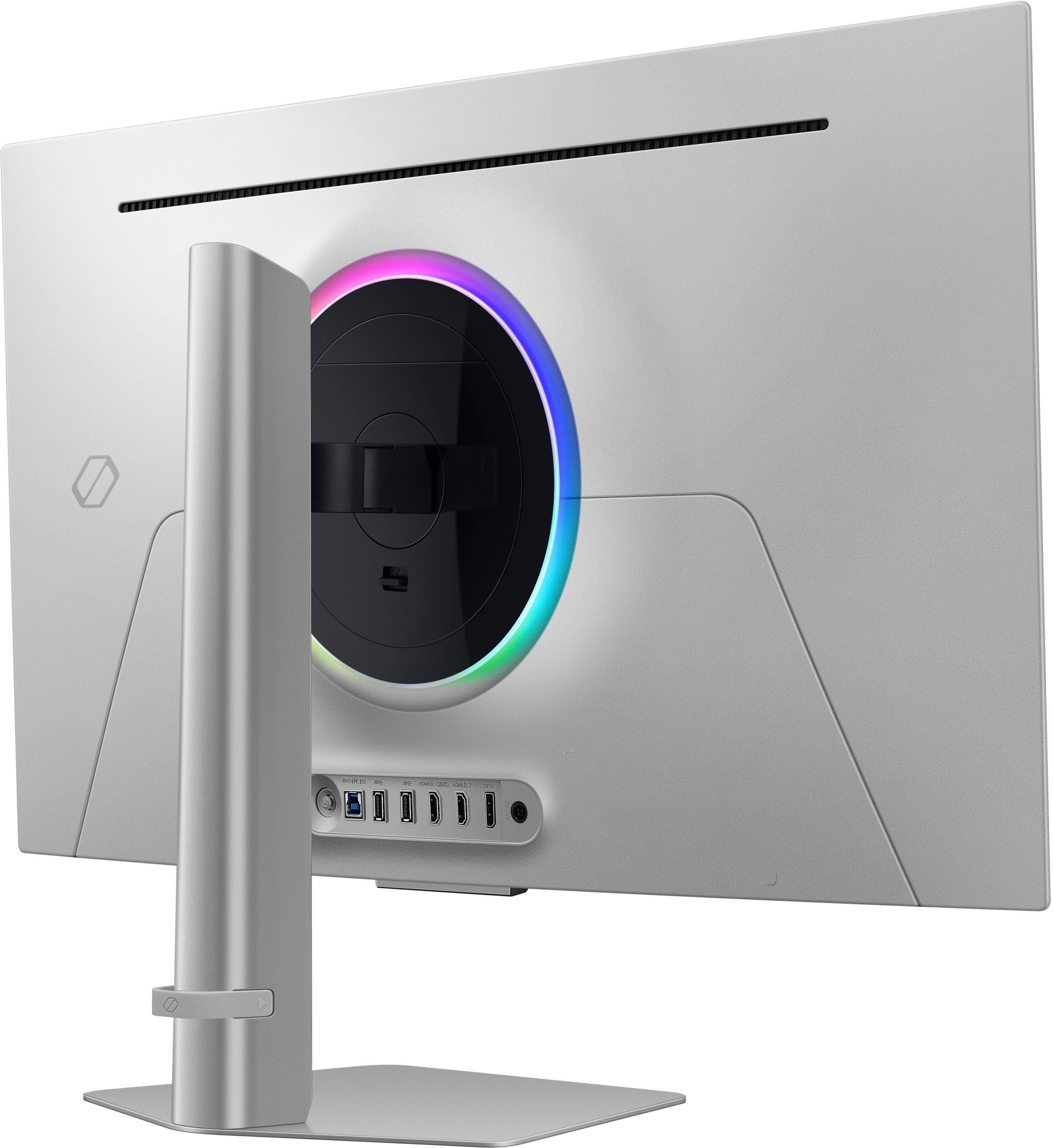
||Posted . Owned for less than 1 week when reviewed.This reviewer received promo considerations or sweepstakes entry for writing a review.I cannot express just how disappointed I was to return this monitor. I came from an Asus Predator IPS panel, 27" and 4k120. Unfortunately, a few things work against this G8 as being a viable monitor for me. But, let's start with the pros: - It is nice and thin. It weighs less than my 27" monitor did. - The 240Hz refresh rate is butter smooth - Contrast is excellent - Gaming looks beautiful The cons far outweigh the pros if your use case is anything like mine – 40 hours a week WFH plus a couple hours a night of casual or competitive gaming: - The text clarity is the FOREMOST reason I returned this monitor. The subpixel arrangement for these OLEDs is conducive to color and contrast, but not text. On two platforms - Mac and PC - and every combination of settings under the sun, there was absolutely no way I could make the text acceptably sharp enough to look at. The purple/green fringing was definitely part of that, but the text just isn't sharp to begin with. Placing the monitor further away and increasing the text size doesn't help much, and frankly defeats the purpose of having a 32" monitor. I suspect some of this has to do with the pixel density being noticeably worse (138 PPI for this versus 163 on my 4k/27") due to the larger panel. - The interface/software is horrible and basically requires using the included remote to navigate well. Lots of features are locked out if you don't connect it to WiFi or sign in to SmartThings. Boo. - The brightness in SDR mode is lackluster. It's just not pleasant to look at for anything except gaming. - No easy way to switch between game mode and graphic mode. Several menu layers/button clicks to do it. - HDR mode looks horrible no matter the combination of settings I used. Completely washed out. - Weird power on/off behavior, coupled with poor software, makes this display act unpredictably. - No matter what I did to turn off power saving, automatic contrast/brightness, etc., I always got the impression the monitor was modulating brightness in different areas of the screen, making certain white-dominant screens/windows look brighter than others. - Only a single DP connection. There should really be two. - No USB-C This monitor should really be $600-800 at the most, and not $1,300+ after tax. I thought I had held out long enough for tech to catch up to my desires, but I was unfortunately mistaken. In anything 32" or up, I'm going to hold out for a 6K/8K monitor that is capable of 120Hz+, knowing that I won't be able to game above 4K but that my text will at least be sharp enough not to give me a headache.
No, I would not recommend this to a friendBrand response from Samsung
Posted .Thank you for your review of the Odyssey G80SD monitor. Samsung is committed to providing the best possible product experience, quality, and value. Samsung greatly values our customers’ feedback and we utilize your concerns and opinions in our relentless efforts towards delivering world-class products. We are very sorry to hear this product didn't meet your expectations and hope to have you back as a customer again. If there is anything we can do to assist you and improve your product experience, please don't hesitate to contact Samsung Customer Support via: 1-800-SAMSUNG, available 8AM - 12AM EST (Mon-Fri) / 9AM - 11PM EST (Sat-Sun)
- Pros mentioned:Picture quality
Fantastic Display, abysmal monitor.
||Posted .This reviewer received promo considerations or sweepstakes entry for writing a review.I have never been more disappointed with a purchase than this monitor. The picture is fantastic, the ports are on par with the other top brands. But the interface is utter trash. It forgets devices all the time, constantly popups up with samsungs garbage overlays on boot, defaults to the smart tv home screen and has a default timeout of 60 seconds when switching inputs before powering off. All of these issues have led to me owning a thousand dollar monitor that I don't want to use. Every time I go to power it on I have a sense of dread over what fresh hell I'm going to experience just trying to get an image displayed on the screen. Will it place the display port 2 device on the input quick menu? Will it remember my work device was plugged in to hdmi 1? Will it decide I'd rather see advertisements for appletv shows? Who knows!?! More often than not, I fall back on the secondary Dell that is on the dual arm mount next to this one. This monitor is nothing but an anxiety attack wrapped in 240hz. Again, this is a great display panel but you can find identical panels on the Alienware and ASUS OLED's, unless you really want a barely functioning monitor full of bloated, useless garbage and an interface that is pure trash, go with one of those. Samsung has dropped the ball so hard here I don't know that I'll ever even consider another monitor from them.
No, I would not recommend this to a friendBrand response from Samsung
Posted ."Thank you for your review.
We are sorry you were not satisfied with your experience. Your overall feedback is important to us and we will document your concerns.
We also recommend you contact Best Buy directly for assistance in correcting the situation.
If you ever need assistance with the monitor itself, please contact Samsung Customer Support and a rep will be happy to assist you:
1-800-SAMSUNG, available 8AM - 12AM EST (Mon-Fri) / 9AM - 11PM EST (Sat-Sun)
Samsung is committed to providing the best possible product experience, quality, and value, and we are always here to help with any of your questions or concerns.
"
- Cons mentioned:Speakers
Not a TV, not a gaming monitor, do not reccomend.
||Posted .This reviewer received promo considerations or sweepstakes entry for writing a review.I am a huge Samsung fan, but this monitor missed its mark. there are a lot of issues with this and things I did not like which led me to return and go with an LG ultra gear. biggest issue - random flickering, black, during gameplay. I'm running a 5090 NVidia founders edition. 4k at 240hz. no hdr. when calling Samsung tech support they recommended lowering refresh rate... what?? the screen also has features that you really wouldn't care about if you're using it as just a gaming monitor. I don't need smart tv features, I don't need speakers. I also don't want to manually power on and off my screen every time I turn my pc off or on. also, I don't want to see a gaming / settings hub every time I turn the monitor on, or it powers on from standby. the picture quality was ok. It was a little dark for my liking. I do own a Samsung 77" OLED which I absolutely love, but this monitor did not do it for me.
No, I would not recommend this to a friendBrand response from Samsung
Posted .Please know you are leaving a review for the SAMSUNG-32"Odyssey OLED G8 (G80SD) Smart Gaming Monitor, not the service provided by a third party seller. Please follow up directly with the seller for further assistance. We hope your issue is resolved in a timely manner. Should you have questions regarding Samsung TVs, please contact Samsung Support at 1-800-SAMSUNG, 8AM - 12AM EST, 7 days a week. Our LiveChat agents are also available by clicking on the ‘Support’ link on our website.
Would not purchase again
||Posted . Owned for 1 month when reviewed.This reviewer received promo considerations or sweepstakes entry for writing a review.I purchased two of these monitors a little over a month ago and have not been thrilled with the product. For a gaming monitor, they're great. Resolution, refresh rate, quality is all there. What I severely dislike about the monitor is the TV function. It feels useless for a monitor of this quality and only causes issues. For example, I have a tv in the same room and cannot use my Apple TV remote or my normal TV remote without it also changing the monitors. It's very annoying to have to keep changing the volume back on the monitor. I've searched all over the internet for a fix but have not found a solution. Speaking of volume, the speakers in the monitor are awful. Not only is the quality bad but I am constantly having issues where they bug out and the sound does not work at all so I have to turn the monitor off and then back on to fix it. I've also had an issue of the monitors blinking black. I searched for fixes to that as well which has cut down the frequency but it still happens. Overall, it's not worth the cost of the monitors. I have always bought Samsung for monitors and TVs but this has left a bad taste in my mouth. I would absolutely return them if I could because I fear these initial problems are going to lead to a short lifespan and I will be out over $2k. Very disappointed.
No, I would not recommend this to a friend- Pros mentioned:Design, Picture quality
Flickering issues and bloatware
||Posted . Owned for 2 months when reviewed.This reviewer received promo considerations or sweepstakes entry for writing a review.Screen would flicker off for a second or two every few minutes even when using smart features with nothing plugged in. Found to be a common issue online. This is a flawless oled panel that can be found from several other manufacturers that are cheaper with less common issues and useful features like a KVM instead of samsung tv. Purchased MSI 321URX same picture quality better experience also power supply is built in no big fat power brick to hide. Menu is absolutely horrible, making it act as a monitor and not a smart TV is actually tedious. Samsungs design is absolutely beautiful so they can get another star for that.
No, I would not recommend this to a friendBrand response from Samsung
Posted .Thank you for bringing this issue to our attention as Samsung is committed to providing the best possible product experience, quality, and value. Samsung greatly values our customers’ feedback and we utilize your concerns and opinions in our relentless efforts towards delivering world-class products. We are very sorry to hear that you returned this product and hope to have you back as a customer again.
If you ever need assistance in the future, please contact Samsung Customer Support and a rep will be happy to assist you:
1-800-SAMSUNG, available 8AM - 12AM EST (Mon-Fri) / 9AM - 11PM EST (Sat-Sun)
Disappointed
||Posted . Owned for 1 month when reviewed.This reviewer received promo considerations or sweepstakes entry for writing a review.Disappointed for a $1000 monitor. I returned and got MSI 321URX, cheaper and no issues. Have been much happier. Pro: - Has a speaker if you care. - Beautiful QD-OLED Con: - Most important defect: occasional black screen. It turns to black randomly for 2~3 seconds before coming back, every 2~3 hours. Couldn't fix it. Some say use HDMI only and never displayport. Then it's not a good product if half of its ports just don't work. - VRR flickering is real and annoying. Screen flickers badly during relatively static scenes. It flickers even in The Room, the 3D escape room game, in addition to all loading screens and in-game menus. - The proposed solution for VRR flickering is either turn off VRR or drop refresh rate to 120Hz, then why am I buying a 240Hz monitor? The monitor somehow has the worst VRR flickering among all QD-OLEDs, per rtings testing. MSI 321URX is considerably better. - The smart TV features is a waste money for me. It is too small for a TV, so I'll never use the smart TV features. - Setting up requires internet. They ask you to create a samsung account and ask for your Netflix, Hulu, Amazon account information so that you can use Samsung as a master log-in. I hate this kind of unashamed data-grab. Besides, wait until they suffer a data breach, all your accounts are compromised.
No, I would not recommend this to a friendBrand response from Samsung
Posted .Thank you for your review of the 32" Odyssey OLED G8 gaming monitor. We are sorry to hear about the issues you have been experiencing. Samsung is committed to providing the best possible product experience, quality, and value. We greatly value our customers’ feedback and we utilize your concerns and opinions in our relentless efforts towards delivering world-class products. If there is anything we can do to assist you and improve your product experience, please don't hesitate to contact Samsung Customer Support via: 1-800-SAMSUNG, available 8AM - 12AM EST (Mon-Fri) / 9AM - 11PM EST (Sat-Sun).
- Pros mentioned:Oled quality

Amazing looking monitor, but poor engineering
|Posted . Owned for 1 month when reviewed.This reviewer received promo considerations or sweepstakes entry for writing a review.I purchased this monitor after seeing plenty of reviews calling this monitor the best 4k OLED monitor for gaming. After having it for three weeks, I had to return it due to having a defective motherboard (I am a Plus member). While this monitor looked absolutely beautiful, the screen constantly blacked out and would not come back on without unplugging the source and plugging it back in. Furthermore, after only about two weeks of daily use, the black outs started having a flashing green line on the display. After researching online, this turned out to be a known issue with Samsung monitors due to their poor engineering with their motherboards. When Geek Squad inspected the monitor during my return, they confirmed the montior wasn’t truly defective but the issue was due to Samsung’s engineering and placement of the motherboard and getting a new one would likely not resolve the issue. So while you get a beautiful display with accurate colors and perfect blacks in 4k @ 240Hz, the engineering makes this monitor almost impossible to enjoy.
No, I would not recommend this to a friendBrand response from Samsung
Posted .Thank you for bringing this issue to our attention as Samsung is committed to providing the best possible product experience, quality, and value. Samsung greatly values our customers’ feedback and we utilize your concerns and opinions in our relentless efforts towards delivering world-class products. We are very sorry to hear that you returned this product and hope to have you back as a customer again.
If you ever need assistance in the future, please contact Samsung Customer Support and a rep will be happy to assist you:
1-800-SAMSUNG, available 8AM - 12AM EST (Mon-Fri) / 9AM - 11PM EST (Sat-Sun)
don't get a smart monitor
||Posted . Owned for 2 weeks when reviewed.This reviewer received promo considerations or sweepstakes entry for writing a review.picture is great, color is great. Monitor sucks. I had no idea how integrated this "smart" features were but its not even a monitor anymore. Its a smart TV sold as a monitor. Too much bloatware included, intrusive game menus and reminders you cannot remove on startup, and just overall slow to start due to its "smart" features. I'm extremely disappointed they decided to go this route with monitors. I wish I could return this but I'm outside my window here.
No, I would not recommend this to a friendToo smart for its own good.
||Posted . Owned for 2 months when reviewed.This reviewer received promo considerations or sweepstakes entry for writing a review.It is really a dumb idea for a monitor to be smart. It feels like you bought a very expensive 32 inch smart TV with all the features you never asked for, which you also truly don't want. Especially when the user interface and experience is absolutely abhorrent. Too bad because the screen quality is actually very cool. I had to return it because the "smart" firmware made the monitor hard to use for dumb professional work.
No, I would not recommend this to a friend- Pros mentioned:Picture quality
Nice screen but bad software
||Posted . Owned for 3 weeks when reviewed.This reviewer received promo considerations or sweepstakes entry for writing a review.Beautiful display but the software is buggy and eventually didn’t turn back on.
No, I would not recommend this to a friendBrand response from Samsung
Posted .We are very sorry to see that you have encountered issues with the Samsung Odyssey G80SD Monitor. We understand your disappointment and hope that you will give us a chance to assist with troubleshooting or warranty service.
Samsung products are engineered to the highest standards of performance and quality and we back this model with a limited time manufacturer's warranty, if purchased brand-new from an authorized dealer.
For further assistance or to begin warranty service, please contact Samsung Customer Support via:
1-800-SAMSUNG, available 8AM - 12AM EST (Mon-Fri) / 9AM - 11PM EST (Sat-Sun)
Samsung is committed to providing the best possible product experience, quality, and value, and we are always here to help with any of your questions or concerns.
Stuck pixel
||Posted . Owned for 3 months when reviewed.This reviewer received promo considerations or sweepstakes entry for writing a review.Monitor now has a dead pixel after literally 2 months, I would never leave the mintor on for long periods of times and somehow still got a stuck pixel. Its very frustrating because i wasted so much on this just to mess up within just 2 months and the return deadline was already passed. Do not buy samsung oled monitors.
No, I would not recommend this to a friendBrand response from Samsung
Posted .We are very sorry to see that you have encountered issues with the Samsung OLED G80SD Monitor. We understand your disappointment and hope that you will give us a chance to assist with troubleshooting or warranty service.
Samsung products are engineered to the highest standards of performance and quality and we back this model with a limited time manufacturer's warranty, if purchased brand-new from an authorized dealer.
For further assistance or to begin warranty service, please contact Samsung Customer Support via:
1-800-SAMSUNG, available 8AM - 12AM EST (Mon-Fri) / 9AM - 11PM EST (Sat-Sun)
Samsung is committed to providing the best possible product experience, quality, and value, and we are always here to help with any of your questions or concerns.
- Pros mentioned:Picture quality
An OLED monitor that thinks it's a Smart TV
Posted .This reviewer received promo considerations or sweepstakes entry for writing a review.Yikes, where do I begin… How does a monitor that has a great picture only get two out of five stars? Here’s how: This is more a TV without a built-in tuner than an actual monitor. I’ve heard that technically you can use the monitor without connecting it to your WiFi, but the entire start up process is filled with steps trying to get you to create a Samsung account, log in to your streaming service accounts, connect your monitor to your WiFi so it can be a “smart” device. The out of box experience is nothing like you’d expect for a gaming monitor, and I mean that in a bad way. Speaking of the monitor acting like a TV, it comes with a remote. That’s the only way to turn the monitor on. There are no buttons on the monitor. Even my OLED TV has buttons behind the screen if I need to turn it on without the remote. The remote is a small, thin, USB-C charged remote that you need to use every time you want to turn the monitor on or off, and it’s more annoying in practice than it sounds. The UI options are disturbingly bad. Want to lower the brightness to use the monitor in a dark room? Cool! Everything dims…except the UI. Every time you do something with the remote that pulls up the UI, expect blindingly white UI components despite having dialed in the brightness for a dim room. FPS display? Nope, my 8 year old Acer Predator can do this no problem, but there’s no meaningful options on this expensive monitor. Virtual aim point? Not something I typically use, but my Acer’s was useful, this is a few comically large green and red presets that obstruct the screen and are useless. And…that’s it. No, really, aside from a Virtual Aim Point, the only other options you get are Screen Ratio, Minimap Zoom, Sound Output and More Settings. But how does the monitor work? In the handful of days I’ve had it, I’ve gotten garbled static multiple times for a fraction of a second. It’s rare, but it happens. And that’s using the Display Port cable that the monitor ships with. None of that matches the quality of experience I would expect with a monitor of this price. Insult to injury, Samsung support is abysmal. In trying to address a single issue with the monitor, I had to speak with multiple agents, getting a new support ticket each time. At no point did any agent ever reply to any e-mail I sent to their ticket. Every e-mail I sent would almost immediately be replied to with my own e-mail being sent back to me, and I’m genuinely unsure of whether any of my e-mails were ever even seen by a Samsung agent. But back to the image: How is it? It’s pretty great. But if you expect to go to blurbusters.com’s UFO Test and see a beautiful image, it really isn’t that much better than my eight-year-old Acer Predator’s prefomance. Between Samsung’s support, the monitor’s horrible UI, remote, limited options and occasional garbled static, I don’t even want this monitor in my house. I’m returning it. I do want a nice gaming OLED monitor eventually, but when I do get one, it will not be a Samsung.
No, I would not recommend this to a friendBrand response from Samsung
Posted .Thank you for your review. Samsung is committed to providing the best possible product experience, quality, and value. Samsung greatly values our customers’ feedback and we utilize your concerns and opinions in our relentless efforts towards delivering world-class products. We are very sorry to hear this product didn't meet your expectations and hope to have you back as a customer again. If there is anything we can do to assist you and improve your product experience, please don't hesitate to contact Samsung Customer Support via: 1-800-SAMSUNG, available 8AM - 12AM EST (Mon-Fri) / 9AM - 11PM EST (Sat-Sun)
Great panel, Horrible Company
Posted .This reviewer received promo considerations or sweepstakes entry for writing a review.The panel on this monitor is one of the best and will be for a while. Unfortunately, it's completely hamstrung by Samsung's horrible OS (Android) and its firmware. The monitor signal drops out randomly for at least a half second of blackness several times a day. This isn't due to the massive throughput of 4K gaming - it even happens while just reading a news story in your web browser! This monitor also causes Windows to reboot when bringing the system out of sleep (about every third time I wake my machine it's a hard reboot). Ensuring you have a quality HDMI cable with the latest spec (2.1) makes no difference. Latest GPU drivers make no difference either. Samsung sucks and Samsung doesn't care. They've always been slow to correct their firmware foibles (monitor is currently on version 1301.5). Maybe 18 months from now they'll get around to fixing things but they're in no hurry. I'll also note the OSD built into this thing is disrupting to the point of obnoxiousness. Not sure why they think we need an OS to run a monitor instead of a basic BIOS, but you'll get the OSD popping up whenever there are any changes to the signal being sent from the GPU to this monitor. No way to turn off the overbearing OSD.
No, I would not recommend this to a friendBrand response from Samsung
Posted .Thank you for bringing these issues to our attention as Samsung is committed to providing the best possible product experience, quality, and value. Samsung greatly values our customers’ feedback and we utilize your concerns and opinions in our relentless efforts towards delivering world-class products. If you ever need assistance in the future, please contact Samsung Customer Support and a rep will be happy to assist you: 1-800-SAMSUNG, available 8AM - 12AM EST (Mon-Fri) / 9AM - 11PM EST (Sat-Sun)