Customer Ratings & Reviews
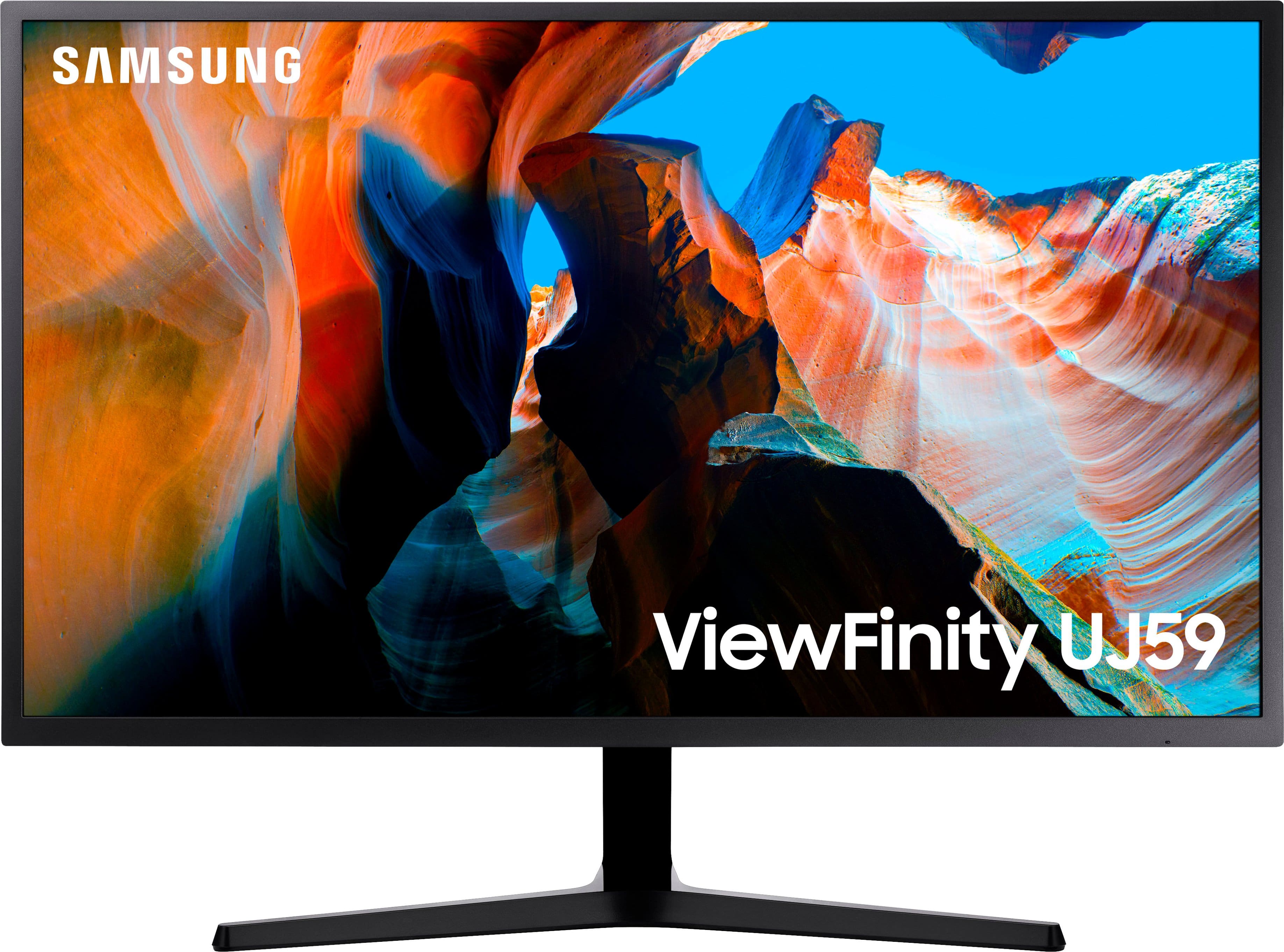
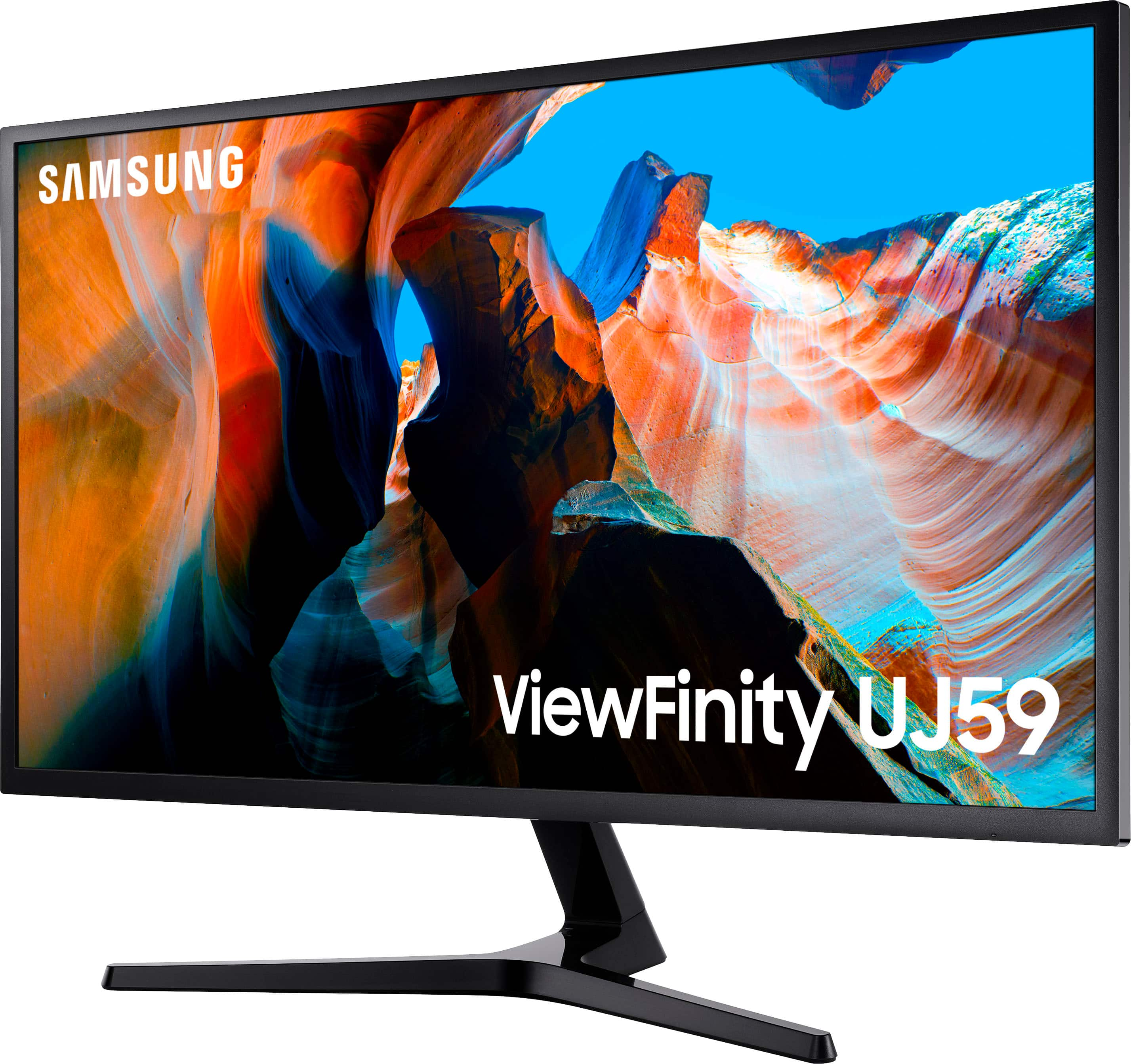
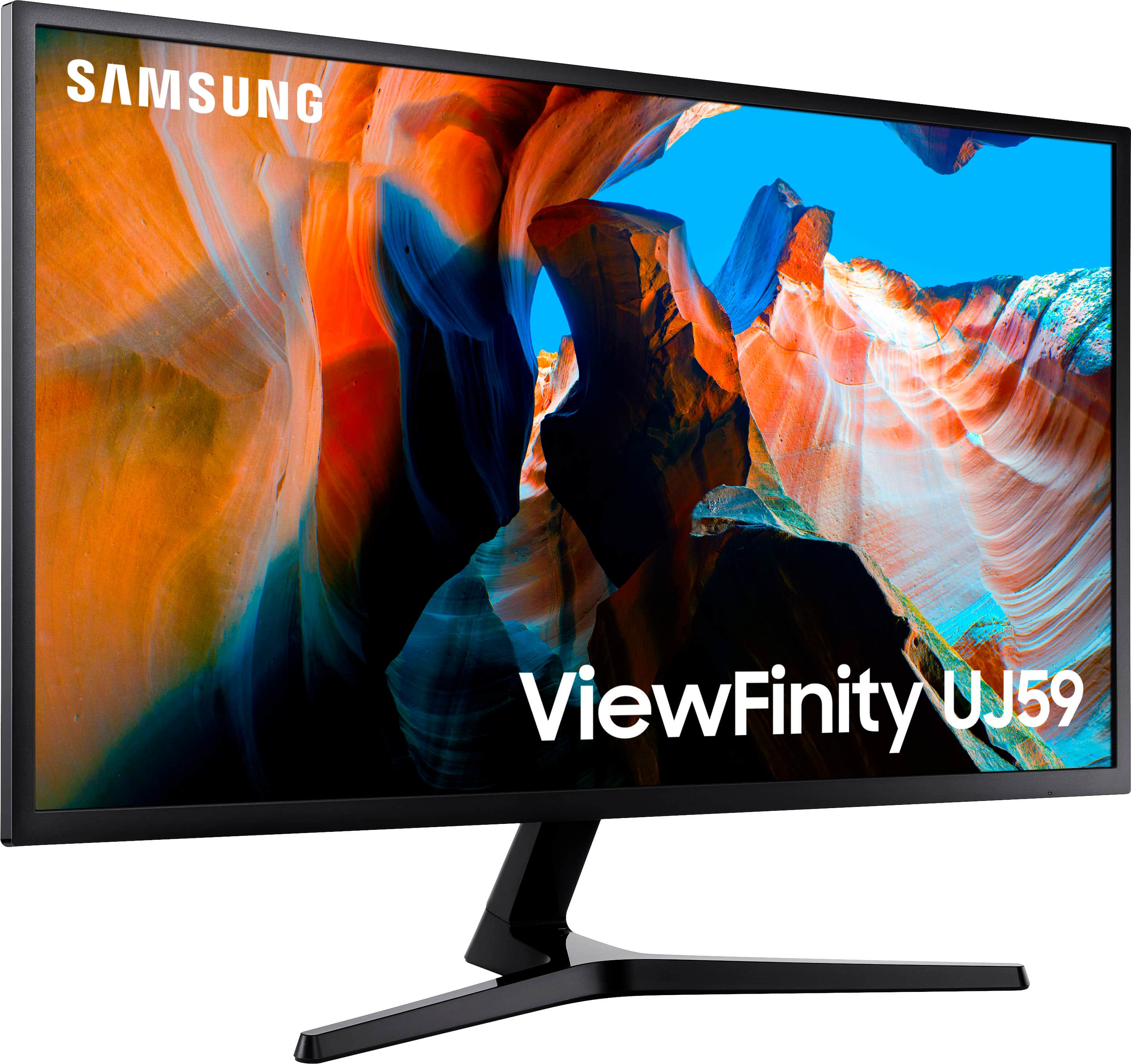
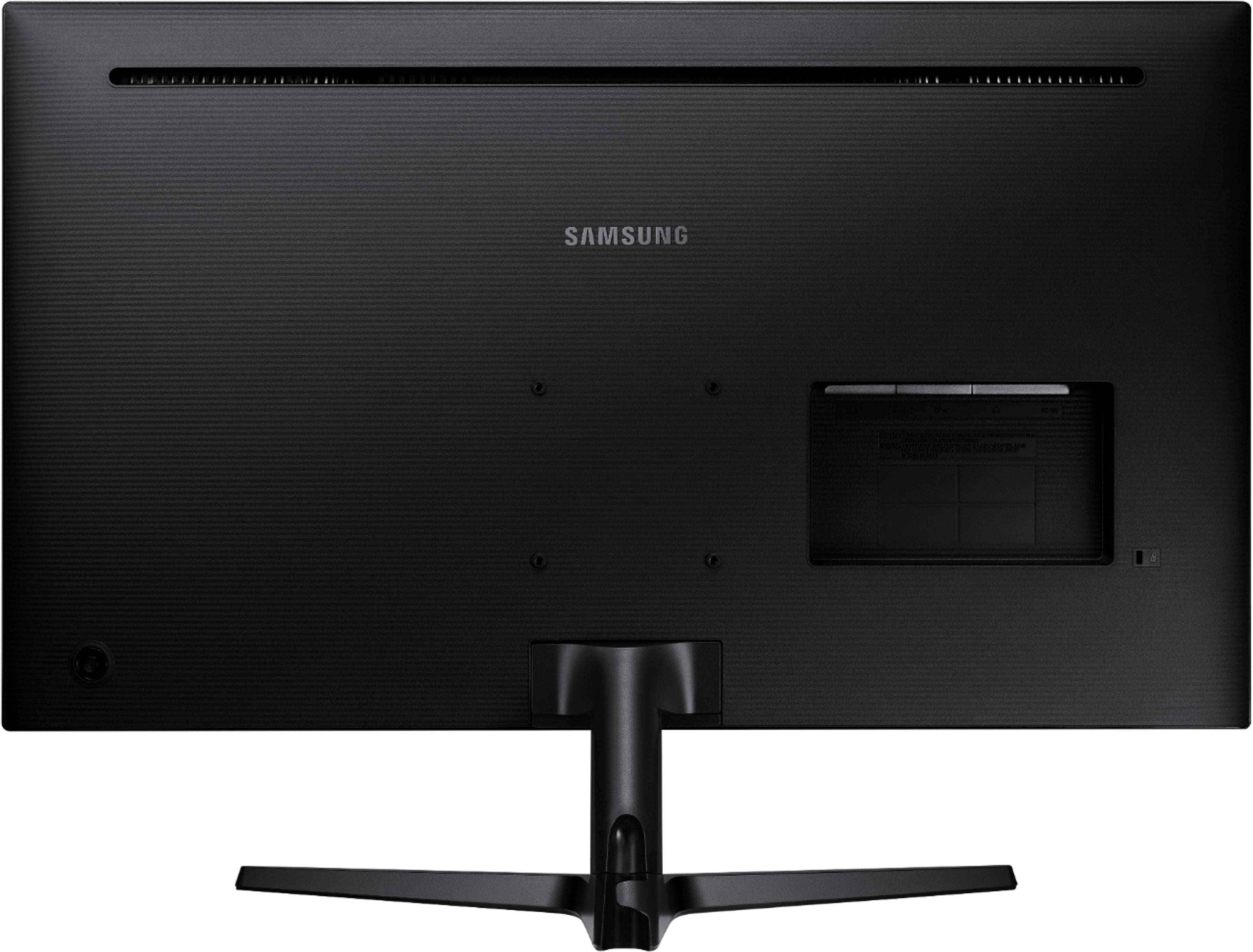
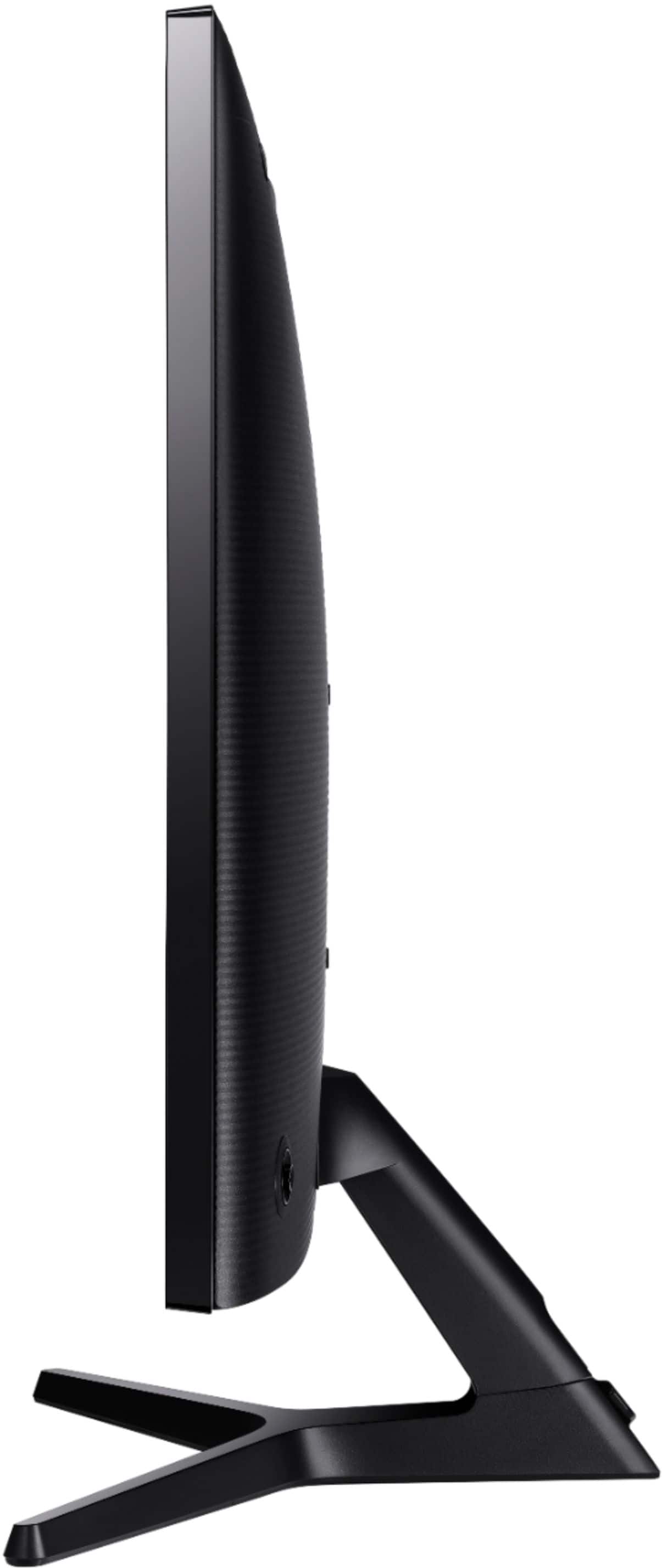
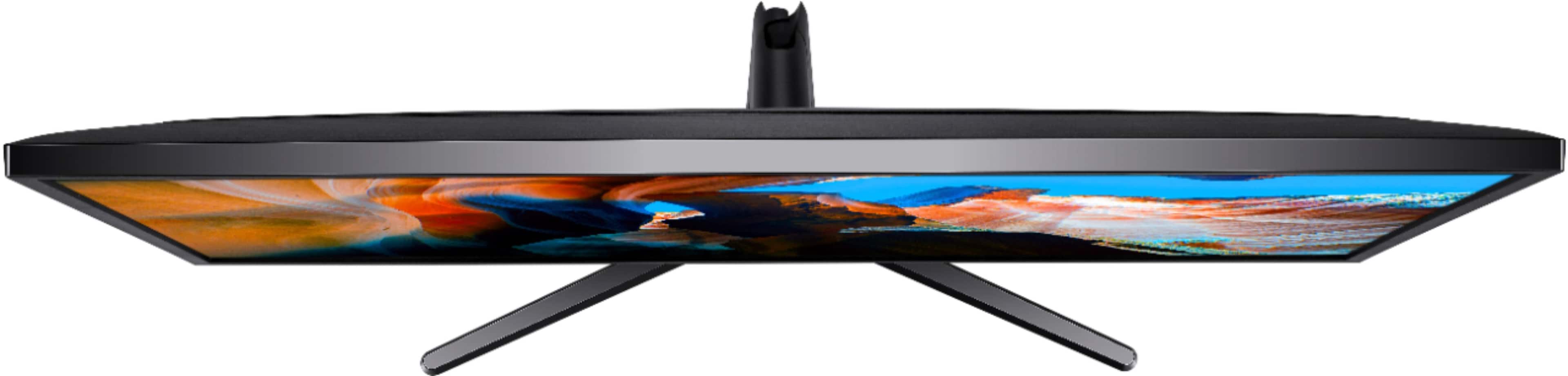
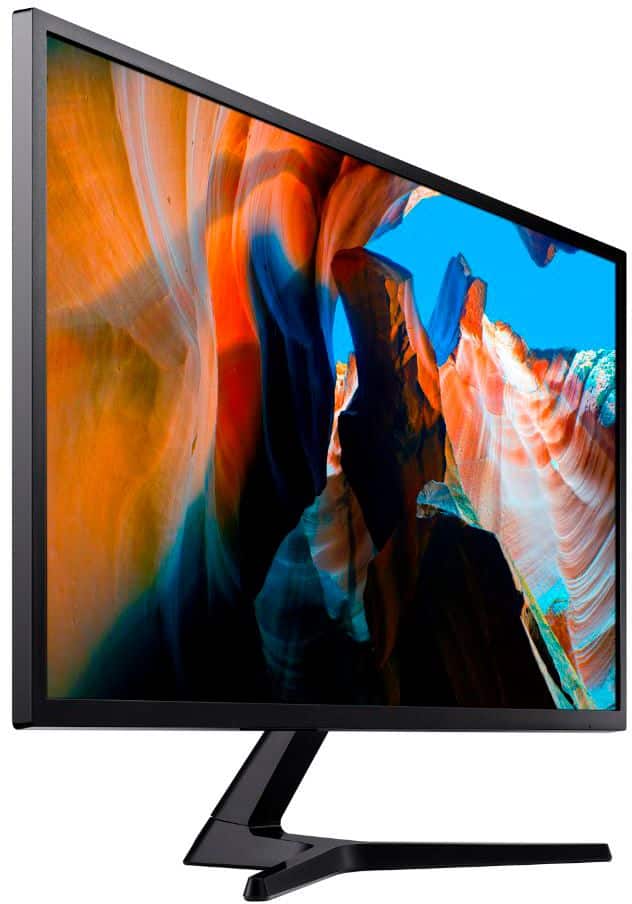
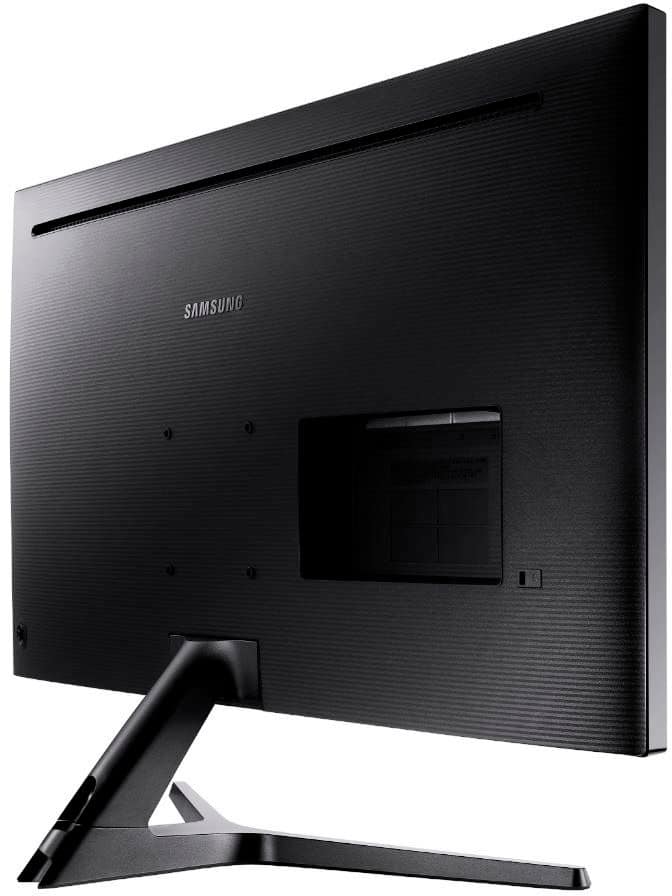
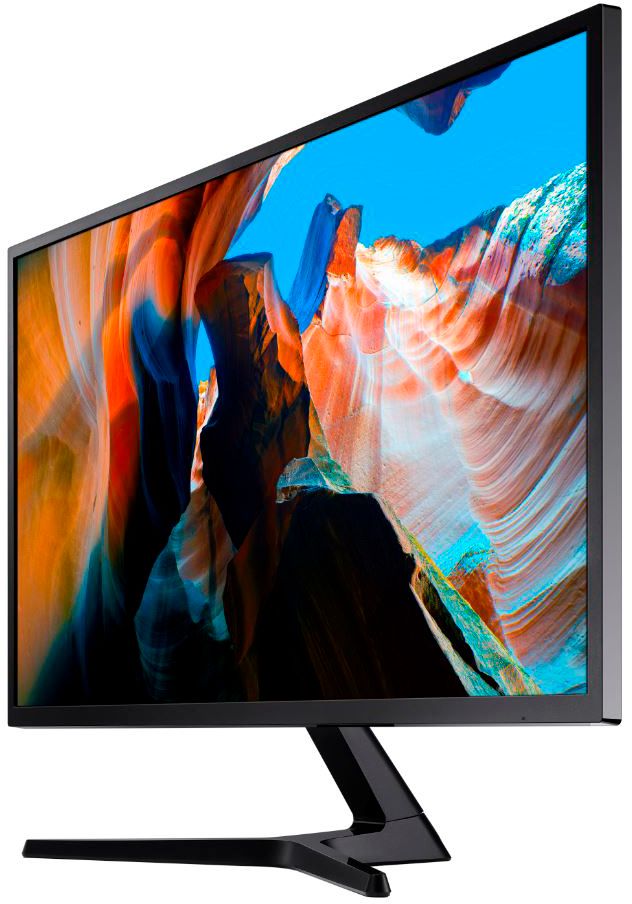
- Model:
- U32J590
- SKU:
- 12762329
Rating by feature
- Display Quality
Rating 4.6 out of 5 stars
- Ease of Use
Rating 4.5 out of 5 stars
- Features
Rating 4.5 out of 5 stars
Customers are saying
Customers often highlight the impressive screen size and high resolution as the primary benefits of this monitor, noting that it offers great overall performance for the price. While users appreciate how easy the device is to connect to their computers, some have expressed concerns regarding the limited refresh rate and the quality of the internal speakers. Additionally, a few customers noted limitations regarding the available connection ports and the narrow viewing angles. Overall, the product is viewed as a solid value for those prioritizing display quality and ease of use.
This summary was generated by AI based on customer reviews.
Great monitor not for gaming
||Posted . Owned for less than 1 week when reviewed.This reviewer received promo considerations or sweepstakes entry for writing a review.Doesn’t support 4k gaming so if u need a gaming monitor this not it
No, I would not recommend this to a friendBrand response from Samsung
Posted .Tayfromthe310,
Thank you for purchasing the 32" LED 4K UHD FreeSync Monitor.
We want you to be satisfied with your purchase.
Please give us the opportunity to better understand your usage environment and troubleshoot towards a solution.
You can reach Samsung Support via any of the following options:
1) Phone: 1-800-SAMSUNG
2) LiveChat: https://www.samsung.com/us/support/#contact_us_for_support
3) Facebook Messenger: http://m.me/samsungsupport
4) Twitter: https://twitter.com/messages/compose?recipient_id=18768513
5) The Samsung Members Community is also a great resource for getting help from Samsung moderators and customers: https://us.community.samsung.com
Again, I am very sorry for the inconveniences you have had, and hope that we will hear from you soon.
Samsung Monitors
- Pros mentioned:Resolution, Screen sizeCons mentioned:Hdmi, Refresh rate
It’s okay, depending on what you’re looking for
||Posted . Owned for 1 month when reviewed.This reviewer received promo considerations or sweepstakes entry for writing a review.The good things about this monitor are the 4K resolution, the size (32”), and it is FreeSync.. It has an average to low-end refresh rate at 60Hz. It comes with an HDMI cable, not a DisplayPort cable. It is a wast of a 4K monitor with the HDMI cable. The HDMI reduces the quality and gives the screen a “foggy” or brown look, so the DisplayPort cable is a must to get your value. Despite the large size, if you have poor vision, you’ll need to adjust the resolution, or at least the text size because the 4K resolution shrinks everything on the screen.
I would recommend this to a friend - Pros mentioned:Resolution, Screen sizeCons mentioned:Viewing angle
Nice monitor for every day use
||Posted . Owned for 1 month when reviewed.This reviewer received promo considerations or sweepstakes entry for writing a review.This monitor replaced my 27 inch QHD Acer because I needed a bigger screen for my work from home setup. What mattered most to me was a bigger screen and better resolution, and this monitor certainly delivers in those two aspects. It is a very nice monitor for office work; the text looks really sharp on the 4K screen even if I bring my head right up against the monitor to read smaller text that I cannot constantly zoom in on. The 32 inch size makes viewing very convenient because I can have two documents open side-by-side for comparison purposes. The reason I gave it a four star review instead of five is because this monitor has a VA panel and not an ISP panel. My Acer monitor had ISP with HDR and the colors were very vibrant and beautiful to look at from any angle. The downside of VA panels is that unless you’re looking straight at the monitor the colors look washed out, and lack of HDR means this monitor cannot get as bright as my Acer monitor, which means it does not perform very well in really bright rooms. It is certainly not a dealbreaker at its price point, but if this was an ISP panel monitor, then it would check all the boxes for me.
I would recommend this to a friend - Pros mentioned:Resolution, Screen sizeCons mentioned:Refresh rate
An excellent monitor for non-gamers
||Posted . Owned for 3 weeks when reviewed.This reviewer received promo considerations or sweepstakes entry for writing a review.I bought this just before I had to WFH for weeks (maybe months). Its resolution rate is excellent for work and 32' display is good enough for home use. This monitor also comes with plenty of ports which I have only used a couple so cannot comment if all common use cases are covered. When I was making my decision, I liked its size and resolution. Since I am not a gamer, I figured the 60hz refresh rate is not a deal breaker for me. I almost went for the 32' Dell cuvred monitor which has lower resolution but 144hz refresh rate. So far, I am pretty happy with this monitor.
I would recommend this to a friend - Pros mentioned:Screen sizeCons mentioned:Refresh rate, Speakers
Decent budget 4k monitor
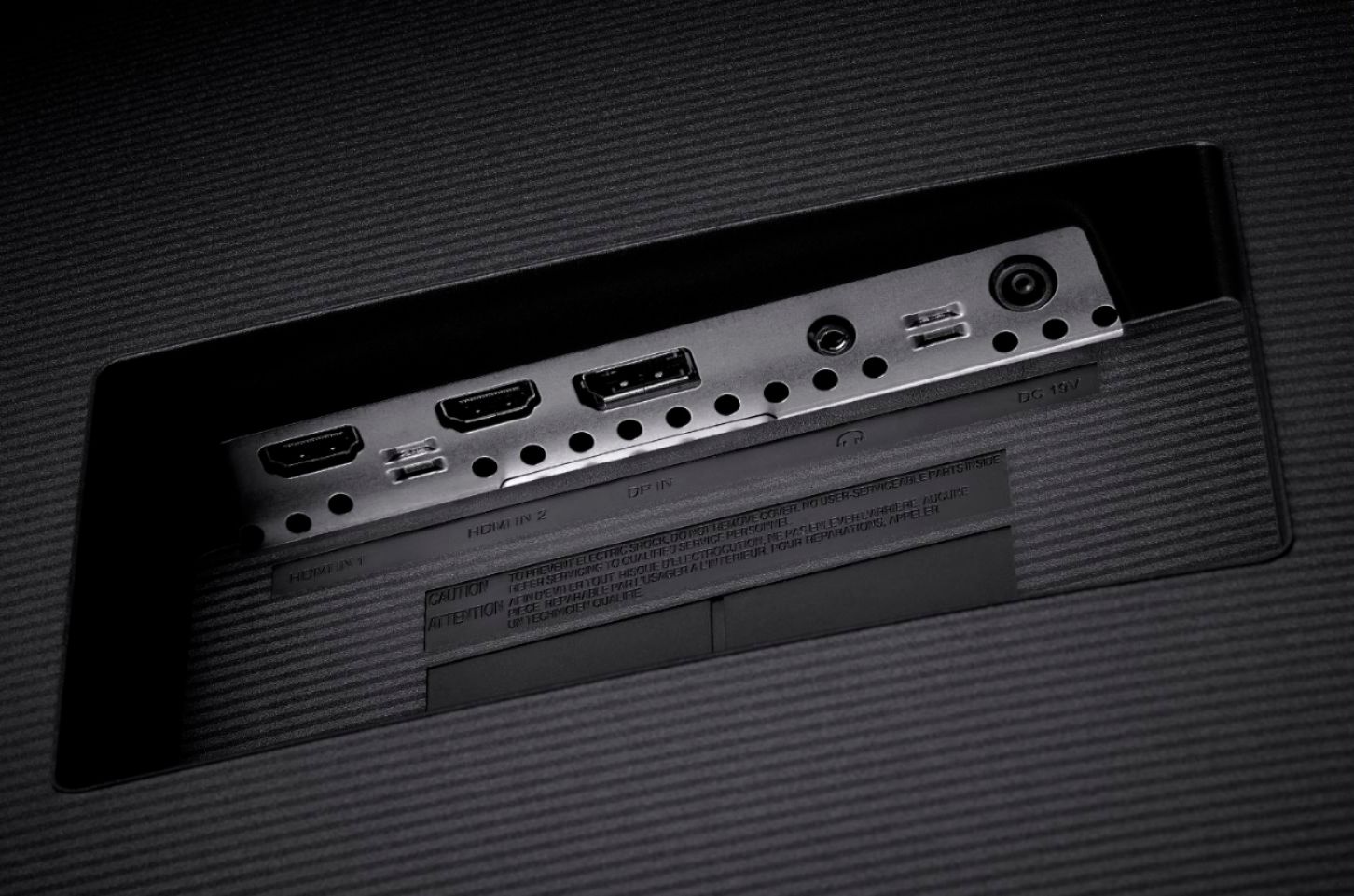
||Posted .This reviewer received promo considerations or sweepstakes entry for writing a review.A great monitor for watching movies and shows in UHD and is big enough to multitask without a dual monitor setup. Beware the inputs are not the same quality, so if you are experiencing a low resolution/refresh rate you likely need to switch your cable to the other input. This is not a big deal if you are only connecting to one device, but if you have multiple (PC+PS4 for example) you will not be able to have everything plugged in to the monitor at 4k resolution. There are no speakers in this monitor but it does have volume controls and audio passthrough.
I would recommend this to a friend - Pros mentioned:Overall performance, Resolution, Screen sizeCons mentioned:Hdmi
Excellent monitor
||Posted .This reviewer received promo considerations or sweepstakes entry for writing a review.Not perfect usability but monitor is outstanding although a bit pricey. Menu's are not user friendly, but that should only be a one-time issue. HDMI connection is also less than ideal, but again a one-time event. Love the size, resolution & overall quality.
I would recommend this to a friend - Pros mentioned:Screen sizeCons mentioned:Refresh rate, Viewing angle
Good enough for office work.
||Posted . Owned for less than 1 week when reviewed.This reviewer received promo considerations or sweepstakes entry for writing a review.This monitor is good enough. The image quality is ok. It often looks a little washed out and does better with darker images. The viewing angle is very small. Text sharpness is ok but not great. UHD images with light backgrounds do not look great. The monitor is very good for office work (my use) but probably not good for photo editing or gaming. It has no extras such as USB hub power ports. I do like the settings adjustment button on the backside - easy to use - but there are not a lot of controls. I read some criticisms of the refresh rate. The monitor does support 60hz but only at FHD resolution. Higher resolutions only support 30hz. The published specifications should make this clear. I read some complaints about the monitor going to sleep and needing to be turned on at the power button. That is not the case for me - working with Windows 10 and it goes to sleep and wakes up appropriately. Overall, good enough for office work.
I would recommend this to a friend - Pros mentioned:Screen sizeCons mentioned:Refresh rate
Best PC display I've ever owned
||Posted . Owned for 3 weeks when reviewed.This reviewer received promo considerations or sweepstakes entry for writing a review.The Samsung U32J590UQN is an absolute joy for my old and aging eyes. It has replaced my old 24 in. FHD Vizio TV and 28 in. FHD LCD HanSPREE TV and a briefly tried new 32 in. Samsung TV (forgot which model). This monitor seems to use less space than the 32" TV while having almost the exact same screen dimensions. This monitor does take some fiddling to get the display comfortable, at least in a dark room, and it is a bit of a drag that the HDMI 1 port only supports a 30Hz refresh rate. However, I'm not a gamer but a longtime PC/IT guy (retired SysAdmin.). I've been using this monitor for almost a month and have had ZERO issues. The ON/OFF/Joystick button does take a bit of getting used to but that was accomplished in less than a couple hours over the course of a few days. I have it connected to my new Windows 10 PC w/10th gen i5 CPU via the HDMI 2 port and an older Win 10 PC w/3rd gen i5 via the Display Port (converting it to Linux). It is super sweet and easy switching between the 2 PCs with the Joystick switch on this monitor and it handles the 2 different resolutions with no problem. The monitor also supports Picture-in-Picture (PiP) and Picture-by-Picture (PbP, splitting the screen in half) but I've not tried using either feature... yet! Note, I'm not running either machine at the max resolution the monitor will support. Attaching the stand was not difficult (follow the directions) but I noticed that the vertical swivel connection is quite tight/stiff and I'd be reluctant to try to adjust the angle by just holding the stand and applying pressure to the top frame of the screen, but I don't have any need to do that. I also found it wonderful that while the BB website showed several new units were in stock, the BB associate brought out an "open box" unit that saved me about $20. The note on the box said the manual was missing (I doubt there was one in the first place) but finding everything I need on Samsung's website was a cinch. Videos that I've played via HULU and YouTube are as flawless and enjoyable as watching them on my 55 in. Sony 4K living room TV. I highly recommend this monitor especially if you have aging eyes (like mine).
I would recommend this to a friend - Pros mentioned:ResolutionCons mentioned:Refresh rate
Great productivity monitor for the price
||Posted . Owned for 1 month when reviewed.This reviewer received promo considerations or sweepstakes entry for writing a review.The resolution is special; the rest is very good. Very clear and smooth general-use experience. The color might leave a bit to be desired for some, but it's at least up to par with any monitor I've owned (at least so far--I haven't had much time to mess with it other than a basic review of my NVIDIA card's settings, so it will probably get significantly better with some more thoughtful tweaking). Brightness is also excellent--I'm currently staring at it with part-sun coming over my shoulder, no problem. And I haven't been bothered by any of the things other reviewers have complained about, so... PEBKAC? I also haven't played much with optimizing the settings for games, but it maxes out at 60Hz, so unless you're a gamer with the cash for a significantly faster UHD at this size, this is probably as good as it gets. As a general-use monitor for a machine learning workstation, driven by a TITAN RTX card and pulling 80% work/ 18% media/ 2% gaming duty, it's pretty much ideal for the price. That said, I'm going to add a 43" UHD monitor--I was trying to choose between them, but this one won on price. I've found this size to be a little lacking--windows and text need to be magnified about 150% for me to be comfortable. This reduces the perceived real-estate value proposition, but the improvement in clarity at this scale is well worth the cost, so I'll just add a larger UHD to get significantly more usable screen space.
I would recommend this to a friend - Pros mentioned:Resolution, Screen size
Great for the price
||Posted . Owned for less than 1 week when reviewed.This reviewer received promo considerations or sweepstakes entry for writing a review.Got this item new, on clearance for $102. At that price, I am floored by the quality. It is large and bright and great for office work. Can easily have multiple apps running at the same time, I tested with chrome on the right side and word and powerpoint splitting the left. Switched to some light gaming, a 4x game, and the graphics were stunning...yes, I used the hdmi2 port as this seems to be the only one that can reach 60hz. I cant believe a 4k monitor in this size would cost me only 100 bucks. I rarely review, but this item was a winner
I would recommend this to a friend - Pros mentioned:Resolution, Screen size
Samsung UJ59 Review
||Posted . Owned for 1 month when reviewed.This reviewer received promo considerations or sweepstakes entry for writing a review.I bought this because I wanted a larger monitor especially for work purposes and so far this monitor has worked out really good for my needs. There is definitely a lot more room on the screen to display things so it works very well for me with what I work with. I use for things such as large Visio diagrams. A lot of my work involves making sure that things are configured the same - and this monitor helps by allowing me to compare them side by side on the same screen versus having them on different screens. I find that the colors are vibrant, and the 4K resolution is amazing. Before getting this monitor, I read so many reviews from people saying that if you want to get a larger monitor that you should get a 4K monitor and after seeing this, I really have to agree. The difference is amazing. I also use a 24 inch monitor with 1920 x 1080 resolution and it's really hard to explain the huge difference until you drag things from one monitor to another. Don't get me wrong that 24 inch monitor is great - but I now really want to replace it! When I got this the price was great. This monitor is definitely worth looking at!
I would recommend this to a friend - Pros mentioned:Resolution, Screen sizeCons mentioned:Hdmi
Goes black intermittently
||Posted . Owned for 10 months when reviewed.This reviewer received promo considerations or sweepstakes entry for writing a review.I loved the resolution and color quality of this monitor right from the start. But before long, the monitor started intermittently going black for a few seconds multiple times per day. Sometimes a few minutes would pass; sometimes a few hours. But in a regular workday it would go black 4-20 times. It seemed quite random and unconnected to different operations on my laptop. Very distracting and frustrating. Using a verfifiably good HDMI cable didn't help. Updating video drivers didn't help. Samsung support wasn't very helpful. Finally after 10 months of frustration, I bought a Viewsonic 32" 4K monitor. It has had zero problem, even using the same laptop and HDMI cable. I hooked the Samsung monitor to a PC that gets little use. The family member that uses that PC hasn't reported a problem, but that could be due to low usage. Other than the blackout problem, the monitor seemed pretty decent. All manipulations occur through a small joystick control built into the back of the monitor. That might work well for some, but I found it difficult to use.
No, I would not recommend this to a friendBrand response from Samsung
Posted .ScoutH,
Thank you for purchasing the Samsung U32J590UQN UHD Freesync Monitor. I am very sorry to hear that you experienced difficulties with your display.
I see that you have already tried some roubleshooting. The following may help to solve the issue of the monitor randomly going into sleep mode.
1) Check if your graphics card has any updates available. If updates are available, install them. If you require help installing your graphics card updates, please contact your graphics card manufacturer.
2) Perform a Windows Update. Visit Microsoft's online update page, and then follow all on-screen prompts.
3) Check that your monitor has the latest software by visiting [insert link to specific model]
4) Check your signal cable. Try using a different cable to verify if your cable is defective.
For further assistance, please contact Samsung Customer Support at:
1) Phone: 1-800-SAMSUNG
2) LiveChat: https://www.samsung.com/us/support/#contact_us_for_support
3) Facebook Messenger: http://m.me/samsungsupport
4) Twitter: https://twitter.com/messages/compose?recipient_id=18768513
5) The Samsung Members Community is also a great resource for getting help from Samsung moderators and customers: https://us.community.samsung.com
Samsung is committed to providing the best possible product experience, quality, and value, and we are always here to help with any of your questions or concerns.
Samsung Monitors
- Pros mentioned:Resolution, Screen sizeCons mentioned:Refresh rate
Decent 4K Monitor
||Posted . Owned for 1 week when reviewed.This reviewer received promo considerations or sweepstakes entry for writing a review.Has been a great monitor so far. No issues yet. I have it hooked up to my MacBook 2016 and it works great. The 4K resolution is great but its definitely not as good as higher 4K monitors. The refresh rate isn’t super high so video editing is a little blurry sometimes but still pics looks great. Overall I’m happy with this monitor.
I would recommend this to a friend - Pros mentioned:Resolution, Screen sizeCons mentioned:Speakers
Immersive 4K Experience
||Posted . Owned for 3 months when reviewed.This reviewer received promo considerations or sweepstakes entry for writing a review.Got it for business office use. Love the huge screen with 4K. At this size, 1080 will look like you're back in the caveman ages with pixelation and edges/curves looking jagged. You need 4K. Just make your your computer graphics card/chip can adequately output at 4K without taxing your resources. Beautiful screen. Only thing lacking is a built in speaker.
I would recommend this to a friend - Pros mentioned:Overall performance, Resolution
Worthy replacements for typical telecommuting
||Posted . Owned for 1 year when reviewed.This reviewer received promo considerations or sweepstakes entry for writing a review.Having telecommuted for over 20 years at this point, these are my 4th set of monitors for my laptop + dual external monitor setup. I've not had any issues with them since purchase. Great deal when on sale. They are day-in day-out used for Outlook, Skype, Slack, Excel, Word, PowerPoint, Visio, Notepad, etc., etc. - all the typical things one does in workaday life. The 4K provides increased real estate for you, but normally when sharing screen over Skype, Zoom, etc. you have to increase (zoom in) the size of what's being shared so the other attendees can see it effectively. If listing a CON, it's a very slight one - and could be a PRO just as easily - there are no controls on the front bezel for menu, powering them off, etc. it's a joystick on the lower back. Means reaching up underneath either monitor (side-by-side) that sit on a VariDesk sit\stand contraption and manipulating while your face is well, less than arms length away from 32" monitors.
I would recommend this to a friend - Pros mentioned:ResolutionCons mentioned:Refresh rate, Stand
Great budget 4k monitor
||Posted . Owned for 1.5 years when reviewed.This reviewer received promo considerations or sweepstakes entry for writing a review.If you're looking to take a step forward to 4k this is it on a budget. The refresh rate isnt perfect for gaming but 60hz is still great for the average user. All games of course look amazing at 4k, if your system can run that resolution and maintain 60hz. The stand does not swivel or height adjust (FYI). It is mountable.
I would recommend this to a friend - Pros mentioned:Resolution, Screen sizeCons mentioned:Hdmi
good monitor for work
||Posted . Owned for 3 weeks when reviewed.This reviewer received promo considerations or sweepstakes entry for writing a review.Very good monitor for work. For what I am doing it's perfect and move from 24' to 32' is really great with lots more space to work with. Unfortunately, only do 60hz through HDMI 2, it will be better if both HDMI port support 60hz. I think for the price point, it is a good value, great Size and resolution
I would recommend this to a friend - Pros mentioned:Screen sizeCons mentioned:Refresh rate
Good 4k60 monitor, but confusing ports and setting
||Posted . Owned for 1 year when reviewed.This reviewer received promo considerations or sweepstakes entry for writing a review.This is a good size monitor that takes awhile to get use to when you jump to it from a 24 inch monitor. The image quality is good, but the ports in the back can be confusing. One of the hdmi ports is only 30hz. And when you run it at 30hz, the image is very washed out, no matter what you change in the settings. Also the image is slower on the 30hz and when you have a 30hz mode and 60hz mode monitor at the same time mirroring the two displays, you can see the 30hz mode is behind the 60hz mode by a split second. Also by default windows was running the graphics card at 30hz. This is probably why a lot of people are complaining this monitor is washed out.
I would recommend this to a friend - Cons mentioned:Hdmi, Refresh rate
No Display Port Cable Included
||Posted . Owned for less than 1 week when reviewed.This reviewer received promo considerations or sweepstakes entry for writing a review.I figured a monitor of this size and quality would include both HDMI and Display Port cable but only came with HDMI. Display was darker compared to a 28 inch Samsung 4k (which included both cables) which is connected to laptop on the same desk. The 32 inch was at 100% brightness. With HDMI, this monitor can only operate at 30 Hz refresh rate, which is very low for today's standard. So I swapped the HDMI with Display Port cable and the monitor is much brighter and is operating at 60 Hz refresh rate.
I would recommend this to a friend What a surprise
||Posted . Owned for 1 month when reviewed.This reviewer received promo considerations or sweepstakes entry for writing a review.When it comes to big screens, the brand rarely matters—at the end of the day, any minor differences aren't something your eyes or your PC will even notice. Functionality is what truly counts. The real game-changer for me has been the picture-in-picture mode and seamless auto-switching between devices. With both my tablet and PC connected to the screen, switching back and forth has never been simpler. That functionality alone is the ultimate reason to buy this monitor.
I would recommend this to a friend