Customer Ratings & Reviews
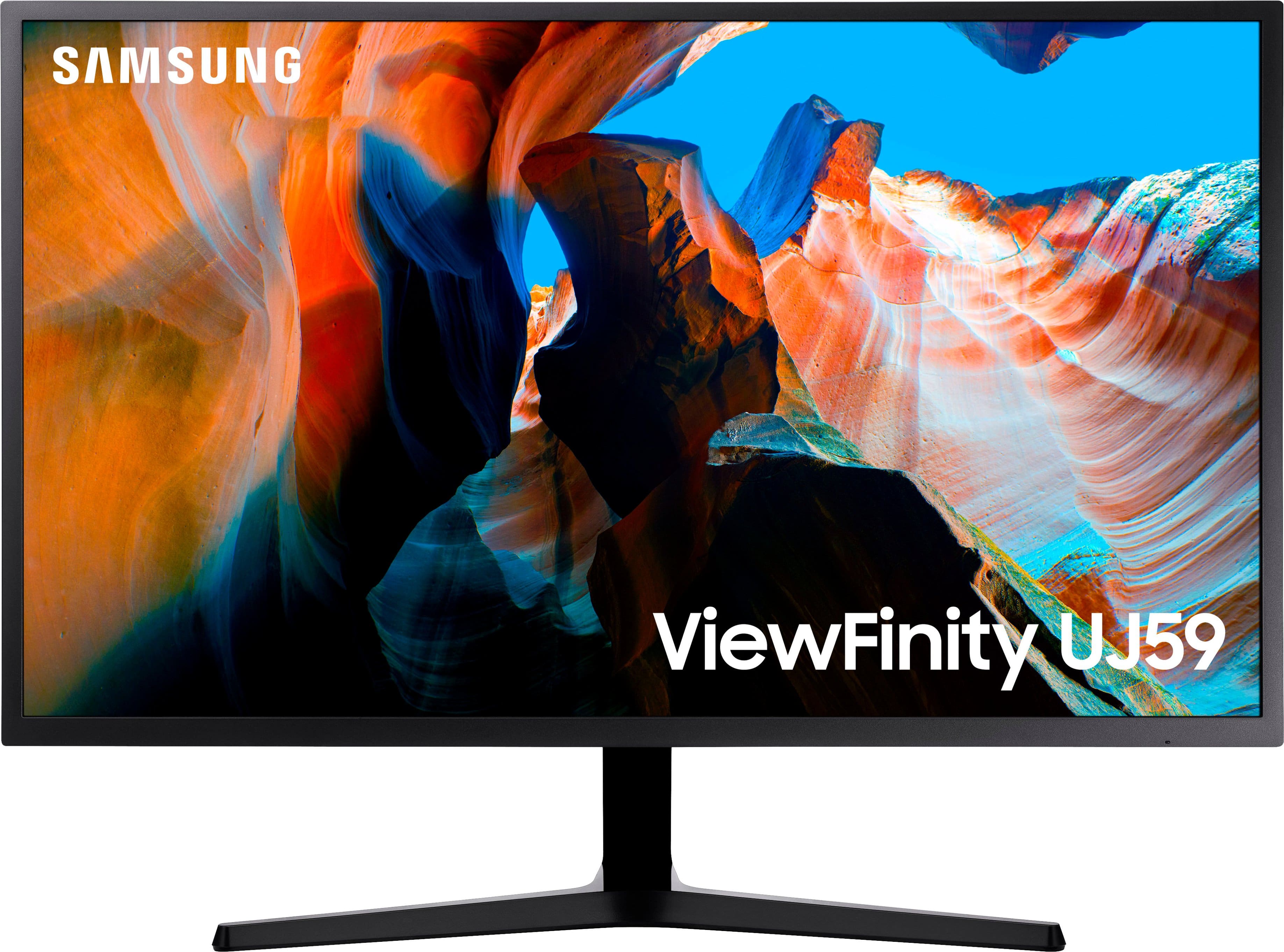
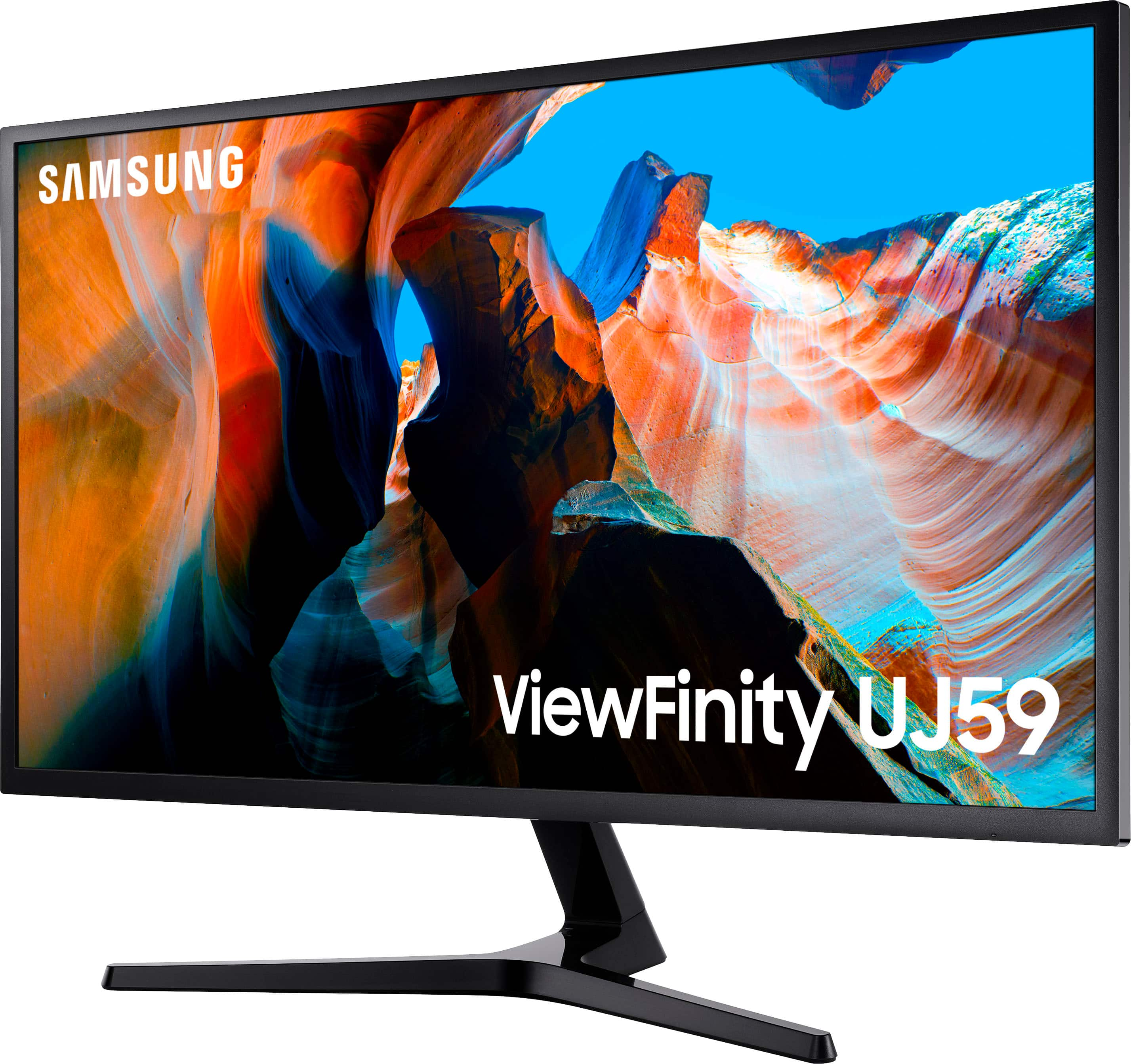
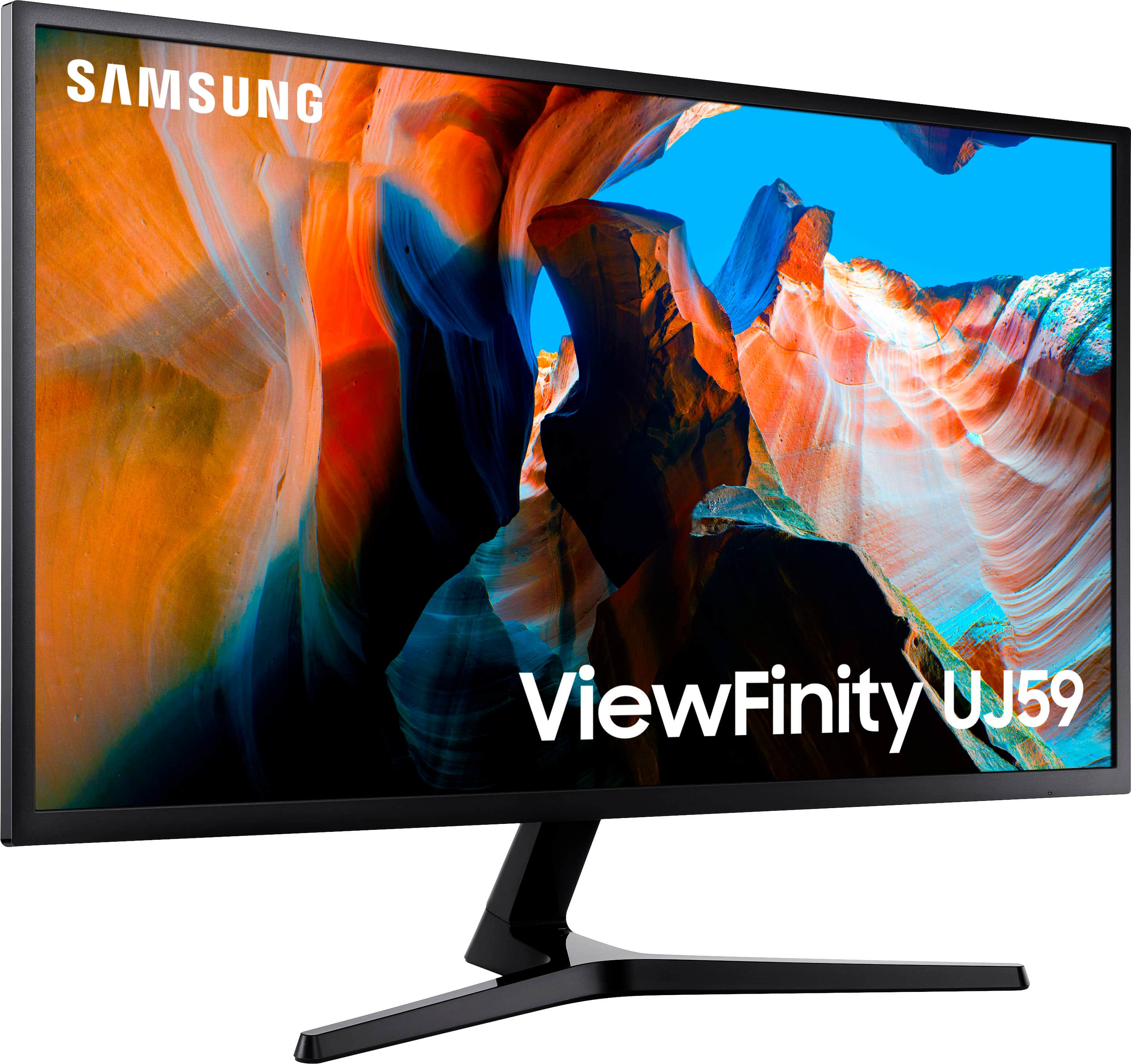
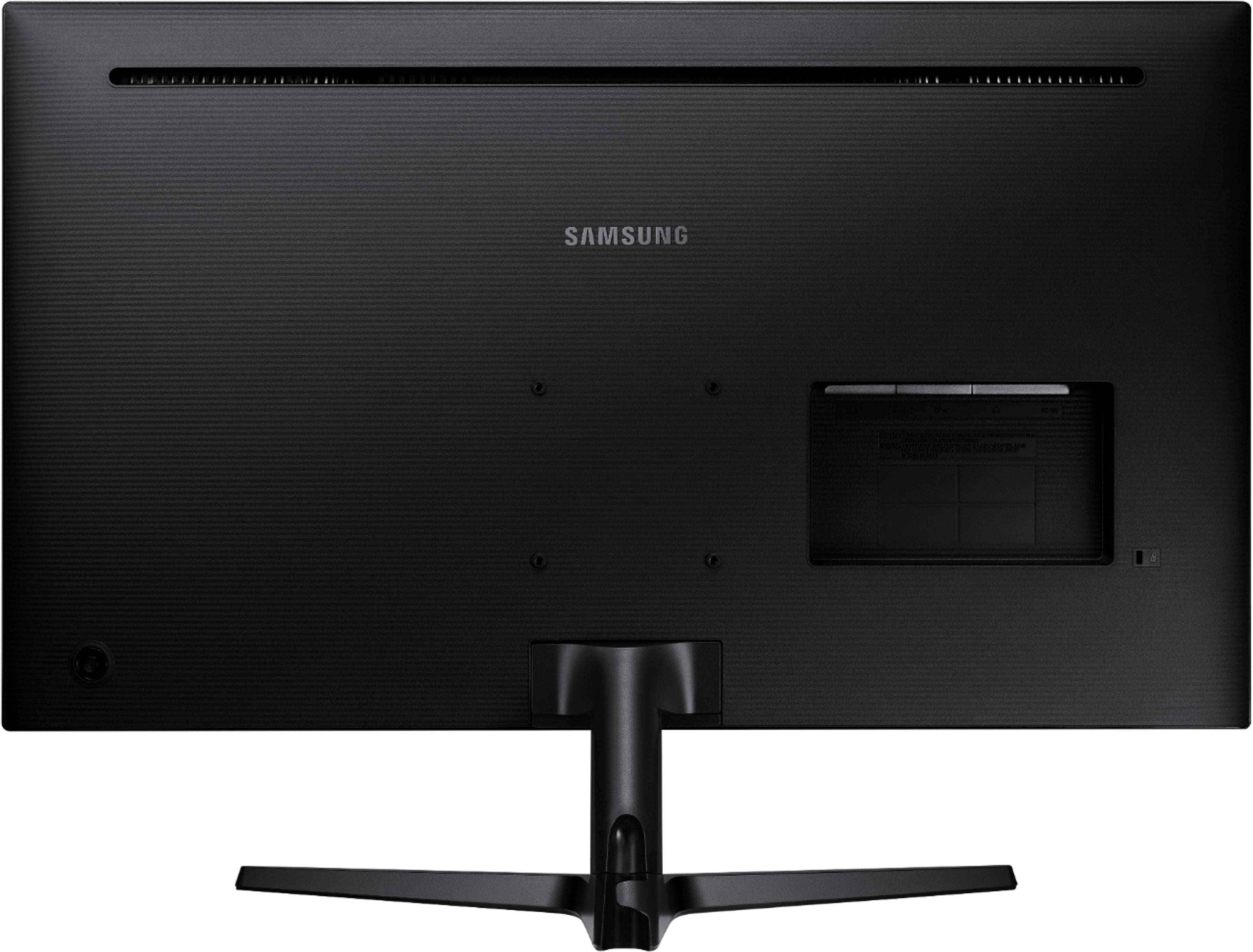
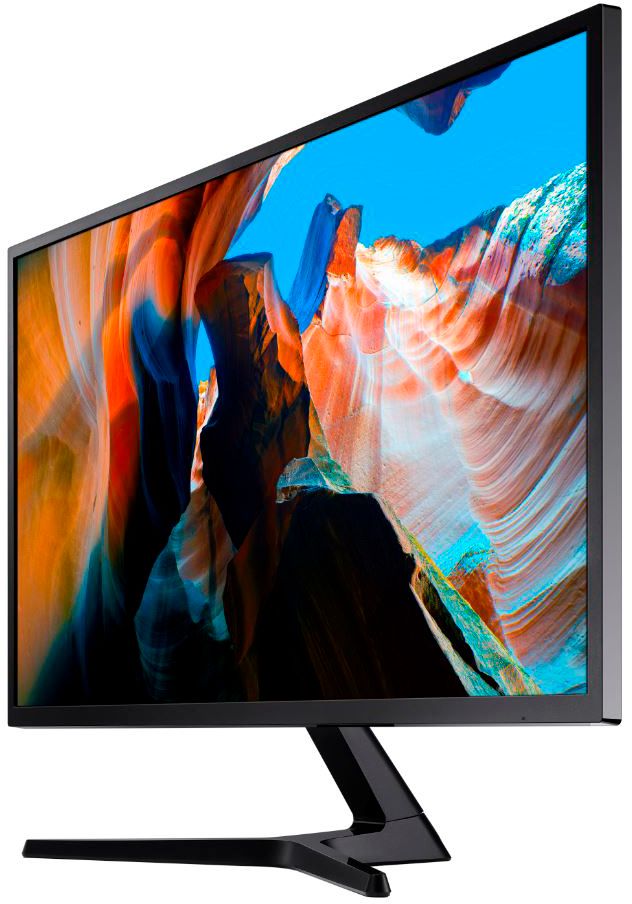
- Model:
- U32J590
- SKU:
- 12762329
Rating by feature
- Display Quality
Rating 4.6 out of 5 stars
- Ease of Use
Rating 4.5 out of 5 stars
- Features
Rating 4.5 out of 5 stars
Customers are saying
Customers often highlight the impressive screen size and high resolution as the primary benefits of this monitor, noting that it offers great overall performance for the price. While users appreciate how easy the device is to connect to their computers, some have expressed concerns regarding the limited refresh rate and the quality of the internal speakers. Additionally, a few customers noted limitations regarding the available connection ports and the narrow viewing angles. Overall, the product is viewed as a solid value for those prioritizing display quality and ease of use.
This summary was generated by AI based on customer reviews.
- Pros mentioned:Screen size
Excellent bare bones 4K 60Hz monitor
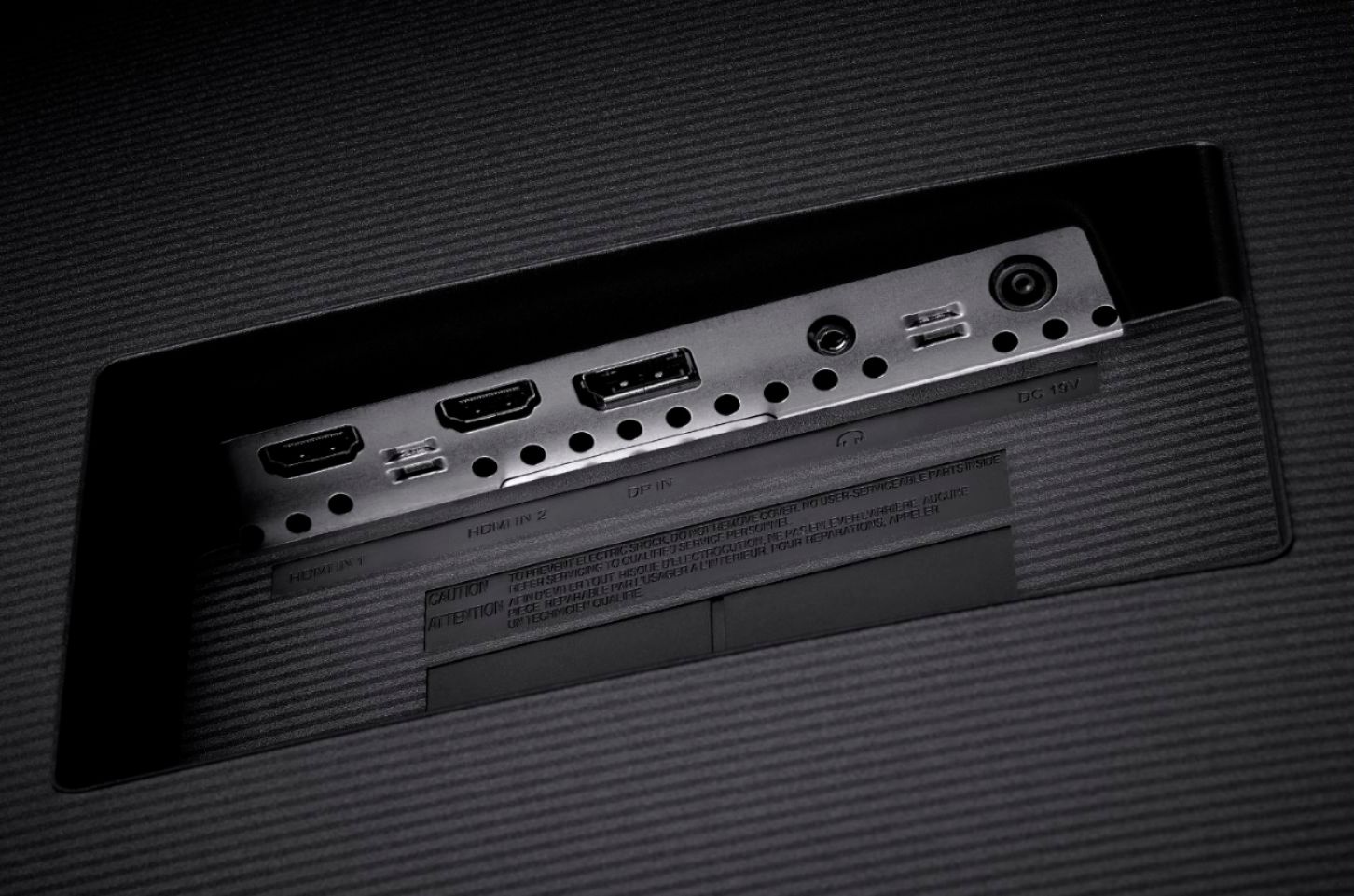
||Posted . Owned for 2 weeks when reviewed.This reviewer received promo considerations or sweepstakes entry for writing a review.Excellent monitor, great picture quality. Could use more adjustment in the stand and lacks HDR, but overall very satisfied. Wouldn’t buy this to game on, but for general browsing, media consumption, and workstation use, it’s excellent! One pet peeve, they include 2 x HDMI but only one of them is HDMI 2.0, and the other is HDMI 1.4, neither of which are labeled on the monitor itself (refer to the manual). So if you want full 4K 60Hz make sure you use the HDMI 2.0 port! The HDMI 1.4 port will only work up to 4K 30Hz. Cost cutting measure that shouldn’t be there in my opinion, but it is what it is. Still a massive upgrade over the Insignia 32” 1080p HDTV it replaced!
I would recommend this to a friend - Pros mentioned:Price, Screen size
Good monitor for general purpose
||Posted . Owned for 3 weeks when reviewed.This reviewer received promo considerations or sweepstakes entry for writing a review.Got this fir my laptop. It’s quite large. Graphics are good. Refresh rate is fast enough. Wuality fir price is good. All around a good monitor. Only slight setback is its limited brightness. I have Dell monitors that appear to be a little brighter. Although I did not place them side by side to compare.
I would recommend this to a friend - Pros mentioned:Overall performance, Resolution
Great quality and resolution
||Posted . Owned for 1 year when reviewed.This reviewer received promo considerations or sweepstakes entry for writing a review.I've had it for over two years now and the quality is amazing. I have it mounted on vesa and use it mostly for work with my 16" MacBook Pro. 4K resolution is great. My small regular monitor looks really blurry next to this one. I'm thinking about purchasing one more to have two matching monitors.
I would recommend this to a friend - Pros mentioned:Screen size
Decent 4K monitor for a home office
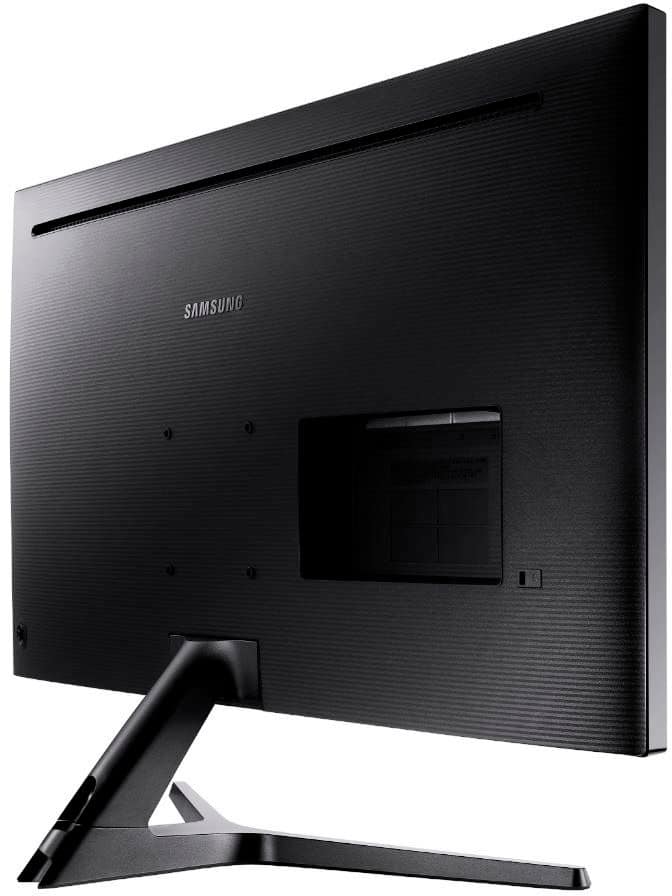
||Posted . Owned for 1 month when reviewed.This reviewer received promo considerations or sweepstakes entry for writing a review.I mainly use this for software development during the work day and watching Hulu, Prime Video, and Netflix in the evenings. For my particular usage cases, this monitor is more than adequate. After finally having a 4K display for software development, I cannot say enough about how amazing it is to get more space on a single screen to view merge conflicts, compare files, check db schemas along side code, and have other reference material on the same screen as my editor!! This monitor works great as a second display (used as primary display) with a docked laptop or tablet. The only thing I don't like too much about it is the weird "joystick" style button on the back that controls everything. It's not horrible, but it would be nice if the video source could be changed with one press.
I would recommend this to a friend - Pros mentioned:Resolution, Screen size
Excellent quality, easy setup, great value
||Posted .This reviewer received promo considerations or sweepstakes entry for writing a review.In my dealings with Samsung I find them to be of excellent quality. This monitor is awesome, very clear and easy to setup, just uses and HDMI cable. I do photography work using Photoshop and it works flawlessly with excellent resolution and speed. I would highly recommend this monitor. I am retired and have no affiliation with this product.
I would recommend this to a friend - Pros mentioned:Resolution, Screen size
Big help
||Posted .This reviewer received promo considerations or sweepstakes entry for writing a review.The size of the screen facilitates side-by-side of document drafts and large-format research images. The resolution and clarity are superb. If I need to use a magnifier to view an indistinct character it does not pixellate as previous monitors have done. If I have one complaint it is that the contrast is not as sharp as I might like.
I would recommend this to a friend - Pros mentioned:Screen size
Good but maybe not for Macs
||Posted . Owned for 3 weeks when reviewed.This reviewer received promo considerations or sweepstakes entry for writing a review.Picture quality is good, perfect for regular use didn't test for gaming. The power on and menu button/joystick is terrible, you have to press your thumb on the screen to offset the pressure using the joystick on the back and you cannot use without moving the monitor (which is annoying in a dual monitor set up). These are unreliable at 4k/60hz on an M1 Mac - they do not consistently come out of sleep and the nonsense of the control buttons makes it difficult to force power on. A reboot of the Mac is required. The work around for me is to use HDMI2 which is limited to 30hz and they work reliably.
I would recommend this to a friend - Pros mentioned:ResolutionCons mentioned:Speakers
Great Monitor
||Posted .This reviewer received promo considerations or sweepstakes entry for writing a review.Using the monitor for a desktop computer and a Playstation 4. It works GREAT for both. The resolution is superb and handles motion fine. The only shortcoming is no speakers but resolved it when I got a Sonos Beam.
I would recommend this to a friend - Pros mentioned:Screen sizeCons mentioned:Speakers
Terrific Picture Beware needs external speakers
||Posted . Owned for 7 months when reviewed.This reviewer received promo considerations or sweepstakes entry for writing a review.Great Picture. A little difficult to use at first but got going. Streaming services look great from afar. You will need external speakers. The best but rep did not tell me that when I bought it. I can use my large Alexa machjng as speakers works great
I would recommend this to a friend - Pros mentioned:Screen size
Great value but with some drawbacks
||Posted . Owned for 3 weeks when reviewed.This reviewer received promo considerations or sweepstakes entry for writing a review.This is a decent mid-lvl 4k monitor. Size and price you can't really beat. There is typical 'fringing' when the monitor is showing deep dark color, where you can see where the LEDs are being lit. You can't see that when it's fully lit and during operation. As long as you don't mind when the screensaver kicks in, and it looks pretty bad; then you should be fine. One downside is if you use display port input, then you won't be able to adjust black lvls. I'm running a 2 monitor setup, so I have to live with that as my laptop/docking station only has 1 HDMI output. Black lvl on display port can look washed out or more gray than true black. but it doesn't hinder any movie watching. Going with 32" over 28" means your mounting options is reduced as not many arms will support 2 32" monitors. If you're resting them on its stand, then you're fine. Hope this review helps your decision.
I would recommend this to a friend - Pros mentioned:Screen size
good but can be better
||Posted . Owned for 2 weeks when reviewed.This reviewer received promo considerations or sweepstakes entry for writing a review.When I got mine. I notice two things a crack up the left corner and the black screen had a light color on large part, The other thing that bugs me is the screen will go black. Just on this monitor, I tried several monitors to make sure it was a computer. After that contacted Samsung and they said can fix it. I am hoping so. Despite its flaws, it is a very good monitor for its budget range, The color is decent, Plenty of screen room for my games. The only thing it lacks is forward-tilted. It one thing I got used to. Not a big deal just put on my side table. It still a good buy. The only thing I wonder if it was a used model sent to me. The screen had look that it was cleaned and a few other odds I found. It supposed to be new. Well never find out.
I would recommend this to a friend - Pros mentioned:ResolutionCons mentioned:Refresh rate
Great Quality for the price
||Posted .This reviewer received promo considerations or sweepstakes entry for writing a review.Great monitor. Its 4k with freesync. I've been using it with the Division 2 and my Xbox One X and it looks beautiful. I only have 1060 in my gaming pc so the 60hz refresh rate is ok, but I wish it had 75, 120, or 144 so I am ready if I upgrade. But I also understand that is what I get for the price. Well Recommended.
I would recommend this to a friend - Pros mentioned:ResolutionCons mentioned:Refresh rate
Gaming monitor? eh
||Posted . Owned for 1 week when reviewed.This reviewer received promo considerations or sweepstakes entry for writing a review.I bought this monitor for gaming. The 4k resolution is very nice, however, the 60 FPS (refresh rate) is garbage. Though I did sacrifice the FPS for a 32" screen. The contrast ratio is also pretty garbage even if it may be slightly higher then the usual. Still, a ratio of 10,000,000:1 like Omen or ASUS is definitely noticeable and more preferable. In some cases sided by side of actual gaming monitors, the picture almost always seems to feel Dull or dim (no matter the settings). For the price of a 4K and screen size; on sale, it was worth it. For gaming? Though Samsung advertizes it as a gaming monitor; I'm on the edge of saying not really.
I would recommend this to a friendBrand response from Samsung
Posted .Thank you for purchasing the Samsung UJ59 Series monitor. We are sorry to hear about your gaming experience using this monitor. This particular monitor is not listed under the gaming category. We do have a great gaming lineup that might better fit your needs for a monitor.
If you need assistance with this monitor, please contact us. You can reach Samsung Customer Support via:
1-800-SAMSUNG, available 8AM - 12AM EST (Mon-Fri) / 9AM - 11PM EST (Sat-Sun).
I’m very sorry for the experience you have had so far and look forward to hearing from you.
- Pros mentioned:Screen sizeCons mentioned:Stand
Very nice 4K display
||Posted . Owned for 1 month when reviewed.This reviewer received promo considerations or sweepstakes entry for writing a review.Super looking 4K display. Very happy with the way it looks. Sharp with terrific colors. It would be nice the stand allowed it to be raised and lowered, but it does not. Seems a little slow coming out of stand-by mode. Price was very good. Overall quite pleased with the purchase.
I would recommend this to a friend - Pros mentioned:Screen size
Cheap parts but screen is sharp. Happy with it.
||Posted .This reviewer received promo considerations or sweepstakes entry for writing a review.The way it is held up by the plastic stand is a bit wobbly, but as long as you don’t bump it, it’s fine. The color adjustment knob feels cheap and takes getting used to navigating, but I did get the color to match my laptop. The screen itself is great and I’m really enjoying the extra space to work with.
I would recommend this to a friend - Pros mentioned:Resolution, Screen size
Great for gaming!
||Posted . Owned for 1 week when reviewed.This reviewer received promo considerations or sweepstakes entry for writing a review.This screen monitor is perfect for gaming, it has 4k UHD so the graphics are amazing. In addition it is the perfect size for an office space, its not too big that it overwhelms you, and it's not too small that you have to strain your eyes. I am very satisfied with his purchase.
I would recommend this to a friend - Pros mentioned:Resolution
Instant set up out of the box, amazing picture
||Posted . Owned for 3 weeks when reviewed.This reviewer received promo considerations or sweepstakes entry for writing a review.Very pleased — set up was nearly instant, with a very solid foot that was literally a snap to put in place. Out of the box, it is very sharp and colors are perfect for me. I am sure they would be even better if calibrated. Photos look excellent, even though I will most likely use it mostly for spreadsheets and typical office applications. The resolution and just sheer real estate are amazing. I am using it with a MacBook Pro from a few years ago, and was actually shocked that I can output 4K.I had instant plug and play, and the included HDMI cable did the job. The auto on and off works perfectly. I did not need to change any settings from the factory defaults—however, I did play with the menu, and find that the joystick control is logically and efficiently laid out. In sum, instant set up out of the box, but I am sure easy to tweak if you did need to find tune anything. Really nice value.
I would recommend this to a friend - Pros mentioned:Resolution, Screen size
Perfect for me
||Posted .This reviewer received promo considerations or sweepstakes entry for writing a review.I’m need something that’s comparable in size to the 27’ Imac that I am using. This monitor is 4K and I can’t definitely tell the difference with the ones that are not. Just wish it was able to adjust height. But no complaints thus far.
I would recommend this to a friend - Pros mentioned:PriceCons mentioned:Stand
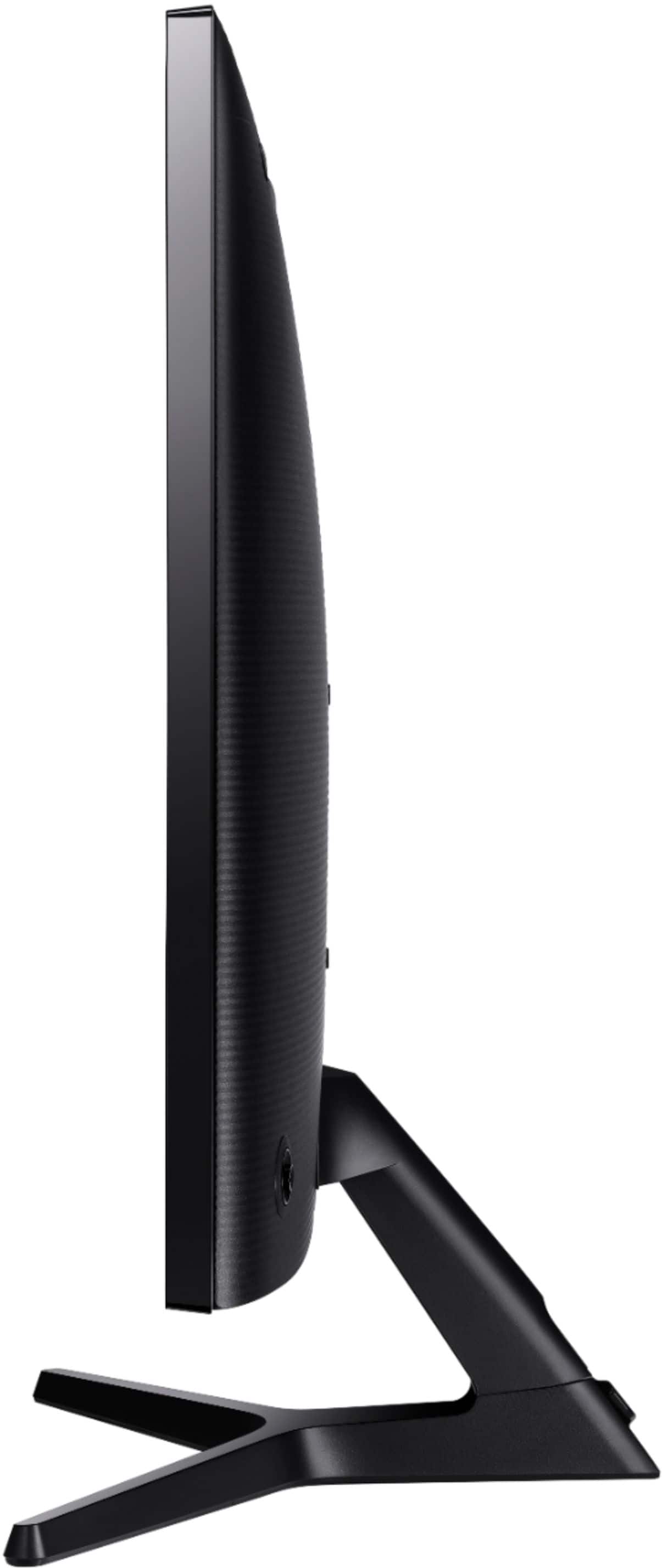
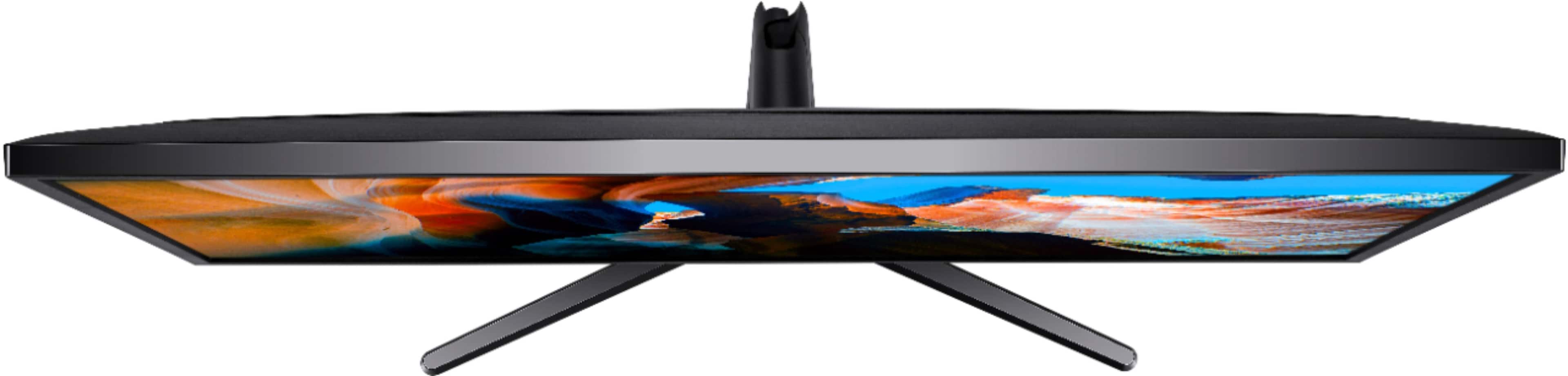
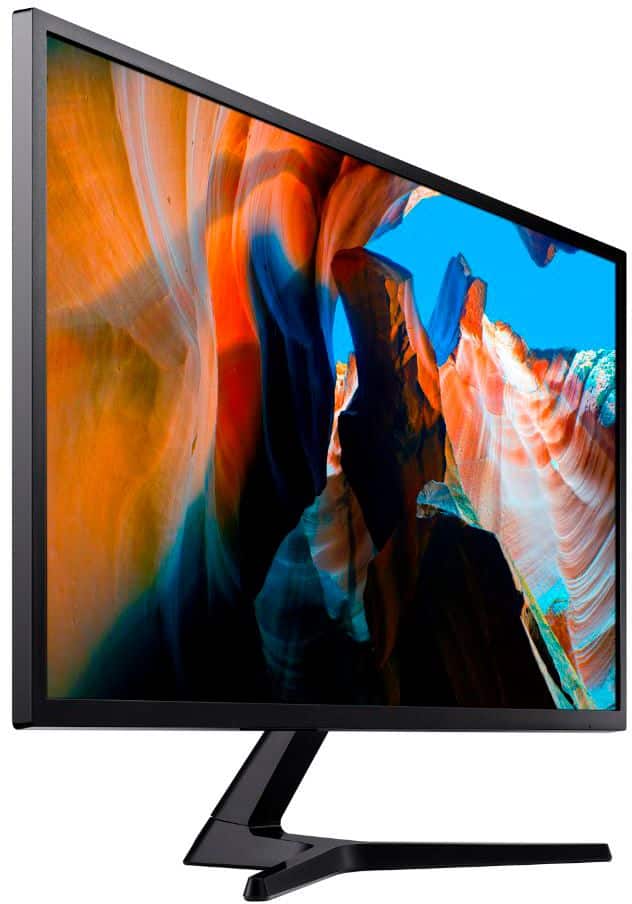
Samsung - UJ59 Series U32J590UQN 32" Monitor
||Posted . Owned for 1 month when reviewed.This reviewer received promo considerations or sweepstakes entry for writing a review.Good value for the price, easy set up, true plug and play, no fussing to download new drivers, frame is minimal and stand is not very intrusive for this sized monitor. Arrived very well packaged with good cushioning for protection against transit damage.
I would recommend this to a friend - Pros mentioned:Screen size
Great monitor
||Posted . Owned for 1 month when reviewed.This reviewer received promo considerations or sweepstakes entry for writing a review.I've been working from home since the pandemic and it will be a while until my work place allows us back in the office. I decided to invest in my home office equipment. I purchased this particul Samsung monitor for 3 reasons: connect my work laptop and my son's Chromebook for school, it's light and it has the Vesa holes on the back to mount on the monitor arm, and the price. You can split the desktop to see to screens at a time. When switching from the laptop or Chromebook to the computer and vise versa, you can switch the connection from a button on the back of the monitor. It's also a good size monitor. It makes a huge difference when connecting the 13" laptop or Chromebook to the monitor. I'm pleased.
I would recommend this to a friend