Customer Ratings & Reviews
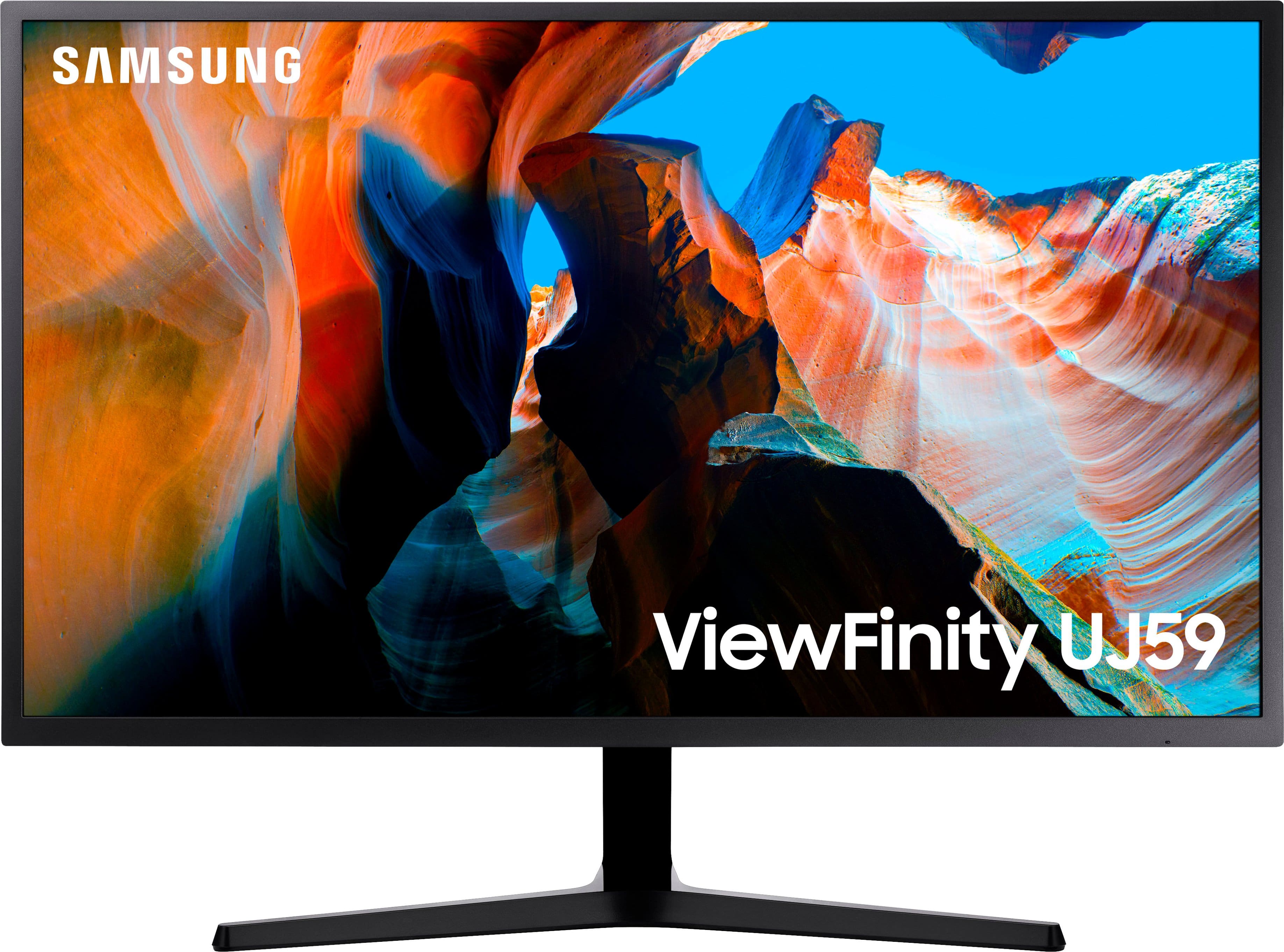
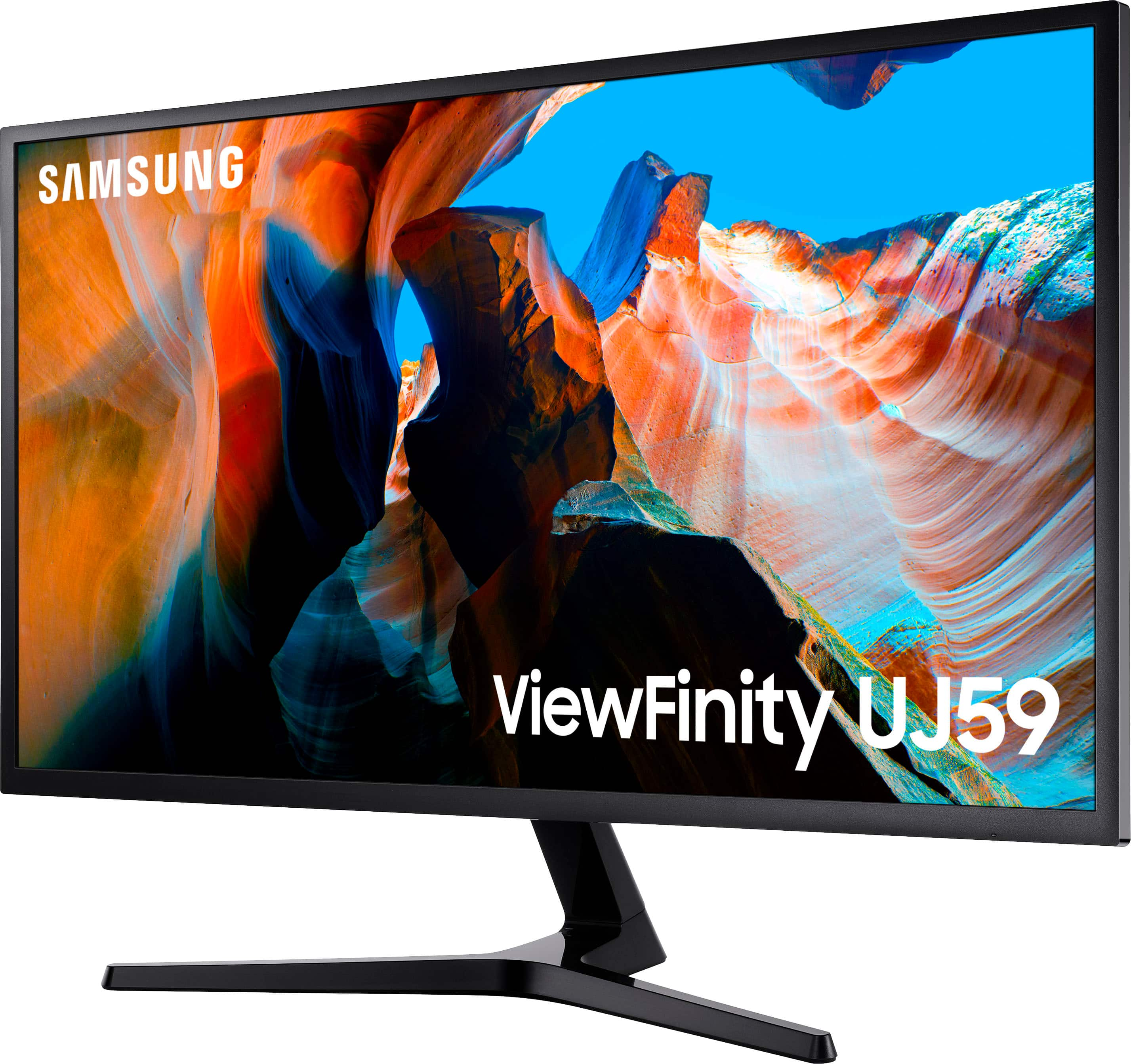
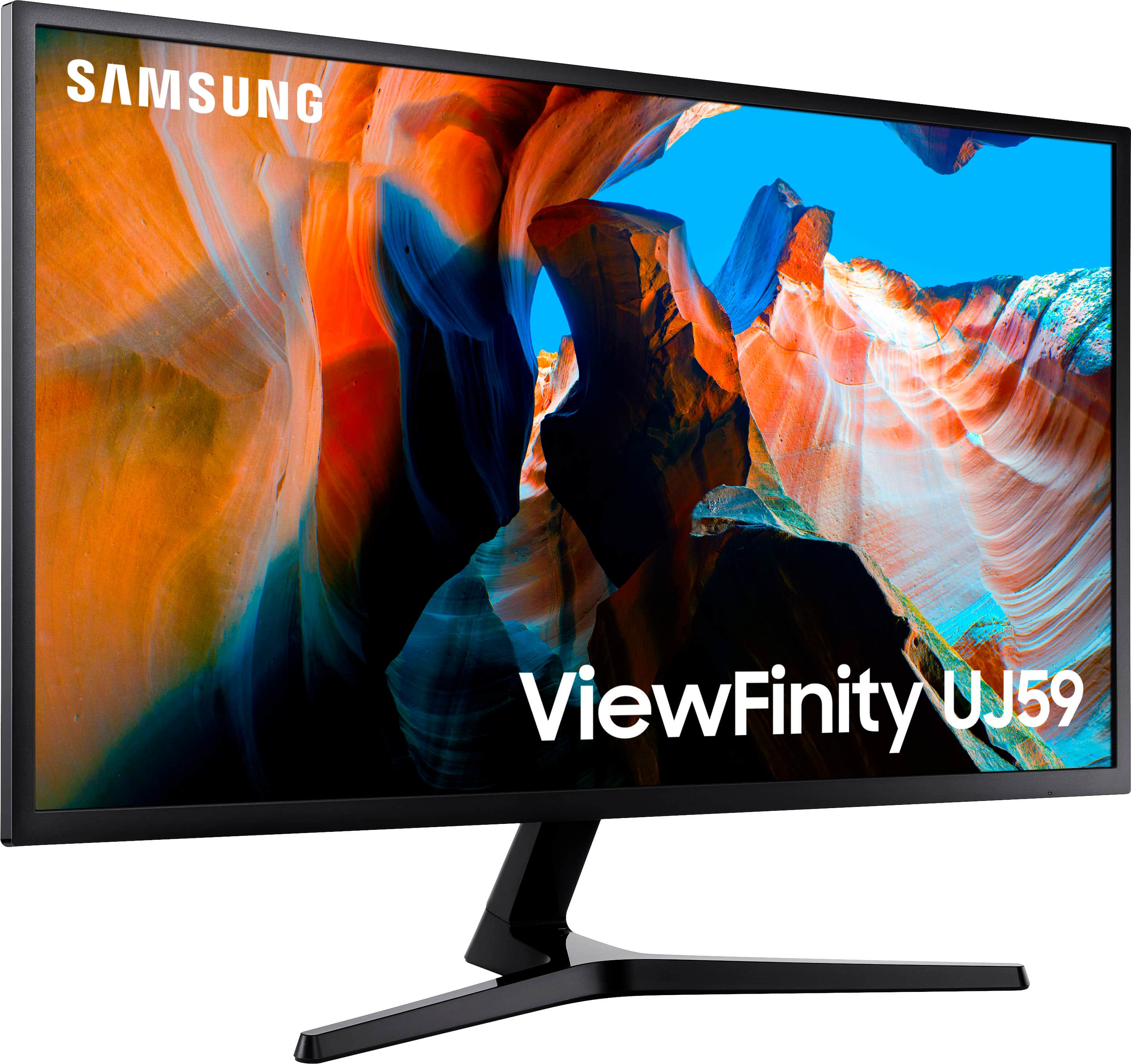
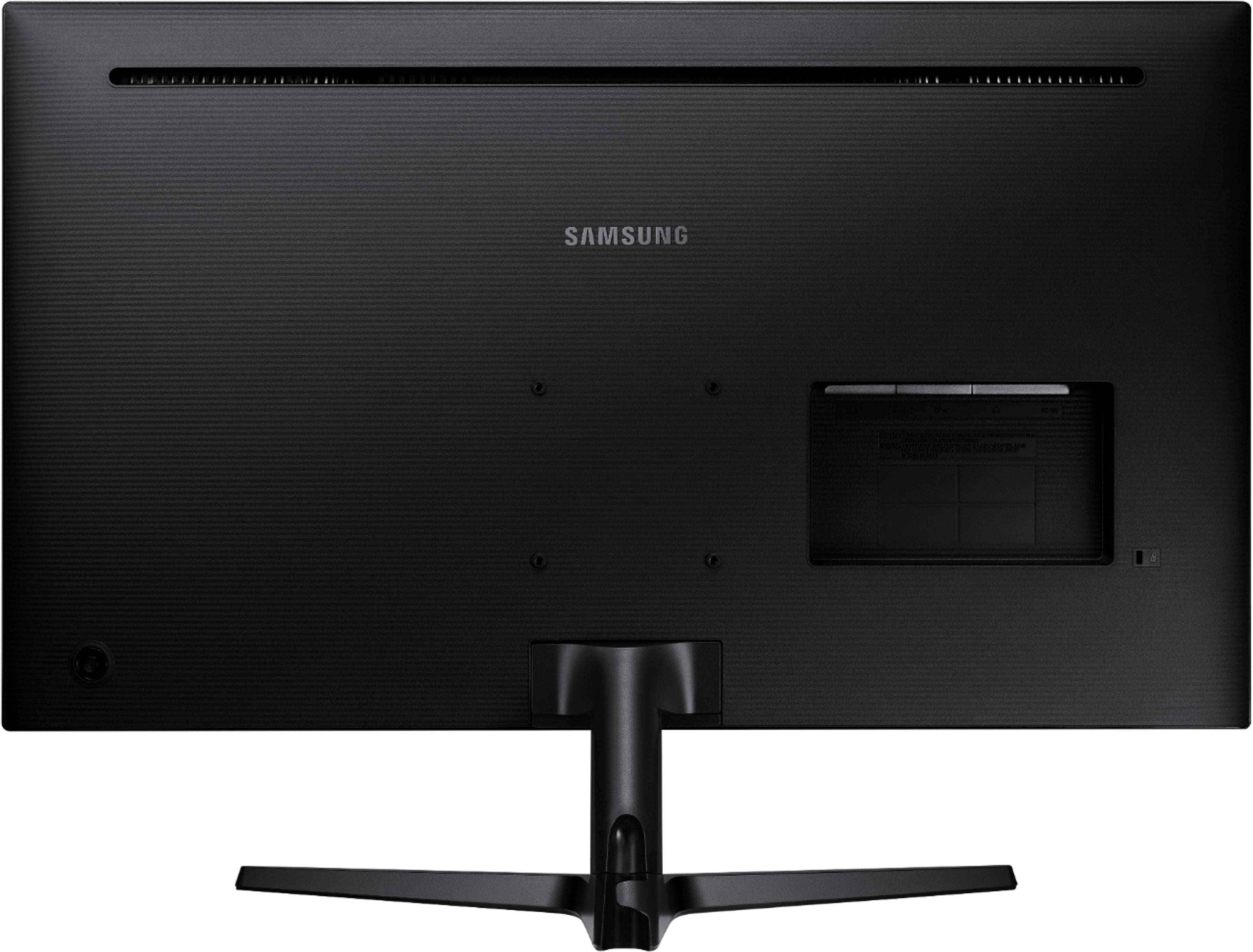
- Model:
- U32J590
- SKU:
- 12762329
Rating by feature
- Display Quality
Rating 4.6 out of 5 stars
- Ease of Use
Rating 4.5 out of 5 stars
- Features
Rating 4.5 out of 5 stars
Customers are saying
Customers often highlight the impressive screen size and high resolution as the primary benefits of this monitor, noting that it offers great overall performance for the price. While users appreciate how easy the device is to connect to their computers, some have expressed concerns regarding the limited refresh rate and the quality of the internal speakers. Additionally, a few customers noted limitations regarding the available connection ports and the narrow viewing angles. Overall, the product is viewed as a solid value for those prioritizing display quality and ease of use.
This summary was generated by AI based on customer reviews.
- Pros mentioned:Screen sizeCons mentioned:Hdmi, Viewing angle
Poor viewing angles = icing on cake.
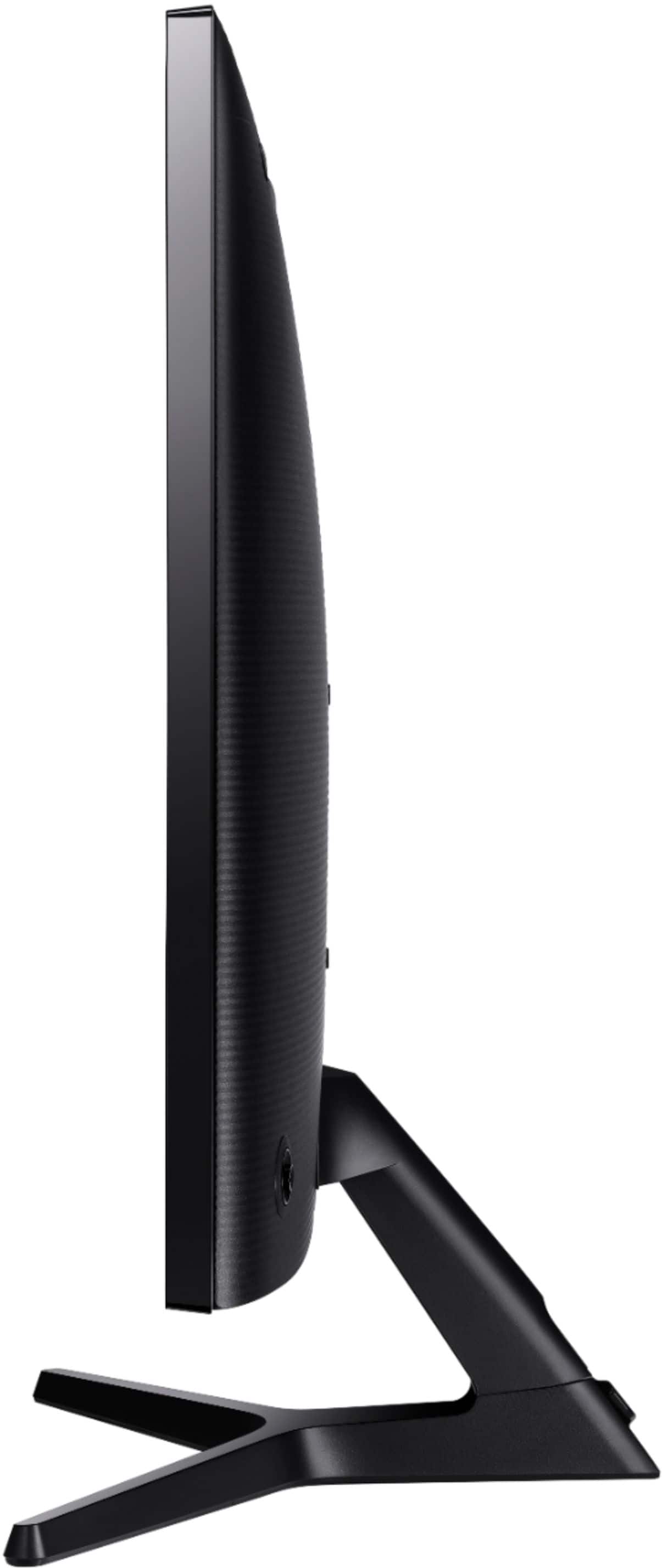
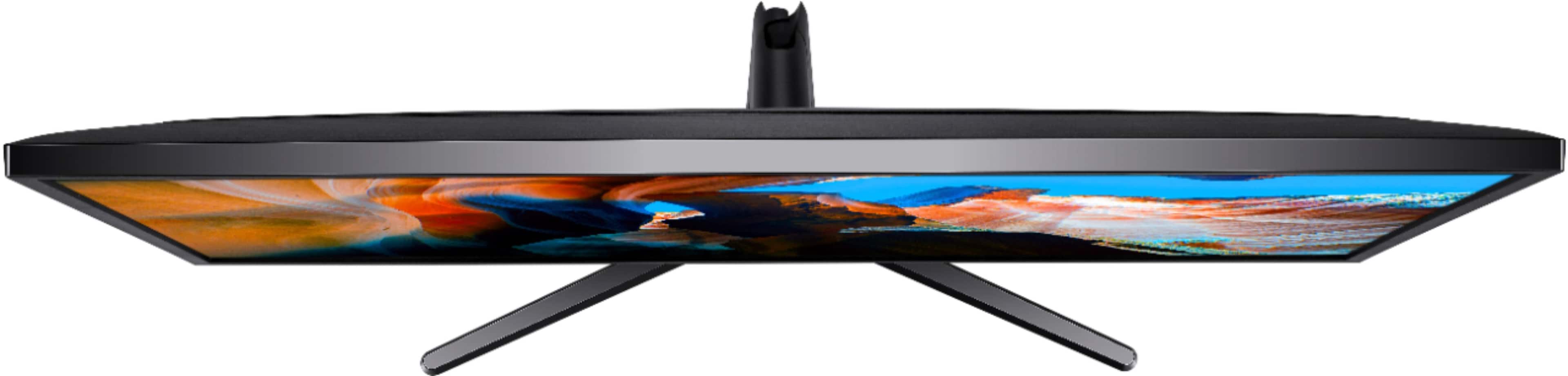
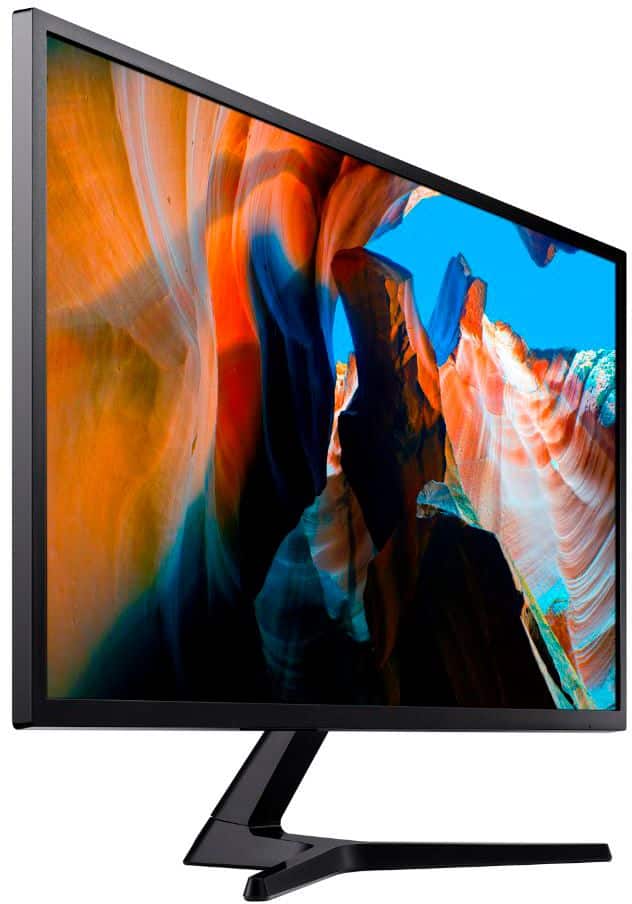
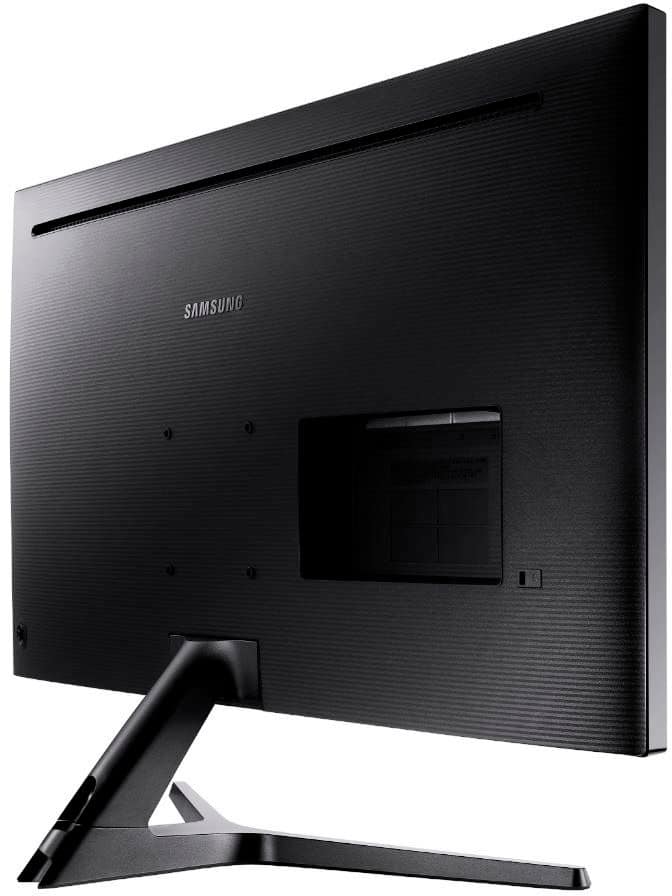
Posted .This reviewer received promo considerations or sweepstakes entry for writing a review.I am currently using an HP ZR30w 30" IPS QHD monitor which I've had near zero complaints about going on ~8 years. I've reached a point with work and online media that 4k makes sense now as my main driver. I decided to start low (bang:buck ratio) and work my way up in the 4k realm. My primary criteria is 4k, 32" FreeSync, sub 7ms response time and excellent Adobe spectrum coverage with good viewing angles as cheap as possible. Having read numerous positive personal online reviews, I gleefully tossed this into my BB basket and set up a pickup order from one of our local BB that had it in stock. Once we arrived at the store, before picking it up, I wandered over to the monitor display section to see it in person. The writing was on the wall as it was sitting next to the LG IPS 27" 4k display, showing the same content, and the LG absolutely destroyed it in visual performance. This wasn't the top end model LG either. Still, with a proper calibration things could be different, right? Once I arrived back home I eagerly unboxed this beast. Size wise, this is definitely bigger than my older display and much lighter. Build quality is not that great but passable. My display had no bad pixels or any outward screen defects. From a distance (2+ yards away) media looked very nice in 4k. This display would be great for a dedicated console and program viewing from at least 2+ yards away as view angle issues lessen when viewed this way on a VA panel. Gaming on this display is pure joy compared to my HP ZR30w that I never realized I needed in my life in terms of synchronization. The problems are as follows: HDMI screen kept timing out while gaming (screen would go blank, disconnect, reconnect and then display) intermittently when connected to my Radeon Vega 64. This only happened while gaming and not in normal desktop use. I tried to duplicate this on an older 27" HP 1080p display I keep as a backup and did not have this problem. I switched to display port and the issue went away. No HDR (which makes sense, see next) Very poor brightness. The product listing says 270cd/m2 which it is not. Some online reviews have measured it at ~210-220cd/m2 and this seems more inline. It's passable but certain games with dark lighting (Diablo 3 for example) or movies lacked that bright "pop" when needed. Color coverage was not on par with my ~8-9 yr old display which does 94% Adobe (which is to be expected to a degree based on cost). This display is right around 83% and it showed. Certain image tests showed pronounced banding whereas my older display showed none. This was post calibration. Both displays boast 10-bit color. Even calibrated, reds are a little overpowered in classic Samsung style. Finally, and most importantly, the viewing angles are pretty horrific. Sitting straight on, left and right sides of the screen are mildly washed out. Actual viewing angle on this display is 20 degrees at best horizontally before your image starts to cloud/degrade. While gaming, I actually would move my head side to side and watch the immediate content in front of my clear up like magic while anything to my immediate right or left became cloudy and washed out. Online reviews back this up. This isn't only a Samsung issue for low to mid level 4k displays. It is a problem with some VA panels that this display uses. While it is a step up from the older TN panels, IPS is really preferred for minimal image degradation while viewing/working up close. It is because of the reasons listed above I will be returning this display and continue my hunt for the best bang:buck. I'll be shifting my next price point by $300 upward and begin anew. I know my standards might be outlandish, but I figure I'll be using whatever display I end up with for 5+ years (if not more), so I want to make sure it is something that won't drive me batty.
No, I would not recommend this to a friendBrand response from Samsung
Posted .Electrosoft:
I am very sorry to see that you have encountered issues with the Samsung U32J591 Monitor and have returned it
Your feedback is very important to us and will be shared with our product team.
Should you ever decide to give Samsung Monitor products another try and have concerns or questions, please know we are always here to help. You contact Samsung Customer Support via:
1) Phone: 1-800-SAMSUNG (ask for Monitors)
Available 8AM - 12AM EST (Mon-Fri) / 9AM - 11PM EST (Sat-Sun)
2) LiveChat or Email: https://www.samsung.com/us/support/#contact_us_for_support
3) Facebook Messenger: https://www.facebook.com/samsungsupport
4) Twitter: https://twitter.com/SamsungSupport
5) The Samsung Monitor Community is also a great resource for getting help from Samsung moderators and customers: https://us.community.samsung.com/t5/Monitors/bd-p/monitors
Again, thank you for taking the time to share your experience and provide us with information that helps improve our products. We hope to regain you as a customer in the near future.
- Samsung Solutions
Line across screen..
||Posted .This reviewer received promo considerations or sweepstakes entry for writing a review.Good screen but not even a yr later got a damm line across my screen... i dont recommend buying.
No, I would not recommend this to a friendBrand response from Samsung
Posted .I am very sorry for the lines on the screen that you have encountered with your Samsung - UJ59 Series U32J590UQN 32" LED 4K UHD FreeSync Monitor.
Please contact Samsung Customer Support so that we can better understand your issue and assist with a solution.
You can reach us via any of the below options:
If you need further assistance, we are here to help. You can reach Samsung Support at 1-800-SAMSUNG, available 8AM - 12AM EST (Mon-Fri) / 9AM - 11PM EST (Sat-Sun).
Or visit our Samsung website and click on the SUPPORT link in the upper right corner for:
• Contact Us Options (LiveChat, Remote Support, Facebook, Twitter)
• Product Support
• Manuals and Downloads
• Warranty Info
• Product Registration: Registering your product gives you access to easy warranty support, convenient opt-in to special promos and offers, faster troubleshooting and service, and quick notification of system updates
• Samsung Community: A great resource for getting help from Samsung moderators and customers
• …and more
Registering your product gives you access to easy warranty support, convenient opt-in to special promos and offers, faster troubleshooting and service, and quick notification of system updates.
Samsung stands behind the quality and performance of every product we manufacture, and we back this model with a 1-year manufacturer's limited warranty, if purchased brand-new directly from an authorized seller.
Again, I am very sorry for the inconveniences you have had and hope that we will hear from you soon.
Excellent Quality UHD FreeSync Monitor!!!
||Posted .This reviewer received promo considerations or sweepstakes entry for writing a review.Purchased this for my son who loves to play online PC games. High Def quality with amazing brightness and color! Best monitor I've experienced so far!
I would recommend this to a friendGood monitor
||Posted . Owned for 5 months when reviewed.This reviewer received promo considerations or sweepstakes entry for writing a review.Bought it as a secondary monitor for my Macmini. Works well. No complaints.
I would recommend this to a friendResolution was so so and stand was wobbly
||Posted . Owned for 3 weeks when reviewed.This reviewer received promo considerations or sweepstakes entry for writing a review.Returned it for a Dell. Very disappointed. I still have an old Samsung that is much better in all aspects.
No, I would not recommend this to a friendBrand response from Samsung
Posted .Happier,
I am very sorry to see that you have encountered issues with the Samsung - UJ59 Series U32J590UQN 32" Monitor and have returned it
Your feedback is very important to us and will be shared with our product team.
Should you ever decide to give Samsung Monitor products another try and have concerns or questions, please know we are always here to help. You can contact Samsung Customer Support via:
1-800-SAMSUNG, available 8AM - 12AM EST (Mon-Fri) / 9AM - 11PM EST (Sat-Sun).
Or visit our Samsung website and click on the SUPPORT link in the upper right corner for:
• Contact Us Options (LiveChat, Remote Support, Facebook, Twitter)
• Product Support
• Manuals and Downloads
• Warranty Info
• Product Registration: Registering your product gives you access to easy warranty support, convenient opt-in to special promos and offers, faster troubleshooting and service, and quick notification of system updates
• Samsung Community: A great resource for getting help from Samsung moderators and customers
• …and more
Again, thank you for taking the time to share your experience and provide us with information that helps improve our service. We hope to regain you as a customer in the near future.
Samsung Monitors
Very bad monitor connecting to Macbook Pro 2020
||Posted . Owned for 4 months when reviewed.This reviewer received promo considerations or sweepstakes entry for writing a review.This monitor keeps disconnecting with Macbook Pro 2020 for almost every 2-3 minutes. It blacks out for 2 seconds and comes back. Also it sometimes shows weird fuzz images before disconnecting and blacks out. I believe I have a right cable.
No, I would not recommend this to a friendBrand response from Samsung
Posted .Darkhorse,
Thank you for having purchased Samsung - UJ59 Series U32J590UQN 32" Monitor.
Please allow us to understand the issues that you have been experiencing with your Macbook Pro 2020, so that we can troubleshoot towards a solution.
You can reach Samsung Support via any of the following options:
1) Phone: 1-800-SAMSUNG
2) LiveChat: https://www.samsung.com/us/support/#contact_us_for_support
3) Facebook Messenger: http://m.me/samsungsupport
4) Twitter: https://twitter.com/messages/compose?recipient_id=18768513
5) The Samsung Members Community is also a great resource for getting help from Samsung moderators and customers: https://us.community.samsung.com
Again, I am very sorry for the inconveniences you have had, and hope that we will hear from you soon.
Samsung Monitors
Not worth it
||Posted . Owned for 11 months when reviewed.This reviewer received promo considerations or sweepstakes entry for writing a review.Not impressed at all. It said 4K but my 1080p monitor had a sharper picture
No, I would not recommend this to a friendBrand response from Samsung
Posted .I’m sorry to see that you rated this product 2 stars, which indicates dissatisfaction.
If there is anything we can do to assist you and improve your product experience, please contact Samsung Customer Support via:
1-800-SAMSUNG, available 8AM - 12AM EST (Mon-Fri) / 9AM - 11PM EST (Sat-Sun).
Your thoughts and opinions are very important to Samsung and we hope to hear from you.
Wasn’t impressed
||Posted .This reviewer received promo considerations or sweepstakes entry for writing a review.As the title says I wasn’t impressed with this monitor. Couldn’t get my xbox one x to recognize it as a 4k display
No, I would not recommend this to a friendBrand response from Samsung
Posted .TruckinUp:
I am very sorry that this monitor has not lived up to your expectations..
This U32J590 monitor delivers stunning Ultra HD picture quality, PC viewing, gaming and more with incredible lifelike detail. The Game Mode feature instantly optimizes screen contrast to give you a competitive edge during gameplay.
Please reach out to us so we can better understand your usage scenario and why your Xbox One X is not recognizing it as a 4k display.
You can reach us via any of the below options:
1) Phone: 1-800-SAMSUNG (ask for Monitors)
Available 8AM - 12AM EST (Mon-Fri) / 9AM - 11PM EST (Sat-Sun)
2) LiveChat or Email: https://www.samsung.com/us/support/#contact_us_for_support
3) Facebook Messenger: https://www.facebook.com/samsungsupport
4) Twitter: https://twitter.com/SamsungSupport
5) The Samsung Monitor Community is also a great resource for getting help from Samsung moderators and customers: https://us.community.samsung.com/t5/Monitors/bd-p/monitors
We look forward to hearing from you soon.
- Samsung Solutions
Lot of lag
||Posted . Owned for 3 weeks when reviewed.This reviewer received promo considerations or sweepstakes entry for writing a review.The monitor has an appreciable lag when connected to Macbook Pro and also to Dell Windows 10 laptop. It's nearly unusable with that lag. Even with reducing the resolution, the lag is still there. I switched this monitor with my old Dell monitor and the lag went away. Tried different HDMI cables also, the same issue. Anyhow, I returned mine.
No, I would not recommend this to a friendBrand response from Samsung
Posted .Paul,
Thank you for having purchased Samsung - UJ59 Series U32J590UQN 32" Monitor.
If all the monitor is exhibiting the same exact issue with lag from different devices, then I suspect it may have to do with the way the monitors are setup with your computers.
Please give us the opportunity to better understand your usage environment and troubleshoot towards a solution.
You can reach Samsung Support via any of the following options:
1-800-SAMSUNG, available 8AM - 12AM EST (Mon-Fri) / 9AM - 11PM EST (Sat-Sun).
Or visit our Samsung website and click on the SUPPORT link in the upper right corner for:
• Contact Us Options (LiveChat, Remote Support, Facebook, Twitter)
• Product Support
• Manuals and Downloads
• Warranty Info
• Product Registration: Registering your product gives you access to easy warranty support, convenient opt-in to special promos and offers, faster troubleshooting and service, and quick notification of system updates
• Samsung Community: A great resource for getting help from Samsung moderators and customers
• …and more
Again, I am very sorry for the inconveniences you have had, and hope that we will hear from you soon.
Samsung Monitors
Terrible
||Posted . Owned for 3 weeks when reviewed.This reviewer received promo considerations or sweepstakes entry for writing a review.Absolutely Horrible! The monitor does not activate reliably with thunderbolt. I have to constantly un plug and plug the monitor in to get it to be recognized by my MB Pro and turn on. The color is washed out. No real black. If I could return it I would, but I threw away the box. Definitely a DO NOT BUY!
No, I would not recommend this to a friendNot a gaming monitor
||Posted . Owned for 3 weeks when reviewed.This reviewer received promo considerations or sweepstakes entry for writing a review.I loved it at first but now it's got a flashing white light whole screen issue that is beyond annoying, every few seconds the whole screen blinks a white flash. I game on this so that's very distracting. So if your looking for a gaming monitor I say big NO. Just for normal computer stuff sure.
No, I would not recommend this to a friendBrand response from Samsung
Posted .Cloudy,
Thank you for having purchased a Samsung - UJ59 Series U32J590UQN 32" monitor.
If this is a consistent issue that is happening all the time, then I suspect it may have to do with the way the monitor is setup with your computer.
Please give us the opportunity to better understand your usage environment and troubleshoot towards a solution.
You can reach Samsung Support via any of the following options:
1-800-SAMSUNG, available 8AM - 12AM EST (Mon-Fri) / 9AM - 11PM EST (Sat-Sun).
Or visit our Samsung website and click on the SUPPORT link in the upper right corner for:
• Contact Us Options (LiveChat, Remote Support, Facebook, Twitter)
• Product Support
• Manuals and Downloads
• Warranty Info
• Product Registration: Registering your product gives you access to easy warranty support, convenient opt-in to special promos and offers, faster troubleshooting and service, and quick notification of system updates
• Samsung Community: A great resource for getting help from Samsung moderators and customers
• …and more
Again, I am very sorry for the inconveniences you have had, and hope that we will hear from you soon.
Samsung Monitors
Each monitor has different hues with same settings
||Posted . Owned for less than 1 week when reviewed.This reviewer received promo considerations or sweepstakes entry for writing a review.Bought 2 monitors for dual display and each screen even with them same settings has completely different hues. Super annoying to have the same screen and each one look different. The 4k just doesn't seem to look very sharp either.
No, I would not recommend this to a friendBrand response from Samsung
Posted .DavidE,
Thank you for purchasing the Samsung - UJ59 Series U32J590UQN 32" Monitor. I am sorry to hear that you are not satisfied with the color performance of this model.
Please know that this UHD monitor gives you 64 times more color than conventional monitors – an incredible 1 billion colors. That means movies, games, and other multimedia content appear detailed, natural looking, and extremely realistic. More colors also ensure a smoother transition between different tones for a richer, more accurate picture.
Samsung products are engineered to the highest standards of performance and quality and we back the Samsung U32J590 with a 1-year limited manufacturer's warranty if purchased brand-new from an authorized dealer.
To better assist you with step-by-step troubleshooting and picture adjustment, please contact Samsung Customer Support and a representative will gladly help you:
1-800-SAMSUNG, available 8AM - 12AM EST (Mon-Fri) / 9AM - 11PM EST (Sat-Sun).
Samsung is committed to providing the best possible product experience, quality, and value, and we are always here to help with any of your questions or concerns.
Samsung Monitors
Nothing Extraordinary!!!!
||Posted . Owned for 3 weeks when reviewed.This reviewer received promo considerations or sweepstakes entry for writing a review.Computer monitor. Seems clear enough. Ehh, that's all I really have to say.
No, I would not recommend this to a friendBrand response from Samsung
Posted .JayQuellin,
I’m sorry to see that you rated this product 2 stars, which indicates dissatisfaction.
If there is anything we can do to assist you and improve your product experience, please contact Samsung Customer Support via:
1-800-SAMSUNG, available 8AM - 12AM EST (Mon-Fri) / 9AM - 11PM EST (Sat-Sun).
Or visit our Samsung website and click on the SUPPORT link in the upper right corner for:
• Contact Us Options (LiveChat, Remote Support, Facebook, Twitter)
• Product Support
• Manuals and Downloads
• Warranty Info
• Product Registration: Registering your product gives you access to easy warranty support, convenient opt-in to special promos and offers, faster troubleshooting and service, and quick notification of system updates
• Samsung Community: A great resource for getting help from Samsung moderators and customers
• …and more
Your thoughts and opinions are very important to Samsung and we hope to hear from you.
Samsung Monitors
JUNK
||Posted . Owned for 8 months when reviewed.This reviewer received promo considerations or sweepstakes entry for writing a review.Lasted 6 month before the flickering got so bad I couldn't use it. 2nd Samsung product in my home in the last 2 month to end up being garbage
No, I would not recommend this to a friendBrand response from Samsung
Posted .We are very sorry for the flickering you have encountered with your Samsung - UJ59 Series U32J590UQN 32" LED 4K UHD FreeSync Monitor.
Please contact Samsung Customer Support so that we can better understand your issue and assist with a solution.
You can reach us via any of the below options:
If you need further assistance, we are here to help. You can reach Samsung Support at 1-800-SAMSUNG, available 8AM - 12AM EST (Mon-Fri) / 9AM - 11PM EST (Sat-Sun).
Or visit our Samsung website and click on the SUPPORT link in the upper right corner for:
• Contact Us Options (LiveChat, Remote Support, Facebook, Twitter)
• Product Support
• Manuals and Downloads
• Warranty Info
• Product Registration: Registering your product gives you access to easy warranty support, convenient opt-in to special promos and offers, faster troubleshooting and service, and quick notification of system updates
• Samsung Community: A great resource for getting help from Samsung moderators and customers
• …and more
Registering your product gives you access to easy warranty support, convenient opt-in to special promos and offers, faster troubleshooting and service, and quick notification of system updates.
Samsung stands behind the quality and performance of every product we manufacture, and we back this model with a 1-year manufacturer's limited warranty, if purchased brand-new directly from an authorized seller.
Again, I am very sorry for the inconveniences you have had and hope that we will hear from you soon.
Worst monitor ever
||Posted . Owned for 2 weeks when reviewed.This reviewer received promo considerations or sweepstakes entry for writing a review.Did not like the monitor at all wast of Time and money.
No, I would not recommend this to a friendBrand response from Samsung
Posted .Alfaomega,
I am very sorry to see that you have encountered issues with the Samsung - UJ59 Series U32J590UQN 32" Monitor. I understand your disappointment and hope that you will give us a chance to assist with troubleshooting or warranty service.
Samsung products are engineered to the highest standards of performance and quality and we back this model with a 1-year limited manufacturer's warranty, if purchased brand-new from an authorized dealer.
For further assistance or to begin warranty service, please contact Samsung Customer Support via:
1-800-SAMSUNG, available 8AM - 12AM EST (Mon-Fri) / 9AM - 11PM EST (Sat-Sun)
Samsung is committed to providing the best possible product experience, quality, and value, and we are always here to help with any of your questions or concerns.
Samsung Monitors
Constantly flickering
||Posted . Owned for 8 months when reviewed.This reviewer received promo considerations or sweepstakes entry for writing a review.Revised drivers, updated them Reinstalled drivers Tried different cables compatible with displayport 4K 60hz Still, at 4K 60hz, it is flickering I have a Lenovo Thinkpad X390 bought 6 months ago with the intel graphics card Very annoying, now I do not know what to do with it
No, I would not recommend this to a friendBrand response from Samsung
Posted .Jordi,
I am very sorry for the flickering issues you have encountered with your Samsung - UJ59 Series U32J590UQN 32" Monitor.
Please contact Samsung Customer Support so that we can better understand your issue and assist with a solution.
You can reach us via any of the below options:
If you need further assistance, we are here to help. You can reach Samsung Support at 1-800-SAMSUNG, available 8AM - 12AM EST (Mon-Fri) / 9AM - 11PM EST (Sat-Sun).
Or visit our Samsung website and click on the SUPPORT link in the upper right corner for:
• Contact Us Options (LiveChat, Remote Support, Facebook, Twitter)
• Product Support
• Manuals and Downloads
• Warranty Info
• Product Registration: Registering your product gives you access to easy warranty support, convenient opt-in to special promos and offers, faster troubleshooting and service, and quick notification of system updates
• Samsung Community: A great resource for getting help from Samsung moderators and customers
• …and more
Registering your product gives you access to easy warranty support, convenient opt-in to special promos and offers, faster troubleshooting and service, and quick notification of system updates.
Samsung stands behind the quality and performance of every product we manufacture, and we back this model with a 1-year manufacturer's limited warranty, if purchased brand-new directly from an authorized seller.
Again, I am very sorry for the inconveniences you have had and hope that we will hear from you soon.
Samsung Monitors
NOT FOR GAMING
||Posted .This reviewer received promo considerations or sweepstakes entry for writing a review.Good for office applications only. Not very good colors, function select button in the back it’s difficult to operate, Could not make it properly work with games. Went back to store and return it same day I picked it up. I got a different brand monitor and now I’m good.
No, I would not recommend this to a friendBrand response from Samsung
Posted .REM22,
I am very sorry to see that you have encountered issues with the Samsung - UJ59 Series U32J590UQN 32" Monitor and have returned it
Your feedback is very important to us and will be shared with our product team.
Should you ever decide to give Samsung Monitor products another try and have concerns or questions, please know we are always here to help. You can contact Samsung Customer Support via:
1-800-SAMSUNG, available 8AM - 12AM EST (Mon-Fri) / 9AM - 11PM EST (Sat-Sun).
Or visit our Samsung website and click on the SUPPORT link in the upper right corner for:
• Contact Us Options (LiveChat, Remote Support, Facebook, Twitter)
• Product Support
• Manuals and Downloads
• Warranty Info
• Product Registration: Registering your product gives you access to easy warranty support, convenient opt-in to special promos and offers, faster troubleshooting and service, and quick notification of system updates
• Samsung Community: A great resource for getting help from Samsung moderators and customers
• …and more
Again, thank you for taking the time to share your experience and provide us with information that helps improve our service. We hope to regain you as a customer in the near future.
Samsung Monitors
monitor screen was damaged and didn't work
||Posted . Owned for 1.5 years when reviewed.This reviewer received promo considerations or sweepstakes entry for writing a review.I was really looking forward to using this monitor to edit some pictures/videos. By the time I got home to open the box, the monitor screen was damaged and didn't work. Tried to exchange but they were out of stock.
No, I would not recommend this to a friendSamsung 32 monitor
||Posted .This reviewer received promo considerations or sweepstakes entry for writing a review.It was flickering so I returned it. Maybe it doesn't fit the laptop however my another 32" monitor (ASUS) is OK with it. Another possibility it was a bad sample but I haven't tried to replace it.
No, I would not recommend this to a friendBrand response from Samsung
Posted .Alexander,
I am very sorry to see that you have encountered issues with the Samsung - UJ59 Series U32J590UQN 32" Monitor and have returned it.
Your feedback is very important to us and will be shared with our product team.
Should you ever decide to give Samsung Monitor products another try and have concerns or questions, please know we are always here to help. You can contact Samsung Customer Support via:
1-800-SAMSUNG, available 8AM - 12AM EST (Mon-Fri) / 9AM - 11PM EST (Sat-Sun).
Again, thank you for taking the time to share your experience and provide us with information that helps improve our service. We hope to regain you as a customer in the near future.
Samsung Monitors
Expected better from Samsung
||Posted . Owned for 4 months when reviewed.This reviewer received promo considerations or sweepstakes entry for writing a review.Terrible experience. Monitor has been unreliable. Cannot keep the monitor awake. Display blacks out repeatedly, even though the power LED keeps blinking. Never had issues with previous cheaper monitor.. expected better from Samsung.
No, I would not recommend this to a friendBrand response from Samsung
Posted .chandra,
Thank you for purchasing the Samsung - UJ59 Series U32J590UQN 32" Monitor. I am very sorry to hear that you experienced difficulties with your display.
The following could help to solve the issue of the monitor having difficulty coming out of sleep mode.
1) Check if your graphics card has any updates available. If updates are available, install them. If you require help installing your graphics card updates, please contact your graphics card manufacturer.
2) Perform a Windows Update. Visit Microsoft's online update page, and then follow all on-screen prompts.
3) Check that your monitor has the latest software by visiting [insert link to specific model]
4) Check your signal cable. Try using a different cable to verify if your cable is defective.
For further assistance, please contact Samsung Customer Support at:
Samsung is committed to providing the best possible product experience, quality, and value, and we are always here to help with any of your questions or concerns.
Samsung Monitors