Customer Ratings & Reviews
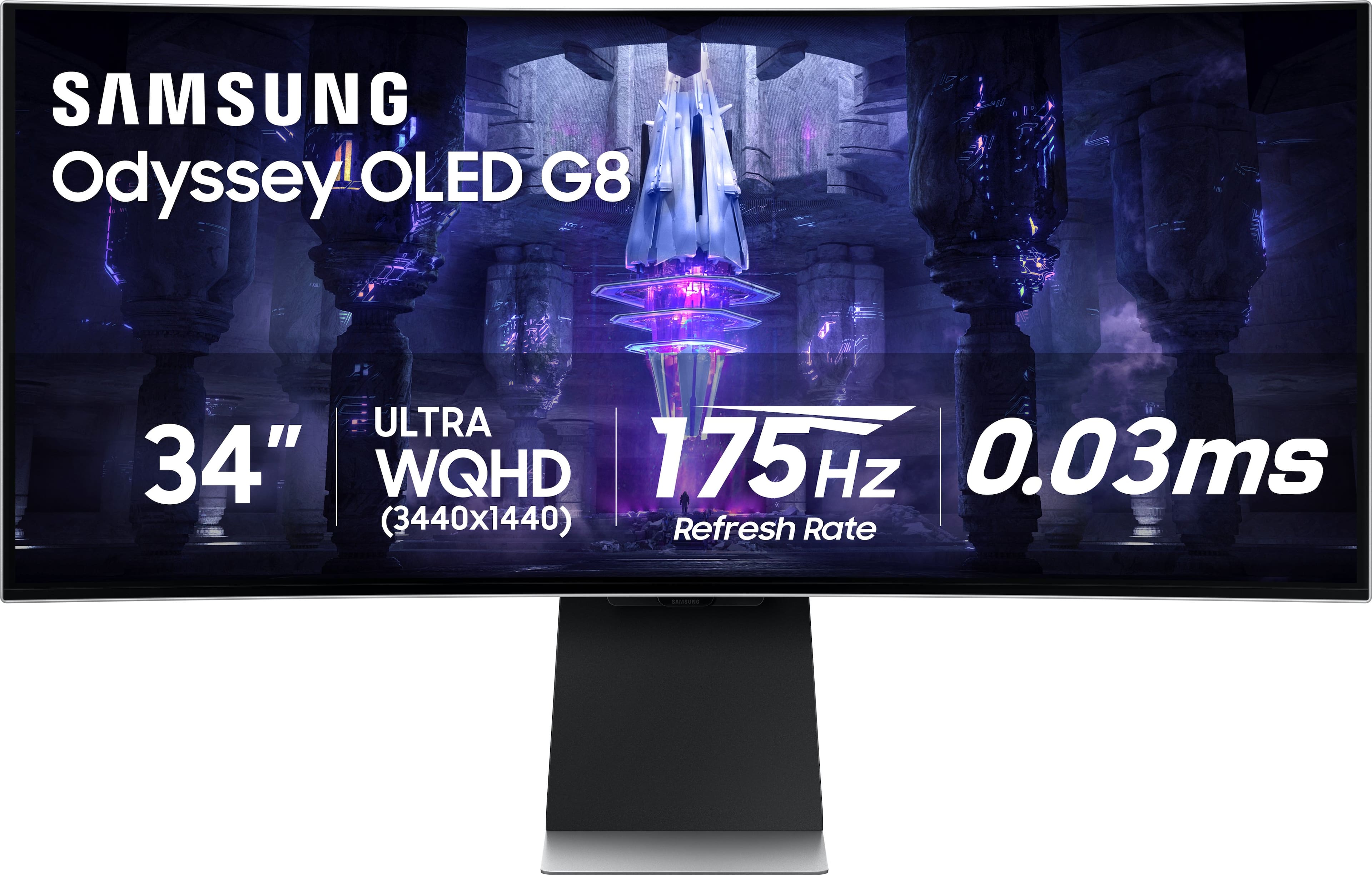
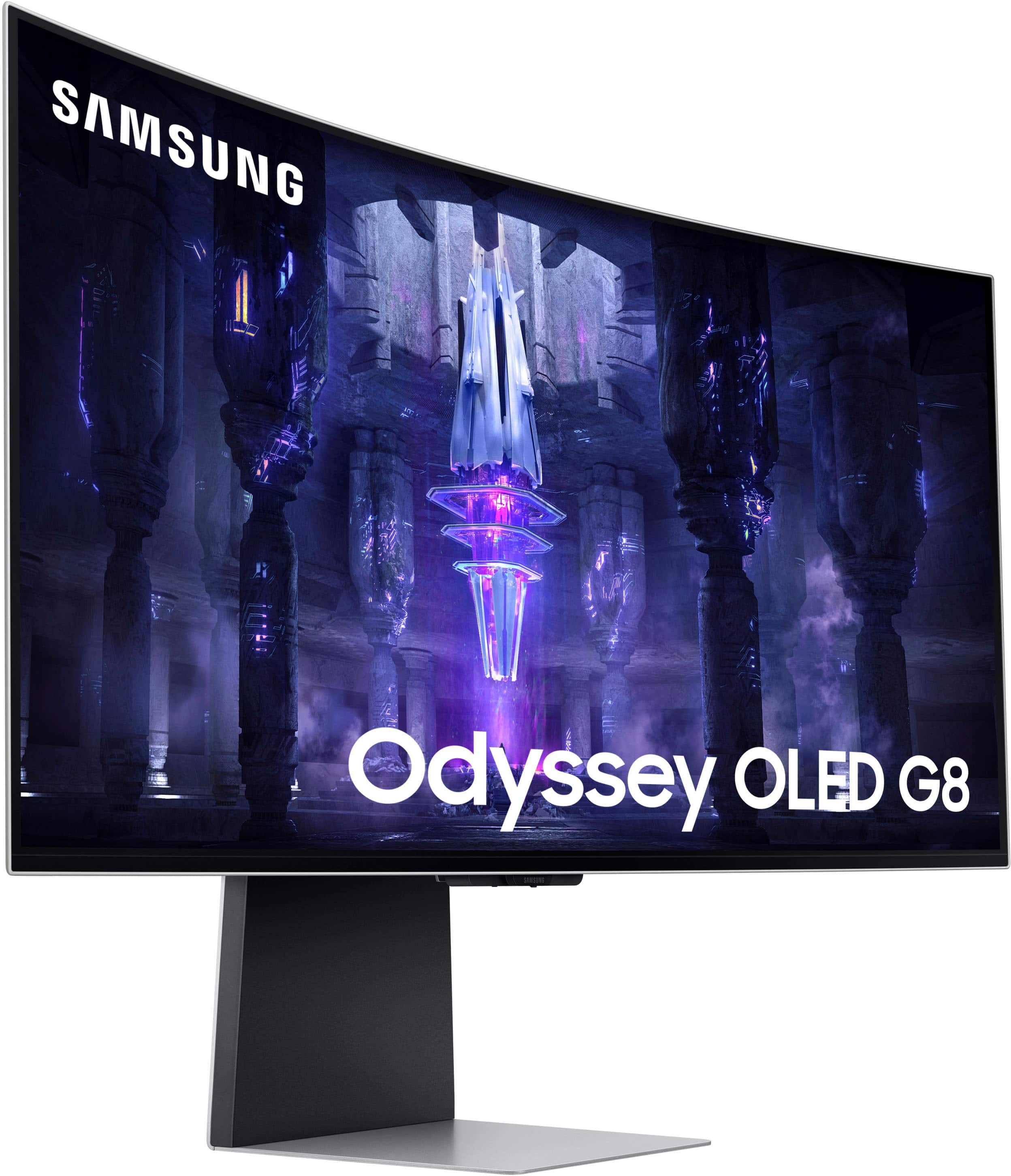


- Model:
- LS34BG850SNXZA
- SKU:
- 11885313
Rating by feature
- Display Quality
Rating 4.8 out of 5 stars
- Ease of Use
Rating 4.2 out of 5 stars
- Features
Rating 4.5 out of 5 stars
to a friend
Brightness problem
||Posted . Owned for 4 months when reviewed.This reviewer received promo considerations or sweepstakes entry for writing a review.No brightness good even sdr or hdr i return it already
No, I would not recommend this to a friendGreat image, but has faulty plug ins.
||Posted . Owned for 1 week when reviewed.This reviewer received promo considerations or sweepstakes entry for writing a review.Image is amazing, but the display ports are so poorly designed. They make it very difficult to plug and play. Upon receiving my monitor, the display ports were damage in a way that they wouldn’t allow me to connect my Xbox series s to or my Nintendo switch to it. The monitor malfunctioned somehow, and couldn’t pick up my devices. Very frustrating
No, I would not recommend this to a friendBrand response from Samsung
Posted .We are very sorry to see that you have encountered issues with the Samsung Odyssey Monitor. We understand your disappointment and hope that you will give us a chance to assist with troubleshooting or warranty service.
Samsung products are engineered to the highest standards of performance and quality and we back this model with a 1-year limited manufacturer's warranty, if purchased brand-new from an authorized dealer.
For further assistance or to begin warranty service, please contact Samsung Customer Support via:
1-800-SAMSUNG, available 8AM - 12AM EST (Mon-Fri) / 9AM - 11PM EST (Sat-Sun)
Samsung is committed to providing the best possible product experience, quality, and value, and we are always here to help with any of your questions or concerns.
Great Display, Terrible Smart Software
||Posted .This reviewer received promo considerations or sweepstakes entry for writing a review.I would avoid this monitor. I tried 2 of them and both had the same issue, it loses the DisplayPort connection for no reason. The Display looks amazing when it works, but after a while, when the monitor goes into Standby mode, it will not come back on. I tested it with 3 different PC's, one of which I did a clean install of Windows 11 and installed all of the latest graphics drivers, the Samsung display driver and all Windows updates. It still had the same issue. I contacted Samsung customer support and they recommended unplugging the power, waiting 2 minutes and plugging it back in. This does fix the connection issue, but why deal with the hassle? I ultimately purchased the Alienware AW3423DWF. It has the same OLED panel, but with what seems to be less buggy software so far.
No, I would not recommend this to a friendDepends on your batch
||Posted . Owned for 1 week when reviewed.This reviewer received promo considerations or sweepstakes entry for writing a review.This is my second time returning this. The monitor gets bubbles/holes on the screen. I don't know where and how it gets there but there must be a defective load in my area. Keep in mind I've had both of these monitors for less than 15 days. Really sucks because its a top notch monitor.
No, I would not recommend this to a friendOpen Box purchase.
||Posted . Owned for 2 weeks when reviewed.This reviewer received promo considerations or sweepstakes entry for writing a review.The monitor was in fantastic condition. The problem with the open box was that it did not have the original mini displayport cable and instead had a best buy brand insignia cable. These cables are directional and unable to work with the monitor.
No, I would not recommend this to a friendDissapointed
||Posted . Owned for 3 weeks when reviewed.This reviewer received promo considerations or sweepstakes entry for writing a review.For such a expensive monitor I expected more. It has an issue where it will turn on with a static image (like an old tv when there wasnt a channel) and you have to unplug and plug it back in. More than likely will be returning.
No, I would not recommend this to a friendWhite noise on screen, QC issues
||Posted .This reviewer received promo considerations or sweepstakes entry for writing a review.Image quality was great, but running the monitor at 175 hz worked for a little while for me before the white noise took over the screen. Running at 120 hz was fine. I tried restarting and disconnecting all other sources, but the white noise screen persisted after several tries.
No, I would not recommend this to a friendBrand response from Samsung
Posted .Thank you for your purchase and review of the 34" Odyssey OLED Gaming Monitor!
We are sorry to hear about the issues you have been experiencing. Your overall feedback is important to us and we will document your concerns.
If there is anything we else can do to assist you and improve your product experience, please contact Samsung Customer Support via: 1-800-SAMSUNG, available 8AM - 12AM EST (Mon-Fri) / 9AM - 11PM EST (Sat-Sun)
Samsung is committed to providing the best possible product experience, quality, and value, and we are always here to help with any of your questions or concerns.
Not worth 300&
||Posted .This reviewer received promo considerations or sweepstakes entry for writing a review.Ok I’m going to be very specific here. This monitor does not put perform the Dell 32 inch ultra wide. Let alone the lg45inch oled. I am a gamer and a TV snob. I originally bought the lg 45 inch oled. Loved it but kept second guessing myself. I went back and fourth after a couple weeks and bought the g8 34 inch oled. I got a great deal on an open box and ran home. I played 15 minutes of games and tried to mess with every setting. I was in shock and mild denial. This is a high end gaming monitor? Looks worse than my old 38 inch alien wear . Looked worse than my budget 32 inch dell. And that oh cremated this!!! I’m glad I bought it though. Because I now have peace of mind that the lg45 oled was the right choice. 20/10
No, I would not recommend this to a friendBrand response from Samsung
Posted .We are very sorry to see that you have encountered issues with the Samsung 34" OLED Smart Gaming Monitor. We understand your disappointment and hope that you will give us a chance to assist with troubleshooting or warranty service. Samsung products are engineered to the highest standards of performance and quality and we back this model with a 1-year limited manufacturer's warranty, if purchased brand-new from an authorized dealer. For further assistance or to begin warranty service, please contact Samsung Customer Support via: 1-800-SAMSUNG, available 8AM - 12AM EST (Mon-Fri) / 9AM - 11PM EST (Sat-Sun) Samsung is committed to providing the best possible product experience, quality, and value, and we are always here to help with any of your questions or concerns.
Dont buy this monitor
||Posted . Owned for less than 1 week when reviewed.This reviewer received promo considerations or sweepstakes entry for writing a review.The monitor has a beautiful display but i ran into problems right away the monitor kept flicking avoid buying this monitor
No, I would not recommend this to a friendHorrible support
||Posted . Owned for 3 months when reviewed.This reviewer received promo considerations or sweepstakes entry for writing a review.After purchasing this monitor in excellent open box condition, it arrived damaged. I had geeksquad protection but best buy wouldnt let me use it until my samsung 1 year warranty expired. I sent it off to samsung and had it exchanged but its been 2 months with almost no updates and my monitor nowhere to be found
No, I would not recommend this to a friendThis monitor only works maybe 25% of the time.
||Posted . Owned for 3 weeks when reviewed.This reviewer received promo considerations or sweepstakes entry for writing a review.This is the worst monitor I have ever owned. If you do not care whether it recognizes the PC or laptop you are connecting it to, this monitor is great. Its graphics are by far the best I have had in a monitor, however, I have spent far too many hours trying to use it. Reviews on Samsung's site complain of the same issue and there is no response from Samsung. The lack of response makes me not want to buy any more Samsung products —currently, most items in my home are Samsung, including my refrigerator.
No, I would not recommend this to a friendGreat Monitor, terrible Best Buy experiance
||Posted . Owned for less than 1 week when reviewed.This reviewer received promo considerations or sweepstakes entry for writing a review.Bought this monitor as an open-box and it's in like new condition. Except that it is missing the mounting bracket it was supposed to come with from the open-box description. BBY's customer service can only offer that I return it to my local store for a refund or drive 2 hours away to another store that has another open-box that may or may not have the part. I only asked to either get the part or give a discount for having to buy the part separately, neither of which they would offer.
I would recommend this to a friendSmart Monitor misses what gamers want
||Posted . Owned for 1 week when reviewed.This reviewer received promo considerations or sweepstakes entry for writing a review.I had high hopes for this monitor but was disappointed to find that it is plagued by serious firmware issues. The monitor often fails to wake from sleep, requiring a restart of the computer. The menu is slow and the response time from the remote is sluggish. The HDR performance is also lackluster compared to the Alienware QD OLED. At its high price point, this monitor should offer a flawless experience, but the numerous problems make it difficult to recommend. It was a misstep to try to turn a gaming monitor into a smart TV. To avoid frustration, I would recommend looking for a different option until these issues are addressed
No, I would not recommend this to a friendBrand response from Samsung
Posted .Thank you for your purchase and review of the Odyssey G85SB Gaming Monitor! We are sorry to hear about the issues you have been experiencing.
Other users with similar concerns, have resolved their issues by loading the latest firmware by visiting the Samsung Download Center and we recommend making sure your monitor software is always updated.
Samsung Download Center: https://www.samsung.com/us/support/downloads/
If after you have verified you’re using the latest version your issues persist, or if there is anything else we can do to assist you and improve your product experience, please contact Samsung Customer Support via:
1-800-SAMSUNG, available 8AM - 12AM EST (Mon-Fri) / 9AM - 11PM EST (Sat-Sun).
Again, thank you for taking the time to share your experience and provide us with information that helps improve our service.
Buggy
||Posted . Owned for 1 week when reviewed.This reviewer received promo considerations or sweepstakes entry for writing a review.Mini HDMI and DisplayPort cord lengths way too short. Smart features very buggy and slow. Screen would turn black during gameplay returned and bought the Lg 45 inch screen Oled it’s so much better.
No, I would not recommend this to a friendBrand response from Samsung
Posted .Thank you for your purchase and review of the Odyssey G85SB Gaming Monitor! We are sorry to hear about the issues you have been experiencing.
Other users with similar concerns, have resolved their issues by loading the latest firmware by visiting the Samsung Download Center and we recommend making sure your monitor software is always updated. Samsung Download Center: https://www.samsung.com/us/support/downloads/
If after you have verified you’re using the latest version your issues persist, or if there is anything else we can do to assist you and improve your product experience, please contact Samsung Customer Support via:
1-800-SAMSUNG, available 8AM - 12AM EST (Mon-Fri) / 9AM - 11PM EST (Sat-Sun).
Again, thank you for taking the time to share your experience and provide us with information that helps improve our service.
Best Buy = Fruads
||Posted . Owned for 1 month when reviewed.This reviewer received promo considerations or sweepstakes entry for writing a review.Best buy are frauds and crooks and I will never buy another item from them and I will be sure to let all my friends and family know. They never matched the price for the purchase of this monitor and they said they would. DO NOT TAKE THEIR WORD THAT THEY NEED TO CHARGE YOU FULL PRICE AND THEY WILL THEN FREFUND THE DIFFERENCE.
No, I would not recommend this to a friendGetting very hot
||Posted .This reviewer received promo considerations or sweepstakes entry for writing a review.The monitor is beautiful. I liked it very much. However, it gets extremely hot and not possible to use.
No, I would not recommend this to a friendOnly mini HDMI and Display Port. Need cords
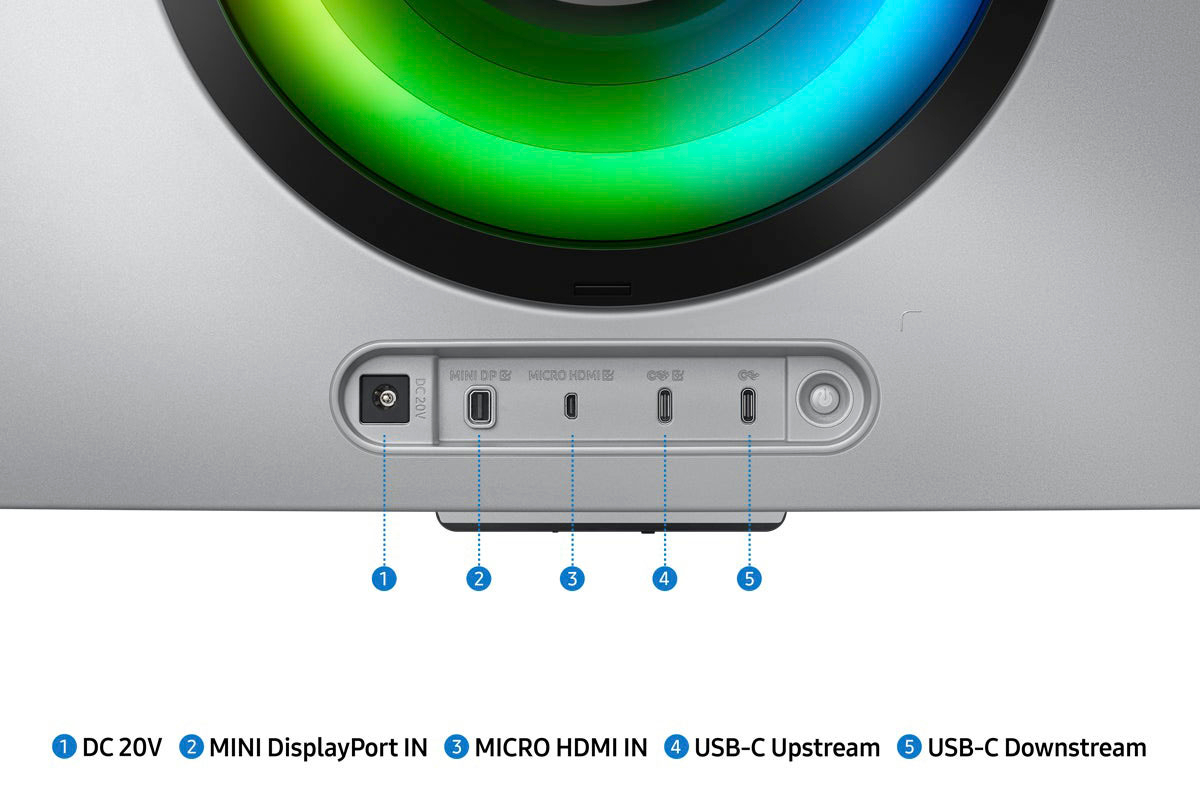
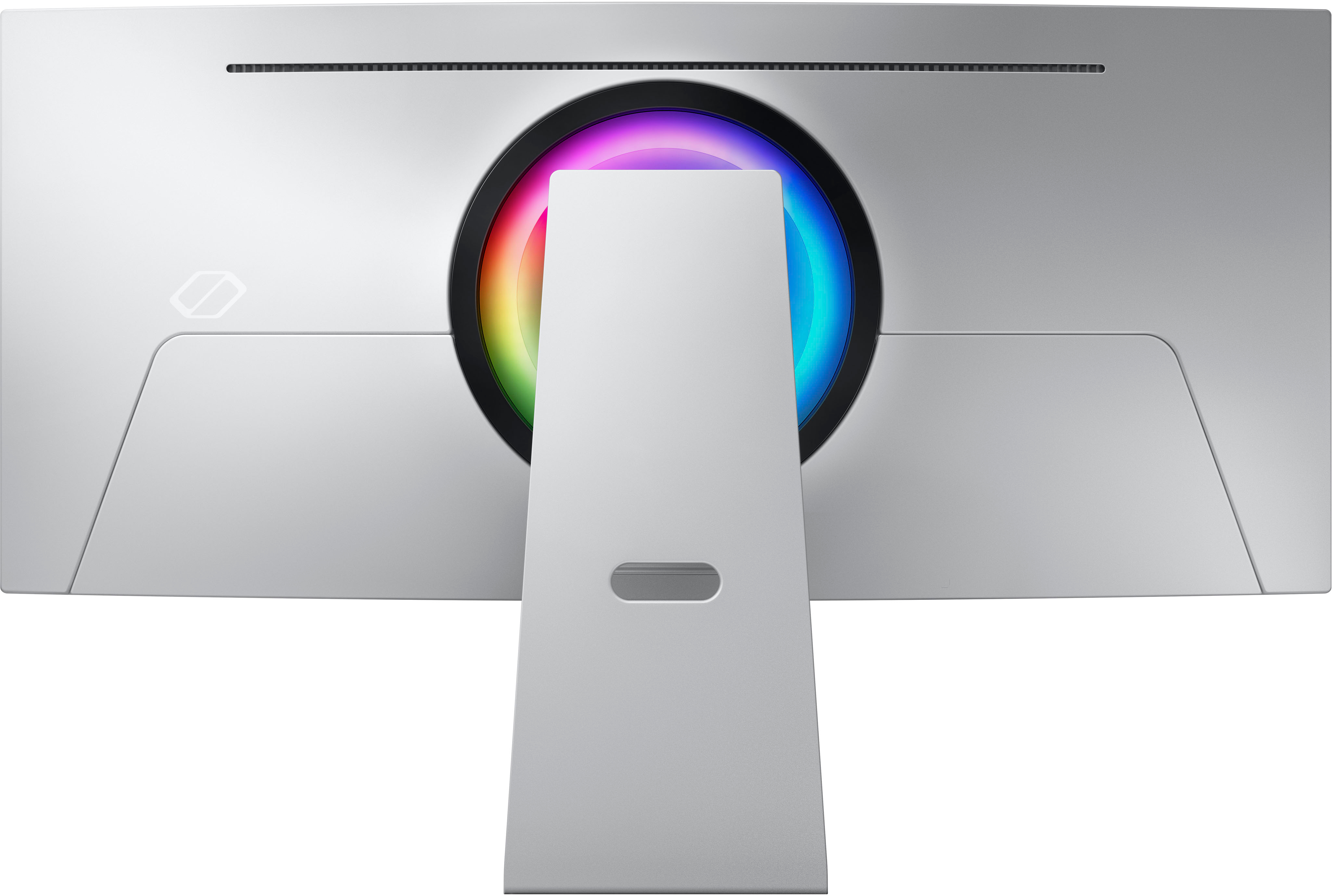
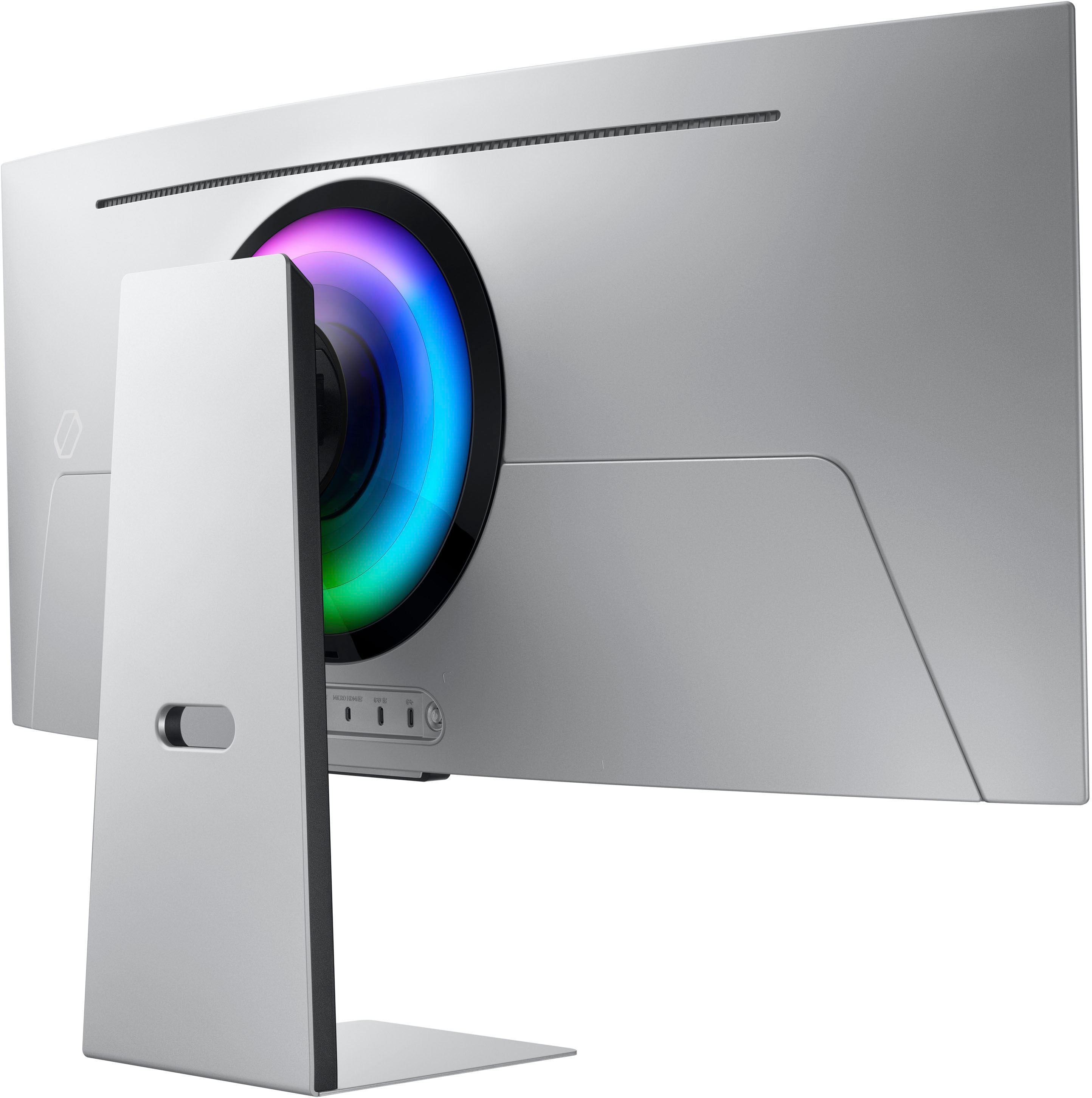
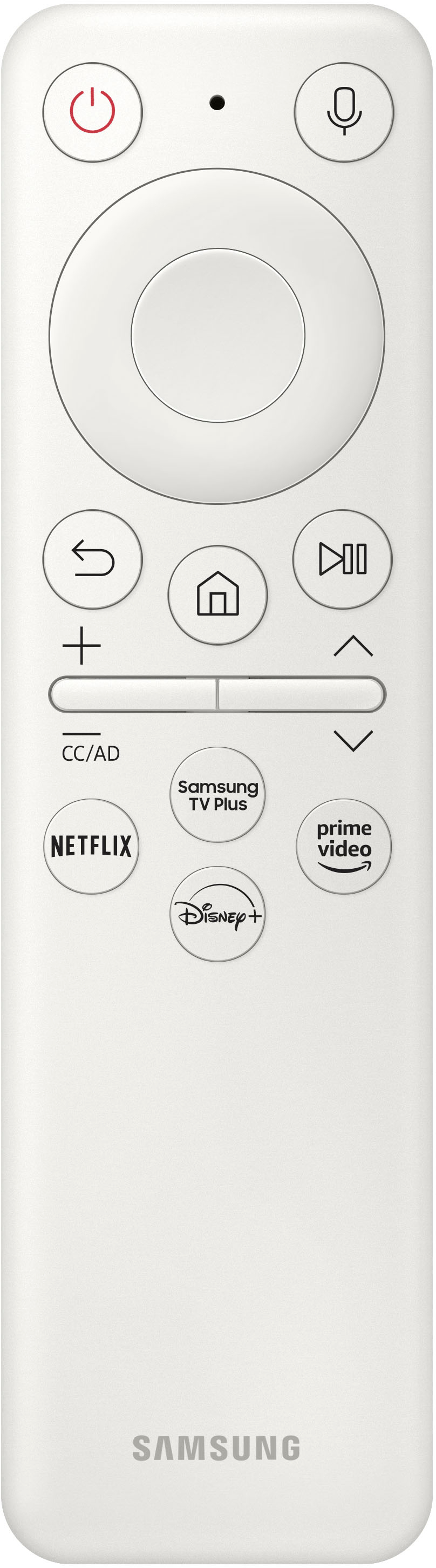
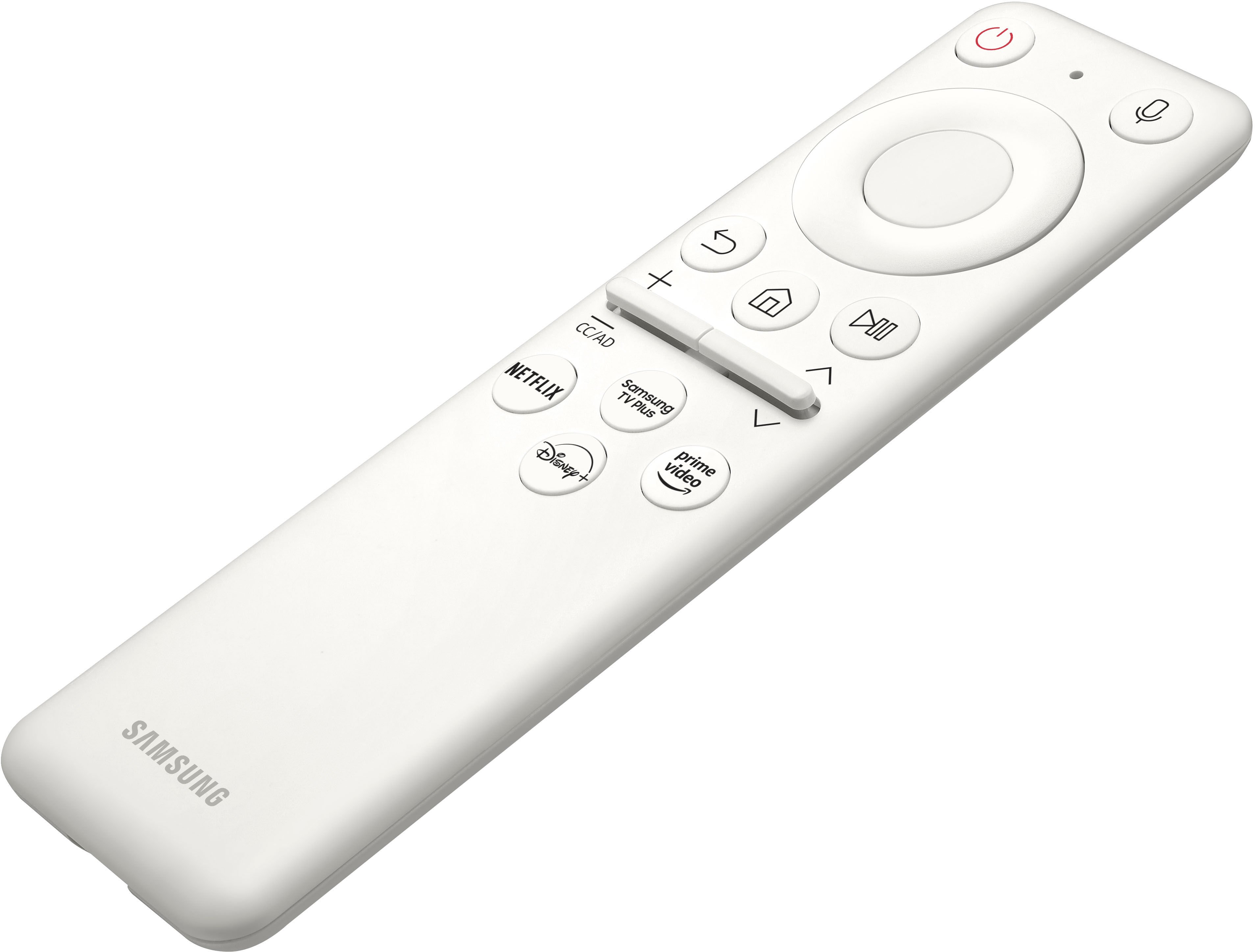
||Posted .This reviewer received promo considerations or sweepstakes entry for writing a review.You need to specify that there are no conventional HDMI ports on this monitor. There is a “mini” HDMI and a mini display port. Samsung only gives a Display port cord in the box with no mini HDMI cable. The remote needs to be charged with a USB -C cord which they also do not include! You need to purchase a mini HDMI cord or display port adapter before you can use this…this is not in the “specs” for this monitor! If it was I would’ve purchased a cord too..
No, I would not recommend this to a friendBrand response from Samsung
Posted .Thank you for purchasing the 34" OLED Gaming Monitor. We are sorry that you were not aware that this model does not come with cords.
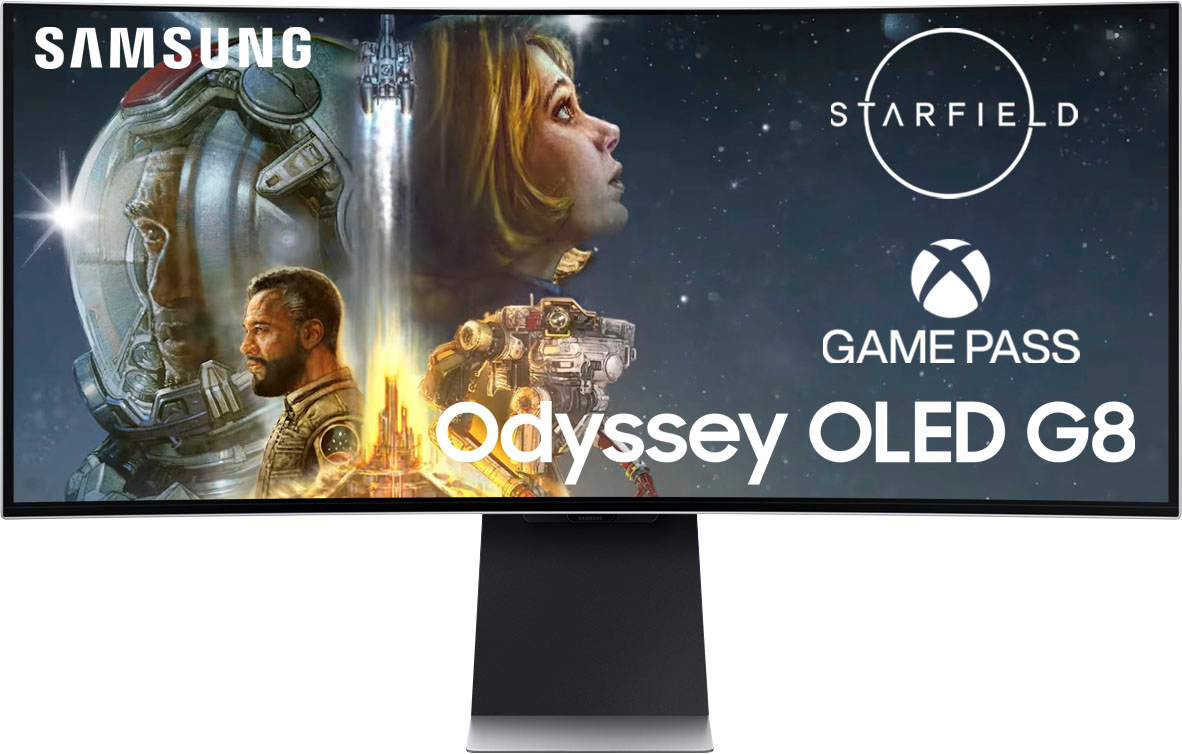
For complete product specs, please visit https://www.samsung.com/us/computing/monitors/gaming/34-g85sb-oled-ultra-wqhd-0-03ms-175hz-curved-smart-gaming-monitor-ls34bg850snxza/#specs
For further assistance, please contact Samsung Customer Support via:
1-800-SAMSUNG, available 8AM - 12AM EST (Mon-Fri) / 9AM - 11PM EST (Sat-Sun)
Samsung is committed to providing the best possible product experience, quality, and value, and we are always here to help with any of your questions or concerns.
Will be returning
||Posted . Owned for 1 month when reviewed.This reviewer received promo considerations or sweepstakes entry for writing a review.will be returning becasue it does not connect to my laptop. As you can see from my other purchases I have tried various hdmi connection and it does not work I spent an hour on the phone with tech support and they could not help. I went back to the store to inquire and all the young kids could not guide me to the right connection. I will be returning.
No, I would not recommend this to a friendDisappointed
||Posted . Owned for 1 month when reviewed.This reviewer received promo considerations or sweepstakes entry for writing a review.Loved the monitor but Best Buy never could figure out why my laptop would not connect to it.
No, I would not recommend this to a friend
A fantastic, if slightly quirky, product
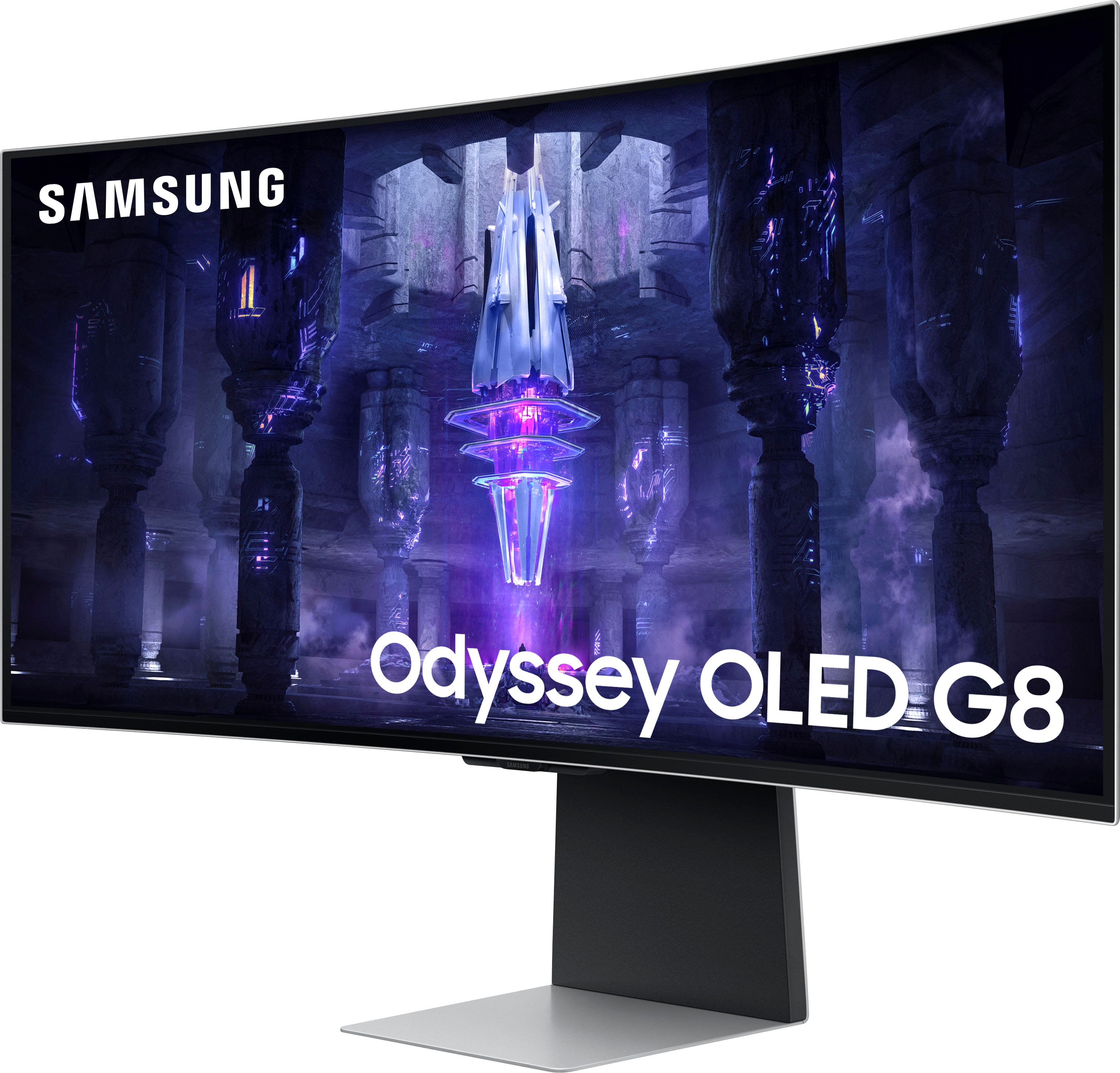
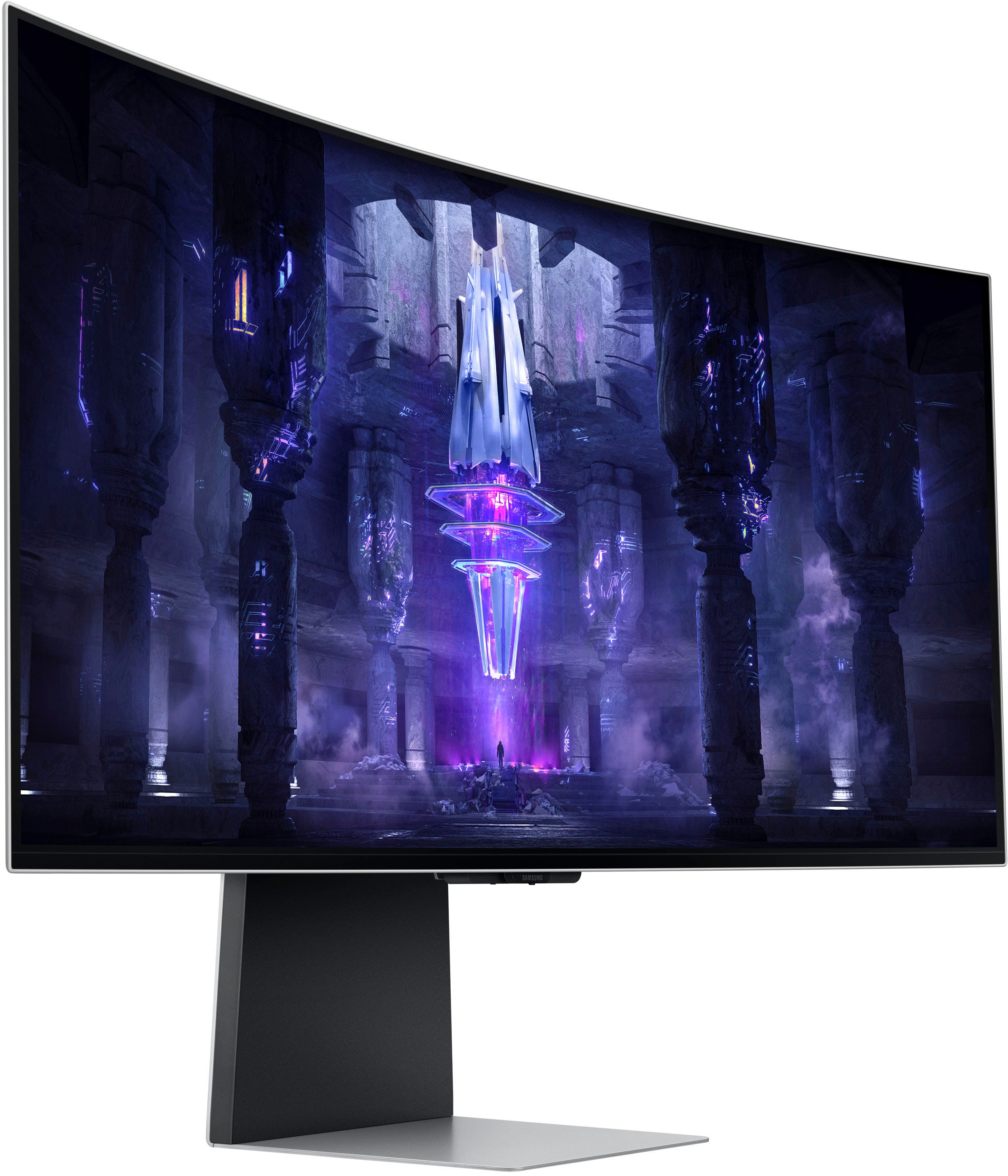
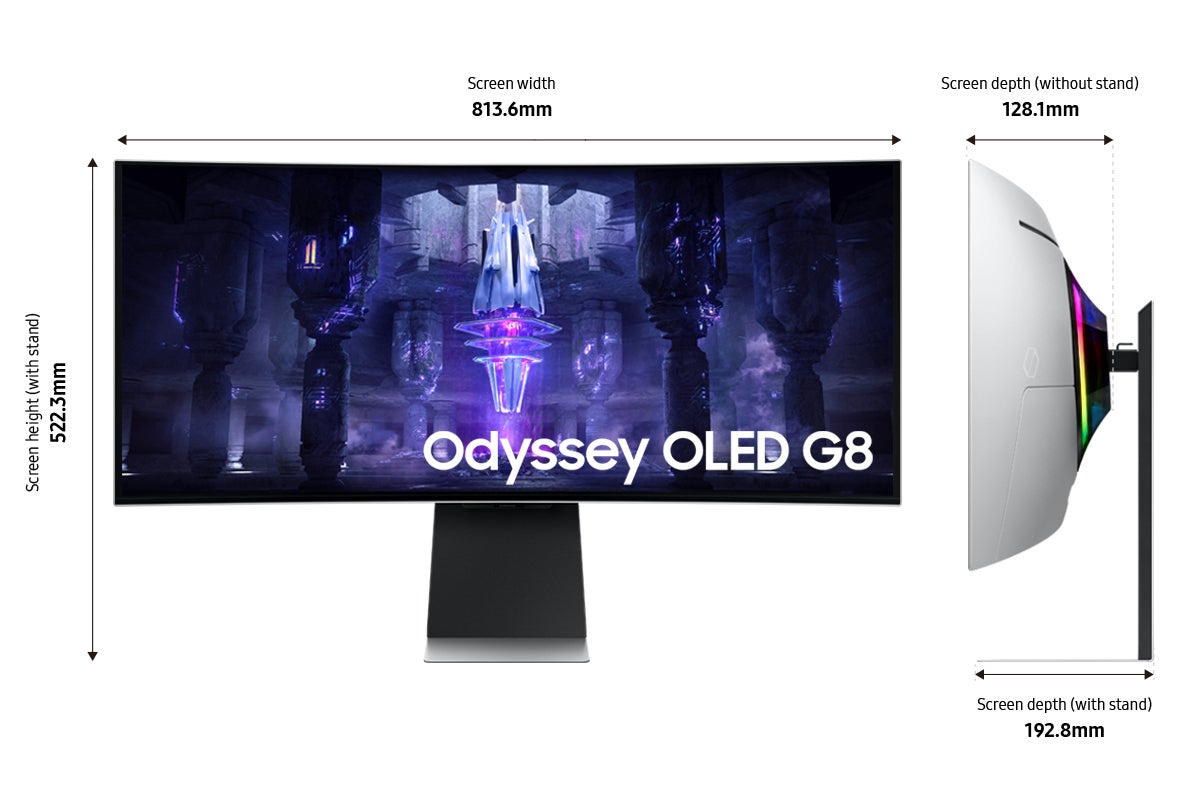
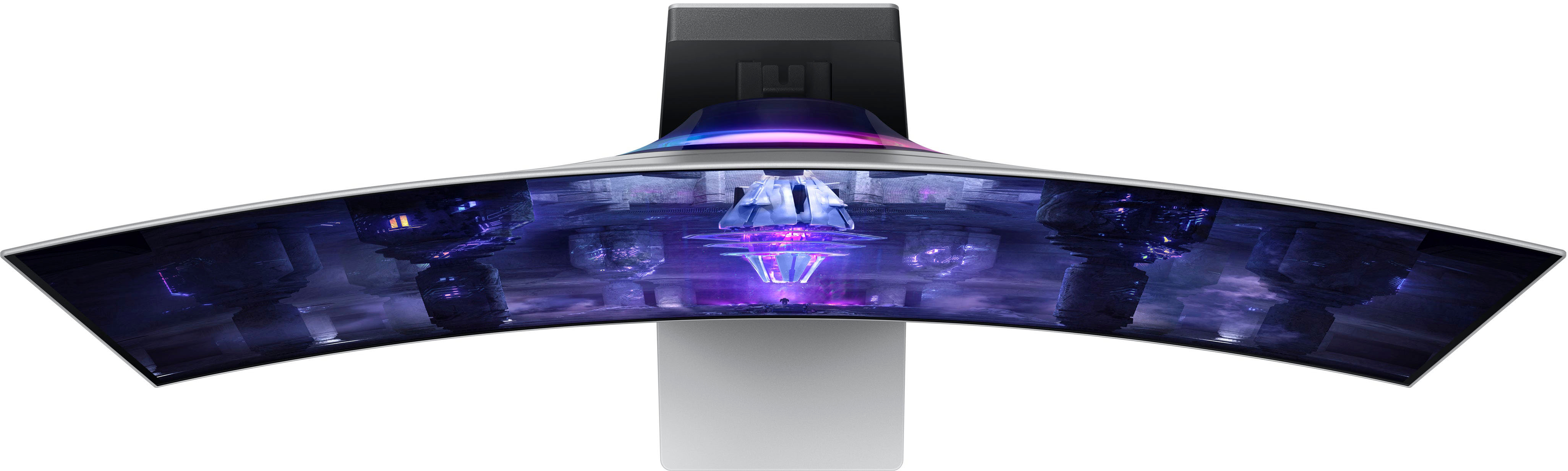
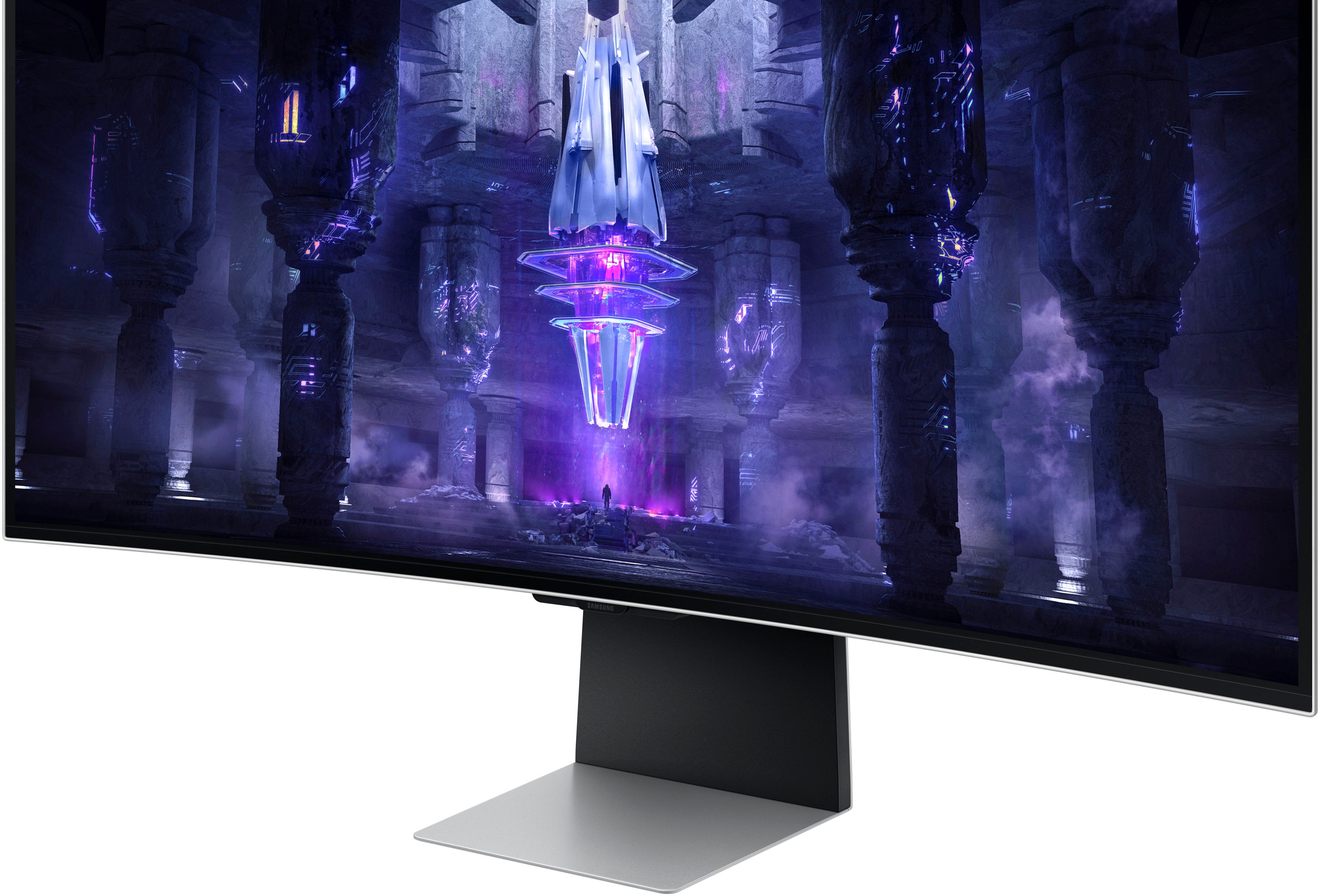
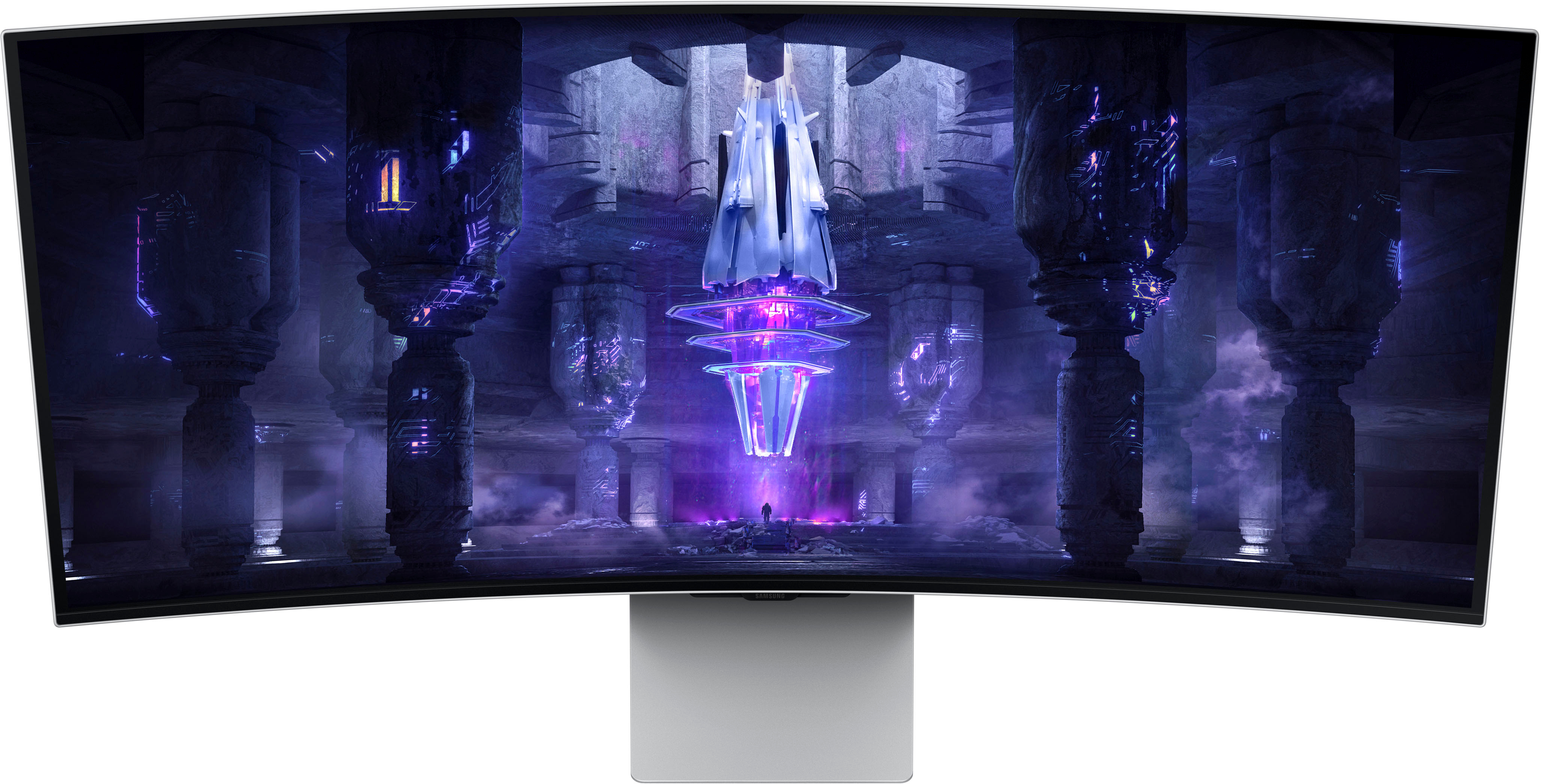
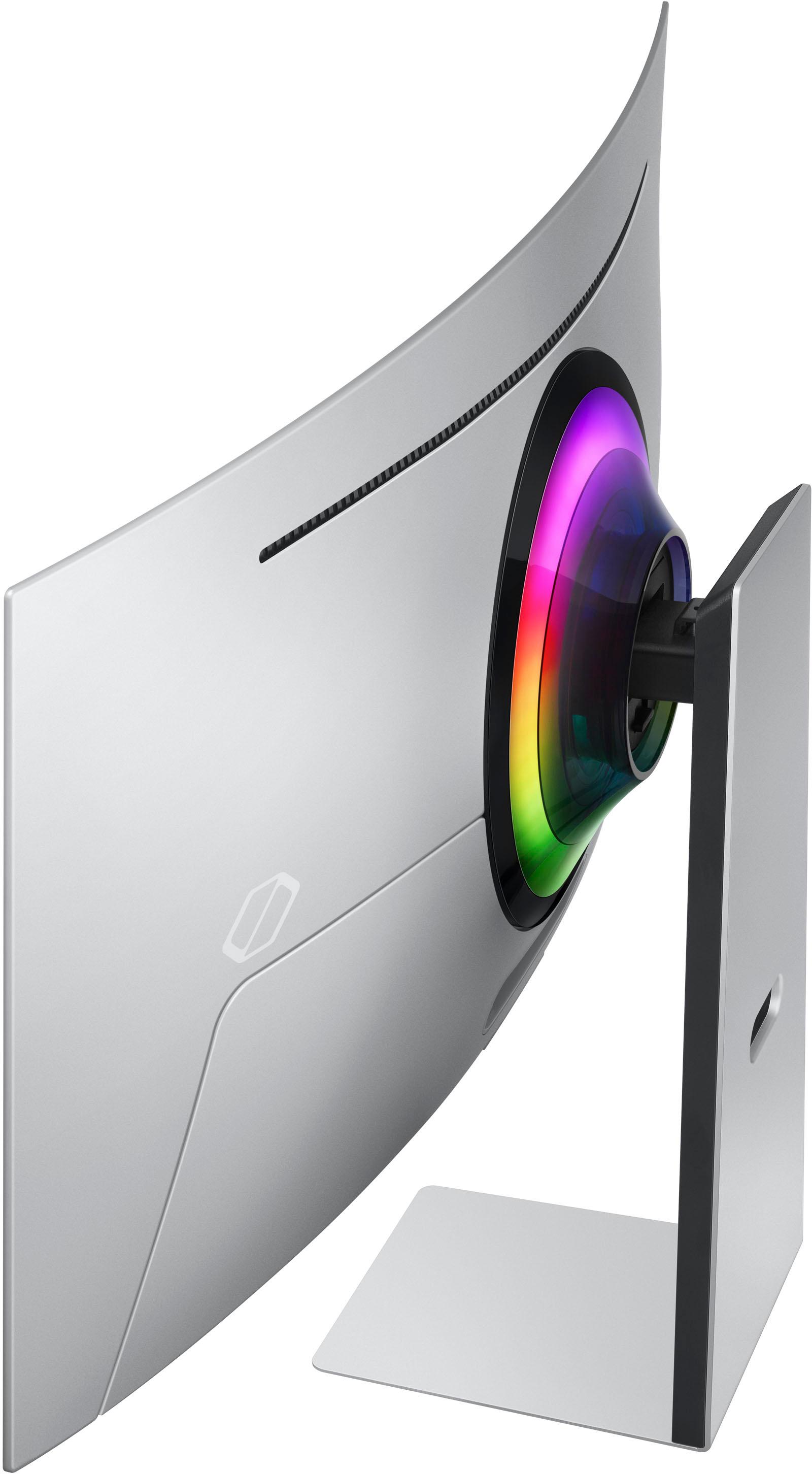
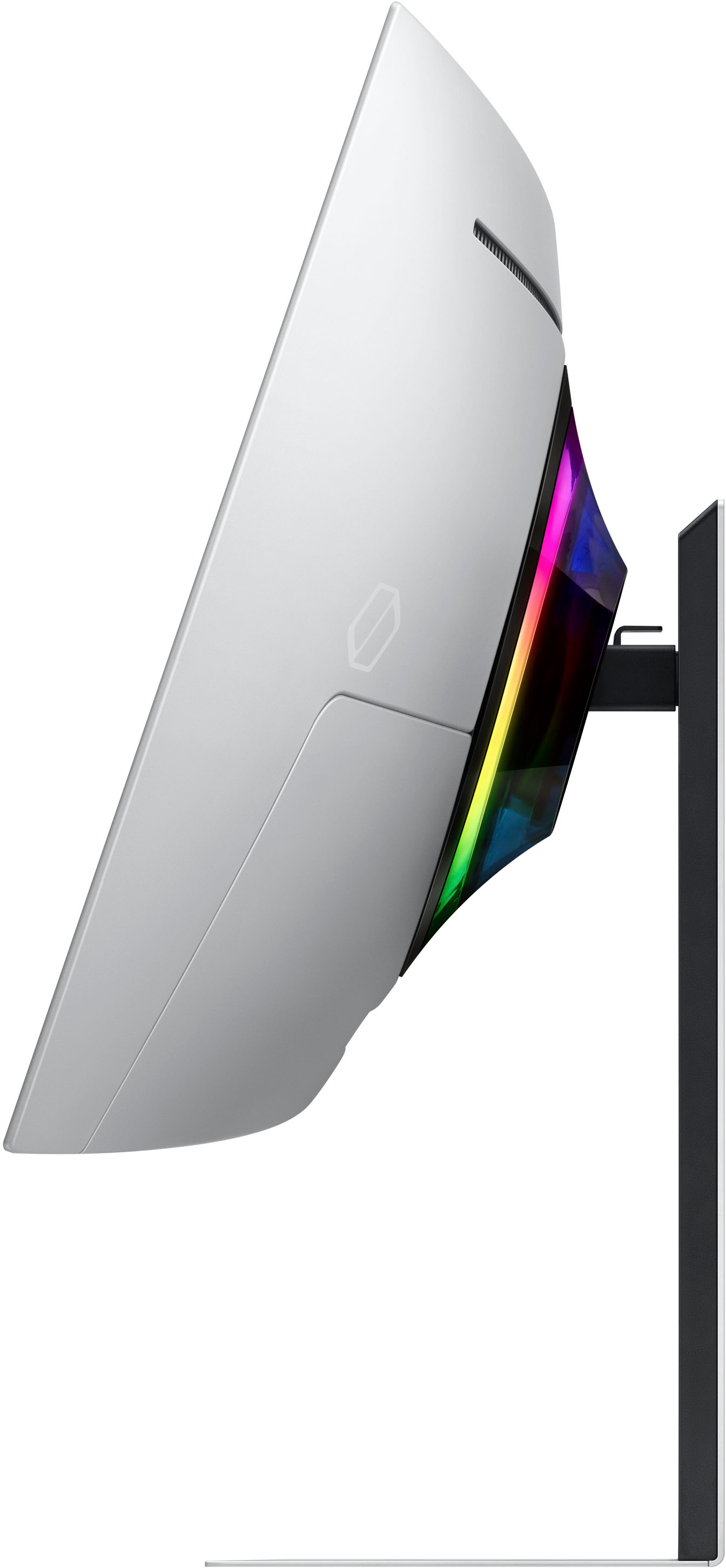
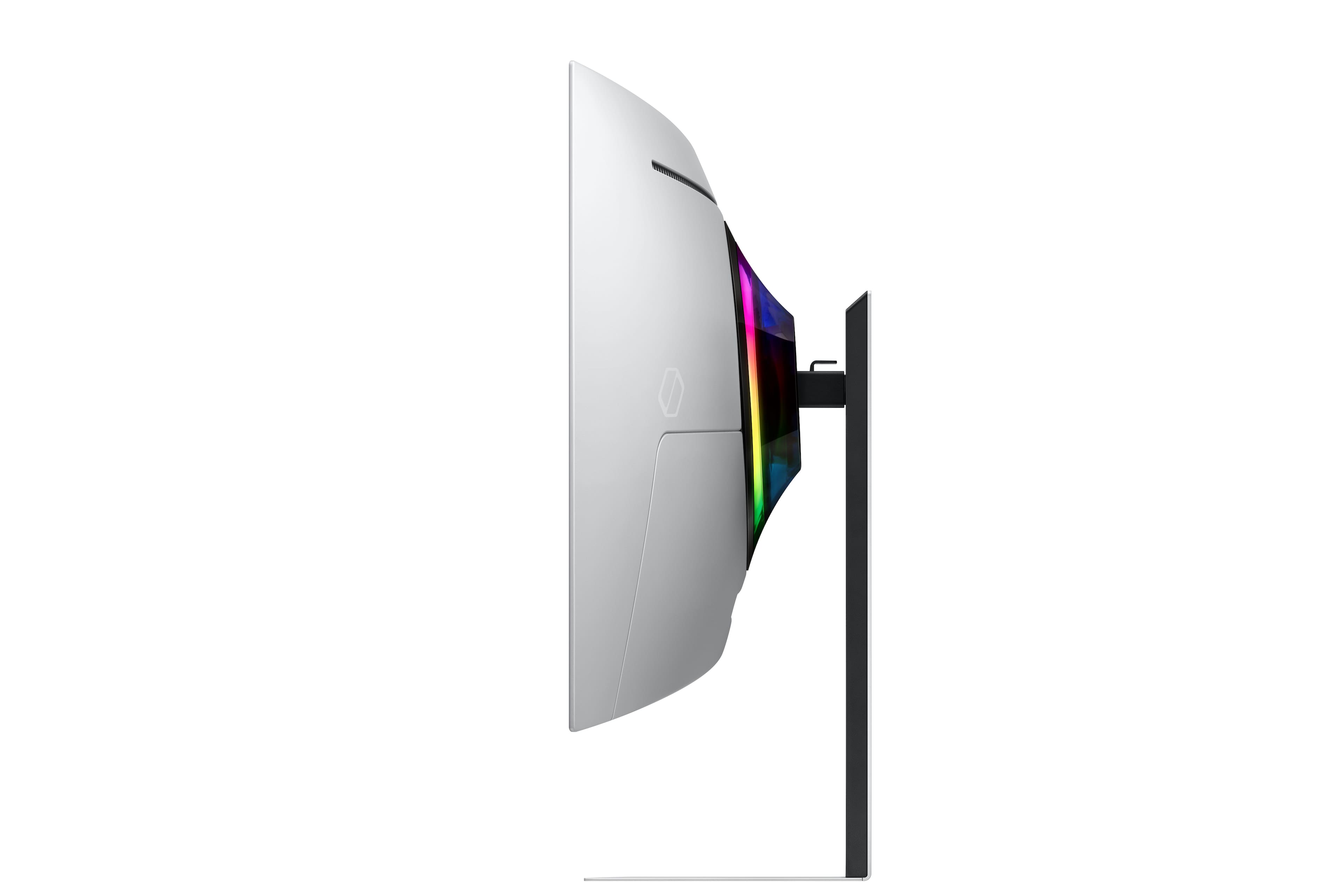
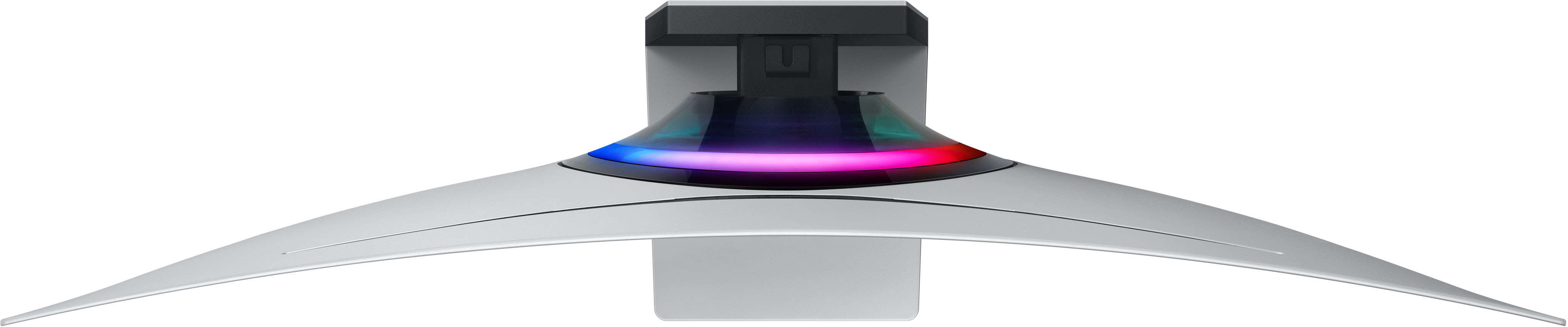
|Posted .This reviewer received promo considerations or sweepstakes entry for writing a review.After years of hearing about the potential advantages OLEDs could bring to PC monitors, I must admit it's a little odd having one sitting on my desk. Turns out the hype is real. This is actually the second ultrawide curved monitor I've owned form Samsung. The first time one was delivered it came in a box roughly the size of a small coffin that had been stuffed with foam to protect the fragile LCD in shipping. So when this one arrived in a box that was positively svelte by comparison, it made an immediate impression. There is still tons of foam, of course, but the screen itself has been shrunk down to almost unreal thinness owing to the fact that it doesn't need a backlight. Pretty much all of the bulk seems to come from the mounting point for the stand, the ports, and integrated speakers. And, in a surprising bit of luxury, very little of it is plastic. The whole thing is wrapped in a sturdy milled aluminum case that not only looks great but also keeps the weight down to a minimum, making it very easy to get the whole thing set up and moved onto my desk. Honestly the worst part of the process was finding a place for the thing's rather bulky power brick where it wouldn't stand out too much. Once the monitor was set up, it continued to impress. It comes out of the box set to gamer mode, which emphasizes response times and refresh rate. And while I can say that I have seen monitors that are a bit faster, none have managed to also deliver the same kind of rich color or almost overwhelming brightness while doing it. There really is no good way to convey just how good OLEDs are at color reproduction short of going to see one for yourself, particularly when it comes to watching anything with a lot of dark shades. Cyberpunk 2077's neon wasteland has never looked quite so eye-searingly good as it has on this monitor being driven by a 3080. And while currently OLED is very much a niche display offering, I suspect that once people start seeing just how good they can look it's going to become steadily more common on gaming rigs. That said, there is certainly some quirkiness here that betrays just how early OLED gaming monitors really are in their development. Some of these are fairly positive, if perhaps a bit unusual. One of the things that initially threw me for a loop when I unpacked it was the presence of small remote in the box. It turns out that this remote is intended for the included Smart TV features, something that I haven't seen being integrated into a dedicated display since the early aughts. It's not a bad thing, necessarily, but it's decidedly odd trying to use these given that the aspect ratio doesn't match that of your standard TV set. My first thought was that maybe they were using a modified control board from an OLED TV to avoid having to create a whole new part... but then I saw the ports. Rather than the usual mix of HDMI and DP ports you get on most gaming monitors this one only has a single mini-DP port and three USB-C ports. My first thought on opening the box was that maybe the screen was just too thin to fit full sized ports, but after getting it out and looking at it this doesn't seem to be the case. Fortunately Samsung does include a mini-DP to DP cable in the box, so I didn't have to rush out to buy any new cables, but it was a bit annoying that the expensive extra-long DP cable I'd purchased previously to allow me to move my tower somewhere I could more easily work on it without taking apart the entire desk couldn't be used without an adapter. Though I suppose in a few years it's possible that this will be the new standard and the G8 will be remembered as an early trendsetter, right now this is a bit of an annoyance. Ultimately though, I don't think most should consider these to be a dealbreaker for this fantastic gaming monitor.
I would recommend this to a friend