Customer Ratings & Reviews


- Model:
- LS34BG850SNXZA
- SKU:
- 11885313
Rating by feature
- Display Quality
Rating 4.8 out of 5 stars
- Ease of Use
Rating 4.2 out of 5 stars
- Features
Rating 4.5 out of 5 stars
to a friend

High-end, high-quality smart gaming monitor
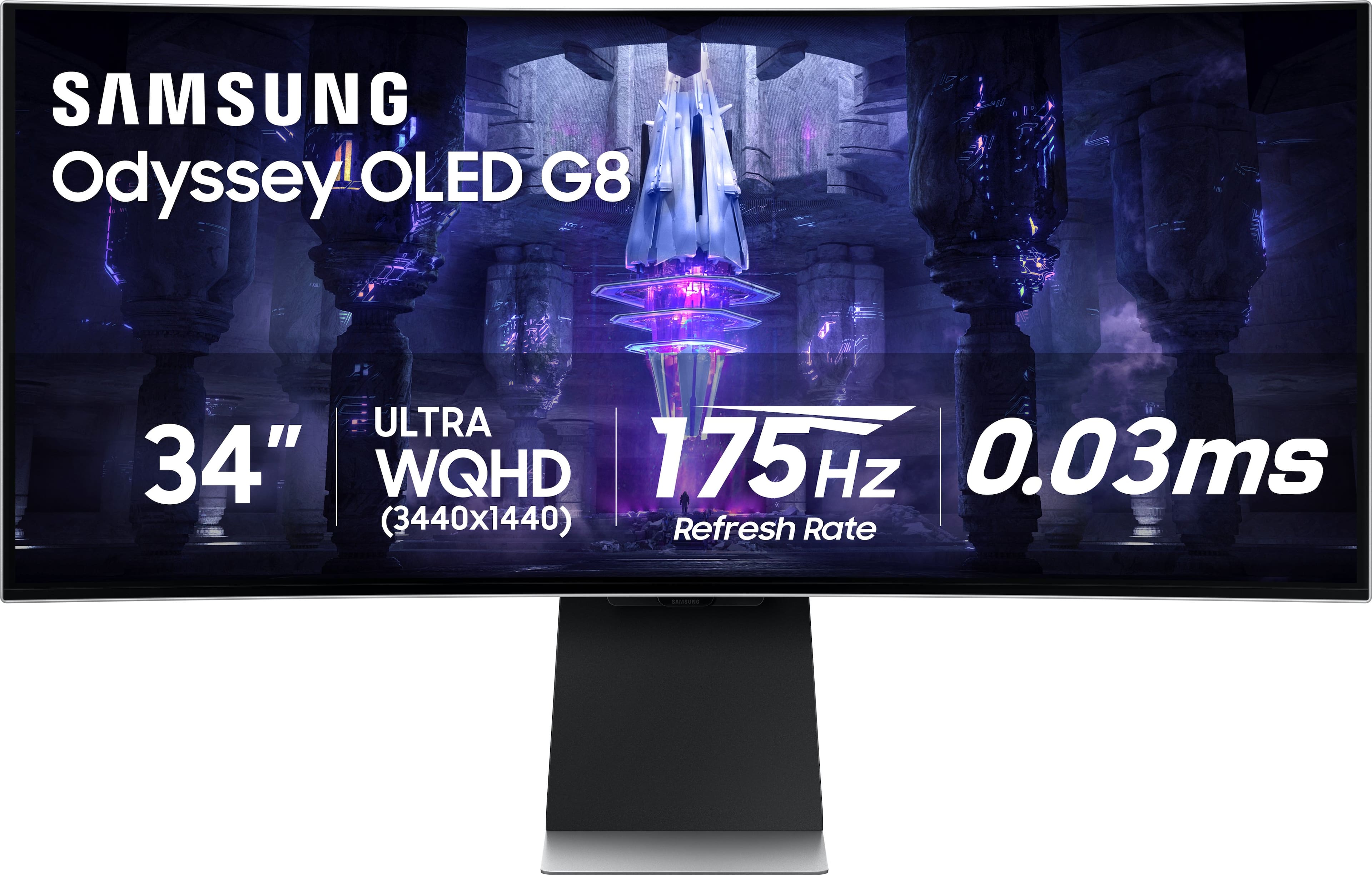
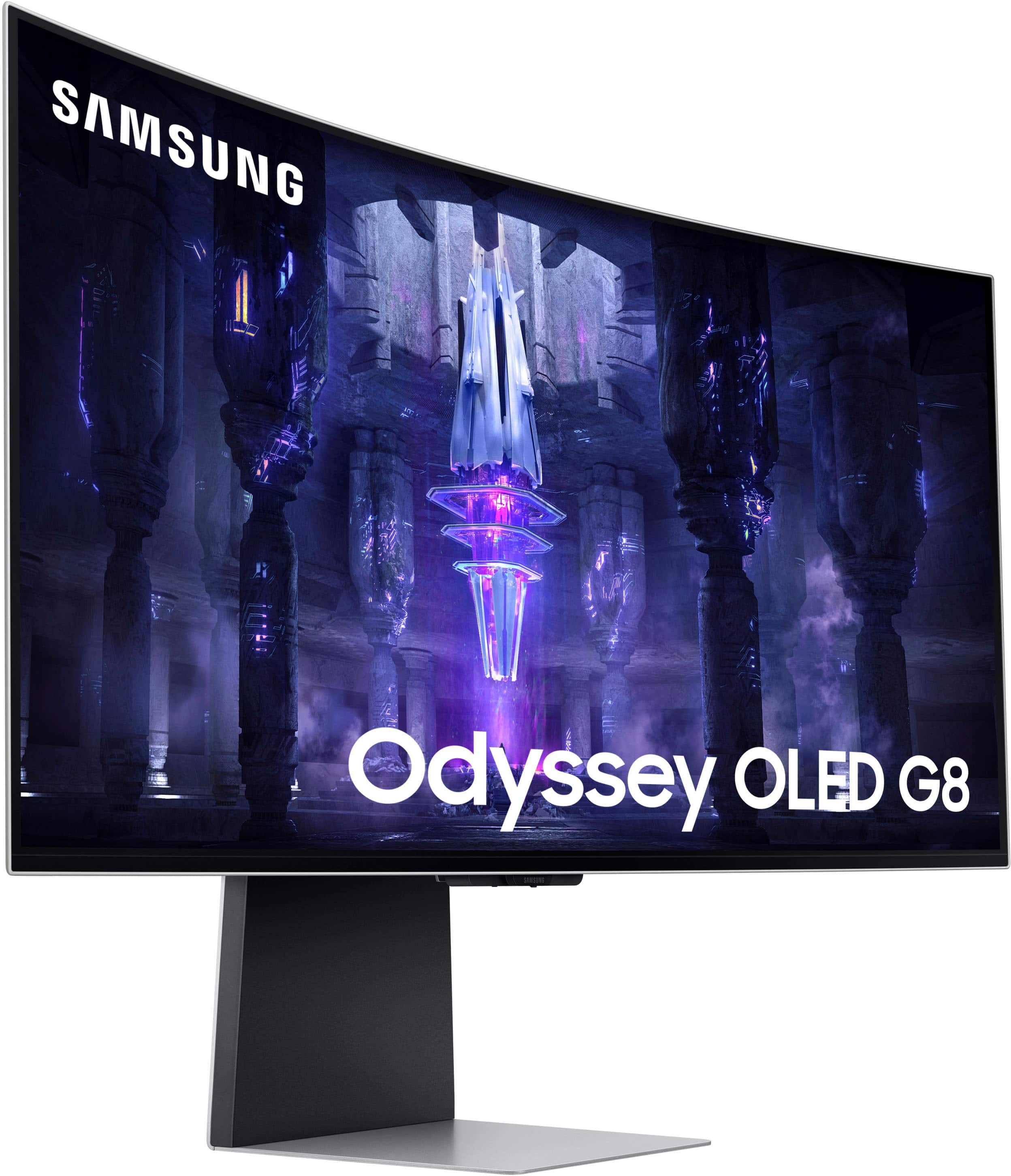
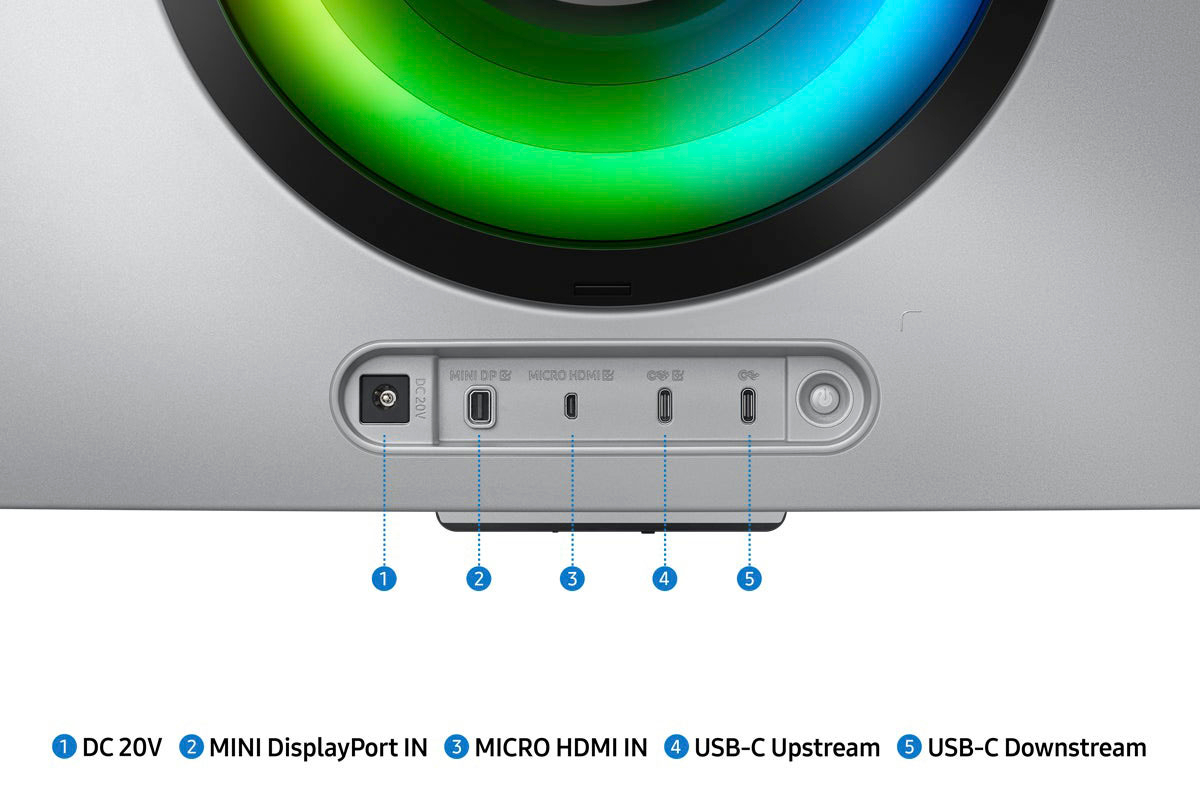
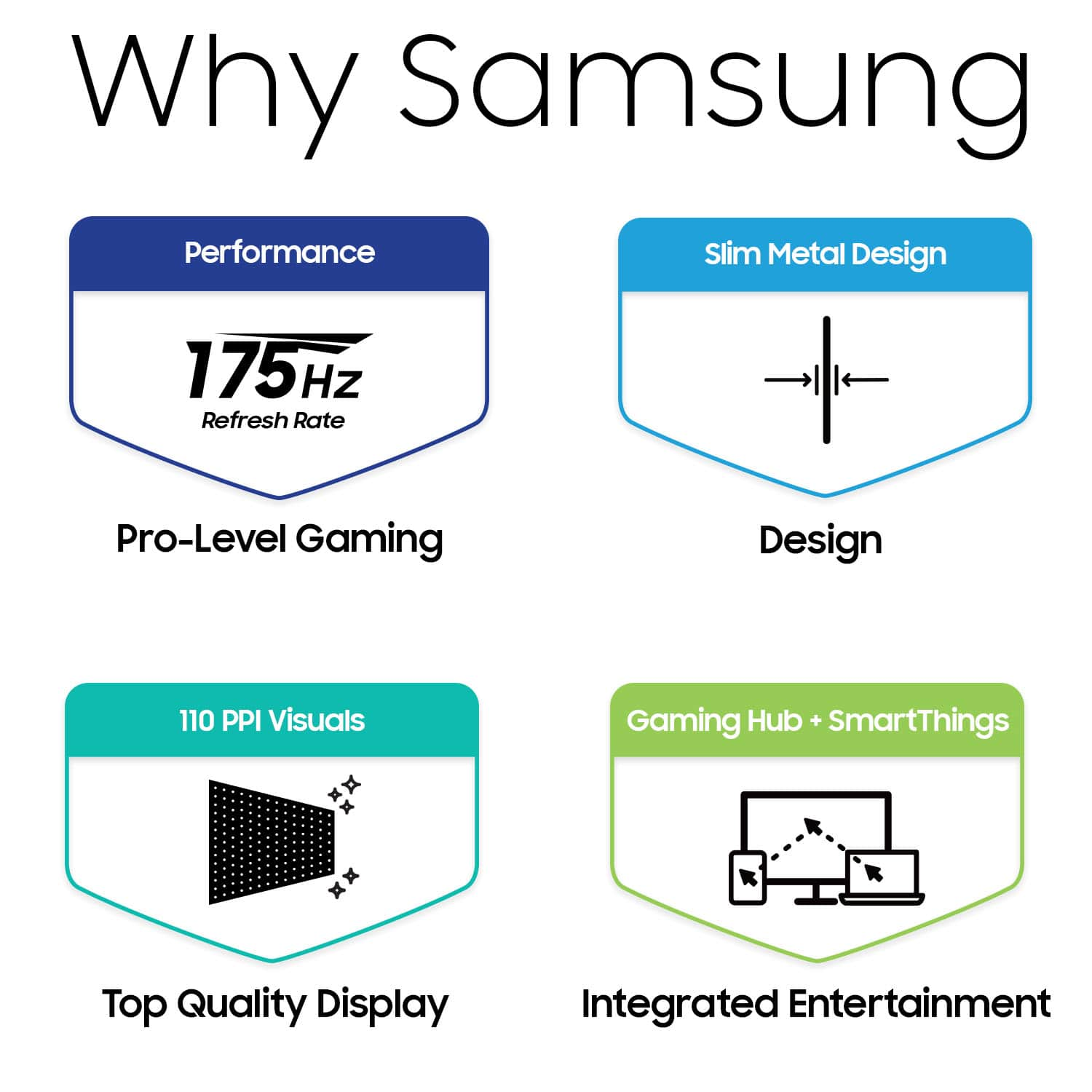
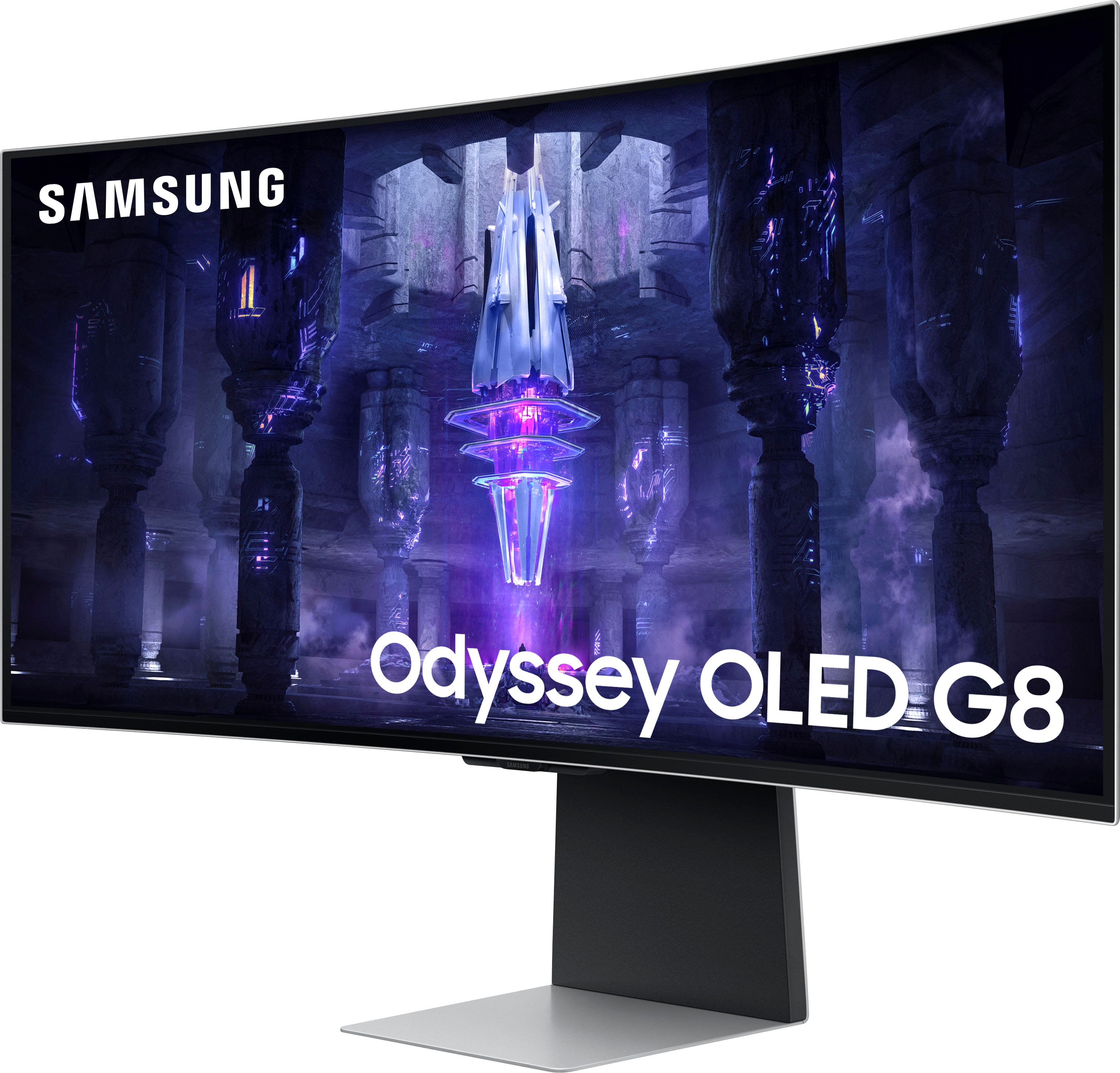
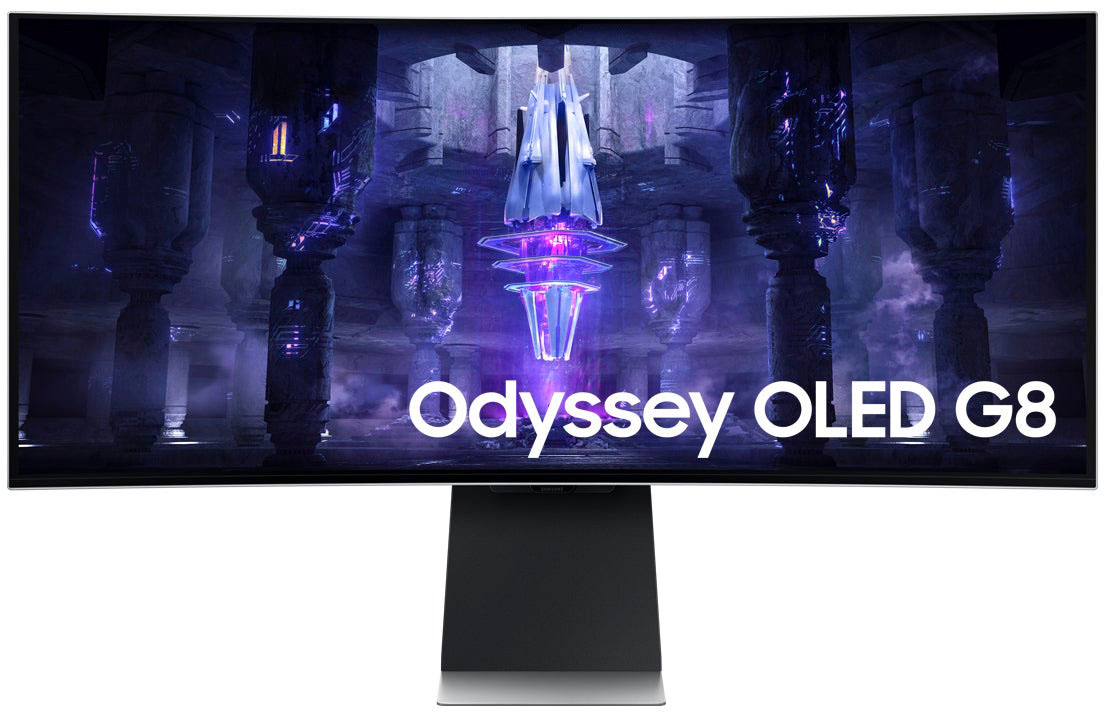
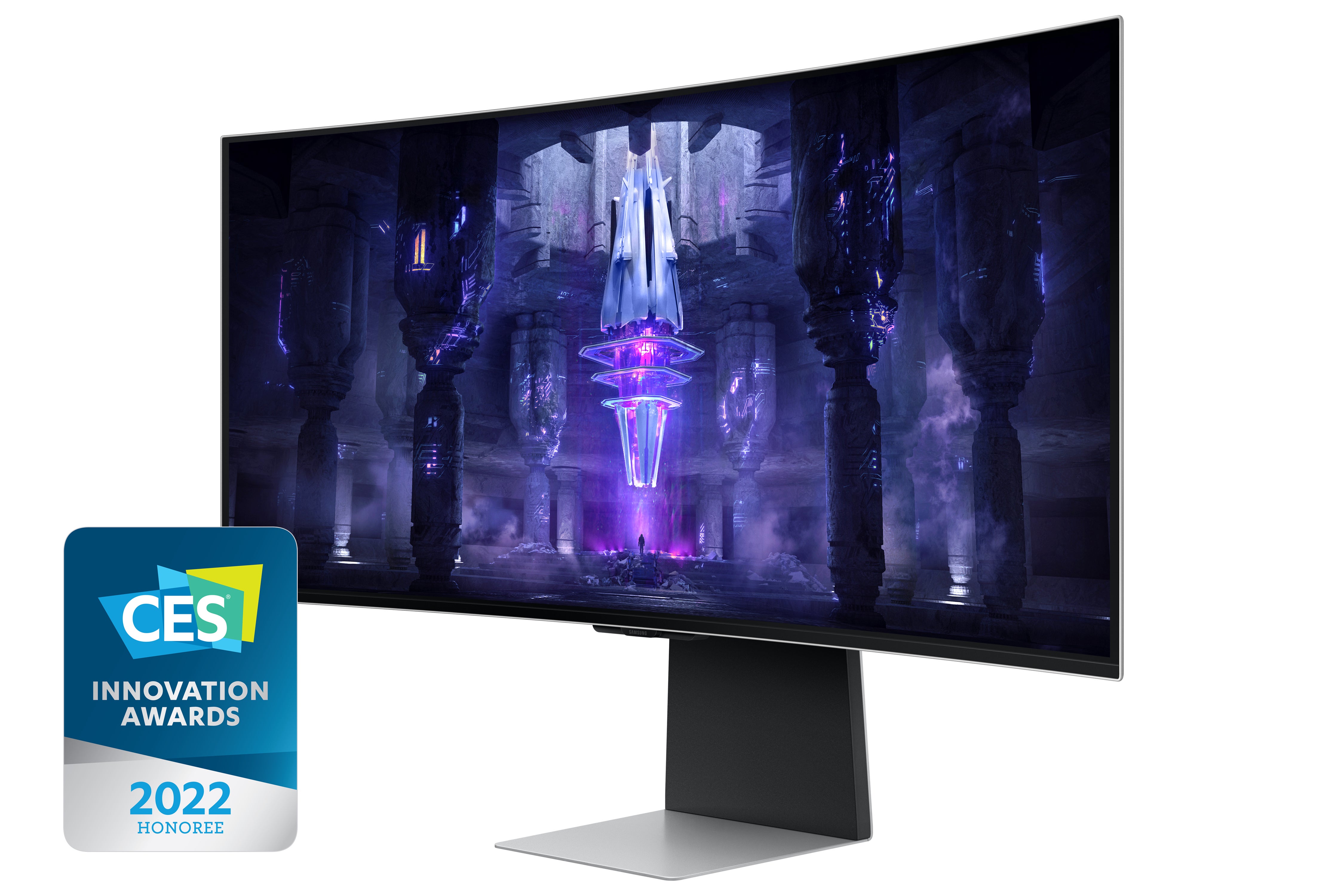
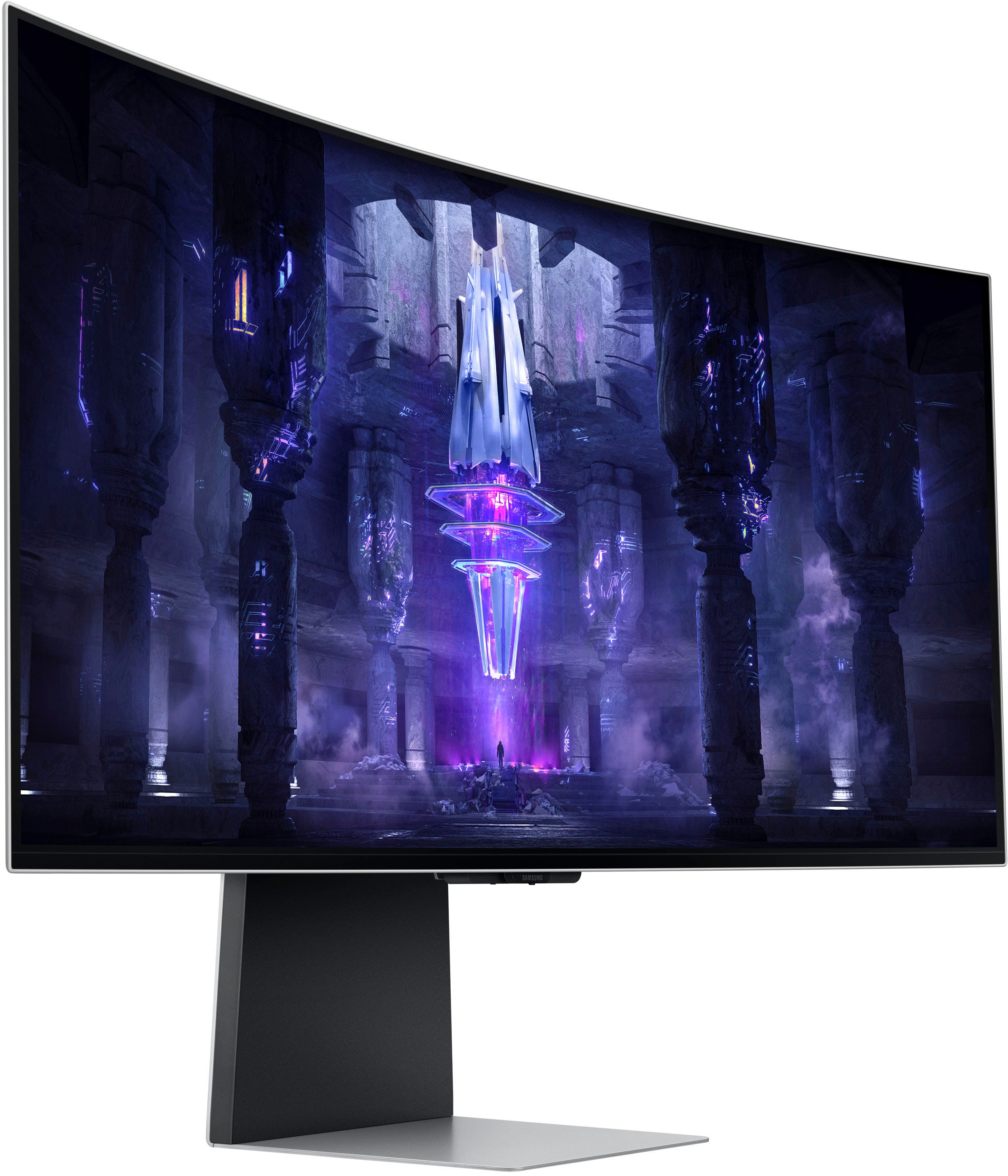
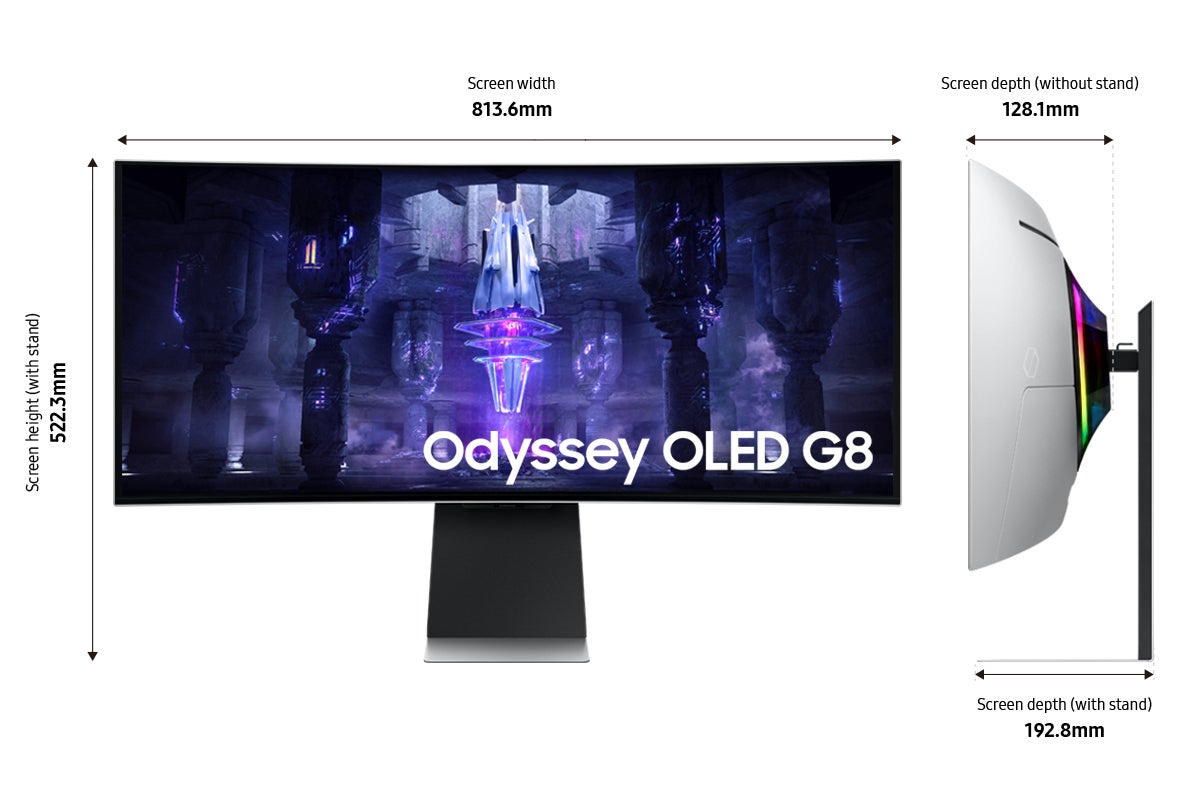
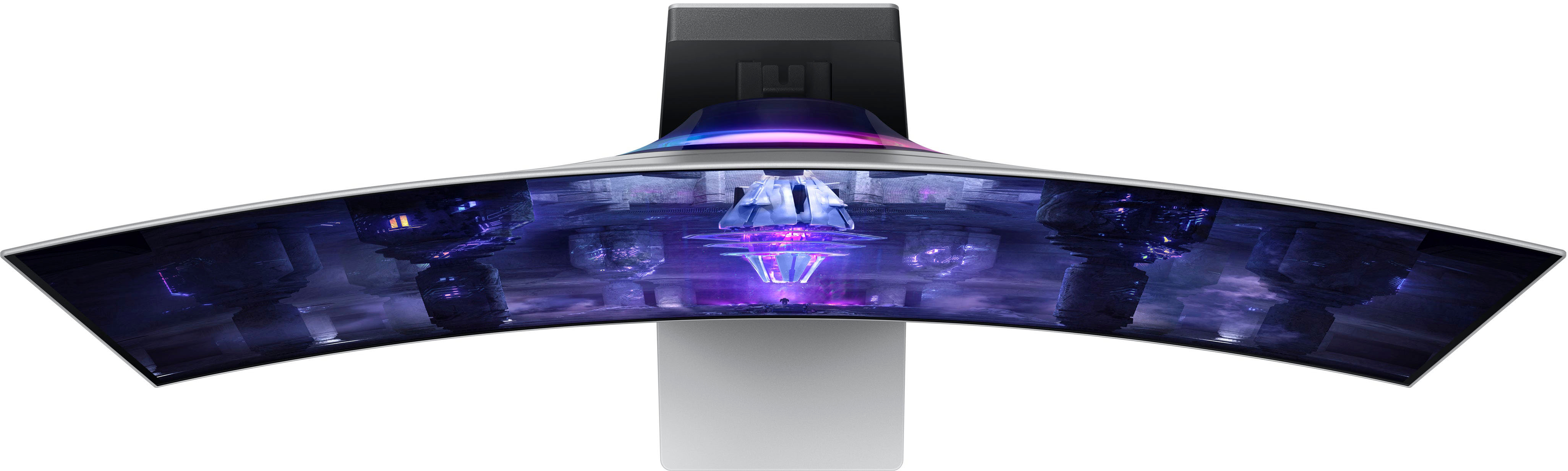
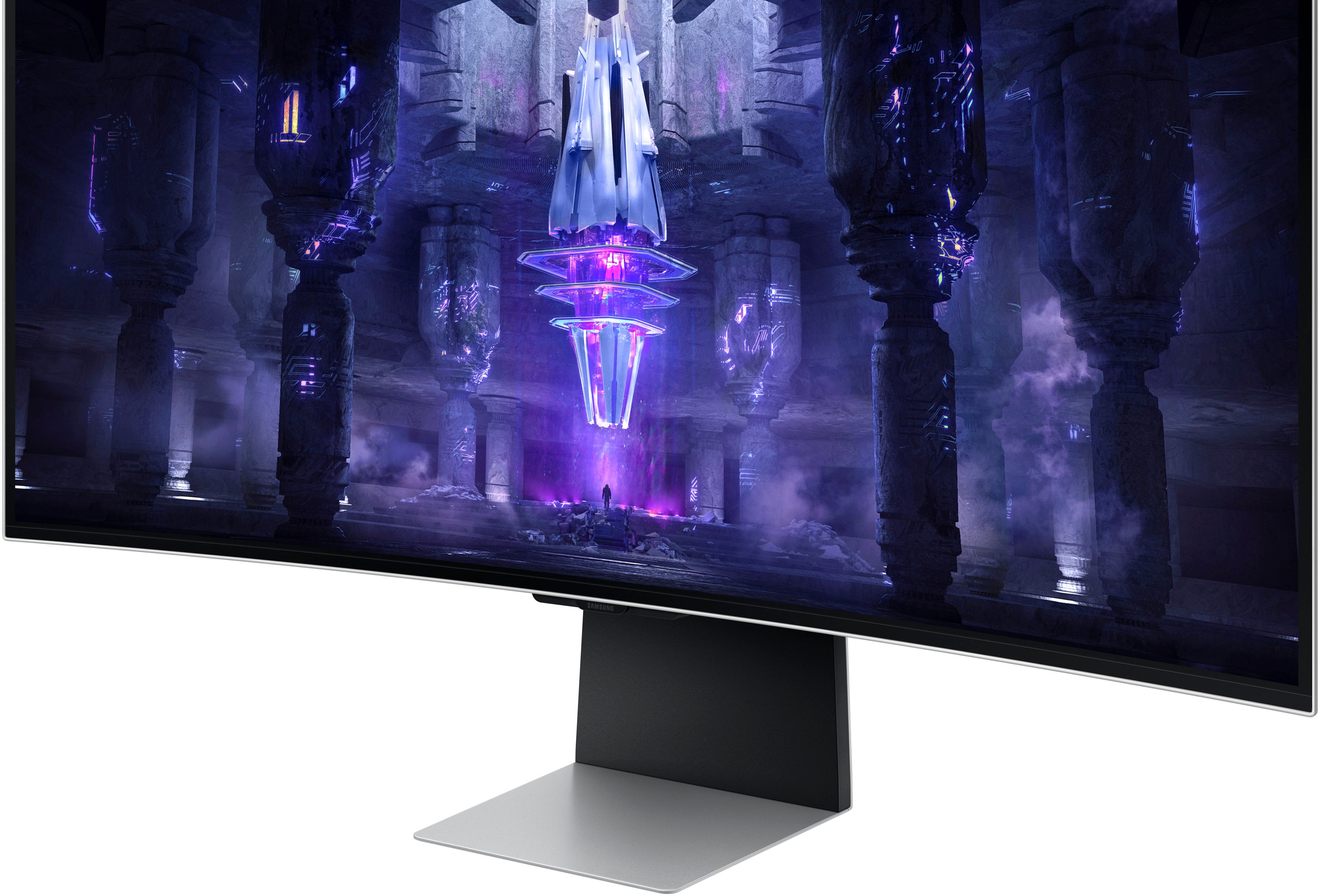
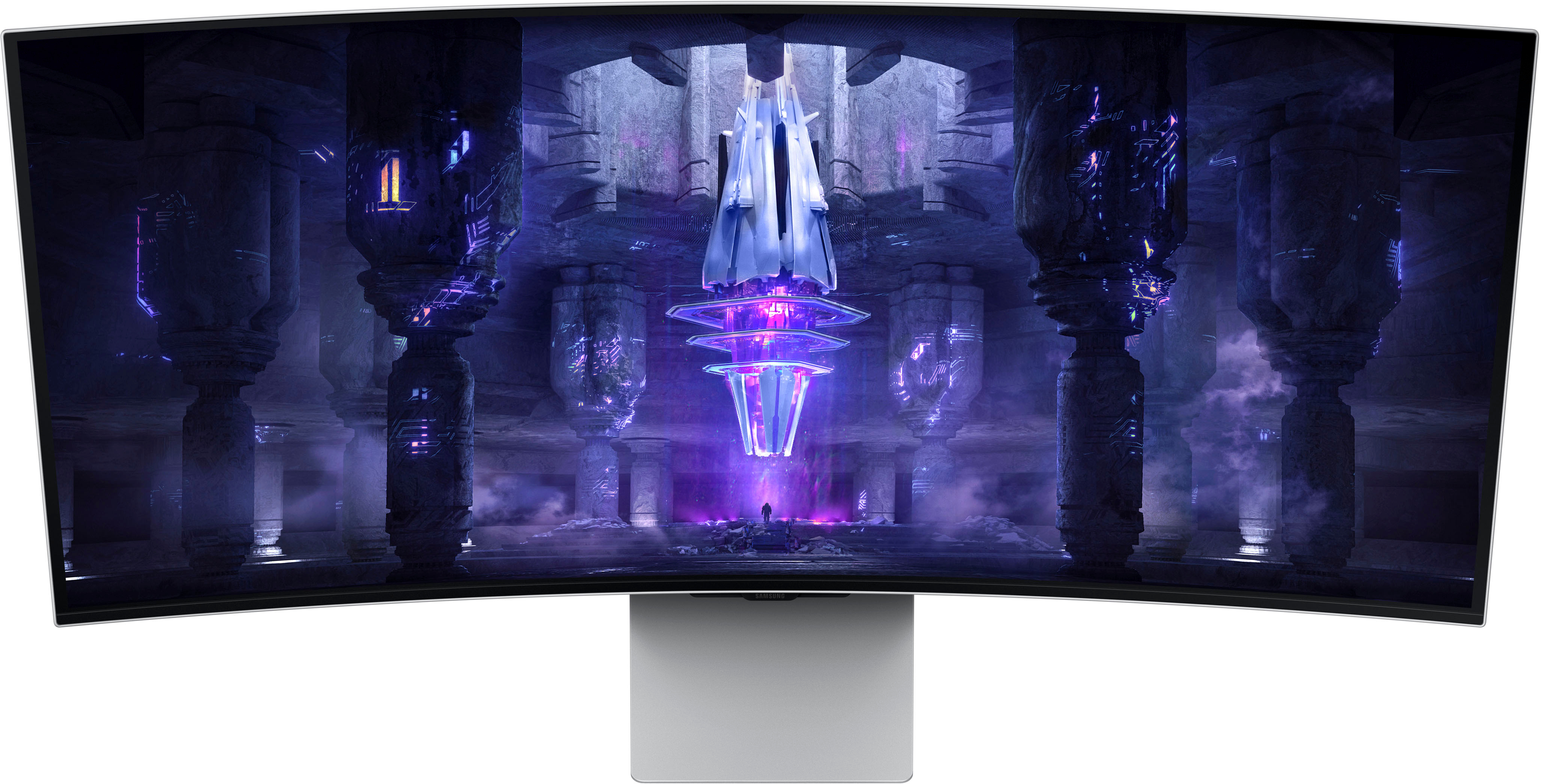
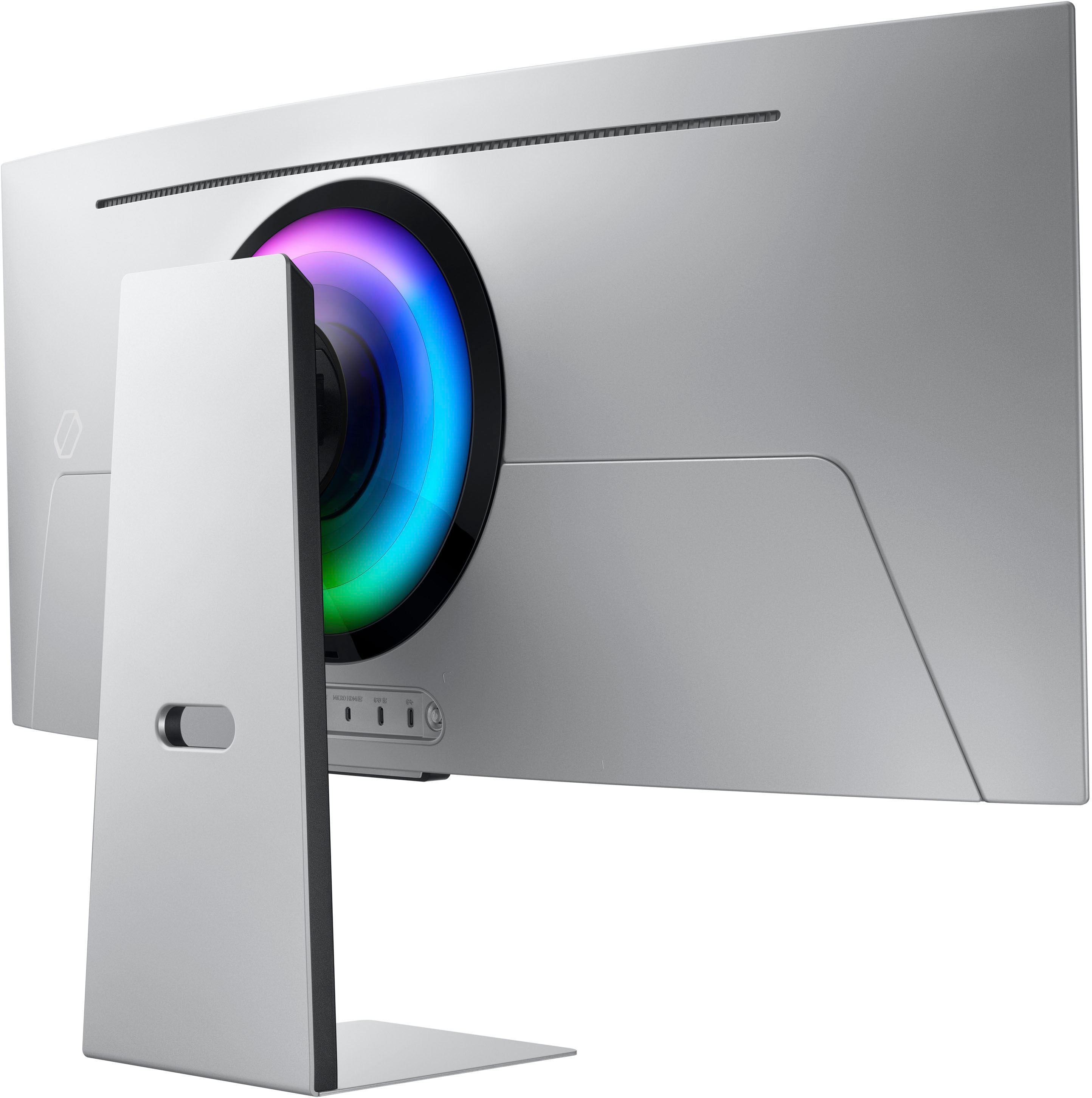
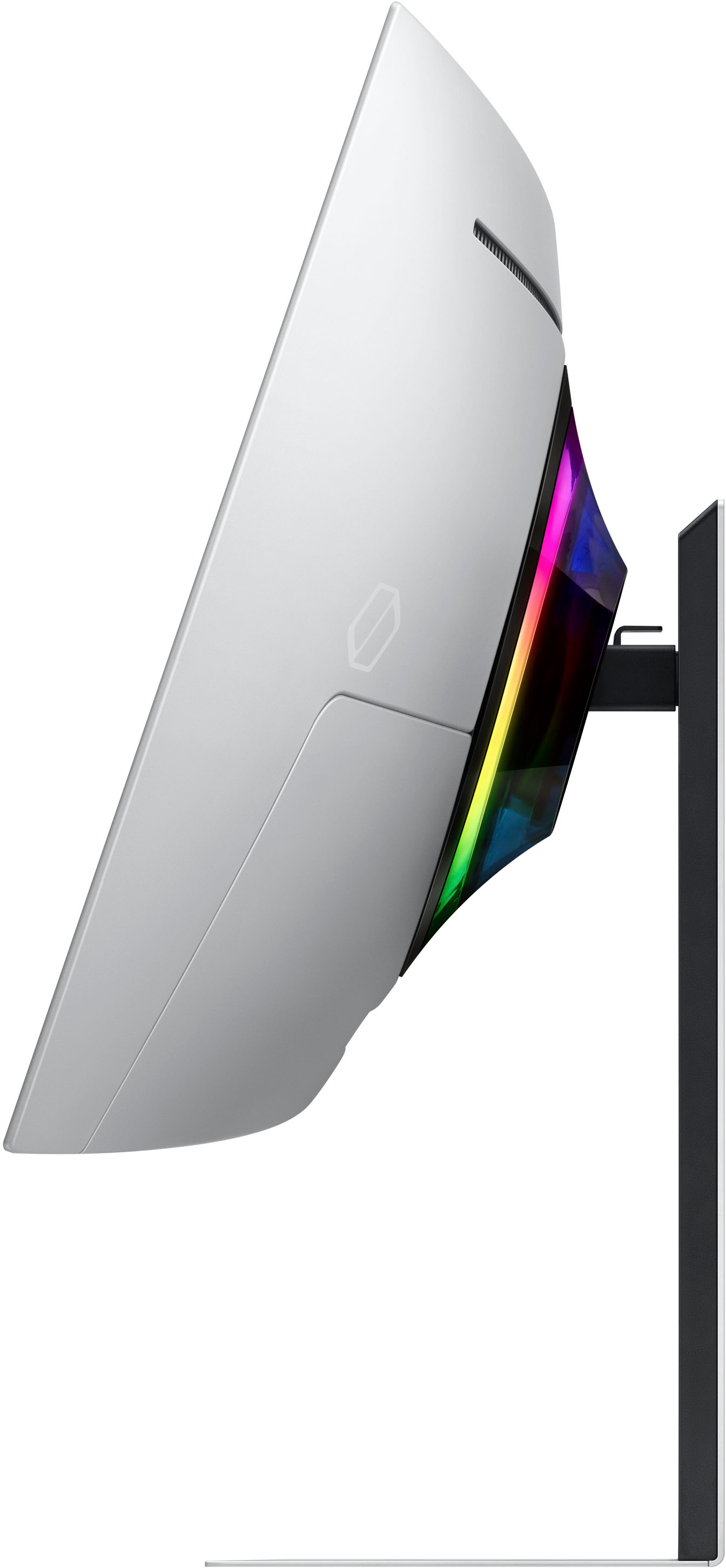
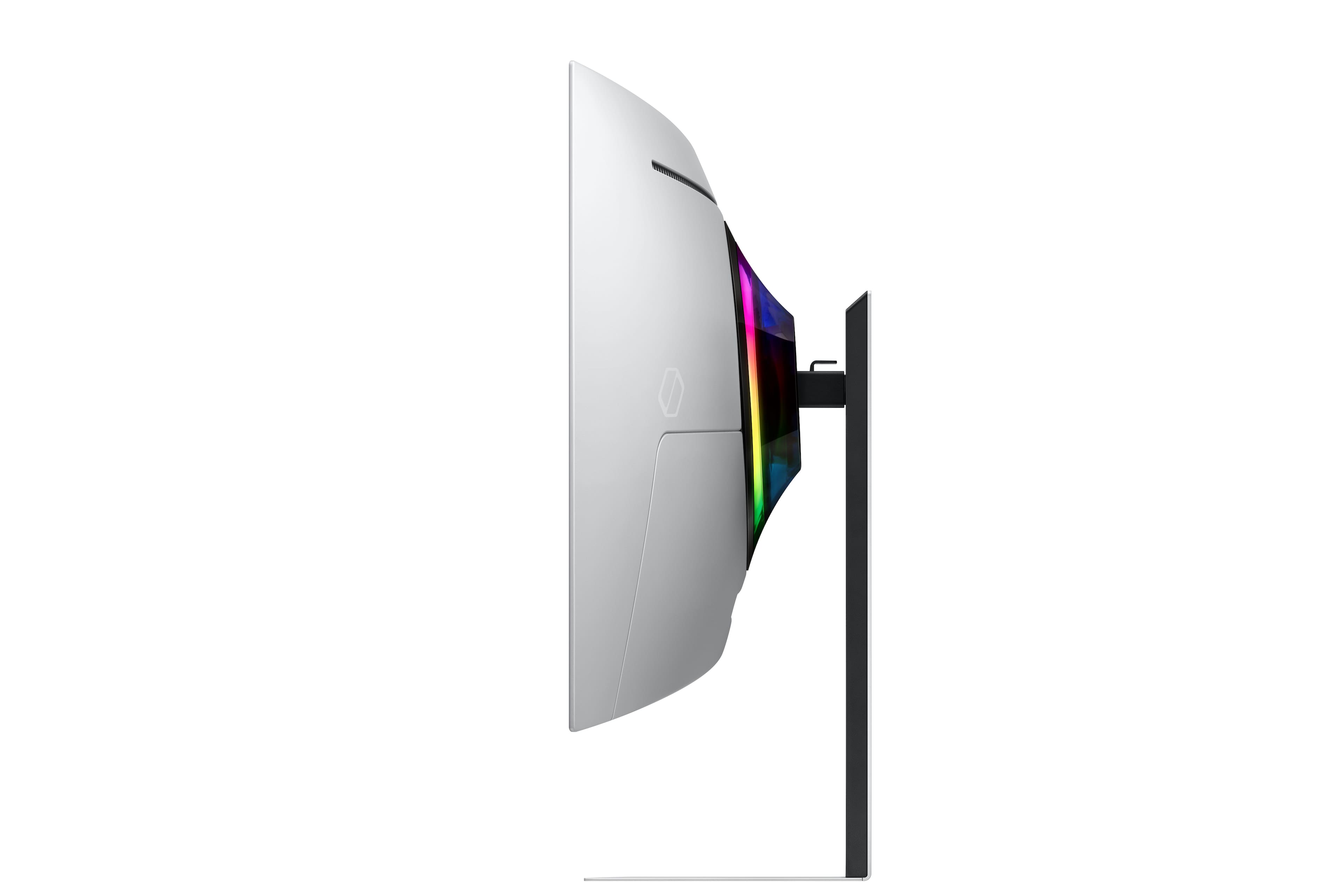
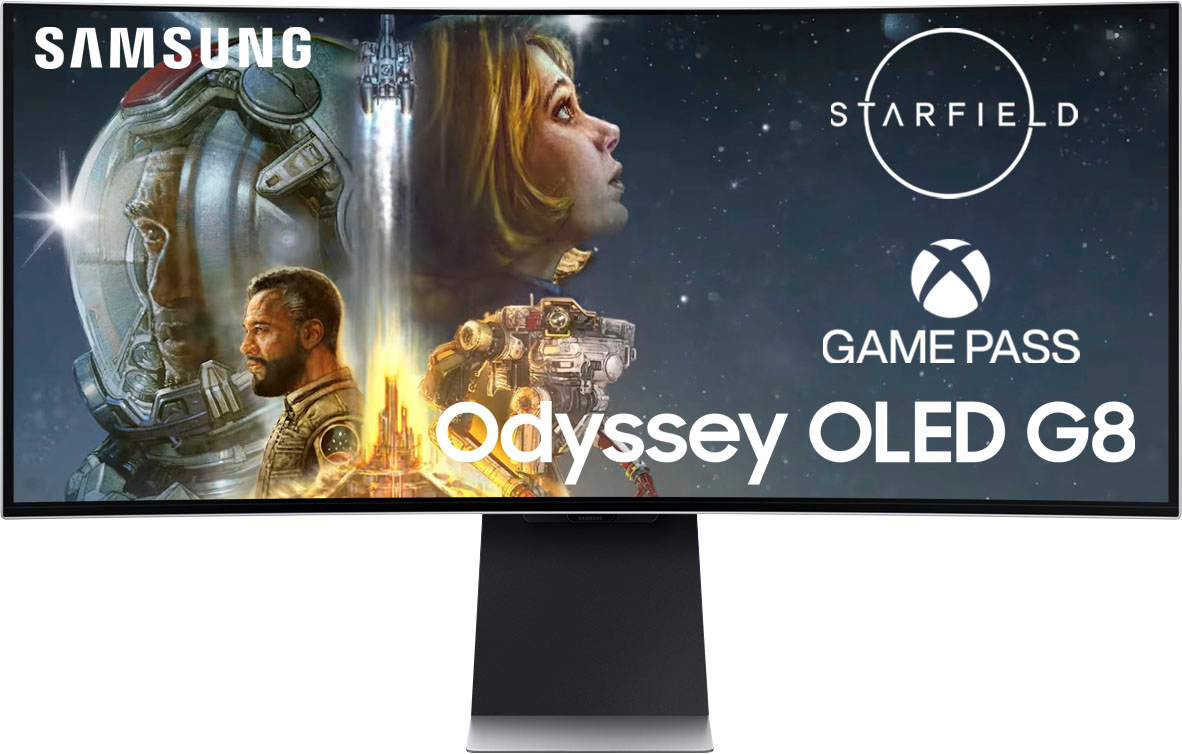
|Posted .This reviewer received promo considerations or sweepstakes entry for writing a review.The Samsung - Odyssey 34" OLED G8 Curved WQHD FreeSync Premium Pro Smart Gaming Monitor with HDR400 is a very nice high-end, high-quality smart gaming monitor that lives up to the Samsung name. With its long list of impressive specifications, this G8 monitor certainly lives up to expectations. First, the G8 came packaged very well and in a way that made it easy to install the base. As a 34” monitor, a good base is an absolute necessity and I really like the design of the one that comes with this unit. It seems to be very sturdy while also appearing quite stylish and it doesn’t take up much space. The bottom of the base (the part that sits on the desk) is extremely thin which I really like. The stand also allows you to raise and lower the monitor so you can set it at just the right height. The rest of the monitor’s design is also very appealing. The slim metal design with essentially no border looks very sleek which really adds to the experience when you actually begin using the monitor. Picture quality on this QD-OLED panel is truly something to behold and the DisplayHDR True Black 400 is like nothing I’ve ever seen before. When combined with the curved 21:9 ratio display, I truly feel so much more immersed in what I’m playing than I ever have using any other monitor and I’m sure the .03ms response time and 175Hz refresh rate also contribute to this. I could go on and on about the individual specifications and features but the simple fact is that all of these things together result in not only an incredible gaming experience, but great general viewing experience as well. Built-in OS’s generally don’t run very smoothly but the OS included on this Samsung was much better than I expected and better than probably all others I have dealt with. I just hope Samsung continues to release firmware updates for many years to come so it continues to run smoothly for a long time. The only thing I see as being something that could even remotely be considered a drawback is the fact that the HDMI port is a Micro HDMI port rather than a standard HDMI input and a Micro HDMI cable is not included. This monitor does include a Mini DisplayPort to standard DisplayPort cable so if you are planning on connecting this monitor to a standard DisplayPort source, you will have everything you need. If you want to connect to an HDMI source, you will need to buy a separate adapter or cable but this ultimately does not lessen the quality of this product and I still believe this is a great monitor. Overall, the Samsung - Odyssey 34" OLED G8 Curved WQHD FreeSync Premium Pro Smart Gaming Monitor with HDR400 is a very nice high-end, high-quality smart gaming monitor and I highly recommend it!
I would recommend this to a friendAmd users stay far far away
||Posted . Owned for less than 1 week when reviewed.This reviewer received promo considerations or sweepstakes entry for writing a review.As someone who owns a 7900xtx, the fact that the hdr is not compatible with Amd graphics cards makes this a 1 star. Only 400nits brightness compared to 1k for nvidia . that’s a huge issue. No firmware update on it and it’s been months. To Alienware I go
No, I would not recommend this to a friendBrand response from Samsung
Posted .Thank you for bringing this issue to our attention as Samsung is committed to providing the best possible product experience, quality, and value. Samsung greatly values our customers’ feedback and we utilize your concerns and opinions in our relentless efforts towards delivering world-class products. We are very sorry to hear this product didn't meet your expectations and hope to have you back as a customer again.
If you ever need assistance in the future, please contact Samsung Customer Support and a rep will be happy to assist you:
1-800-SAMSUNG, available 8AM - 12AM EST (Mon-Fri) / 9AM - 11PM EST (Sat-Sun)
Worked till it didn't.
||Posted . Owned for 1 month when reviewed.This reviewer received promo considerations or sweepstakes entry for writing a review.Bought item off open box for a decent price. Monitor worked perfectly for about 6 days and then proceeded to have a mass of dead pixels. Returned for refund.
No, I would not recommend this to a friendDidn’t except this from Samsung monitor.
||Posted . Owned for 1 month when reviewed.This reviewer received promo considerations or sweepstakes entry for writing a review.Kept on changing color profile when I opened a video in full screen on YouTube. The screen some times didn’t turn on. At this price the product should be flawless
No, I would not recommend this to a friendSo much more than just a monitor!!
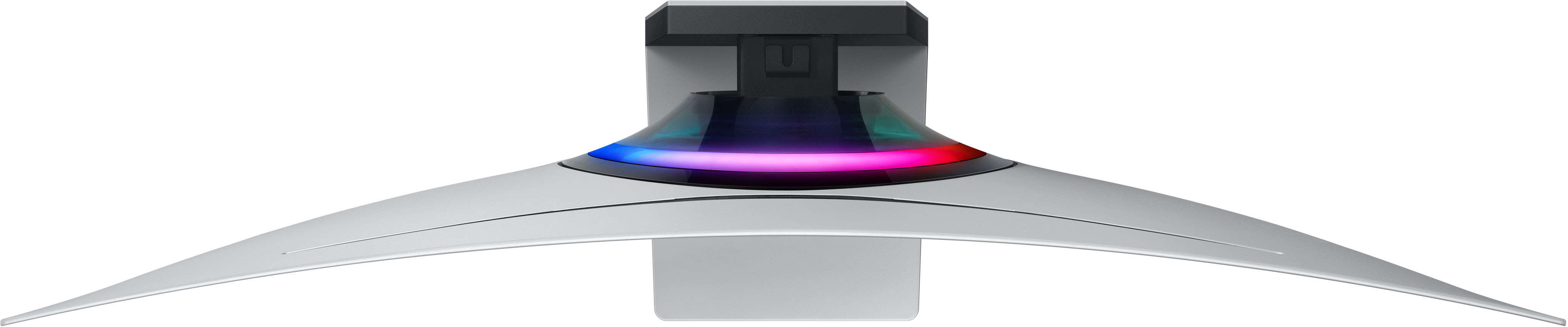
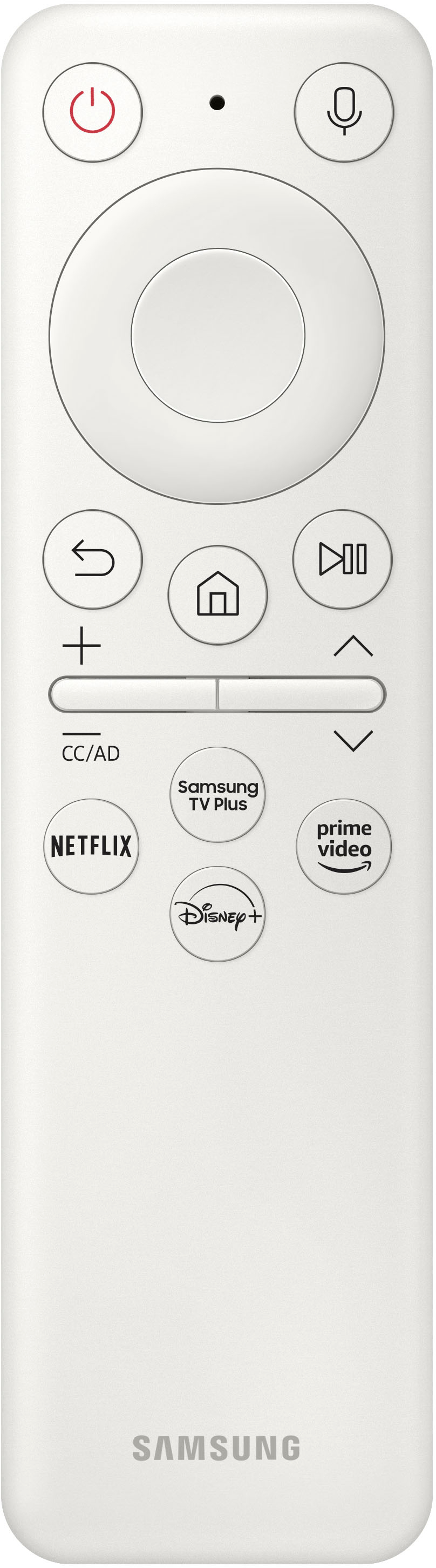
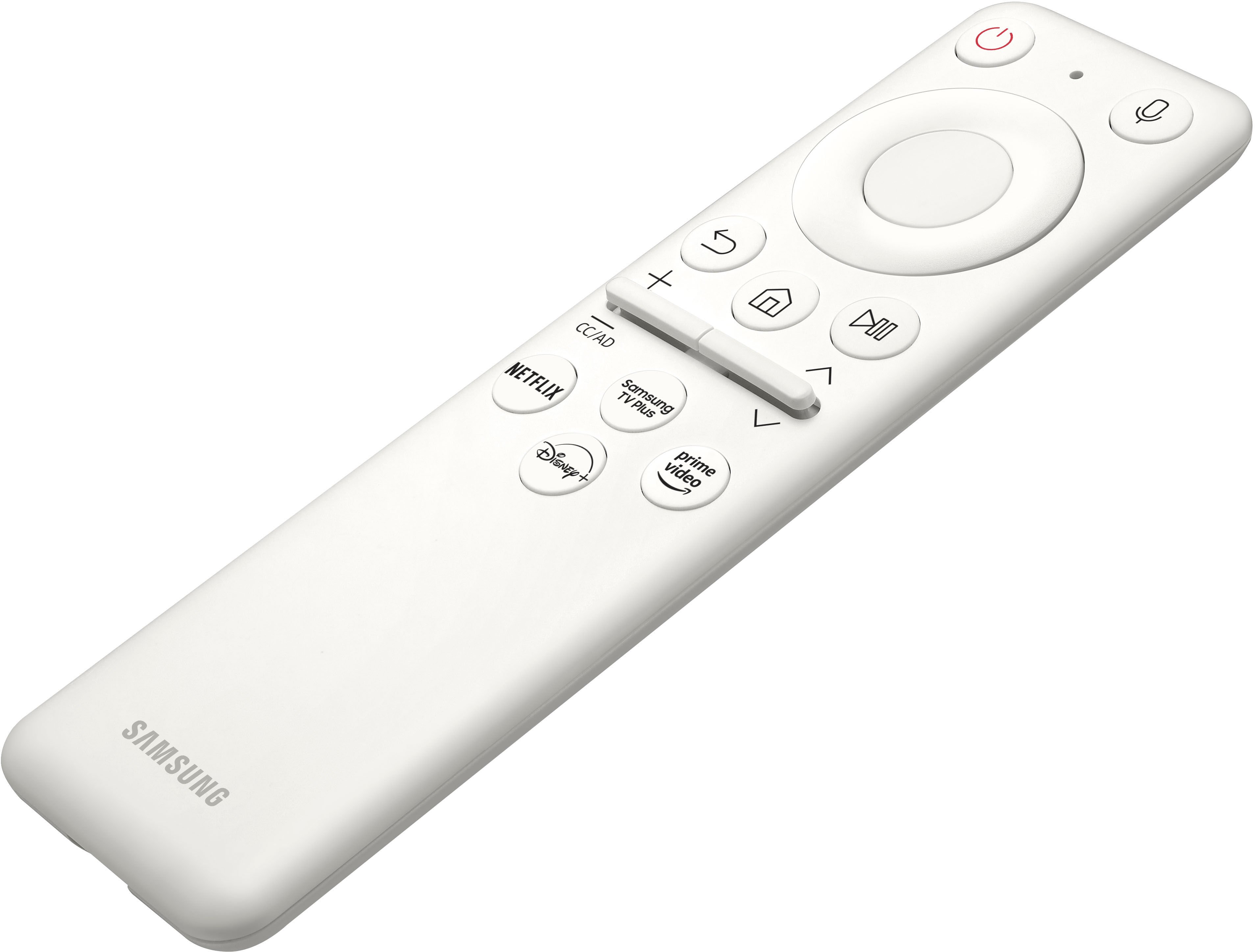
|Posted .This reviewer received promo considerations or sweepstakes entry for writing a review.The new Samsung Odyssey OLED G8 display surpasses mere monitor functionality. This cutting-edge device serves as an all-in-one entertainment and gaming hub, harnessing the latest and greatest features and technologies, to provide users with a fully engrossing and all-encompassing experience. When utilized independently, the monitor exhibits impressive abilities, with an extensive range of entertainment and cloud gaming capabilities. However, when connected to a computer, arguably the main function, this device delivers an unparalleled gaming encounter that is both fast and visually stunning. The OLED screen illuminates colors to an extraordinary extent, and the profound shades of black, previously only visible on smartphones and tablets, amplify the experience to new heights. The monitor comes securely packaged in Styrofoam and cardboard. Mine shipped quickly and arrived in perfect condition even though it was obvious the box had been dropped or banged against something along the way. Included with the monitor is a foldout Installation Guide, a three page Quick Setup Guide, a one year warranty paper and some other safety and precaution papers. A user manual is not included however there is one available online for download on the Samsung website. Also, the monitor has a built-in e-manual that can be used for instructions and troubleshooting tips. Also included is the power cord, power supply brick, a display to display mini cable and the remote control. Setting up the monitor was a breeze. You do need to have a Phillips heads screwdriver to attach the base to the arm for the stand, but other than that, everything is included. The first thing you notice when setting up the monitor is how sleek and premium it looks. The bezel on the top and edge of the monitor is thin with a gradual taper outward toward the middle and bottom, to house the speakers and the Core Lighting. The display has a beautiful glossy screen and the stand is thin and allows space to rest things on it, such as a keyboard when not in use. The overall design is great and looks good from all perspectives. This monitor comes equipped with a Neo Quantum Processor, optimizing every frame on the OLED panel for maximum quality. Speaking of the OLED panel, it is the first one I’ve owned and it looks just as beautiful as I thought it would. The pure level of black displayed is only comparable to that of smartphones and tablets. It truly is a pitch black without pixel light bleed, granting a new level of color and depth expression while gaming. The only drawback that I’ve experienced so-far is that the whites do not get nearly as white as my other Samsung monitors. I’ve tried adjusting all of the picture settings, power saving options, brightness, picture mode, eye saver, game mode, color tone, etc., and I cannot get the white to be as bright as other monitors. Perhaps they will fix that with a future update. I probably only notice because I have it connected to another monitor with the screen extended and it’s really obvious with the monitors side-by-side. The Smart Hub and Gaming hubs on this monitor really bring it to a new level, offering all of my favorite apps for streaming movies and tv shows, while also coming with Xbox, GeForce Now and other cloud gaming apps. The monitor can connect to Bluetooth controllers for gaming and controlling the device. I was able to use my old controllers that I purchased for a big name cloud gaming platform that was closed down at the end of last year. Luckily the controllers work for the monitor and pairing them was easy. I actually like controlling the monitor with the gaming controller better than the included remote, partly because I have another Odyssey monitor in the room that also gets controlled by the G8 remote, which became annoying. Also, you can more easily access the picture settings to adjust them while watching movies through apps using the controller versus the remote. And finally, the Bluetooth controller is more responsive and faster. I’ve tried the XBox and GeForce cloud gaming and both of them work great. However none of the games I played with either app allowed me to change the aspect ratio to match the ultrawide format of the screen. I can say the same thing for the majority of the streaming apps, you usually have black bars on the left and right of whatever you are watching. The monitor does offer a “Zoom to Fill '' feature with two levels of zoom, however, unless the source is in the correct aspect ratio, you will lose content beyond the edges of the screen. Although this isn't always the case. Using the Paramout+ app, there are a few shows such as Picard, that fit the full screen perfectly when using the Zoom to Fill feature, without any loss at the edges. I do wonder, and somewhat worry, about how having the majority of content on the middle pixels of the screen will affect how the display wears over time. Will the bars start to become noticeable when viewing fullscreen content in a few years if the majority of my content is in the 16:9 ratio? I’m no expert, so I can’t be certain and only time will tell. On that topic, why isn’t the main menu in the 21:9 aspect ratio of the screen? If Samsung can’t seem to fit their Smart Hub to the 34” screen, how many other content providers will? I hope a future update changes this and allows the user to change the Smart Hub to a larger aspect ratio to take full advantage of the ultra widescreen, seeing more app and game choices. Speaking of the Smart Hub media and gaming apps, I've only added one additional app at the time I checked, and the storage on the monitor is already almost maxed out at 2.96GB used and only 0.89GB remaining. There are a lot of pre-loaded apps I probably won't use and will remove to free up space. Finding the correct cable to connect my gaming laptop to the G8 was a bit of a challenge. The monitor comes with a Display to Display mini cable, but my laptop doesn’t have a standard display port, just HDMI and USB C Display. I checked three local department stores along with my local Best Buy and nobody sells an HDMI to HDMI micro cable in the store. That’s something I need to special order for shipping and I still haven't found the one I want to buy. I also had a hard time finding a high quality USB C to USB C display cable, as my second choice, with the proper specs. I ended up buying a two and half foot long Apple thunderbolt cable at Best Buy, in store, because it was the only cable in the store that would solve my problem, it worked and everything looks great. It does provide a small charge to the laptop, but according to the pop-up warning from the computer, the power source isn’t doesn’t provide enough power for long-term and so I reconnected the main power cable to the laptop. The speakers on the monitor sound great to me. They certainly aren’t soundbar quality sound, but they are better than any other monitor I’ve heard, and they rival most TV set sound as well, especially considering the light weight and slim design of the monitor. Overall I really really like the Samsung Odyssey OLED G8. It has one of the most beautiful display’s I’ve used and actually is an all-in-one entertainment hub, no computer needed, unless you really want it to sing! With the OLED screen offering rich colors contrasting the deep pure black while gaming on a monitor capable of 175Hz w/ a ultrafast 0.1ms response time, this truly is a new level of play and game immersion when connected to a gaming laptop. Combine that with the cloud gaming, workspace and Smart hub functionality and you really couldn’t ask for much more. Well, aside from those few things I mentioned earlier about the brightness of the white, the aspect ratio of the hubs and the difficulty finding locally available cables to connect to a laptop without standard Display ports.
I would recommend this to a friendDoesn't work for MacBook Pro
||Posted . Owned for less than 1 week when reviewed.This reviewer received promo considerations or sweepstakes entry for writing a review.It doesn't work for MacBook Pro. Resolution is really bad/
No, I would not recommend this to a friendNot wortg
||Posted . Owned for 4 months when reviewed.This reviewer received promo considerations or sweepstakes entry for writing a review.Loud humming sound not worth buying get a 4k 240hz
No, I would not recommend this to a friendDo not recommend for laptops
||Posted . Owned for 1 week when reviewed.This reviewer received promo considerations or sweepstakes entry for writing a review.Doesnt connect to alienware laptops for some reason maybe any laptops.
No, I would not recommend this to a friend34" of Curved Perfection
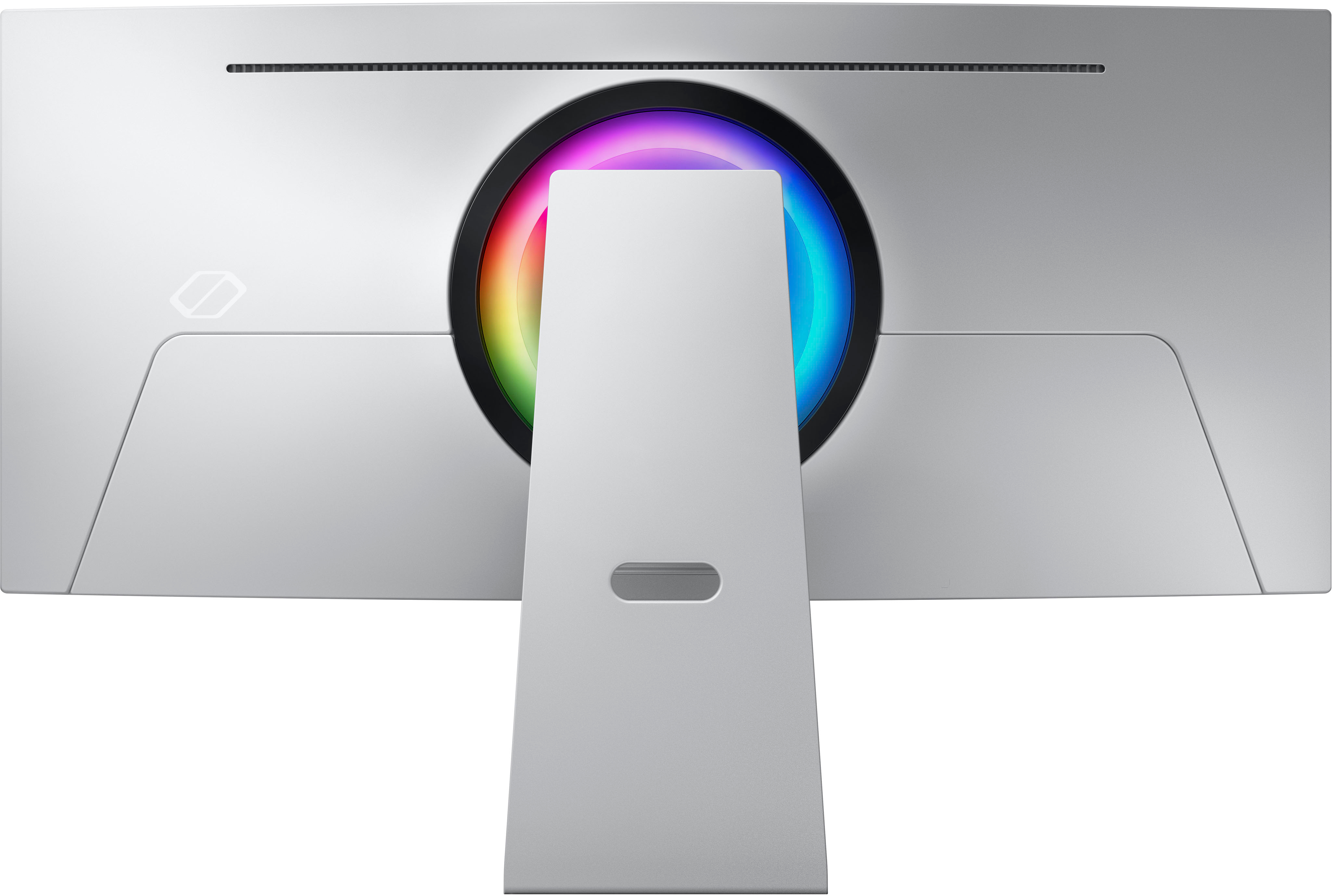
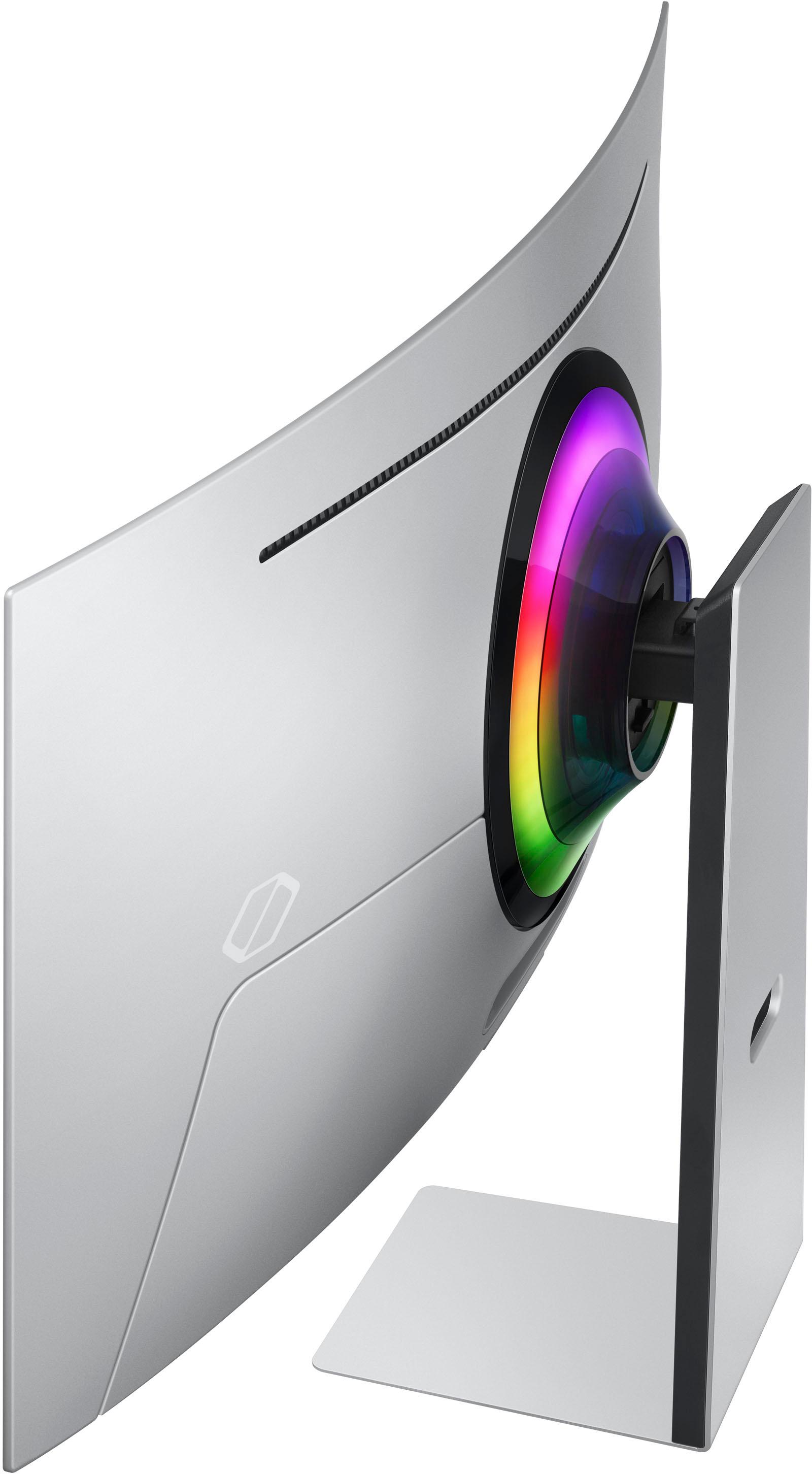
|Posted .This reviewer received promo considerations or sweepstakes entry for writing a review.Didn't quite know what to expect when getting this monitor. Other than the time-tested build quality of Samsung products, I was pretty much in the dark on everything else. Then I received my monitor, pressed the power button and the light filled the room. The Samsung Odyssey OLED G8 is one of the best gaming monitors I've ever used to this date. Let's start with the assembly and initial setup. Very straightforward. Out the box, just took a few minutes to assemble the monitor and place it securely on my table. The build quality is amazing. Before turning the monitor on, you can appreciate just how gorgeous this thing is. The metal finish and super thin curved screen make this a very attractive piece of equipment. It even includes a little RGB on the back which is a nice touch. It has ports for USB-C, Mini-DisplayPort and Micro-HDMI. I would of preferred standard HDMI, but buying a Micro-HDMI to HDMI converter only set me back a couple of bucks, so no harm no foul. The onscreen instructions for initial setup were even easier. A few selections here, connect to my wireless and on to the home screen. At first glance, it has the look and feel of a Smart TV. Your popular streaming apps are readily available along with other apps for gaming purposes. Menus are easy to navigate and moving between apps is seamless. All-in-all an efficient user experience. Now, let's get to the PC hookup. I ran this two ways: first, as the dedicated monitor to my HP Omen desktop gaming machine and second, as the secondary monitor to my Alienware laptop. This was my first experience with an OLED screen and I'm hooked. Every game I played looked insanely gorgeous. I feel like I'm playing these games for the first time. Compared to what I've been playing on, the difference in picture quality is like night and day. During gameplay, there's no stutter at all, not even a hint of lag. Feels like I'm watching a movie that I'm controlling. I've played on 65" TVs with rather impressive price tags that don't look this good and all of this out of a 34" monitor. Samsung outdid themselves on this one. Overall, I'm extremely satisfied with the Samsung Odyssey OLED G8 gaming monitor. If you want to experience your titles the way they were meant to be showcased, this is the display for you. And although it does carry a hefty price tag, with a brand like Samsung, you're sure to get an experience that will be around for a while to help you justify that punch to the wallet.
I would recommend this to a friendBrand response from Samsung
Posted .We are delighted to hear you've had a positive experience with your Monitor.
If there is anything we can do to assist you and improve your product experience, please don't hesitate to contact Samsung Customer Support via:
1-800-SAMSUNG, available 8AM - 12AM EST (Mon-Fri) / 9AM - 11PM EST (Sat-Sun).
Your thoughts and opinions are very important to Samsung.
Incredible display and functionality
|Posted .This reviewer received promo considerations or sweepstakes entry for writing a review.The Samsung Odyssey 34" OLED 1000R Curved WQHD .03ms FreeSync Premium Pro Smart Gaming Monitor with HDR400 and Speakers boasts an incredibly sleek design, making it an aesthetically pleasing addition to any workspace or gaming setup. The functionality enables users to stream games from platforms such as Nvidia's GeForce Now, Amazon’s Luna, or Xbox Game Pass without requiring a console or PC. Additionally, this feature allows for streaming movies from services like Amazon Prime, Netflix, and the recently enhanced Samsung TV Plus. Its slim profile and modern appearance look outstanding and seamlessly integrate into various environments. The monitor's elegant construction demonstrates attention to detail and a commitment to both style and functionality. Featuring a stunning HDR display, the monitor provides a remarkably crisp and vivid display that enhances the user experience. The ultra-high definition enables stunningly realistic images, making it perfect for gamers, graphic designers, and movie enthusiasts. The remarkable visual quality ensures that even the most intricate details are visible, bringing content to life like never before. The Samsung Odyssey 34" OLED 1000R Curved WQHD .03ms FreeSync Premium Pro Smart Gaming Monitor with HDR400 and Speakers offers easy connectivity to a wide range of devices, simplifying the process of setting up and enhancing the user experience. Regarding connectivity options, the monitor is equipped with Micro HDMI 2.1, Mini DisplayPort 1.4, and USB-C ports, it allows for seamless connections to laptops, gaming consoles, and other peripherals. The plug-and-play functionality means users can quickly connect their devices without any hassle, making it a versatile and user-friendly option. The Samsung Odyssey 34" OLED 1000R Curved WQHD .03ms FreeSync Premium Pro Smart Gaming Monitor with HDR400 and Speakers is a fantastic choice for those seeking a combination of sleek design, exceptional visual quality, and effortless connectivity. Its ease of use ensures that users can focus on enjoying their content, rather than struggling with complicated setup processes. Offering an unparalleled viewing experience and compatibility with numerous devices, this monitor is a valuable addition to any setup.
I would recommend this to a friendIt's the best HDR experience I ever seen
Posted .This reviewer received promo considerations or sweepstakes entry for writing a review.It's amazing! Perfrlect blacks because of the OLED and amazing bright HDR. And it's software is just like a samsung smarklt tv and it can play clouds gaming without a computer. Great for gaming and Movies
I would recommend this to a friendActually bright unlike other brands!
|Posted .This reviewer received promo considerations or sweepstakes entry for writing a review.I have to say compared to the other brands out there this one actually gets bright enough, maintains accuracy and has excellent color. I was let down by another brand who recently released a similar monitor so when I got this one I was kind of thinking it would be the same so I was pleasantly surprised. This is a fairly unique product these days that offers a new level of immersion for gaming enthusiasts. One of the kind of strange features of this monitor is its use of mini HDMI and mini DisplayPort. Unfortunately, Samsung doesn't include cables for these ports in the box, which is a bit of a letdown. You can also use thunderbolt so if you have a MacBook you can plug right in no problem as well though its a bit funky on resolution selection as always so you might have to use a 3rd party app to force sending the correct signal in that use case but of course this is a gaming monitor after all and macs dont really game so there's that. The monitor's menu system is similar to that of a TV, which makes it easy to navigate and adjust settings. The remote control that comes with it is also a nice touch, as it allows for seamless switching between gaming and other forms of media consumption. Coming from using a 5k and 4k monitor, the resolution of 1440p is a bit of a step down. While it is expected in this regard and still more than suitable for gaming, it may not be the best choice for extended desktop use or working with text, as there is a risk of burn-in with OLED panels. Keep that in mind if you intend to use this for your main display. Overall, this monitor is a solid choice for gamers who want a way more immersive experience with a deep blacks and more brightness than the other brands out there currently in march 2023. It may not be the best option for those who require high-resolution displays for work or productivity use, but the added benefits of OLED technology make it the best choice for gaming and entertainment purposes regardless.
I would recommend this to a friendIncredible. OLED is Amazing. Buttery Smooth.
|Posted .This reviewer received promo considerations or sweepstakes entry for writing a review.Wow. This is the first time I will say this - but you don't need to read any further, you should just buy this monitor immediately as you won't be disappointed. It's amazing! But you're still here and probably want to know some more. The Samsung Odyssey 34"monitor is beautiful, out of the box it was easy to setup. The power brick is huge at 250W, so that's noticeable. But the monitor itself is thin and curved. Also in the box is a Samsung smart remote (white). This blew me away - because the Samsung Odyssey 34" also doubles as a smart TV. Wow! Wow! Wow! Seriously was not expecting this at all. Connecting it to my desktop gaming PC (RTX 3070) and after adjusting for a WQHD display, I am getting 170fps on games like Destiny and the graphics are buttery smooth. Make sure you use the built in gaming mode for the best results. Sound from games via the built in speakers is amazing, superior to my TV really. But focusing on the graphics and display - OLED is definitely worth the investment. I would note that the Odyssey uses mini ports, fortunately, they include a Display Port to mini Display Port cable (phew!). Actually, that's one thing to note about this monitor it's mini HDMI, mini Display Port, and then USB C (up/downstream). It's definitely on the cutting edge of tech - so you might need to budget for additional cables if you don't have a display port on your PC - but you should given it's a gaming monitor and display ports are standard these days. The initial setup required connecting to WiFi and installing a firmware update - that took about 10min. Not unexpected when this is also a smart TV. As a smart TV it's still an amazing monitor - great viewing angles and the remote is responsive. Everything about the Samsung Odyssey 34" OLED is just amazing. I came from a 27" cheaper curved monitor and could never go back. Seriously, buy it, you won't be disappointed.
I would recommend this to a friendBest image quality I've seen.
|Posted .This reviewer received promo considerations or sweepstakes entry for writing a review.I’m someone who has only ever used LCD or CRT monitors, and I have to say I wish I would have switched an OLED panel sooner. The richness of the colors and the absolute blacks are just amazing. Even when not viewing HDR content this monitor makes everything look good. For the games I normally play response times are not super important but even still I can notice that everything seems just a tad bit snappier and more fluent. The higher refresh rate at 175 is kind of nice as well since it gets rid of some of that blurring effect I’m use to seeing. One other thing is I kind of like that fact that I can use it like I would a smart TV with apps for things like Netflix and Disney+ it’s convenient if I don’t feel like turning on my power hungry computer and just want to watch a TV show or a movie. There is really only two things I would criticize with this monitor, the available I/O while adequate, could be problematic if you loose the cable that comes with the monitor. The mini connector styles while nice and small don’t tend to be the extra cables I have laying around. The only other thing that was of note is the size of the power brick. It’s larger than some high power laptop power bricks I’ve had in the past and that is saying something. It’s absolutely massive and you might want to keep that in mind if you’re the type that likes to try and hide cables. It does at least look decent though with a nice finish so it’s not so bad sitting out on the desk.
I would recommend this to a friendSleekest QD Oled
Posted .This reviewer received promo considerations or sweepstakes entry for writing a review.Of the several monitors that use this QD oled panel, this feels the most premium. It's thin, easy to adjust, and doesn't have a potentially noisy cooling fan. The included remote is actually quite useful, since it allows you to more easily turn the monitor off when you aren't using it to reduce the risk of oled burn in. Picture quality is excellent, same as all the other QD oled monitors. Oled black levels are obviously great. Reds in particular really pop on this monitor on a way that is difficult to describe. Overall, this monitor is fantastic and one of the best available right now. It's pricey, but if you are looking for a no-compromises premium option it checks all the boxes. It's larger that a standard 27" but effortlessly usable with the subtle curve. Colors, black levels, and response time are unmatched by any LCD. Refresh rate of 175 HZ is not the absolute highest available but it's more than enough for anything but pro level CS:GO.
I would recommend this to a friendSamsung Odyssey G8 OLED: Tailor made for Gamers
|Posted .This reviewer received promo considerations or sweepstakes entry for writing a review.As an avid gamer and technology geek, I am always on the lookout for the latest and most innovative products to elevate my gaming and content creation experiences. The Samsung Odyssey OLED G8 is one such monitor. With its impressive features, such as the Neo Quantum Processor, QD-OLED panel, and an array of connectivity options, it promises an immersive gaming experience. Lets take a closer look at its various aspects to determine whether it lives up to the hype. Display and Performance: 1. QD-OLED Panel: The Odyssey G8 comes with Samsung's first QD-OLED panel, which allows it to display an outstanding picture and achieve brightness levels beyond those of traditional WOLED panels. The QD-OLED technology combines the benefits of OLED's perfect blacks, infinite contrast ratio, and wide viewing angles with the high brightness and color accuracy of Quantum Dot technology. This results in a display that offers stunning visuals and lifelike colors, ensuring an immersive gaming experience. 2. Resolution and Aspect Ratio: The Ultra WQHD resolution (3440x1440) of the Odyssey G8 delivers sharp, detailed visuals, providing an edge to gamers who can spot enemies and hidden details with ease. The 21:9 aspect ratio offers a wider field of view, which is especially beneficial in racing games, open-world adventures, and strategy titles. 3. Response Time and Refresh Rate: The 0.03ms response time and 175Hz refresh rate ensure smooth gameplay and minimal motion blur. These features are crucial for fast-paced games, such as first-person shooters and racing titles, where every millisecond counts. The rapid response time minimizes ghosting, while the high refresh rate allows for smoother animations and more responsive gameplay. 4. AMD FreeSync Premium Pro: The Odyssey G8 supports AMD FreeSync Premium Pro, which synchronizes the monitor's refresh rate with the frame rate of the graphics card. This technology eliminates screen tearing, reduces input lag, and offers a seamless gaming experience with compatible AMD graphics cards. Gaming Hub and Samsung TV Plus: 1. Gaming Hub: The Gaming Hub provides instant access to top streaming services such as Twitch, YouTube Gaming, and others, allowing you to stay updated on your favorite content creators and eSports events. This feature makes the Odyssey G8 a versatile entertainment hub that caters not only to gamers but also to those who enjoy watching game streams, walkthroughs, and reviews. 2. Samsung TV Plus: Samsung TV Plus offers a selection of free content, including 21:9 OTT video, without requiring downloads or sign-ups. With access to various channels and genres, you can enjoy movies, TV shows, and documentaries directly on your monitor, further expanding its entertainment capabilities. Connectivity: 1. Micro HDMI 2.1 and DisplayPort: The Odyssey OLED G8 boasts versatile connectivity options, including one micro-HDMI 2.1 port and a mini DisplayPort 1.4 input. The HDMI 2.1 support ensures compatibility with the latest gaming consoles, such as the PlayStation 5 and Xbox Series X, allowing for high-resolution gaming at fast refresh rates. The DisplayPort 1.4 input caters to high-end gaming PCs, supporting adaptive sync and high-resolution, high-refresh-rate gaming. 2. USB-C Ports: The monitor also features two USB-C ports that can transfer up to 65W of power with compatible laptops, allowing for a clutter-free setup with fewer cables. The USB Type-C port enables a single connection for power, data, and display signals, simplifying PC setup. Audio and Mounting: The monitor is equipped with a 5W stereo speaker system so no need for external speakers (unless you are looking for something more) and comes with a remote control (a pretty nice touch) It also supports 100x100 VESA mounting which I did on a pole mount in my gaming room. Overall if you are looking for a state of the art display that will immerse you into your games, look no further than the Samsung Odyssey G8 OLED.
Black Corner
Posted .This reviewer received promo considerations or sweepstakes entry for writing a review.Perfect for the price you got it. The quality of picture is amazing and it also run smooth when gaming. The only con is if you use it to watch movies, most movie you'll watch will be really small and you'll see 4 black corner.
I would recommend this to a friendGreat monitor
Posted .This reviewer received promo considerations or sweepstakes entry for writing a review.The screen quality is top notch. Great for gaming and content consumption. The wide screen helps with multitasking. Gamer style is sleek and runs quiet yet warm. Refresh rate on oleds tend to be smoother than any other monitor at the same 175hz and the color is amazing after some tweeks which isn’t necessary
I would recommend this to a friendAlmost perfect
Posted .This reviewer received promo considerations or sweepstakes entry for writing a review.Beautiful display with gorgeous colors. This is my first ultra wide monitor and it’s wonderful for both gaming and productivity. The only gripe about this monitor are the minimal inputs. There’s a downstream and upstream usb c input, micro hdmi, and mini display. You will need an adapter or new cables to use it. The monitor itself only comes with a mini display port cable.
I would recommend this to a friendGood with a catch
Posted .This reviewer received promo considerations or sweepstakes entry for writing a review.I really like this monitor pairs up nicely with my PS5 and good monitor for future PC use only downside is the micro HDMI that does not get included and have to source One from online due to not a lot of stores having a 2.1 version
I would recommend this to a friend