Customer Ratings & Reviews
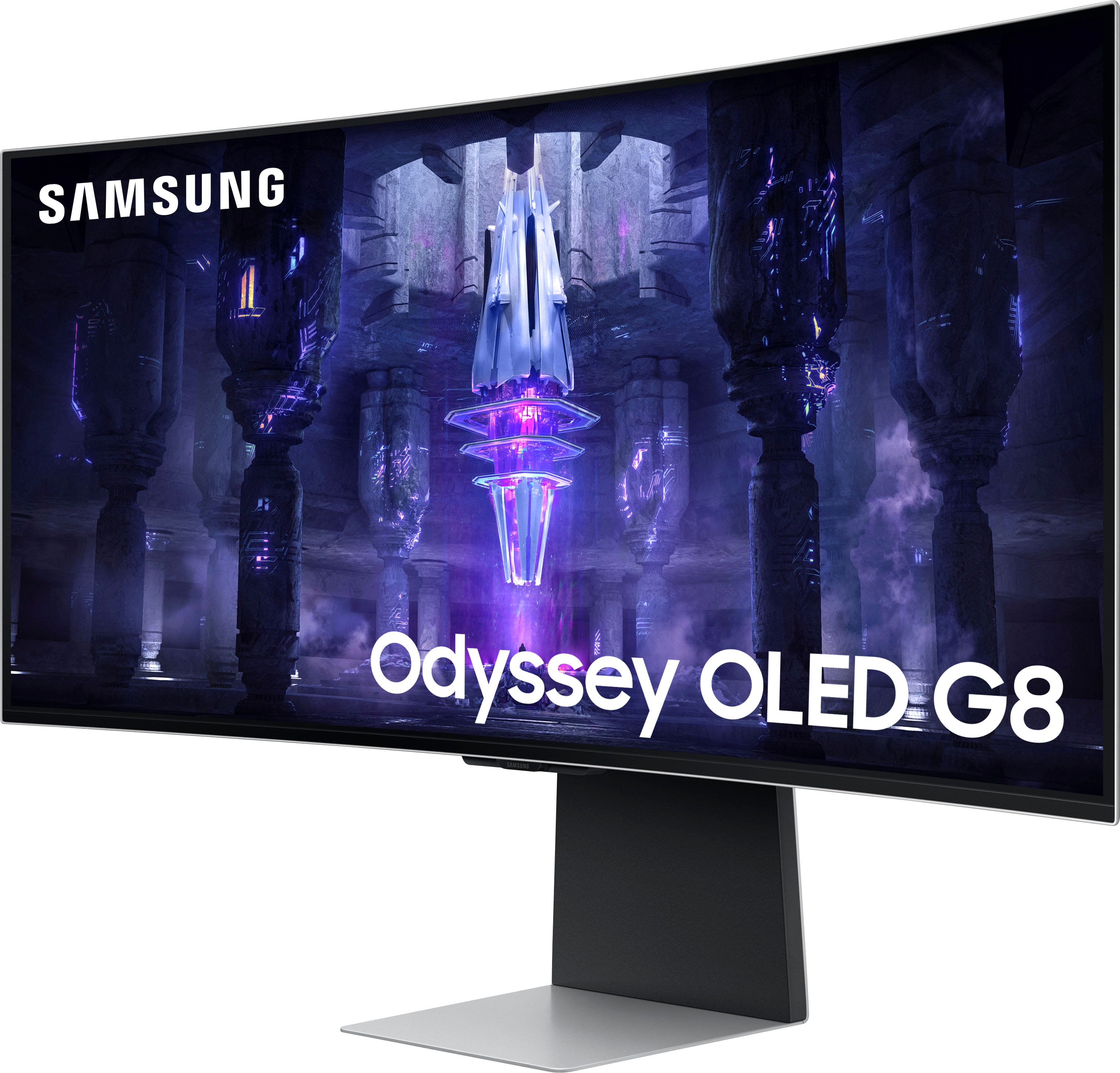
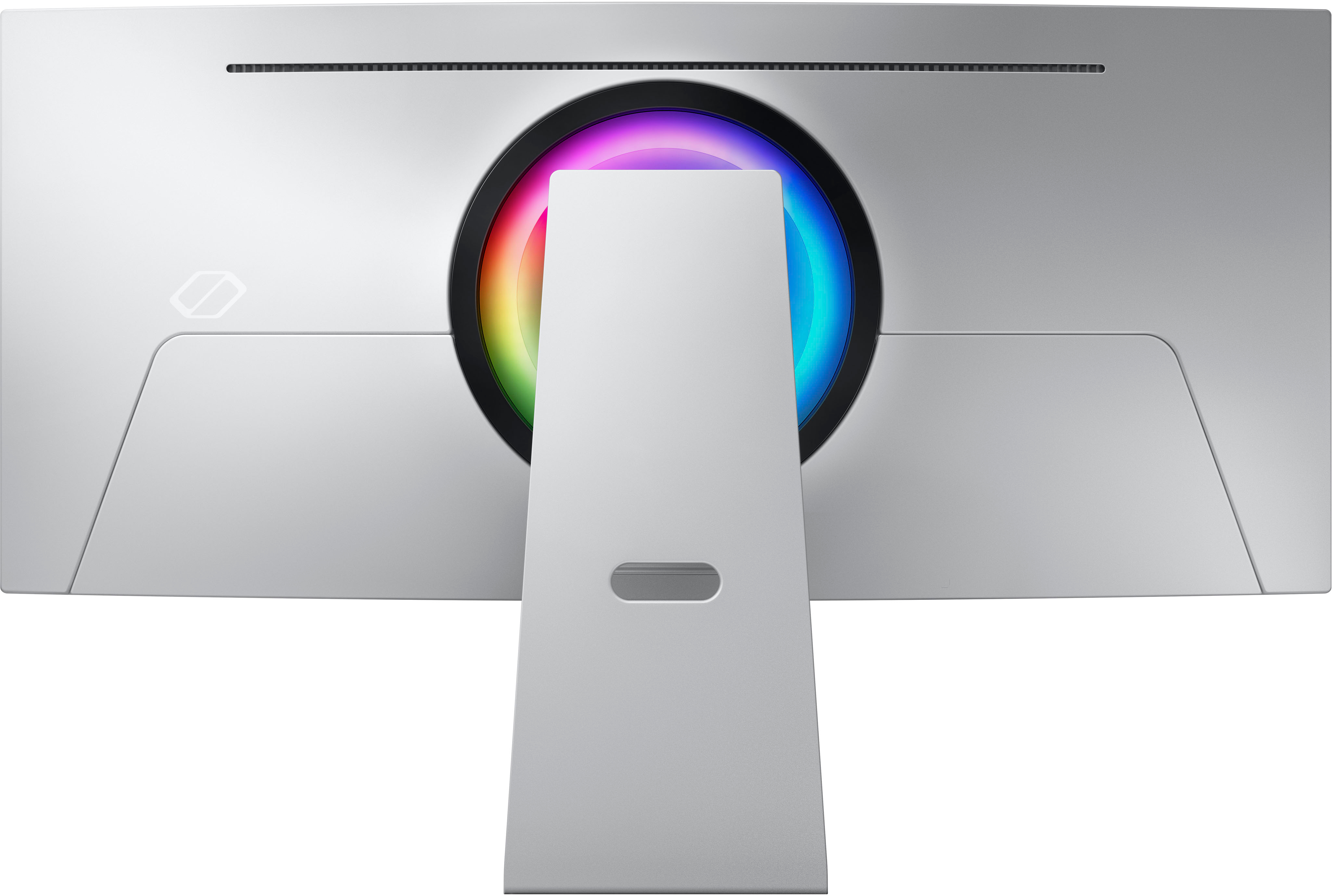
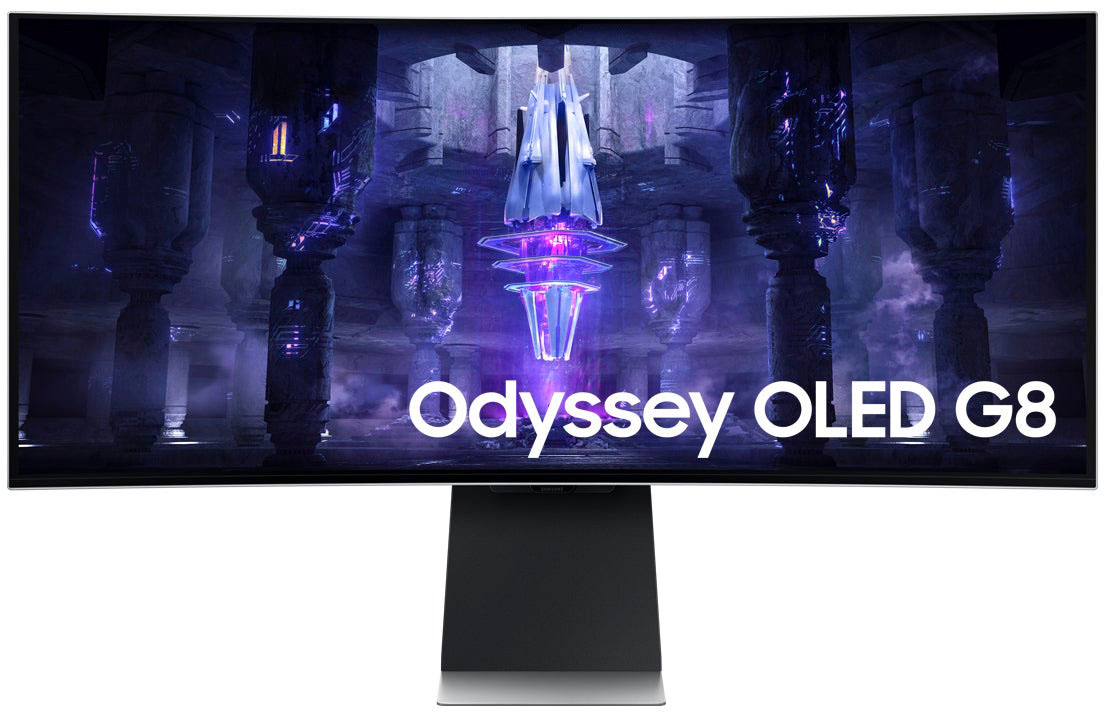
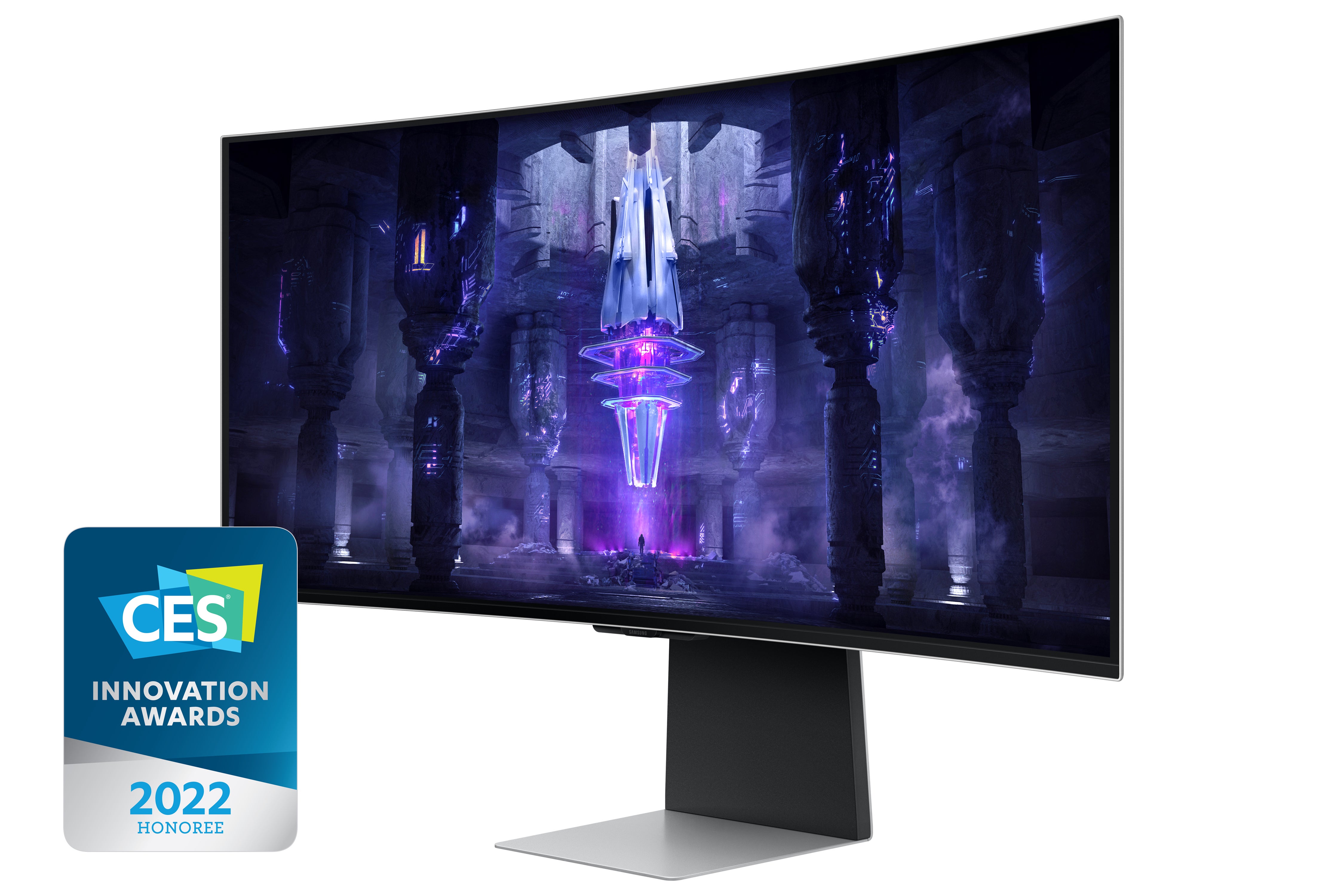

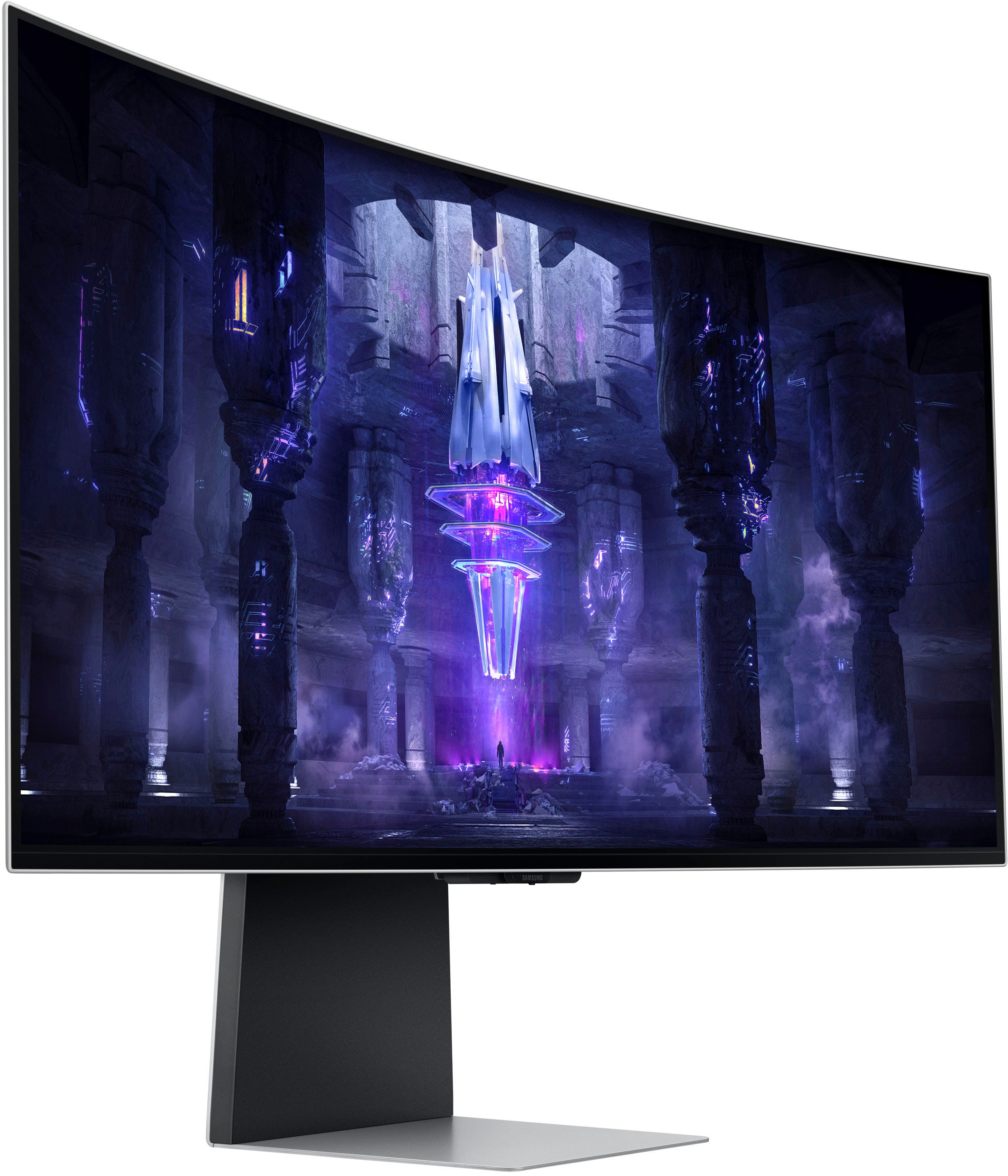
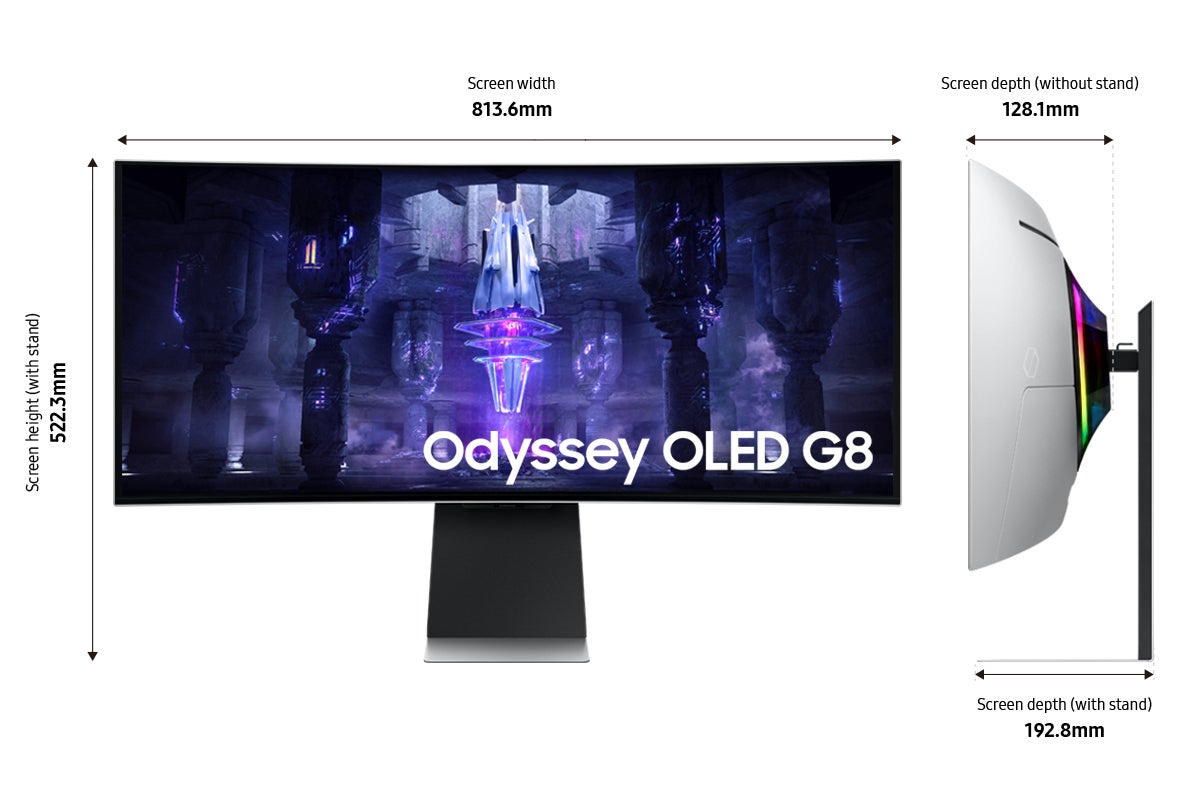
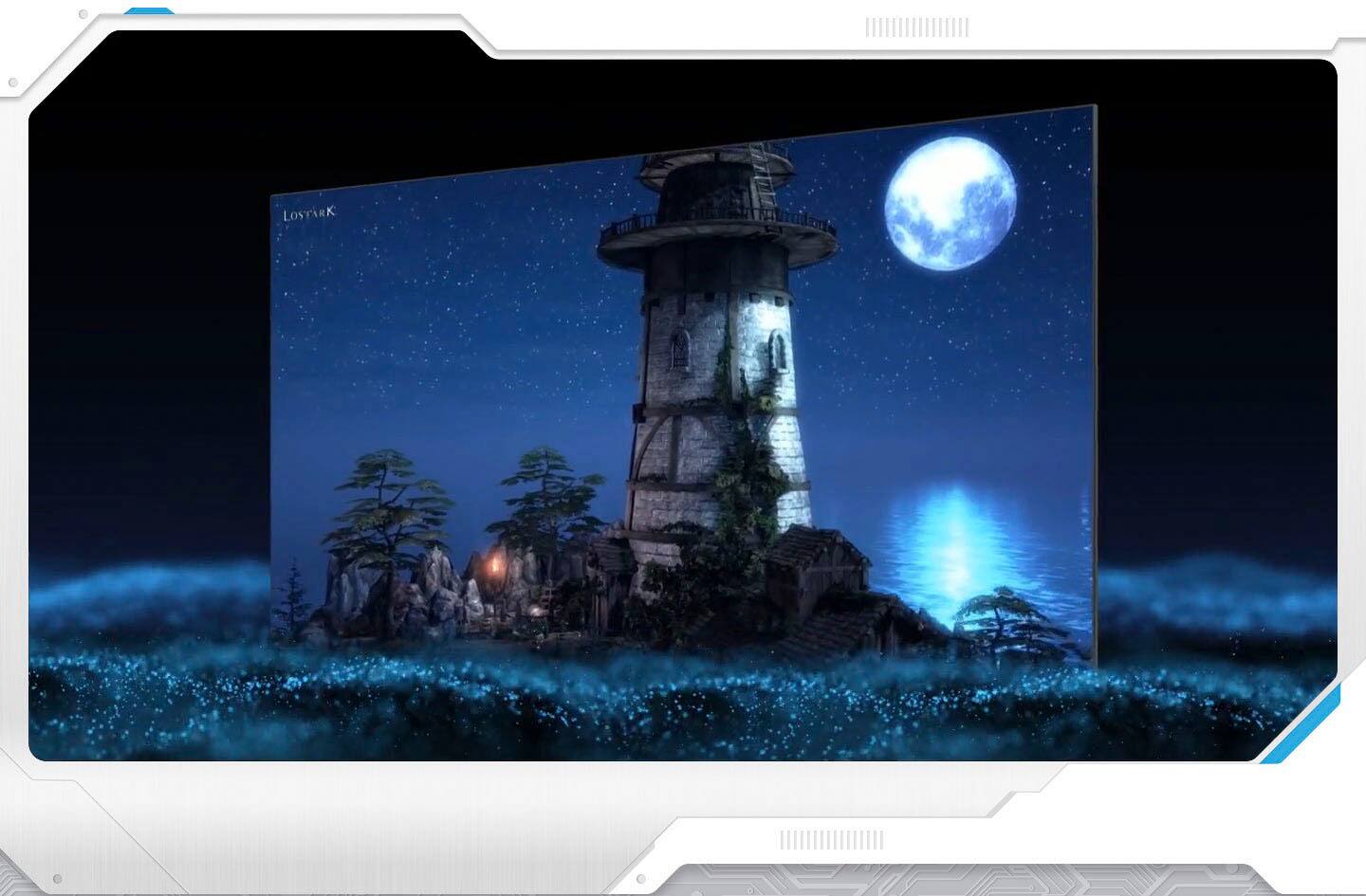
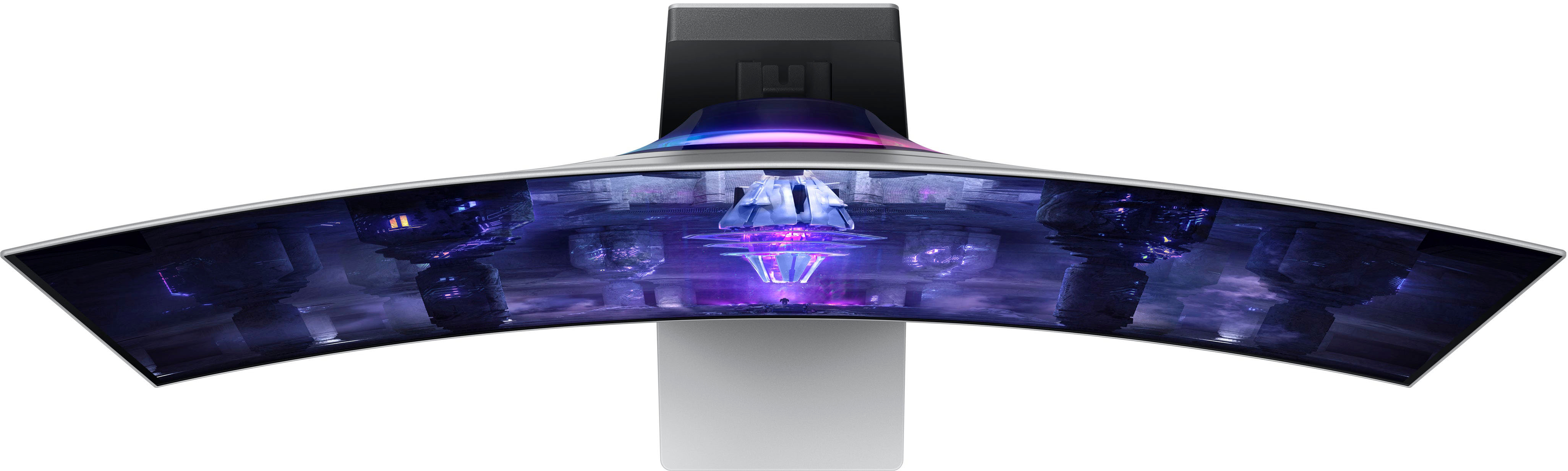
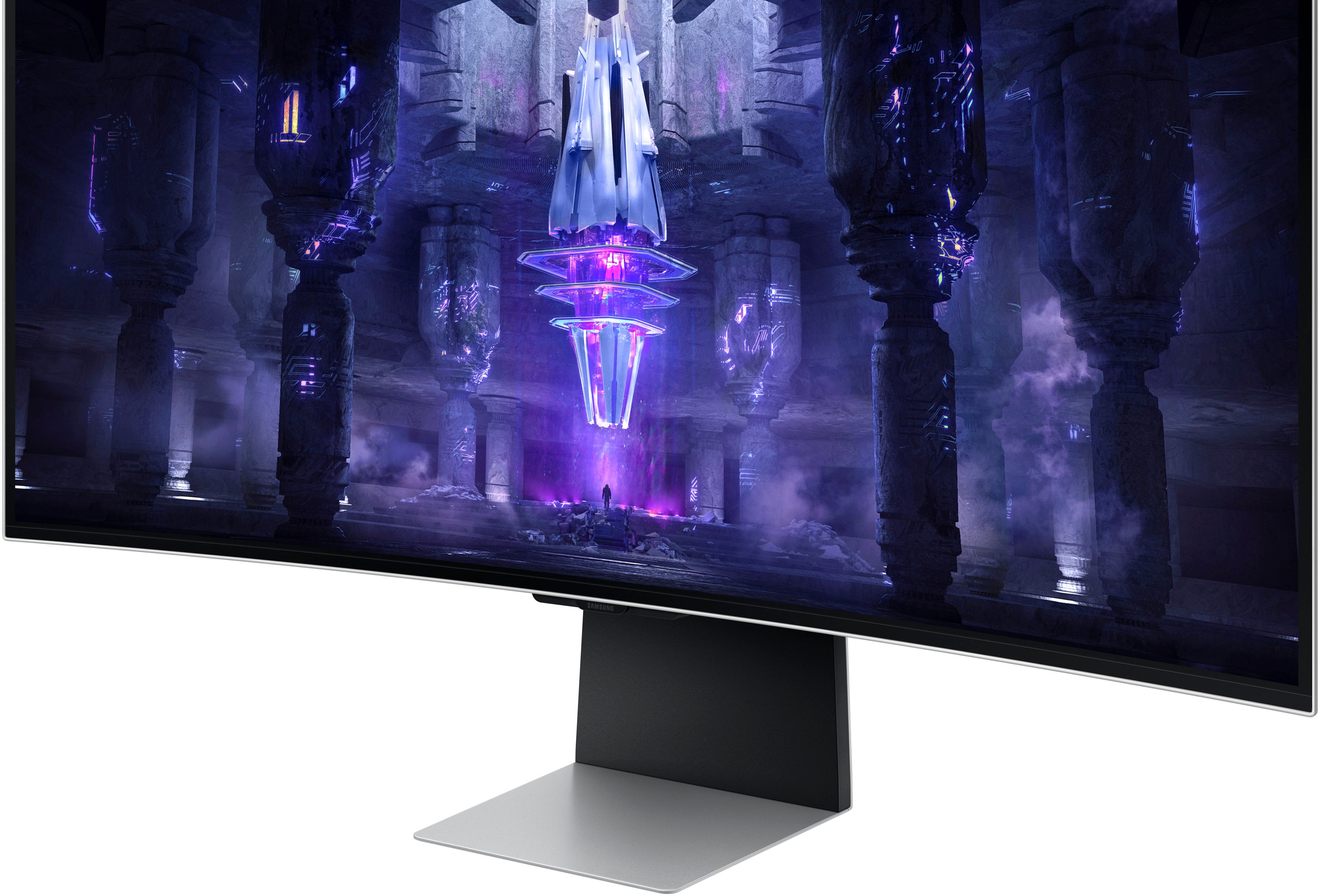
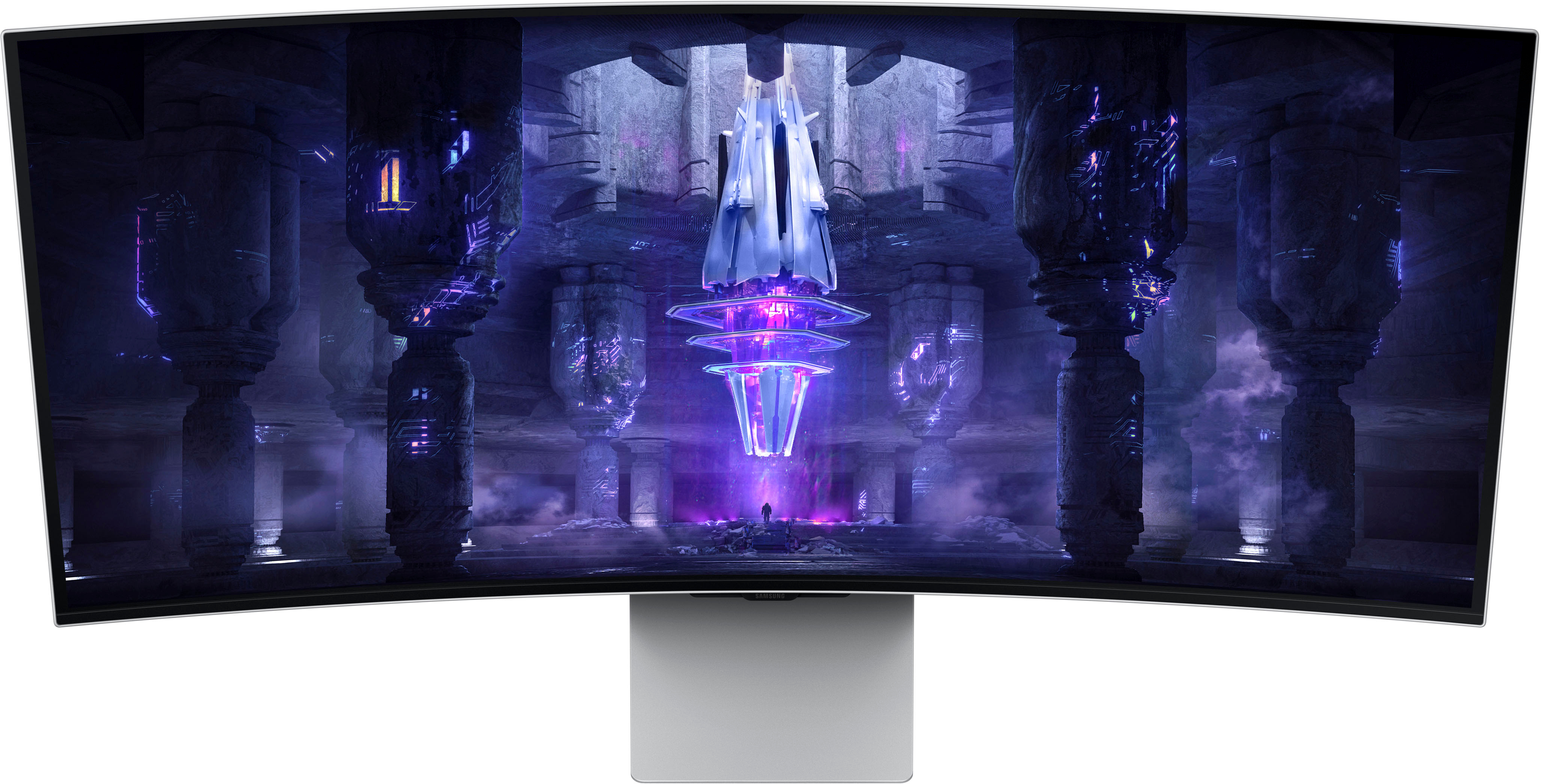
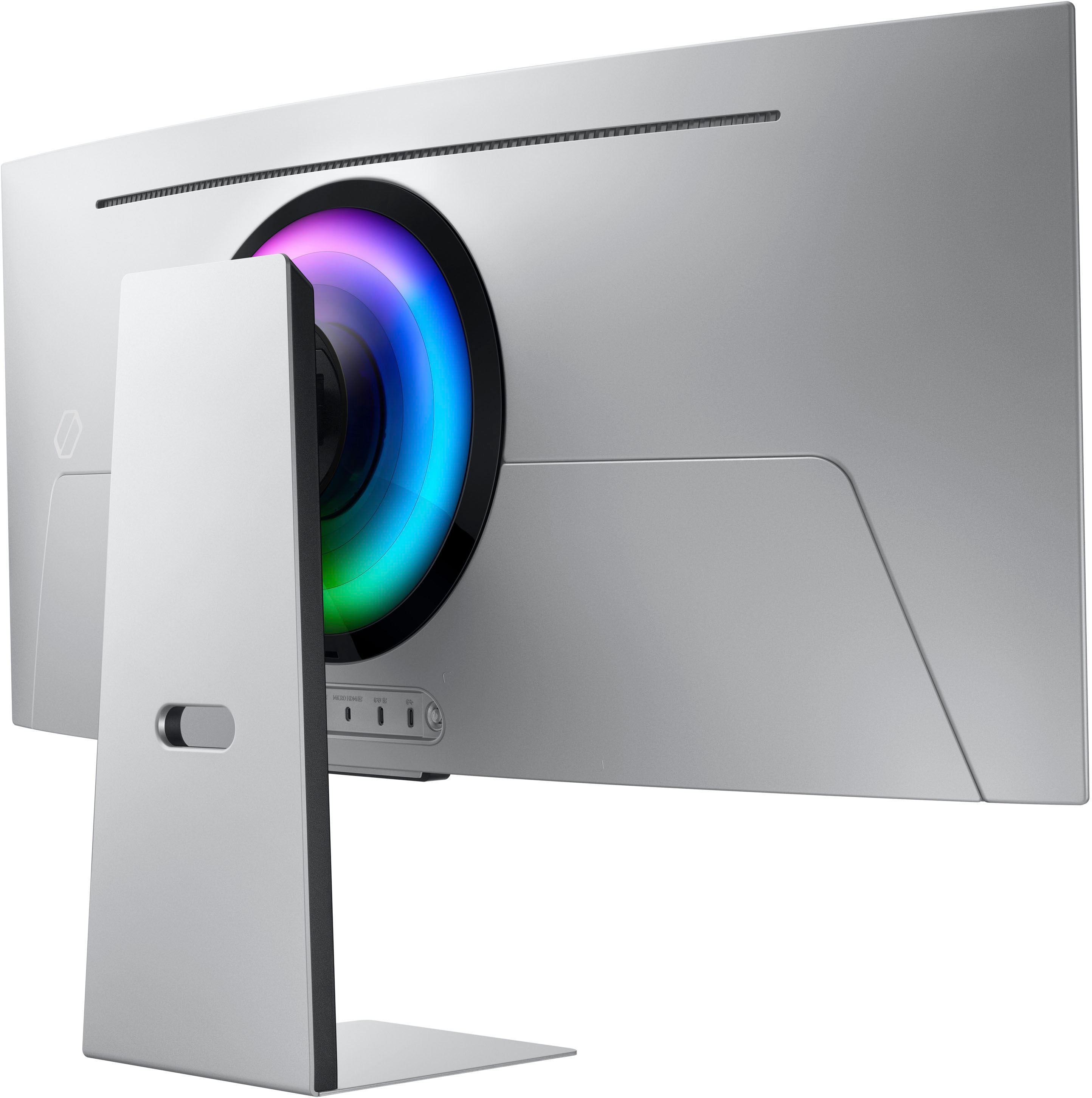
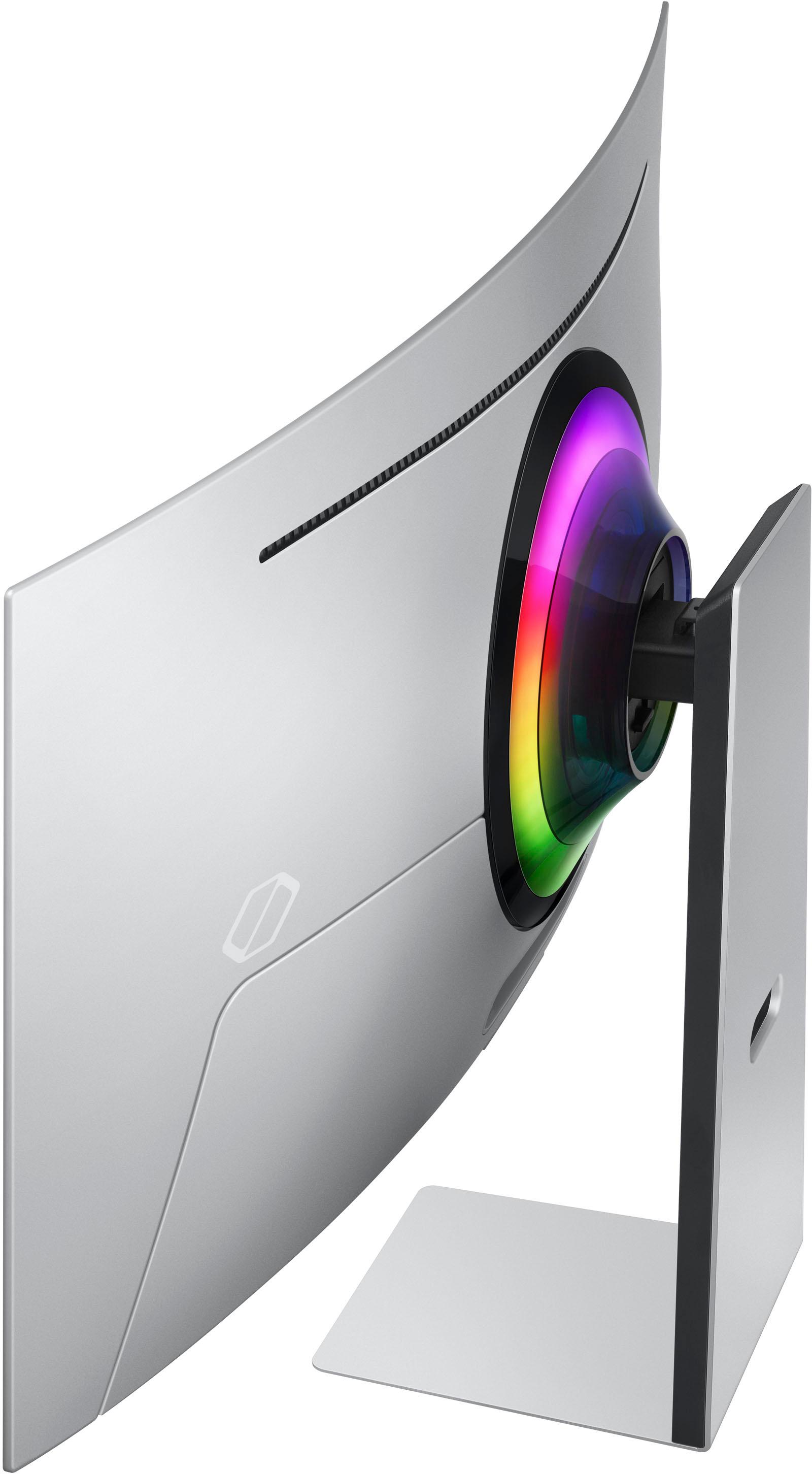
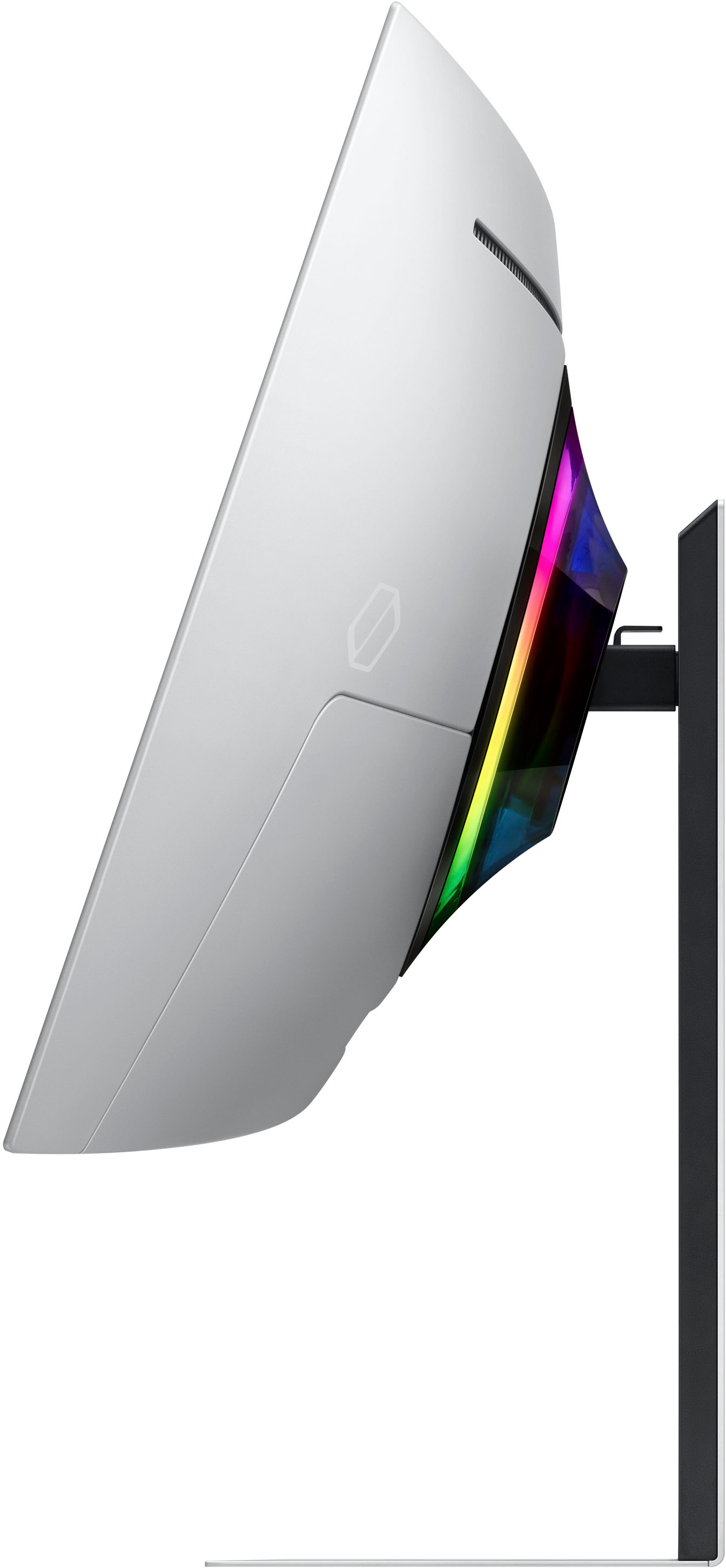
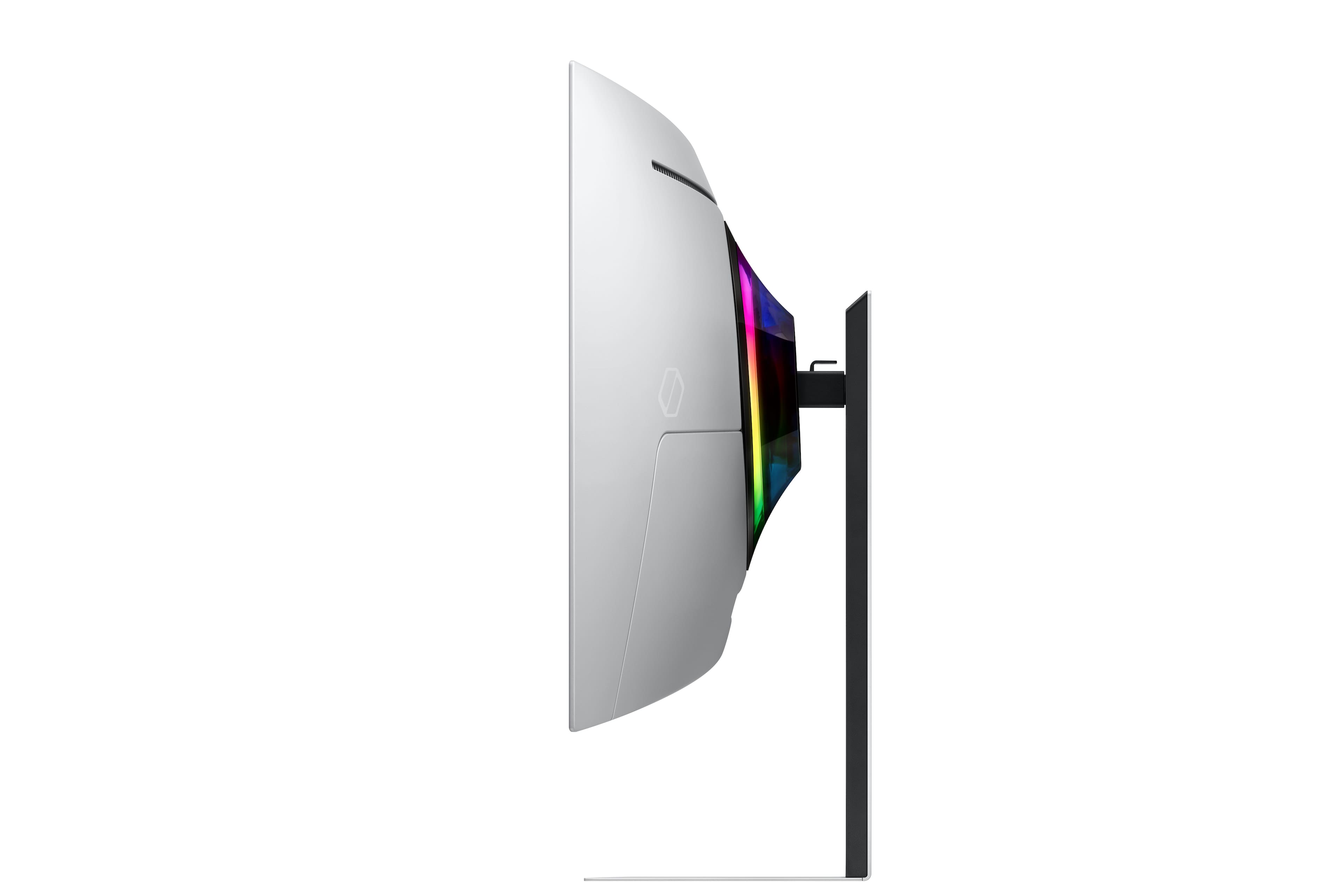
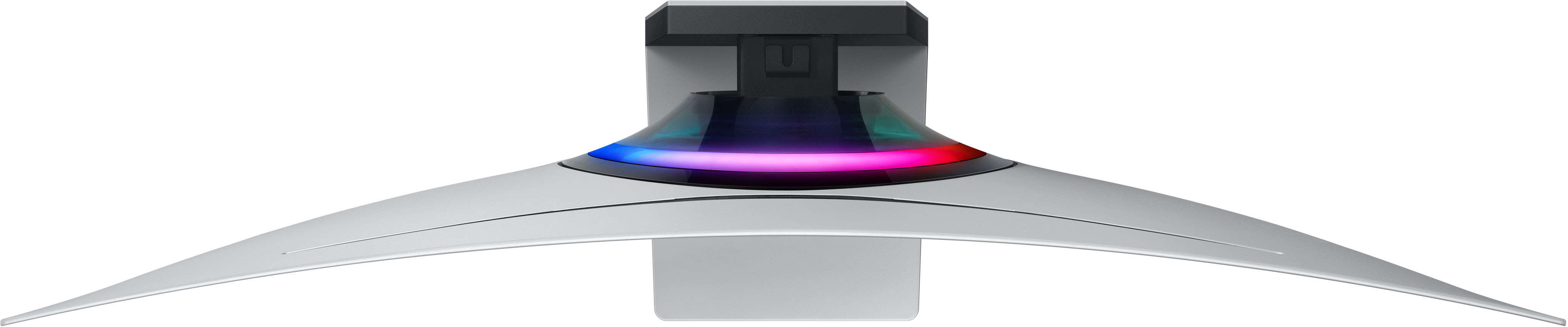

- Model:
- LS34BG850SNXZA
- SKU:
- 6527046
Rating by feature
- Display Quality
Rating 4.8 out of 5 stars
- Ease of Use
Rating 4.2 out of 5 stars
- Features
Rating 4.5 out of 5 stars
Customers are saying
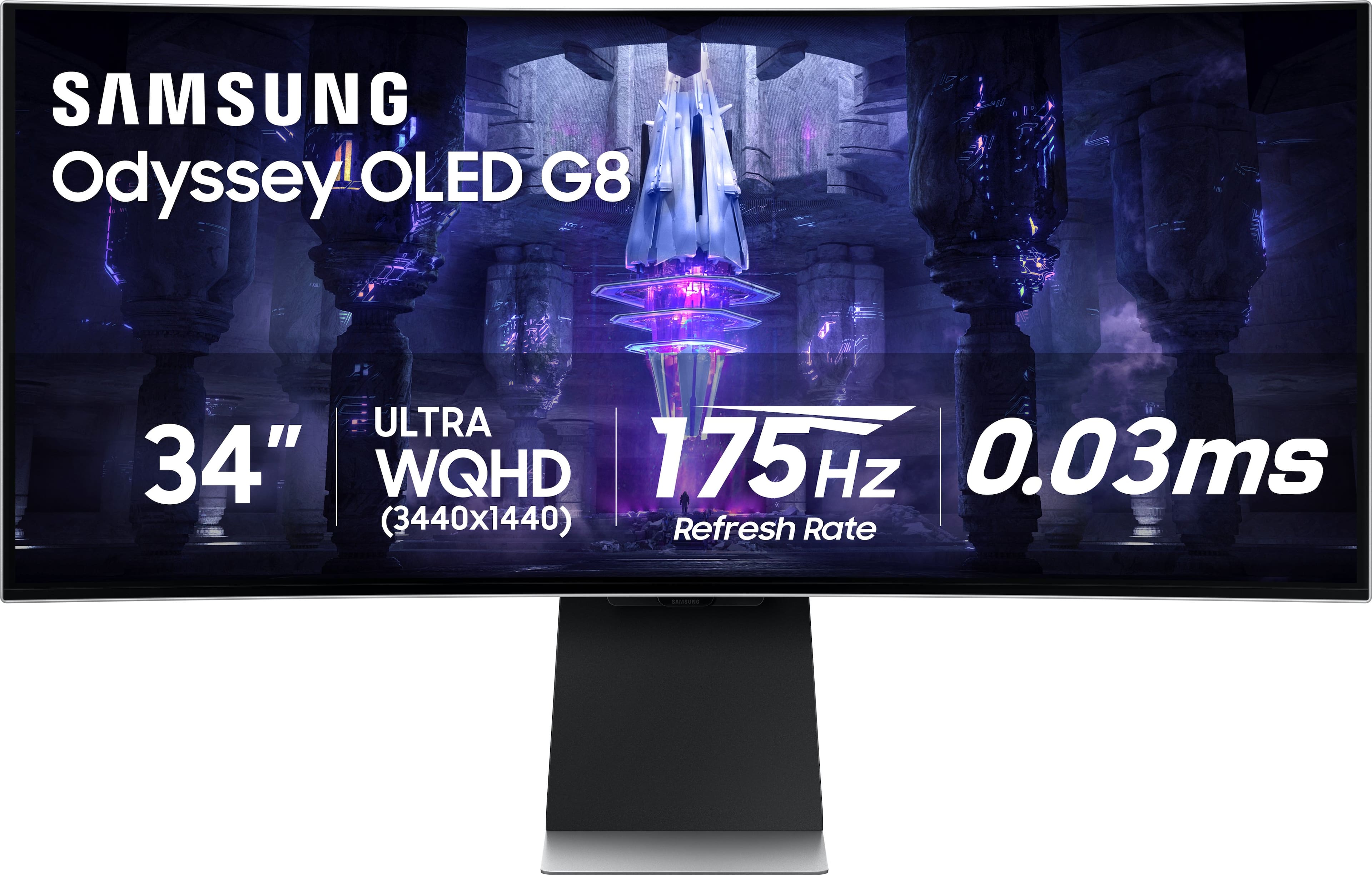
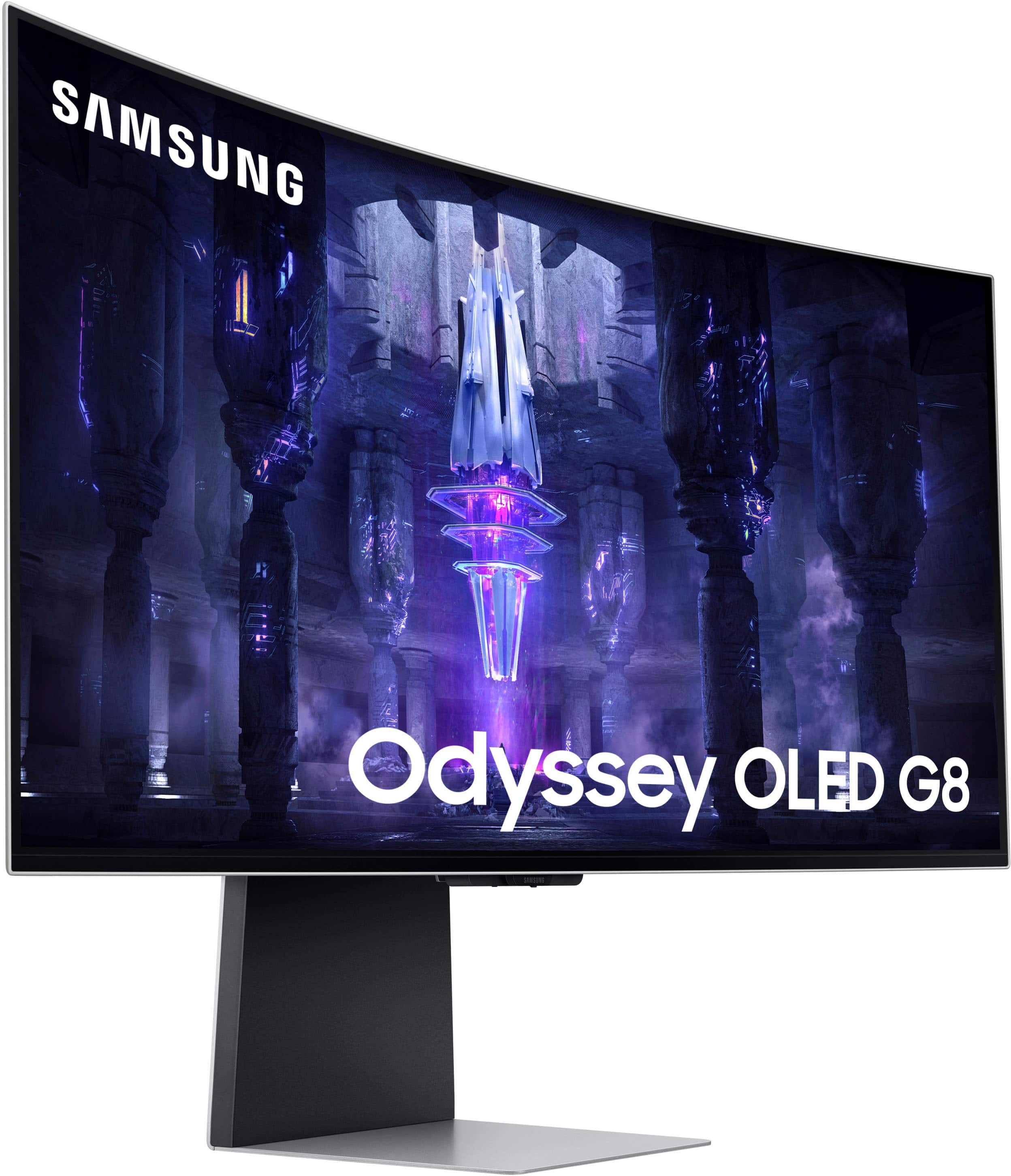
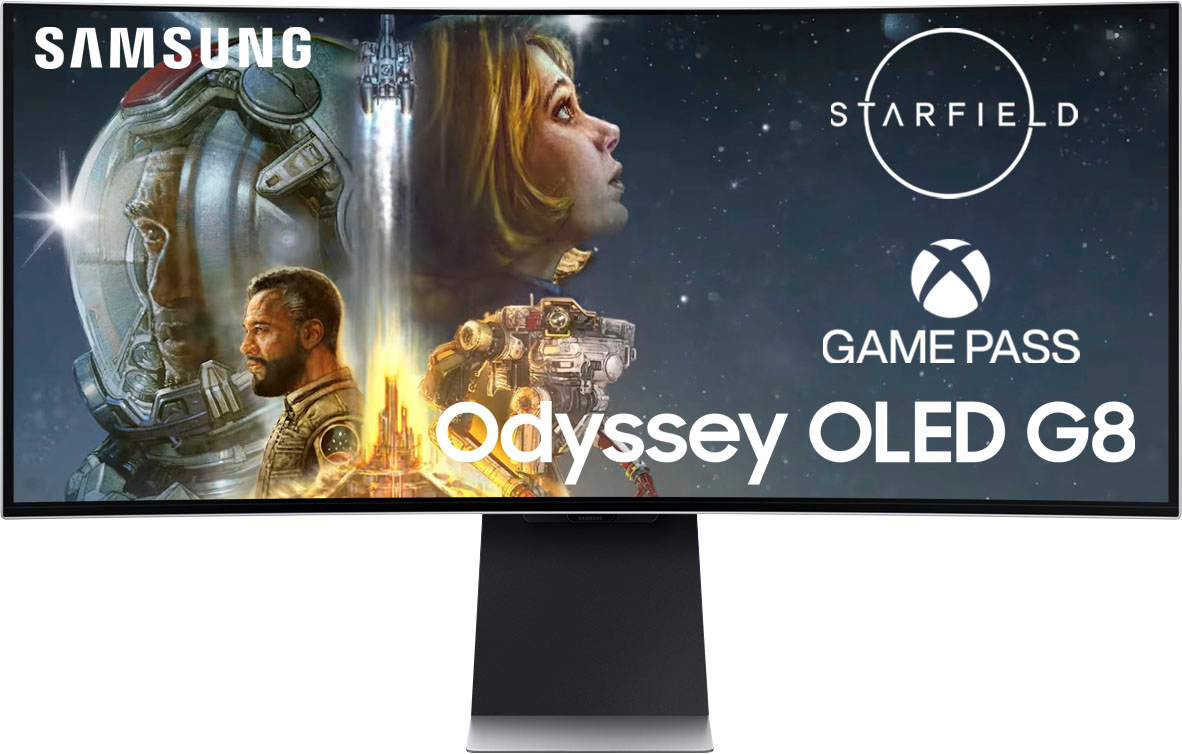
Customers value the superb picture quality and high refresh rate of the 34" Odyssey OLED G8 monitor, frequently praising the vibrant colors and impressive design. However, some users express concerns regarding the limited port selection, specifically the use of micro HDMI and DisplayPort connections. A small percentage of users also reported experiencing coil whine, impacting their overall satisfaction.
This summary was generated by AI based on customer reviews.

An astromonical upgrade for your desk and eyes.
|Posted .This reviewer received promo considerations or sweepstakes entry for writing a review.Samsung's new Odyssey OLED G8 is an impressive gaming monitor and dare I must say it's one of the best gaming monitors out there. As a gamer, you know that having the right gaming monitor can significantly enhance your gaming experience, and this is precisely what the Odyssey OLED G8 does. The colors are vibrant and the contrast is fantastic, making everything on the screen look super sharp. But what stood out to me was the attention to detail in the design. The curves on the monitor give it a futuristic look, and the accents on the back are a nice touch. And the stand is sturdy, so you don't have to worry about it wobbling around during intense gaming sessions. When it comes to gaming, the Odyssey OLED G8 is a real powerhouse. With a .03ms response time and 175Hz refresh rate in Game Mode, you can expect smooth gameplay without any lag or motion blur. And if you're a fan of G-Sync or FreeSync, you're in luck because this monitor is compatible with both. There are a few downsides to the Odyssey OLED G8 that I have to mention. The Smart Tizen OS installed on the monitor can be a bit frustrating to use, especially if you're using it as your primary gaming monitor. And the lack of ClearType support from Microsoft for the entirely different pixel layout Samsung is using on this QD-OLED display as of this writing means that text can look a bit jagged and not as clear as it should be. Did I say QD-OLED? Yup! QD-OLED is a new display technology that combines the best of both worlds – Quantum Dots and OLED. It is considered to be the next generation of display technology that offers even better image quality, color accuracy, and contrast than current OLED displays. QD-OLED technology uses Quantum Dots to emit light, which is then picked up by an OLED layer to create the final image. This unique combination allows for a wider range of colors, deeper blacks, and brighter whites, resulting in a more vibrant and lifelike image. In addition, QD-OLED displays are said to be more energy-efficient and longer-lasting than traditional OLED displays. And the best part? It even helps deter or even completely eliminate burn-in. I'll take that since my first OLED display in my home is totally screwed. Overall, I think the Odyssey OLED G8 is a great gaming monitor. However, it is a bit expensive, so you'll want to keep that in mind before making a final decision to buy, but if you're looking for a top-of-the-line gaming experience, this monitor is absolutely worth considering.
I would recommend this to a friendBrand response from Samsung
Posted .We are delighted to hear you've had a positive experience with your Monitor.
If there is anything we can do to assist you and improve your product experience, please don't hesitate to contact Samsung Customer Support via:
1-800-SAMSUNG, available 8AM - 12AM EST (Mon-Fri) / 9AM - 11PM EST (Sat-Sun).
Your thoughts and opinions are very important to Samsung.
Awesome monitor for PC gaming and general use
|Posted .This reviewer received promo considerations or sweepstakes entry for writing a review.This is not my first 34” Curved Wide QHD monitor, but it is the first with 175Hz refresh rate and QD-OLED HDR 400 True Black technology. So far, I’ve been very impressed with this monitor, from its high refresh rate for gaming, to its “eye care” mode to help with eye strain while working, there is a myriad of possibilities to choose from. PC gaming on this monitor has become more enjoyable, well not only gaming but doing everyday work and watching videos as well. There seemed to be minor flaws for an otherwise perfect product, but those were clarified by the manufacturer, and even without the manufacturer’s clarification, I’d still have given the monitor a score of 5. It has enhanced my gaming experience quite a bit, and moreover, it has become my main monitor for everyday use. The Samsung Odyssey monitor has so many features/capabilities (it has Apps such as Netflix and YouTube, comes with Samsung TV, among several others), that only a few of them are discussed in this review. - Pros: Wide 34”, 175Hz refresh rate, great vivid colors, QD-OLED, brightness, eye care mode, and others. - Cons: None. > Design < Considering its capabilities, the monitor is slim, not heavy at all, and easy to move around. It has back light support that can be configured to make the gaming experience more enjoyable. The borders (bezels) are a little too wide for my taste. Samsung has borderless monitor versions that look cool (I have another 34” Samsung curved almost borderless, and it looks more appealing). It also comes with internal speakers which sound fine enough. The stand that comes in the package is a little eye sore. I understand that perhaps it is more functional than having those thin triangular bases/stands, in that you can place things on top of it, or tape post-it notes on it. Well, eventually I got used to seeing the big stand in front of me, that it doesn’t bother me too much anymore. An alternative is to get one of those stand/mounts that can attach to your desk/table and that occupy less space. > Picture < As expected for a QD-OLED HDR True Black display, it provides enough brightness to allow it to be used in very well-lit rooms or during a sunny day. It’s going to be handy in this coming summer, with the morning sun hitting almost directly my PC/Computer room, I won’t need to cover the windows anymore, and I’ll get to enjoy the outside light. At night, with the lights on in the room, despite the colors being not as vibrant, I frequently resort to Eye Care mode when working. Nevertheless, under Eye Care mode, the image still looks great, and it allows for longer periods of time behind the computer. Now, if on top of this the Adaptive Picture option is selected, which tells the monitor to take into account the ambient light, then the result is less strain for your precious eyes. Of course, when Game Mode is On, you don’t have the option of Eye Care (and vice versa). But that is fine, you want the best experience with those graphics when playing games anyways. When playing games in the dark (or under low light), with the monitor’s back light patterns and those from my PC, the experience is just unique. And it is here that QD-OLED True Black shines (see the pictures.) In summary, it’s outperformed any other monitor I have at home (and even at work.) > Refresh rate < This monitor has a maximum refresh rate of 175Hz, with 120Hz and 60 Hz being the others it can be set to. Honestly, on most gaming scenarios, 120Hz seems to be sufficient to have a delightful experience with this monitor. Even in games which would benefit from higher rates, playing at 120HZ under G-Sync compatibility on this wide QD-OLED HDR 400 True Black is just amazing. And well, at 175Hz, although some games like forza wouldn’t reach 175fps (I guess I need to update my PC video card), the experience seems even better (one of the pictures contains a comparison between WQHD and FHD and the refresh rates reached while playing Forza.) > G-Sync/FreeSync < This monitor supports FreeSync, but there is no word about it being G-Sync-Compatible, and I didn’t find any claim about the latter on the Samsung website. Since my gaming PC graphics card is an NVIDIA GeForce RTX 3080, I decided to give G-Sync a try. First, I had to enable “Gaming Mode” for the option to configure G-Sync to be available on the NVIDIA control panel. After selecting the G-Sync option on the NVIDIA control panel, I was welcomed with this message “Selected Display is not validated as G-Sync compatible”. Well, the monitor seemed to work just fine, even running the Pendulum application test from the NVIDIA website showed G-Sync compatible mode was running smoothly. In addition, when going to the settings section on the monitor, it would show “Adaptive-Sync” being On, so it had to be G-Sync compatible. I decided to contact Samsung, and they mentioned that the monitor would work fine most of the time under G-Sync compatibility, but if anything goes wrong, they wouldn’t be able to help the customers as the model “was not officially certified by NVIDIA”, hence no mention about G-Sync in the documentation about the product, basically “try it at your own risk”. Regardless, it seems that G-Sync just works and comes in handy; for example, when playing games like Forza. > Black Matrix Difference < When doing some work and some writing, not gaming, I realized that the left and right borders (bezel) on the monitor seemed to differ at different times. At some point the right border would be wider than the left and vice-versa. I asked Samsung about this, and I learnt a new thing, they call the “black area between Bezel & Display” Black Matrix. The intended use of that matrix is to prevent Burn-in, and so Pixel shift is used from time to time, so that is why one can notice “left/right bezel difference”. Neat indeed, if it means my monitor would display great colors for a long period of time, then I don’t mind having that difference (which really bothered me once I noticed it.) > Other < A few other observations: - This monitor comes with features similar to those of smart TVs (albeit it is not a smart TV.) There is some number of apps that can keep you entertained. So far, I’ve only used the YouTube and Netflix apps to watch some content; although, if I have the PC on, I then use the PC to watch different online content. I don’t see myself too much using those smart features, since I’ll be using mostly connected to my gaming PC and/or laptop, although it is nice to have them. - To appreciate the back light, the “Core lighting” option, you’d need to use the computer almost in the dark. In a very well-lit room, the colors are not too noticeable. That being said, if you have a reflective board/wall behind the monitor, then you could have some fun. - There is a Gaming Hub specific for gamers, but I haven’t used it yet. I mostly game on the PC, I open Xbox and I am ready!
I would recommend this to a friendAmazing Display!! 10/10
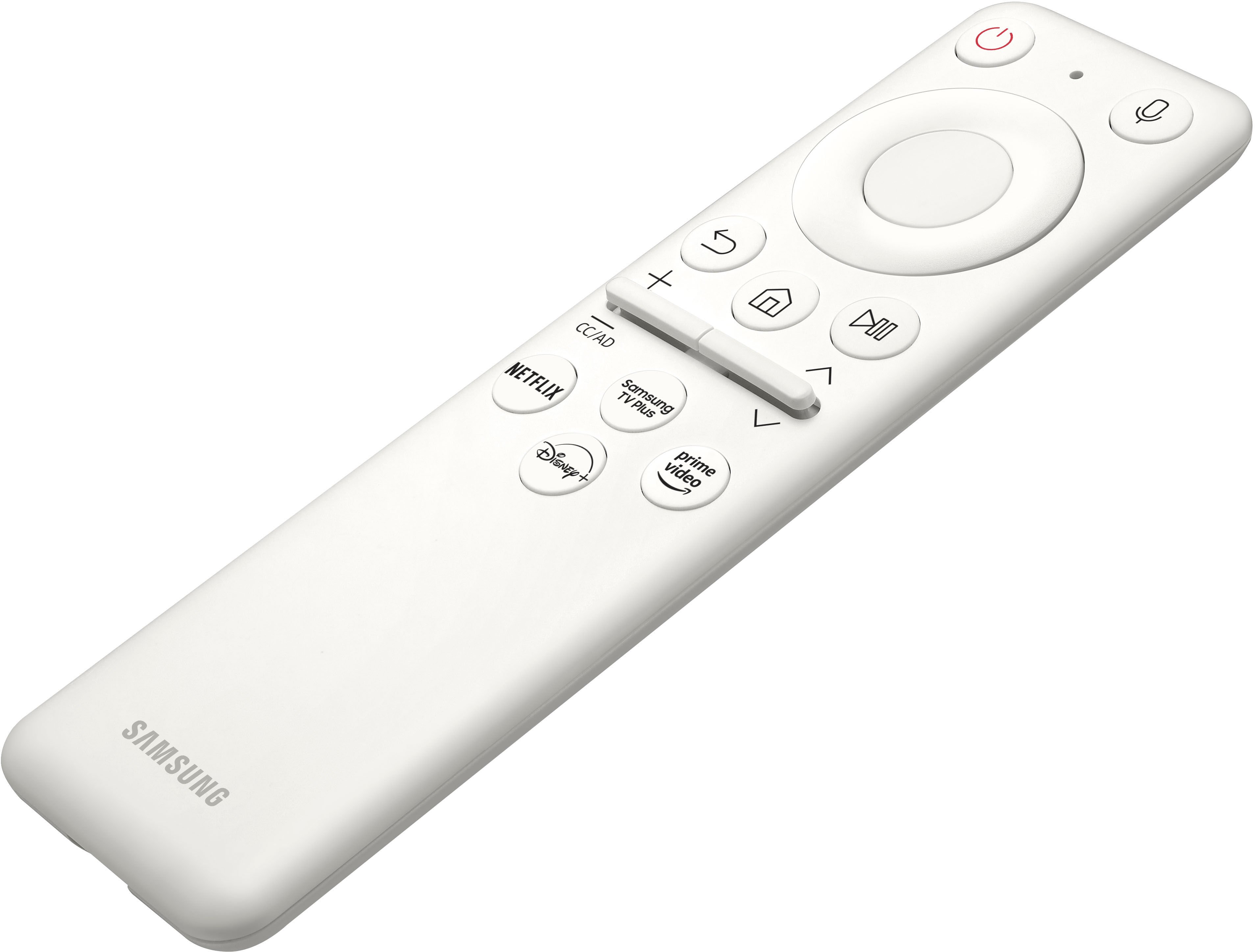
|Posted .This reviewer received promo considerations or sweepstakes entry for writing a review.The Samsung Odyssey 34 inch Gaming Monitor is an amazing display for the serious gamer and multitasker. I have had a lot of really cool monitors over the past 20 years. From the oversized CRT’s in the early 90’s to the Apple Cinema Display of the 2000’s and now I have what I consider to be the best PC monitor I have ever owned. The Samsung Odyssey is the perfect blend of everything you could want and need in a gaming monitor. Initial setup took less than 5 minutes. Samsung makes it very easy to assemble and once constructed the monitor is beautiful to look at. It is surprisingly light for its size with a gray metal finish and razor thin curved screen. They’ve even added lighting behind the monitor itself that can match the displayed colors on the screen for a more immersive experience. The monitor has multiple usb c inputs, an HDMI mini 2.1 and a DisplayPort but surprisingly didn’t include a normal size HDMI port. I used the DisplayPort input for my pc with the cable that came with the monitor. Samsung didn’t include a Mini HDMi cord which I thought was a mistake because not everyone has a DisplayPort input and if you use a HDMI to usb-c cord you’re limited to how good the cable is for refresh rate. Also it seems that Mini HDMI cords are hard to find because Best Buy doesn’t even carry them. Once hooked up I turned on the monitor and was immediately greeted with more of a TV like experience than I was expecting. The monitor has apps and a Samsung game hub to go along with the PC input. Netflix, Disney+ and YouTube are all readily available. The game hub is pretty sweet as well because I was immediately able to login to my Xbox account and utilize the cloud gaming platform they have to play Xbox games. The monitor streamed them seamlessly, only hiccup I saw was the full screen wasn’t utilized for the apps. The PC input though is the bread and butter of this monitor. Coming in at a whopping 3440x1440 this screen has some real estate. With a 175hz refresh rate and a .03ms response rate this monitor is buttery smooth. Every game I throw at it looks amazing with rich colors and true blacks that only can come from an OLED monitor. Games like Forza Horizon just look stunning and Apex legends, which can be intense on a monitor, played flawlessly. I love this monitor, when playing FPS it almost feels like the view is panoramic. The monitor also has quick gaming settings that can be adjusted depending on what type of game you’re playing by holding down the pause button on the remote. Speaking of the remote the one thing I wish they did put on it would have been a PC input button. It is slightly cumbersome to have to hit the home button then find the pc input after using an app. But that’s a small complaint and really the only flaw I’ve found besides the lack of a regular HDMI input. Overall I am very impressed with the quality of this display. If you’re looking for a widescreen gaming monitor that also functions as a TV and a Xbox gaming hub while also being an amazing everyday monitor in terms of sheer real estate look no further. Samsung hit it out of the park with this one. It is by far the prettiest monitor I have ever owned and I look forward to using it for many years to come.
I would recommend this to a friendBrand response from Samsung
Posted .We are delighted to hear you've had a positive experience with your Monitor.
If there is anything we can do to assist you and improve your product experience, please don't hesitate to contact Samsung Customer Support via:
1-800-SAMSUNG, available 8AM - 12AM EST (Mon-Fri) / 9AM - 11PM EST (Sat-Sun).
Your thoughts and opinions are very important to Samsung.
- Pros mentioned:Design
Very good monitor
||Posted . Owned for 1 month when reviewed.This reviewer received promo considerations or sweepstakes entry for writing a review.One of the best looking monitor out there, it looks very classy and clean. The quality of the picture is also great. The only thing I don't like is you have to use a remote controller to turn it on and off (I haven't figure out how to do it without the controller yet). I use it as my gaming monitor. I haven't had any issues other people been describing. The only thing is don't let your PC goes to sleep or else when you wake it up, the monitor doesn't detect the input, to avoid it, just don't let your PC goes to sleep on its own, its fine if you manually put it to sleep, when I wake it up the monitor detects it fine. It has a built in speaker but the quality of the speaker is ok, it's like a TV speaker, I personally use my own speakers.
I would recommend this to a friend - Pros mentioned:SpeakersCons mentioned:Price
Definitely worth considering!!
||Posted . Owned for 2 weeks when reviewed.This reviewer received promo considerations or sweepstakes entry for writing a review.I’ve been having such an amazing time gaming on this monitor! I love the deep and vibrant colors and the way it enhances the visual experience all at an incredibly smooth 175 hz. It has built in speakers that are better than most monitor speakers out there. It has a nice glossy finish that does a decent job at not reflecting too much light causing glares. Beautiful aesthetic without being too gamerish in my opinion. It’s definitely worth the price when it goes on sale, but DO NOT PAY FULL PRICE FOR THIS!! 1,200$ is much too steep for this monitor, but it does go down to 900$ during sales, so watch for that!
I would recommend this to a friend - Pros mentioned:Speakers
Odyssey G8 OLED.
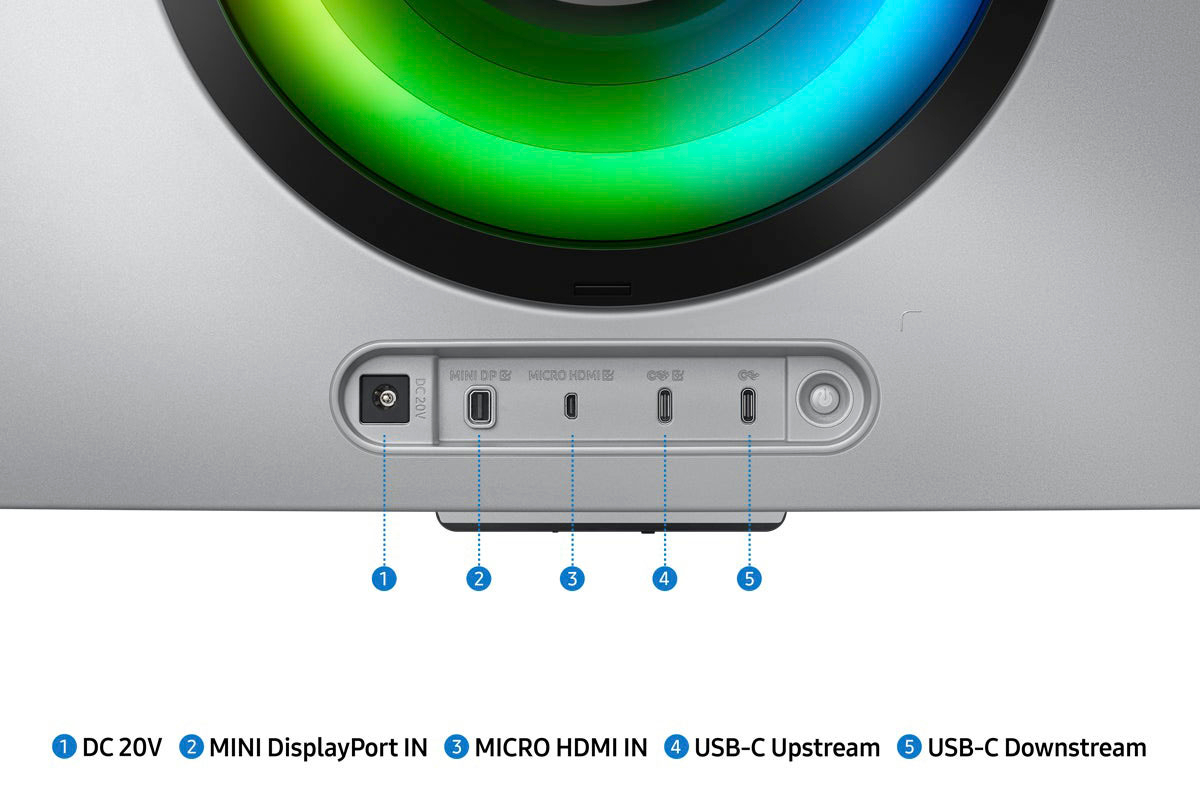
||Posted . Owned for 1 month when reviewed.This reviewer received promo considerations or sweepstakes entry for writing a review.A great monitor for gaming, it offers FreeSync variable refresh rate & G-SYNC compatibility, with features that are seen usually on "Smart TV's". Resolutions are amazing at 3440 x 1440, has a very good refresh rate for gaming (175Hz), 34" of eye candy at your disposal - the OLED black uniformity is just incredible. It has a few unusual choices in terms of connectivity, Micro HDMI and mini Display connectors. There are two USB-C ports, including one that can only charge with 10W power delivery. The second port features DisplayPort Alt Mode, delivering 65W of power. It means you can display an image from a laptop while charging it. The monitor also has integrated speakers, which sound pretty fine all things considered. Would I recommend it? yeah.
I would recommend this to a friend - Pros mentioned:Design
Looks great when it works, but major QC issues
Posted .This reviewer received promo considerations or sweepstakes entry for writing a review.Pros - Beautiful display (when it works) - Clean design - Small stand footprint - Lots of cool features in the OS - Light ring in the back syncs color with what's on the screen Cons - Low text readability due to QD-OLED triangular pixel structure - OS software is slow to respond to inputs (each button press takes a few seconds to register) - Display is VERY reflective, so the deep OLED black becomes a washed-out gray in a bright room. I would only use this if I lived in a cave. - The coil whine is VERY noticeable (imagine a gnat flying an inch from your ear nonstop...that's what this thing sounded like all day long). I've never heard a monitor make a high pitch squeal like this before. It also seemed to change pitch depending on how bright the image on the screen was. - Final straw: The monitor only worked for the first two days I used it. I told Samsung support about the coil whine issue. They asked me to unplug the monitor for 2 minutes and plug it back in...and then it completely stopped working. The attached picture is what I was left with. It's possible that the last two cons I experienced only pertain to my particular unit, which may have been defective. Nevertheless, I find it unacceptable that Samsung didn't identify and resolve these issues prior to delivering a monitor with such a high price tag.
No, I would not recommend this to a friendBrand response from Samsung
Posted .Thank you for your purchase and review of the Odyssey G85SB Gaming Monitor! We are sorry to hear about the issues you have been experiencing.
Other users with similar concerns, have resolved their issues by loading the latest firmware by visiting the Samsung Download Center and we recommend making sure your monitor software is always updated. Samsung Download Center: https://www.samsung.com/us/support/downloads/
If after you have verified you’re using the latest version your issues persist, or if there is anything else we can do to assist you and improve your product experience, please contact Samsung Customer Support via:
1-800-SAMSUNG, available 8AM - 12AM EST (Mon-Fri) / 9AM - 11PM EST (Sat-Sun).
Again, thank you for taking the time to share your experience and provide us with information that helps improve our service.
Beautiful display but sometimes frustrating UI
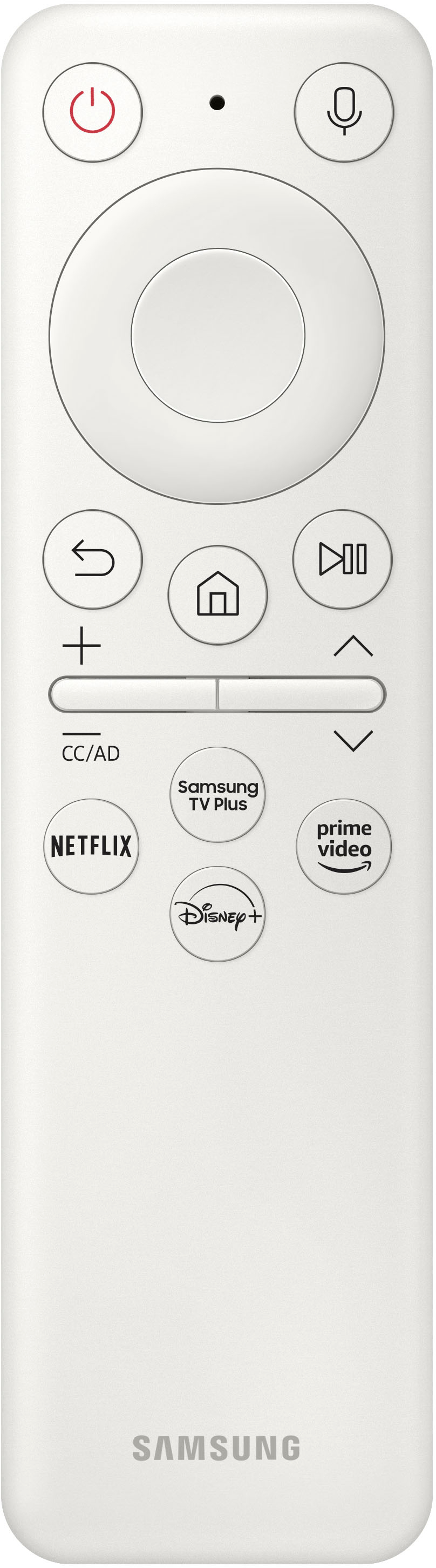
|Posted .This reviewer received promo considerations or sweepstakes entry for writing a review.There is no monitor screen that you will find currently, that will give you a better picture than OLED. Samsung has been putting out superior monitors and touchscreens for a long time and they are very good at it. As far as picture quality goes, their displays are some of the best on the market. Picture quality on the Samsung G8 OLED monitor is gorgeous. No question about it. The colors are deep and rich, the blacks are as black as you can possibly imagine and the contrast is superb. Look at your digital photos, and you'll be amazed at just how different they look on a monitor of this caliber. I looked at hundreds of vacation photos I took in Oregon and was just blown away by what I saw. Photos or videos, it makes no difference, they're all stellar. Moving into the game realm, I played a lot of the games I enjoy playing, only now, the games I'm familiar with look so good, it's like discovering them for the first time all over again. Once again the color depth and clarity take center stage. Everything I played just looked phenomenal. My machine has an Intel ARC graphics card in it and up until now I've used a Visio Omni 27” monitor (which I've been very happy with). Playing on not only a wide screen, but a curved wide screen is an incredible experience. With a refresh rate of 175, intense motion games like Doom and the Tomb raider series (including Rise and Shadow) were super smooth. I have all the game graphics at the highest settings and this monitor performed beautifully. Everything remained clear without any tearing or stuttering. I can honestly say I've never played on a more competent display. I know some people are turned off by the fact that this is a 2K display instead of a 4K, don't let the 3440 number fool you, it's a 2K monitor. So don't expect it to do what it's not meant to do and be disappointed when you can't get it to deliver 4K. In addition to the respectable refresh rate, you also get AMD FreeSync Pro (which accounts for the smooth game play) and HDR True Black 400 (which is great for seeing dark, dark colors that don't look black or dark gray. So in addition to the fantastic display, this monitor has a whole host of additional features. You'll need to use the included remote control to get to any of the additional inputs or streaming services. You can access Netflix, Prime, Disney+ and Samsung TV directly from the 4 separate buttons on the remote. Any other channels you're looking for, you need to hit the Home button and choose from the list of what's available, or add channels that may not by default be in the list. I was somewhat overwhelmed at first when trying to navigate the menu system but as I learned my way around, I was able to find what I needed. I do think that some “extra” buttons on the remote could make things even easier and faster to get to where you want to go. For instance, if you want to get back to your PC after streaming a show, it would be nice to see a remote button that was labeled PC. As it is, you need to go to Menu and then to Connected Devices and find your PC and select it. Maybe a similar remote button to take you to the Sound settings so that you can use your PC speakers instead of the built in monitor speakers. Little things like that can reduce the number of button clicks you need to go through and help make finding these settings more intuitive. This monitor does offer you a lot of features. The streaming benefits alone are pretty cool. It does mean that this monitor will expect to connect to your WiFi, there is no network jack. There's two USB-C inputs that will allow you to connect your laptop or phone to it in addition to your desktop. You have you're choice of connections. You can use a Micro HDMI (2.1) connection, the USB-C connections (there's 2 of these and yes, they will charge your plugged in device), or the Mini Display Port (I connected my desktop to this one). So, a lot of choices although you may need to purchase additional cables to use the ports. I didn't find that to be a big deal, but for some people it apparently is. There is a Mini DP to DP cable included in the box, so don't despair, as long as your graphics card has a Display Port connection, Samsung has you covered. I should also mention that if you have an audio system that you're happy with for your PC, you may have to jump through some hoops to have any of the streaming choices actually use your PC speakers. I could see this being a problem if you use PC (powered) speakers that connect to your computer with a mini audio jack. Any of the streaming choices are piped out the monitor speakers by default. Going into the advanced settings will allow you to choose where the sound comes out, but you're limited to the built in monitor speakers or Bluetooth speakers. I use a small amp with passive speakers so I was able to connect to it via Bluetooth and hear the streaming channels out my normal PC speakers. I didn't try this but I suppose it's possible to use an HDMI connection to your PC to accomplish this but I didn't have a Micro HDMI cable to try it. For me, I had to go into the settings and choose Bluetooth for streaming, and then go back in and choose the monitor speakers when I was done. This removed the Bluetooth link between the monitor and my amp so that I could hear my PC through the wired connection. Anyway, depending on your setup, and how you plan to use the monitor, this may or may not be an issue for you but I thought it was worth mentioning. I tried to look up the manual but it doesn't seem to exist on the Samsung site just yet. There is an onboard set of instructions in the monitor however, and I found them to be very helpful. I saved the obvious cool stuff for last. And first and foremost is the physical beauty of this monitor. The side and top edges are only about 1/8” thick. There's just a small silver bezel around the whole display that's visible from the front. It's a pretty big monitor, but it only weighs in at 16.5 lbs., which is a lot lighter than it looks. Samsung's build quality in this monitor is as top notch as all their other devices are. The back panel is silver. Most people probably have their desks facing the wall, so they really won't see this. The stand it comes with is nice, it will allow you to tilt and twist, raise and lower your monitor until you find the sweet spot you want. It also has a VESA 100 compatible bolt pattern if you want to mount it to a different stand or put it right on your wall. I chose to use my desk mounted, articulated arm stand, and I had no trouble at all connecting it up. Also on the back panel, you'll find a really cool additional feature; an LED effects lighting display. If your monitor is against the wall, you'll be able to enjoy this a whole lot more than I was able to. My desk is away from the wall and faces the center of the room. But I like the idea of including the LED effects on a monitor. You can choose from about six or so different lighting effects. If your display is set up to use the Game Mode, you can even project your current on screen game colors to the rear LED's. Pretty cool. It's a great immersive effect, especially for people who love to get the full gaming experience. You need to turn this feature on in the Game settings, so if you don't want it on, you can just leave it turned off. I absolutely love this monitor. For me, it will be first and foremost a PC monitor. If I choose to use the smart features, I know how to get to them, so not a problem. This OLED curved display is stellar. The curved aspect adds a LOT to the gaming experience, but also to the day to day user experience. This would also be a fantastic work or business monitor, as you get a lot desktop real estate to spread out into. You will be spoiled either way.
I would recommend this to a friend- Cons mentioned:Price
Marred by smart functionality.
||Posted . Owned for 2 months when reviewed.This reviewer received promo considerations or sweepstakes entry for writing a review.Pros: I love the connection choices, though the micro HDMI is a bit annoying. The powered display port is nice since it also charges my Steam Deck. The picture quality is phenomenal and HDR performance blew me away. I tested HDR in CoD MW2 (new) and Doom Eternal. 10/10 The audio from the speakers is actually pretty impressive too. Pixel response time is incredibly fast and definitely noticable over my Gigabyte GW34C. Cons: My only gripe with this monitor, and realistically I'd want to give it 3.5/5 stars, is the smart functionality. Navigating the menu is slow and a pain everytime you want to change a setting. The monitor constantly would not remember the name of the inputs and going through the hub to access everything proved incredibly annoying. The entire menu is setup to be like a TV and feels like this as well. On a PC gaming monitor this bothered me and was actually the reason I ultimately returned this monitor. The price is ultimately a result of the smart and streaming features they've crammed into this with Netflix and Xbox Games. I don't know who could afford this monitor who also wouldn't have at least one console or device to play games. If they released another model without the smart features and adjusted the price accordingly while retaining the other features, this would be 100% a recommendation from me. If you want/need smart features in your monitor and don't mind the price, then this is fantastic. If you find the price steep and are not in need of the smart features, hold out for a sale or a good used model or even the Alienware OLED that uses the same panel.
I would recommend this to a friendBrand response from Samsung
Posted .Thank you for your purchase and review of the Odyssey G85SB Gaming Monitor! We are sorry to hear about the issues you have been experiencing.
Other users with similar concerns, have resolved their issues by loading the latest firmware by visiting the Samsung Download Center and we recommend making sure your monitor software is always updated.
Samsung Download Center: https://www.samsung.com/us/support/downloads/
If after you have verified you’re using the latest version your issues persist, or if there is anything else we can do to assist you and improve your product experience, please contact Samsung Customer Support via:
1-800-SAMSUNG, available 8AM - 12AM EST (Mon-Fri) / 9AM - 11PM EST (Sat-Sun).
Again, thank you for taking the time to share your experience and provide us with information that helps improve our service.
Samsung - Odyssey OLED G8 Real Review
||Posted . Owned for 2 months when reviewed.This reviewer received promo considerations or sweepstakes entry for writing a review.The Samsung Odyssey OLED G8 34" is a stellar gaming monitor that delivers an immersive and visually stunning experience. The combination of the OLED display technology and the 34-inch curved screen provides deep blacks, vibrant colors, and an impressive contrast ratio, making it a top choice for gamers and multimedia enthusiasts alike. The 3440 x 1440 resolution offers sharp and detailed visuals, enhancing the overall gaming and viewing experience. The 175Hz refresh rate and 1ms response time contribute to smooth and fluid gameplay, reducing motion blur and ensuring a competitive edge in fast-paced gaming scenarios. One standout feature is the curvature of the screen, which adds a level of depth to the visuals and enhances the sense of immersion. The build quality is impressive, with a sleek design and customizable RGB lighting on the back, adding a touch of style to any gaming setup. The monitor's compatibility with AMD FreeSync technologies further improves the gaming experience by eliminating screen tearing and stuttering. The inclusion of multiple connectivity options, including HDMI and DisplayPort, adds versatility for connecting various devices. The USB-C ports and PPI swayed me to choose this over the LG 45" OLED. If I had one complaint, it would be the interface of the G8. I like the idea of including a remote, but every remote comes with a source button so users can seamlessly switch between different input or content sources. Switching between my PC, gaming console or streaming service is overly complicated which requires too many steps. This fault could've easily been avoided if a source button on the remote was included. While the price point may be higher compared to some other monitors in the market, the Samsung Odyssey OLED G8 34" justifies its cost with its premium picture quality. It's an investment for those who prioritize superior display quality and an immersive gaming experience. Overall, this monitor stands out as a top-tier choice for gamers and content creators looking for cutting-edge display technology and performance.
I would recommend this to a friend- Cons mentioned:Ports
Best of the Best
||Posted . Owned for 2 months when reviewed.This reviewer received promo considerations or sweepstakes entry for writing a review.With OLED and proper HDR support, you won’t ever look back. This monitor looks better than my OLED TV, and the 175HZ is incredibly smooth. The OS is more in depth than any monitor I’ve tried and has real settings that let you tune the look. The materials are premium and the syncing light ring is a neat addition. The only drawback I can think of is the use of mini ports as opposed to full size, but that is only a negative when setting up and then you forget about it.
I would recommend this to a friend - Cons mentioned:Ports
My thoughts on Odyssey g8
||Posted . Owned for 1 month when reviewed.This reviewer received promo considerations or sweepstakes entry for writing a review.Had monitor for about a month. At the time writing review no issues with burn in. Picture quality is amazing for pc it is a OlED with glossy coating. Compare to it competition the Alien wear it is more expensive however the HDMI port does support 2.1 where Alein wear is 2.0 only. But the issue with the HDMI port is it mini HDMI port which is very hard to find and can be annoying i dont know why Samsung made that design and they do not provide it in box. For more in detail i would recommend listening to hardware unbox review about this monitor on youtube it does a great job in my opinion. My only complaint is i have both my pc and ps5 hooked up to the monitor and sometimes it will not recognize either or display a picture or allow the pc or ps5 to turn on it very weird. It is usually fixed after i either plug out and re plug my ps5/pc and i get picture again. But sometimes i turn off my ps5 and want to switch to pc the monitor will force turn on my ps5 which i dont understand. If you have just pc connected i say there be no issues but if multiple devices hooked up be expected to run into issues like this. Overall it might be worth the price now because i think it went down. I originally paid 1,500 which is a bit high but best as for gloss finish in my opinion. at the time of writing this alot of the other oleds are matte finish which subjectively not as good. But also maybe wait around the conner because oled is slowly coming around in pc world so something better might come out
I would recommend this to a friend read if you're considering switching to OLED
||Posted . Owned for 2 weeks when reviewed.This reviewer received promo considerations or sweepstakes entry for writing a review.Overall this G8 is a mixed bag. I came from Dell monitors with a mix between gaming and productivity focused usage. The great here is obviously the picture quality. The monitor itself is slick and very thin. Added smart TV features are actually pretty nice too. You can do things like watch youtube or streaming apps. The software is hit or miss, and some options are buried pretty deep in the submenus. I also have had a lot of trouble with random issues like resetting some settings and dialing in the color. The IO is also lacking as this uses both mini HDMI and mini DP. There's just 2 USB C ports additionally. Text clarity is definitely an issue and I haven't found a suitable fix for this. Overall, it feels like this OLED monitor is 75% of the way to maturity but I think a few more years are needed to have a really fluid and easy experience.
I would recommend this to a friend- Pros mentioned:Color
Awesome monitor
||Posted . Owned for 3 weeks when reviewed.This reviewer received promo considerations or sweepstakes entry for writing a review.Love this monitor. The colors on it are super crisp. I mainly game so I choose this monitor for that and so far I am super happy about my purchase. I also love that it has speakers built in if I dont want to wear a headset I can still hear what is going on. Would definitely recommend anyone to buy this amazing monitor.
I would recommend this to a friend - Pros mentioned:ColorCons mentioned:Ports

QD-OLED is AMAZING.
|Posted . Owned for less than 1 week when reviewed.This reviewer received promo considerations or sweepstakes entry for writing a review.[Employee of bestbuy] I’ve been using an LG C2 OLED for months awaiting OLED monitors to become aviliable and I immediately noticed the differnce in colors and brightness. The Samsung QD-OLED panel makes LG’s OLED’s look washed out. And Samsung is using a not quite matte bor glossy display the finish looks amazing. My only criticism on the Samsung Odyssy G8 is the lack of full size Display Port & HDMI, the monitor only uses Mini Diplay Port, Mini HDMI, & USB C for video.
I would recommend this to a friend - Pros mentioned:Speakers
Great First Gen QD OLED Panel when under $1,000
||Posted . Owned for 2 months when reviewed.This reviewer received promo considerations or sweepstakes entry for writing a review.Excellent picture quality for gaming. I'm using Gsync without any issues. Internal speakers are good enough when I want to watch a normal YouTube videos and I don't want to turn on my external speakers. I turn off "VRR Control" and it solved any issues I had. I have to deduct one star because switching inputs takes longer than I'd like with the Tizen interface. I had to purchase a 3rd party remote with an "Input" button to allow me to switch inputs faster. This isn't a huge deal since I rarely switch from the DisplayPort PC input. I don't code or use text much so I don't notice issues with how text is rendered. I use this monitor 40% video editing, 30% browsing, 30% gaming (EAFC). I also had the Alienware, which was $100 cheaper, but went with the Samsung due to 175hz 10bpc without making custom resolution in Nvidia Control Panel and internal speakers.
I would recommend this to a friend - Pros mentioned:Color, Speakers
Amazing monitor, won’t let you down
|Posted . Owned for 3 months when reviewed.This reviewer received promo considerations or sweepstakes entry for writing a review.[Employee of bestbuy] Terrific monitor! I gladly got a steal as mine was a floor model open box, but nevertheless this monitor has deep blacks, bright and vibrant colors and amazing motion, can’t forget about the amazing size and loud and clear built in speakers. One caveat of the monitor is the fact that it’s built in smart system supports streaming at 1080p as the monitor is technically a wide 1440p and they usually only support the former or 4K UHD. Besides that though this is an amazing choice for new OLED users or experienced tech enjoyers who want that next best thing!
I would recommend this to a friend QD-OLED Oled need I say more?
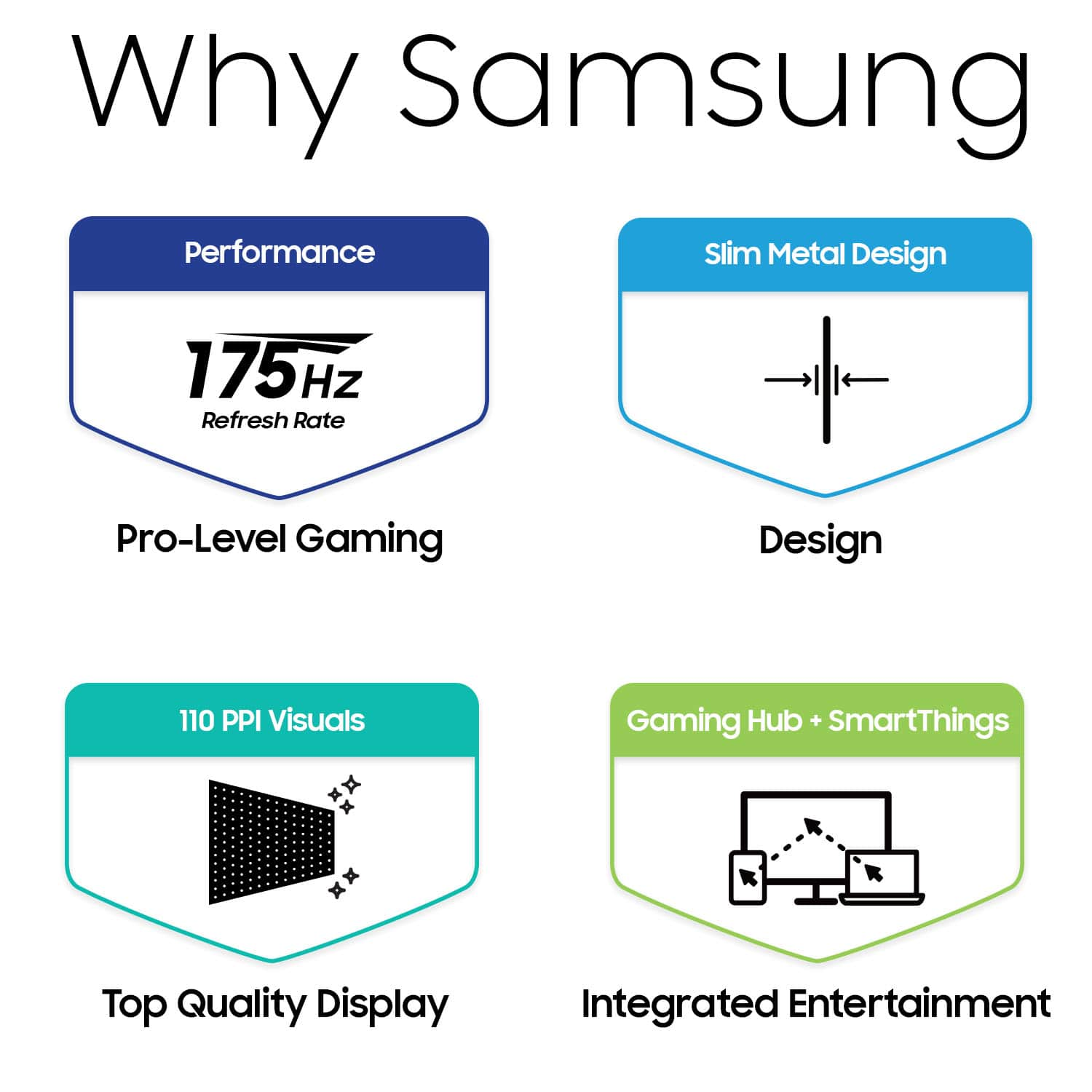
Posted .This reviewer received promo considerations or sweepstakes entry for writing a review.Meet The New Samsung QD-OLED G8 ODYSSEY Curved Gaming Monitor. I cannot begin to tell you how much I love My G8 wow. With top specs we all crave like QD-OLED Panel a lighting fast Neo Quantum Processor. A gorgeous QD-OLED Monitor that features DisplayHDR True Black 400. A vivid Ultra WQHD with 21:9 Aspect Ratio 0.03ms Response Time. A blazing fast 175Hz Refresh Rate. With AMD FreeSync Premium Pro. A built-in Samsung Gaming Hub that brings all your games into one easy place and allows you to stream games on some of your favorite servers. And a full Smart TV Experience makes it a perfect tv or monitor. With the included One Remote and wifi connection you have everything needed. A very clean looking and useful Ergonomic Stand. That allows you to tilt or lift or lower the display without any tools. Samsungs Game Bar to toggle quick game settings on the fly. This makes it easy and smart home ready with loT Hub and Voice Assistants Bixby Alexa built-in. Also with Auto Source Switch+ turn on your console or pc and it will automatically flip to your input without hassle. I love Rgb and think it really adds to the game experience. Samsung built CoreSync and Core Lighting+. That gives you a awesome ring Light on the back with really great and colorful features. A gorgeous Slim Metal Design and still manages to have speakers built-in. This monitor fires on all my senses beautiful specs and exterior. Gaming is just so much better on this monitor. Inky blacks bright vivid colors and zero noticeable lag of any kind. Not to mention if you want a QD-OLED tv well this is one of those also. The perfectly curved 1800R screen draws me into my favorite shows and movies like none other. I can literally go on and on about how much I love and recommend this G8 monitor. But really what I'm trying to convey in so many words is. ITS JUST AWESOME! So if you can't decide if the price tag is worth it? Just know the moment you turn it on your wallet and endorphins will thank you at the same time. The wow factor is in full affect! I also want to mention you can wall mount if you want. Also the stand is simple to put together all you need is a philips screw driver and 5 minutes. Definitely give the G8 a try I love mine And Think you will also. Gaming Has never looked this good!
I would recommend this to a friendQD-OLED Oled need I say more?
Posted .This reviewer received promo considerations or sweepstakes entry for writing a review.Meet The New Samsung QD-OLED G8 ODYSSEY Curved Gaming Monitor. I cannot begin to tell you how much I love My G8 wow. With top specs we all crave like QD-OLED Panel a lighting fast Neo Quantum Processor. A gorgeous QD-OLED Monitor that features DisplayHDR True Black 400. A vivid Ultra WQHD with 21:9 Aspect Ratio 0.03ms Response Time. A blazing fast 175Hz Refresh Rate. With AMD FreeSync Premium Pro. A built-in Samsung Gaming Hub that brings all your games into one easy place and allows you to stream games on some of your favorite servers. And a full Smart TV Experience makes it a perfect tv or monitor. With the included One Remote and wifi connection you have everything needed. A very clean looking and useful Ergonomic Stand. That allows you to tilt or lift or lower the display without any tools. Samsungs Game Bar to toggle quick game settings on the fly. This makes it easy and smart home ready with loT Hub and Voice Assistants Bixby Alexa built-in. Also with Auto Source Switch+ turn on your console or pc and it will automatically flip to your input without hassle. I love Rgb and think it really adds to the game experience. Samsung built CoreSync and Core Lighting+. That gives you a awesome ring Light on the back with really great and colorful features. A gorgeous Slim Metal Design and still manages to have speakers built-in. This monitor fires on all my senses beautiful specs and exterior. Gaming is just so much better on this monitor. Inky blacks bright vivid colors and zero noticeable lag of any kind. Not to mention if you want a QD-OLED tv well this is one of those also. The perfectly curved 1800R screen draws me into my favorite shows and movies like none other. I can literally go on and on about how much I love and recommend this G8 monitor. But really what I'm trying to convey in so many words is. ITS JUST AWESOME! So if you can't decide if the price tag is worth it? Just know the moment you turn it on your wallet and endorphins will thank you at the same time. The wow factor is in full affect! I also want to mention you can wall mount if you want. Also the stand is simple to put together all you need is a philips screw driver and 5 minutes. Definitely give the G8 a try I love mine And Think you will also. Gaming Has never looked this good!
I would recommend this to a friendBest gaming monitor I have ever had!
|Posted .This reviewer received promo considerations or sweepstakes entry for writing a review.This Samsung Odyssey 34" OLED 1000R Curved WQHD .03ms FreeSync Premium Pro Smart Gaming Monitor with HDR400 and Speakers in Silver has to be the coolest monitor I have ever had. It is loaded with features and the physical monitor and stand are fantastic in so many ways. First things first. The monitor is a very slim and has a modern metal design with a stand that is ergonomic. You can get comfortable in your own way with this monitor as it tilts the way you need it to tilt. The ports are on the back and very easy to get to. I used the HDMI on my computer to connect to the micro HDMI port on the monitor. You can also connect wirelessly, which was very easy to do. There is also a display port, and it comes with a cord, and a USB-C port as well. I do a lot of gaming, so I had to try out the Gaming Hub that is built in to the monitor. You can use this monitor with a controller via USB C or Bluetooth, a mouse and a keyboard too. The Gaming Hub does require a compatible controller, which I already had. The games are great. The other games I play are on my PC, and I had no trouble at all playing my games on the monitor. The picture is excellent. There were no flickers, no lagging and no distorted graphics at all. It is a QD-OLED+ Display HDR with True Black 400 Picture Quality. You can see the blacks, dark colors, and details like you are supposed to see them. It's great. With the 0.03/0.1ms response time and 175Hz refresh rate, you can't go wrong, and that helps big time when you are gaming. On the back of the monitor are CoreSync and Core Lighting +. Now you can see the aura like glow from behind your monitor and it syncs with your game. It's pretty cool. Another cool thing about this monitor is that it has smart tv like features that have your popular applications to download and watch your favorite shows. It has Samsung TV+, which includes all kinds of channels in different categories, and it's included free. It is a great picture, but I will be using it for mostly gaming. There are so many little cool things about this monitor, that I can't even begin to talk about all of them. It has great 5w speakers built in too. The sound is pretty good. I have no complaints at all.
I would recommend this to a friend