Customer Ratings & Reviews

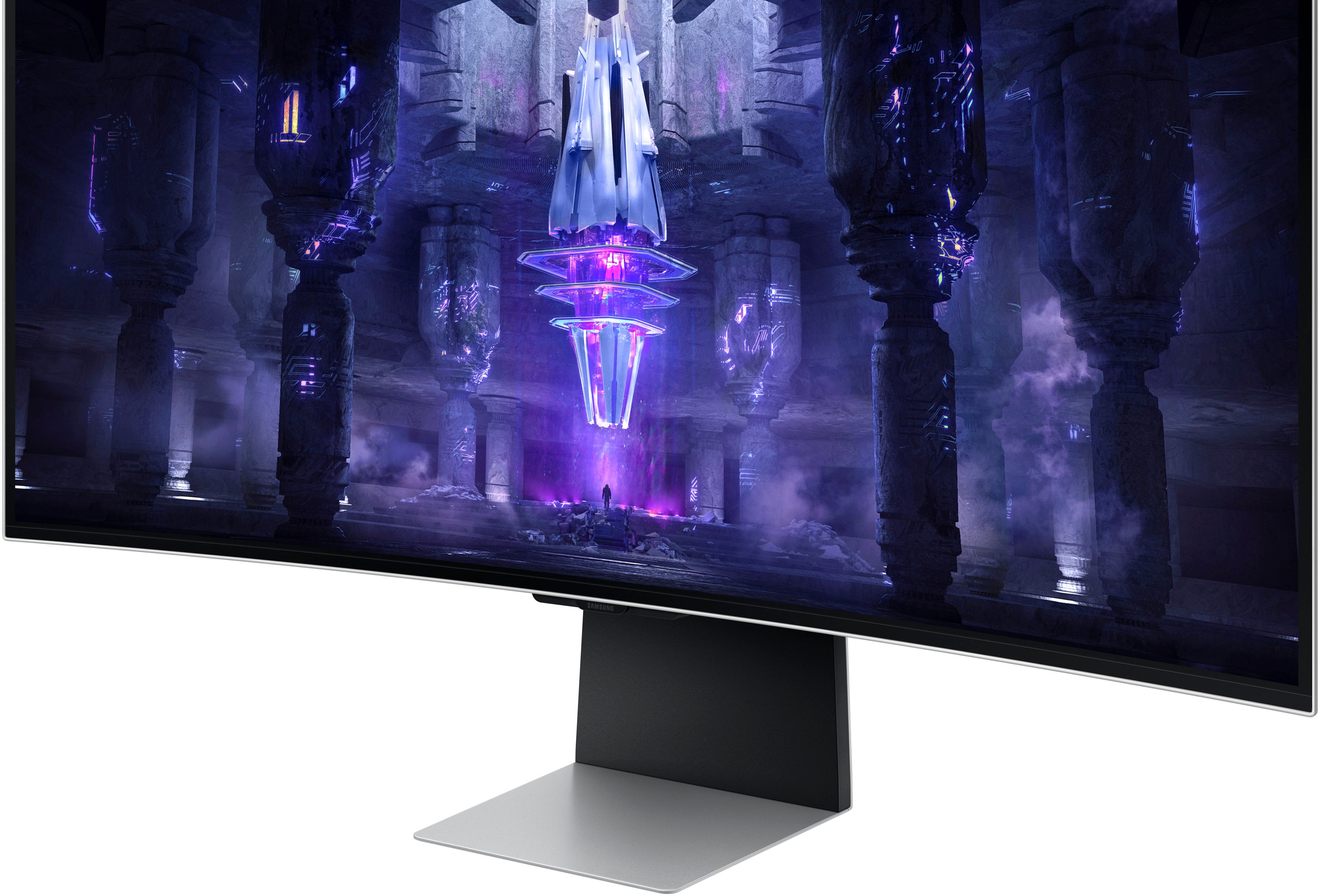
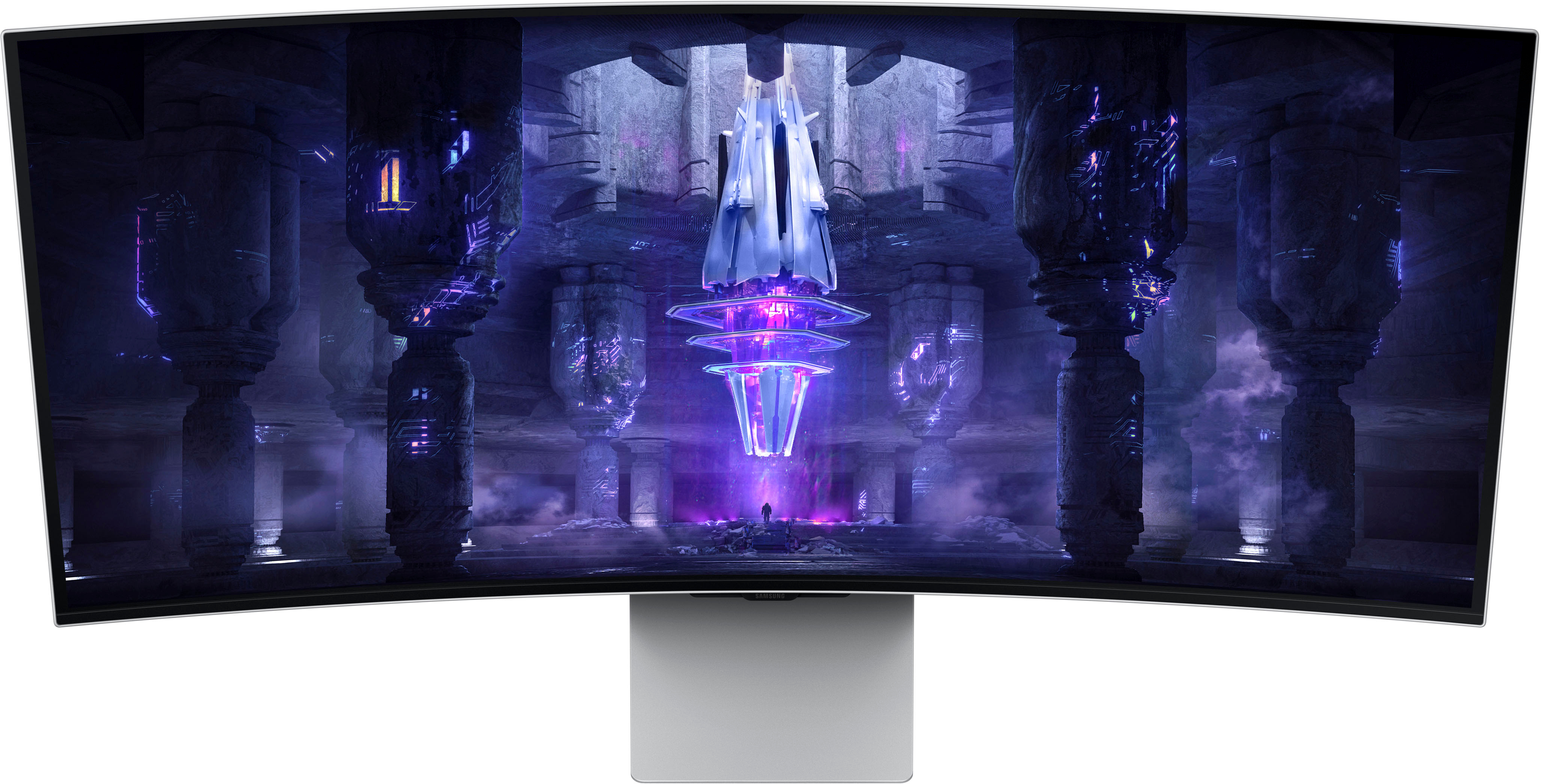
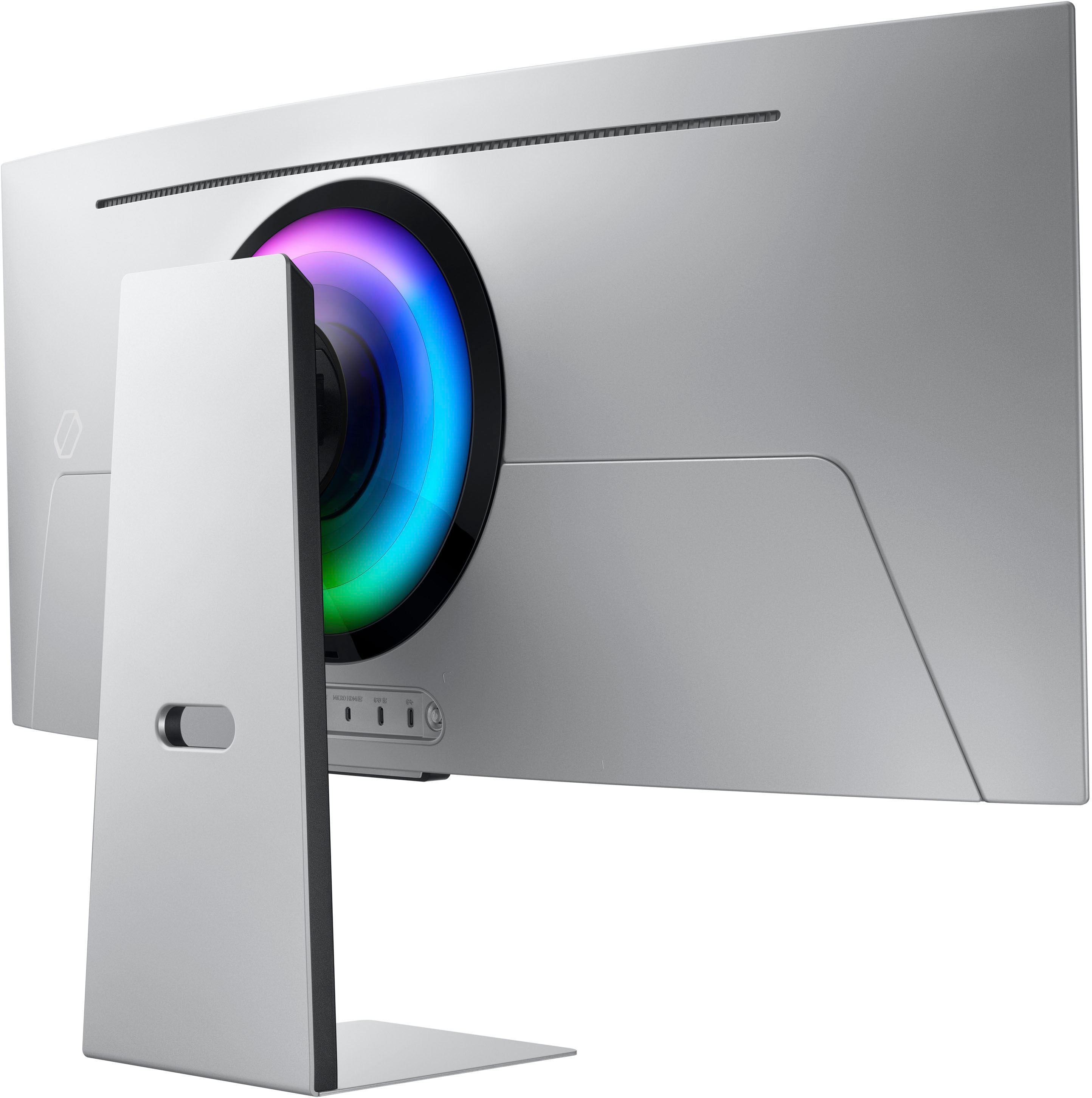
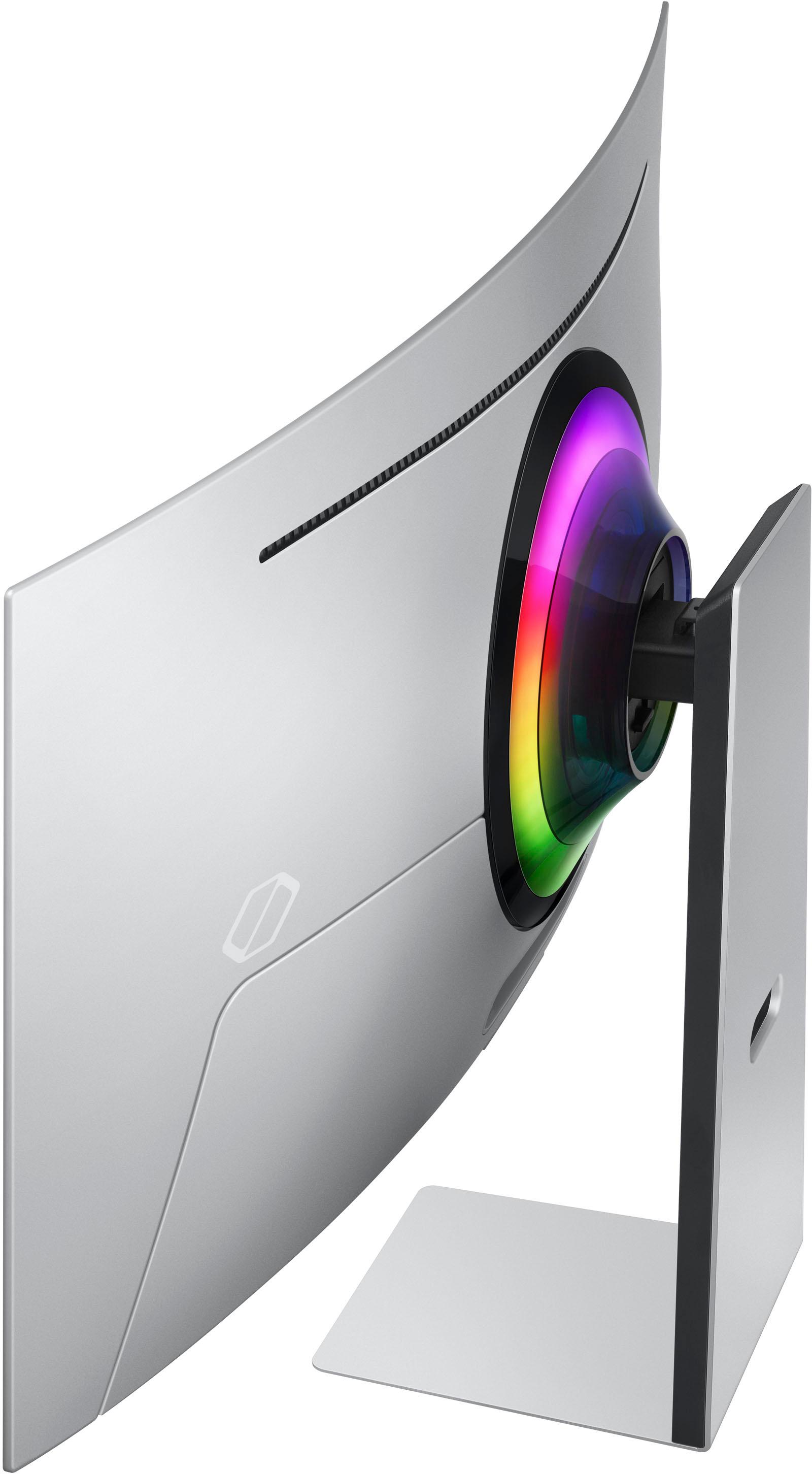
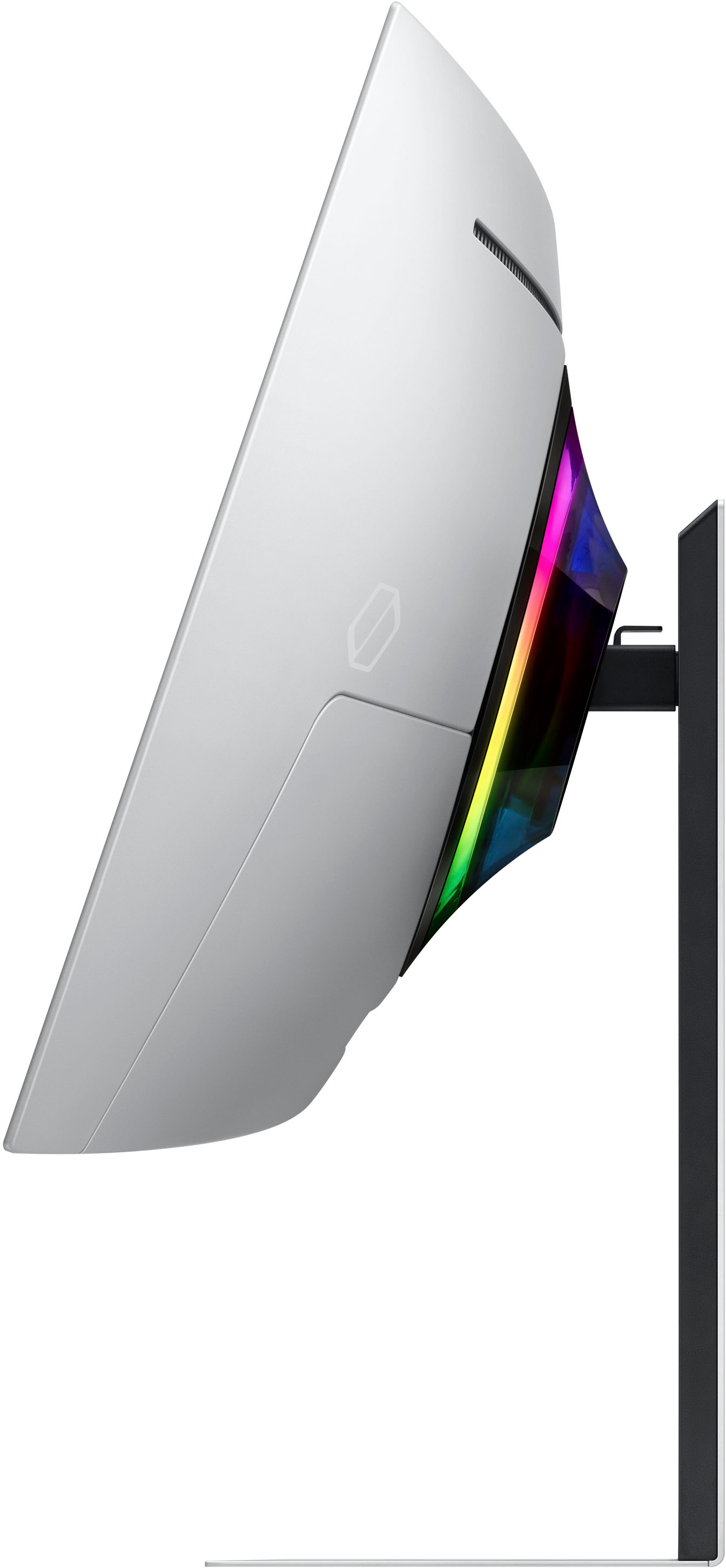
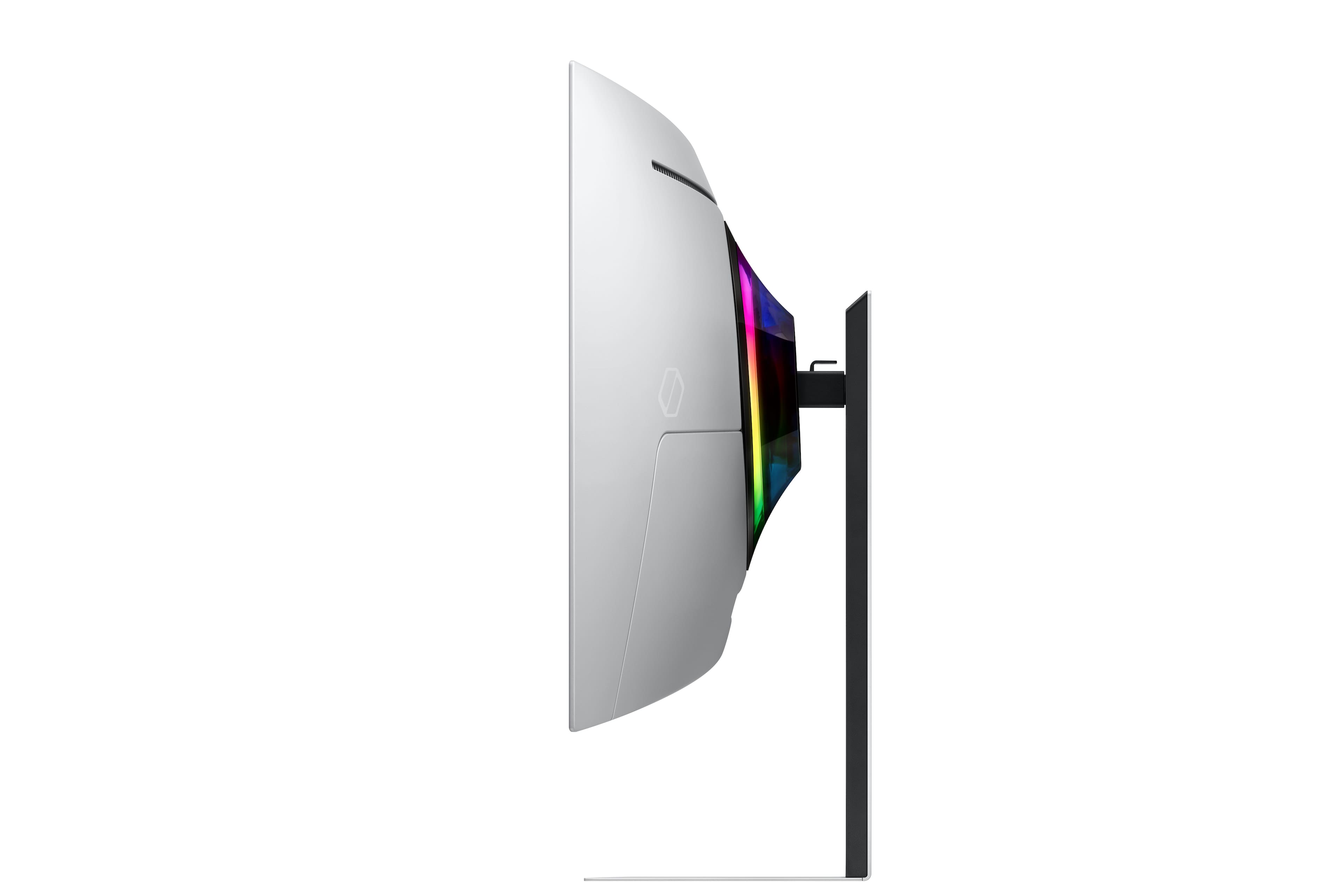
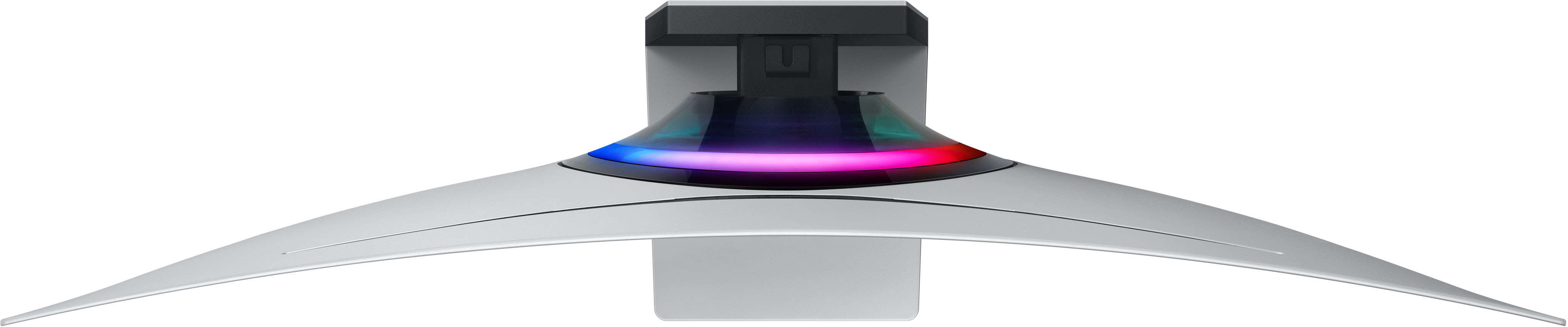
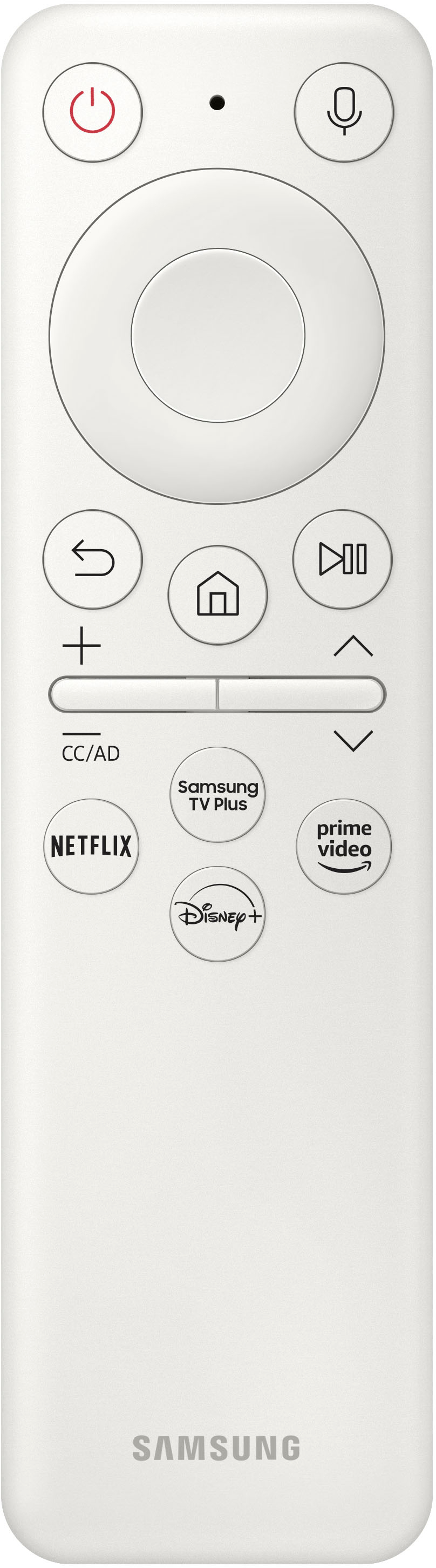

- Model:
- LS34BG850SNXZA
- SKU:
- 6527046
Rating by feature
- Display Quality
Rating 4.8 out of 5 stars
- Ease of Use
Rating 4.2 out of 5 stars
- Features
Rating 4.5 out of 5 stars
Customers are saying
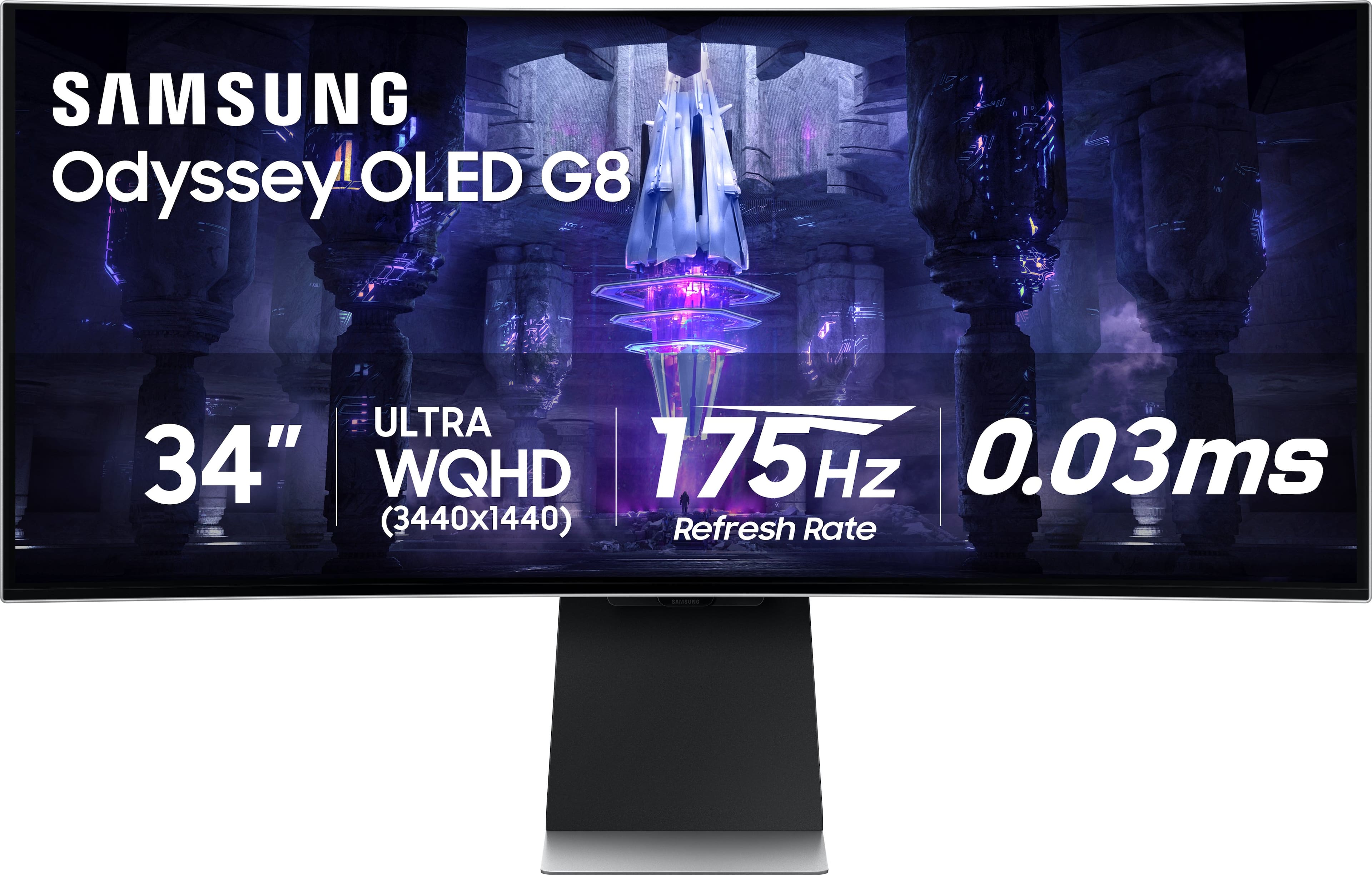
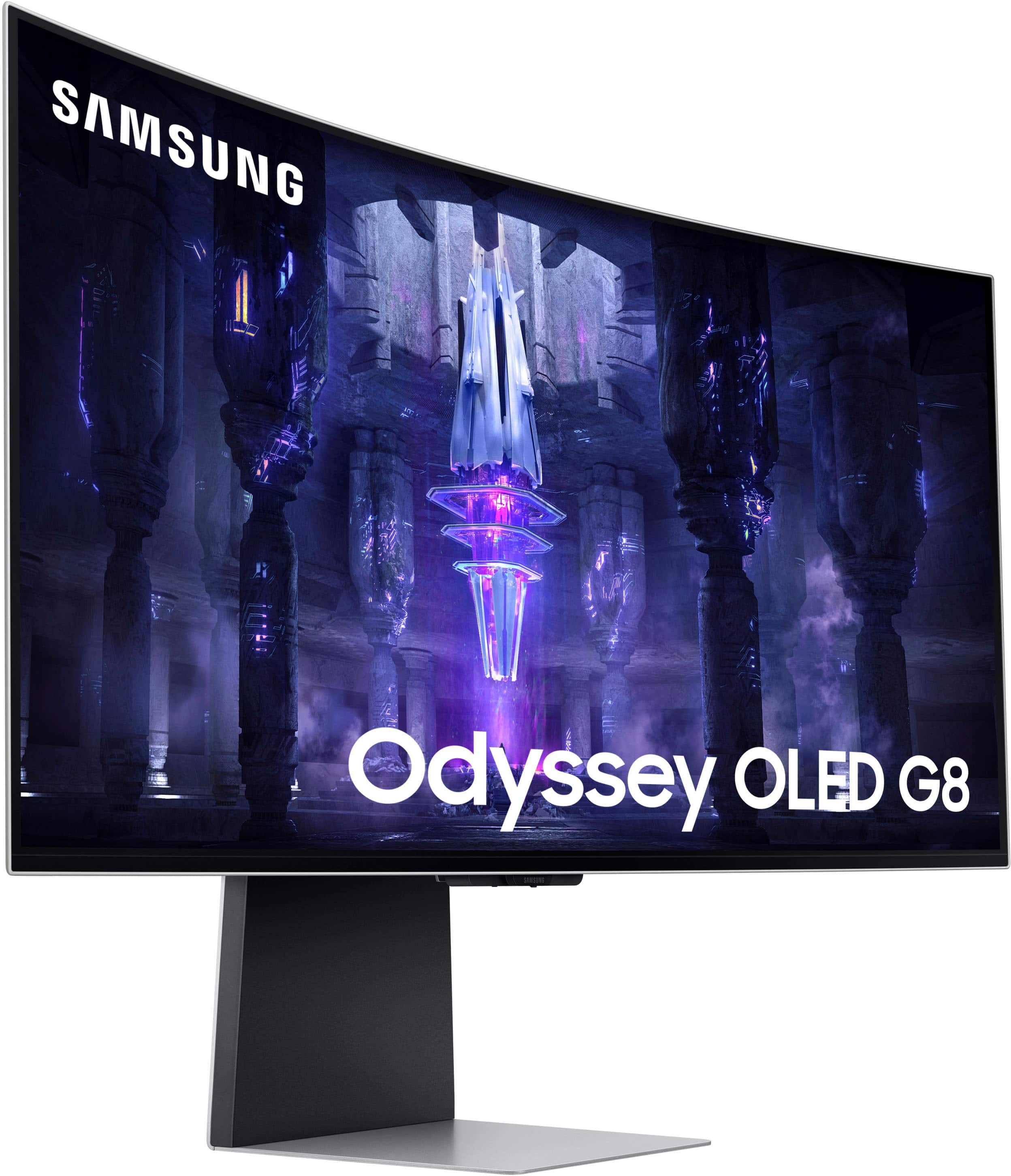
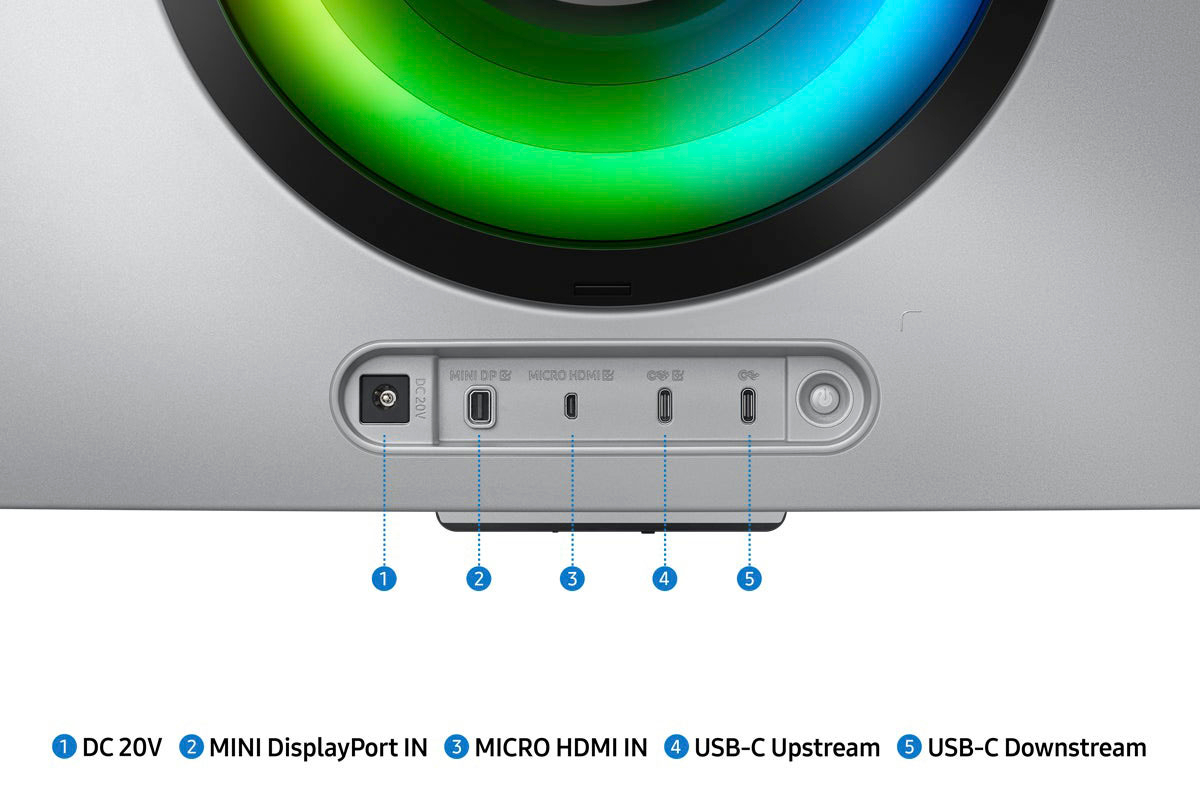
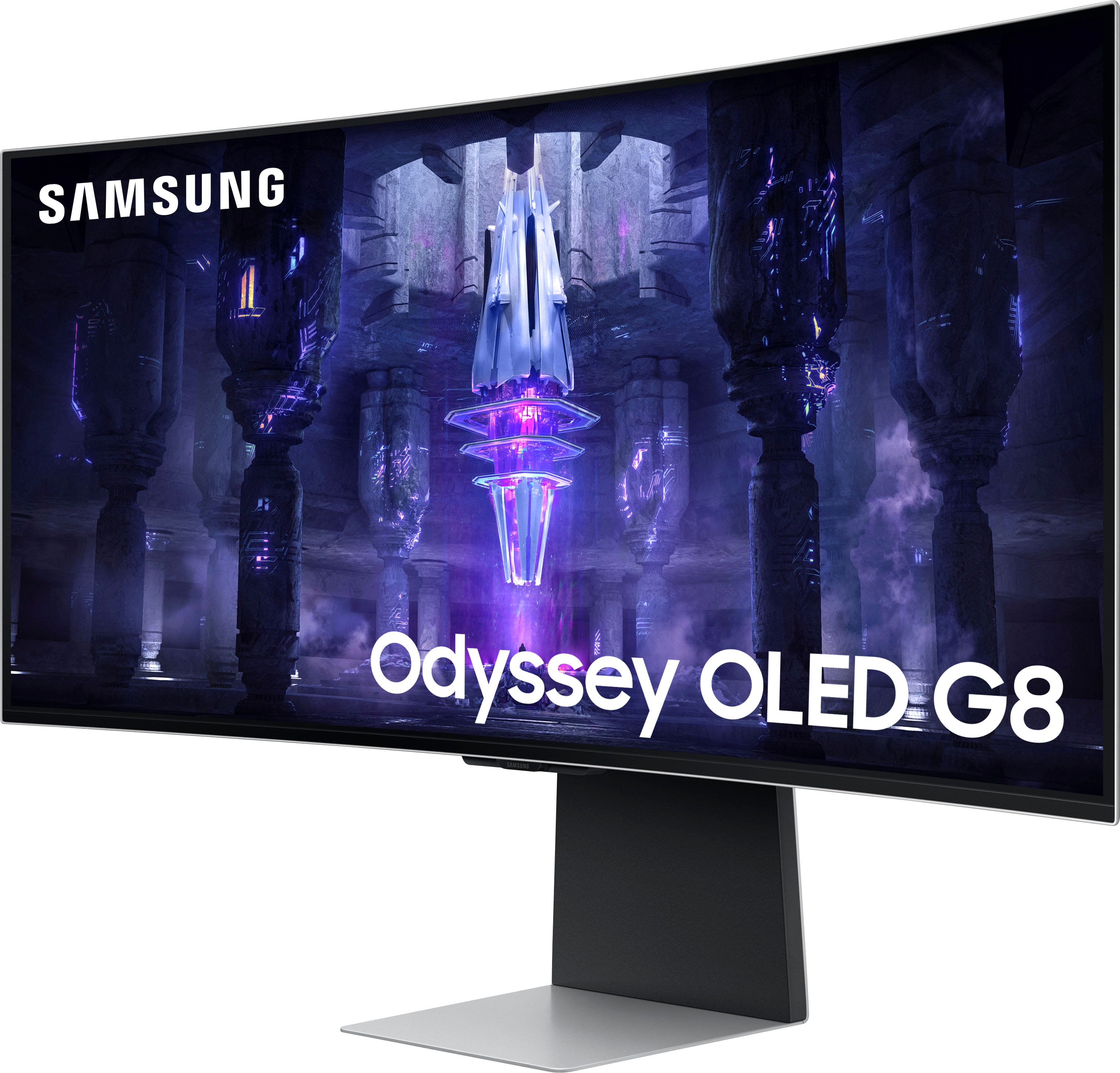
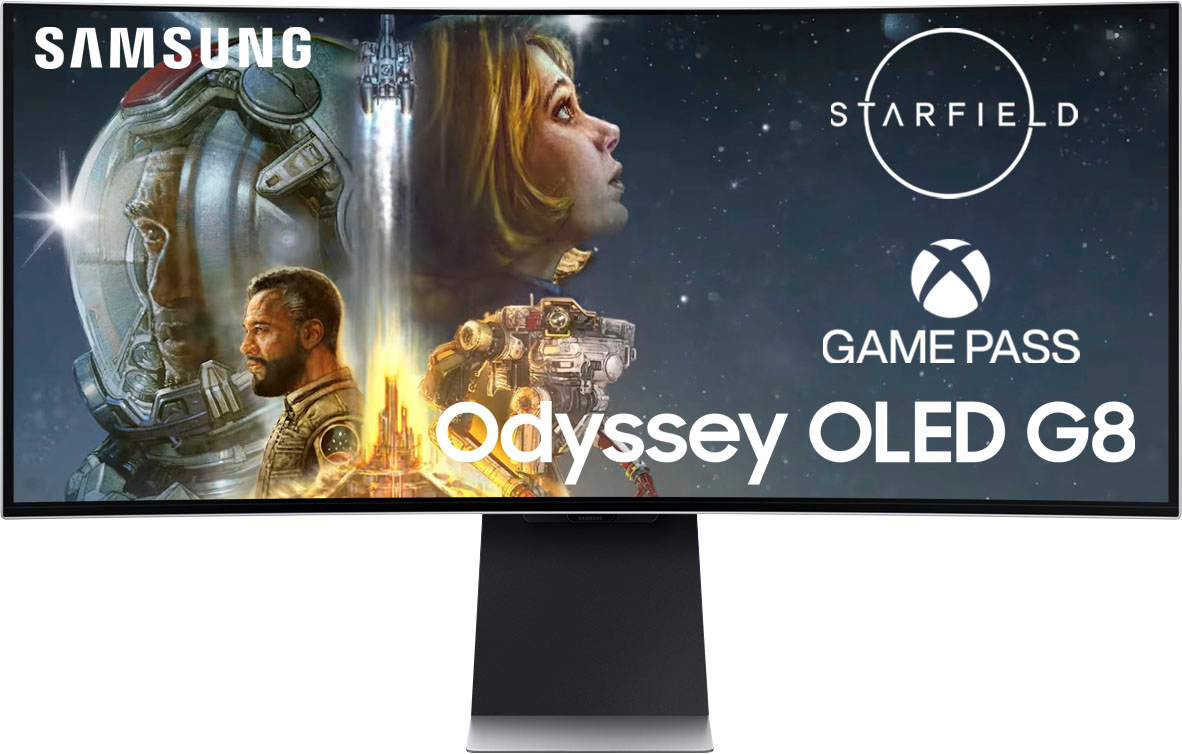
Customers value the superb picture quality and high refresh rate of the 34" Odyssey OLED G8 monitor, frequently praising the vibrant colors and impressive design. However, some users express concerns regarding the limited port selection, specifically the use of micro HDMI and DisplayPort connections. A small percentage of users also reported experiencing coil whine, impacting their overall satisfaction.
This summary was generated by AI based on customer reviews.
Vibrant and clear, this is THE monitor to have!
||Posted . Owned for 1 month when reviewed.This reviewer received promo considerations or sweepstakes entry for writing a review.My first unit was defective out of the box with a bad HDMI input port. Best Buy’s staff made the exchange and I was home, unboxed and up and running in no time. Assembling the stand is easy and the video connections are easy access and intuitive to plug in. Once powered on the images are significantly more vibrant and clear than the large Dell screen I replaced. The response times are lightening fast so the no lag at all. The large, curved format screen gives greater visibility in the games that I play and it allows me to easily multitask while working in MS Office during the workday. Though a bit pricey, this monitor was well worth the cost. I liked it so much that I purchased a second one for my office as well.
I would recommend this to a friend
An excellent monitor for gaming and more!
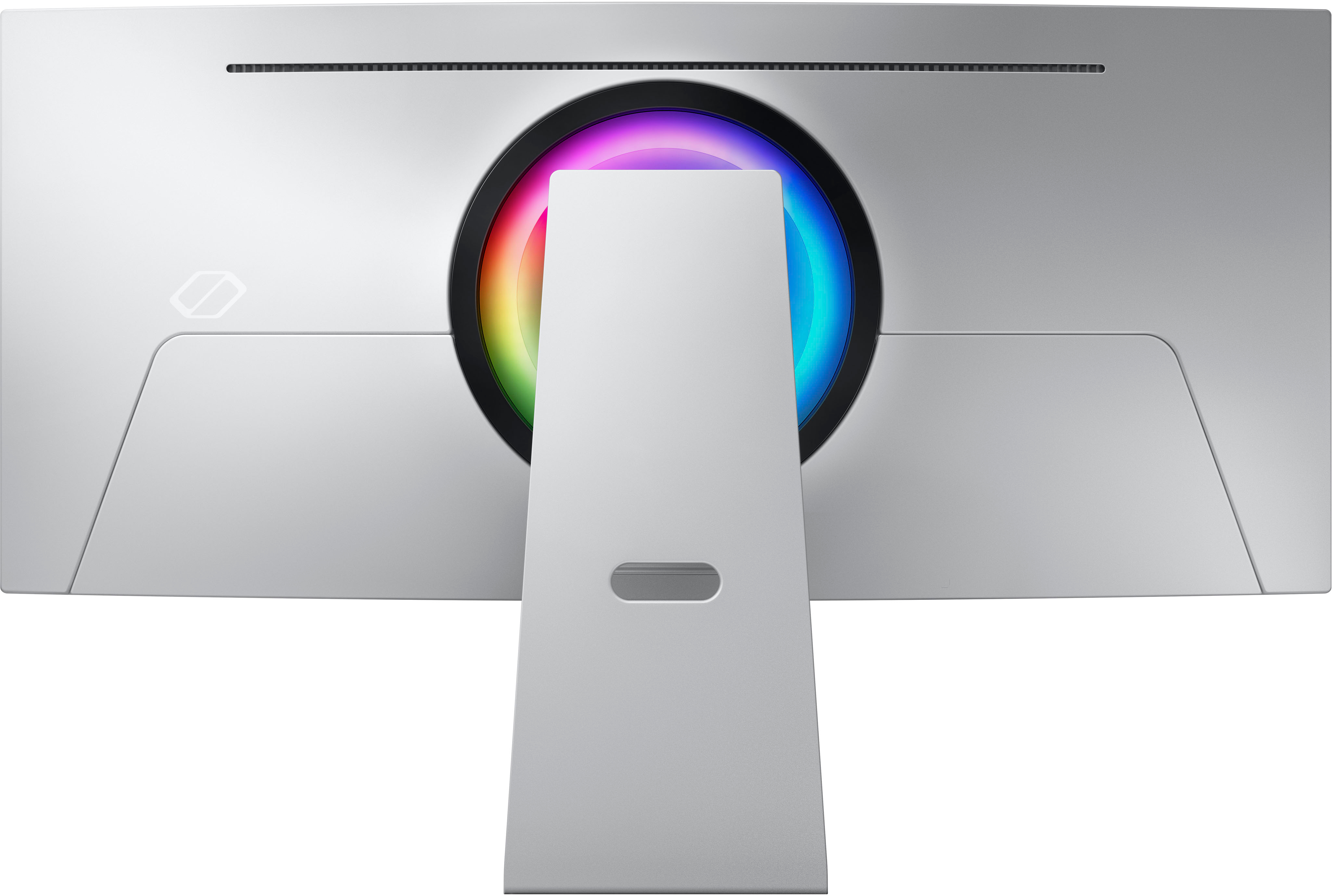
|Posted .This reviewer received promo considerations or sweepstakes entry for writing a review.The Samsung 34" OLED Odyssey G8 is an absolute game-changer in the world of monitors. From the moment I opened the box, I was impressed by the easy setup of the sleek, minimalist, metal stand. I appreciated the inclusion of the 100x100 VESA mount conversion kit in case I choose to swap this out for a desk-mounted monitor mount later. The display presents colors that are rich and vibrant. The high contrast ratio is apparent with the display able to provide bright whites and deep blacks. The OLED technology really shines through on this: no matter what I was watching or playing, the visual experience was absolutely stunning. The curved screen is another fantastic feature of the Samsung Odyssey G8. It ensures that there are no bad viewing angles, and the immersive experience of gaming or watching movies is truly unmatched. Gaming on this monitor is amazing. The blazing fast refresh rate made gaming absolutely flawless. The picture mode presets all look great and fit different genres of games. The colorful LEDs on the back of the monitor are a cool touch and fit my current colorful gaming keyboard and mouse set well. The responsive UI was incredibly intuitive and made adjusting settings a breeze. All the standard streaming apps are available natively and this monitor can easily double as an excellent smart TV. The quality of the speakers was also a welcomed surprise: they were able to get surprisingly loud for their size, and the audio remained crisp and clear even at max volume. Overall, I would highly recommend the Samsung 34" OLED Odyssey G8 to anyone looking for a top-of-the-line monitor that delivers exceptional performance and visuals. The easy setup, flexible mounting options, brilliant colors, excellent contrast ratio, curved screen, fast refresh rate, intuitive UI, and clear audio all combine to create an unparalleled entertainment experience.
I would recommend this to a friendBest change of mind.
||Posted . Owned for 6 months when reviewed.This reviewer received promo considerations or sweepstakes entry for writing a review.The best monitor I've ever used. I was originally going to go with an LG monitor but then I saw this display and saw how much better the color was long with the HDR support and it being OLED made me swap from the LG to this little baddie. Only down side is you need to use specific cleaning sprays and a microfiber rag and do not spray the monitor directly. Other than constantly clean it's the best thing very good refresh and HDR is good and with it being OLED you won't wanna go back to ips monitor. It's also a smart monitor meaning that even if you want to use this as a TV you can still watch all you streaming services on it and you can use Xbox game pass and cloud gaming on this thing too and it's pretty simple to navigate after a few mins.
I would recommend this to a friend- Pros mentioned:Speakers
Disappointing
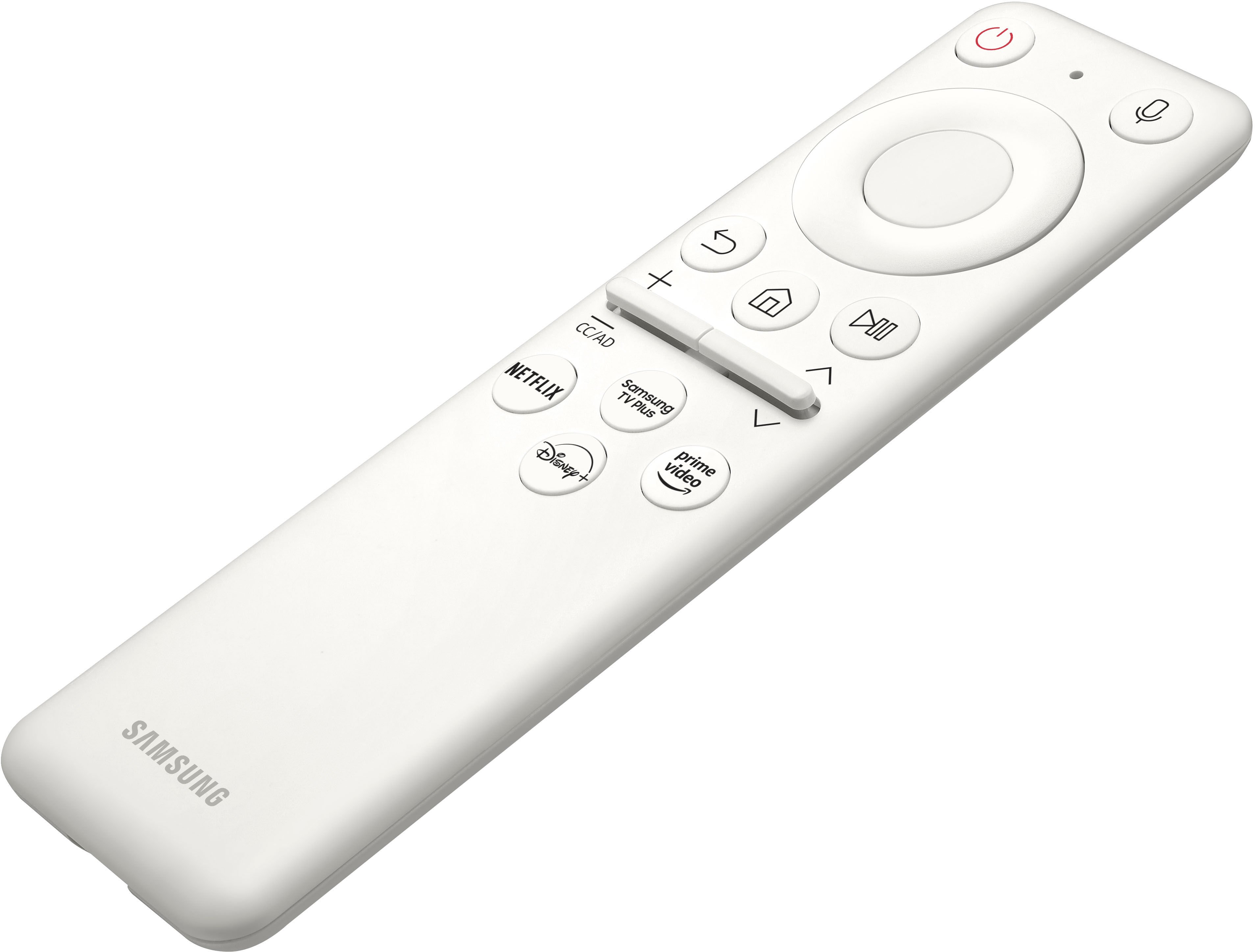
||Posted . Owned for less than 1 week when reviewed.This reviewer received promo considerations or sweepstakes entry for writing a review.It's a high-end monitor that needs to be fixed for its normal-level consumers. I bought this monitor to connect my Macbook Pro and Xbox Series X. I have struggled for so many hours to realize that I had to have the right cables, I had to buy these cables (one USB C 3.2 and one Micro HDMI to HDMI 2.1) on different places (as people's replies in Q&A, beat buy doesn't shell the right Micro HDMI cable). My first experience with this monitor was so terrible. I had to google a lot since none of my existing cables worked and I thought the monitor was a defective product. It costs a lot, so why doesn't it at least come with the right cables for its consumers? DP is the most useless cable for me. Furthermore, there is a Samsung TV in the same room. Its remote can control the monitor accidentally. It is so annoying and I cannot find a solution for it. Anyway, the screen was good and the speaker was good, but anything else was not so good. I don't recommend to buy it as a monitor.
No, I would not recommend this to a friend - Pros mentioned:Picture quality, Refresh rate
Pretty great
||Posted .This reviewer received promo considerations or sweepstakes entry for writing a review.Idk if this was worth the price but I do love it. Have had it for a year and have had no issues so far besides some little air bubbles on the screen.the quality is nice and it seems to keep a high frame rate.
I would recommend this to a friend - Pros mentioned:Design
Very good monitor
||Posted . Owned for 1 month when reviewed.This reviewer received promo considerations or sweepstakes entry for writing a review.Almost perfect in my opinion. The picture quality on this monitor is fantastic. I love the minimalist style of it and the premium feel overall. Things I don't like: 1. It doesn't wake up from sleep right away. It takes a minute for the monitor to detect the pc from sleep. It can be very annoying. I've seen a lot of reddit post regarding this and we are still waiting for a software update to fix this issue 2. Uses Micro hdmi/DP with short cables 3. Smart software is very slow
I would recommend this to a friend Great gamming
||Posted . Owned for 1 month when reviewed.This reviewer received promo considerations or sweepstakes entry for writing a review.In short pretty amazing monitor. Only thing that it looses a star for is the remote because it controls all my Samsung products in range and vise versa, It is really annoying when I turn up the volume on my tv and my monitor turns on/off. Other than that mini display port not a big deal. Huge power supply and the screen is also a space heater. Tizen stuff is also kinda annoying if you don't care about using it as a tv. That said all the things that matter while your gamming 10/10.
I would recommend this to a friend- Pros mentioned:ColorCons mentioned:Ports
Great monitor, bad ports.
||Posted . Owned for 1 week when reviewed.This reviewer received promo considerations or sweepstakes entry for writing a review.Coming from a 32in 1080p monitor, this was an absolute step up and considering I got it for 700 I thought it was a great price. Beautiful colors and gaming on this is great. My only issue with it is the lack of universal ports. Mini display port and micro hdmi? I had to order a micro hdmi to hdmi just to have it work with my console. On pc it works very well though.
I would recommend this to a friend - Cons mentioned:Ports
Great monitor with a few quirks
||Posted . Owned for 4 months when reviewed.This reviewer received promo considerations or sweepstakes entry for writing a review.Loved the monitor because of the OLED and high PPI giving it a great picture while gaming, however the color fringing was quite noticeable while working on things like word or reading twitter feeds. One thing I wish they would update to this model is make it 240hz like the 49” G9 OLED. Also I have no clue why they thought mini HDMI and mini display port was a good idea…
I would recommend this to a friend Its a TV
Posted .This reviewer received promo considerations or sweepstakes entry for writing a review.In my quest for the perfect gaming monitor, I approached this model with high expectations, drawn in by its visually stunning display. Regrettably, my experience did not live up to the anticipation. Despite its exceptional picture quality, akin to that of a high-end curved TV, the monitor’s functionality was marred by several significant shortcomings. The integration of Micro HDMI and DisplayPort (DP) inputs was particularly disappointing, as the monitor failed to automatically recognize when a device was powered on, requiring manual selection of the input source each time. A critical limitation for me was the inability to connect external speakers, except via Bluetooth. This restriction was a deal-breaker, overshadowing the other features I might have been willing to overlook. Consequently, I decided to return the monitor in favor of an Alienware 34” model. The Alienware monitor offered everything I was looking for, without compromising on key functionalities such as suitable HDMI and DP connections, effectively addressing all the limitations I encountered with the previous monitor.
No, I would not recommend this to a friend- Pros mentioned:Color
decent but overpriced in 2025
||Posted . Owned for 2 months when reviewed.This reviewer received promo considerations or sweepstakes entry for writing a review.Ended up with an Open box of this for $400 and was so excited to get into Oled! But whoever owned it before ruined the screen with some sort of cleaner (user manual specifically states that anything besides distilled water can ruin the screen coating) even though it was listed as "Excellent". Beyond that though, the lack of full size HDMI and DP ports was disappointing but liveable. The screen quality was nice but for a monitor that size I could start seeing the pixels up close on my desk. The colors were vibrant and the blacks were nice and dark. If you're spending over $500 on an Oled, make sure it's a 3rd generation oled panel or newer!
No, I would not recommend this to a friend - Cons mentioned:Ports
Stunning picture.
||Posted . Owned for 2 months when reviewed.This reviewer received promo considerations or sweepstakes entry for writing a review.This monitor has been great. I love the picture quality and Samsung privides advanced options to adjust the picture to my liking. This is my first ultra wide, I thought it would be too big for gaming, but its actually just right. For productivity tasks I prefer working on the ultrawide instead of my old dual monitor setup, it has a smaller footprint and requires fewer cables going to my pc. For the price an HDMI should have been included, but it was easy enough to pick one up on Amazon.
I would recommend this to a friend - Pros mentioned:Color
Excellent HDR!!!!
||Posted . Owned for less than 1 week when reviewed.This reviewer received promo considerations or sweepstakes entry for writing a review.There are plenty of 5 star raving reviews of the monitor here and I am not going to repeat them hear. I do like to emphasize when turning on the HDR, the color is gets much brighter and crisp!!! I have tried the Dell AW 34 inch oled, even the 4k 34 inch Gigabyte and Asus 34 inch 4k with thier HDR turned on, the color gets washed out and I have to turned off the HDR making it uselessly. This is the only monitor when turning on the HDR., the color actually comes to astonishing clarity
I would recommend this to a friend - Pros mentioned:Color
Top tier premium experience
||Posted . Owned for 2 weeks when reviewed.This reviewer received promo considerations or sweepstakes entry for writing a review.Easy setup - colors are excellent right out of the box. Connecting to WiFi and updating firmware was very intuitive and a simple guided process. Picture quality is amazing. Perfect blacks are a given with OLED. The motion clarity is unmatched. Compared to my IPS panel this replaced it is night and day.
I would recommend this to a friend Samsung Odyssey OLED G8 Monitor Review
||Posted . Owned for 2 weeks when reviewed.This reviewer received promo considerations or sweepstakes entry for writing a review.The Samsung Odyssey OLED G8 is a remarkable blend of style and substance, aimed primarily at gamers and multimedia enthusiasts. With its 34-inch Ultra-Wide OLED WQHD display, this monitor offers an immersive experience, particularly in gaming and media consumption. The curved design adds to the immersion, making it feel like you’re at the center of the action. Performance-wise, it excels with a refresh rate of 175 Hz and Adaptive-Sync technology, ensuring smooth gameplay even in the most intense scenarios. HDR support and a wide color gamut contribute to vibrant and lifelike visuals, a key aspect that gamers and content creators will appreciate. The build quality is another high point. The sleek, athletic design is backed by a solid metal rear panel, giving it a durable and luxurious feel. This is not just a monitor; it’s a statement piece for any setup. On the practical side, it’s loaded with features that cater to various needs. Whether you’re using it for gaming, office work, or content creation, the Odyssey OLED G8 provides a high level of performance and quality. Price-wise, at around $1,089, it’s an investment. However, for those seeking top-notch color and contrast in their gaming or creative endeavors, it’s a worthy choice. ⬤
I would recommend this to a friendLove my gaming monitor!
||Posted . Owned for 3 months when reviewed.This reviewer received promo considerations or sweepstakes entry for writing a review.I love this monitor for gaming! The display and refresh rate of this monitor are awesome! If you enjoy gaming and want a high quality monitor I highly recommend this. Just remember to get 4K display cables I had troubles with regular ones but the 4K cables work great.
I would recommend this to a friend- Cons mentioned:Ports
Amazing quality for a decent price.
||Posted . Owned for 2 weeks when reviewed.This reviewer received promo considerations or sweepstakes entry for writing a review.Overall I love the display. Picture quality is great, response time is on point, and honestly I wasnt expecting a remote to come with a gaming monitor so that was nice also. My only complaint was that it doesnt take HDMI or DPI...only micro hdmi and mini DPI. I just had to get different cables but other than that a great Monitor
I would recommend this to a friend - Pros mentioned:Color
Great All Around Monitor.
||Posted . Owned for 1 month when reviewed.This reviewer received promo considerations or sweepstakes entry for writing a review.Possibly the best gaming monitor I have ever used. I have also used it with a PS5 and to stream movies. Considering getting a second one for my son. The colors are amazing and the black is actually black. I don't like the mini-dp and mini-hdmi inputs but only because of cable accessibility. I had to order it online.
I would recommend this to a friend - Pros mentioned:Color
Is a great OLED monitor, Only 1 Down side.
||Posted . Owned for 3 weeks when reviewed.This reviewer received promo considerations or sweepstakes entry for writing a review.It is a great OLED monitor, it is also a smart monitor so you can use it for just youtube or some other apps without having to turn on your computer. The response time/ refresh rate is great as well with 120HZ being the refresh and I cannot speak to the response times all that much as I do not have the proper equipment to fully test that. A couple games that I have played more recently use the full advertised refresh rate of 175HZ, however do not buy this monitor based on the advertised refresh rate. Now getting to downsides the main one that I put in the title is the resolution of the display, it is a nice 3440x1440, which is not inherently bad but on a monitor this large I wish it was 4k instead. The brightness is phenomenal, I have the monitor set to somewhere around 60% brightness and it is plenty bright for me. Overall a great monitor with a couple downsides if you find it on sale definitely buy it.
I would recommend this to a friend Could have been so much better
||Posted . Owned for less than 1 week when reviewed.This reviewer received promo considerations or sweepstakes entry for writing a review.This monitor is a great monitor, but it could have been so much better. First off, QD OLED is awesome, it's very bright when needed, and colors look great. A big downfall of this monitor is that Samsung decided to put their SmartUI/Tizen on it, when it doesn't need that. It's a monitor, not a smart TV. All they did was slow the device down. Additionally, they added things like ARC on the device, that's awesome.... until you remember there's only 1 HDMI port on the monitor, so if you have devices like your PC, or like consoles that support Atmos... you can't use it. Had they simply put 2 HDMI ports on it, it would have then made way more sense to include ARC. Another issue, while on the topic of ports, they decided to go with mini-displayport and micro-hdmi.... why? Who knows, but they also feel the need to only include a mini-displayport cable with it, if you're spending $1500, the least they can do is include a cable for their non-standard ports. No C to C, no Micro-HDMI, cheap. The USB-C port with PD and video is a nice feature as a work laptop dock, but instead of another downstream type-C, they could have simply added another HDMI, still providing the monitor with quality features over the other QD options of Alienware. I realize this is a small issue, and I could resolve this issue by simply using DP to DP from GPU to PC, then using HDMI to my AV receiver, but then Windows treats it like an additional screen, and will sometimes default to that screen, even though it's not set as main. For $1500, you're really not gaining anything over the Alienware DW, but you'd be saving money going with the DW, while getting G-Sync Ultimate, and with the DWF, you're saving even more at almost $500. For gaming, it is still amazing, since it is still a QD OLED panel at the end of the day. But the flaws above simply put it in a spot where it doesn't work for those looking to get a full gaming experience. If you have any sort of surround sound, you won't be able to use ARC/eARC for it because you're stuck to video over DisplayPort, which won't transfer anything but stereo over its cable, even going from HDMI GPU to DP Monitor, it just simply can't do it. If you're just going to use a stereo sound system, you'll have no issues, and it can be a great monitor for your use. It's hard to recommend this item over the others, for the benefit of getting HDMI 2.1, for $500 less, I'd get the DWF almost every time. It's a clean looking monitor, very thin compared to the others, and the stand is much more profession looking, rather than gaming looking, but again, not sure that justifies $500 more.
No, I would not recommend this to a friend