Customer Ratings & Reviews
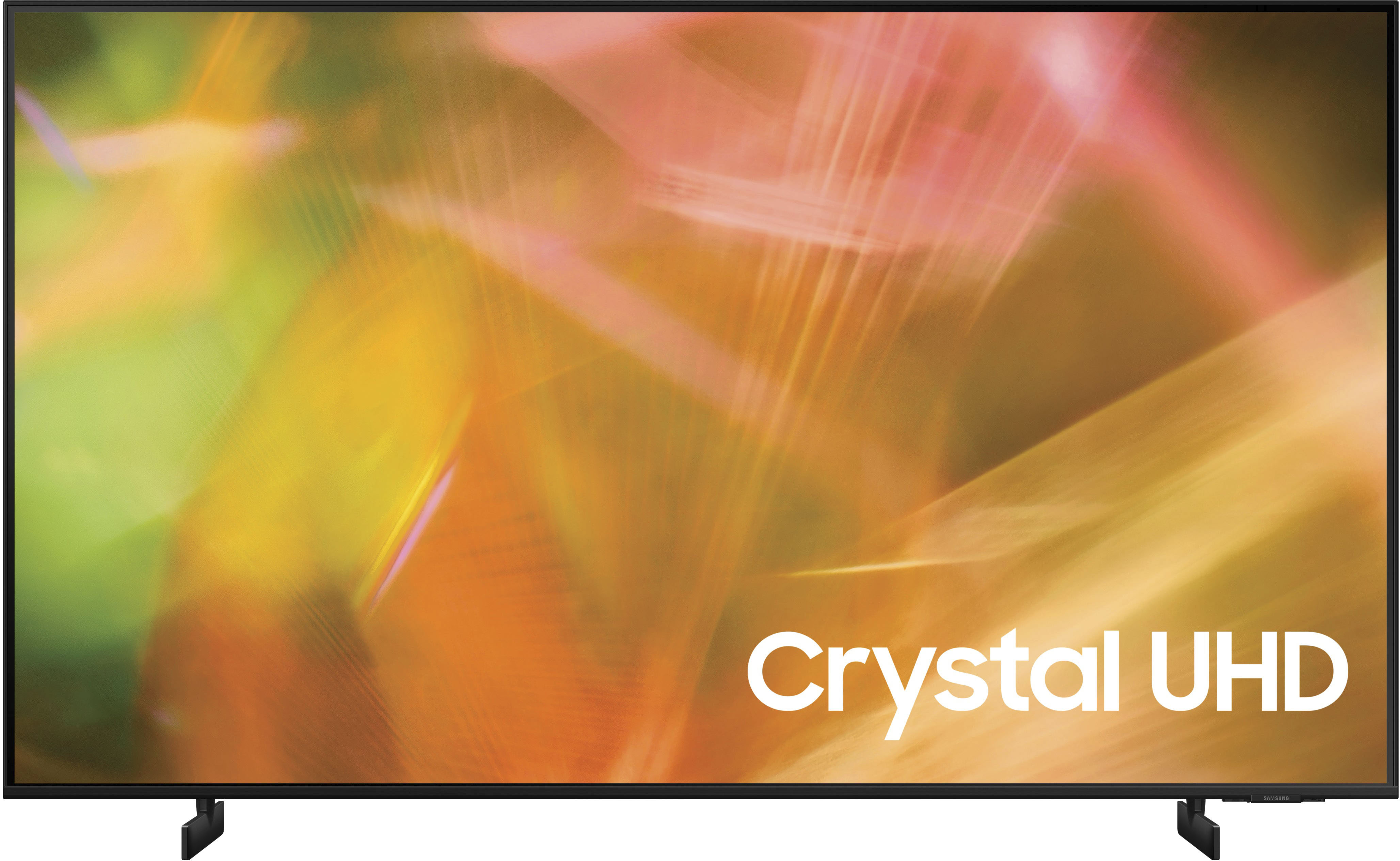
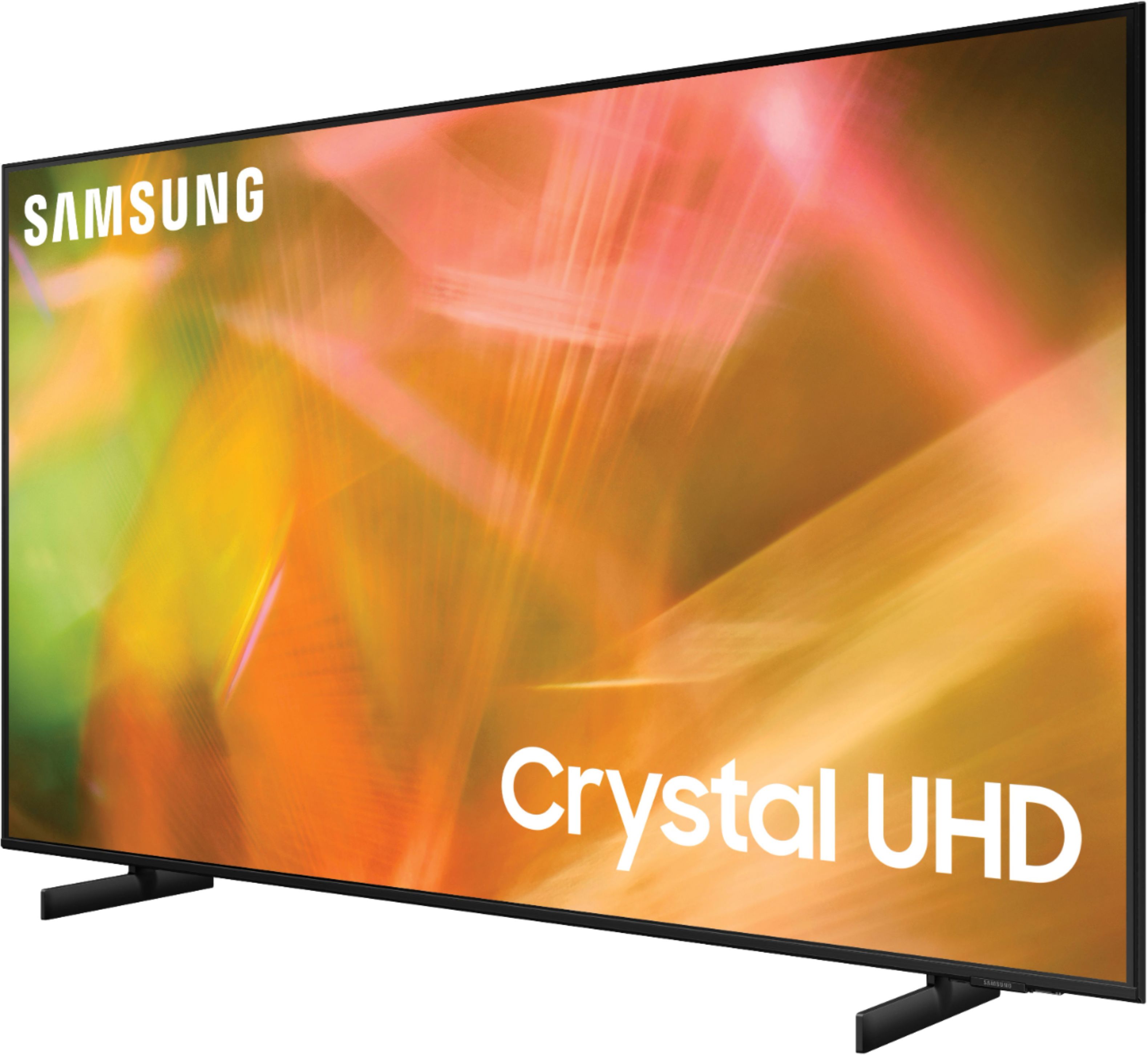

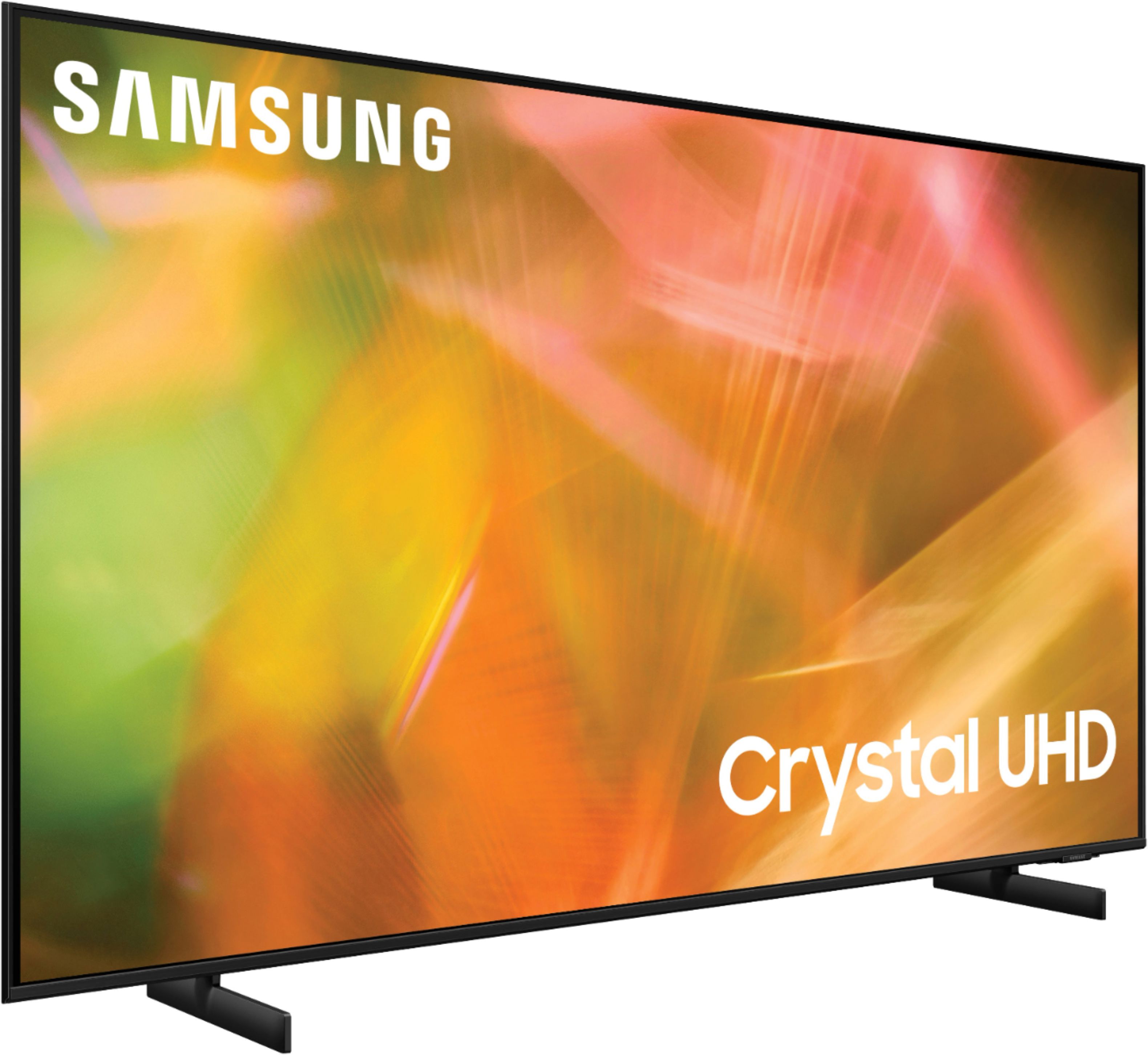


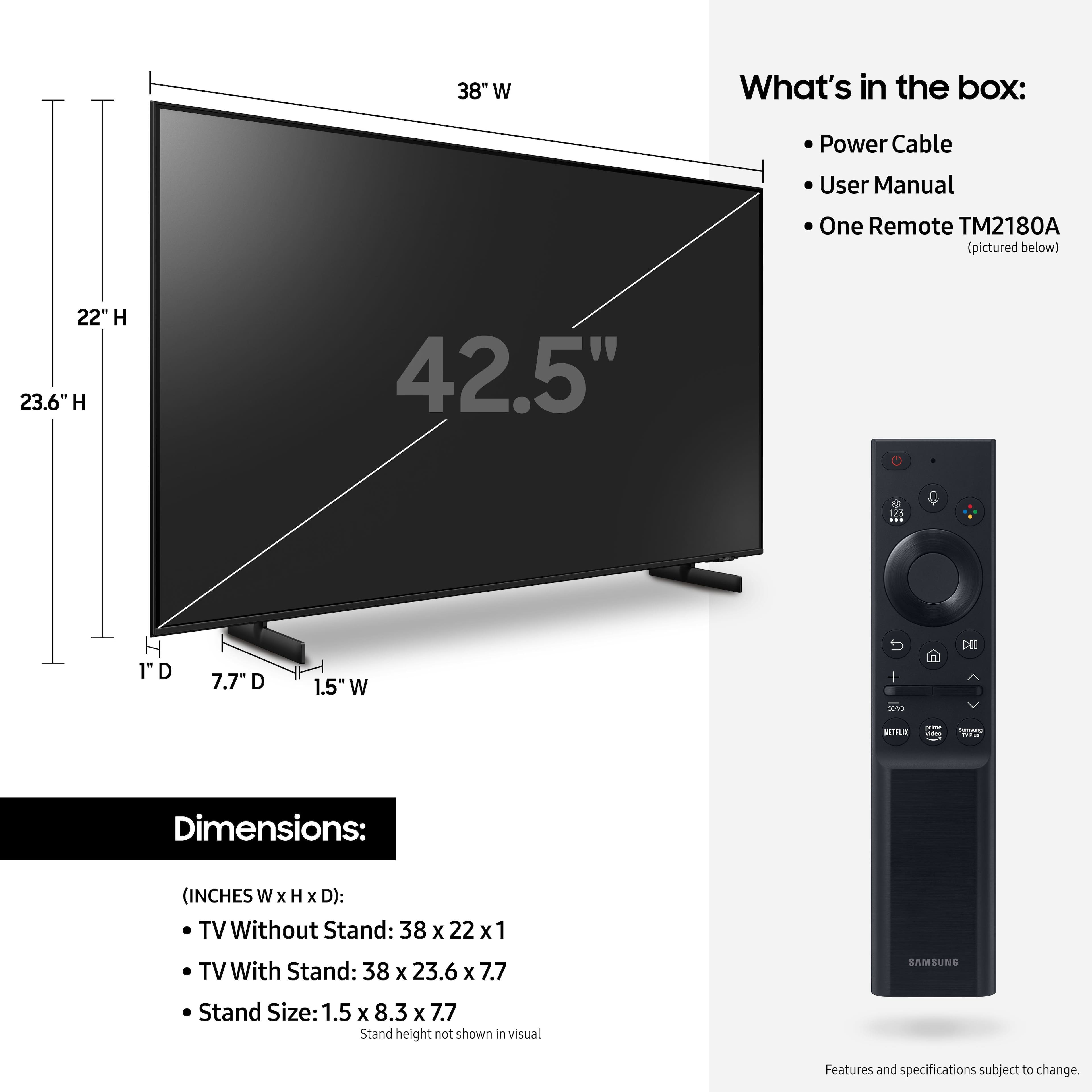









- Model:
- UN43AU8000FXZA
- SKU:
- 6452966
Rating by feature
- Picture Quality
Rating 4.8 out of 5 stars
- Sound Quality
Rating 4.1 out of 5 stars
- Brightness
Rating 4.7 out of 5 stars
Customers are saying
Customers are delighted by the picture quality and ease of use of the 43" Class 8000 Series LED 4K UHD Smart Tizen TV. Many also appreciate the smart TV features, the price point, and the sleek design. However, some users have expressed concerns regarding the remote control's ergonomics and the volume control's range. A few customers also mentioned that the operating system and user interface could be improved for a smoother experience.
This summary was generated by AI based on customer reviews.
- Pros mentioned:Picture quality
Good TV
||Posted . Owned for 4 months when reviewed.This reviewer received promo considerations or sweepstakes entry for writing a review.Good picture, decent sound. Overall very satisfied
I would recommend this to a friend - Pros mentioned:Smart tv
Tv
||Posted . Owned for 3 weeks when reviewed.This reviewer received promo considerations or sweepstakes entry for writing a review.Great TV AT A decent price. I do like the samsungs
I would recommend this to a friend - Pros mentioned:Picture quality
Great Picture and easy setup
||Posted . Owned for 1 week when reviewed.This reviewer received promo considerations or sweepstakes entry for writing a review.Beautiful picture and lightweight. Easy to hookup.
I would recommend this to a friend - Pros mentioned:Picture quality
New Tv
||Posted . Owned for 3 weeks when reviewed.This reviewer received promo considerations or sweepstakes entry for writing a review.Love our new tv. It’s perfect for our dining room
I would recommend this to a friend - Pros mentioned:Picture quality
43" Samsung
||Posted .This reviewer received promo considerations or sweepstakes entry for writing a review.Excellent picture. Not sure how to use with Alexa.
I would recommend this to a friendBrand response from Samsung
Posted .Hi!
Thank you for sharing your user experience with the 2021 AU8000 Crystal UHD TV. Your TV has 3 Voice Assistants to choose from: Bixby, Amazon Alexa, or Google Assistant. You will first need to select which Voice Assistant you would like to help control your TV. You’ll be able to select Alexa as your voice assistant when you set up your TV for the first time. To set it up at a later time, simply open the Alexa app from your TV's Home screen. You will also need to be connected to the internet. After selecting your Voice Assistant, you can change the settings by going to: Settings > General > Voice > Voice Assistant.
Once your Voice Assistant is selected, you can press the Microphone button on your remote to help navigate the settings menu, change the volume, or even search for content.
For further assistance with this feature, please contact Samsung Customer Support at:
1-800-SAMSUNG (ask for TVs), available 8AM -12AM EST M-F (9AM – 6PM EST Sat). Or text HELP to 62913.
For additional support resources, visit us on the Samsung website and click on the ‘Support’ link in the upper right corner of the homepage for:
1) More ‘Contact Us’ options – LiveChat, Facebook, Twitter, Samsung Community, Samsung Members app
2) Manuals & Software
3) Warranty Info
4) Product Registration: For access to easy warranty support, convenient opt-in to special promos and offers, faster troubleshooting and service, and quick notification of system updates.
~ Samsung Solutions
- Pros mentioned:Picture quality
What i needed for small area
||Posted . Owned for 1 month when reviewed.This reviewer received promo considerations or sweepstakes entry for writing a review.Great picture, sets up easily. Sound isnt rhat great
I would recommend this to a friend Samsung TV
||Posted . Owned for 2 weeks when reviewed.This reviewer received promo considerations or sweepstakes entry for writing a review.Purchased before the Black Friday sales but was able to take my receipt in and get credit. Didn't have to buck the crowds and got exactly what I wanted. Excellant. Good service and delivery. Person was great at setting it up. Would highly recommend.
I would recommend this to a friend- Pros mentioned:Picture quality
VERY HAPPY
||Posted . Owned for 1 week when reviewed.This reviewer received promo considerations or sweepstakes entry for writing a review.GREAT TV, GREAT COLOR VERY PLEASED WITH SAMSUNG TV
I would recommend this to a friend - Pros mentioned:Picture quality
TV
||Posted . Owned for 3 weeks when reviewed.This reviewer received promo considerations or sweepstakes entry for writing a review.Very happy with product and quality of picture and sound.
I would recommend this to a friend Great tv for the little one's
||Posted . Owned for 2 months when reviewed.This reviewer received promo considerations or sweepstakes entry for writing a review.Great tv, my daughter loves it, very light weight.
I would recommend this to a friend- Pros mentioned:Picture quality
Great TV
||Posted . Owned for 1 month when reviewed.This reviewer received promo considerations or sweepstakes entry for writing a review.Good buy very nice television would recommend to others.
I would recommend this to a friend Great gift
||Posted . Owned for 1 week when reviewed.This reviewer received promo considerations or sweepstakes entry for writing a review.It’s great gift for yourself, yo mamma, yo daddy, yo brotha, yo sista, yo wife, yo husband, yo kids, yo grandkids, yo uncle, yo aunt, yo nephew, yo niece, yo granny, yo grandaddy, yo dog, or to whomever you wanna gift it to.
I would recommend this to a friendCamper rv
||Posted . Owned for 1 month when reviewed.This reviewer received promo considerations or sweepstakes entry for writing a review.Good smart tv for our camper. Small and lightweight
I would recommend this to a friend- Pros mentioned:Picture quality
Not what I expected from Samsung.
||Posted . Owned for 4 months when reviewed.This reviewer received promo considerations or sweepstakes entry for writing a review.I’ve purchases Samsung tv’s for quite a long time.Mainly because f the great picture quality. Sorry but this one just doesn’t have it. We have 3 Samsungs in our home and this one isn’t up to par with the other two.
No, I would not recommend this to a friendBrand response from Samsung
Posted .Hi Masonspapa,
We appreciate you sharing your experience with the AU8000 TV. Your feedback regarding image quality is important to us and will be shared with our internal teams. You may want to try adjusting image settings to improve your picture.
Please try adjusting the below image settings to improve your picture.
First, let's ensure your firmware is up to date. Please go to Settings> Support > Software Update. You can easily update your firmware from here.
Next, go to Home > Settings > Picture > Picture Mode and select the mode that best fits your usage:
1) Standard: Default mode suitable for general viewing environments.
2) Natural: Reduces eye strain for a comfortable viewing experience.
3) Movie: Suitable for watching TV or movies in a dark room.
4) Dynamic: Makes the picture brighter and clearer in bright viewing environments.
5) Filmmaker Mode: You can watch the source content (e.g., movie) as it is. If the image is defined as Filmmaker Mode, it will automatically switch to Filmmaker Mode while watching.
You can also go to Settings > Picture > Expert Settings > to manually fine-tune your image.
If you need more help, Samsung is here for you. Call us at 1-800-SAMSUNG, 8 AM - 12 AM EST, seven days a week. Or visit us on the Samsung website and click on the ‘Support’ link for:
1) LiveChat with an agent
2) Manuals, Software, & Warranty Info
~ Samsung Advisor
Carol W
||Posted . Owned for 3 weeks when reviewed.This reviewer received promo considerations or sweepstakes entry for writing a review.Recently purchased this tv for our bedroom. The squad attached it to our existing wall mount. Liked that it came with the Spectrum app. That feature eliminated the need for any Spectrum equipment to be attached and gives a clean (no cord showing) appearance. Excellent squad service!
I would recommend this to a friendGreat TV, lectures you about connecting to the web
||Posted . Owned for 1 month when reviewed.This reviewer received promo considerations or sweepstakes entry for writing a review.We use this for bedroom viewing. For the price, the value is hard to beat. My only gripe is that is always encouraging you to connect the tv to the internet. We use a Roku stick so there are zero reasons to connect the TV to the internet. So the annoying popup cost the TV 1 star on the review.
I would recommend this to a friendGreat Spacious Chest Freezer Decent Price
||Posted . Owned for 3 weeks when reviewed.This reviewer received promo considerations or sweepstakes entry for writing a review.Chest freezer is spacious and works as advertised. I already started loading in frozen fruit, meats, prepared meals, and seafood. Make sure to fill it up as soon as you can so it runs more efficiently. If you can't, you can do what I did and load in some ziplock bags of ice.
I would recommend this to a friendSamsung UHD 43 inch crystal clear LED TV
||Posted . Owned for 1 week when reviewed.This reviewer received promo considerations or sweepstakes entry for writing a review.This is a great little TV for the money I’ve always been a Samsung band for TVs and I only have Samsung TVs in my house again this is a great little TV excellent clarity all around good buy
I would recommend this to a friendBrand response from Samsung
Posted .Hi Tman1234,
Thank you for purchasing the Samsung AU8000 Smart 4K TV and for your review. I am glad to hear you are enjoying the picture clarity provided by your new TV.
Have you tried the various Picture Modes featured on your new TV? Each mode will allow you to optimize image quality for your viewing scenario.
You can choose a Picture Mode by going to Settings > Picture > Picture Mode and choose from Dynamic, Standard, Natural, Movie, or Filmmaker Mode.
1) Dynamic: Makes the picture brighter and clearer in bright viewing environments.
2) Standard: This is the default mode suitable for general viewing environments.
3) Natural: Reduces eye strain for a comfortable viewing experience.
4) Movie: Suitable for watching TV or movies in a dark room.
5) Filmmaker: Watch the source content (e.g., movie) as it is.
Should you ever have any questions or need help with settings or features, please call us at 1-800-SAMSUNG (ask for TVs), available 8AM -12AM EST, 7 days a week. Or text HELP to 62913.
For additional support resources, visit us on the Samsung website and click on the ‘Support’ link in the upper right corner of the homepage for:
1) More ‘Contact Us’ options – LiveChat, Facebook, Twitter, Samsung Community, Samsung Members app
2) Manuals & Software
3) Warranty Info
4) Product Registration: For access to easy warranty support, convenient opt-in to special promos and offers, faster troubleshooting and service, and quick notification of system updates.
~ Samsung Specialist
Don't buy this TV. It's Been a Terrible Experience
||Posted . Owned for 9 months when reviewed.This reviewer received promo considerations or sweepstakes entry for writing a review.It was an open box purchase. It's been a terrible overall experience with this model. I have had to call in for customer service support but they are not very helpful and don't seem to care.
No, I would not recommend this to a friend- Pros mentioned:Picture quality
Solid 4KTV, but audio is really not that good.
||Posted . Owned for less than 1 week when reviewed.This reviewer received promo considerations or sweepstakes entry for writing a review.I bought this to replace my old 4KTV, only to be disappointed by the audio of the TV wasn't that powerful as other TV's, I've purchased in the past. The picture quality was great and everything, but for me I need both good sound and quality.
No, I would not recommend this to a friendBrand response from Samsung
Posted .Hi CMyArt83!
Thank you for purchasing the Samsung 43" AU8000 Crystal UHD TV and for sharing your feedback regarding the sound quality. There are several sound settings you can adjust to suit your personal sound preferences.
Change the Sound Mode by going to: Settings > Sound > Sound Mode
You can also customize the sound with Expert Settings by going to: Settings > Sound > Expert Settings
To assist you with possible sound settings adjustments for a better audio experience, or choosing a Samsung Soundbar to complement your viewing enjoyment, please reach out to us at:
1-800-SAMSUNG (ask for TVs), available 8AM -12AM EST M-F (9AM – 6PM EST Sat). Or text HELP to 62913.
For additional support resources, visit us on the Samsung website and click on the ‘Support’ link in the upper right corner of the homepage for:
1) More ‘Contact Us’ options – LiveChat, Facebook, Twitter, Samsung Community, Samsung Members app
2) Manuals & Software
3) Warranty Info
4) Product Registration: For access to easy warranty support, convenient opt-in to special promos and offers, faster troubleshooting and service, and quick notification of system updates.
~ Samsung Solutions