Customer Ratings & Reviews
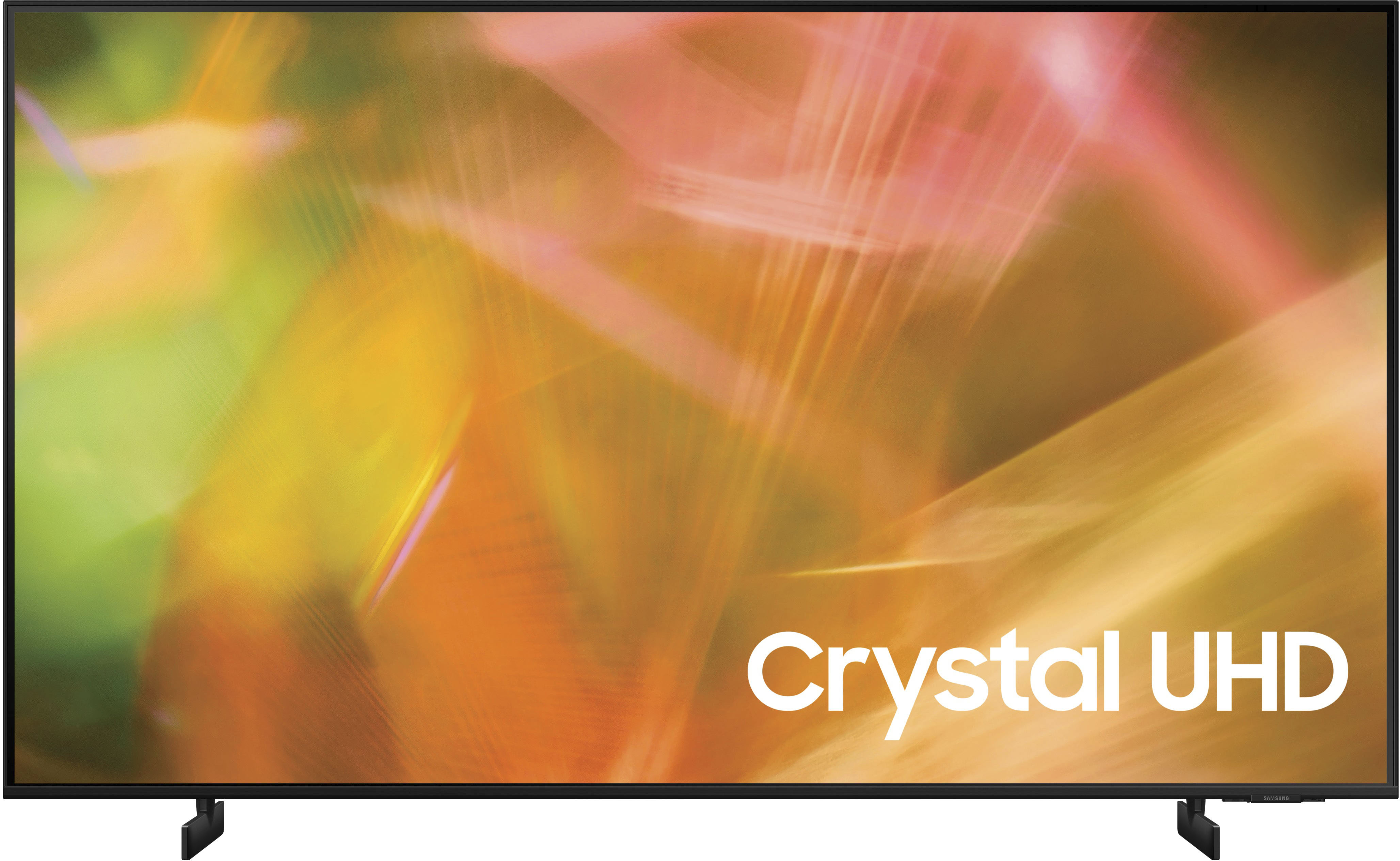
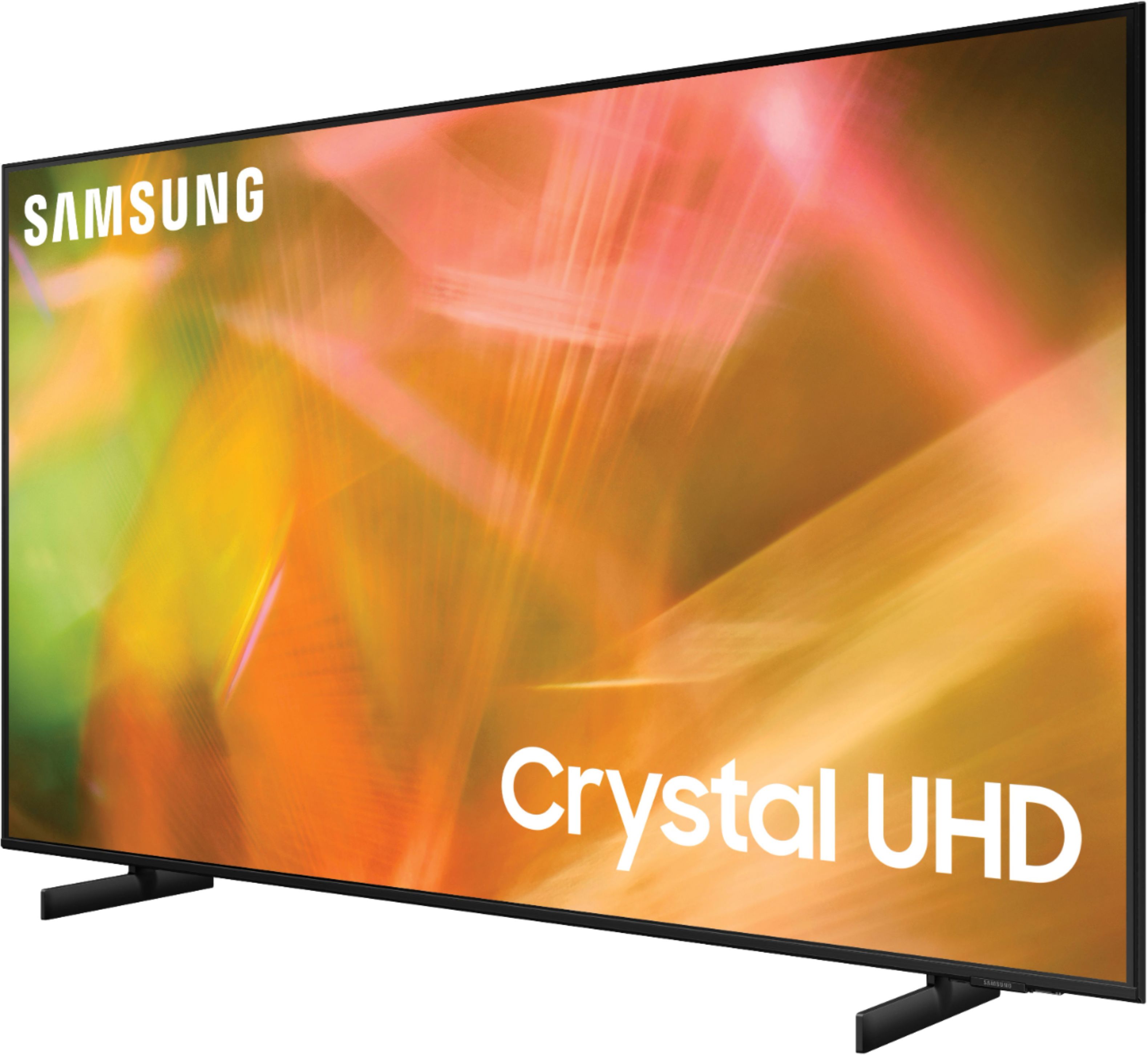

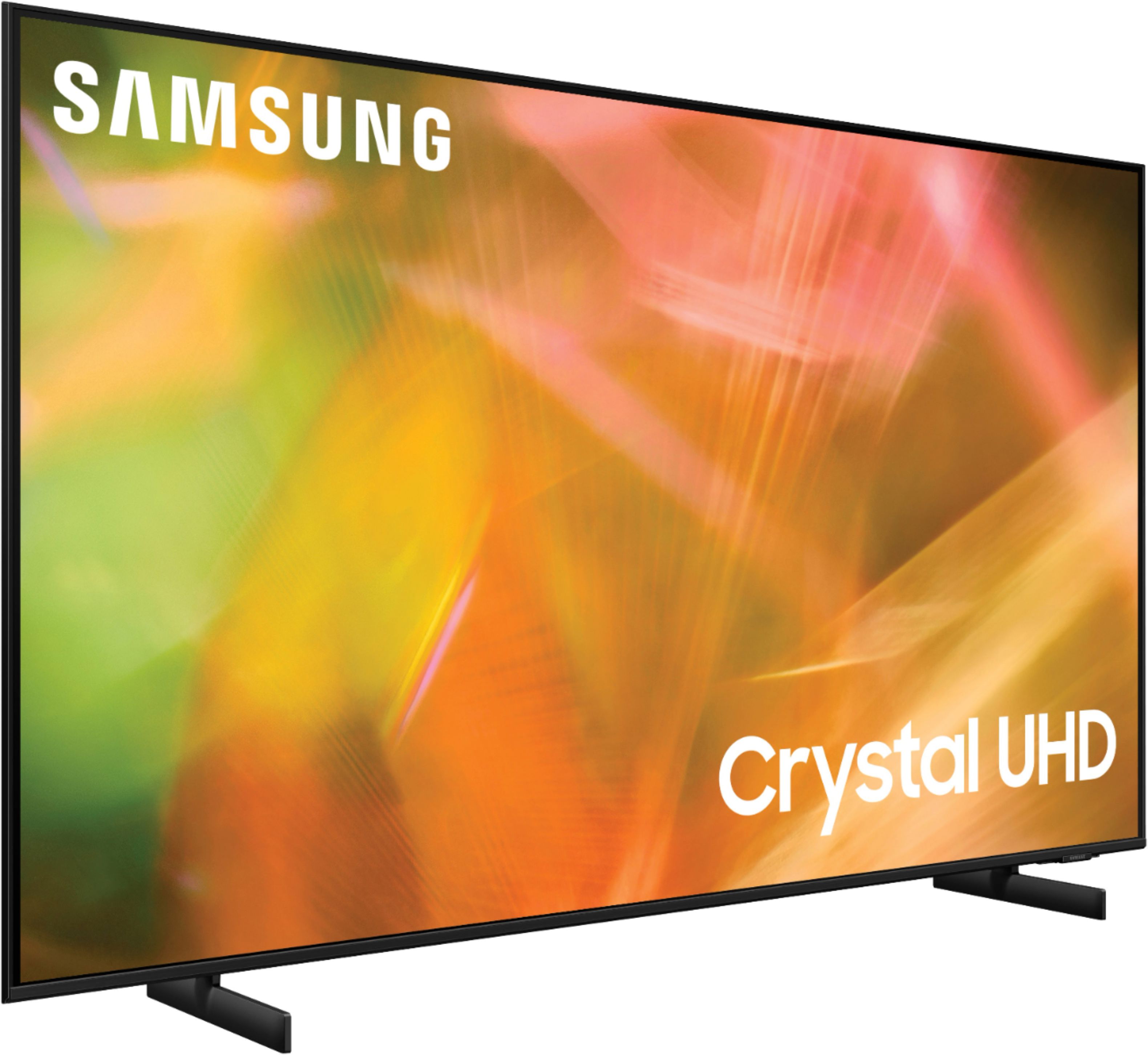


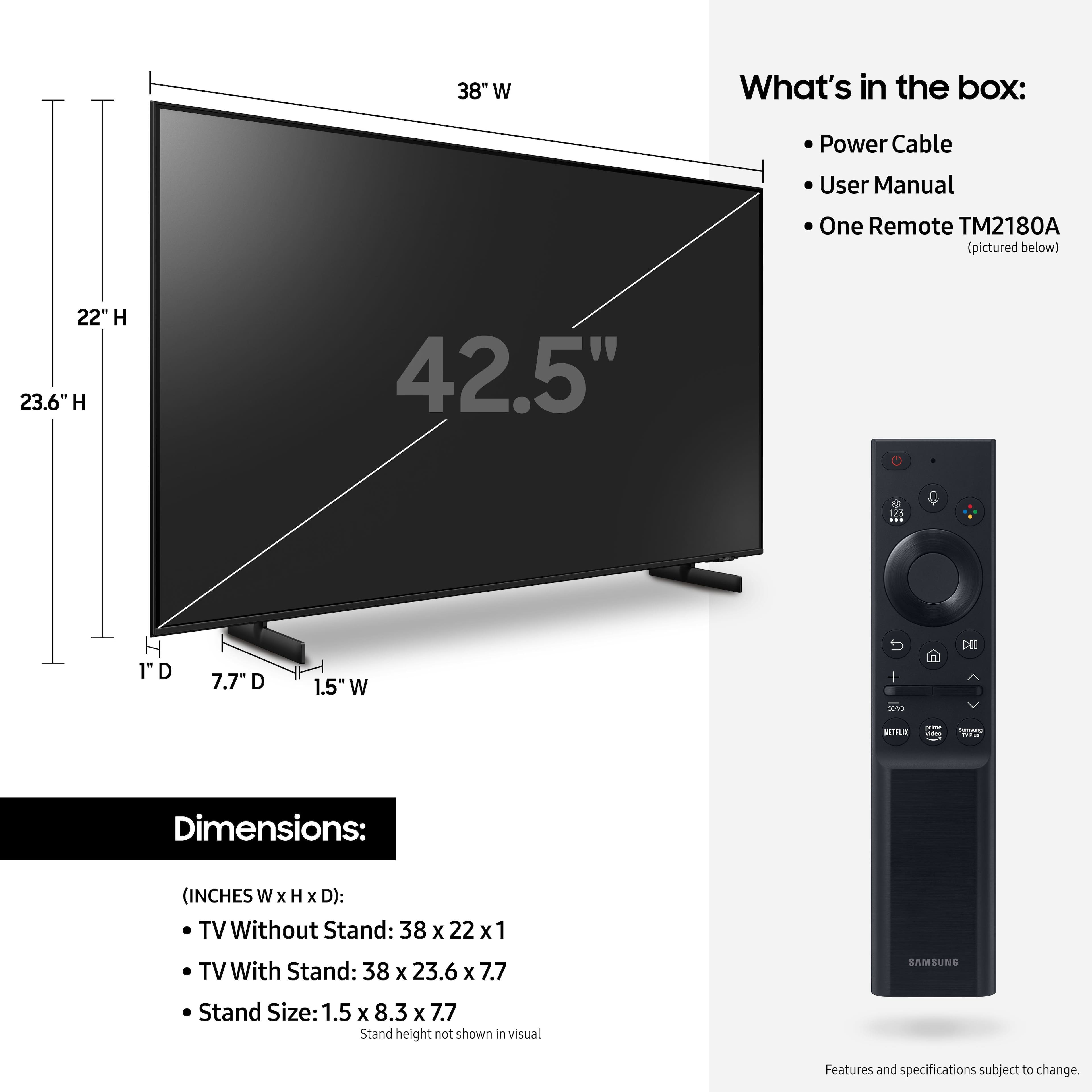








- Model:
- UN43AU8000FXZA
- SKU:
- 6452966
Rating by feature
- Picture Quality
Rating 4.8 out of 5 stars
- Sound Quality
Rating 4.1 out of 5 stars
- Brightness
Rating 4.7 out of 5 stars
Customers are saying
Customers are delighted by the picture quality and ease of use of the 43" Class 8000 Series LED 4K UHD Smart Tizen TV. Many also appreciate the smart TV features, the price point, and the sleek design. However, some users have expressed concerns regarding the remote control's ergonomics and the volume control's range. A few customers also mentioned that the operating system and user interface could be improved for a smoother experience.
This summary was generated by AI based on customer reviews.
- Pros mentioned:Picture quality
Keeps disconnecting from the internet.
||Posted . Owned for 1 month when reviewed.This reviewer received promo considerations or sweepstakes entry for writing a review.TV has a nice picture. But keeps disconnecting from the internet. Which is very annoying. If it keeps it up I will be returning it.
No, I would not recommend this to a friendBrand response from Samsung
Posted .Hi Amos,
Thank you for choosing the AU8000 Crystal UHD TV and taking the time to share your experience with the connection to your internet network. If experiencing issues with the WiFi connection, we suggest you try the following:
1. Use 5Ghz Wi-Fi if possible
2. Try wired LAN if available
3. Try repositioning the router so there are no obstacles between your TV and the router
Please also be sure you are running the latest firmware. You can check to see what software version your TV is using and if there is an available update through the settings on your TV. Go to: Settings > Support > Software Update.
You may want to enable automatic updates for conveniences.
Go to Settings > Support > Software Update, then select Auto Update.
I hope these tips help resolve your concerns. Should you need further assistance, please contact our Customer Support at 1-800-SAMSUNG (ask for TVs), available 8AM - 12AM EST, 7 days a week.
For additional support resources, visit us on the Samsung website and click on the ‘Support’ link in the upper right corner of the homepage for:
1) Chat with Us/Product Help: To begin a chat or find solutions, choose ‘TVs & Home Theater’ and select your model & topic.
2) Register a Product: For access to easy warranty support, convenient opt-in to special promos and offers, faster troubleshooting and service, and quick notification of system updates.
3) Manuals & Software
4) Warranty Info
5) Contact Us
~ Samsung Solutions
TV
||Posted . Owned for 1 month when reviewed.This reviewer received promo considerations or sweepstakes entry for writing a review.Excellent TV. Very good color contrast. Looks great outside on my lanai deck. Can’t wait to watch TV and sports. More outside now.
I would recommend this to a friendhappiness is best buy
||Posted . Owned for 1 month when reviewed.This reviewer received promo considerations or sweepstakes entry for writing a review.I was extremely happy with my service in the store and the delivery and set up on the same day. Also, happy that the Geek Squad took my old tv. They explained the set up.
I would recommend this to a friendExcellent Experience From Order to Pick-Up
||Posted . Owned for 3 weeks when reviewed.This reviewer received promo considerations or sweepstakes entry for writing a review.Easy to order. Good communication on order status. Fast pickup in store. BestBuy associate kindly helped me carry the TV and load it into the car. Excellent experience!
I would recommend this to a friend- Pros mentioned:Smart tv
Great television, held back by the remote
||Posted . Owned for 3 weeks when reviewed.This reviewer received promo considerations or sweepstakes entry for writing a review.Quality television but the remote is not easy to use leading me to purchase a separate universal remote
I would recommend this to a friendBrand response from Samsung
Posted .Hi CUSE99,
Thank you for purchasing the Samsung AU8000 TV and for sharing your experience with the remote. You can view the embedded e-Manual that contains information about your TV's remote buttons and functions. The manual is available directly on your TV at: Settings > Support > Open e-Manual
It is also available online on the Samsung website under "Support" > "Manuals & Software".
Should you ever have questions or need help, please call us at 1-800-SAMSUNG (ask for TVs), available 8AM -12AM EST, 7 days a week. Or text HELP to 62913.
For additional support resources, visit us on the Samsung website and click on the ‘Support’ link in the upper right corner of the homepage for:
1) More ‘Contact Us’ options – LiveChat, Facebook, Twitter, Samsung Community, Samsung Members app
2) Manuals & Software
3) Warranty Info
4) Product Registration: For access to easy warranty support, convenient opt-in to special promos and offers, faster troubleshooting and service, and quick notification of system updates.
Thank you for choosing Samsung!
~ Samsung Specialist
Samsung 43" UHD Smart TV
||Posted . Owned for less than 1 week when reviewed.This reviewer received promo considerations or sweepstakes entry for writing a review.Samsung 43" UHD Smart TV comes packed for easy removal and setup. Installed in minutes and followed the onscreen setup process. Had the TV working in a matter of minutes.
I would recommend this to a friend- Cons mentioned:Remote control
Samsung - 43" Class 8000 Series LED 4K UHD Smart T
||Posted .This reviewer received promo considerations or sweepstakes entry for writing a review.Don't know how to use the remote, which has almost no function on it. Also, don't know how to use the "Smart" aspects of the tv
No, I would not recommend this to a friendBrand response from Samsung
Posted .Hi Newuser,
Thank you for purchasing the Samsung AU8000 Crystal UHD TV and for sharing your thoughts regarding the function of the remote and user experience when learning the new features of your TV.
To assist you in the learning the various features, functions, and settings of the TV and Remote, you can download the User Manual and Remote Guide directly from Samsung’s website under ‘Support’ (top right corner) > Manuals & Software > TVs & Home Theater. From there, you can select the AU8000 under Crystal UHD TVs > A Model Lineup.
Should you ever have questions or need help, please call us at 1-800-SAMSUNG (ask for TVs), available 8AM - 12AM EST, 7 days a week.
For additional support resources, visit us on the Samsung website and click on the ‘Support’ link in the upper right corner of the homepage for:
1) Chat with Us/Product Help: To begin a chat or find solutions, choose ‘TVs & Home Theater’ and select your model & topic.
2) Register a Product: For access to easy warranty support, convenient opt-in to special promos and offers, faster troubleshooting and service, and quick notification of system updates.
3) Manuals & Software
4) Warranty Info
5) Contact Us
~ Samsung Solutions
Best value 43" available
||Posted . Owned for 2 months when reviewed.This reviewer received promo considerations or sweepstakes entry for writing a review.Best value 43" tv available. Yes, you can spend more on a higher model with very little noticeable capabilities. Very comparable to the Q60 in the same size.
I would recommend this to a friendAmazing TV
||Posted . Owned for 1 month when reviewed.This reviewer received promo considerations or sweepstakes entry for writing a review.Just Amazing, has nice built in bluetooth which allows you to connect any bluetooth ear buds
I would recommend this to a friendMyTV.
||Posted . Owned for 3 weeks when reviewed.This reviewer received promo considerations or sweepstakes entry for writing a review.I like this Tv very much. I enjoy the voice remote. It has a lot of features that I don’t know how to work yet. For the price it is good!
I would recommend this to a friendSamsung has the Best TV
||Posted . Owned for 1 month when reviewed.This reviewer received promo considerations or sweepstakes entry for writing a review.We bought this TV as replacement TV for son's room. He loves it! Now we're buying another one to replace the one in my daughter's room.
I would recommend this to a friendBest Buy is the Best
||Posted . Owned for 2 months when reviewed.This reviewer received promo considerations or sweepstakes entry for writing a review.Excellent value and the best part was the Geek squad total tech set up! The guys that assisted us were great!! Happy happy happy!
I would recommend this to a friend- Pros mentioned:Picture quality
A good little tv
||Posted . Owned for 3 weeks when reviewed.This reviewer received promo considerations or sweepstakes entry for writing a review.The picture is very good, but the sound is terrible. If you buy this tv make sure to buy a sound bar.
I would recommend this to a friendBrand response from Samsung
Posted .Hi KateC,
Thank you for sharing your thoughts regarding the AU8000 TV’s sound quality. We recommend adjusting the Sound Settings to improve your experience. You can change the Sound Mode by going to Settings > Sound > Sound Mode.
You can also customize the sound with Expert Settings by going to Settings > Sound > Expert Settings.
To assist you with possible sound settings adjustments for a better audio experience or choosing a Samsung Soundbar to complement your viewing enjoyment, please reach out to us at 1-800-SAMSUNG, 8 AM - 12 AM EST, seven days a week. LiveChat with an agent, as well as manuals, software, and warranty info, can be found at the ‘Support’ link on our Samsung website.
~ Samsung Advisor
Samsung TV
||Posted . Owned for 1 month when reviewed.This reviewer received promo considerations or sweepstakes entry for writing a review.Cameron was GREAT!!. Knows his product!!! spends time answering customers questions!!!!!!!!! He is a valuable part of the team!!! Product is wonderful!!!!!!
I would recommend this to a friendEntry level streaming TV
||Posted . Owned for 1 week when reviewed.This reviewer received promo considerations or sweepstakes entry for writing a review.Great for the price, has all streaming apps and downloadables you could ever need. Perfect as a bedroom TV or for kids gaming
I would recommend this to a friendBe prepared to purchase a sound bar
||Posted . Owned for 1 month when reviewed.This reviewer received promo considerations or sweepstakes entry for writing a review.I needed a smaller tv to replace the 10 year old one I had. I thought I would go with Samsung since I loved my Q80 55 inch QLED I had purchased two years earlier. I only had a smaller table to put this tv on so I needed to stay around 40 inches or so. I picked this 43 inch and a center stand mount. I also thought since it was Samsung it should be good quality. But this isn't the case. The Geek Squad came and installed it. Just like with my Q80 the installer recommended to leave it on the Dynamic setting for the best picture. And just like with the Q80 that's not the case. I don't know why Samsung has this setting because it makes the picture too loud. It's way too bright. Standard is better. But on this 43 inch tv, standard isn't very good either. As much as Dynamic over exposes colors and makes the picture too bright, standard washes the picture out and makes it too dull. All of the colors are dumbed down. The picture isn't rich and vibrant. You can barely tell it's HD. But as bad as the picture is the sound or the lack of sound is even worse. This tv has THE worst sound I've ever heard. My 5 year old computer monitor at work has better built in speakers. There is no setting you can adjust on this tv to make it sound better. I had to purchase a sound bar just to make the sound what I would consider standard for a tv. Maybe I'm expecting too much out of a tv for this price but for it to have the name Samsung on it, I think it should be much better than it is.
No, I would not recommend this to a friendBrand response from Samsung
Posted .Hi Jezza819,
We appreciate you sharing your experience with the AU8000 Crystal UHD TV. Your details regarding the image and sound quality of your TV are important to us and will be shared with our internal teams.
If you have already tried the preset picture modes and are still unsatisfied with the picture, you may want to try adjusting the expert settings of the TV. Navigate to: Settings > Picture > Expert Settings and configure the TV settings to your taste with additional functions.
Additionally, there are several sound settings you can adjust to suit your personal sound preferences. Change the Sound Mode by going to: Settings > Sound > Sound Mode
You can also customize the sound with Expert Settings by going to: Settings > Sound > Expert Settings
I hope this helps you enjoy the experience provided by your new Samsung Crystal UHD TV. Should you ever have questions or need help, please call us at 1-800-SAMSUNG (ask for TVs), available 8AM - 12AM EST, 7 days a week.
For additional support resources, visit us on the Samsung website and click on the ‘Support’ link in the upper right corner of the homepage for:
1) Chat with Us/Product Help: To begin a chat or find solutions, choose ‘TVs & Home Theater’ and select your model & topic.
2) Register a Product: For access to easy warranty support, convenient opt-in to special promos and offers, faster troubleshooting and service, and quick notification of system updates.
3) Manuals & Software
4) Warranty Info
5) Contact Us
~ Samsung Solutions
Mrs
||Posted . Owned for 1 month when reviewed.This reviewer received promo considerations or sweepstakes entry for writing a review.Love the TV, my sales person was nice and helpful he was able to show me that I could have a TV without a box, just Wi Fi
I would recommend this to a friendNew t.v.
||Posted . Owned for 3 weeks when reviewed.This reviewer received promo considerations or sweepstakes entry for writing a review.Replacement of Family room television, which gets alot of use.Our family needed a replacement asap and was able to the same and next day setup.
I would recommend this to a friendBevM
||Posted . Owned for 1 month when reviewed.This reviewer received promo considerations or sweepstakes entry for writing a review.Having a difficult time with my 43" TV. Keep losing sound after staying on a channel for about 1 hour. No volume unless I turn off TV or switch to another channel and then back to the channel I was originally watching. Samsung technical support and Spectrum came and changed the cable box. Same issue continues, Samsung comes back this week, and then I give up!!
No, I would not recommend this to a friendGreat TV for the price
||Posted . Owned for 5 months when reviewed.This reviewer received promo considerations or sweepstakes entry for writing a review.Great TV. We have many Samsung smart TVs like this one, and I appreciate the consistency across all of the UI. No complaints.
I would recommend this to a friend