Customer Ratings & Reviews




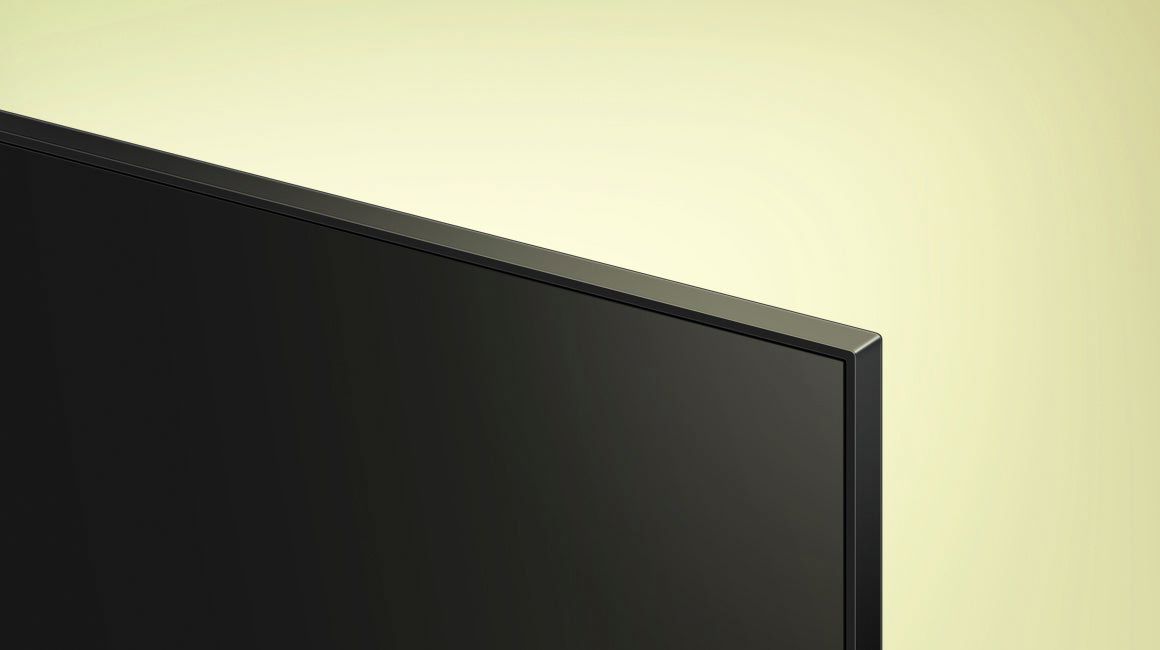







- Model:
- UN43AU8000FXZA
- SKU:
- 6452966
Rating by feature
- Picture Quality
Rating 4.8 out of 5 stars
- Sound Quality
Rating 4.1 out of 5 stars
- Brightness
Rating 4.7 out of 5 stars
Customers are saying
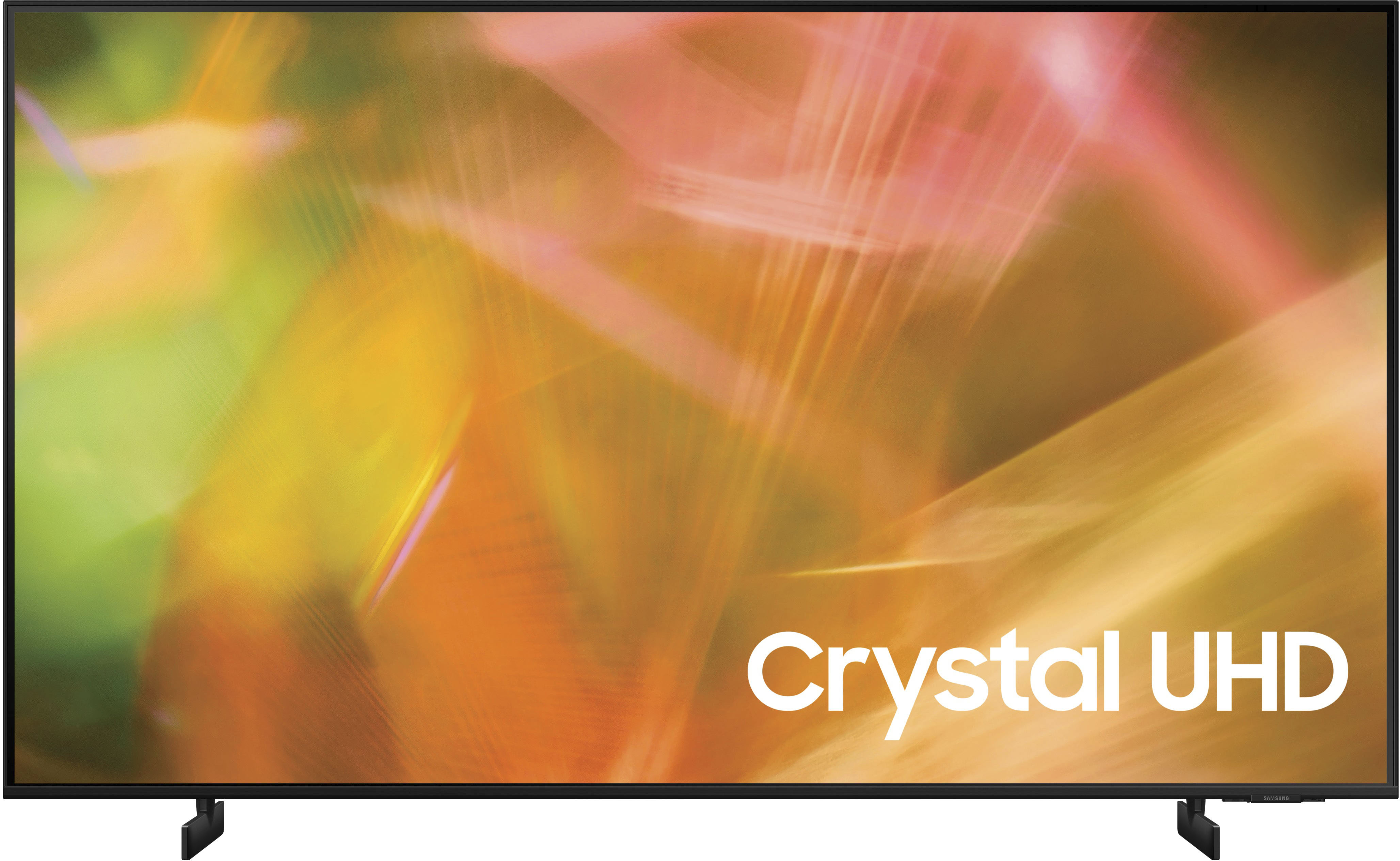
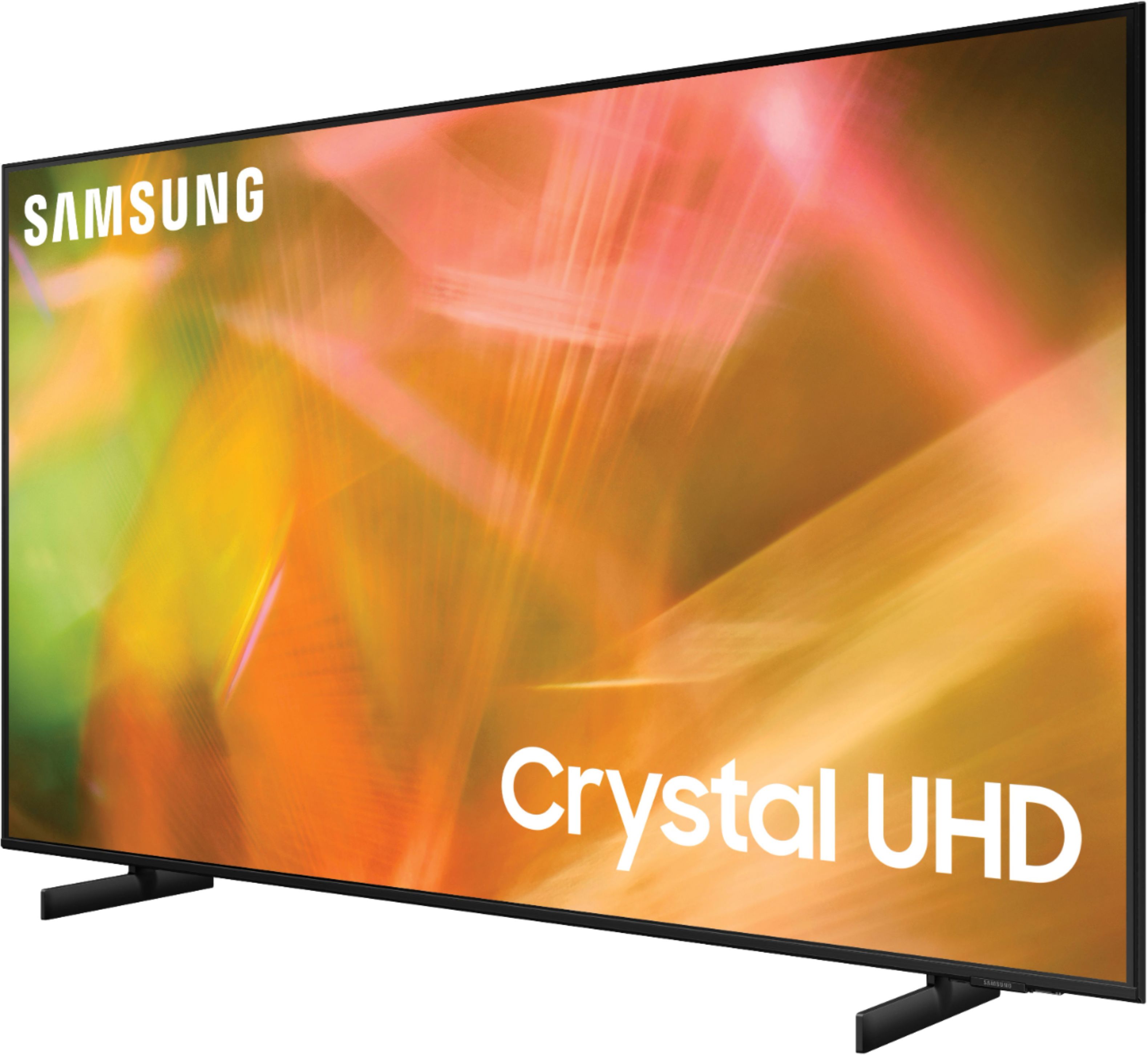
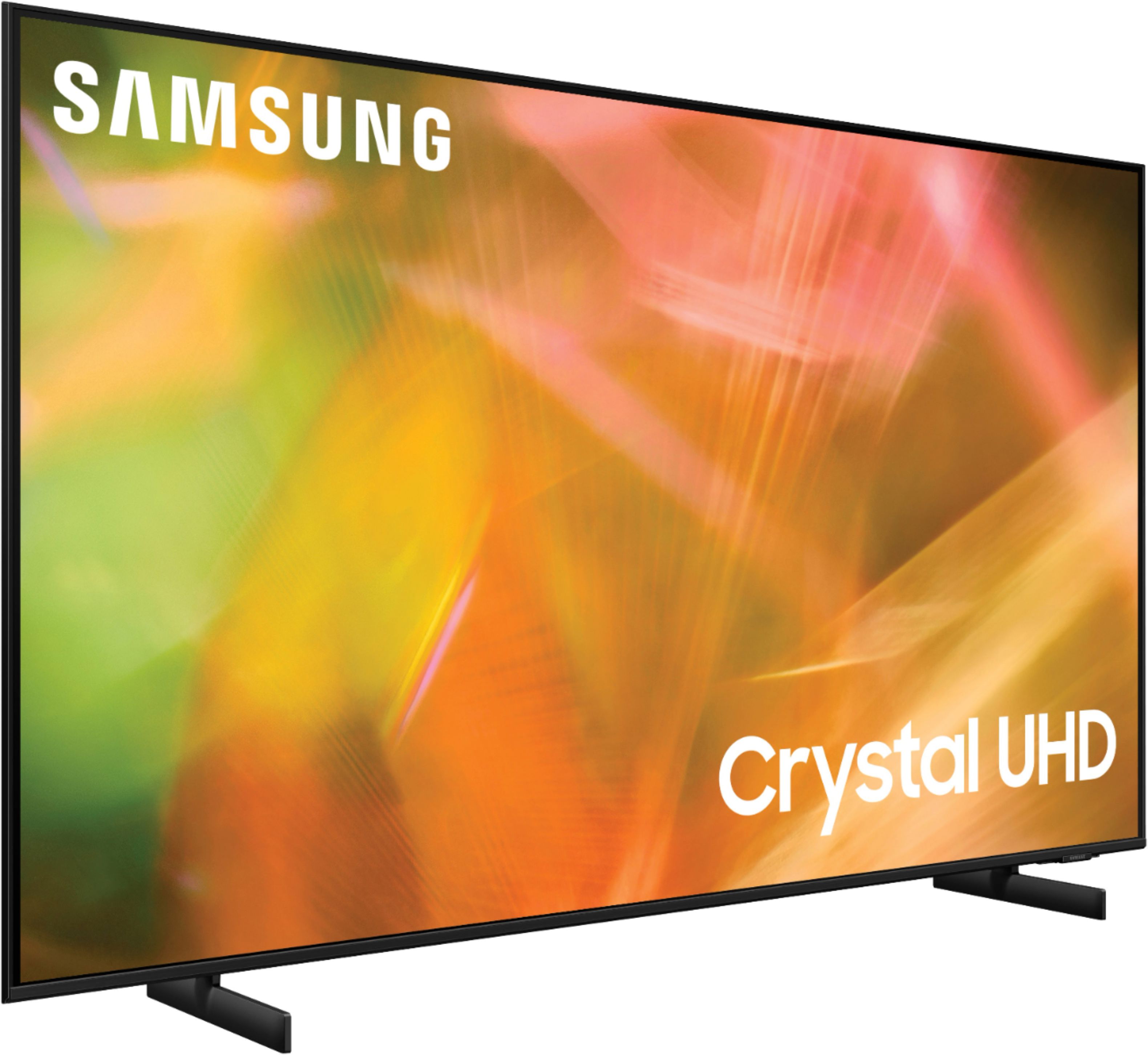
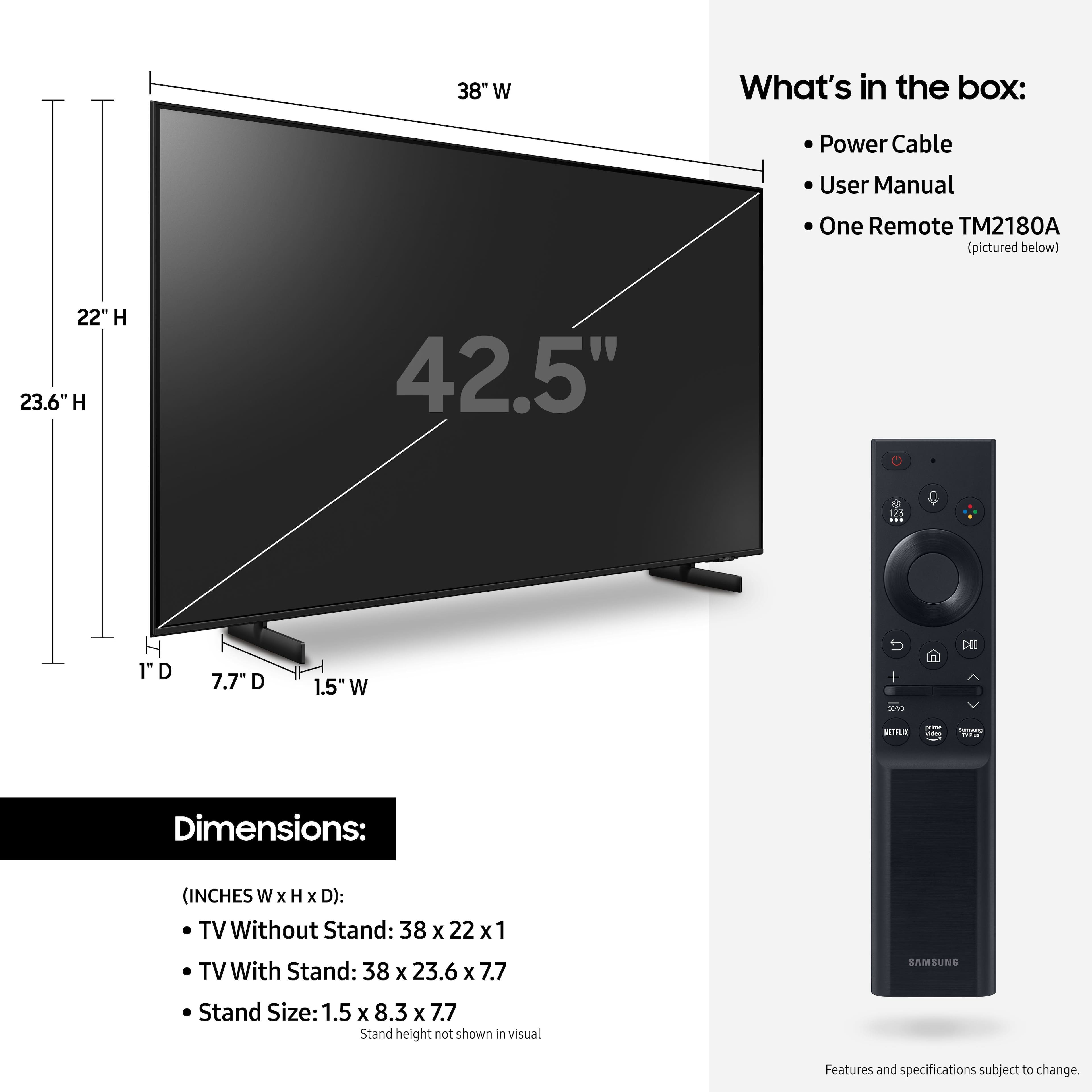
Customers are delighted by the picture quality and ease of use of the 43" Class 8000 Series LED 4K UHD Smart Tizen TV. Many also appreciate the smart TV features, the price point, and the sleek design. However, some users have expressed concerns regarding the remote control's ergonomics and the volume control's range. A few customers also mentioned that the operating system and user interface could be improved for a smoother experience.
This summary was generated by AI based on customer reviews.
- Cons mentioned:Volume
So, so
||Posted . Owned for 1 month when reviewed.This reviewer received promo considerations or sweepstakes entry for writing a review.Volume capacity is very low. Put in exercise room and need to add Bluetooth speaker to get volume to acceptable level.
No, I would not recommend this to a friendBrand response from Samsung
Posted .Hi DDT1469,
Thank you for purchasing the Samsung AU8000 Crystal UHD TV and for your review. One possible cause for the low volume is the source. Some sources have their own volume control which might be set too low.
Please check the volume control of the external device (cable box or satellite box, DVD, Blu-ray, etc.) connected to your TV. Also, check the cable connection between an external device and the TV and then try cable connection again.
We recommend you try a Sound Test under Support > Self Diagnosis > Start Sound Test. Another way to check the source volume is to test an internal streaming source like Netflix or YouTube to compare.
You may also want to select from several Sound Modes and advanced settings to meet your personal preferences. Press the Home button on your remote, and then navigate to Settings > Sound > Sound Mode
I hope this helps improve your audio experience. Should you need further assistance or have any questions, please contact Samsung Customer Support at 1-800-SAMSUNG (ask for TVs), available 8AM - 12AM EST, 7 days a week.
For additional support resources, visit us on the Samsung website and click on the ‘Support’ link in the upper right corner of the homepage for:
1) Chat with Us/Product Help: To begin a chat or find solutions, choose ‘TVs & Home Theater’ and select your model & topic.
2) Register a Product: For access to easy warranty support, convenient opt-in to special promos and offers, faster troubleshooting and service, and quick notification of system updates.
3) Manuals & Software
4) Warranty Info
5) Contact Us
~ Samsung Solutions
Pleased with my purchase
||Posted . Owned for 1 month when reviewed.This reviewer received promo considerations or sweepstakes entry for writing a review.I have been pleased with the performance of my Samsung TV. I like the way it coordinates with my Samsung phone. Alao the sound system is better than the TCL I replaced.
I would recommend this to a friendPat
||Posted . Owned for 1 month when reviewed.This reviewer received promo considerations or sweepstakes entry for writing a review.This experience was great! Great customer service and I got the TV within a day and up and running with the help of Best Buy tech.
I would recommend this to a friend- Cons mentioned:Remote control
samsung tv
||Posted . Owned for 3 weeks when reviewed.This reviewer received promo considerations or sweepstakes entry for writing a review.the controler is hard to navigate not enough information on how to navigate.
I would recommend this to a friendBrand response from Samsung
Posted .Hi babydoll,
Thank you for purchasing the Samsung 43" AU8000 Crystal UHD TV and for sharing your review. Your feedback regarding the included remote and user manual is important to us and will be shared with our product teams.
To assist you in the learning the various features, functions, and settings of the TV and Remote, you can download the User Manual and Remote Guide directly from Samsung’s website under ‘Support’ (top right corner) > Manuals & Software > TVs & Home Theater. From there, you can select the AU8000 under Crystal UHD TVs > A Model Lineup.
Should you ever have questions or need help, please call us at 1-800-SAMSUNG (ask for TVs), available 8AM - 12AM EST, 7 days a week.
For additional support resources, visit us on the Samsung website and click on the ‘Support’ link in the upper right corner of the homepage for:
1) Chat with Us/Product Help: To begin a chat or find solutions, choose ‘TVs & Home Theater’ and select your model & topic.
2) Register a Product: For access to easy warranty support, convenient opt-in to special promos and offers, faster troubleshooting and service, and quick notification of system updates.
3) Manuals & Software
4) Warranty Info
5) Contact Us
~ Samsung Solutions
Need to improved sound quality.
||Posted .This reviewer received promo considerations or sweepstakes entry for writing a review.Overall, the tv is up to my expectations. The sound quality is less than I expected, with the bass registries not as potent a I desired.
I would recommend this to a friendSound
||Posted . Owned for 1 month when reviewed.This reviewer received promo considerations or sweepstakes entry for writing a review.Needs better sound quality. Max volume seems lower than the older versions of Samsung
I would recommend this to a friendBest Buy quality control is poor
||Posted . Owned for less than 1 week when reviewed.This reviewer received promo considerations or sweepstakes entry for writing a review.This is more a review of Best Buy. I purchased two of these in open box and the first one had a shattered screen and the second had a blue line down the screen. Both were “Excellent”. I guess they don’t bother checking their open box items.
I would recommend this to a friendNew TV purchase!!
||Posted . Owned for 1 month when reviewed.This reviewer received promo considerations or sweepstakes entry for writing a review.Purchase of a new TV ! Everyone was helpful ! The Geek his name was Noel, was outstanding he was so helpful, I would recommend him to anyone!
I would recommend this to a friendAwesome TV
||Posted . Owned for 3 weeks when reviewed.This reviewer received promo considerations or sweepstakes entry for writing a review.Best TV I have ever had. I can get more channels than I had with my previous version. It is a total upgrade
I would recommend this to a friendGreat Geek service
||Posted . Owned for 3 weeks when reviewed.This reviewer received promo considerations or sweepstakes entry for writing a review.The geeks who set up the tv were great. Knowledgeable, polite, friendly and knew what they were doing. Both were excellent. The tv itself is excellent.
I would recommend this to a friendHorrible sound quality
||Posted . Owned for less than 1 week when reviewed.This reviewer received promo considerations or sweepstakes entry for writing a review.Ok I wanna start with I don't know anything about TV. I just want to find a decent 43'' for the bedroom. We have a Sony Bravia for the living room and we love it so I guess my standard is kinda high. I immediately noticed that sound is terrible on this TV like others mentioned. I had a insignia roku TV before and I've never even complained about sound so there you go. Not a fan of the chicken leg stand either. I do like the remote a lot. Debating if we should just go for another sony at this point.
No, I would not recommend this to a friendBrand response from Samsung
Posted .Hi americanchopsookie,
Thank you for your review of the Samsung AU8000 TV. We appreciate your thoughts on the stand design, as well as the sound quality of your TV. There are several sound settings you can adjust to suit your personal sound preferences.
Change the Sound Mode by going to: Settings > Sound > Sound Mode
You can also customize the sound with Expert Settings by going to: Settings > Sound > Expert Settings
To assist you with possible sound settings adjustments for a better audio experience, or choosing a Samsung Soundbar to complement your viewing enjoyment, please reach out to us at 1-800-SAMSUNG (ask for TVs), available 8AM -12AM EST, 7 days a week. Or text HELP to 62913.
For additional support resources, visit us on the Samsung website and click on the ‘Support’ link in the upper right corner of the homepage for:
1) More ‘Contact Us’ options – LiveChat, Facebook, Twitter, Samsung Community, Samsung Members app
2) Manuals & Software
3) Warranty Info
4) Product Registration: For access to easy warranty support, convenient opt-in to special promos and offers, faster troubleshooting and service, and quick notification of system updates.
We hope to hear from you soon.
~ Samsung Specialist
Great Samsung TV
||Posted . Owned for 3 months when reviewed.This reviewer received promo considerations or sweepstakes entry for writing a review.Great television for gaming and 4k movies, the perfect side for my home office, Samsung keeps delivering great TVs
I would recommend this to a friendSamsung
||Posted . Owned for 1 month when reviewed.This reviewer received promo considerations or sweepstakes entry for writing a review.Very happy with my tv. Since I don’t have cable I stream local news and various shows that come with Samsung.
I would recommend this to a friendGreat spare bedroom TV
||Posted . Owned for 8 months when reviewed.This reviewer received promo considerations or sweepstakes entry for writing a review.Good TV for the guest bed room. Sounds is what you expect, but it is a great tv for a great price when you have overnight guests.
I would recommend this to a friend- Pros mentioned:Picture quality
Good but not worth for the money!
||Posted . Owned for 1 week when reviewed.This reviewer received promo considerations or sweepstakes entry for writing a review.This TV has lag. more than likely it has a small memory behind! it is so annoying when you’re working with tizen ! I completely understand that this Tv has a good picture quality and very thin. but the sound is disappointing too! I also bought LG 43” UP7670 last week. in my opinion Lg has more contrast and much better sound than Samsung UA8000 but it is not as thin as Samsung.
No, I would not recommend this to a friendBrand response from Samsung
Posted .Hi Meysam,
Thank you for your review of the AU8000 Crystal UHD TV and sharing your experience with slow remote response time and poor audio. Your feedback is important to us and will be shared with our product teams.
To optimize the smart TV performance, please try Device Care option under the Support Menu. This service checks memory and frees up unused cached memory and closes background apps. Go to Settings > Support > Device Care > Start Device Care
Please also be sure you are running the latest firmware (V.1901.0). You can check to see what software version your TV is using and if there is an available update through the settings on your TV. Go to: Settings > Support > Software Update.
Additionally, there are several sound settings you can adjust to suit your personal sound preferences. Change the Sound Mode by going to: Settings > Sound > Sound Mode
You can also customize the sound with Expert Settings by going to: Settings > Sound > Expert Settings
Should you need further assistance, please contact Samsung Customer Support at 1-800-SAMSUNG (ask for TVs), available 8AM - 12AM EST, 7 days a week.
For additional support resources, visit us on the Samsung website and click on the ‘Support’ link in the upper right corner of the homepage for:
1) Chat with Us/Product Help: To begin a chat or find solutions, choose ‘TVs & Home Theater’ and select your model & topic.
2) Register a Product: For access to easy warranty support, convenient opt-in to special promos and offers, faster troubleshooting and service, and quick notification of system updates.
3) Manuals & Software
4) Warranty Info
5) Contact Us
~ Samsung Solutions
Just buy it
||Posted . Owned for 1 month when reviewed.This reviewer received promo considerations or sweepstakes entry for writing a review.This is an ok tv. I bought it because i had to. I am also writing this review because i have to, in orser to get points. Im cheap.
I would recommend this to a friendChief Operating Officer
||Posted . Owned for 1 month when reviewed.This reviewer received promo considerations or sweepstakes entry for writing a review.Never easy to set up your TV with cable, etc particularly the remote, but it is not a TV issue. A very nice TV. Highly recommended.
I would recommend this to a friendGreat Smart TV. Great value!
||Posted . Owned for less than 1 week when reviewed.This reviewer received promo considerations or sweepstakes entry for writing a review.Great tv. We are baby boomers so we needed some assistance setting up the tv. Best Buy was great with their tech support.
I would recommend this to a friendGreat buy
||Posted . Owned for 9 months when reviewed.This reviewer received promo considerations or sweepstakes entry for writing a review.I used this as a secondary tv during football season and the quality and usability has definitely made life easier :)
I would recommend this to a friend- Pros mentioned:Picture quality
Samsung tv
||Posted . Owned for 1 month when reviewed.This reviewer received promo considerations or sweepstakes entry for writing a review.Great picture. Sound is not so good. Would expect better from Samsung. Good price
I would recommend this to a friendBrand response from Samsung
Posted .Hi Nita,
We appreciate your review of the Samsung AU8000 TV and are happy to hear you are enjoying the picture quality. Please know Samsung prides itself on high-quality products and a great customer experience. We are here to help you!
To help adjust your sound, please try the following troubleshooting tips.
First, let's ensure your firmware is up to date. Please go to Settings> Support > Software Update. You can easily update the firmware from here.
There are several sound settings you can adjust to suit your personal sound preferences. Change the Sound Mode by going to Settings > Sound > Sound Mode.
You can customize the sound with Expert Settings by going to Settings > Sound > Expert Settings.
I hope this helps you enjoy your experience.
If you'd like more help with settings, please know we're here to help! Call us at 1-800-SAMSUNG, 8 AM - 12 AM EST, seven days a week. Or visit us on the Samsung website and click on the 'Support' link for:
1) LiveChat
2) Manuals, Software, & Warranty Info
~ Samsung Advisor