Customer Ratings & Reviews











- Model:
- UN43AU8000FXZA
- SKU:
- 6452966
Rating by feature
- Picture Quality
Rating 4.8 out of 5 stars
- Sound Quality
Rating 4.1 out of 5 stars
- Brightness
Rating 4.7 out of 5 stars
Customers are saying
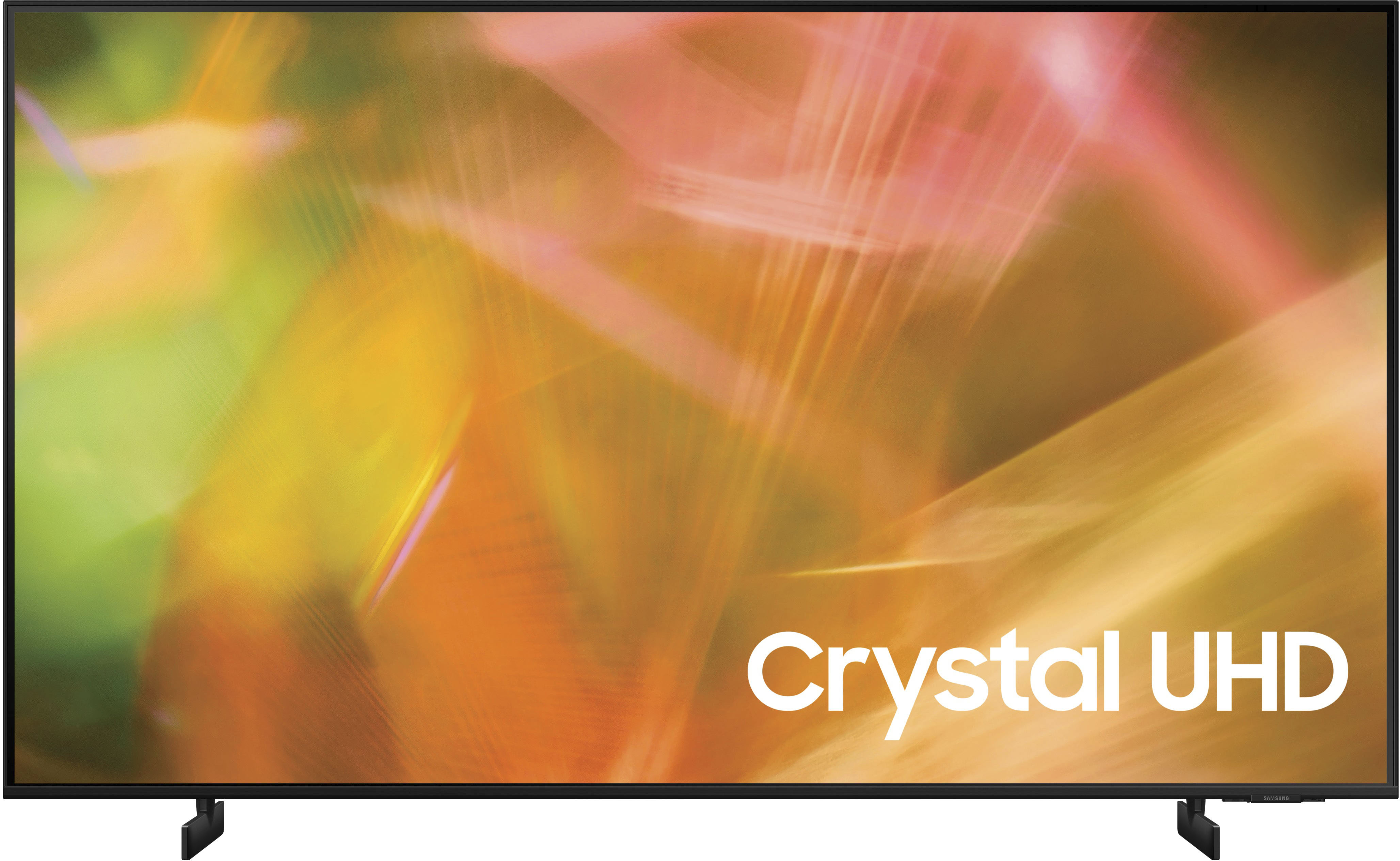
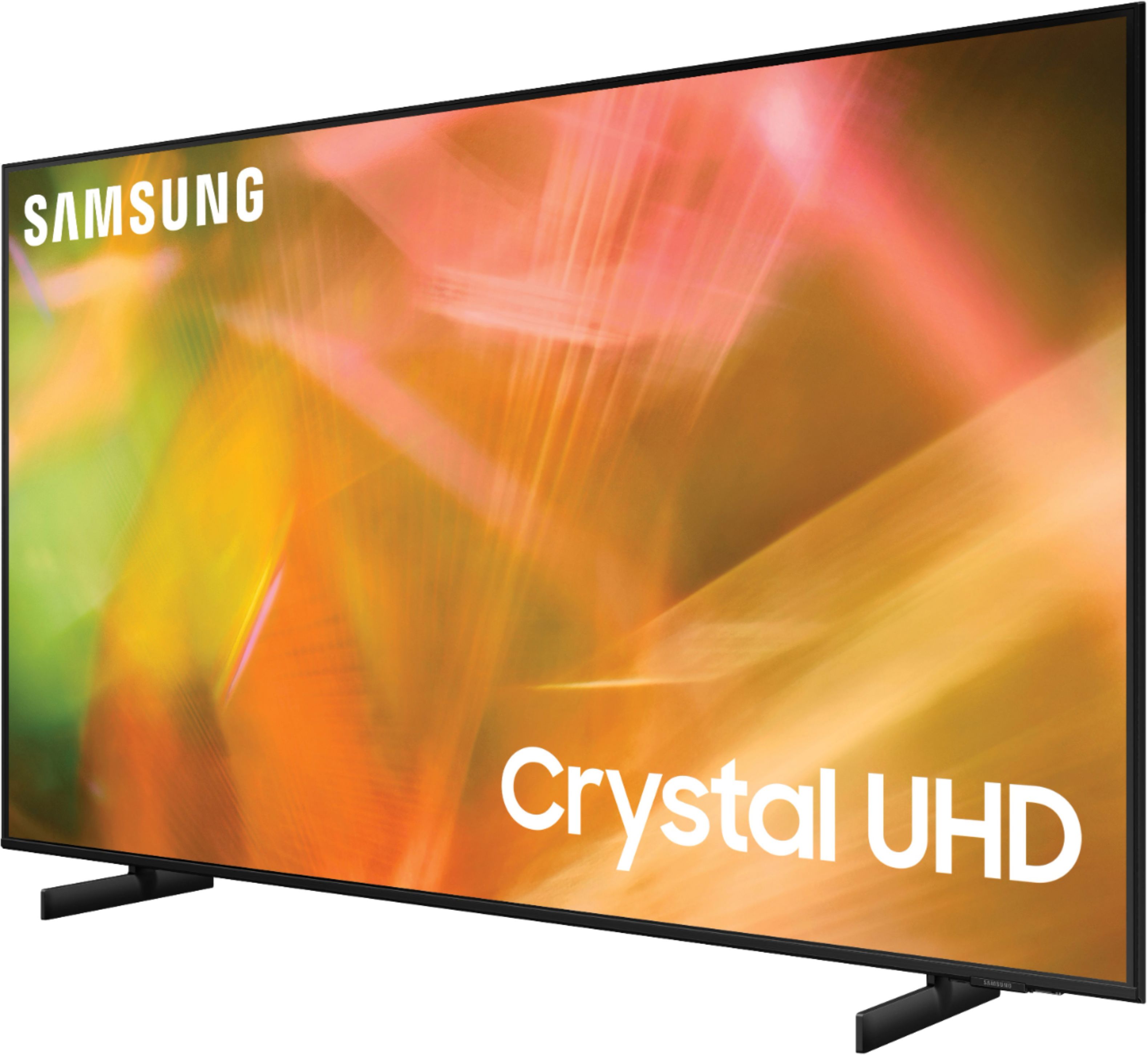
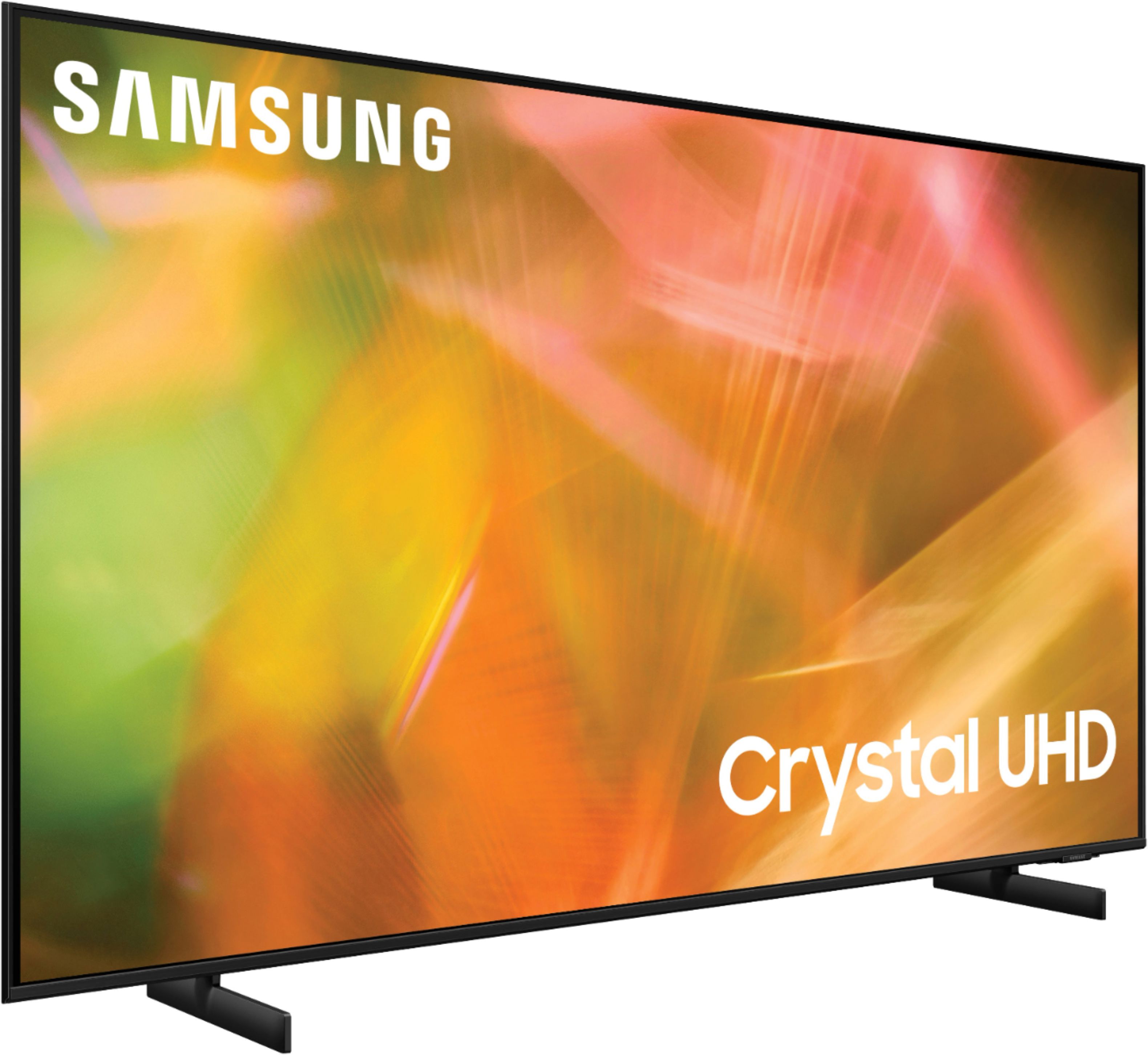
Customers are delighted by the picture quality and ease of use of the 43" Class 8000 Series LED 4K UHD Smart Tizen TV. Many also appreciate the smart TV features, the price point, and the sleek design. However, some users have expressed concerns regarding the remote control's ergonomics and the volume control's range. A few customers also mentioned that the operating system and user interface could be improved for a smoother experience.
This summary was generated by AI based on customer reviews.
Much better options out there
||Posted . Owned for 1.5 years when reviewed.This reviewer received promo considerations or sweepstakes entry for writing a review.Terrible TV. Blume doesn’t work after 18 months. So incredibly slow. Save up for soemthing better
No, I would not recommend this to a friendBedroom TV
||Posted . Owned for 3 weeks when reviewed.This reviewer received promo considerations or sweepstakes entry for writing a review.It's okay sound is not very good, have to turn it up real high in order to hear it.
No, I would not recommend this to a friendGeek squad a must when buying and installing
||Posted . Owned for 1 month when reviewed.This reviewer received promo considerations or sweepstakes entry for writing a review.Works and looks great. So far no issues Geek Squad is professional. In and out.
I would recommend this to a friendgood tv
||Posted . Owned for 3 weeks when reviewed.This reviewer received promo considerations or sweepstakes entry for writing a review.excellent tv, but it just lacked a shortcut on the control to switch between input sources.
I would recommend this to a friendBestbuy will always be my first choice
||Posted . Owned for 3 weeks when reviewed.This reviewer received promo considerations or sweepstakes entry for writing a review.Everything I buy from bestbuy is exactly what I expect. The TV was a gift, she loves it The printer is fabulous.
I would recommend this to a friendLove it
||Posted .This reviewer received promo considerations or sweepstakes entry for writing a review.Best purchase!! Everything is great! Remote is simple as it gets & i love it
I would recommend this to a friendGreat for small room.
||Posted . Owned for 3 weeks when reviewed.This reviewer received promo considerations or sweepstakes entry for writing a review.Great television for a small room, but the sound quality is not the greatest. I use it with Dish and a Bose sound bar.
I would recommend this to a friendBrand response from Samsung
Posted .Hi Seaagull,
Thank you for purchasing the AU8000 TV and for sharing your feedback regarding the sound quality. There are several sound settings you can adjust to suit your personal sound preferences.
Change the Sound Mode by going to: Settings > Sound > Sound Mode
You can also customize the sound with Expert Settings by going to: Settings > Sound > Expert Settings
To assist you with possible sound settings adjustments for a better audio experience, or choosing a Samsung Soundbar to complement your viewing enjoyment, please reach out to us at:
1-800-SAMSUNG (ask for TVs), available 8AM -12AM EST. 7 days a week. Or text “SUPPORT” to 800-726-7864 available 24 hours a day, 7 days a week.
For additional support resources, visit us on the Samsung website and click on the ‘Support’ link in the upper right corner of the homepage for:
1) More ‘Contact Us’ options – LiveChat, Facebook, Twitter, Samsung Community, Samsung Members app
2) Manuals & Software
3) Warranty Info
4) Product Registration: For access to easy warranty support, convenient opt-in to special promos and offers, faster troubleshooting and service, and quick notification of system updates.
~ Samsung Solutions
What happened to Samsung TV's???
||Posted . Owned for 2 months when reviewed.This reviewer received promo considerations or sweepstakes entry for writing a review.Samsung has really cheapened up their TV'S. You have to buy a sound bar to get better sound, and the channel changer if you push it, repeats the channels over and over, about 5 of them, and you must start over. Good things I can talk to it and get my channel of choice.
No, I would not recommend this to a friendBrand response from Samsung
Posted .Hi Kathy,
Thank you for your feedback on the Samsung AU8000 TV's sound quality. Samsung prides itself on high-quality products and a great customer experience. Please know we are here to help you.
First, let's make sure you are running the latest software. To do so, head to Settings>Support>Software Update and update from there if needed.
There are several sound settings you can adjust to suit your personal sound preferences. Change the Sound Mode by going to Settings > Sound > Sound Mode.
You can customize the sound with Expert Settings by going to Settings > Sound > Expert Settings.
I hope this helps you enjoy your experience.
If you’d like more help with settings, please know we’re here to help! Call us at 1-800-SAMSUNG, 8 AM - 12 AM EST, seven days a week. Or visit us on the Samsung website and click on the ‘Support’ link for:
1) LiveChat
2) Manuals, Software, & Warranty Info
~ Samsung Advisor
homeowner
||Posted . Owned for 1 month when reviewed.This reviewer received promo considerations or sweepstakes entry for writing a review.great service in store and a quality product plus the geek squad was efficient
I would recommend this to a friendTappng Noise When TV is Off
||Posted . Owned for 3 months when reviewed.This reviewer received promo considerations or sweepstakes entry for writing a review.The TV works well but when the TV is off there is a knocking out tapping noise that didn't stop. I thought there was a leak behind my wall until doing some research online and apparently it's an issue with the power supply board. Hope this helps others. Wouldnt recommend in a bedroom
No, I would not recommend this to a friendFirst Samsung - so far satisfied
||Posted . Owned for 2 weeks when reviewed.This reviewer received promo considerations or sweepstakes entry for writing a review.Visual is phenomenal. I have had issues with it connecting to my internet however. Overall worth the cost.
I would recommend this to a friendtv
||Posted . Owned for 3 weeks when reviewed.This reviewer received promo considerations or sweepstakes entry for writing a review.Item was ready for pick up in only 5 Mim great job person placed in my car I did not have to do anything
I would recommend this to a friendSamsung TV
||Posted . Owned for 1 month when reviewed.This reviewer received promo considerations or sweepstakes entry for writing a review.Great tv but notice the audio is different. Not sure if setting issue or that’s how it is.
I would recommend this to a friendGreat TV
||Posted . Owned for 1 month when reviewed.This reviewer received promo considerations or sweepstakes entry for writing a review.We love the 43-inch Samsung TV that TotalTech installed at our home at the lake.
I would recommend this to a friendGreat Tv!
||Posted . Owned for 2 weeks when reviewed.This reviewer received promo considerations or sweepstakes entry for writing a review.I love this Tv for perfect in my small room for entertainment! Definitely recommend to purchase!
I would recommend this to a friendGood value
||Posted . Owned for 3 weeks when reviewed.This reviewer received promo considerations or sweepstakes entry for writing a review.Very nice tv for the price. Sound could be better. But overall I am happy with it
I would recommend this to a friendTv
||Posted . Owned for 3 weeks when reviewed.This reviewer received promo considerations or sweepstakes entry for writing a review.Great TV. Clarity is awesome and sound is great. We actually have 2
I would recommend this to a friendA Must Buy!
||Posted . Owned for 3 weeks when reviewed.This reviewer received promo considerations or sweepstakes entry for writing a review.Typical Samsung quality with incredible screen clarity. Very reasonably priced.
I would recommend this to a friendGreat tv!
||Posted . Owned for 5 months when reviewed.This reviewer received promo considerations or sweepstakes entry for writing a review.A very good TV, especially for playing games and watching shows in 4K
I would recommend this to a friend- Pros mentioned:Picture quality
Not bad
||Posted .This reviewer received promo considerations or sweepstakes entry for writing a review.Good picture. Fast action sequences kind of stutter like. Sound is okay.
I would recommend this to a friendBrand response from Samsung
Posted .Hi Ehhh,
Thank you for purchasing the Samsung AU8000 TV and for sharing your experience when watching fast motion and with the sound performance. For optimal motion image performance, you may want to adjust the picture clarity setting by going to: Settings > Picture > Expert Settings > Picture Clarity Settings
- Off: Picture Clarity Settings will always be off
- Auto: Picture Clarity Settings will automatically activate and deactivate based on the type of program being watched
- Custom: Allows custom adjustments and settings to be used. By selecting the Custom option, you can access these advanced settings for Judder Reduction, LED Clear Motion, and Noise Reduction.
Additionally, there are several sound settings you can adjust to suit your personal sound preferences.
Change the Sound Mode by going to: Settings > Sound > Sound Mode
You can also customize the sound with Expert Settings by going to: Settings > Sound > Expert Settings
Should you need further assistance with features or other product usage, please reach out to Samsung Support at 1-800-SAMSUNG (ask for TVs), available 8AM - 12AM EST, 7 days a week.
For additional support resources, visit us on the Samsung website and click on the ‘Support’ link in the upper right corner of the homepage for:
1) Chat with Us/Product Help: To begin a chat or find solutions, choose ‘TVs & Home Theater’ and select your model & topic.
2) Register a Product: For access to easy warranty support, convenient opt-in to special promos and offers, faster troubleshooting and service, and quick notification of system updates.
3) Manuals & Software
4) Warranty Info
5) Contact Us
~ Samsung Solutions