Customer Ratings & Reviews
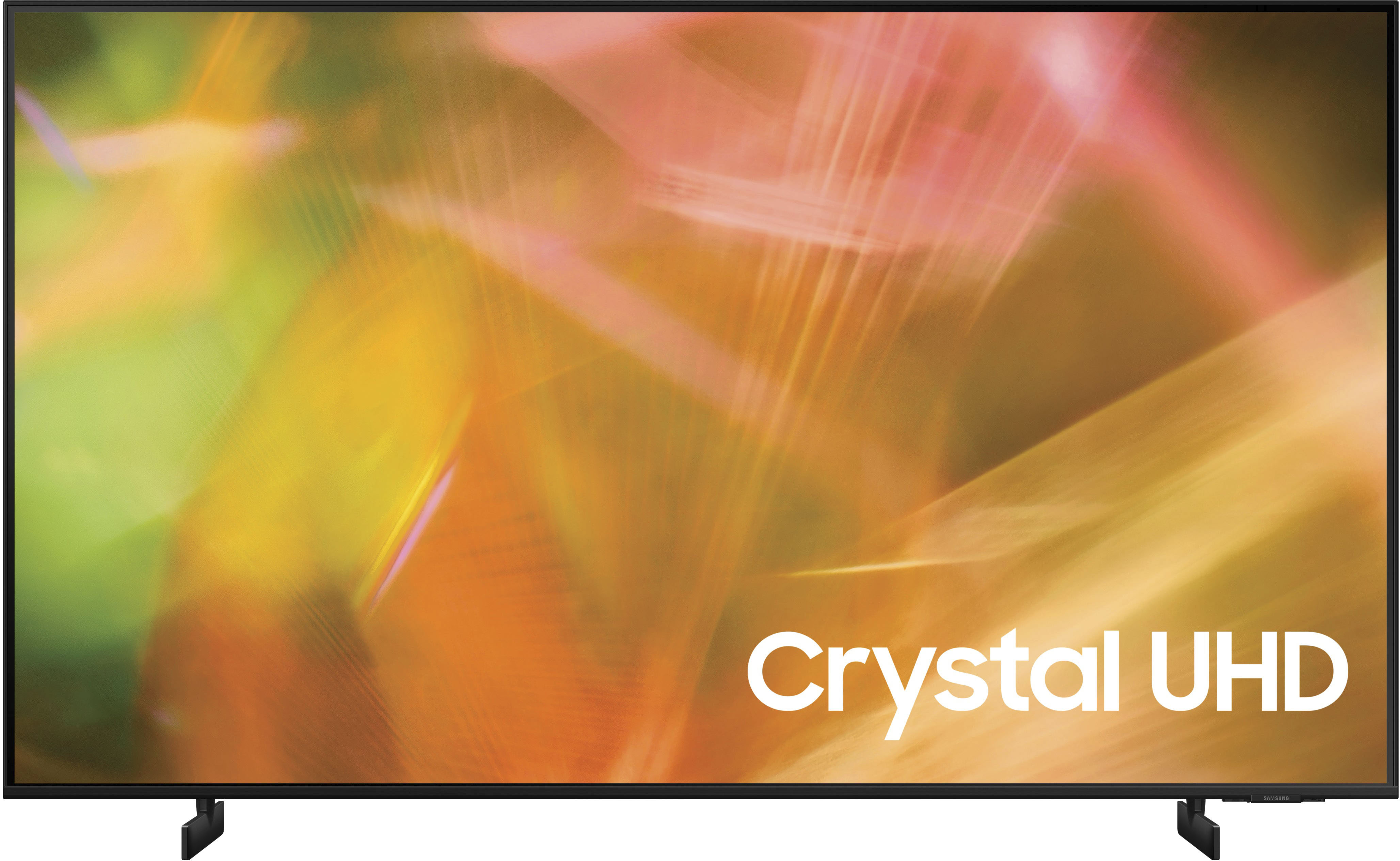
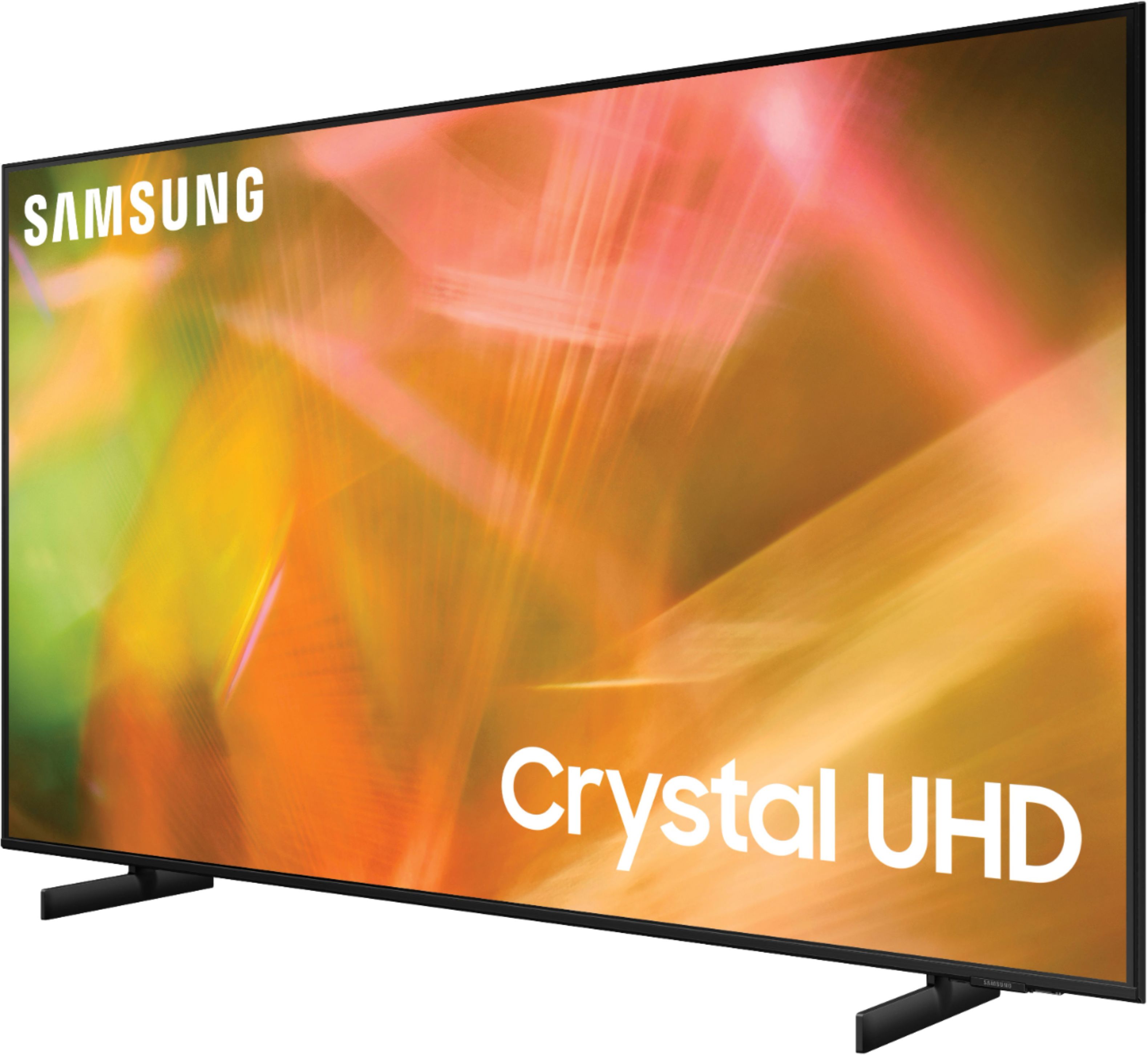

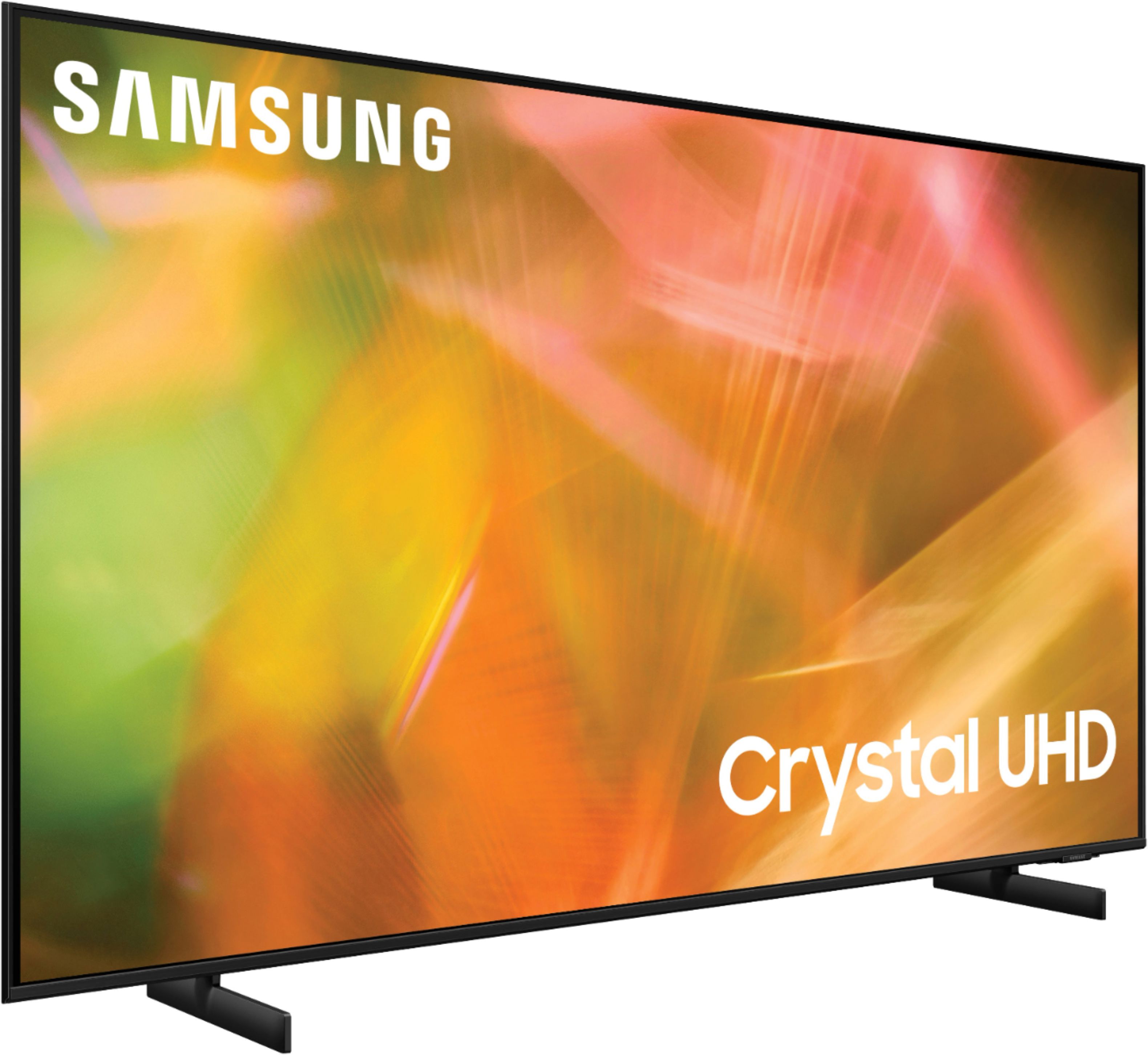


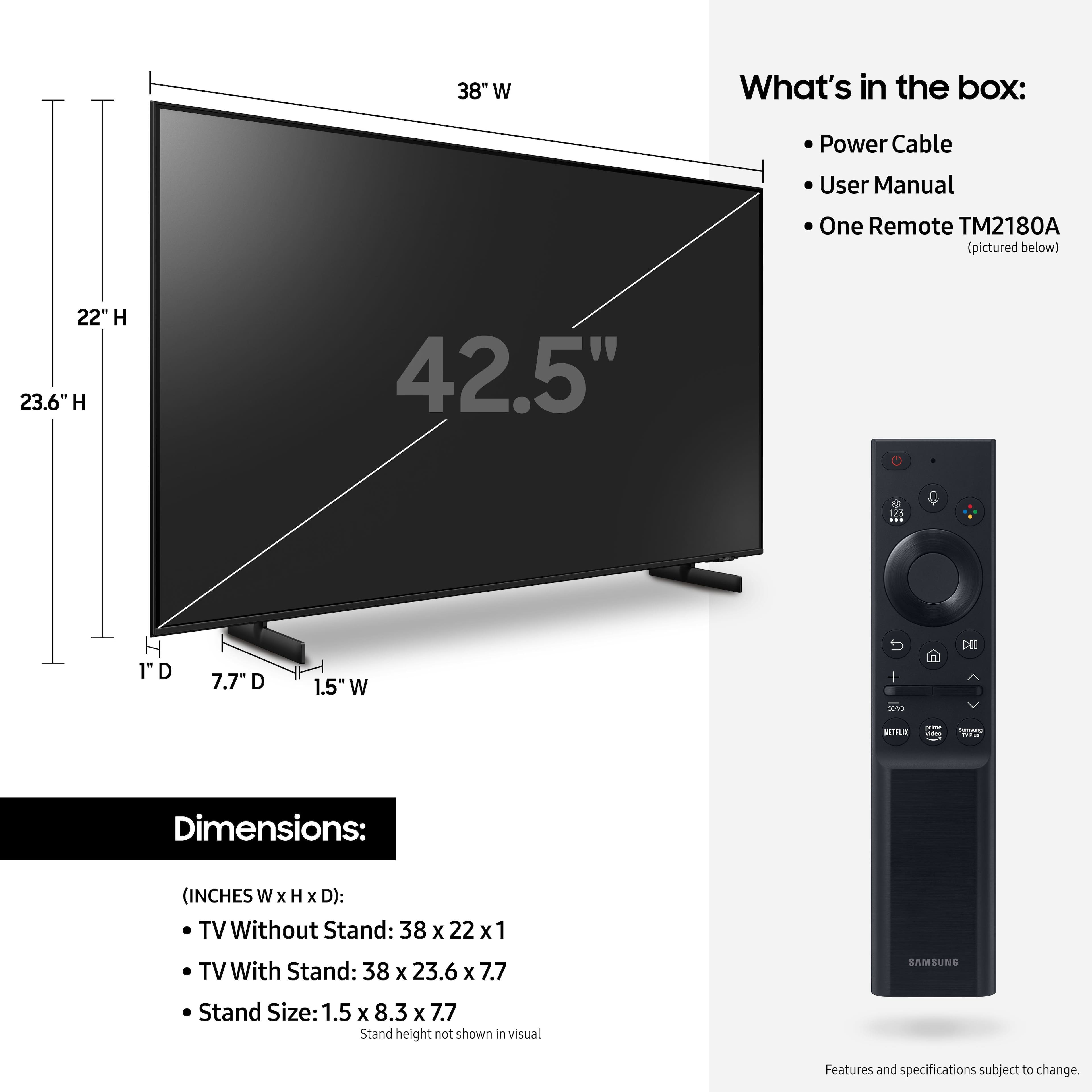








- Model:
- UN43AU8000FXZA
- SKU:
- 6452966
Rating by feature
- Picture Quality
Rating 4.8 out of 5 stars
- Sound Quality
Rating 4.1 out of 5 stars
- Brightness
Rating 4.7 out of 5 stars
Customers are saying
Customers are delighted by the picture quality and ease of use of the 43" Class 8000 Series LED 4K UHD Smart Tizen TV. Many also appreciate the smart TV features, the price point, and the sleek design. However, some users have expressed concerns regarding the remote control's ergonomics and the volume control's range. A few customers also mentioned that the operating system and user interface could be improved for a smoother experience.
This summary was generated by AI based on customer reviews.
Samsung 43" TV
||Posted . Owned for 1 month when reviewed.This reviewer received promo considerations or sweepstakes entry for writing a review.Excellent product and sales person was a big help.
I would recommend this to a friend- Cons mentioned:Remote control
How long will this thing last?
||Posted . Owned for 1 month when reviewed.This reviewer received promo considerations or sweepstakes entry for writing a review.Replacing a 10 year old Sony and decided to save some money and go with a Samsung. During set up, the remote worked only intermittently. Had to unpair it, then pair it again and still it didn't work. Had to go back online for help and then reset the remote. Whatever. Not the end of the world but I've had better experiences for sure. But now, a month later, right after the return period ended, it's not streaming. First it wouldn't connect to Hulu, then no Netflix, no HBO Max. Had to get out the old Fire TV Stick and use that to stream. This is only the first month. What's next?
No, I would not recommend this to a friendBrand response from Samsung
Posted .HI Sadsung,
Thank you for purchasing the Samsung AU8000 Crystal UHD TV and for sharing your review. The details you have provided regarding remote and internet connection issues are important to us and will be shared with our product teams.
Thank you for purchasing the Samsung AU8000 and for sharing your detailed review. The feedback you have provided regarding the sound quality and connection issues you are experiencing are important to us and will be shared with our internal teams. We suggest you try the following to improve your experience:
1. Use 5Ghz Wi-Fi if possible
2. Try wired LAN if available
3. Try repositioning the router so there are no obstacles between your TV and the router
Please also be sure you are running the latest firmware (v.1903.0). You can check to see what software version your TV is using and if there is an available update through the settings on your TV. Go to: Settings > Support > Software Update.
You may want to enable automatic updates for conveniences.
Go to Settings > Support > Software Update, then select Auto Update.
Additionally, to optimize the smart TV performance, please try Device Care option under the Support Menu. Go to Settings > Support> Device Care > Start Device Care.
This improves your apps performance as it frees up unused cached memory and closes background apps.
Should you ever have questions or need help, please call us at 1-800-SAMSUNG (ask for TVs), available 8AM - 12AM EST, 7 days a week.
For additional support resources, visit us on the Samsung website and click on the ‘Support’ link in the upper right corner of the homepage for:
1) Chat with Us/Product Help: To begin a chat or find solutions, choose ‘TVs & Home Theater’ and select your model & topic.
2) Register a Product: For access to easy warranty support, convenient opt-in to special promos and offers, faster troubleshooting and service, and quick notification of system updates.
3) Manuals & Software
4) Warranty Info
5) Contact Us
~ Samsung Solutions
- Cons mentioned:Volume
tv
||Posted . Owned for 2 months when reviewed.This reviewer received promo considerations or sweepstakes entry for writing a review.I am not happy with it at all. No volume, and the picture is not good at all. My old Flat screen had a better picture and was 7 years old.
No, I would not recommend this to a friendBrand response from Samsung
Posted .Notgood,
We appreciate you sharing your experience with the AU8000 TV. Your details regarding the image and sound quality of your TV are important to us and will be shared with our internal teams. You may want to try adjusting the settings to improve your picture and sound.
Your TV has several Picture Modes to choose from allowing you to enjoy content in optimal conditions. Go to Home > Settings > Picture > Picture Mode
1) Standard: Is the default mode suitable for general viewing environments.
2) Natural: Reduces eye strain for a comfortable viewing experience.
3) Movie: Is suitable for watching TV or movies in a dark room.
4) Dynamic: Makes the picture brighter and clearer in bright viewing environments.
5) Filmmaker Mode: You can watch the source content (e.g., movie) as it is. If the image is defined as Filmmaker Mode, it will automatically switch to Filmmaker Mode while watching.
You can also go to: Settings > Picture > Expert Settings and configure the TV settings to your taste with additional functions.
Additionally, there are several sound settings you can adjust to suit your personal sound preferences. Change the Sound Mode by going to: Settings > Sound > Sound Mode
You can also customize the sound with Expert Settings by going to: Settings > Sound > Expert Settings
I hope these tips help you enjoy your new product.
You can always contact us for further help at 1-800-SAMSUNG, 8AM - 12AM EST, 7 days a week. Our LiveChat agents are also available by clicking on the ‘Support’ link on our website.
~ Samsung Specialist
Dream come thru
||Posted . Owned for 3 weeks when reviewed.This reviewer received promo considerations or sweepstakes entry for writing a review.Great product. Excellent service. Beautiful place
I would recommend this to a friendSamsung 8000 series a great tv.
||Posted . Owned for 3 weeks when reviewed.This reviewer received promo considerations or sweepstakes entry for writing a review.Very nice television. Easy to navigate,great remote.
I would recommend this to a friendTv
||Posted . Owned for 3 weeks when reviewed.This reviewer received promo considerations or sweepstakes entry for writing a review.Excellent!!! I love the product!! It’s perfect!! Beautiful
I would recommend this to a friendBrand response from Samsung
Posted .Hi Wonderful,
Thank you for choosing the Samsung AU8000 TV and for your review. I am so glad to hear you are enjoying your new TV!
Should you ever have questions or need help, please call us at 1-800-SAMSUNG (ask for TVs), available 8AM -12AM EST, 7 days a week. Or text HELP to 62913.
For additional support resources, visit us on the Samsung website and click on the ‘Support’ link in the upper right corner of the homepage for:
1) More ‘Contact Us’ options – LiveChat, Facebook, Twitter, Samsung Community, Samsung Members app
2) Manuals & Software
3) Warranty Info
4) Product Registration: For access to easy warranty support, convenient opt-in to special promos and offers, faster troubleshooting and service, and quick notification of system updates.
Thank you for choosing Samsung TVs!
~ Samsung Specialist
extra long ride
||Posted . Owned for less than 1 week when reviewed.This reviewer received promo considerations or sweepstakes entry for writing a review.So far so good but i'm waiting to see if this tv has problems. For some reason the next day shipping took 4 day because the tv took a truck ride three states away then back. i can't imagine bouncing around a delivery truck for 4 day was good for the boards.
I would recommend this to a friendBrand response from Samsung
Posted .BrianB,
Thank you for purchasing the AU8000 TV and for sharing your feedback. I’m glad to see that you are pleased with the product itself.
If you should ever have questions with features or operation, Samsung is ready to help. You can reach us at 1-800-SAMSUNG (ask for TVs), available 8AM - 12AM EST, 7 days a week.
For additional support resources, visit us on the Samsung website and click on the ‘Support’ link in the upper right corner of the homepage for:
1) Contact Us: For additional Chat & Text options, choose ‘TVs & Home Theater’ and select your model & topic.
2) Manuals, Software, & Warranty Info
~ Samsung Specialist
- Pros mentioned:Picture quality
Visually good but sound not
||Posted . Owned for 1 month when reviewed.This reviewer received promo considerations or sweepstakes entry for writing a review.I really liked the picture of this tv but the sound was horrible. I returned it and got a different one which sounds much. I was told at the store a sound bar would have fixed my problem
No, I would not recommend this to a friendBrand response from Samsung
Posted .Hi Lori,
Thank you for sharing your review of the AU8000 Crystal UHD TV. We value your feedback regarding the sound quality of your new TV and will share it with our teams.
If there is anything we can do to improve your enjoyment such as helping to optimize settings for your specific usage scenario, please contact Samsung Customer Support at 1-800-SAMSUNG (ask for TVs), available 8AM - 12AM EST, 7 days a week.
For additional support resources, visit us on the Samsung website and click on the ‘Support’ link in the upper right corner of the homepage for:
1) Chat with Us/Product Help: To begin a chat or find solutions, choose ‘TVs & Home Theater’ and select your model & topic.
2) Register a Product: For access to easy warranty support, convenient opt-in to special promos and offers, faster troubleshooting and service, and quick notification of system updates.
3) Manuals & Software
4) Warranty Info
5) Contact Us
~ Samsung Solutions
Don’t buy open box
||Posted . Owned for less than 1 week when reviewed.This reviewer received promo considerations or sweepstakes entry for writing a review.Don’t buy any open box items from Best Buy. This was my second purchase of an open box, the first came all scratched up and this one has 2 missing parts even though both were listed as “excellent”.
No, I would not recommend this to a friendBrand response from Samsung
Posted .Hi RachelB,
We appreciate you sharing your feedback regarding parts missing from your AU8000 TV. If purchased in open-box condition, we recommend contacting Best Buy directly for assistance. We hope your issue is resolved in a timely manner.
Should you ever have questions or need help, Samsung is here for you! Just give us a call at 1-800-SAMSUNG, 8 AM - 12 AM EST, seven days a week. Our LiveChat agents are also available by clicking on the ‘Support’ link on our website.
~ Samsung Advisor
- Pros mentioned:Picture quality
Horrible sound quality
||Posted . Owned for 2 weeks when reviewed.This reviewer received promo considerations or sweepstakes entry for writing a review.This TV however still has a nice picture. The sounds quality is awful so it was returned for the Sony 80K which has better sound quality and picture.
No, I would not recommend this to a friendBrand response from Samsung
Posted .HI Jesse,
I’m sorry to hear the sound quality of Samsung’s AU8000 TV did not meet your expectations. Your feedback is appreciated and will be shared with our internal teams.
Please know we are always here to help, and we could have assisted in providing settings adjustments to resolve any issues you were experiencing.
Should you ever decide to give Samsung TVs another try and have questions or need help with settings, setup, or features, please know we’re here to help. Call us at 1-800-SAMSUNG, 8 AM – 12 AM EST, seven days a week.
LiveChat with an agent, as well as manuals, software, and warranty info, can be found at the ‘Support’ link on our Samsung website.
We hope to regain you as a customer in the future.
~ Samsung Advisor
Bad tv
||Posted . Owned for 1.5 years when reviewed.This reviewer received promo considerations or sweepstakes entry for writing a review.Bought 18months ago for my mother in law. Stopped working, wont turn on. Tried all recomended fixes but no luck. Tv like this should work longer. Very disapointed.
No, I would not recommend this to a friendSamsung TV review
||Posted . Owned for 2 weeks when reviewed.This reviewer received promo considerations or sweepstakes entry for writing a review.The television is basically OK , but it is unable to connect to my WiFi at home. Samsung customer service to me to bring it back to Best Buy and get a new one. I have not yet had an opportunity todo that.
No, I would not recommend this to a friendBrand response from Samsung
Posted .SamsungTVreview,
Thank you for choosing the AU8000 Crystal UHD TV and taking the time to share your experience with the connection to your internet network. If you are experiencing issues with the Wi-Fi connection, we suggest you try the following:
1. Use 5Ghz Wi-Fi if possible
2. Try wired LAN if available
3. Try repositioning the router so there are no obstacles between your TV and the router
Please also be sure you are running the latest firmware. You can check to see what software version your TV is using and if there is an available update through the settings on your TV. Go to: Settings > Support > Software Update.
You may want to enable automatic updates for conveniences.
Go to Settings > Support > Software Update, then select Auto Update.
I hope these tips help resolve your concerns. For more help, please call us at 1-800-SAMSUNG, 8AM - 12AM EST, 7 days a week. LiveChat with an agent as well as manuals, software, and warranty info can be found at the ‘Support’ link on our Samsung website.
~ Samsung Specialist
Disappointing
||Posted . Owned for 1 week when reviewed.This reviewer received promo considerations or sweepstakes entry for writing a review.I bought this tv in early May, 2021. 1. The sound quality coming from this Samsung is unbelievably bad (video quality, however, is very good). If you're going to buy this tv, budget additional dollars for a soundbar, too. You're going to need one. 2. I bought this tv when we shifted from Dish to YouTube TV. It represented the third Samsung in my house (none are over two years old). No problems with the other, older Samsung models, but this one would not change channels within YouTube TV. Best Buy was great, allowing me to return the Samsung. I bought a Sony. It works perfectly, and the sound that comes with the Sony unit is much better than the Samsung.
No, I would not recommend this to a friendBrand response from Samsung
Posted .Hello edward,
Thank you for sharing your review of the Samsung AU8000 TV. Your details regarding your sound quality and app issues are appreciated and will be shared with our internal teams.
Should you ever decide to give Samsung TVs another try and have questions or need assistance with settings, setup, or features, please know we are always here to help. Call us at 1-800-SAMSUNG (ask for TVs), available 8AM -12AM EST, 7 days a week. Or text HELP to 62913.
For additional support resources, visit us on the Samsung website and click on the ‘Support’ link in the upper right corner of the homepage for:
1) More ‘Contact Us’ options – LiveChat, Facebook, Twitter, Samsung Community, Samsung Members app
2) Manuals, Software, & Warranty Info
We hope to regain you as a customer in the future.
~ Samsung Specialist
Samsung TV
||Posted .This reviewer received promo considerations or sweepstakes entry for writing a review.Disappointed with the TV. t did not come with a basic users manual to become familiar with the system. Does not pull in as many channels with our in home antenna as our old TV.
No, I would not recommend this to a friendBrand response from Samsung
Posted .Hi MichaelF,
We appreciate your feedback on the AU8000 TV. Please know we are here to help.
If your TV did not come with a User Manual, you can download the User Manual and Remote Guide directly from Samsung’s website under ‘Support’ (top right corner) > Manuals & Software > TVs & Home Theater. From there, you can select the AU8000 under Crystal UHD TVs > A Model Lineup.
If we can help with anything else, please call us at 1-800-SAMSUNG, 8 AM - 12 AM EST, seven days a week. LiveChat with an agent, as well as manuals, software, and warranty info, can be found at the ‘Support’ link on our Samsung website.
Poor duration of quality
||Posted . Owned for 1 year when reviewed.This reviewer received promo considerations or sweepstakes entry for writing a review.TV only lasted 15 months, black line down the middle of screen. Have always purchased Samsung items, but guess I will not buy another of their tv’s!
No, I would not recommend this to a friend- Pros mentioned:Picture quality
Sound is horrible
||Posted . Owned for less than 1 week when reviewed.This reviewer received promo considerations or sweepstakes entry for writing a review.Love the picture, but it sounds like its in a tin can. Will be returning, If we cant get a better sound with our speaker bar
No, I would not recommend this to a friendBrand response from Samsung
Posted .Hi SMANLEY,
Thank you for sharing your thoughts regarding the AU8000 TV’s sound quality. We recommend adjusting the Sound Settings to improve your experience. You can change the Sound Mode by going to Settings > Sound > Sound Mode.
You can also customize the sound with Expert Settings by going to Settings > Sound > Expert Settings.
To assist you with possible sound settings adjustments for a better audio experience or choosing a Samsung Soundbar to complement your viewing enjoyment, please reach out to us at 1-800-SAMSUNG, 8 AM - 12 AM EST, seven days a week. Our LiveChat agents are also available by clicking on the ‘Support’ link on our website.
~ Samsung Advisor
- Pros mentioned:Picture quality
Horrible sound!
||Posted . Owned for 3 weeks when reviewed.This reviewer received promo considerations or sweepstakes entry for writing a review.Picture was awesome, but the horrible sound made me return it for a refund! It was literally painful to my ears!
No, I would not recommend this to a friendBrand response from Samsung
Posted .Hi SJMC,
Thank you for your review and for sharing the reasons that caused you to return this TV. Your user experience is very much valued, It is our customers’ concerns and opinions that drive our continuous efforts towards delivering world-class service and products.
It is possible that your unit needed minor troubleshooting, a firmware update, or adjustments in settings. Should you ever decide to give Samsung TVs another try and have questions or need assistance with settings, setup, or features, please know we are always here to help.
Call us at 1-800-SAMSUNG (ask for TVs), available 8AM - 12AM EST, 7 days a week.
For additional support resources, visit us on the Samsung website and click on the ‘Support’ link in the upper right corner of the homepage for:
1) Contact Us: For additional Chat & Text options, choose ‘TVs & Home Theater’ and select your model & topic.
2) Manuals, Software, & Warranty Info
We hope to regain you as a customer in the future.
~ Samsung Solutions
Disappointed Samsung!
||Posted . Owned for 3 weeks when reviewed.This reviewer received promo considerations or sweepstakes entry for writing a review.Bought this for my bedroom to upgrade to 4k. I’m a big fan of Samsung and went with the 8000 series hoping to enjoy the crisp , detailed , bright picture as advertised. It’s ok at best and my 6 year old Samsung led blows it away. And yes , I made all the picture adjustments and still just ok. I will be moving this to my enclosed porch where I only watch tv occasionally and buying new for my bedroom. It’s ok if your not expecting much but if you can I suggest you move on to a different model series.
No, I would not recommend this to a friendBrand response from Samsung
Posted .Hi RPH621,
Thank you for your review of the Samsung AU8000 TV and feedback on the picture quality. I see that you’ve already tried adjusting your image, but I did want to share the following adjustments with you, just in case:
In addition to the several picture modes on your TV, you may also want to try adjusting additional picture settings if the picture you are seeing is not to your liking.
You can go to Home > Settings > Picture > Expert Settings and configure the TV settings to your taste with functions such as Brightness, Contrast, Sharpness, Color, Tint (G/R), and many more.
The TV will upscale as best as possible any content sent to it. The closer your content is to 4K, the better the image will look on the screen.
Here are some tips to help improve the picture clarity:
1) HDMI cables are recommended for optimal HD viewing.
2) If you have an analog cable box or satellite box, upgrade to a digital cable box or satellite box.
3) Change the output resolution of your devices, such as digital broadcast receivers, IPTV, and set-top boxes to UHD or HD.
4) You can further adjust your sharpness, brightness, contrast, color, and more by going to Settings > Picture > Expert Settings
5) Choose a Picture Mode by going to Settings > Picture > Picture Mode and choose from Dynamic, Standard, Natural, Movie, or Filmmaker Mode.
Should you ever have questions or need help with TV features, specs, or operations, we are here to help. Please call us at 1-800-SAMSUNG, 8 AM - 12 AM EST, seven days a week. LiveChat with an agent and manuals, software, and warranty info, can be found at the ‘Support’ link on our Samsung website.
~ Samsung Advisor
- Cons mentioned:Remote control
You get what you pay for
||Posted . Owned for less than 1 week when reviewed.This reviewer received promo considerations or sweepstakes entry for writing a review.Decent tv. Not sure what is wrong woth the interface and/or remote. Seems off and buggy. Will be returning.
No, I would not recommend this to a friendBrand response from Samsung
Posted .Hi Dustin,
I'm glad you reached out to us to let us know you are experiencing issues with your Samsung AU8000 TV. Please know we are here to help and have a few troubleshooting tips that may help.
First, let's make sure you are running the latest Firmware. Go to Settings> Support> Software Update.
Next, I recommend utilizing the self-diagnostic tool, which checks memory, frees unused cached memory, and closes background apps. Go to Settings > Support > Device Care > Start Device Care.
Finally, please try adding new batteries to your Samsung TV Remote and ensure nothing is blocking the TV.
If you are still experiencing a slow user interface, please call us at 1-800-SAMSUNG, 8 AM - 12 AM EST, seven days a week. Our LiveChat agents are also available by clicking on the ‘Support’ link on our website.
~ Samsung Advisor
Samsung TV Sound
||Posted . Owned for 3 months when reviewed.This reviewer received promo considerations or sweepstakes entry for writing a review.The picture is fine, but the speaker sounds very “tinny.” Upping the bass and lowing the treble does help. Very disappointing for a Samsung product.
No, I would not recommend this to a friendBrand response from Samsung
Posted .Hi TVSound,
Thank you for sharing your thoughts on the AU8000 TV's sound quality. To tune the sound to your liking, you may want to try adjusting several sound settings to suit your personal sound preferences.
You can change the Sound Mode by going to Settings > Sound > Sound Mode.
You can also customize the sound with Expert Settings by going to Settings > Sound > Expert Settings.
To assist you with possible sound settings adjustments for a better audio experience or choosing a Samsung Soundbar to complement your viewing enjoyment, please reach out to us at 1-800-SAMSUNG, 8 AM - 12 AM EST, seven days a week. Our LiveChat agents are also available by clicking on the ‘Support’ link on our website.
~ Samsung Advisor