Customer Ratings & Reviews









- Model:
- UN43DU6900FXZA
- SKU:
- 6601392
Rating by feature
- Picture Quality
Rating 4.7 out of 5 stars
- Sound Quality
Rating 4.5 out of 5 stars
- Brightness
Rating 4.7 out of 5 stars
Customers are saying
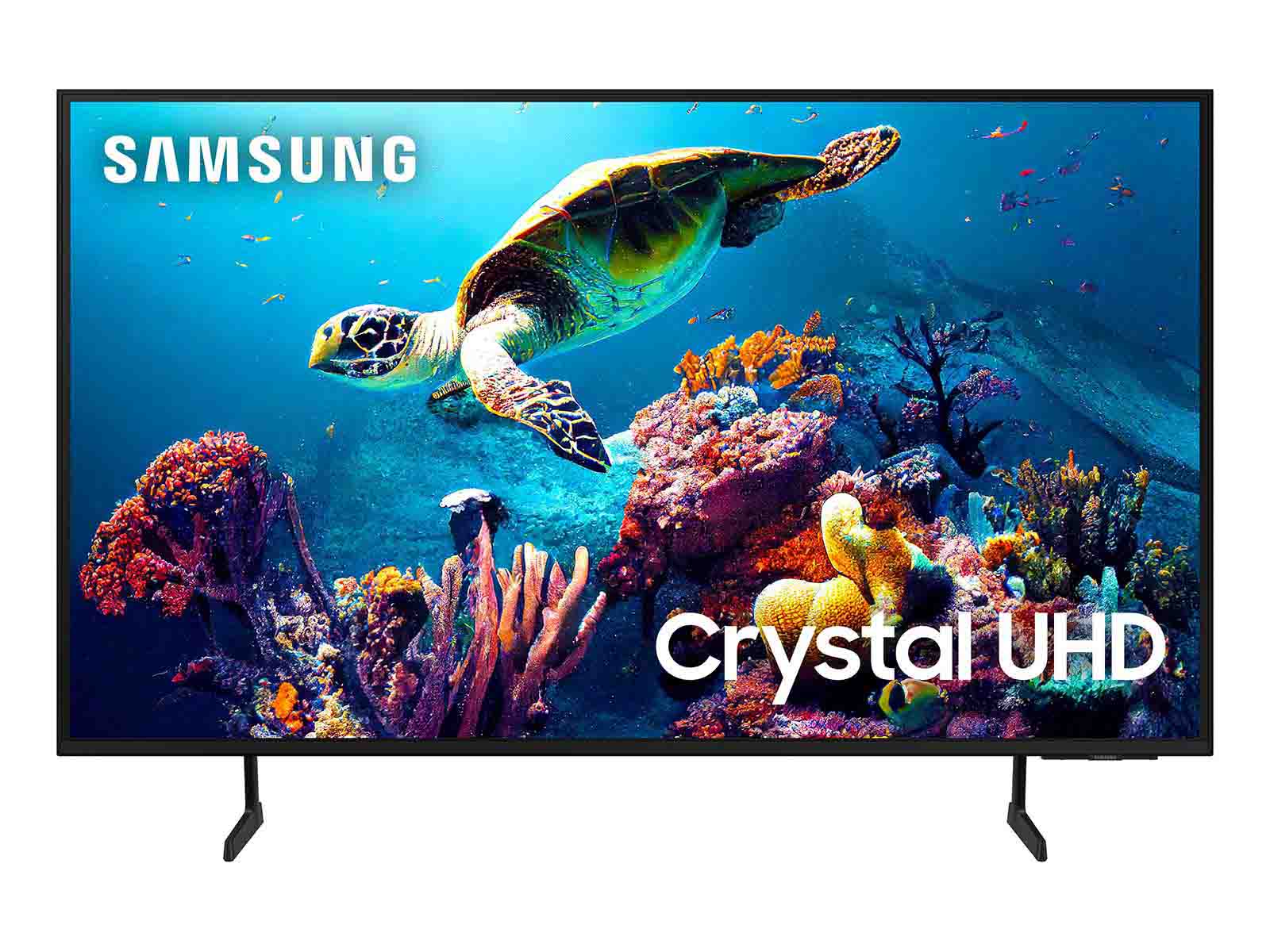
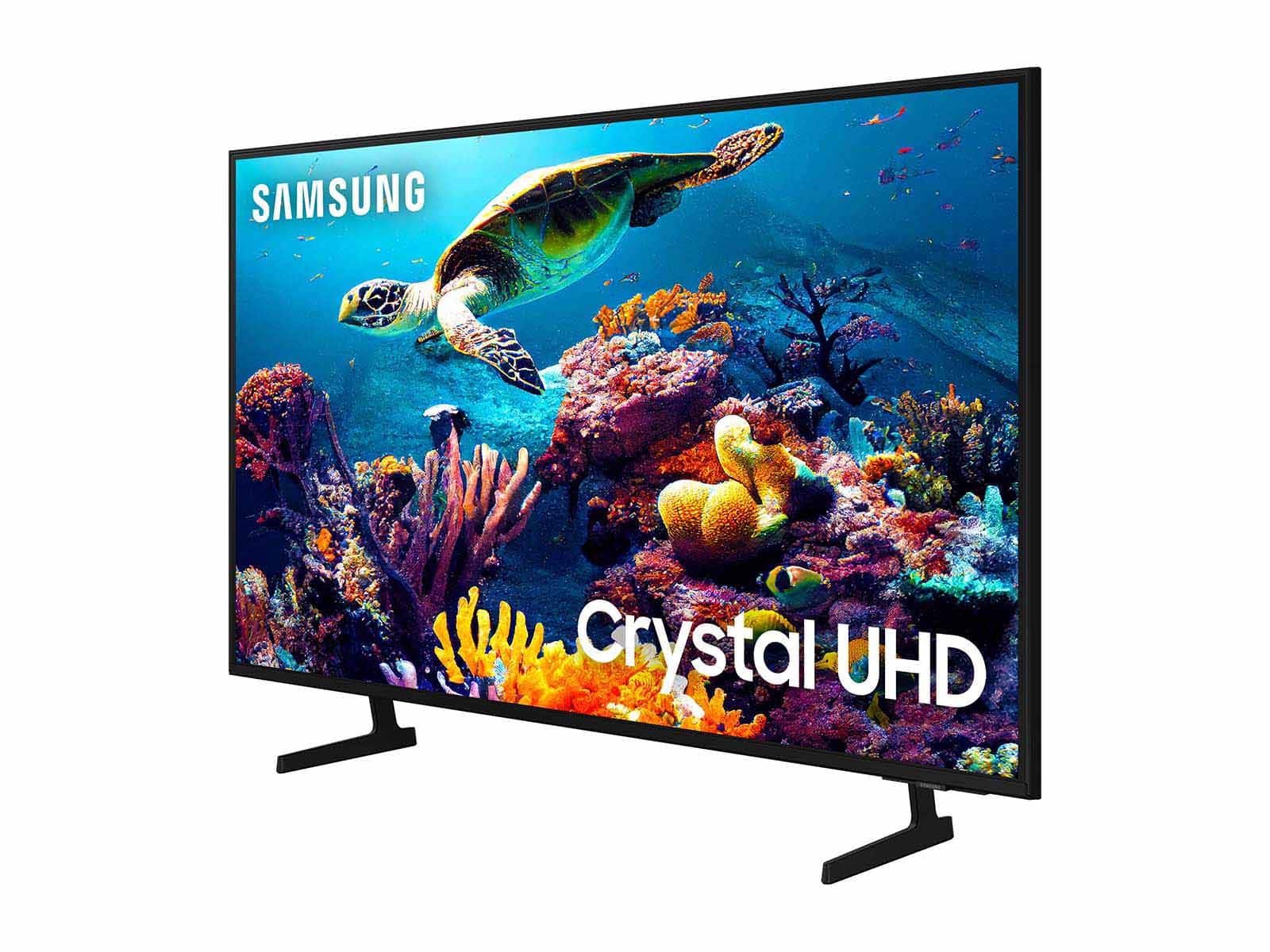
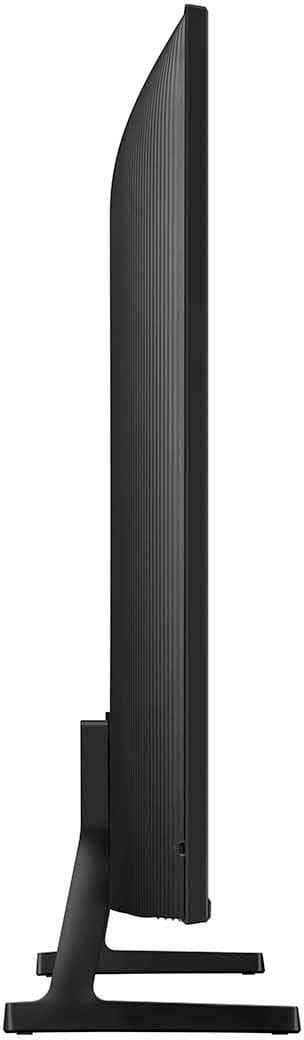
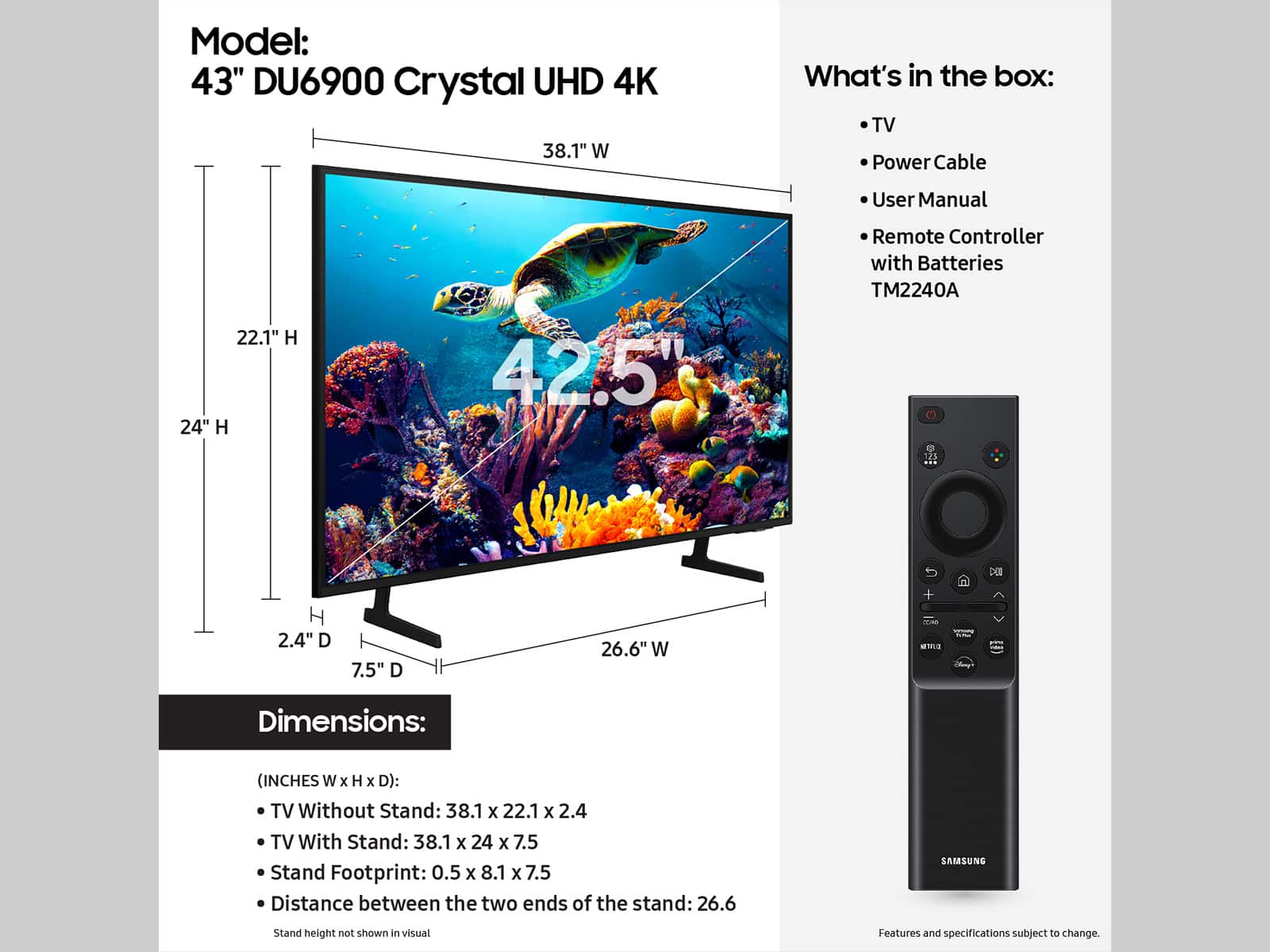
Customers are pleased with the picture quality and ease of use of the 43” Class DU6900 Series Crystal UHD 4K Smart Tizen TV (2024). Many also appreciate the straightforward setup process and the TV's lightweight design. However, some users expressed concerns about the remote control's design and the TV's brightness levels in certain viewing conditions. The TV's affordability is also frequently praised.
This summary was generated by AI based on customer reviews.
- Pros mentioned:Picture quality
Great Picture Quality
||Posted . Owned for 1 week when reviewed.This reviewer received promo considerations or sweepstakes entry for writing a review.My daughter LOVES this TV & the picture is so great!
I would recommend this to a friend - Pros mentioned:Picture quality
Samsung 43 inch
||Posted . Owned for 3 weeks when reviewed.This reviewer received promo considerations or sweepstakes entry for writing a review.Love my tv!! Great picture abd easy to set up. Would recomnend.
I would recommend this to a friend Great Value
||Posted . Owned for 1 month when reviewed.This reviewer received promo considerations or sweepstakes entry for writing a review.Great tv. Affordable. Great value highly recommended
I would recommend this to a friend- Pros mentioned:Picture quality
Quality tv
||Posted . Owned for 1 month when reviewed.This reviewer received promo considerations or sweepstakes entry for writing a review.Unbelievable tv great picture and sound well made tv
I would recommend this to a friend Great tv
||Posted .This reviewer received promo considerations or sweepstakes entry for writing a review.It is a great tv incredible resolution and color scheme. I have it in my bedroom and use it all the time.
I would recommend this to a friend- Pros mentioned:Picture quality
Best TV Ever!!
||Posted . Owned for 3 weeks when reviewed.This reviewer received promo considerations or sweepstakes entry for writing a review.Great Picture Quality! Awesome Sound Quality as well!
I would recommend this to a friend - Pros mentioned:Performance
amcd
||Posted . Owned for 1 month when reviewed.This reviewer received promo considerations or sweepstakes entry for writing a review.Perfect for our viewing needs. Easy install and delivery
I would recommend this to a friend Too Much TV for Too Little Money!
||Posted . Owned for 2 weeks when reviewed.This reviewer received promo considerations or sweepstakes entry for writing a review.Ridiculous value for a great TV, and its a Samsung!
I would recommend this to a friendCheap. Not good.
||Posted . Owned for less than 1 week when reviewed.This reviewer received promo considerations or sweepstakes entry for writing a review.Very cheap and poor quality tv. Have to turn the brightness nearly all the way down to prevent the picture from white washing during bright movie scenes, and even at that, it still white washes during bright scenes. Tizen is slow and clunky feeling. Tizen os has still not improved much since my samsung tv that i bought about 9 years ago. Dissappointing. For example when starting a movie in MAX the picture quality is very poor for quite a while until it fully buffers. Also there is not an antenna input. Very poor for a Samsung. I was surprised how bad this tv really is. Not the quality you would expect from Samsung. I would definitely avoid buying this tv.
No, I would not recommend this to a friendBrand response from Samsung
Posted .Chadw24,
Thank you for sharing your thoughts on the DU6900 TV’s image quality. If you’re uncomfortable with the default brightness settings, you can customize the brightness level between 0 – 50 to your preference. Go to Home > Settings > All Settings> Picture > Expert Settings > Brightness.
You can also try different Picture Modes to see which best fits your needs. Go to Home > Settings > All Settings> Picture > Picture Mode for the below choices:
1) Standard: Default mode suitable for general viewing environments.
2) Natural: Reduces eye strain for a comfortable viewing experience.
3) Movie: Most suitable for watching TV or movies in a dark room.
4) Dynamic: Makes the picture brighter and clearer in bright viewing environments.
5) Filmmaker Mode: You can watch the source content (e.g., movie) as it is. If the image is defined as Filmmaker Mode, it will automatically switch to Filmmaker Mode while watching.
Regarding the image quality before content buffers, it sounds like it may be the internet connection! If you’re experiencing issues with the Wi-Fi connection, we suggest you try the following:
1. Use 5Ghz Wi-Fi if possible
2. Try wired LAN if available
3. Try repositioning the router so there are no obstacles between your TV and the router
4. Try running a cold boot on your TV. To do so, hold down the Power button on the Samsung TV remote until the TV turns off and then on again. This should take about 5 seconds.
Please also be sure you are running the latest firmware. You can check to see what software version your TV is using and if there is an available update through the settings on your TV. Go to: Settings > Support > Software Update.
You can enable automatic updates for convenience.
Go to Settings > Support > Software Update, then select Auto Update.
I hope you can use these adjustment recommendations to help. If you’d like further help with settings, features, or functions, please reach us at 1-800-SAMSUNG, 8 AM - 12 AM EST, seven days a week. Our LiveChat agents are also available by clicking on the ‘Support’ link on our website.
~ Samsung Pro
- Pros mentioned:Picture quality
Samsung does it again
||Posted . Owned for 1 month when reviewed.This reviewer received promo considerations or sweepstakes entry for writing a review.Great first tv for my son to watch all of his shows
I would recommend this to a friend - Pros mentioned:Picture quality
Good tv
||Posted . Owned for 3 weeks when reviewed.This reviewer received promo considerations or sweepstakes entry for writing a review.Good quality picture perfect for what I need it for
I would recommend this to a friend - Pros mentioned:Picture quality
Samsung DU6900
||Posted . Owned for 3 weeks when reviewed.This reviewer received promo considerations or sweepstakes entry for writing a review.Easy to setup and has nice display color and sound!
I would recommend this to a friend - Pros mentioned:Picture quality
Great tv
||Posted . Owned for 3 weeks when reviewed.This reviewer received promo considerations or sweepstakes entry for writing a review.Love this samsung tv with samsung plus. I own 2 now
I would recommend this to a friend - Pros mentioned:Setup ease
Great TV!
||Posted . Owned for 3 weeks when reviewed.This reviewer received promo considerations or sweepstakes entry for writing a review.Super easy setup, quality display, and simple remote.
I would recommend this to a friend Slim isn't always the best.
||Posted . Owned for 3 weeks when reviewed.This reviewer received promo considerations or sweepstakes entry for writing a review.I hate the remote control that comes with it; not much detail on it.
I would recommend this to a friend- Pros mentioned:Picture quality
tv
||Posted . Owned for 3 weeks when reviewed.This reviewer received promo considerations or sweepstakes entry for writing a review.decent tv for the price. good picture but the sound could be better
I would recommend this to a friend Free channels
||Posted .This reviewer received promo considerations or sweepstakes entry for writing a review.I got this TV from my mama. She loves it. Especially because it has a lot of free Spanish channels.
I would recommend this to a friendHappy customer
||Posted .This reviewer received promo considerations or sweepstakes entry for writing a review.I love Best Buy and I love their products and customer service
I would recommend this to a friendGood tv
||Posted . Owned for 1 year when reviewed.This reviewer received promo considerations or sweepstakes entry for writing a review.Overall a good tv with nice color and nice overall sound
I would recommend this to a friend- Pros mentioned:Picture quality
Good 43 " for price
||Posted . Owned for 1 month when reviewed.This reviewer received promo considerations or sweepstakes entry for writing a review.Great picture. Sound has some issues. Great sale price.
I would recommend this to a friend