Customer Ratings & Reviews
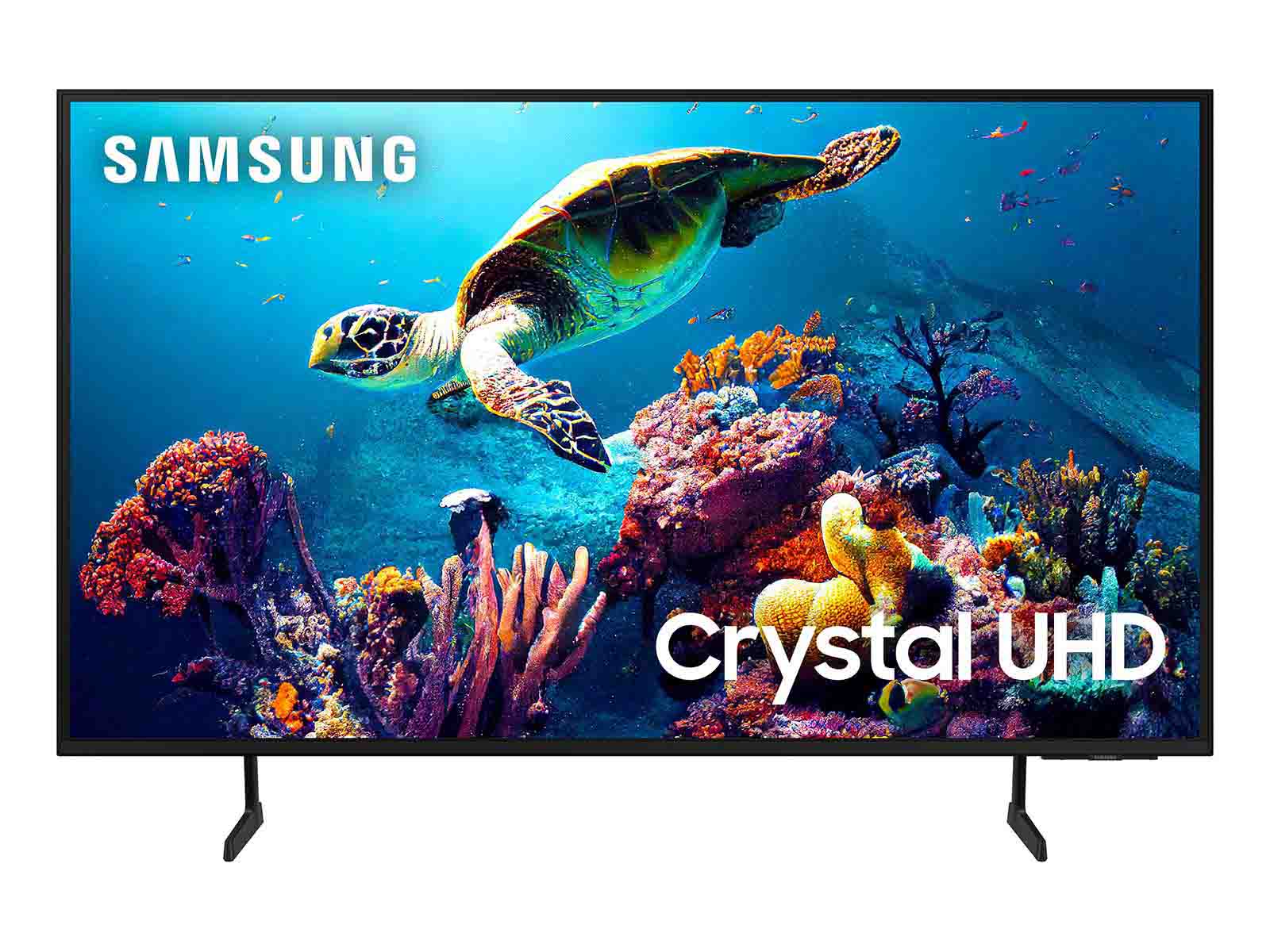
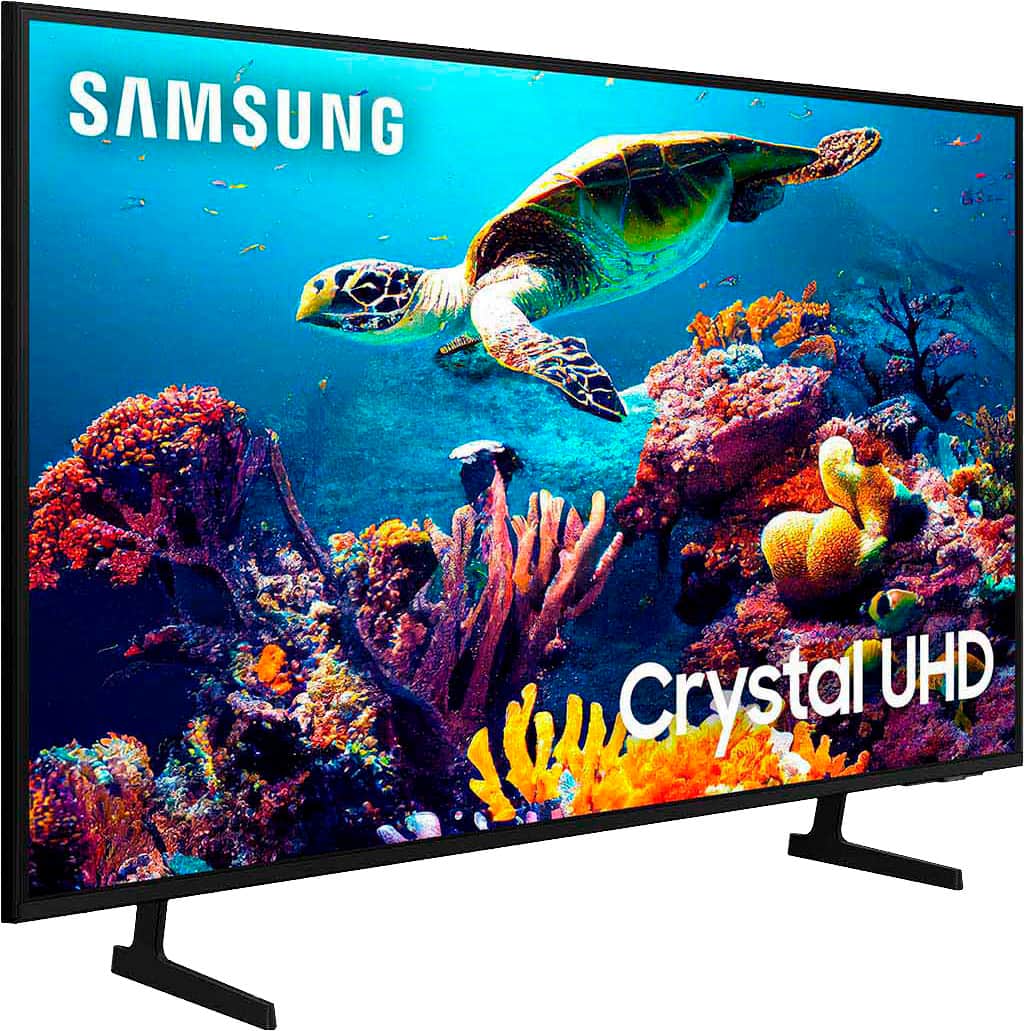
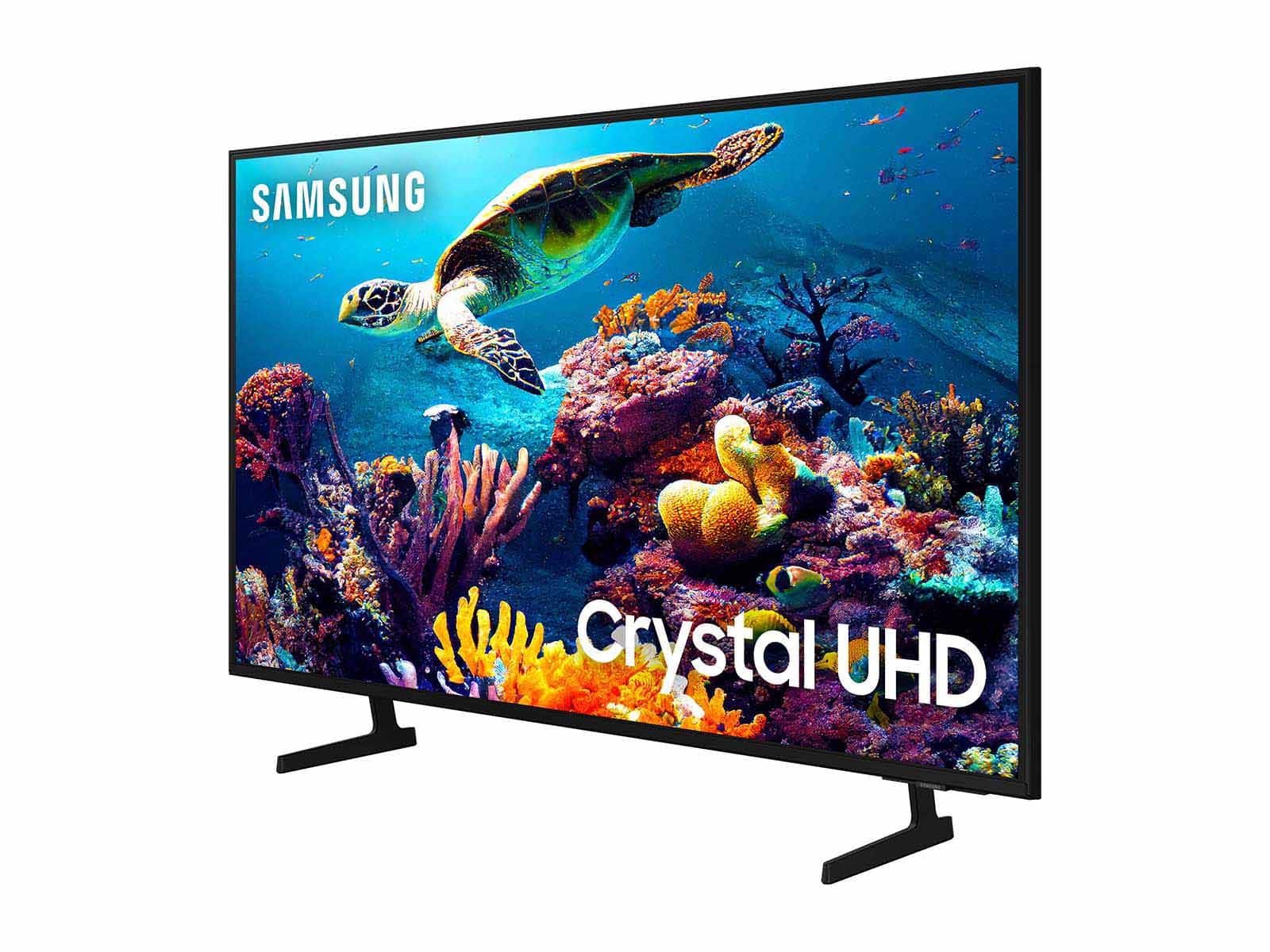
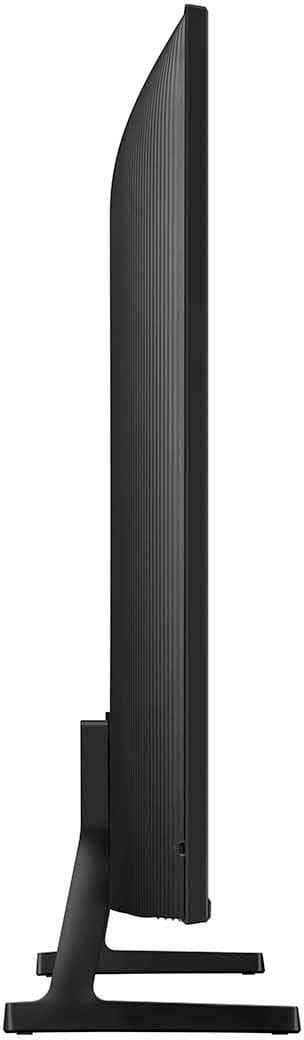




- Model:
- UN43DU6900FXZA
- SKU:
- 6601392
Rating by feature
- Picture Quality
Rating 4.7 out of 5 stars
- Sound Quality
Rating 4.5 out of 5 stars
- Brightness
Rating 4.7 out of 5 stars
Customers are saying
Customers are pleased with the picture quality and ease of use of the 43” Class DU6900 Series Crystal UHD 4K Smart Tizen TV (2024). Many also appreciate the straightforward setup process and the TV's lightweight design. However, some users expressed concerns about the remote control's design and the TV's brightness levels in certain viewing conditions. The TV's affordability is also frequently praised.
This summary was generated by AI based on customer reviews.
Nice addition
||Posted . Owned for 1 month when reviewed.This reviewer received promo considerations or sweepstakes entry for writing a review.Good TV at a great price! My purchase included a free Samsung 43” Which added to the value.
I would recommend this to a friendNo complaints - so far, so good!
||Posted .This reviewer received promo considerations or sweepstakes entry for writing a review.Since we’ve been using the TV, there are no complaints - so far, so good!
I would recommend this to a friendBedroom TV
||Posted . Owned for 1 month when reviewed.This reviewer received promo considerations or sweepstakes entry for writing a review.Solid TV for a good price. Built in xbox features are peak
I would recommend this to a friend43 inches
||Posted . Owned for 3 weeks when reviewed.This reviewer received promo considerations or sweepstakes entry for writing a review.Thanks Grandpa for an great TV for my room...Love you
I would recommend this to a friendTV
||Posted . Owned for 1 month when reviewed.This reviewer received promo considerations or sweepstakes entry for writing a review.Dose not have as great of a picture as my 85" samsung. For the bedroom its OK
I would recommend this to a friendtv
||Posted . Owned for 2 weeks when reviewed.This reviewer received promo considerations or sweepstakes entry for writing a review.tv deal. always love a good deal so took advantage
I would recommend this to a friendSamsung TV
||Posted . Owned for 1 week when reviewed.This reviewer received promo considerations or sweepstakes entry for writing a review.gift for our daughter… she loved it… fits in her room
I would recommend this to a friendLove it!!
||Posted . Owned for 1 week when reviewed.This reviewer received promo considerations or sweepstakes entry for writing a review.Great deal!! Love that I only have to keep track of one remote control now.
I would recommend this to a friendSamsung 43"
||Posted . Owned for 1 month when reviewed.This reviewer received promo considerations or sweepstakes entry for writing a review.Good basic TV. Nothing too advanced which is what I wanted.
I would recommend this to a friendGood tv
||Posted . Owned for 1 month when reviewed.This reviewer received promo considerations or sweepstakes entry for writing a review.Decent tv. Not the sharpest but it’s good for the price.
I would recommend this to a friendSamsung 43
||Posted . Owned for 2 weeks when reviewed.This reviewer received promo considerations or sweepstakes entry for writing a review.Perfect for my kids room and easy fro them to watch disney
I would recommend this to a friendChristmas gift
||Posted . Owned for 3 weeks when reviewed.This reviewer received promo considerations or sweepstakes entry for writing a review.My mother is very happy with her TV TV is very bright.
I would recommend this to a friend- Cons mentioned:Volume
Ms.
||Posted . Owned for 3 weeks when reviewed.This reviewer received promo considerations or sweepstakes entry for writing a review.Having trouble with volume. Won’t go up high enough to hear. Have tried everything I know of. Actually new some help from Best Buy.
No, I would not recommend this to a friendBrand response from Samsung
Posted .RobertaW,
Thank you for sharing your experience with low volume. There are several volume features you can adjust, which may improve your audio experience.
1) Auto Volume automatically adjusts the sound to a certain level when changing channels or switching to another external input. Go to Settings > All Settings> Sound > Expert Settings > Auto Volume.
2) Adaptive Sound automatically adjusts to a specific volume level while watching TV. The TV analyzes your volume usage history by time period to automatically adjust the volume when you use an app or switch to an external input source. Go to Settings> All Settings> Sound> Sound Mode> Adaptive Sound.
3) Several Sound Modes are likewise available to meet your personal preferences: Home > Settings > All Settings> Sound > Sound Mode.
Also, some sources have their own volume control, which might need to be set higher. Please check the volume control of the external device (cable box or satellite box, DVD, Blu-ray, etc.) connected to your TV. Also, check the cable connection between an external device and the TV and then try the cable connection again.
If you need further assistance, we would be happy to help! Please feel free to contact Samsung Support at 1-800-SAMSUNG, available from 8 AM to 12 AM EST, seven days a week. You can also chat with us on Samsung.com for immediate assistance.
~Samsung Pro
Disappointed
||Posted . Owned for 3 weeks when reviewed.This reviewer received promo considerations or sweepstakes entry for writing a review.I had alot of trouble installing the T.V. as there were no instructions in the box. I am still having trouble using the remote as again no instructions were included.
I would recommend this to a friendBrand response from Samsung
Posted .JudyM,
Thank you for choosing Samsung and for your feedback on the DU6900 TV. We understand sometimes there is a learning curve when you get a new TV! This is why we created step-by-step guides, to make it easier for you. To learn about your TV go to https://www.samsung.com/us/support/answer/ANS00062199/.
To learn how to use your Samsung remote and understand the settings on your TV, please use your remote to access the remote guide. Go to Home> (left directional button) Settings> Support> Remote Control Guide.
We are also always available and happy to help you with any questions you may have. You can call us at 1-800-SAMSUNG, 8 AM - 12 AM EST, seven days a week. Our LiveChat agents are also available by clicking on the ‘Support’ link on our website.
~Samsung Pro
Ok
||Posted .This reviewer received promo considerations or sweepstakes entry for writing a review.It's a very nice TV has the options that you can download other TV stational stuff, but the PV does not want to do. It gives you a hard time and will not open. After you load it
No, I would not recommend this to a friendBrand response from Samsung
Posted .user833068,
I’m sorry to hear about the issues you’ve experienced with Samsung’s DU6900 TV. Your feedback is important to us and will be shared with our product teams.
Please know we are available and happy to assist you with further troubleshooting or to set up a warranty appointment. You can contact Samsung Customer Support at 1-800-SAMSUNG, 8 AM - 12 AM EST, seven days a week. Our LiveChat agents are also available by clicking on the ‘Support’ link on our website.
~Samsung Pro
Great sound but could be better picture
||Posted . Owned for 3 weeks when reviewed.This reviewer received promo considerations or sweepstakes entry for writing a review.Tv doesn’t have the clearest picture. I understand why is was very inexpensive.
No, I would not recommend this to a friendBrand response from Samsung
Posted .TracyN,
We appreciate you sharing your experience with the DU6900 TV. Your feedback regarding image quality is essential to us and will be shared with our internal teams. Please try adjusting the below image settings to improve your picture.
Go to Home > Settings > All Settings > Picture > Picture Mode and select the mode that best fits your usage:
1) Standard: Default mode suitable for general viewing environments.
2) Natural: Reduces eye strain for a comfortable viewing experience.
3) Movie: Most suitable for watching TV or movies in a dark room.
4) Dynamic: Makes the picture brighter and clearer in bright viewing environments.
5) Filmmaker Mode: You can watch the source content (e.g., movie) as it is. If the image is defined as Filmmaker Mode, it will automatically switch to Filmmaker Mode while watching.
You can also go to Settings > All Settings> Picture > Expert Settings > to manually fine-tune your image.
If you need more help, Samsung is here for you. Call us at 1-800-SAMSUNG, 8 AM - 12 AM EST, seven days a week. Our LiveChat agents are also available by clicking on the ‘Support’ link on our website.
~ Samsung Pro
Low image quality
||Posted . Owned for 1 week when reviewed.This reviewer received promo considerations or sweepstakes entry for writing a review.Not a good image quality. You should go for at least a qled
No, I would not recommend this to a friendBrand response from Samsung
Posted .FabioR,
We appreciate you sharing your experience with the DU6900 TV. Your feedback regarding image quality is essential to us and will be shared with our internal teams. Please try adjusting the below image settings to improve your picture.
Go to Home > Settings > All Settings > Picture > Picture Mode and select the mode that best fits your usage:
1) Standard: Default mode suitable for general viewing environments.
2) Natural: Reduces eye strain for a comfortable viewing experience.
3) Movie: Most suitable for watching TV or movies in a dark room.
4) Dynamic: Makes the picture brighter and clearer in bright viewing environments.
You can also go to Settings > All Settings> Picture > Expert Settings > to manually fine-tune your image.
If you need more help, Samsung is here for you. Call us at 1-800-SAMSUNG, 8 AM - 12 AM EST, seven days a week. Our LiveChat agents are also available by clicking on the ‘Support’ link on our website.
~Samsung Pro
Smart tv
||Posted .This reviewer received promo considerations or sweepstakes entry for writing a review.Ehhh u gotta unplug it sometimes cuz itll shut off mid anything hasnt happened in awhile but enough that its annoying
No, I would not recommend this to a friendBrand response from Samsung
Posted .STEVENM,
We appreciate your review of Samsung’s DU6900 TV. So we can better understand the issues you’re experiencing and provide you with troubleshooting assistance, please reach out to Samsung Customer Support at 1-800-SAMSUNG, available daily from 8AM - 12AM EST. You can also chat with a LiveChat agent by clicking the ‘Support’ link on our website for:
• Live Chat
• Manuals, Software, & Warranty Info
• Creating a Service ticket
~ Samsung Pro
Blatant company interest scam
||Posted . Owned for 2 weeks when reviewed.This reviewer received promo considerations or sweepstakes entry for writing a review.This has to be the worst customer service I have ever experienced. I had the delivery person sit outside our home and say we weren't home and updated the app that the item was being returned and at the return facility all while sitting outside our home and not ringing out bell. We have now waited 2 weeks for a refund. This is a monopoly to make money from your customers who. Wait weeks for a refund as you collect interest on our money. I will never use ypu online service again. This is a blatant scam and horrible service.
No, I would not recommend this to a friendBrand response from Samsung
Posted .LJamie,
Please know you are leaving a review for the DU6900 TV, not the service provided by Best Buy. Please follow up directly with Best Buy for further assistance. We hope your issue is resolved in a timely manner. Should you have questions regarding Samsung TVs, please contact Samsung Support at 1-800-SAMSUNG, 8 AM – 12 AM EST, 7 days a week. Our LiveChat agents are also available by clicking on the ‘Support’ link on our website.
~Samsung Pro
Never Delivered
||Posted . Owned for 2 weeks when reviewed.This reviewer received promo considerations or sweepstakes entry for writing a review.Unfortunately, UPS and Best Buy had ongoing errors and miscommunication on getting this product shipped to me. Although, I was promised another unit they opted to refund the money vs. just sending me a comparable model.
No, I would not recommend this to a friendBrand response from Samsung
Posted .PointsReview,
I'm sorry you have not received your TV yet. Please follow up directly with Best Buy for further assistance. Should you have questions regarding Samsung TVs, please contact Samsung Support at 1-800-SAMSUNG, 8 AM – 12 AM EST, 7 days a week. Our LiveChat agents are also available by clicking on the ‘Support’ link on our website.
~Samsung Pro