Customer Ratings & Reviews











- Model:
- UN43DU7200FXZA
- SKU:
- 10413039
Rating by feature
- Picture Quality
Rating 4.8 out of 5 stars
- Sound Quality
Rating 4.5 out of 5 stars
- Brightness
Rating 4.7 out of 5 stars
to a friend
Samsung 7200
||Posted . Owned for 1 month when reviewed.This reviewer received promo considerations or sweepstakes entry for writing a review.Television works as advertised, initial setup was a little difficult.
I would recommend this to a friendTv
||Posted . Owned for 2 months when reviewed.This reviewer received promo considerations or sweepstakes entry for writing a review.I only purchase Samsung best quality in my opinion
I would recommend this to a friendneed to remove the gray bar
||Posted . Owned for less than 1 week when reviewed.This reviewer received promo considerations or sweepstakes entry for writing a review.like the tv, just can not find away to remove the gray bar
I would recommend this to a friendTV
||Posted . Owned for 1 month when reviewed.This reviewer received promo considerations or sweepstakes entry for writing a review.The employees are delightful and they are very knowledgeable
I would recommend this to a friendWall mount screws are not included
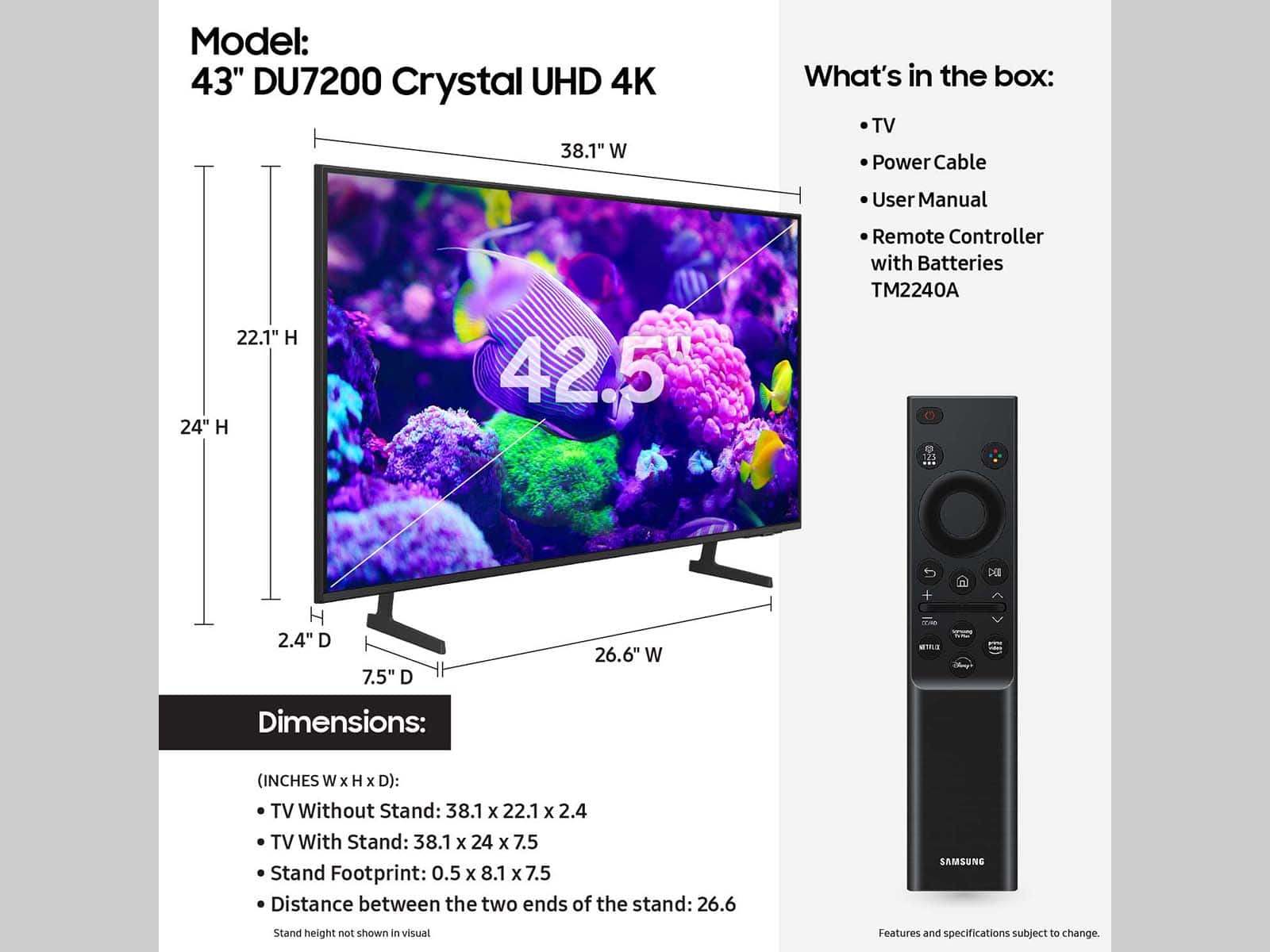
||Posted . Owned for less than 1 week when reviewed.This reviewer received promo considerations or sweepstakes entry for writing a review.The TV does not come with screws for a wall mount, and the screws we used with our old 43" TV were too small. Samsung instructions say that using screws other than the Samsung brand will invalidate the warranty. We have 4 genuine Samsung screws on order ($20+) but we are at 3 days and counting without a tv because of this. Two stars for the purchase experience, don't know about the TV yet but we liked what we saw in-store on the demo model. Would I recommend this model? Well, another reviewer says the included legs are flimsy (they are), there's no wall mount screws - so, if you want a hassle-free experience and want to watch it tonight, I'd say "no."
No, I would not recommend this to a friendBrand response from Samsung
Posted .Hi Penningtons,
Thank you for your purchase and for letting us know about the issues you are experiencing setting up your DU7200 TV. Please know that the TV stand was solidly designed and extensively tested for stability.
If your stand seems wobbly or looks crooked, please be sure that your TV's legs are installed correctly; "R" on the right, "L" on the left. When the legs are inserted into the correct holes in the proper direction, you’ll hear a "click" when they are inserted all the way.
Please understand that we do not include wall mount screws or adapters because not every wall will require the same type of hardware. Each customer’s mounting situation can be very different, requiring specific hardware to ensure the best, most secure fit. A generic hardware type included in the box might be inappropriate for a customer’s wall; the result could be the customer inadvertently mounting their TV insecurely.
The DU7200 TV will require 4xM8 screws, 19-21mm. Note that 19-21mm is not the screw length. It’s the wall mount thread depth in the TV chassis.
Make sure to add the wall mount bracket thickness to the thread depth for minimum screw length. If you cannot find the fitting screws, you could use washers (supplied with the wall mount) to adjust the length.
If there is anything we can do to further assist and improve your user experience, please do let us know by contacting Samsung Customer Support at 1-800-SAMSUNG, 8 AM - 12 AM EST, seven days a week. Our LiveChat agents are also available by clicking on the ‘Support’ link on our website.
~ Samsung Advisor
samsung-43 inch duo 7200
||Posted .This reviewer received promo considerations or sweepstakes entry for writing a review.the sound is not as clear and loud as i expected. the picture not as clear as expected
No, I would not recommend this to a friendBrand response from Samsung
Posted .Hi JosephC,
Thank you for sharing your experience. There are several volume features you can adjust, which may improve your audio experience.
1) Auto Volume automatically adjusts the sound to a certain level when changing channels or switching to another external input. Go to Settings > All Settings> Sound > Expert Settings > Auto Volume.
2) Adaptive Sound automatically adjusts to a specific volume level while watching TV. The TV analyzes your volume usage history by time period to automatically adjust the volume when you use an app or switch to an external input source. Go to Settings> All Settings> Sound> Sound Mode> Adaptive Sound.
3) Several Sound Modes are likewise available to meet your personal preferences: Home > Settings > All Settings> Sound > Sound Mode.
Also, some sources have their own volume control, which might need to be set higher. Please check the volume control of the external device (cable box or satellite box, DVD, Blu-ray, etc.) connected to your TV. Also, check the cable connection between an external device and the TV and then try the cable connection again.
Here are some tips to help improve picture clarity:
1) HDMI cables are recommended for optimal HD viewing.
2) If you have an analog cable box or satellite box, upgrade to a digital cable box or satellite box.
3) Change the output resolution of your devices, such as digital broadcast receivers, IPTV, and set-top boxes, to UHD or HD.
4) You can further adjust your sharpness, brightness, contrast, color, and more by going to Settings > All Settings> Picture > Expert Settings
5) Choose a Picture Mode by going to Settings > All Settings> Picture > Picture Mode and choose from Dynamic, Standard, Natural, Movie, or Filmmaker Mode.
6) For optimal motion image performance, you may want to adjust the picture clarity setting by going to Settings > All Settings> Picture > Expert Settings > Picture Clarity Settings.
Should you ever have questions or need help with TV features, specs, or operations, we are here to help. You can call us at 1-800-SAMSUNG, 8 AM - 12 AM EST, seven days a week. Our LiveChat agents are also available by clicking on the ‘Support’ link on our website.
~Samsung Advisor
TV Watcher
||Posted . Owned for 3 weeks when reviewed.This reviewer received promo considerations or sweepstakes entry for writing a review.I am NOT pleased with the sound quality. When changing the channels a voice comes on to tell you the volume level and it is VERY loud. Is there any way to turn that off?
No, I would not recommend this to a friendBrand response from Samsung
Posted .Hi JeanneRedHeadPinkgirl,
Thanks for reaching out to us. If your TV is announcing everything you do, then Voice Guide is turned on. Voice Guide is an accessibility function to assist users who are visually impaired. It is possible that you have turned it on by accident by holding down the volume button on your TV remote.
To turn off Voice Guide, navigate to Home > Settings > All Settings> General > Accessibility > Voice Guide Settings > Voice Guide.
If you are experiencing issues with inconsistent volume, please try adjusting the following Settings to improve your experience.
The Auto Volume function automatically adjusts the sound to a certain level when changing channels or switching to another external input. Go to Settings > All Settings> Sound > Expert Settings > Auto Volume = On.
You may also want to perform a Sound Test under Support > Self Diagnosis > Start Sound Test.
If the issue persists, please reach out to us so that we can provide further troubleshooting. You can call us at 1-800-SAMSUNG, 8 AM - 12 AM EST, seven days a week. Our LiveChat agents are also available by clicking on the ‘Support’ link on our website.
~ Samsung Advisor
ok
||Posted . Owned for 1 month when reviewed.This reviewer received promo considerations or sweepstakes entry for writing a review.Sound not as deep, solid as previous Samsung Smart TV, pic not quite as vibrant. No one, even Geek Squad can't seemly able to connect it to cable so tv keeps wanting to find connection. Though I have cable it is connected to HDM2. I don't think it should be. I just operate smoothly.
I would recommend this to a friendBrand response from Samsung
Posted .Hi NJTR,
I'm sorry you are experiencing issues with your DU7200 HDMI ports. So we can better assist you, please call us at 1-800-SAMSUNG, 8 AM - 12 AM EST, seven days a week. Or visit us on the Samsung website and click on the ‘Support’ link for:
1) LiveChat
2) Manuals, Software, & Warranty Info
~ Samsung Advisor
Not a fan
||Posted . Owned for 6 months when reviewed.This reviewer received promo considerations or sweepstakes entry for writing a review.I liked it for the first month then it started to freeze and well the controller is cheap. The picture could be better
No, I would not recommend this to a friendBrand response from Samsung
Posted .Hi Mike,
We appreciate your feedback on the response time, and for optimal performance, we ask that you please ensure you've got the latest firmware version installed on your DU7200 TV. You can check this by going to Home > Menu > Settings > Support > Software Update.
You may also want to further optimize performance with the self-diagnostic tool, which checks memory, frees up unused cached memory, and closes background apps. Go to: Home > Menu > Settings > Support > Device Care > Start Device Care.
If you are not satisfied with the picture you are seeing on your screen, I recommend adjusting the below Settings.
Go to Home > Settings > All Settings > Picture > Picture Mode and select the mode that best fits your usage:
1) Standard: Default mode suitable for general viewing environments.
2) Natural: Reduces eye strain for a comfortable viewing experience.
3) Movie: Most suitable for watching TV or movies in a dark room.
4) Dynamic: Makes the picture brighter and clearer in bright viewing environments.
5) Filmmaker Mode: You can watch the source content (e.g., movie) as it is. If the image is defined as Filmmaker Mode, it will automatically switch to Filmmaker Mode while watching.
You can also go to Settings > All Settings> Picture > Expert Settings > to manually fine-tune your image.
If you need more help, Samsung is here for you. Call us at 1-800-SAMSUNG, 8 AM - 12 AM EST, seven days a week. Our LiveChat agents are also available by clicking on the ‘Support’ link on our website.
~ Samsung Advisor
Don’t trust Open Box items
||Posted .This reviewer received promo considerations or sweepstakes entry for writing a review.I purchased this open box TV and chose to pay more for an excellent open box item. When I open the box, it was just the TV no plug, no remote and a huge dent in the lower right corner. I requested a refund through the app and it said I had six weeks to return. When I went to return it two weeks later, I was questioned by the rudest manager at the cash register as he stated people will return the wrong TV in the same box. I explained it wasn’t my position to double check to see if they place the correct TV in the box. He was very rude and accusatory. I’ve been a long time Best Buy member and use my credit card regularly. I was extremely offended by his behavior.
No, I would not recommend this to a friendBrand response from Samsung
Posted .BeBee:
We appreciate you sharing your delivery experience and having received a damaged unit. We recommend you contact Best Buy directly for assistance in correcting this situation. We hope your issue is resolved in a timely manner.
Should you decide to give Samsung TV's another try, please contact Samsung Support and a representative will gladly help you. Please call us at 1-800-SAMSUNG, 8AM - 12AM EST, 7 days a week. Our LiveChat agents are also available by clicking on the ‘Support’ link on our website.
~ Samsung Ambassador
TV will not connect to over air channels above 30.
||Posted . Owned for 3 weeks when reviewed.This reviewer received promo considerations or sweepstakes entry for writing a review.TV will not receive over air channels above 30.1 tried connecting to two other TV that are working perfectly to same antenna same results Also connected to a different antenna that is connected to another Samsung Tv That is working perfectly I have eliminate Antenna ,connecting cable (purchased a new cable) and splitter (purchased a new splitter) nothing will work
No, I would not recommend this to a friendBrand response from Samsung
Posted .Hi RandyL,
We're sorry you are experiencing issues with your DU7200 TV connecting to live channels. To best assist you, please call us at 1-800-SAMSUNG, 8 AM - 12 AM EST, seven days a week. Or visit us on the Samsung website and click on the ‘Support’ link for:
1) LiveChat
2) Manuals, Software, & Warranty Info
~ Samsung Advisor
Great Tv horrible Bestbuy delivery
||Posted . Owned for 3 weeks when reviewed.This reviewer received promo considerations or sweepstakes entry for writing a review.The TV is great. Bestbuy always says they can deliver the next day. Instead ot took 5 days. I was a nervous wreck wondering if it was going to get stolen before I could get home.
I would recommend this to a friendBrand response from Samsung
Posted .Hi Noshow,
I'm very sorry to hear about your experience with Best Buy delivery. You may want to provide this feedback directly to your local store. If there’s anything we can ever help with, please call us at 1-800-SAMSUNG, 8 AM - 12 AM EST, seven days a week. Or visit us on the Samsung website and click on the ‘Support’ link for:
1) LiveChat
2) Manuals, Software, & Warranty Info
~ Samsung Advisor
A little lie goes a long way
||Posted . Owned for 3 weeks when reviewed.This reviewer received promo considerations or sweepstakes entry for writing a review.I bought this Samsung TV based upon their name and reputation also I was looking for an HDMI ARC EARC audio return channel on the Samsung website this particular TV says that it has this feature so I purchased two of them when they came in I opened one of them connected it to my computer and custom made Dayton sound system the audio return channel was not available on this model is what flashed upon the TV screen so who's telling the lie well it was not Best Buy it was the Samsung website itself why would they say that it had this feature when it clearly does not so I returned him for a refund and bought a Sony and I'm very happy with my Sony it has everything that it says it had and more.
No, I would not recommend this to a friendBrand response from Samsung
Posted .Hi GibbsD,
Thank you for sharing your experience with us. Please know we are always happy to assist you with any troubleshooting with your TV.
Should you ever decide to give Samsung TVs another try and have questions or need help with settings, setup, or features, we would be happy to help. Call us at 1-800-SAMSUNG, 8 AM – 12 AM EST, seven days a week. LiveChat with an agent, as well as manuals, software, and warranty info, can be found at the ‘Support’ link on our Samsung website.
We hope to regain you as a customer in the future.
~ Samsung Advisor
Last Samsung TV i buy
||Posted . Owned for 3 weeks when reviewed.This reviewer received promo considerations or sweepstakes entry for writing a review.Bought 1 Samsung TV the scteen was broke sent it back. Bought another same model had the features i wanted the screen was broke just like the one i bought previously. It looks a manufacturing problem. The customer service did arrange for a pick up gave me the incorrect pick up information. I wish more companies would have USA customer service centers i have a difficult time with the foreign accent
No, I would not recommend this to a friendBrand response from Samsung
Posted .Hi GatorGuy2018,
Thank you for choosing Samsung and for your feedback. We are very sorry that you received two broken DU7200 TVs. Unfortunately, even if a TV is double-boxed and the packaging shows no evidence of harm, a TV can still be damaged during transit if proper care is not taken. For example, if the TV were sitting in an incorrect orientation – laid on its side or tilted – during transit, damage could have been done.
If there’s anything we can ever help with, please call us at 1-800-SAMSUNG, 8 AM - 12 AM EST, seven days a week. Or visit us on the Samsung website and click on the ‘Support’ link for:
1) LiveChat
2) Manuals, Software, & Warranty Info
~ Samsung Advisor
unhappy with purchase
||Posted . Owned for 3 weeks when reviewed.This reviewer received promo considerations or sweepstakes entry for writing a review.The picture quality is great. the operation of the TV is very user unfriendly. Navigation of the TV with the remote control is very complicated and doesn't make any logical sense. I woldn'y by another Samsung TV again.
No, I would not recommend this to a friendBrand response from Samsung
Posted .Hi RonaldO,
We appreciate your review of the DU7200 TV. To learn how to use your Samsung remote and understand the settings on your TV, please use your remote to access the remote guide. Go to Home> (left directional button) Settings> Support> Remote Control Guide.
If you need more help, Samsung is here for you. Please call us at 1-800-SAMSUNG, 8 AM - 12 AM EST, seven days a week. Our LiveChat agents are also available by clicking on the ‘Support’ link on our website.
~Samsung Advisor
Samsung - 43” Class DU7200 Series Crystal UHD 4K S
||Posted . Owned for 1 month when reviewed.This reviewer received promo considerations or sweepstakes entry for writing a review.Samsung - 43” Class DU7200 Series Crystal UHD 4K Smart Tizen TV (2024)
I would recommend this to a friendBrand response from Samsung
Posted .Hi bestbuy,
Thank you for your purchase. If you have any product questions or if there is anything we can do to improve your experience, we are happy to help. Just call us at 1-800-SAMSUNG, 8 AM - 12 AM EST, seven days a week. Our LiveChat agents are also available by clicking on the ‘Support’ link on our website.
~ Samsung Advisor
Average TV Disappointing
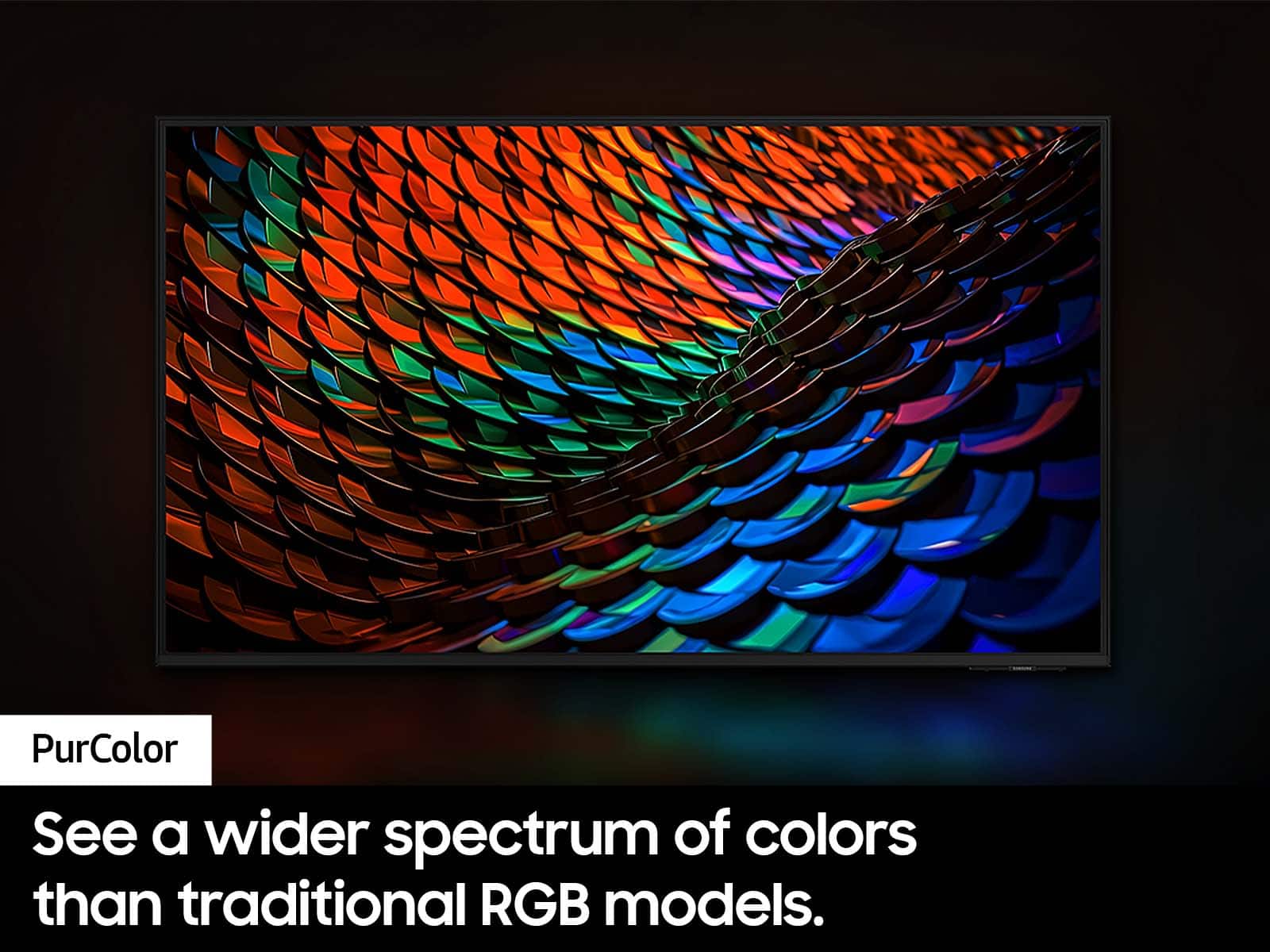
||Posted . Owned for 1 week when reviewed.This reviewer received promo considerations or sweepstakes entry for writing a review.My old Samsung had a much better picture colors clarity than this one. I don't recommend this particular TV.
No, I would not recommend this to a friendBrand response from Samsung
Posted .HI KathyB,
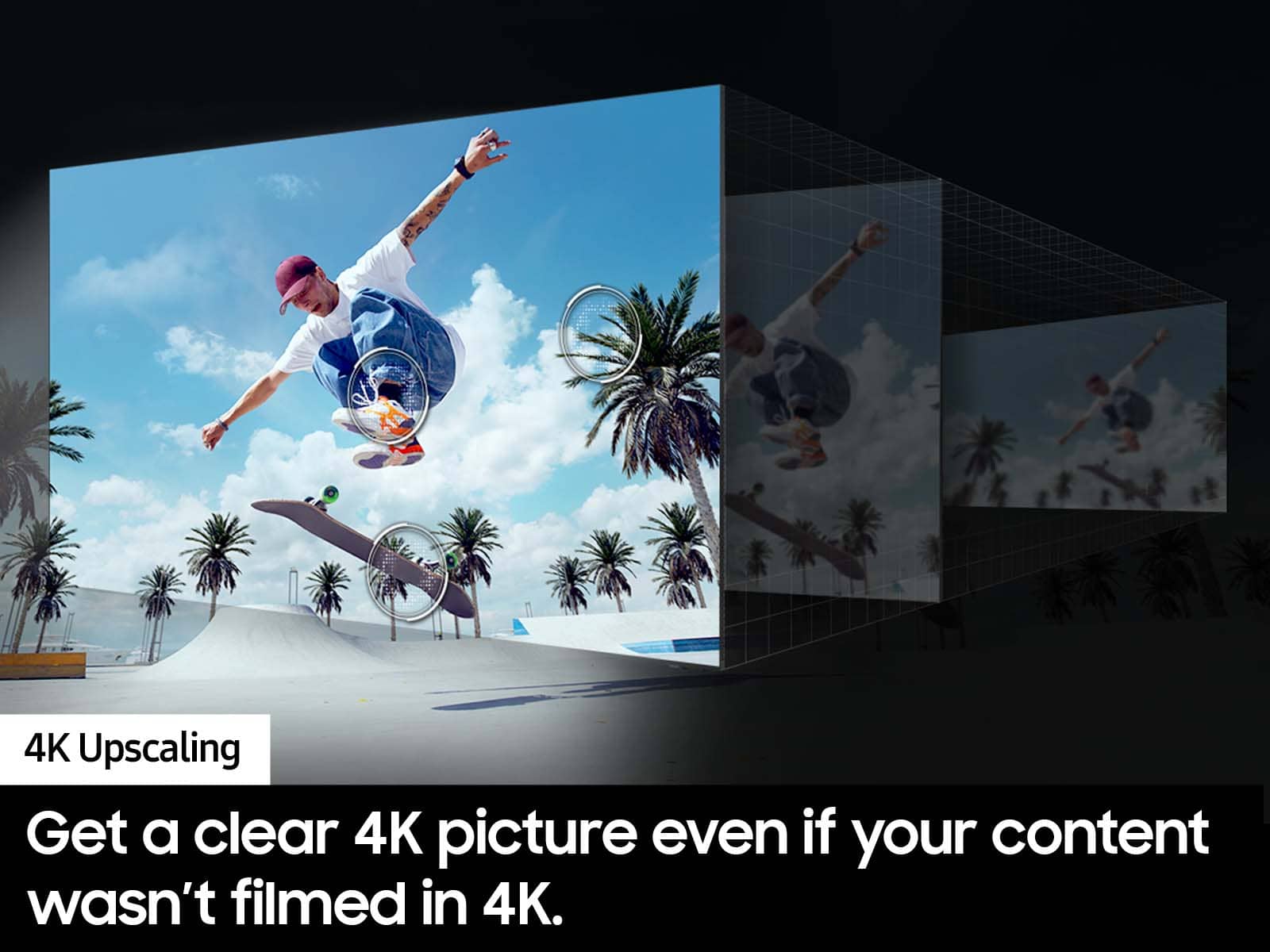
Thank you for sharing your thoughts on your DU7200 TV’s image quality. The TV will upscale any content sent to it as best as possible. The closer your content is to 4K, the better the image will look on the screen.
Here are some tips to help improve picture clarity:
1) HDMI cables are recommended for optimal HD viewing.
2) If you have an analog cable box or satellite box, upgrade to a digital cable box or satellite box.
3) Change the output resolution of your devices, such as digital broadcast receivers, IPTV, and set-top boxes, to UHD or HD.
4) You can further adjust your sharpness, brightness, contrast, color, and more by going to Settings > All Settings> Picture > Expert Settings
5) Choose a Picture Mode by going to Settings > All Settings> Picture > Picture Mode and choose from Dynamic, Standard, Natural, Movie, or Filmmaker Mode.
Should you ever have questions or need help with TV features, specs, or operations, we are here to help. You can call us at 1-800-SAMSUNG, 8 AM - 12 AM EST, seven days a week. Our LiveChat agents are also available by clicking on the ‘Support’ link on our website.
~ Samsung Advisor
Would never purchase again
||Posted . Owned for less than 1 week when reviewed.This reviewer received promo considerations or sweepstakes entry for writing a review.Arrived damaged (cracked screen and framing). Returned to store (in box, with screen protector still attached): after having the 2 folks in customer service request a THIRD OPINION that the tv was damaged. Judging by the continuous smirking of the customer service folks, they weren’t wanting to process this and tried to place the blame on us. It took Geek Squad coming out and telling them “if it was delivered to them like this, you can’t pin it on them”. No offer of swapping it out or purchasing another tv. Told a return receipt would be emailed to me.
No, I would not recommend this to a friendBrand response from Samsung
Posted .NeverAgain,
We appreciate you sharing your delivery experience and having received a damaged unit. We recommend you contact Best Buy directly for assistance in correcting this situation. We hope your issue is resolved in a timely manner.
Should you have questions regarding the usage or setup of your TV once your issue has been resolved, please contact Samsung Support at 1-800-SAMSUNG, 8AM - 12AM EST, 7 days a week. Our LiveChat agents are also available by clicking on the ‘Support’ link on our website.
~ Samsung Specialist
Just need a tv for the garage
||Posted . Owned for 2 months when reviewed.This reviewer received promo considerations or sweepstakes entry for writing a review.It was for out in the garage for us to chill outside
No, I would not recommend this to a friendBrand response from Samsung
Posted .Hi Gamingguy,
Thank you for your purchase. If you ever have questions or need help, Samsung is here for you! Give us a call at 1-800-SAMSUNG, 8 AM - 12 AM EST, seven days a week. Our LiveChat agents are also available by clicking on the ‘Support’ link on our website.
Thanks for being a part of the Samsung family!
~ Samsung Advisor
43" TV
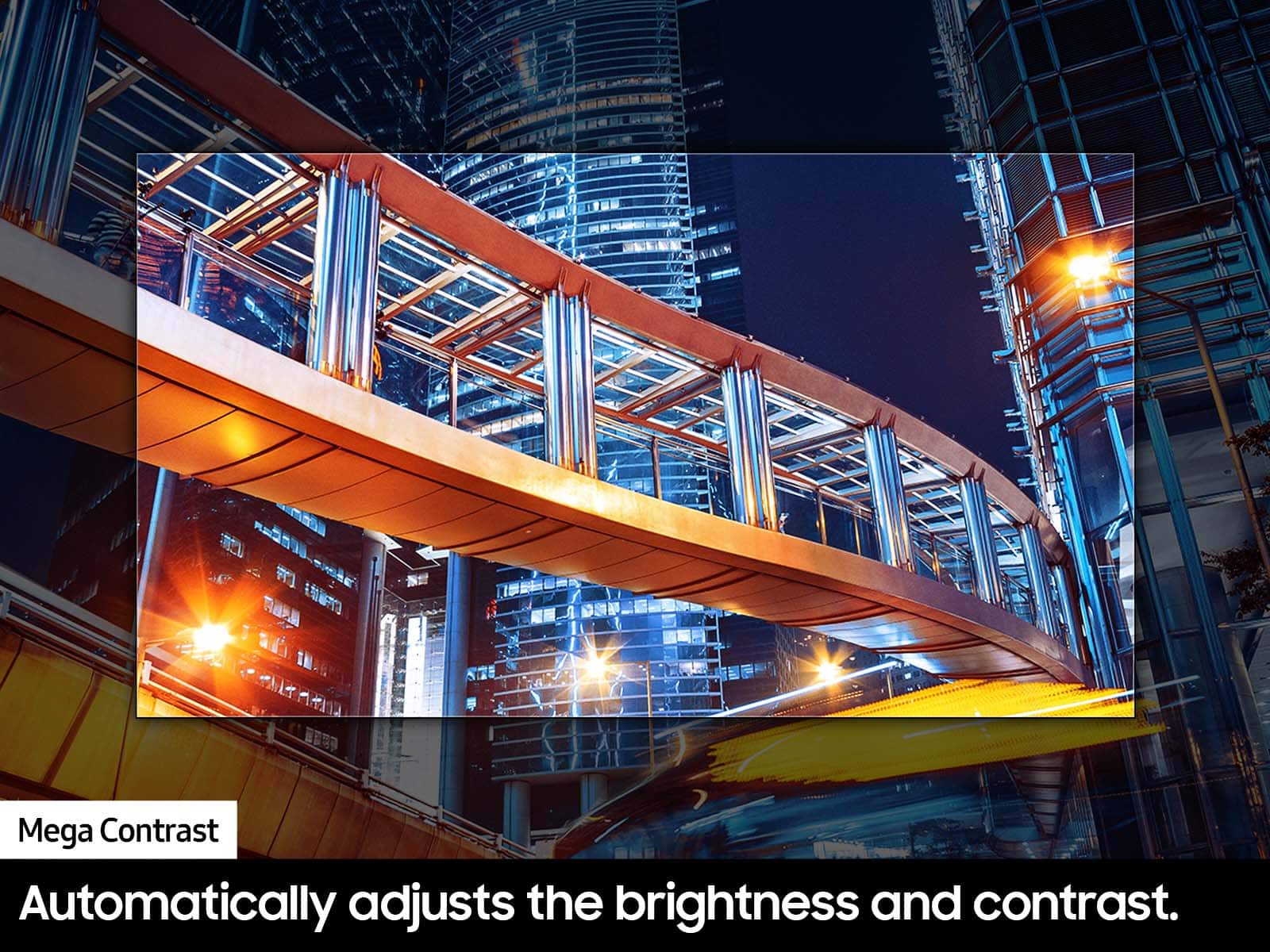
||Posted . Owned for 2 weeks when reviewed.This reviewer received promo considerations or sweepstakes entry for writing a review.Great tv. Apps easy to use, screen is a little dark
I would recommend this to a friendBrand response from Samsung
Posted .Hi Alex,
It’s unfortunate to hear you’re not fully satisfied with the brightness of your DU7200 TV’s picture. Please know that we are here to help you.
First, let’s ensure you are running the latest Firmware Update. Go to Settings> Support> Software Update.
Next, If the colors on your TV are correct but just a little too dark or bright, you can try adjusting Picture Modes, Contrast, Brightness, or Sharpness settings.
For darker scenes, I recommend Dynamic Picture Mode, which makes pictures brighter and clearer in bright viewing environments. Go to Settings > All Settings> Picture > Picture Mode > Dynamic.
Or you can manually adjust the Brightness by pressing the HOME button on your remote, then navigating to Settings > All Settings> Picture > Expert Settings.
You may also want to disable Power Saving Mode, which automatically adjusts the brightness to reduce the TV’s power consumption. Go to Settings > All Settings> General > Eco Solution> Power Saving Mode.
I hope this helps to improve your picture. Should you need further assistance, please contact us at 1-800-SAMSUNG, 8 AM - 12 AM EST, seven days a week. Our LiveChat agents are also available by clicking on the ‘Support’ link on our website.
~ Samsung Advisor