Customer Ratings & Reviews

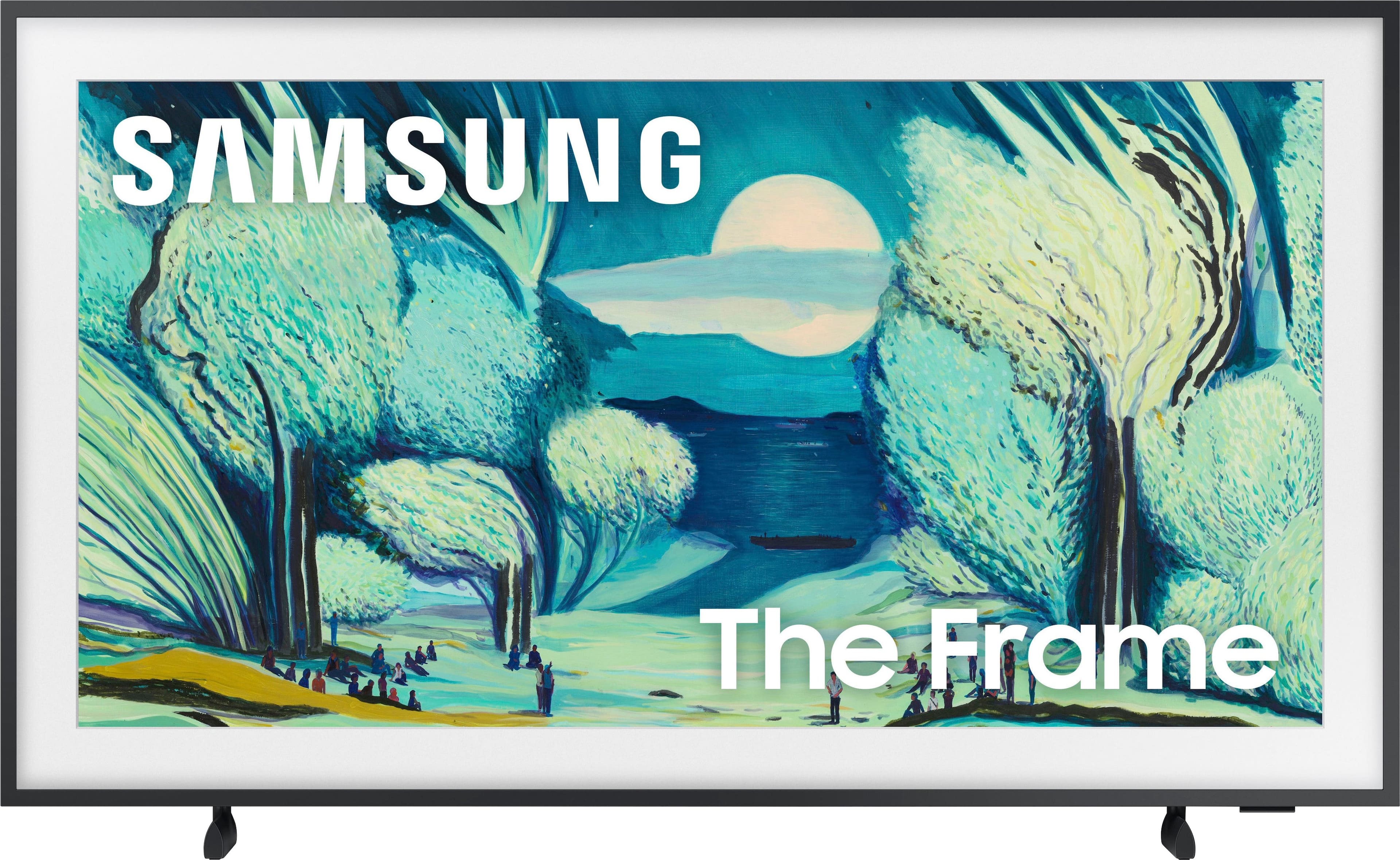
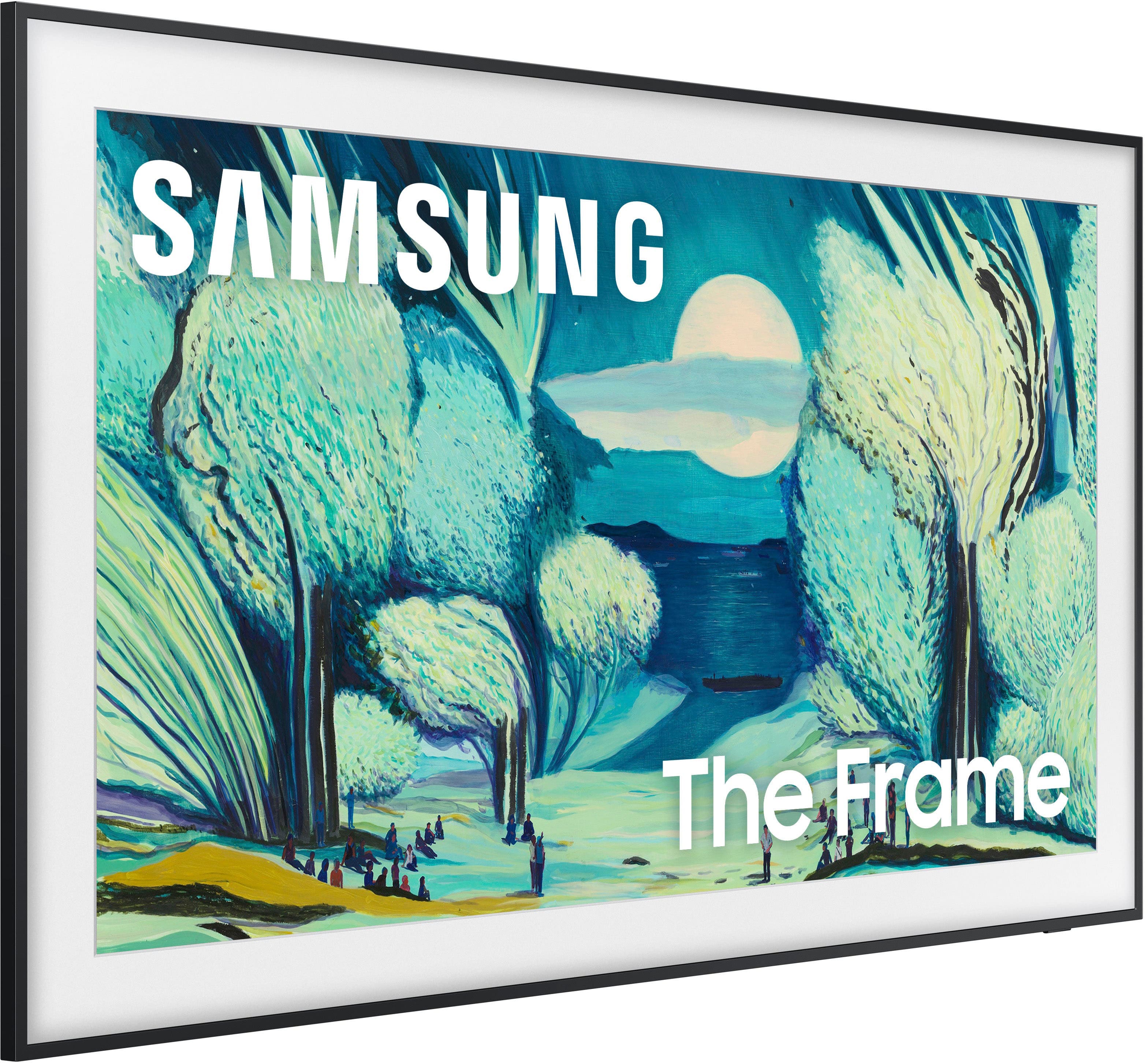
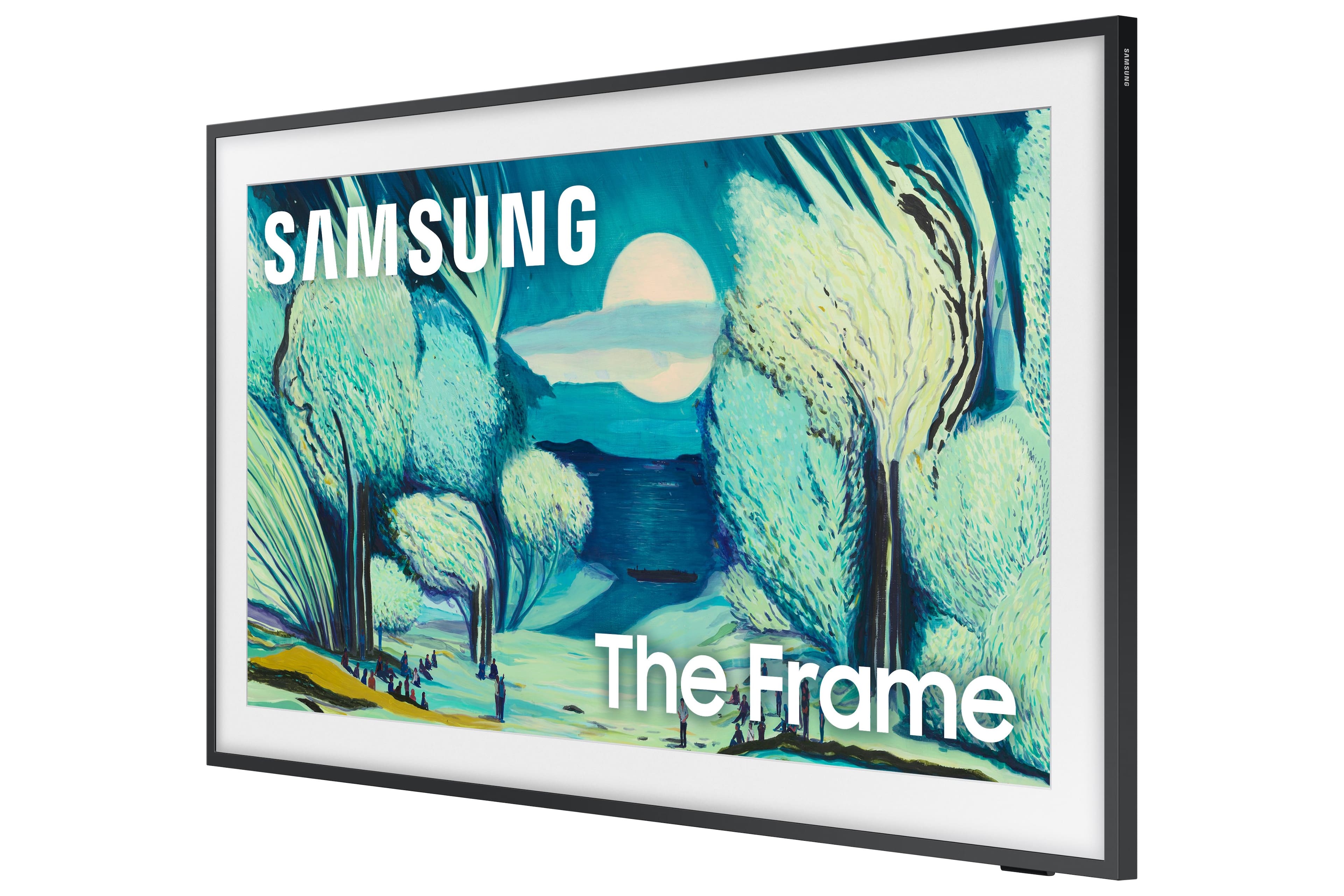
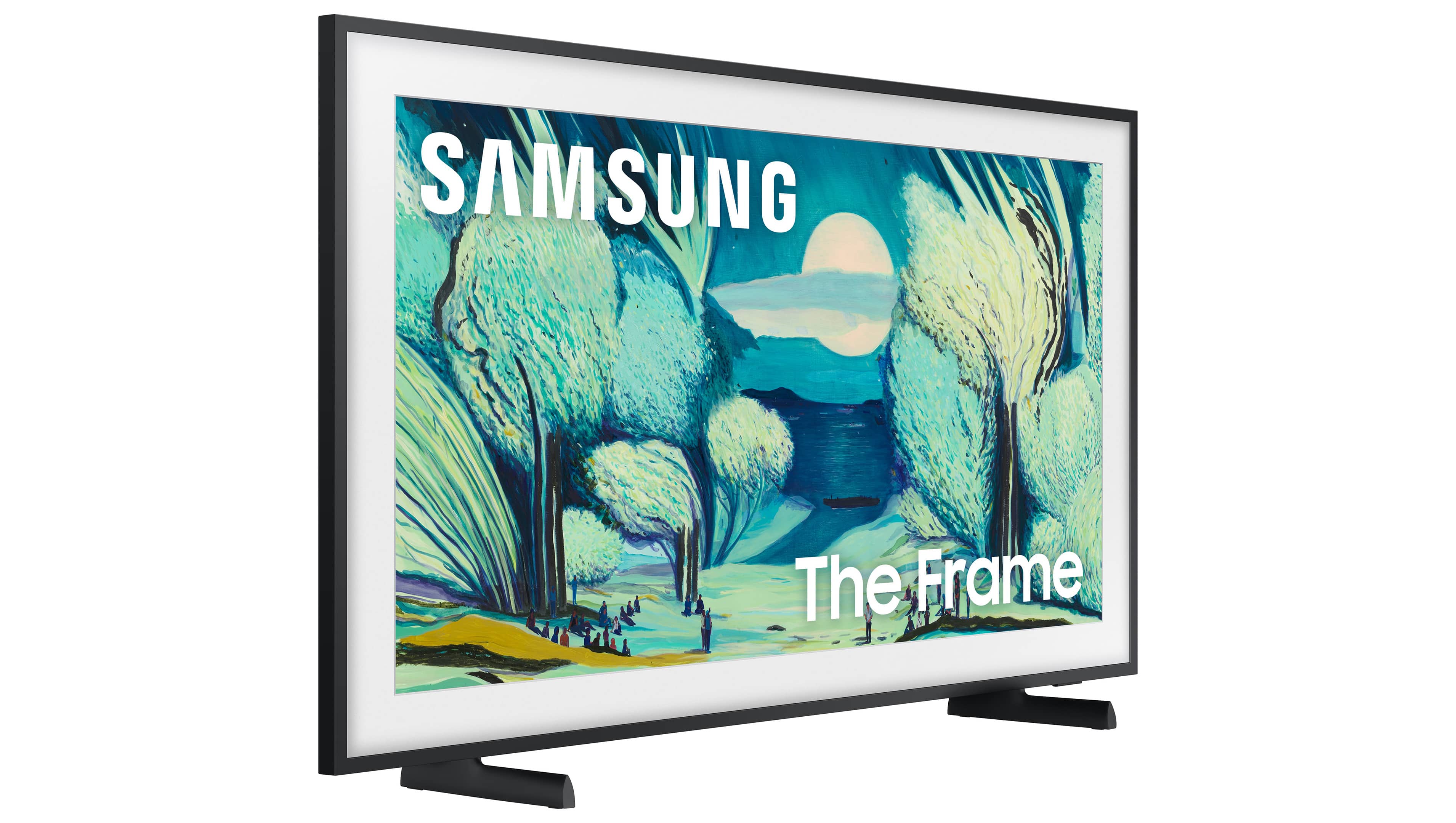

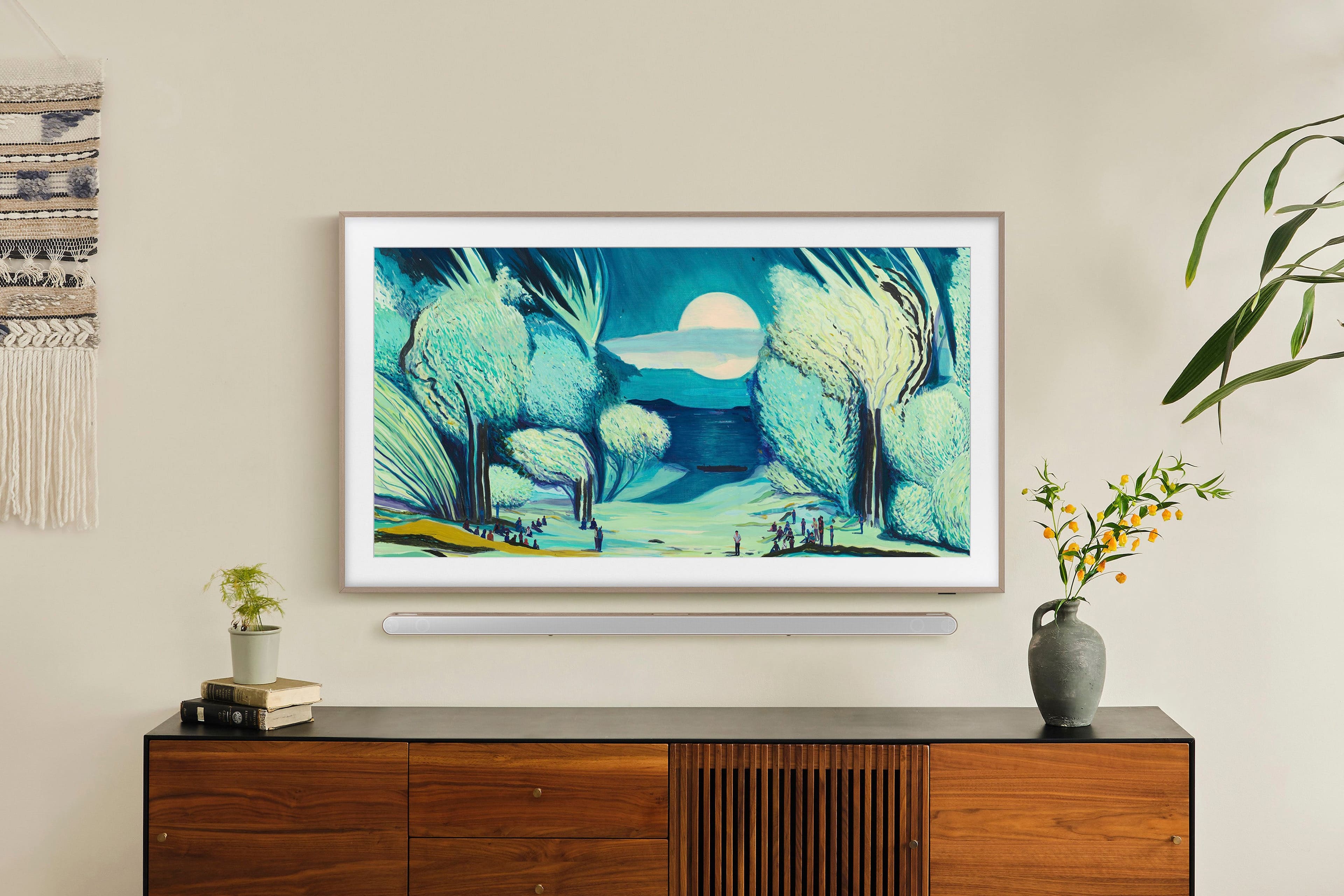





- Model:
- QN43LS03FAFXZA
- SKU:
- 12161414
Rating by feature
- Picture Quality
Rating 4.7 out of 5 stars
- Sound Quality
Rating 4.5 out of 5 stars
- Brightness
Rating 4.7 out of 5 stars
to a friend
Nice Tv
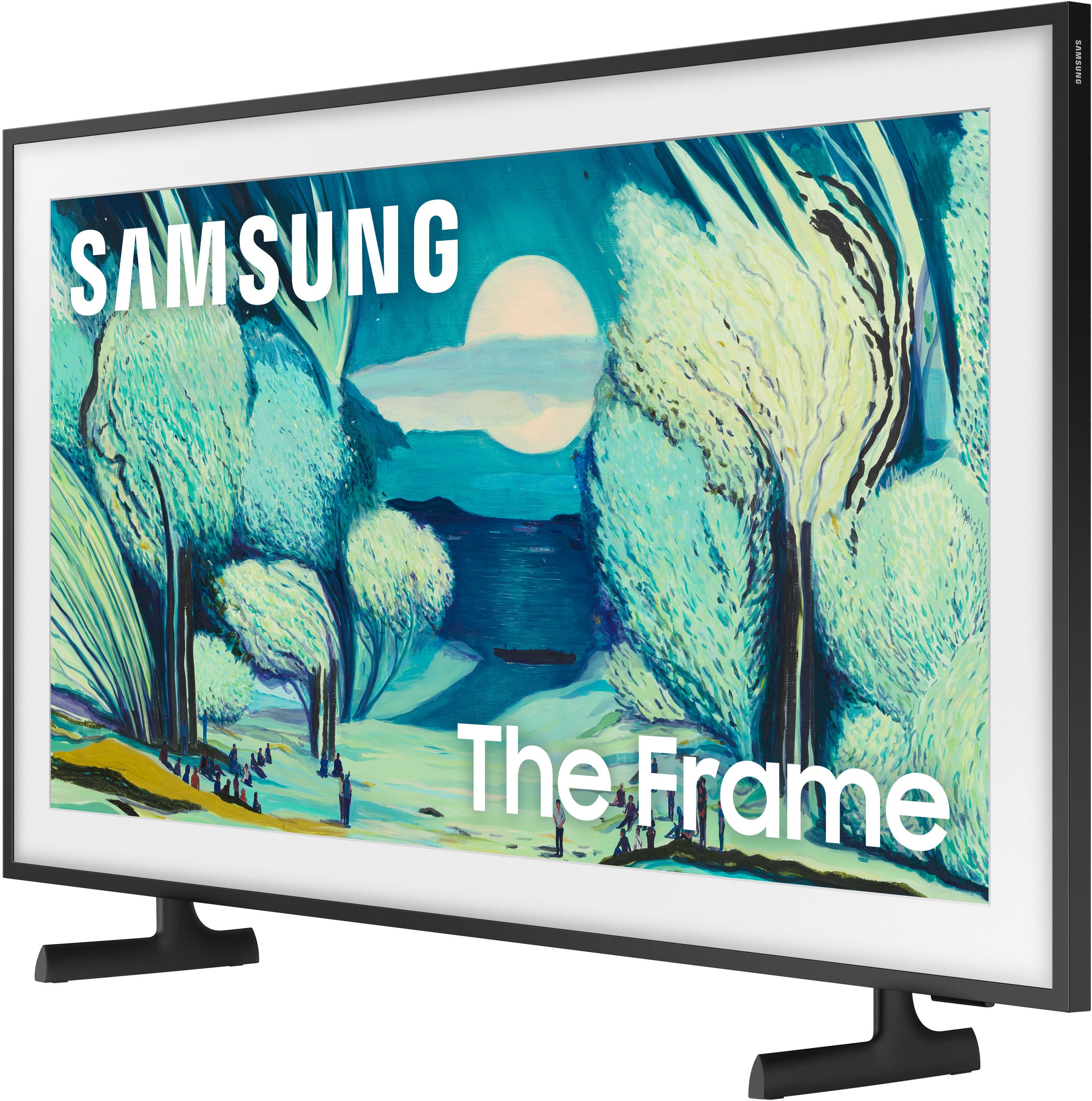
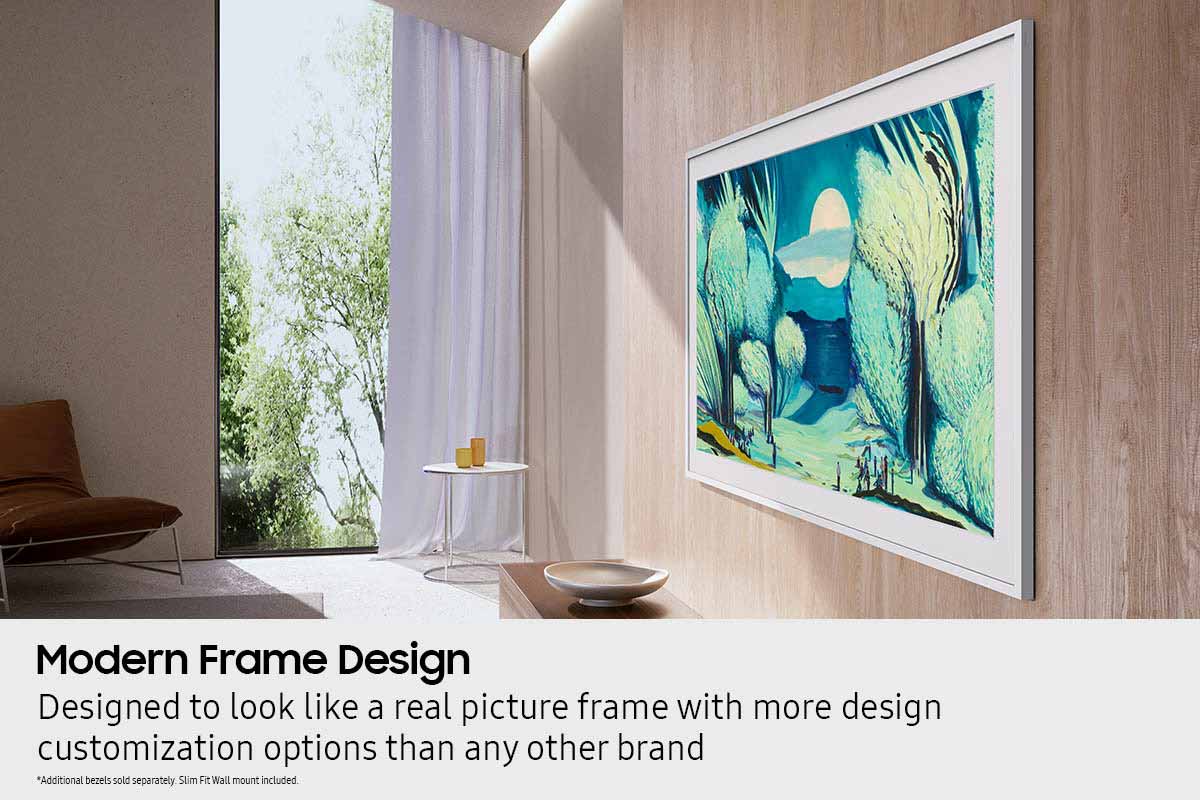
||Posted .This reviewer received promo considerations or sweepstakes entry for writing a review.Nice tv well fitted in my living room really looks like a mirror
I would recommend this to a friendBest buy has terrible customer service
||Posted .This reviewer received promo considerations or sweepstakes entry for writing a review.Horrible, Can't hold a internet connection, keeps disconnecting and periodically turns off. No help from geek squad, do not buy a television from Best Buy. They don't stand by the products they sell and they wont help you after 15 days.
No, I would not recommend this to a friendBrand response from Samsung
Posted .MKRW,
Thank you for sharing your experience with Wi-Fi connectivity. If your TV is having trouble connecting to the network, the following steps may help resolve the issue:
Signal & Setup Tips:
1. Check TV-to-router distance – Your TV should be within 50 feet of the modem or access point for reliable signal strength.
2. Minimize interference – Turn off nearby wireless devices and make sure there are no physical barriers (stone walls, fireplaces, appliances) between the TV and router.
Power Cycle Devices:
3. Restart both your TV and router – Unplug both devices for at least 30 seconds, then plug them back in and allow them to reboot fully.
Connection Type:
4. Evaluate your connection method –
o If using Wi-Fi, move your router closer to the TV and eliminate any obstructions.
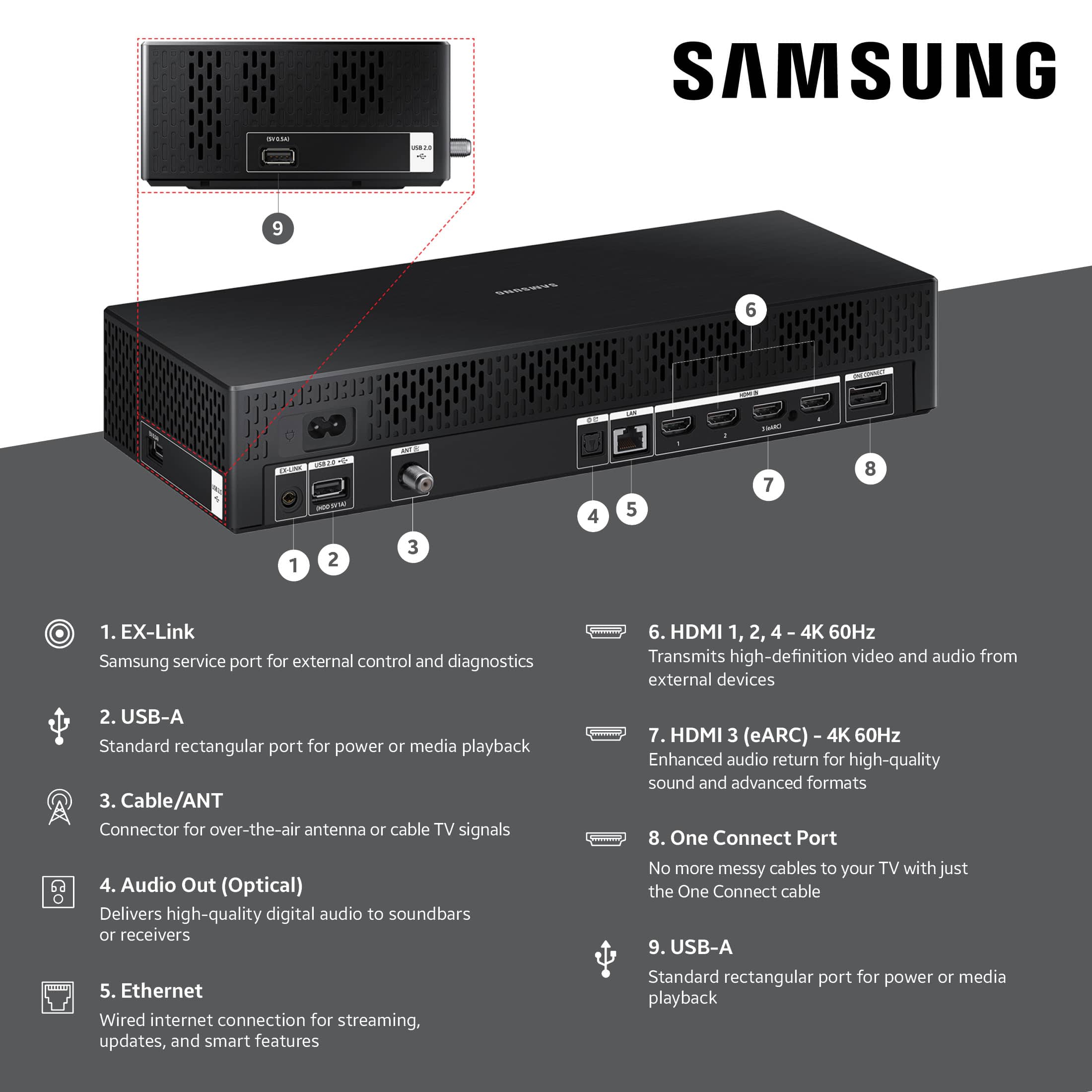
o For a more stable connection, we strongly recommend using a wired Ethernet cable.
o If already using Ethernet, verify the cable is working by testing it with another device.
Run Built-In Diagnostic Tools:
5. Network Test: Settings > Support > Device Care > Self Diagnosis > Smart Hub Connection Test
6. Wi-Fi Check: Settings > Support > Device Care > Self Diagnosis > Wi-Fi
Last Resort:
7. Perform a Factory Reset (if issues persist): Settings > All Settings > General & Privacy > Reset > Factory Data Reset. Note that this will return all settings to their original defaults.
If these steps don’t resolve the issue, please reach out to Samsung Support at 1-800-SAMSUNG, available 8AM – 12AM EST, 7 days a week. LiveChat support and additional help are available at the ‘Support’ link on our website.
~ Samsung Specialist
Poor picture quality, locks up, stops often
||Posted . Owned for 2 weeks when reviewed.This reviewer received promo considerations or sweepstakes entry for writing a review.Was so hopeful for the versatility of this frame in my bedroom, but it has done nothing but disappoint. Just when I think we’re connected it goes dark or loses connection. No clear way to physically reset and it blurs out a lot of options without explanation.
No, I would not recommend this to a friendBrand response from Samsung
Posted .JacobRomelhardt,
We appreciate your feedback regarding your Frame TV’s performance. If you're experiencing connectivity issues or lag in general response time, please try the following steps:
1. Check for firmware updates – Keeping your TV up to date can resolve many performance issues: Home > left directional key > Settings > Support > Software Update > Update Now
2. Run Device Care – This tool checks system memory, frees up cached data, and closes background apps that could be slowing things down: Home > left directional key > Settings > Support > Device Care > Start Device Care
3. Cold boot your TV – With the TV powered on, press and hold the Power button on your remote for 5+ seconds until the TV restarts. This helps refresh the system.
Additionally, the brightness fluctuations may be related to energy-saving features, AI-powered optimizations, or dynamic picture settings that automatically adjust screen brightness based on content and viewing environment.
Please try disabling the following features: Settings > All Settings > General & Privacy > Power and Energy Saving > Brightness Optimization, Energy Saving Solution, and Motion Lighting
If these are already off, check if Contrast Enhancer is enabled, which can also cause brightness to shift depending on scene changes: Settings > All Settings > Picture > Expert Settings > Contrast Enhancer
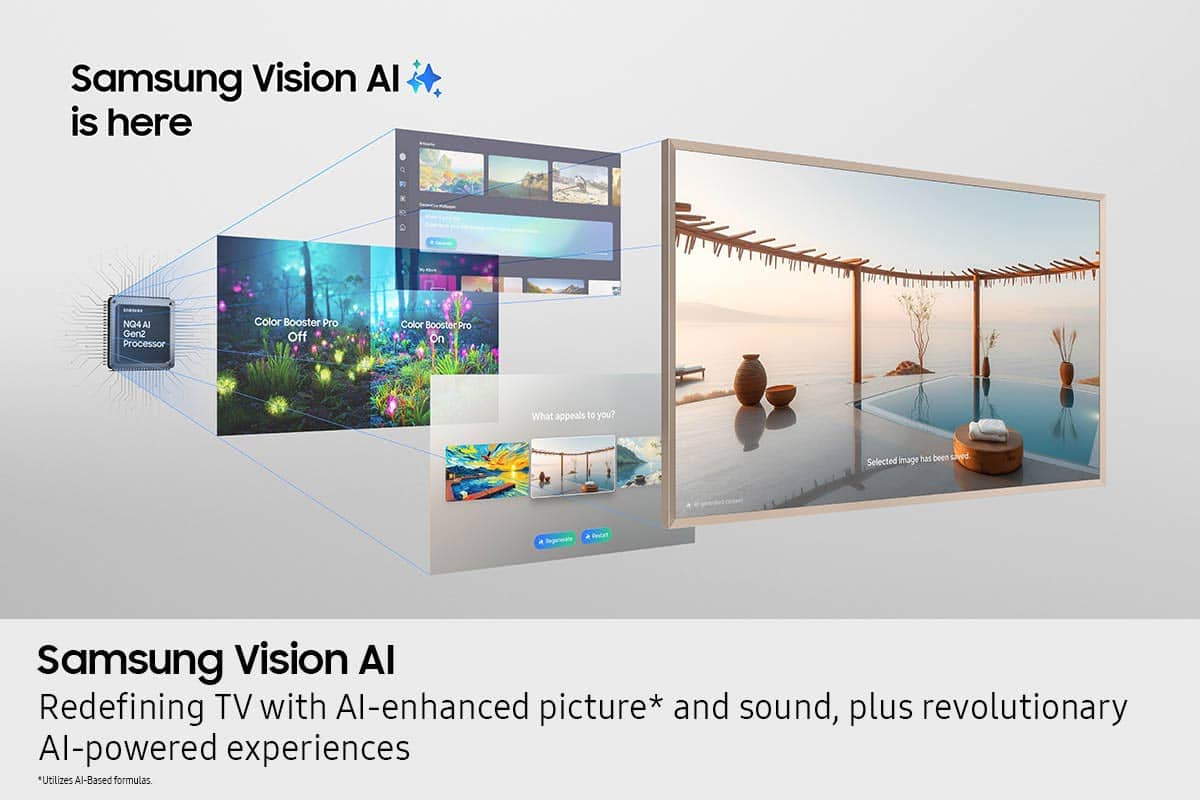
Samsung’s newer TVs also include AI-powered features designed to adapt picture settings automatically. While many viewers enjoy this enhancement, others prefer more manual control. To adjust these features, go to: Settings > All Settings > Advanced Features > AI Mode Settings
We hope these steps help. If you continue to experience issues, please don’t hesitate to contact Samsung Customer Support at 1-800-SAMSUNG (8AM – 12AM EST, 7 days a week). LiveChat is also available via the ‘Support’ link on our website.
~ Samsung Specialist
Frame tv
||Posted . Owned for 2 weeks when reviewed.This reviewer received promo considerations or sweepstakes entry for writing a review.Didn’t come with wall mount as stated it was supposed to. Customer service unwilling to send one or issue partial credit or refund for one.
I would recommend this to a friendBrand response from Samsung
Posted .BrianW,
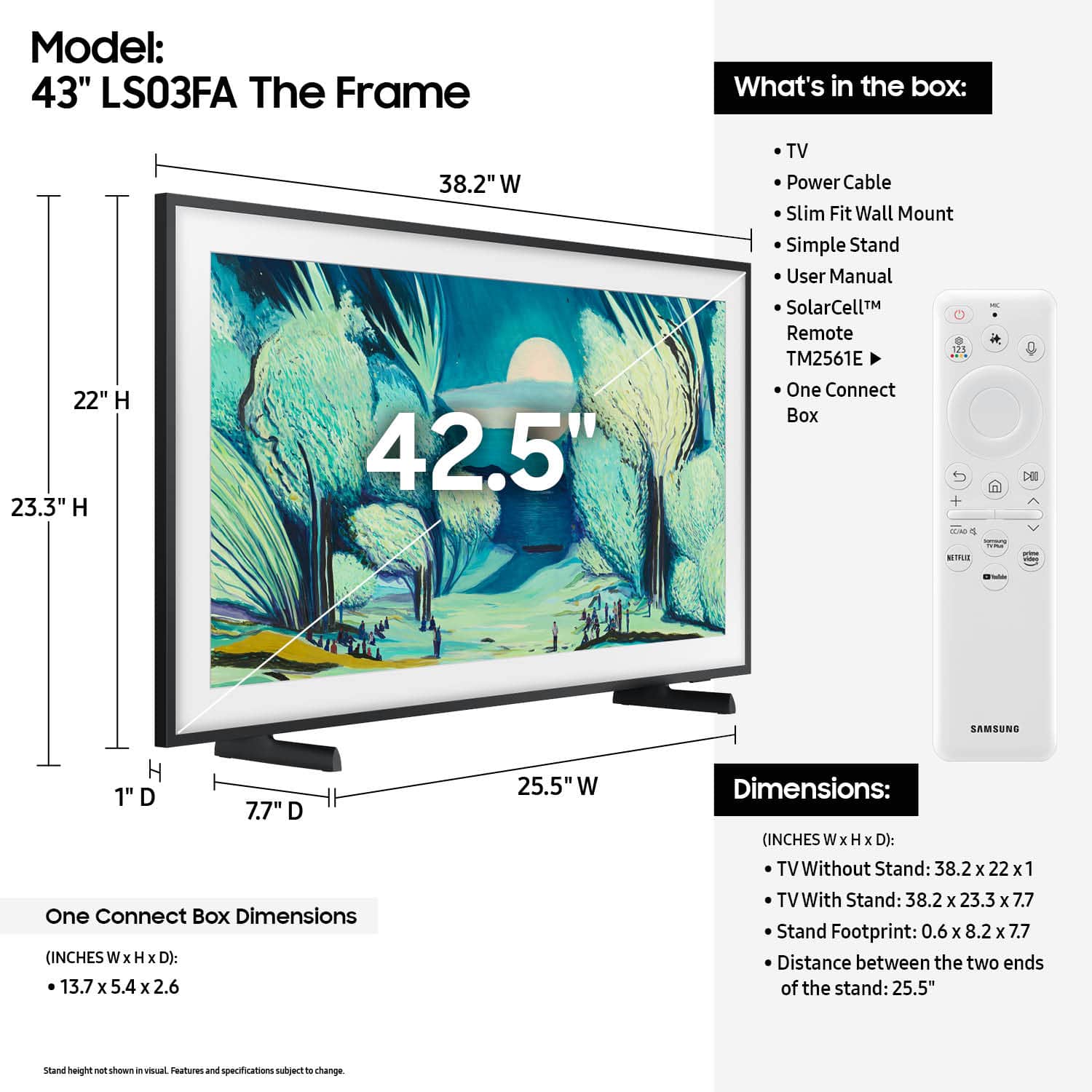
Thank you for your review. We understand there may be some confusion regarding the Slim Fit Wall Mount included with your Samsung TV.
Unlike traditional wall mounts made of large, visible metal brackets, the Slim Fit Wall Mount is a compact system made up of a few small components. It’s designed to keep the TV close to the wall while maintaining a minimal profile.
All wall mount components are located in the same accessory bag that includes your One Connect cable, remote, and power cord. So if you've received your remote, you've received the wall mount – it may just not be immediately recognizable as such.
Here’s what you’ll find inside the accessory bag:
• Smaller sealed bag section:
o Main brackets for the wall mount
o Screws
o Installation template
o Positioning tape
• Larger sealed bag section:
o Wall anchors
o Mounting bolts
If you need help identifying the pieces or with wall mount installation, please contact Samsung Support at 1-800-SAMSUNG, available daily from 8AM - 12AM EST. You can also visit the Samsung website and click on ‘Support’ for:
• Live Chat
• Manuals, Software, & Warranty Info
~ Samsung Specialist
Retail experience at Best Buy is awful
||Posted . Owned for 3 weeks when reviewed.This reviewer received promo considerations or sweepstakes entry for writing a review.Samsung TV is great. Best Buy customer service is terrible. Samsung needs to distribute through other retailers
I would recommend this to a friendBrand response from Samsung
Posted .JerryP,
It appears your 1-star review for Samsung's Frame TV is based on your experience with Best Buy, and we recommend contacting the store directly to share your feedback.
If you need help with the TV itself, Samsung Support is always here to help at 1-800-SAMSUNG, 8AM – 12AM EST, 7 days a week, or via LiveChat under the ‘Support’ section of our website.
~ Samsung Specialist
Inconsistent install policy.
||Posted . Owned for 1 month when reviewed.This reviewer received promo considerations or sweepstakes entry for writing a review.Maple Grove MN store wanted $90 to drop cord down a wall tube (you separatly have to put the tube in wall). Both San Diego & Baxter MN stores put the tube in for that $$. Inconsistent policy.
No, I would not recommend this to a friendBrand response from Samsung
Posted .JillA,
It appears your 1-star review for the Samsung Frame TV is based on your experience with Best Buy, and we’re sorry to hear that. We recommend contacting the store directly to share your feedback.
If you need help with the TV itself, Samsung Support is available at 1-800-SAMSUNG, 8AM – 12AM EST, 7 days a week, or via LiveChat under the ‘Support’ section of our website.
~ Samsung Specialist
Samsung Frame
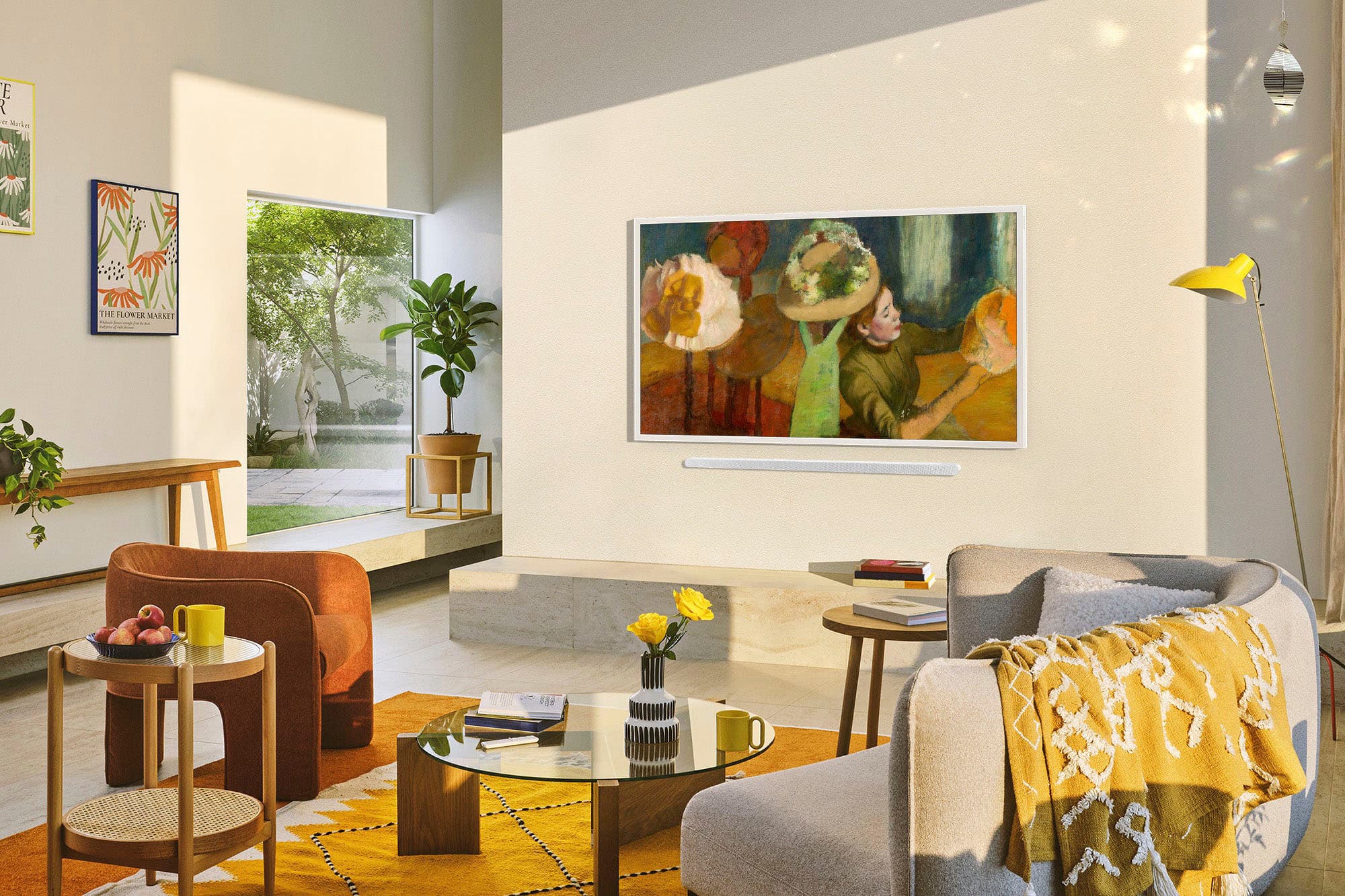
Posted .This reviewer received promo considerations or sweepstakes entry for writing a review.Looks good and performs well. The Frame as art when not in use is great idea.
I would recommend this to a friend