Customer Ratings & Reviews











- Model:
- QN43LS03FAFXZA
- SKU:
- 6613681
Rating by feature
- Picture Quality
Rating 4.7 out of 5 stars
- Sound Quality
Rating 4.5 out of 5 stars
- Brightness
Rating 4.7 out of 5 stars
Customers are saying
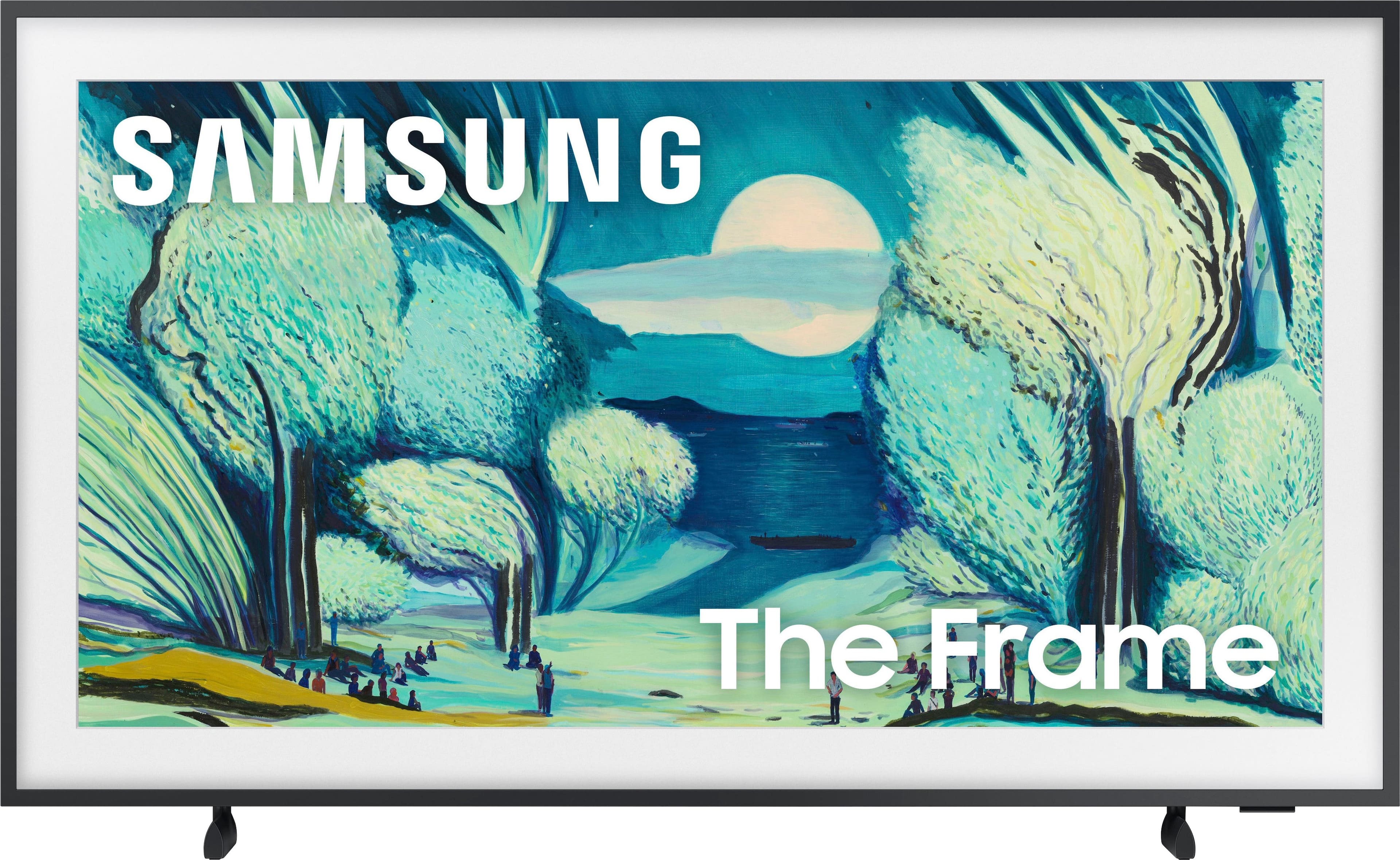
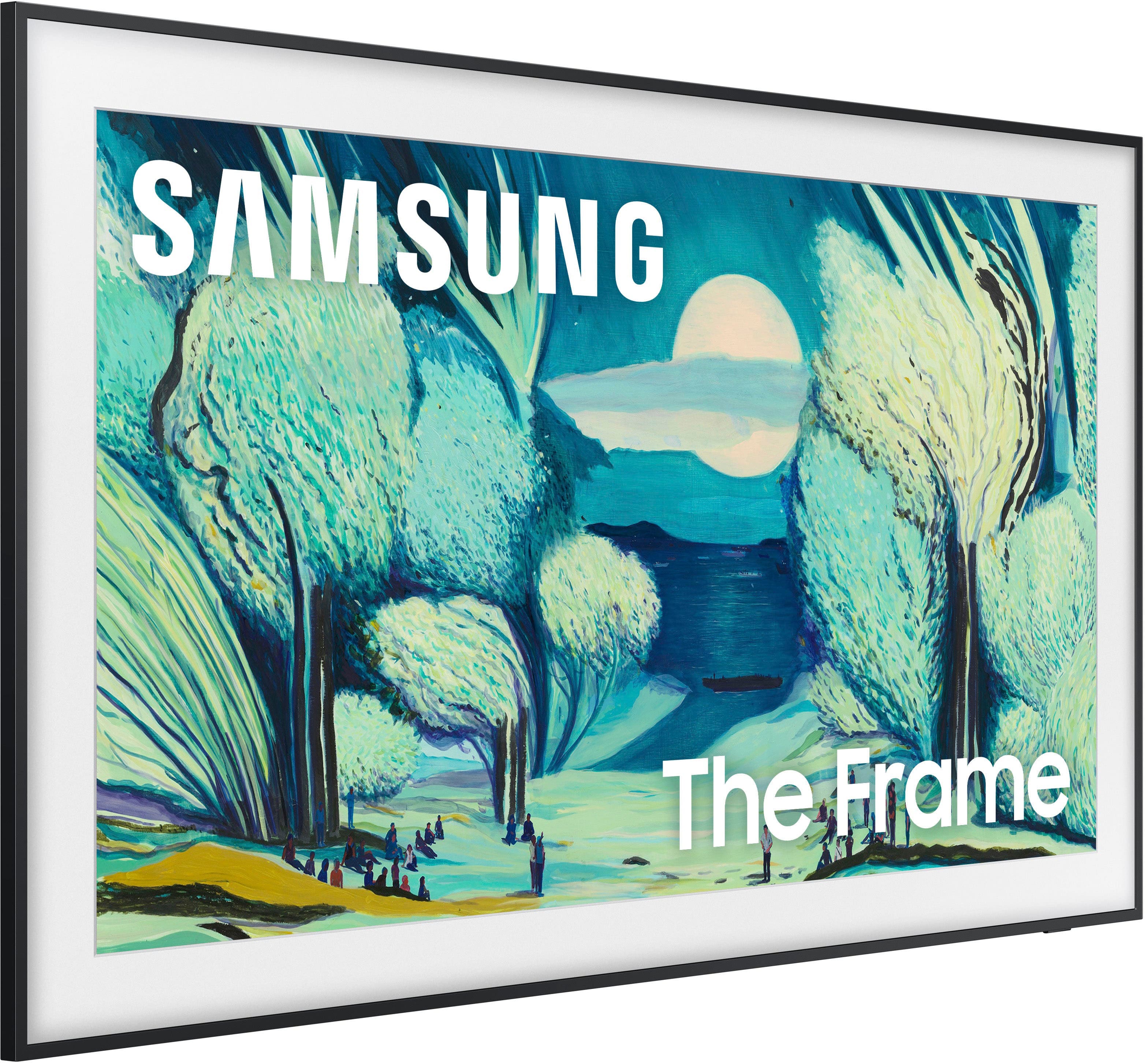
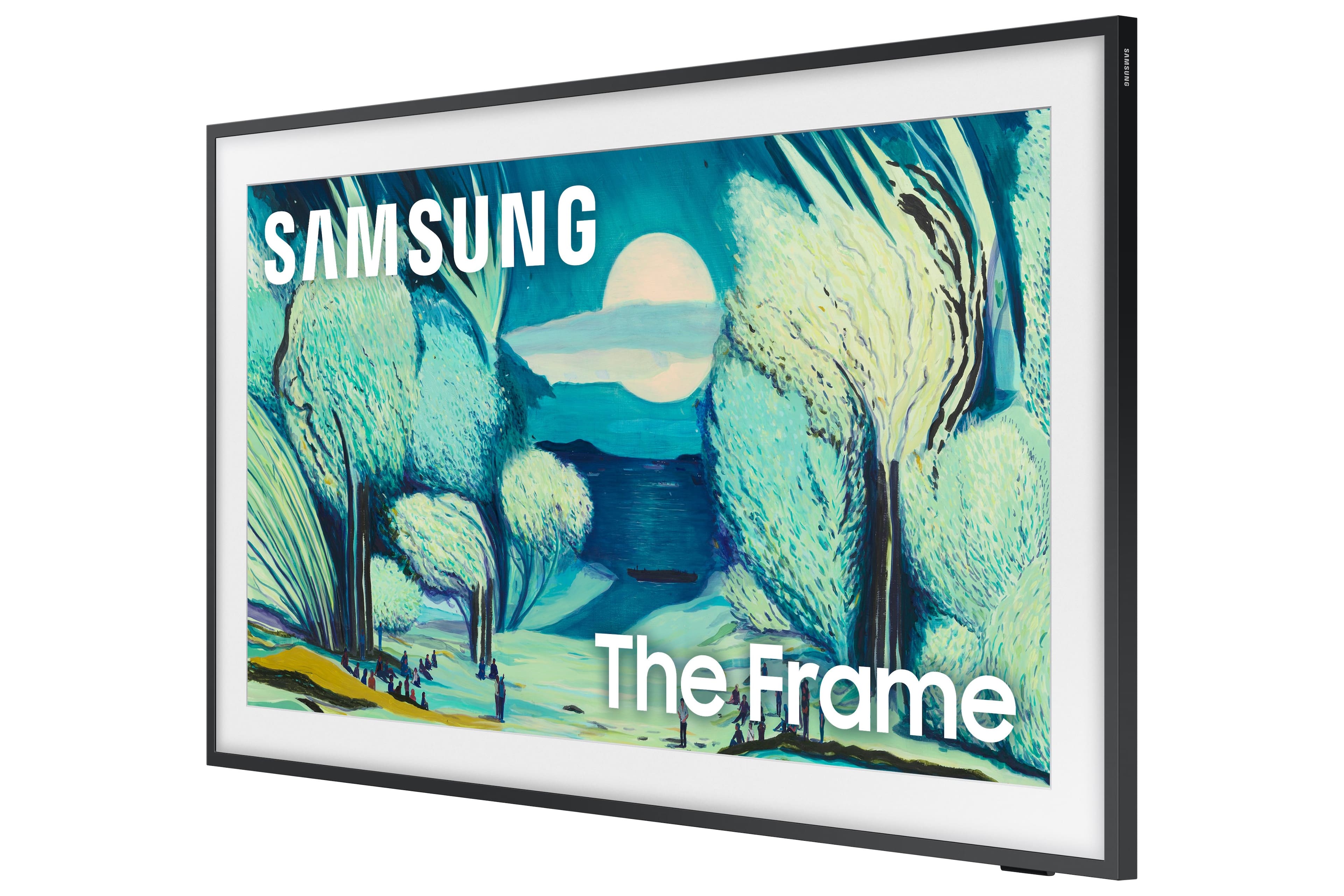
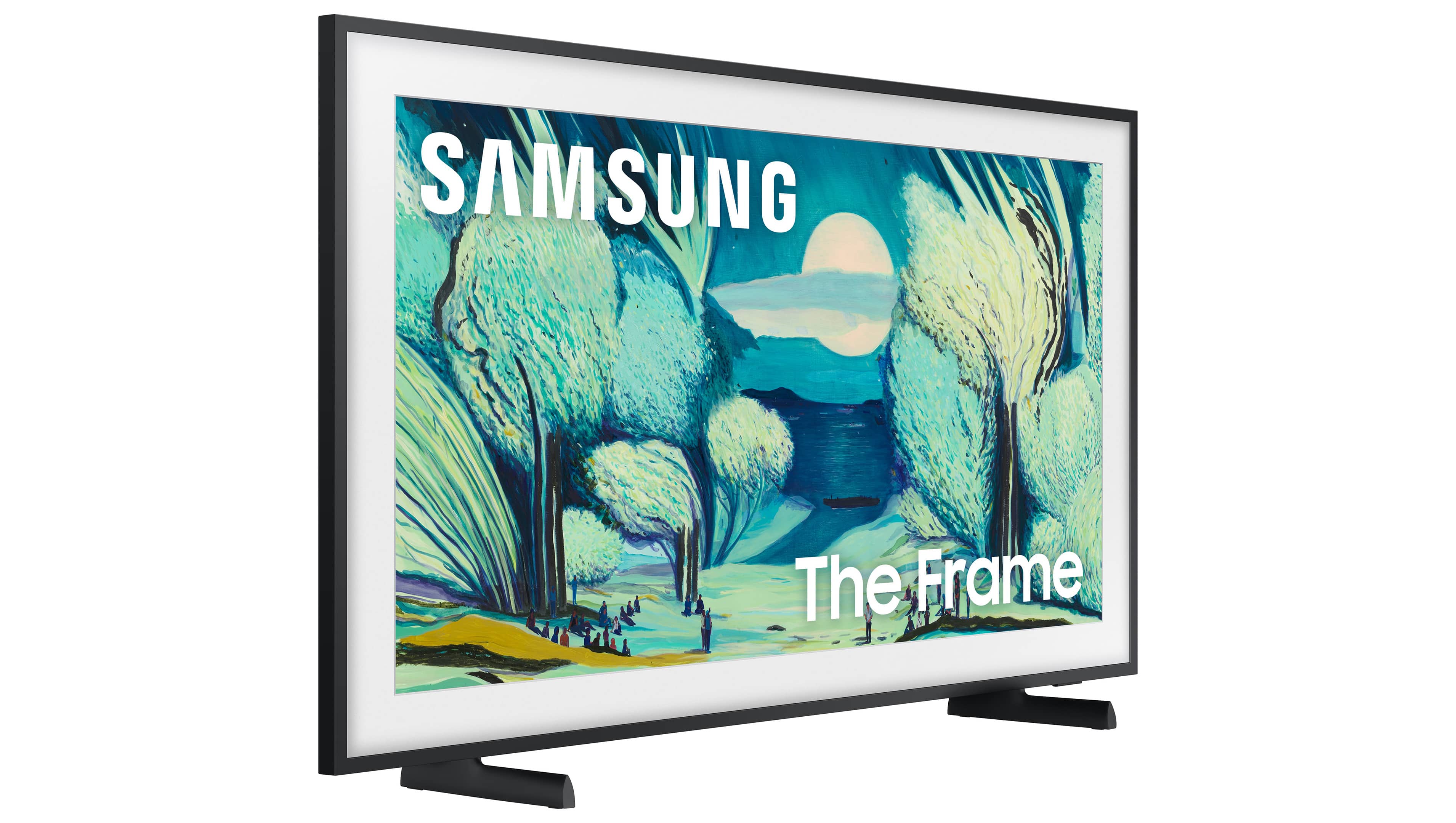
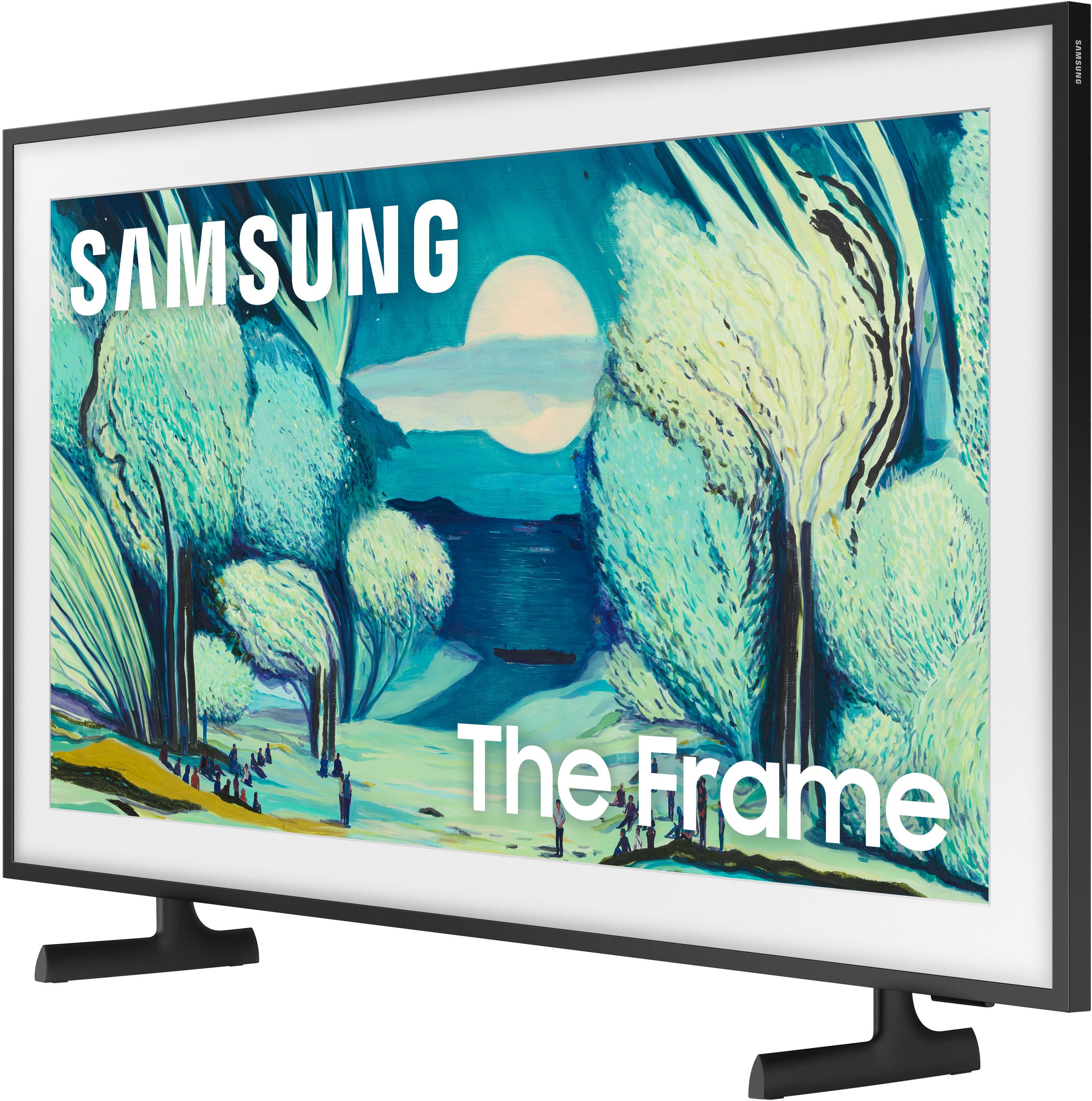
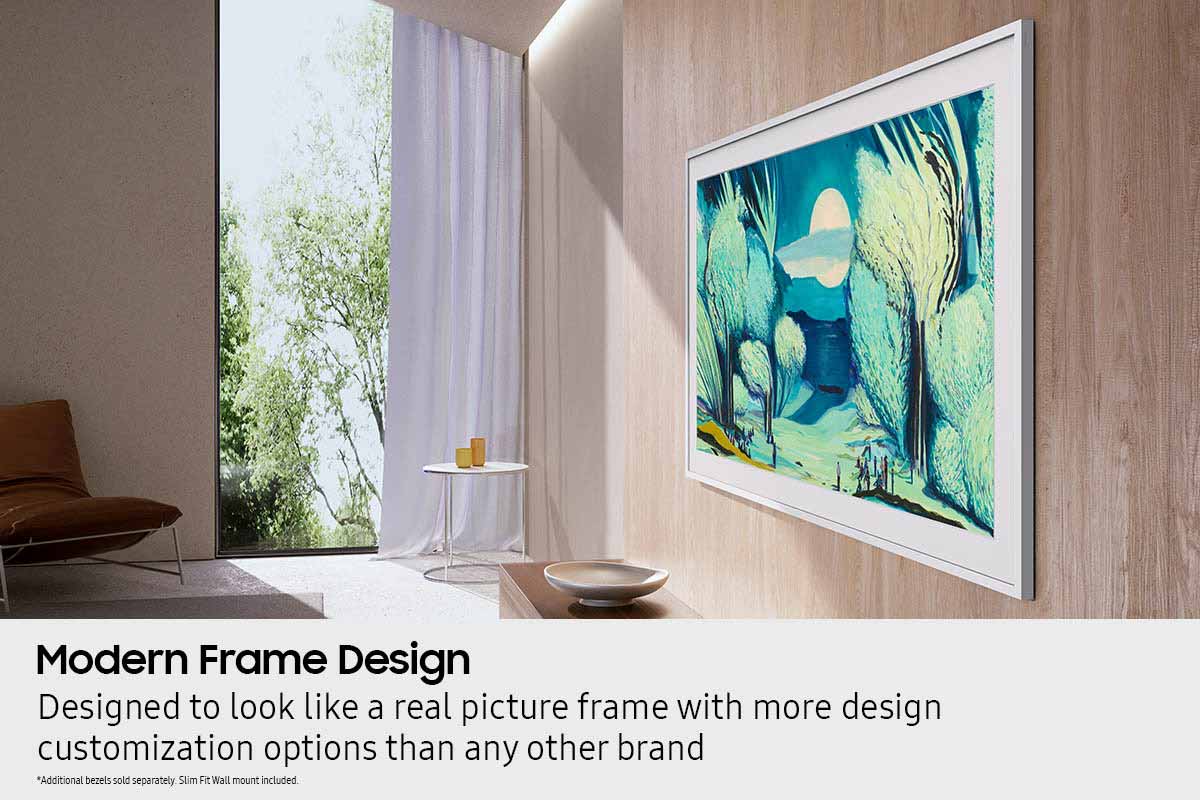
Customers appreciate the excellent picture quality, streamlined design, and how the product's appearance makes it look like a painting when mounted flat against the wall. However, some customers have reported concerns regarding connectivity, noting instances where the product goes dark or loses its connection.
This summary was generated by AI based on customer reviews.
- Pros mentioned:Picture quality
Beautiful bedroom addition.
||Posted . Owned for 1 month when reviewed.This reviewer received promo considerations or sweepstakes entry for writing a review.Mouting instructions were not super clear, but once figured it what a beauty. The 43 is perfect for my bedroom, and with number of images and genres of images which are free make this, for me a great buy.
I would recommend this to a friend - Pros mentioned:Design
Decent Product with cool image desins
||Posted . Owned for 2 months when reviewed.This reviewer received promo considerations or sweepstakes entry for writing a review.I have purchased this product for a monitor instead TV. Thought i like the design, not so great for the purpose I have purchased this item
I would recommend this to a friend - Pros mentioned:Picture quality
The best tv I bought
||Posted . Owned for 2 months when reviewed.This reviewer received promo considerations or sweepstakes entry for writing a review.Looks very nice fits well light weight clear picture and the sound is Amazing
I would recommend this to a friend - Pros mentioned:Picture quality
Really looks like a painting
||Posted . Owned for 3 weeks when reviewed.This reviewer received promo considerations or sweepstakes entry for writing a review.Excellent TV. love the look. The art is amazing. Really looks like a painting. I also bought the optional trim, teak color. looks great.
I would recommend this to a friend - Pros mentioned:Picture quality
Samsung Frame 43 upgrade from a 40 samsung.
||Posted .This reviewer received promo considerations or sweepstakes entry for writing a review.Bought open box that looked close to new. I was concerned as the mount looked lije parts were missing based on reviews. Determined 43 or perhaps 50 use single sided mounts vs double sided. Just an FYI. TV is fantastic, just as other reviews. The pictures display i am still figuring out. I ordered a teak frame but haven't mounted it yet. Overall 5 of 5 so far.
I would recommend this to a friend - Pros mentioned:Picture quality
A work of art
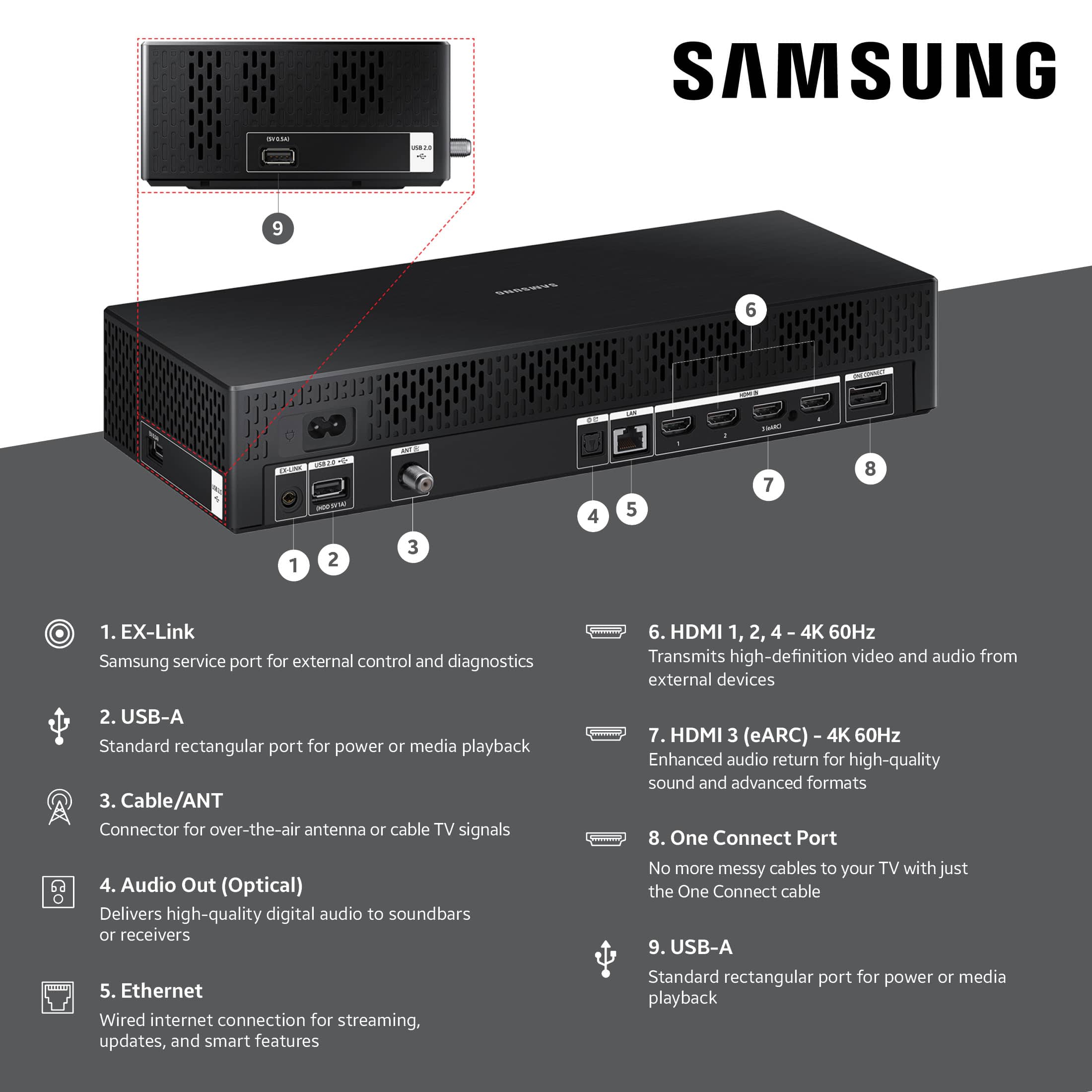
||Posted . Owned for 1 month when reviewed.This reviewer received promo considerations or sweepstakes entry for writing a review.The Frame TV was perfect for our basement entertainment space. It truly looks like an art work but can be used as a TV when desired. The picture is spectacular and looks great in all modes. Remember there is a control box that needs to be hidden as well.
I would recommend this to a friend - Pros mentioned:Appearance
Frame TV
||Posted . Owned for 1 month when reviewed.This reviewer received promo considerations or sweepstakes entry for writing a review.This TV is beautiful. A friend walked in and told me she liked my new painting! Definitely a terrific addition to my home.
I would recommend this to a friend Samsung Frame
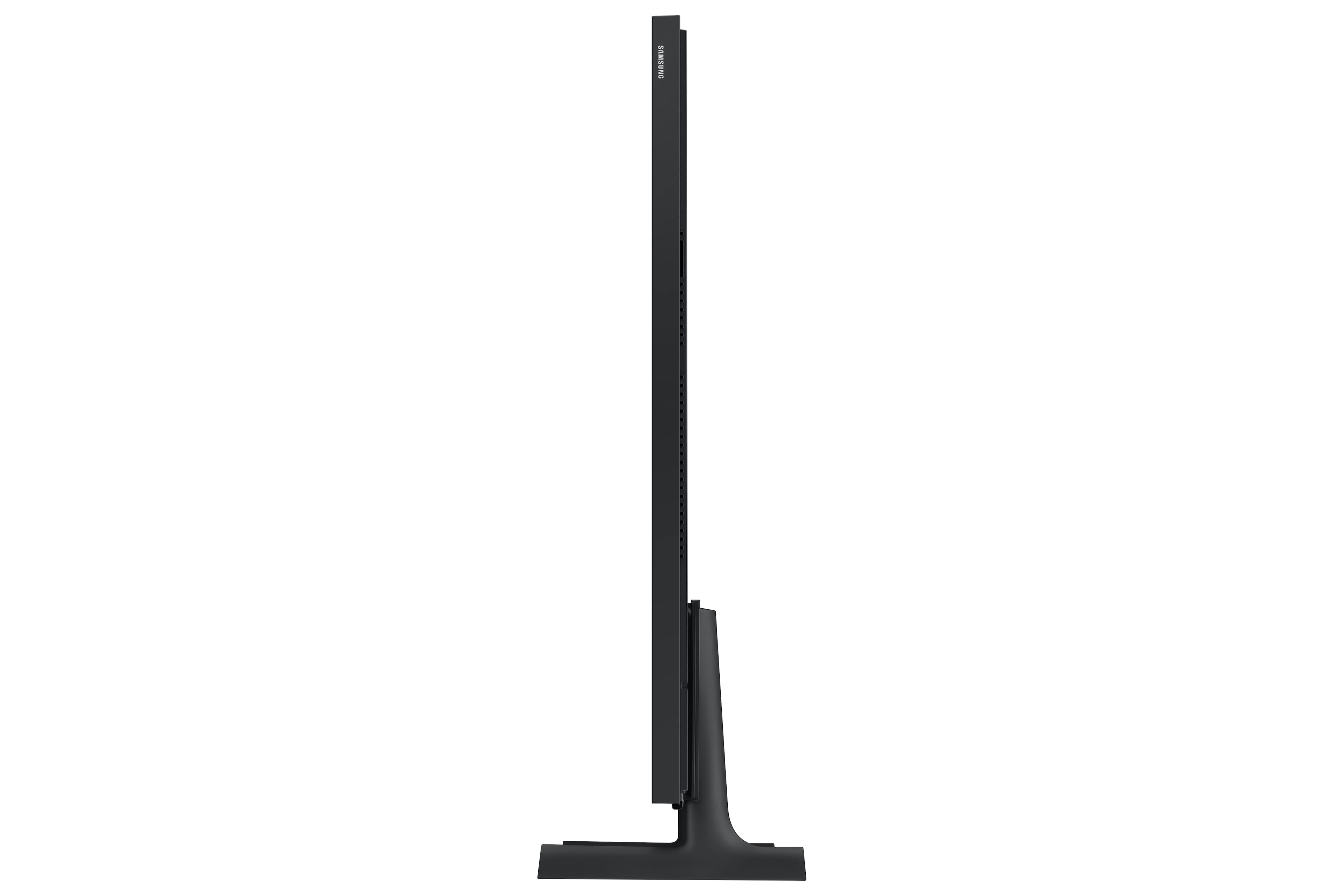
||Posted . Owned for 3 weeks when reviewed.This reviewer received promo considerations or sweepstakes entry for writing a review.Amazing Product with fast delivery. Love the Frame as it really sets off the room and sits flush with the wall. I also love that you can pick different bezels for the frame to match different rooms and decor.
I would recommend this to a friendLove but be warned of subscription and mounting
||Posted . Owned for 2 weeks when reviewed.This reviewer received promo considerations or sweepstakes entry for writing a review.Be aware that you need to either install an hdmi port somewhere else or not install the tv box behind the tv as recommended to avoid cables. However still worth every penny I love it.
I would recommend this to a friend- Cons mentioned:Connectivity
great picture
||Posted .This reviewer received promo considerations or sweepstakes entry for writing a review.Great tv. I just wish that when I turned it off. it actually went off and not go to art mode. It would be nice if I had that option and could turn on art mode if wanted.
I would recommend this to a friendBrand response from Samsung
Posted .Hi richiep,
Thanks for your review, and we apologize for any confusion. Here’s how the power button works on The Frame TV:
• Press and hold to completely power off the TV.
• While watching TV, a quick press switches to Art mode.
• While in Art mode, a quick press brings up the Home screen.
I hope this helps! If you have any questions, please call us at 1-800-SAMSUNG between 8AM - 12AM EST, seven days a week. You can also access LiveChat, manuals, software, and warranty info by clicking the ‘Support’ link on our website.
~ Samsung Specialist
- Pros mentioned:Picture quality
Nice little tv. Art looks nice
||Posted .This reviewer received promo considerations or sweepstakes entry for writing a review.Tv works well, but the frame is a bit cheap. If you want to upgrade it costs a lot. Art looks nice but doesn't fool anyone - it's almost too bright at times
I would recommend this to a friend - Pros mentioned:Picture quality
Great Piece
||Posted . Owned for 1 month when reviewed.This reviewer received promo considerations or sweepstakes entry for writing a review.wonderful tv. the color quality is amazing and love the AI features. Makes having cable unneccessary with the Samsung TV plus option.
I would recommend this to a friend - Pros mentioned:Picture quality
Samsung rocks !
||Posted . Owned for 3 weeks when reviewed.This reviewer received promo considerations or sweepstakes entry for writing a review.I bought 2 Samsung the frame and 1 moving style. I love them !
I would recommend this to a friend - Pros mentioned:Picture quality
Frame TV
||Posted . Owned for 1 month when reviewed.This reviewer received promo considerations or sweepstakes entry for writing a review.This tv perfectly fits my needs. I love that when not in use I can chose seasonal or beautiful pictures that present a picture on my wall vs. a black screen.
I would recommend this to a friend - Pros mentioned:Picture quality
The Frame is a winner.
||Posted .This reviewer received promo considerations or sweepstakes entry for writing a review.Clear picture. The best feature is the Gallery. I can view family photos or incredible pairings with music all day long. I highly recommend. The Frame frame was easy to clip onto the TV.
I would recommend this to a friend - Pros mentioned:Picture quality
Movie poster
||Posted . Owned for 2 weeks when reviewed.This reviewer received promo considerations or sweepstakes entry for writing a review.This thing is amazing works as advertised. My friends love it and don’t think it’s a tv when they see it .
I would recommend this to a friend - Pros mentioned:Picture quality
43" frame review
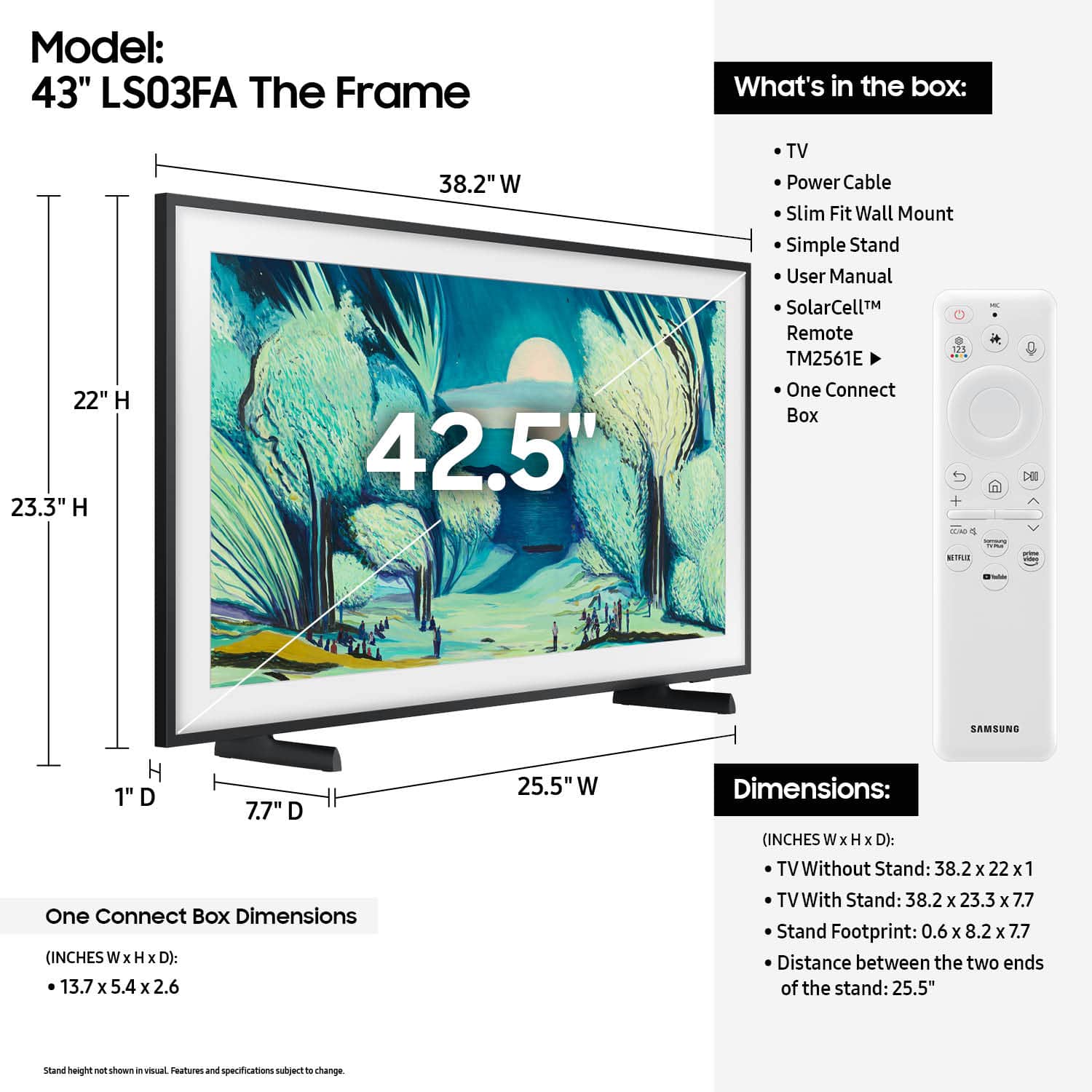
||Posted . Owned for less than 1 week when reviewed.This reviewer received promo considerations or sweepstakes entry for writing a review.Great picture and looks just likeva frame with art or photo. Instructions more for 50" and above, but you can find video online if needed.
I would recommend this to a friend - Pros mentioned:Picture quality
43 " TV
||Posted .This reviewer received promo considerations or sweepstakes entry for writing a review.great picture best TV I have ever bought, was not in store but received it next day very easy to set up
I would recommend this to a friend - Pros mentioned:Appearance
high quality tv
||Posted . Owned for 1 week when reviewed.This reviewer received promo considerations or sweepstakes entry for writing a review.I like that this literally looks like a frame. You can also display art and pictures.
I would recommend this to a friend - Pros mentioned:Picture quality
great
||Posted .This reviewer received promo considerations or sweepstakes entry for writing a review.great...............................................................................
I would recommend this to a friend