Customer Ratings & Reviews

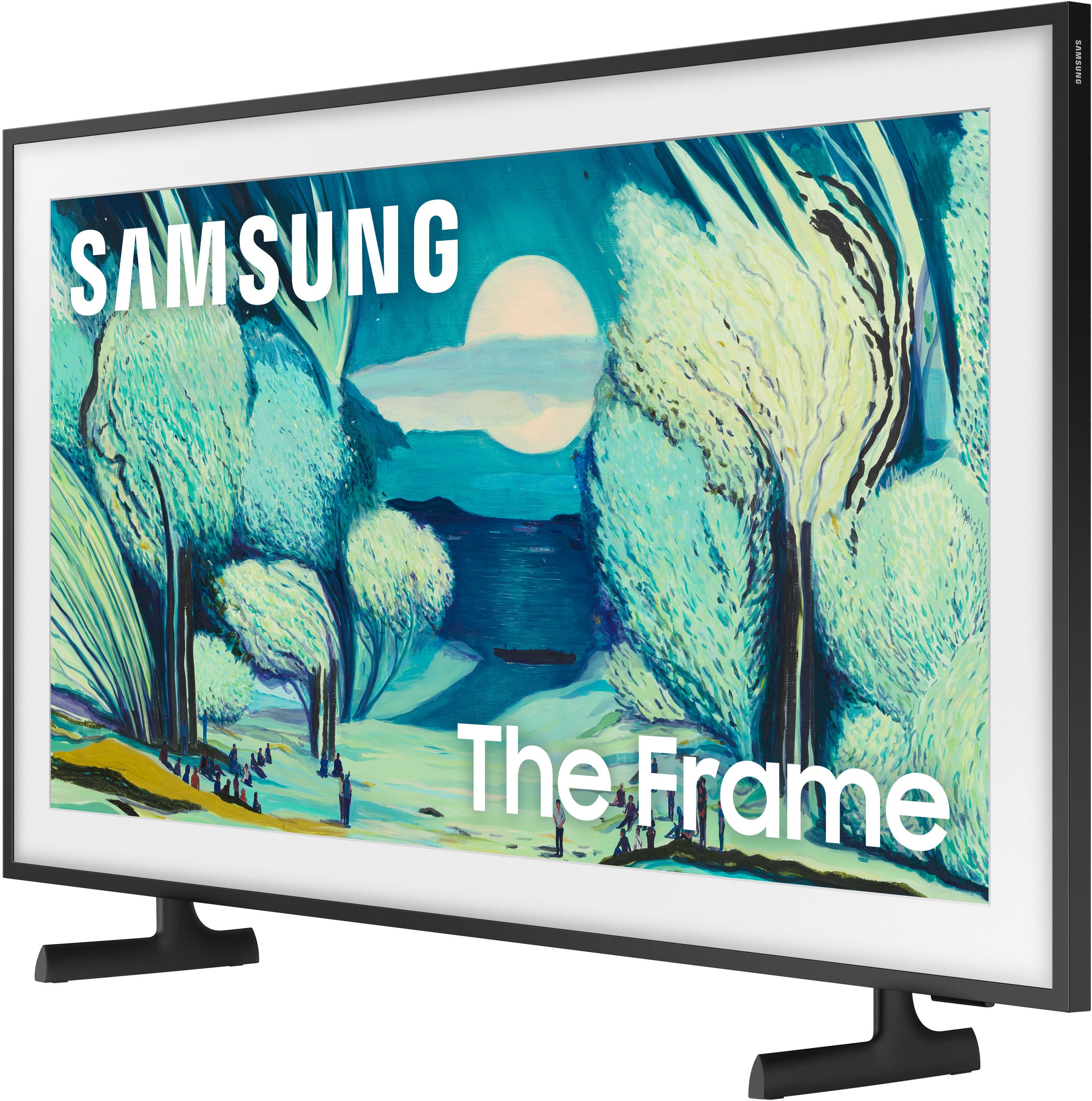
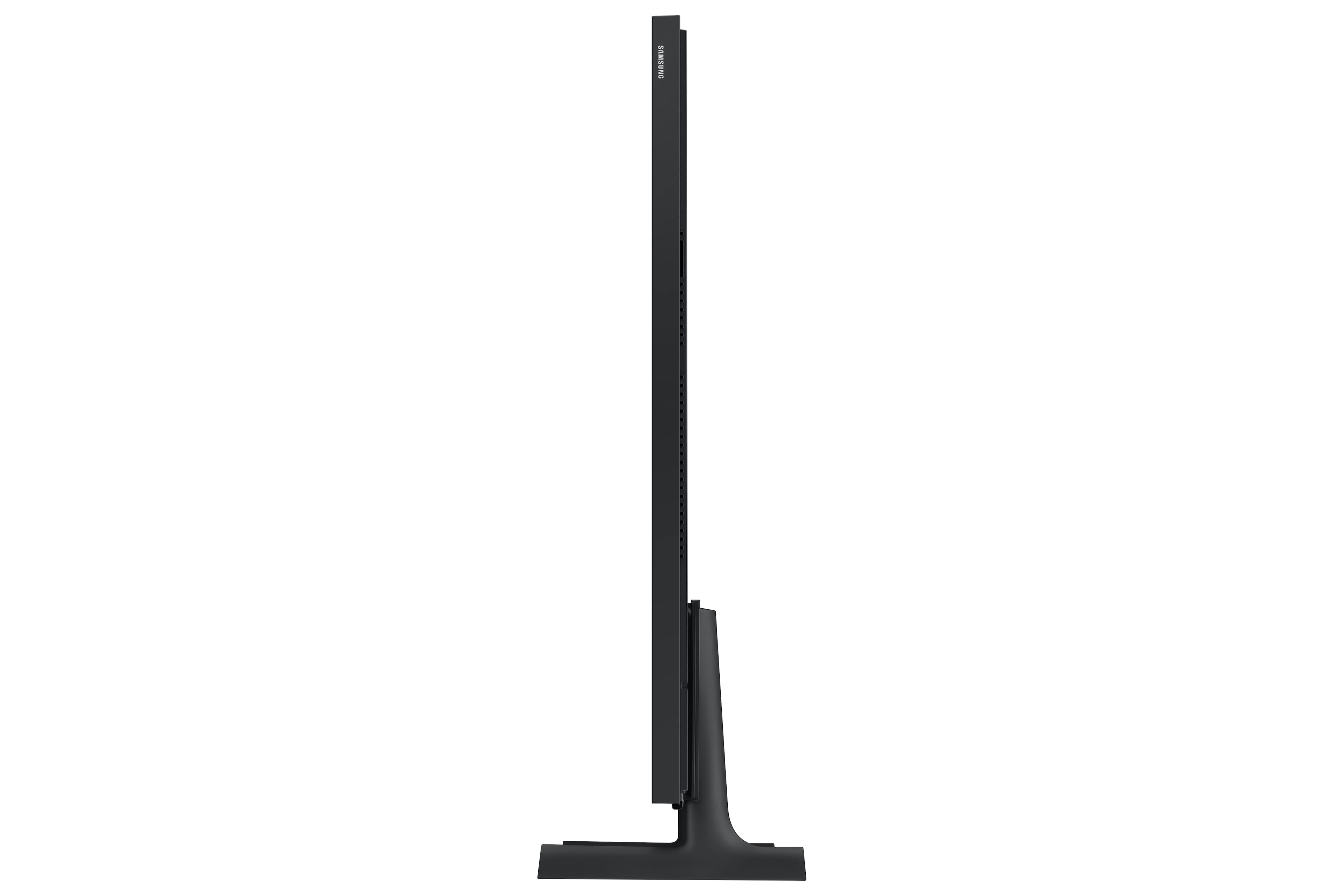
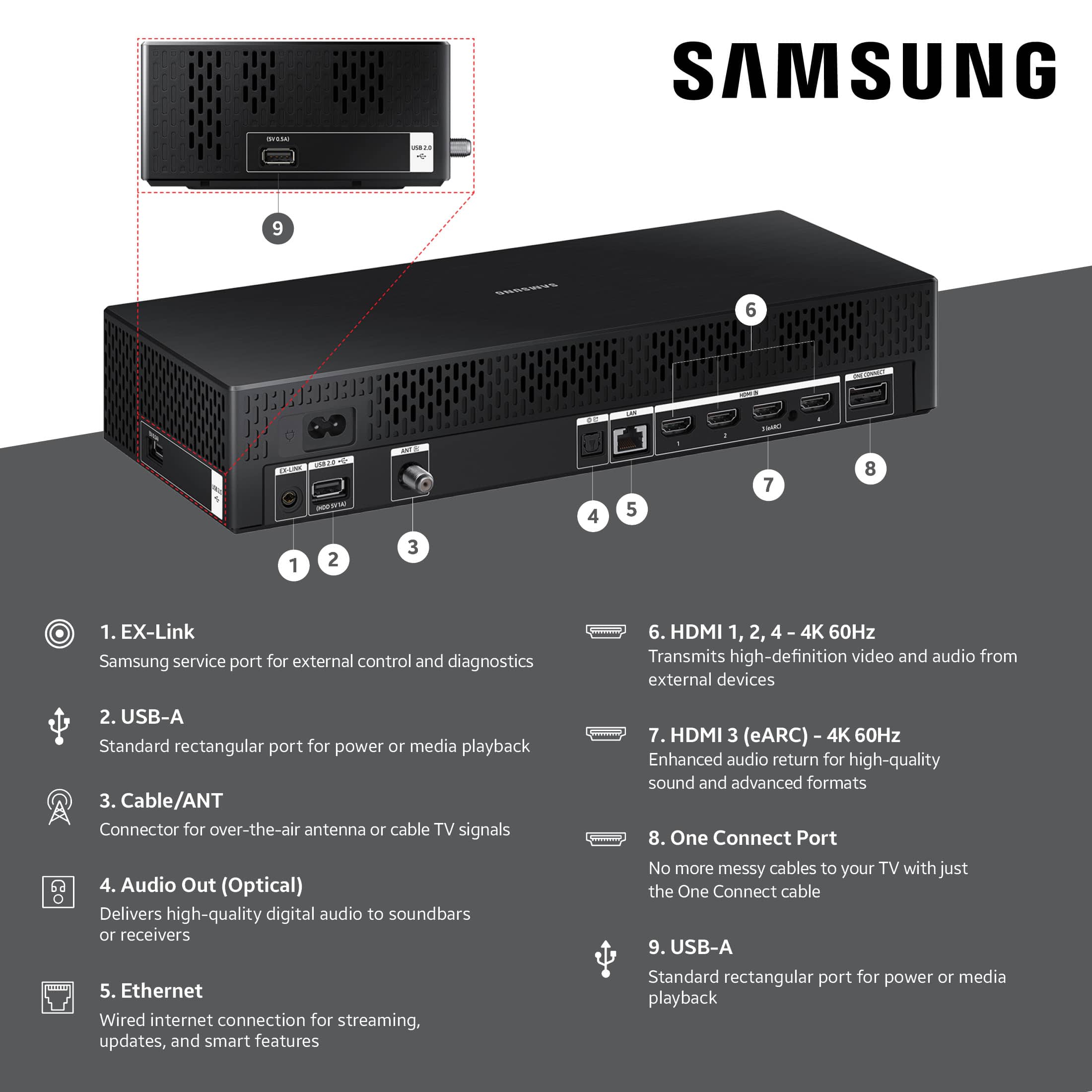
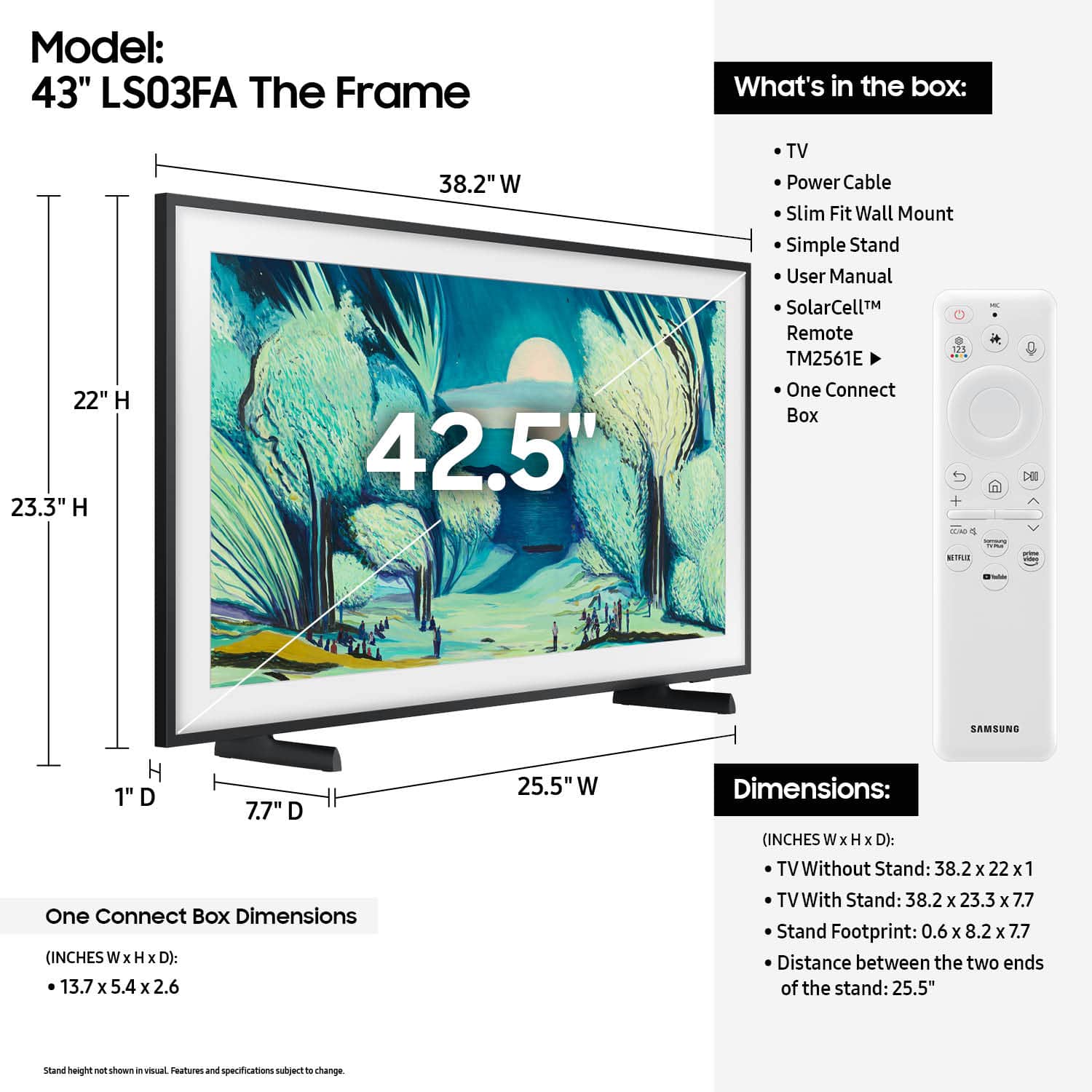




- Model:
- QN43LS03FAFXZA
- SKU:
- 6613681
Rating by feature
- Picture Quality
Rating 4.7 out of 5 stars
- Sound Quality
Rating 4.5 out of 5 stars
- Brightness
Rating 4.7 out of 5 stars
Customers are saying
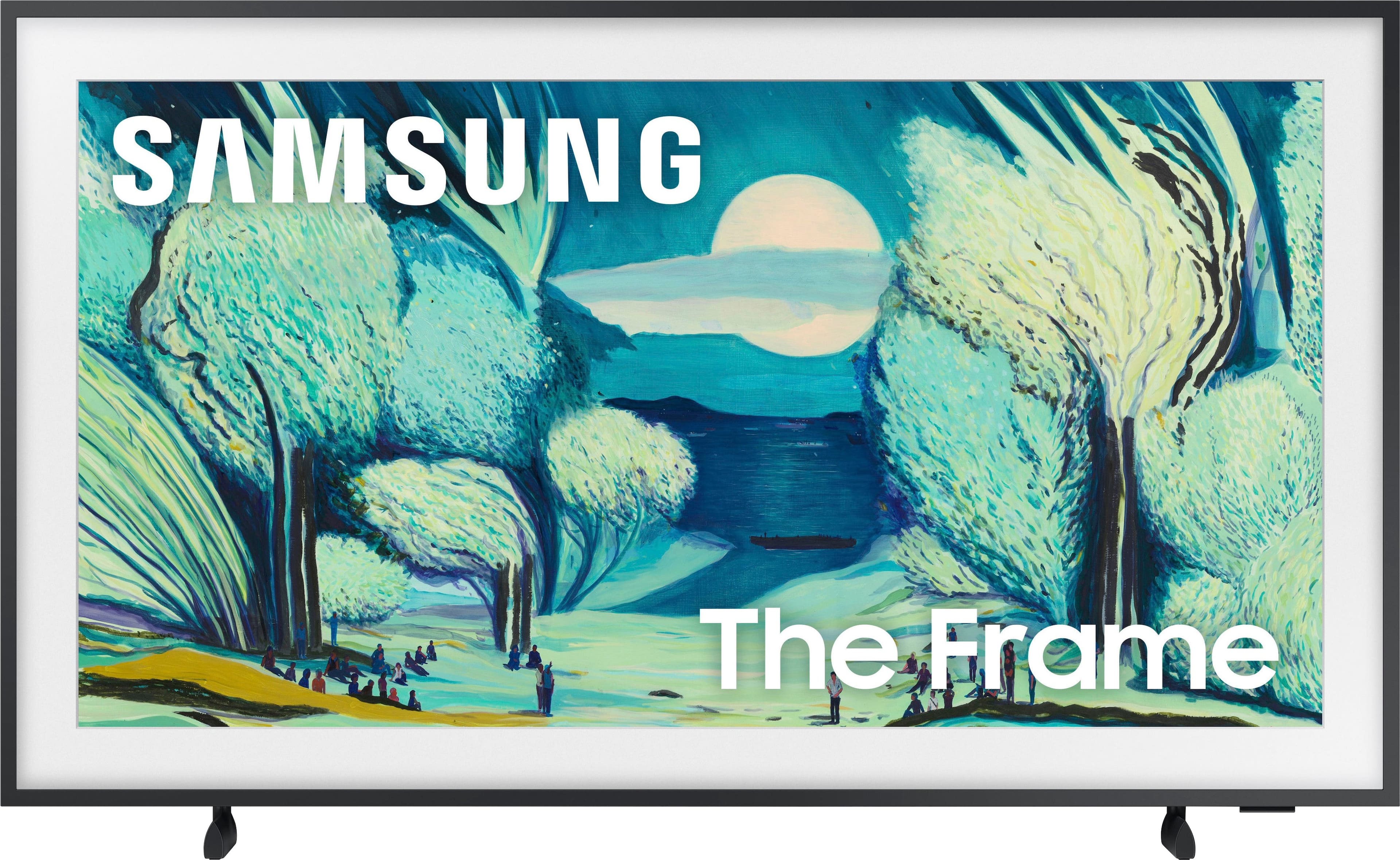
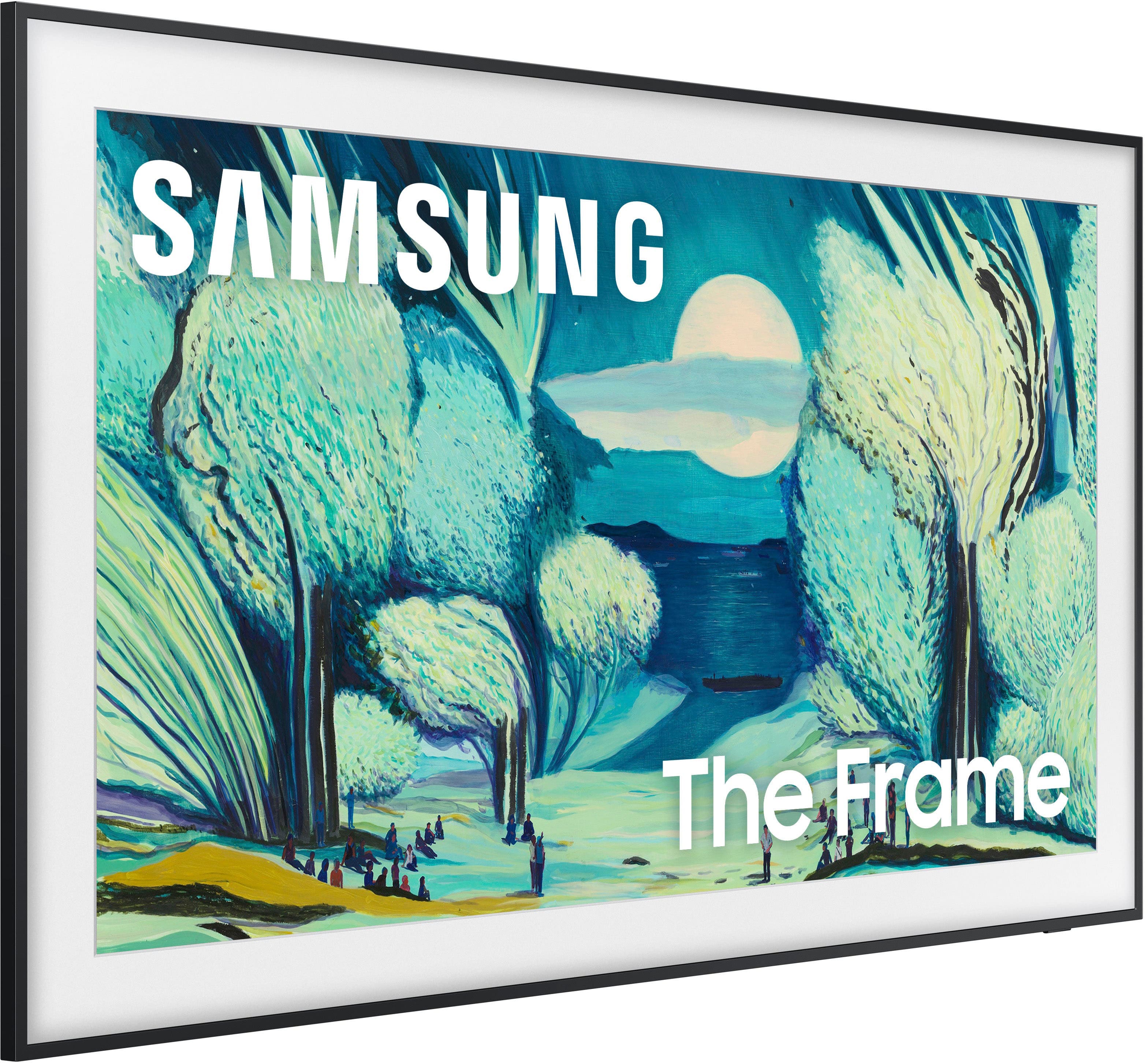
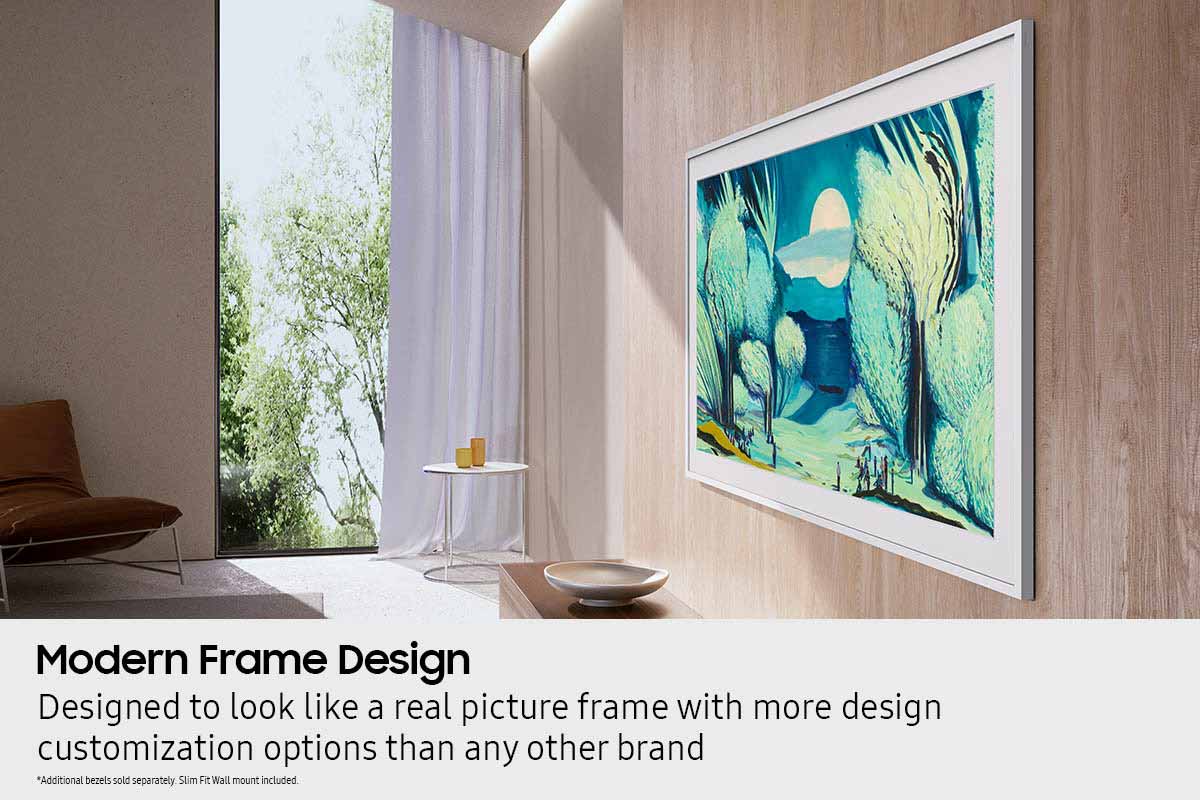
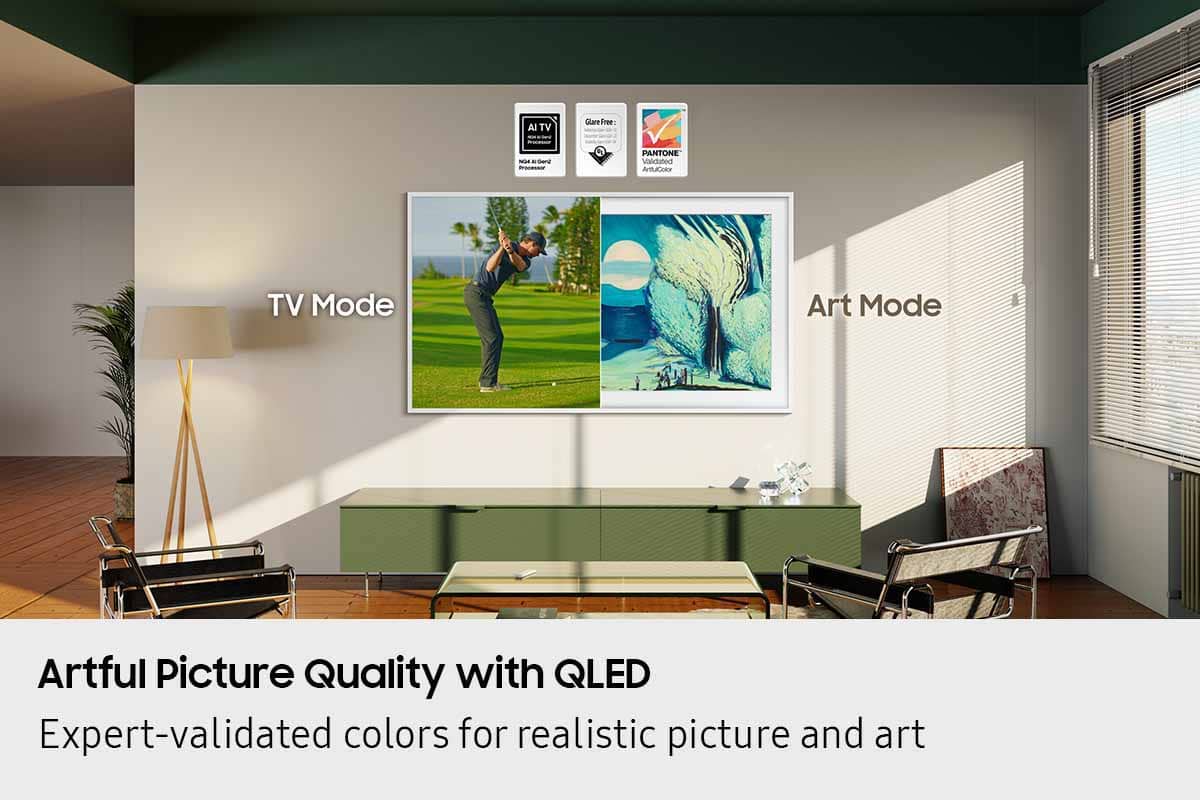
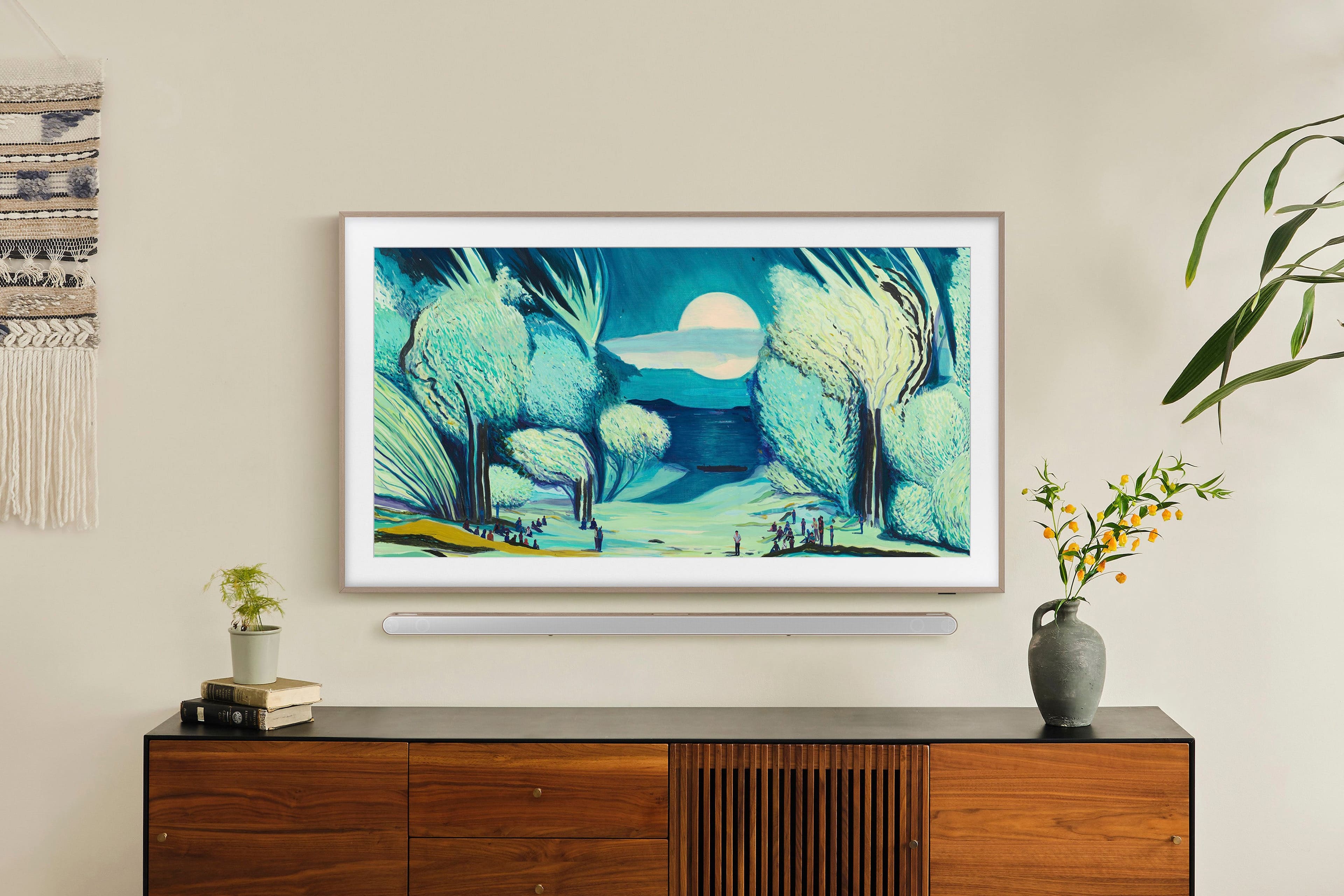
Customers appreciate the excellent picture quality, streamlined design, and how the product's appearance makes it look like a painting when mounted flat against the wall. However, some customers have reported concerns regarding connectivity, noting instances where the product goes dark or loses its connection.
This summary was generated by AI based on customer reviews.
- Pros mentioned:Picture quality
Frame TV
||Posted .This reviewer received promo considerations or sweepstakes entry for writing a review.Love this Frame TV Fairly easy to install. Art display is wonderful.
I would recommend this to a friend - Pros mentioned:Picture quality
Awesome
||Posted .This reviewer received promo considerations or sweepstakes entry for writing a review.Awesome quality and picture. Very happy with the product.
I would recommend this to a friend - Pros mentioned:Picture quality
review
||Posted .This reviewer received promo considerations or sweepstakes entry for writing a review.little hard to install but grate product over all. I love it and picture quality .
I would recommend this to a friend - Pros mentioned:Appearance
Nice Tv
||Posted .This reviewer received promo considerations or sweepstakes entry for writing a review.Nice tv well fitted in my living room really looks like a mirror
I would recommend this to a friend - Pros mentioned:Design
Chic, aesthetic and functional
||Posted . Owned for 1 week when reviewed.This reviewer received promo considerations or sweepstakes entry for writing a review.The frame does not disappoint with style and function!
I would recommend this to a friend - Pros mentioned:Picture quality
Great service and tv
||Posted .This reviewer received promo considerations or sweepstakes entry for writing a review.Great Tv, great service from Best Buy when purchasing
I would recommend this to a friend Very nice TV
||Posted . Owned for 1 month when reviewed.This reviewer received promo considerations or sweepstakes entry for writing a review.Very happy with this tv. What I really like is the one-connect box makes connections so much easier especially on a a tv hanging on the wall. Would have given 5 stars but a little disappointed in the user manual or should I say lack of one. Really would of been useful in using the Samsung Art.
I would recommend this to a friendBrand response from Samsung
Posted .Hi JimB,
We appreciate you sharing your user experience. To help you get the most from your TV, you can download the full e-Manual and more by visiting Samsung’s website then navigating to: Support > Manual & Software > TVs & Home Theater. From there, you can search for and select your Frame TV model to view or download the available guides.
The e-Manual and Remote Control Guide are also conveniently built into your TV: Settings > Support > Tips and User Guides
If you need additional help, please contact Samsung Support at 1-800-SAMSUNG, 8AM – 12AM EST, 7 days a week. LiveChat agents are also available through the ‘Support’ link on our website.
~ Samsung Specialist
Excellence colorful performance.
||Posted . Owned for 1 week when reviewed.This reviewer received promo considerations or sweepstakes entry for writing a review.I’m in love with the excellence in which viewing this tv performs.
I would recommend this to a friendBetter than the 55 inch model
||Posted .This reviewer received promo considerations or sweepstakes entry for writing a review.Purchased 2 Frame models - this 43 inch model and another 55 inch model. The smaller TV is doing well, but the larger one has developed dead pixels and Best Buy was unable/unwilling to assist.
I would recommend this to a friendGreat Product
||Posted .This reviewer received promo considerations or sweepstakes entry for writing a review.Very happy with this product. We bought 2 of them and have them on a picture wall. Great artwork and nice ability to have extra tvs!
I would recommend this to a friendGood TV, less reflection, nice art
||Posted .This reviewer received promo considerations or sweepstakes entry for writing a review.It’s a really nice TV. A bit pricey but worth it. Samsung Art is really cool. Works well with reflection.
I would recommend this to a friendFrame TV
||Posted . Owned for 2 weeks when reviewed.This reviewer received promo considerations or sweepstakes entry for writing a review.arrived quickly and looks great on the wall; still learning to navigate
I would recommend this to a friendYou could do much better.
||Posted .This reviewer received promo considerations or sweepstakes entry for writing a review.Product is fine. Installation instructions or horribly deficient.
I would recommend this to a friendSad decline in free artwork
||Posted . Owned for 1 month when reviewed.This reviewer received promo considerations or sweepstakes entry for writing a review.This was a replacement for the 2022 version. The screen seems improved but the 2022 developed lines in it hence the replacement. What is not helpful is the fact that the number of free artworks has drastically declined, pushing you towards a subscription to get decent artwork. That is a sad decision by Samsung to drive annuity revenue from what is, after all, a TV set.
No, I would not recommend this to a friendBrand response from Samsung
Posted .Hi Waltham,
Thank you for your review. While The Frame TV does require a subscription for full access to the Art Store, please know that our 2025 model includes Art Streams, a new feature that offers 20 hand-selected artworks that rotate monthly - completely free.
If you need help accessing Art Streams, Samsung Support is here to assist at 1-800-SAMSUNG, 8AM – 12AM EST, 7 days a week. LiveChat agents are also available by clicking the ‘Support’ link on our website.
~ Samsung Advisor
Love it
||Posted .This reviewer received promo considerations or sweepstakes entry for writing a review.Love it. Perfect for my needs. Highly recommend!
I would recommend this to a friend- Cons mentioned:Connectivity
Best buy has terrible customer service
||Posted .This reviewer received promo considerations or sweepstakes entry for writing a review.Horrible, Can't hold a internet connection, keeps disconnecting and periodically turns off. No help from geek squad, do not buy a television from Best Buy. They don't stand by the products they sell and they wont help you after 15 days.
No, I would not recommend this to a friendBrand response from Samsung
Posted .MKRW,
Thank you for sharing your experience with Wi-Fi connectivity. If your TV is having trouble connecting to the network, the following steps may help resolve the issue:
Signal & Setup Tips:
1. Check TV-to-router distance – Your TV should be within 50 feet of the modem or access point for reliable signal strength.
2. Minimize interference – Turn off nearby wireless devices and make sure there are no physical barriers (stone walls, fireplaces, appliances) between the TV and router.
Power Cycle Devices:
3. Restart both your TV and router – Unplug both devices for at least 30 seconds, then plug them back in and allow them to reboot fully.
Connection Type:
4. Evaluate your connection method –
o If using Wi-Fi, move your router closer to the TV and eliminate any obstructions.
o For a more stable connection, we strongly recommend using a wired Ethernet cable.
o If already using Ethernet, verify the cable is working by testing it with another device.
Run Built-In Diagnostic Tools:
5. Network Test: Settings > Support > Device Care > Self Diagnosis > Smart Hub Connection Test
6. Wi-Fi Check: Settings > Support > Device Care > Self Diagnosis > Wi-Fi
Last Resort:
7. Perform a Factory Reset (if issues persist): Settings > All Settings > General & Privacy > Reset > Factory Data Reset. Note that this will return all settings to their original defaults.
If these steps don’t resolve the issue, please reach out to Samsung Support at 1-800-SAMSUNG, available 8AM – 12AM EST, 7 days a week. LiveChat support and additional help are available at the ‘Support’ link on our website.
~ Samsung Specialist
- Cons mentioned:Connectivity
Poor picture quality, locks up, stops often
||Posted . Owned for 2 weeks when reviewed.This reviewer received promo considerations or sweepstakes entry for writing a review.Was so hopeful for the versatility of this frame in my bedroom, but it has done nothing but disappoint. Just when I think we’re connected it goes dark or loses connection. No clear way to physically reset and it blurs out a lot of options without explanation.
No, I would not recommend this to a friendBrand response from Samsung
Posted .JacobRomelhardt,
We appreciate your feedback regarding your Frame TV’s performance. If you're experiencing connectivity issues or lag in general response time, please try the following steps:
1. Check for firmware updates – Keeping your TV up to date can resolve many performance issues: Home > left directional key > Settings > Support > Software Update > Update Now
2. Run Device Care – This tool checks system memory, frees up cached data, and closes background apps that could be slowing things down: Home > left directional key > Settings > Support > Device Care > Start Device Care
3. Cold boot your TV – With the TV powered on, press and hold the Power button on your remote for 5+ seconds until the TV restarts. This helps refresh the system.
Additionally, the brightness fluctuations may be related to energy-saving features, AI-powered optimizations, or dynamic picture settings that automatically adjust screen brightness based on content and viewing environment.
Please try disabling the following features: Settings > All Settings > General & Privacy > Power and Energy Saving > Brightness Optimization, Energy Saving Solution, and Motion Lighting
If these are already off, check if Contrast Enhancer is enabled, which can also cause brightness to shift depending on scene changes: Settings > All Settings > Picture > Expert Settings > Contrast Enhancer
Samsung’s newer TVs also include AI-powered features designed to adapt picture settings automatically. While many viewers enjoy this enhancement, others prefer more manual control. To adjust these features, go to: Settings > All Settings > Advanced Features > AI Mode Settings
We hope these steps help. If you continue to experience issues, please don’t hesitate to contact Samsung Customer Support at 1-800-SAMSUNG (8AM – 12AM EST, 7 days a week). LiveChat is also available via the ‘Support’ link on our website.
~ Samsung Specialist
- Pros mentioned:Picture quality
Retail experience at Best Buy is awful
||Posted . Owned for 3 weeks when reviewed.This reviewer received promo considerations or sweepstakes entry for writing a review.Samsung TV is great. Best Buy customer service is terrible. Samsung needs to distribute through other retailers
I would recommend this to a friendBrand response from Samsung
Posted .JerryP,
It appears your 1-star review for Samsung's Frame TV is based on your experience with Best Buy, and we recommend contacting the store directly to share your feedback.
If you need help with the TV itself, Samsung Support is always here to help at 1-800-SAMSUNG, 8AM – 12AM EST, 7 days a week, or via LiveChat under the ‘Support’ section of our website.
~ Samsung Specialist
Inconsistent install policy.
||Posted . Owned for 1 month when reviewed.This reviewer received promo considerations or sweepstakes entry for writing a review.Maple Grove MN store wanted $90 to drop cord down a wall tube (you separatly have to put the tube in wall). Both San Diego & Baxter MN stores put the tube in for that $$. Inconsistent policy.
No, I would not recommend this to a friendBrand response from Samsung
Posted .JillA,
It appears your 1-star review for the Samsung Frame TV is based on your experience with Best Buy, and we’re sorry to hear that. We recommend contacting the store directly to share your feedback.
If you need help with the TV itself, Samsung Support is available at 1-800-SAMSUNG, 8AM – 12AM EST, 7 days a week, or via LiveChat under the ‘Support’ section of our website.
~ Samsung Specialist
Frame tv
||Posted . Owned for 2 weeks when reviewed.This reviewer received promo considerations or sweepstakes entry for writing a review.Didn’t come with wall mount as stated it was supposed to. Customer service unwilling to send one or issue partial credit or refund for one.
I would recommend this to a friendBrand response from Samsung
Posted .BrianW,
Thank you for your review. We understand there may be some confusion regarding the Slim Fit Wall Mount included with your Samsung TV.
Unlike traditional wall mounts made of large, visible metal brackets, the Slim Fit Wall Mount is a compact system made up of a few small components. It’s designed to keep the TV close to the wall while maintaining a minimal profile.
All wall mount components are located in the same accessory bag that includes your One Connect cable, remote, and power cord. So if you've received your remote, you've received the wall mount – it may just not be immediately recognizable as such.
Here’s what you’ll find inside the accessory bag:
• Smaller sealed bag section:
o Main brackets for the wall mount
o Screws
o Installation template
o Positioning tape
• Larger sealed bag section:
o Wall anchors
o Mounting bolts
If you need help identifying the pieces or with wall mount installation, please contact Samsung Support at 1-800-SAMSUNG, available daily from 8AM - 12AM EST. You can also visit the Samsung website and click on ‘Support’ for:
• Live Chat
• Manuals, Software, & Warranty Info
~ Samsung Specialist