Customer Ratings & Reviews
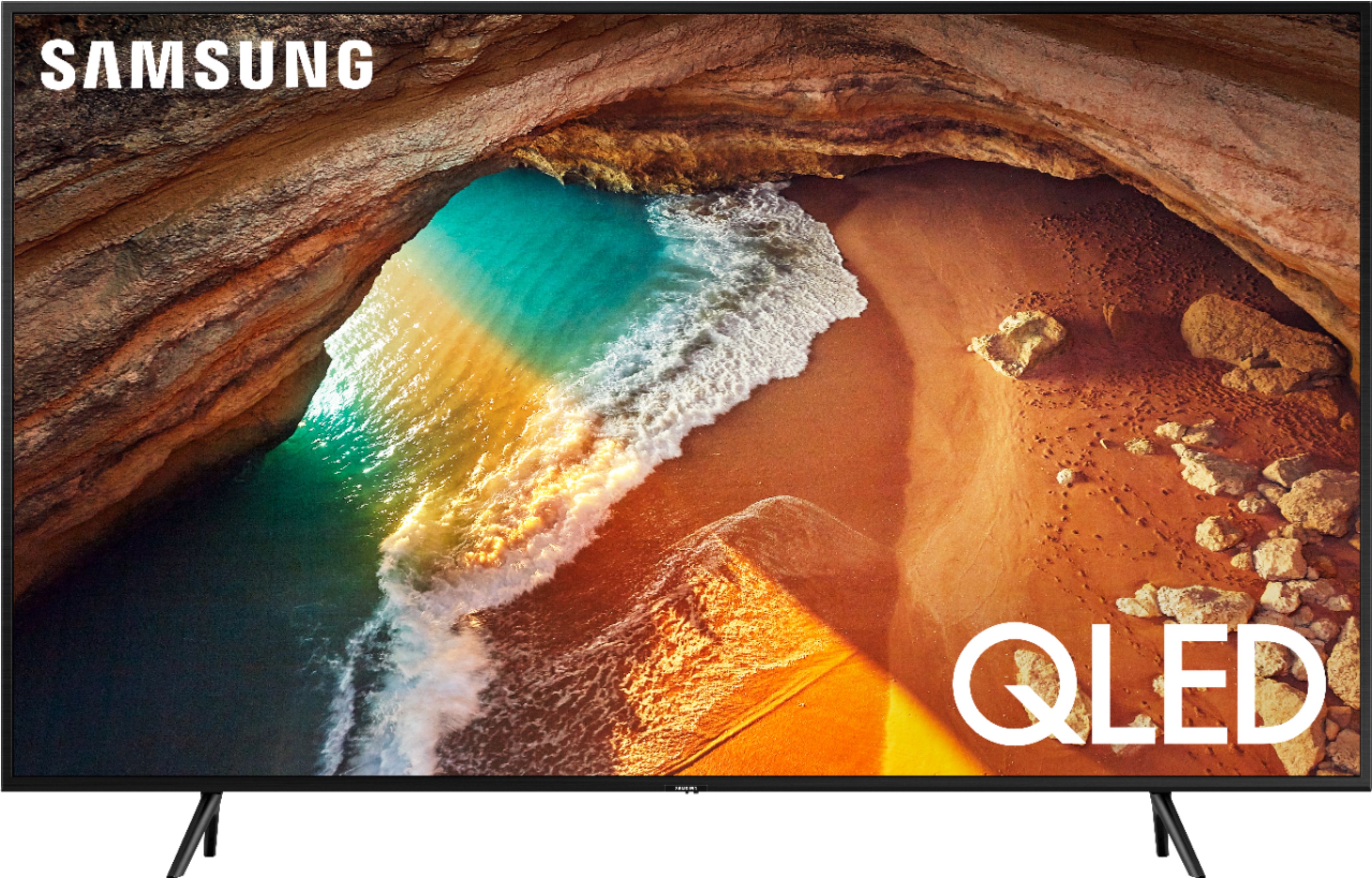
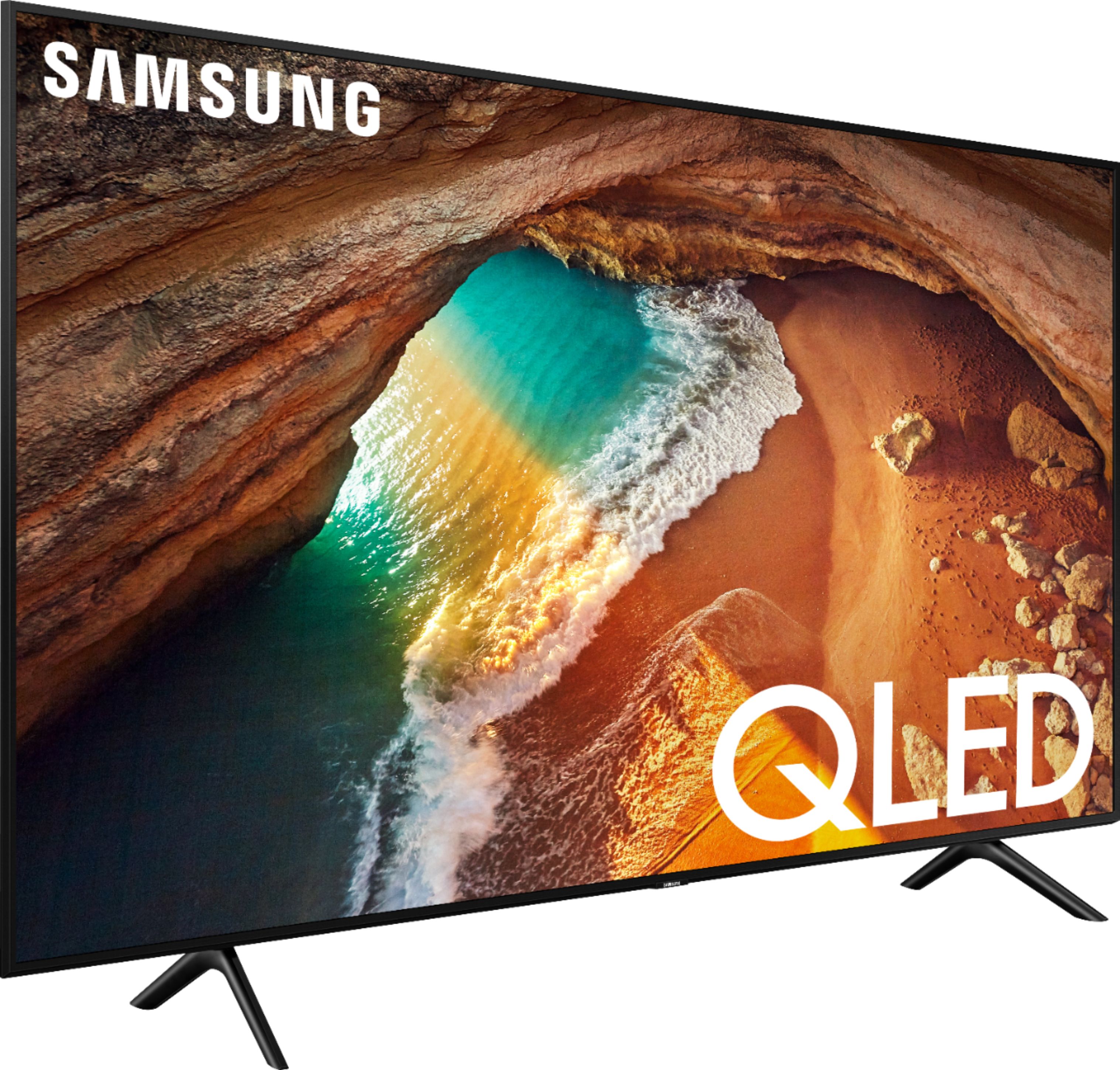
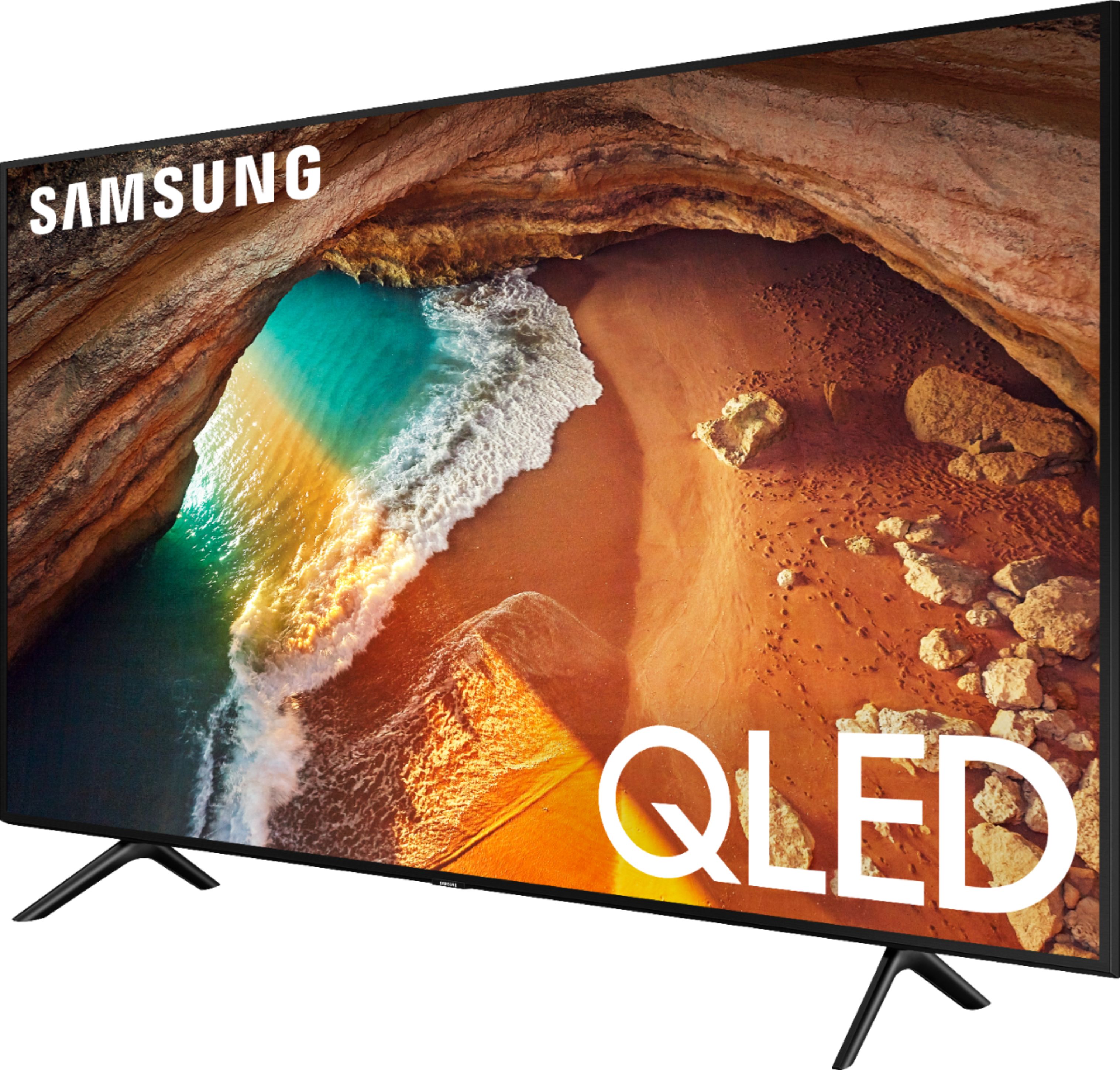
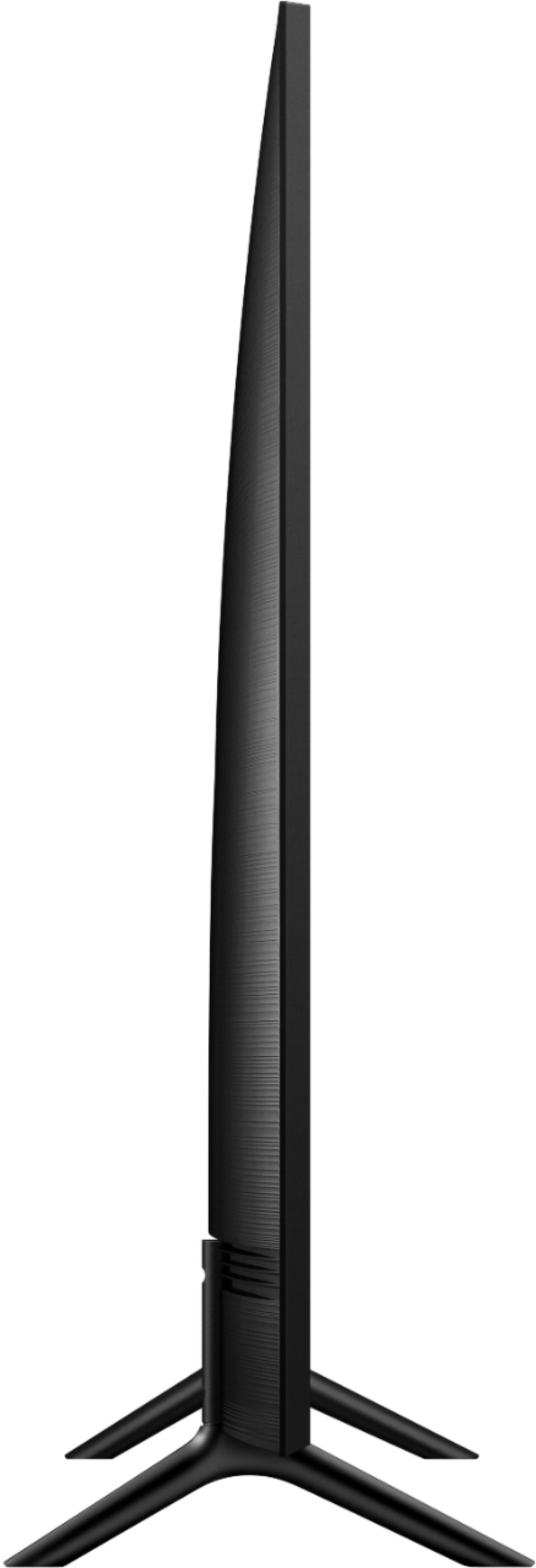
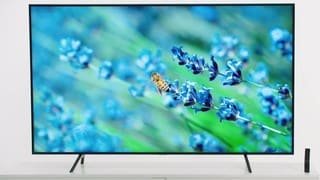

- Model:
- QN43Q60RAFXZA
- SKU:
- 6331742
Rating by feature
- Picture Quality
Rating 4.1 out of 5 stars
- Sound Quality
Rating 3.8 out of 5 stars
- Brightness
Rating 4.0 out of 5 stars
Customers are saying
Customers find value in the 43" Class Q60 Series QLED 4K UHD Smart Tizen TV for its exceptional picture quality, easy setup, and affordable price. Many customers rave about the superb color and clarity of the display, making it an excellent choice for gaming and watching movies. The TV's smart features also receive positive feedback for their convenience and functionality.
This summary was generated by AI based on customer reviews.
Fantastic Value
Posted .This reviewer received promo considerations or sweepstakes entry for writing a review.Great tv for the bedroom, 120 FPS makes a huge difference!!
I would recommend this to a friend- Pros mentioned:Color
Amazing TV Well Worth the Money
Posted .This reviewer received promo considerations or sweepstakes entry for writing a review.Great color, works perfectly, decent sound. A soundbar helps, but the native TV sound is okay.
I would recommend this to a friend - Cons mentioned:Remote control
Don't buy Samsung
Posted .This reviewer received promo considerations or sweepstakes entry for writing a review.This is my 2nd Samsung TV. The first Samsung I could not ask for a better TV. After many years of use the color started streaking. Because of the excellent service I got from my first Samsung I decided to get another Samsung. The TV would not pick up the local channel 5, the educational channel would fade in and out, and some times would not work at all. Plus the 40 --- channels and the 62 --- channels would not work at all. The remote was not designed to select individual channels. If you wanted an individual channel you had to surf threw all the channels to get where you wanted to go. I was shocked to see how far Samsung has fallen.
No, I would not recommend this to a friendBrand response from Samsung
Posted .Sparky,
I am sorry that you are experiencing issues viewing your local channels.
First of all, you need to have an antenna or cable connected. Then switch to TV source and press Home button on the remote and go to Settings > Broadcasting > Auto Program. Select start then select the type of signal (Air or Cable). Wait until Auto Programming is completely done.
To direct tune a specific channel, switch to TV source then press the 123/color button on the remote to display the numeric key pad. Select the channel number from the keypad, then scroll up and select Done.
Should you need further assistance or have any other concerns or questions, please reach out to Samsung TV Support via any of the below options:
1) Phone: 1-800-SAMSUNG (ask for TVs)
Available 8AM - 12AM EST (Mon-Fri) / 9AM - 11PM EST (Sat-Sun)
2) LiveChat or Email: https://www.samsung.com/us/support/#contact_us_for_support
3) Facebook Messenger: https://www.facebook.com/samsungsupport
4) Twitter: https://twitter.com/SamsungSupport
Again, thank you for your feedback and for being a Samsung customer.
- Samsung Ambassador
- Pros mentioned:Color
Truly a best buy
Posted .This reviewer received promo considerations or sweepstakes entry for writing a review.Color is outstanding! Service people are helpful and consumer friendly.
No, I would not recommend this to a friend Disappointed in Samsung
Posted .This reviewer received promo considerations or sweepstakes entry for writing a review.I purchased the Q60 because of its ability to download apps and use one single controller. Unfortunately, the Information received from Samsung and Comcast was incorrect as the unit can not download the Xfinity streaming app. I was told on May 25th that the "Engineers" were working on an update to correct this issue. After no resolution, I followed up on June 15th and was told to buy a Roku. Upset about receiving conflicting information, I reached out to the "Office of the President". It looked like things were going well, as I received information on June 18th again confirming that the "Engineers" were working with Comcast on an update. After 3 MORE weeks, I began reaching out to Samsung for an update. Several e-mails and phone calls have gone unreturned to date. Today as I write this review it has been almost 8 weeks that I first contacted Samsung and 4 weeks since they have communicated with me. The sad thing is that I have been fed misinformation and am being completely ignored and disrespected. I would not have purchased this unit had I known Samsung would treat a customer this way.
No, I would not recommend this to a friendBrand response from Samsung
Posted .KayJ,
I am very sorry for the issues you have encountered and understand your frustration. Your user experience is very important to us and will be shared with our teams.
Please know that the Xfinity app has gone live on our Smarthub since July 15.
Our engineering team has tested it in our lab and confirm that the app works fully on RU7100 TV.
If there is anything we can do to further assist you, please reach out to us at Samsung TV Support:
1) Phone: 1-800-SAMSUNG (ask for TVs)
Available 8AM - 12AM EST (Mon-Fri) / 9AM - 11PM EST (Sat-Sun)
2) LiveChat or Email: https://www.samsung.com/us/support/#contact_us_for_support
3) Facebook Messenger: https://www.facebook.com/samsungsupport
4) Twitter: https://twitter.com/SamsungSupport
5) The Samsung Community is also a great resource for getting help from Samsung moderators and customers: https://us.community.samsung.com/t5/TVs/bd-p/tv
If you have not already done so, we invite you to register your new Samsung product at: https://www.samsung.com/us/support/register/
Registering your product gives you access to easy warranty support, convenient opt-in to special promos & offers, faster troubleshooting & service, and quick notification of system updates.
- Samsung Ambassador
Disappointed should have stuck with sharp
Posted .This reviewer received promo considerations or sweepstakes entry for writing a review.4 years old and the picture is darkened on the side tried to fix it via YouTube instructions no go clearly an issue with this piece of c—p TV DONT BUY
No, I would not recommend this to a friendOnly lasted 4 years
Posted .This reviewer received promo considerations or sweepstakes entry for writing a review.It only lasted 4 years. Now the screen is black, and none of the suggested solutions are working.
No, I would not recommend this to a friend- Cons mentioned:Reliability
3 Year Old TV - Won’t Turn On
Posted .This reviewer received promo considerations or sweepstakes entry for writing a review.I bought this TV December 2019 and now it will not even turn on. 3 years. Never been dropped or damaged. Just all the sudden won’t come on.
No, I would not recommend this to a friend Major wifi issues
Posted .This reviewer received promo considerations or sweepstakes entry for writing a review.I seriously regret buying this TV. It won't connect to my home wifi or it randomly disconnects from the wifi. I have to unplug the TV multiple times each day to get the TV to connect to wifi. I've had this TV almost 1 month and these problems just started happening. This will probably be my last time buying a Samsung tv.
No, I would not recommend this to a friendBrand response from Samsung
Posted .Zach,
I am sorry to hear that you are experiencing WiFi connection issues with your Q60R TV.
Samsung is committed to providing the best possible product experience, quality, and value. We back this Samsung TV with a 1-year limited manufacturer's warranty, including authorized repair for manufacturer defect, if purchased brand-new directly from an authorized seller.
Please reach out to us so that we can provide troubleshooting or begin warranty service.
You can contact our Customer Support toll-free at 1-800-SAMSUNG (ask for TVs) Available 8AM - 12AM EST (Mon-Fri) / 9AM - 11PM EST (Sat-Sun)
Simply copy-paste this link into your browser to LiveChat or Email us: https://www.samsung.com/us/support/#contact_us_for_support
We are likewise reachable by Facebook Messenger at: https://www.facebook.com/samsungsupport
Or find us on Twitter at https://twitter.com/SamsungSupport
Again, my apologies for the inconvenience and disappointment you had.
We look forward to hearing from you and assisting you with satisfactory solutions.
- Samsung Ambassador
Samsung Television Backlights go Out!
Posted .This reviewer received promo considerations or sweepstakes entry for writing a review.Do not buy Samsung Televisions. This TV was less then 3 yrs old and the backlight went out with minimal use. Had the same problem with another Samsung TV. Samsung customer service is very poor. Best Buy will not help unless you have any extended warranty. You don't expect an expensive TV to go out under 3 yrs.
No, I would not recommend this to a frienddisappointed
Posted .This reviewer received promo considerations or sweepstakes entry for writing a review.new samsung Qled 4K out of the box and it fuzzy very disappointed
No, I would not recommend this to a friend