Customer Ratings & Reviews
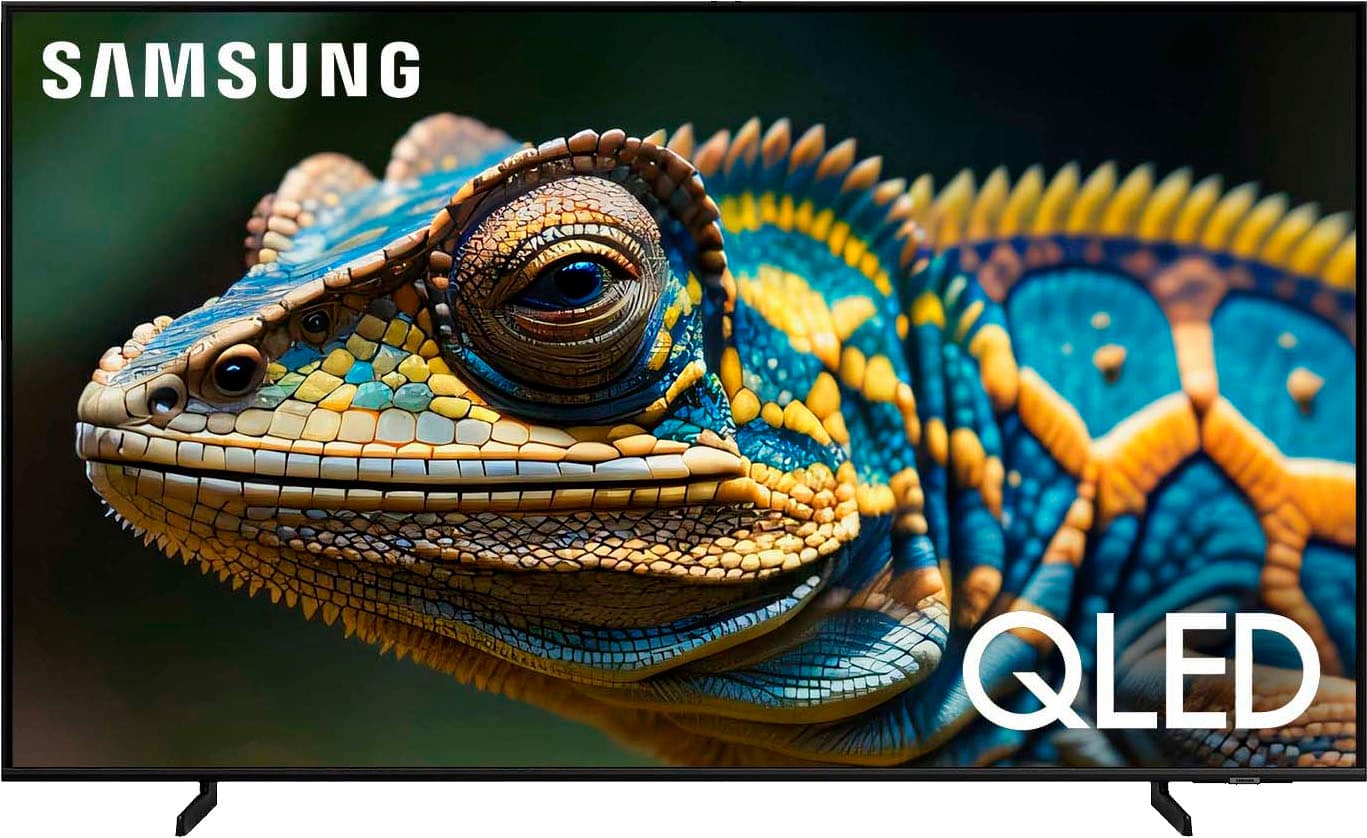
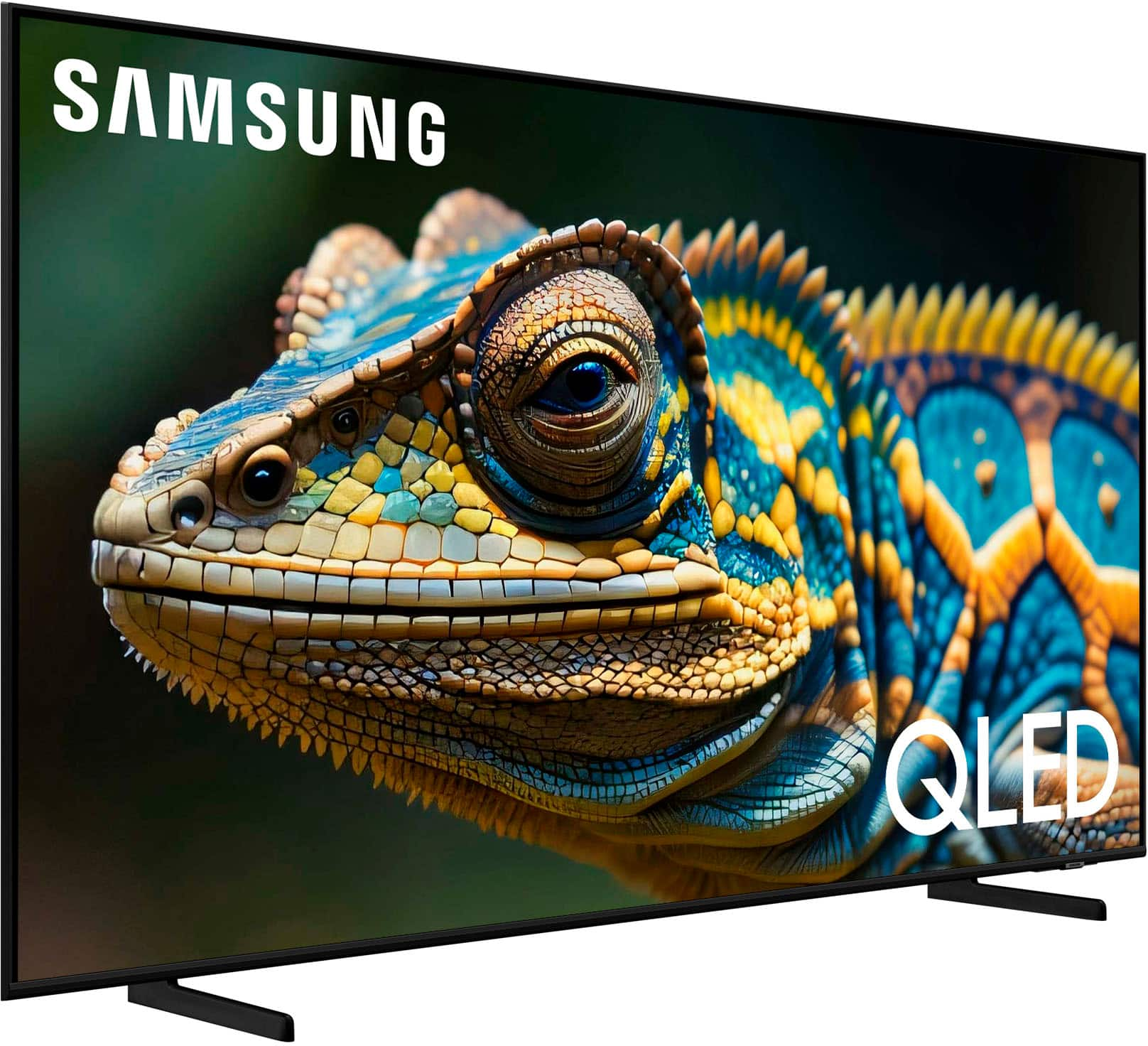
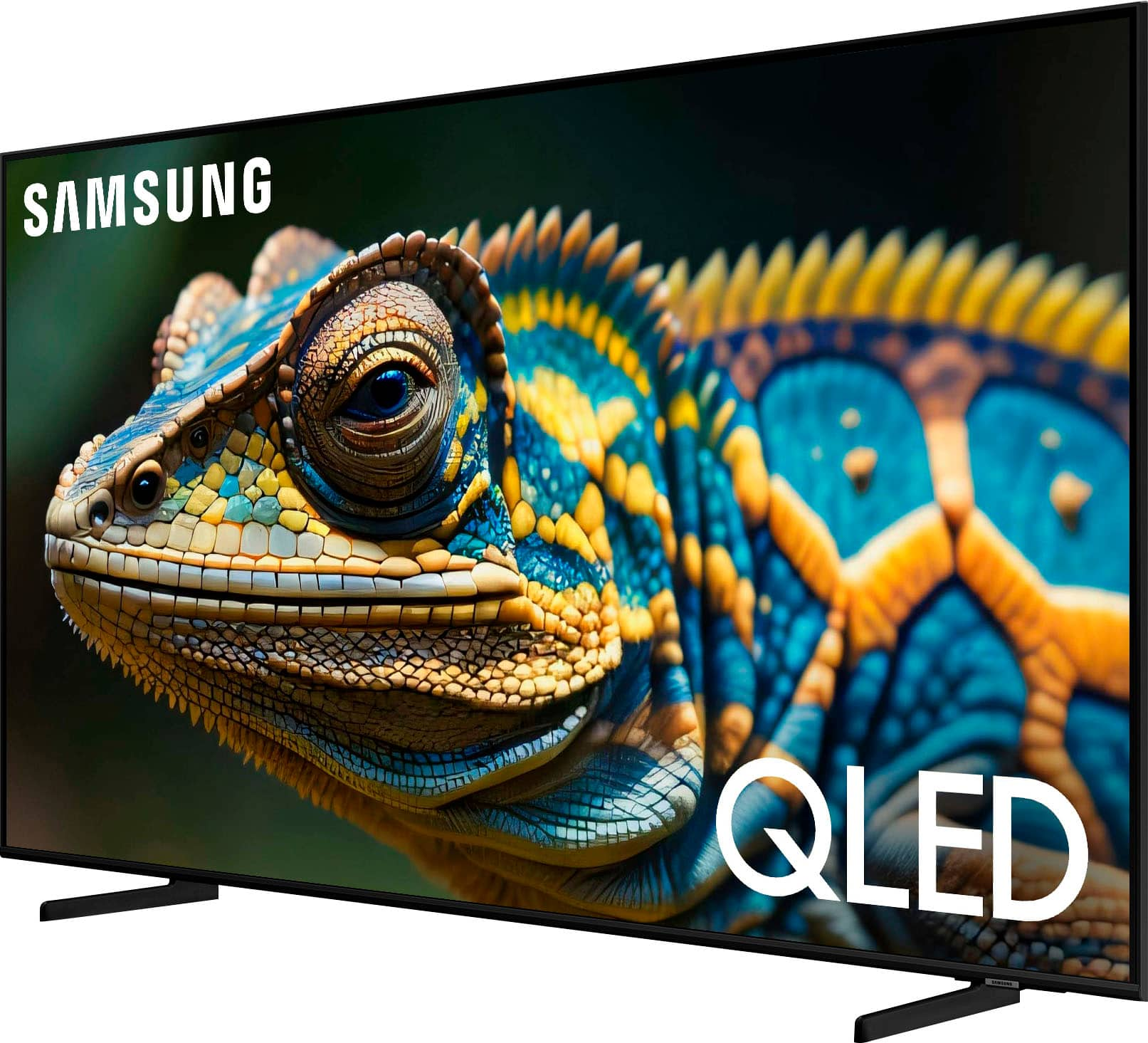
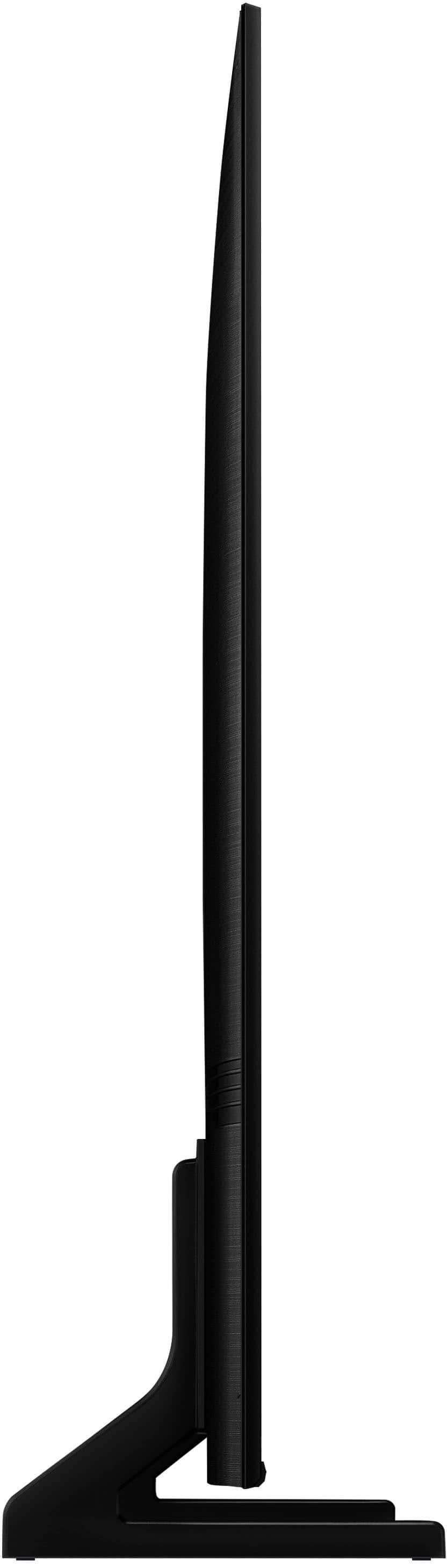






- Model:
- QN43Q60DAFXZA
- SKU:
- 11233209
Rating by feature
- Picture Quality
Rating 4.7 out of 5 stars
- Sound Quality
Rating 4.4 out of 5 stars
- Brightness
Rating 4.7 out of 5 stars
Thanks
||Posted . Owned for 3 weeks when reviewed.This reviewer received promo considerations or sweepstakes entry for writing a review.Great technician made the installation better, thanks
I would recommend this to a friendAmazing Tv
||Posted . Owned for 3 months when reviewed.This reviewer received promo considerations or sweepstakes entry for writing a review.Amazing tv if you don't want to break the bank the only downside is how quiet it is.
I would recommend this to a friendWorth the price!
||Posted . Owned for 1 month when reviewed.This reviewer received promo considerations or sweepstakes entry for writing a review.Great video clear crisp and truly beautiful. Audio seems to require too much fine tuning; but it could be me. Working on it!
I would recommend this to a friendCheck the size you need..... twice!
||Posted . Owned for 3 weeks when reviewed.This reviewer received promo considerations or sweepstakes entry for writing a review.There really isn't anything wrong with the TV, We returned it because it was too small for our spot
I would recommend this to a friendGreat Sports!
||Posted . Owned for 1 month when reviewed.This reviewer received promo considerations or sweepstakes entry for writing a review.Easy to operate and has nice bright and clear image.
I would recommend this to a friendElectronics
||Posted . Owned for 3 weeks when reviewed.This reviewer received promo considerations or sweepstakes entry for writing a review.What the salesman said would be easy Installation was total chaos for me. And lucky for me. I had a nephew who was able to help complete the install but also walk me through how to use the new TV.
I would recommend this to a friendBrand response from Samsung
Posted .MaryG,
We appreciate you sharing your user experience. To assist in learning the various functions, please know you can download the Q60D TV's User Manual, e-Manual, Remote Control Leaflet, and Quick Setup Guide on Samsung's website under Support > Manuals & Software > TVs & Home Theater. You can search for and select the Q60D TV to download the guides you would like.
The e-Manual and Remote Guide are both also embedded into your TV itself under Menu > Settings > Support > Open e-Manual.
If you need more help, Samsung is here for you. Please call us at 1-800-SAMSUNG, 8AM - 12AM EST, 7 days a week. Our LiveChat agents are also available by clicking on the ‘Support’ link on our website.
~ Samsung Specialist
Good picture, sound from tv speakers could be bett
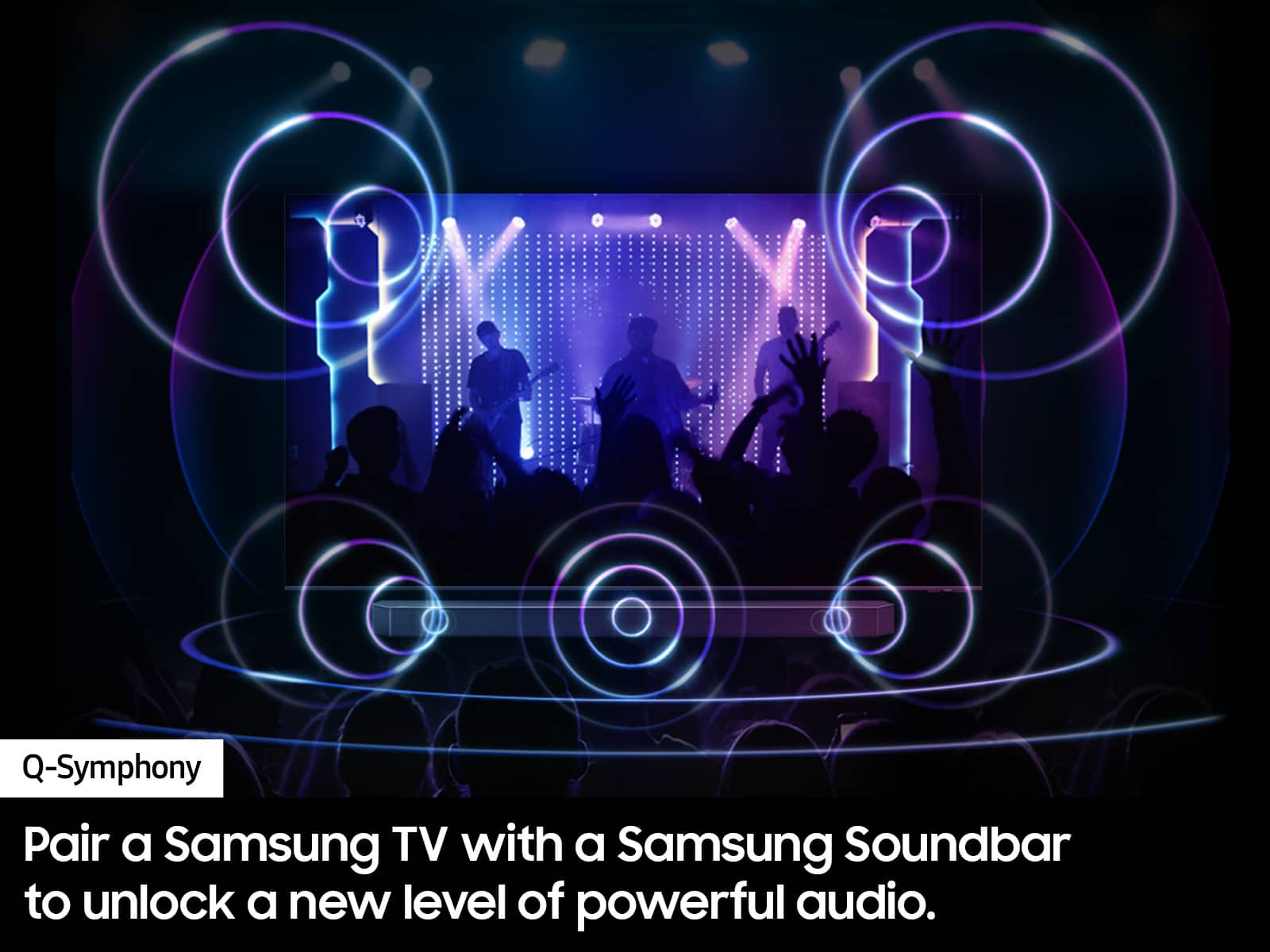
||Posted . Owned for 3 weeks when reviewed.This reviewer received promo considerations or sweepstakes entry for writing a review.Overall good,tv speakers could be better. Hooked up a soundbar for better audio.
I would recommend this to a friendsamsung tv
||Posted . Owned for 3 weeks when reviewed.This reviewer received promo considerations or sweepstakes entry for writing a review.I have always purchased samsung products and never had any issues.
I would recommend this to a friendA mind of it own
||Posted . Owned for 10 months when reviewed.This reviewer received promo considerations or sweepstakes entry for writing a review.When it updated it would change some setting on its own.
No, I would not recommend this to a friend???????
||Posted . Owned for 3 weeks when reviewed.This reviewer received promo considerations or sweepstakes entry for writing a review.Salesman was very helpful! Very polite! So far I like the TV.
I would recommend this to a friendWhy
||Posted . Owned for 1 month when reviewed.This reviewer received promo considerations or sweepstakes entry for writing a review.Very nice. Not quite as bright as I had anticipated. I'm satisfied.
I would recommend this to a friendSamsung TV
||Posted . Owned for 3 weeks when reviewed.This reviewer received promo considerations or sweepstakes entry for writing a review.The television net all my expectations. I would recommend anyone to purchase it.
I would recommend this to a friendSamsung wireless glitch
||Posted . Owned for 3 weeks when reviewed.This reviewer received promo considerations or sweepstakes entry for writing a review.We have four Samsung TV sets in our household. Three of which operate flawlessly. The Q60D set continuously drops put our Spectrum ID/PW settings. Best Buy was kind enough to replace the first set but the second one has the same issue.
No, I would not recommend this to a friendBrand response from Samsung
Posted .Mike,
Thank you for sharing your experience with Wi-Fi connectivity on your TV. This may be caused by a network issue. You might want to go through these steps to check your network connection:
1) Minimize interference by not using or turning off wireless devices. Also, verify that there are no obstacles between the TV and the modem or access point. (Wi-Fi strength can be decreased by appliances, cordless phones, stone walls/fireplaces, etc.)
2) If the wireless connection fails, connect the TV to the access point via a LAN cable. If the TV can connect to the Internet normally via the wired connection, there might be a problem with the access point. In this case, try using a different access point.
3) Perform a network test to check if there is a network problem. Press the Home button on your remote. Navigate to Settings > Support > Device Care > Self Diagnosis> Smart Hub Connection Test
4) Try a cold reboot of your TV by pressing and holding the power button for 5+ seconds until the TV turns off and on again.
5) Please also be sure you have the latest firmware update. You may want to enable automatic updates for convenience. Select Settings > Support > Software Update, then select Auto Update.
For further assistance or service, please contact us at 1-800-SAMSUNG, 8AM - 12AM EST, 7 days a week. Our LiveChat agents are also available by clicking on the ‘Support’ link on our website.
~ Samsung Specialist
Wade
||Posted . Owned for 3 weeks when reviewed.This reviewer received promo considerations or sweepstakes entry for writing a review.It’s a dream machine! Happy life soaking up my favs.
I would recommend this to a friendn/a
||Posted . Owned for 1 month when reviewed.This reviewer received promo considerations or sweepstakes entry for writing a review.poor build quality. same defective packaging as previous unit returned but not as severe. thinking of getting a Sony instead.
I would recommend this to a friendBrand response from Samsung
Posted .xxxx,
Thank you for sharing your experience. If you have not yet returned your unit, please give us the opportunity to troubleshoot your issue and to work towards a solution.
You can reach Samsung Support at 1-800-SAMSUNG (ask for TVs), 8 AM – 12 AM EST, 7 days a week.
We hope to hear from you.
~ Samsung Specialist
Junk streamer.
||Posted . Owned for 1 year when reviewed.This reviewer received promo considerations or sweepstakes entry for writing a review.It's junk. I go to sit down to watch one of my streaming apps and although the wifi test says it has a strong signal it will not run the app or gets stuck half way and mighr load minutes later. By then I'm so irritated I'm not in the mood to watch anymore.
No, I would not recommend this to a friendPoor quality
||Posted . Owned for 1 month when reviewed.This reviewer received promo considerations or sweepstakes entry for writing a review.Picture quality not the same as the one I saw in-store. I also have a black border top and bottom of picture. Can't seem to enlarge picture to fit full screen.
No, I would not recommend this to a friendBrand response from Samsung
Posted .VincentM,
We appreciate your thoughts on the picture quality of Samsung’s Q60D TV. If the image you’re seeing isn’t to your liking, there are several picture settings you may want to adjust.
Go to Home > left direction button > Settings > All Settings > Picture > Picture Mode
...and select the mode that best fits your usage:
1. Standard: Is the default mode suitable for general viewing environments
2. Dynamic: Makes the picture brighter and clearer in bright viewing environments
3. Eco: Provided to save energy
4. Movie: Suitable for watching TV or movies in a dark room
5. Filmmaker Mode: Provides source content just as the creators intended. If the image is defined as Filmmaker Mode, it’ll automatically switch to Filmmaker Mode while watching.
You can also fine-tune your picture with expert settings such as brightness, contrast, sharpness and more (All Settings > Picture > Expert Settings).
Black bars on the screen means the aspect ratio of your TV is different from the aspect ratio of what you're watching, or basically, the video you're watching is wider than your TV. In order to show the entire video without cutting the left and right edges off, black bars are used at the top and bottom to fill in the extra space on your TV. If you don't mind the sides being cut off, then you can usually adjust your aspect ratio on your TV to reduce or remove the black bars.
If you need more help, Samsung is here for you. Please call us at 1-800-SAMSUNG, 8AM - 12AM EST, 7 days a week. Our LiveChat agents are also available by clicking on the ‘Support’ link on our website.
~ Samsung Specialist
Samsung TV
||Posted . Owned for 3 weeks when reviewed.This reviewer received promo considerations or sweepstakes entry for writing a review.The remote control device is confusing and hard to control.
No, I would not recommend this to a friendBrand response from Samsung
Posted .NormanL,
We appreciate you sharing your user experience. To assist in learning the various functions, please know you can download the TV's User Manual, e-Manual, Remote Control Leaflet, and Quick Setup Guide on Samsung's website under Support > Manuals & Software > TVs & Home Theater. You can search for and select the Q60D TV to download the guides you would like.
The e-Manual and Remote Guide are both also embedded into your TV itself under Menu > Settings > Support > Open e-Manual.
If you need more help, Samsung is here for you. Please call us at 1-800-SAMSUNG, 8AM - 12AM EST, 7 days a week. Our LiveChat agents are also available by clicking on the ‘Support’ link on our website.
~ Samsung Specialist
picture
||Posted . Owned for 3 weeks when reviewed.This reviewer received promo considerations or sweepstakes entry for writing a review.picture looked way better in the store not as good at home
No, I would not recommend this to a friendBrand response from Samsung
Posted .Magicrat57,
We appreciate your thoughts on the picture quality of Samsung’s Q60D TV. If the image you’re seeing isn’t to your liking, there are several picture settings you may want to adjust.
Go to Home > left direction button > Settings > All Settings > Picture > Picture Mode
...and select the mode that best fits your usage:
1. Standard: Is the default mode suitable for general viewing environments
2. Dynamic: Makes the picture brighter and clearer in bright viewing environments
3. Eco: Provided to save energy
4. Movie: Suitable for watching TV or movies in a dark room
5. Filmmaker Mode: Provides source content just as the creators intended. If the image is defined as Filmmaker Mode, it’ll automatically switch to Filmmaker Mode while watching.
You can also fine-tune your picture with expert settings such as brightness, contrast, sharpness and more (All Settings > Picture > Expert Settings).
For further assistance with settings adjustments, please contact Samsung Customer Support at 1-800-SAMSUNG, 8AM - 12AM EST, 7 days a week. Our LiveChat agents are also available by clicking on the ‘Support’ link on our website.
~ Samsung Specialist
Tv by
||Posted . Owned for 1 month when reviewed.This reviewer received promo considerations or sweepstakes entry for writing a review.Lousy quality, does not hold volume settings. Will not stay on local channels when chosen,
No, I would not recommend this to a friendBrand response from Samsung
Posted .DeloresC,
We appreciate you taking the time to let us know about your experience with your TV. So that we can better troubleshoot this issue and provide steps towards a solution, please contact Samsung Support at 1-800-SAMSUNG, 8AM - 12AM EST, 7 days a week. Our LiveChat agents are also available by clicking on the ‘Support’ link on our website.
~ Samsung Specialist