Customer Ratings & Reviews
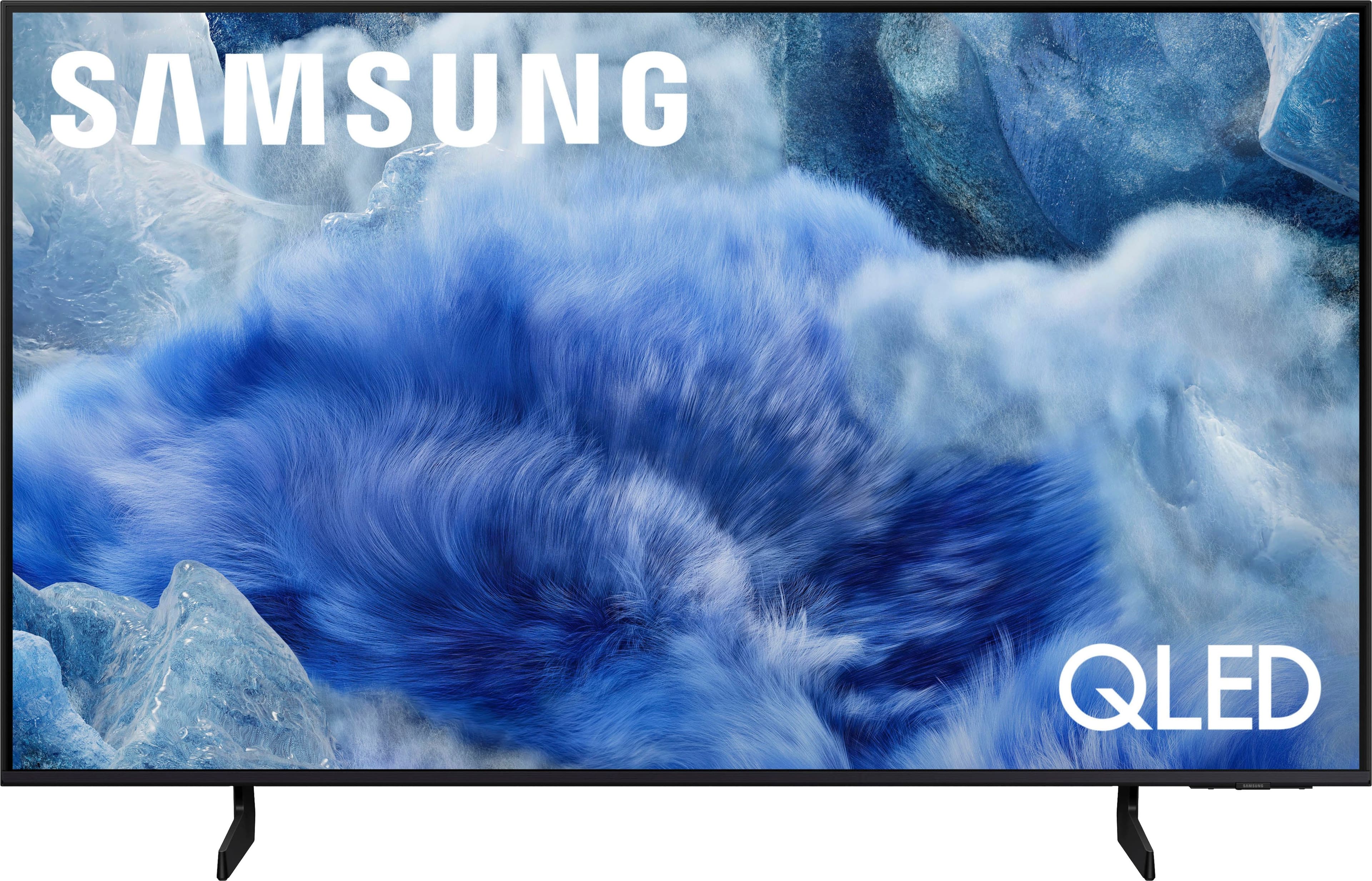



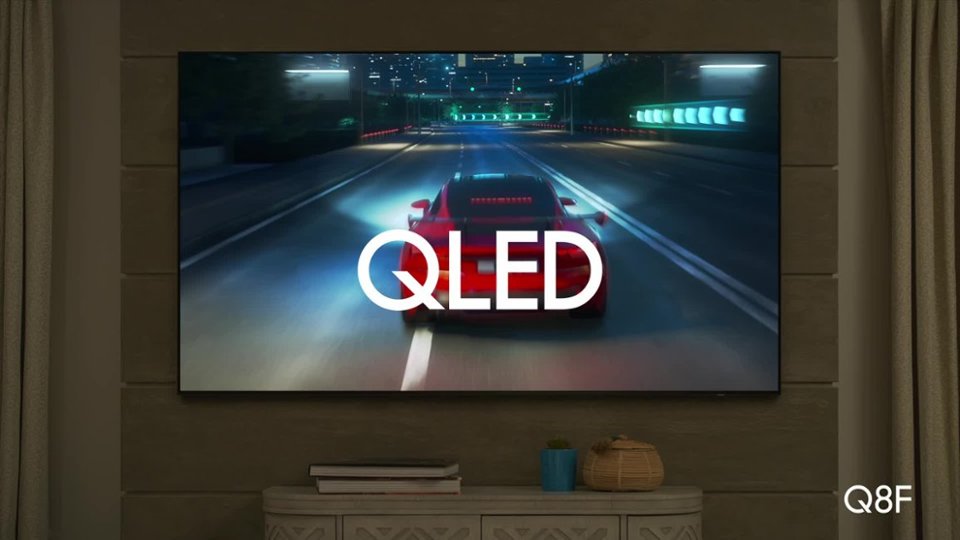
 100% Color Volume 100% Color Volume with Quantum Dot Over a billion colors that don't fade, even in the brightest scenes *QLED televisions can produce 100% Volume in the DCI-PS colorspace, the format most cinema screens and HDR movies for television.](https://pisces.bbystatic.com/image2/BestBuy_US/images/products/684f880e-f8dd-4c6c-91d9-5f55b1534a3c.jpg)







- Model:
- QN43Q8FAAFXZA
- |
- SKU:
- 10313292
Customer reviews
Rating 4.8 out of 5 stars with 265 reviews
(265 customer reviews)Rating by feature
- Picture Quality4.8
Rating 4.8 out of 5 stars
- Sound Quality4.6
Rating 4.6 out of 5 stars
- Brightness4.8
Rating 4.8 out of 5 stars
Rated 5 out of 5 stars
Smart TV Smarter than I am.
||Posted .This reviewer received promo considerations or sweepstakes entry for writing a review.This Samsung Smart TV is very good. It is smarter than I am. There is a learning curve to get to known what button and when to press it. Booklet is not as effective as having a person show you two or more times
This review is from Samsung - 43” Class Q8F Series QLED 4K UHD SamsungVision AI Smart Tizen TV (2025)
No, I would not recommend this to a friend- Pros mentioned:Setup ease
Rated 5 out of 5 stars
Samsung TV
||Posted . Owned for 1 month when reviewed.This reviewer received promo considerations or sweepstakes entry for writing a review.My Samsung television was easy to setup and also a great price.
This review is from Samsung - 43” Class Q8F Series QLED 4K UHD SamsungVision AI Smart Tizen TV (2025)
I would recommend this to a friend - Pros mentioned:Setup ease
Rated 4 out of 5 stars
ARDuck
||Posted . Owned for 3 weeks when reviewed.This reviewer received promo considerations or sweepstakes entry for writing a review.Very good for price point. Easy install with good instructions.
This review is from Samsung - 43” Class Q8F Series QLED 4K UHD SamsungVision AI Smart Tizen TV (2025)
I would recommend this to a friend - Pros mentioned:Picture quality
Rated 5 out of 5 stars
Bedroom TV
||Posted . Owned for 3 weeks when reviewed.This reviewer received promo considerations or sweepstakes entry for writing a review.Best picture for a ~40” that I have seen. The detail is amazing.
This review is from Samsung - 43” Class Q8F Series QLED 4K UHD SamsungVision AI Smart Tizen TV (2025)
I would recommend this to a friend - Pros mentioned:Picture quality
Rated 4 out of 5 stars
Bright Pictue
||Posted . Owned for 3 weeks when reviewed.This reviewer received promo considerations or sweepstakes entry for writing a review.The picture is very sharp and bright. However, the sound could be a little louder.
This review is from Samsung - 43” Class Q8F Series QLED 4K UHD SamsungVision AI Smart Tizen TV (2025)
No, I would not recommend this to a friend Rated 5 out of 5 stars
Impressive
||Posted . Owned for 2 weeks when reviewed.This reviewer received promo considerations or sweepstakes entry for writing a review.This smart tv is better than a sony. I like Samsung
This review is from Samsung - 43” Class Q8F Series QLED 4K UHD SamsungVision AI Smart Tizen TV (2025)
I would recommend this to a friend- Pros mentioned:Picture quality
Rated 5 out of 5 stars
Better picture great value.
||Posted . Owned for 2 weeks when reviewed.This reviewer received promo considerations or sweepstakes entry for writing a review.Better picture and the remote control is easier to use than our previous tv.
This review is from Samsung - 43” Class Q8F Series QLED 4K UHD SamsungVision AI Smart Tizen TV (2025)
I would recommend this to a friend Rated 5 out of 5 stars
Great Smart TV
||Posted . Owned for 1 month when reviewed.This reviewer received promo considerations or sweepstakes entry for writing a review.Enjoying this TV very much. Purchased a different brand and was disappointed. Best Buy took it back with no questions.
This review is from Samsung - 43” Class Q8F Series QLED 4K UHD SamsungVision AI Smart Tizen TV (2025)
I would recommend this to a friend- Pros mentioned:Picture quality
Rated 5 out of 5 stars
Love it
||Posted . Owned for 2 weeks when reviewed.This reviewer received promo considerations or sweepstakes entry for writing a review.Always love samsung tvs. Great tv got it for my wife
This review is from Samsung - 43” Class Q8F Series QLED 4K UHD SamsungVision AI Smart Tizen TV (2025)
I would recommend this to a friend - Pros mentioned:Picture quality
Rated 5 out of 5 stars
Television
||Posted . Owned for 3 weeks when reviewed.This reviewer received promo considerations or sweepstakes entry for writing a review.Great product would recommend, Television has high definition and great colors
This review is from Samsung - 43” Class Q8F Series QLED 4K UHD SamsungVision AI Smart Tizen TV (2025)
I would recommend this to a friend - Pros mentioned:Picture quality
Rated 5 out of 5 stars
Good company Best Buy
||Posted . Owned for 2 weeks when reviewed.This reviewer received promo considerations or sweepstakes entry for writing a review.It's a very good TV, it works well, I use it and I like it.
This review is from Samsung - 43” Class Q8F Series QLED 4K UHD SamsungVision AI Smart Tizen TV (2025)
I would recommend this to a friend - Pros mentioned:Picture quality
Rated 5 out of 5 stars
Dewy1
||Posted . Owned for 1 month when reviewed.This reviewer received promo considerations or sweepstakes entry for writing a review.Excellent tv. The plainest picture we ever had on a tv
This review is from Samsung - 43” Class Q8F Series QLED 4K UHD SamsungVision AI Smart Tizen TV (2025)
I would recommend this to a friend Rated 5 out of 5 stars
Excellent quality
||Posted . Owned for 3 weeks when reviewed.This reviewer received promo considerations or sweepstakes entry for writing a review.OS Very helpful, I used a chromecast google tv and I really dont needed. The apps integration 10/10
This review is from Samsung - 43” Class Q8F Series QLED 4K UHD SamsungVision AI Smart Tizen TV (2025)
I would recommend this to a friend- Pros mentioned:Picture quality
Rated 5 out of 5 stars
Great TV
||Posted .This reviewer received promo considerations or sweepstakes entry for writing a review.Beautiful picture. Sound sometimes seems to increase and go back down, but still great tv.
This review is from Samsung - 43” Class Q8F Series QLED 4K UHD SamsungVision AI Smart Tizen TV (2025)
I would recommend this to a friend Rated 4 out of 5 stars
Samsung 43"
||Posted . Owned for 1 month when reviewed.This reviewer received promo considerations or sweepstakes entry for writing a review.Works good, but having to go thru menu everytime you turn it on to watch what you want is frustrating
This review is from Samsung - 43” Class Q8F Series QLED 4K UHD SamsungVision AI Smart Tizen TV (2025)
I would recommend this to a friendRated 5 out of 5 stars
Samsung & Spectrum
||Posted . Owned for 2 weeks when reviewed.This reviewer received promo considerations or sweepstakes entry for writing a review.Love all my Samsungs! Works well with Spectrum and nice size
This review is from Samsung - 43” Class Q8F Series QLED 4K UHD SamsungVision AI Smart Tizen TV (2025)
I would recommend this to a friendRated 5 out of 5 stars
Just what we wanted
||Posted . Owned for 1 month when reviewed.This reviewer received promo considerations or sweepstakes entry for writing a review.Excellent picture Beautiful colors Perfect fit for bedroom
This review is from Samsung - 43” Class Q8F Series QLED 4K UHD SamsungVision AI Smart Tizen TV (2025)
I would recommend this to a friend- Pros mentioned:Picture quality
Rated 5 out of 5 stars
Love it!
||Posted . Owned for 1 week when reviewed.This reviewer received promo considerations or sweepstakes entry for writing a review.Great tv- picture and color are wonderful! Wood highly recommend to others.
This review is from Samsung - 43” Class Q8F Series QLED 4K UHD SamsungVision AI Smart Tizen TV (2025)
I would recommend this to a friend - Pros mentioned:Picture quality
Rated 5 out of 5 stars
Samsung 43" tv
||Posted . Owned for 3 weeks when reviewed.This reviewer received promo considerations or sweepstakes entry for writing a review.So Far so Good. The TV has a bright picture and is being used in a 3 season room.
This review is from Samsung - 43” Class Q8F Series QLED 4K UHD SamsungVision AI Smart Tizen TV (2025)
I would recommend this to a friend - Pros mentioned:Picture quality
Rated 5 out of 5 stars
Nice Picture
||Posted . Owned for 3 weeks when reviewed.This reviewer received promo considerations or sweepstakes entry for writing a review.Great size with a good picture and good sound! So far I’m very happy with my purchase!!!
This review is from Samsung - 43” Class Q8F Series QLED 4K UHD SamsungVision AI Smart Tizen TV (2025)
I would recommend this to a friend