Customer Ratings & Reviews
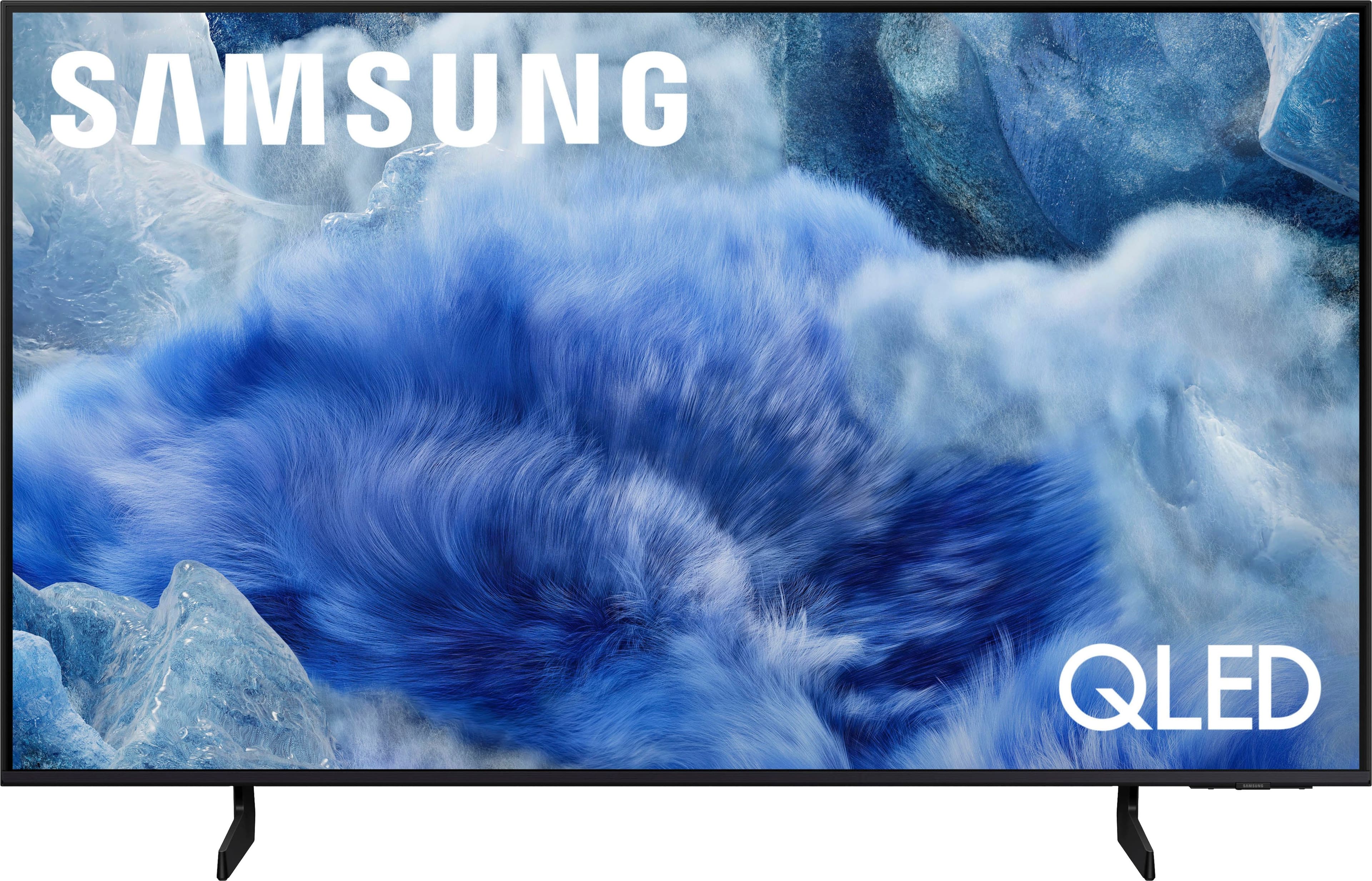
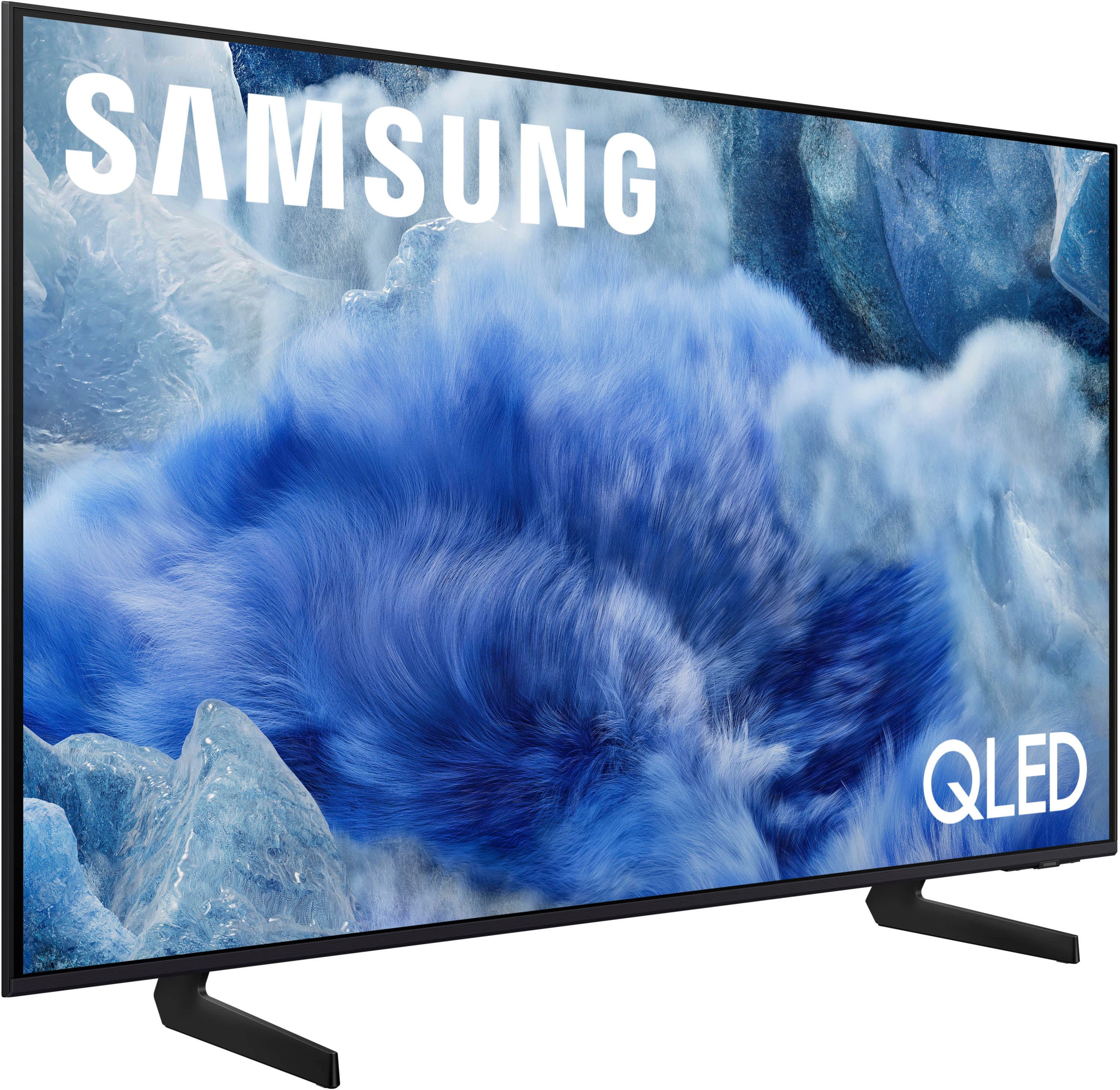



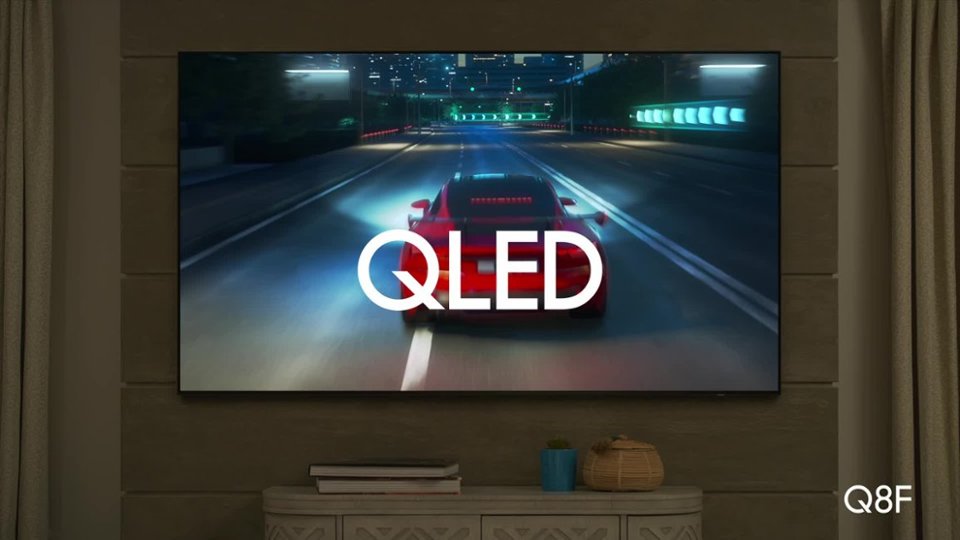
 100% Color Volume 100% Color Volume with Quantum Dot Over a billion colors that don't fade, even in the brightest scenes *QLED televisions can produce 100% Volume in the DCI-PS colorspace, the format most cinema screens and HDR movies for television.](https://pisces.bbystatic.com/image2/BestBuy_US/images/products/684f880e-f8dd-4c6c-91d9-5f55b1534a3c.jpg)







- Model:
- QN43Q8FAAFXZA
- SKU:
- 10732275
Rating by feature
- Picture Quality
Rating 4.8 out of 5 stars
- Sound Quality
Rating 4.6 out of 5 stars
- Brightness
Rating 4.8 out of 5 stars
Television
||Posted . Owned for 2 weeks when reviewed.This reviewer received promo considerations or sweepstakes entry for writing a review.Great visual I would look forward to seeing more of
I would recommend this to a friendGood build, lacks eye comfort/eye care options.
||Posted . Owned for 2 weeks when reviewed.This reviewer received promo considerations or sweepstakes entry for writing a review.The eye comfort feature is unimpressive. Lacks control options on the actual remote control that come with the TV. However, it has tons of of connections and content options.
No, I would not recommend this to a friendBrand response from Samsung
Posted .WilliamR,
Thanks for your feedback on EyeComfort Mode. If you're looking for more ways to fine-tune the picture to your liking, you may want to explore these additional AI-based options:
• Adaptive Picture > AI Optimized: Adjusts picture settings automatically based on room lighting and content type.
• AI Customization Mode: Learns your preferences for different types of content (like sports or movies) and applies them automatically.
While the Solar Cell Remote may appear minimal, many buttons offer multiple or long-press functions to help simplify the design without sacrificing functionality. For example:
• Settings/Number/Color: Allows you to easily access your TV's Quick Settings and input channel numbers.
• Volume rocker: Push up/down to adjust volume. Press and release quickly to mute.
• Long-press Volume button: Hold for more than 1 second to open Accessibility Shortcuts.
• RETURN button: Press to go back to the previous menu or screen. While watching TV, it takes you back to the previous channel.
These functions allow for a more streamlined experience without adding extra buttons.
Learn TV Remote is a feature designed to help users become familiar with the layout and function of each button on the Samsung remote. When enabled, pressing any button (except the Power button, which will still turn off the TV) will prompt the TV to announce the button’s name and its purpose – without affecting TV operation.
This teaching mode is especially useful for users who are visually impaired or new to Samsung remotes. To enable this feature, go to: Settings > All Settings > General & Privacy > Accessibility > Learn TV Remote. To exit, simply press the Return key twice.
If you’d like more assistance with this feature, please reach Samsung Support at 1-800-SAMSUNG, available 8AM – 12AM EST, 7 days a week. LiveChat agents are also available through the ‘Support’ link on our website.
~ Samsung Specialist
Excellent TV
||Posted .This reviewer received promo considerations or sweepstakes entry for writing a review.Excellent TV. impressed with it's clarity and features
I would recommend this to a friendReview
||Posted . Owned for 3 weeks when reviewed.This reviewer received promo considerations or sweepstakes entry for writing a review.Item itself isn’t level Color could be better at times Some ads are in Spanish
No, I would not recommend this to a friendBrand response from Samsung
Posted .DonnaH,
We appreciate your review of Samsung’s Q8F TV. So we can better understand the issues you’re experiencing and provide you with troubleshooting assistance, please reach out to Samsung Customer Support at 1-800-SAMSUNG, available daily from 8AM - 12AM EST. You can also chat with a LiveChat agent by clicking the ‘Support’ link on our website for:
• Live Chat
• Manuals, Software, & Warranty Info
• Creating a Service ticket
~ Samsung Specialist
Perfect
||Posted . Owned for 3 weeks when reviewed.This reviewer received promo considerations or sweepstakes entry for writing a review.ABCDEFGHIJKLMNOPQRSTUVWXYZ ABCDEFGHIJKLMNOPQRSTUVWXYZ
I would recommend this to a friendNeeded product for the price I paid
||Posted . Owned for 1 month when reviewed.This reviewer received promo considerations or sweepstakes entry for writing a review.Good buy for this product even though I paid a little more than I wanted for it.
I would recommend this to a friendSamsung TV
||Posted . Owned for 3 weeks when reviewed.This reviewer received promo considerations or sweepstakes entry for writing a review.Good TV-Samsung AAAAAAAAAAAAAAAAAAAAAAAAAAAAAAAAAAAAAAAA
I would recommend this to a friendTV Time
||Posted . Owned for 3 weeks when reviewed.This reviewer received promo considerations or sweepstakes entry for writing a review.Wyatt, very personable and professional employee.
I would recommend this to a friendPretty good overall
||Posted . Owned for 3 weeks when reviewed.This reviewer received promo considerations or sweepstakes entry for writing a review.Like the TV. Gaming hub is cool. Tizen is a little slow.
I would recommend this to a friendGOOD TV
||Posted . Owned for 1 month when reviewed.This reviewer received promo considerations or sweepstakes entry for writing a review.Great TV but a little OVER PRICE for the tv image.
I would recommend this to a friendBrand response from Samsung
Posted .Hi PedroT,
Thank you for sharing your thoughts on the picture and sound quality of your Samsung Q8F TV. To help enhance both, we recommend enabling AI Mode, which uses intelligent analysis to adjust your settings in real time for a more personalized experience.
To enable or customize AI Mode: Settings > All Settings > Advanced Features > AI Mode Settings > AI Mode
Here’s a breakdown of available options:
Adaptive Picture
• AI Optimized: Automatically adjusts brightness and picture quality based on content and ambient light.
• EyeComfort: Adapts screen brightness and tone using local sunrise/sunset data and lighting in the room.
• AI Customization: Learns your preferences for different types of content (e.g., movies, sports) and applies your preferred settings.
EyeComfort Mode Settings: Manually adjust duration, start/end times, and intensity of EyeComfort Mode.
AI Customization > Detail Settings: Set specific Brightness, Contrast, Color, and Color Tone levels for each content type. (Note: Only available when AI Customization is enabled.)
Adaptive Sound Settings
• Active Voice Amplifier: Boosts dialogue when ambient noise increases.
• Adaptive Sound: Optimizes sound based on your space and the type of content.
• Adaptive Volume: Adjusts volume based on time of day and usage habits.
If you’d like additional help fine-tuning your picture or sound, please contact Samsung Support at 1-800-SAMSUNG, 8AM – 12AM EST, 7 days a week. LiveChat is also available via the ‘Support’ link on our website.
~ Samsung Advisor
New Samsung Q8F 2025 model
||Posted . Owned for 2 weeks when reviewed.This reviewer received promo considerations or sweepstakes entry for writing a review.Awesome TV! Great for price! Perfect for my bedroom
I would recommend this to a friendSmart TV
||Posted . Owned for 3 weeks when reviewed.This reviewer received promo considerations or sweepstakes entry for writing a review.TV is a gift, so it has not been used yet. Hope it works great!
I would recommend this to a friendBrand response from Samsung
Posted .MaryanneP,
Thanks for taking a moment to review Samsung’s Q8F TV. If you’re experiencing specific issues which caused you to give this a 3-star rating, please know Samsung Customer Support is here to help at 1-800-SAMSUNG between 8AM - 12AM EST, any day of the week. You can also reach our LiveChat team by selecting the ‘Support’ link on our website.
~ Samsung Specialist
color is not what i expected
||Posted . Owned for 3 weeks when reviewed.This reviewer received promo considerations or sweepstakes entry for writing a review.the clarity of the color does not compare from what i see on the screen in the store. guess i will try to figure out the setting better.
I would recommend this to a friendBrand response from Samsung
Posted .hsonsona,
We appreciate your feedback on the picture quality of Samsung’s Q8F TV. If the image doesn’t quite match your preferences, there are several adjustments you can make to better suit your viewing environment and content type.
First, please ensure your TV is running the latest firmware, as updates may include important picture quality enhancements. Go to: Home > Left directional button > Settings > Support > Software Update > Update Now
To explore picture mode options, navigate to: Home > Left directional button > Settings > All Settings > Picture > Picture Mode. Options include:
• Standard – Ideal for general viewing
• Dynamic – Brighter and more vibrant for well-lit spaces
• Eco – Optimized for energy efficiency
• Movie – Best for viewing in low light
• Filmmaker Mode – Preserves the content creator’s intent and disables motion smoothing for supported content
You can further customize your image by going to: Settings > All Settings > Picture > Expert Settings, where you can adjust Brightness, Contrast, Color Tone, Sharpness, Contrast Enhancer and more.
If you’d like help finding the best picture settings for your preferences, please don’t hesitate to contact Samsung Support at 1-800-SAMSUNG, available 8AM – 12AM EST, 7 days a week. You can also LiveChat with an agent or explore additional resources on our website by clicking the ‘Support’ link.
~ Samsung Specialist
Television
||Posted . Owned for 1 month when reviewed.This reviewer received promo considerations or sweepstakes entry for writing a review.The installation crew was from Denver and they were terrible
I would recommend this to a friendBrand response from Samsung
Posted .MichaelP,
Please know that you're leaving a review and 3-star rating for the Q8F TV, but we’re sorry to hear of your experience with Best Buy, nonetheless. You may want to consider providing your feedback directly to the Best Buy store where the purchase was made.
If you have questions about the TV itself, Samsung is here to help. You can reach us at 1-800-SAMSUNG, 8AM – 12AM EST, 7 days a week. LiveChat agents are also available by clicking the ‘Support’ link on our website.
~ Samsung Specialist
lacking longevity
||Posted . Owned for 6 months when reviewed.This reviewer received promo considerations or sweepstakes entry for writing a review.6 months in this tv developed a dark vertical shadow right in the middle of the screen. funny how the samsung website nor through television interface cannot schedule a repair. searching for a fix it seems this is a very very common problem with samsung. was a great picture and probably would have purchased another if it lasted five years but six months...... i am looking for another brand
No, I would not recommend this to a friendBrand response from Samsung
Posted .llorkcorsgurdxes,
It’s unfortunate to hear about your experience with Samsung’s Q8F TV. We’re committed to delivering quality, value, and the best possible product experience. This TV is backed by a 1-year limited manufacturer’s warranty, which includes authorized repair for eligible defects when purchased brand-new from an authorized retailer. To review full warranty terms, you can enter your model number here: https://www.samsung.com/us/support/warranty/
We’d appreciate the opportunity to assist further. Please contact Samsung Customer Support at 1-800-SAMSUNG (8AM – 12AM EST, 7 days a week), or connect with a LiveChat agent by clicking the ‘Support’ link on our website.
~ Samsung Specialist
JoyceW
||Posted . Owned for 2 months when reviewed.This reviewer received promo considerations or sweepstakes entry for writing a review.When you first turn it on the picture goes black and then comes back on several times. Very annoying.
No, I would not recommend this to a friendBrand response from Samsung
Posted .JoyceW,
We appreciate you taking the time to let us know about your experience with your TV. So that we can better troubleshoot this issue and provide steps towards a solution, please contact Samsung Support at 1-800-SAMSUNG, available daily from 8AM - 12AM EST. You can also chat with a LiveChat agent by clicking the ‘Support’ link on our website for:
• Live Chat
• Manuals, Software, & Warranty Info
• Creating a Service ticket
~ Samsung Specialist
Wrong TV
||Posted . Owned for 2 weeks when reviewed.This reviewer received promo considerations or sweepstakes entry for writing a review.I didn,t want a TV with edge lighting and I made that clear to the salesman. When I got and looked at the specs it had edge lighting
No, I would not recommend this to a friendSamsung 43'' class Q8F Series QLED 4K UHD (2025)
||Posted . Owned for 3 weeks when reviewed.This reviewer received promo considerations or sweepstakes entry for writing a review.I returned this TV because it was damaged, plus the control remote was complicate and needed to be recharge all the time.
No, I would not recommend this to a friendBrand response from Samsung
Posted .Ive250,
We're sorry to hear that your experience with the Q8F TV led to a return. Your feedback matters to us and will be shared with our product team.
If you decide to explore Samsung TVs again in the future, we’re always here to support you - whether it’s setup, features, or troubleshooting. Reach us anytime at 1-800-SAMSUNG (8AM – 12AM EST, 7 days a week), or visit the ‘Support’ section of our website for LiveChat, manuals, and more.
~ Samsung Specialist
Samsung Smart TV
||Posted . Owned for less than 1 week when reviewed.This reviewer received promo considerations or sweepstakes entry for writing a review.Since I bought this, neither Samsung nor my Internet carrier has been able to activate the smart hub, so no apps work. I have spent many, many frustrating hours on the phone. It is being replaced and I am paying to have it set up!
No, I would not recommend this to a friendBrand response from Samsung
Posted .Susan,
We appreciate you sharing the issues you initially experienced with Samsung’s Q8F TV. Thank you for your patience throughout the inconvenience of arranging an exchange.
If you have any questions about your new unit or need assistance with setup or features, we’re here to help. You can reach us at 1-800-SAMSUNG, available daily from 8AM - 12AM EST. You can also chat with a LiveChat agent by clicking the ‘Support’ link on our website for:
• Live Chat
• Manuals, Software, & Warranty Info
• Creating a Service ticket
~ Samsung Specialist
- Pros mentioned:Picture quality, Setup ease, Size
TV Dream
Posted .This reviewer received promo considerations or sweepstakes entry for writing a review.Plugged it in without help! Works like a charm. Colors are vivid and clear. Perfect size for the location in our home.
I would recommend this to a friend