Customer Ratings & Reviews



- Model:
- LS49CG954SNXZA
- SKU:
- 6544291
Rating by feature
- Display Quality
Rating 4.7 out of 5 stars
- Ease of Use
Rating 4.2 out of 5 stars
- Features
Rating 4.4 out of 5 stars
Customers are saying
Customers are satisfied with the monitor's picture quality, OLED quality, refresh rate, and color. Many users describe the picture quality and color as amazing. However, some customers have reported issues with connectivity and software. Additionally, a few users expressed concerns about the curvature, aspect ratio, and price.
This summary was generated by AI based on customer reviews.
Day trader
||Posted . Owned for 2 weeks when reviewed.This reviewer received promo considerations or sweepstakes entry for writing a review.Very great monitor and it changed my business career and made a huge difference viewing my story boards. Thank you
I would recommend this to a friendOdyssey gaming monitor review
||Posted . Owned for 3 weeks when reviewed.This reviewer received promo considerations or sweepstakes entry for writing a review.Excellent best monitor I purchased so far definitely will recommend this item too any one Best Buy crew Is always helpful is well never had any issues
I would recommend this to a friendPerfect
||Posted . Owned for 1 week when reviewed.This reviewer received promo considerations or sweepstakes entry for writing a review.For those who have social media and like to play at the same time, this TV is incredible, I love it.
I would recommend this to a friendBest Oled gaming monitor
||Posted . Owned for less than 1 week when reviewed.This reviewer received promo considerations or sweepstakes entry for writing a review.Coming from an lg c2 45". This is by far the best gaming experience. If youre playing COD mw2. Make sure to change your display in the game.
I would recommend this to a friendGreat monitor
||Posted . Owned for 3 months when reviewed.This reviewer received promo considerations or sweepstakes entry for writing a review.Love this monitor. Clear and work great for business and gaming.
I would recommend this to a friendOled is best
||Posted . Owned for 1 week when reviewed.This reviewer received promo considerations or sweepstakes entry for writing a review.The details thw graphic everything about this is amazing. i thought I'd hate the ultra wide, but you sl t even notice
I would recommend this to a friendGreat for multitasking
||Posted . Owned for less than 1 week when reviewed.This reviewer received promo considerations or sweepstakes entry for writing a review.Great for multitasking , got it to play and work at the same time
I would recommend this to a friendAmazing.
||Posted . Owned for 4 months when reviewed.This reviewer received promo considerations or sweepstakes entry for writing a review.Awesome display. I use it for gaming and work and so far, so good. I love how high tech and elegant it looks.
I would recommend this to a friendBest display ever made
||Posted . Owned for 1 week when reviewed.This reviewer received promo considerations or sweepstakes entry for writing a review.So far bit a single issue. DP 2.1 cable and amazing. Has a bit of yhe heat coming off the screen but not surprised
I would recommend this to a friend
Amazing monitor
|Posted . Owned for 2 weeks when reviewed.This reviewer received promo considerations or sweepstakes entry for writing a review.[Employee of bestbuy] Absolutely amazing monitor. If your kd sucks its your fault cause the monitor is blazing fast
I would recommend this to a friend“Odissey the best”
||Posted . Owned for 2 weeks when reviewed.This reviewer received promo considerations or sweepstakes entry for writing a review.It's really an excellent monitor, the best in its category
I would recommend this to a friend- Pros mentioned:Oled quality, Refresh rate, Screen size

INCREDIBLY SPECTACULAR!
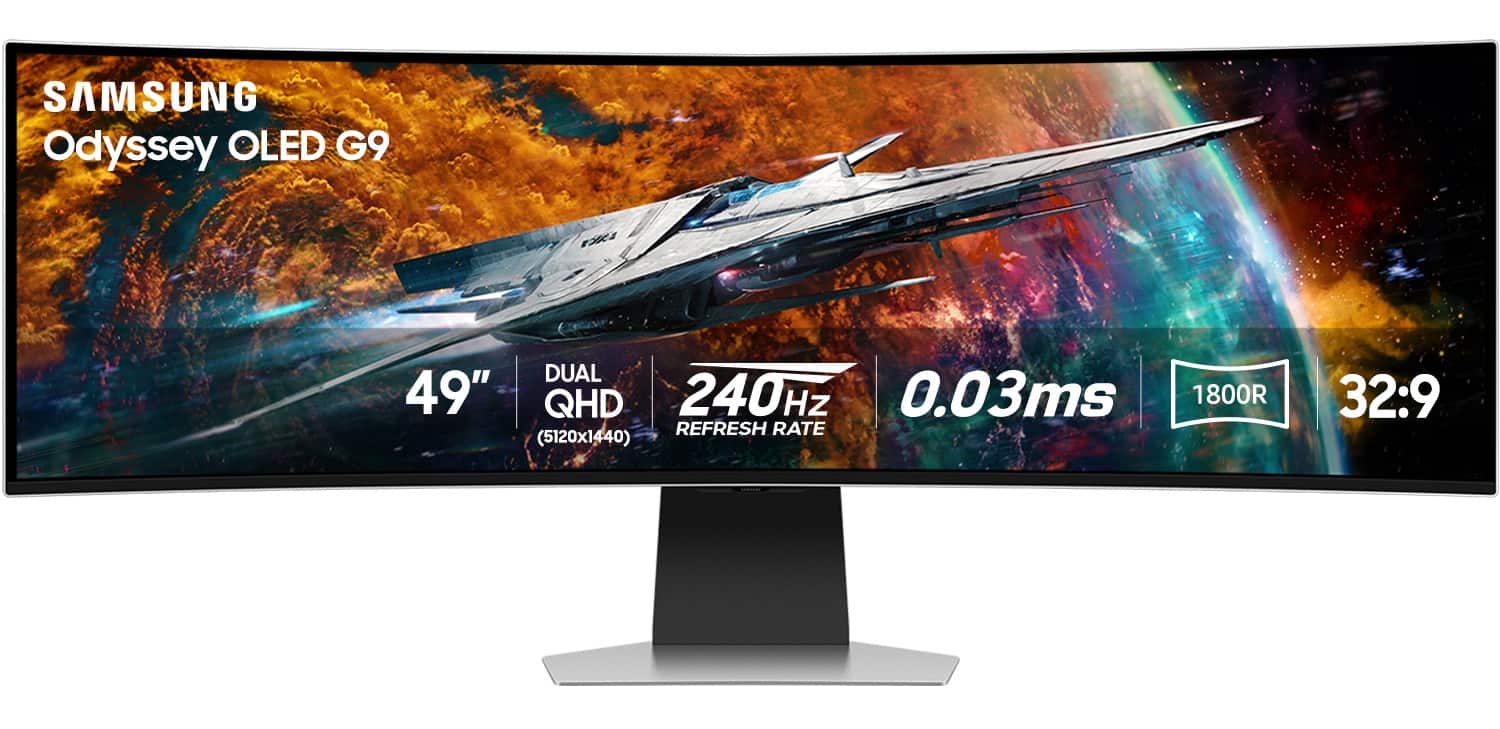
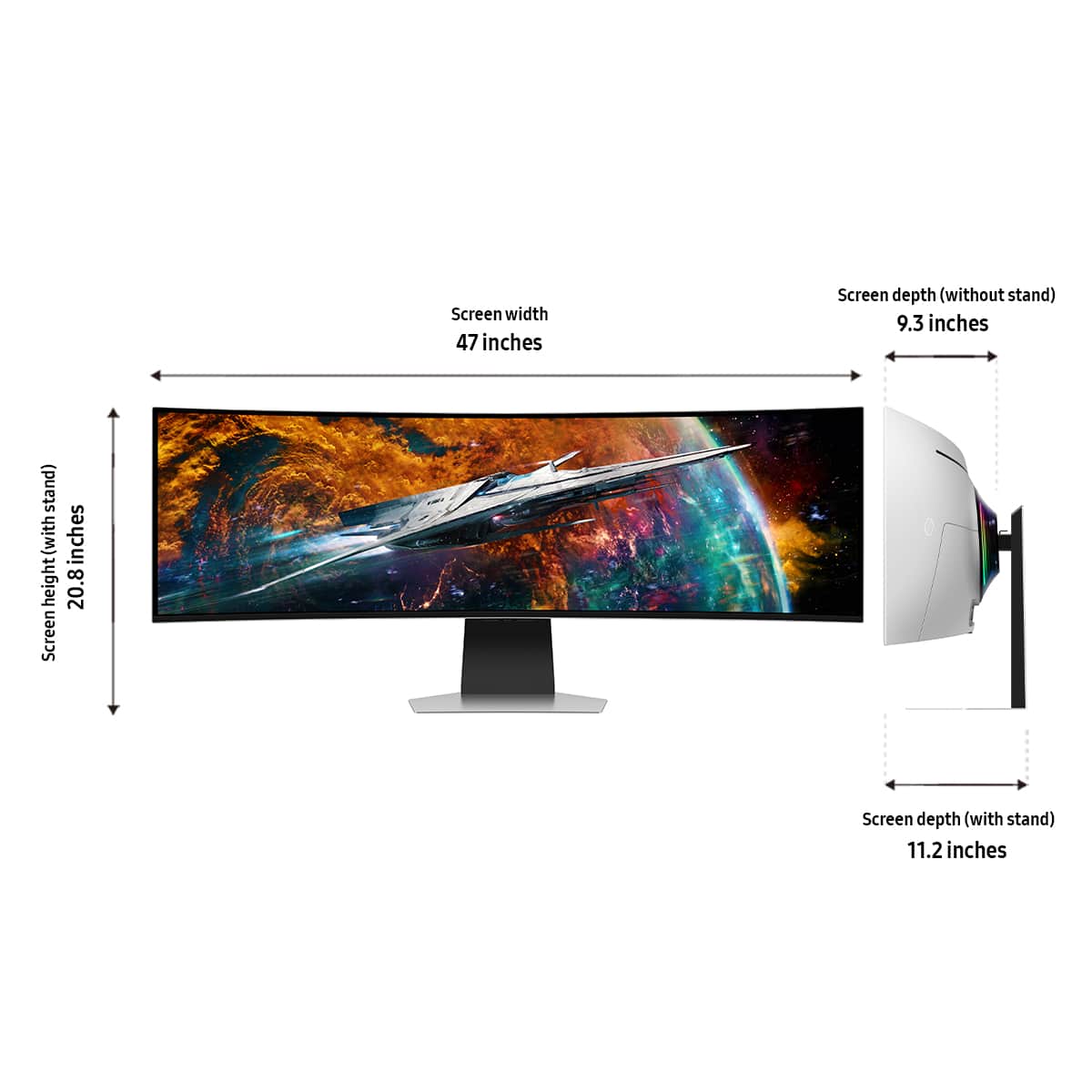
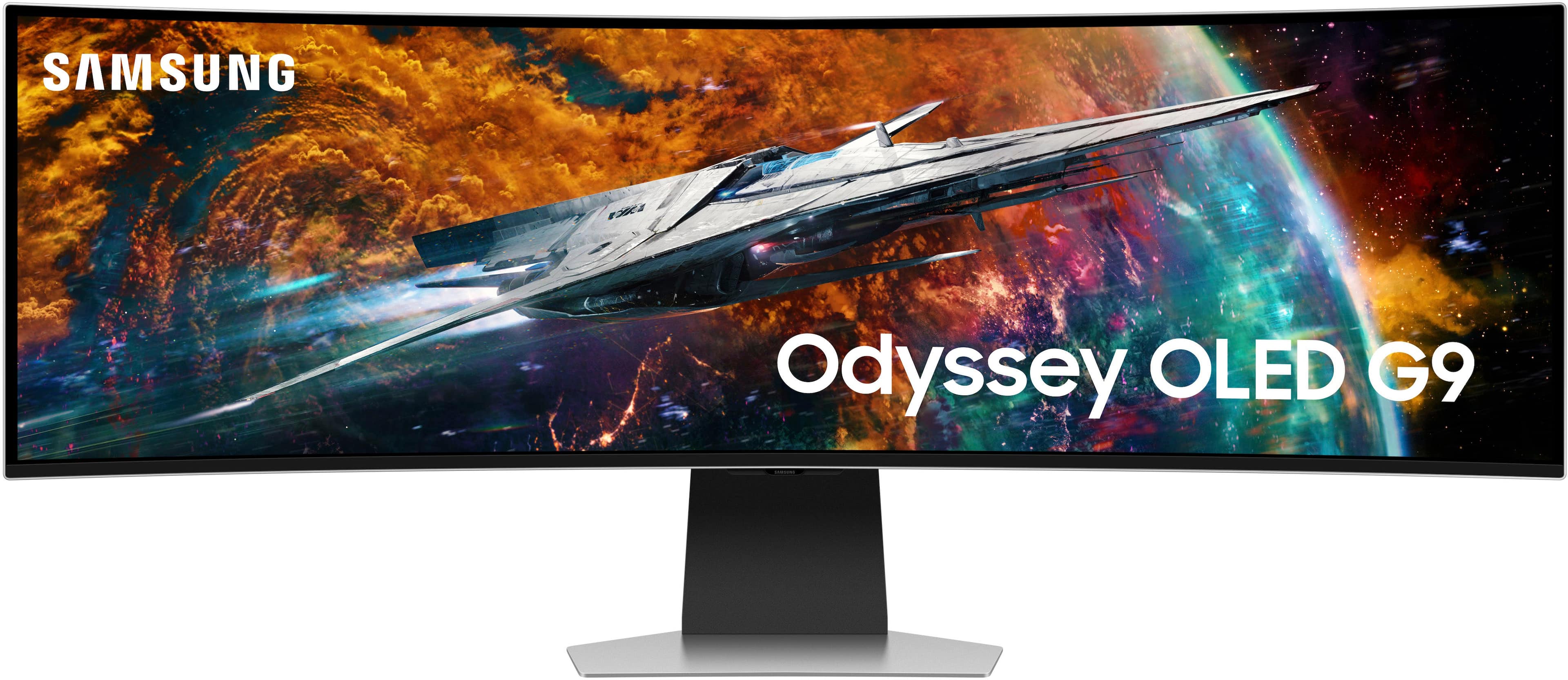
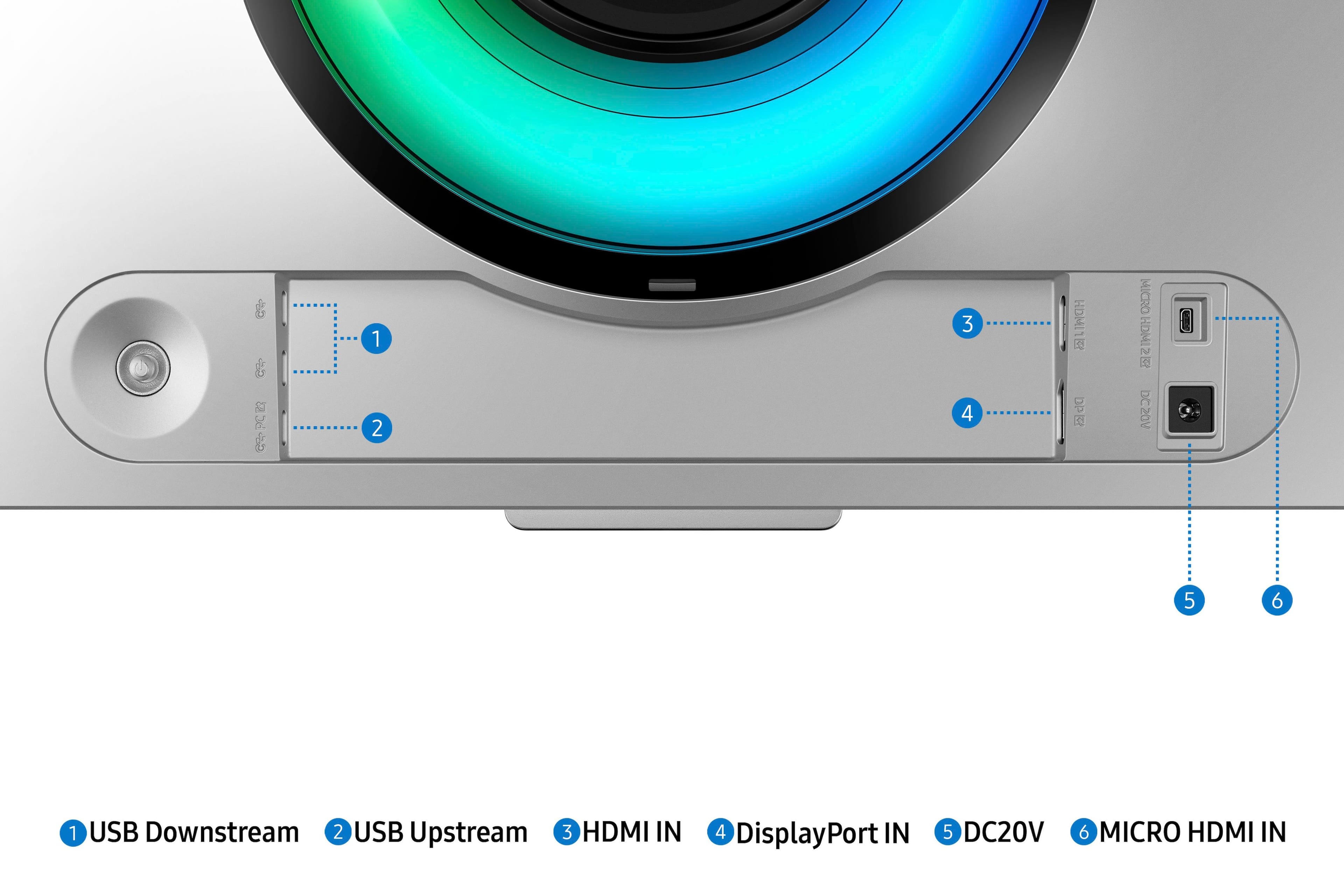
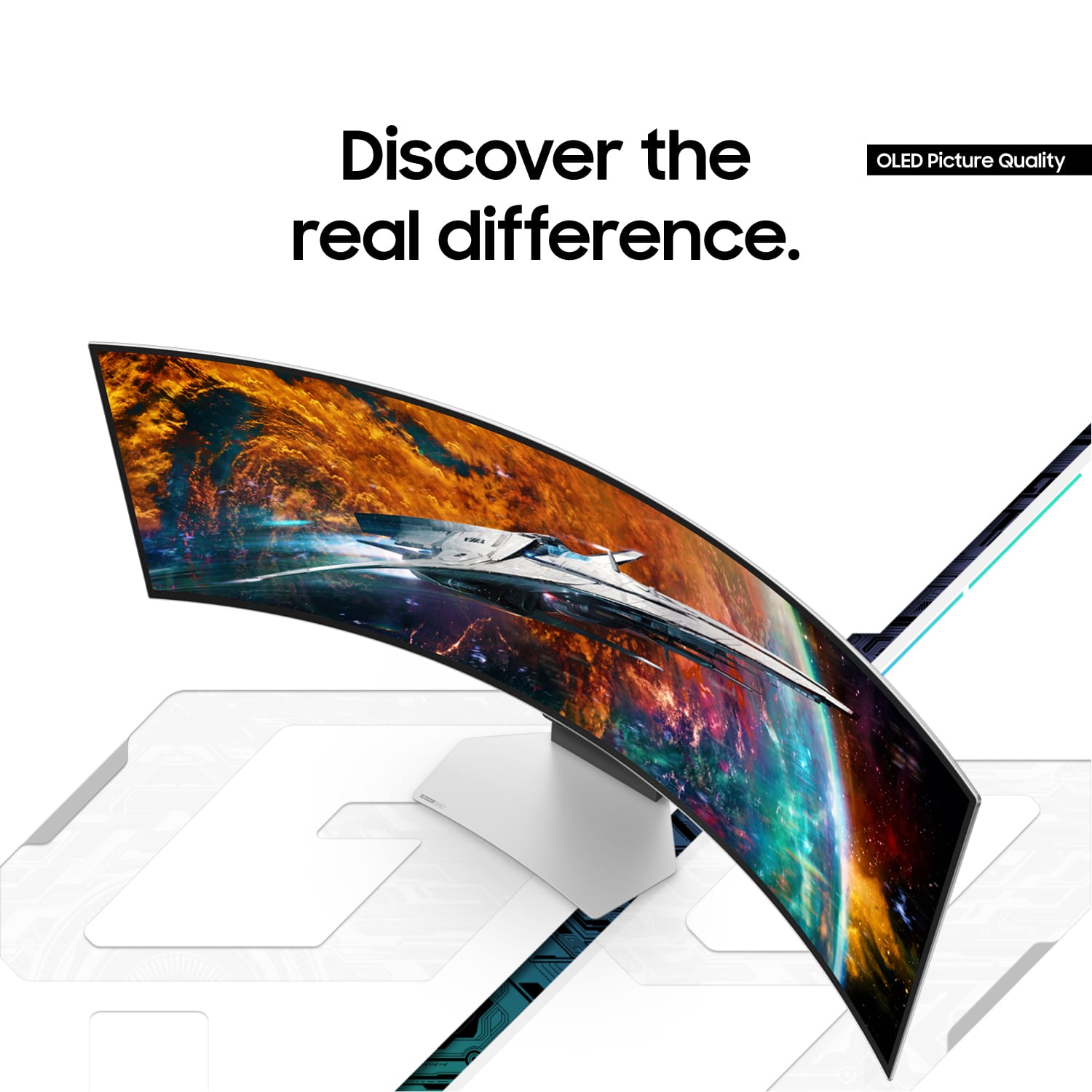
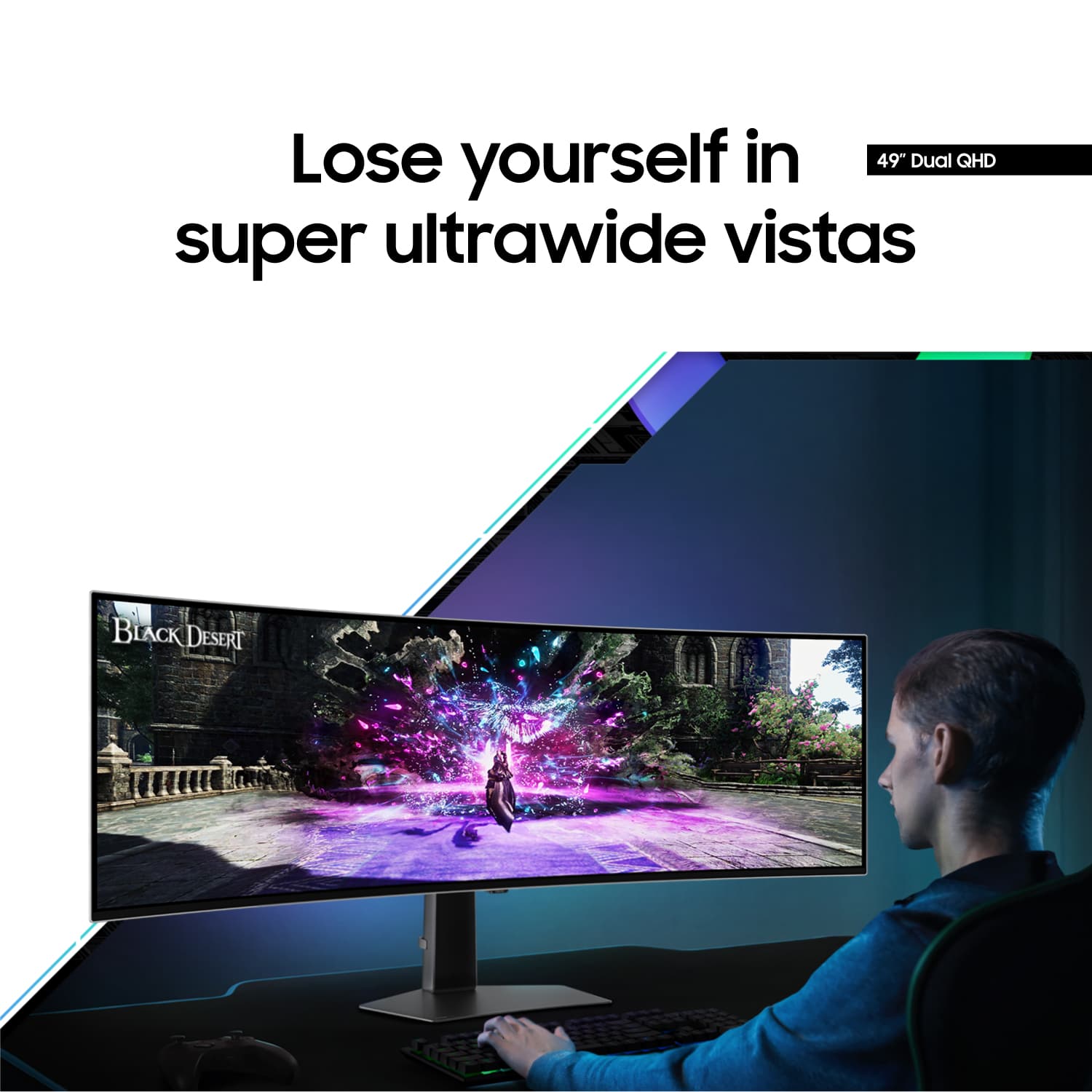
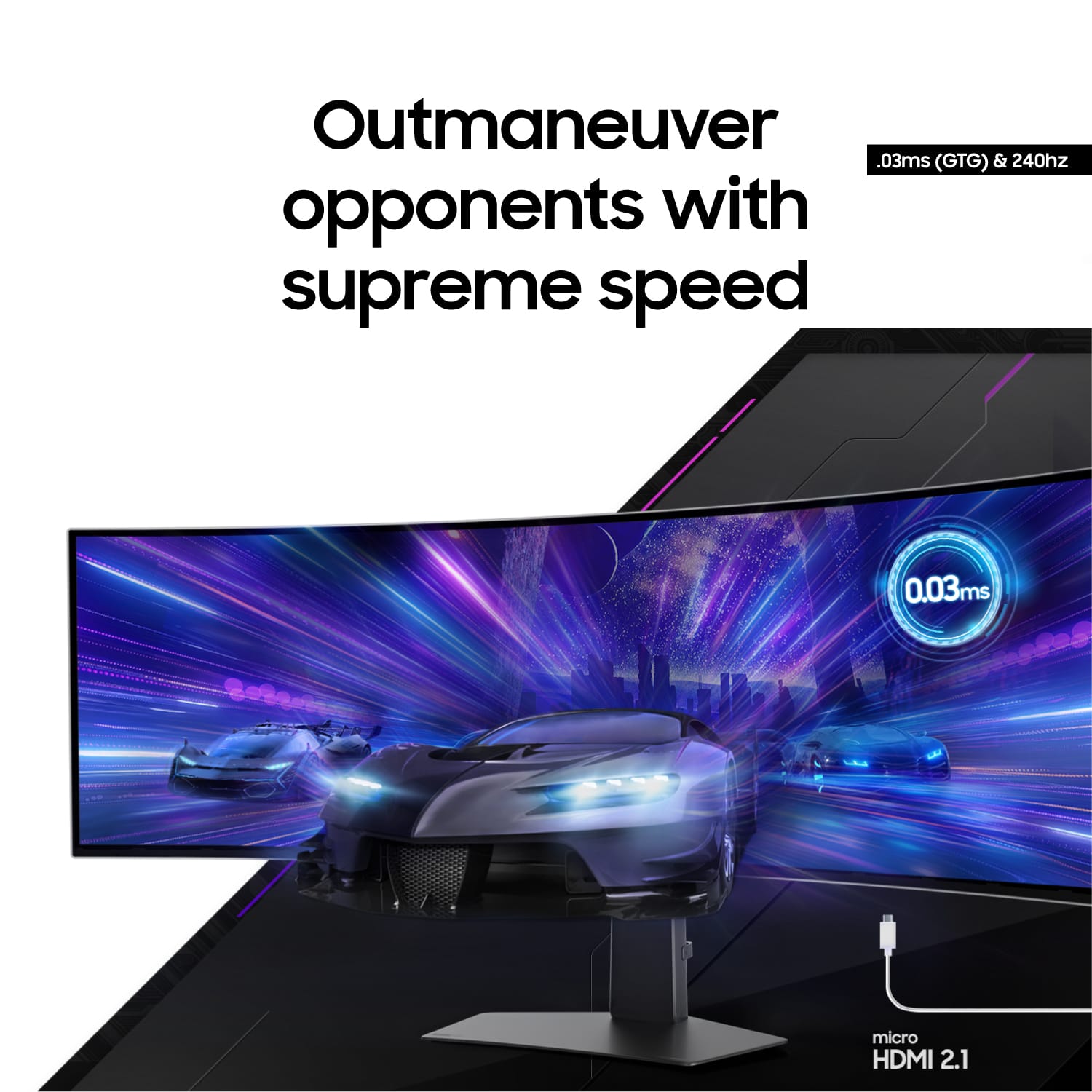
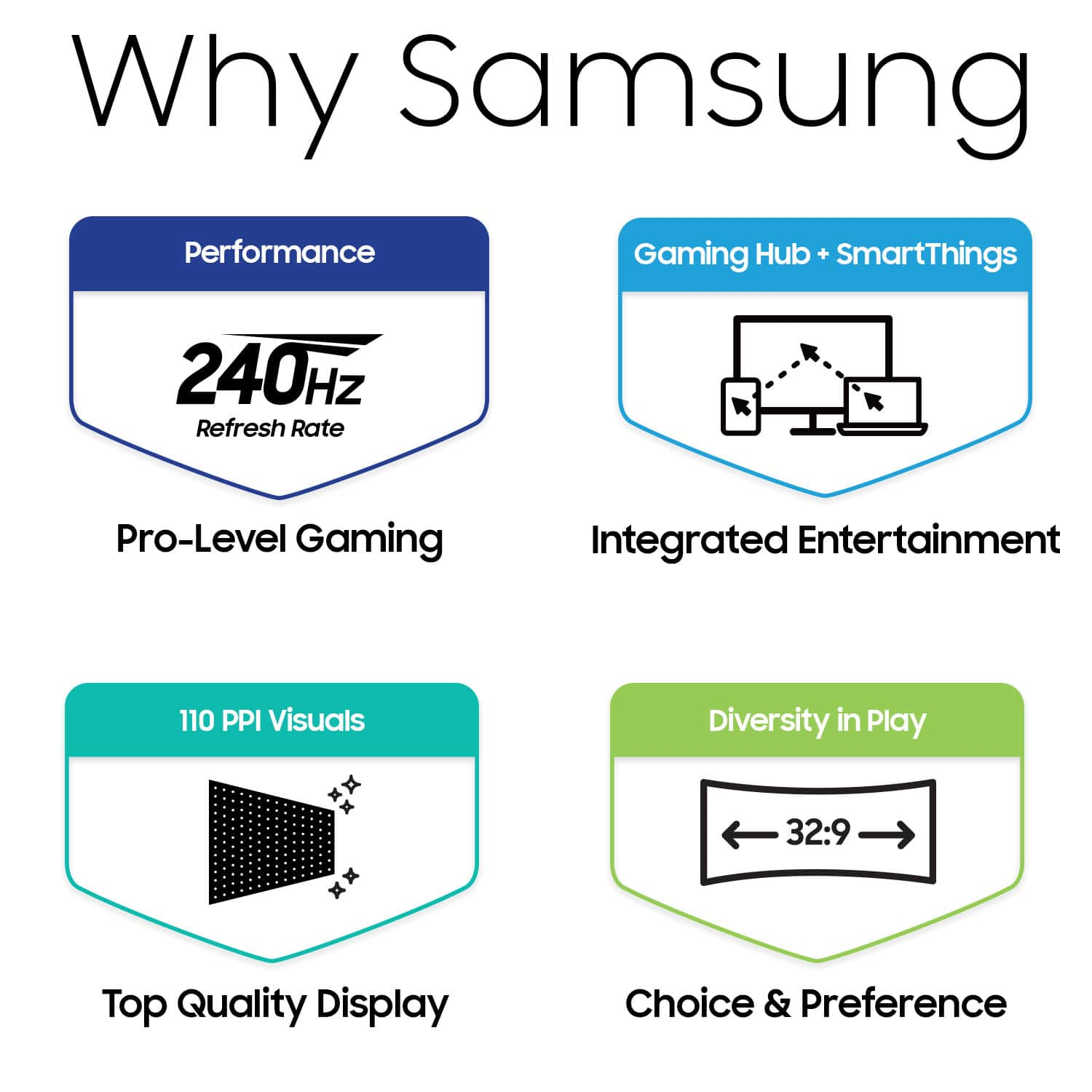
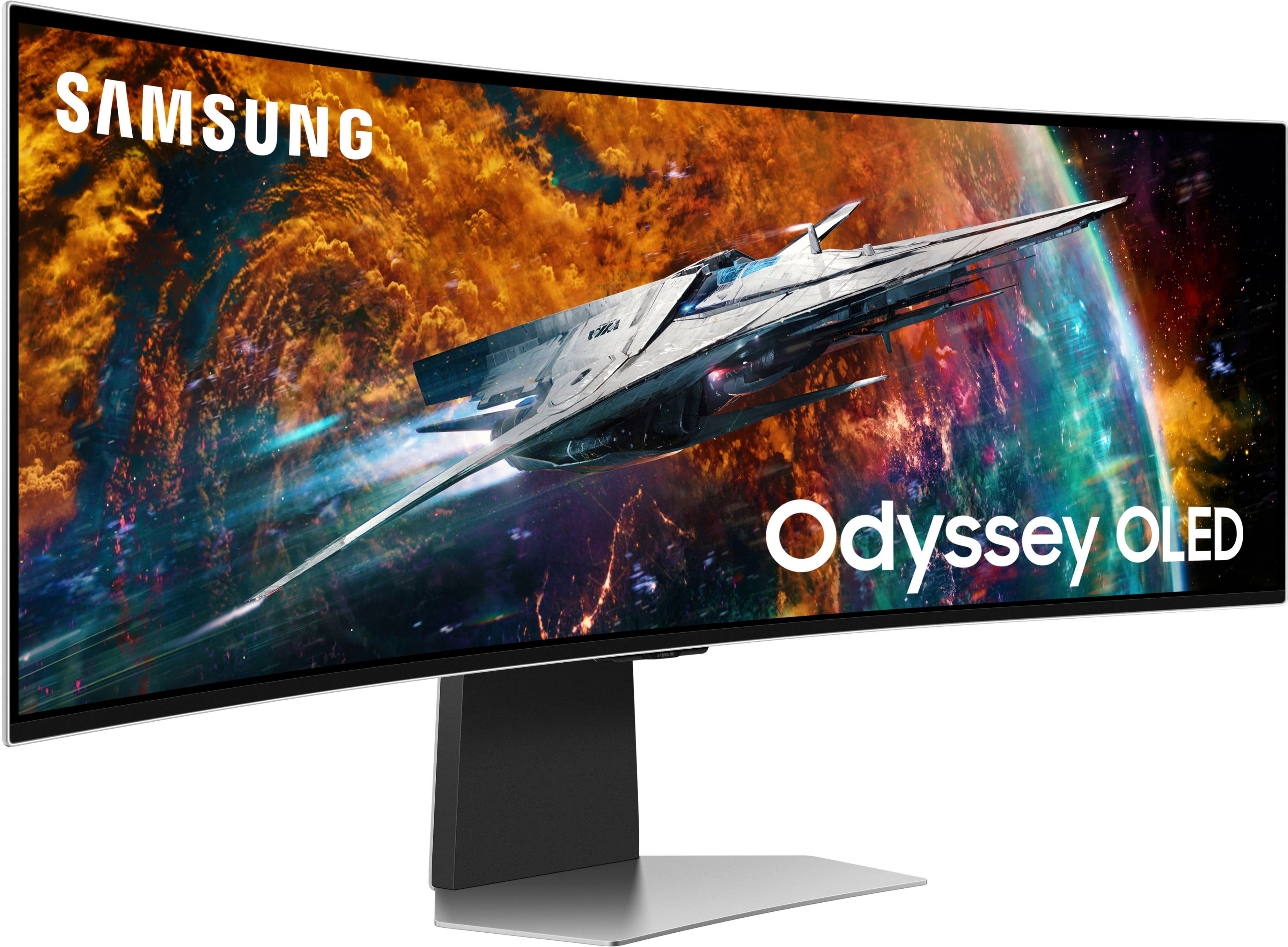
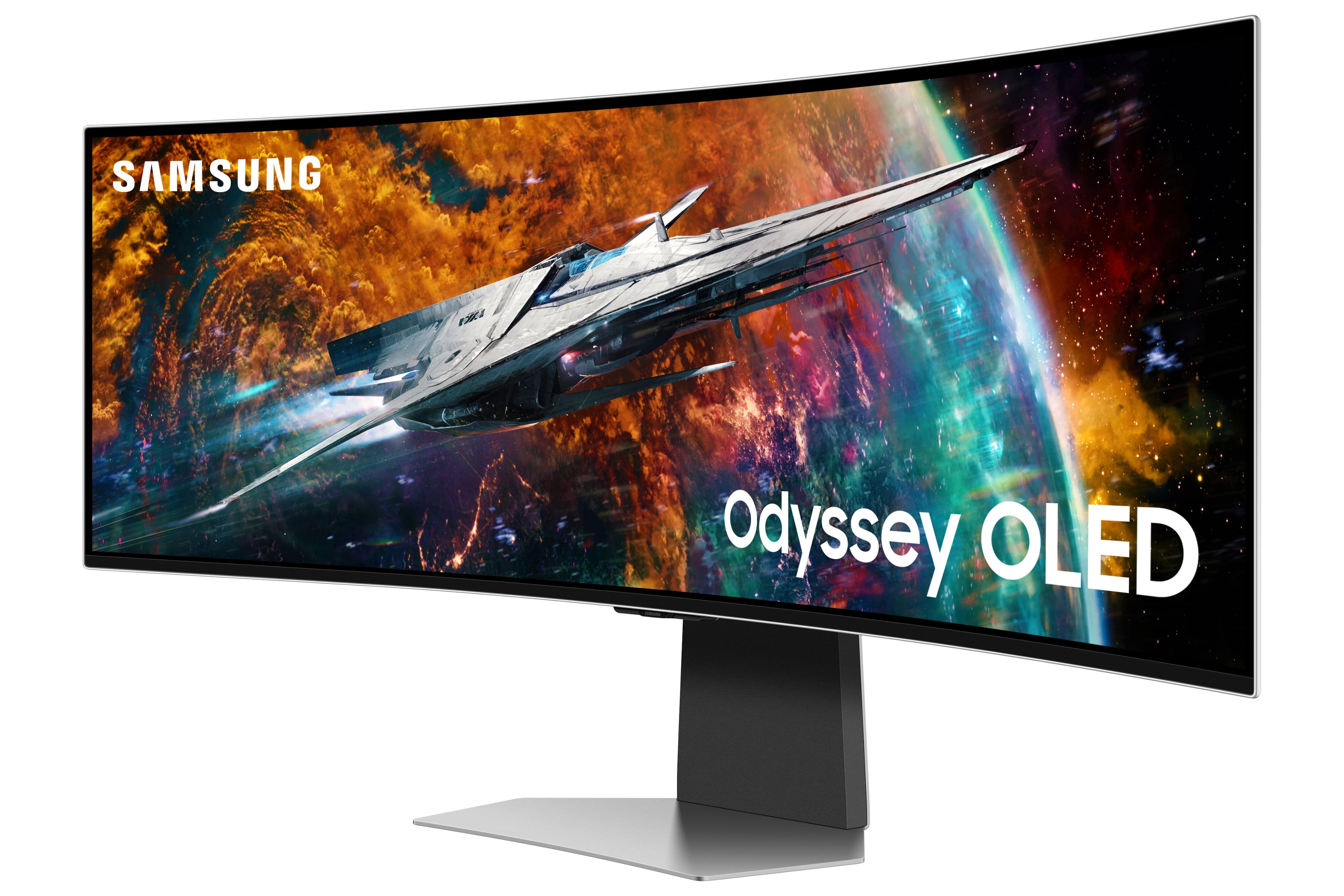
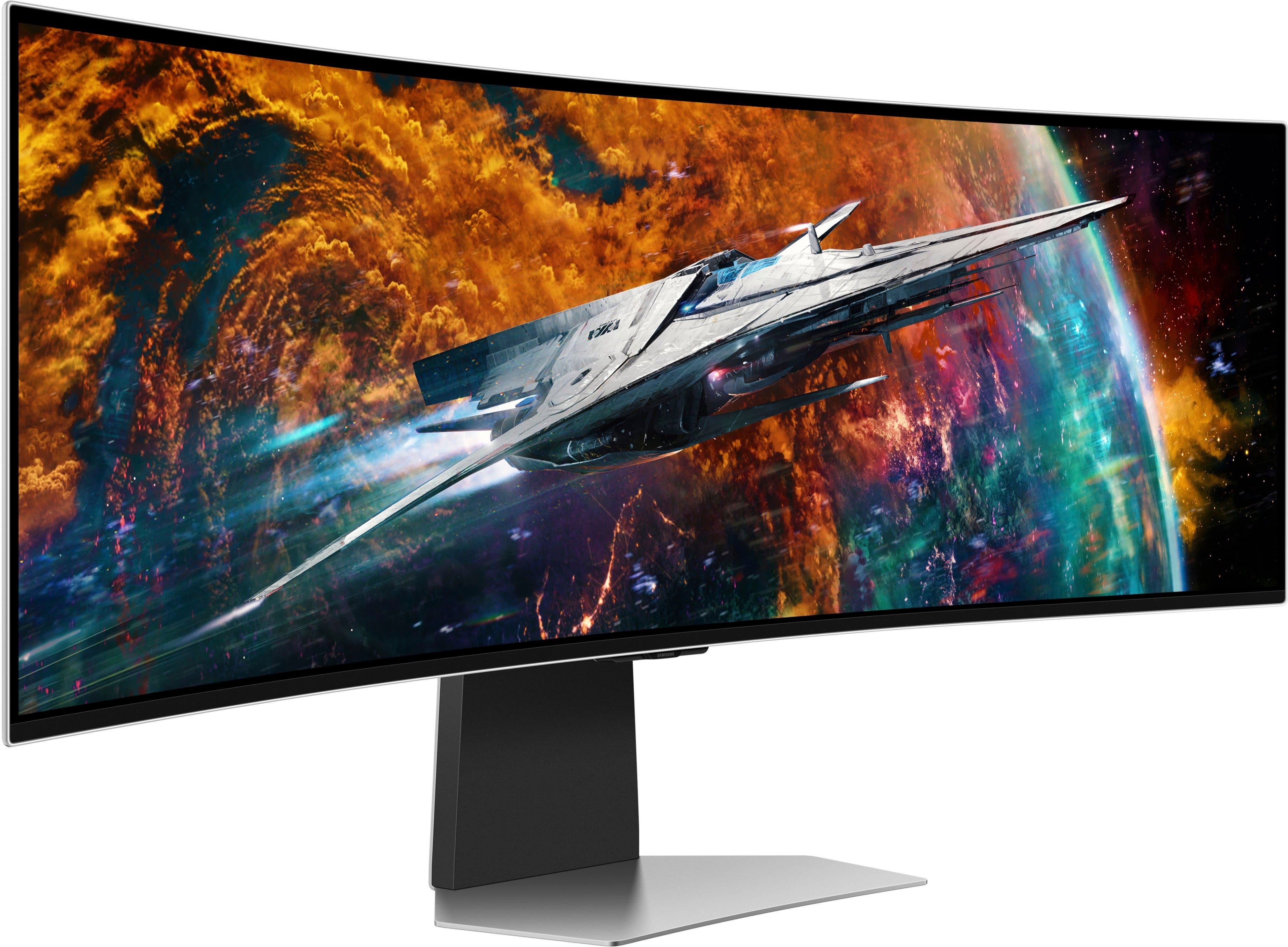
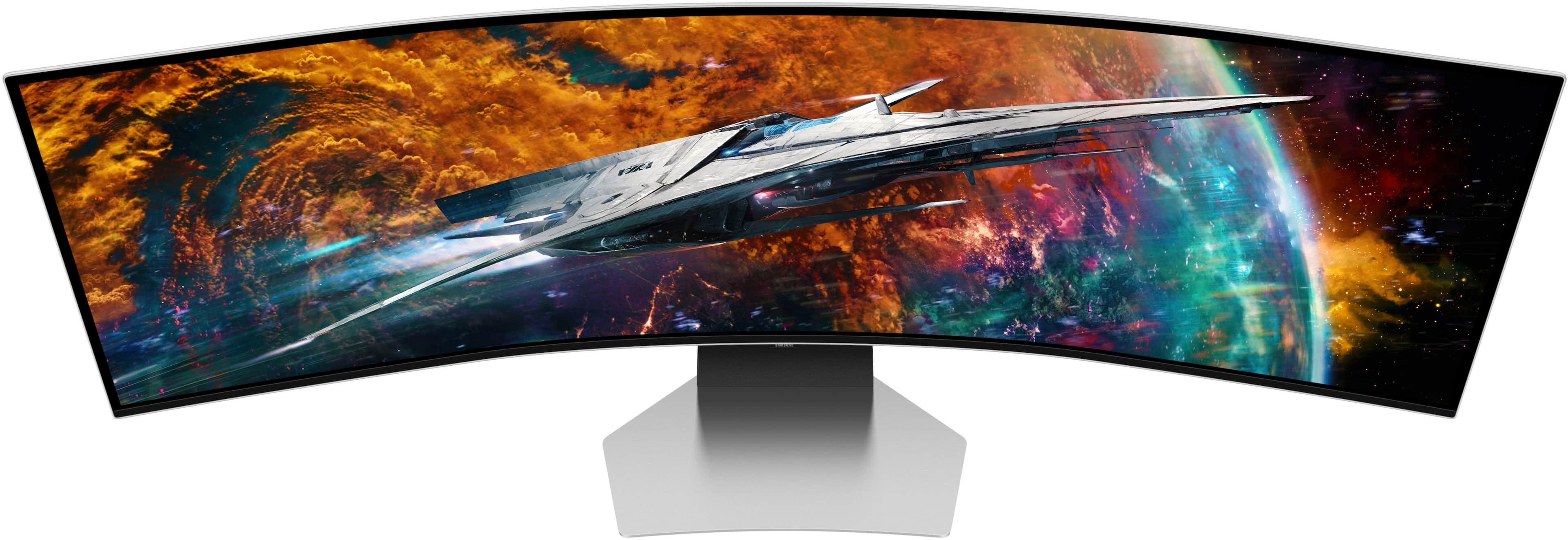
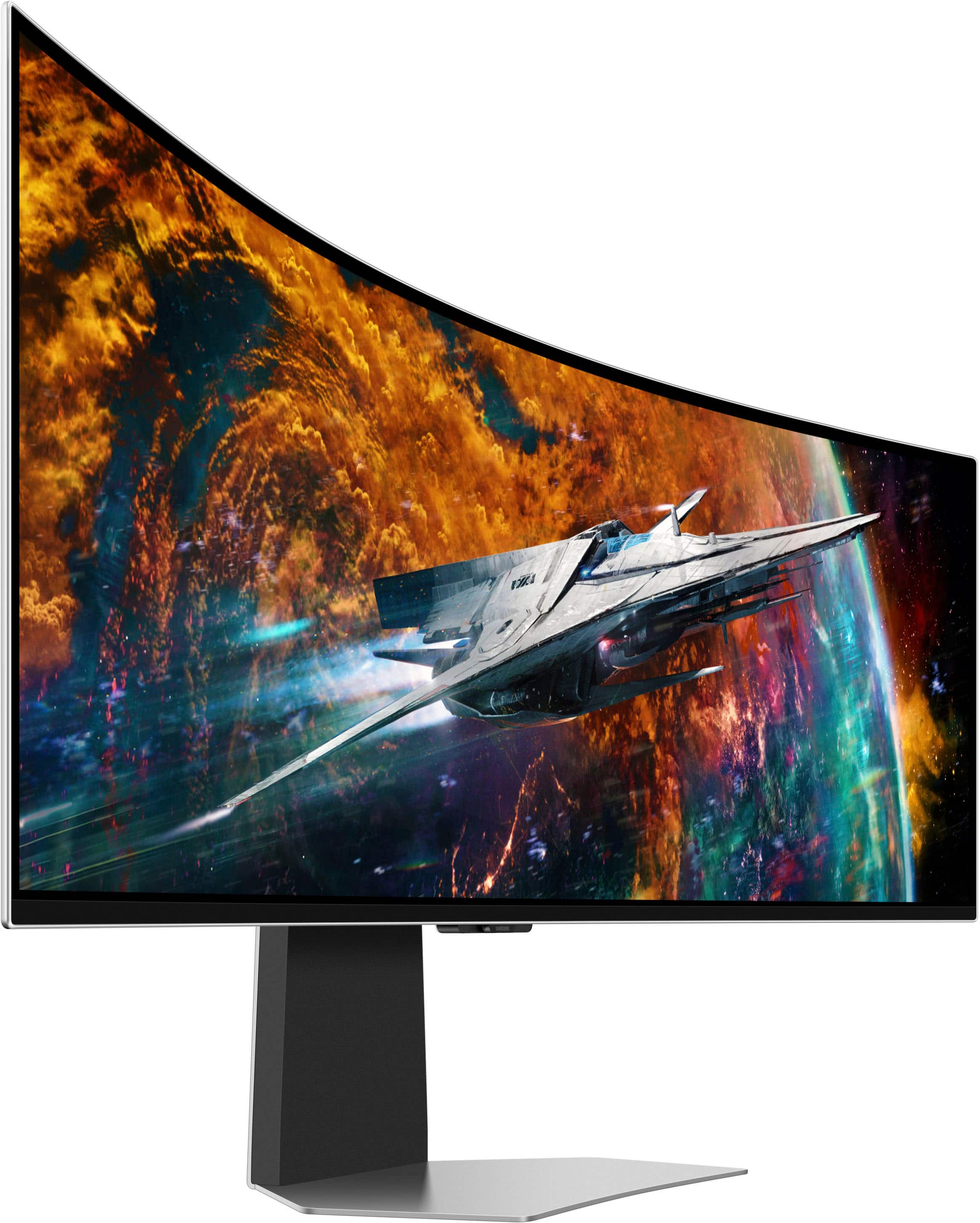
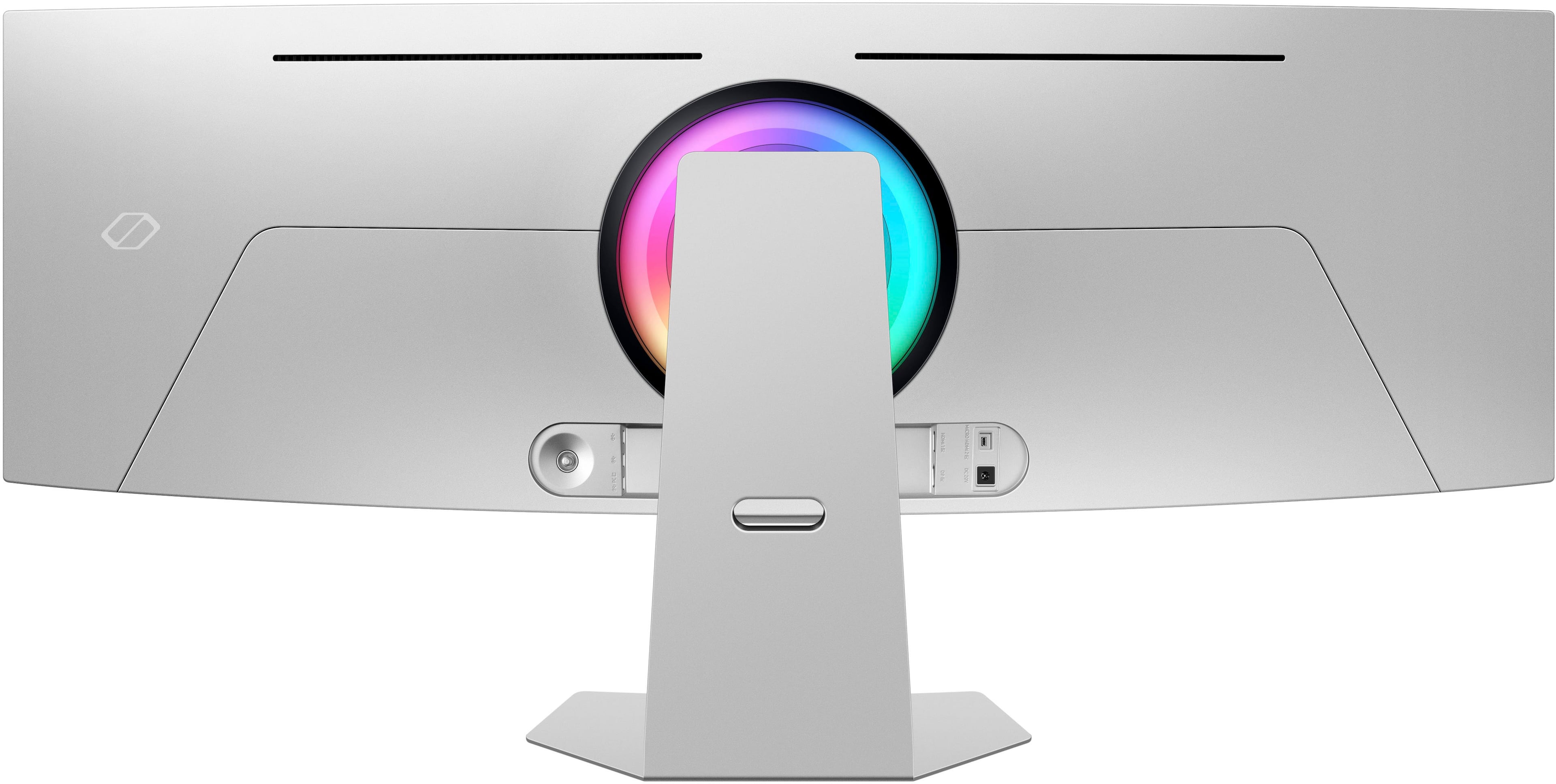
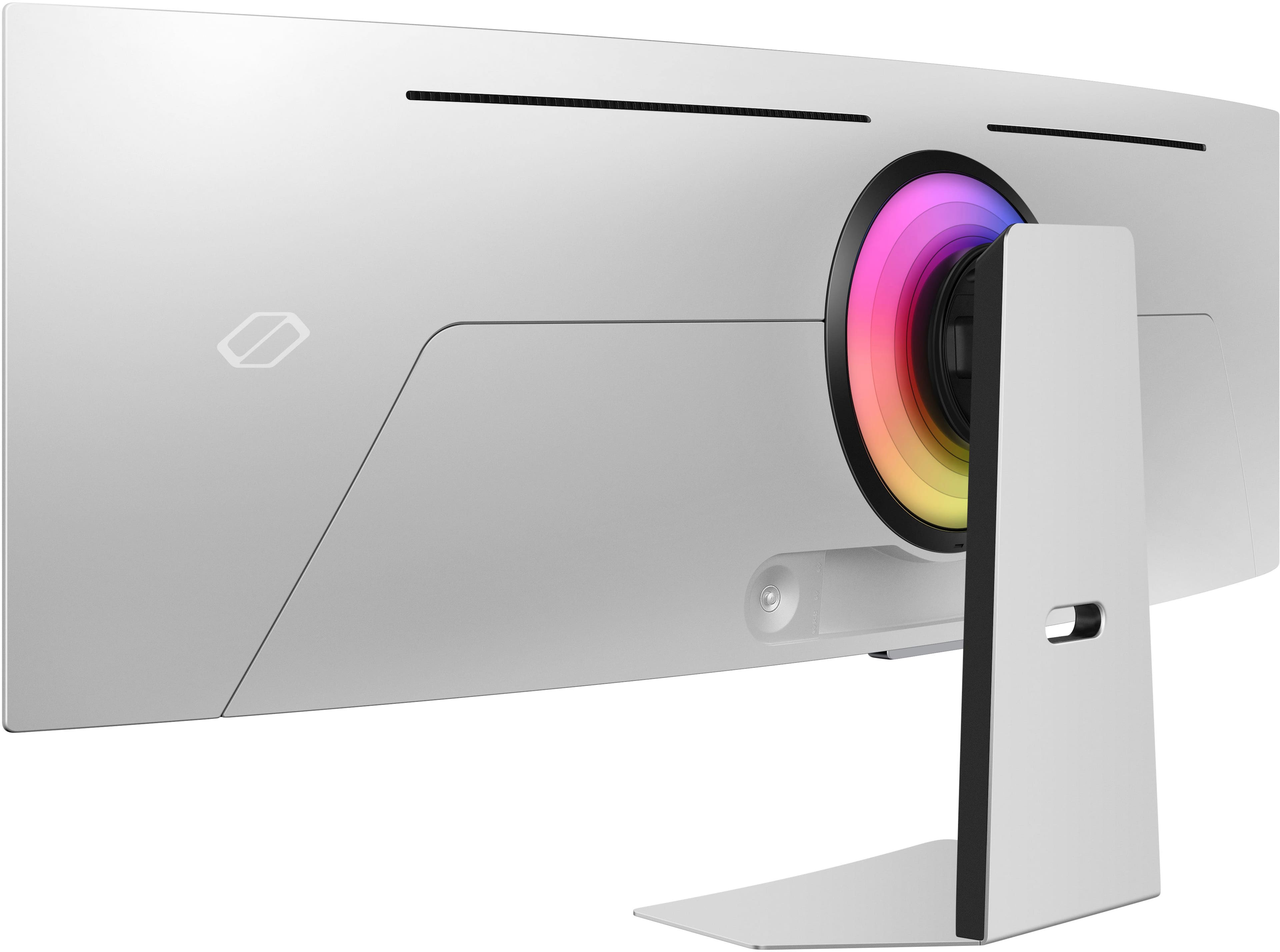
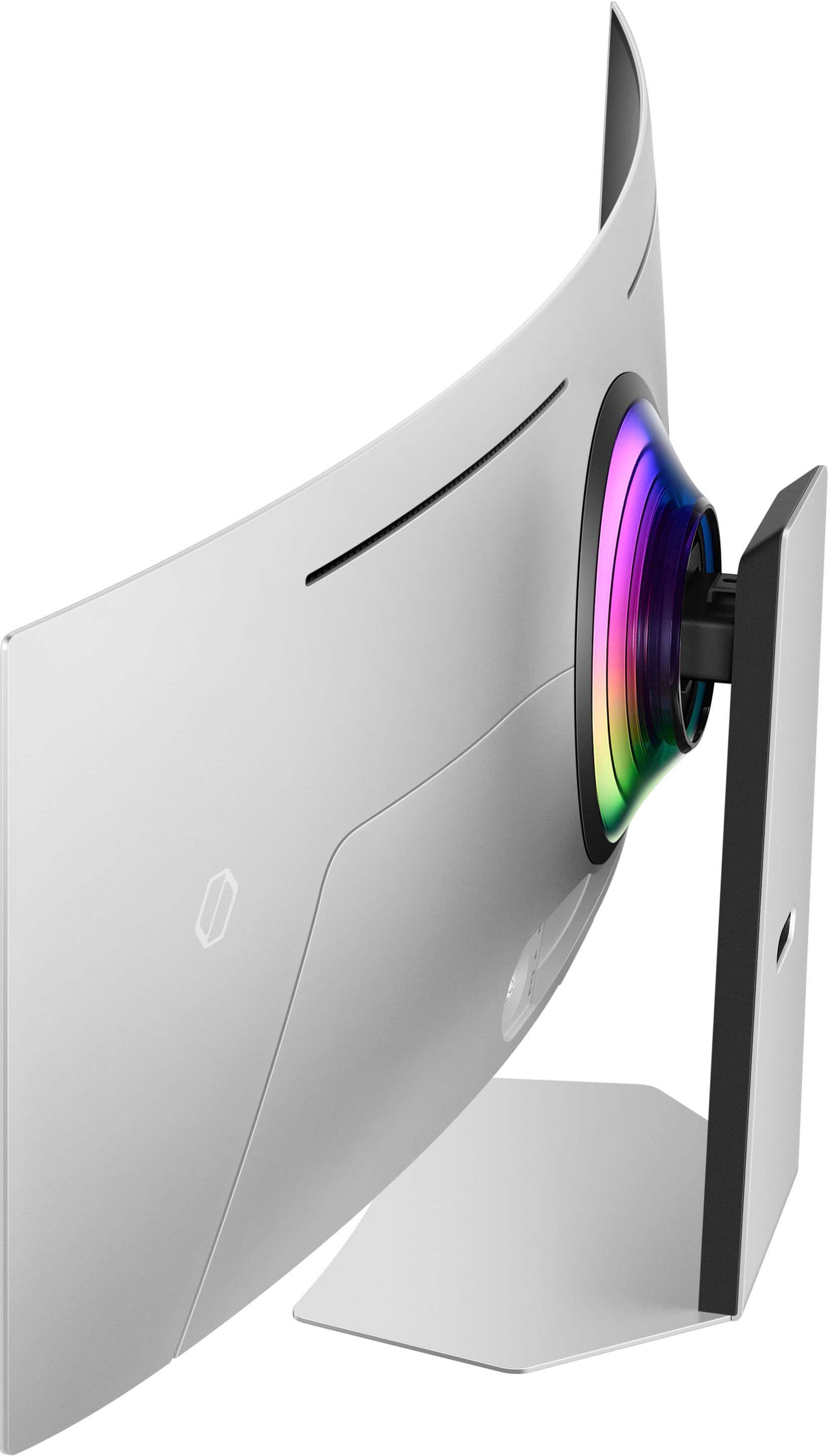
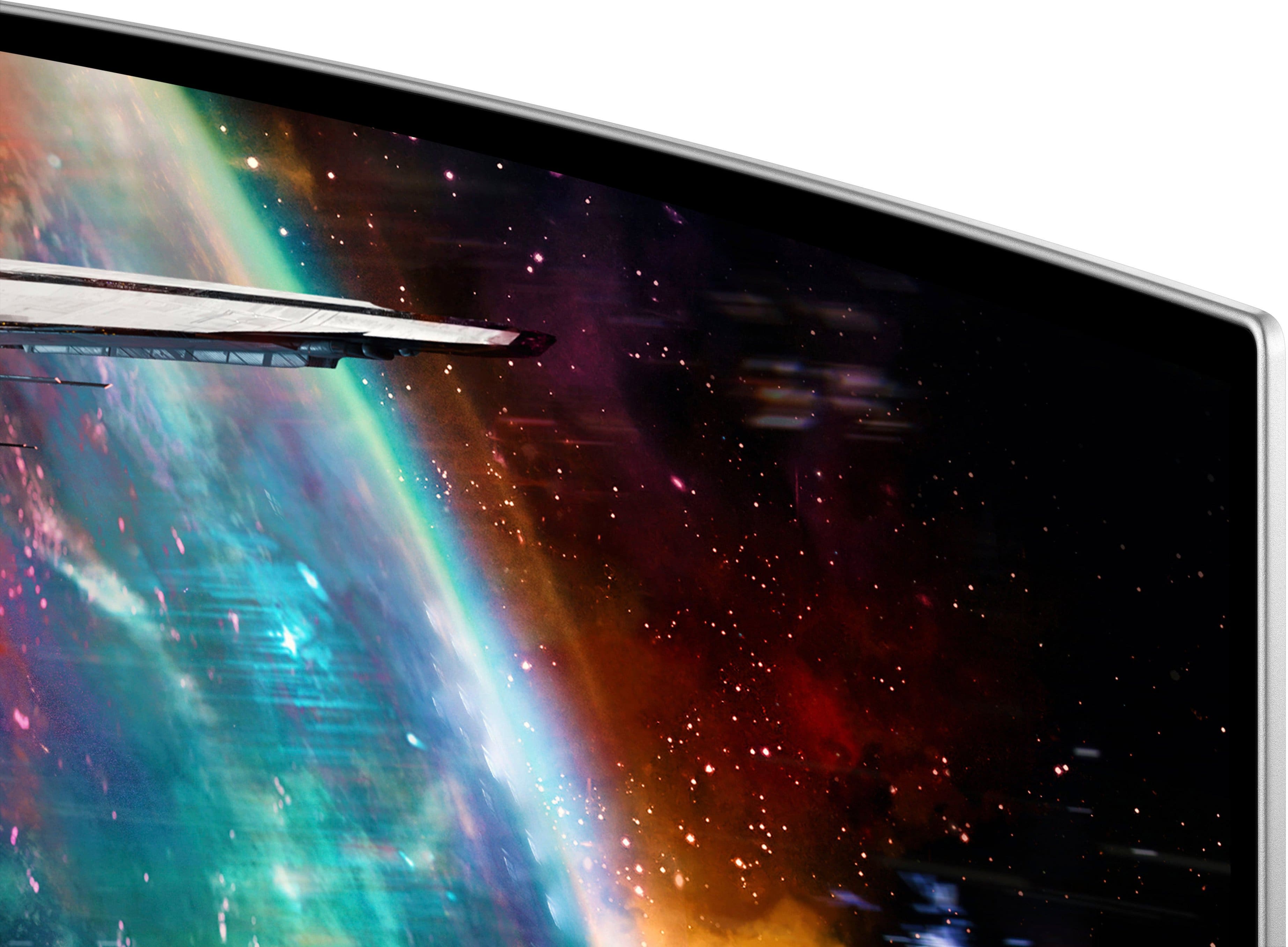
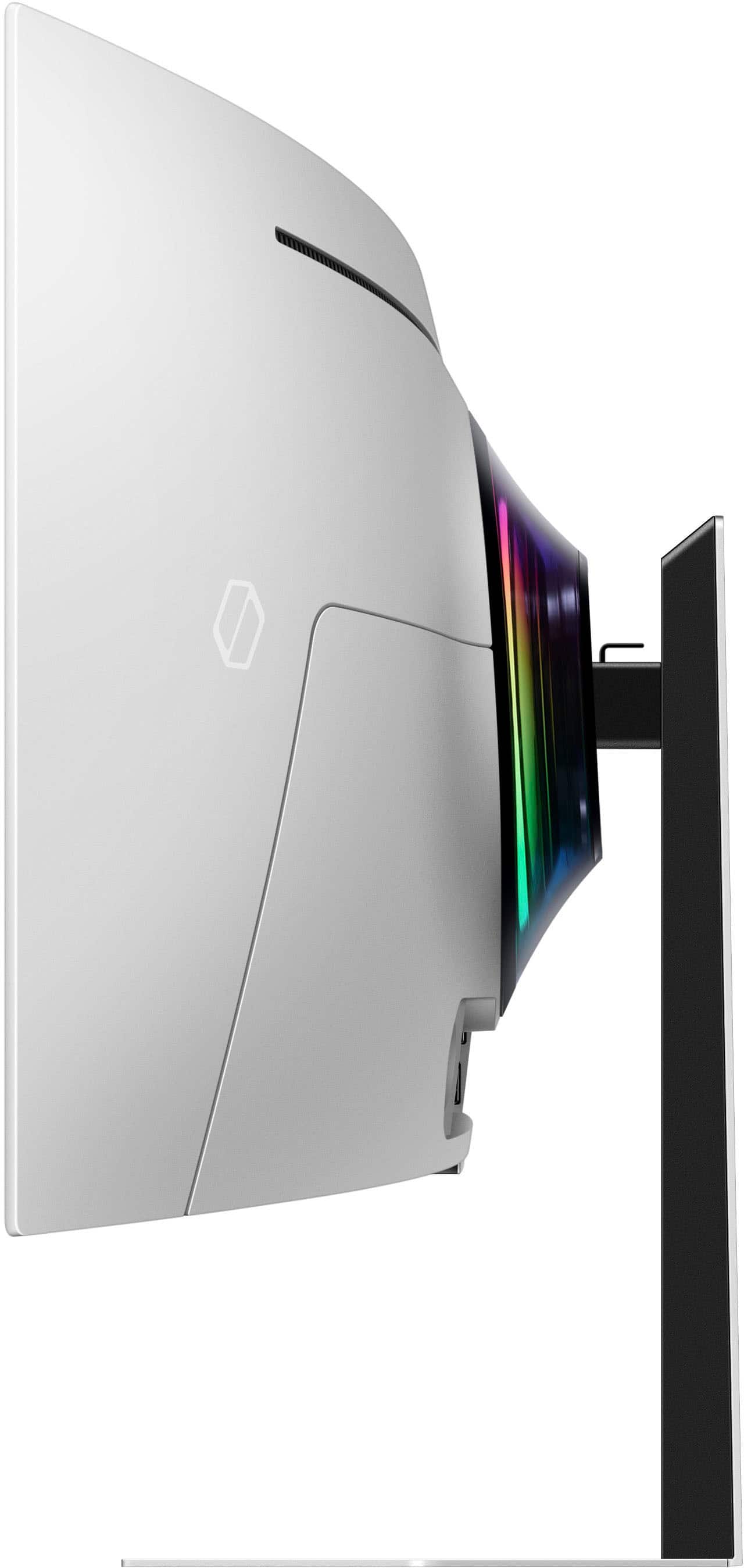
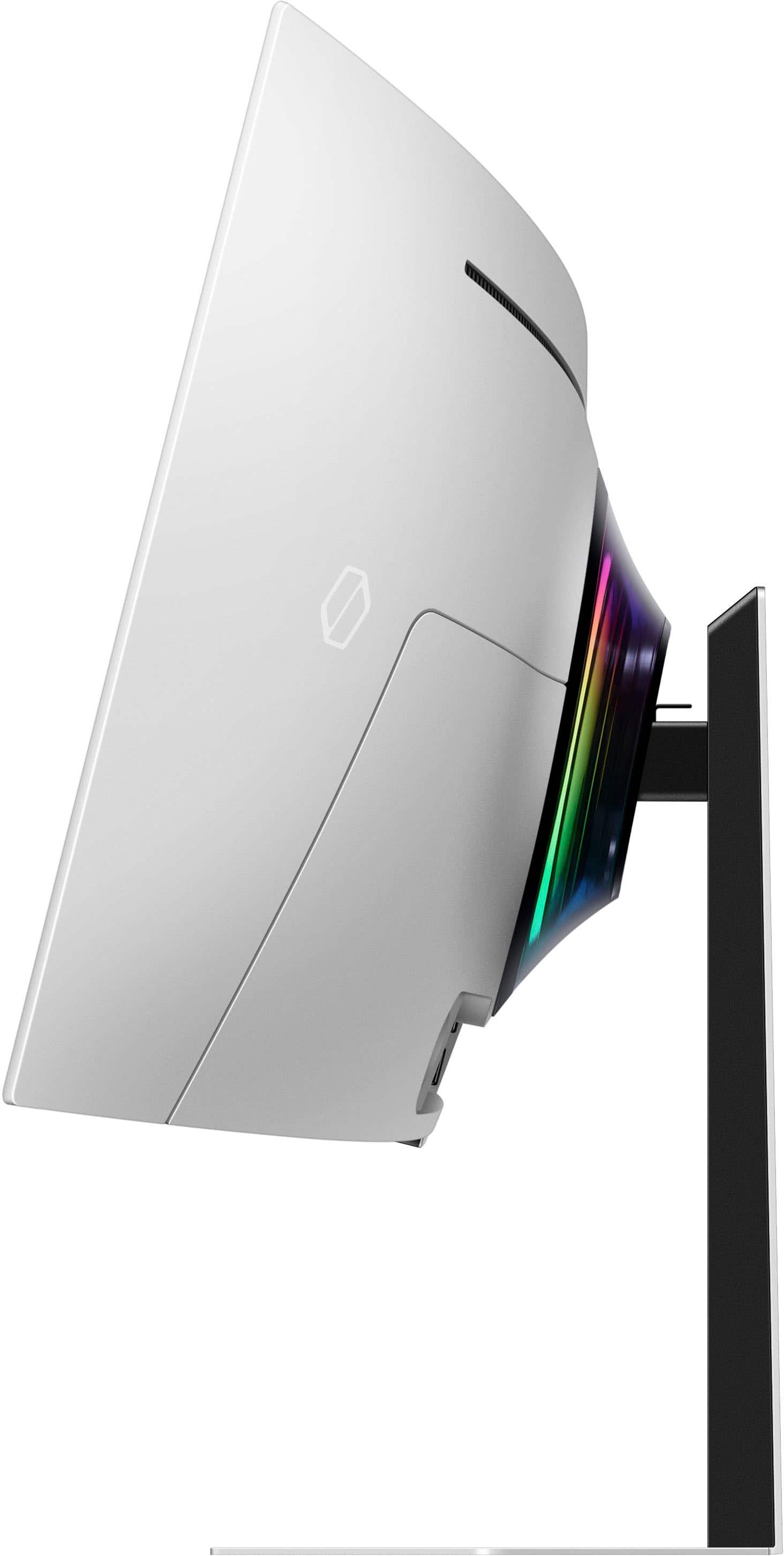
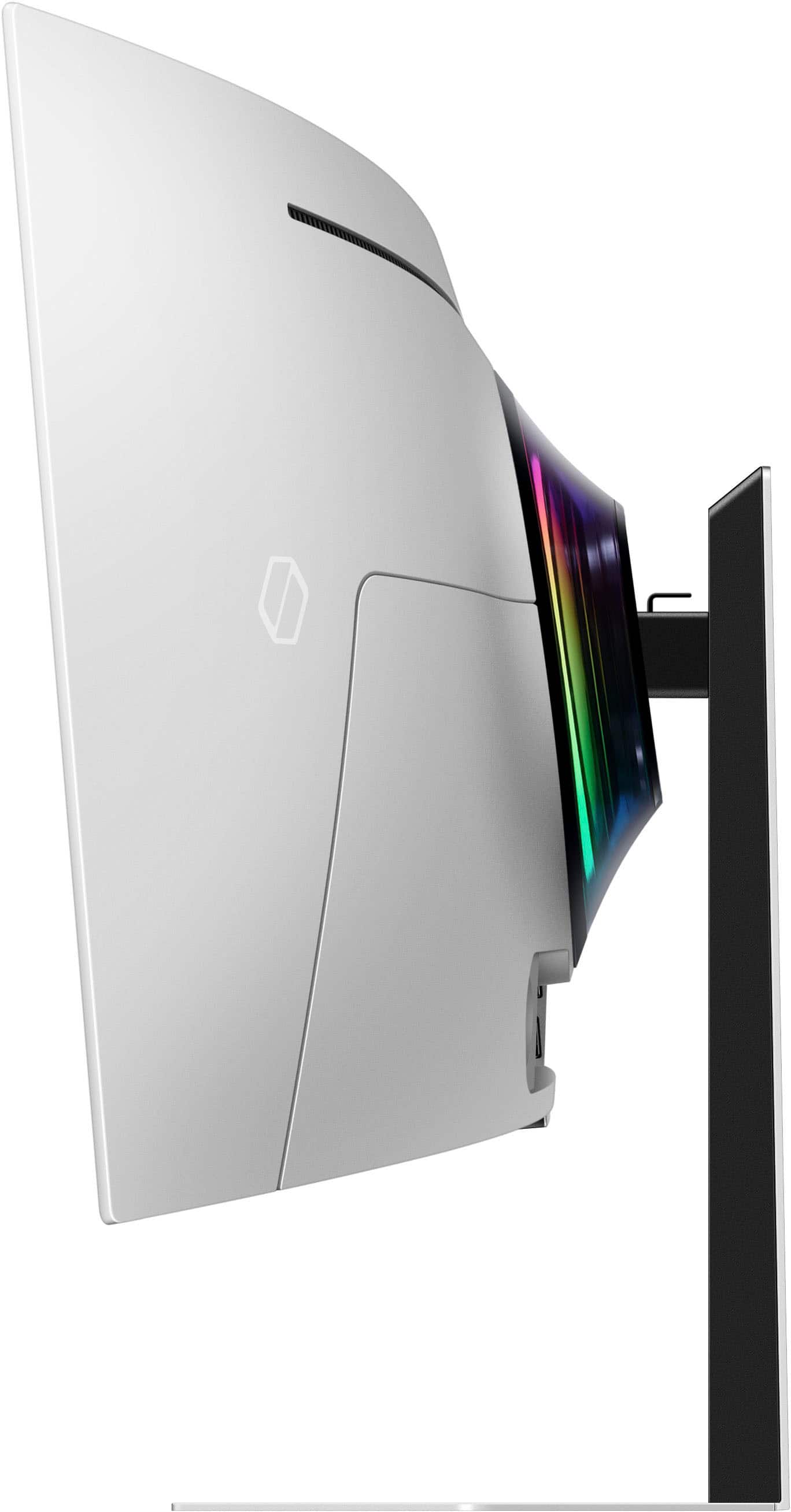
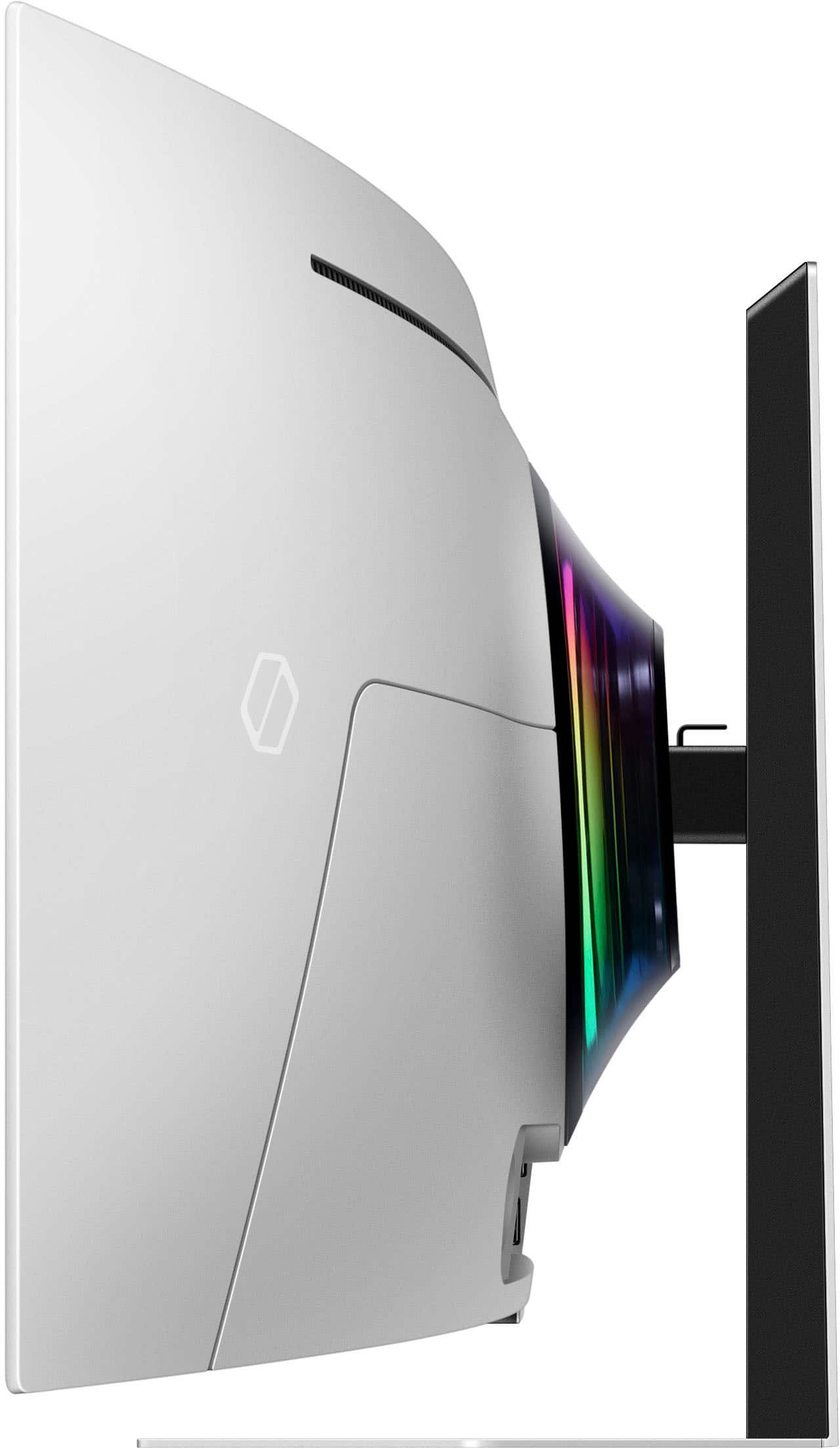
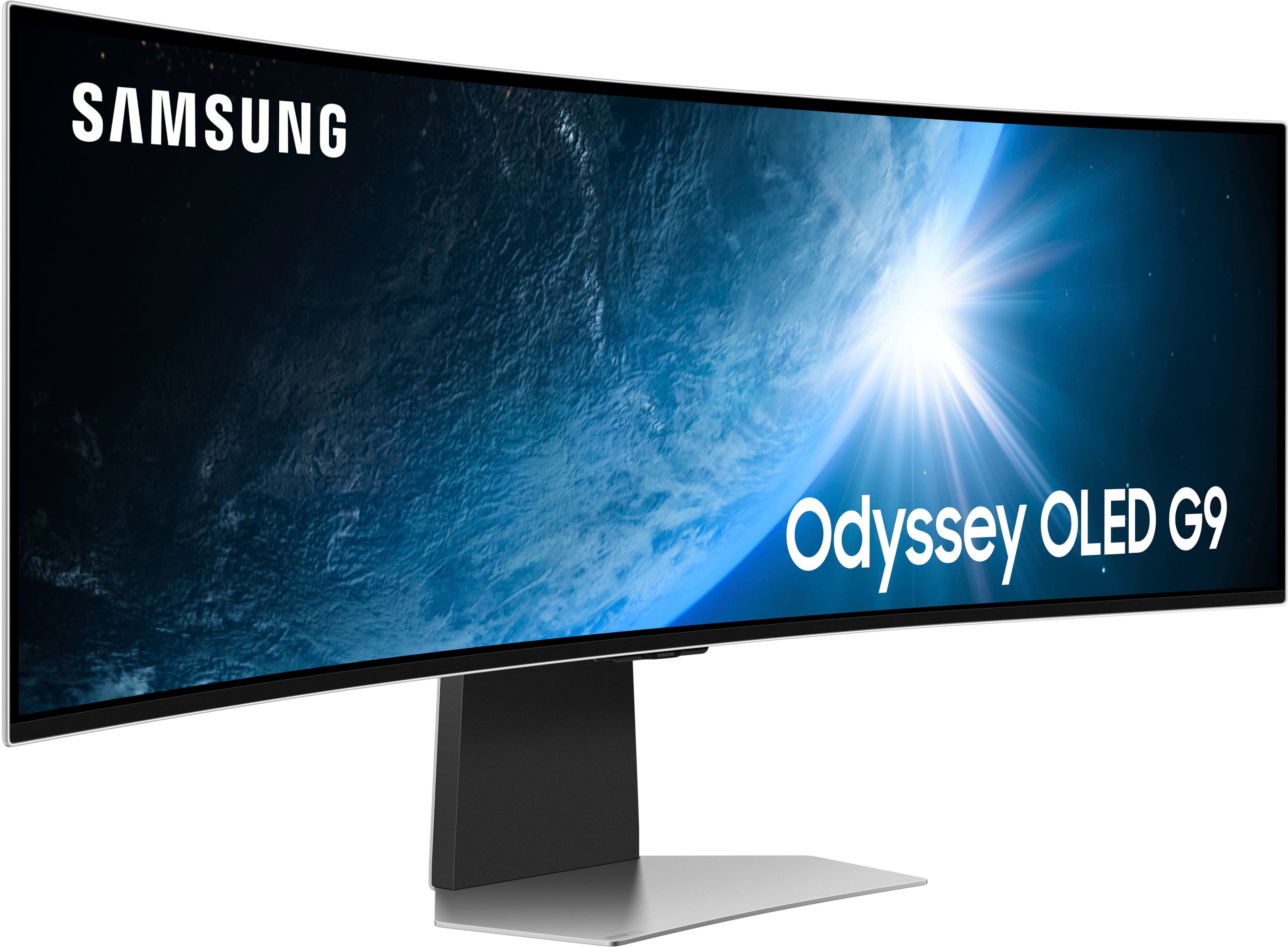
|Posted .This reviewer received promo considerations or sweepstakes entry for writing a review.The new Samsung Odyssey G95SC (Model LS49CG954SN) DQHD Neo Curved 49” OLED Gaming Monitor is absolutely incredible! I am extremely impressed with this spectacular monitor. The G95SC is the best gaming monitor that I have ever used! The G95SC is not limited to use as a gaming monitor. It is also outstanding for productivity and creative applications. The expansive screen size and excellent resolution provide a workspace that is very utilitarian. The ability to have multiple windows open and unobstructed on a single screen is something that I really appreciate. The 49” panel has an 1800R curve (1.8m radius), which is considered a moderate curve radius, and in my opinion is the “sweet spot” for a curved panel; not too aggressive, but sufficiently curved to provide incredible peripheral visual effects The curved screen is extremely pleasing and rewarding for gameplay, but still very comfortable for viewing other content including streaming media. The DQHD (Dual Quad High Definition) panel is the equivalent of having two 27” QHD panels side-by-side, but without any bezel separating them. The 5,120 x 1,440 resolution is perfect for gaming. The 32:9 aspect ratio is great for most newer games, but older games and other content with a lower aspect ratio may have side curtains. However, since this is an OLED panel, the black side panels are comprised of de-energized pixels which are coal black. The Odyssey G95SC is distinguished by the superb QD (Quantum Dot) OLED panel. Opinions vary about which panel technology is the best for a particular purpose, but for the darkest blacks, highest contrast and freedom from the potential backlit LED panel issues like blooming, OLED panels are superior. The Odyssey G95SC does not have a standard OLED panel, it has a Quantum Dot OLED panel which provides absolutely stunning, rich colors. Display panel LEDs produce blue light, which in standard panels are coated with yellow phosphor to emit white light. The Quantum Dot nanocrystals convert the blue light to a truer, white light which contains the full color spectrum without requiring color filters which reduce brightness. They produce a much wider color gamut with very dark black, pure, bright, and untinged white, and rich, vibrant, saturated, intense, detailed, bright and most significantly, accurate colors. The technical specifications for the Odyssey G95SC are exceptional. This 49” DQHD, 5,120 x 1,440 resolution, QD-OLED monitor has a high pixel density of 110 PPI, a 32:9 aspect ratio, an absolutely remarkable 0.03 ms gray-to-gray (GtG) response time and superior, native 240 Hz refresh rate. Resultantly, games run with absolute smoothness and with no input lag whatsoever on the enormous screen. A color gamut specification of 99% DCI-P3 and a 178° viewing angle further augment the viewing experience. The G95SC has Samsung’s Neo Quantum Processor Pro system chip to enhance images using machine learning and AI technology. The display also has VESA DisplayHDR True Black 400, producing 400 nits of HDR peak brightness, and HDR10+ for gaming. The minimum brightness and typical brightness are specified at 200 nits and 250 nits respectively. However, all viewing is incredibly bright (almost surprisingly so). The G95SC also has AMD FreeSync Premium Pro certification, but does not include native support of NVIDIA G-SYNC. The G95SC functions, including Variable Refresh Rate (VRR) nevertheless perform properly with contemporary NVIDIA GPUs. Game visuals and game performance are genuinely outstanding! The color rendition is incredible, and performance is likewise superb. Even the most resource intensive games ran flawlessly. From Doom Eternal to Microsoft Flight Simulator, every game was smooth, fast and flawless. There was no lag, stutter, frame tearing or other performance deficits. Gameplay was incredibly smooth and responsive. The Odyssey G95SC provided the best gaming experience that I have encountered! I used my best gaming laptop with a Core I9 CPU and Nvidia GeForce RTX 3060 GPU as well as my lesser gaming laptop with an I7 CPU, and Samsung’s Auto-Source Switch+ feature immediately recognized each source device, which is nice. The G95SC has Picture by Picture (PBP) accommodating two input sources for the split screen. Another nice feature is the on-screen Game Bar which conveniently makes numerous controls and settings instantly available during gameplay without needing to navigate away. Gaming Hub provides access to cloud gaming like GeForce Now, Luna and Xbox from a centralized interface. Using the G95SC for streaming media is very nice. Streaming apps perform well and Samsung TV Plus is included. The G95SC supports 802.11 ac / Wi-Fi 5, but not Wi-Fi 6. The Odyssey G95SC arrives in a nondescript brown box. Given the punctures, numerous crushed areas, dents, torn shipping tape and other evidence of rough handling, I was very pleased that the monitor was not physically damaged. Samsung includes sufficient accessories to start enjoying the G95SC quickly. The two-piece stand is a combination of metal, which appears to be aluminum, and black plastic. The metal base is stable, and the single, large foot does not consume excessive desktop space. The vertical component attaches to the base with two preinstalled captive screws which have wing nuts, thereby eliminating the need for tools. Attaching the large, curved monitor panel to the base is literally a snap. A VESA 100mm x 100mm wall mounting bracket is also included in the box. The G95SC is extremely thin. I measured the edge at a hair under 5mm (Samsung says it is 4.5mm). The aluminum bezel is miniscule, and if it was black it would be absolutely invisible. The screen is somewhat reflective, but it was not an impediment. The 49” diagonal panel measures 47” wide and just under 14.5” tall. When mounted to the stand, it measures just over 9.25” at the deepest point. The G95SC is very lightweight. Owing to the aluminum back and OLED display the panel weighs only 20.3 lbs., and the metal stand adds only 8.1 lbs. The stand allows for vertical adjustment of approximately +/- 4.75” and tilt of -2° / +15°. The panel does not rotate to vertical orientation. When I mounted the panel to the stand, I found that the panel was out of level/plumb by about 1”. The non-rotating panel did accommodate the needed movement to make the panel level. Samsung cables include Display Port 1.4, USB-C to USB-A and HDMI to Micro-HDMI. Connectivity ports include USB Hub 3.0 with 2-USB-C Downstream, 1-USB-C Upstream, 1-Display Port 1.4, 1-HDMI 2.1 and 1-Micro-HDMI 2.1. Port labeling is cast into the metal rear panel of the monitor with no contrast and is extremely difficult to read. The ports are tucked into a shallow rectangular recess in the lower area of the rear panel. The power supply is a large 220 watt block supplying 20VDC. The AC cord to the power block is 5’ long, but the DC cord from the block to the panel is only about 4’-9”. CoreSync Technology and a CoreLighting+ RGB lighting array centered on the rear panel add some additional gamer lighting effects to the room. Audio is provided by 5 watt x 2 channel drivers. The drivers must be small and thin to fit inside the extremely thin panel, yet the audio sounds remarkably decent. Adaptive Sound Pro adjusts audio to the environment. My new Samsung Odyssey G95S is sharing desk space with my Samsung M8 32” UHD monitor. Included with the G95S is the Samsung Smart Remote Control. This extremely compact IR remote has a USB rechargeable internal battery. In addition to a small array of function buttons, there are also dedicated buttons for Samsung TV Plus, Netflix, Disney+ and Prime Video. However, since this is the identical remote that is used with the M8 monitor, any use of the remote commands both Samsung monitors simultaneously, rendering it useless. Setup options include using the remote control or the “Quick and Easy” Smartphone setup. When I had installed my M8 monitor I encountered multiple, repetitive problems primarily involving the Smart Things App and network connectivity. I was not pleased to encounter similar impediments when setting up the G95S. Although the app claimed that the monitor could not connect to Wi-Fi, it was in fact connected and downloaded the software update. On the second day of use I found it disconnected from the network and the panel refused all efforts to connect. After a factory Reset, it still failed to connect. (Restoring the cloud backup of settings also failed). Manual entry of credentials and WPS didn’t matter to the G95S. Multiple reboots of the panel and the Wi-Fi router finally succeeded in getting the G95S reconnected to the network. Later, use of the SmartThings hub in the monitor broke the connection again. These anomalies appear to be thematic. Samsung’s app requires granting many permissions and potentially waiving privacy numerous times. The G95S runs Tizen OS. Although the screen turns on immediately when power is switched on, the OS takes a bit of time to load and become responsive. The user interface is serviceable. Voice assistants of either Bixby or Alexa are supported. The G95S joined the Amazon ecosystem without issue and Alexa and Prime services linked with ease; sorry Bixby. The Samsung Odyssey G95SC is an absolutely stellar monitor! It provides an immersive gaming experience with the panoramic curved screen, and the Quantum Dot OLED display is absolutely incredible. I am really enjoying the G95SC a great deal!
I would recommend this to a friend Excellent!!!
||Posted . Owned for 1 month when reviewed.This reviewer received promo considerations or sweepstakes entry for writing a review.My bf loved the monitor!!! Ordering and picked up was very hassle free!!! Definitely worth it!
I would recommend this to a friendBest 49inch monitor
||Posted . Owned for 1 month when reviewed.This reviewer received promo considerations or sweepstakes entry for writing a review.Great monitor, amazing to work on and multitask. I love it so much happy with my purchase
I would recommend this to a friendImpressed
||Posted . Owned for 1 week when reviewed.This reviewer received promo considerations or sweepstakes entry for writing a review.Fun monitor for my games and easy multitasking for streaming and web browsing
I would recommend this to a friendOwner
||Posted . Owned for 1 month when reviewed.This reviewer received promo considerations or sweepstakes entry for writing a review.Just spectacular and all my customers are amazed at its size and clarity
I would recommend this to a friendCyberpunk 2077
||Posted . Owned for 1 month when reviewed.This reviewer received promo considerations or sweepstakes entry for writing a review.Love the monitor changes your experience of gaming to a whole new level
I would recommend this to a friendBest Ultra wide monitor
||Posted . Owned for 2 months when reviewed.This reviewer received promo considerations or sweepstakes entry for writing a review.It’s a big upgrade to play story games ultra wide.
I would recommend this to a friendVery disappointing...
||Posted . Owned for 3 weeks when reviewed.This reviewer received promo considerations or sweepstakes entry for writing a review.I bought it for a week and screen started blinking on one the top right corner. They replaced it and asked for delivery charges which was strange but after some arguments the delivery charges were waved. Delivery was scheduled for 05/28/2024 and got all delivery related notification. Delivery wasn't made on time. Started calling them and my call was kept on transferring to different departments and nobody was taking the responsibility of delayed. Finally one of the agent told that they can schedule a delivery or I can cancel the order. Anyhow, I scheduled the delivery and it was delivered on 06/03/2024. Very poor quality.. The stand's screw seems not right. ( photo attached ). Stand wasn't get fitted properly. ( photo attached). HDMI wasn't working but later restarted many times finally it worked. When I connect my laptop, screen gets a while to throw display. Screen resolution screens very poor and the screen light keep on getting changed by itself. It is honestly waste of money and more importantly waste of time. Though sales persons ( Britney &Naomie ) were really helpful.
No, I would not recommend this to a friendBrand response from Samsung
Posted .Thank you for your purchase. We are sorry for the inconveniences you had.
Your review was brought to the attention of our Customer Care Center. If you ever need assistance again or have further questions, please reach out to Samsung via any of the below options:
1-800-SAMSUNG, available 8AM - 12AM EST (Mon-Fri) / 9AM - 11PM EST (Sat-Sun).
Or visit our Samsung website and click on the SUPPORT link in the upper right corner for:
• Contact Us Options (LiveChat, Remote Support, Facebook, Twitter)
• Samsung Community: A great resource for getting help from Samsung moderators and customers
Again, thank you for taking the time to share your experience and provide us with information that helps improve our service.
Not in excellent condition
||Posted . Owned for 1 week when reviewed.This reviewer received promo considerations or sweepstakes entry for writing a review.Came with micro scratches on the display, a large acratch on the back, and was missing the original remote.
No, I would not recommend this to a friendBrand response from Samsung
Posted .We are very sorry to see that you have encountered issues with the Samsung OLED G9 Monitor. We understand your disappointment and hope that you will give us a chance to assist with troubleshooting or warranty service.
Samsung products are engineered to the highest standards of performance and quality and we back this model with a 1-year limited manufacturer's warranty, if purchased brand-new from an authorized dealer.
For further assistance or to begin warranty service, please contact Samsung Customer Support via:
1-800-SAMSUNG, available 8AM - 12AM EST (Mon-Fri) / 9AM - 11PM EST (Sat-Sun)
Samsung is committed to providing the best possible product experience, quality, and value, and we are always here to help with any of your questions or concerns.