Customer Ratings & Reviews
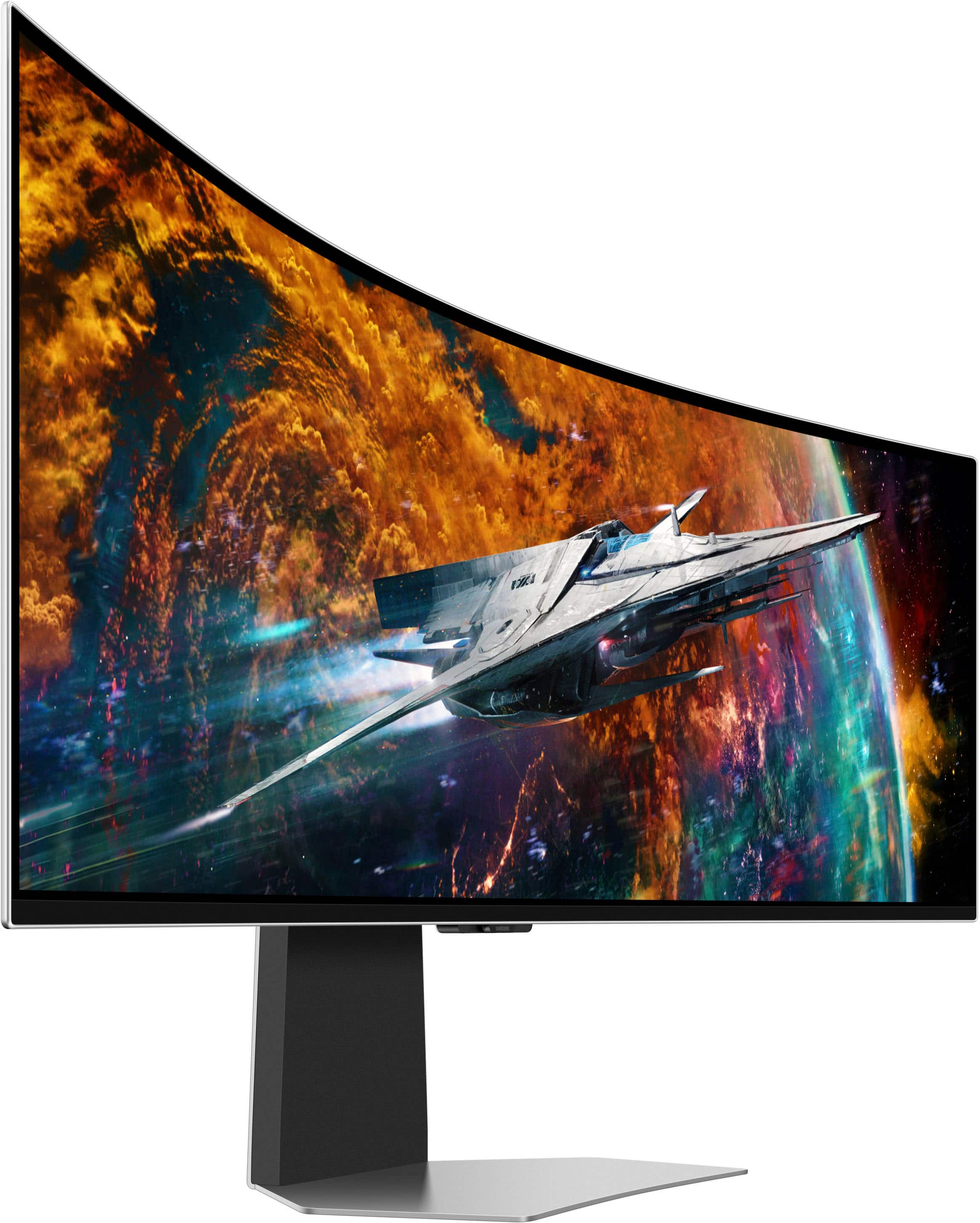

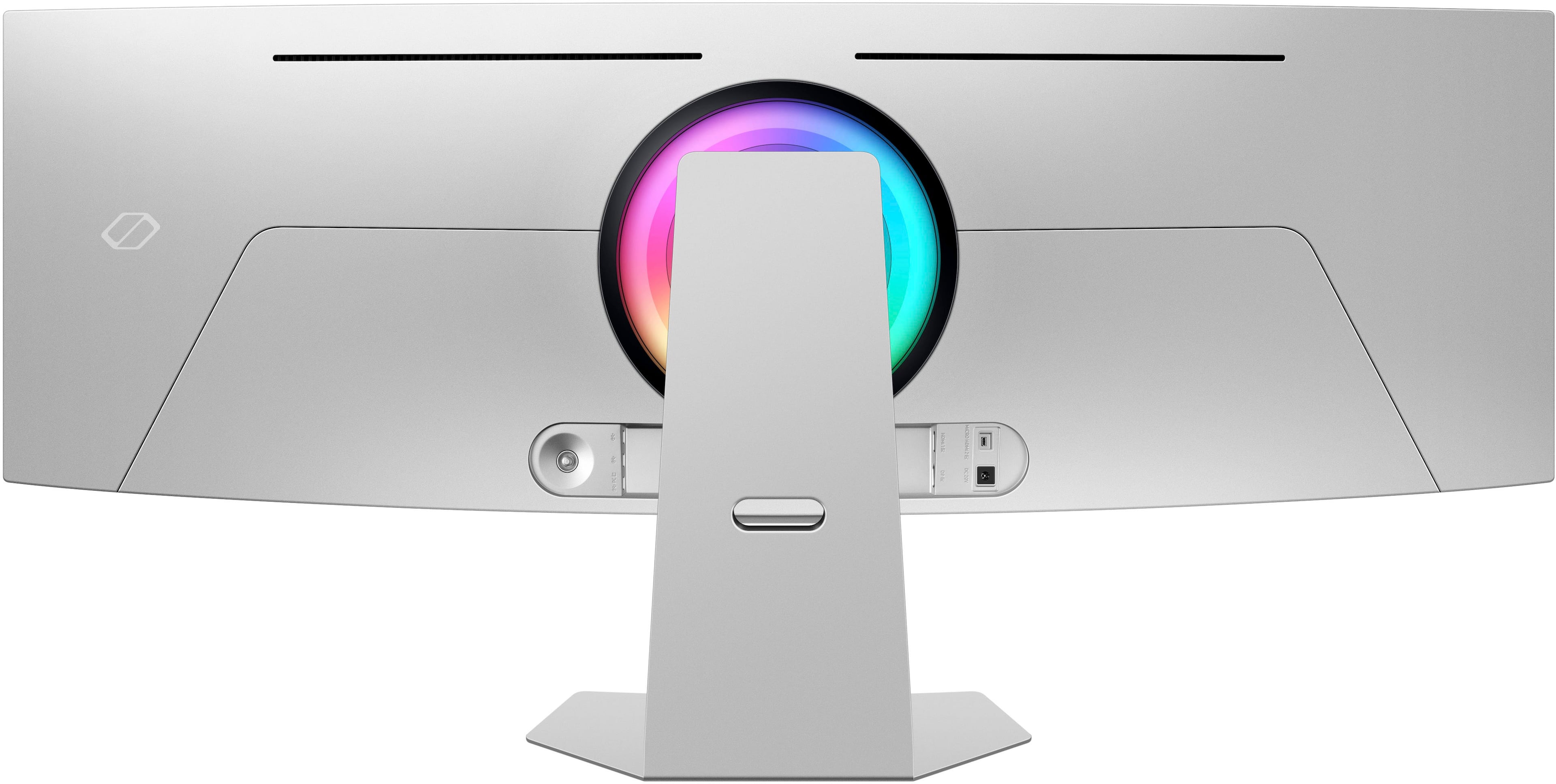
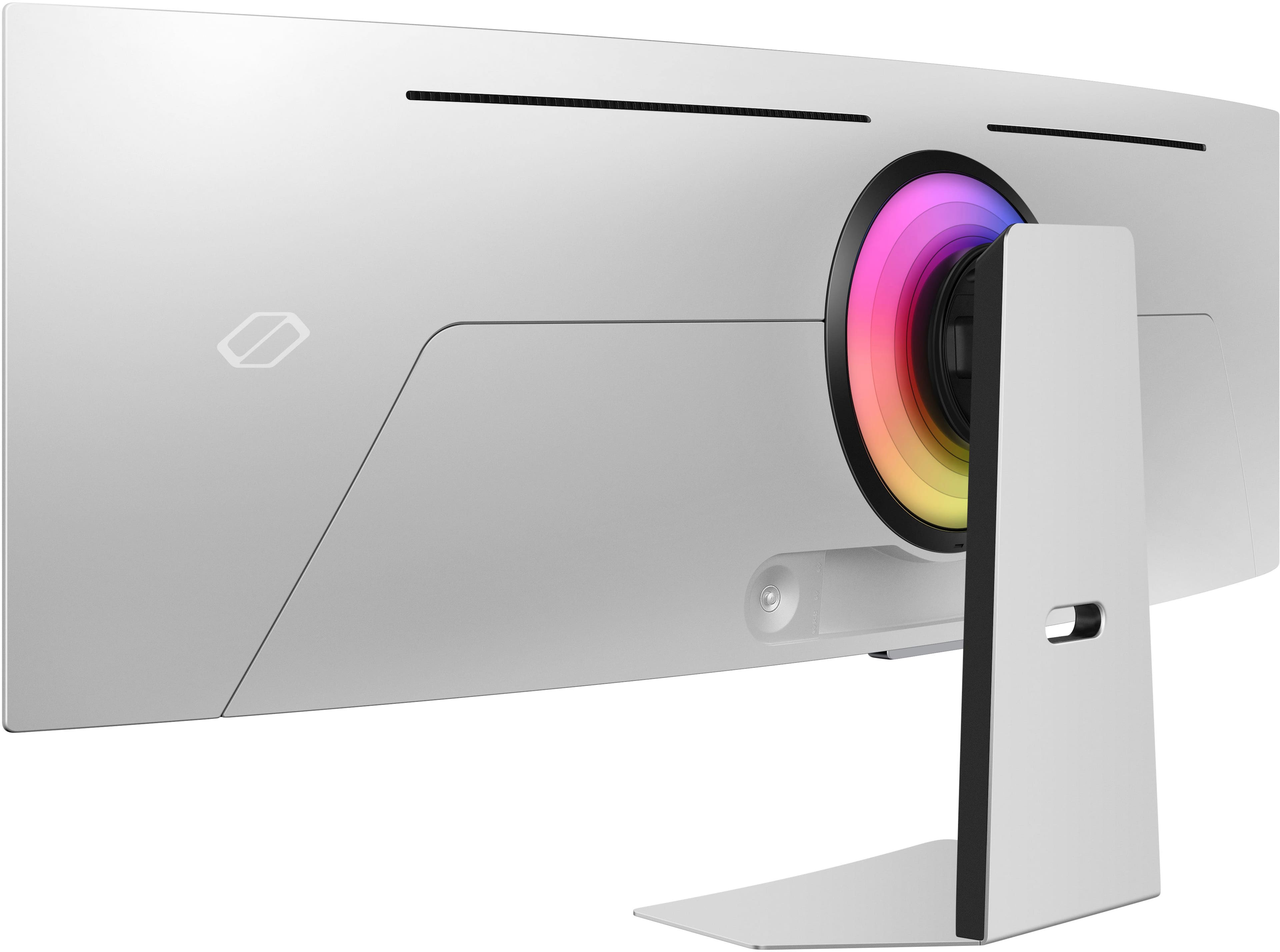
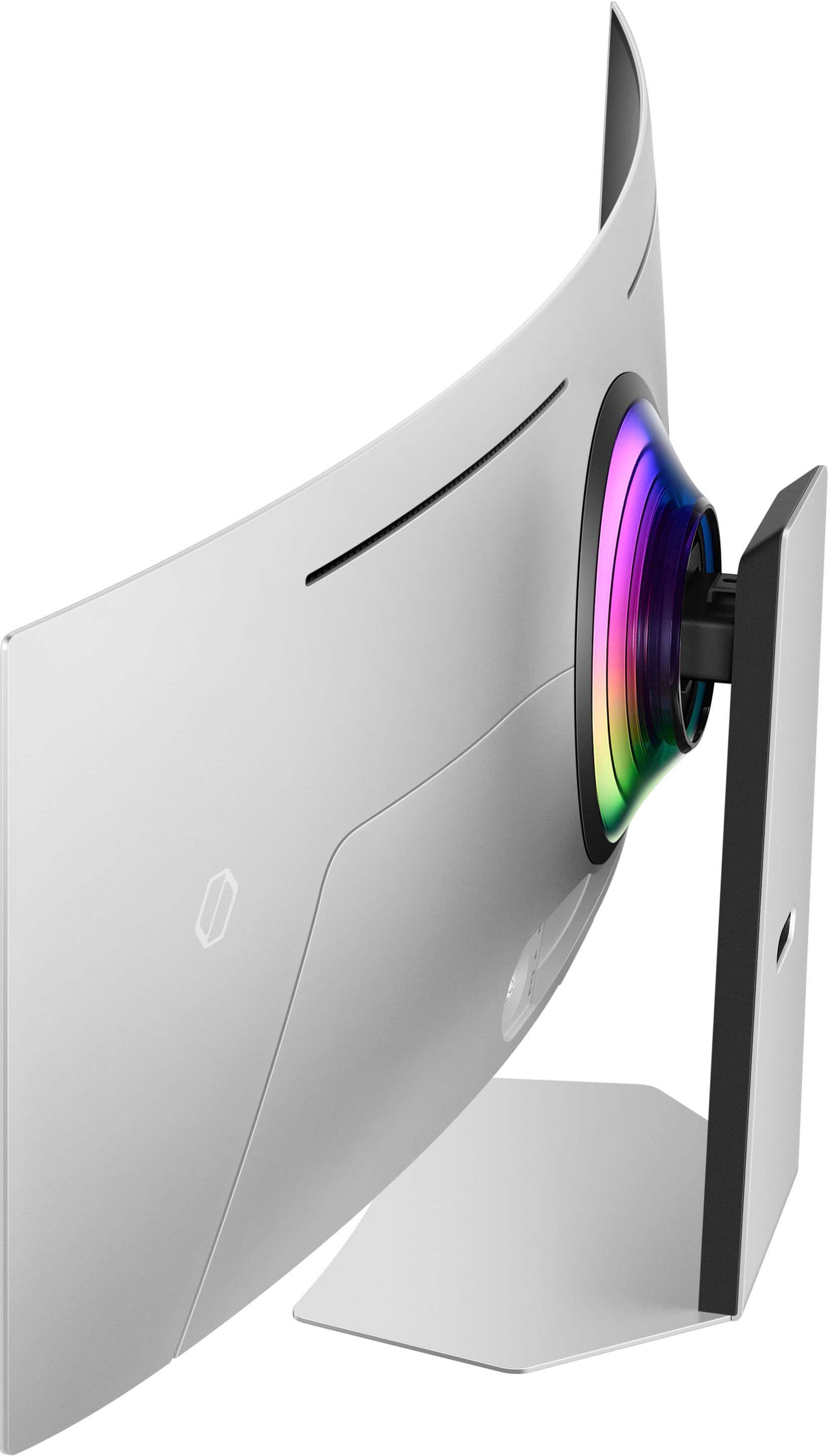


- Model:
- LS49CG954SNXZA
- SKU:
- 6544291
Rating by feature
- Display Quality
Rating 4.7 out of 5 stars
- Ease of Use
Rating 4.2 out of 5 stars
- Features
Rating 4.4 out of 5 stars
Customers are saying
Customers are satisfied with the monitor's picture quality, OLED quality, refresh rate, and color. Many users describe the picture quality and color as amazing. However, some customers have reported issues with connectivity and software. Additionally, a few users expressed concerns about the curvature, aspect ratio, and price.
This summary was generated by AI based on customer reviews.
- Pros mentioned:Overall performance, Refresh rate, Screen size
Immersive Gaming Experience
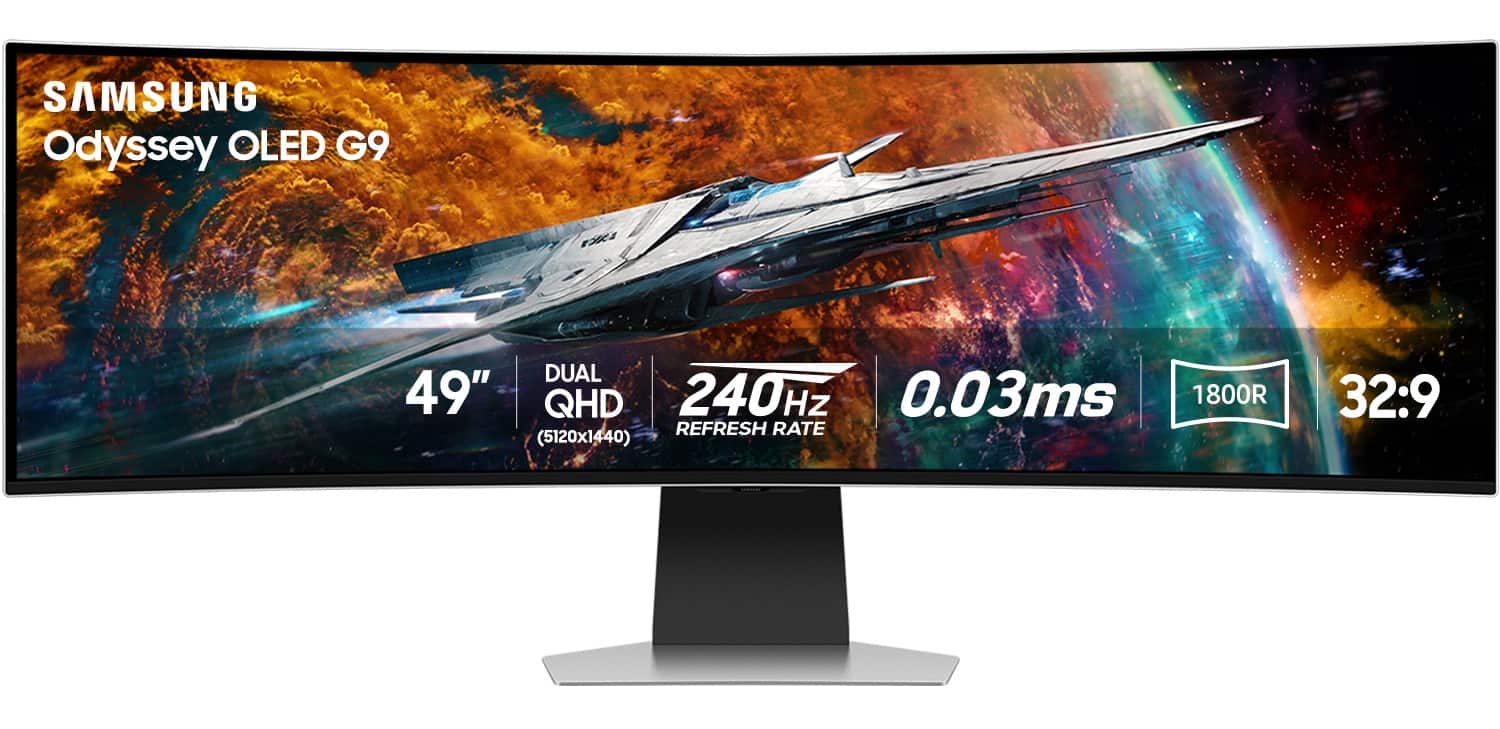
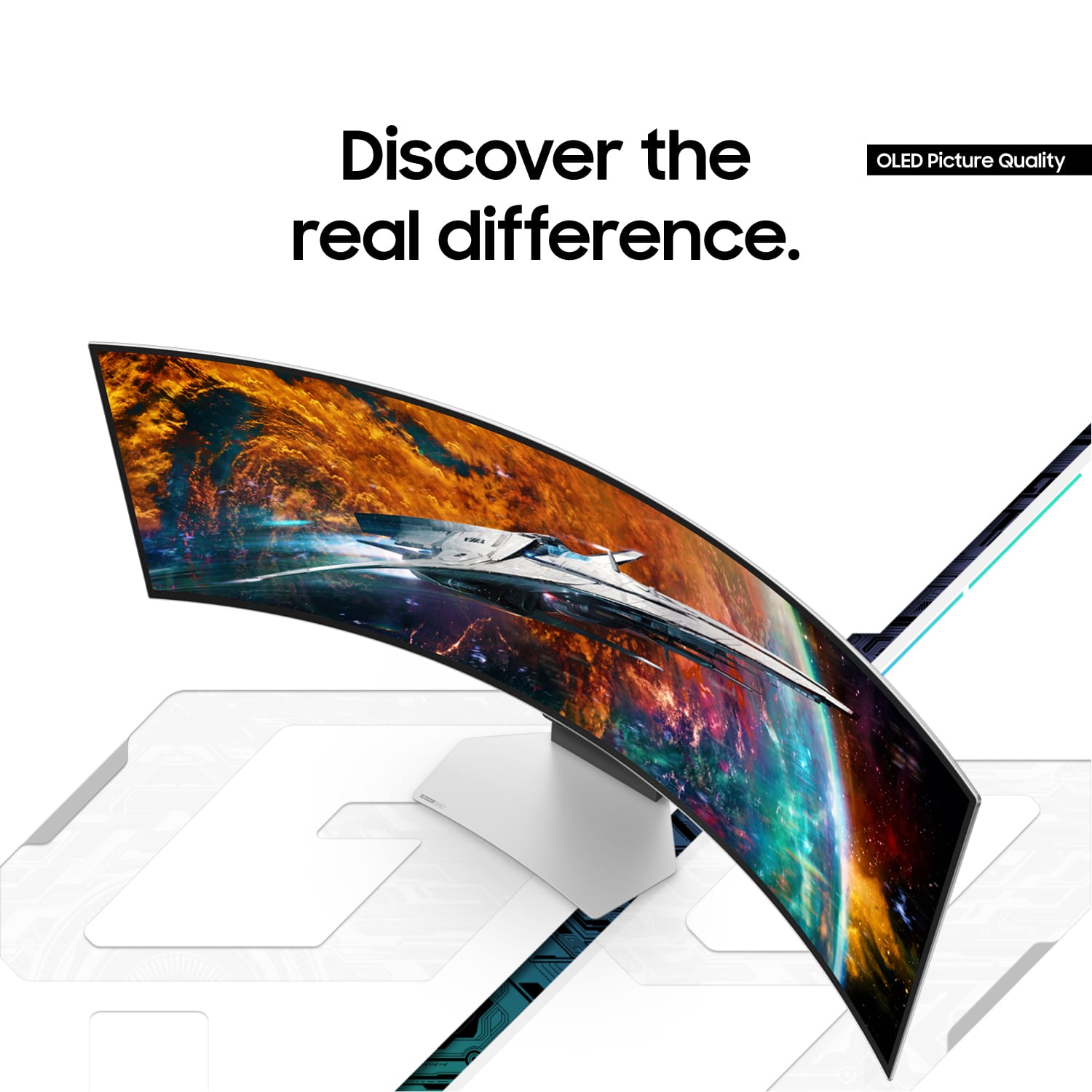
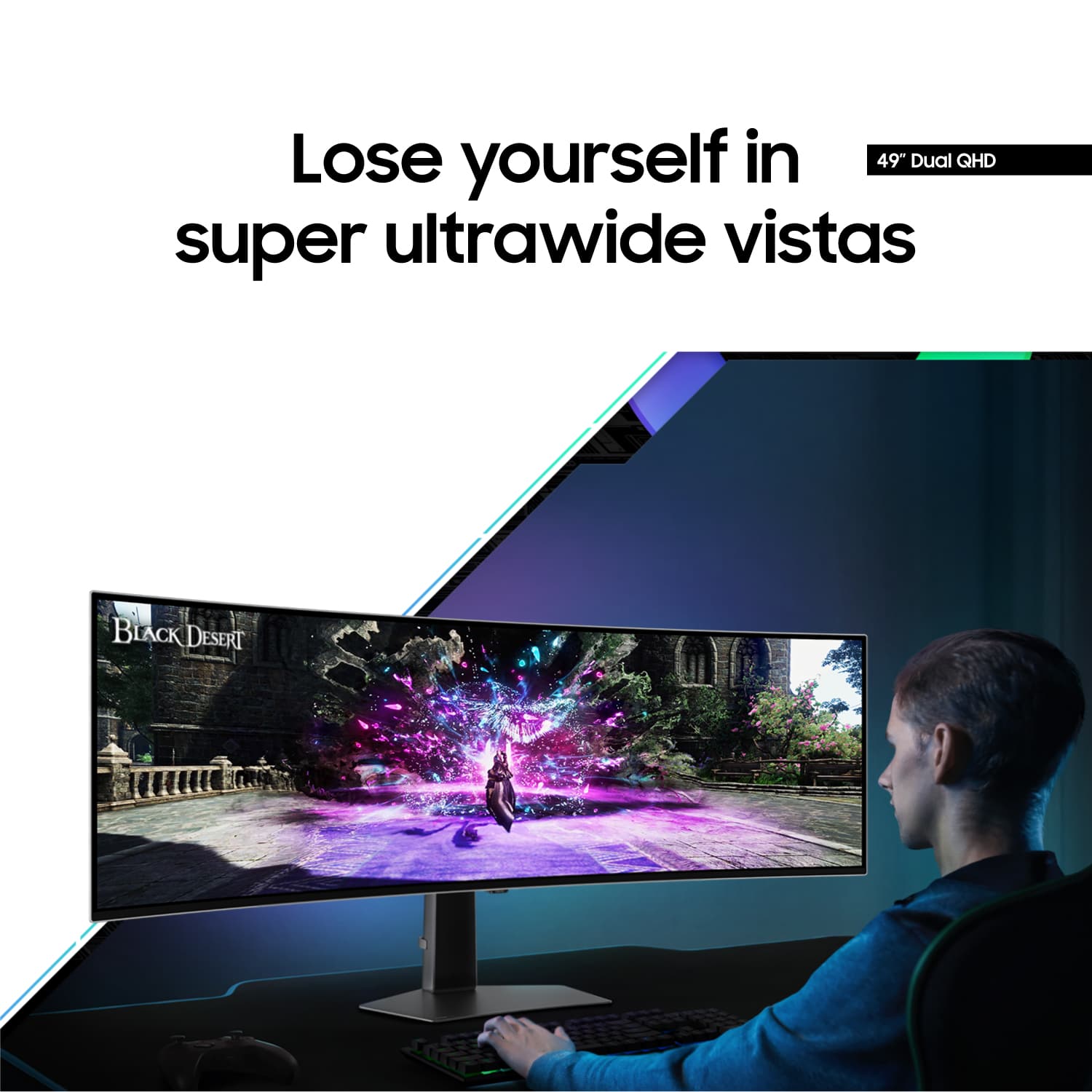
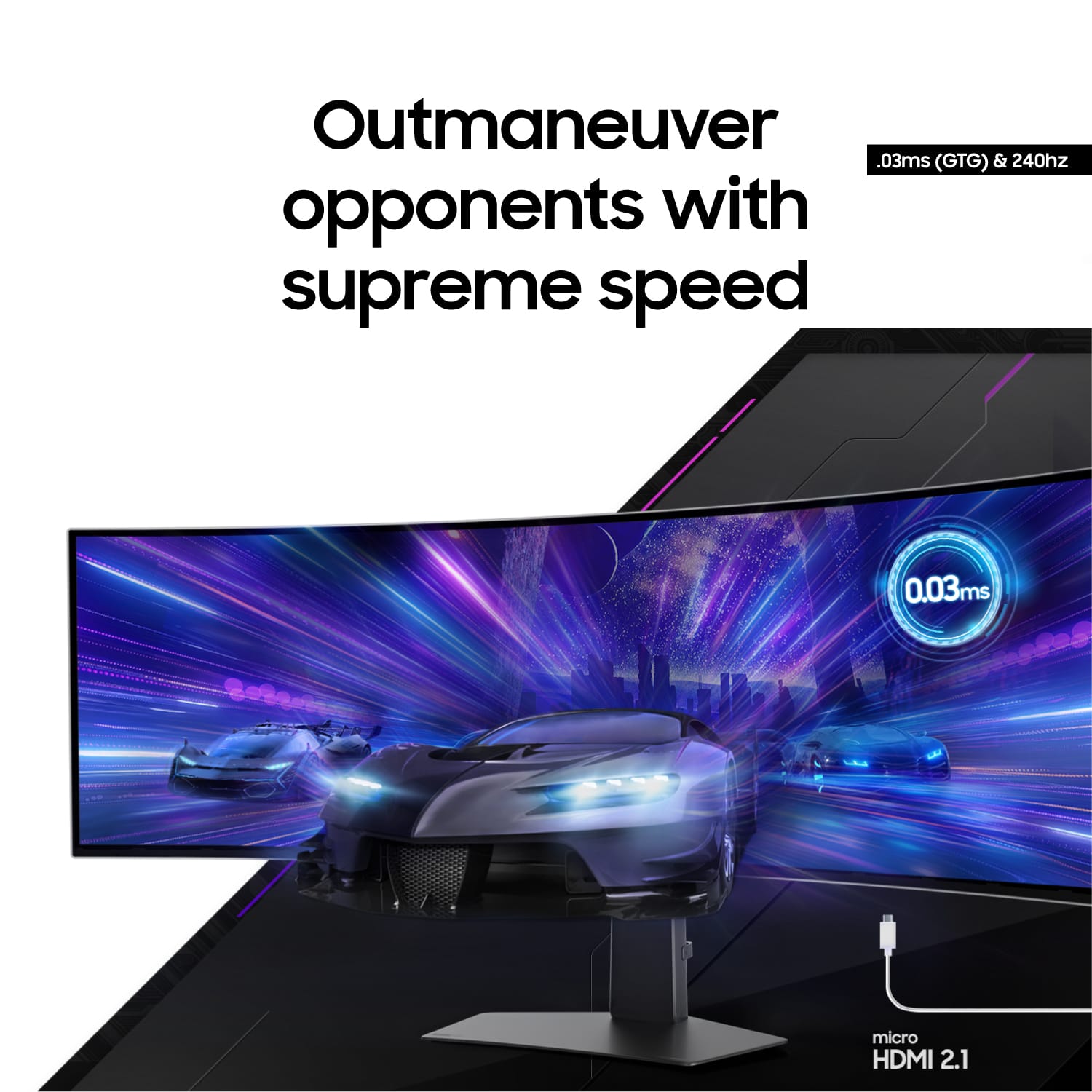
||Posted .This reviewer received promo considerations or sweepstakes entry for writing a review.When you compare the picture quality, brightness, color range and responsiveness to other monitors, I just can't go back to anything less. I feel like I have never truly experienced my games before. the 240 hz refresh rate is buttery smooth, with the snappiest response time at .03 ms. and the ultrawide screen is immersive, complimented by the ambient back lighting. This was a massive upgrade from my previous set up.
I would recommend this to a friend - Pros mentioned:Oled quality, Screen size
Great screen, not a great monitor
||Posted . Owned for 1 week when reviewed.This reviewer received promo considerations or sweepstakes entry for writing a review.I absolutely loved the OLED screen. Deep blacks, amazing colors and great contrast. Unfortunately, it is burdened by the Tizen OS and the Smart features I don't need. Every time your PC loses a signal, it goes to a screen for auto shutdown and you can't even see the splash screen of the monitor. Makes BIOS updates a pain and it doesn't always return to the correct input. If only I could disable the smart features! I want a monitor not a TV. My PC can stream anything the monitor can, so those features are useless. I'm also a little concerned about burn-in since most of the time I have a static desktop for productivity. Still it is beautiful and at a great price for an OLED monitor but the lack of burn-in warranty has me concerned. The G93SC is a non-smart version of the same panel but it is hard to find and much more expensive. If you can find it the G95C is a VA G9 and it has a pretty great screen and a non-reflective coating. It has been replaced by the G91F which is VESA 600 HDR certified and 144Hz refesh rate and $400 cheaper. I stil loved it but be prepared for some menu frustraction.
I would recommend this to a friend - Pros mentioned:Overall performance, Refresh rate
Almost a year in and I am very happy with it.
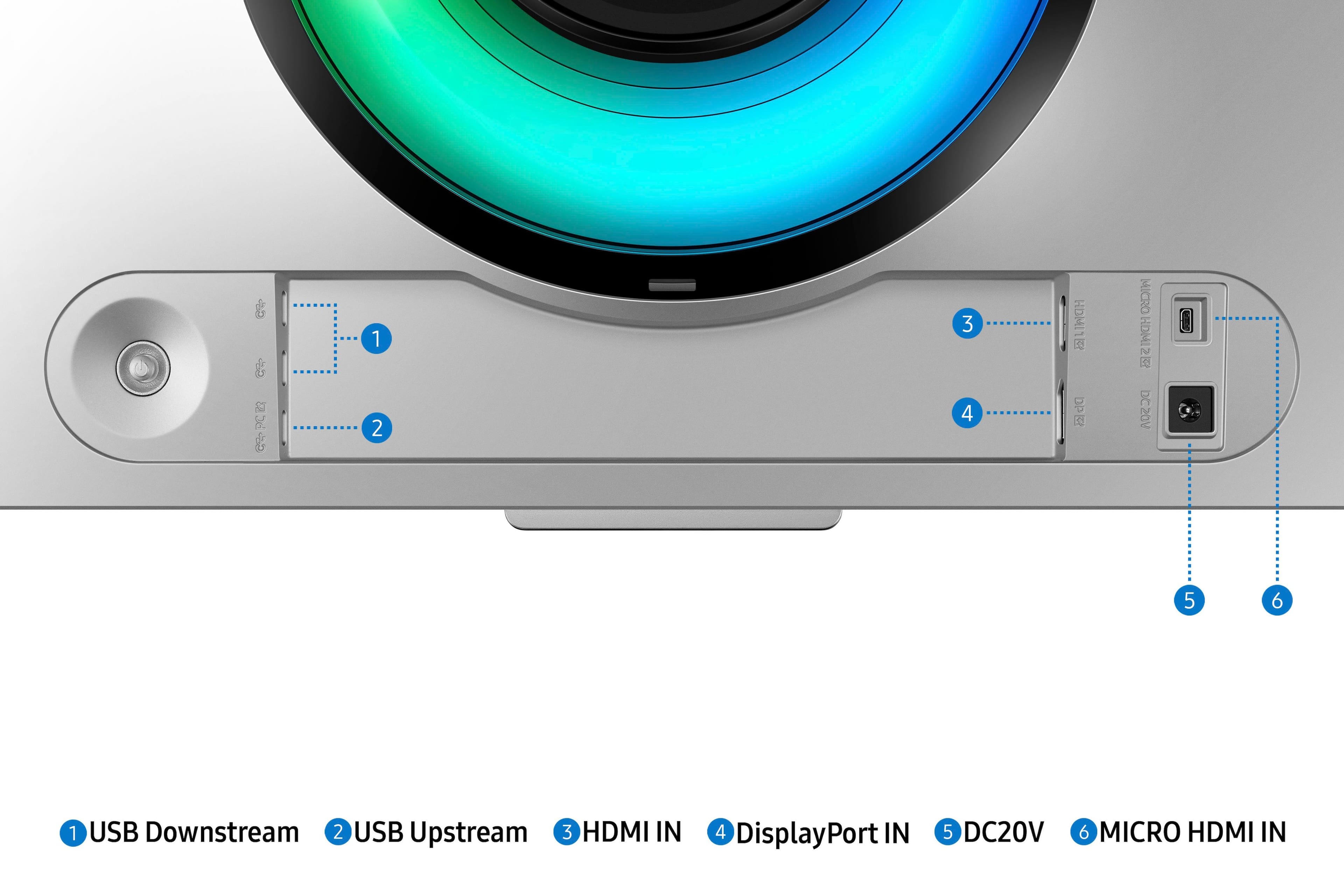
||Posted . Owned for 11 months when reviewed.This reviewer received promo considerations or sweepstakes entry for writing a review.Where to begin. The monitor is not just a monitor, it is more of a smart device. Wireless, bluetooth, and other [less than] "helpful" power saving features. I had to purchase a $10 maintenance remote to disable all the "help" and irritating features and logos get turned off. The included remote, which only charges with USB-C cable, does not provide access to these features. However, what a picture. Smooth, responsive, 240Hz at full resolution from a Geforce 4070 Super. The USB-C hub works like a champ for the camera I have plugged into it. The curve is not massive, but it gives enough information to the peripheral vision, combined with its width, to make it feel very immersive. It does not generate too much heat, something I can't say for the 3 x 30" monitors I replaced with this monitor. The screen is easy to keep clean, again, something I can't say for the 3 x 30" monitors I replaced with this monitor. I've had mixed luck with Samsung computer monitors in the past, so this is one of the few times I bought the extended warranty. Which probably means I will never have to use it! Almost a year in and I am very happy with it.
I would recommend this to a friend - Pros mentioned:Oled quality, Screen size
Overall would recommend ✅
||Posted .This reviewer received promo considerations or sweepstakes entry for writing a review.I absolutely love this monitor. The screen is gorgeous—colors look incredible, the OLED contrast is unreal, and everything feels super smooth at 240Hz. Gaming and movies both look stunning, and it’s honestly one of the most beautiful displays I’ve ever owned. That said, I don’t love that it functions kind of like a TV instead of a straightforward monitor. The “smart” interface and TV-style menus/settings can feel a little clunky when you just want simple monitor behavior and quick adjustments. Overall, still a fantastic display and I’m really happy with it—just be aware it has more of a TV vibe than a traditional monitor.
I would recommend this to a friend - Pros mentioned:Refresh rate, Screen size
Running on a Nvidia RTX 3080 10GB.
||Posted . Owned for 6 months when reviewed.This reviewer received promo considerations or sweepstakes entry for writing a review.This monitor is great for gaming but lacks sharpness for productivity. It is very immersive in games not only for its size, but having a refresh rate of 240Hz and very vibrant colors provides a great experience. The speakers sound good. Only at first you really need to spend some time to configure it, but once you find the configuration you like you'll be very happy with this monitor. On productivity it provides lots of space but the sharpness of the fonts is not very good, for this purpose you'll be better off with other models. Overall very happy with this monitor. It is connected to a Nvidia RTX 3080 10GB, it can handle most of the games in high preset, but to max out the resolution you need a more powerful graphics card.
I would recommend this to a friend - Pros mentioned:Oled quality, Overall performance
An amazing monitor with some big compromises
||Posted . Owned for 3 months when reviewed.This reviewer received promo considerations or sweepstakes entry for writing a review.First, the good: This monitor has an amazing super ultra wide aspect ratio and excellent picture clarity. While HDR doesn't look as good as it possibly could, the OLED panel looks great and runs cool, after calibration. The medium: Picture absolutely requires calibration for most desktop applications. You'll need a colormeter and spectrometer capable of working with OLED displays. You can find a decent one that should work on multiple displays for a good price. Once calibrated, the display looks fantastic! The bad: This monitor locks a lot of features behind a Samsung account, including non smart features like picture by picture. Using the monitor requires signing a binding arbitration waiver. Software is sluggish and occasionally just blacks out the screen entirely, or pops up with a terms of service reminder. Image quality degrades in picture by picture even at native resolutions. If you can get an equivalent panel without the smart features, and can afford to lose the extra output port, get that one instead. If you need smart features on your monitor just hook up a streaming dongle or something. The ugly: Windows font rendering assumes a specific pixel layout and hasn't adequately adjusted for OLED layouts, this can cause color and text shimmering on OLED panels for Windows fonts that even clear type tuner can't entirely eliminate. This isn't entirely on Samsung.
I would recommend this to a friendBrand response from Samsung
Posted .We are delighted to hear you've had an overall, positive experience with your OLED G9 Monitor.
Thank you for your feedback to help us improve our products and services. If there is anything we can do to assist you and improve your product experience, please don't hesitate to contact Samsung Customer Support via:
1-800-SAMSUNG, available 8AM - 12AM EST (Mon-Fri) / 9AM - 11PM EST (Sat-Sun).
Your thoughts and opinions are very important to Samsung.
- Pros mentioned:Oled quality, Screen size
Incredible Quality, incredibly dumb UI
||Posted . Owned for 1 month when reviewed.This reviewer received promo considerations or sweepstakes entry for writing a review.This is the best quality monitor I've ever used OLED Quality 240hz Super Ultrawide 1440p The bad: Samsung is treating this display more like a smart TV than a desktop monitor. Features like live TV and apps support, recommendations for streaming services, ads for Tubi, etc litter the user interface when it's up. Trying to switch between two inputs is annoying and forces you to see these ads and recommendations. No input button on the remote, probably for this purpose. Awful, extremely unfriendly design choice that puts ads in your face every time you bring up a menu. Pretty distasteful for a monitor of this price point. HOWEVER the quality of the screen more than makes up for it. The menus fade away and you're looking at a screen so beautiful, so wide that it disappears in front of you. For gaming, this monitor removes the world around you and puts you in the game. For productivity, it's so much real estate with no bezels, keep everything on screen at all times without issue. Incredible Quality. Horrible UI and focus on smart functionality that isn't needed or wanted in a desktop monitor. Get one ASAP it'll change your life
I would recommend this to a friend - Pros mentioned:Refresh rate, Screen size
fantastic! go buy one!!
||Posted .This reviewer received promo considerations or sweepstakes entry for writing a review.The curved gaming monitor is absolutely stunning, offering an immersive experience that pulls you right into the action. Its ultra-wide display and high refresh rate ensure buttery-smooth gameplay with rich, vibrant colors and crisp details. The curvature enhances peripheral vision, making long gaming sessions more engaging and comfortable. Built-in adaptive sync technology eliminates screen tearing, while the sleek design adds a modern touch to any setup. Whether you’re into fast-paced shooters or expansive RPGs, this monitor delivers a premium experience that’s both visually impressive and incredibly responsive. A must-have for serious gamers!
I would recommend this to a friend - Pros mentioned:Oled quality, Screen size
Best monitor on the market
||Posted . Owned for 1 year when reviewed.This reviewer received promo considerations or sweepstakes entry for writing a review.This monitor has become something that I cant live without. As a music producer, the horizontal real estate this monitor offers is a game changer. Working on my regular laptop screen feels like a joke now Really nice quality, love the metal bezel and how thin the monitor is at the edges. OLED is beautiful and easy on the eyes. I purchased a stand so that it hovers above my desk and I think it is a massive improvement over the default stand. 10/10 would recommend
I would recommend this to a friend - Pros mentioned:Overall performance, Refresh rate
Monitor purchase
||Posted .This reviewer received promo considerations or sweepstakes entry for writing a review.“I recently purchased a monitor from Best Buy and it exceeded my expectations. The display is crisp, vibrant, and perfect for both work and gaming. The refresh rate makes a big difference, and the build quality feels premium. Installation was straightforward, and Best Buy’s customer service made the whole experience easy. From browsing to pickup, everything was smooth and convenient. I’m really happy with this purchase and would highly recommend this monitor to anyone looking to upgrade.”
I would recommend this to a friend - Pros mentioned:Screen size
Beautiful image quality for Architectural Design
Posted .This reviewer received promo considerations or sweepstakes entry for writing a review.Incredibly good image. Running on an HP Z2G4 Mini-Workstation with NVIDIA Quadro P620 Graphics card that supports up to (4) 5120 x 1440 monitors. Am running Windows 11 and using MS365 Suite, BlueBeam Revu, AutoCAD, Revit. Must run at 60hz refresh. Gets flickering problems at 120 or higher. ONly complaint is that setup for everything except standard PC use is well documented, but setup for PC use is poorly documented. Took many hours to finally get it to behave, and then it stunned me with incredible image quality for professional architectural 3D modeling.
I would recommend this to a friend - Pros mentioned:Oled quality, Refresh rate
A Visual Powerhouse for Gamers and Creators
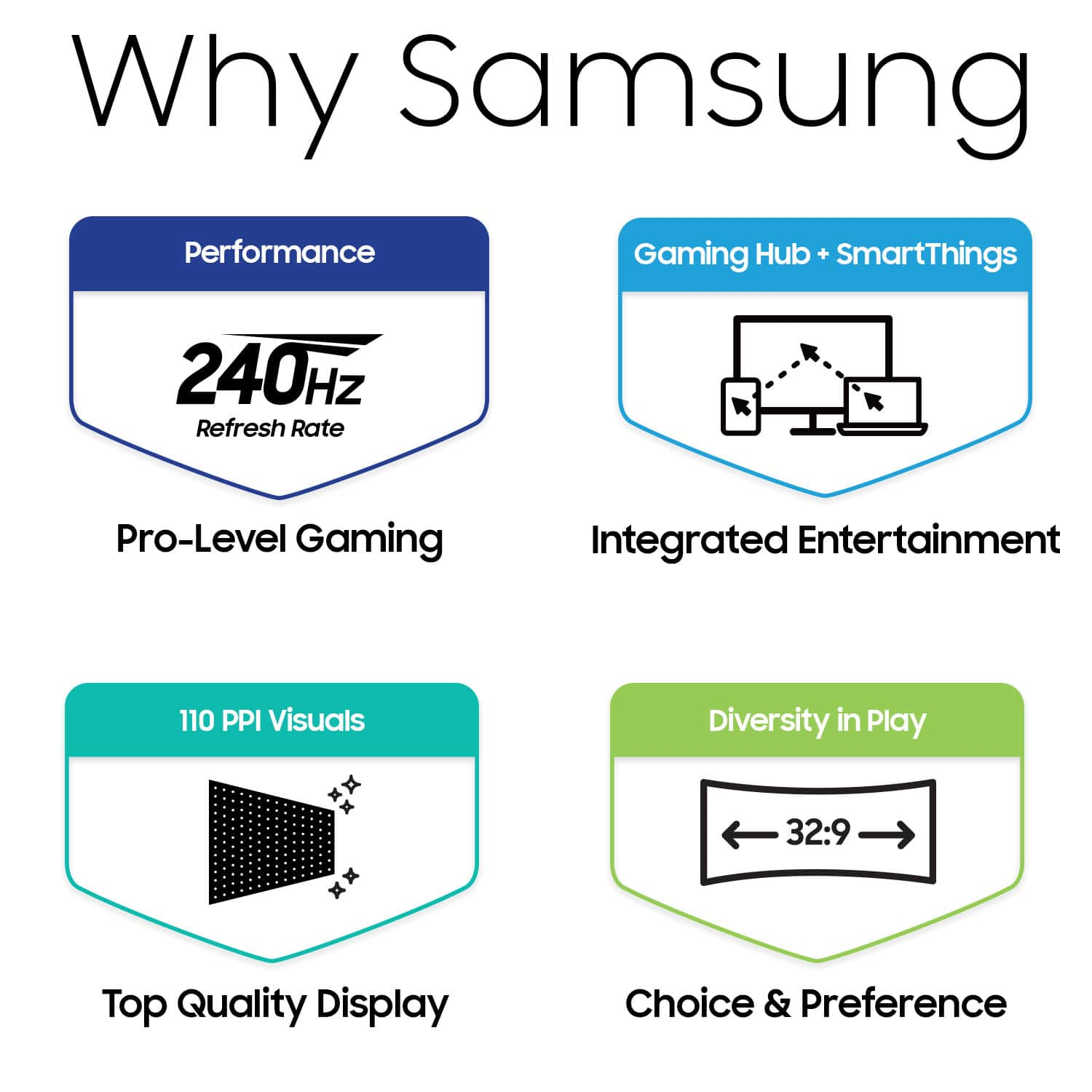
||Posted .This reviewer received promo considerations or sweepstakes entry for writing a review.The Samsung 49” Odyssey OLED G9 is an absolute stunner, delivering breathtaking visuals with its OLED panel, infinite contrast, and vibrant colors. The massive 32:9 aspect ratio provides unparalleled immersion, perfect for both gaming and multitasking. The 240Hz refresh rate and near-instant response time make gameplay incredibly smooth, with no noticeable ghosting or motion blur. For productivity, the ultrawide screen offers ample real estate, effectively replacing a dual-monitor setup without bezels. However, the curve may take some getting used to for certain tasks like coding or spreadsheets. Additionally, OLED burn-in is always a concern for static content over long periods, but the monitor’s built-in features help mitigate this risk. If you’re looking for a high-end monitor that combines stunning visuals
I would recommend this to a friend - Pros mentioned:Oled quality, Refresh rate, Screen size
Masterpiece
||Posted . Owned for less than 1 week when reviewed.This reviewer received promo considerations or sweepstakes entry for writing a review.I decided to upgrade from my Odyssey G9 to the Odyssey OLED G9 and it was worth every penny. Due to the slick OLED panel, it seems like I am playing games at a higher resolution than 1440p. The refresh rate and the true blacks make gaming very immersive. Combine that with it's 49inch screen and you are sucked into the game. I prefer the less aggressive curve of this model compared to my older model so far as well. Amazing monitor.
I would recommend this to a friend - Pros mentioned:Oled quality, Screen size
Great for multitasking
||Posted .This reviewer received promo considerations or sweepstakes entry for writing a review.I’ve been using the Samsung Odyssey oled G9 for almost a year now, and it’s been a game-changer for my workflow. I work with multiple spreadsheets throughout the day, and having the wide screen allows me to view and work on several at once without needing to switch between tabs or windows. The clarity and sharpness of the oled display is great. The size takes some getting used to, and you'll definitely need the desk space for it—but if productivity is your priority, this monitor delivers. It's also great for multitasking in general, whether it's spreadsheets, emails, or dashboards. I haven’t used it much for gaming yet, but it’s clear this monitor was built to perform across the board. Highly recommend if you’re in a data-heavy or multitasking role and want to boost efficiency.
I would recommend this to a friend - Pros mentioned:Oled quality, Screen size
Life changing display quality with compromises
||Posted . Owned for 1 month when reviewed.This reviewer received promo considerations or sweepstakes entry for writing a review.This is an amazing monitor, beautiful OLED display, and definitely serves the purpose of a Dual 1440p display, but to make the most of it you will need to get used to playing games in Windowed mode if you want to multi-task, because the displays multi-mode reduces each "half" to 120hz, and turns off VRR, which might be an acceptable trade off for some, but not for me. The other issue is if you use the full capacity of the display, you will need to accept that many games do not support 32:9 ratio resolutions, which the 240hz "gaming" mode is locked to, thus why I say you may need to get used to window mode, this is also an 1800 curve, which is close enough to a flat screen to make the curve non-existent, so if you are looking for more immersion that comes from a curved display, this will not serve that purpose for you. With all this in mind, the OLED is amazing, the colors pop like nothing else, and you will not want to go back to LED after this, that said, unless you like the idea of multi-tasking with windows, or can accept the compromises of the displays multi-mode, or you want to play console, use a multimedia device along with hooking up a PC and multi-mode that way, you may be better off buying two displays if possible.
I would recommend this to a friend - Pros mentioned:Oled quality, Screen size
GREAT BUY/INACCURATE PACKING DESCRIPTION
||Posted .This reviewer received promo considerations or sweepstakes entry for writing a review.The monitor is amazing and I really enjoy the how much screen real estate I now have coming from a standard 27in monitor. Definitely worth the purchase. I would say that I was missing both the power adapter and the mount bracket which is horrible that it didn’t say these missing things in the description in which I did read before buying so beware if this because you will have to buy this separately. Regardless, it was a good purchase considering how expensive this monitor goes for and I still got it at a steal.
I would recommend this to a friend - Pros mentioned:Overall performance, Screen size
Love it
||Posted . Owned for 1 month when reviewed.This reviewer received promo considerations or sweepstakes entry for writing a review.Honestly was really concerned with the reviews but I believe everyone has they’re own opinions so tried it for myself went from a old monitor started loosing its color the colors are beautiful 10/10 picture quality long perfect for fps and for my school work first Oled loving it so far will update if there’s anything to update recommend for sure
I would recommend this to a friend - Pros mentioned:Oled quality, Overall performance
Would be 5 out of 5 without blackscreen isse.
||Posted . Owned for 3 weeks when reviewed.This reviewer received promo considerations or sweepstakes entry for writing a review.I'll probably never go back to a non-OLED screen again. I love the modest curve and picture quality is pretty amazing. Updated from a 34" and don't regret it for a second. The only issue I'm having (and many others reporting online) is an occasional signal loss. The screen goes blank and it says it's lost the input signal and you have to unplug and re-plug the cable. Happens maybe once per day, twice on a bad day. Have not yet found a fix.
I would recommend this to a friend - Pros mentioned:Overall performanceCons mentioned:Connectivity
Impressively Imperfect
||Posted . Owned for 1 week when reviewed.This reviewer received promo considerations or sweepstakes entry for writing a review.This monitor has a stunning display, and gaming on it is sublime. As many have reported, when used for productivity tasks, text is not ideal, but acceptable. After a few days, I was fine with using the monitor for my remote work duties. The OS greatly simplifies software updates, and it was nice to use Samsung SmartThings app to manage the monitor & provide a phone-based remote. The monitor menu is a bit sluggish, but generally acceptable. Regarding stability, I've encountered a few issues. Sometimes waking from sleep is problematic, with the monitor failing to detect the input display signal. Also, switching to Eye Saver Mode generally results in a weird screen-flickering issue. I've got an Nvida GPU, & I've been able to tame this flickering issue by switching to 10-bit color mode via the Nvida Control Panel. In general, I'm satisfied with this purchase, and I'm hopeful that future firmware updates shall provide performance & stability improvements.
I would recommend this to a friendBrand response from Samsung
Posted .We are delighted to hear you've had an overall positive experience with your OLED G9 Monitor.
Thank you for your feedback to help us improve our products and services. If there is anything we can do to assist you and improve your product experience, please don't hesitate to contact Samsung Customer Support via:
1-800-SAMSUNG, available 8AM - 12AM EST (Mon-Fri) / 9AM - 11PM EST (Sat-Sun).
Your thoughts and opinions are very important to Samsung.
- Pros mentioned:Screen sizeCons mentioned:Connectivity
Great Picture, But Flawed Features
||Posted . Owned for 3 weeks when reviewed.This reviewer received promo considerations or sweepstakes entry for writing a review.The Samsung 49" Odyssey OLED G9 has fantastic picture quality, and the size is perfect for playing simulator games. However, the smart TV features are a waste. It can't do anything that I can't already do on my PC, so I find no use for it being a "smart" monitor. Additionally, it disconnects itself from the PC, causing my computer to configure my secondary monitor as the primary monitor every time it goes to sleep. This is really annoying. Overall, it's a good monitor but is flawed by implementing features that are not useful for a gaming monitor.
I would recommend this to a friend