Customer Ratings & Reviews
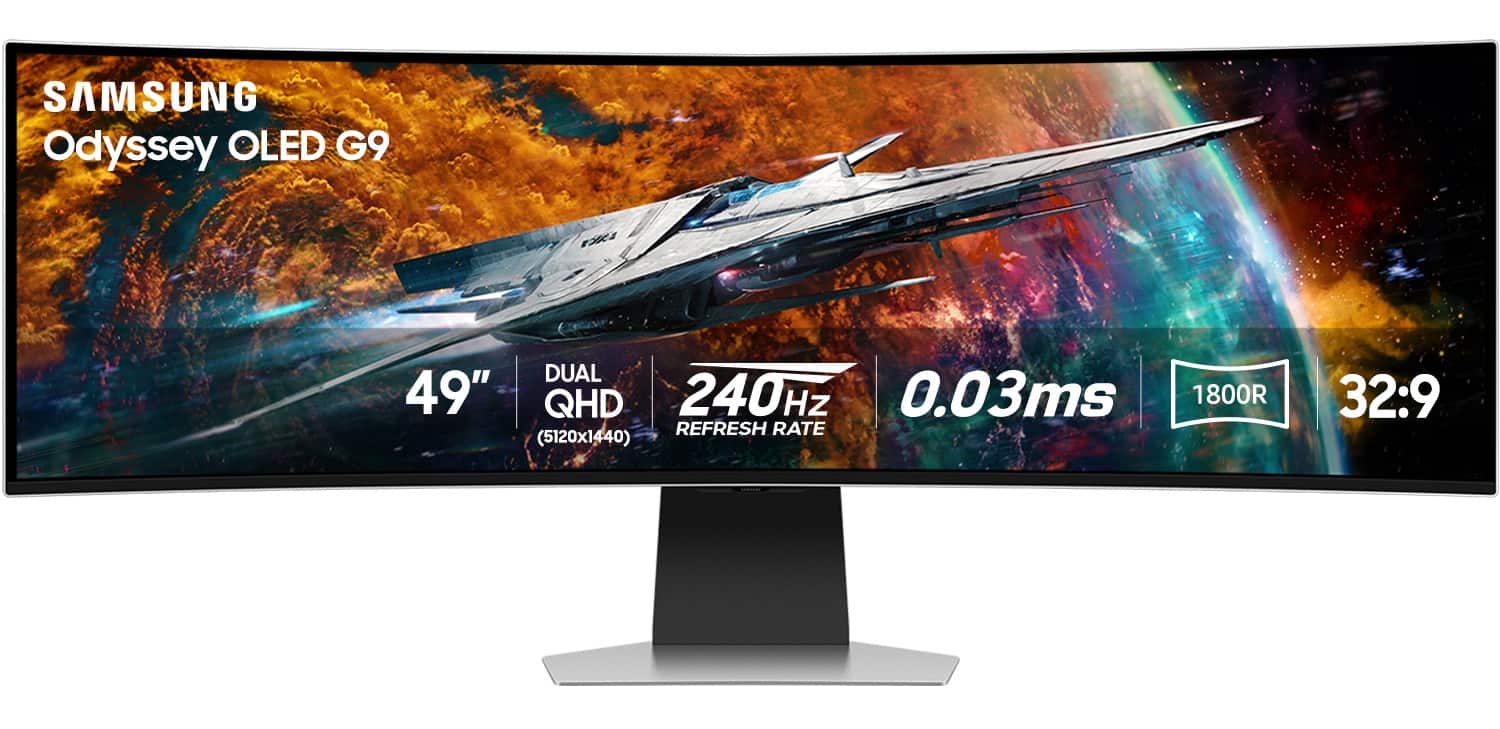
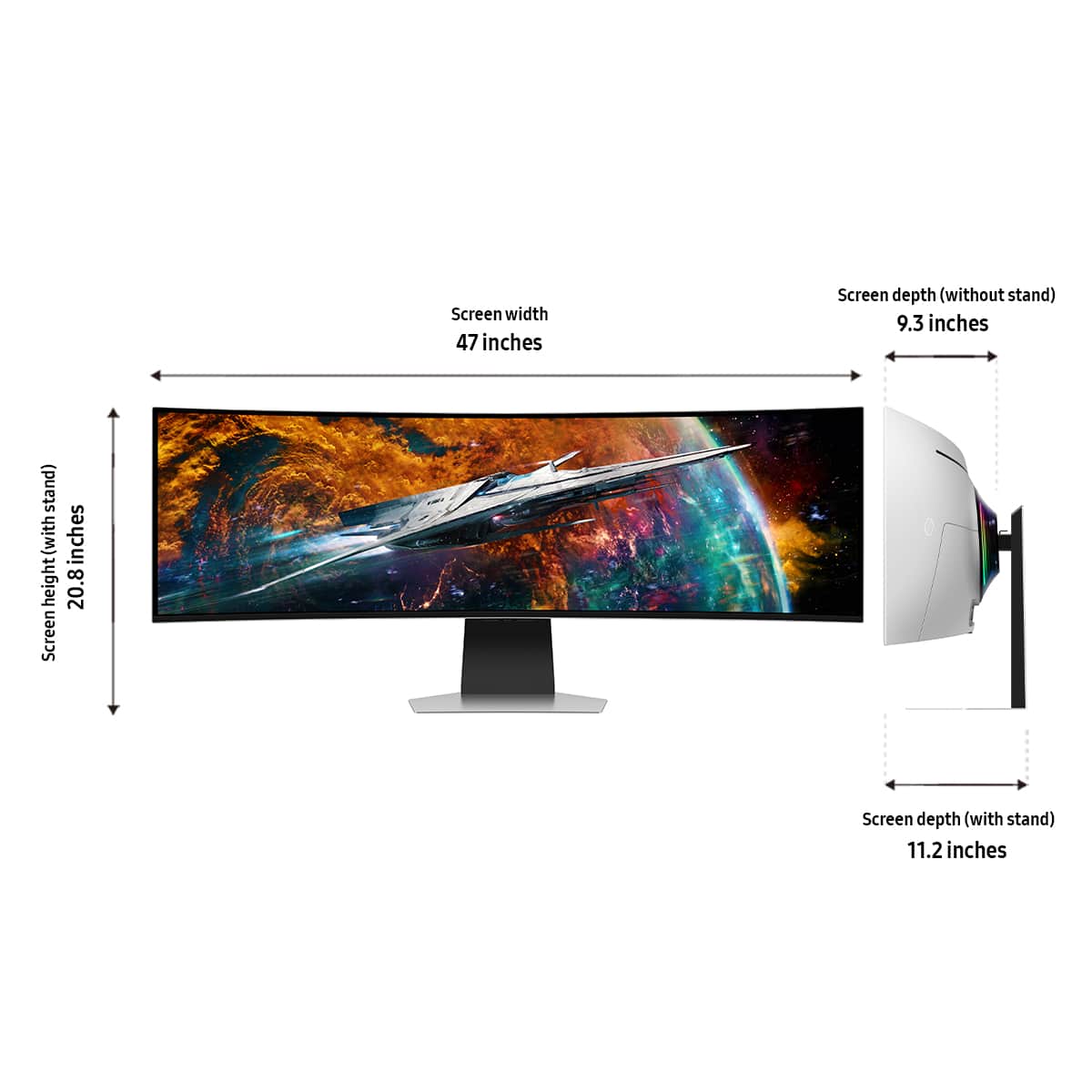
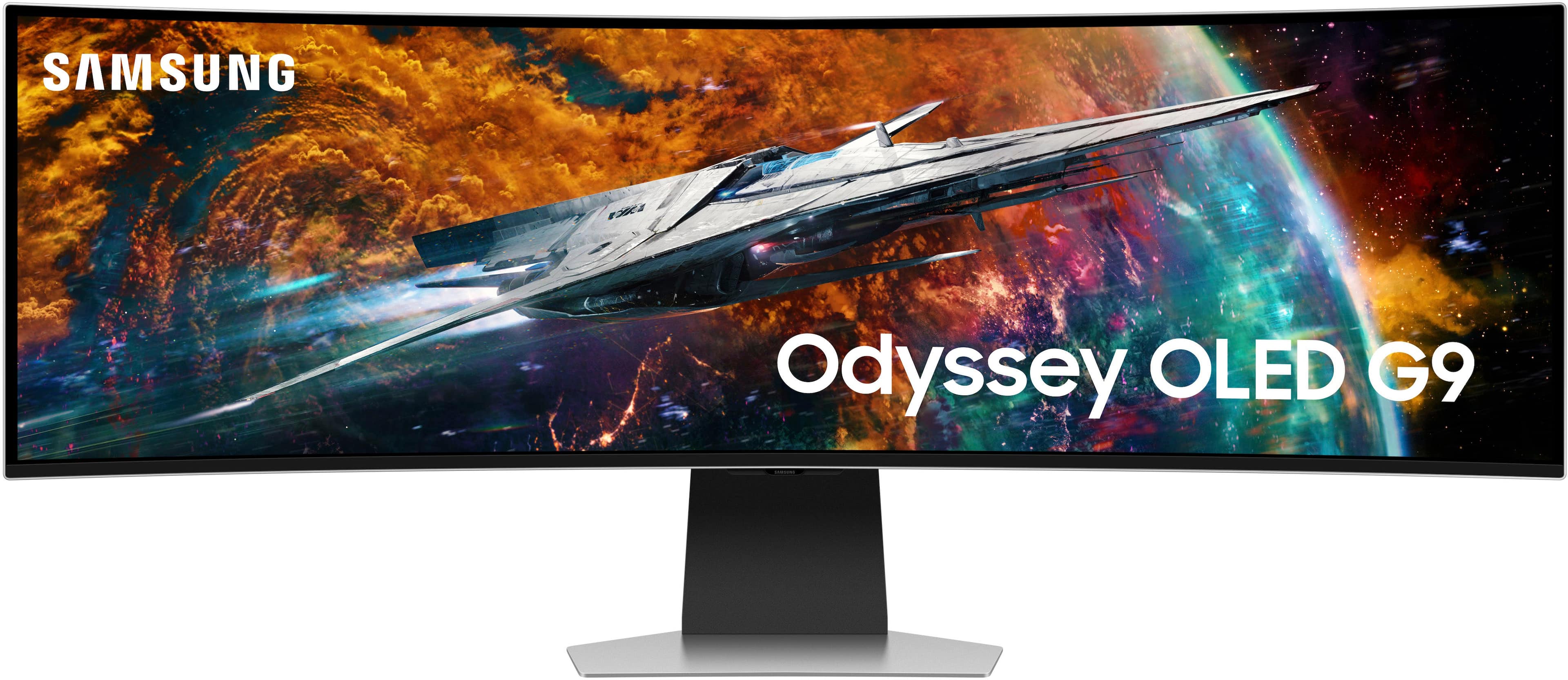
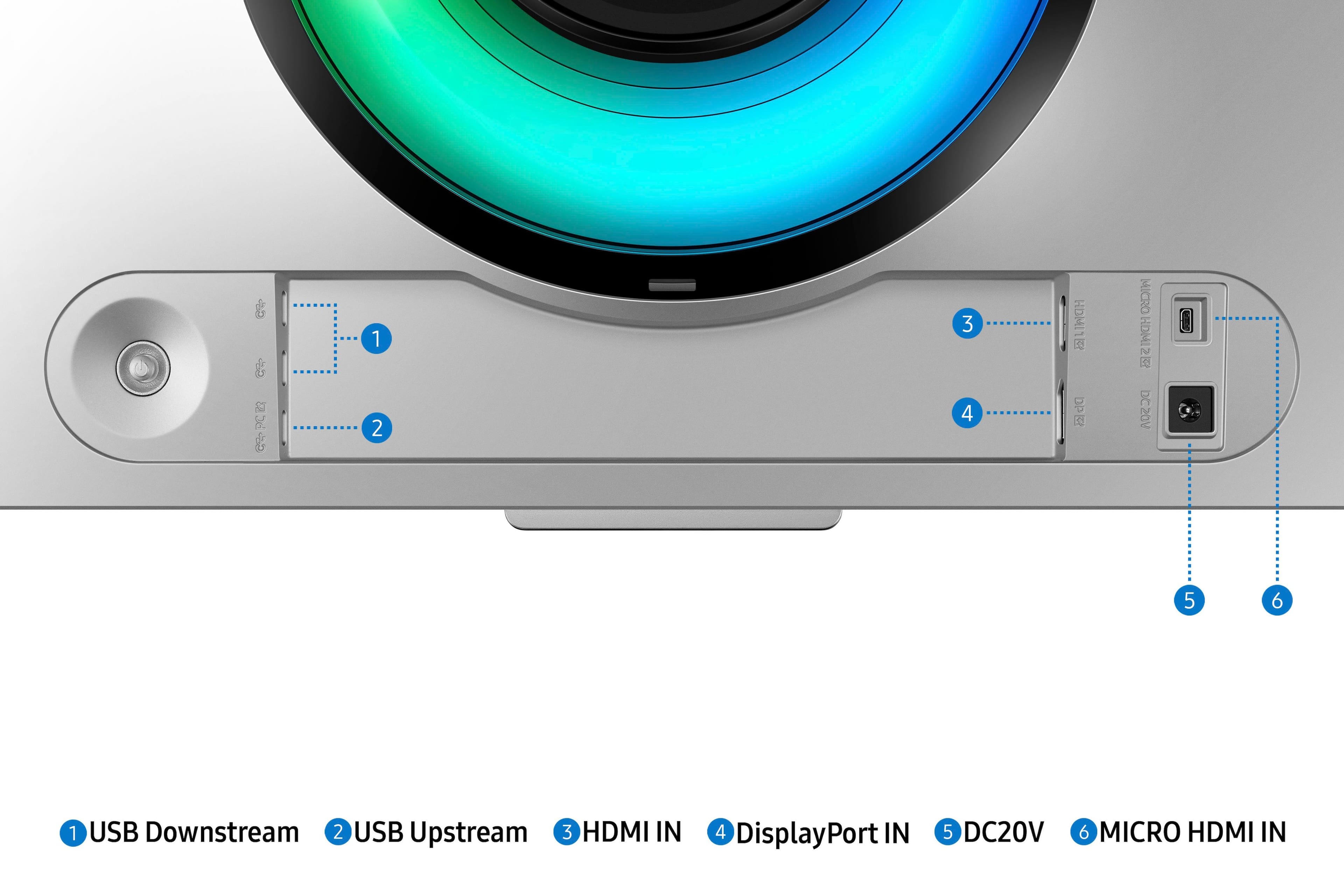
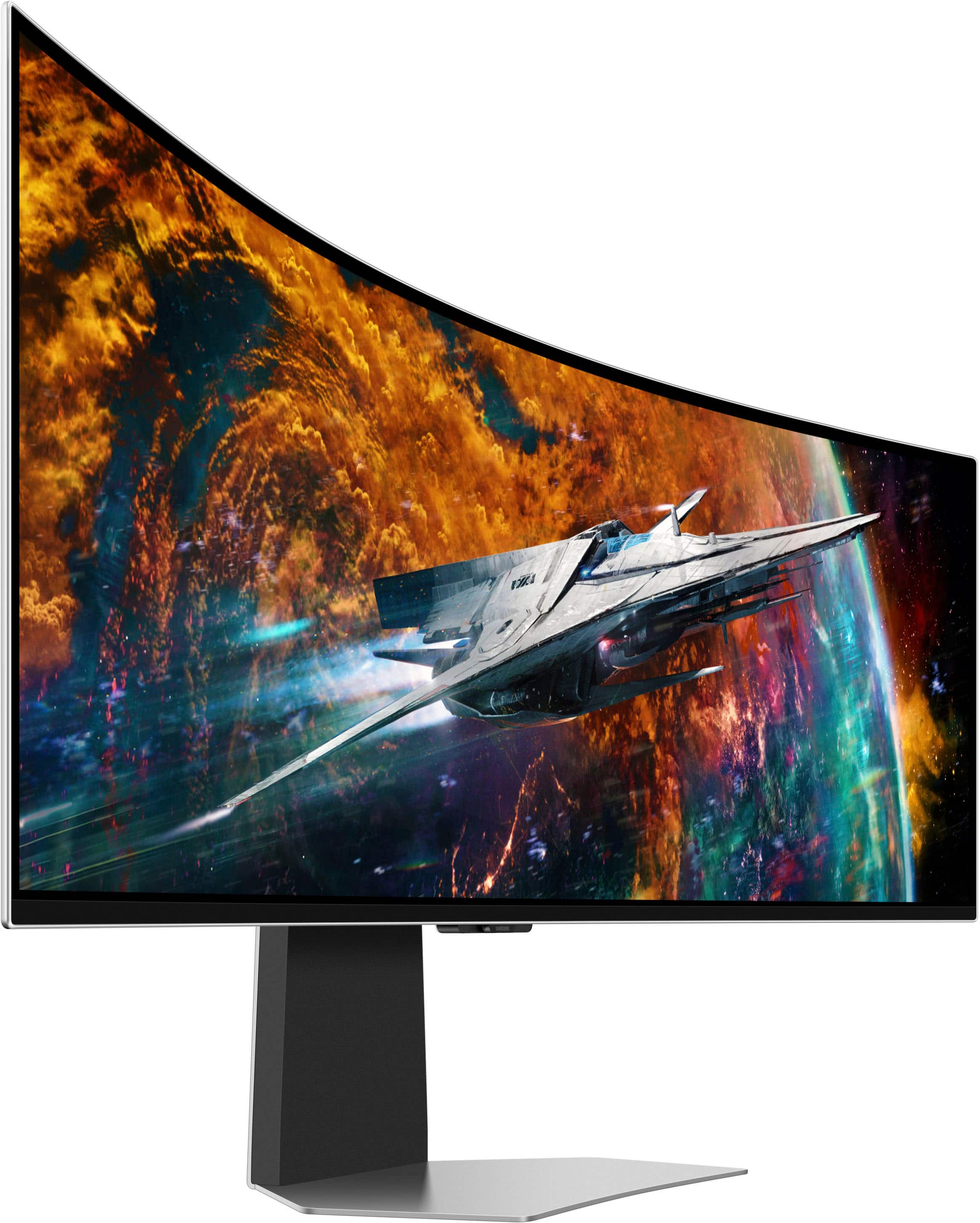

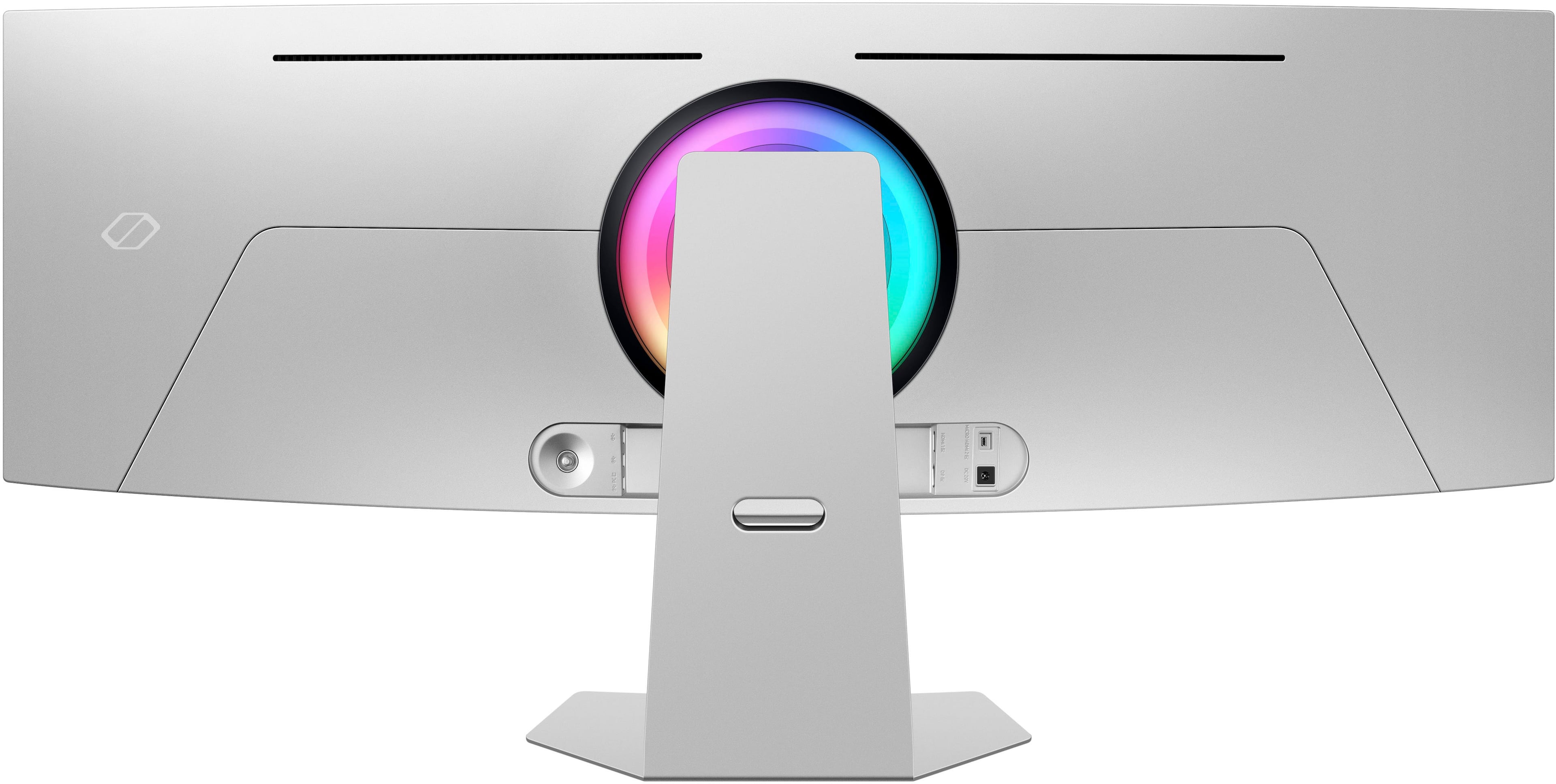
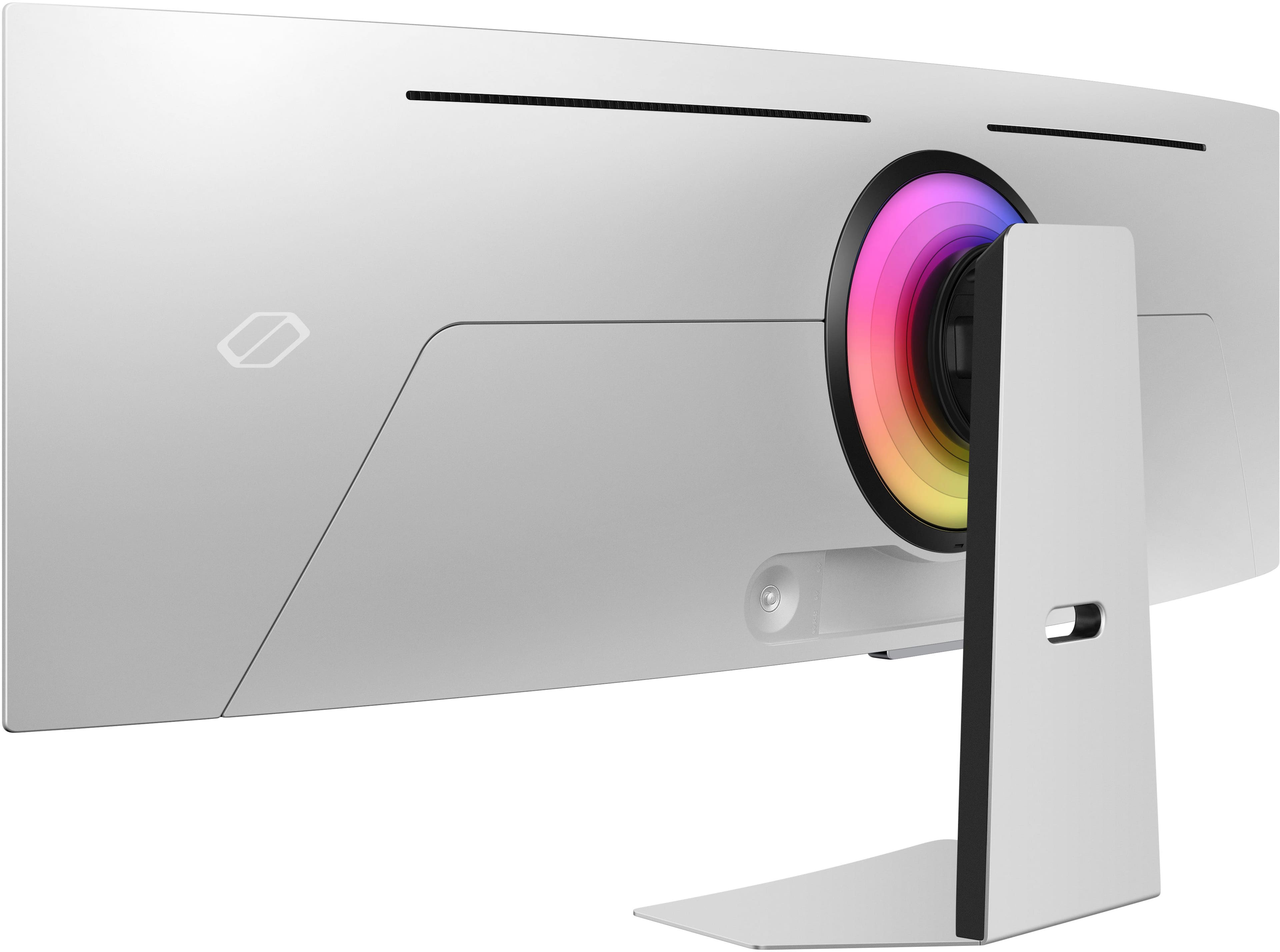
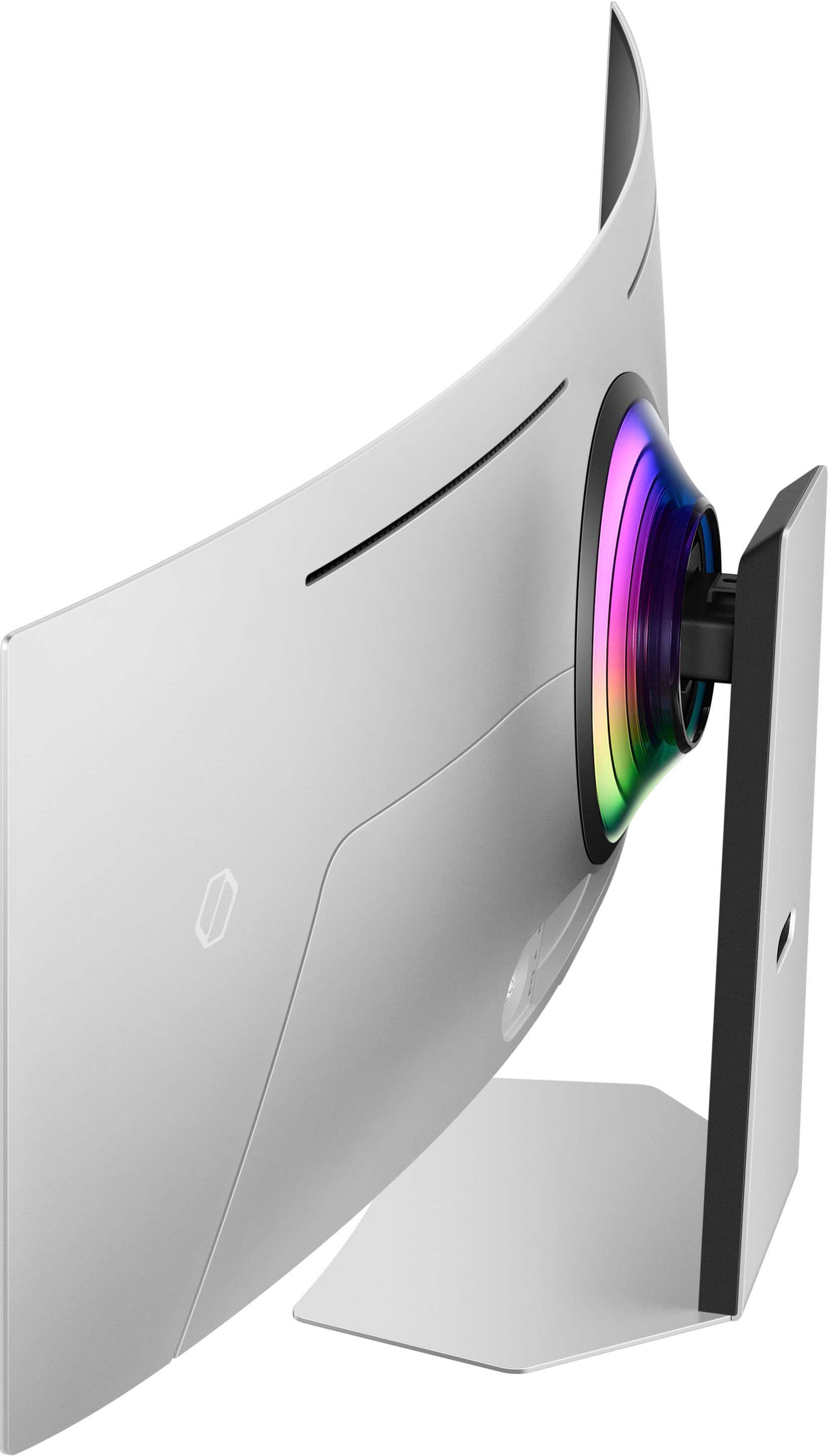


- Model:
- LS49CG954SNXZA
- SKU:
- 6544291
Rating by feature
- Display Quality
Rating 4.7 out of 5 stars
- Ease of Use
Rating 4.2 out of 5 stars
- Features
Rating 4.4 out of 5 stars
Customers are saying
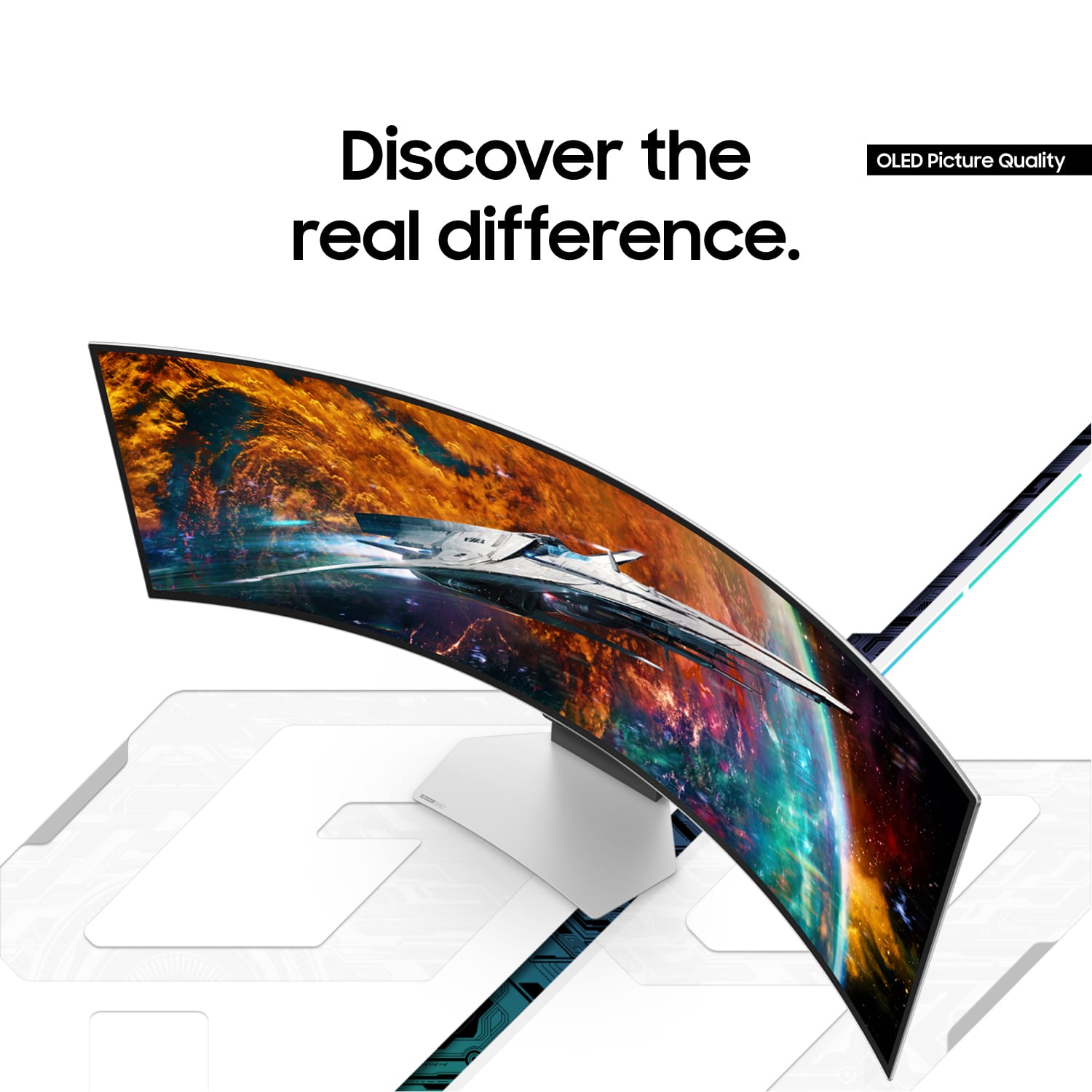
Customers are satisfied with the monitor's picture quality, OLED quality, refresh rate, and color. Many users describe the picture quality and color as amazing. However, some customers have reported issues with connectivity and software. Additionally, a few users expressed concerns about the curvature, aspect ratio, and price.
This summary was generated by AI based on customer reviews.
- Pros mentioned:Overall performance
Gorgeous picture, abysmal UI
||Posted . Owned for 1 year when reviewed.This reviewer received promo considerations or sweepstakes entry for writing a review.The picture on this monitor is incredible. I came from using two 4k monitors and i prefer the look of this one even if it's technically lower resolution. Nothing compares to the immersion of OLED, especially when paired with an ultrawide format. That said, unless you're planning to be using this as your primary TV, go with the cheaper G93SC model. The difference is only that this comes with *the worst* smart TV UI I've ever had the displeasure of using. Switching inputs is a pain, it's laggy as all get-out, the "auto source switch" just does not work. Once you're in an input, it's gorgeous, no notes. Between inputs, you'll want to throw it out the window.
I would recommend this to a friend - Pros mentioned:Oled quality, Refresh rate
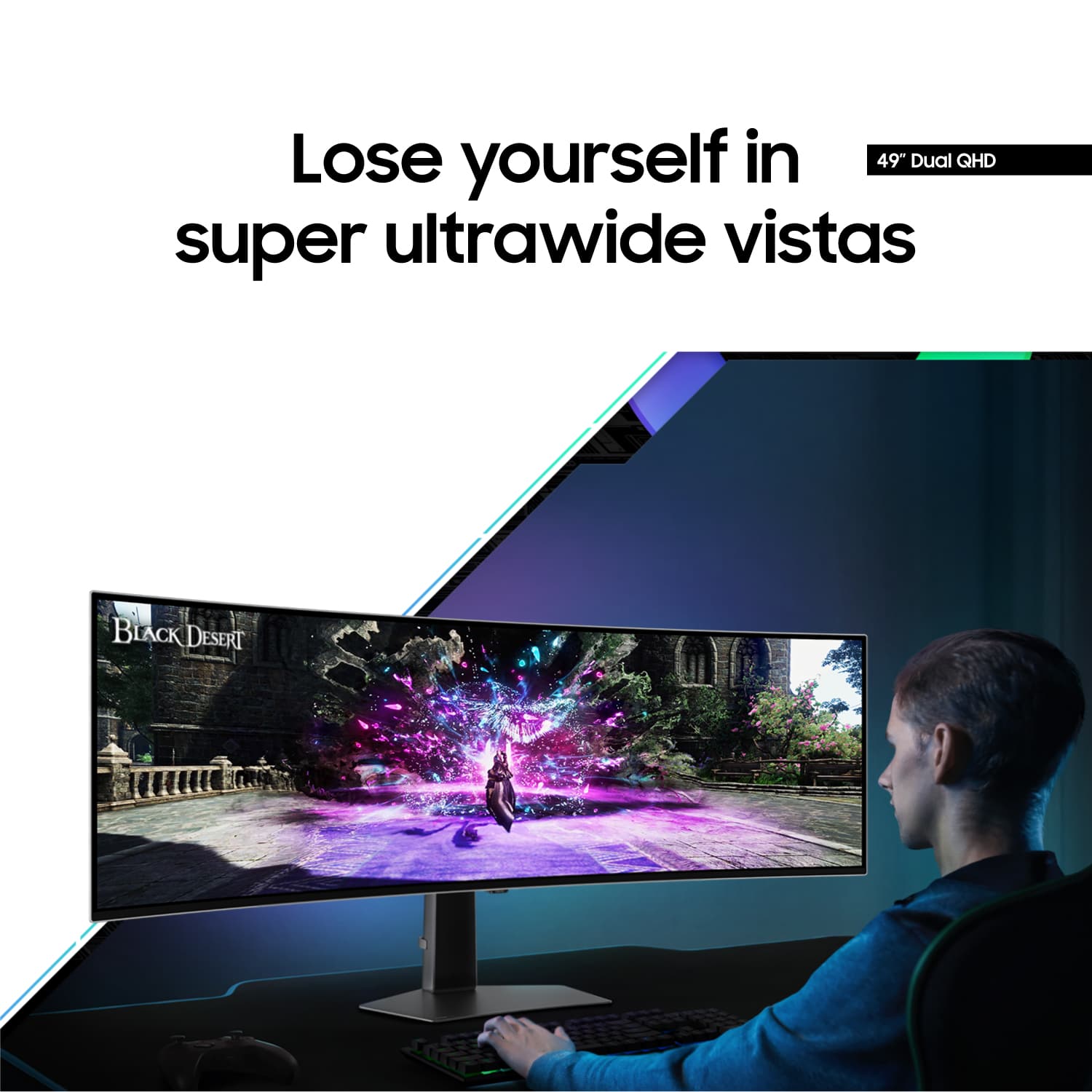
Absolute stunning display but 32:9
||Posted . Owned for less than 1 week when reviewed.This reviewer received promo considerations or sweepstakes entry for writing a review.I wanted to 5-star love this thing so bad. Off the bat, it's probably the most beautiful OLED monitor I've ever seen. Huge 240Hz (and I enjoyed every Hz). I played many games with great success; however, I don't play games 24/7. I've got stuff to do too, which requires regular screen behavior. Unfortunately, I don't get that behavior on a 32:9 screen. Its just too danged narrow for screens full of vertical spreadsheets. Although it looks good doing it, its not there. I tried every trick in the book to have this be the ultimate monitor, but no. I've since returned it in favor of a 16:9 55" OLED. If all you do is Game 24/7, go for it. If you do anything else, I don't recommend this monitor.
No, I would not recommend this to a friendBrand response from Samsung
Posted .Thank you for bringing this issue to our attention as Samsung is committed to providing the best possible product experience, quality, and value. Samsung greatly values our customers’ feedback and we utilize your concerns and opinions in our relentless efforts towards delivering world-class products. We are very sorry to hear this product didn't meet your expectations and hope to have you back as a customer again. If there is anything we can do to assist you and improve your product experience, please don't hesitate to contact Samsung Customer Support via: 1-800-SAMSUNG, available 8AM - 12AM EST (Mon-Fri) / 9AM - 11PM EST (Sat-Sun)

- Pros mentioned:Overall performance, Refresh rate
Excellent for work requiring bigger screens
||Posted . Owned for 2 months when reviewed.This reviewer received promo considerations or sweepstakes entry for writing a review.I am not a professional gamer. I bough this product primarily for work, and to game at my leisure. If you need two or three regular-sized monitors for work, you should seriously consider getting this monitor. Of course, you will need a docking station if you use a laptop. But once you’re connected, the rest is a joy. Since I need to open up several applications for my work, my workflow is better, since I don’t have to constant minimize an app to see another. The display is excellent, changing with ambient lighting to appease the eye. At 120 Hertz refresh rate, whatever you do seems like an extension of your fingers, no delay at all between input and output. The gamers out there would love this! If there’s anything I’d want improved, it would be to add more HDMI/Display Ports. For a monitor that size, it should have more than one HDMI port.
I would recommend this to a friend - Pros mentioned:Oled quality, Refresh rate
Amazing Monitor
||Posted . Owned for 7 months when reviewed.This reviewer received promo considerations or sweepstakes entry for writing a review.Mind-Blowing Display – Worth Every Penny! The Samsung Odyssey G9 OLED is absolutely incredible. The colors are vibrant, the blacks are pure, and the curved design makes everything feel immersive and cinematic. Gaming on this monitor is next-level — ultra-smooth 240Hz refresh rate, instant response time, and HDR that makes every scene pop.
I would recommend this to a friend - Pros mentioned:Screen size
57VA vs 49OLED
||Posted . Owned for 1 month when reviewed.This reviewer received promo considerations or sweepstakes entry for writing a review.Overall incredible monitor. I returned it in favor of the 57VA. I had the black screen issues people complain about, but these issues are because of HDR. Once I ran it in SDR I stopped having the black screen of death problems. Yes, I did experience having to turn everything off and on to get back control lol. Very aggravating. Arguably this is a Windows 11 HDR problem (W11 is better then W10 at HDR, but it still needs improvement). I have similar problems, but not as severe, when I hook up my pc to my Sony 295ES projector. To minimize issues, I run that in SDR as well. Similarly, OLED text fringing is a windows cleartype problem not an OLED problem. On the topic of overheating, middle bottom right is where I felt a little bit of warmth, but it was never hot. So as far as overheating, I think you got a bad monitor. Mine performed flawlessly for the three weeks I had it. I believe there's a version of the G9 OLED that doesn't have the Tizen software; it's the cheaper version. I don't believe BB sells that version, and Samsung's warranty reputation is terrible, which is why I buy everything at BB and use their everything warranty. And I used the remote every day to switch modes based on what I was doing, which wasn't too bad once I had set all the presets. There's a press and hold function on the remote which takes you to a handy quick settings menu. I ran the 57VA and 49OLED side by side, and it was an incredibly difficult decision. Several observations. The Gloss screen wasn't distracting at all. There's an annoying channel dedicated to monitors, and that guy hates matte screens, and I've got to say he's right. Gloss is far superior. The 1440p OLED is noticeably sharper than the older G9 1440p VA matte screen pixel for pixel. The blacks on the 57VA and the G9 OLED are the same. They both get super black. However, the 57VA loses all detail in darker areas of the screen, this is called black crush. On cyberpunk, just looking into a shadowy area, you can see all the detail with OLED, but not VA, it's just dark. And then there's the FALD blooming which is only a big deal on say night missions from Ghost Recon 2001, but when it was so bad that it was unplayable without using the Black Equalizer setting to turn blacks into greys. On darker games in general, such as Max Payne 1, the Oled was far, far better. Most important standout feature of OLED gaming versus VA gaming is the pixel response time. The motion clarity on the OLED was so good it felt like cheating. And I'm sure this is true for all OLEDS. I never realized how much VA panels smear until I used an OLED, and it's that smearing that makes it harder to track targets in FPS. I went CRT, TN to VA, and 240hz OLED is totally kinetic. 240hz VA to 240hz OLED felt the jump from 60hz to 120hz. It is a huge upgrade. Color was better on the OLED, but not night and day. Color on the 57VA was noticeably better than the older G9 I've been using, so Samsung has improved their VA technology over the last few years. The VA57 is as bright as people say. The 49OLED's brightness is acceptable, but it is on the dim side. I had to run it at 75% brightness, wheras I have run most monitors at 50% brightness since 2002. The stand on the OLED is far superior to the stand on the 57VA. The OLED49 monitor stand is the best monitor stand I've ever had. The 4k resolution of the VA57 is noticeably sharper than the OLED. At 4k, aliasing doesn't really show, wheras in 1440p it's there. The size and curve of the VA57 is more imersive than the 49OLED as well; the size of the 57 is on another level from my older 1000R VA49. It is not a small upgrade. However, the huge size does cramp my space. It does block my speakers somewhat which reduces sound quality for me, and I do bump into the 57 just trying to move around my office because it's wider than my desk. And then there's the OLED burn-in anxiety, which was always present in my mind, and changed the way I used my computer. I ran a black screen with no icons and disappearing windows taskbar. Which was fine. But I use my computer for browsing as well as work, and I often run four windows using Powertoys. And I was concerned about burning in the center of screen over time as that is where I run windows side by side, and where videos play. Text fringing exists. It's noticeable. It can be minimized by changing the scaling windows. Not a deal breaker for me. But subpixel structure of VA panels is more suited to Windows cleartype. OLED pixels will last longer than VA pixels, but I fear the power supply will go out long before the pixels give out. Will the OLED last ten plus years like a lot of LED monitors? Probably not. A buddy of mine has an early LED monitor from 2004 that's still going. I doubt any of these OLEDs will still be useable 20 years from now because burn in may become so bad as to make it unusable. I saw the OLED as a three year monitor, which means it would cost around dollar a day to own. It's also Samsung's first attempt at an ultrawide OLED, so reliablity should only increase from here. It's also a Gen2 panel, and Samsung claims that their GEN3 panels are brighter and not as susceptible to burn in, but I've heard that the GEN3 OLED 49 will use a slightly matte finish which is disappointing. And of course the 49OLED is easier to drive and therefore cheaper to own. Currently only the 7900XTX is truly suitable for the 57VA; even the 4090 can't run it as 240hz. The OLED49 is also hundreds of dollars cheaper out the gate. To conclude the consensus on Reddit is generally correct that the 57VA is better for a mix of office work and gaming, and the OLED is better for pure gaming. And I've written all of this because I miss the OLED every day. At times I feel like I made the wrong decision. But I used the monitors side by side for three weeks I found myself gravitating toward the larger 4k screen. But I sometimes feel that I should have kept that finicky monitor because the dark detail and motion handling was so good. I scored the three monitors, my old 49VA, 57VA and 49OLED. I made a chart to help myself make the decision and the old 49VA scored 26, 57VA scored 32, and the 49OLED scored 31. So close. And even now, I'm seriously considering returning the 57VA and getting another 49OLED. The 49OLED was just that good for FPS. As many people have said in the forums, a 4k57 OLED at 240hz would be a must buy.
I would recommend this to a friend - Pros mentioned:Resolution
Worth the money
Posted .This reviewer received promo considerations or sweepstakes entry for writing a review.Excellent display, can’t ask for anything better than this. This is the cleanest most high resolution display I’ve ever used in an ultrawide. I waited almost 2 months reading all this negative stuff about burn in problem but I’m really happy I haven’t had any such problems so far. If you have the same fear of burn in on pixels, I strongly suggest to get the geeksquak warranty I did the same and so happy I pulled the plug on it.
I would recommend this to a friend immersive, amazing image quality
||Posted . Owned for 1.5 years when reviewed.This reviewer received promo considerations or sweepstakes entry for writing a review.I bought the Odyssey OLED monitor a few months ago and was very impressed with its stunning picture, deep blacks, vibrant colors, and ultra-wide immersive experience. It quickly became my favorite display for both video editing and gaming. Gaming on this gives off a spaceship feel!! Cyberpunk 2077 On this IS INSANEEEE!! Positives: immersive, amazing image quality, and acts as a tv! Negatives had a flickering issue early on but I tweaked my settings and found the issue
I would recommend this to a friend- Pros mentioned:Refresh rate, Resolution
Best monitor I've had to date
||Posted . Owned for 2 months when reviewed.This reviewer received promo considerations or sweepstakes entry for writing a review.I was initially hesitant given how middling the CHG90 was (what I had before this G9 OLED). Along with the usual fears of OLED burn in given this is a PC monitor and would be used as such. Not just gaming. But after a few months of usage, I'm still floored every time I use it. The PPI, colors, clarity, response, refresh, contrast are all amazing. However like all OLEDS, it suffers in total peak brightness (though being a Gen 2 QD panel does help). In HDR it produces amazing contrast, and can even hit 1000 nits in 2% windows for some amazing highlights. But overall it's just a 400 nit panel. Not the worst (better than an HDR 400 LCD), but not HDR1000+ mini LED amazing either. Using in a light controlled room is recommended for optimal usage. The added Tizen smart UI is a bit wonky however, and I wish I had opted for the version without it. I don't ever see myself using a single app from it, ever. No need for it to be on a gaming monitor. Overall, this has been the best monitor I've owned. 5120x1440p 240Hz is perfect, having it be OLED is a cherry topper.
I would recommend this to a friend - Pros mentioned:Overall performanceCons mentioned:Curvature
It is all in the GTG and infinite contrast
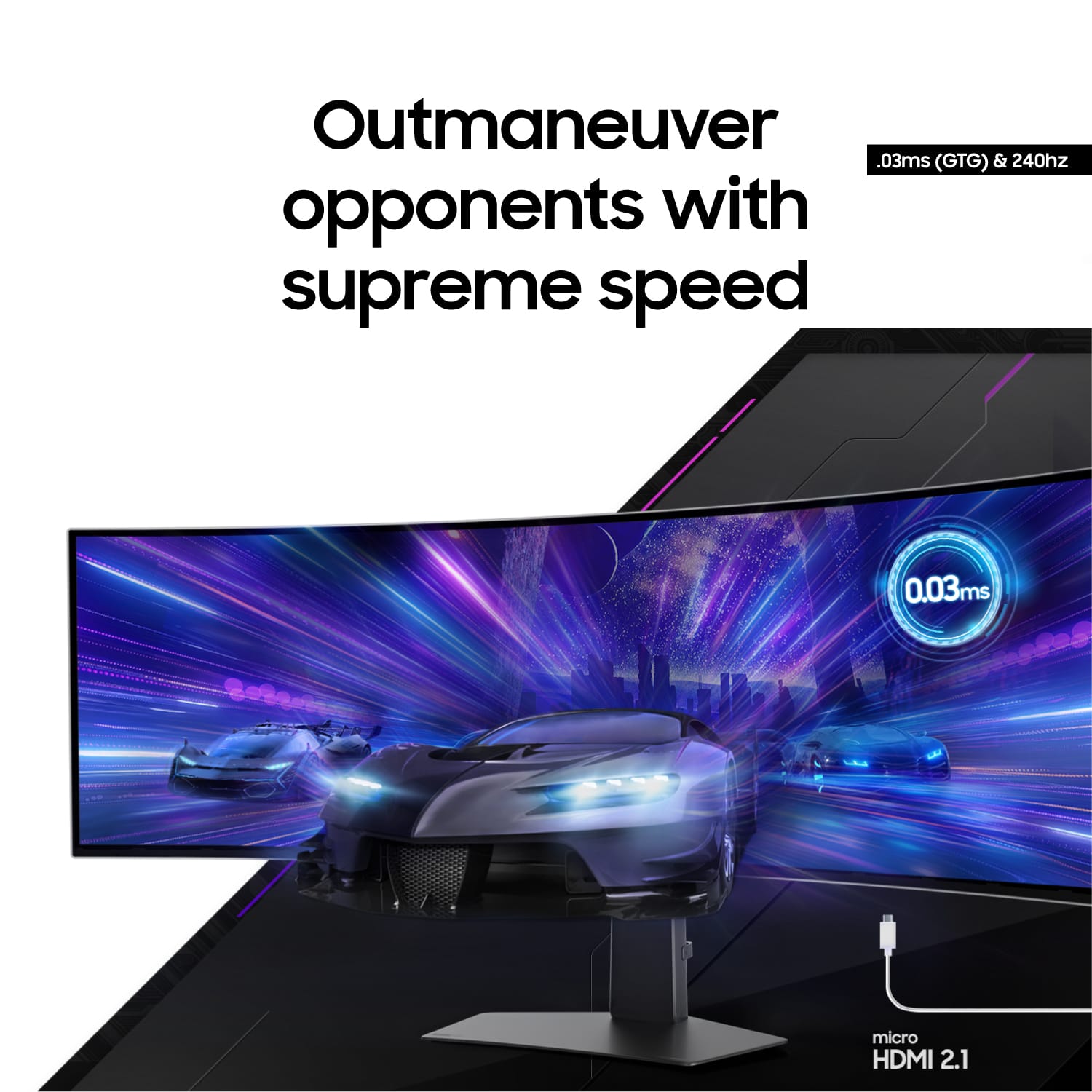
||Posted . Owned for 2 months when reviewed.This reviewer received promo considerations or sweepstakes entry for writing a review.Having 0.03 GTG removes almost all motion blur and the OLED's contrast can't be beat. Seeing a pure black background with a white logo or text is indescribable. I have the first version of these, LED 49 and this one blows it out of the water in terms of picture quality. The only thing i miss is the 1000 curvature. That aspect really draws you in but the difference in picture quality overrides this flaw to the point of "doesn't matter." Was going to get the new psuedo 8k one at 53." But once i read the reviews of it, compared to this OLED version's almost nonexistent motion blur, you will still see black-grey and not black right next to lit LEDs, and the fact that the only card that can push those many pixels does not support DP 2.1 and hence stuck at 120hz, figure ill wait for the pseudo 8k OLED version with less of a curve to come out. And folks I dont think that the DP version issue on Nvidia cards can be fixed with a software update. All i have read seems to indicate that is it a harware design issue as well. AMD has DP2.1 cards, but good luck pushing close to 8k pixesl at above 30 frames with their top of the line.
I would recommend this to a friend - Pros mentioned:ResolutionCons mentioned:Text clarity
Non-stop crashes & issues on a M2 Macbook Pro.
||Posted . Owned for 2 weeks when reviewed.This reviewer received promo considerations or sweepstakes entry for writing a review.I really wanted to like this monitor, but it's so unreliable and spammy. When it works, it looks fantastic... the QD-OLED panel offers amazing picture quality for games and movies, and acceptable text clarity (not as good as normal LCD, and has noticeable color fringing around the edges of characters, but not too distracting overall). The 5120 * 1440 resolution is fantastic for both gaming and office work, giving you a ultrawide field of view in shooters and comfortably allowing 3 browser windows side-by-side. But using this with a M2 Max Macbook Pro, I've experienced constant issues that happen every few hours or more. The worst of them is an occasional kernel panic that crashes the entire computer and forces a reboot; the resulting error message (DCPEXT1 PANIC) indicates a problem with the display co-processor of Apple Silicon chips. This happens with a USB-C to DisplayPort 1.4 cable connected through a Thunderbolt 4 hub, that same cable directly connected to the computer, or a USB-C to Display 2.1 cable connected directly to the computer. No combination of cable and settings I tried resulted in a stable, crash-free configuration, despite several multi-hour days of testing and reconfiguration. Over HDMI, it's even worse. HDMI can't sustain the full bandwidth of this resolution at 240 Hz, so you have to lower the refresh rate. A monitor bug results in a permanent bright green line across the bottom of the screen when HDMI is connected (it's not there in any menu screens, only when you're showing the computer image). That's definitely going to cause burn-in, not to mention it's distracting all the time. With a lower-bandwidth cable (like older HDMI or DP 1.4), other problems occur too: Strange color banding with gradients, VRR (variable refresh rate) glitches and crashes, display image corruption resulting in hyper-flickering green blocks jumping across the screen, and other myriad problems. Probably these are display issues with DisplayPort over USB-C, possibly related to Apple Silicon computers. And Thunderbolt displays were never very reliable to begin with. With a near-4k resolution like this has, combined with a 240 Hz max refresh, the problems only compound and the crashes and glitches are too frequent. Unfortunately, if you're stuck on an Apple laptop like I am, there is no other way around these issues. Separate from the hardware and display issues, though, the monitor itself has an incredibly user-hostile user interface. Samsung stupidly jammed their obnoxious smart TV interface into this monitor, and it constantly spams you with annoying beeps, whines, pop-up notifications, and ads. Every time you wake the monitor, it shows you a useless "game bar" that obscures the lower half of the screen for a good 10-15 seconds (over the area you'd normally use to type in your computer password). The only way to disable this is to buy a third-party OEM service remote from eBay in order to enter a secret service menu and turn it off that way, or use an open-source script can do the same with a Raspberry Pi and an IR blaster. It's incredibly stupid and annoying. The rest of the monitor UI is very slow, with every menu click taking several seconds to register and redraw, all while you're spammed with inane recommendations and ads for the latest TV show of some sort. You cannot update the firmware without creating a Samsung account and logging in, which force-enables all of these recommendations and ads. The underlying QD-OLED panel is fantastic, but the monitor packaging and software around it is terrible. This is my first and probably last Samsung product. It is enshittified user-hostile design. If the reliability problems with a Mac could be fixed, I'd consider keeping it only because the picture quality is so good, and the UI issues can be worked around with a service remote. But altogether, I'm very disappointed, frustrated, and annoyed by this product and this company.
No, I would not recommend this to a friendBrand response from Samsung
Posted .Thank you for your review of the 49" Odyssey OLED G9 gaming monitor. Samsung is committed to providing the best possible product experience, quality, and value. We greatly value our customers’ feedback and we utilize your concerns and opinions in our relentless efforts towards delivering world-class products. We are very sorry to hear this product didn't meet your expectations. If there is anything we can do to assist you and improve your product experience, please don't hesitate to contact Samsung Customer Support via: 1-800-SAMSUNG, available 8AM - 12AM EST (Mon-Fri) / 9AM - 11PM EST (Sat-Sun).
Great for media consumptions and pc gaming
Posted .This reviewer received promo considerations or sweepstakes entry for writing a review.This monitor is great for PC gaming and media consumption, but it falls short as an everyday monitor for work or console gaming. The compatibility with the 32:9 ratio is lacking, making it difficult to fully utilize the screen space. The text quality is not the best, so switching to a 16:9 ratio provides better pixel quality. Console gaming is also affected by the lack of support for the 32:9 ratio, limiting its full potential. The backlight brightness is disappointing, but the build quality is excellent with its aluminum frame. Considering the high price, I would recommend looking into other monitors below $1200 for a more reasonable option.
I would recommend this to a friendBrand response from Samsung
Posted .Thank you for bringing your feedback to our attention as Samsung is committed to providing the best possible product experience, quality, and value. We are very sorry to hear this product didn't meet your expectations and hope to have you back as a customer again.
If you ever need assistance in the future, please contact Samsung Customer Support and a rep will be happy to assist you:
1-800-SAMSUNG, available 8AM - 12AM EST (Mon-Fri) / 9AM - 11PM EST (Sat-Sun)
- Pros mentioned:Oled quality, Screen size
Perfect for Developers Stunnin Performance&Clarity
||Posted . Owned for 1.5 years when reviewed.This reviewer received promo considerations or sweepstakes entry for writing a review.The Samsung 49" Odyssey OLED G9 is a game-changer for my software development and design work. The ultra-wide curved OLED screen gives me massive screen real estate for multitasking, coding, and design tools—everything looks crisp and vibrant. Super smooth performance with 240Hz and near-instant response time. Stylish, fast, and perfect for deep focus.
I would recommend this to a friend SAVE MONEY, READ THIS BEFORE BUYING
Posted .This reviewer received promo considerations or sweepstakes entry for writing a review.1) DO NOT buy this monitor for anything over $799! ($799 is the regular price that stores constantly sell this for when they are having "a sale". Bestbuy sells this monitor for $999 normally, but literally every two weeks or so they drop the price back down to $799. They have done it 3 times while I have been shopping around, and I purchased mine yesterday for $799 and today the price is back up to $999. (If you just purchased it this last week and now its on sale, they will credit you the difference. If not, just return the monitor and repurchase it at the lower price). 2) This monitor absolutely supports and works with NVIDIA GSYNC. So theres no need for you to pay the extra $150 for the "ultra gsync" model. (There are very minor technical differences, but none worth $150 extra). Im using this model (the amd sync premium) with a RTX4090 and GSYNC works perfectly. Do not pay the extra money for the "NVIDIA" version. (Another advantage of buying this model AW3423DWF is it allows you to update its firmware. The other version does not. I hope that helps some of you, I heard a salesman tell a customer he needed to order the Nvidia premium version (which costs more) because he said it wouldnt work with the mans nvidia graphics card, which is a complete lie. Not onky does it work, all the NVIDIA features work as well.
I would recommend this to a friend- Pros mentioned:Oled quality, Screen size
Best purchase I’ve made in a while!
||Posted . Owned for 1 month when reviewed.This reviewer received promo considerations or sweepstakes entry for writing a review.This monitor is absolutely amazing I can’t imagine going back to a non ultra wide or non OLED monitor. I use this monitor for work, replacing my old 3 monitor set up was a game changer. Then after work I connect it to my gaming rig and the picture is jaw dropping. I would recommend this monitor to anyone looking to upgrade for work or gaming.
I would recommend this to a friend - Pros mentioned:Overall performance, Refresh rate
Immersive and Ultra-Fast Gaming Monitor
||Posted . Owned for 1 year when reviewed.This reviewer received promo considerations or sweepstakes entry for writing a review.Stunning display with vibrant colors and deep contrast. The Samsung Odyssey OLED G9’s 240Hz refresh rate and 0.03ms response make gameplay incredibly smooth. Perfect for competitive gaming and immersive visuals.
I would recommend this to a friend - Pros mentioned:Refresh rate
Phenomenal customer service
||Posted . Owned for 3 weeks when reviewed.This reviewer received promo considerations or sweepstakes entry for writing a review.After much anticipation, I finally got my hands on the Samsung Odyssey G9 49-inch monitor from Best Buy, and it has absolutely transformed my setup. First off, the size is breathtaking — the ultra-wide 32:9 aspect ratio feels like having two 27-inch monitors side by side, but without the distracting bezels. Whether I’m working, gaming, or even just browsing, the immersion is unlike anything I’ve experienced before. The 1000R curvature pulls you right into the content, making games and movies incredibly engaging. Speaking of games, with a 240Hz refresh rate and 1ms response time, everything feels silky smooth — it’s a dream for fast-paced shooters and racing games. Plus, the monitor supports both G-Sync and FreeSync, eliminating screen tearing completely. The color reproduction and brightness are outstanding too. HDR really pops on this panel, making scenes in games and videos look vivid and lifelike. Setup was straightforward, and Best Buy had it ready for pickup on time, with no issues. The only minor downside is that you’ll need a lot of desk space to accommodate it, and you’ll want a powerful GPU to really take advantage of everything this monitor offers. But if you’re prepared for that, the Odyssey G9 is 100% worth it. Final Verdict: 5/5 Stars. If you’re looking for a next-level monitor for gaming, content creation, or multitasking, the Odyssey G9 is an absolute beast. Highly recommended!
I would recommend this to a friend - Pros mentioned:Refresh rate, Screen size
My favorite waste of money
||Posted . Owned for less than 1 week when reviewed.This reviewer received promo considerations or sweepstakes entry for writing a review.This is the best monitor I’ve ever owned. The color quality and black depth from oled on a screen that wraps my fov is insane. Did I spend over a grand on a monitor yes. Is that a waste of money to most? Yes. Do I regret it? Not a chance. The 240hz is also great to have since I’ve been used to 144hz. You might run into some issues with certain games but most modern games worked for me so far. Avoid this if you only have a console as the screen will be locked on a 27inch window.
I would recommend this to a friend - Pros mentioned:Screen size
So far so GREAT
||Posted .This reviewer received promo considerations or sweepstakes entry for writing a review.This monitor is great. I saw a lot of mixed reviews regarding the Odyssey OLED G9 - some good, some REALLY not good. Most of the negative reviews were in regards to the monitor not working with their PC setups, not connecting properly, or the monitor simply failing on them and breaking. The setup is certainly a bit tedious and it does require you to sit through some built-in updates, but it's such a minor inconvenience. It really didn't take anything away from the overall experience of getting to use this monitor. I am one month into use with this monitor and I've experienced no problems whatsoever. I was intending to use this monitor with my secondary setup, but after having used it each day, it has quickly become my primary gaming monitor. Surely every product from the factory has a chance of being faulty, but so far, mine has worked perfectly (fingers crossed). Amazing colors, smooth frames, and super fast response times, which are ideal for the games I play. I highly recommend this monitor, particularly when it's on sale.
I would recommend this to a friend Perfect for stunning picture!
||Posted . Owned for 1 year when reviewed.This reviewer received promo considerations or sweepstakes entry for writing a review.This monitor is a total absolute game-changer for my desk, offering a 49-inch curved OLED canvas that essentially replaces a dual-monitor setup without any annoying bezels in the middle. The 32:9 aspect ratio is a dream for book illustration, allowing me to keep a full-spread layout open on one side while having all my reference windows and tools visible on the other. Because it’s an OLED, the blacks are perfectly deep and the colors are incredibly vivid, which brings a level of depth to my digital paintings that I’ve never seen on a standard screen. The 240Hz refresh rate and near-instant response time make every brushstroke and scroll feel fluid and instantaneous, completely eliminating any trace of lag. It’s a massive, silver-clad command center that turns my home studio into a truly immersive creative space.
I would recommend this to a friend- Pros mentioned:Refresh rate
Buyer Beware - terrific picture... when it works..
||Posted . Owned for 3 weeks when reviewed.This reviewer received promo considerations or sweepstakes entry for writing a review.Bought this for my son for Christmas and after seeing it in the store had a bit of envy and almost got a second one. A month of sitting idle in the spare bedroom and day of opening arrived and he was just as excited as me. Set it up and got it ready for him to do what he loves to do at his computer, game, so of course, turn it on full 240 hz refresh rate and enable the gaming mode. Picture looked AWESOME and he was excited with how great the colors were on his new screen and how much he could see. All was good until a little over an hour he comes to me and says it turned off. I thought maybe he was watching something and it went to sleep, but nope, he said in the middle of his game it just turned off. Game was still going as if it was on the monitor and could hear the audio, but nothing on the screen. I attempted to go through the settings to see if he bumped something on the remote but no luck. Finally, I unplugged the supplied cable with the monitor and plugged it back in and the monitor came to life again. Chalked it up as a fluke and went back to my thing when about 30 minutes later he comes to me saying the same thing happened. I went through the process and was stumped what was happening and took to the internet to look for settings that maybe were turning it off. Doing a search for "Odyssey OLED G9 Black Screen" came up with a wave of posts of people experiencing the same thing. Found some old posts of people saying to perform the update, so struggling through registering for Samsung for no reason, I tried to setup the automatic updates and while fighting with this, found that others say it made the situation WORSE than before with flickering. Figured maybe a cheap cable was included, and reading others having spent lots of money on multiple cables with the same issue all said it was wasted effort. Finally, the only solution to make it stop going into a black screen mode was to TURN OFF the gaming mode that enabled it to be 240hz refresh rate and opt for 120hz. I did this and ever since, it has been fine, but it has me a bit miffed. Reading online, Samsung has offered no support to individuals reaching out and in some cases has completely taken the monitor back and refunded money. As of writing this, there doesn't seem to be a fix that I could find to make it work at the expected capability of what someone would buy this for - to play video games, on a high machine with a high end monitor. Instead you pay a lot of money for a wide monitor that presents great color, but average clarity with settings to make it reliable.
No, I would not recommend this to a friend