Customer Ratings & Reviews
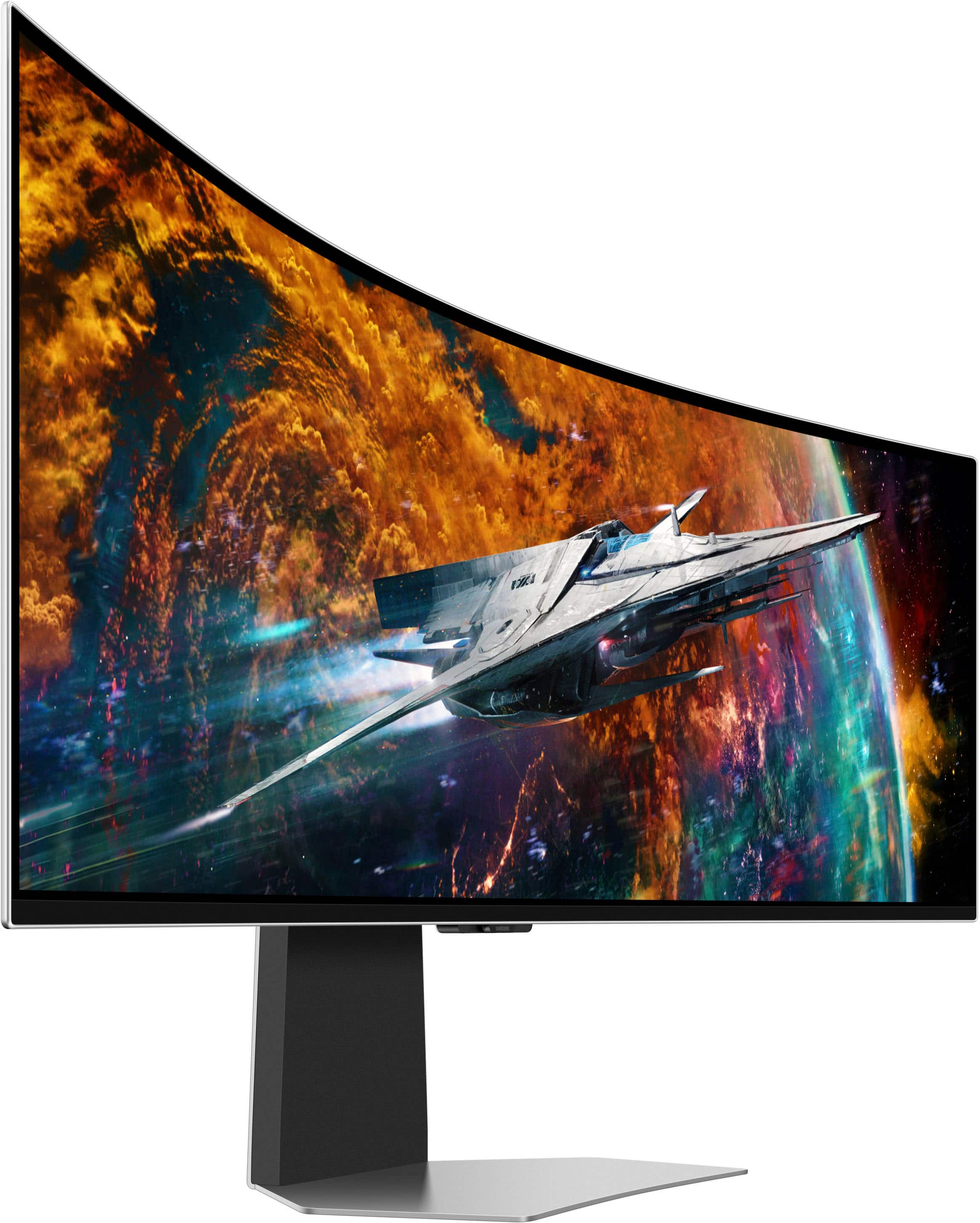

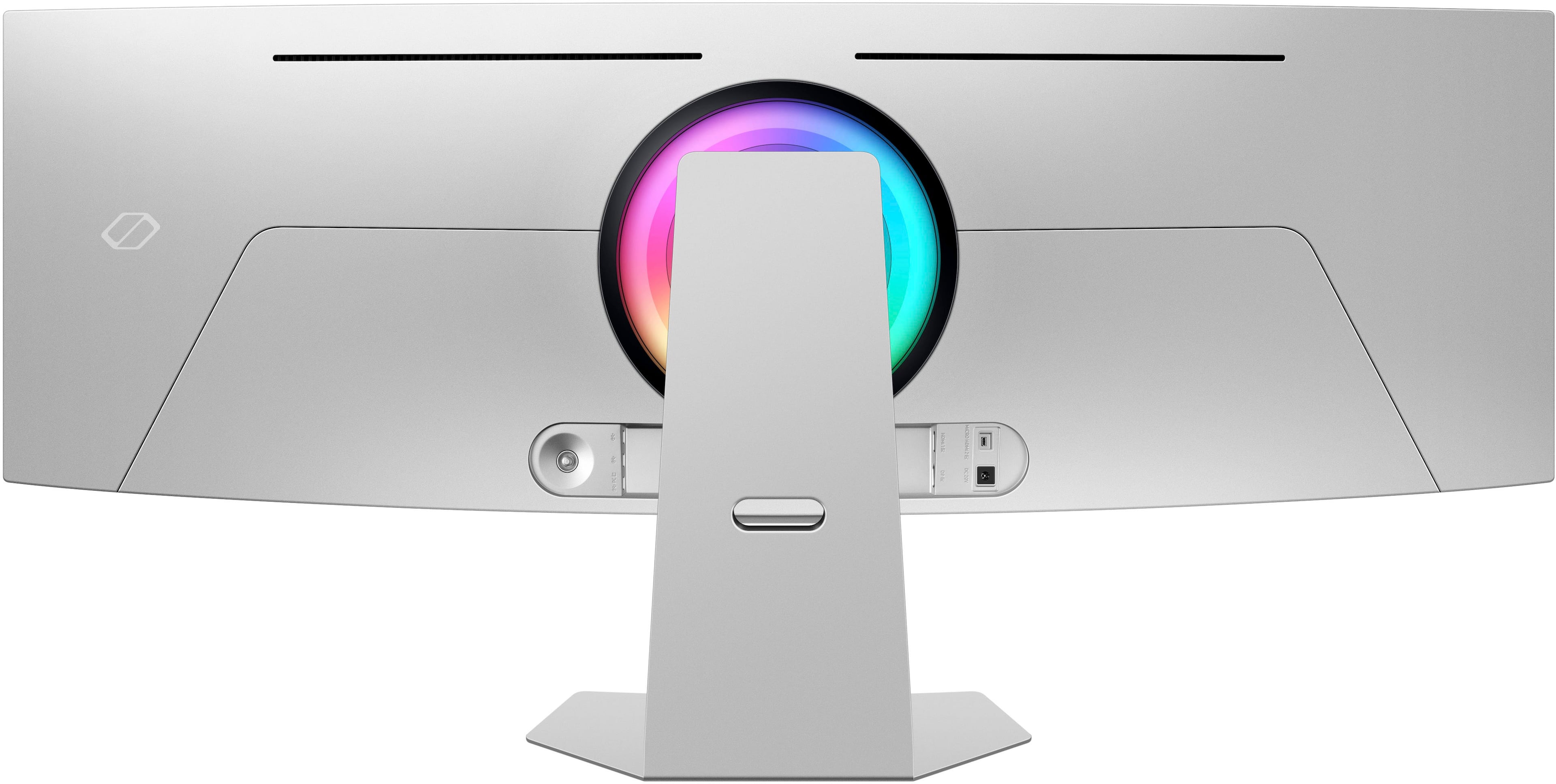
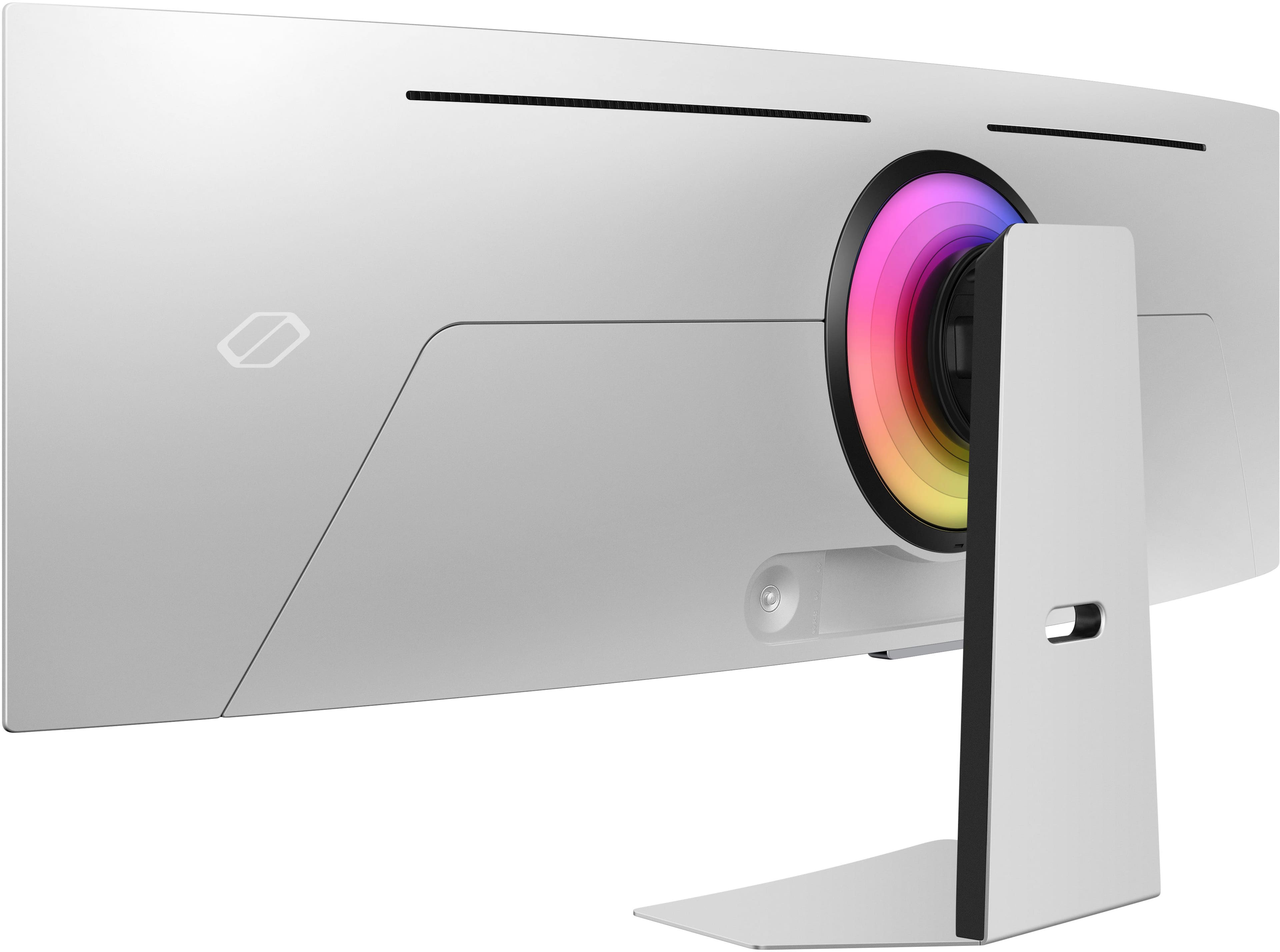
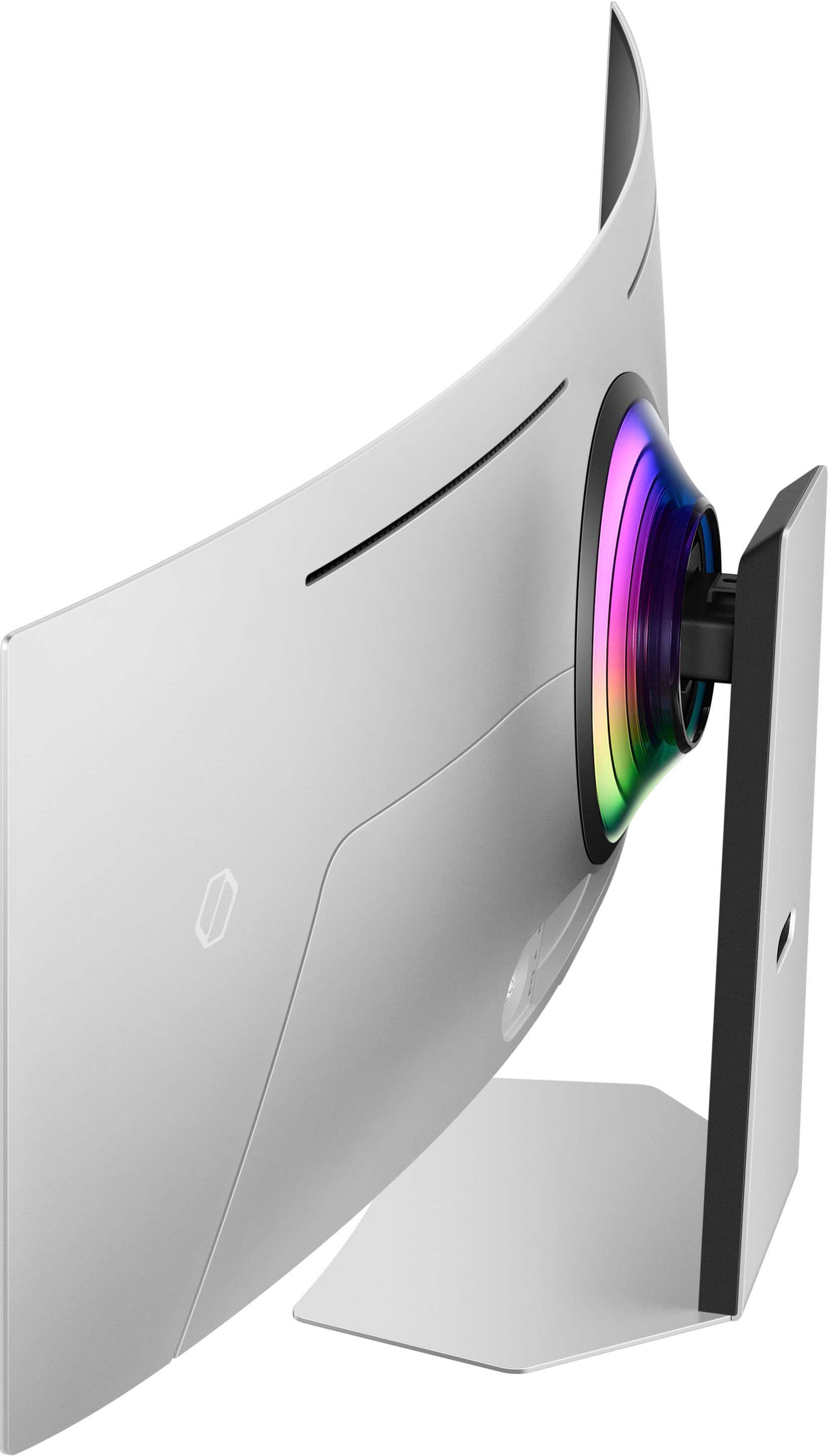


- Model:
- LS49CG954SNXZA
- SKU:
- 6544291
Rating by feature
- Display Quality
Rating 4.7 out of 5 stars
- Ease of Use
Rating 4.2 out of 5 stars
- Features
Rating 4.4 out of 5 stars
Customers are saying
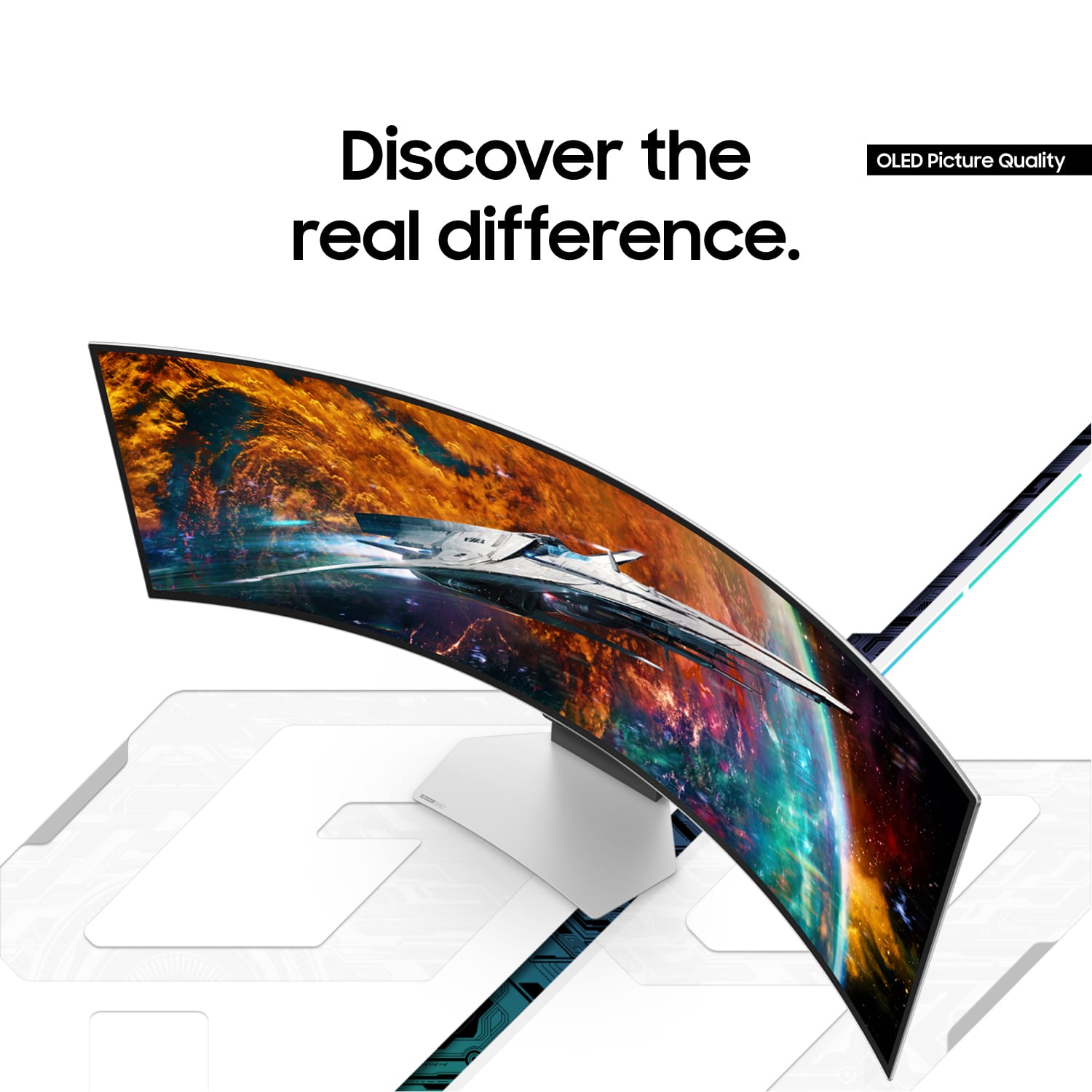
Customers are satisfied with the monitor's picture quality, OLED quality, refresh rate, and color. Many users describe the picture quality and color as amazing. However, some customers have reported issues with connectivity and software. Additionally, a few users expressed concerns about the curvature, aspect ratio, and price.
This summary was generated by AI based on customer reviews.
- Pros mentioned:Refresh rate
Buyer Beware - terrific picture... when it works..
||Posted . Owned for 3 weeks when reviewed.This reviewer received promo considerations or sweepstakes entry for writing a review.Bought this for my son for Christmas and after seeing it in the store had a bit of envy and almost got a second one. A month of sitting idle in the spare bedroom and day of opening arrived and he was just as excited as me. Set it up and got it ready for him to do what he loves to do at his computer, game, so of course, turn it on full 240 hz refresh rate and enable the gaming mode. Picture looked AWESOME and he was excited with how great the colors were on his new screen and how much he could see. All was good until a little over an hour he comes to me and says it turned off. I thought maybe he was watching something and it went to sleep, but nope, he said in the middle of his game it just turned off. Game was still going as if it was on the monitor and could hear the audio, but nothing on the screen. I attempted to go through the settings to see if he bumped something on the remote but no luck. Finally, I unplugged the supplied cable with the monitor and plugged it back in and the monitor came to life again. Chalked it up as a fluke and went back to my thing when about 30 minutes later he comes to me saying the same thing happened. I went through the process and was stumped what was happening and took to the internet to look for settings that maybe were turning it off. Doing a search for "Odyssey OLED G9 Black Screen" came up with a wave of posts of people experiencing the same thing. Found some old posts of people saying to perform the update, so struggling through registering for Samsung for no reason, I tried to setup the automatic updates and while fighting with this, found that others say it made the situation WORSE than before with flickering. Figured maybe a cheap cable was included, and reading others having spent lots of money on multiple cables with the same issue all said it was wasted effort. Finally, the only solution to make it stop going into a black screen mode was to TURN OFF the gaming mode that enabled it to be 240hz refresh rate and opt for 120hz. I did this and ever since, it has been fine, but it has me a bit miffed. Reading online, Samsung has offered no support to individuals reaching out and in some cases has completely taken the monitor back and refunded money. As of writing this, there doesn't seem to be a fix that I could find to make it work at the expected capability of what someone would buy this for - to play video games, on a high machine with a high end monitor. Instead you pay a lot of money for a wide monitor that presents great color, but average clarity with settings to make it reliable.
No, I would not recommend this to a friend - Pros mentioned:Overall performance
Never going back.
Posted .This reviewer received promo considerations or sweepstakes entry for writing a review.This monitor renewed my lease on gaming. Truly immersive and beautiful picture. Felt no buyers remorse with this purchase. 100% worth it and grabbed it on sale!
I would recommend this to a friend - Pros mentioned:Oled quality, Screen size
Great monitor
||Posted .This reviewer received promo considerations or sweepstakes entry for writing a review.Love this monitor, once you go to oled it ruins everything else, that being said having an ultra wide is very situational, great for my sim, not so great for comp fps games.
I would recommend this to a friend - Pros mentioned:Resolution
NOT an incentivized review for a change
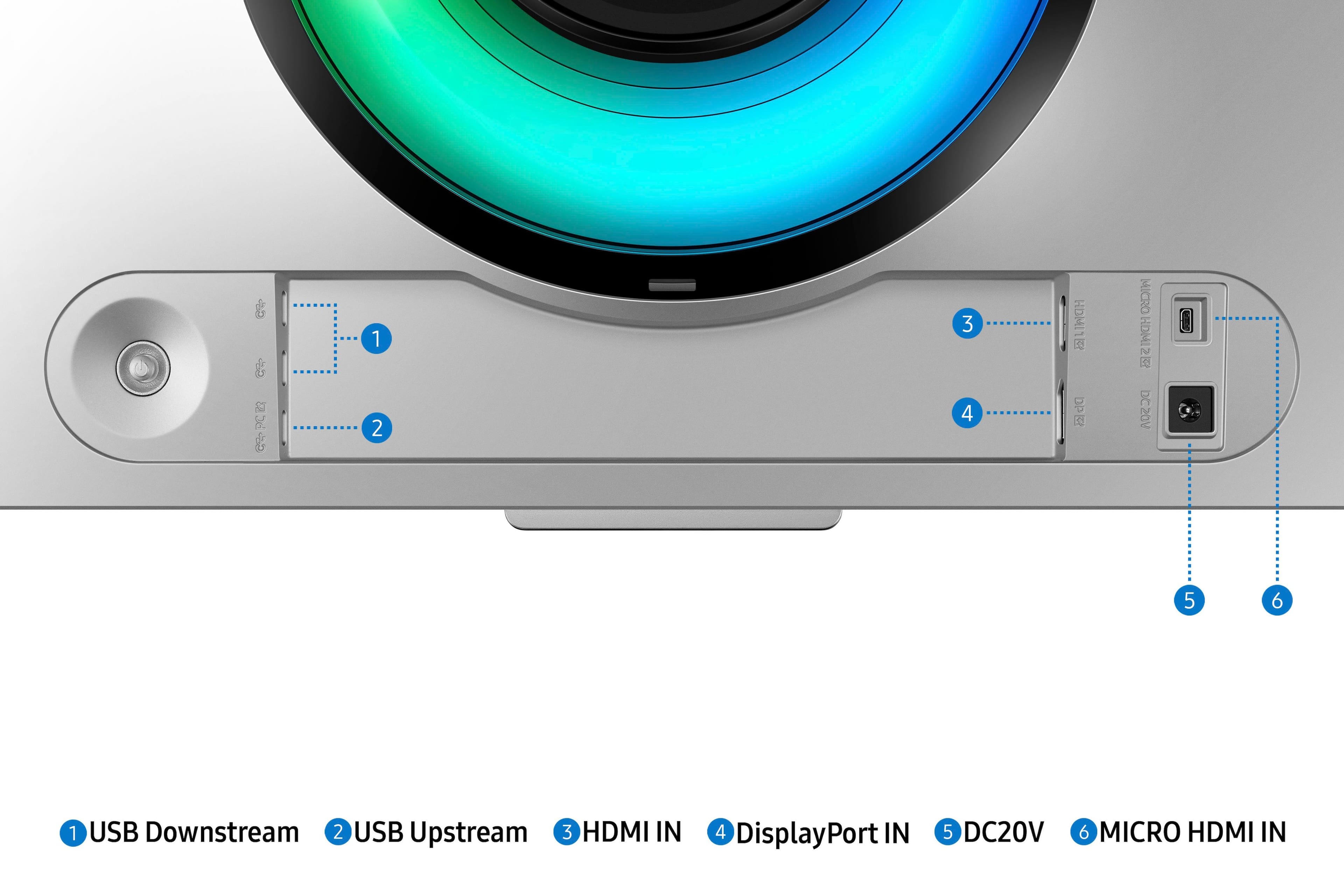
||Posted .This reviewer received promo considerations or sweepstakes entry for writing a review.Figured maybe others like me would be out there wishing to read some reviews that aren't all INCENTIVIZED. I paid for this, no incentive, so I can write a real review. I had been using a couple of LG 32" 4K monitors as external monitors set on risers on my desk above the Surface Pro 9 that I use as my daily computer. But my desk necessitated that they be angled in order to fit. I was getting tired of that angle, the big bezels down the center, and the fact that one of them always took about 30 seconds longer than the other one to resume from sleep when I unlocked my computer. I started out looking at the standard non OLED version of this, but with the sales around Christmas, the OLED 240Hz version was barely more than the standard, so it seemed an obvious upgrade. I use a Surface Dock 2 docking station with my Surface Pro 9, and initially when I tried the USB C to HDMI video output I was using for both of my LG monitors, I couldn't get the full resolution. I saw in the non OLED version that someone said they had to use the Display Port to get the right resolution with their surface pro, so when I pulled my USB C to Display Port adapter I used with my Oculus Rift S, and tried it here, I was suddenly getting the full horizontal resolution. I can't even begin to describe the difference this makes, using one larger monitor as opposed to multiple external monitors. I had been concerned about the resolution drop, going from a full 4K monitor with 2160 to just a 1440. But at work I mostly do remote desktop work on terminal servers and such, and I found that when I adjusted the scaling slightly, it gave me just what I needed for clarity and how well my windows all fit on the screen now. I used to have my RDP program on the left screen, my Office documents, windows explorer, and any web browsers on the right screen, and outlook was mainly then on the main Surface Pro screen below them all. Now I don't have to alt+tab between things on each monitor, I can have things all opened across the huge expanse. And not having that black bezel separating everything in the middle really makes a difference I wasn't expecting. I used to treat them simply as two monitors up there, so the bezel never bothered me. But after using this setup with NO bezel in the way, it's amazing just how much better everything looks. Packaging was great - well protected. Stand was simple to assemble and monitor snapped right into it. The stand doesn't require much force to adjust height or angle, and it stays where you leave it. I hadn't realized there was a smart-tv function on here when I purchased it, so that's just a bonus for me that I'll likely not use. I have another Samsung 42" smart monitor in my office already I use for some TV things during the day, having news on in the background, so odds are I'll not bother using this one for TV viewing. No pixel issues, nothing dead or stuck. Sound is better than I had expected, but obviously this isn't high fidelity. For a speaker monitor it's better than most I've used though, and definitely a step up from the speaker on the LG monitors or my Surface Pro. Colors seem better to me as well. Each LG monitor I had kept a slightly different color, despite anything I tried to even out the settings. They varied slightly from each other and both were slightly different from the Surface Pro screen. This monitor seems to be a much better replica of the colors on my Surface Pro screen. Things match better. I'm not a graphics artist though, so I can't attest to those details. I get a kick out of the LED ring on the back. When I found the place to change settings for it under the gaming settings of the monitor, I now have it going. Since my office is always dark, lights out, this looks nice since the back of the monitor is all you can see from the hallway. I'm really glad I picked this up. It makes SUCH a difference for me in my daily work. And since I'm at this computer all day when I'm in the office, it's the screen I see the most. I do have an Alienware gaming laptop that I just picked up this year, with a nice high end video card, so I will likely be trying that out on here soon as well just to see how it goes, but I don't intend on USING this for gaming. Simply for work.
I would recommend this to a friend - Pros mentioned:Refresh rate, Screen size
Superb monitor for an amazing holiday gift!
||Posted . Owned for 1 year when reviewed.This reviewer received promo considerations or sweepstakes entry for writing a review.I've had this monitor for around 1 yr+ and have loved every minutes of use. It's extremely convenient and with apps like PowerToys by Microsoft you can setup windows exactly how you'd like them. Gaming is immaculate on this monitor as well, the quality and refresh rate with my PC build makes for an unfathomable experience. There's a newer model of this monitor out now, but for the sale price I'd definitely recommend sticking with this one unless you want the latest and greatest.
I would recommend this to a friend - Pros mentioned:Overall performanceCons mentioned:Text clarity
Great for gaming, high quality features
||Posted . Owned for 2 months when reviewed.This reviewer received promo considerations or sweepstakes entry for writing a review.This is a beautiful monitor with deep blacks, awesome colors, and a great set of features. There is one major hangup for it that got me as a person who was hoping to use it for gaming and productivity: it does not display text clearly. So the rumors are true: it's legitimately a _gaming_ monitor. While candidly the text isn't that fuzzy, it was just enough that a person preoccupied with writing productivity work simply couldn't tolerate it long term.
I would recommend this to a friendBrand response from Samsung
Posted .We are delighted to hear you've had an overall, positive experience with your OLED G9 Monitor.
Thank you for your feedback to help us improve our products and services. If there is anything we can do to assist you and improve your product experience, please don't hesitate to contact Samsung Customer Support via:
1-800-SAMSUNG, available 8AM - 12AM EST (Mon-Fri) / 9AM - 11PM EST (Sat-Sun).
Your thoughts and opinions are very important to Samsung.
- Pros mentioned:Overall performance, Screen size
Time to buy a bigger desk...
||Posted . Owned for 1 week when reviewed.This reviewer received promo considerations or sweepstakes entry for writing a review.Massive monitor... sure to more than compensate for those suffering from a perceived lack of girth or TMS (Tiny Monitor Syndrome). Due to the crystal-clear hi rez wide angle display, despite my straining eyes and debilitated CNS, I now I stand a fighting chance of not getting pwned by fast-twitch prepubescent 12 year old boys every single round of Fortnite.
I would recommend this to a friend - Pros mentioned:Oled quality, Refresh rate
Incredible Gaming Experience!
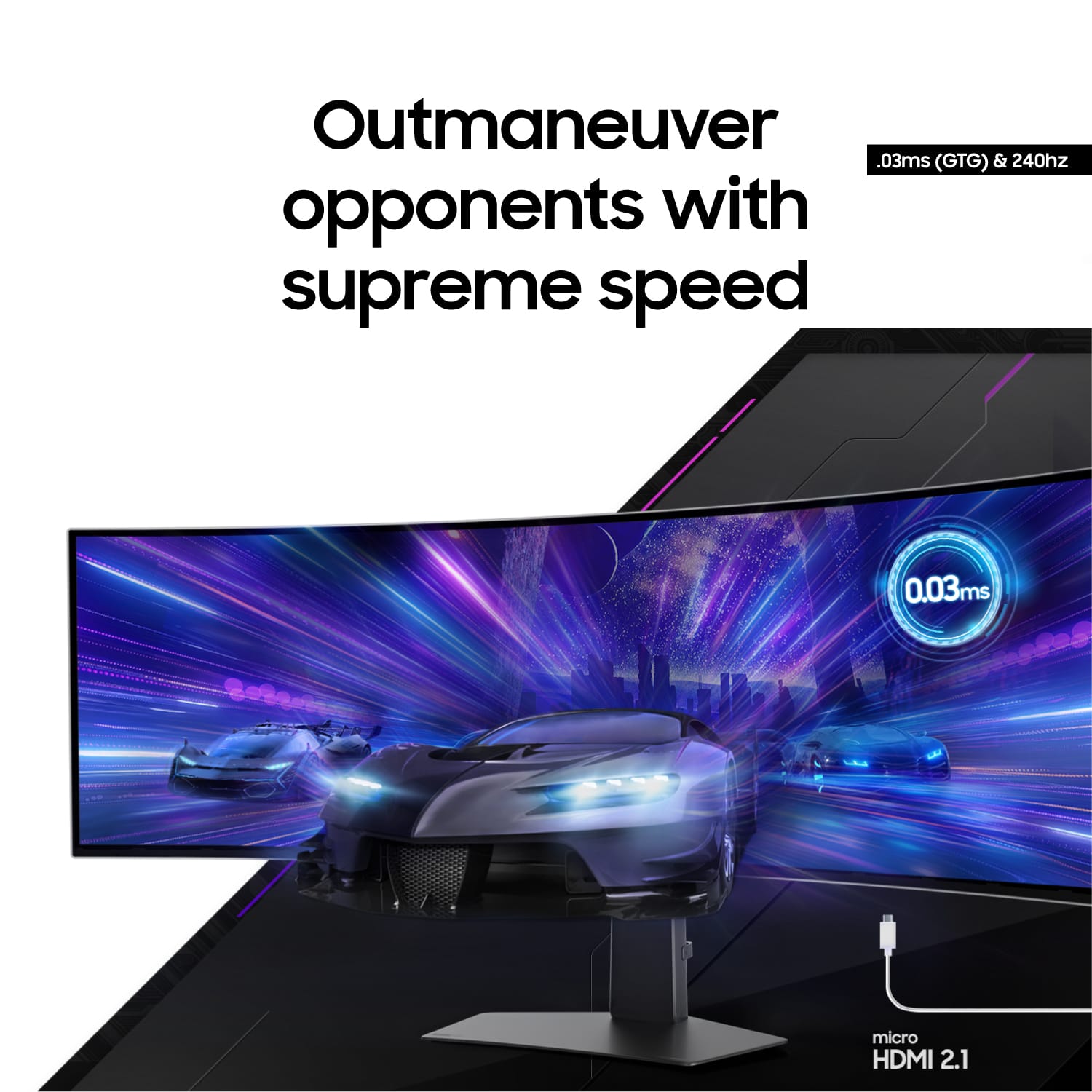
||Posted .This reviewer received promo considerations or sweepstakes entry for writing a review.This monitor is a game-changer! The 49" curved OLED display is stunning—deep blacks, vibrant colors, and buttery-smooth gameplay thanks to the 240Hz refresh rate. G-Sync works flawlessly, and the built-in smart features are a nice bonus. It's pricey, but absolutely worth it for immersive gaming. Highly recommend!
I would recommend this to a friend - Pros mentioned:Overall performance
Ultrawide monitor
||Posted .This reviewer received promo considerations or sweepstakes entry for writing a review.I have had this ultrawide monitor for almost a year n half now and i have zero complaints. If you decide to get this one the picture quality and performance is amazing heat is minimal, only recommendation I can give is to have a top tier Pc. If you have a lower performance computer run games or applications in windowed mode there is various configurations you can do in your computer to work around the requirments for this monitor.
I would recommend this to a friend - Pros mentioned:Overall performance, Screen size
best screen ever!
||Posted . Owned for 1.5 years when reviewed.This reviewer received promo considerations or sweepstakes entry for writing a review.great monitor! no more switching between windows, I can see EVERYTHING in 1 place!!!
I would recommend this to a friend - Cons mentioned:Curvature
4/5 for simple reasos
||Posted . Owned for 2 months when reviewed.This reviewer received promo considerations or sweepstakes entry for writing a review.No one tells you that you must run the oled protect multiple times the first few days. You eventually get in a cadence to run it when you want to ise it, go get some water and a healthy snack. If you use it to work from home, the curve hurts. Its hard to explain but when it does for text. When you change to that evening gane, run the protect again, same with water and helatby snack becore proceding. The biggest teason this only gets 4 out of 5 is something really stupid in the conteoller that MSI chose. I have two hdmi’s for work, and use display port on my gamer. No matter which machine Im using, the screen will go black if the other goes to sleep/reboots etc. the idea was one monitor plugged in and done. What this monitor gets right, that others liek it fail at, is it uses a standard power cable and no brick.
I would recommend this to a friendBrand response from Samsung
Posted .We are delighted to hear you've had an overall, positive experience with your Odyssey OLED G9 Monitor.
Thank you for your feedback to help us improve our products and services. If there is anything we can do to assist you and improve your product experience, please don't hesitate to contact Samsung Customer Support via:
1-800-SAMSUNG, available 8AM - 12AM EST (Mon-Fri) / 9AM - 11PM EST (Sat-Sun).
Your thoughts and opinions are very important to Samsung.
- Pros mentioned:Resolution
Great Screen!
Posted .This reviewer received promo considerations or sweepstakes entry for writing a review.Its a amazing screen. I loved it. It works fine with my macbook m1 pro and my gaming pc. To output full resolution from screen I bought a display port to type-c cable
I would recommend this to a friend - Pros mentioned:Overall performance, Screen size
Greeat if you can get it on sale!
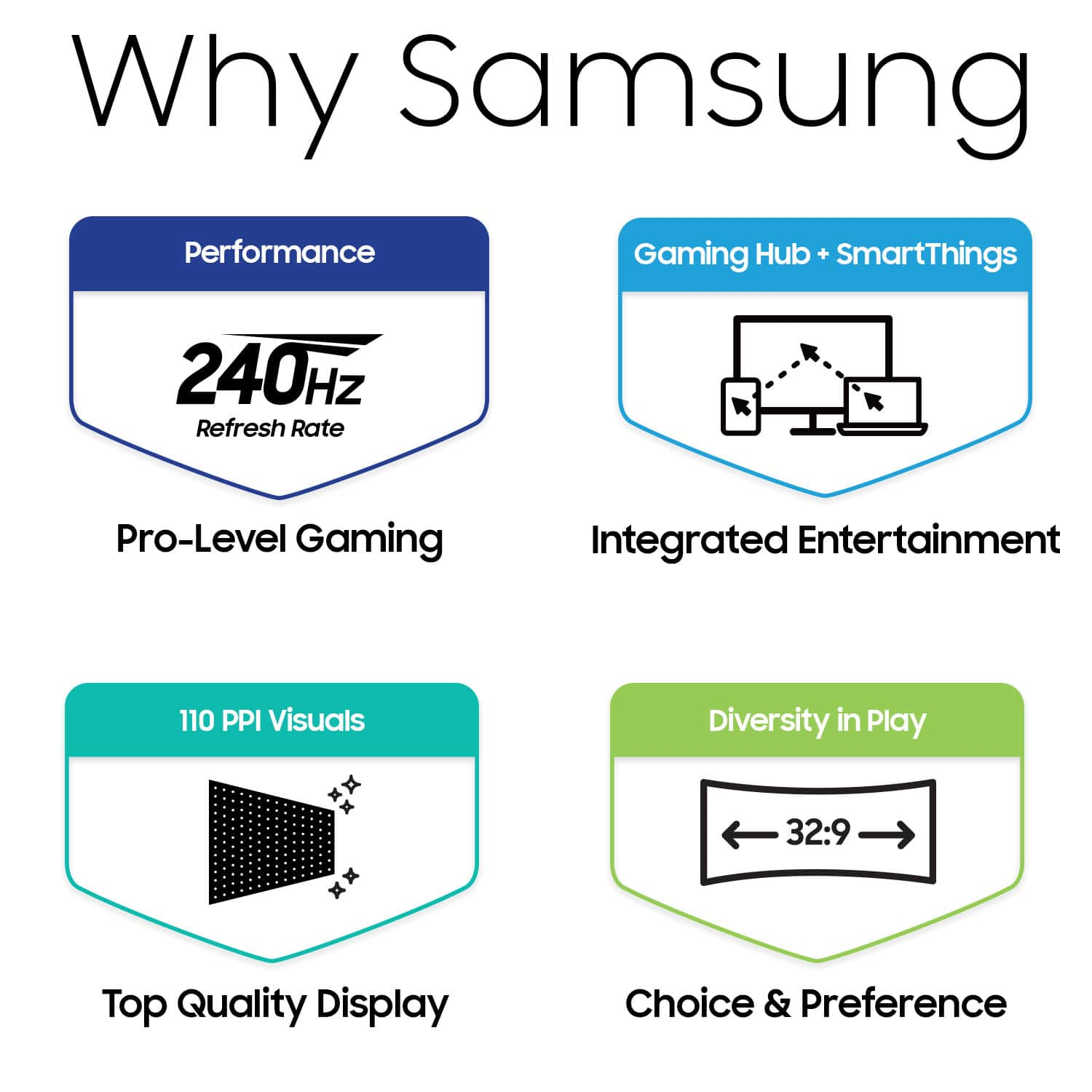
||Posted . Owned for less than 1 week when reviewed.This reviewer received promo considerations or sweepstakes entry for writing a review.Holy moly. This thing is BIG. super clear and crisp display 110ppi is insane for a monitor this size, picked it up on sale. Definitely worth it. HDR is buggy like every other HDR monitor, screen will go black occasionaly between applications. Easy fix though to just use WIN+ALT+B this action toggles HDR on/off for windows.
I would recommend this to a friendBrand response from Samsung
Posted .We are delighted to hear you've had an overall, positive experience with your OLED G9 Monitor.
Thank you for your feedback to help us improve our products and services. If there is anything we can do to assist you and improve your product experience, please don't hesitate to contact Samsung Customer Support via:
1-800-SAMSUNG, available 8AM - 12AM EST (Mon-Fri) / 9AM - 11PM EST (Sat-Sun).
Your thoughts and opinions are very important to Samsung.
- Pros mentioned:Oled quality
Great but a few things need to be fixed
||Posted . Owned for 1 month when reviewed.This reviewer received promo considerations or sweepstakes entry for writing a review.I've had the monitor for a few months now. Overall, not bad. I had the previous QLED G9 and color saturation on this monitor is noticeably better. Speed for gaming is perfect. No complaints. I knocked off one star for a few reasons. First, this monitor has trouble syncing sometimes. I have a high end computer with the 4090 gpu and sometimes when I switch between sources, the screen goes black and I need to actually power cycle the monitor to get the picture back. Honestly I think there are problems with the firmware that need to be addressed. One other issue I have which others do as well. When booting my PC, this monitor will not display the post screen or the BIOS. The monitor will not sync. The only way to see the post screen or the BIOS is place the monitor in PIP mode. That's really frustrating and it's obviously a firmware issue. Samsung really needs to fix that. Other than that, the monitor functions well for gaming and anything else you want to do. The display is amazing and the monitor has all the things you would expect in an OLED display.
I would recommend this to a friendBrand response from Samsung
Posted .We are delighted to hear you've had an overall, positive experience with your Odyssey OLED G9 Monitor.
Thank you for your feedback to help us improve our products and services. If there is anything we can do to assist you and improve your product experience, please don't hesitate to contact Samsung Customer Support via:
1-800-SAMSUNG, available 8AM - 12AM EST (Mon-Fri) / 9AM - 11PM EST (Sat-Sun).
Your thoughts and opinions are very important to Samsung.
- Pros mentioned:Screen size
Failed, but it is the best monitor ever.
Posted .This reviewer received promo considerations or sweepstakes entry for writing a review.Received it on Monday 11/27/23, set it up Tuesday 11/28/23. Screen failed on Thursday 11/30/23. 48 hours of pure joy, used it 2 times. Why 5-star review? Because IT IS THE BEST MONITOR EVER. I hope Samsung will fix it or replace it, but It was best experience which lasted 48 hours.
I would recommend this to a friendBrand response from Samsung
Posted .We are very sorry to see that you have encountered issues with the Samsung OLED G9 Monitor. We understand your disappointment and hope that you will give us a chance to assist with troubleshooting or warranty service.
Samsung products are engineered to the highest standards of performance and quality and we back this model with a 1-year limited manufacturer's warranty, if purchased brand-new from an authorized dealer.
For further assistance or to begin warranty service, please contact Samsung Customer Support via:
1-800-SAMSUNG, available 8AM - 12AM EST (Mon-Fri) / 9AM - 11PM EST (Sat-Sun)
Samsung is committed to providing the best possible product experience, quality, and value, and we are always here to help with any of your questions or concerns.
- Pros mentioned:Overall performance
Just Click Buy
||Posted . Owned for 11 months when reviewed.This reviewer received promo considerations or sweepstakes entry for writing a review.The display is perfection. Set up is pretty much Plug and Play. I use this monitor for work so my review is based on using office applications. I’m using it with a MacBook Pro and I can watch TV on it. I’ve never tried gaming on it but my computer is really not a gaming computer so I really wouldn’t use it for that. I can’t find any downsides to this monitor. If you’re thinking about it just get it it’s worth it. !
I would recommend this to a friend - Pros mentioned:Screen sizeCons mentioned:Connectivity
Samsung g9
||Posted . Owned for 3 months when reviewed.This reviewer received promo considerations or sweepstakes entry for writing a review.Monitor is great screen quality is perfect only complaints are the screen not having an Ethernet port and switch apps or screens takes a little longer than I like
I would recommend this to a friend - Pros mentioned:Overall performanceCons mentioned:Connectivity
Trash Can Juice on the Rocks!
||Posted . Owned for 2 months when reviewed.This reviewer received promo considerations or sweepstakes entry for writing a review.Let me tell you. Right now this is hands down the most beautiful, but worst monitor I've ever had. Constant black screens. I have to unplug the display port and plug it back in. I've tried HDMI cables, but it doesn't offer the same resolutions as the display port. The cable it comes with is part of the problem. They should discontinue this model. Look at other online reviews that aren't on Best Buy. Check out Youtube. Everyone has these same issues. This is the only monitor that makes you constantly unplug and replug to your computer and even sometimes that doesn't work. I want my money back or a new montior.
No, I would not recommend this to a friendBrand response from Samsung
Posted .We are very sorry to see that you have encountered issues with the Samsung Odyssey G95SC Monitor. We understand your disappointment and hope that you will give us a chance to assist with troubleshooting or warranty service.
Samsung products are engineered to the highest standards of performance and quality and we back this model with a limited time manufacturer's warranty, if purchased brand-new from an authorized dealer.
For further assistance or to begin warranty service, please contact Samsung Customer Support via:
1-800-SAMSUNG, available 8AM - 12AM EST (Mon-Fri) / 9AM - 11PM EST (Sat-Sun)
Samsung is committed to providing the best possible product experience, quality, and value, and we are always here to help with any of your questions or concerns.
- Pros mentioned:Oled quality
Great display bad software
||Posted .This reviewer received promo considerations or sweepstakes entry for writing a review.Awesome monitor that looks beautiful but is bogged down by bloatware. I cannot understate how slow and annoying this ui is on the smart tv features. It started off snappy but after just a mont or 2 I noticed a significant slowdown. Also all the Samsung bloatware is awful. The display itself is beautiful tho very responsive and fast just wish the smart features weren’t so horrible.
I would recommend this to a friend - Pros mentioned:Overall performance, Refresh rate
Ultimate Gaming Upgrade: Samsung Odyssey OLED G9 R
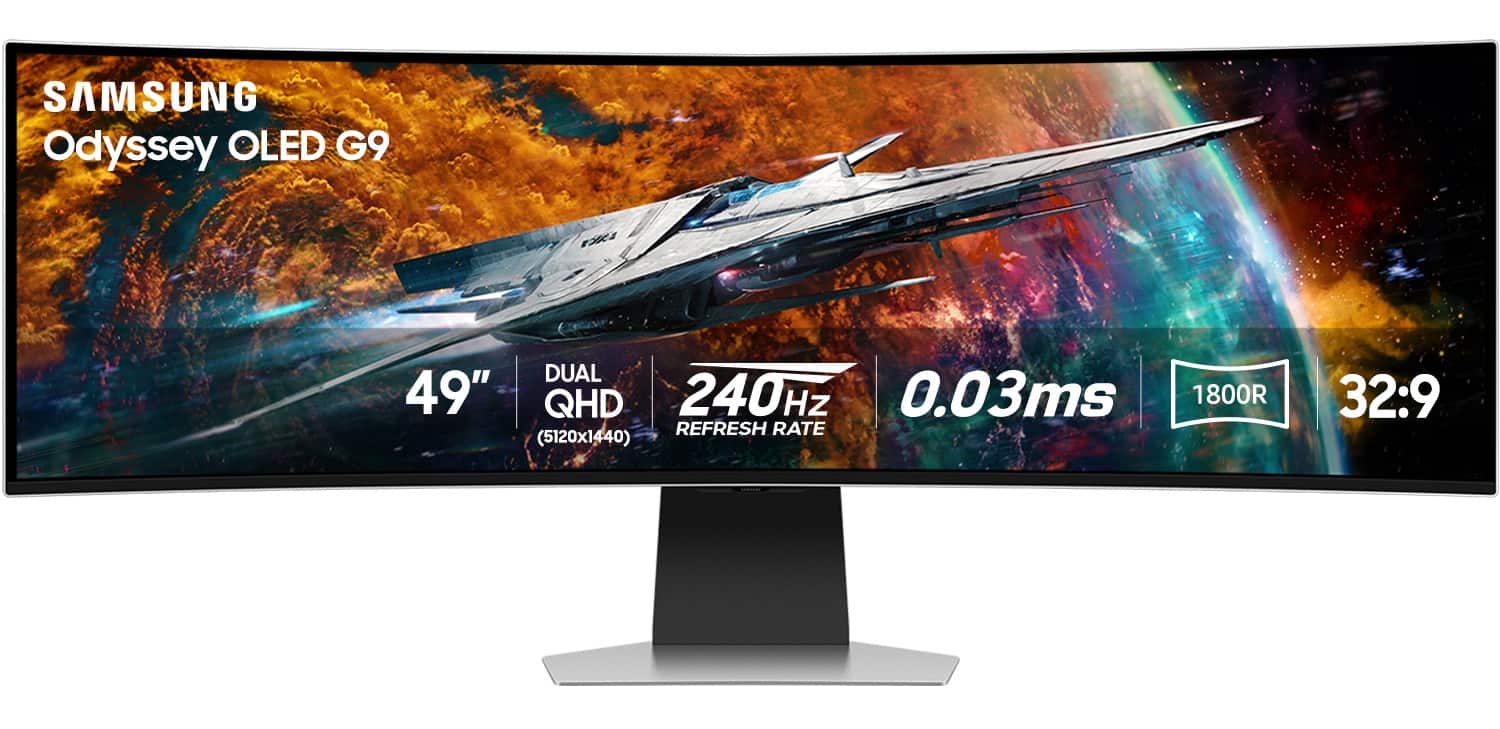
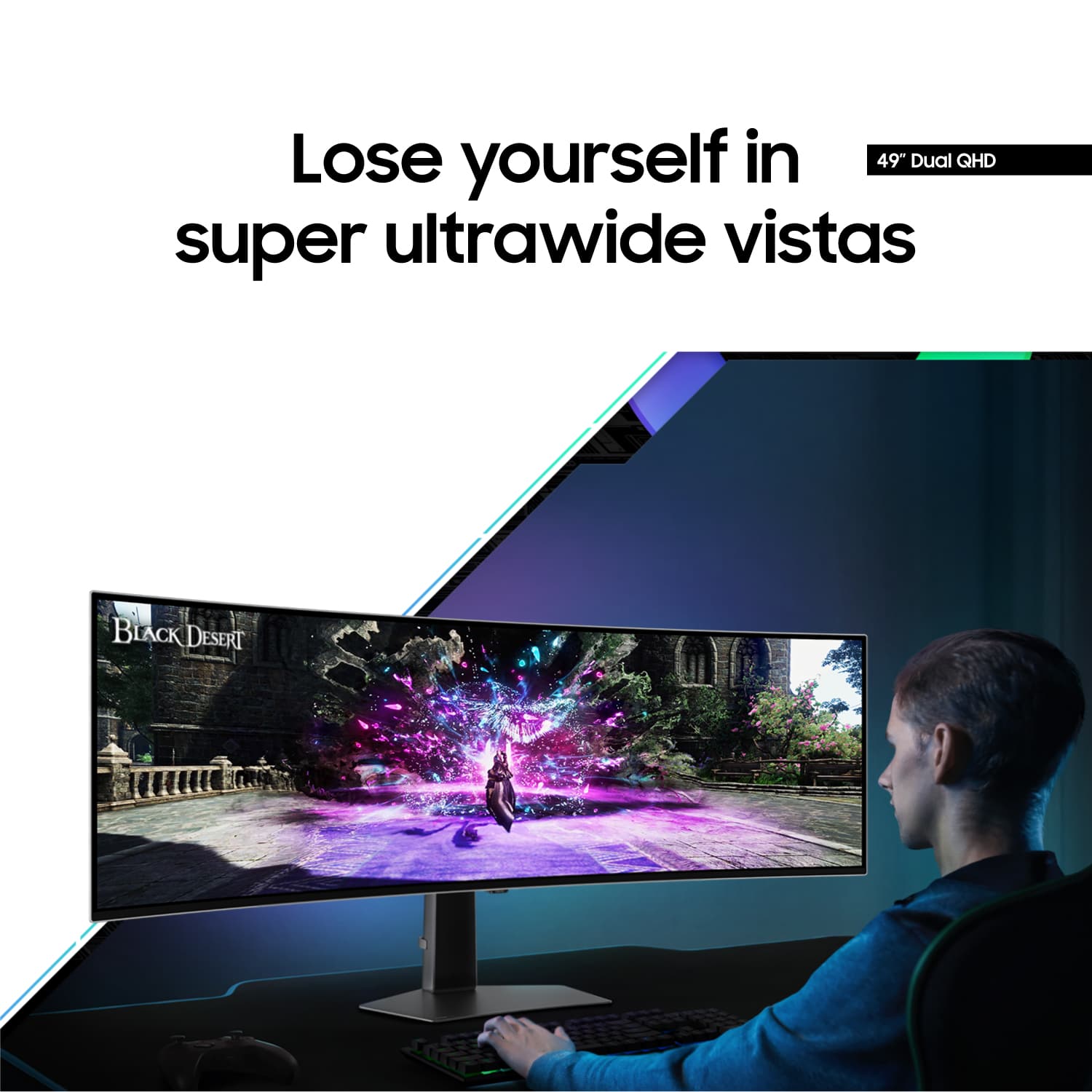
||Posted . Owned for 3 months when reviewed.This reviewer received promo considerations or sweepstakes entry for writing a review.just got the Samsung 49” Odyssey OLED G9, and it’s incredible! The picture quality is stunning with its DQHD resolution, and the 240Hz refresh rate makes everything super smooth. The curved design really pulls you into the game, and the 0.03ms response time with G-Sync compatibility means no lag at all. Plus, it’s a smart monitor, so switching to streaming shows is a breeze. The sleek silver finish looks great on my desk. If you’re a gamer, this monitor is a must-have!
I would recommend this to a friend