Customer Ratings & Reviews
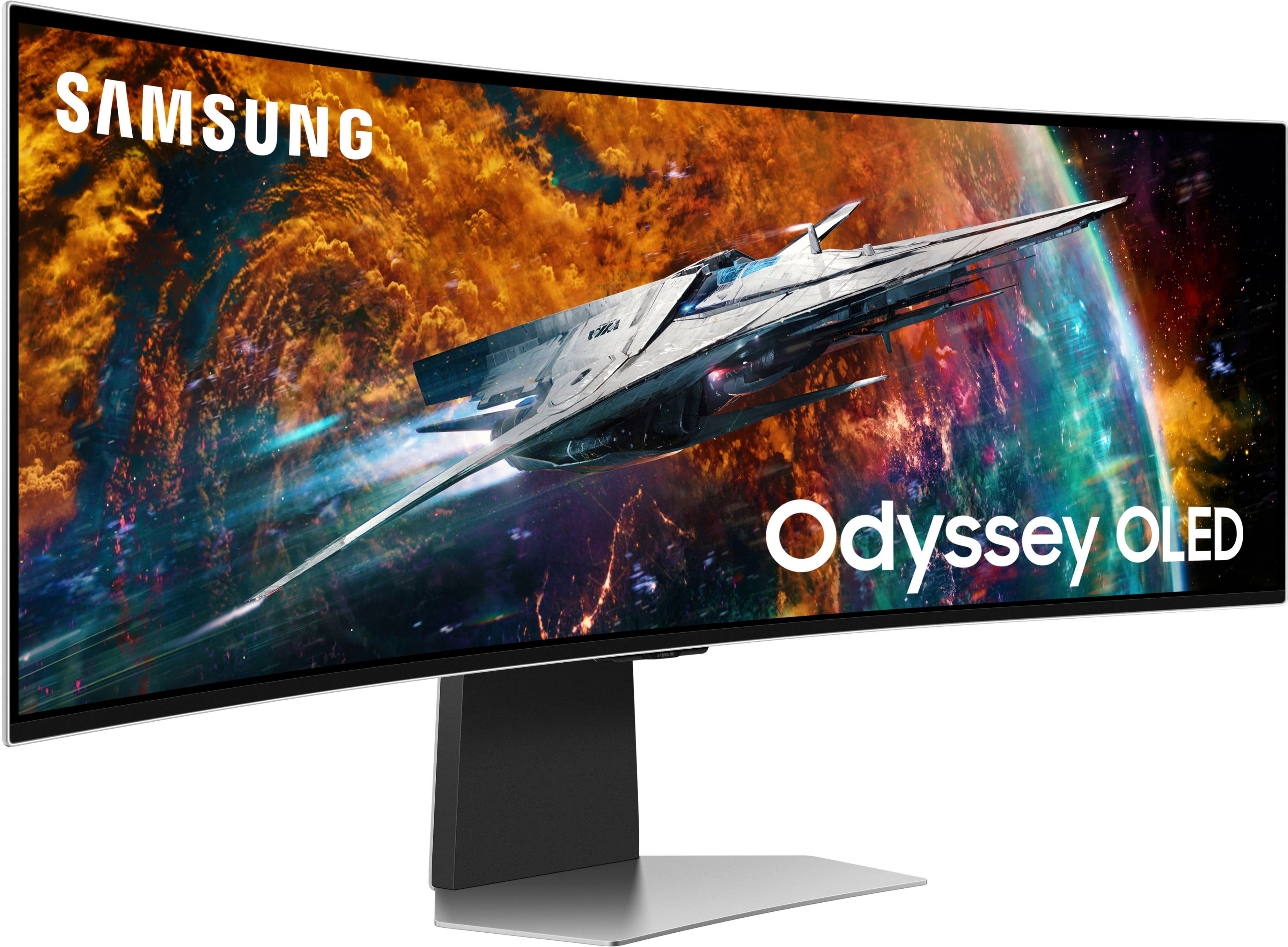
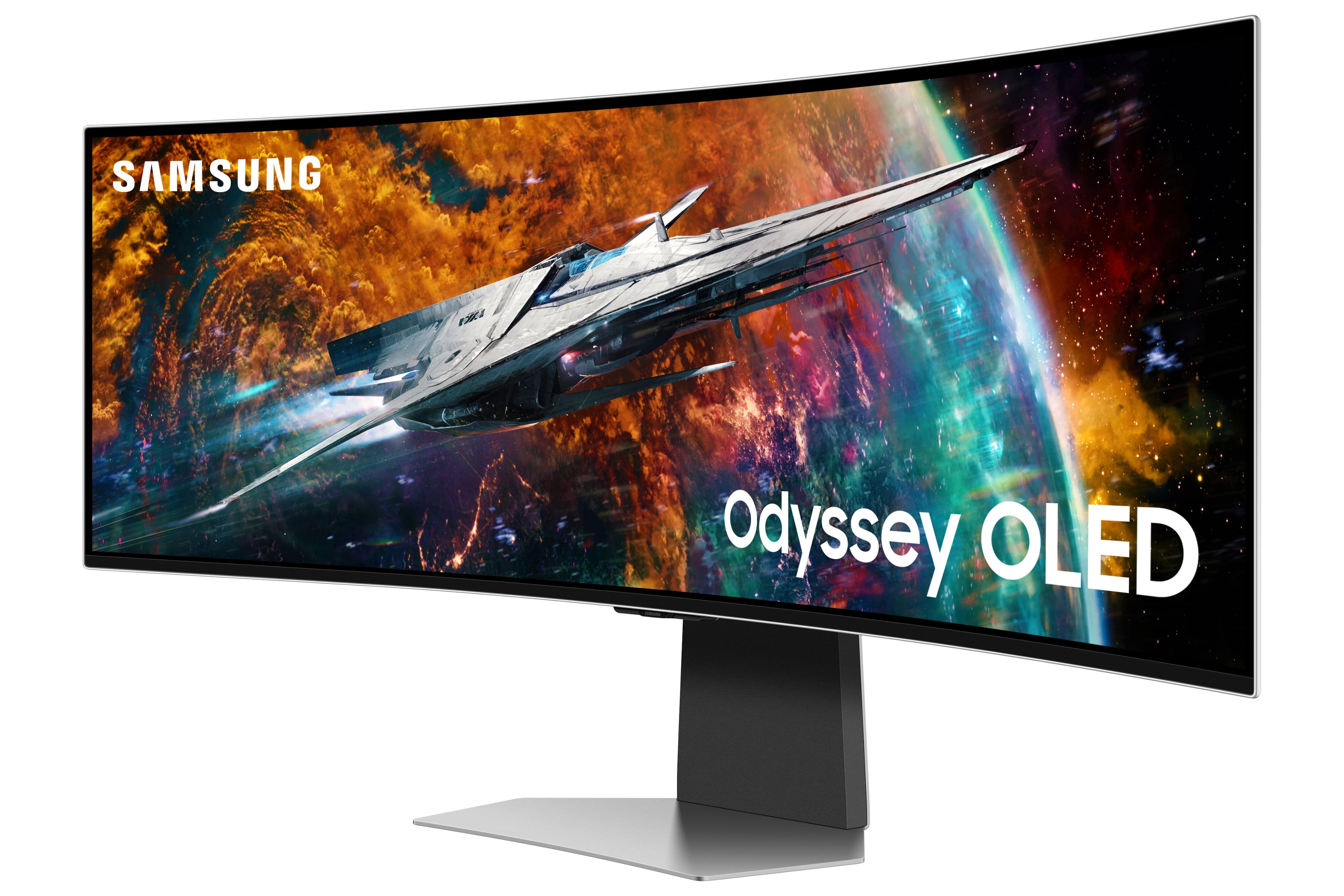



- Model:
- LS49CG954SNXZA
- SKU:
- 6544291
Rating by feature
- Display Quality
Rating 4.7 out of 5 stars
- Ease of Use
Rating 4.2 out of 5 stars
- Features
Rating 4.4 out of 5 stars
Customers are saying
Customers are satisfied with the monitor's picture quality, OLED quality, refresh rate, and color. Many users describe the picture quality and color as amazing. However, some customers have reported issues with connectivity and software. Additionally, a few users expressed concerns about the curvature, aspect ratio, and price.
This summary was generated by AI based on customer reviews.
- Pros mentioned:Overall performance, Screen size
Simply Amazing
||Posted .This reviewer received promo considerations or sweepstakes entry for writing a review.Wide screen, beautiful display. I love using this vs having a dual monitor setup. Worth every penny
I would recommend this to a friend - Pros mentioned:Overall performance
If you're comfortable with the price, BUY IT
||Posted .This reviewer received promo considerations or sweepstakes entry for writing a review.cream of the crop as far as ultrawides, easily top 3 currently on the market. I got mine open box "excellent" for only 600. I love this monitor. I use it for work and play and it doesn't skip a beat. I recommend getting some high quality cables if you connect it to multiple devices. Overall 4.5 stars.
I would recommend this to a friend - Pros mentioned:Overall performance
Great, with a catch !
||Posted . Owned for 9 months when reviewed.This reviewer received promo considerations or sweepstakes entry for writing a review.This monitor is fantastic, beautiful display, simple UI, the monitor itself, gets a 5 star from me. The reason I deducted a star is because widescreen just isn’t fully integrated into tech culture yet, so decent support is scarce. Many devices do not support the widescreen form factor and cannot fully utilize the amazing capabilities of the monitor.
I would recommend this to a friend - Pros mentioned:Screen size
I love it!
||Posted . Owned for 1 month when reviewed.This reviewer received promo considerations or sweepstakes entry for writing a review.I recently upgraded to the Samsung Odyssey OD-OLED G9 monitor, and it has completely transformed my workspace. The screen quality is outstanding, with vibrant colors and impressive contrast that make everything from graphic design to gaming a visual delight. The clarity and sharpness enhance my viewing experience, whether I'm watching movies or editing photos. One of my favorite features is the multiview capability, which allows me to simulate a dual display setup without the hassle of multiple monitors. I can easily split the screen to work on different tasks simultaneously, boosting my productivity significantly. With its sleek design and adjustable stand, this monitor not only looks great on my desk but also provides the comfort I need for long hours of use. Overall, it’s a fantastic investment for anyone looking to elevate their computing experience!
I would recommend this to a friend - Pros mentioned:Oled quality, Screen size
High quality monitor
||Posted . Owned for 1 month when reviewed.This reviewer received promo considerations or sweepstakes entry for writing a review.I really love this monitor despite a few annoying things. I came from 2 27” lcd monitors and I dont think I could go back. First time with oled and I love, I questioned if it actually looked better so I had someone play the same game with me on my old monitor so I could compare side by side and it was so much better on the g9 even though both were 1440p. Only annoying part is when you mute the screen it will continuously have a bubble on the left side showing its muted which I hate. Worth it overall though
I would recommend this to a friend - Pros mentioned:Refresh rate
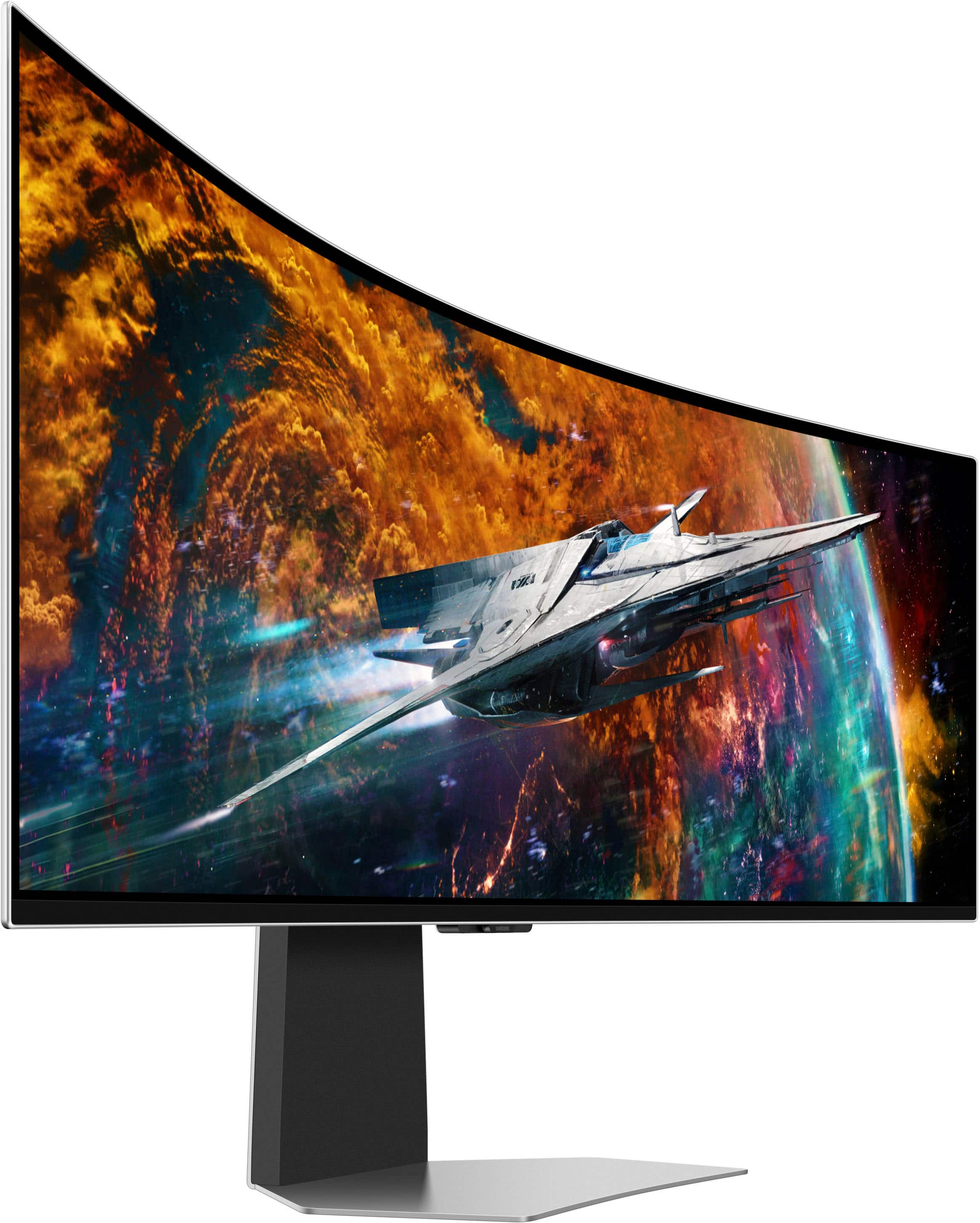
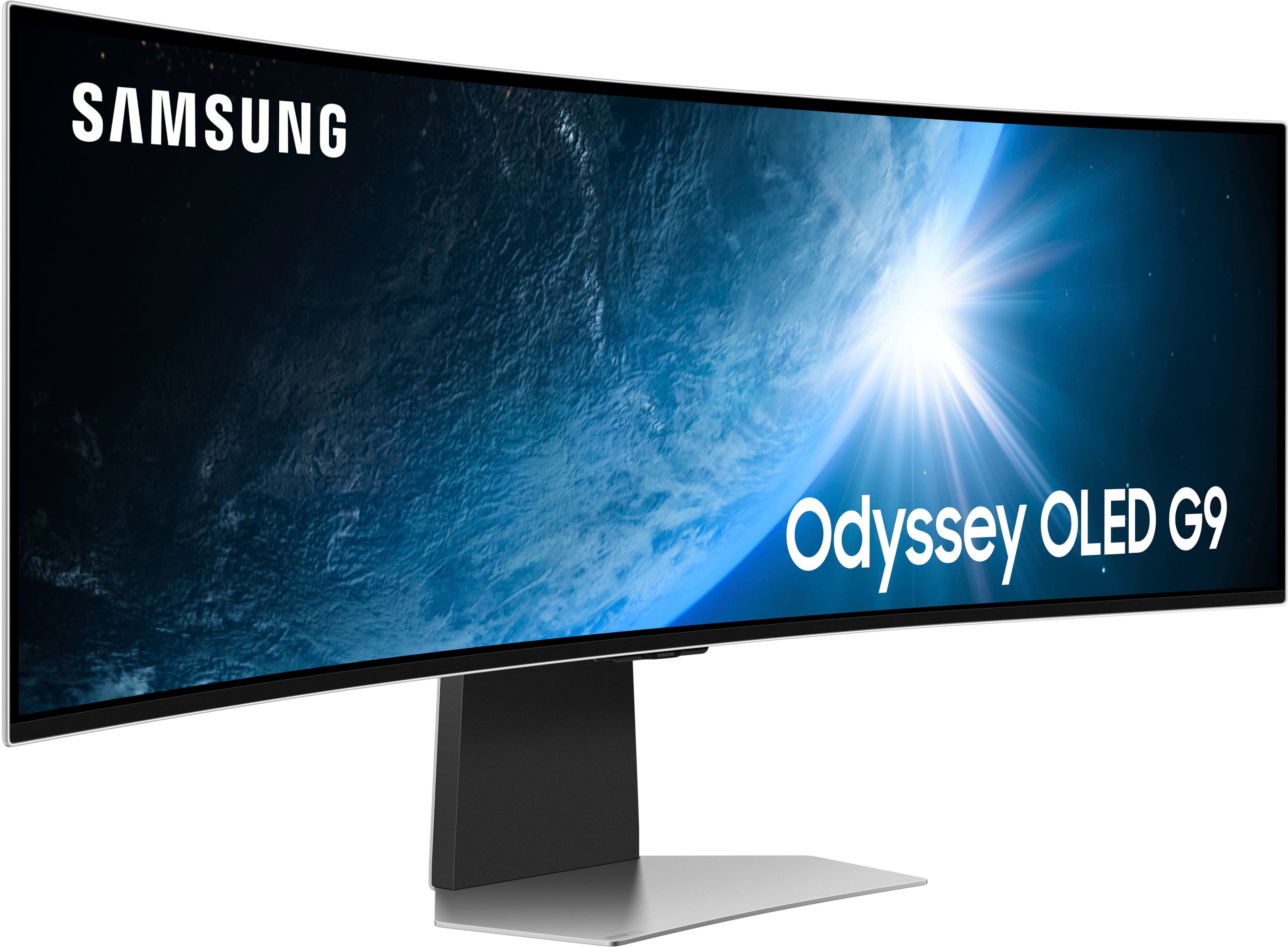
The Samsung 49" Odyssey OLED G9 monitor
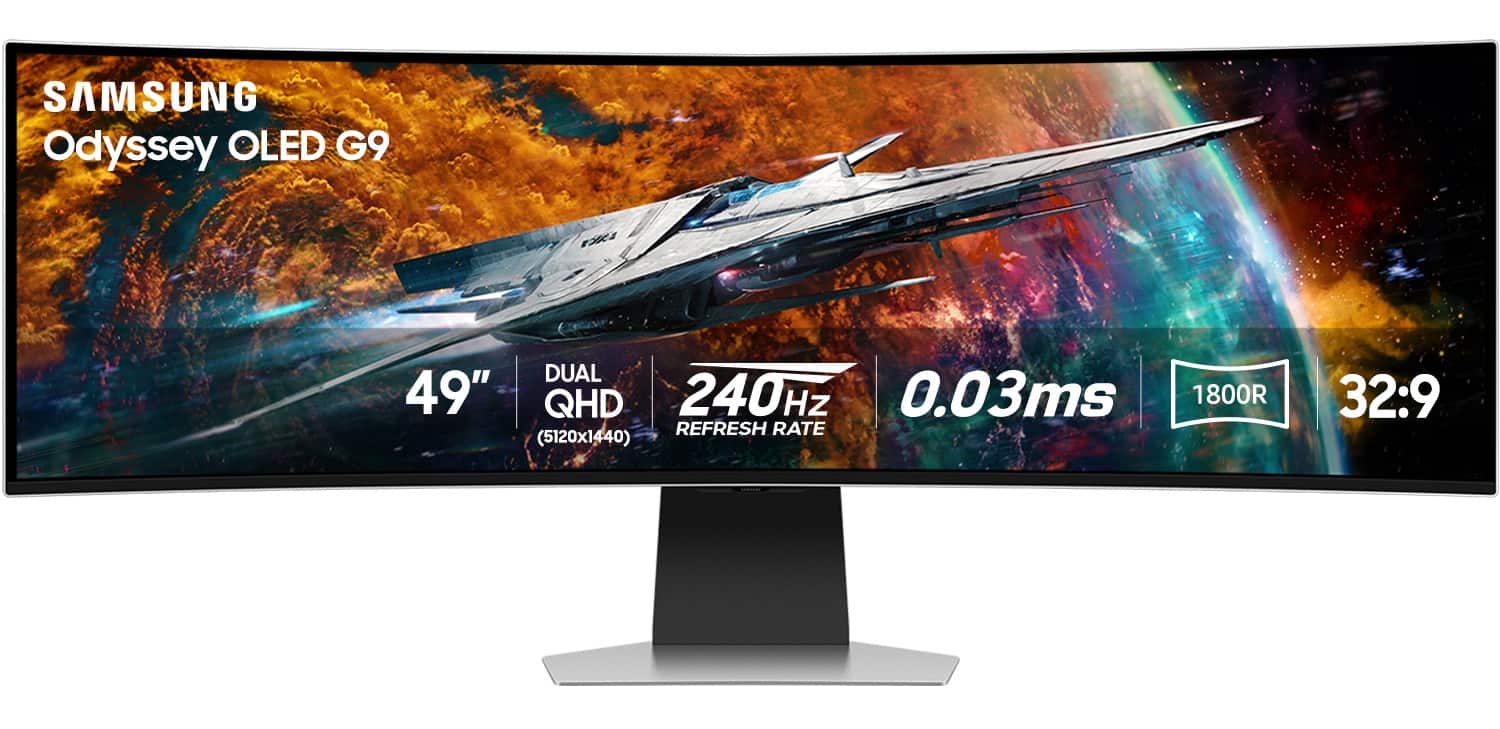
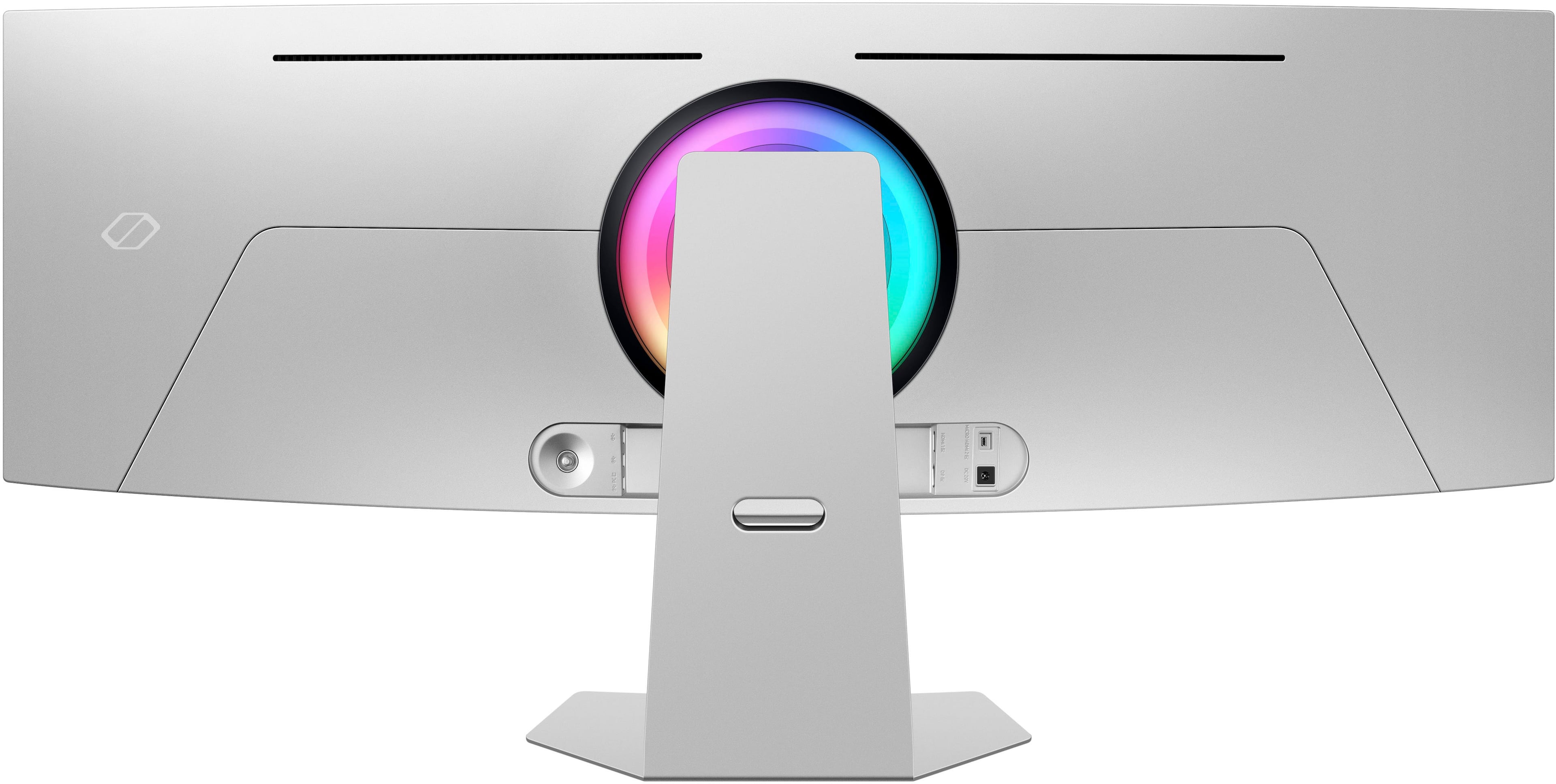
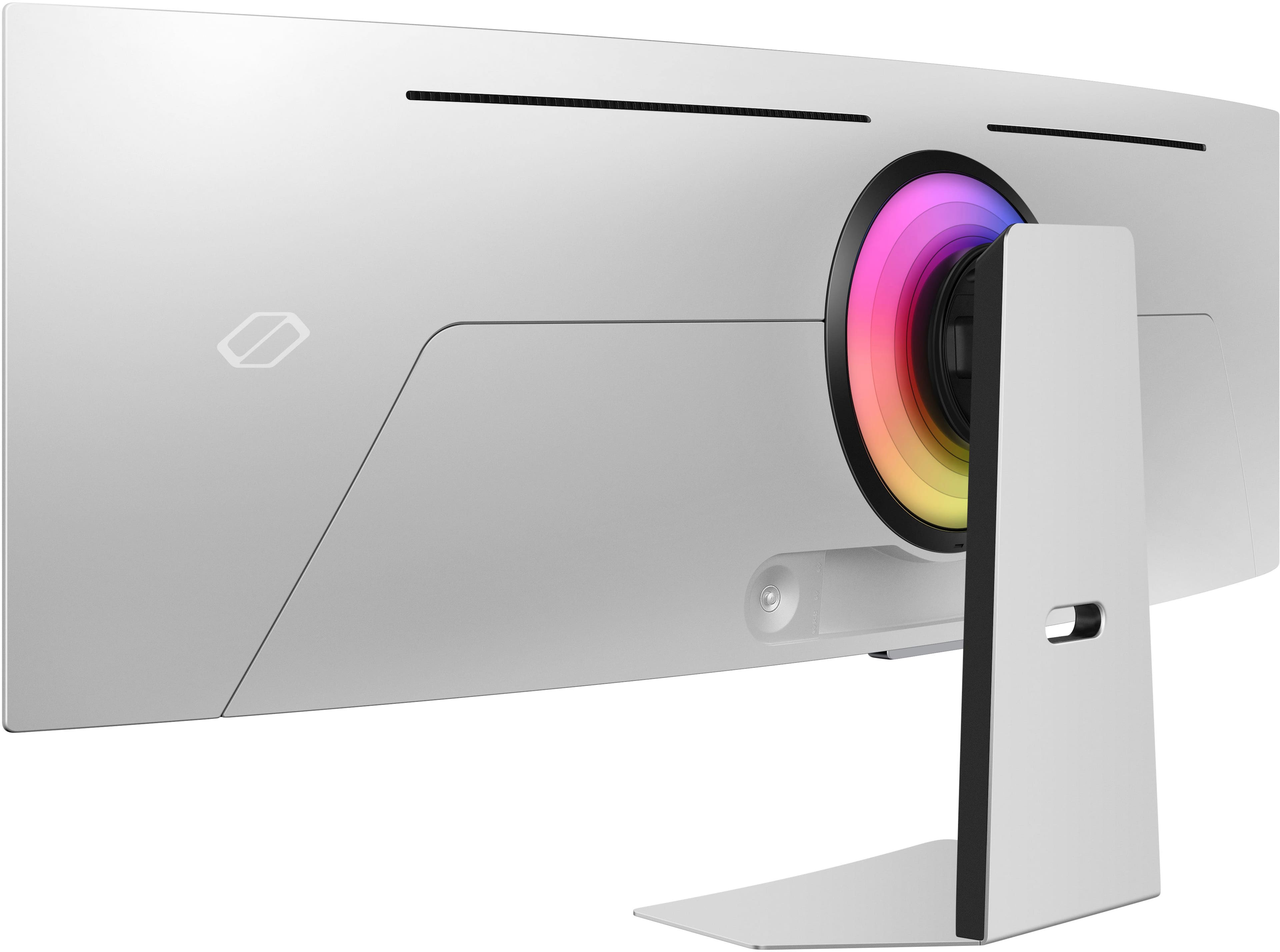
||Posted . Owned for 1 week when reviewed.This reviewer received promo considerations or sweepstakes entry for writing a review.The 49" curved screen with Dual QHD resolution provides a wide and detailed view, making it easier to multitask and see all the details clearly with a lightning-fast response time and a flickerless refresh rate, this monitor ensures smooth and quick reactions, which is beneficial for both work and entertainment. The Display HDR True Black 400 feature allows you to see true black and dark colors without pixel light bleed, enhancing color and depth expression. It features a slim metal design with a height-adjustable stand, Core Sync, and Core Lighting+ to elevate your setup and provide comfort during long working hours. The Samsung Smart Monitor has transformed my home office experience. It supports Microsoft Office 365, allowing you to access documents and other programs easily. It offers OTT services like Netflix and Disney Plus and features an AI-based Adaptive Picture function for the best possible picture quality, even in dark lighting conditions. The monitor includes an eye comfort display and an Eye Saver Mode to reduce blue light emissions and prevent eye fatigue. These features make the Samsung 49" Odyssey OLED G9 versatile and high-performing monitor suitable for various tasks in your home office.
I would recommend this to a friend - Pros mentioned:Overall performance

Very nice, Tizen OS is limited/Unfinished
|Posted . Owned for 1 week when reviewed.This reviewer received promo considerations or sweepstakes entry for writing a review.[Employee of bestbuy] Coming from a LED G9, This is definitely an upgrade in terms of size and weight of the monitor, and then overall display quality and response is way better. There are only two things about this model that really have me considering returning it. 1) Upon unboxing and going through the setup process and doing all updates. The overall experience of the Tizen OS was very laggy. Click remote button, wait, then something stutters upon screen. Other times these functions would be smooth. 2) If this monitor has the Tizen Smart features like "Multiview", then why is it heavily limited to only a split (16:9 x 16:9) layout? When all other G9 models had both PIP and PBP layouts of (16:9 x 16:9) OR (4:3 x 21:9). Even more frustrating about learning this feature is in the E-Manual and online guides about using multiview, it is shown that you can choose between multiple layouts and resize inputs. For being one of the most expensive models to date in the United states. I wouldn't expect getting Tizen OS lite. Conclusion: If you want smart tv functions, either get a oled smart tv of the same size that will cost about the same or less. OR, wait for the Samsung G93SC which is the same exact product but without the Smart TV OS, has the PIP and PBP functions from what is advertised on Samsungs website, and is the gaming monitor this product is suppose to be. otherwise, very nice!
No, I would not recommend this to a friendBrand response from Samsung
Posted .We are delighted to hear you've had a positive experience with your Odyssey Monitor.
We appreciate the feedback you have provided. If there is anything we can do to assist you and improve your product experience, please don't hesitate to contact Samsung Customer Support via:
1-800-SAMSUNG, available 8AM - 12AM EST (Mon-Fri) / 9AM - 11PM EST (Sat-Sun).
Your thoughts and opinions are very important to Samsung.
- Pros mentioned:Oled quality, Overall performance
Great Ultra Wide monitor
||Posted . Owned for 1 month when reviewed.This reviewer received promo considerations or sweepstakes entry for writing a review.This product exceeds my expectation. I picked it up from the Best Buy locally. installation was easy. 250 Hz OLED display and overall picture quality is excellent. It paired very well with Nvidia RTX 4090 and Intel Intel i9 14900K on Asus Z790 E Gaming motherboard.
I would recommend this to a friend - Pros mentioned:Oled quality, Overall performance
If you love gaming, you will love this display
||Posted . Owned for 1 week when reviewed.This reviewer received promo considerations or sweepstakes entry for writing a review.This display is amazing! It takes gaming and content viewing to a whole different level. I was on the fence about buying an OLED monitor. Not sure of the overall effect of prolonged static images on the screen. I decided to use my older VA panel display for static apps and elements and use the G95SC for gaming and watching video content. I use the Samsung display connected to my PC. The initial setup took some effort. Once set, the monitor remembers the last source used so it goes straight to displaying the PC at startup.
I would recommend this to a friend - Pros mentioned:Screen size
Awesome Monitor
||Posted . Owned for 2 weeks when reviewed.This reviewer received promo considerations or sweepstakes entry for writing a review.Upgraded from a fairly basic 32 inch Dell monitor and wow this thing is impressive. The monitor is both massive and immersive. My primary use case is for gaming, I do very little productivity on my home PC. With gaming, I mostly play sim racing titles, and the screen handles it very well, from the colors, motion, response, etc. I also play some FPS games, and this is where the 49 inch screen probably isn’t the best, as I’m scanning from one side of the screen to the other to look at my HUD, which probably isn’t the best for top tier ultra competitive gaming. You could shrink game down to a more reasonable size if this bothers you. The construction is fantastic, and I’ve had zero issues out of the box (banding, dead pixels, etc). I was paying extra attention to imperfections as I’ve read about quality control being an issue with Samsung monitors. As for complaints, the Tizen Os is a pain to set up. You have to connect this to the internet on initial set-up. I couldn’t find a way around it. The set up process is a bit buggy, and I had to manually enter my WiFi info, then it lost connection and had to restart twice. There is an app that can aid with initial set-up but I found that buggy too. All in all it took about 45 minutes to setup. After that, Tizen hasn’t been an issue at all. I forget it’s there and I don’t interact with it, as I’m just not interested in all the extra smart features that this thing offers. Another minor annoyance is when you turn on the monitor, it pops up the settings bar at the bottom of the screen. It gets in the way of the windows task bar for about 5 seconds, then it goes away on its own. There is no setting to stop this, but you kinda get use to it and I’m sure firmware update in the future could give us the option to disable this. Lastly, this is my first OLED monitor. So I’m trying to baby this thing. I’m worried about burn-in, so I make sure to turn the screen off when I’m going to be away from my desk for more than 5 minutes. Maybe I’m just paranoid. If you want a monitor that you don’t want to worry about, then maybe not an OLED. However the screen size, the colors, the perfect black, refresh rate, clearness of the whole thing is worth the extra step of turning it on/off.
I would recommend this to a friend - Pros mentioned:Oled quality
Samsung G9 OLED: After 1 Year
||Posted .This reviewer received promo considerations or sweepstakes entry for writing a review.Picture Quality: Still looks spectacular. The OLED maintains its quality. Durability: Almost no one reports burn-in. The prevention technology works. Daily Use: The 49" size becomes essential. You won't want to go back to a smaller monitor. Persistent Issue: Reflections from the glossy screen are still bothersome in very bright rooms. Conclusion: A great investment that continues to be worthwhile in the long run.
I would recommend this to a friend - Pros mentioned:Oled qualityCons mentioned:Curvature
Good for most.
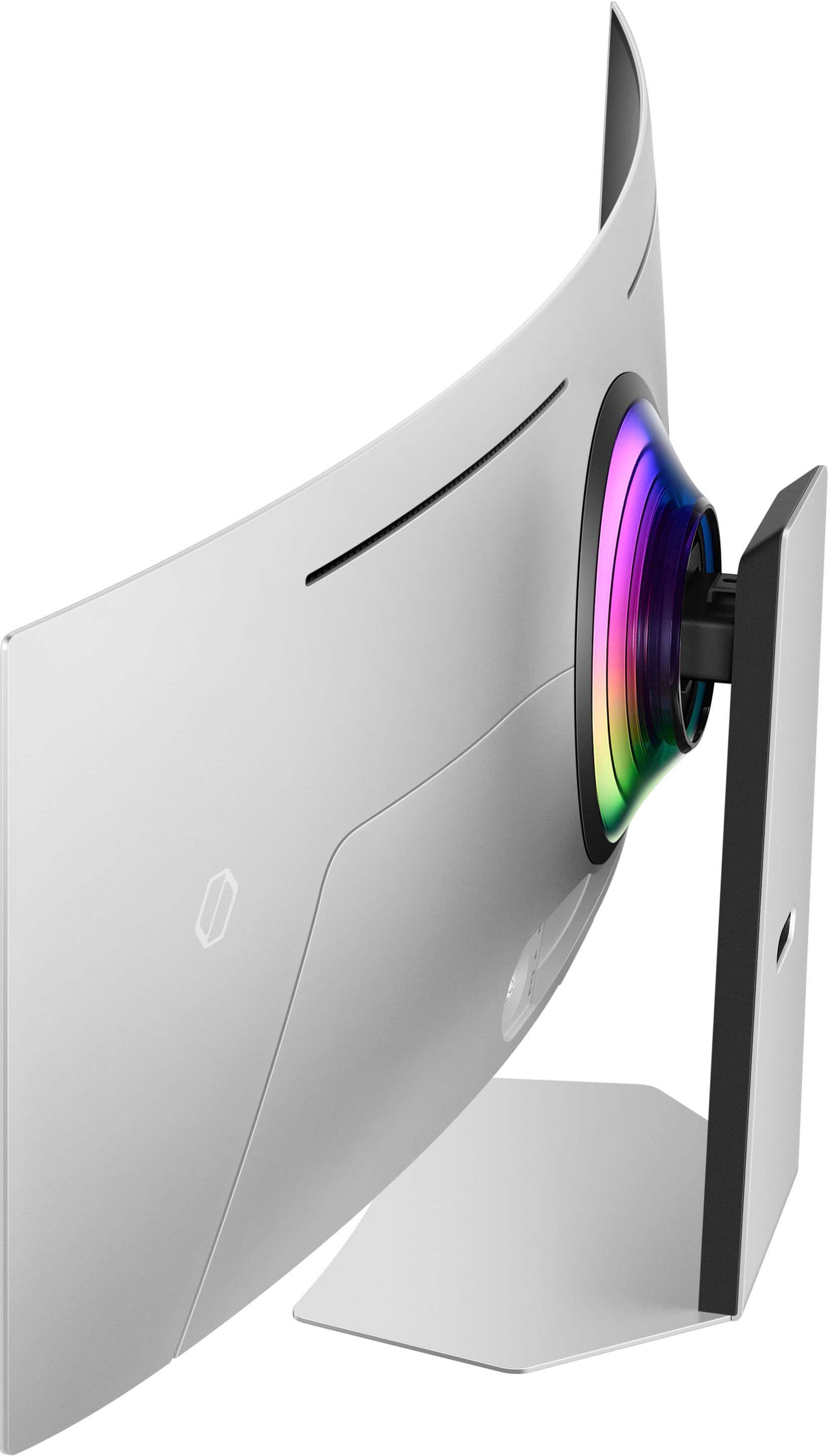
||Posted . Owned for 1 month when reviewed.This reviewer received promo considerations or sweepstakes entry for writing a review.I ended up returning one due to a malfunction with half the panel. And i did end up returning the functional one due to my person taate. OLED is great! But for me the 1800r curve is just not curved enough.
I would recommend this to a friend - Pros mentioned:Overall performance
Recommended
||Posted .This reviewer received promo considerations or sweepstakes entry for writing a review.Great product. Does take some setup to get the most of the picture quality and I do wish Samsung UI wasn’t so clunky and full of things most don’t want. It’s easier to get to their basic free channels than to switch to another input source. That’s fine for a tv but not a monitor..
I would recommend this to a friend - Pros mentioned:Oled quality
Great monitor
||Posted . Owned for 3 months when reviewed.This reviewer received promo considerations or sweepstakes entry for writing a review.The monitor is great the Oled screen is amazing and i love how much i can do all at once. Mist games now support the size and you get drawn into the world. Does take time to get used to it but a great buy. The screen does have minor problem where i have to turn on with the remote from time to time but no a big deal. Also use the game mode settings the games look amazing.
I would recommend this to a friend - Pros mentioned:Oled quality
Absolutely Amazing experience
||Posted . Owned for 4 months when reviewed.This reviewer received promo considerations or sweepstakes entry for writing a review.This is my first Ultrawide monitor, and I have to say, Samsung has a gorgeous product. The colors are crisp, and the blacks are very dark on this monitor. It's packed with features like the gaming center and the Home navigation, which allows you to log into streaming services. It was super easy to set up and latching the stand into the monitor was a snap. I would 100% recommend this to anyone thinking about getting into Ultrawide monitors. I use this for work and gaming and it definitely is worth every penny.
I would recommend this to a friend - Pros mentioned:Refresh rate, Resolution
The KING of Monitors
||Posted . Owned for less than 1 week when reviewed.This reviewer received promo considerations or sweepstakes entry for writing a review.The Samsung G95NC excels in gaming, boasting a remarkable 240Hz refresh rate. However, fully leveraging its ultra-high resolution of 7680x2160 requires a top-tier graphics card with DisplayPort 2.1 or HDMI 2.1 compatibility. This monitor has FreeSync and HDMI Forum VRR capabilities, effectively reducing screen tearing. I only tested Gsync with success. This is an excellent monitor for gaming or office use—Buttery smooth and beautiful blacks.
I would recommend this to a friend - Pros mentioned:ResolutionCons mentioned:Curvature
Monitor
||Posted . Owned for 2 months when reviewed.This reviewer received promo considerations or sweepstakes entry for writing a review.Great purchase got a good deal with it. It’s an amazing monitor, looks great. The only issue is the settings setup it has so many options that it gets confusing at first. With time you get used to them but other than that it works great so far.
I would recommend this to a friend - Pros mentioned:Refresh rate
Phenomenal
||Posted . Owned for 2 weeks when reviewed.This reviewer received promo considerations or sweepstakes entry for writing a review.So I had the CRG9 and for the last couple years I have been wondering which monitor to go to next. I considered all different types of monitors but I definitely prefer the wider aspect ratios for more immersion when gaming and productivity when working. When the Oled gaming monitors started to get released and hearing the praise I figured that was the next jump for me. This monitor ticks all the boxes. Currently it is the only of it's kind. Which indeed comes with a hefty premium. However, after using it for about a month now, I can confidently say that for me it has been a glorious upgrade. Oled for gaming is now a requirement after experiencing it. It has made so many aspects of my gaming experiences seem brand new. It really is pretty jaw dropping. Virtually no input lag, 240hz, beautiful colors with insane contrast, smart tv features, built in speakers that are surprisingly decent, 32:9 aspect ratio with the ability to swap aspect ratios in the increasingly rare instances where games don't support super ultrawide, and a few other bells and whistles. This is worth it to those that want the best. Price is still a bit high, but if you got the loot, pull the trigger and give it a shot.
I would recommend this to a friend - Pros mentioned:Overall performance, Screen size
Samsung 49" curved screen
||Posted . Owned for 8 months when reviewed.This reviewer received promo considerations or sweepstakes entry for writing a review.This monitor rocks. It allows the ability to have up to 8 screens on it at one time and/or two nice sized monitors for work. I don't use it for anything other than work, but I can see the value that it has for other activities that need a high end screen.
I would recommend this to a friend - Pros mentioned:Screen size
Frustrating experience on Mac
||Posted . Owned for 6 months when reviewed.This reviewer received promo considerations or sweepstakes entry for writing a review.I've been using this as my daily display for work and personal use for 6 months now. 90% is Mac usage, some PC, Steamdeck and Switch usage. It's so close to being great but there are some technical and product decisions that are holding it back. I'm unlikely to buy another Samsung monitor that includes any smart features as they seem to use them to gatekeep features. Pros: Huge screen, perfect curve radius, good clarity (most of the time), ability to split to multiple displays. Cons: A Mac will only power this at full resolution using a display port cable. At 240hz the Mac will crash occasionally. This seems to be an Apple issue as my PC has never crashed due to the display being run full resolution at 240hz. This is probably a Mac issue only, but sometimes the text rendering is bad, especially if using multi view. Changing sources, or turning the display off/on can sometimes fix this. There is too much crap built into the monitor. I don't need apps and streaming services and all the other nonsense in my monitor. Samsung requires you to be connected to wifi and logged into a Samsung account in order to use multi view. If you turn off wifi multi view will not work. You can at least block network access for the monitor at the router to bypass that restriction. Changing display inputs or multi view layouts requires diving into different menus. I *think* you can make a custom home screen and pin those there, but that requires you download some app to your phone.
No, I would not recommend this to a friendBrand response from Samsung
Posted .Thank you for your review of the 49" Odyssey OLED G9 gaming monitor. Samsung is committed to providing the best possible product experience, quality, and value. We greatly value our customers’ feedback and we utilize your concerns and opinions in our relentless efforts towards delivering world-class products. We are very sorry to hear this product didn't meet your expectations. If there is anything we can do to assist you and improve your product experience, please don't hesitate to contact Samsung Customer Support via: 1-800-SAMSUNG, available 8AM - 12AM EST (Mon-Fri) / 9AM - 11PM EST (Sat-Sun).